Media Technologies
By Jordan Saward
Product Research
Product research involved the extended use of YouTube to source the conventions of form and genre from music videos. Google is also used to research form and genre in the way that the history of the genre and dimensions were required for the designing of the digipak. Google Images were utilised in locating any images that can be used for inspiration or planning for the moodboard.
To document my findings in my research of both the genre itself and the conventions of form associated with it, I insisted on using Microsoft Word for both 'Timeline of The History of Alternative Rock as a Genre' and the 'Detailed Analysis [of a Music Video]' essay.
Alongside word processing I embedded interactive image annotations of digipaks with thinglink.
Audience Research
Finding my ideal and maintaining my target audience in order to create a suitable and successful product would be rather difficult without the consistent audience feedback throughout. To collect data pertaining to production concepts, conventions feedback, my animatic, and ancillary planning I used wide range of technology; this includes the likes of Google Forms which offers user friendly survey creation with the ability to insert videos and images so participants will not have to click out to another link. I shared links to these questionnaires across social networks in order to get the widest sample size and so more accurate results.
To present this often confusing data I utilised web tools such as Picktochart. Picktochart encourages data analysis with infographic template options, and simple and intuitive graphs and charts. These infographics could then be embedded into my blogspot website through HTML.
Audience Research Cont.
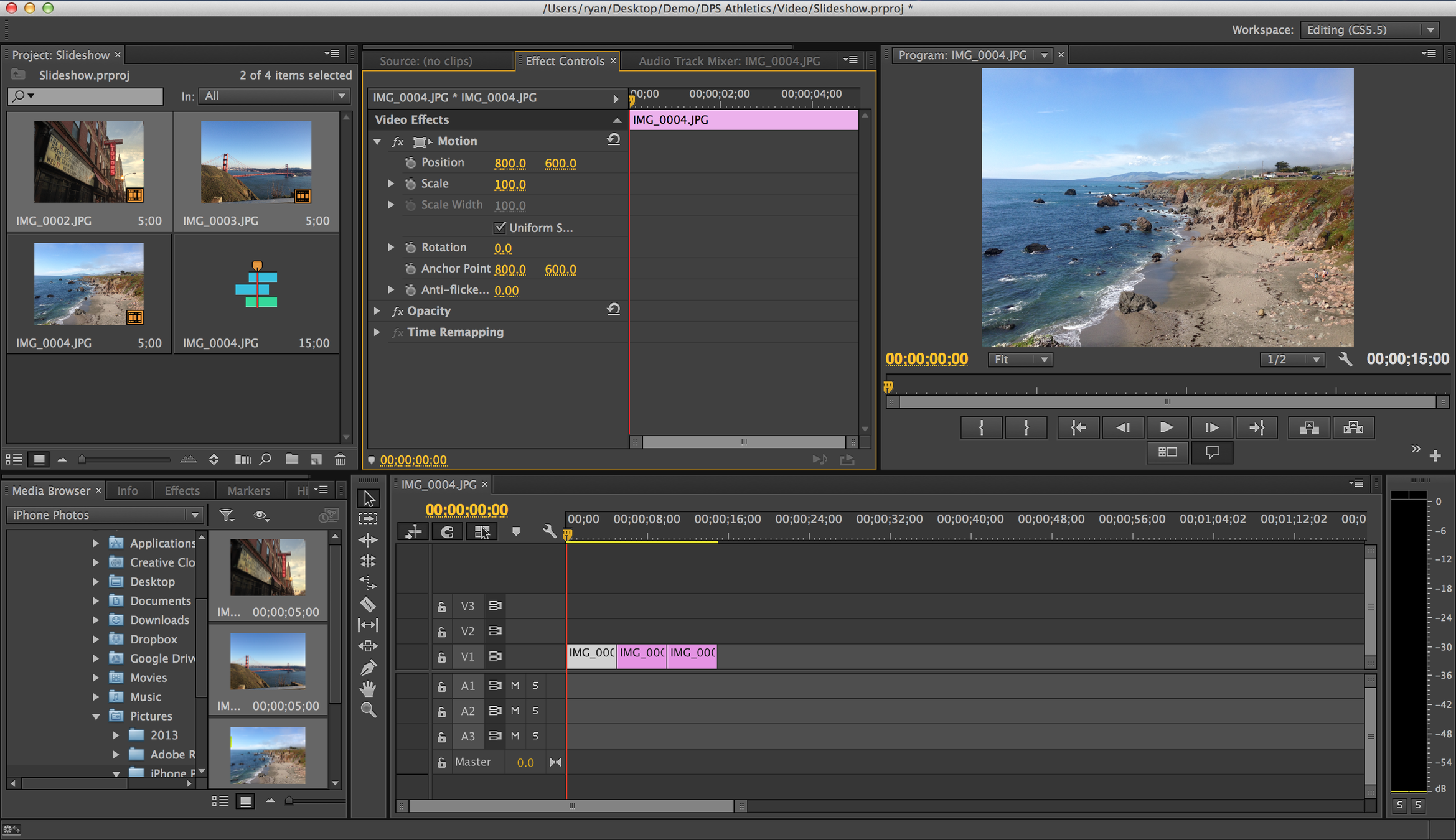
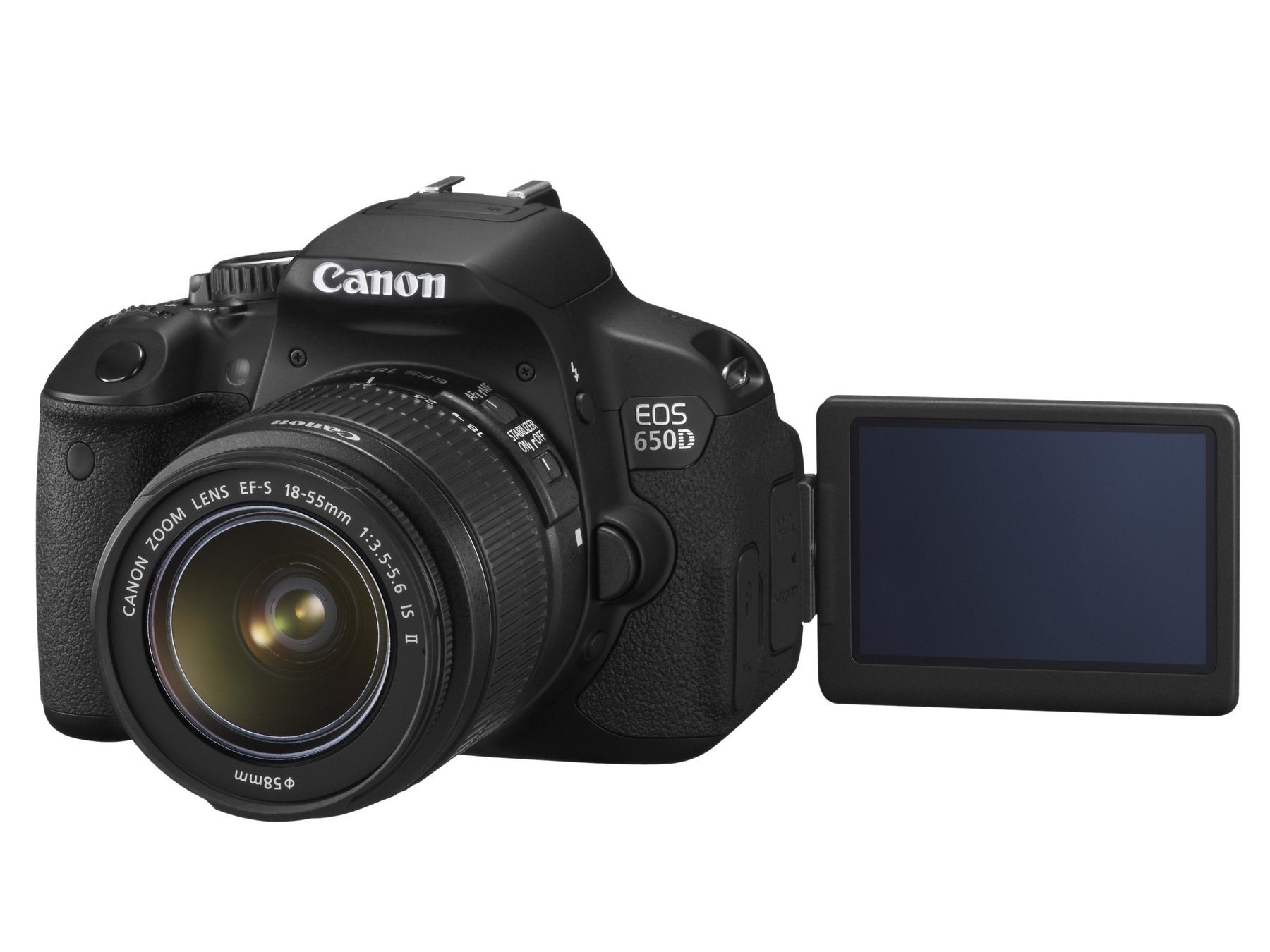
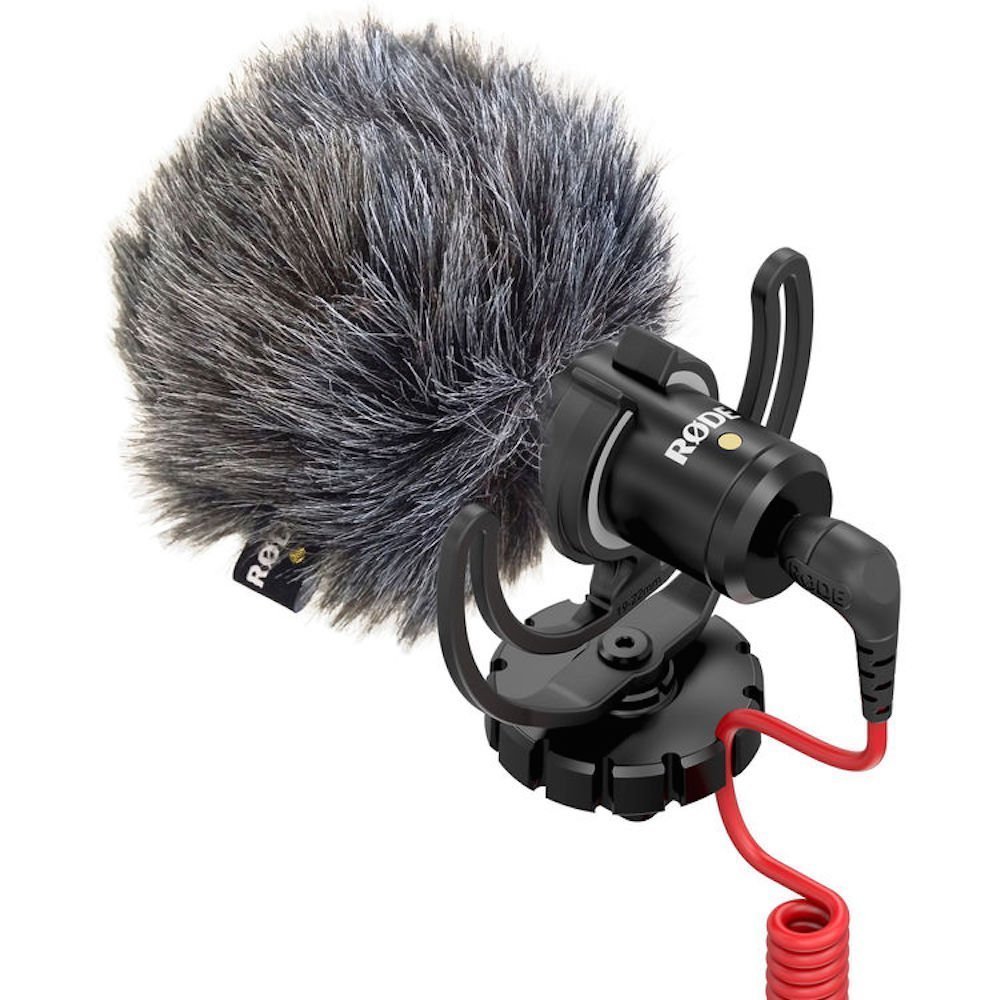
Adobe Premiere CC 2015 was used to edit and render the focus group and audience interview videos, which were filmed on a Canon 650D with a RODE VideoMicro Microphone attachment. Using industry standard applications and equipment, the video interviews exist in a manner that is professional and efficient, thus allowing for enhanced prospective evaluation and scrutiny.
Furthermore, the music videos featured in the focus group video are also embedded through HTML into the blogspot website.


Planning
Continuing to gather audience feedback across all production phases allowed me to gage my principle audience's opinion soon after any plans/drafts have been completed. Using Padlet these opinions are gaged in a user friendly manner.
In between feedback exists drafts and production concepts conceived across an advanced range of technological methods. This includes the use of Popplet to brainstorm potential concepts and themes, the use of SlideShare to embed PowerPoint presentations or scanned PDFs such as my storyboard. Other methods include the wielding of Adobe Photoshop to deliver drafts for both the album digipak and the album's promotional poster.
Adobe Premiere Pro CC 2015 was used to construct a animatic from the storyboard items, song .mp3 and the shot length chart (script).
Music Video
The production of my music video required extended knowledge of both DSLR cameras and editing prowess in order to create a significant, nuanced piece of work.
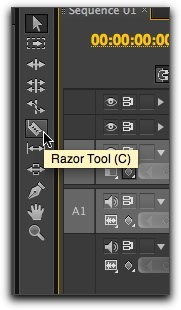
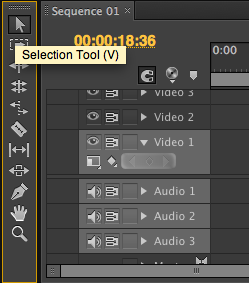
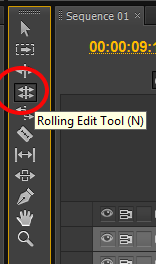
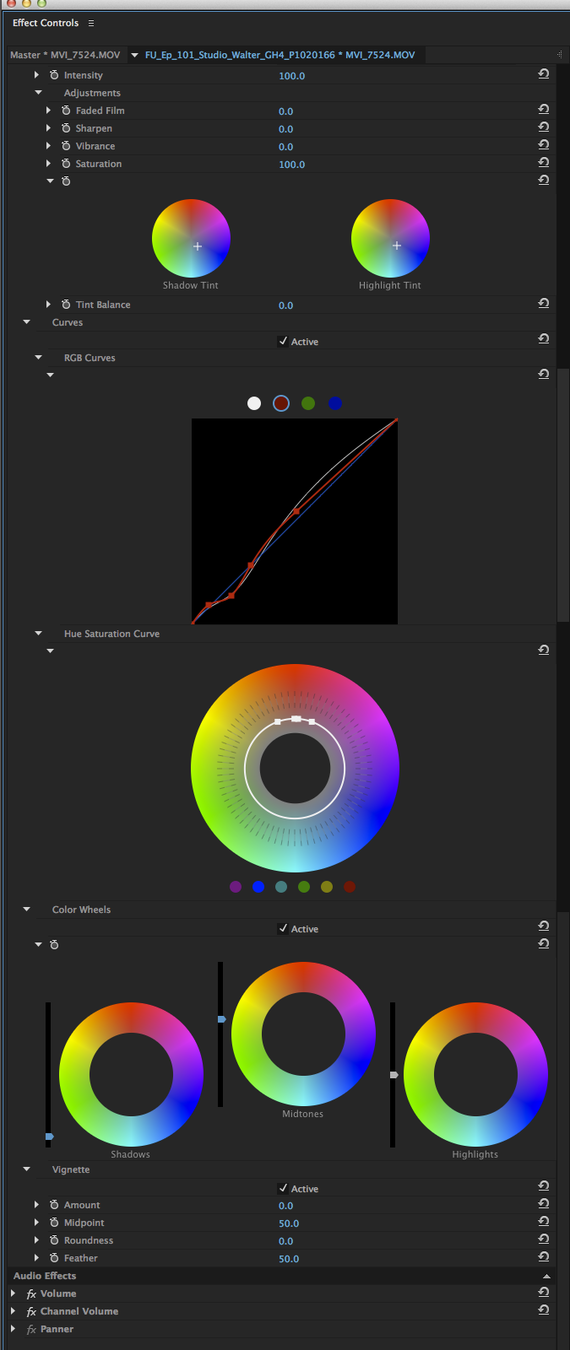
Choosing only the most cinematographically proficient clips to be used in the final piece, the music video is made up of shots that have been graded in black and white, arranged and either shortened or lengthened through frame-blending slow-motion. Thus, making full use of Adobe Premiere Pro CC 2015's library of tools; tools such as the razor (used to cut clips at playhead), the selection tool (to arrange and shorten clips) and the rolling edit tool (adjusts an edit point between two clips). Other tools include the lumetri colour visual effect that has the ability to control image settings such as contrast and saturation in order to create a consistent aesthetic throughout.
Frame Comparisons
Powered by JuxtaposeJS
Ancillary Products
Again, employing the use of Adobe Photoshop CC 2015, producing the ancillary products required browsing through a multitude of font styles in order to find the most effective one. I found DaFont particularly useful in this respect; it made it simple to visualise what the wording would to the font itself.
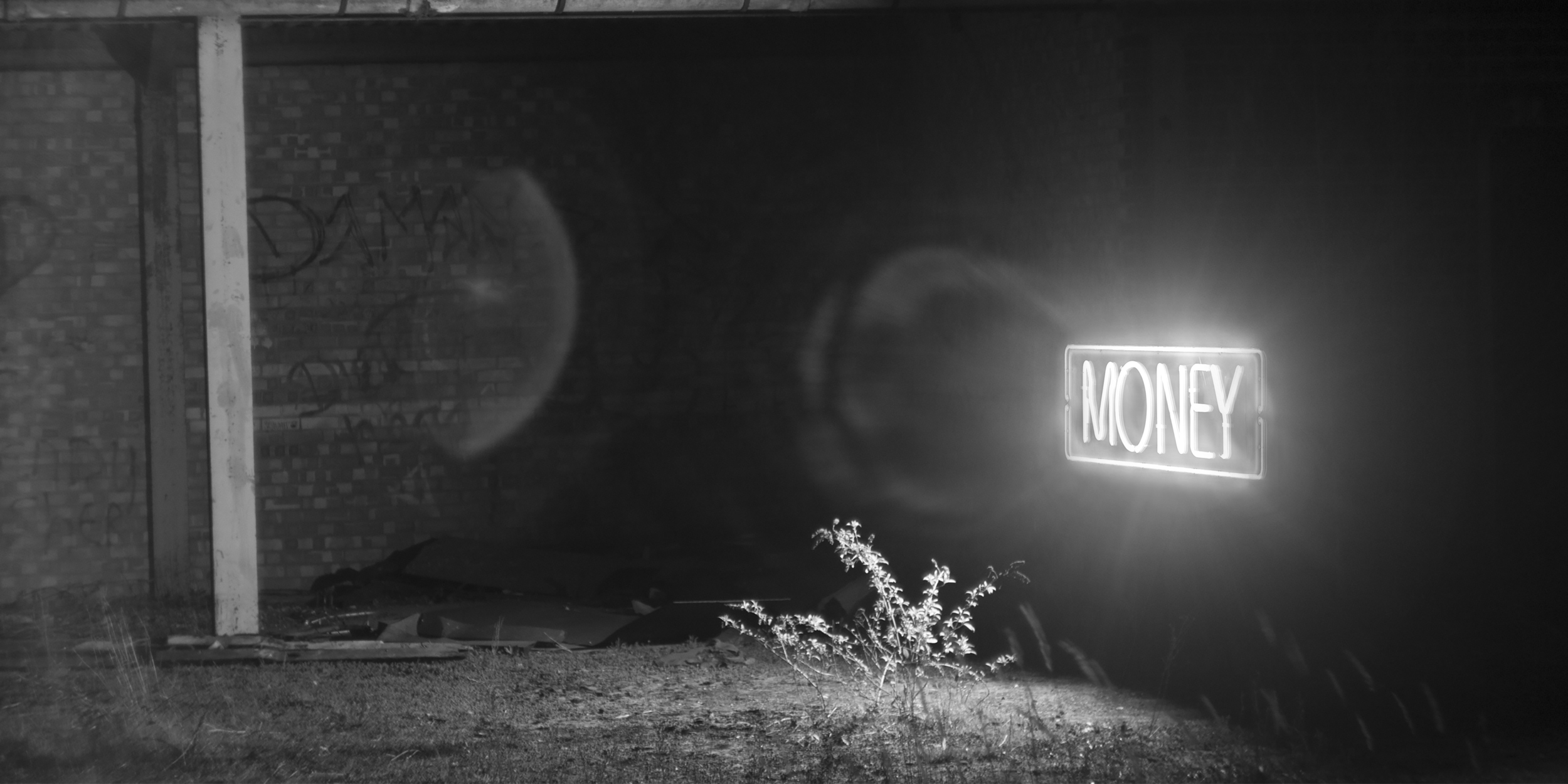
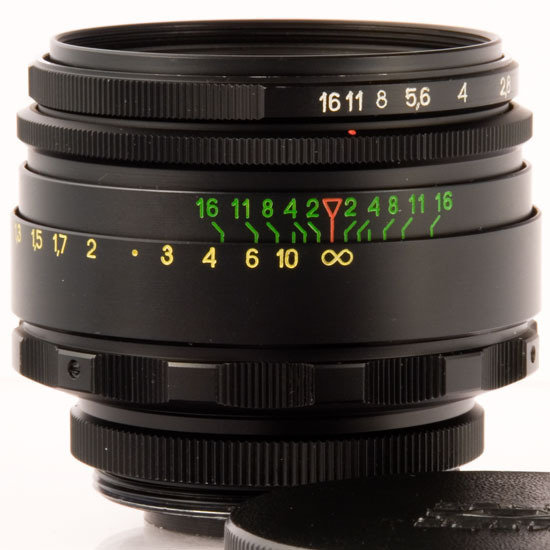
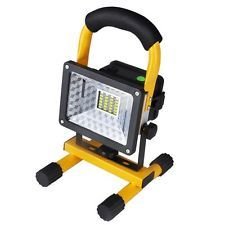
Apart from Photoshop, to deliver my ancillary products, I required photos. This was achieved with a Canon 650D with a 58mm Helios 44-2 prime lens and a portable industrial work light which brought a very aesthetically pleasing lens flare to my digipak.
Evaluation
Including survey/questionnaires, the evaluation is there to reflect on our past work and on audience feedback. To ensure this I used Google Forms for its aforementioned benefits. I used web tools such as Emaze to create presentations that make my work more visual.
I also adopted the use of the web tool, Slides. Slides allows for embedding of HTML5 content which I found particularly interesting. Researching intuitive HTML solutions, I found a web tool called Animatron which encourages the creation of small animations, thus making my more visual. You can see examples of Animatron within this presentation.
Another HTML5 solution I benefitted from using is JuxtaposeJS. Used to easily and simply create frame comparisons that the user can slide across revealing more of one, JuxtaposeJS assisted me in showing how faithful I was to my planning stage whilst in production.