4. How did you use media technologies in the construction and research, planning and evaluation stages?
Thomas Cruickshank
Software & Hardware
Digital camera
Video camera
iMac
Sony laptop
Blogger
Soundcloud
YouTube
Fireworks
Snowflake
Screen Grab
iMovie
iTunes
iPhoto
Word
Powerpoint
Padlet
Prezi
Scribd
Slides
Emaze
Safari/google chrome
Mac Book / iMac
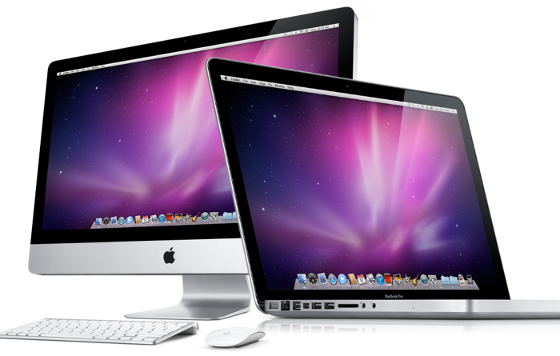
For the production of both my trailer and print products I used Apple iMacs and a Mac Book Pro. This is different from last year where I used a normal Windows computer. The iMac computers provide a range of software that I could use for the production of my products such as iMovie. iMovie is unavailable on other computer providers like Windows. Luckily I am familiar with Apple computers, but I was not well experienced I had a rough idea how to use them.
camera
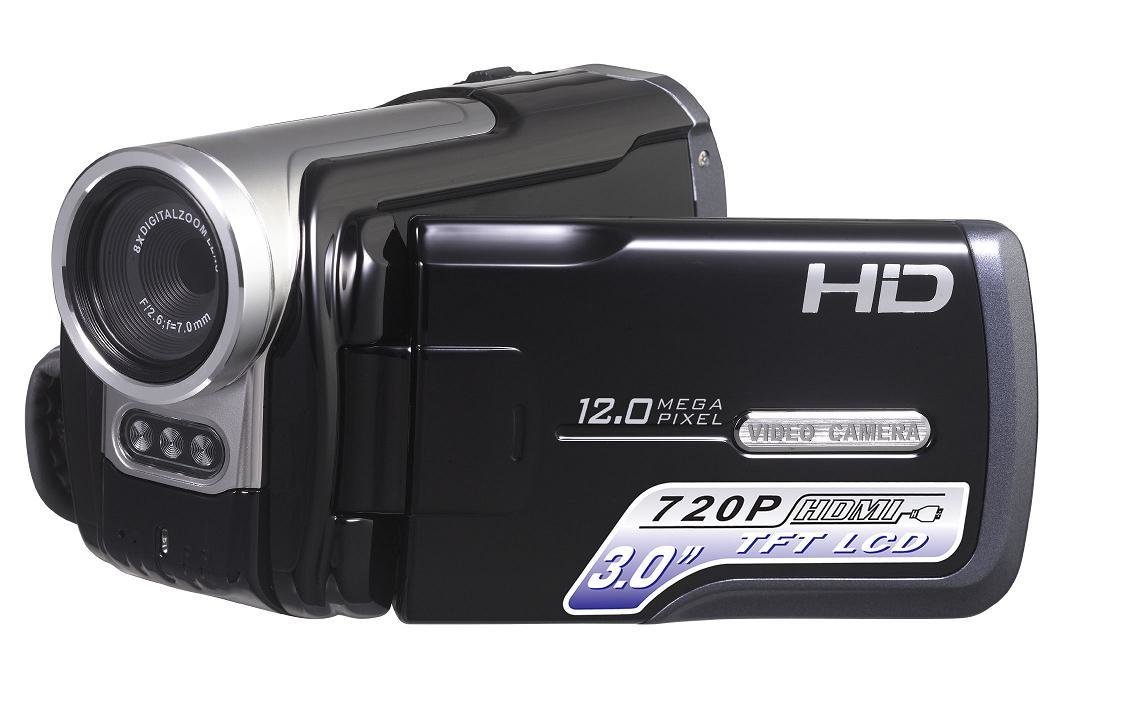
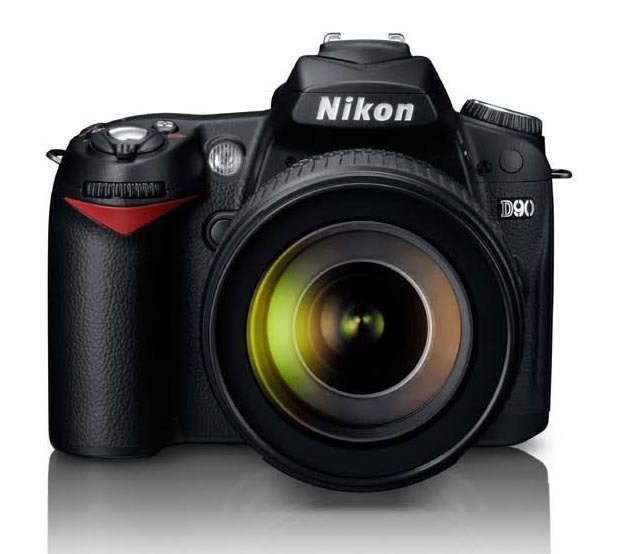
I used a video camera provided by school when filming the clips used for my trailer. It was a HD Cannon camera. I did know how to use it as I had used one before but Mr Farr did give a demonstration on how to set them up safely, which did help a lot. I also used the same camera in my preliminary task to get used to using it.
imovie
The video editing software that my Macbook provided is a programme called iMovie. Using iMovie caused problems at the beginning as I hadn't used it before. However by the end of the preliminary task I felt a lot more confident in using iMovie. By using a different piece of software my final trailer would not be as successful. This is because I feel it is, as iMovie enabled me to create and smooth and professional looking final product in terms of both the video and sound editing.

iphoto
Another application which I used on my Macbook was iPhoto. iPhoto is a digital photograph manipulation software application. iPhoto enabled me to organise and edit the photos I had taken for the print products of my film. I had not used this piece of software before it was relatively simple to understand. It had straightforward functions that I was familiar with such as adjusting the colour, adding filters, cropping and other basic editing tools and techniques.
youtube
When doing research into movie trailers I used YouTube to look at existing trailers. This enabled me to understand the key conventions of movie trailers, further allowing me to apply it to my trailer when it come to the creation. YouTube is a simple piece of software to use as i just had to search for the movie trailer and it also shown similar movies and also gave me reviews people had made about the trailers. It had a lot of existing trailers already uploaded so it is easy to find trailers. I have used YouTube in the past so it was easy to use.

Fireworks
In my AS coursework I used Adobe Fireworks to create my final products. So when I created my print products I thought Fireworks would be the best to be used as I am already familiar with the software. There are other alternatives e.g. Photoshop which would allow me to create similar looking products to what I achieved, however my unfamiliarity with Photoshop would mean that it would have taken longer and wouldn't have looked as good.Fireworks allows the use of various tools which can be used to edit, alter and add too images which was necessary for adding text and other elements such as the company logos to my film posters and magazine cover, as well as being able to edit colours and effects of various elements of the page. If I did not have access to Fireworks I would have had to use another piece of software e.g. paint which would have created a product of a much lower quality and standard, with a limited number of tools
Scribd is another website that allows me to present my work, however this software allowed me to upload my documents to the website and then it enabled me to embed that document or powerpoint onto my blog. I used this in my research and planning stage, as it was used to upload my risk assessment. I have used PowerPoint and MS Word many times it allowed me to use it very quickly. It was easy just uploading it and then clicking the share button.

Prezi
Prezi is a website that allows you to present information in an interactive way online. I first used Prezi in my AS media Evaluation. And I thought it was a really fun a really fun way to present. Prezis have to be embedded onto a webpage in order to present them. I Embedded mine onto my blog. Embedding them onto the site is useful for Blog as the reader is not directed to a new page but is able to access the information directly from my blog. This makes presenting information much neater and easier to be read.

Emaze is a great website I used as part of my Evaluation, this site is very similar to Prezi this is because the website is a online interactive Powerpoint. This was a new technology that I used this year. I found a lot more interesting as it was a lot more interactive in comparison to other online presenting tools I had used. Emaze ables a lot of new techniques that powerpoint wouldn't be able to do. I instantly understood how to used this website, its just like using powerpoint, but online and I was able to embed it to my blog.

BLOGGER
I used blogger to document all of my existing coursework online. Blogger is at great website as it allowd the public to view my coursework, this meant that when neededing feedback I could just give my blog URL to someone and they could see what I produced. I found website very easy, this is because I used it last year to document my AS coursework. This year I have used this site more in conjunction with other sites. This is though the used of the HTML code feature that allowed me to embed things that I had created from other sites e.g. Prezi. I felt that this website is the Sufficient was to document my work. However if I wanted to create a site that looked more professional I may look into using a different site such as Weebly.

Padlet
Padlet is a website which allows you to present text and images on a wall, allowing you to add notes onto this wall. Padlet is an unique and interesting way to present information. I must admit I did find it difficult to use, when I first used it for my AS coursework. Its great as when I was finished I could embedded onto my blog. This has piece of technology has prevented my blog from being simply just text and images but more of a interactive medium.

Flickr is a website I used to document all the photos I took. It documented them online which allowed me to embed it onto my blog. This was effective in my research and planning this is because it allowed me to show my main images taken for my print products, and other pictures I had taken to see if they could work . The use of the website was effective as it shows of the images that I have taken and it shows all the images in time and order.

microsoft word
I used Microsoft Word to create documents such as location release forms and my risk assessments and the script. Word was the best programme to use for this as it is easily accessible from different locations as its a program on my Mac. It allows me to create documents that can be saved, edited and printed. If I did not have this technology and had to hand write out the documents, it would be harder for people to read my hand writing, and its harder for me to duplicate and meant there was more chances of it getting ruined.

microsoft powerpoint

I used Powerpoint and Keynote a lot. This is as it is a simple programme where I present information Without Powerpoint, presenting information would be much more hard. I could upload the powerpoint to Scribd and then that enabled me to embed it onto my blog.