Animating with Vue.js
Victoria Sloan
Why Animate?
The "so what" factor
User attention span is short
2 seconds
until dropoff
Perceived Performance
Human’s over-estimate passive wait times by 36% - Eli Fitch and Richard Larson, MIT
Benchmarks aren't telling you the full story.


12 secs
32 secs
Custom Animation
Viget did an experiment and found that novel loaders had a higher wait time and lower abandon rate than generic ones
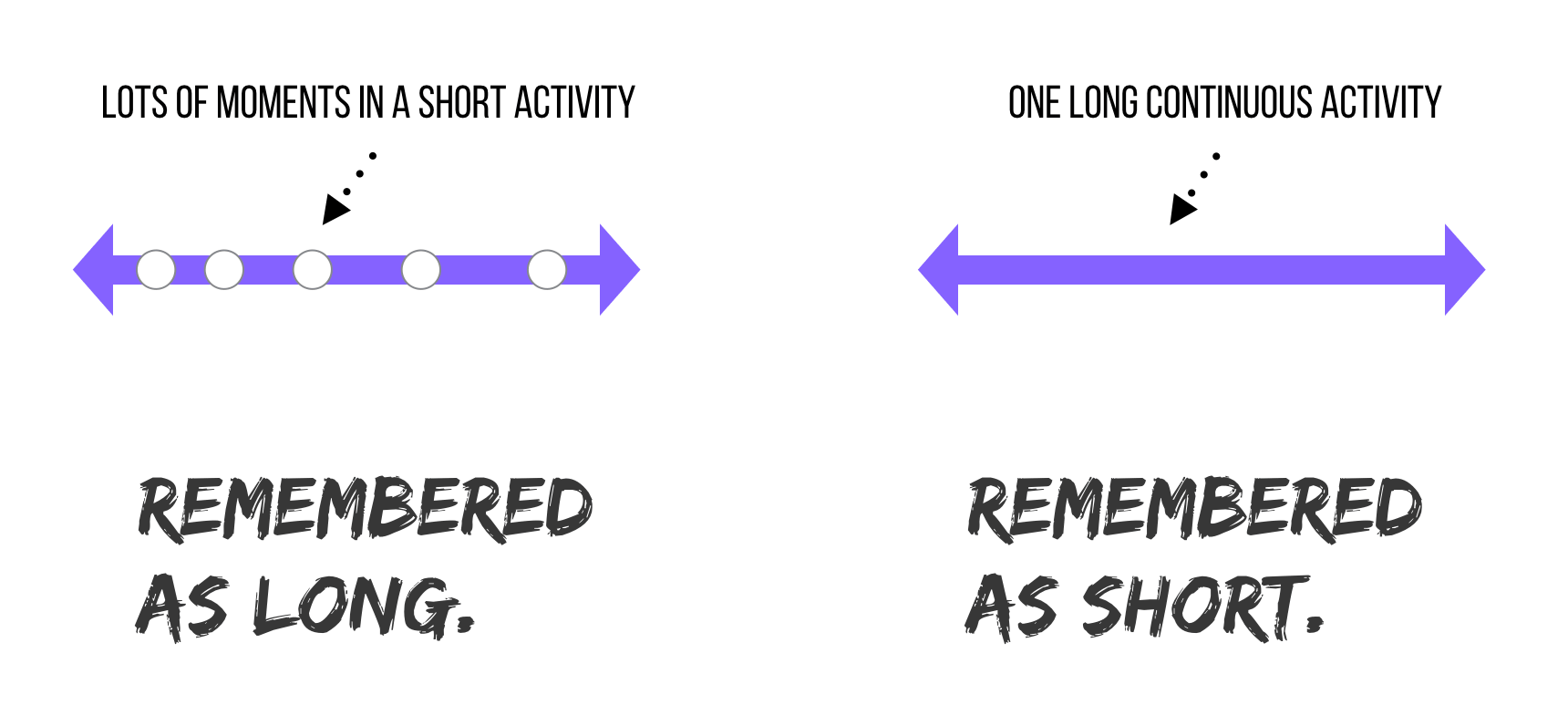
Paul Bakaus - The illusion of speed
WHY ANIMATE WITH VUE.JS
Vue provides a variety of ways to apply transition effects when items are inserted, updated, or removed from the DOM. This includes tools to:
- automatically apply classes for CSS transitions and animations
- integrate 3rd-party CSS animation libraries, such as Animate.css
- use JavaScript to directly manipulate the DOM during transition hooks
- integrate 3rd-party JavaScript animation libraries, such as Velocity.js
Vue is a progressive framework for building user interfaces.
<Transition />
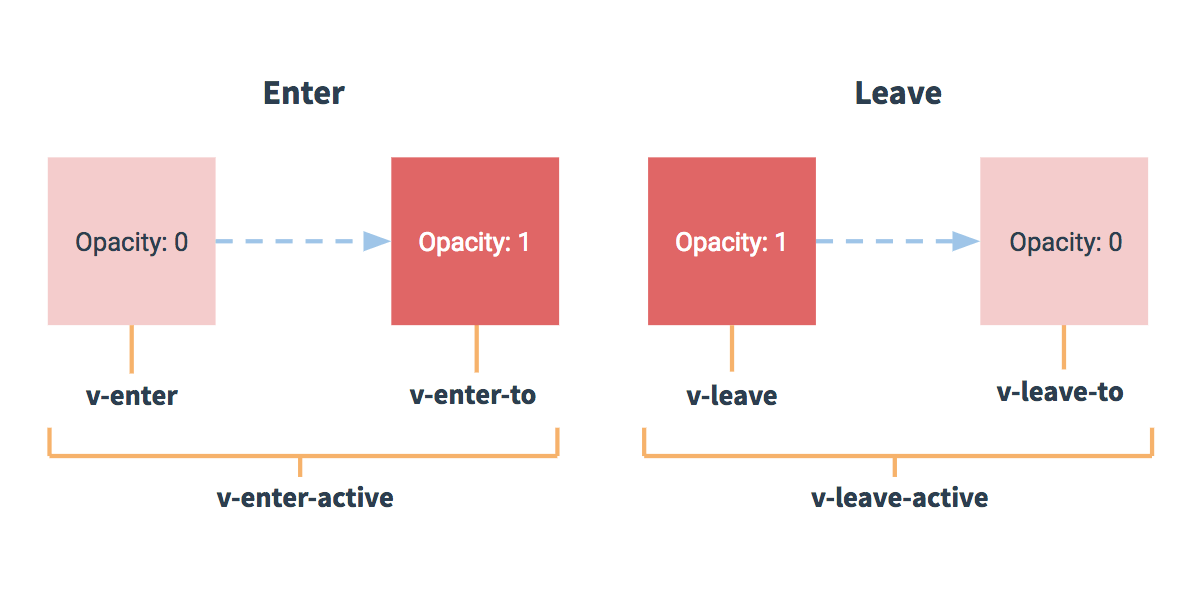
Transition Component
Encapsulate what is changing declaratively
In-out
Out-in
The current element waits until the new element is done transitioning in to fire
The current element transitions out and then the new element transitions in
Vue's <transition> component modes
HTML
<transition name="flip" mode="out-in">
    <slot v-if="!isShowing"></slot>
    <img v-else src="https://vignette.net/images/5/Panda.jpeg />
</transition>
CSS
Using the <Transition/> component
<transition-group>
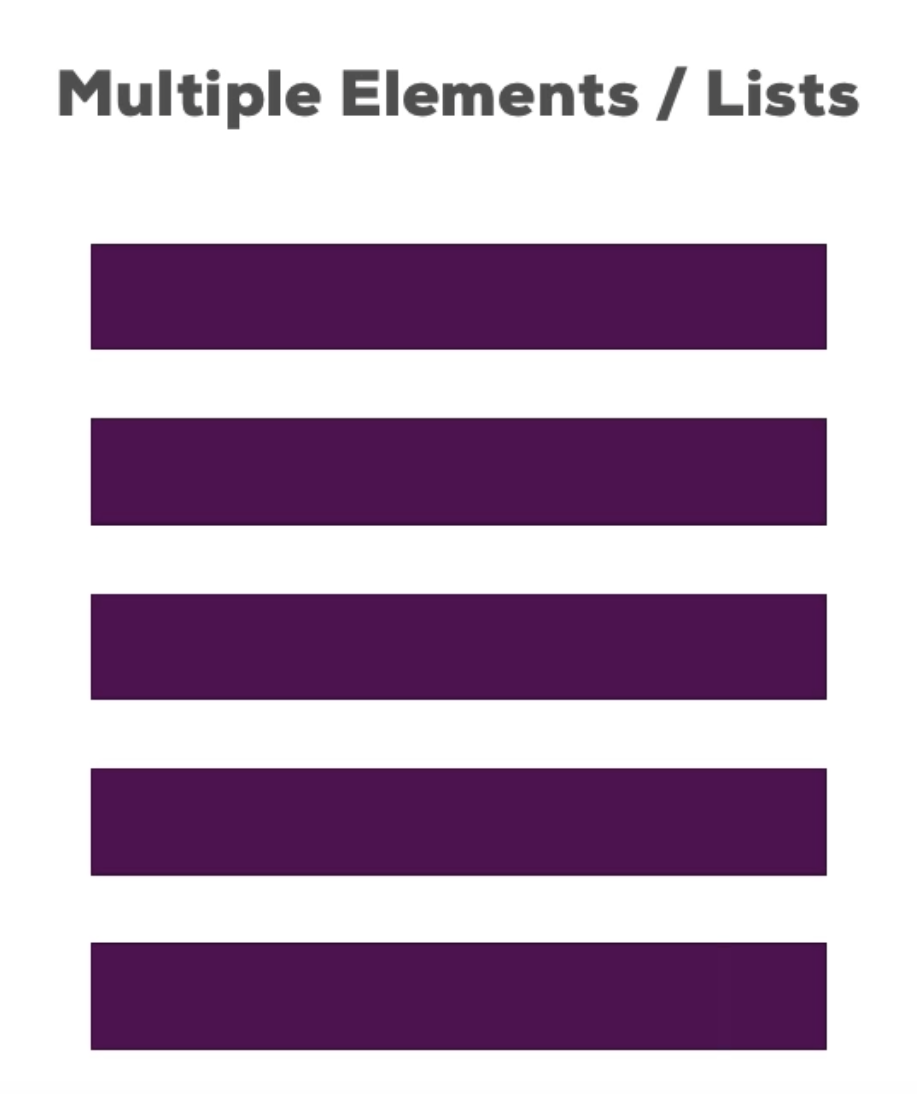
Transition Group