

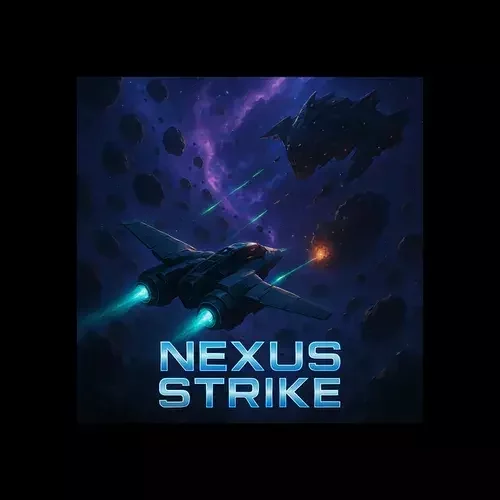

WebGL
1. Initialize WebGL
2. Shaders
3. Create Geometry
4. Connect Shader with Geometry
5. Draw!
WebGPU
WebGL
1. Initialize WebGL
2. Shaders
3. Create Geometry
4. Connect Shader with Geometry
5. Draw!
WebGPU
1. Initialize WebGPU
WebGL
1. Initialize WebGL
2. Shaders
3. Create Geometry
4. Connect Shader with Geometry
5. Draw!
WebGPU
1. Initialize WebGPU
2. Shaders
WebGL
1. Initialize WebGL
2. Shaders
3. Create Geometry
4. Connect Shader with Geometry
5. Draw!
WebGPU
1. Initialize WebGPU
2. Shaders
3. Create Geometry
WebGL
1. Initialize WebGL
2. Shaders
3. Create Geometry
4. Connect Shader with Geometry
5. Draw!
WebGPU
1. Initialize WebGPU
2. Shaders
3. Create Geometry
4. Create Rendering Pipeline
WebGL
1. Initialize WebGL
2. Shaders
3. Create Geometry
4. Connect Shader with Geometry
5. Draw!
WebGPU
1. Initialize WebGPU
2. Shaders
3. Create Geometry
4. Create Rendering Pipeline
5. Draw!
<!doctype html>
<html>
<head>
  <meta charset="utf-8" />
  <title>WebGPU!</title>
  <style>
    html, body {
      background:#000;
      margin:0; padding:0; height:100%;
      overflow:hidden !important;
    }
    #c { width:100%; height:100%; }
  </style>

  <!-- Vertex Shader -->
  <script id="vertexshader" type="wgsl">
    @vertex
    fn main(@location(0) position: vec3<f32>) -> @builtin(position) vec4<f32> {
      return vec4(position, 1.0);
    }
  </script>

  <!-- Fragment Shader -->
  <script id="fragmentshader" type="wgsl">
    @fragment
    fn main() -> @location(0) vec4<f32> {
      return vec4(1.0, 1.0, 1.0, 1.0); // white
    }
  </script>
</head>

<body>
  <canvas id="c"></canvas>

  <!-- Step 2–5 will go inside this script -->
  <script>
    window.onload = async function () {
      /* paste Step 2 here */
    };
  </script>
</body>
</html>
HTML + canvas + shader tags
//************************************************************//
// 1) INITIALIZE WEBGPU
//************************************************************//
const canvas  = document.getElementById('c');
const adapter = await navigator.gpu.requestAdapter();
const device  = await adapter.requestDevice();
const context = canvas.getContext('webgpu');

const format  = navigator.gpu.getPreferredCanvasFormat();
context.configure({
  device,
  format,
  alphaMode: 'opaque'
});

/* paste Step 3 below this */
Step 1:Initialize WebGPU
//************************************************************//
// 2) SHADERS
//************************************************************//
const v_shader = device.createShaderModule({
  code: document.getElementById('vertexshader').textContent
});
const f_shader = device.createShaderModule({
  code: document.getElementById('fragmentshader').textContent
});

//************************************************************//
// 3) CREATE GEOMETRY  (three stacked rectangles)
//    each rect = 2 triangles = 6 vertices
//************************************************************//
const vertices = new Float32Array([
  // ----- RECT #1 (top) y: 0.45 .. 0.75 -----
  -0.3,  0.75, 0.0,
  -0.3,  0.45, 0.0,
   0.3,  0.75, 0.0,

   0.3,  0.75, 0.0,
  -0.3,  0.45, 0.0,
   0.3,  0.45, 0.0,

  // ----- RECT #2 (middle) y: -0.15 .. 0.15 -----
  -0.3,  0.15, 0.0,
  -0.3, -0.15, 0.0,
   0.3,  0.15, 0.0,

   0.3,  0.15, 0.0,
  -0.3, -0.15, 0.0,
   0.3, -0.15, 0.0,

  // ----- RECT #3 (bottom) y: -0.75 .. -0.45 -----
  -0.3, -0.45, 0.0,
  -0.3, -0.75, 0.0,
   0.3, -0.45, 0.0,

   0.3, -0.45, 0.0,
  -0.3, -0.75, 0.0,
   0.3, -0.75, 0.0,
]);

const v_buffer = device.createBuffer({
  size: vertices.byteLength,
  usage: GPUBufferUsage.VERTEX | GPUBufferUsage.COPY_DST,
  mappedAtCreation: true
});
new Float32Array(v_buffer.getMappedRange()).set(vertices);
v_buffer.unmap();

/* paste Step 4 below this */
Step 2 : Shaders + Geometry + Vertex Buffer
//************************************************************//
// 4) CREATE RENDERING PIPELINE
//************************************************************//
const pipeline = device.createRenderPipeline({
  layout: 'auto',
  vertex: {
    module: v_shader,
    buffers: [{
      arrayStride: 3 * 4, // 3 floats (x,y,z) * 4 bytes
      attributes: [{
        shaderLocation: 0, // matches @location(0) in vertex shader
        offset: 0,
        format: 'float32x3'
      }]
    }]
  },
  fragment: {
    module: f_shader,
    targets: [{ format }]
  },
  primitive: { topology: 'triangle-list' }
});

/* paste Step 5 below this */
Step3: Create The Rendering Pipeline
Step4: Draw!
//************************************************************//
// 5) DRAW!
//************************************************************//
const commandEncoder = device.createCommandEncoder();
const textureView    = context.getCurrentTexture().createView();

const renderPassDescriptor = {
  colorAttachments: [{
    view: textureView,
    clearValue: [0, 0, 0, 1], // black background
    loadOp: 'clear',
    storeOp: 'store'
  }]
};

const passEncoder = commandEncoder.beginRenderPass(renderPassDescriptor);
passEncoder.setPipeline(pipeline);
passEncoder.setVertexBuffer(0, v_buffer);

// draw all 3 rectangles at once: 3 * 6 = 18 vertices
passEncoder.draw(18);

passEncoder.end();
device.queue.submit([commandEncoder.finish()]);
Step5: FunStuff!
//************************************************************//
// 6. ANIMATION LOOP (replaces Step 5 static draw)
//************************************************************//
let xOffset = 0;       // current movement offset
let direction = 1;     // 1 = right, -1 = left

function drawFrame() {
    // Move geometry back and forth in X
    xOffset += 0.01 * direction;
    if (xOffset > 0.5 || xOffset < -0.5) {
        direction *= -1;  // bounce when hitting edge
    }

    // Apply offset to geometry
    const movedVertices = new Float32Array(vertices.length);
    for (let i = 0; i < vertices.length; i += 3) {
        movedVertices[i]   = vertices[i] + xOffset; // shift X
        movedVertices[i+1] = vertices[i+1];         // keep Y
        movedVertices[i+2] = vertices[i+2];         // keep Z
    }
    device.queue.writeBuffer(v_buffer, 0, movedVertices);

    // Normal draw commands
    const commandEncoder = device.createCommandEncoder();
    const textureView = context.getCurrentTexture().createView();
    const renderPassDescriptor = {
        colorAttachments: [{
            view: textureView,
            clearValue: [0, 0, 0, 0],
            loadOp: 'clear',
            storeOp: 'store'
        }]
    };

    const passEncoder = commandEncoder.beginRenderPass(renderPassDescriptor);
    passEncoder.setPipeline(pipeline);
    passEncoder.setVertexBuffer(0, v_buffer);
    passEncoder.draw(18); // 18 vertices = 3 rectangles
    passEncoder.end();

    device.queue.submit([commandEncoder.finish()]);

    requestAnimationFrame(drawFrame); //  repeat each frame
}

// Start animation
drawFrame();
<!doctype html>
<html>

<head>
    <meta charset="utf-8" />
    <title>WebGPU!</title>
    <style>
        html,
        body {
            background: #000;
            margin: 0;
            padding: 0;
            height: 100%;
            overflow: hidden !important;
        }

        #c {
            width: 100%;
            height: 100%;
        }
    </style>

    <!-- Vertex Shader -->
    <script id="vertexshader" type="wgsl">
    @vertex
    fn main(@location(0) position: vec3<f32>) -> @builtin(position) vec4<f32> {
      return vec4(position, 1.0);
    }
  </script>

    <!-- Fragment Shader -->
    <script id="fragmentshader" type="wgsl">
    @fragment
    fn main() -> @location(0) vec4<f32> {
      return vec4(1.0, 1.0, 1.0, 1.0); // white
    }
  </script>
</head>

<body>
    <canvas id="c"></canvas>

    <!-- Step 2–5 will go inside this script -->
    <script>
        window.onload = async function () {
            /* paste Step 2 here */
            //************************************************************//
            // 1) INITIALIZE WEBGPU
            //************************************************************//
            const canvas = document.getElementById('c');
            const adapter = await navigator.gpu.requestAdapter();
            const device = await adapter.requestDevice();
            const context = canvas.getContext('webgpu');

            const format = navigator.gpu.getPreferredCanvasFormat();
            context.configure({
                device,
                format,
                alphaMode: 'opaque'
            });
            //************************************************************//
            // 2) SHADERS
            //************************************************************//
            const v_shader = device.createShaderModule({
                code: document.getElementById('vertexshader').textContent
            });
            const f_shader = device.createShaderModule({
                code: document.getElementById('fragmentshader').textContent
            });

            //************************************************************//
            // 3) CREATE GEOMETRY  (three stacked rectangles)
            //    each rect = 2 triangles = 6 vertices
            //************************************************************//
            const vertices = new Float32Array([
                // ----- RECT #1 (top) y: 0.45 .. 0.75 -----
                -0.3, 0.75, 0.0,
                -0.3, 0.45, 0.0,
                0.3, 0.75, 0.0,

                0.3, 0.75, 0.0,
                -0.3, 0.45, 0.0,
                0.3, 0.45, 0.0,

                // ----- RECT #2 (middle) y: -0.15 .. 0.15 -----
                -0.3, 0.15, 0.0,
                -0.3, -0.15, 0.0,
                0.3, 0.15, 0.0,

                0.3, 0.15, 0.0,
                -0.3, -0.15, 0.0,
                0.3, -0.15, 0.0,

                // ----- RECT #3 (bottom) y: -0.75 .. -0.45 -----
                -0.3, -0.45, 0.0,
                -0.3, -0.75, 0.0,
                0.3, -0.45, 0.0,

                0.3, -0.45, 0.0,
                -0.3, -0.75, 0.0,
                0.3, -0.75, 0.0,
            ]);

            const v_buffer = device.createBuffer({
                size: vertices.byteLength,
                usage: GPUBufferUsage.VERTEX | GPUBufferUsage.COPY_DST,
                mappedAtCreation: true
            });
            new Float32Array(v_buffer.getMappedRange()).set(vertices);
            v_buffer.unmap();

            //************************************************************//
            // 4) CREATE RENDERING PIPELINE
            //************************************************************//
            const pipeline = device.createRenderPipeline({
                layout: 'auto',
                vertex: {
                    module: v_shader,
                    buffers: [{
                        arrayStride: 3 * 4, // 3 floats (x,y,z) * 4 bytes
                        attributes: [{
                            shaderLocation: 0, // matches @location(0) in vertex shader
                            offset: 0,
                            format: 'float32x3'
                        }]
                    }]
                },
                fragment: {
                    module: f_shader,
                    targets: [{ format }]
                },
                primitive: { topology: 'triangle-list' }
            });
            //************************************************************//
            // 5) DRAW!
            //************************************************************//
            //************************************************************//
            // 6. ANIMATION LOOP (replaces Step 5 static draw)
            //************************************************************//
            let xOffset = 0;       // current movement offset
            let direction = 1;     // 1 = right, -1 = left

            function drawFrame() {
                // Move geometry back and forth in X
                xOffset += 0.01 * direction;
                if (xOffset > 0.5 || xOffset < -0.5) {
                    direction *= -1;  // bounce when hitting edge
                }

                // Apply offset to geometry
                const movedVertices = new Float32Array(vertices.length);
                for (let i = 0; i < vertices.length; i += 3) {
                    movedVertices[i] = vertices[i] + xOffset; // shift X
                    movedVertices[i + 1] = vertices[i + 1];         // keep Y
                    movedVertices[i + 2] = vertices[i + 2];         // keep Z
                }
                device.queue.writeBuffer(v_buffer, 0, movedVertices);

                // Normal draw commands
                const commandEncoder = device.createCommandEncoder();
                const textureView = context.getCurrentTexture().createView();
                const renderPassDescriptor = {
                    colorAttachments: [{
                        view: textureView,
                        clearValue: [0, 0, 0, 0],
                        loadOp: 'clear',
                        storeOp: 'store'
                    }]
                };

                const passEncoder = commandEncoder.beginRenderPass(renderPassDescriptor);
                passEncoder.setPipeline(pipeline);
                passEncoder.setVertexBuffer(0, v_buffer);
                passEncoder.draw(18); // 18 vertices = 3 rectangles
                passEncoder.end();

                device.queue.submit([commandEncoder.finish()]);

                requestAnimationFrame(drawFrame); // 🔁 repeat each frame
            }

            // 🔹 Start animation
            drawFrame();


            /* paste Step 5 below this */


            /* paste Step 4 below this */


            /* paste Step 3 below this */

        };

    </script>
</body>

</html>
Messing With Geometry
const vertices = new Float32Array([
  -0.6, -0.4, 0.0,
   0.6, -0.4, 0.0,
   0.0,  0.6, 0.0,
]);
Single triangle
const vertices = new Float32Array([
  -0.5,  0.5, 0.0,
  -0.5, -0.5, 0.0,
   0.5,  0.5, 0.0,

   0.5,  0.5, 0.0,
  -0.5, -0.5, 0.0,
   0.5, -0.5, 0.0,
]);
Centered rectangle
const vertices = new Float32Array([
   0.0,  0.7, 0.0,  // top
  -0.7,  0.0, 0.0,  // left
   0.7,  0.0, 0.0,  // right

   0.0, -0.7, 0.0,  // bottom
  -0.7,  0.0, 0.0,  // left
   0.7,  0.0, 0.0,  // right
]);
Diamond
House
const vertices = new Float32Array([
  // base (quad)
  -0.6, -0.4, 0.0,
   0.6, -0.4, 0.0,
  -0.6,  0.4, 0.0,

  -0.6,  0.4, 0.0,
   0.6, -0.4, 0.0,
   0.6,  0.4, 0.0,

  // roof
  -0.7,  0.4, 0.0,
   0.7,  0.4, 0.0,
   0.0,  0.8, 0.0,
]);

Messing With Geometry
const vertices = new Float32Array([
   0.0,  0.8, 0.0,
  -0.2,  0.2, 0.0,
   0.2,  0.2, 0.0,

  -0.8,  0.0, 0.0,
  -0.2,  0.2, 0.0,
   0.0, -0.2, 0.0,

   0.8,  0.0, 0.0,
   0.2,  0.2, 0.0,
   0.0, -0.2, 0.0
]);
Star
const vertices = new Float32Array([
  -0.5,  0.5, 0.0,
   0.0, -0.5, 0.0,
   0.5,  0.5, 0.0,
]);
passEncoder.draw(3);
V
const vertices = new Float32Array([
  // Vertical bar
  -0.1,  0.6, 0.0,
   0.1,  0.6, 0.0,
  -0.1, -0.6, 0.0,
   0.1,  0.6, 0.0,
   0.1, -0.6, 0.0,
  -0.1, -0.6, 0.0,

  // Horizontal bar
  -0.6,  0.1, 0.0,
   0.6,  0.1, 0.0,
  -0.6, -0.1, 0.0,
   0.6,  0.1, 0.0,
   0.6, -0.1, 0.0,
  -0.6, -0.1, 0.0,
]);
passEncoder.draw(12);
Cross
Trapezoid
const vertices = new Float32Array([
  -0.6,  0.5, 0.0,
   0.6,  0.5, 0.0,
  -0.3, -0.5, 0.0,

   0.6,  0.5, 0.0,
   0.3, -0.5, 0.0,
  -0.3, -0.5, 0.0,
]);
passEncoder.draw(6);

+


3D model




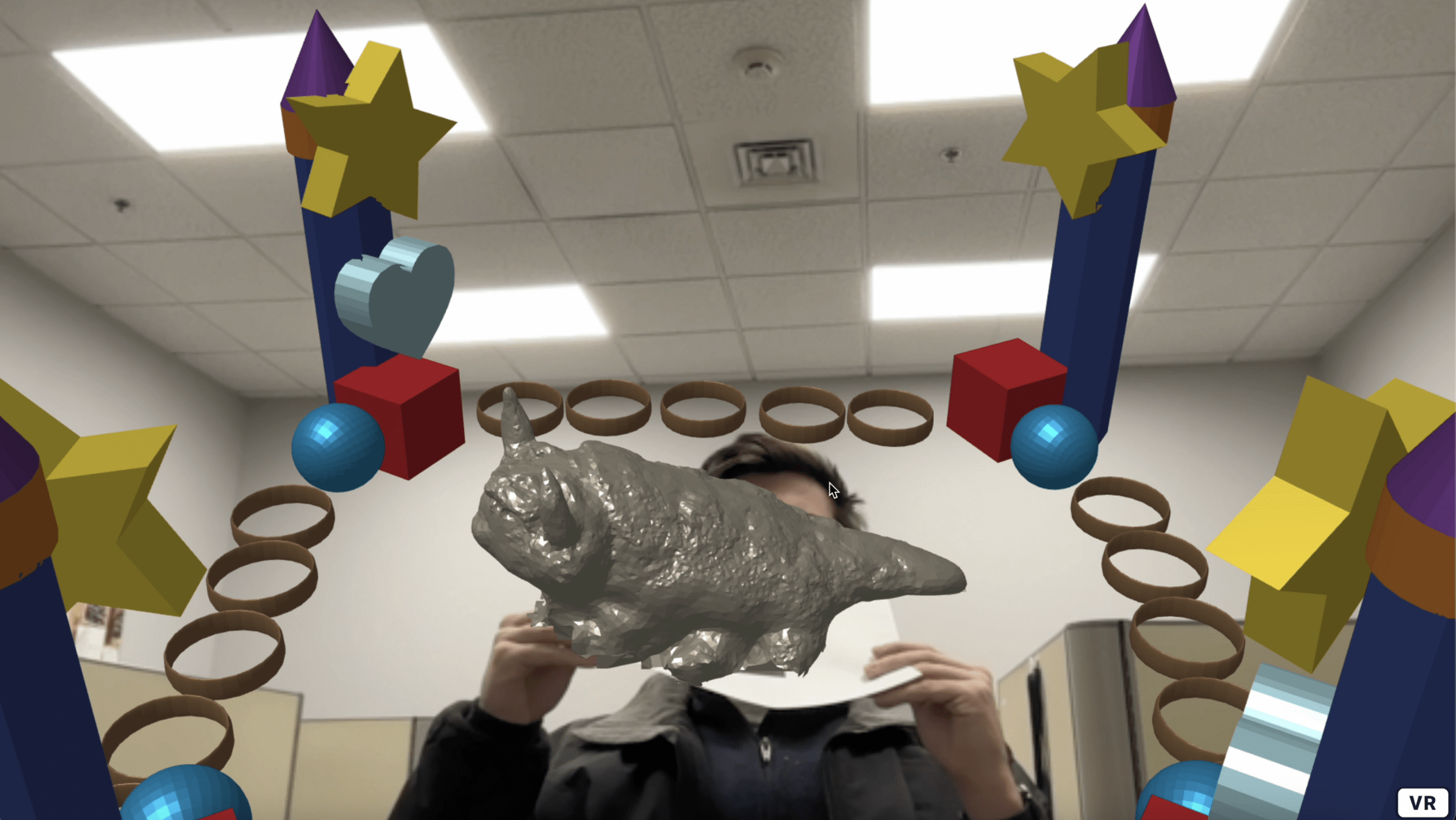
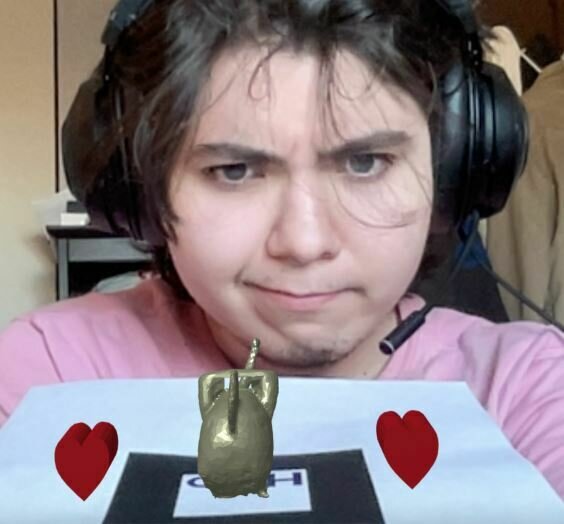
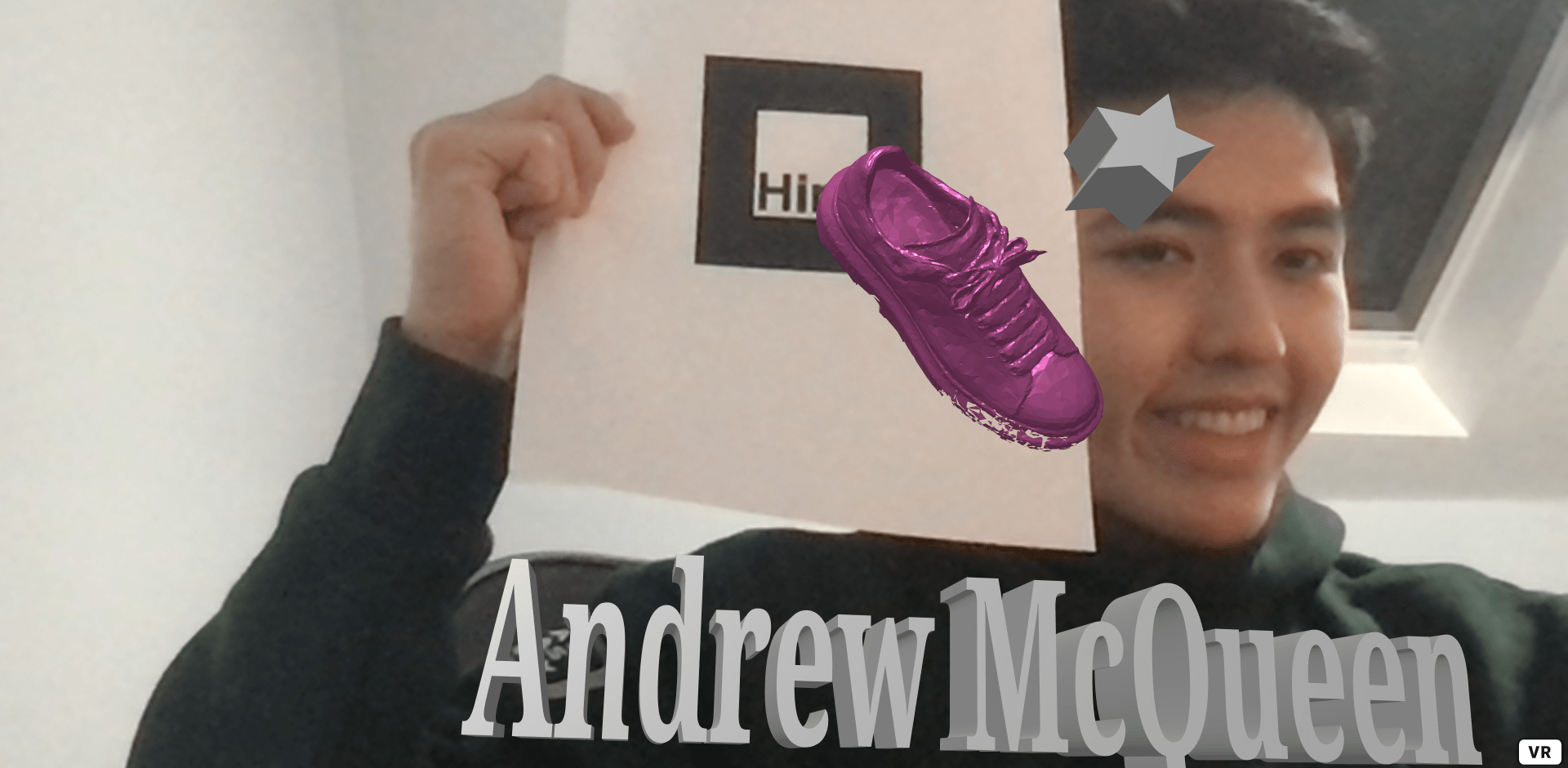
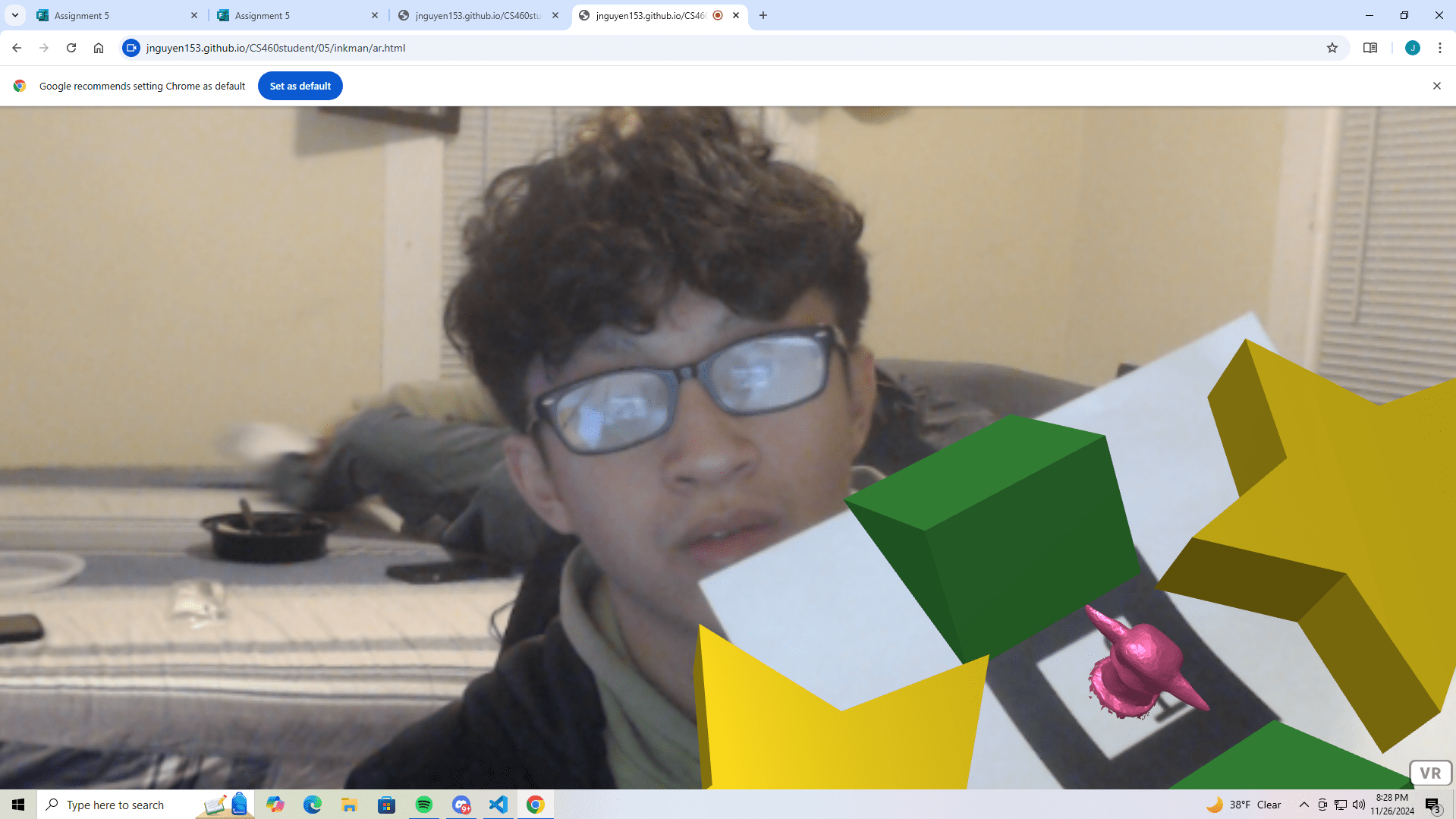
Assignment 5


coming soon!
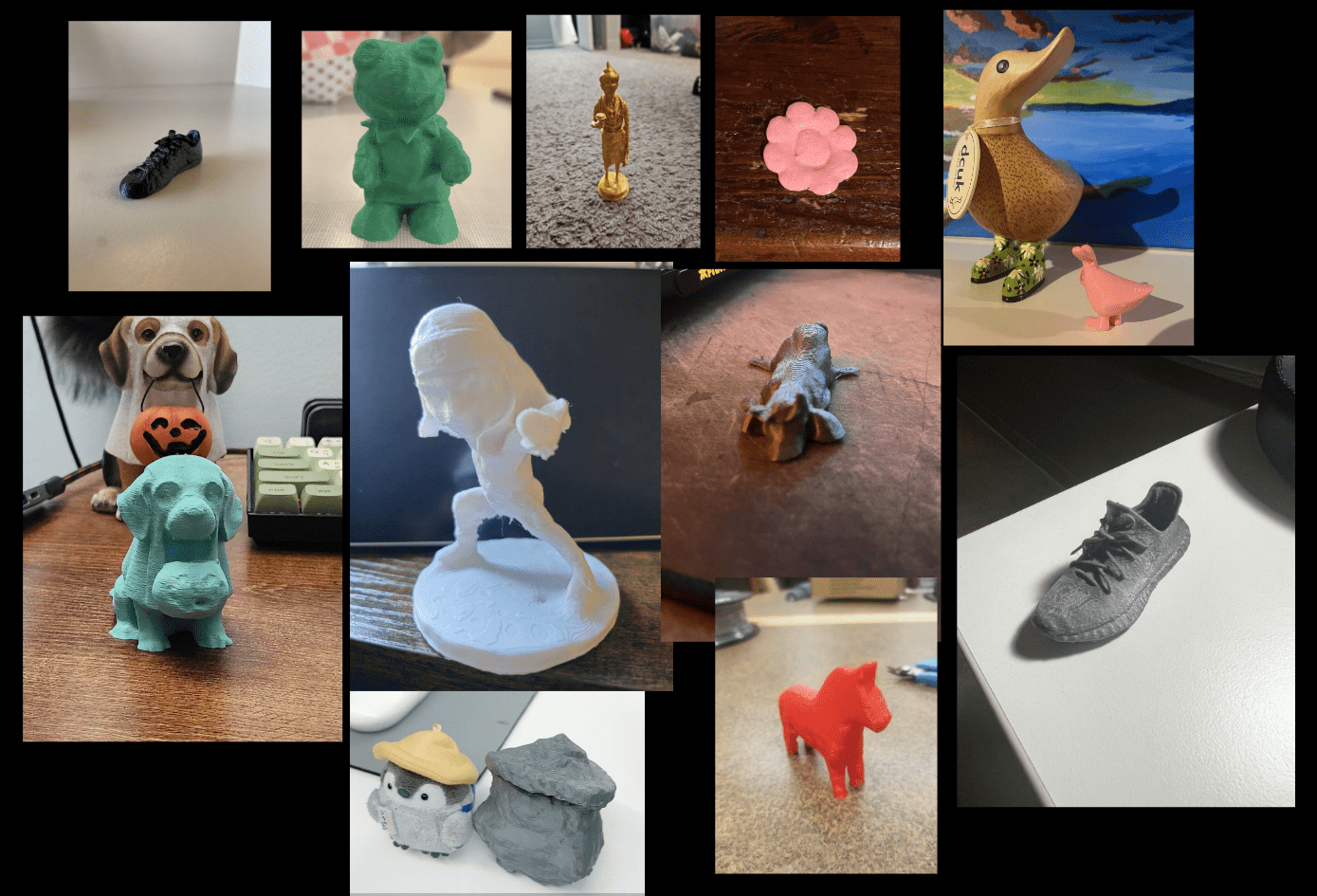
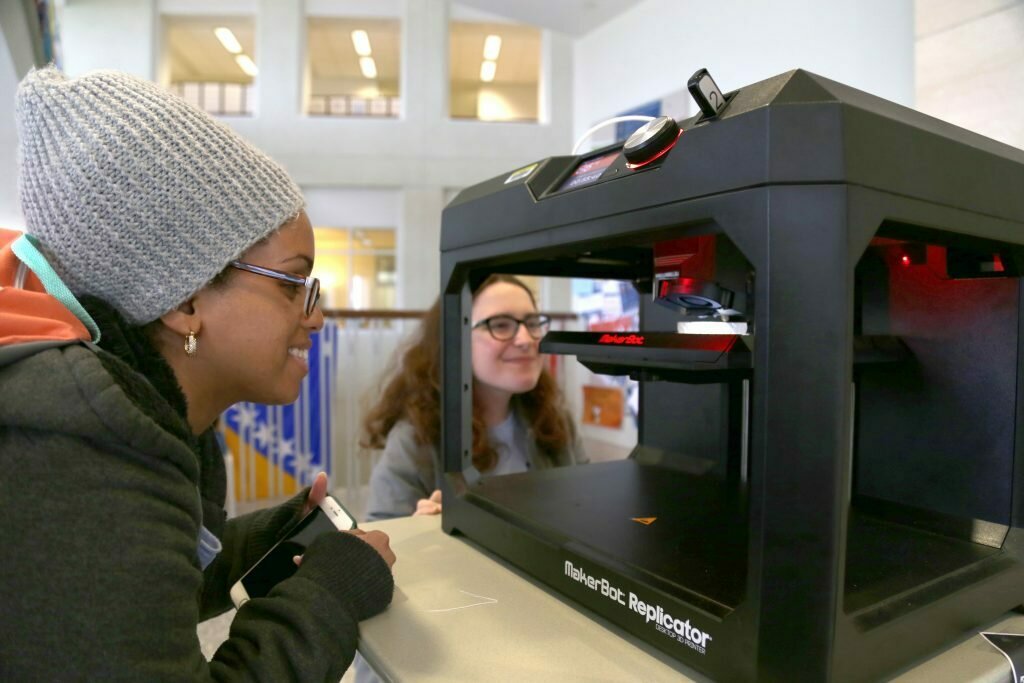
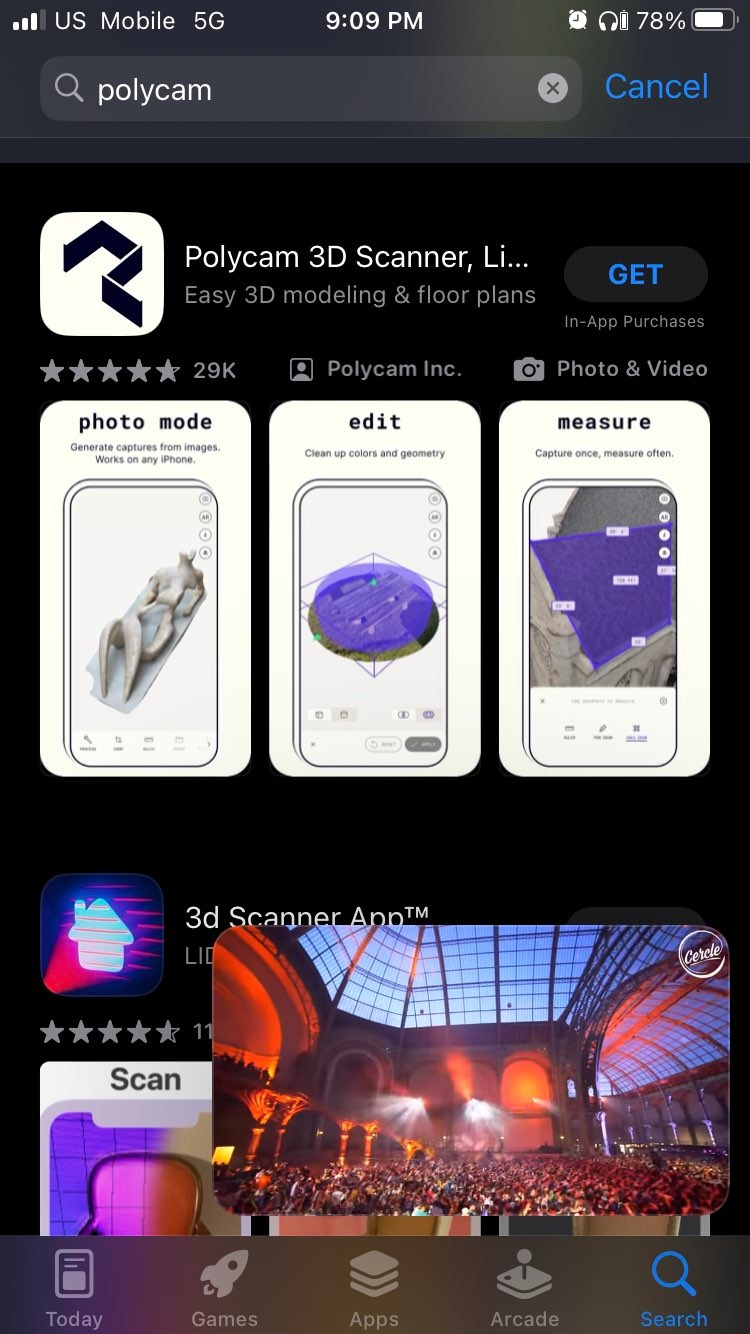
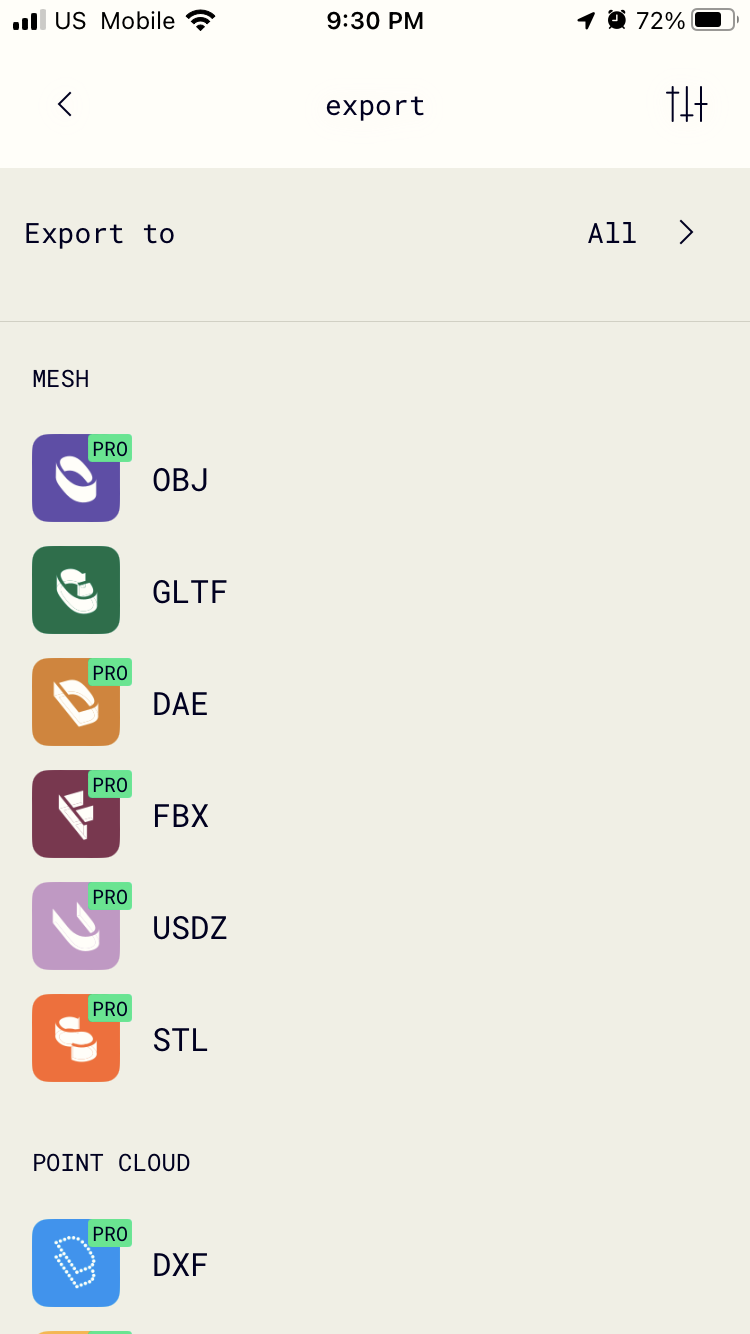
Free!

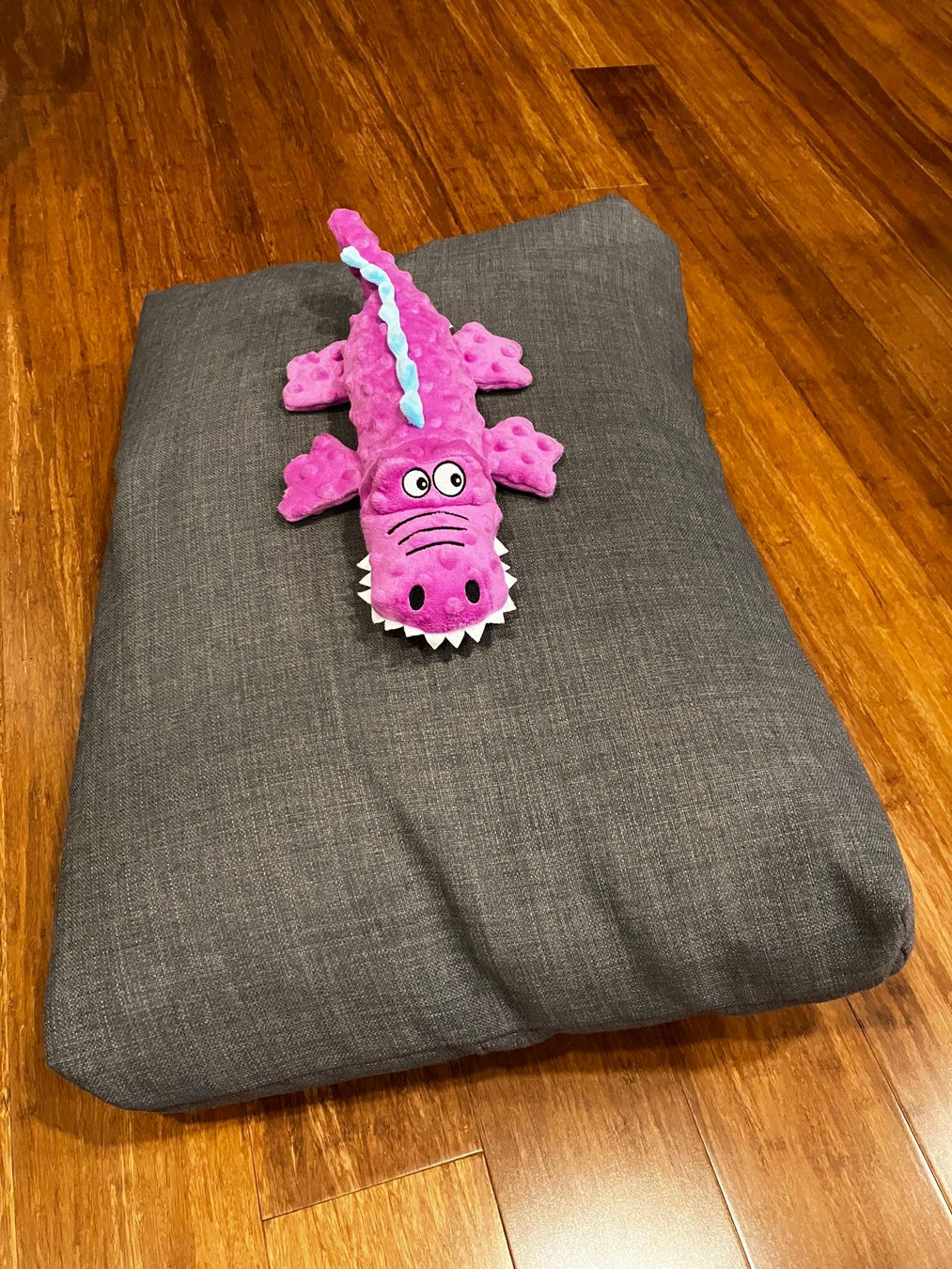
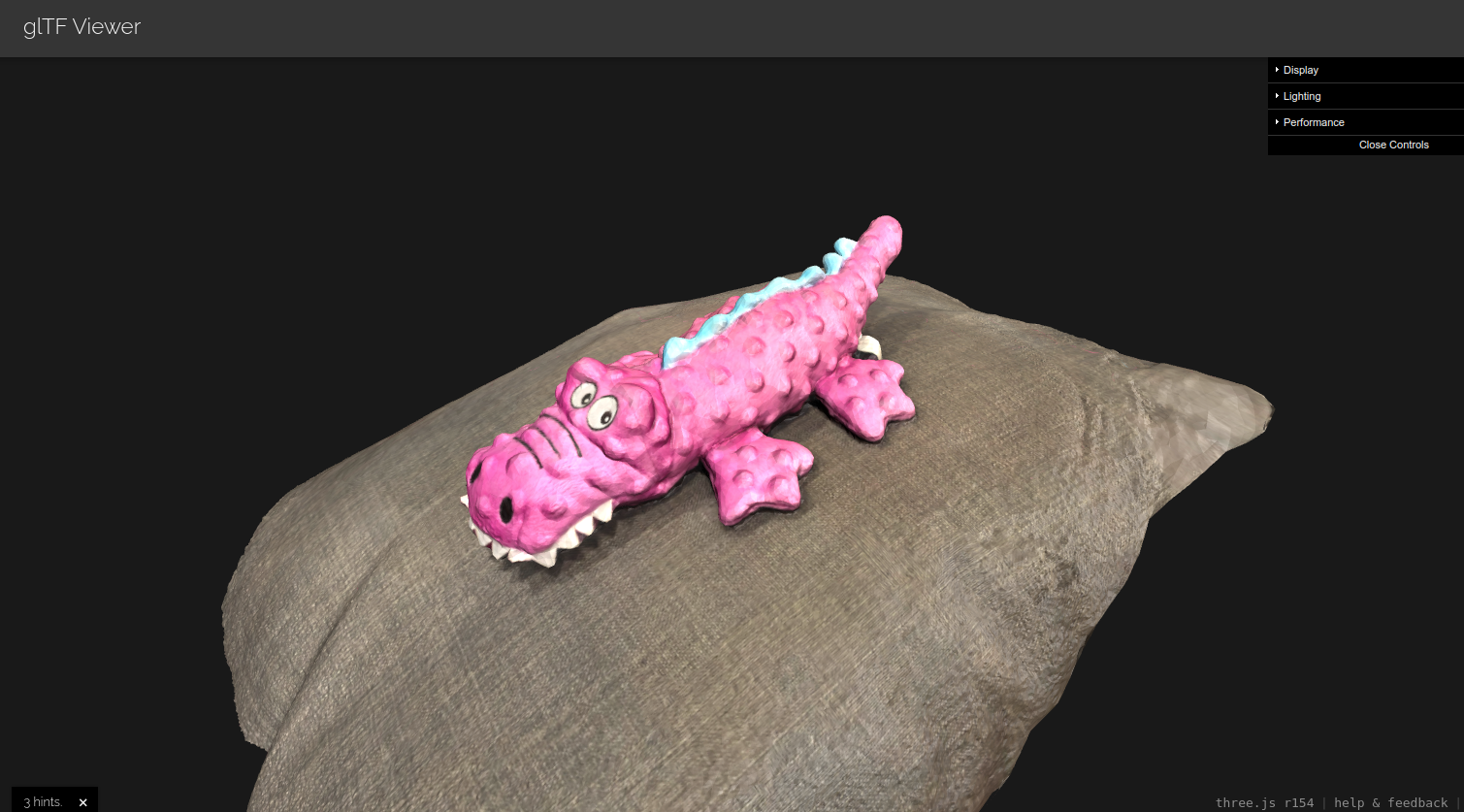
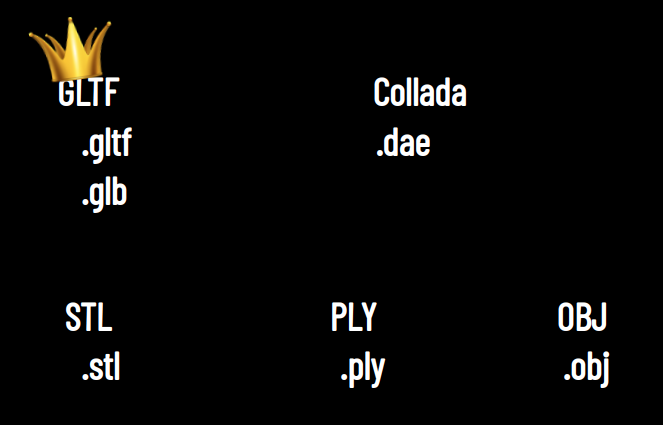
Mesh Fileformats
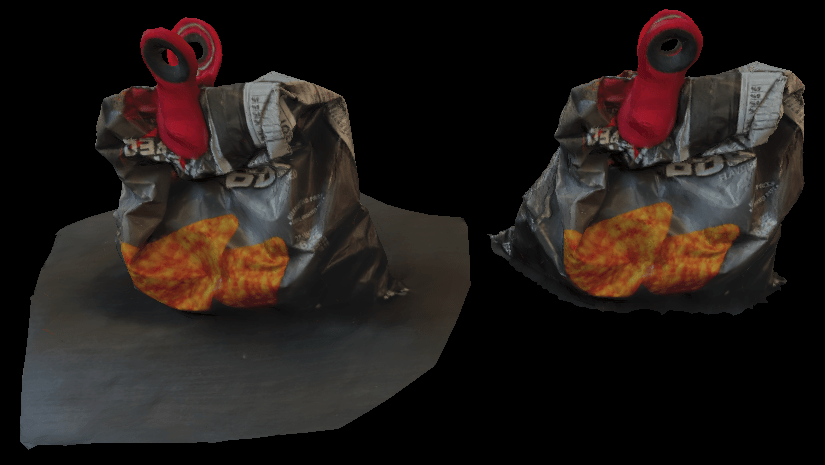
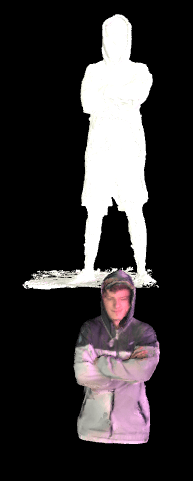
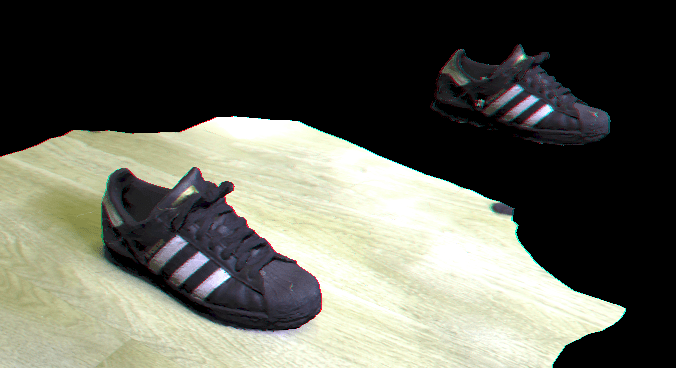
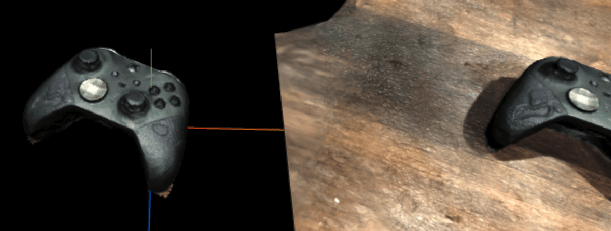
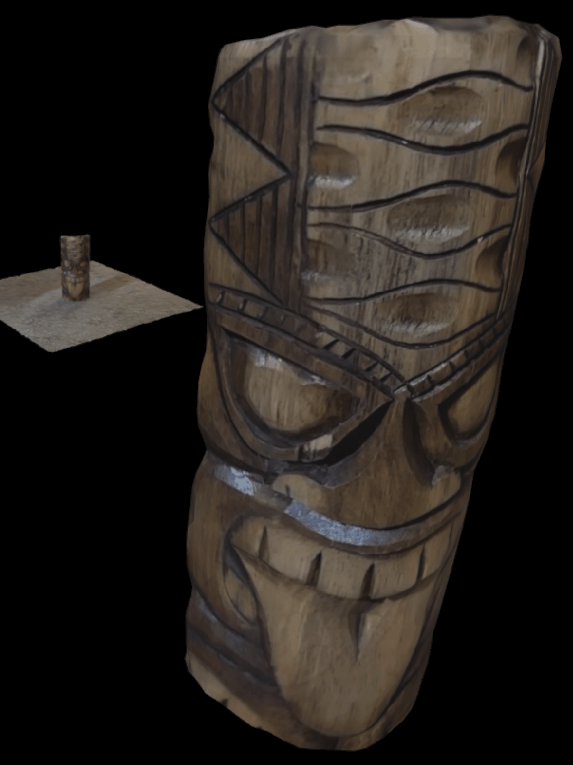
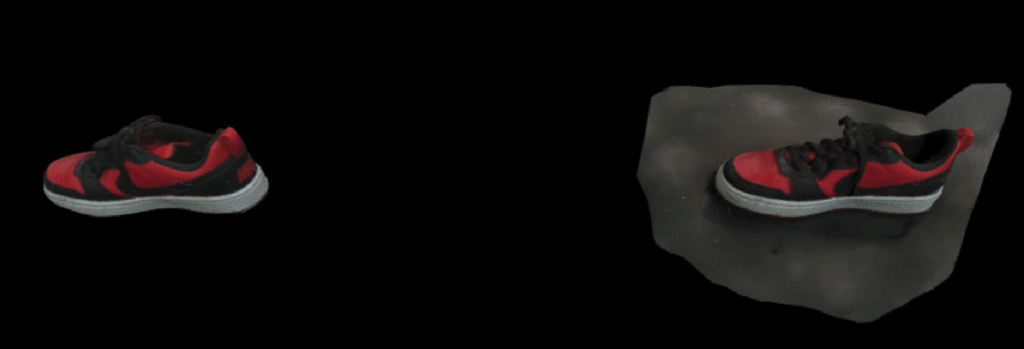
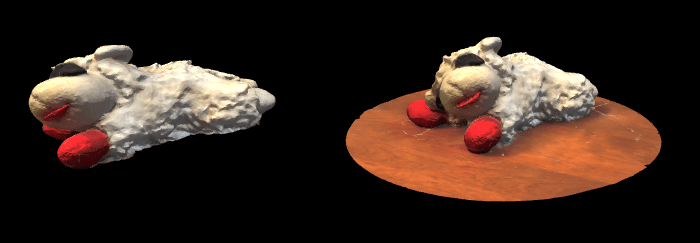
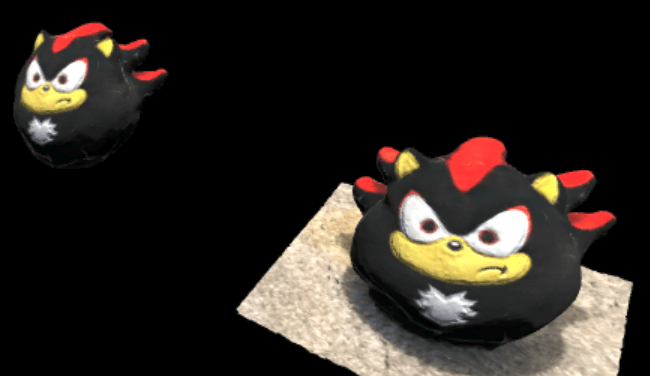
All part of assignment 5!
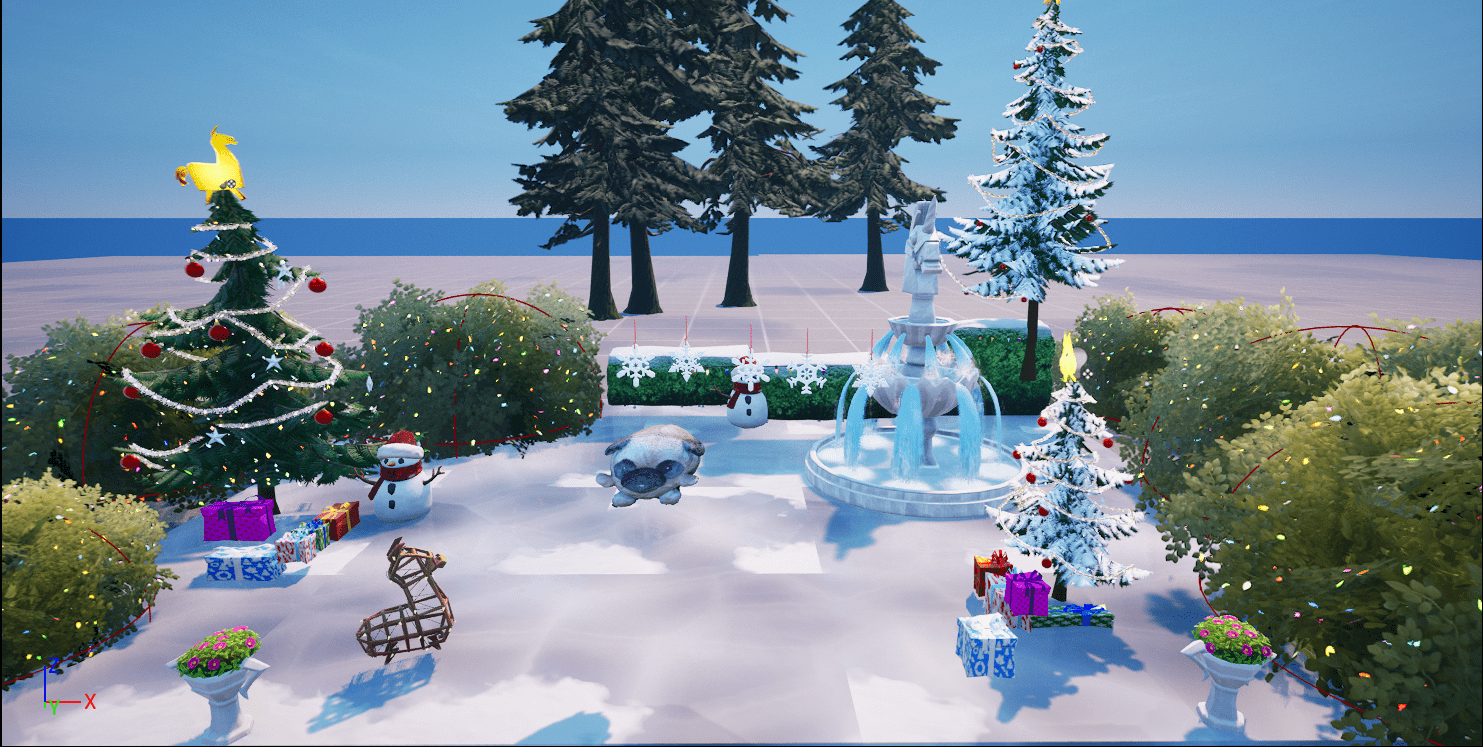
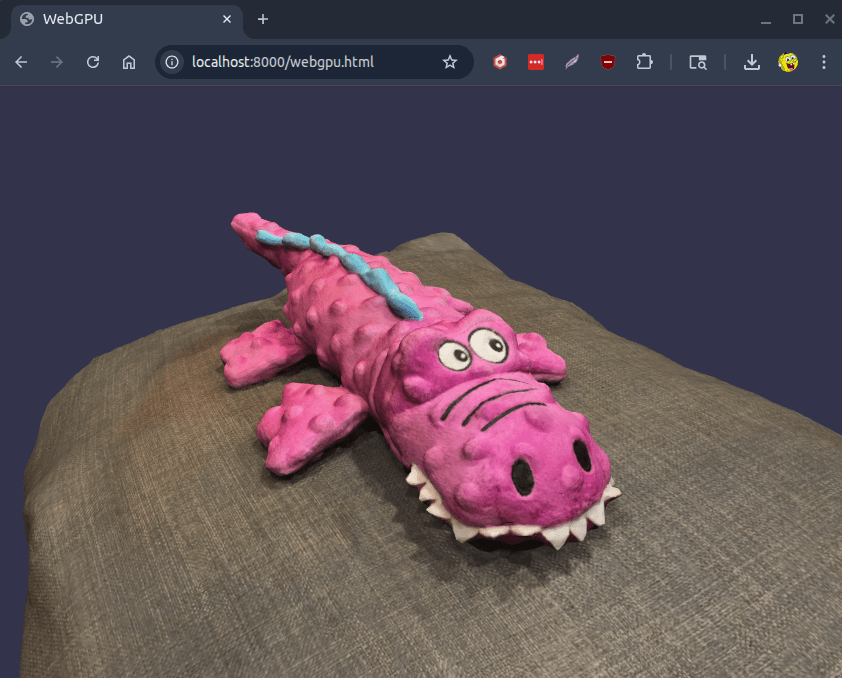
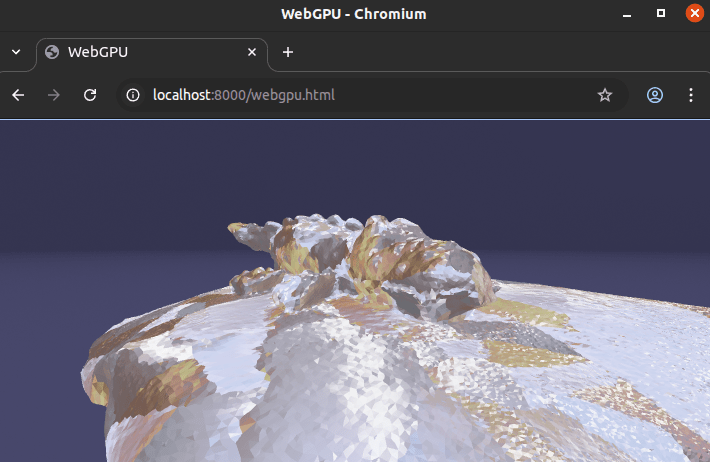


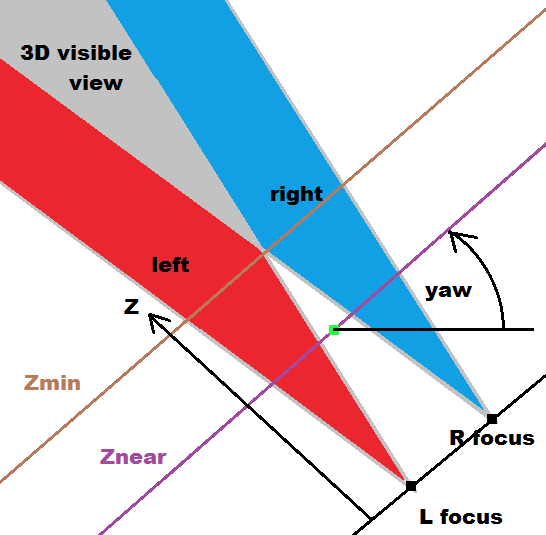
zNear

Ray
Position (x,y,z)
Invisible Plane
raycaster = THREE.Raycaster();
raycaster.setFromCamera(vp_coords_near, camera);
intersects = raycaster.intersectObject( invisiblePlane );
Raycasting
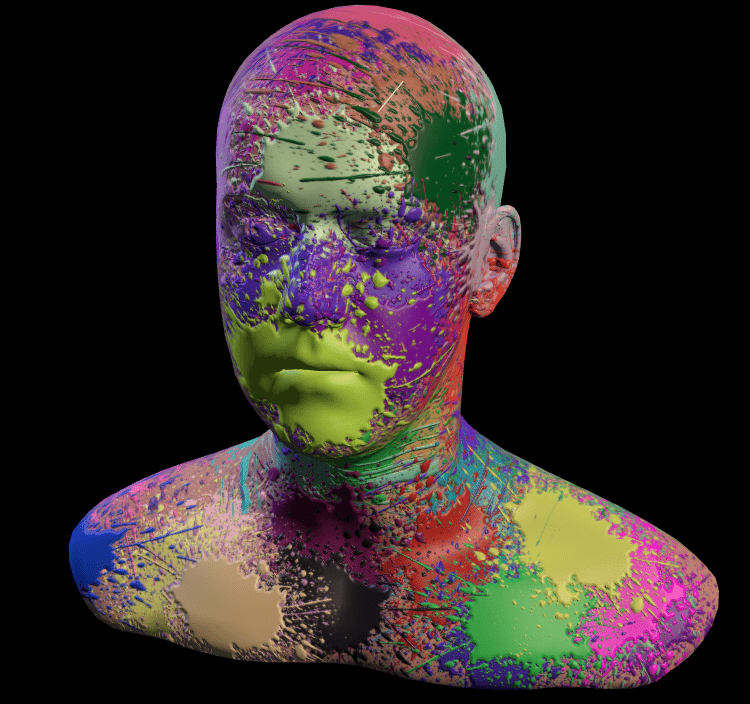
How are the colors chosen?
What are these .jpg images?
material.color.setHex( Math.random() * 0xffffff );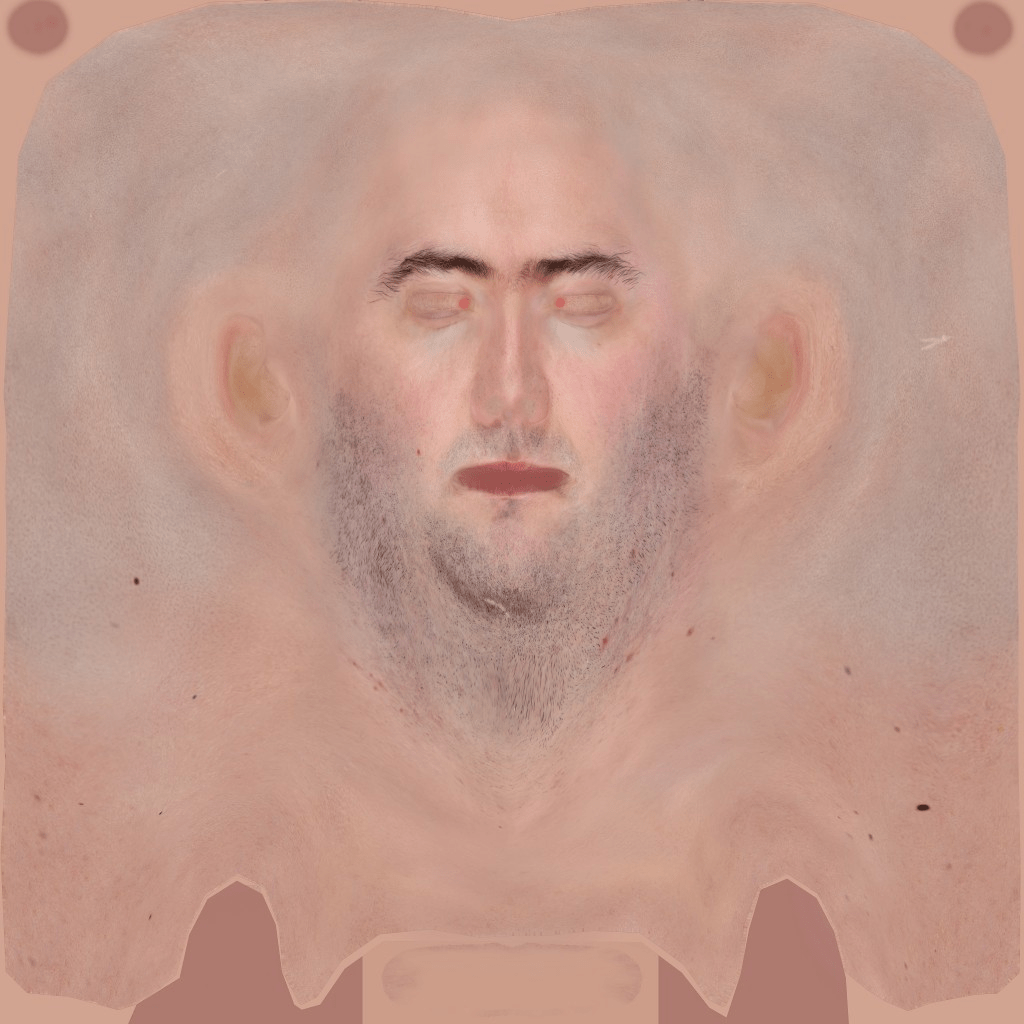
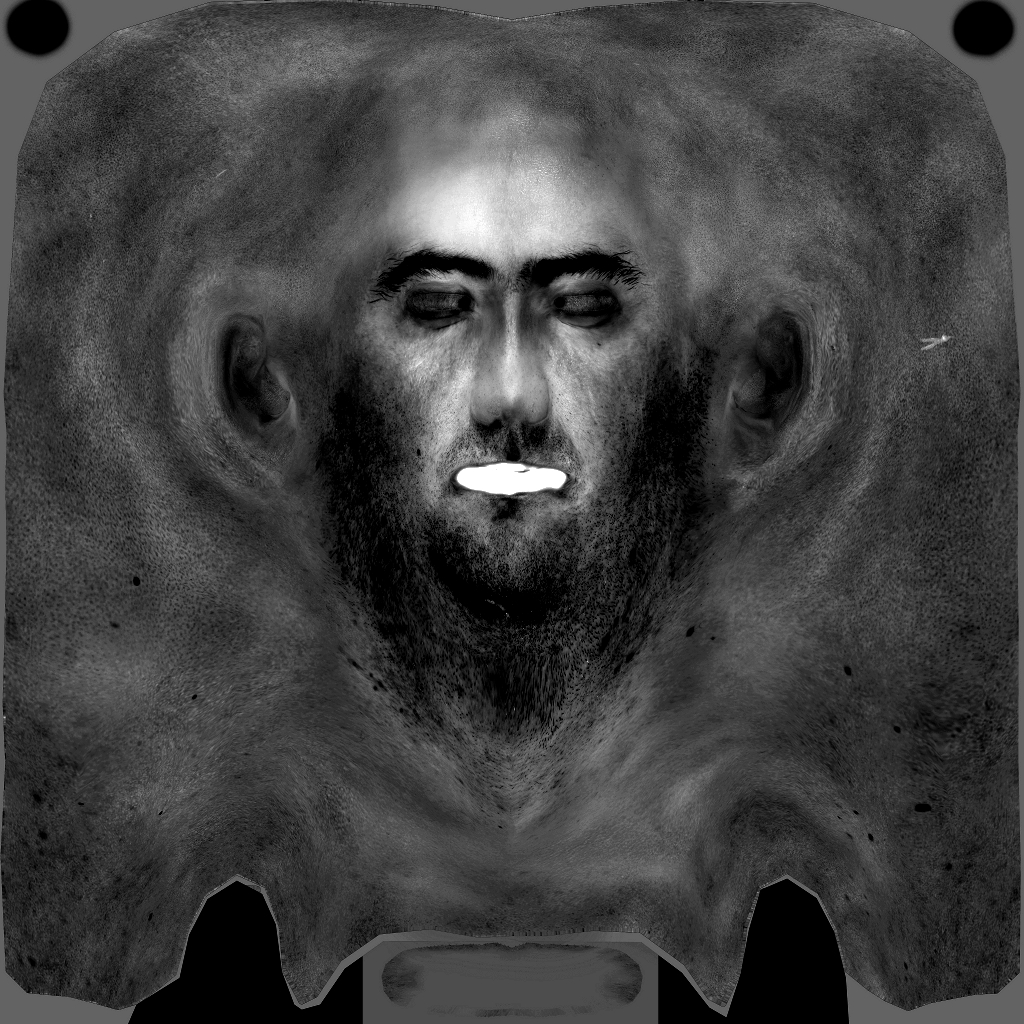
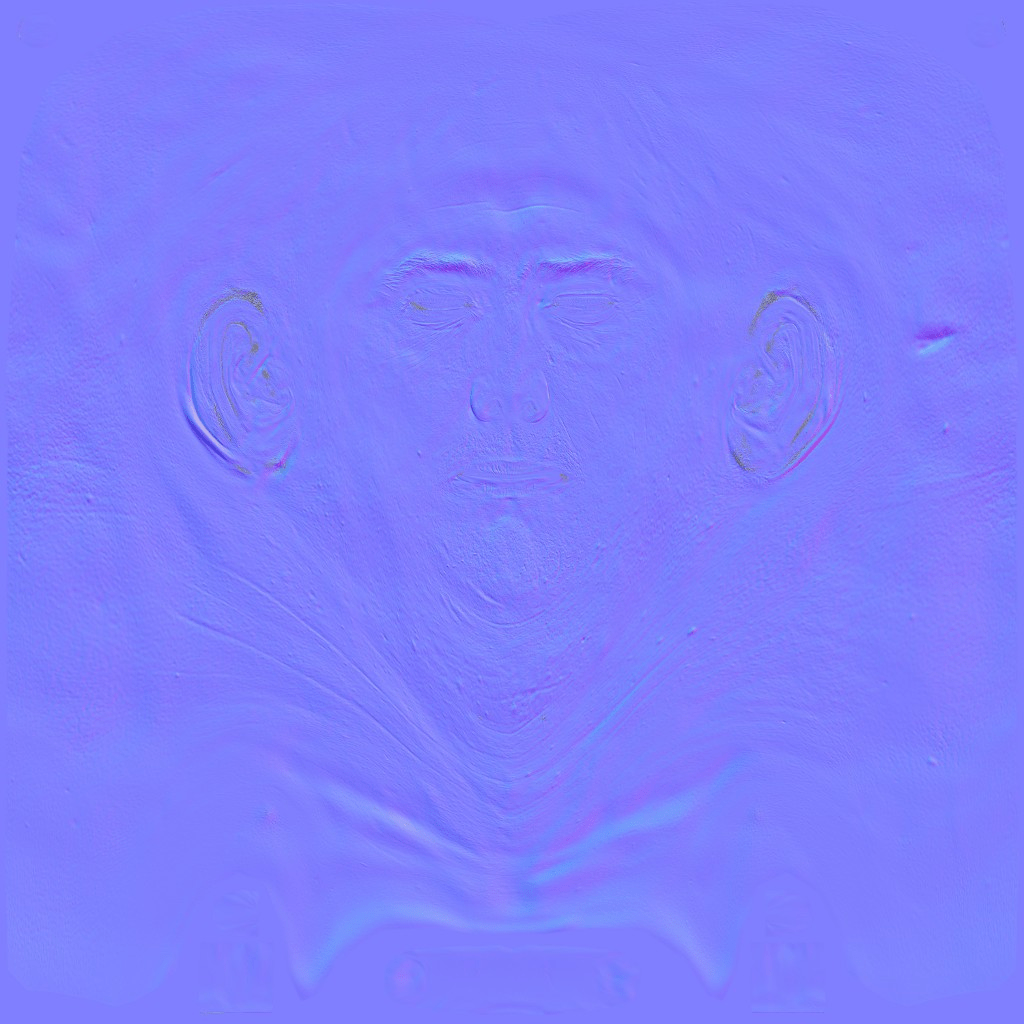
texture
specular
normals
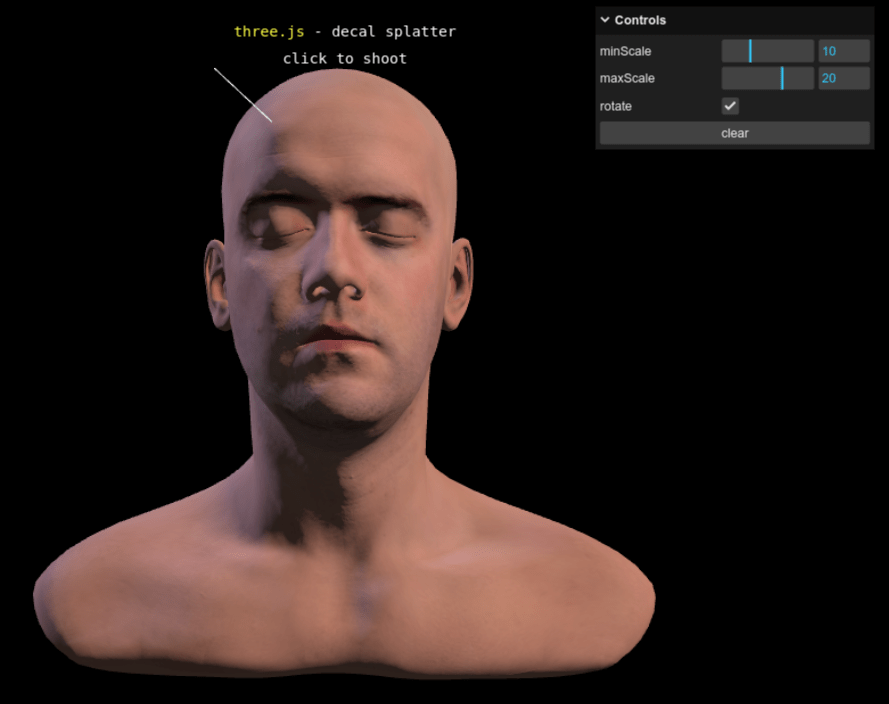
lil-gui


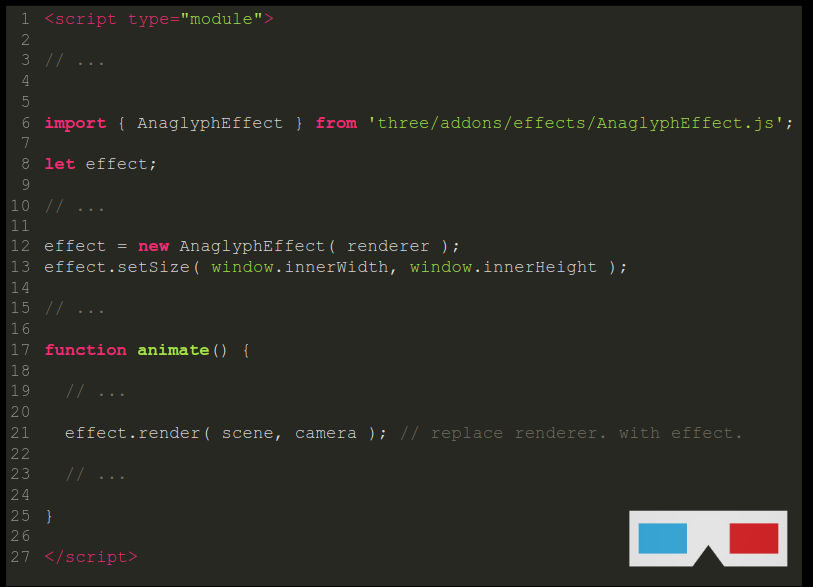
<script type="module">

// ...


import { AnaglyphEffect } from 'three/addons/effects/AnaglyphEffect.js';

let effect;

// ...

effect = new AnaglyphEffect( renderer );
effect.setSize( window.innerWidth, window.innerHeight );

// ...

function animate() {

  // ...

  effect.render( scene, camera ); // replace renderer. with effect.

  // ...

}

</script>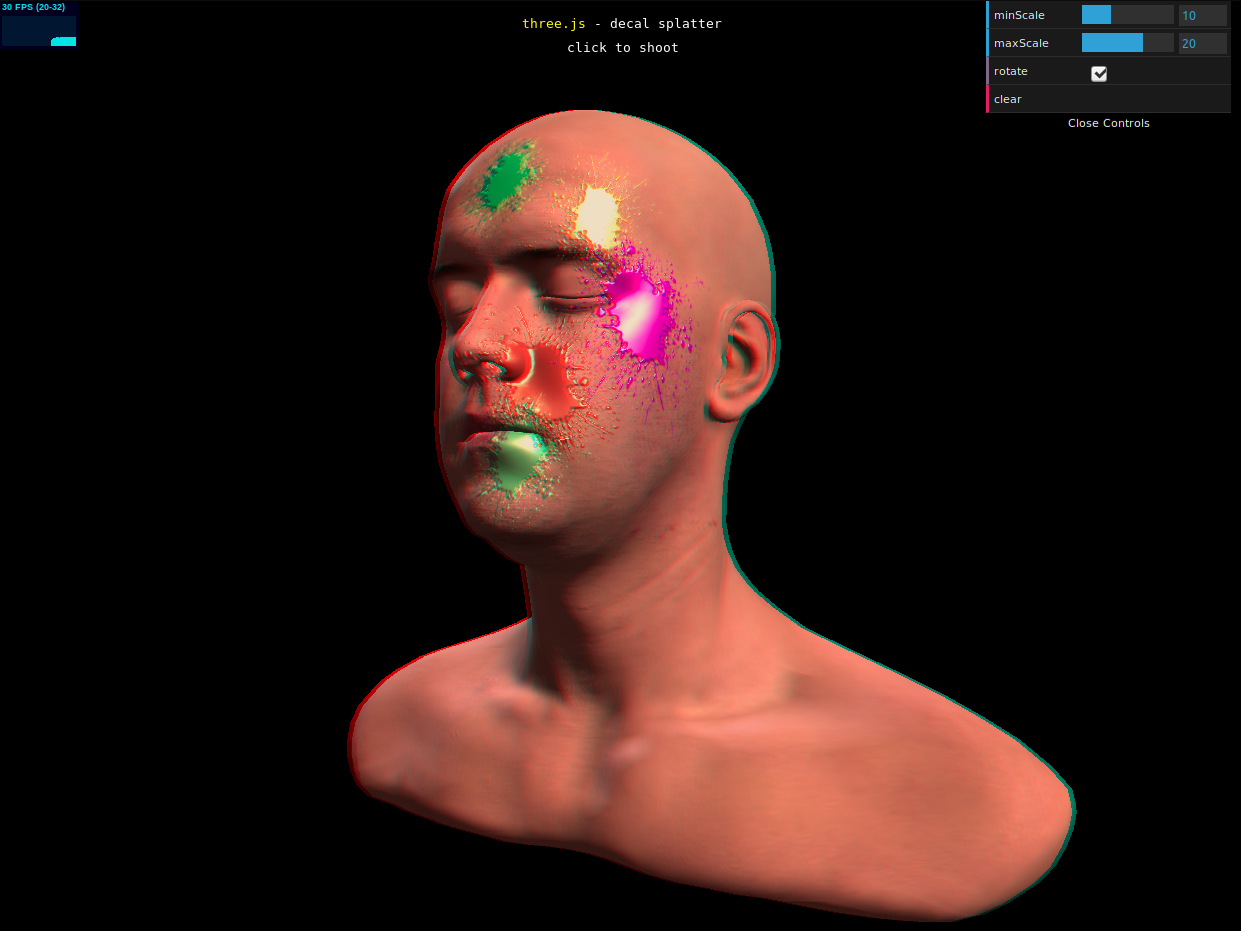
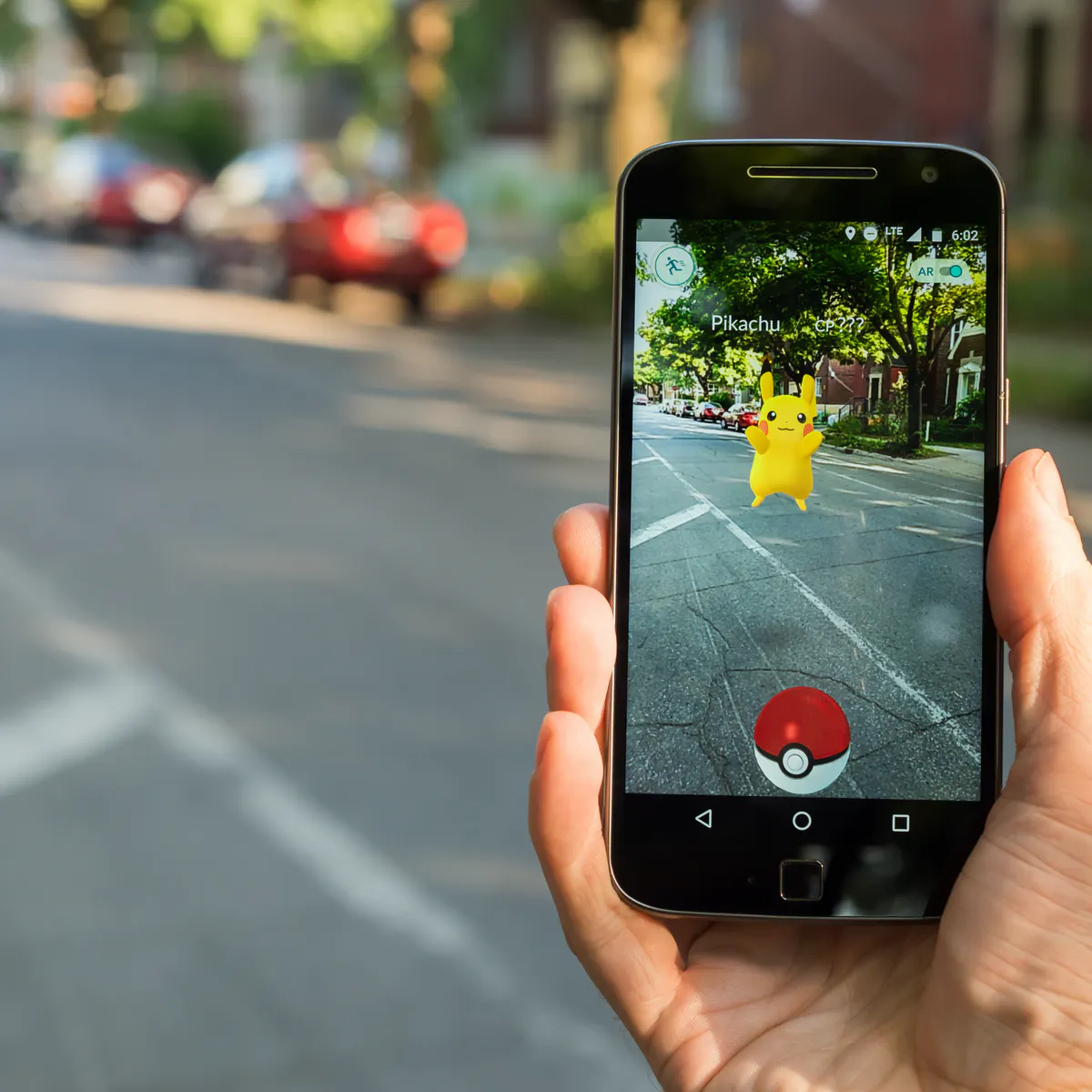
Augmented Reality
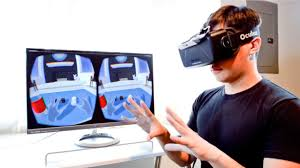
Virtual Reality

Mixed Reality
XR
Cross Reality
Augmented Reality
Virtual Reality
Mixed Reality

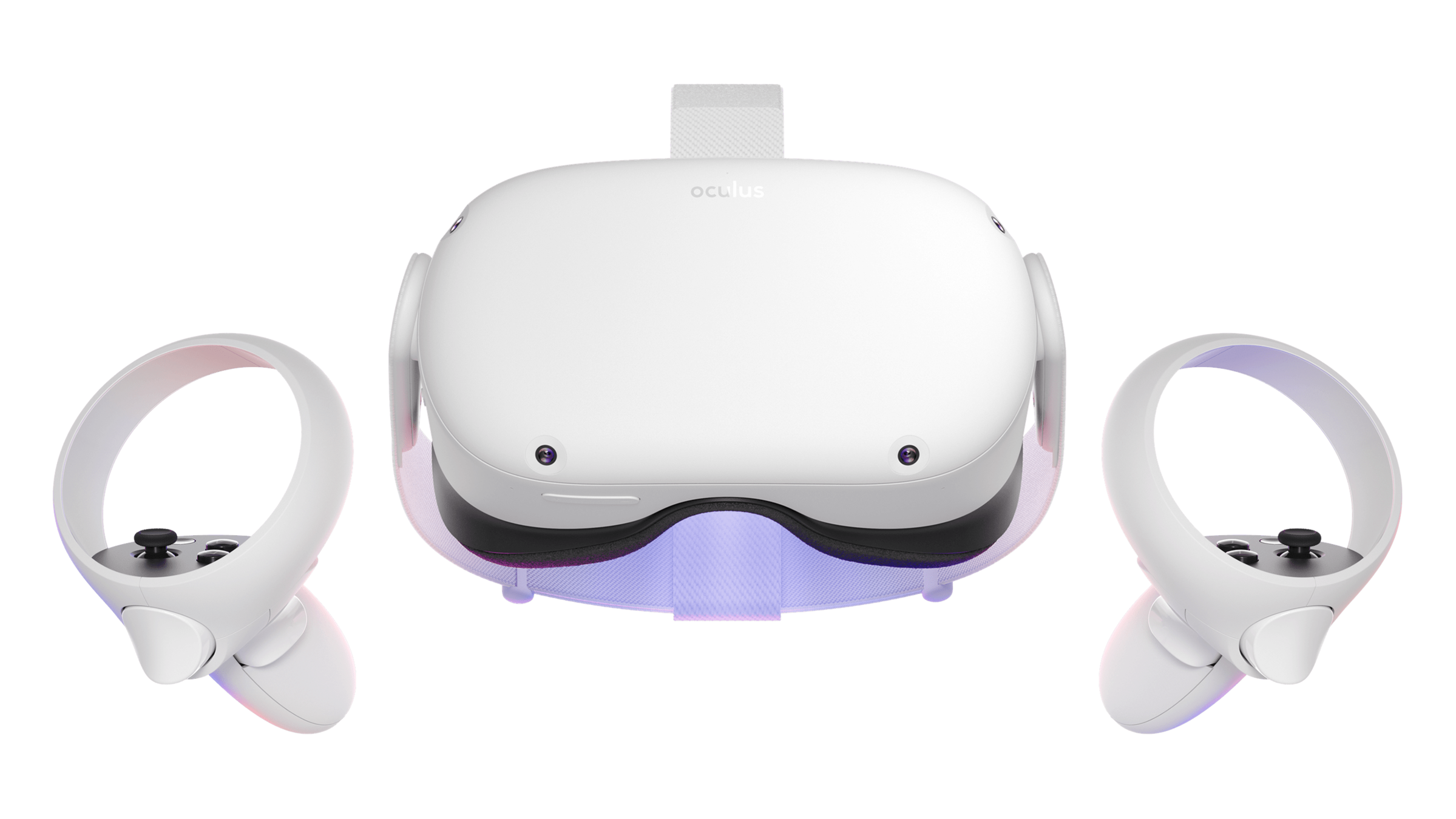
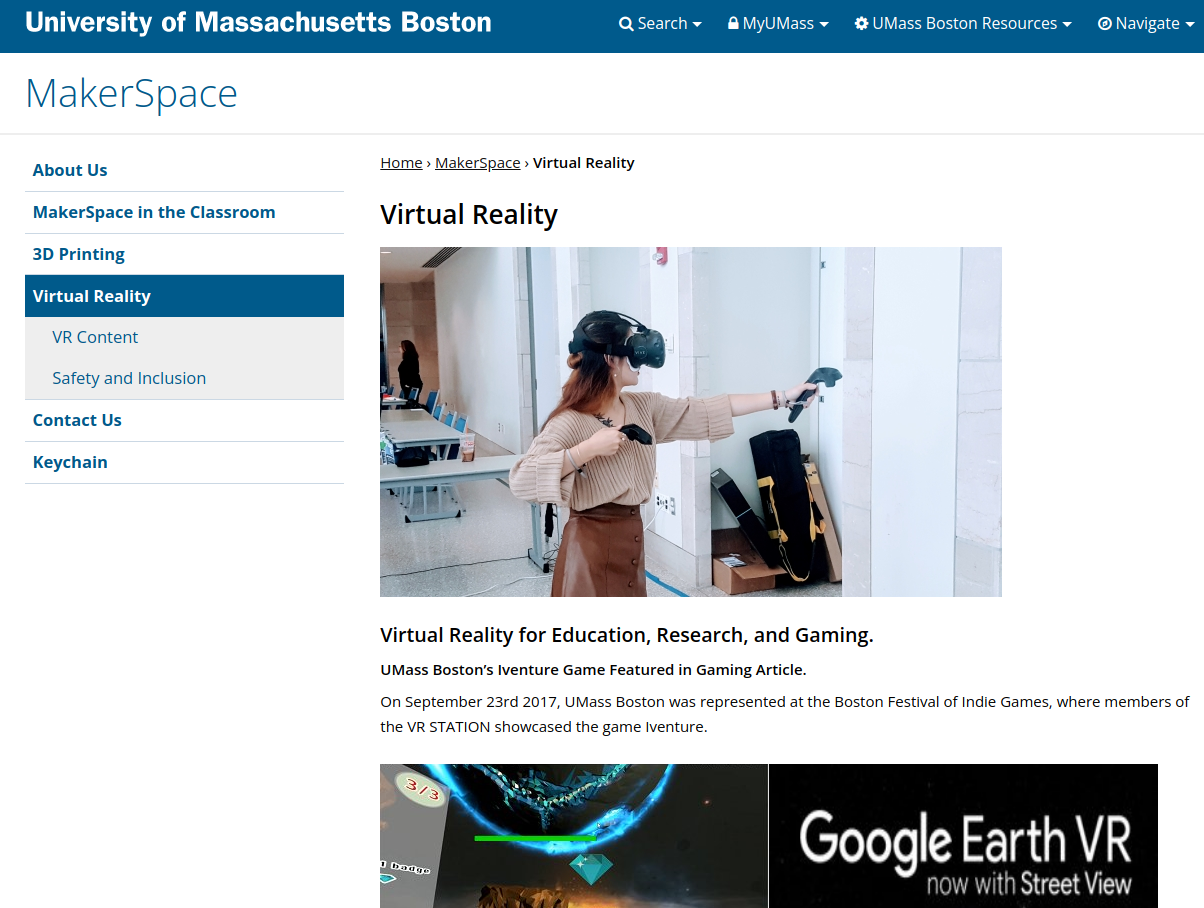
Oculus Quest 2
How are the colors chosen?
What are these .jpg images?
material.color.setHex( Math.random() * 0xffffff );texture
specular
normals

Quiz 8 now in Canvas!
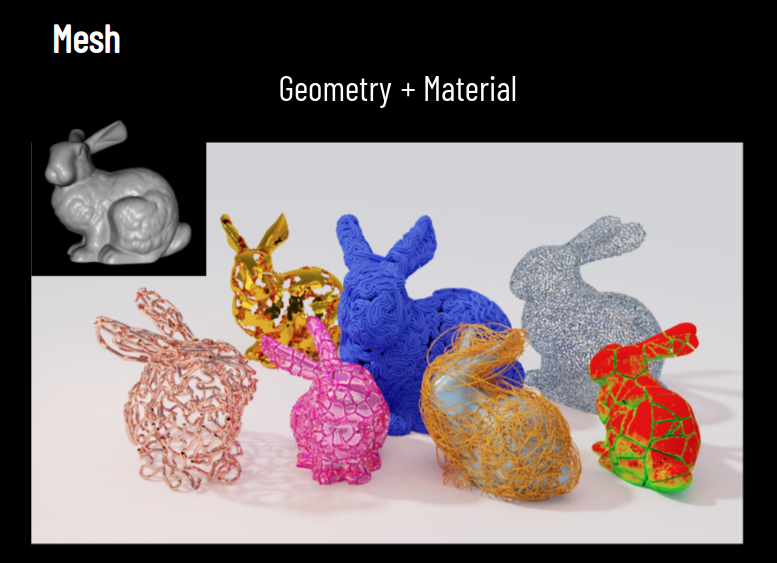
Mesh
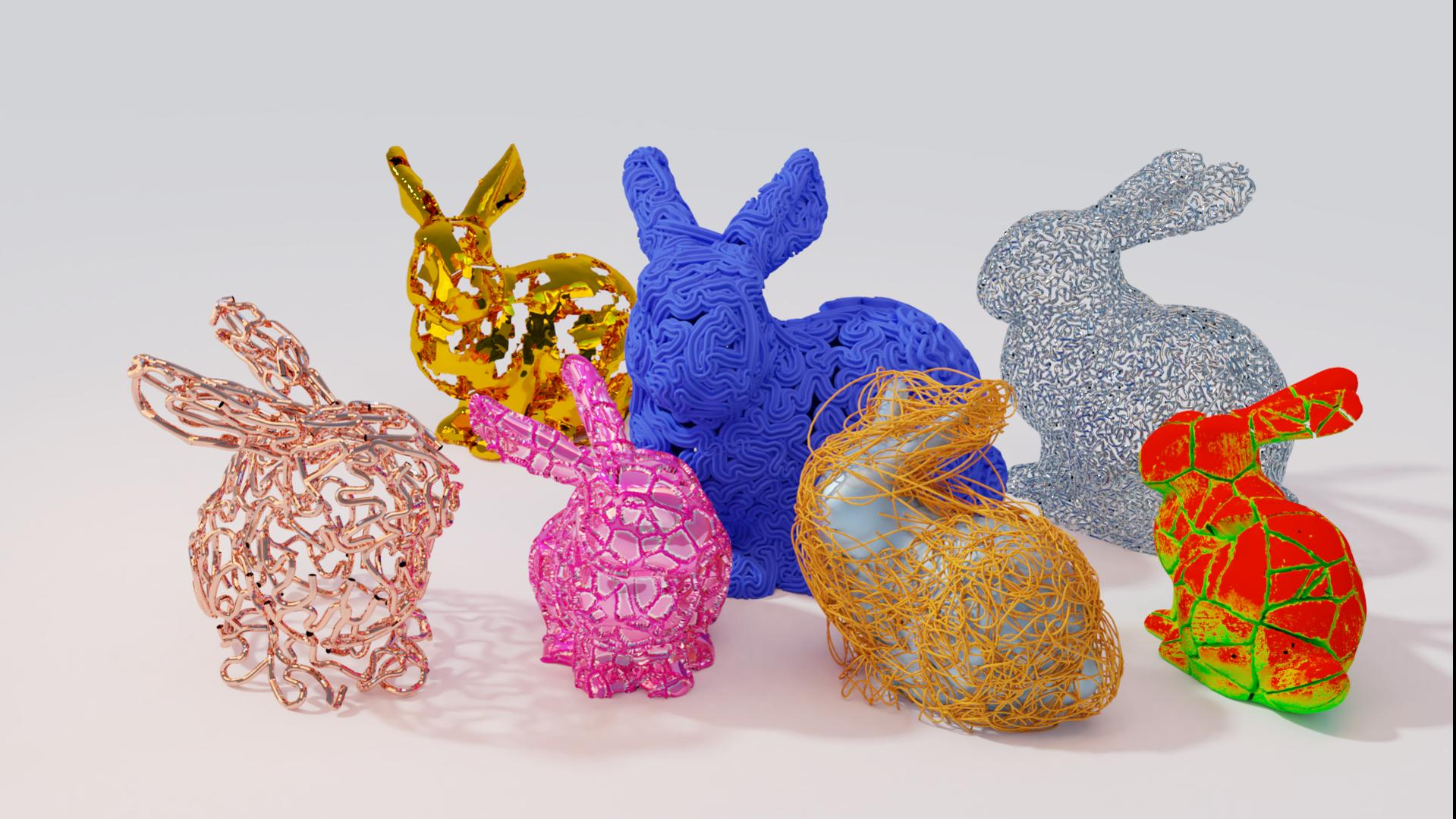
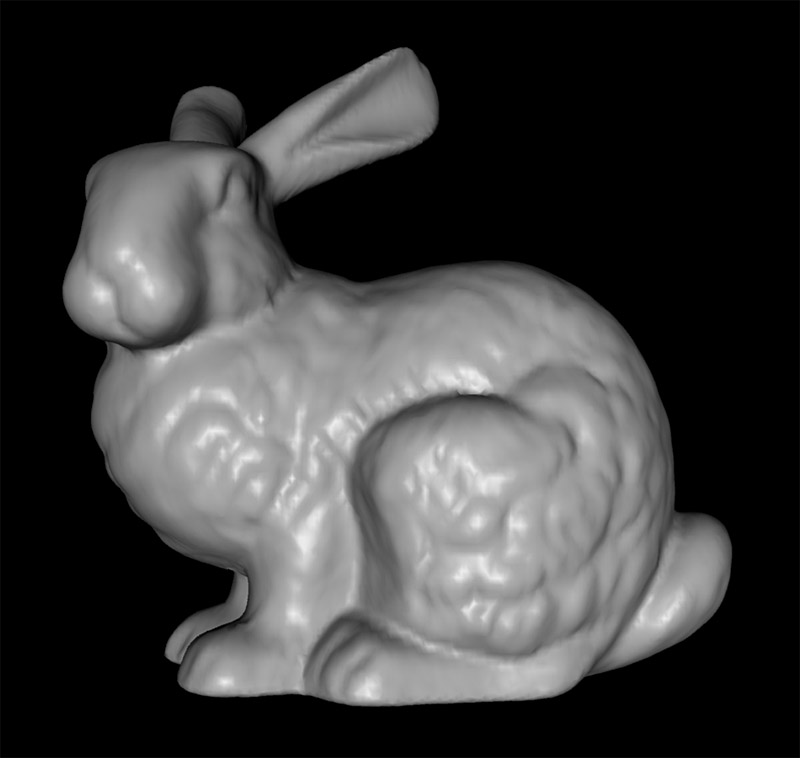
Geometry
+ Material
  var geometry = new THREE.BoxGeometry( 20, 20, 20);
  var material = new THREE.MeshStandardMaterial({ color: 0xffffff });
  var mesh = new THREE.Mesh( geometry, material);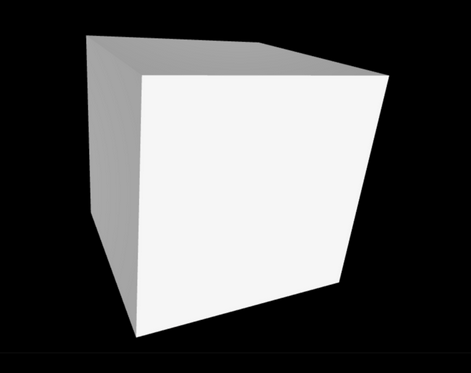
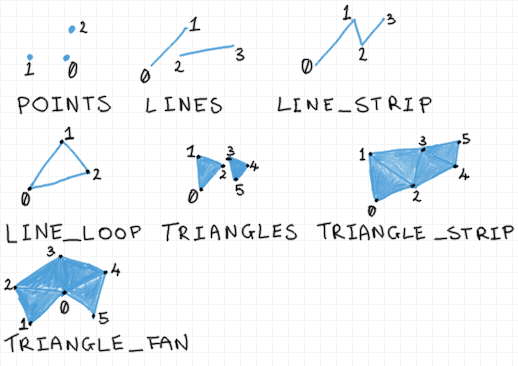
Rendering Primitives
V1
V2
V3
V4
V6
V5
(x, y, z)
(x, y, z)
(x, y, z)
(x, y, z)
(x, y, z)
(x, y, z)
Vertex
/ Vertices
Face
Face
Normals
V1
V2
V3
V4
V6
V5
(x, y, z)
(x, y, z)
(x, y, z)
(x, y, z)
(x, y, z)
(x, y, z)
Vertex
/ Vertices
Face
Face
N1 (x, y, z)
N2 (x, y, z)
Face
Normals
V1
V2
V3
V4
V6
V5
(x, y, z)
(x, y, z)
(x, y, z)
(x, y, z)
(x, y, z)
(x, y, z)
Vertex
/ Vertices
Face
Face
N1 (x, y, z)
N2 (x, y, z)
Vertex
N3 (x, y, z)
N6 (x, y, z)
N5 (x, y, z)
N4 (x, y, z)
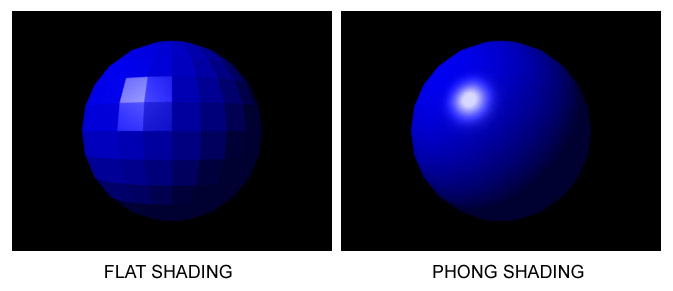
No Shading
Normals
used for Material
used for Lighting
No Normals
Face Normals
Vertex Normals
V1
V2
V3
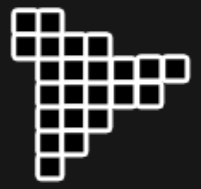
Bump Map
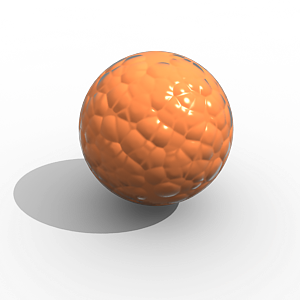
Normals
Pixel
Normal Map
V1
V2
V3
Bump Map
Normals
Pixel
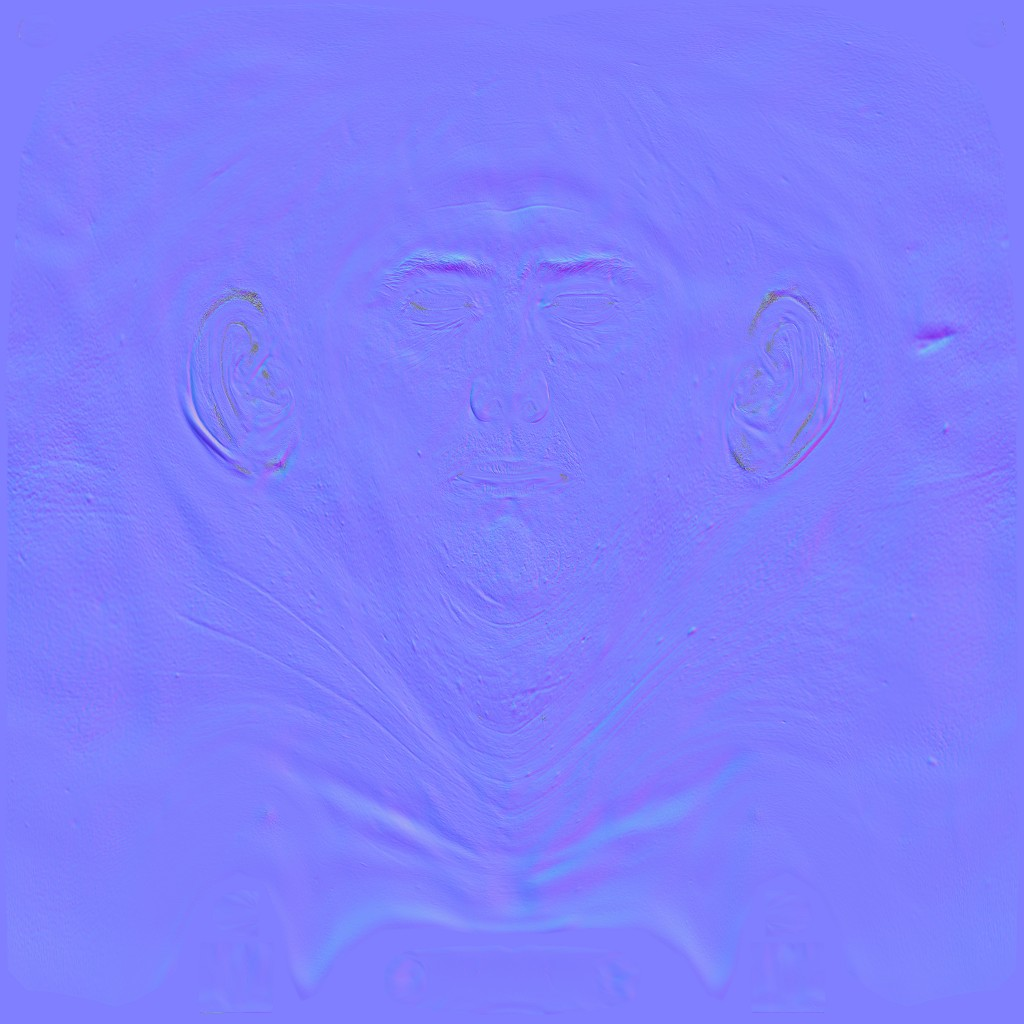
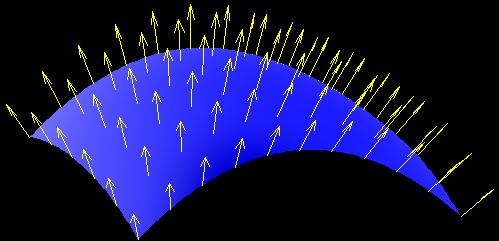
usually between 0 and 1 for x,y,z
usually point away from the outside of a surface
Normals
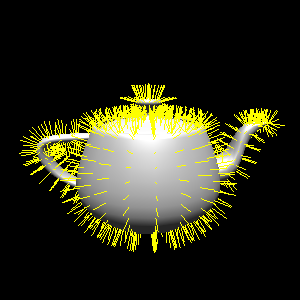
used for Material
used for Lighting
used for Shading
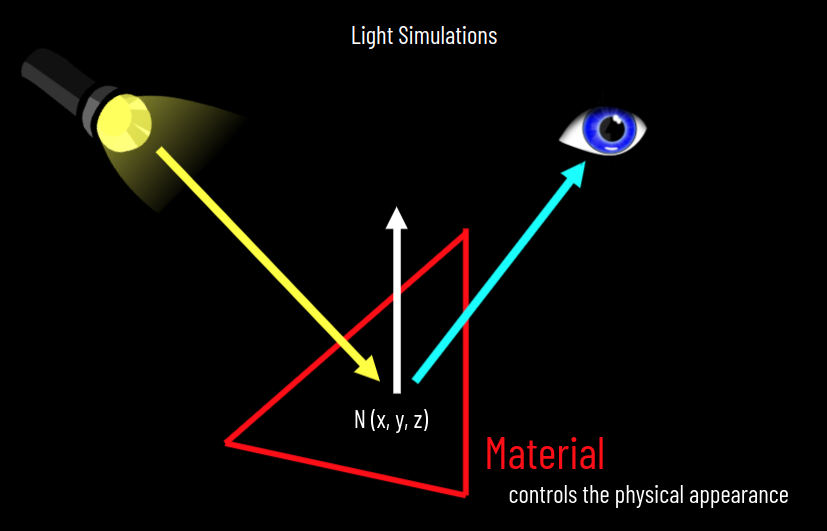
Light Simulations
N (x, y, z)

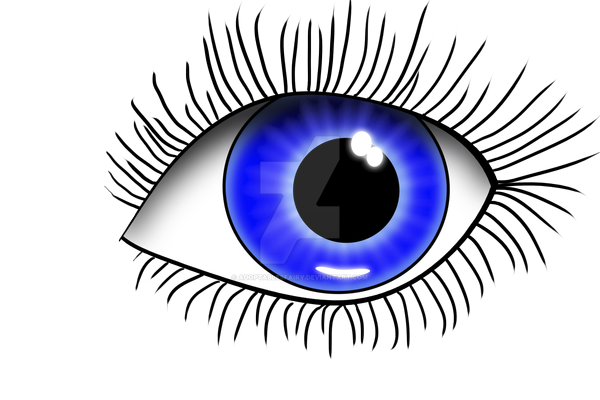
Material
Scattering
controls the physical appearance
<html>
  <head>
    <style>
      html, body {
        background-color:#000;
        margin: 0;
        padding: 0;
        height: 100%;
        overflow: hidden !important;
      }
    </style>

    <script async src="https://unpkg.com/es-module-shims@1.6.3/dist/es-module-shims.js"></script>

    <script type="importmap">
    {
      "imports": {
        "three": "https://unpkg.com/three@latest/build/three.module.js",
        "three/addons/": "https://unpkg.com/three@latest/examples/jsm/"
      }
    }
    </script>

    <script type="module">

      import * as THREE from 'three';
      import { OrbitControls } from 'three/addons/controls/OrbitControls.js';

      var renderer, controls, scene, camera;

      window.onload = function() {


        // create scene
        scene = new THREE.Scene();

        // setup the camera
        var fov = 75;
        var ratio = window.innerWidth / window.innerHeight;
        var zNear = 1;
        var zFar = 10000;
        camera = new THREE.PerspectiveCamera( fov, ratio, zNear, zFar );
        camera.position.set(0, 0, 100);

        // create renderer and add canvas
        renderer = new THREE.WebGLRenderer({antialias:true});
        renderer.setSize( window.innerWidth, window.innerHeight );
        document.body.appendChild( renderer.domElement );

        //.. setup lights
        var ambientLight = new THREE.AmbientLight();
        scene.add( ambientLight );

        var light = new THREE.DirectionalLight( 0xffffff, 5.0 );
        light.position.set( 10, 100, 10 );
        scene.add( light );

        // configure cube
        var geometry = new THREE.BoxGeometry( 20, 20, 20 );
        var material = new THREE.MeshStandardMaterial({ color: 0xffffff });
        var cube = new THREE.Mesh( geometry, material );

        // add it to the scene
        scene.add(cube);

        // setup interaction
        controls = new OrbitControls( camera, renderer.domElement );

        // call animation/rendering loop
        animate();

      };

      function animate() {

        requestAnimationFrame( animate );

        controls.update();
        renderer.render( scene, camera );

      };
    </script>
  </head>
  <body></body>
</html>Mesh File Formats
GLTF
.gltf
.glb
STL
OBJ
PLY
Collada
.dae
.stl
.ply
.obj
And more:
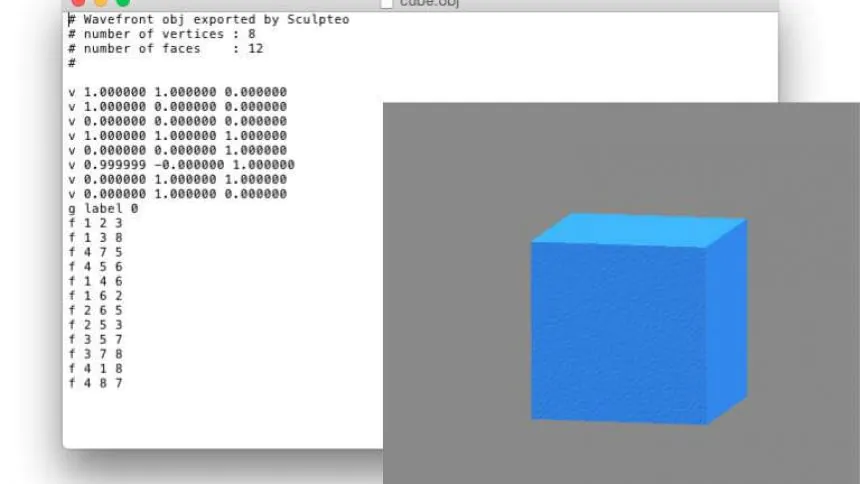
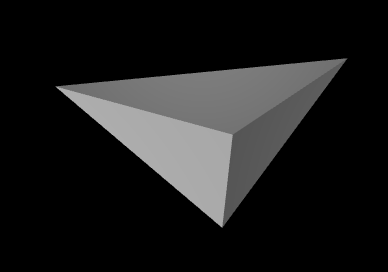
Let's make an OBJ file
v 0 0 0
v 0 10 0
v 10 0 0
v 0 0 10
f 1 2 3
f 1 2 4
f 1 4 3
f 2 4 3
save as tetrahedron.obj and drag into Slicedrop.com

+
Assignment 5
Now let's load some PLY file!
var loader = new PLYLoader();
loader.load('beethoven.ply', function (geometry) {

  geometry.computeVertexNormals();

  var material = new THREE.MeshStandardMaterial( {
    color: 'red'
  } );

  scene.add( new THREE.Mesh( geometry, material ) );

} );
submit your music