Angular Ignition


Jumpstart Your Journey: A Beginner's Guide to Angular Mastery
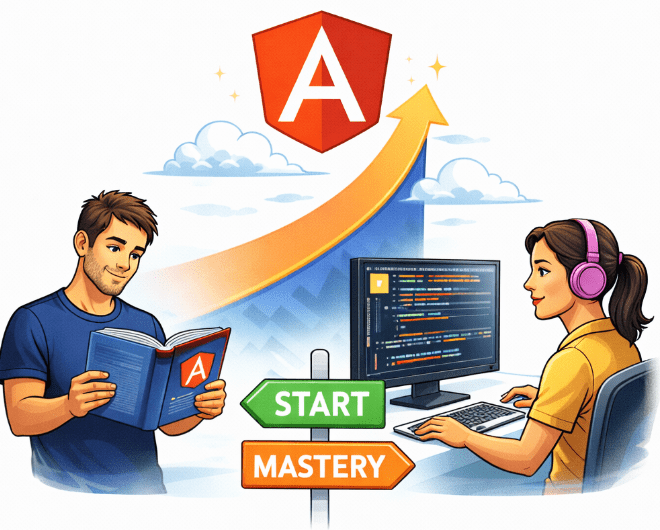

Learning Outcome
6
Create and run Angular projec
5
Install Angular 16 properly
4
Understand naming convention
3
Learn Angular evolution
2
Differentiate Library vs Framework
1
Understand Angular fundamentals
Full control but more responsibility
Short Analogy
Structured but must follow rules

Assume You build a PC yourself
Now

You buy a ready-made system
Similarly in development,
Analogy
Angular is a Framework.
Framework
Framework controls flow
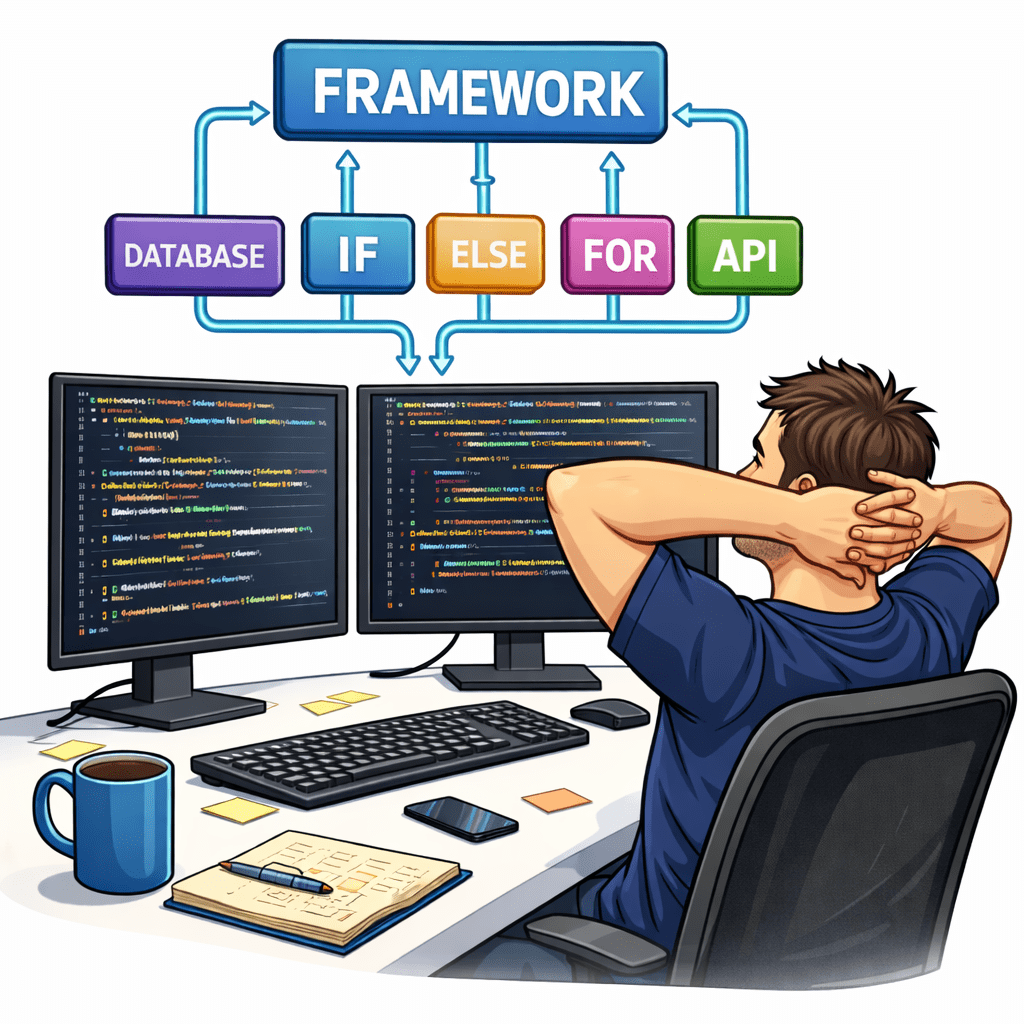

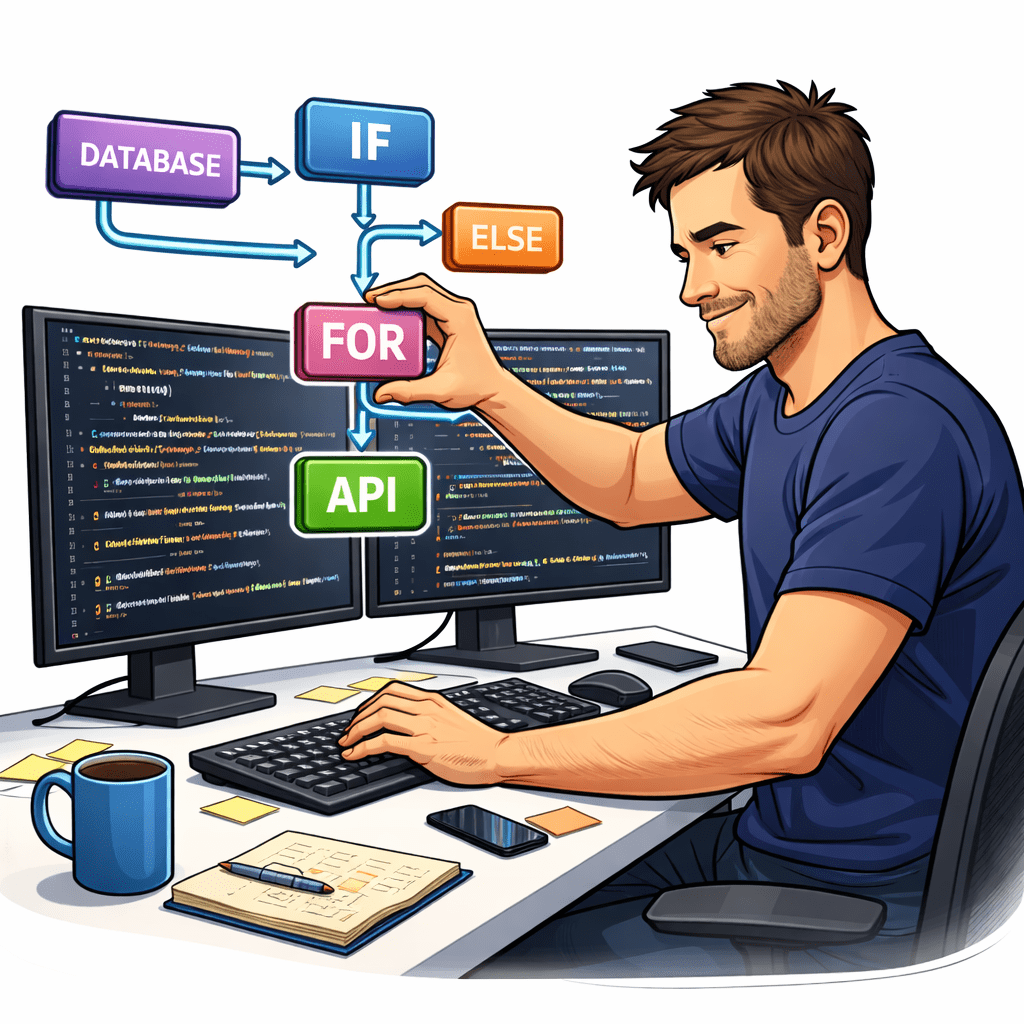
Library
You control flow
Why Angular Matters?
Angular solves this using:

-
Component-based architecture
-
Two-way data binding
-
Dependency injection
-
Powerful CLI
- Code duplication increases
- App becomes hard to scale
- Maintenance becomes difficult
- Development slows down
Library vs Framework

Framework = Inversion of Control
Framework
-
Framework calls your code
-
Flow is predefined
-
Structured architecture
-
Example: Angular
Library
-
You call the library
-
You control the flow
-
Example: React
What is Angular?
Angular is:
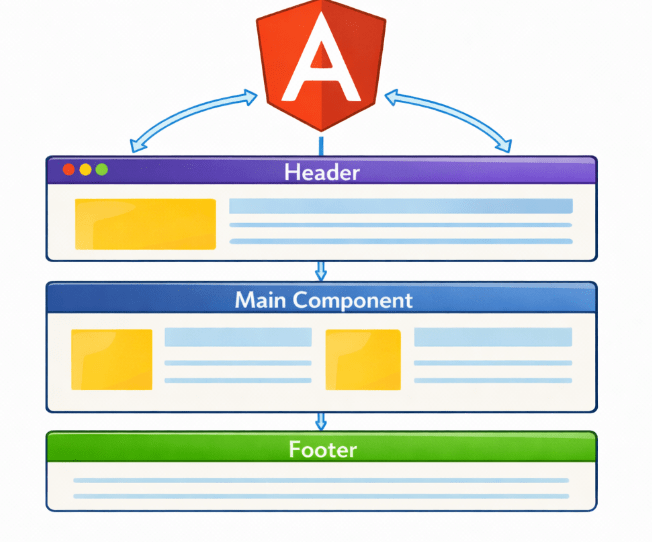
Based on component architecture

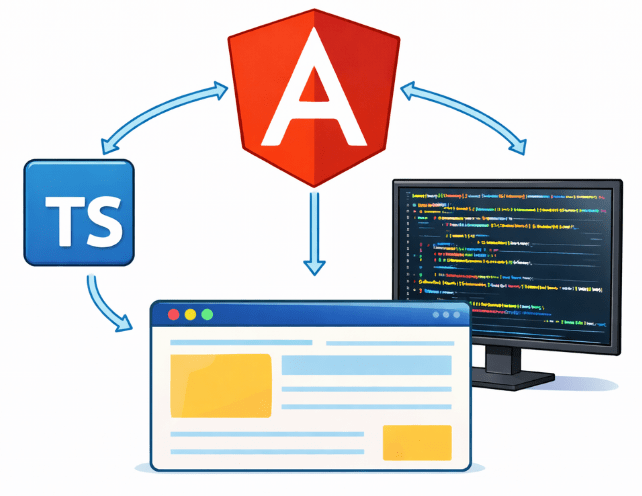
A TypeScript-based front-end framework
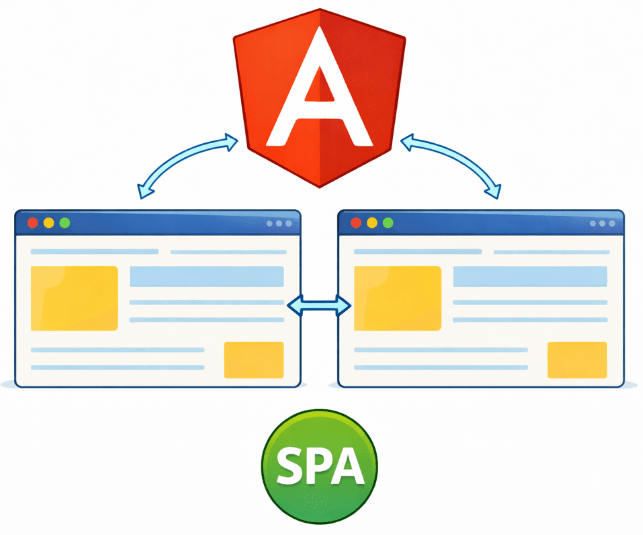
Used for Single Page Applications (SPA)
Developed & maintained by Google
History & Evolution of Angular
- 2010 – AngularJS
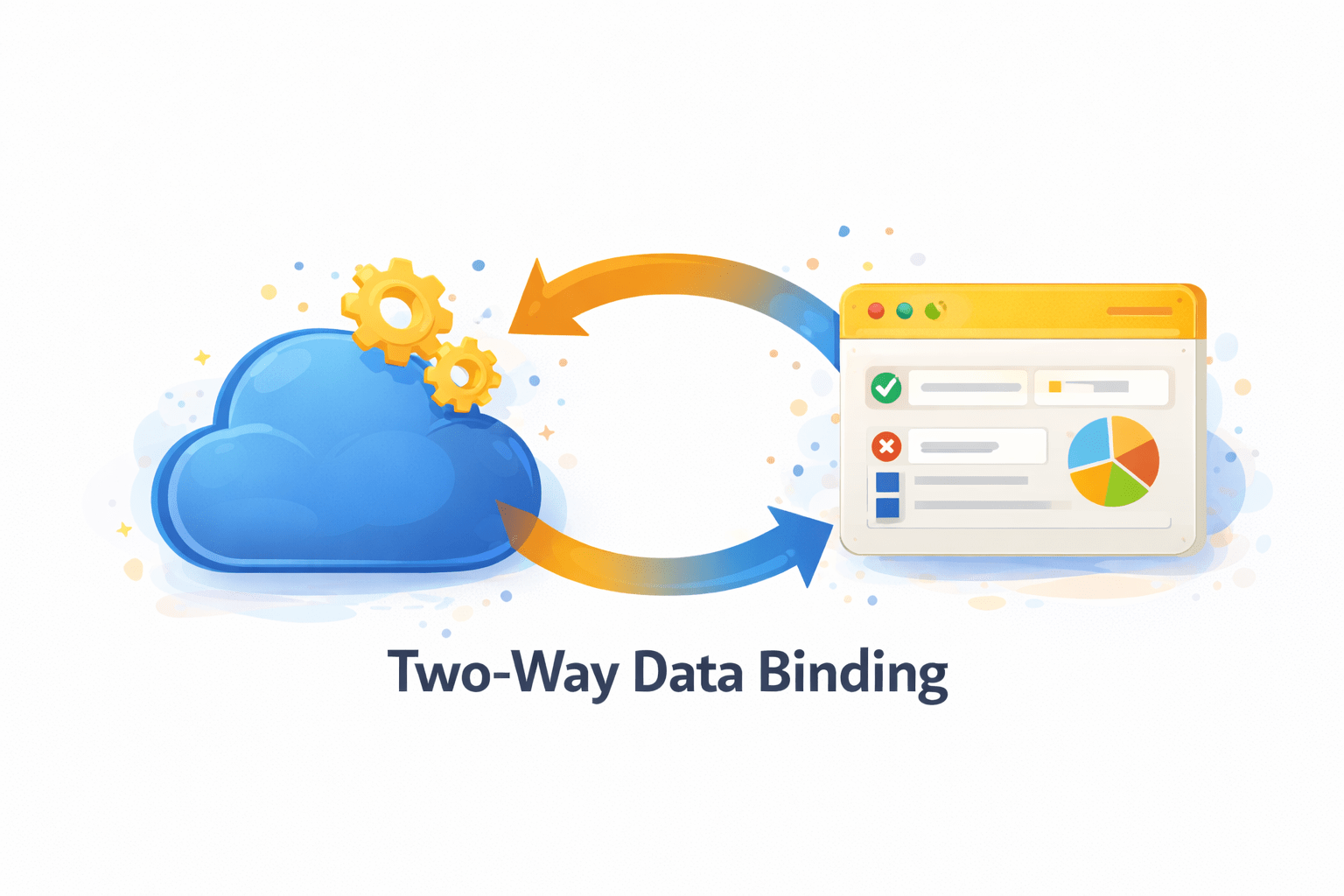
Two-way data binding
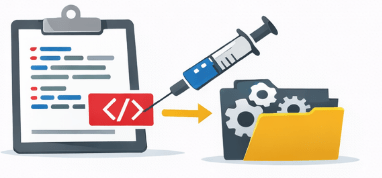
Dependency injection
Based on JavaScript
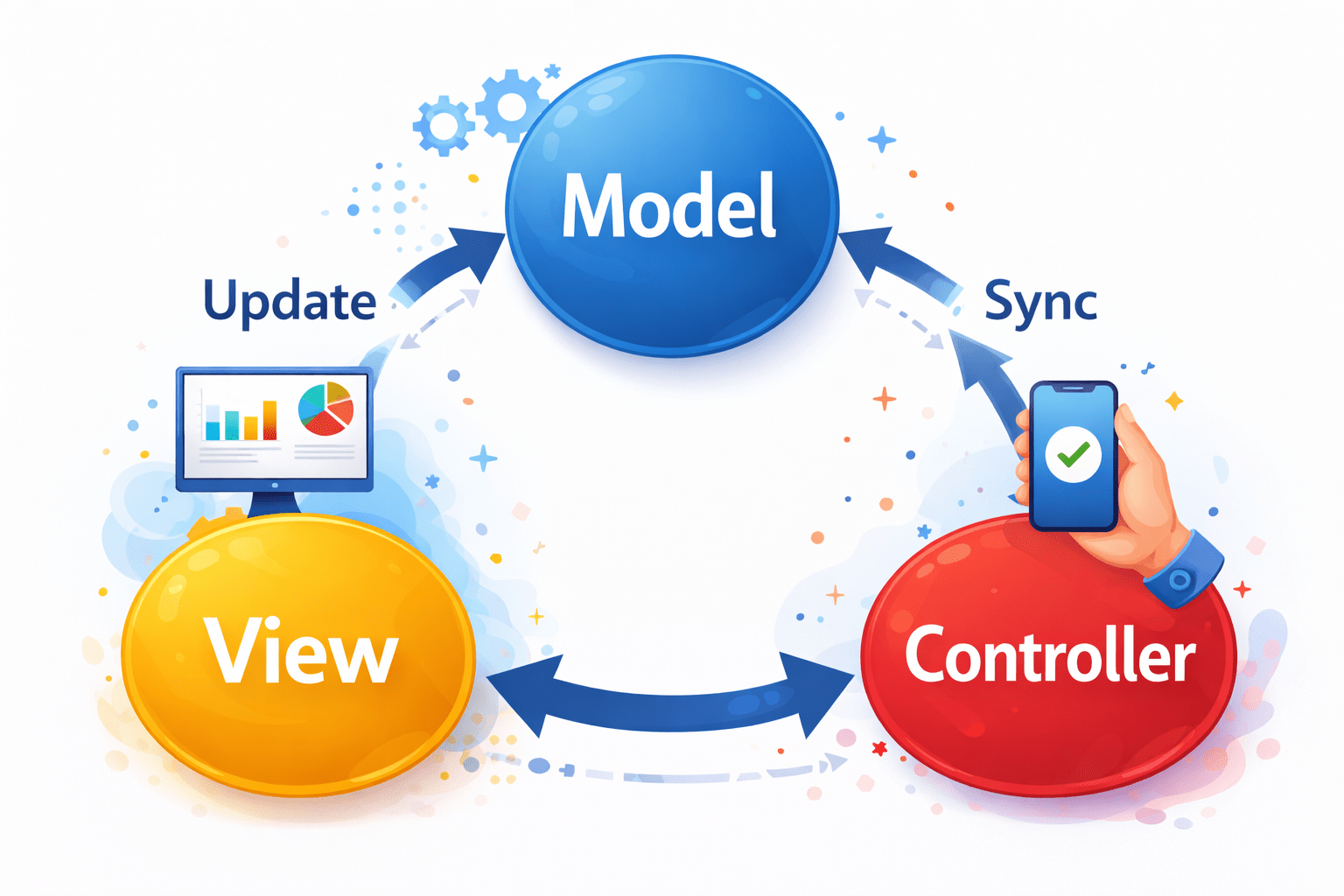
Followed MVC architecture
History & Evolution of Angular
- 2016 – Angular (Complete Rewrite)
Better performance, modularity and maintainability
It offers:
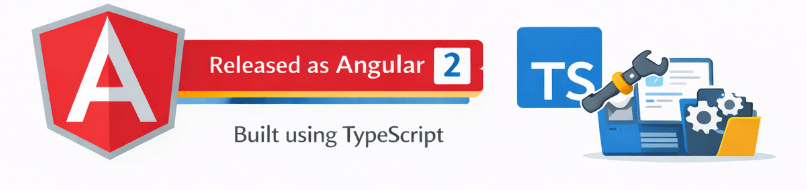
Built using TypeScript
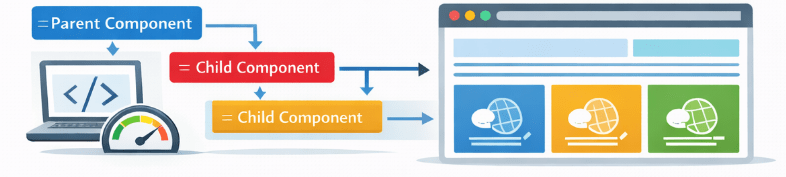
Shifted to Component-based Architecture

History & Evolution of Angular
After Angular 2
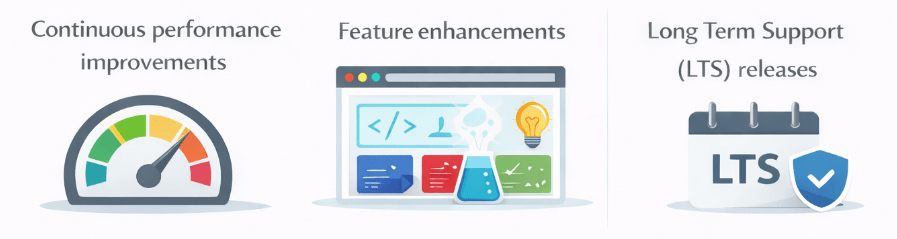
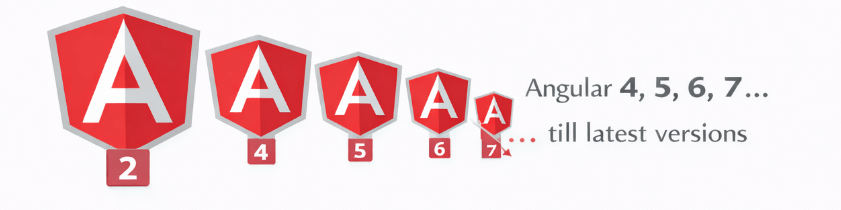
Regular updates released
Install Node.js
node -v
npm -v
For Verifying:
Angular Installation
Install Angular CLI
npm install -g @angular/cliInstalls latest Angular Version
Install Angular Specific Version
For eg: Angular 16
npm install -g @angular/cli@16Angular Installation
To check version:
ng versionng new my-app
cd my-appCreate New Project

To run server:
ng serve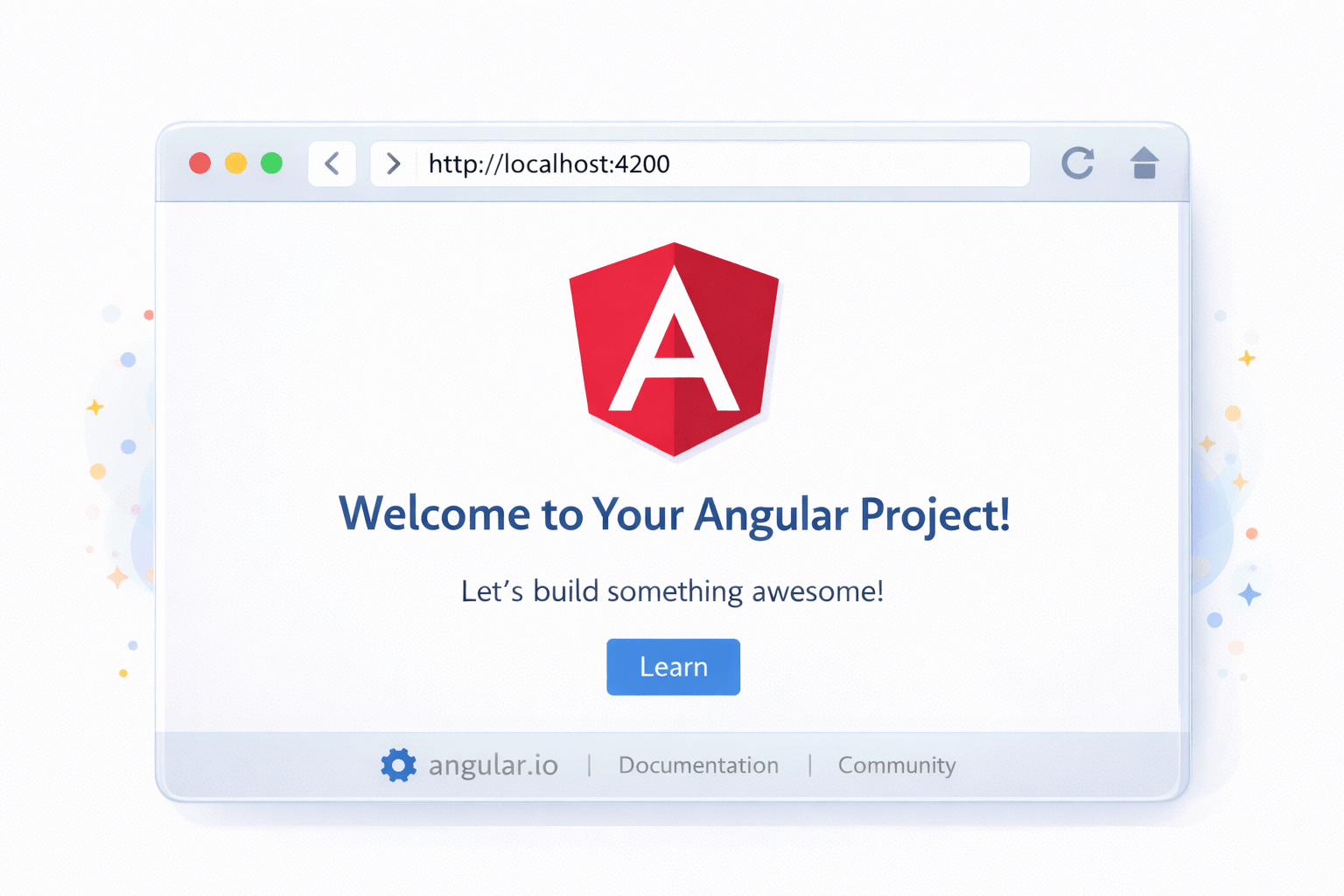
Server Runs on:
http://localhost:4200Anatomy of Angular App
Angular follows strict structured architecture.

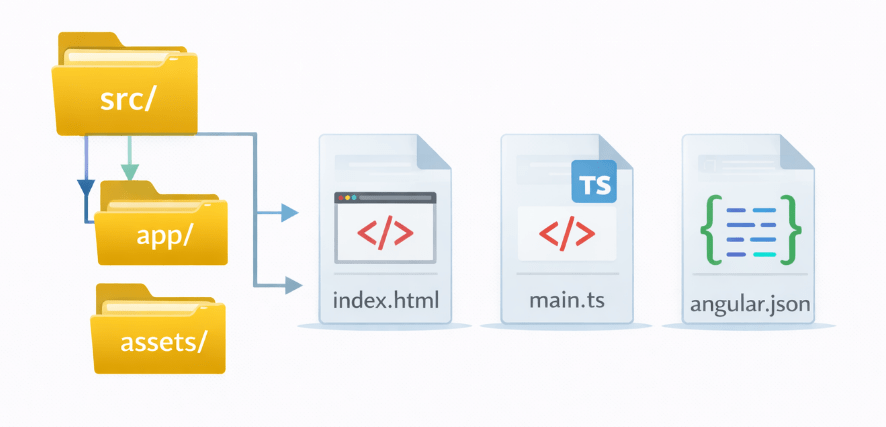
src/
  app/
  assets/
  index.html
  main.ts
  angular.json
Important files:
Understanding src Folder
Inside src/:
Most work happens in app/.


- app/ → components & logic
- assets/ → static files
- environments/ → env configs
- styles.css → global styles
Execution Flow of Angular Application
How Angular App Runs:
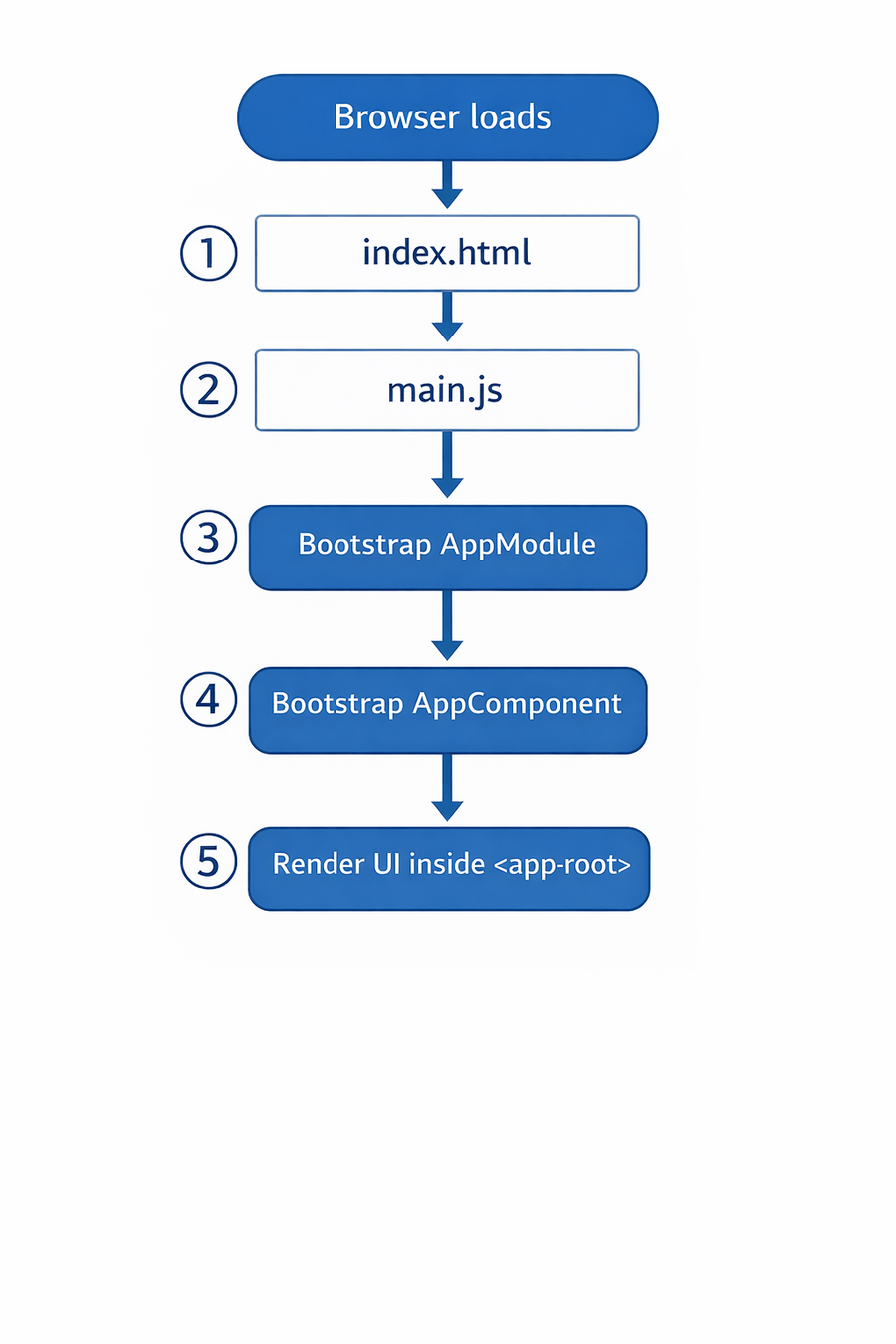


1. File Names

kebab-case
- Lowercase, words with -
app.component.ts
 user-profile.component.ts
2. Components
Class: PascalCase → UserProfileComponent
File: kebab-case → user-profile.component.ts
Selector: kebab-case with prefix → app-user-profile
Angular Naming Conventions
Angular Naming Conventions
3. Services
Class: Ends with Service → AuthService
File: .service.ts → auth.service.ts
4. Modules
Class: Ends with Module → AppModule
File: .module.ts → app.module.ts
Angular Naming Conventions
5. Directives
Class: Ends with Directive → HighlightDirective
File: .directive.ts
Selector: camelCase
6. Pipes
Class: Ends with Pipe → DateFormatPipe
File: .pipe.ts
Angular Naming Conventions
7. Interfaces
PascalCase → User
Optional prefix I → IUser
8. Variables & Functions
camelCase
userName
 getUserData()
9. Constants
UPPER_CASE
API_URL
 MAX_LIMIT
Summary
5
Angular project structure is organized & scalable
4
Use specific version command for Angular 16
3
Proper naming conventions are important
2
Framework controls the flow (Inversion of Control)
1
Angular is a structured front-end framework
Quiz
Angular is primarily written in:
A. Java
B. TypeScript
C. Python
D. PHP

Quiz
Angular is primarily written in:
A. Java
C. Python
D. PHP

B. TypeScript