Networking and OS Fundamentals


Basics of Operating Systems
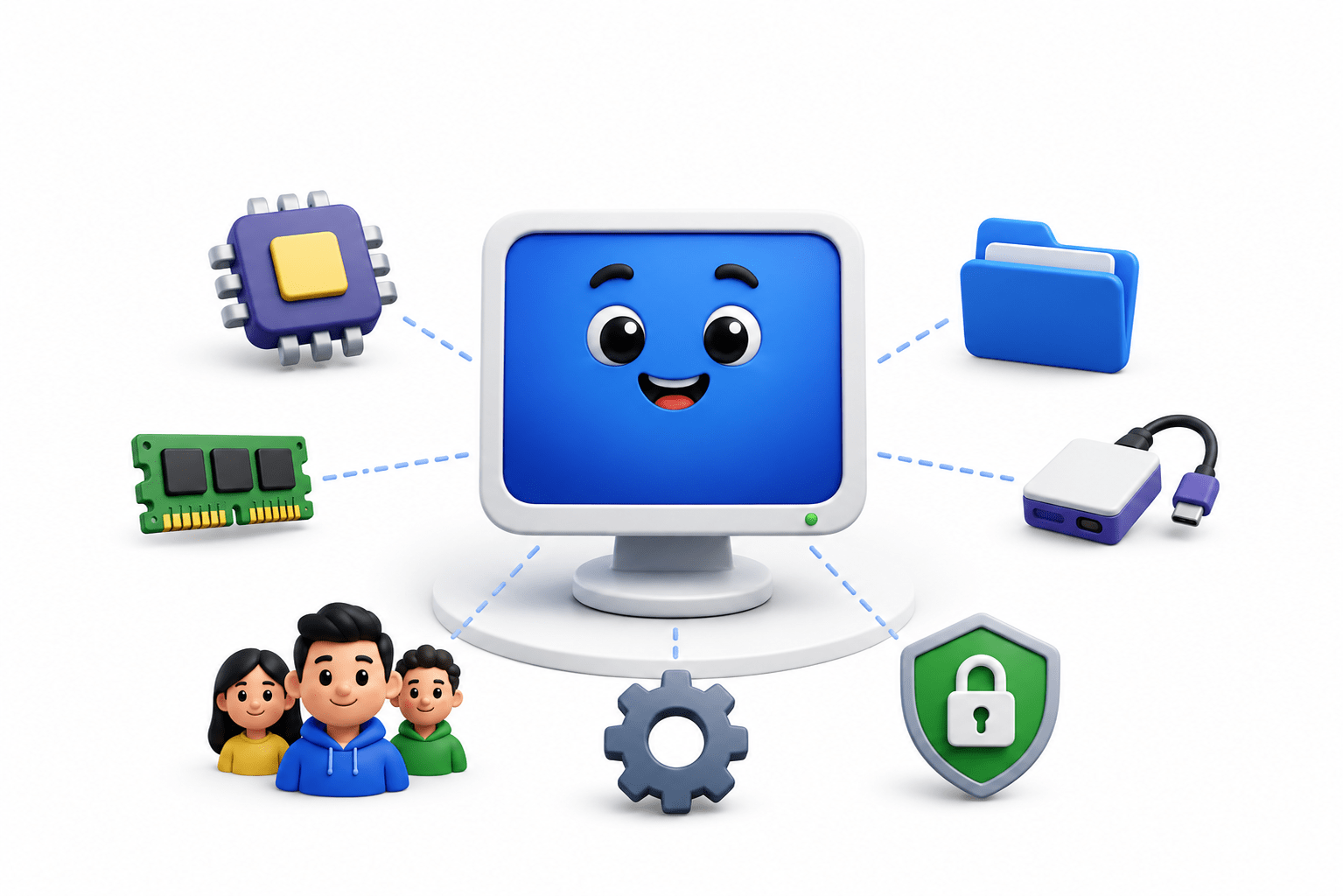

Learning Outcome
4
Understand Process Management and CPU Scheduling
3
Compare Monolithic, Microkernel, and Layered architectures
2
Identify types of Operating Systems and their uses
1
Understand the basics and evolution of Operating Systems
Imagine a busy school where many students need different facilities.

-
One student needs a classroom.
-
another wants to use the computer lab.
-
while someone else needs the sports ground.
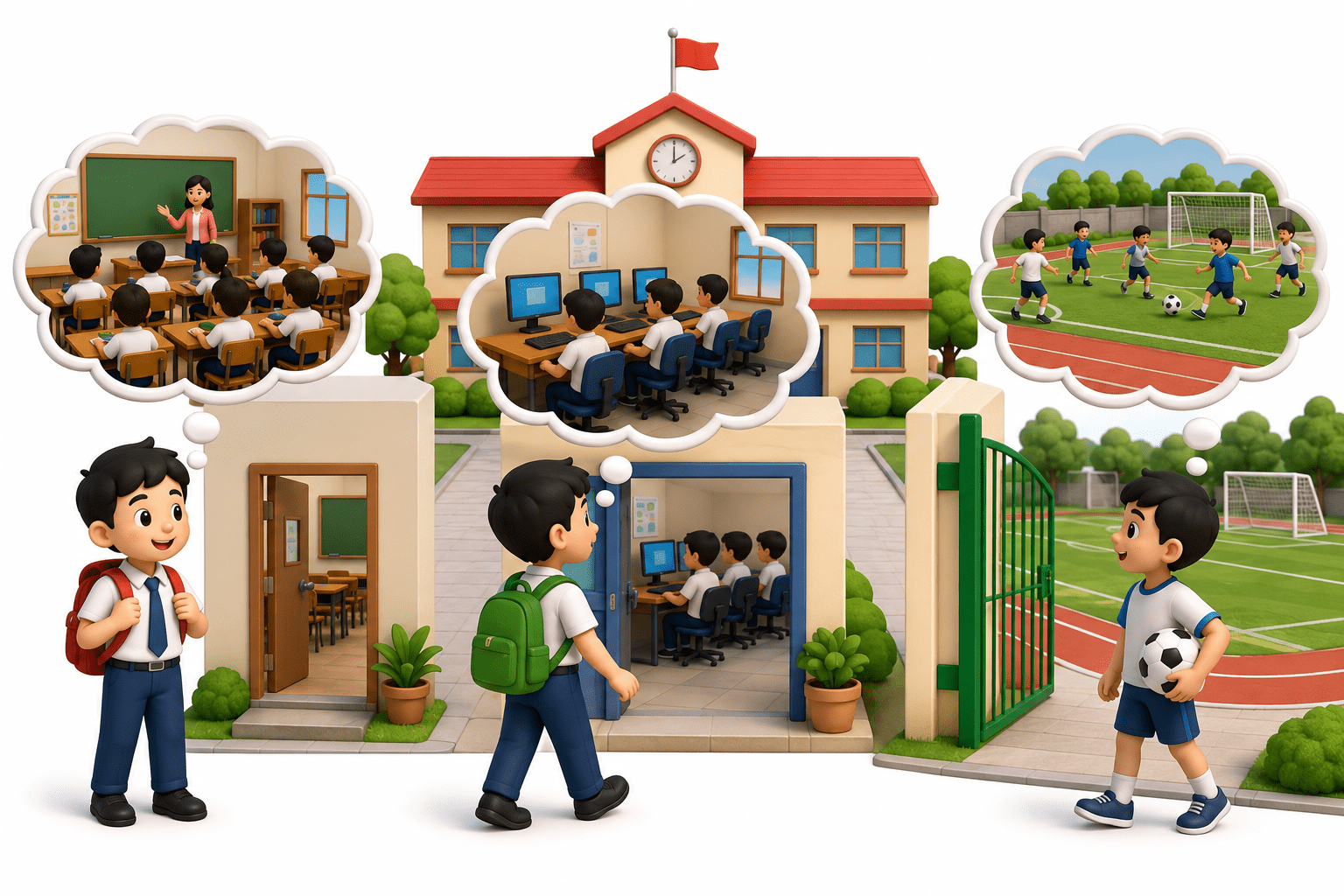
But the school has limited classrooms, computers, teachers, and other resources.
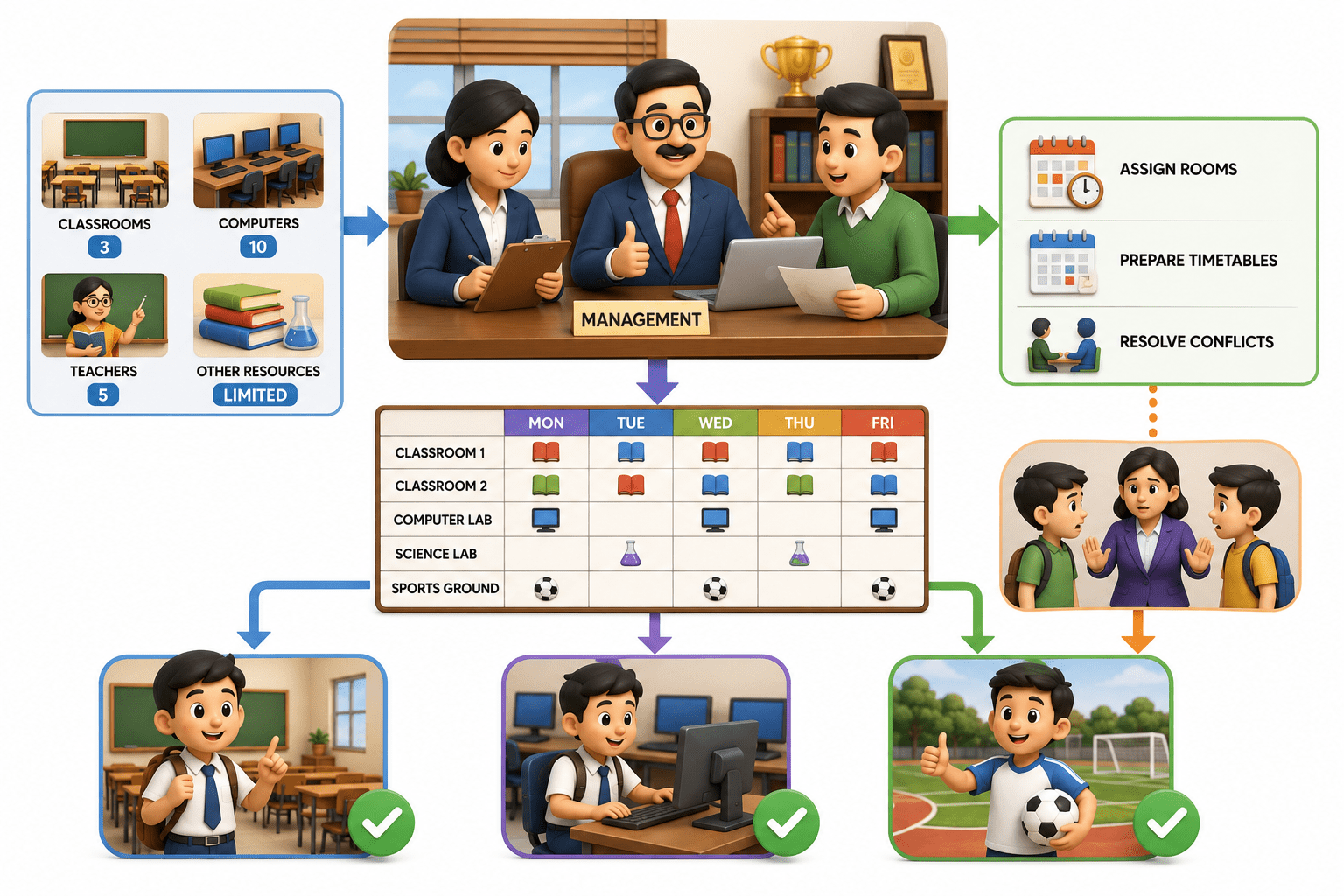
- The principal and school management organize everything by assigning rooms.
- preparing timetables, and resolving conflicts so everyone gets what they need.
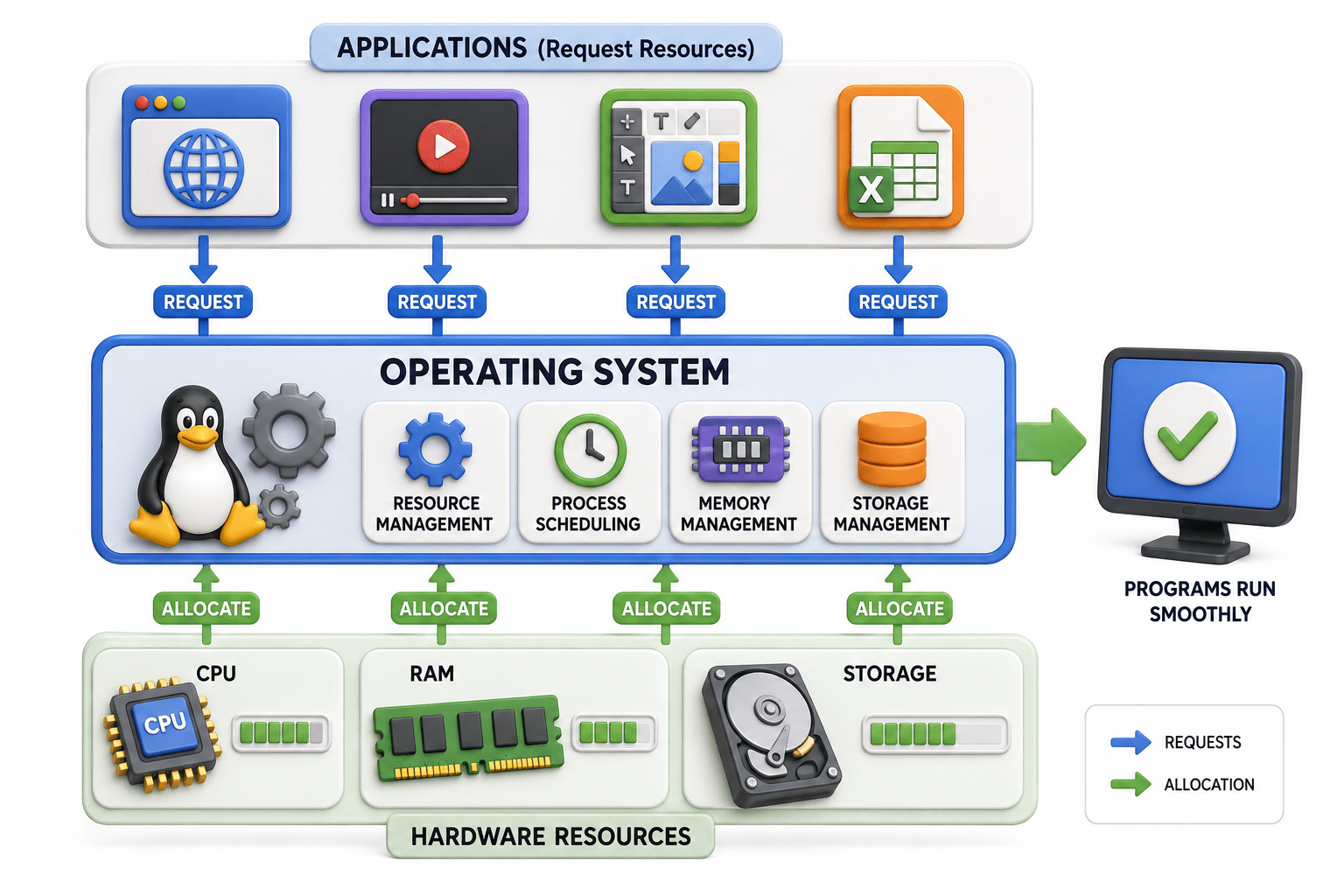
A computer's Operating System (OS) works similarly.
-
Applications request resources like CPU, RAM, and storage.
-
while the OS manages and allocates these resources so programs can run smoothly without conflicts.
Definition and Purpose of Operating System
An Operating System (OS) is system software that acts as a bridge between the user and computer hardware. It manages all hardware and software resources and allows users to run applications smoothly. Without an OS, a computer is basically an expensive paperweight with commitment issues.
Purpose of an OS
-
Manages CPU, memory, and storage.
-
Provides a user interface..
-
Runs applications.
-
Manages files and devices.
-
Provides security and access control.
-
Improves system performance and efficiency
Evolution of Operating Systems
Make better decisions using data

Serial Processing (1940s–1950s): No OS; programs ran manually, one task at a time.

Batch Systems (1950s–1960s): Jobs were grouped and executed automatically.

Multiprogramming (1960s): Multiple programs shared memory and CPU time.

Time-Sharing (1960s–1970s): Multiple users could use the system simultaneously.

Multiprocessing (1970s): Multiple CPUs enabled faster, parallel processing.

Real-Time OS (1980s–Present): Provides fast responses for time-critical systems.

PC Operating Systems (1980s): User-friendly OSs and graphical interfaces became common.

Types of Operating Systems
Batch Operating System
-
Processes jobs in groups without user interaction.
-
Advantages: Efficient for repetitive tasks and reduces CPU idle time.
-
Disadvantages: Slow response and difficult error debugging.
-
Example: Payroll processing.
1
Time-Sharing Operating System
-
Allows multiple users to share CPU resources simultaneously.
-
Advantages: Fast response and better resource utilization.
-
Disadvantages: Security can be challenging; failures may affect multiple users.
-
Example: UNIX systems.
2
Real-Time Operating System (RTOS)
-
Provides fast and predictable responses within strict time limits.
-
Advantages: Reliable and suitable for time-critical applications.
-
Disadvantages: Complex and costly to develop.
-
Examples: Robotics, medical devices, and air traffic control.
4
Distributed Operating System
-
Manages multiple connected computers as one system.
-
Advantages: Faster processing, resource sharing, and high scalability.
-
Disadvantages: Complex maintenance and network dependency.
-
Example: Distributed cloud systems.
3
OS Architecture
What is OS Architecture?
01
-
OS architecture defines the structure and organization of an operating system.
-
It determines how components like memory, files, processes, and drivers interact.
Monolithic Architecture
02
-
All major OS services run together in a single kernel.
-
Advantages: Fast and efficient.
-
Disadvantages: Difficult to maintain; one failure can affect the entire OS.
Microkernel Architecture
03
-
Only essential services run in the kernel; others run in user space.
-
Advantages: Better security, stability, and fault isolation.
-
Disadvantages: Communication overhead can reduce performance.
Layered Architecture
04
-
OS functions are divided into organized layers, with each layer communicating with adjacent layers.
-
Advantages: Easier maintenance, testing, and debugging.
-
Disadvantages: Multiple layers can reduce performance.
Summary
4
Memory Management manages RAM, virtual memory, paging, and segmentation.
3
Process Management controls programs, CPU scheduling, and multitasking.
2
OS Architecture organizes components for better performance, security, and stability.
1
An OS bridges users, applications, and hardware.
Quiz
Which operating system type is designed for immediate response within strict time limits?
A. Batch OS
B. Distributed OS
C. Real-Time OS
D. Time-Sharing OS

Which operating system type is designed for immediate response within strict time limits?
A. Batch OS
B. Distributed OS
C. Real-Time OS
D. Time-Sharing OS
Quiz-Answer
