Cloud and Advanced Web Security


Cloud Architecture & Web Application Hosting

Learning Outcome
4
Differentiate between IaaS, PaaS, SaaS, and FaaS.
3
Explain how Web Applications are Hosted in Cloud Environments.
2
Describe different Cloud Deployment Models and their use cases.
1
Explain the fundamentals of Cloud Computing and its key characteristics.
Let's Recall
Secure cloud storage protects API-related data from unauthorized access.
Misconfigured storage can expose sensitive files and information publicly.
Broken authorization can allow users to access other users’ cloud data.
Rate limiting helps prevent excessive API requests and resource abuse.
Encryption protects sensitive data during storage and transmission.
Encryption protects sensitive data during storage and transmission.

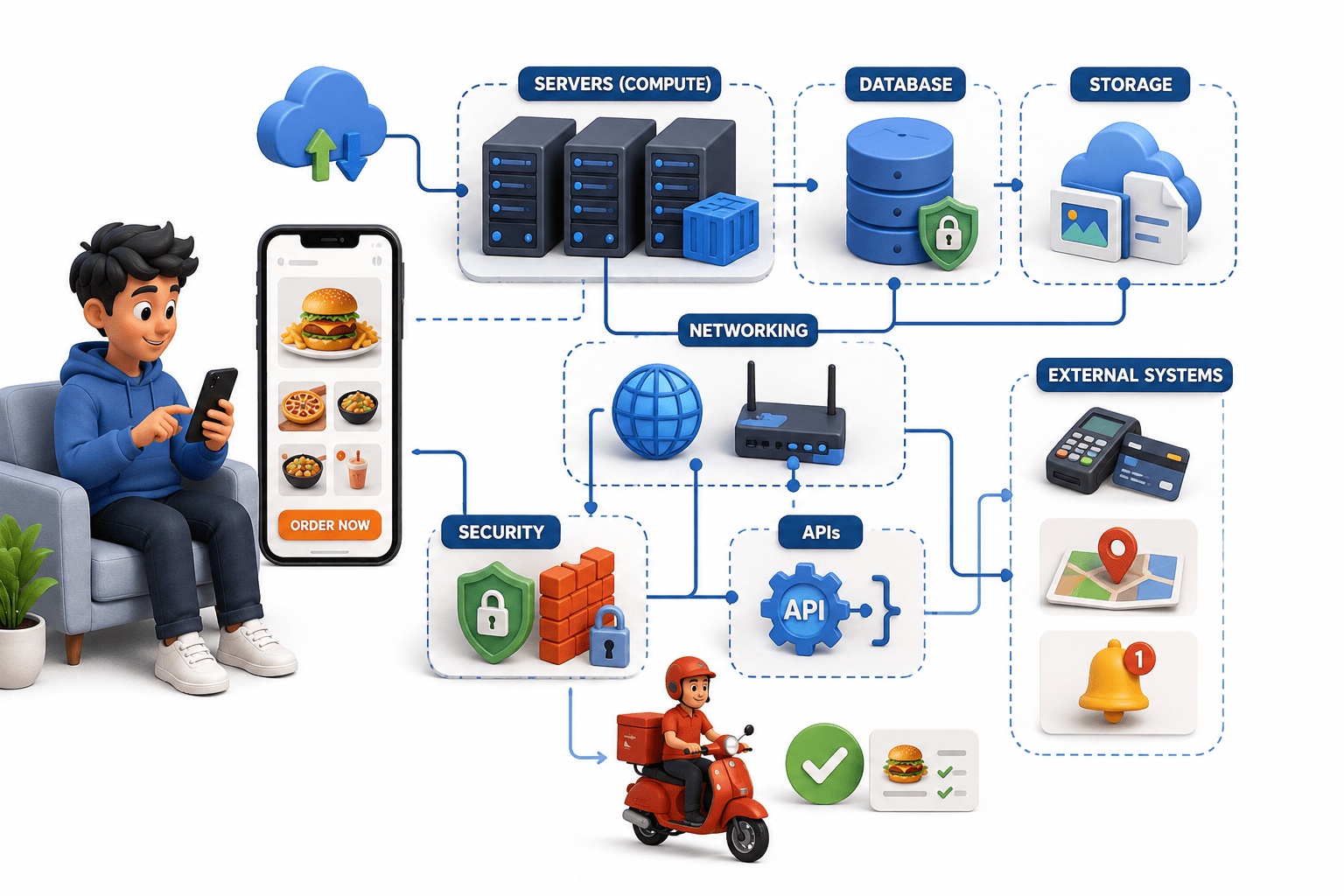
Imagine ordering food through a food delivery app.

You open the app, choose a restaurant, place your order, and wait for the delivery partner to bring your food.
It looks simple from your side, but behind the scenes, many things are happening.
The app needs servers to run the application, databases to store customer and order details, storage for images and other files,
networking to connect everything,
security to protect the data,
and APIs to allow different systems to communicate.
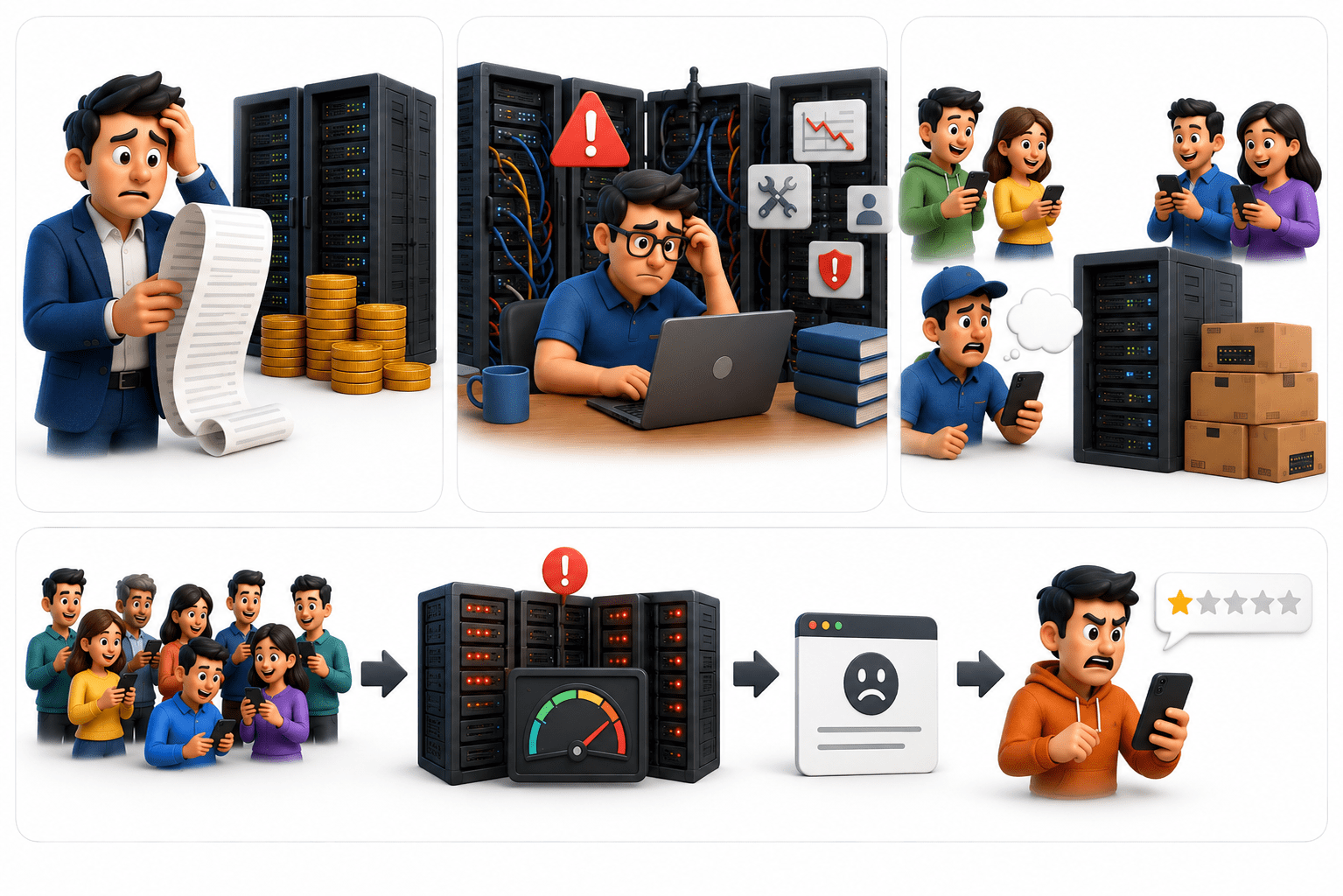
It would be expensive, difficult to manage, and challenging to scale when thousands of people place orders at the same time.
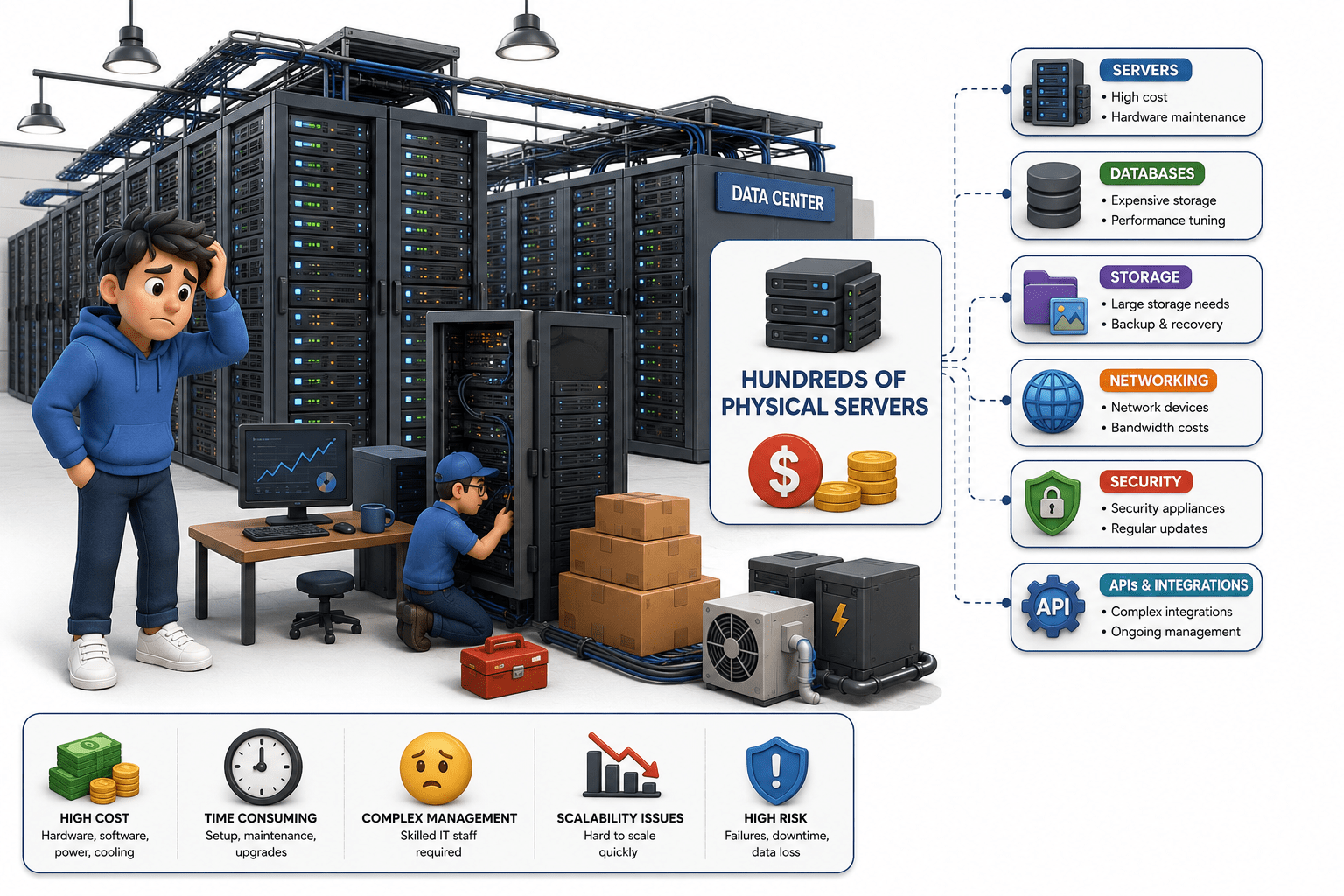
Now imagine the company had to buy and maintain hundreds of physical servers just to handle all these requirements.
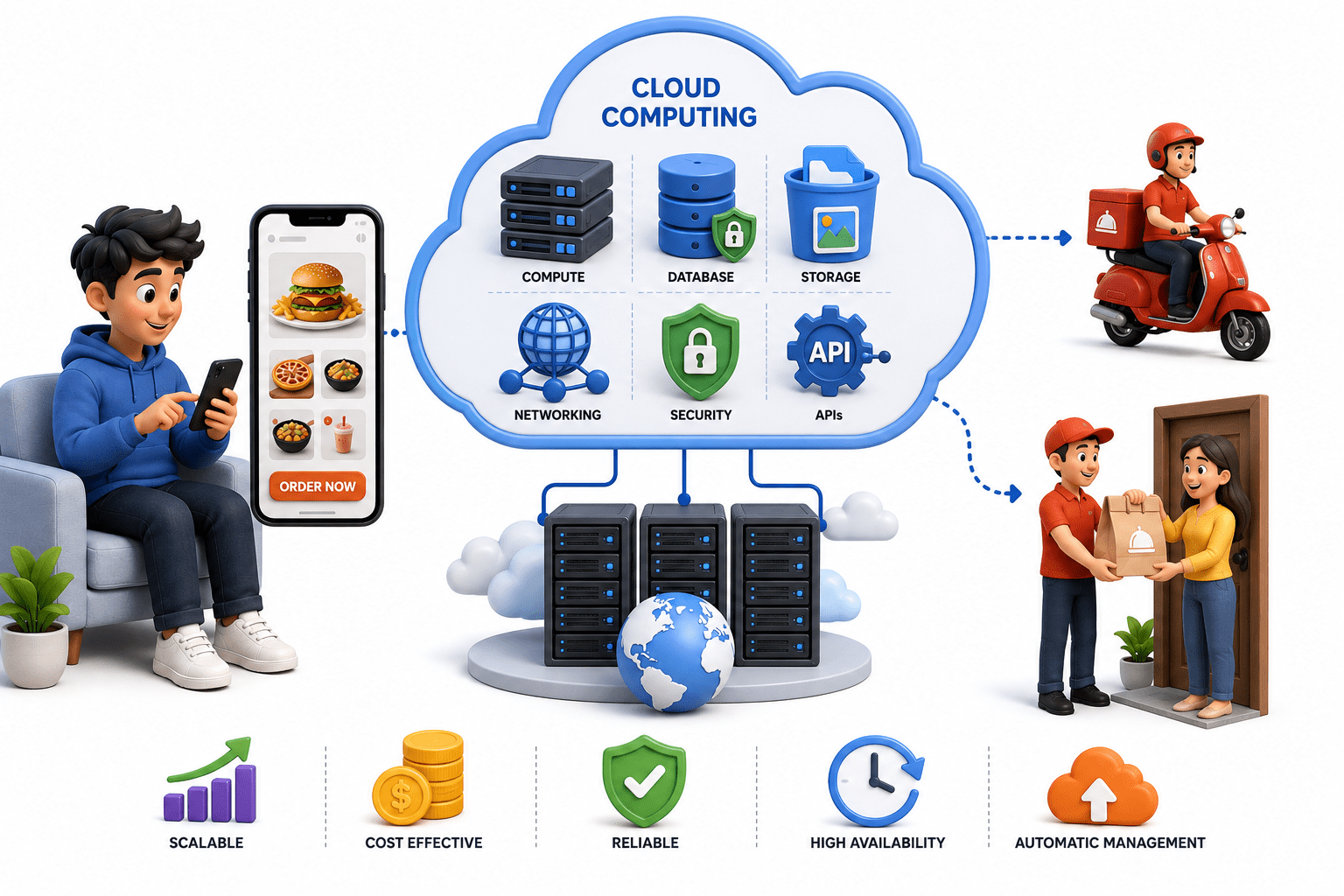
Instead, the company can use cloud computing, where these computing resources are provided through the cloud.
The company can use the servers, storage, databases, networking, and security services it needs without having to own and maintain all the physical infrastructure itself.
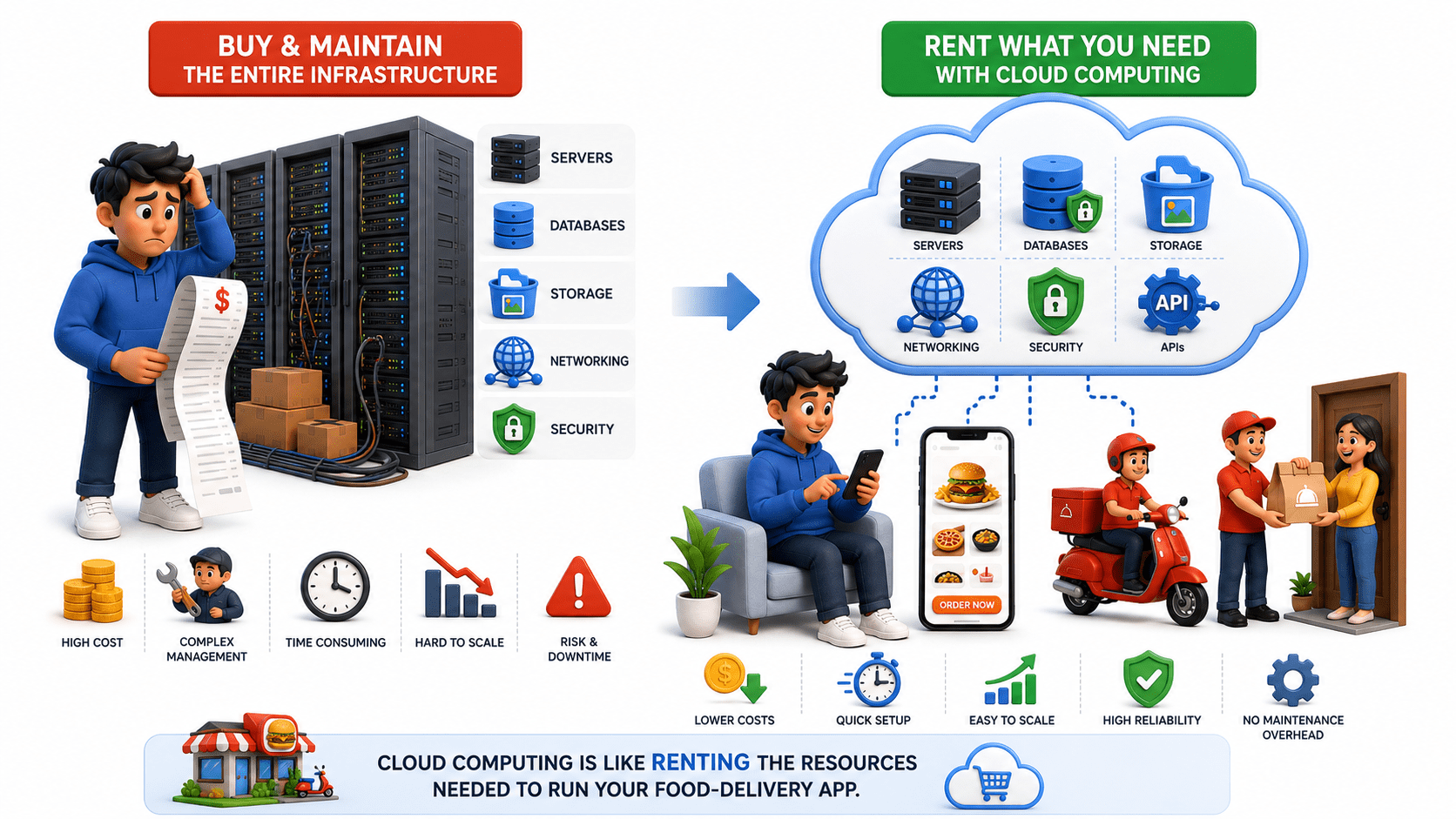
In simple terms, cloud computing is like renting the resources needed to run the food-delivery app instead of buying and maintaining the entire infrastructure yourself.
Introduction to Cloud Computing
What is Cloud Computing?
-
Cloud computing provides servers, storage, databases, networking, and software over the internet.
-
Organizations can use resources on demand without maintaining physical infrastructure.

Evolution of Cloud Computing
Traditional Computing → Virtualization → Cloud Computing → Serverless & Edge Computing
-
Cloud computing evolved through virtualization, distributed systems, and internet technologies.
Benefits of Cloud Computing
-
Cost Efficiency: Reduces hardware and infrastructure costs.
-
Scalability: Resources can increase or decrease as needed.
-
High Availability: Keeps services accessible during failures.
-
Flexibility: Access resources from anywhere.
-
Faster Deployment: Launch applications quickly without major infrastructure setup.
Characteristics of Cloud Computing
On-Demand Self-Service :- Resources can be provisioned without human interaction.

Broad Network Access :- Services are accessible through the internet.
Resource Pooling :- Resources are shared among multiple users.

Rapid Elasticity :- Resources can scale dynamically.
Measured Service :- Usage is monitored and billed based on consumption.

Cloud Computing Terminology
Cloud Provider :- Organization that offers cloudservices.
-
AWS
-
Microsoft Azure
-
Google Cloud
Tenant :- An organization or user utilizing cloud services.
Instance :- A virtual machine or computing resource running in the cloud.
Region :- A geographic location containing cloud infrastructure.
Availability Zone :- An isolated data center within a cloud region.
Introduction to Cloud Architecture
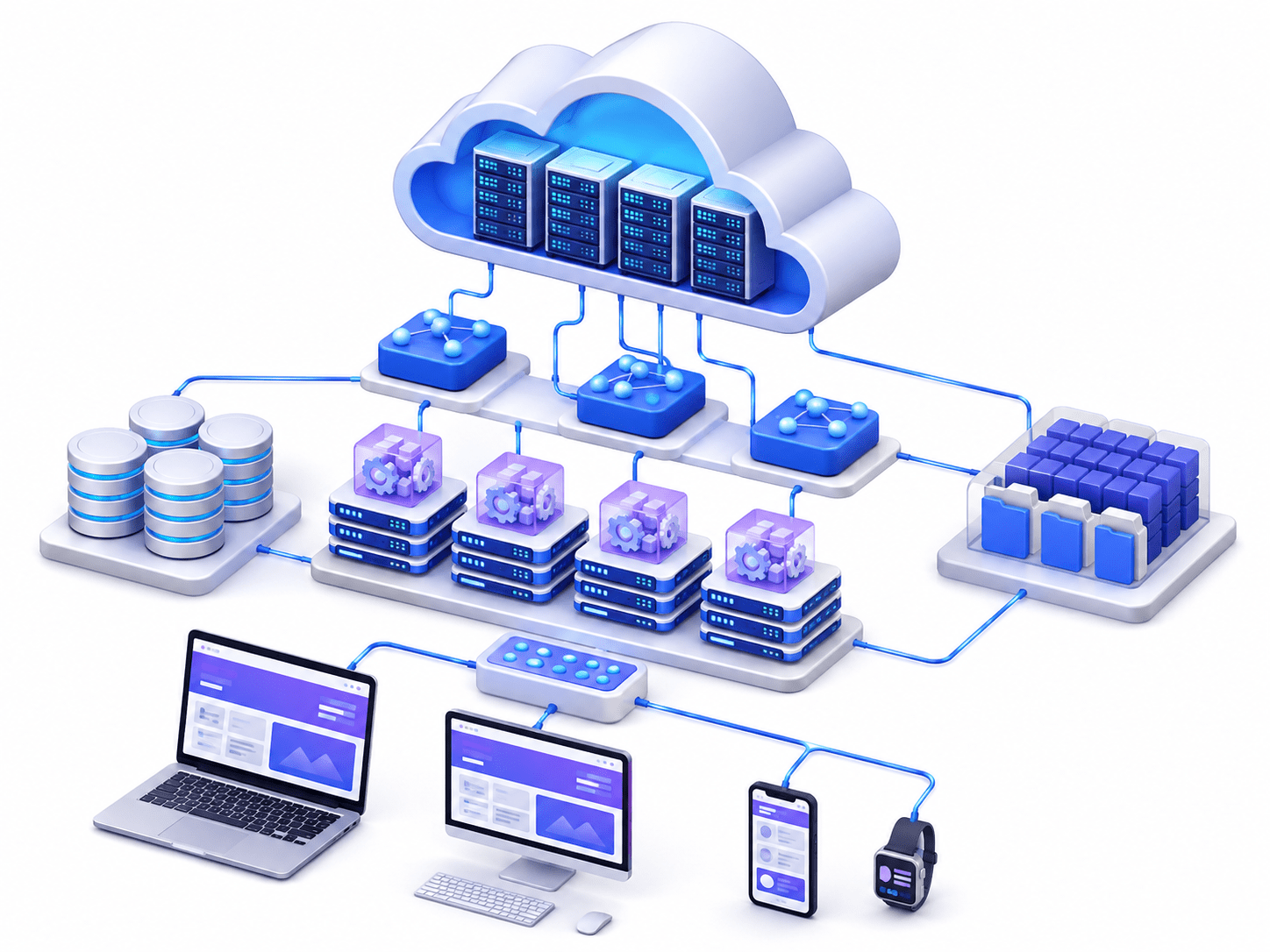
Cloud Architecture refers to the design and structure of cloud environments, including hardware, software, networking, storage, and security components.
It defines how cloud services interact and operate together.
-
Compute :- Provides processing power.
-
Storage :- Stores data and files.
-
Networking :- Facilitates communication between resources.
-
Security :- Protects cloud resources and data.

-
Management :- Monitors and manages cloud operations.

Front-End and Back-End Architecture
Front-End and Back-End Architecture in cloud computing refers to the two main parts of a cloud-based application:
-
Front-End: The part that users interact with (user interface).
-
Back-End: The part that processes requests, stores data, and manages application logic on cloud servers.
Together, they communicate over the internet to deliver cloud services.
Front-End (Client Side)
01
-
The user-facing part that displays information and collects input.
-
Includes browsers, mobile apps, UI, HTML, CSS, and JavaScript.
-
Sends requests to the cloud and displays responses.
Back-End (Server Side)
02
-
Handles processing, business logic, authentication, and data storage.
-
Includes cloud servers, databases, APIs, and storage services.
-
Processes requests and sends results back to the front-end.
Cloud Service Delivery Process
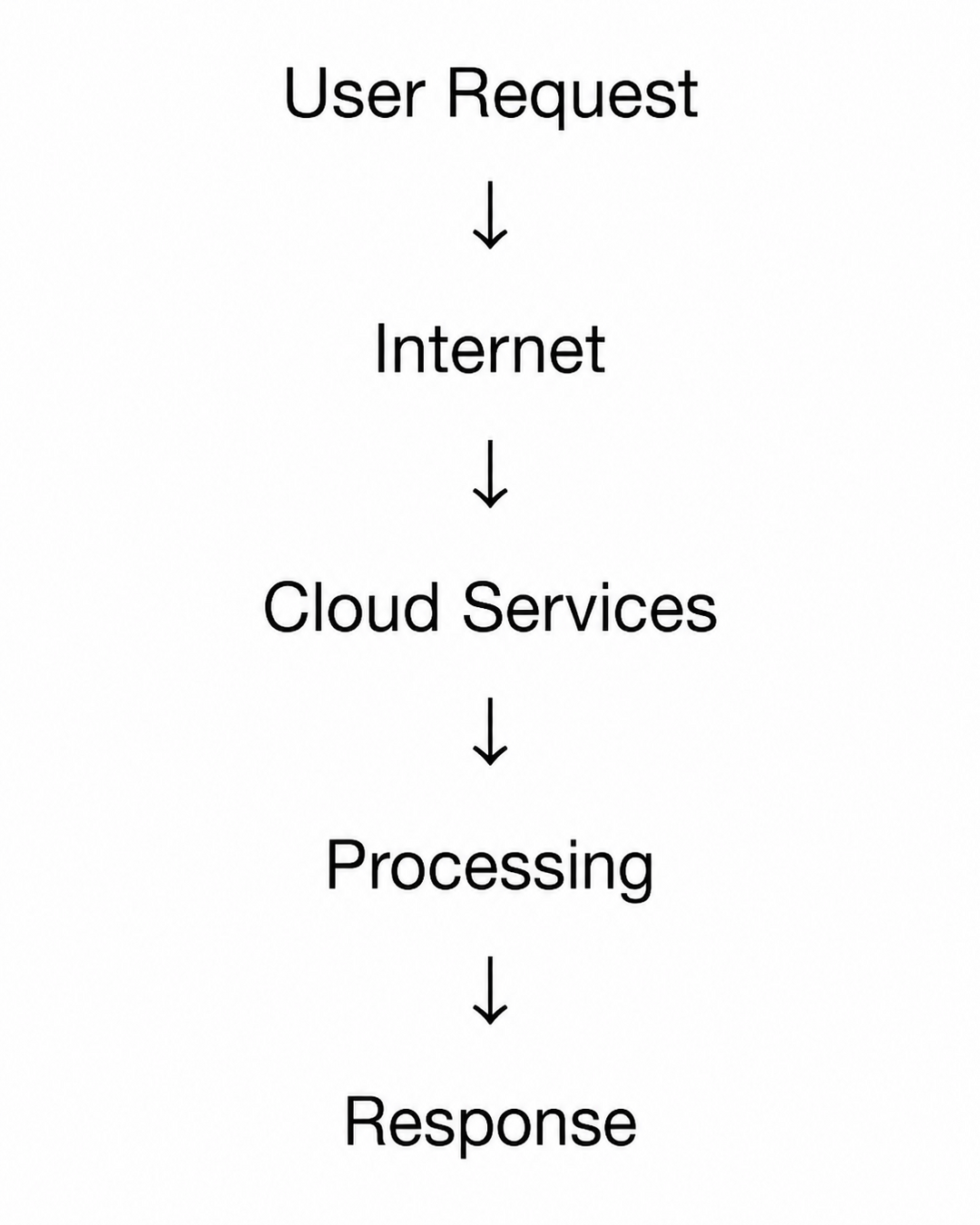
The cloud provider processes user requests and returns the required services or data.
Importance of Cloud Architecture
Better Performance: Improves application speed by distributing workloads efficiently.
Scalability: Easily increases or decreases computing resources based on demand.
High Availability: Keeps applications running with minimal downtime.
Cost Efficiency: Reduces costs by using a pay-as-you-go model.
Enhanced Security: Protects data using encryption, firewalls, and access controls.
Cloud Service Models
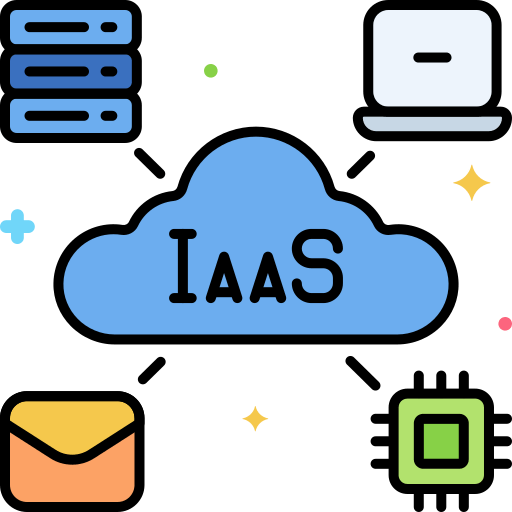
IaaS – Infrastructure as a Service
-
Provides virtual servers, storage, and networking.
-
Best for: Organizations needing maximum infrastructure control.
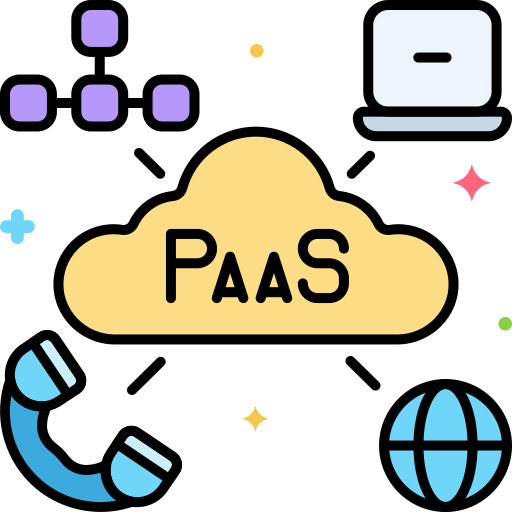
PaaS - Platform as a Service
-
Provides a platform to build, test, and deploy applications without managing servers.
-
Best for: Developers focusing on application development.
Cloud Service Models are different ways in which cloud computing services are delivered to users.
They define the level of control, responsibility, and management shared between the cloud provider and the customer
SaaS – Software as a Service
-
Provides ready-to-use applications over the internet.
-
Best for: Users who want software without installation or maintenance.

FaaS – Function as a Service
-
Runs individual code functions without managing servers.
-
Features event-driven execution, automatic scaling, and pay-per-use.

Cloud Deployment Models
Public Cloud
-
Cloud resources are shared among multiple customers and managed by a provider.
-
Benefits: Low cost, scalable, and easy to access.
Private Cloud
-
Cloud infrastructure is dedicated to one organization.
-
Benefits: Greater security, control, and customization.

Hybrid Cloud
-
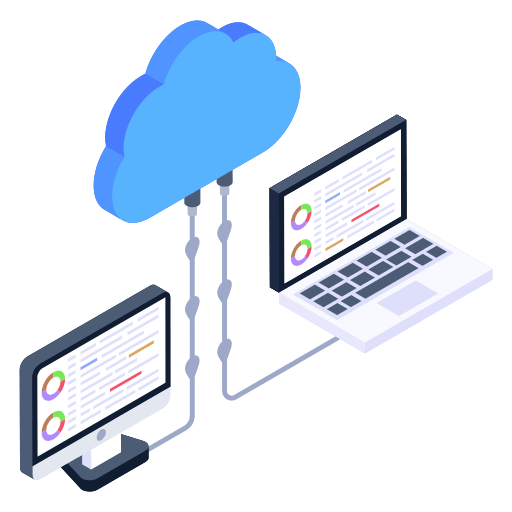
Combines public and private clouds.
-
Benefits: Flexibility, scalability, and improved disaster recovery.
Community Cloud
-
Shared by organizations with similar security or compliance needs.
-
Benefits: Shared costs, common policies, and collaboration.

Choosing a Deployment Model
-
Security and compliance
-
Budget
-
Scalability
-
Business requirements

Core Components of Cloud Architecture
Compute Resources
-
Provide processing power for applications.
-
Examples: Virtual Machines, Containers, and Serverless Functions.
1

Storage Services
-
Store data and application content.
-
Types: Object, Block, and File Storage.
2
Networking Components
-
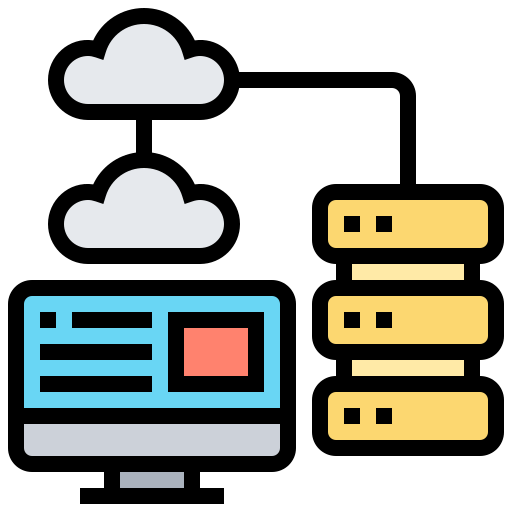
Enable communication between cloud resources.
-
Examples: Virtual Networks, Routers, Firewalls, and Load Balancers.
3
Databases
-
Store structured and unstructured data.
-
Types: Relational and NoSQL databases.
4
Security Services
-
Protect cloud resources and data.
-
Examples: IAM, Encryption, and Security Monitoring.
5

Monitoring and Management
-
Track performance, logs, resources, and security events.
-
Helps detect issues and manage cloud operations.
6

Summary
4
Proper architecture and security planning ensure reliable cloud-hosted applications.
3
Cloud hosting provides better scalability, flexibility, and availability.
2
Public, Private, Hybrid, and Community Clouds are common deployment models
1
Cloud Computing provides on-demand access to computing resources over the internet.
Quiz
What is Cloud Computing?
A. A type of database
B. Delivery of computing services over the internet
C. A programming languag
D. A networking protocol

What is Cloud Computing?
A. A type of database
B. Delivery of computing services over the internet
C. A programming languag
D. A networking protocol
Quiz-Answer
