

Cloud Monitoring and Visibility
Cloud Environment Visibility & Architecture

Learning Outcome
4
Explain its use in SOC and threat detection.
3
Describe the Threat Intelligence Lifecycle.
2
Identify common Threat Intelligence sources.
1
Explain the purpose of Threat Intelligence.
5
Apply Threat Intelligence to improve security and defense.
Before a festival, police receive information that a group of thieves may target crowded markets. They learn who the thieves are, where they may attack, and how they usually operate.
Information about threats = Threat Intelligence
Using this information, the police increase patrols and closely monitor the areas that may be targeted.
Preparing defenses based on intelligence = Threat-Informed Defense

During the festival, officers watch for activities that match the information they received and investigate anything suspicious.
Identifying attacker activity = Threat Detection
Because the police already understand the possible threat, they can respond quickly and prevent or reduce the impact of a crime.
Taking action against the threat = Incident Response
In cybersecurity, Threat Intelligence provides information about attackers, their tactics, techniques, indicators, and emerging threats. Security teams use this information to strengthen defenses, improve detection, and respond more effectively.
Introduction to Cloud Environments
Cloud computing delivers services such as servers, storage, databases, networking, software, and analytics over the internet instead of local infrastructure.
Importance

What is Cloud Computing?

On-demand resources
Scalability
Reduced hardware costs
Faster application deployment
High availability
Remote access and collaboration
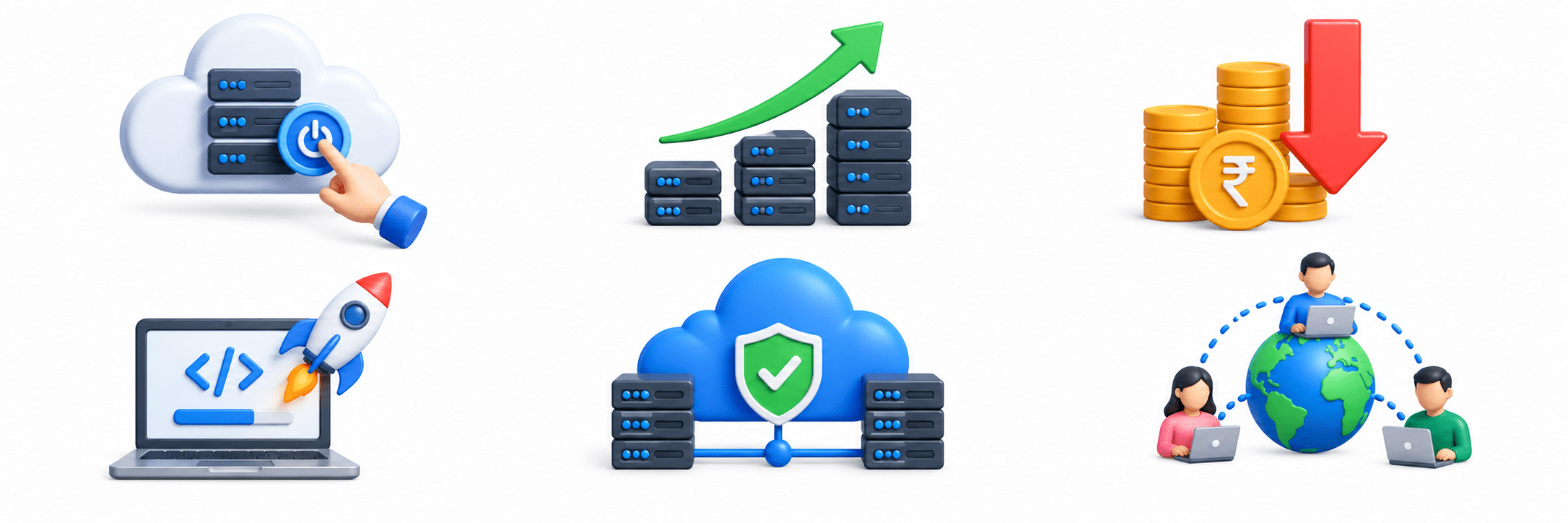
As organizations move to the cloud, cloud security becomes important for SOC teams.
Cloud Service Models
Provides virtual machines, storage, and networking. Customers manage the OS, applications, and data.
IaaS
Provides fully managed software applications accessed through the internet.
SaaS
PaaS
Provides a managed platform for developing and deploying applications while the provider manages infrastructure and OS.
Understanding Log Collection
What is Log Collection?

Log collection is the process of gathering logs from devices, applications, servers, cloud services, and security tools for centralized analysis.
Why Organizations Collect Logs

Detect security threats
Monitor system health
Troubleshoot issues
Investigate incidents
Meet compliance requirements

Centralized Log Collection
Centralized log collection stores logs from multiple systems in one location, providing a unified security view.
Benefits

Easier investigation
Faster threat detection
Simplified management
Better security visibility
Sources of Security Logs
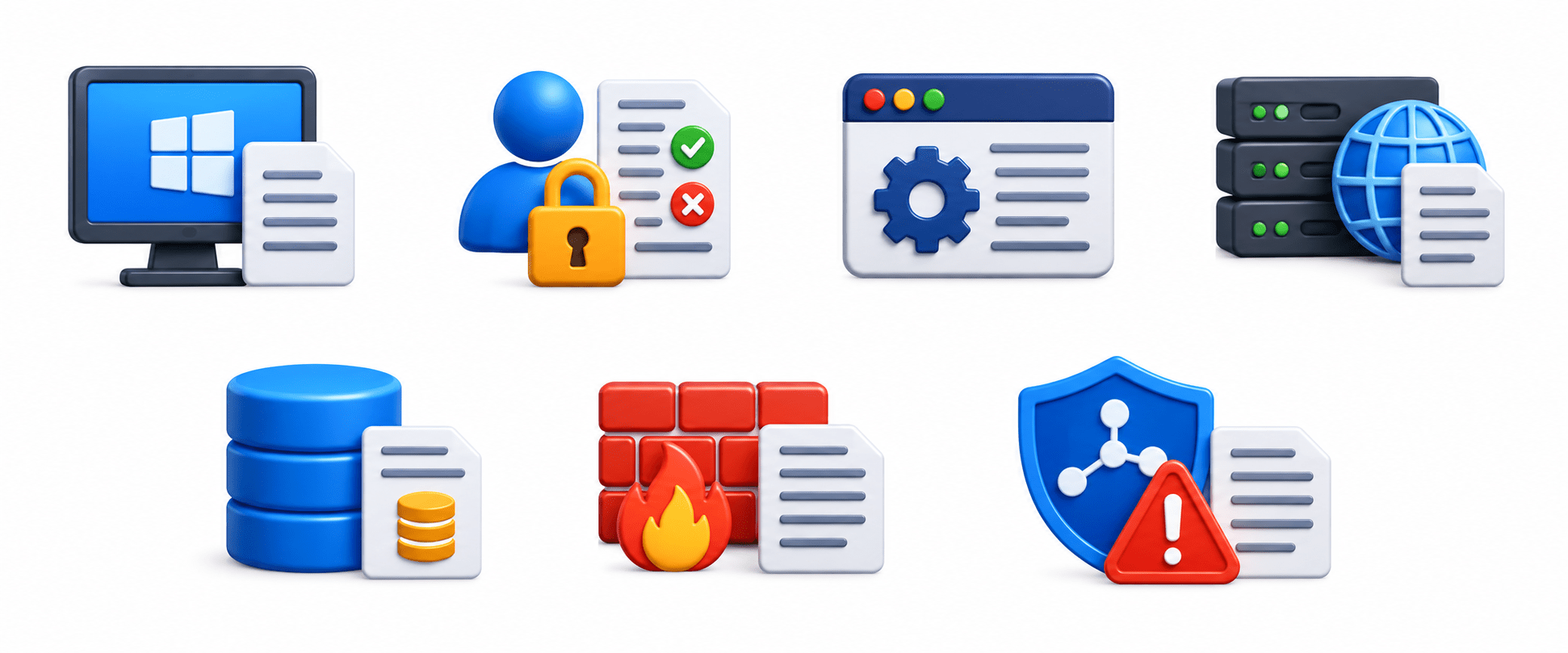
Operating System Logs: Record startups, shutdowns, logins, errors, service failures, and administrative actions.
Authentication Logs: Record successful/failed logins, account lockouts, password changes, and MFA events.
Application Logs: Record user actions, errors, failed transactions, and unauthorized access.
Web Server Logs: Record IP addresses, URLs, HTTP status codes, and timestamps to help detect web attacks.
Database Logs: Record logins, SQL queries, data changes, and administrative activities.
Firewall Logs: Record allowed/blocked traffic, IP addresses, ports, and connections.
IDS/IPS Logs: Record port scans, exploit attempts, attacks, and policy violations.
Log Collection Methods
Agent-Based
Uses software agents installed on systems to collect and forward logs, supporting detailed and continuous monitoring.
Agentless
Collects logs remotely without installing agents, simplifying deployment but potentially providing less detail.
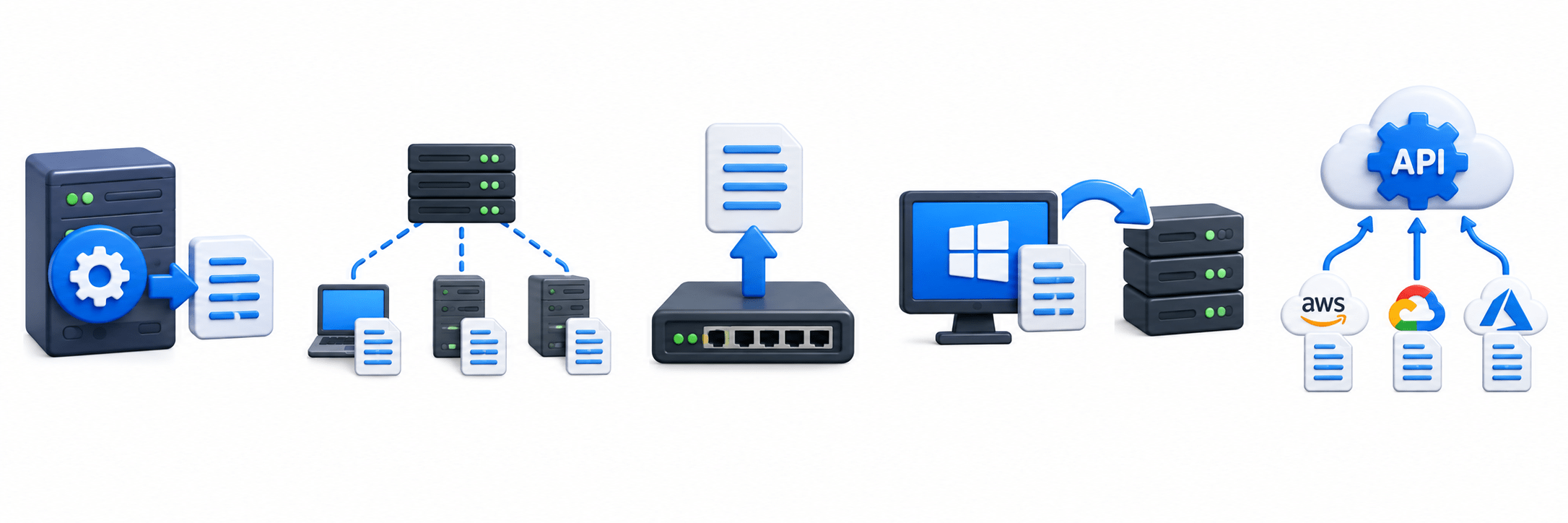
Syslog
A standard protocol used by network devices and Linux systems to send logs to centralized servers.
Windows Event Forwarding (WEF)
Collects Windows Event Logs from multiple computers and forwards them to a centralized Windows server.
API-Based Collection
Uses cloud service APIs to collect logs directly from cloud platforms for centralized monitoring.
Log Management Process
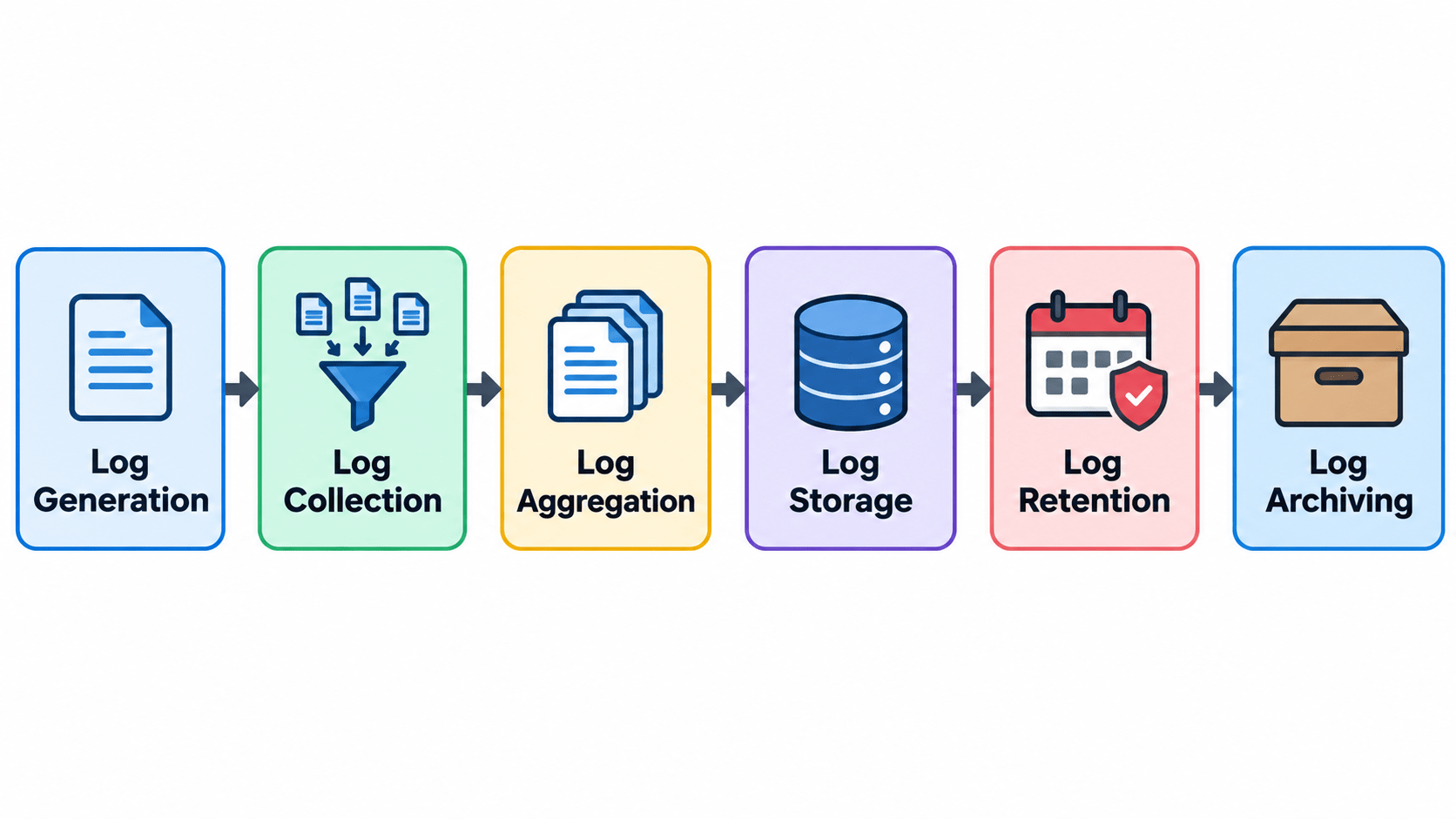
Generation: Systems and applications automatically create logs.
Collection: Logs are gathered from different sources.
Aggregation: Logs are combined in a centralized platform.
Storage: Logs are securely stored for investigations and compliance.
Retention: Logs are kept for a defined period.
Archiving: Older logs are moved to long-term storage.
Log Analysis Fundamentals
What is Log Analysis?
Log analysis examines log data to identify threats, system issues, suspicious activities, and incident details.

Importance
Detect threats
Investigate incidents
Monitor user activity
Identify system problems
Improve security visibility


Goals
Identify suspicious activity
Detect incidents
Support investigations
Understand attacker behavior
Improve monitoring


Common Log Analysis Techniques
Pattern Analysis: Identifies repeated or unusual patterns.
Baseline Comparison: Compares current behavior with normal activity.
Timeline Analysis: Arranges events chronologically to reconstruct incidents.
Correlation Analysis: Connects events from multiple sources to detect complex attacks.
Keyword Searching: Searches for usernames, IPs, files, errors, and other terms.
IOC-Based Analysis: Searches for known malicious IPs, domains, and file hashes.
Identifying Suspicious Activities
Failed Login Attempts
May indicate password guessing or brute-force attacks.
Privilege Escalation
Unexpected privilege changes may indicate unauthorized access.
Unusual User Activity
Activity outside normal hours or locations may indicate compromised accounts.
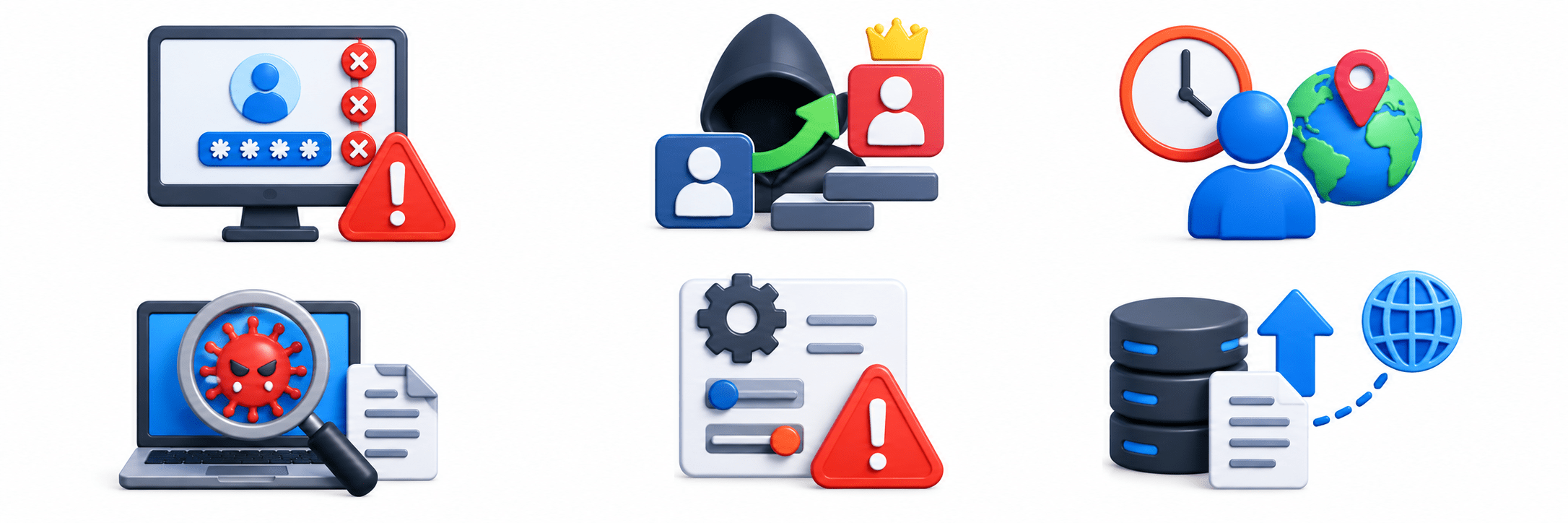
Malware Indicators
Suspicious processes, files, or network connections may indicate malware.
Unauthorized Configuration Changes
Unexpected changes to configurations, firewall rules, or permissions may indicate attacks.
Large Data Transfers
Unusual outbound traffic may indicate data exfiltration.
Log Analysis in SOC Operations
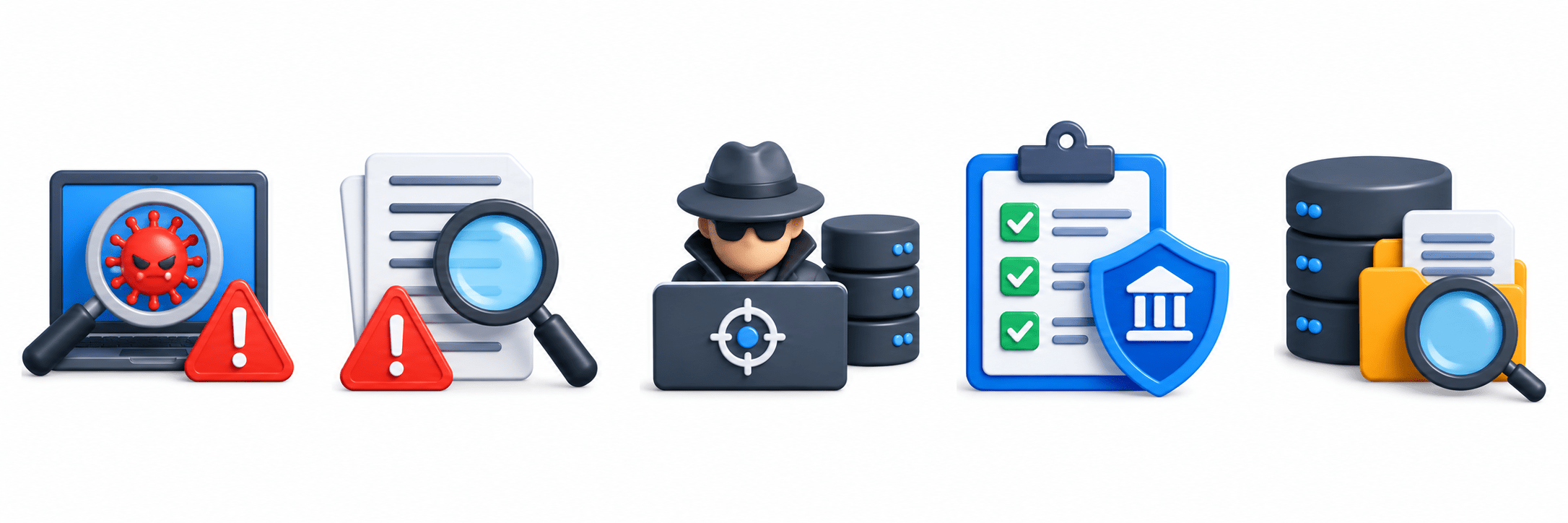
Threat Detection
Identifies malicious activities and potential threats.
1
Incident Investigation
Provides evidence to understand incidents.
2
Threat Hunting
Searches logs for hidden threats missed by automated tools.
3
Compliance Monitoring
Supports security and regulatory requirements.
4
Forensic Analysis
Provides historical evidence for investigations.
5
Log Retention and Security
Log Integrity
Prevents unauthorized modification or deletion.
Smart Layouts
AI arranges content beautifully for better flow and impact
Access Control
Restricts logs to authorized personnel.
Log Retention
Supports historical investigations, audits, and compliance.
Secure Log Storage
Protects logs using access controls, encryption, and backups.
Challenges
Large Log Volumes:
assive data makes analysis difficult.
Log Noise:
Routine events can hide genuine threats.
Missing Logs:
Incomplete collection can leave security gaps.
Time Synchronization Issues:
Incorrect system time can affect incident timelines.
Storage Requirements:
Long-term retention requires significant storage.
Best Practices
Collect Logs from Critical Systems: Prioritize servers, endpoints, network devices, security tools, and cloud services.
Synchronize System Time: Maintain accurate event timelines.
Protect Log Integrity: Prevent unauthorized modification or deletion.
Review Logs Regularly: Identify suspicious activities early.
Define Retention Policies: Specify storage periods based on organizational and regulatory needs.

Summary
5
Secure log storage and retention preserve security evidence.
4
Correlation, timeline, and IOC analysis improve investigations.
3
Logs support threat detection, investigation, and threat hunting.
2
Log collection centralizes data for monitoring and analysis.
1
Logs record system, user, application, and network activities.
Quiz
Which type of Threat Intelligence is mainly intended for executives and senior management?
B. Tactical Threat Intelligence
C. Technical Threat Intelligence
D. Operational Threat Intelligence

A. Strategic Threat Intelligence
Quiz-Answer

A. Strategic Threat Intelligence
Which type of Threat Intelligence is mainly intended for executives and senior management?
B. Tactical Threat Intelligence
C. Technical Threat Intelligence
D. Operational Threat Intelligence