Ansible Roles and Variables

Configuring Ansible, Provisioning
AWS Resources

Learning Outcome
5
Recognize the workflow of provisioning AWS resources using Ansible
4
Understand how Ansible helps in cloud infrastructure provisioning
3
Learn how Ansible can interact with AWS resources
2
Identify the steps required to set up Ansible control node
1
Understand how to configure Ansible for automation
Previously, we learned about
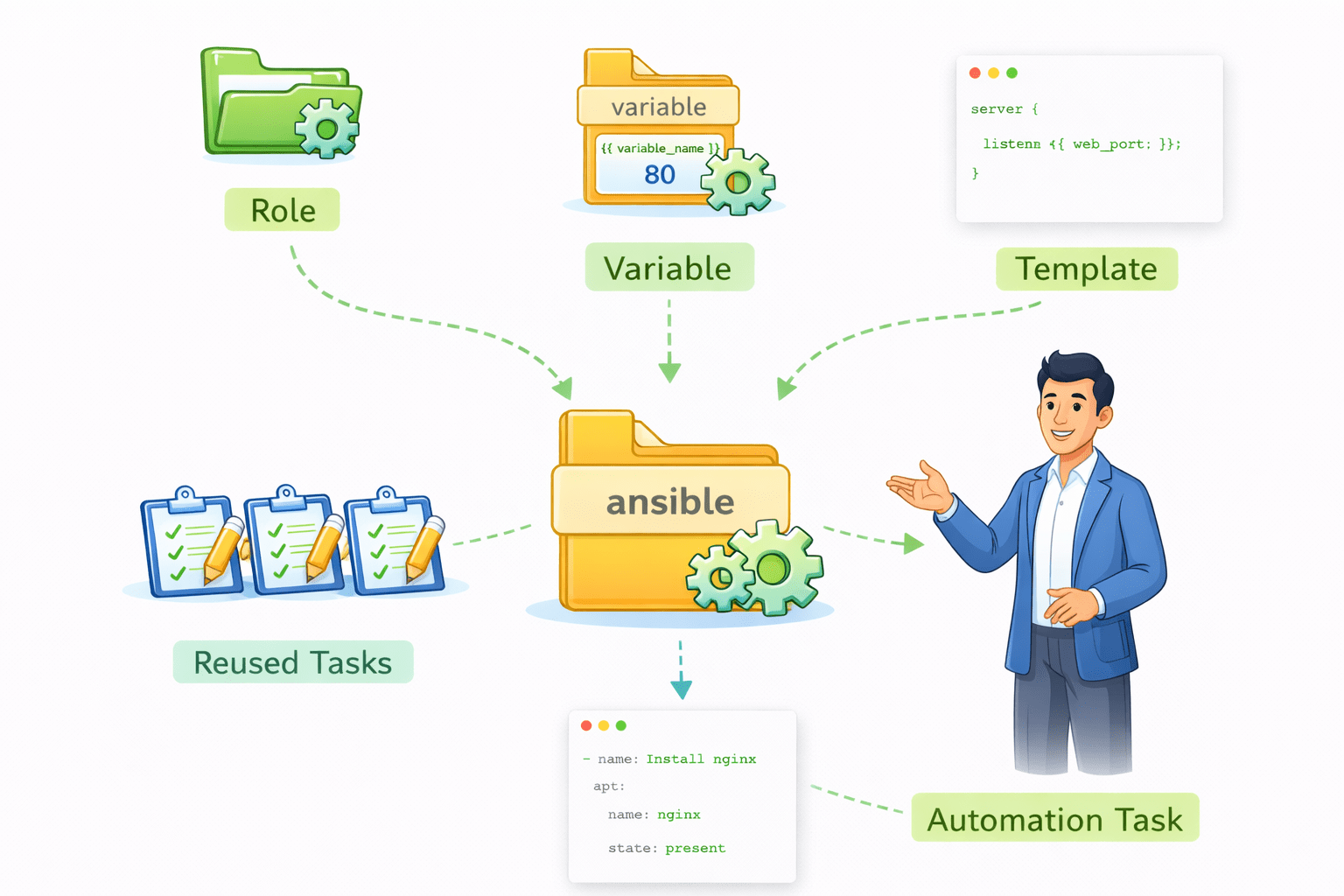
Ansible roles, variables, and templates
Used for organizing and reusing automation tasks
Understanding the concept
Imagine a remote control system that can set up servers, networks, and storage
In the cloud without manually logging into each service

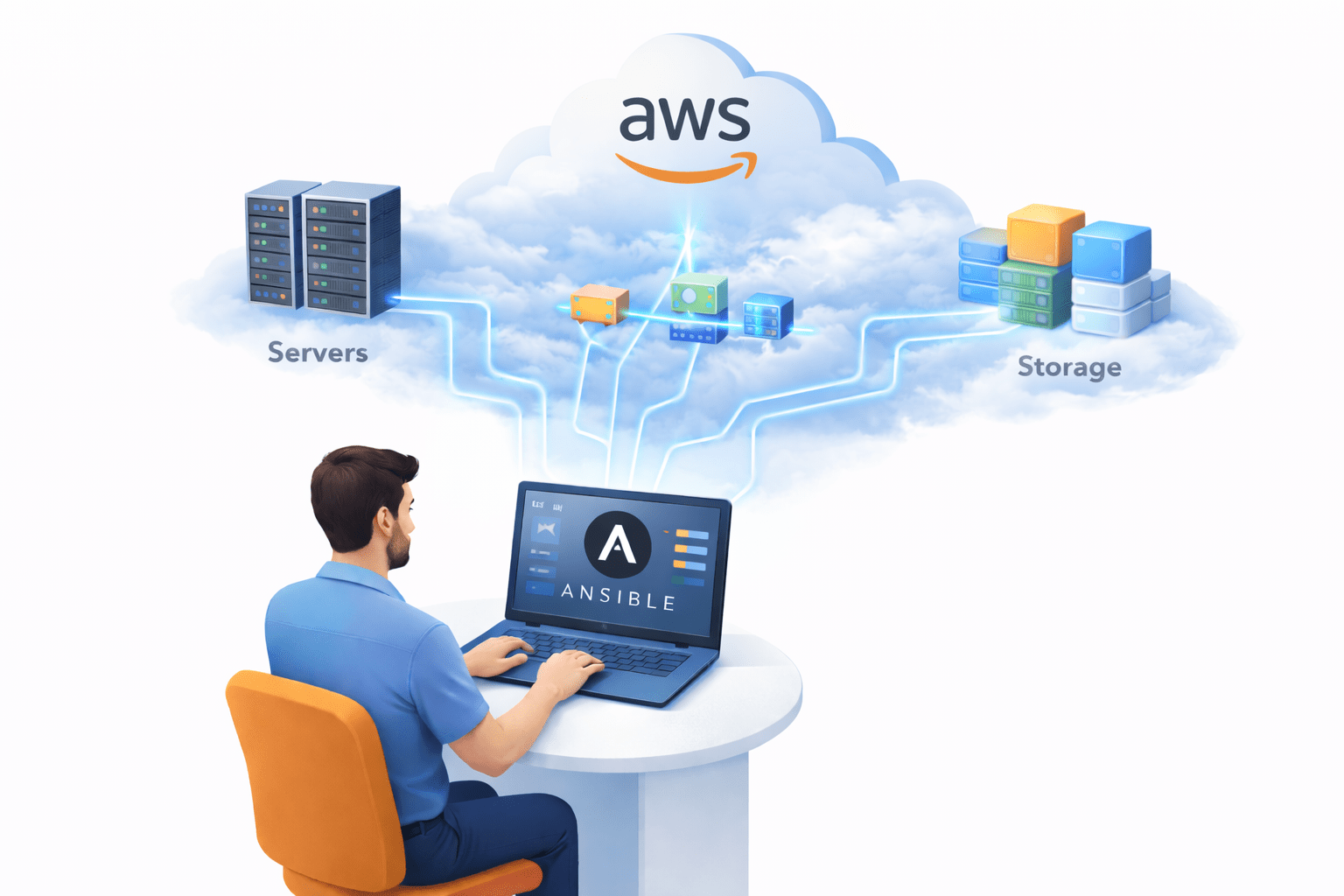
Ansible can be configured to connect with cloud platforms like
Amazon Web Services and automatically provision infrastructure resources
Configuring Ansible
Before using Ansible to manage infrastructure, the
control node must be configured properly
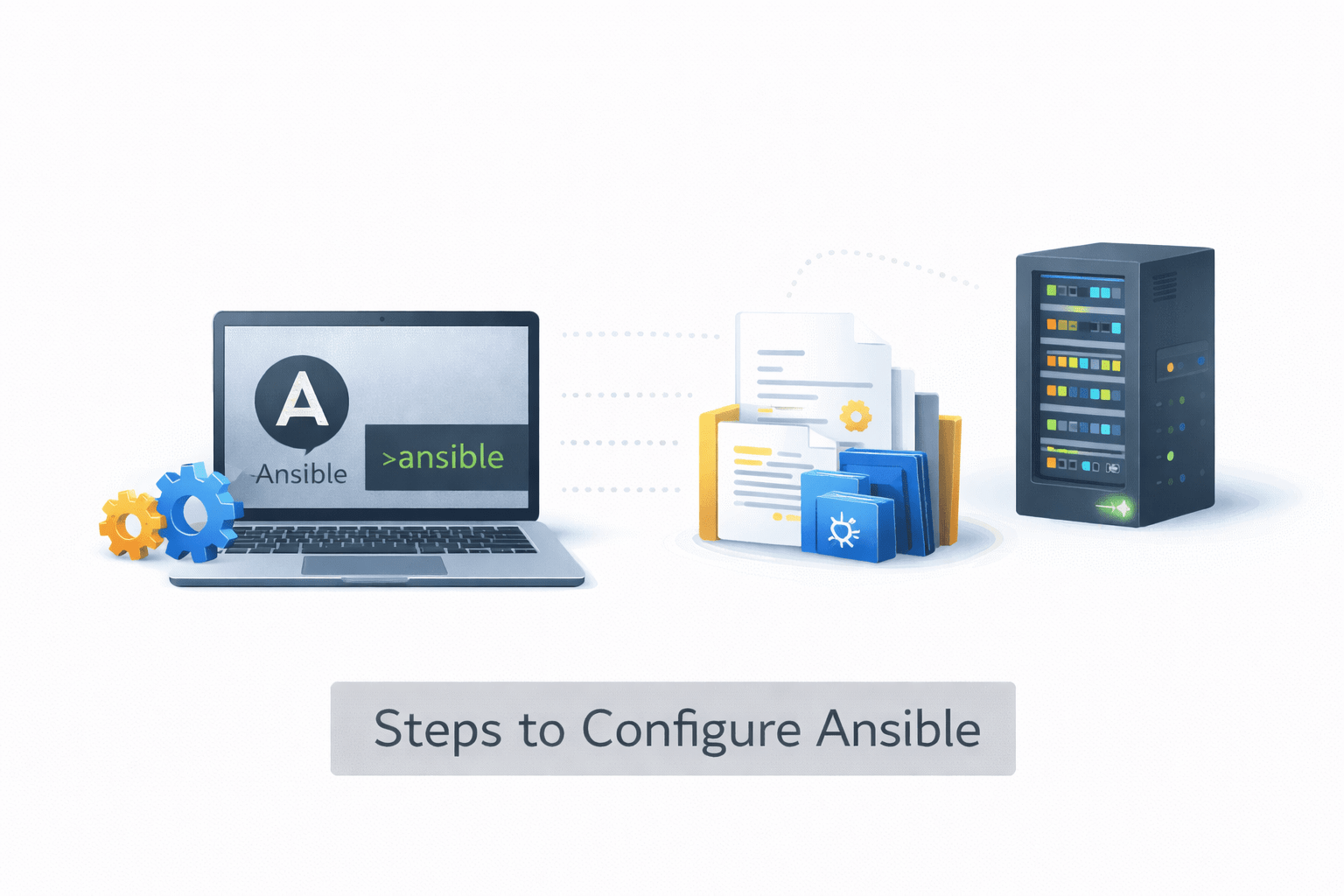
Steps to Configure AnsibleSteps to Configure Ansible
1. Install Ansible
Ansible is installed on the control node, which is the system that manages automation tasks
2. Verify Ansible Installation
3. Configure Inventory
The inventory file contains the list of managed hosts
4. Configure SSH Access
Ansible connects to managed nodes using SSH.
The control node must have SSH access to the target servers.
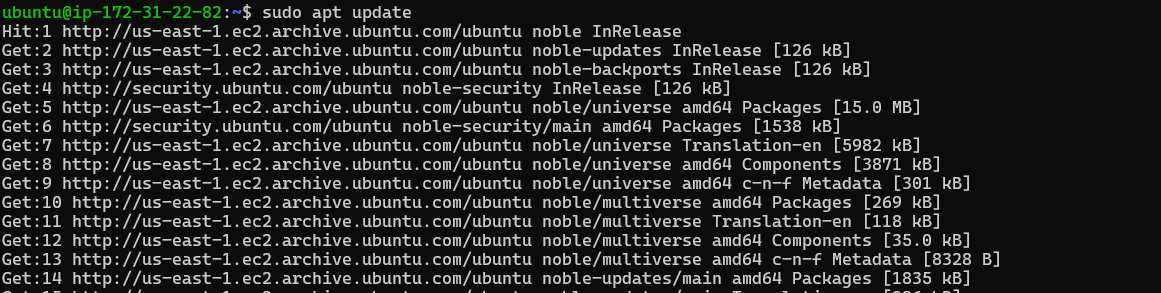
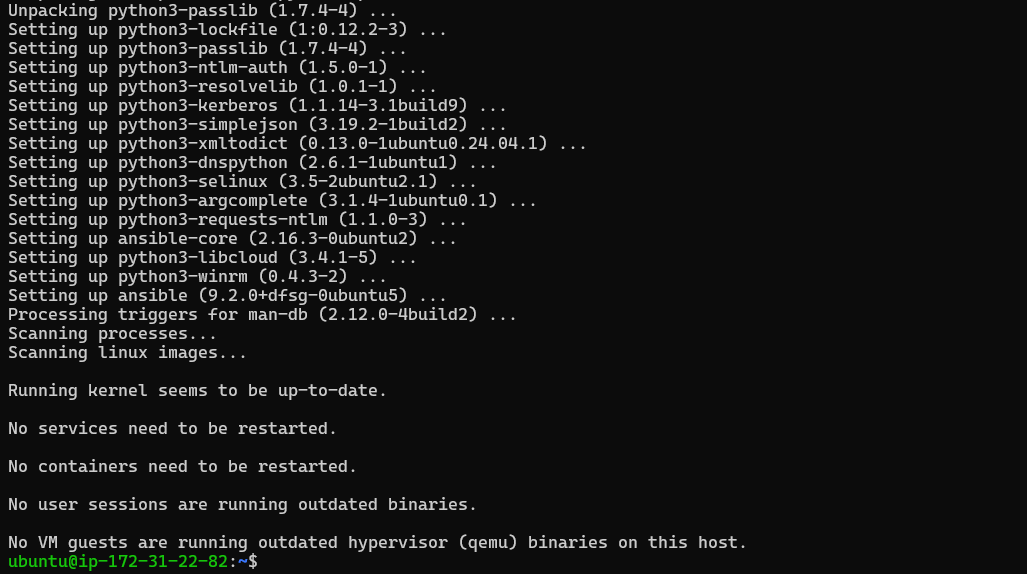
Example installation on Ubuntu:
sudo apt update
sudo apt install ansible
This tells Ansible which servers should receive automation tasks
Example inventory:
[webservers]
192.168.1.10
192.168.1.11
This confirms that Ansible is installed and ready to use
After installation, verify Ansible using:
ansible --version
This ensures the control node can communicate with managed nodes
Example:
ssh user@server-ip



Provisioning AWS Resources Using Ansible
Ansible can also automate cloud infrastructure provisioning.
It can create resources such as
These resources can be provisioned on Amazon Web Services
-
Virtual machines
-
Storage buckets
- Networking components
Required Configuration for AWS
To interact with AWS, Ansible requires
Ansible uses AWS modules to interact with cloud services.
-
AWS credentials
-
Python libraries for AWS integration
- Appropriate modules for AWS services
Example: Creating an EC2 Instance
Example Ansible task to create an instance using Amazon EC2:
- name: Launch EC2 instance
hosts: localhost
tasks:
- name: Create EC2 instance
ec2:
key_name: mykey
instance_type: t2.micro
image: ami-123456
region: us-east-1
This task instructs Ansible to create an EC2 instance in AWS
Benefits of Using Ansible for AWS Provisioning
Using Ansible with AWS provides several advantages
-
Automates infrastructure creation
-
Reduces manual cloud configuration
-
Ensures consistent infrastructure setups
-
Allows infrastructure management using code

Summary
5
Ansible can automate provisioning of cloud infrastructure resources
4
Ansible modules allow interaction with AWS services
3
Ansible communicates with servers using SSH
2
Inventory files define the list of managed systems
1
Ansible must be configured on a control node before automation
Quiz
Where is Ansible installed in the architecture?
A. Managed node
B. Control node
C. Database server
D. Cloud gateway

Answer
Where is Ansible installed in the architecture?
A. Managed node
B. Control node
C. Database server
D. Cloud gateway
