Event Flow in Javascript


Bubbling,Capturing and Delegation
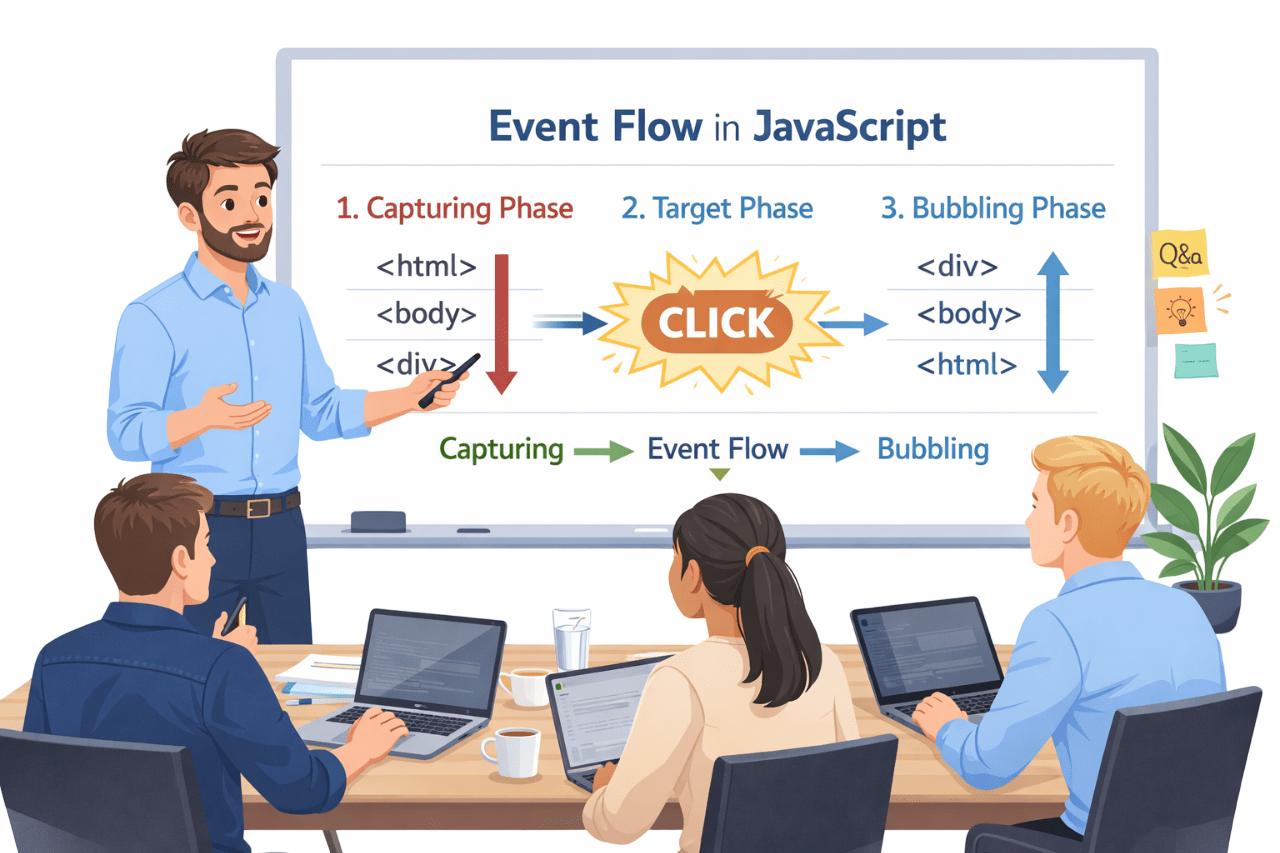

Learning Outcome
6
Apply event delegation and recognize non-bubbling events
5
Differentiate between event.target and event.currentTarget
4
Explain the three phases of event flow: capturing, target, and bubbling
3
Understand why event flow is required in the DOM
2
Explain event handling using JavaScript
1
Define what an event is and how it occurs in the browser
Recall
What is Event?
An event is an action in the browser due to user interaction or system activity.
Examples:
- Mouse click
- key press
- Page load
- Form submission
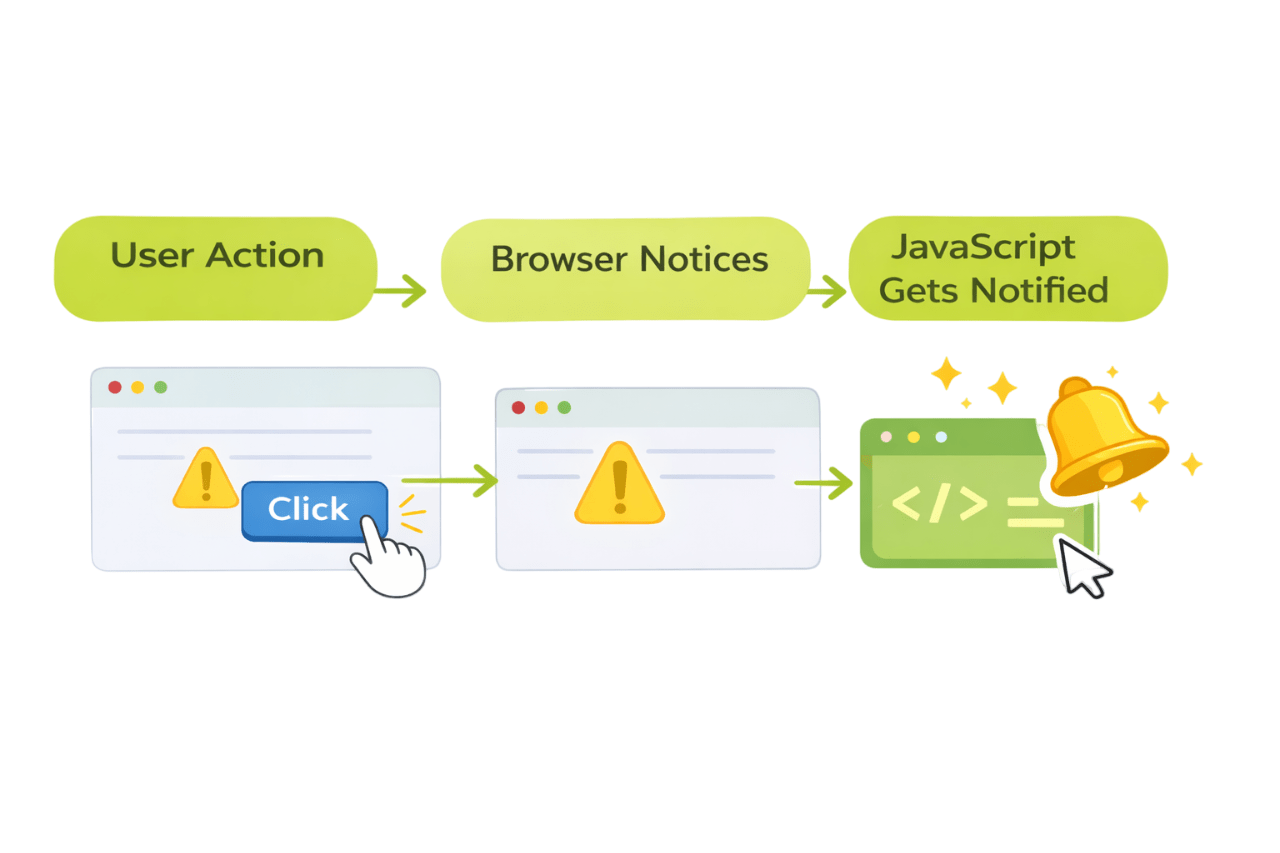
Recall
What is DOM?
The DOM is a tree-like structure created by the browser that represents your HTML page so JavaScript can read, change, and interact with it.
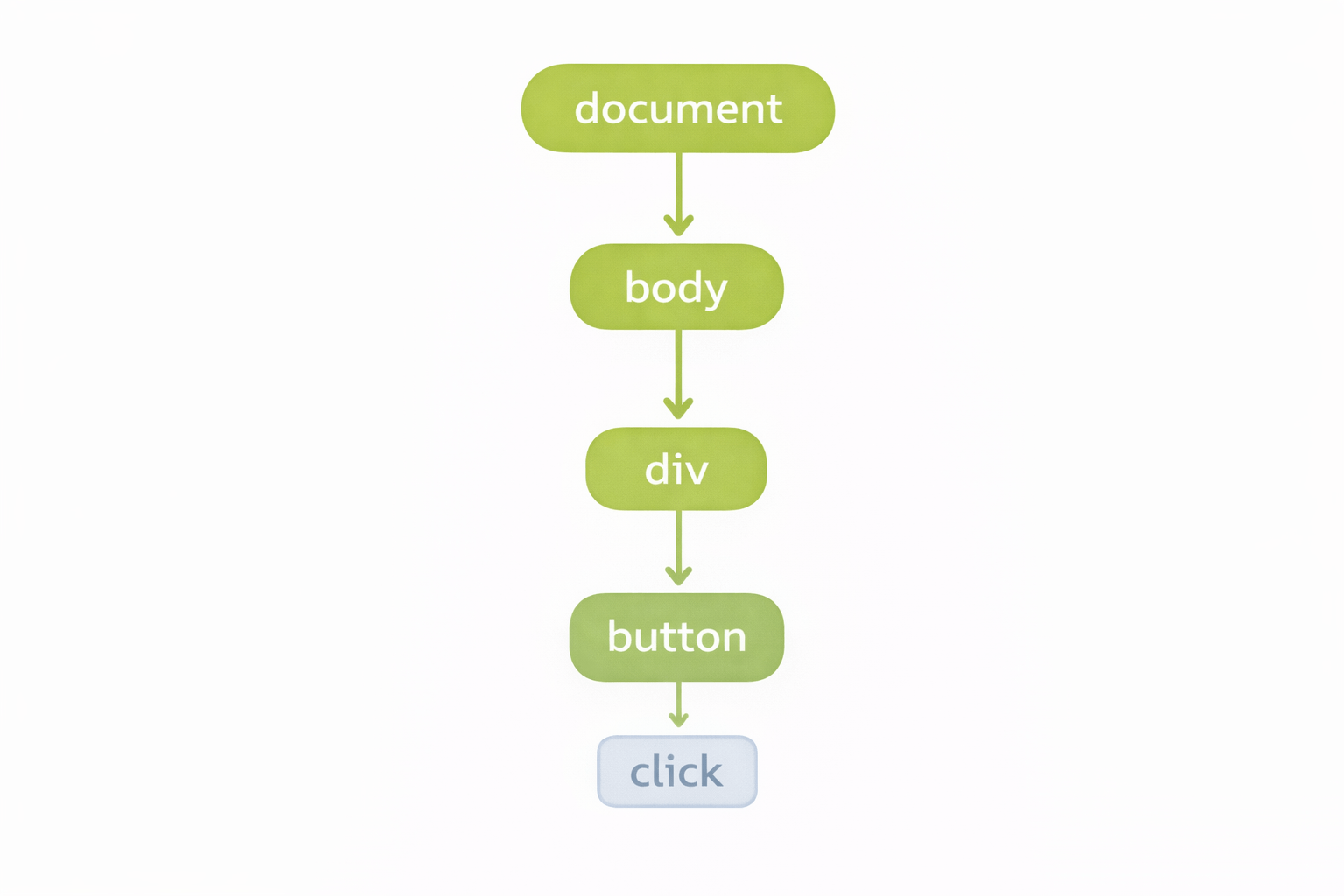
What is Event Handling?
Event handling is writing Javascript code that runs when event occurs
-
JavaScript waits
-
When event happens → function executes
Concept
button.addEventListener("click", function () {
  console.log("Button clicked");
});
this topic is covered in last slide deck "DOM Navigation"
Why Event Flow Exists
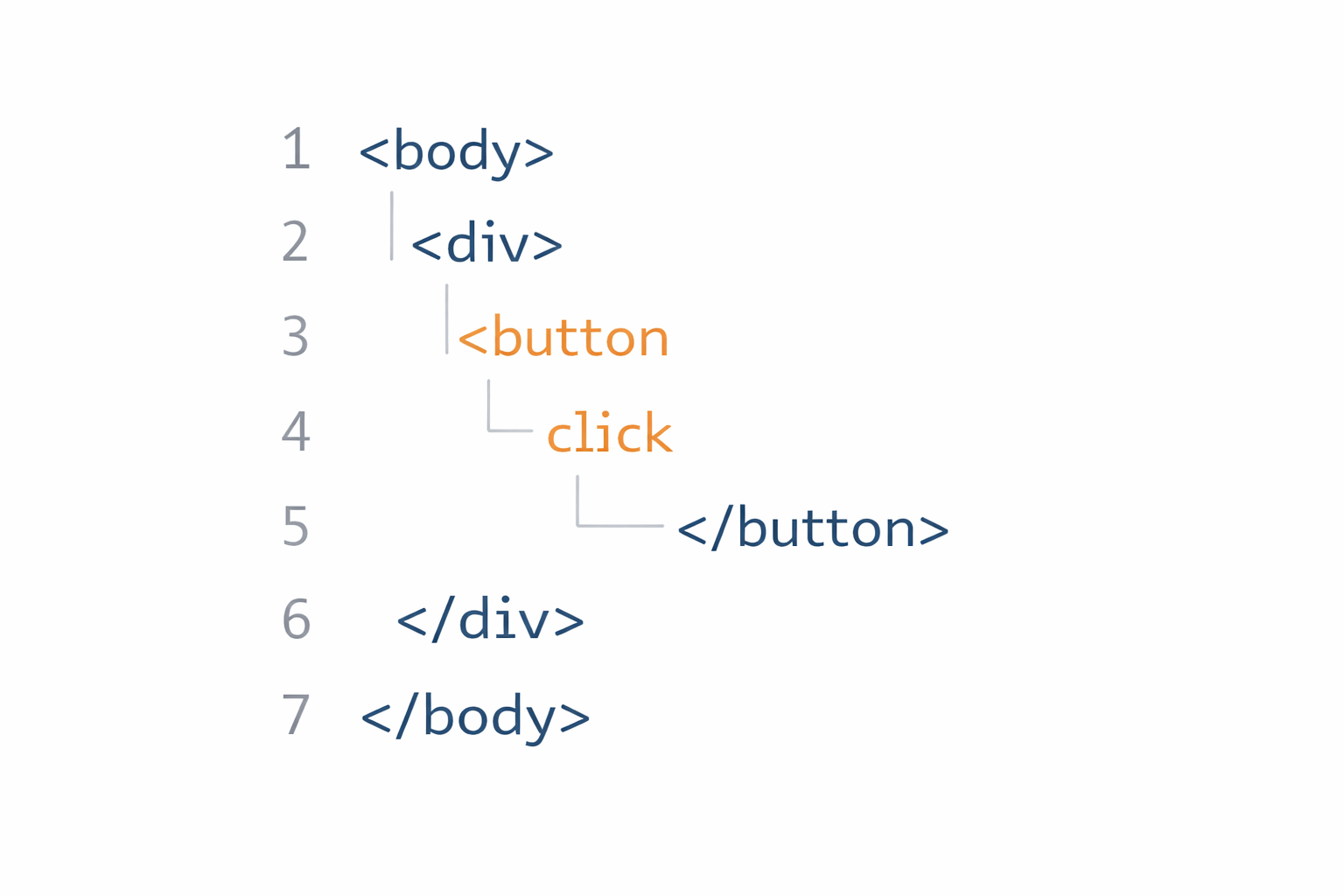
<body>
  <div>
    <button>Click</button>
  </div>
</body>
Why Event Flow Exists
<body>
<div>
<button>
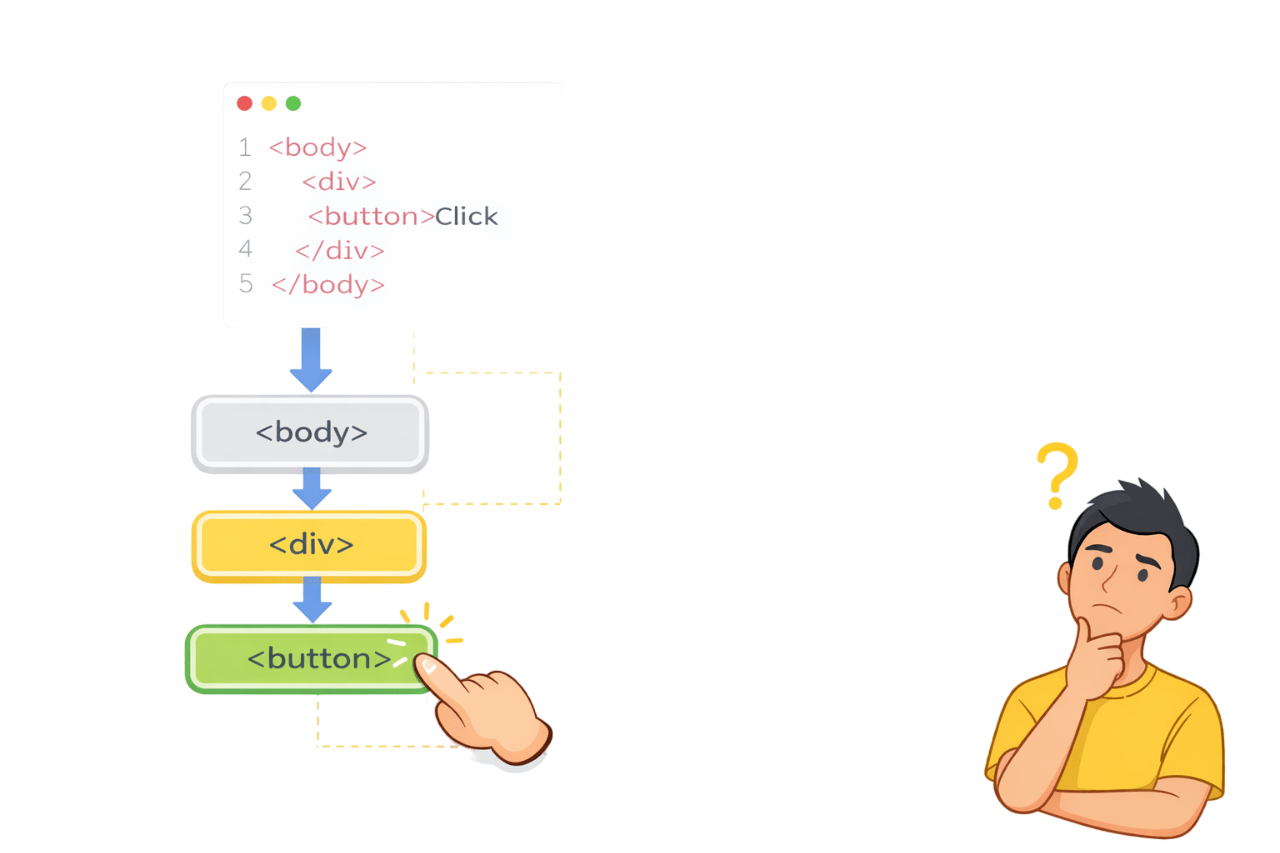
When button is clicked
- Button is involved
- Div is involved
- Body is involved
Who should handle the click first?
Event Flow decides this
Event Flow: Definition
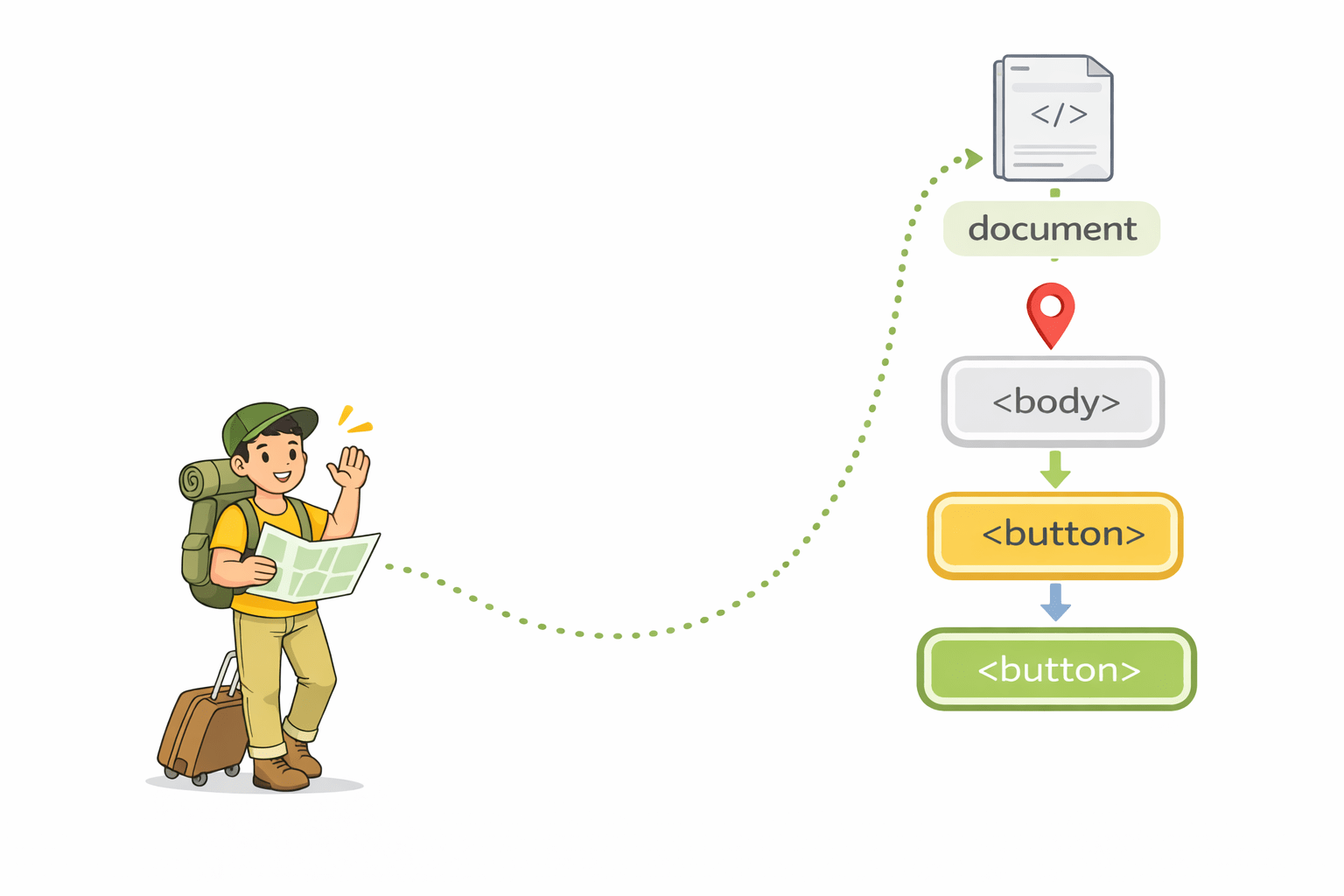
Event flow is the order and path through which an event travels across DOM elements.
An event is like a traveler moving through the DOM tree.
Event Propagation
Event propagation is the movement of the event through DOM elements.
An event does not stay on one element
It moves step by step

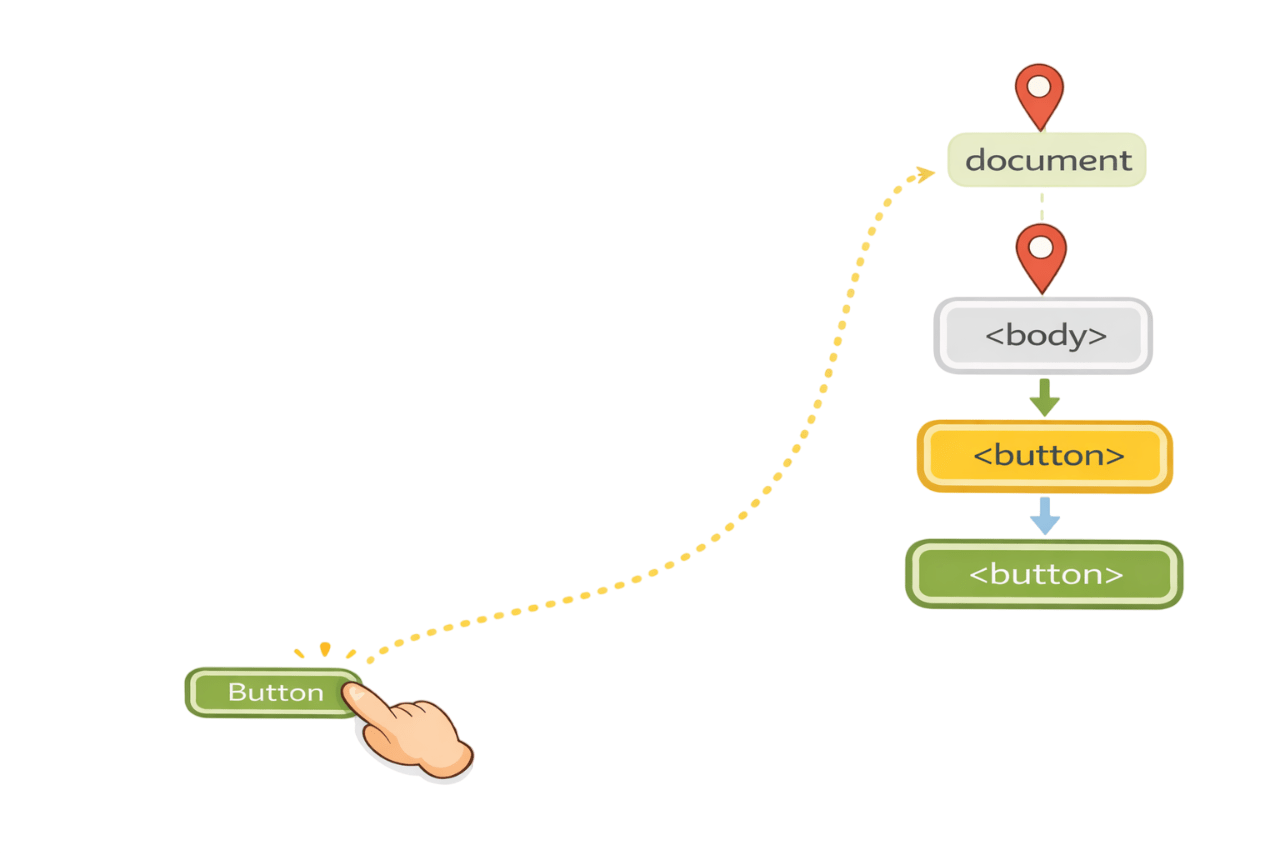
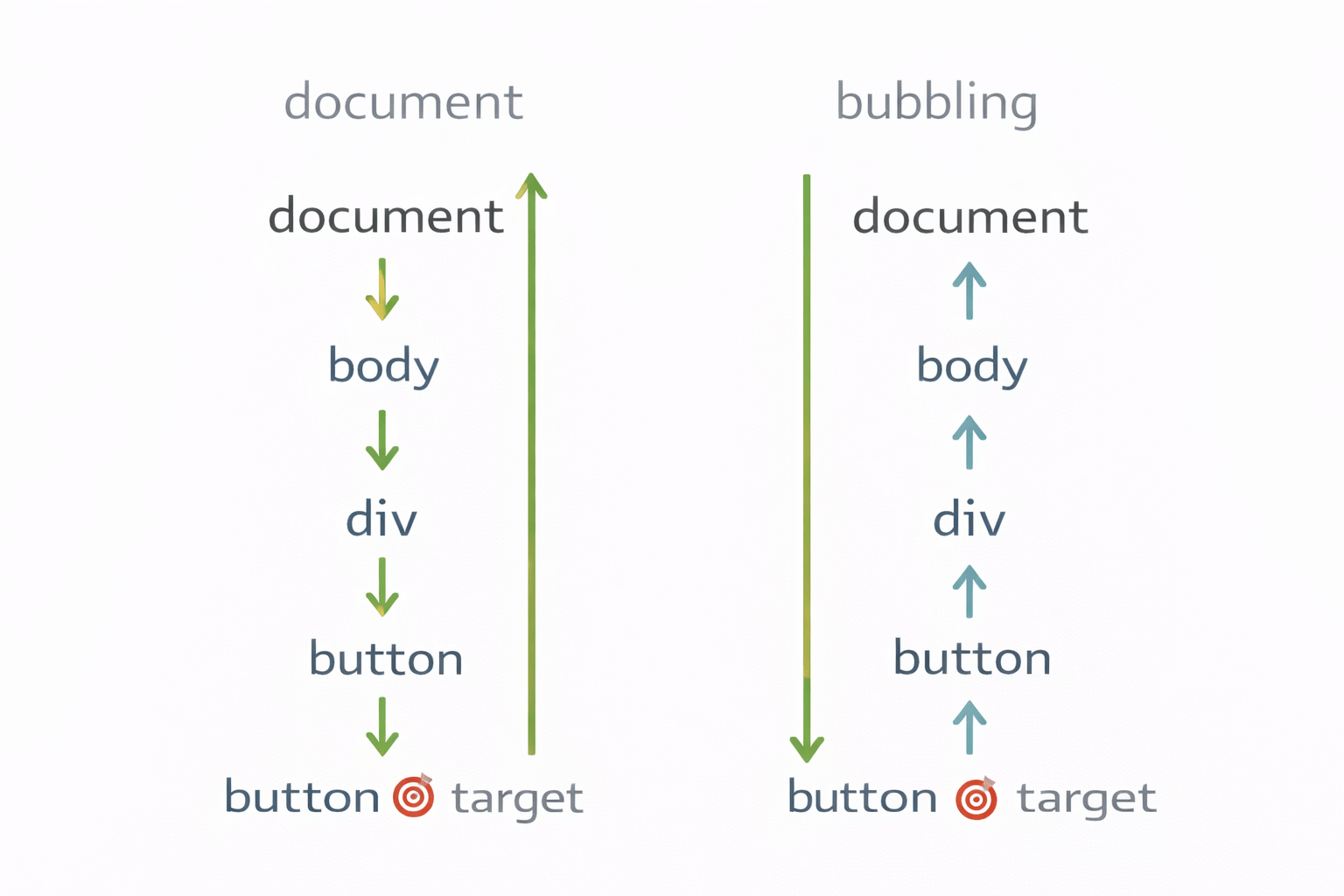
Three Phases of Event Flow
Note:
Every event follows this order.
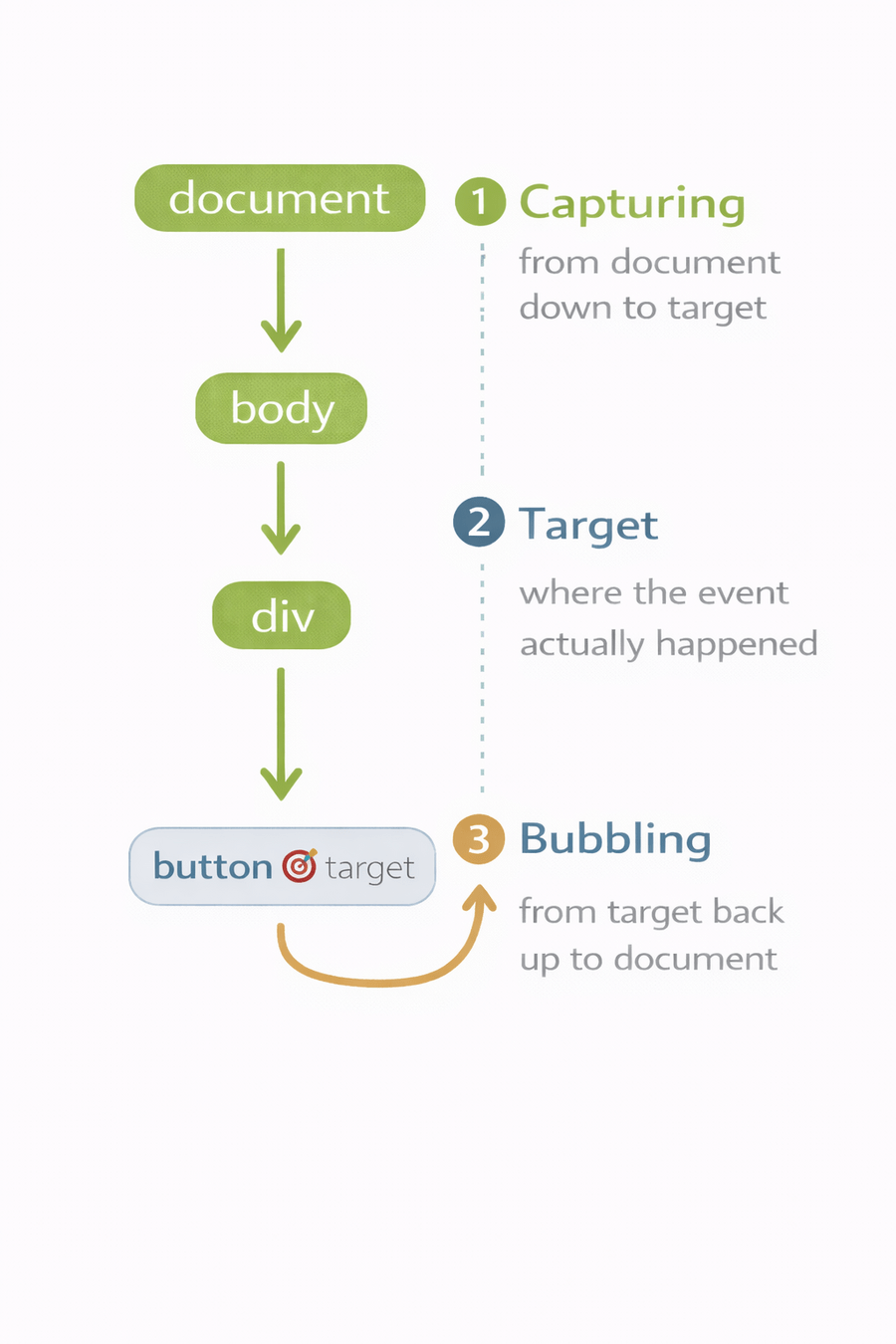
Capturing phase
Event travels from TOP of DOM down to the target
-
Happens before target
-
Not default
-
Must be enabled explicitly
Note:
element.addEventListener("click", handler, true);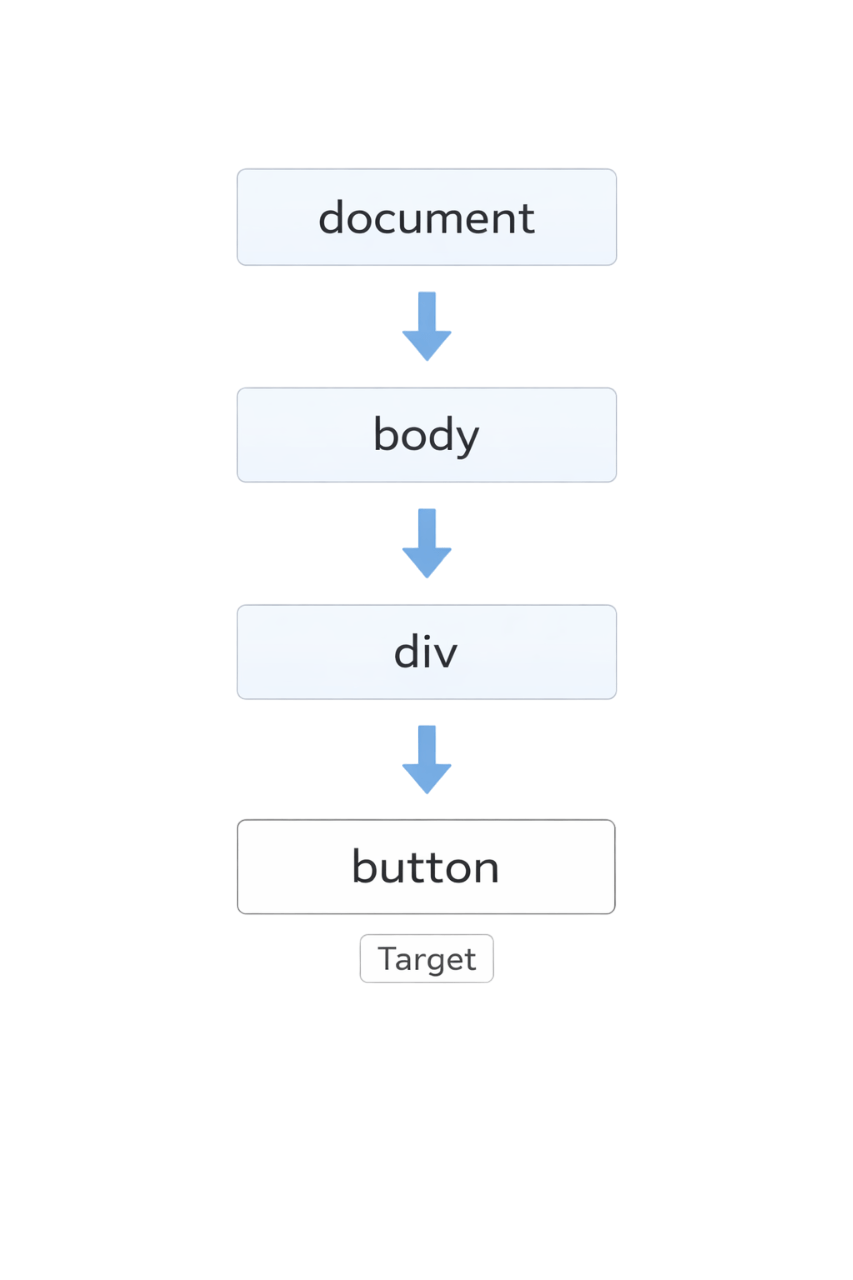
The event starts at the document and travels down to the button through body and div.
Target phase
Event reaches the element where it actually occurred.
Note:
-
Event pauses here
-
Real action happens here
Key property:
event.target
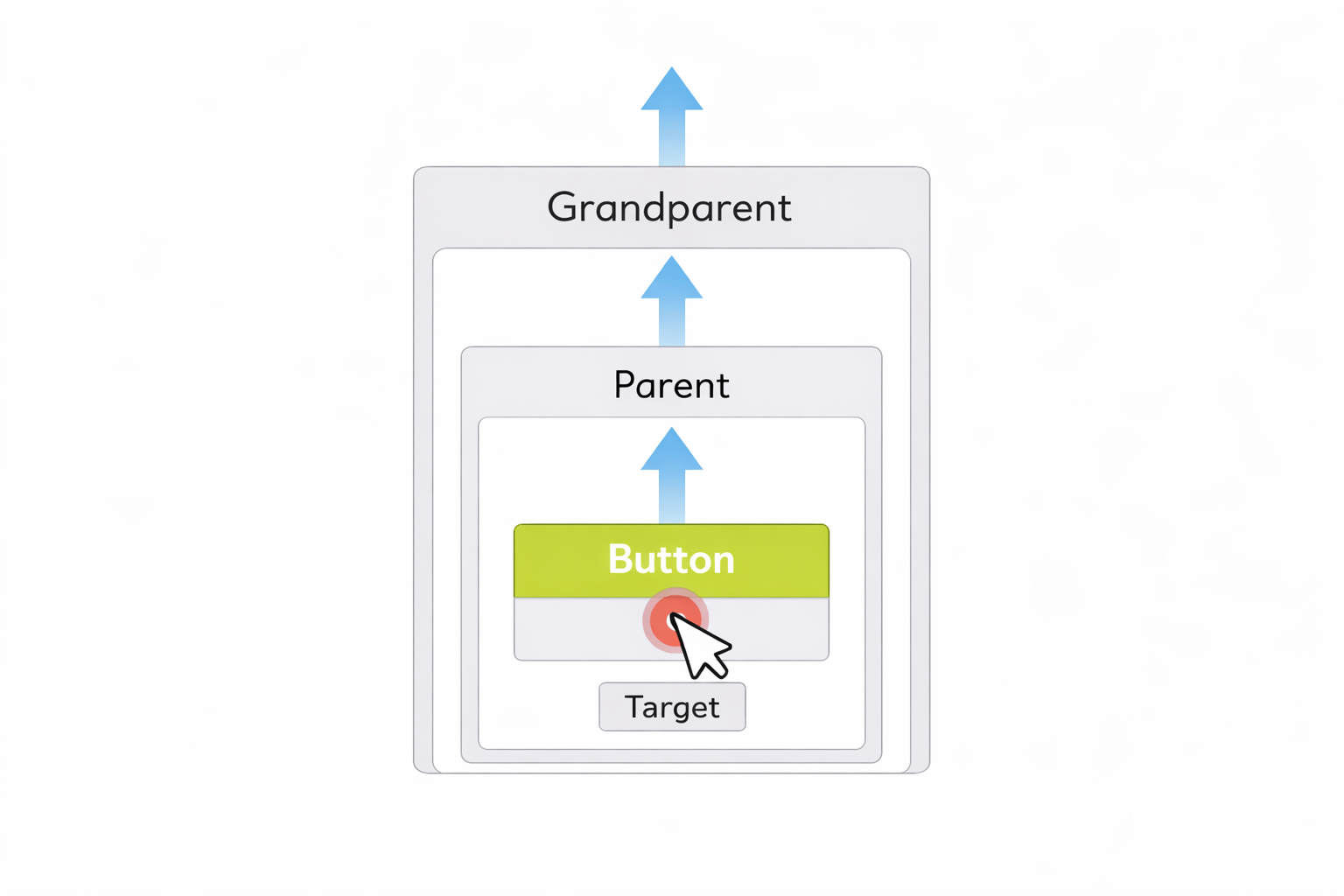
In the target phase, the event reaches the clicked element, known as the target, which is referenced by event.target.
Bubbling phase
Event travels upward from target to top of DOM.
-
Bubbling is default
-
Most JS logic relies on this
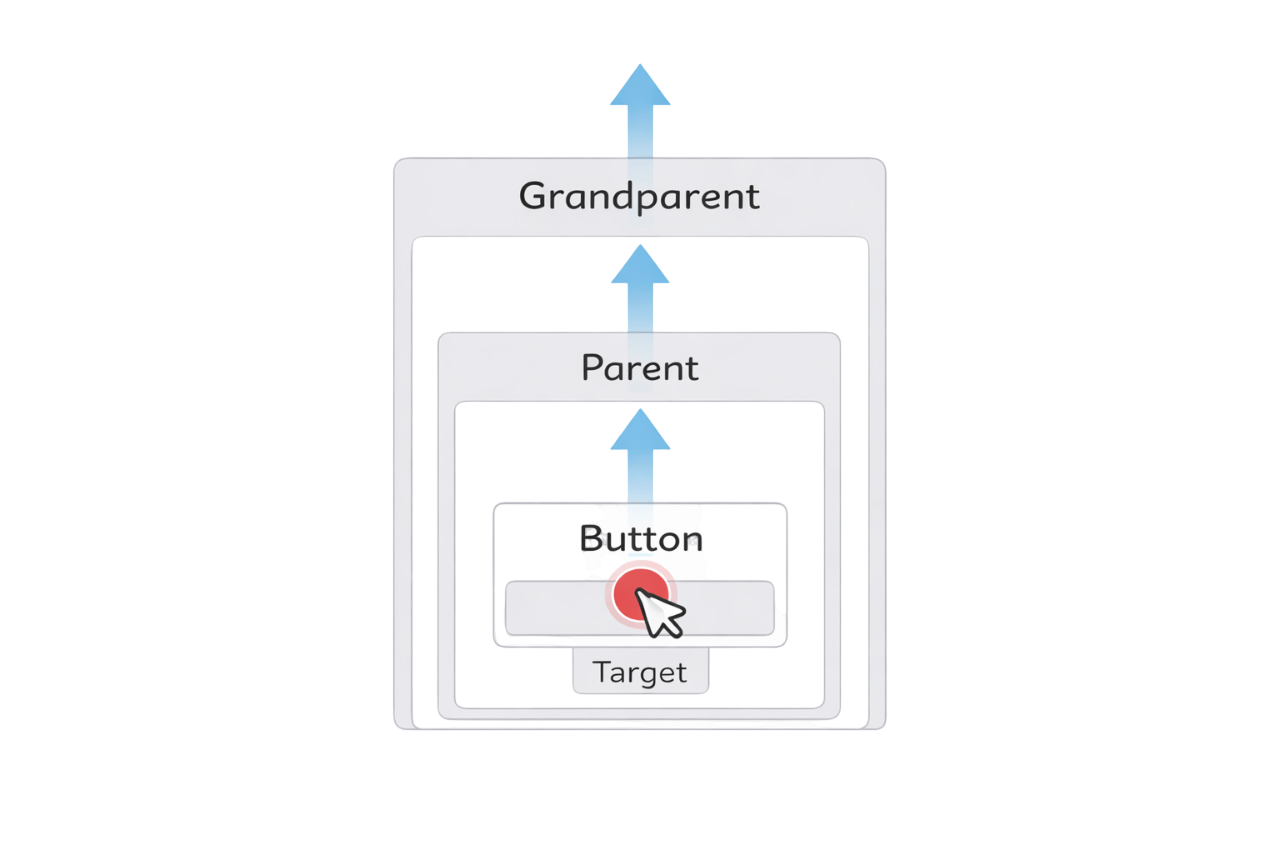
When I click the button, the event starts there and moves up to its parent and grandparent. This is called event bubbling.
<div id="grandparent">
  <div id="parent">
    <button id="child">Click me</button>
  </div>
</div>
onst grandparent = document.getElementById("grandparent");
const parent = document.getElementById("parent");
const child = document.getElementById("child");

/* Capturing phase */
grandparent.addEventListener(
  "click",
  () => console.log("Grandparent - Capturing"),
  true
);

parent.addEventListener(
  "click",
  () => console.log("Parent - Capturing"),
  true
);

child.addEventListener(
  "click",
  () => console.log("Child - Capturing"),
  true
);
/* Target + Bubbling phase */
child.addEventListener("click", () =>
console.log("Child - Target / Bubbling")
);
parent.addEventListener("click", () =>
console.log("Parent - Bubbling")
);
grandparent.addEventListener("click", () =>
console.log("Grandparent - Bubbling")
);
//output

Grandparent - Capturing
Parent - Capturing
Child - Capturing
Child - Target / Bubbling
Parent - Bubbling
Grandparent - Bubbling
Complete Event Flow
event.target vs event.currentTarget
event.target
Who was clicked?
event.currentTarget
Who is handling the event right now?
-
target→ origin -
currentTarget→ listener owner
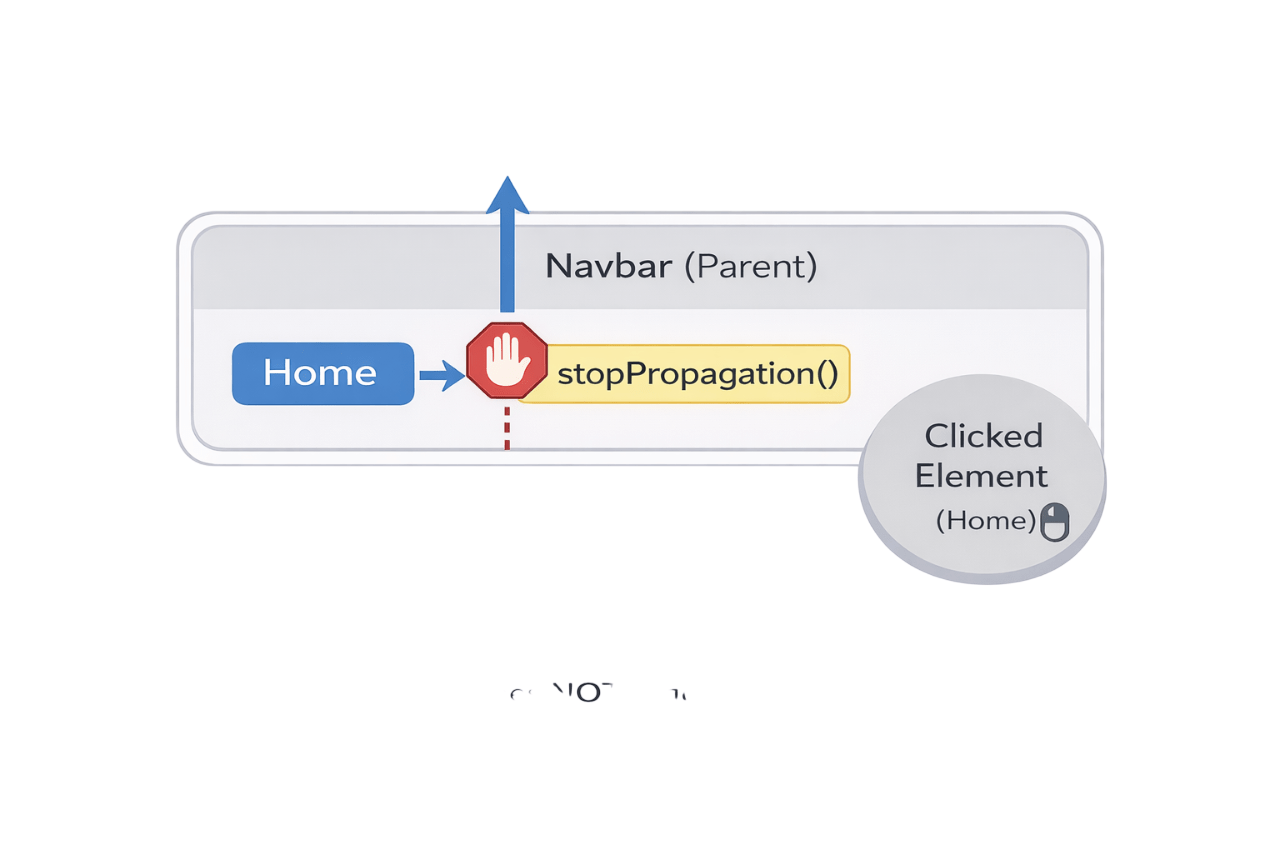
stopPropagation()
When an event occurs on a child element, it normally bubbles up to Parent elements
stoppropagation() stops this upward movement
When an event occurs on a child element, it normally bubbles up to Parent elements
User clicks on Home
Home handles the click
- Event bubbles up
- Navbar receives the click
- stopPropagation() is called
- Event stops immediately
Without stopPropagation
With stopPropagation
<div id="navbar">
  <button id="home">Home</button>
</div>
const navbar = document.getElementById("navbar");
const home = document.getElementById("home");

navbar.addEventListener("click", () => {
  console.log("Navbar clicked");
});

home.addEventListener("click", () => {
  console.log("Home clicked");
});
Without stopPropagation
Output
Home clicked
Navbar clicked
home.addEventListener("click", (event) => {
  event.stopPropagation();
  console.log("Home clicked");
});
Output
Home clicked
With stopPropagation
Navbar does NOT receive the event
Event bubbles from Home → Navbar
preventDefault()
Prevents browser's default behaviour
Example:
Consider a blank form
<form>
<input type="text" placeholder="Name" />
<button type="submit">Submit</button>
</form>
Before PreventDefault()
After PreventDefault()
- Page reloads
- Entered data lost
- Validates data without losing it
- No Page reloads
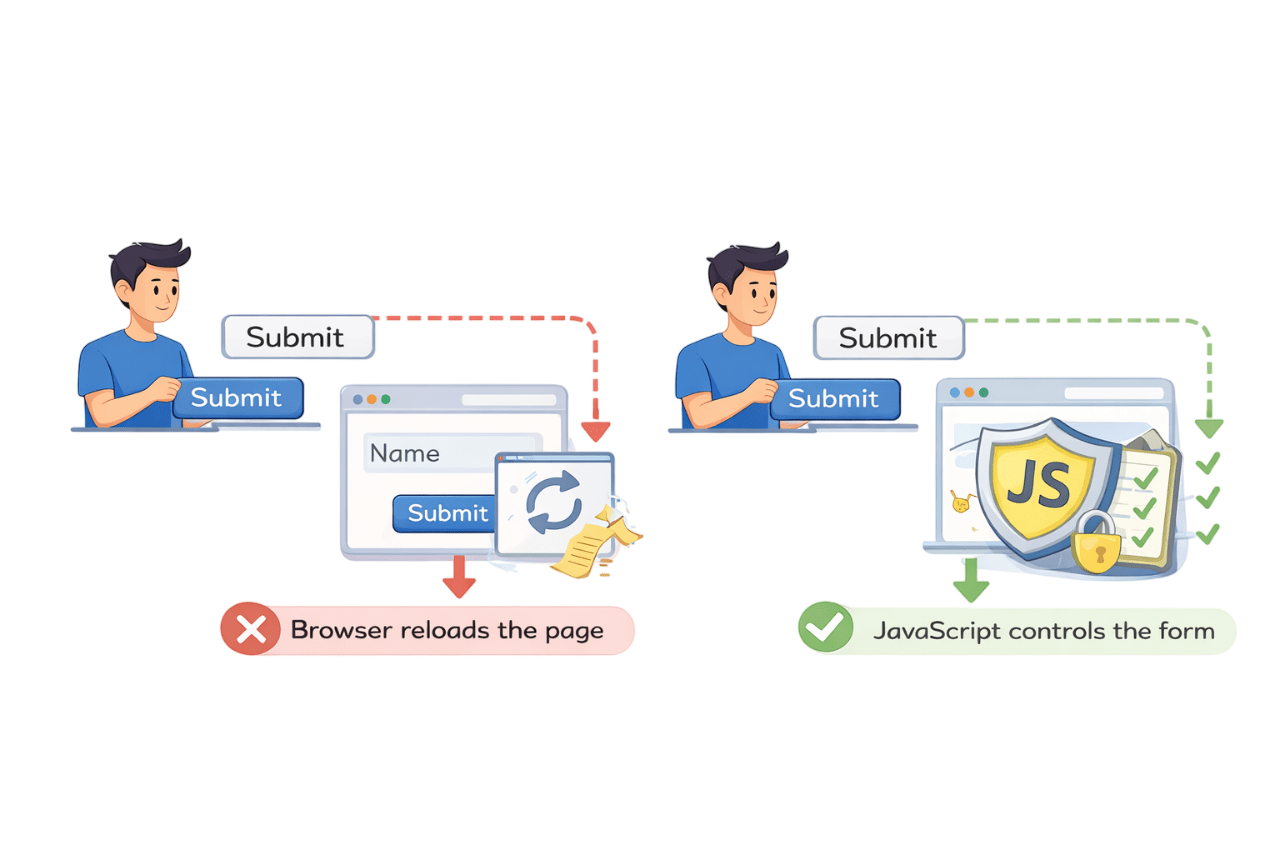
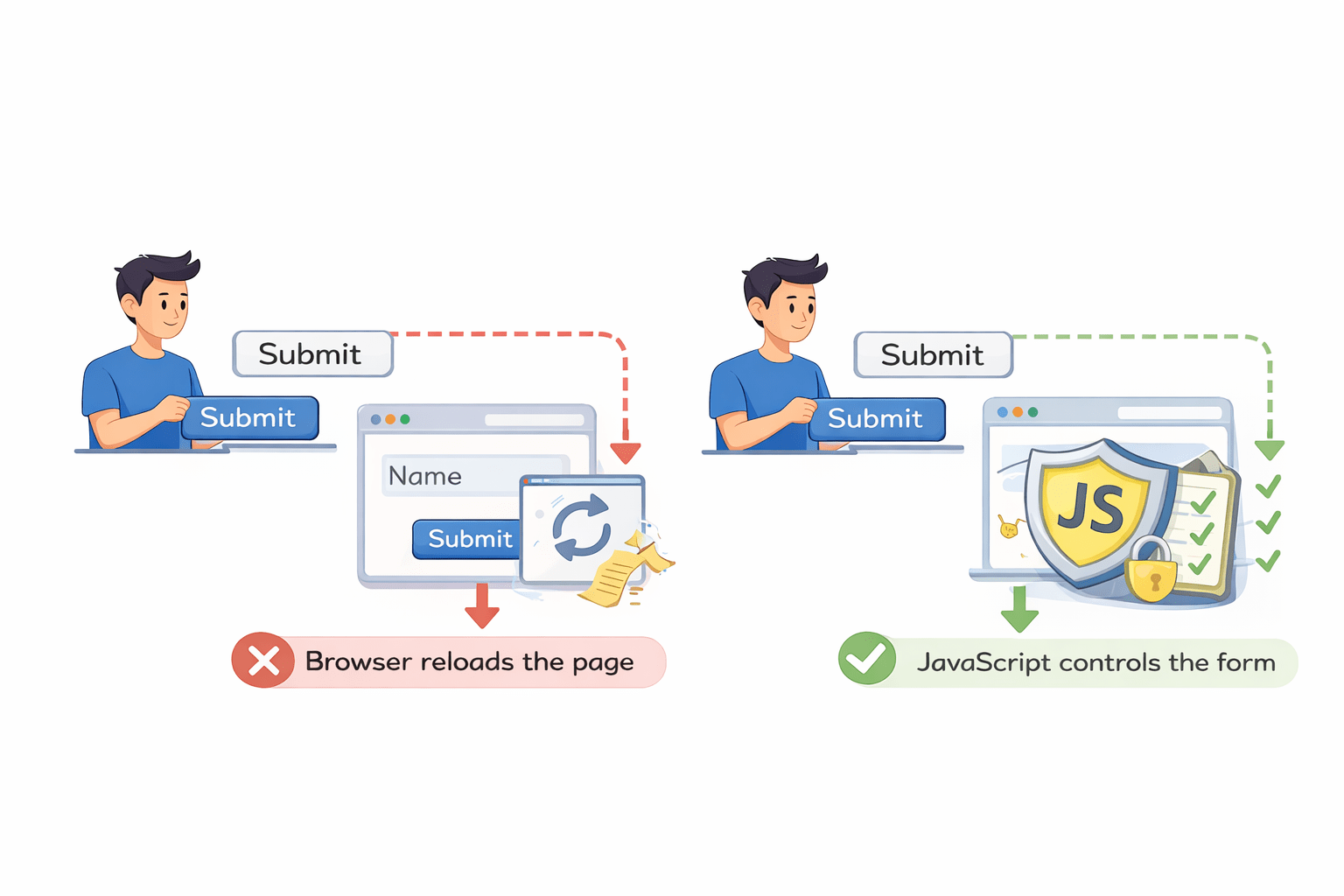
preventDefault() stops the default browser action, letting Javascript handle the event.
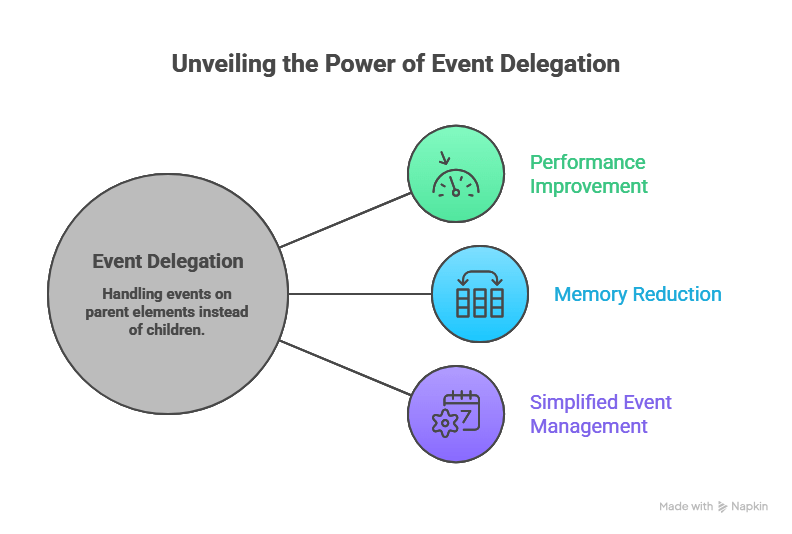
What is Event Delegation
Event delegation allows a parent element to handle events for its children.
One Listener -> many elements
How it works
-
Event occurs on child
-
Event bubbles up
-
Parent receives event
-
Parent checks
event.target
ul.addEventListener("click", (e) => {
  if (e.target.tagName === "LI") {
    console.log("Item clicked");
  }
});
Steps:
Lets consider Navbar example
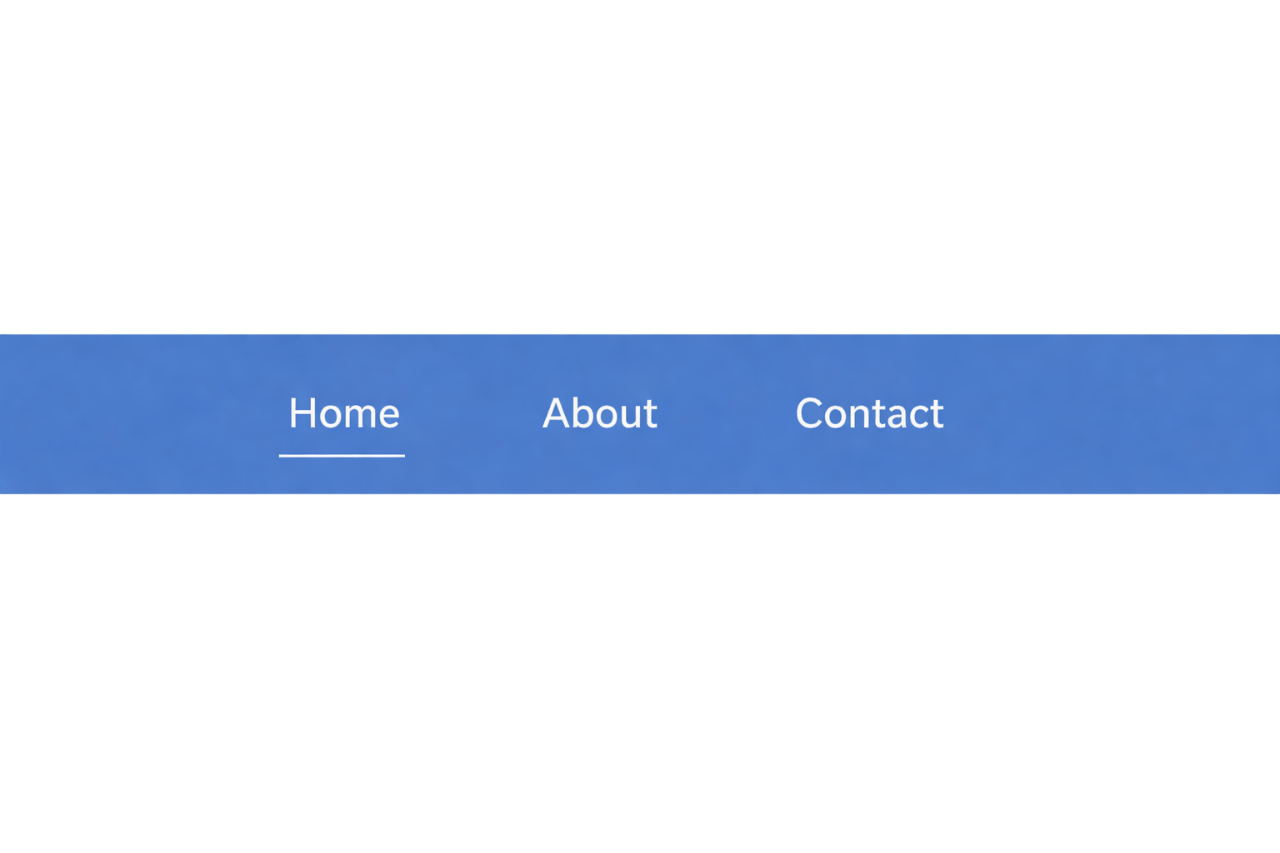
<ul id="menu">
  <li>Home</li>
  <li>About</li>
  <li>Contact</li>
</ul>- <ul> is parent
- <li> are children
const menu = document.getElementById("menu");

menu.addEventListener("click", function (event) {
  if (event.target.tagName === "LI") {
    console.log(event.target.textContent);
  }
});
//When user clicks Home
HomeEvent That do not bubble
Some events do not bubble.
-
focus
-
blur
-
mouseenter
-
mouseleave
Solution:
Use bubbling alternatives
- focusin
- focusout
Example:
Summary
5
Bubbling → Upward
4
Target → Origin
3
Capturing → Downward
2
Event flow defines the path
1
Events are user or system actions
6
Delegation → Efficient handling
Quiz
Which phase is default in event flow?
A. Capturing
B. Target
C. Bubbling
D. Delegation

Quiz-Answer
Which phase is default in event flow?
A. Capturing
B. Target
C. Bubbling
D. Delegation
