Stepping into The World of Cloud Computing


Deep Dive Into IAM

Learning Outcome
5
Learn what Cloud Shell is and why it is useful
4
Understand Role-Based Access Control (RBAC)
3
Learn how permissions work in IAM
2
Know the difference between inline and managed policies
1
Understand what IAM policies are
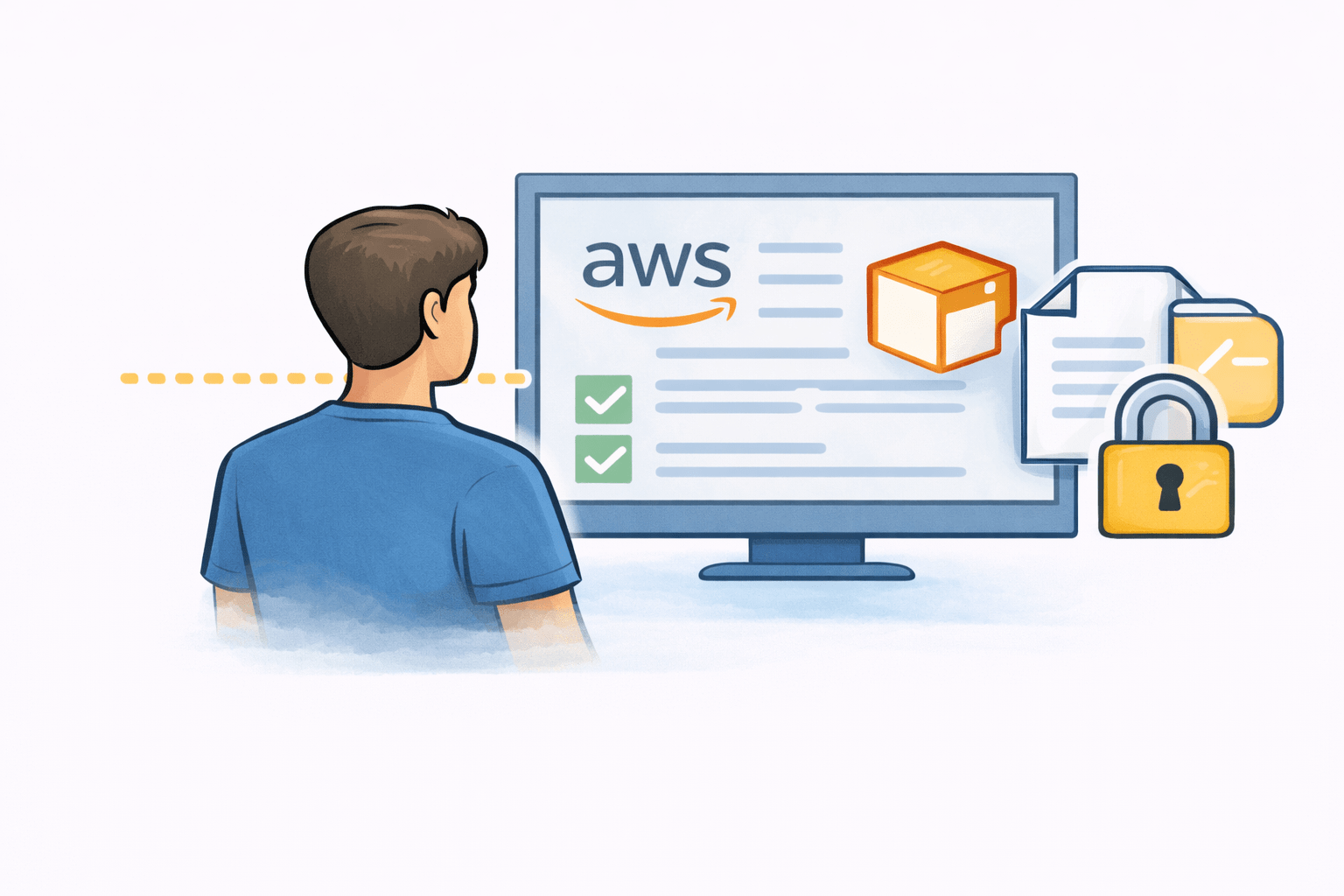
Earlier, we learned that
-
IAM controls who can access AWS
-
Users, groups, and roles manage access
-
Security improves when access is controlled
Policies and permissions are the rules behind all this control.
Movie Theater Analogy

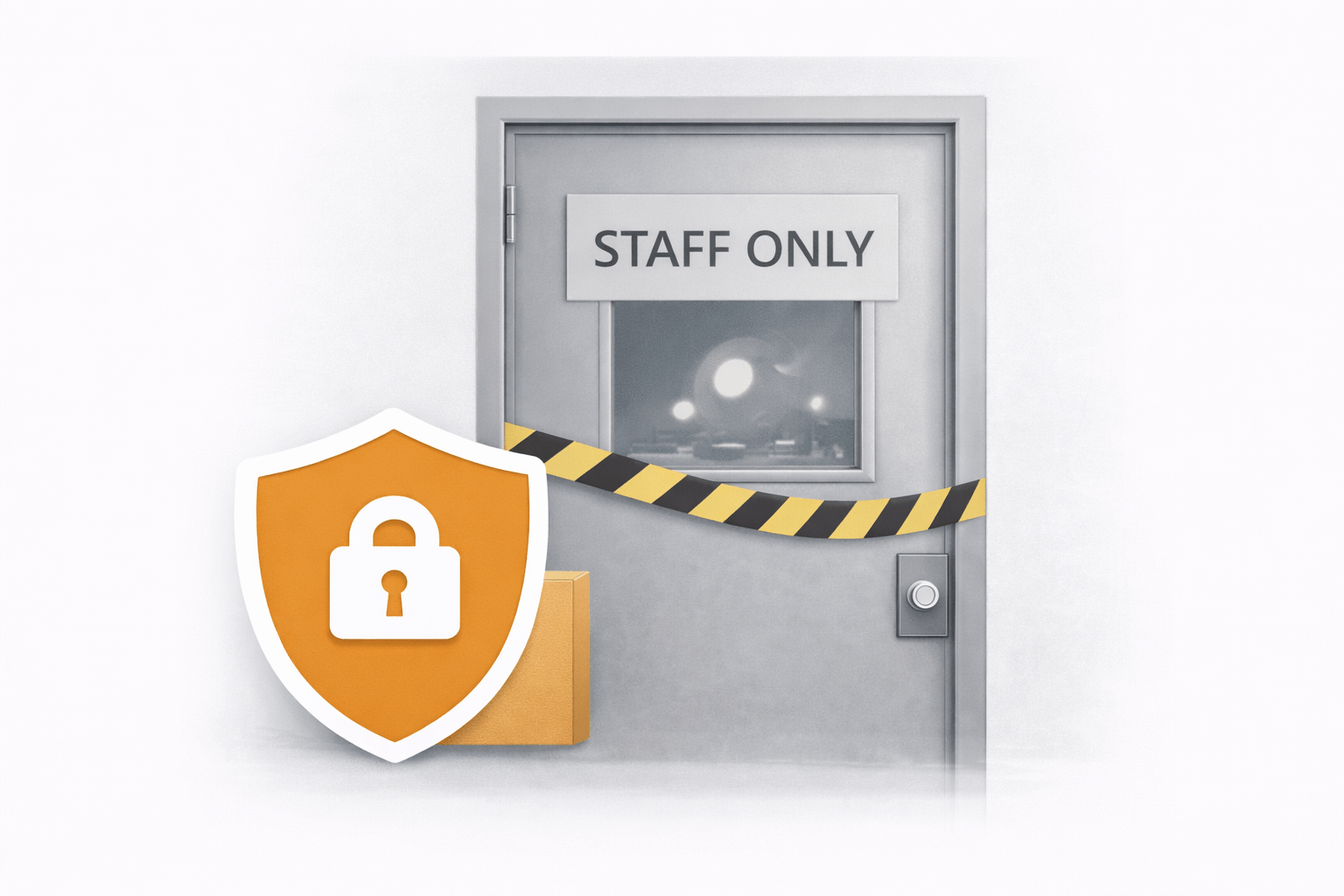
All visitors must buy a ticket and can sit only in allowed seating areas
Visitors cannot enter staff-only rooms like the control or projection room

Theater staff have special permission to access restricted areas to do their jobs
Understanding the IAM Policies in AWS
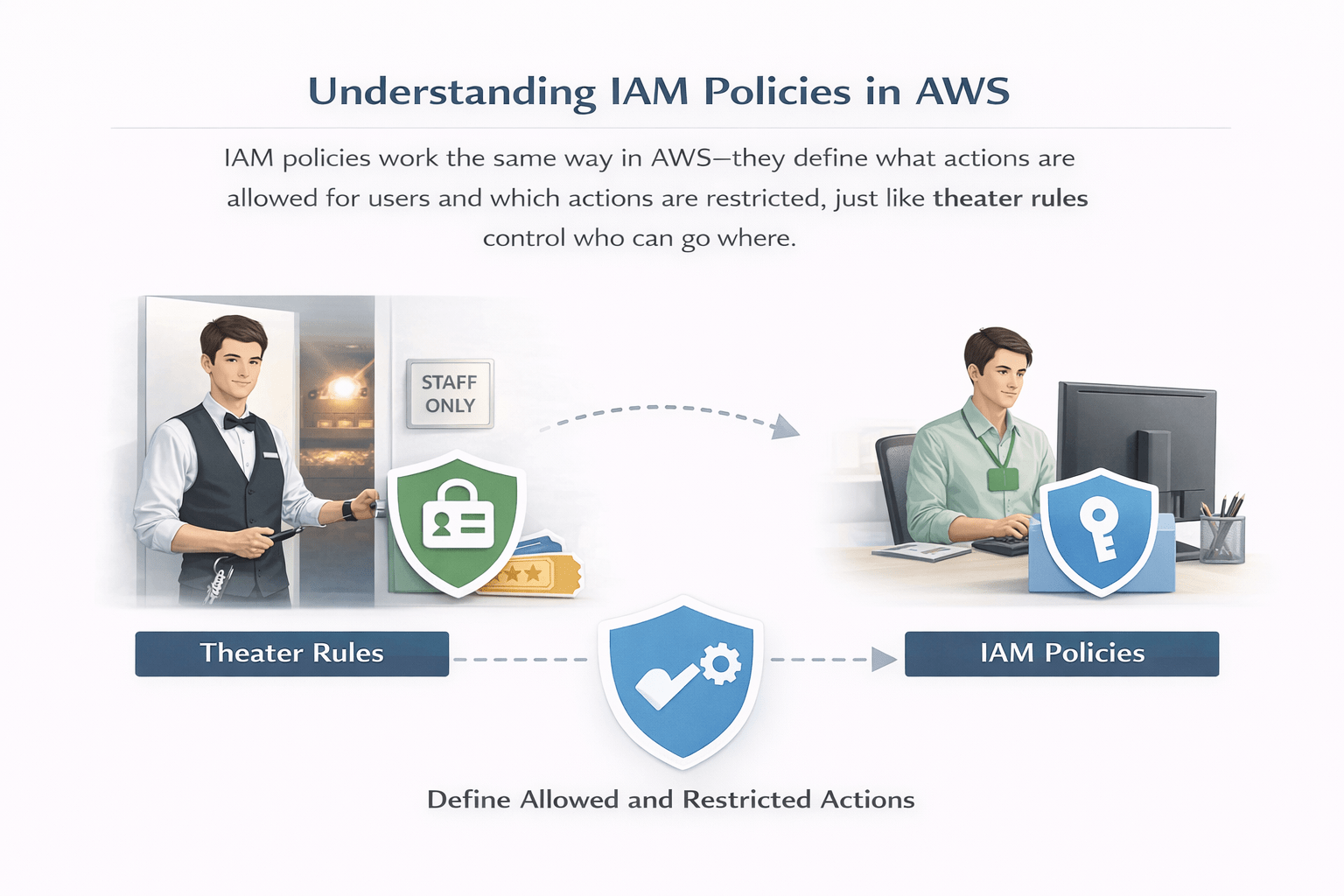
IAM policies work the same way in AWS—they define what actions are allowed for users and which actions are restricted, just like theater rules control who can go where.
IAM: Policies
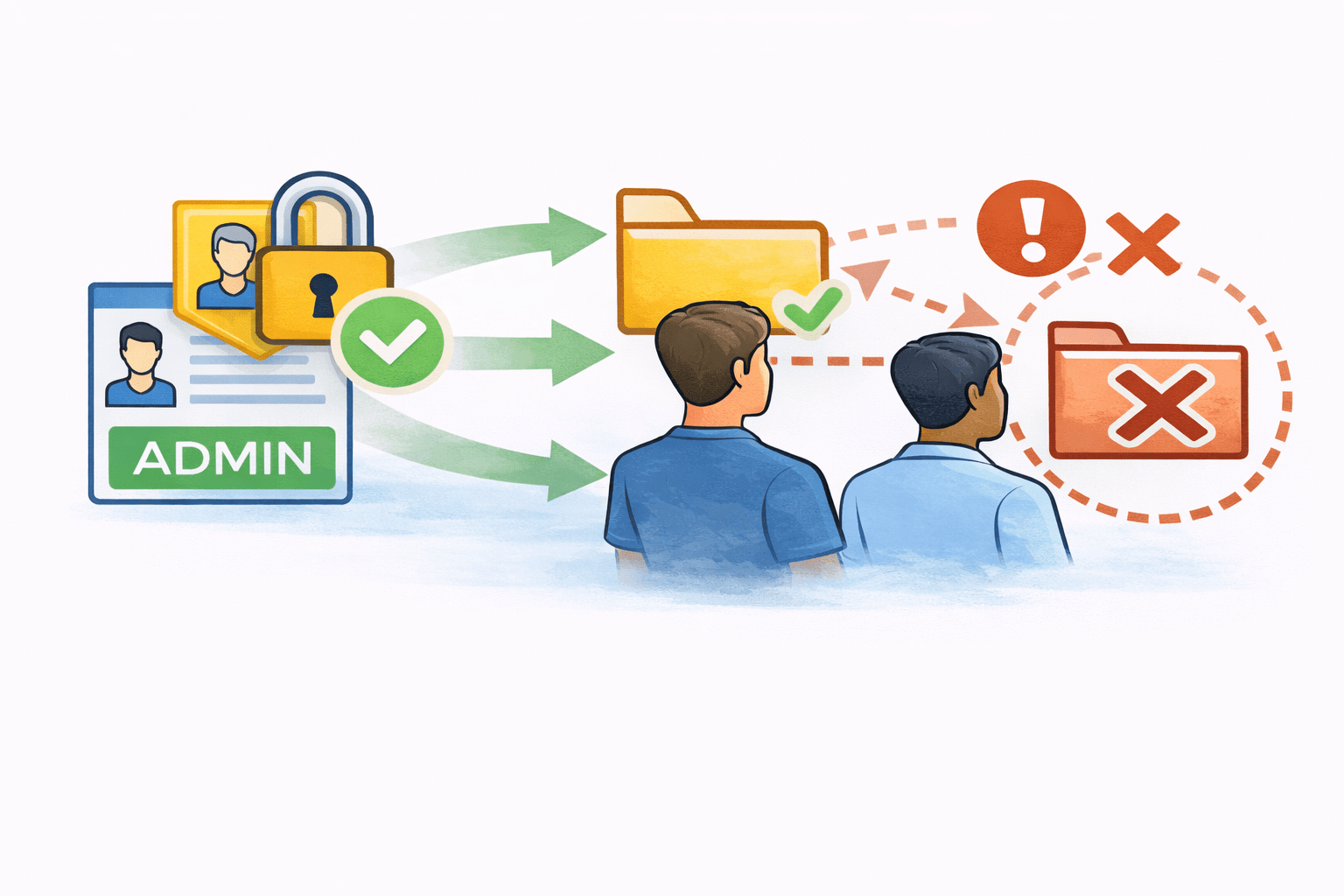
IAM policies are rules that decide what actions are allowed or not allowed in AWS
They clearly define what a user can do and what they cannot do.
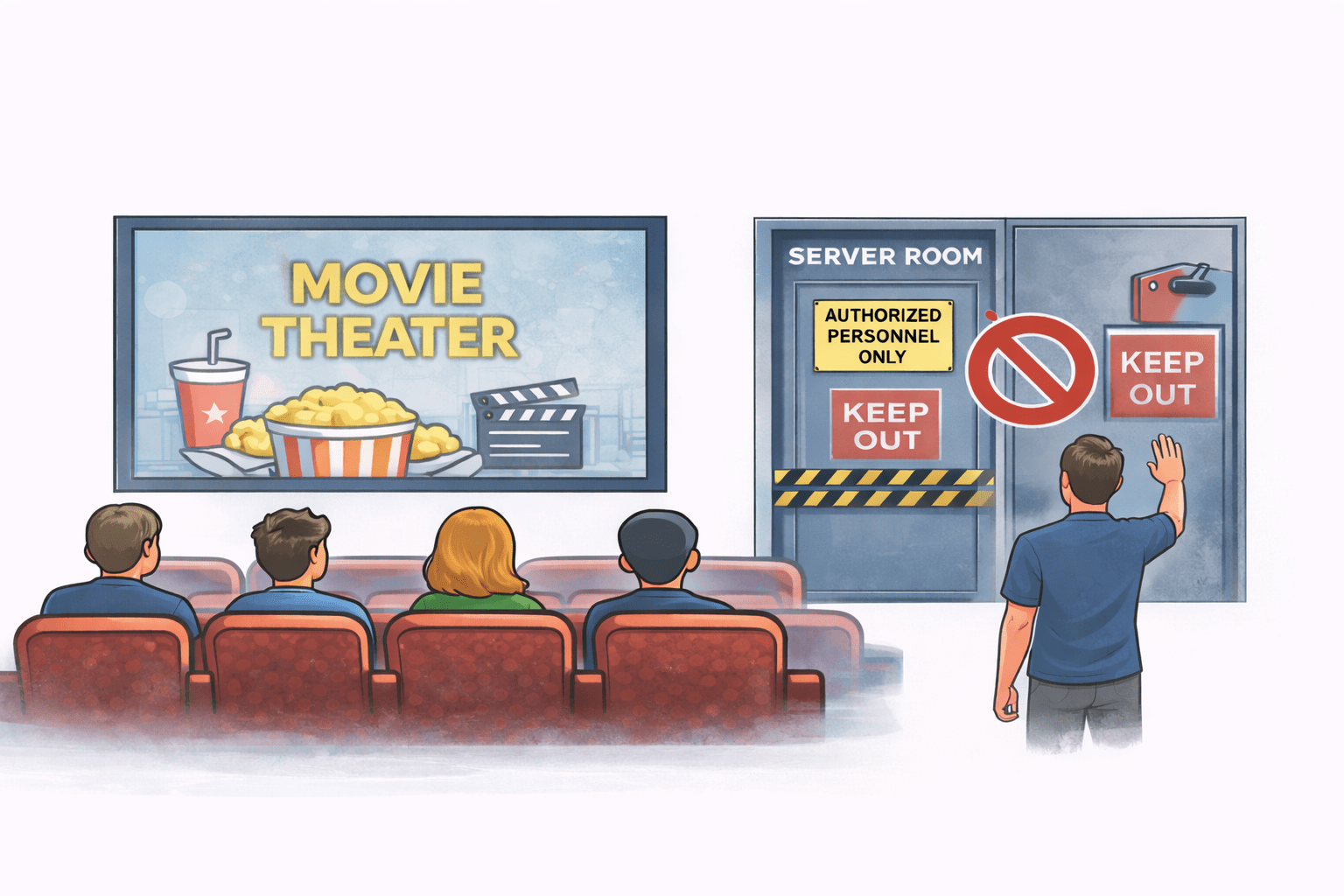
Example (Movie Theater)
Visitors can watch movies and sit in their seats
They are not allowed to enter the projection room
In the same way, IAM policies allow certain actions in AWS and block restricted ones


Types of Policies
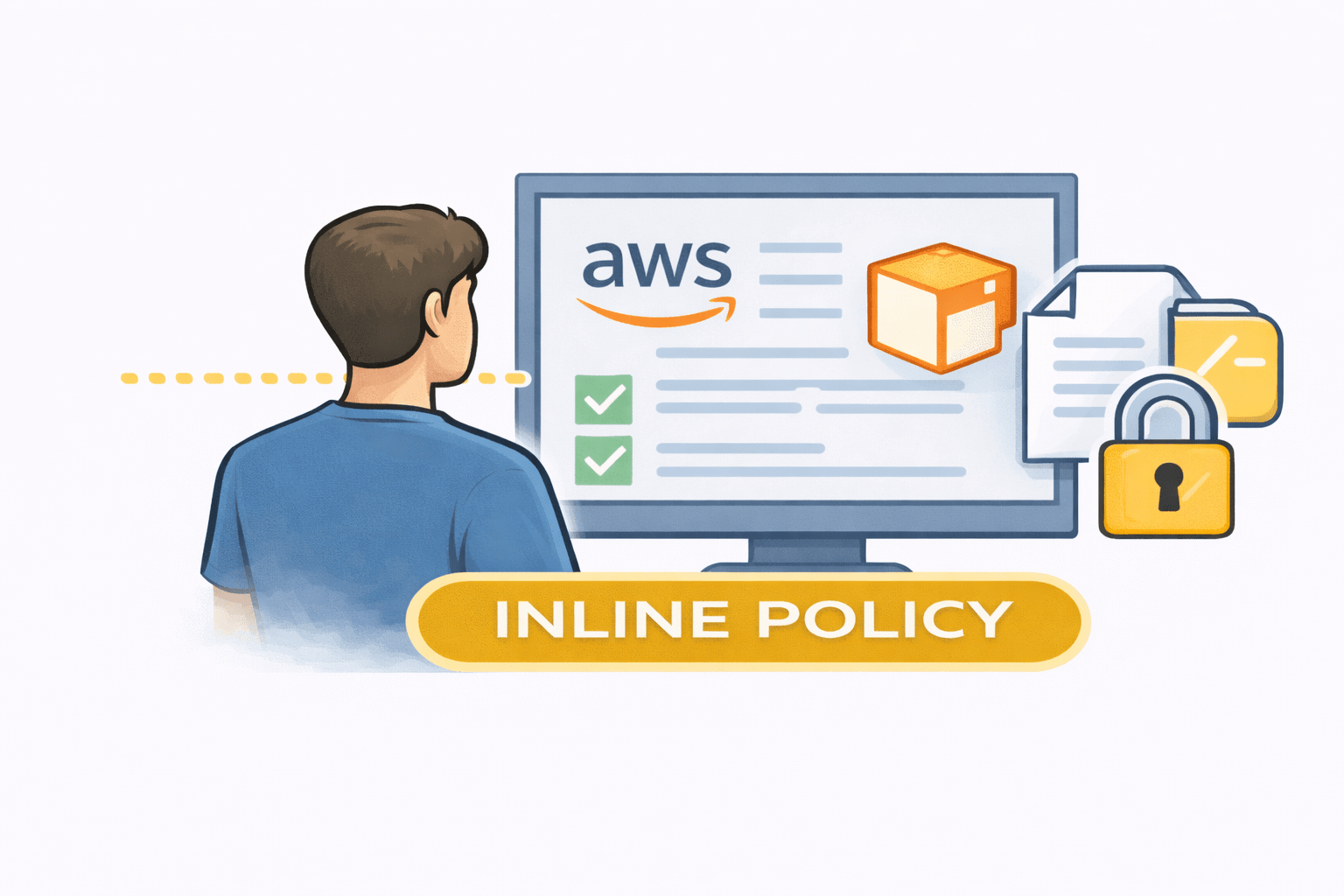
Inline Policies
An inline policy is a special rule created for
one specific user or role only.
It is not shared with anyone else.
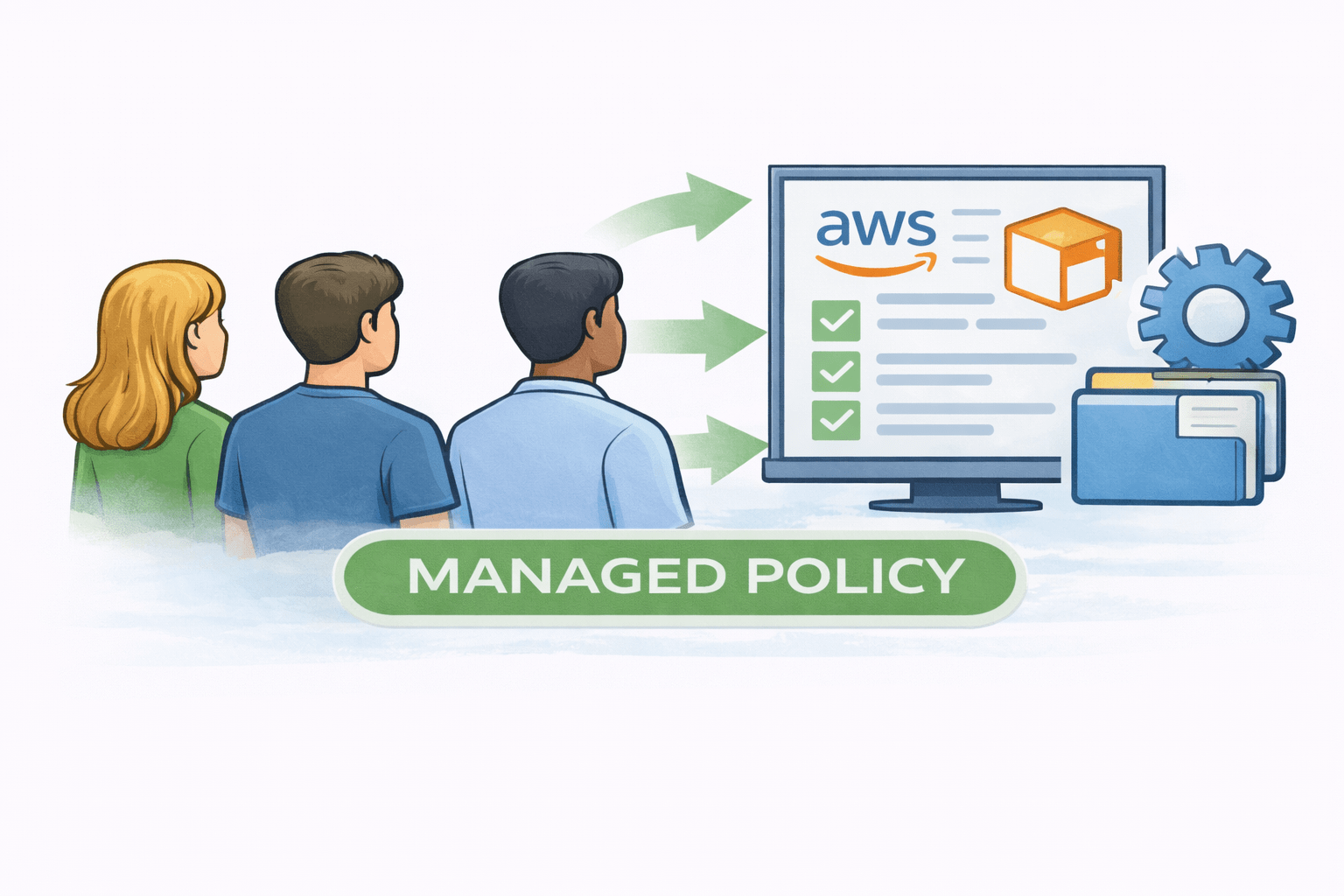
Managed Policy
A managed policy is a reusable set of permissions applied to users or groups.
Role-Based Access Control (RBAC)
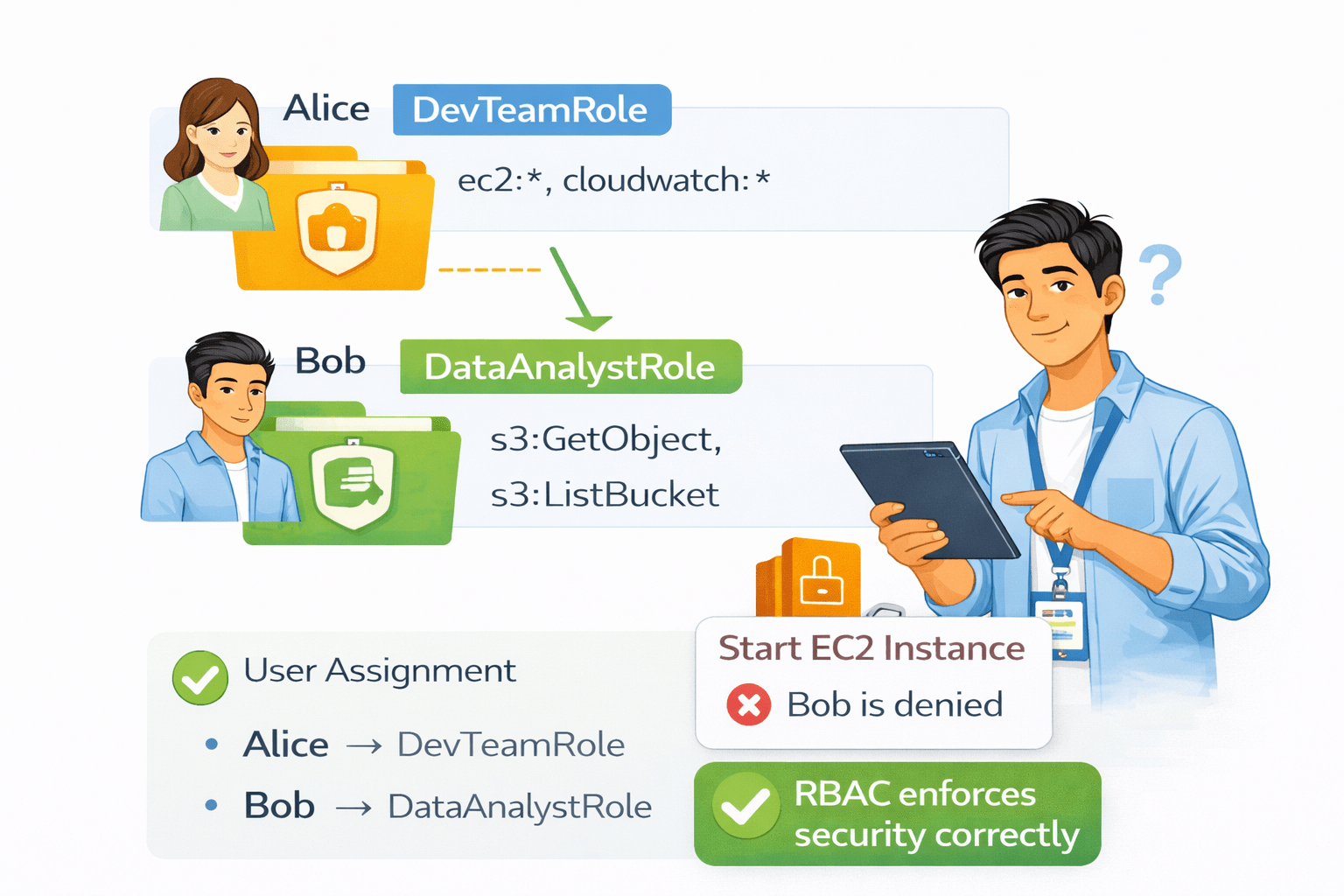
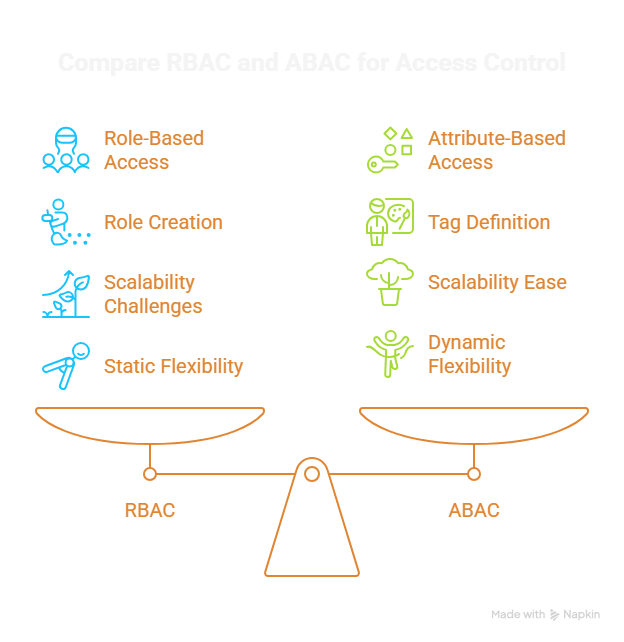
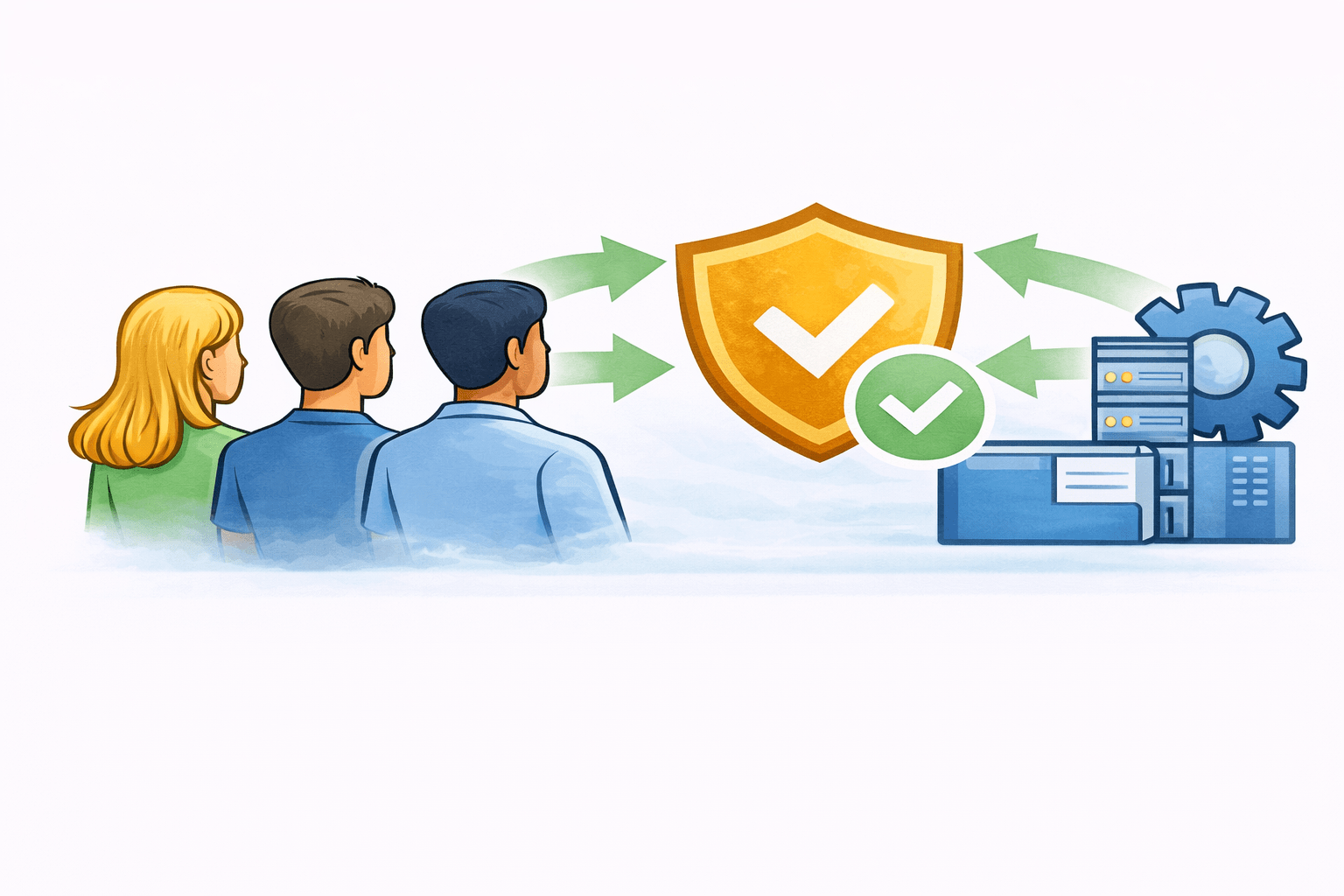
RBAC is an access control model where permissions are tied to roles, and users (or entities like IAM users, groups, or roles) are assigned to those roles.
Access = Based on predefined roles and policies.
Example : RBAC AWS in action
How RBAC Works

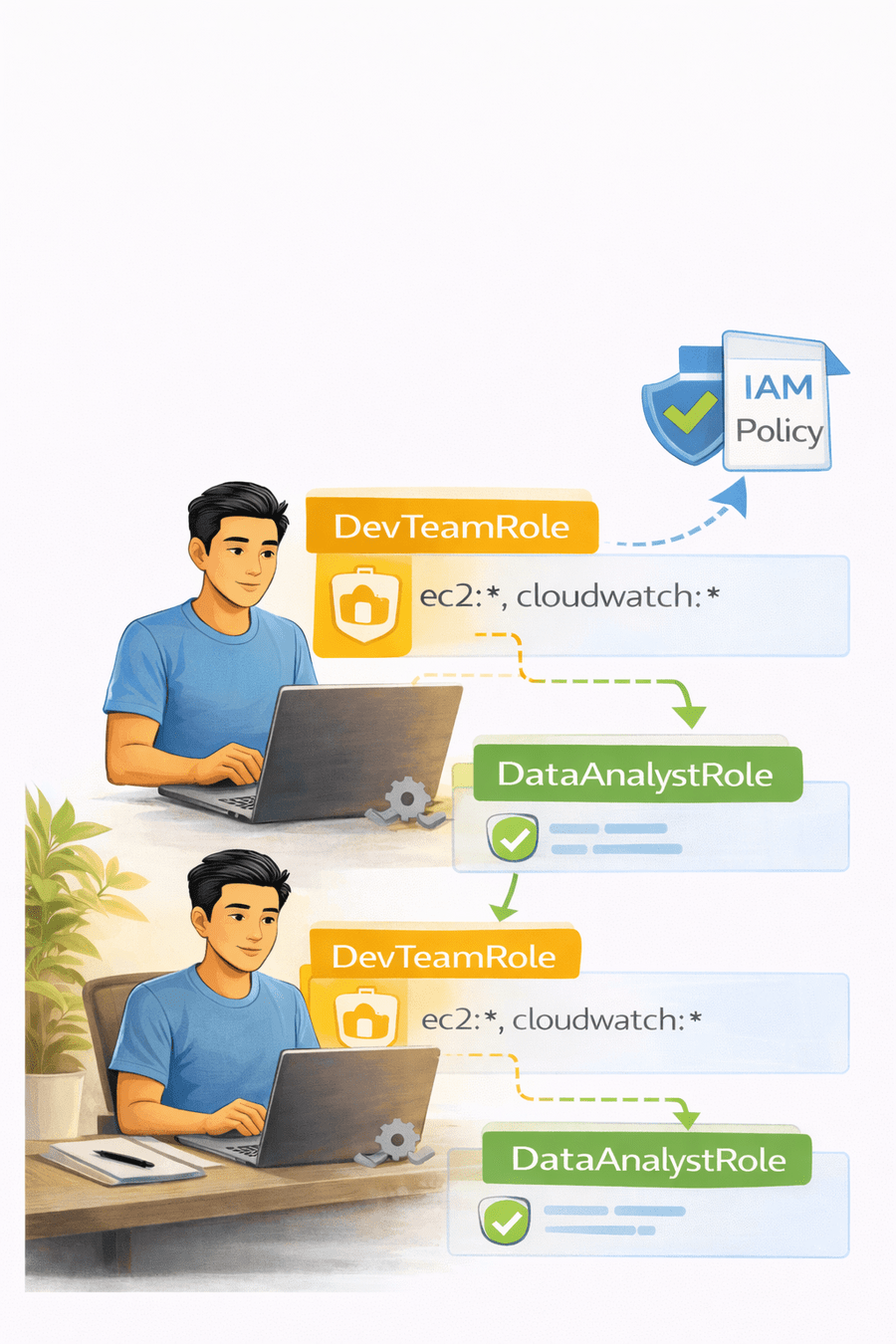
Create IAM Roles
(e.g. S3ReadOnly,EC2AdminRole)
Attach Permission to Roles
Permissions are defined using IAM policies
Assign Role to Users



What is ABAC (Attribute-Based Access Control)?
ABAC is an access control model where permissions are decided using attributes (tags) instead of fixed roles.
It provides dynamic and scalable access control.
Access = Matching attributes (tags) between users, resources, and sometimes the environment
Key Idea

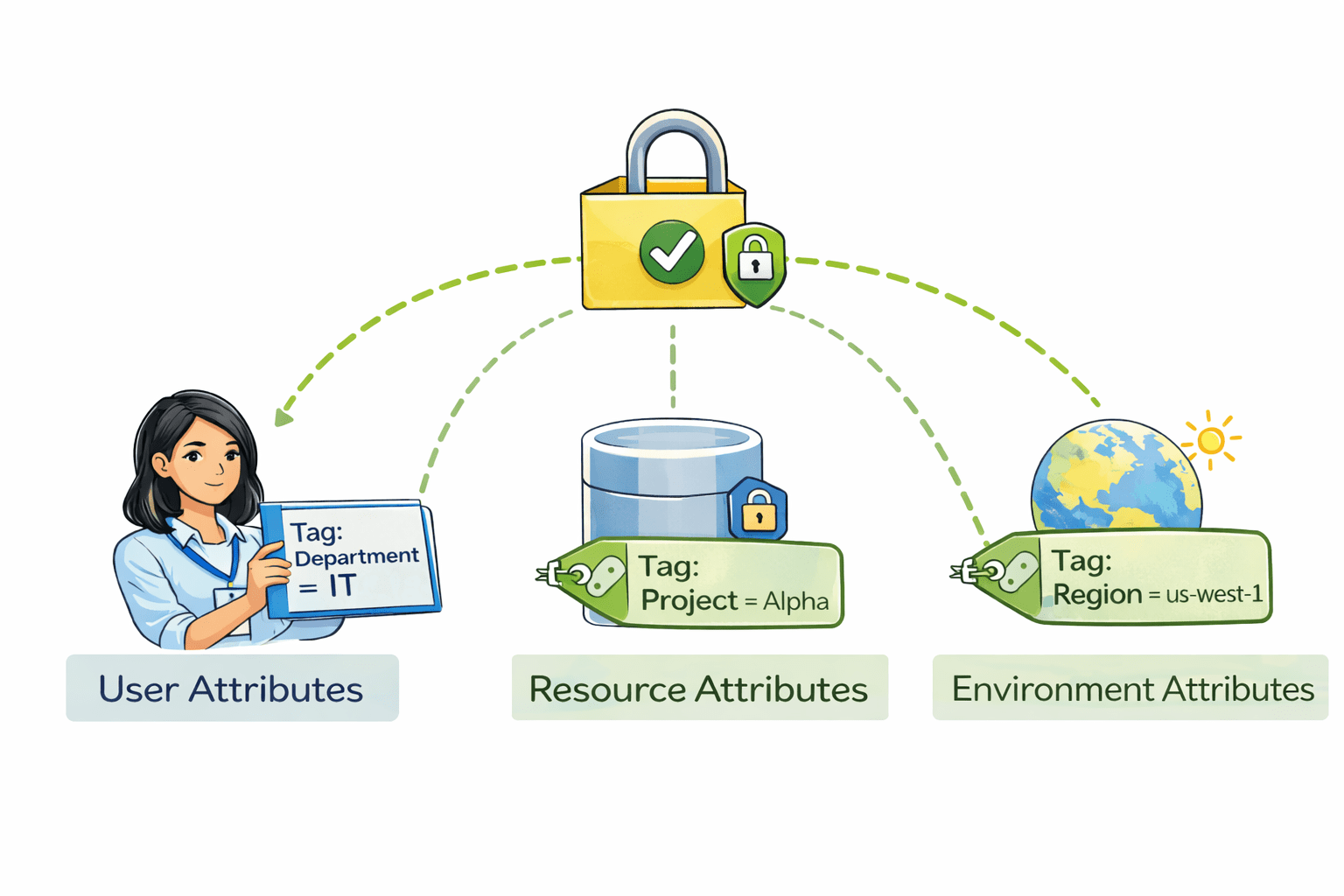
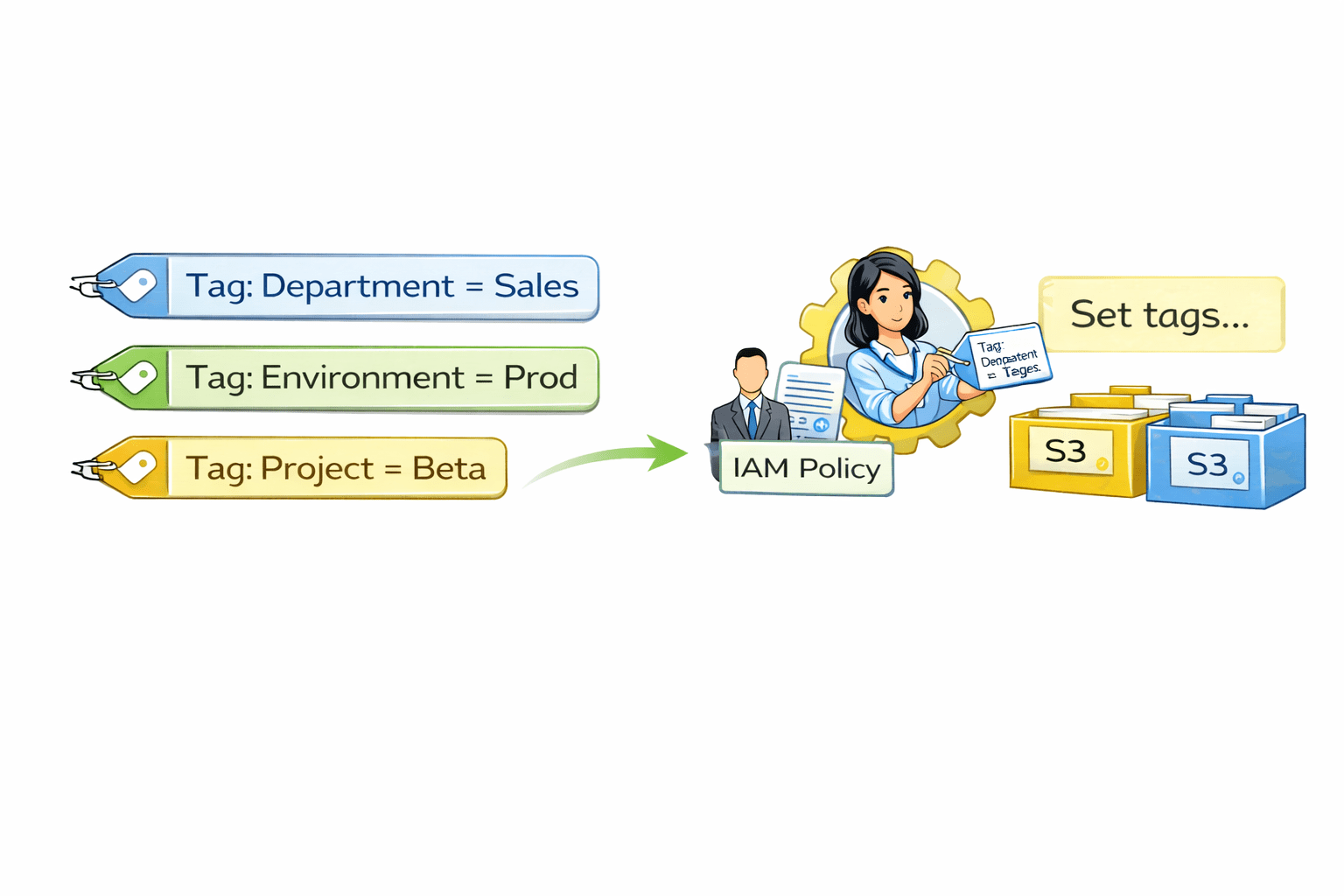
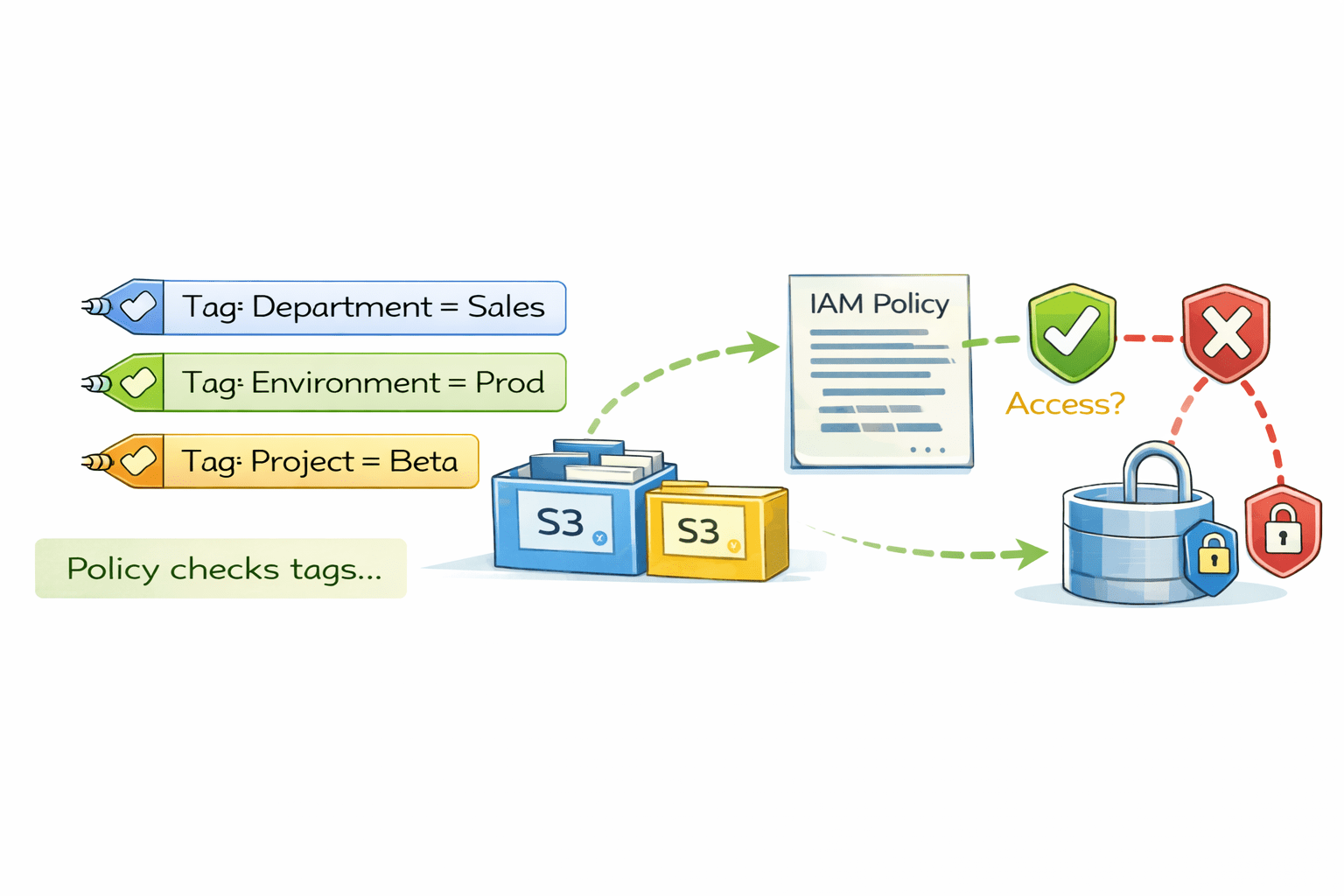
How ABAC Works

You define tags (attributes) for IAM users, roles, and AWS resources
IAM policies use these tags to grant or deny access dynamically.

Difference between RBAC & ABAC
Why RBAC Is Useful
Simplifies access management
Permissions are assigned to roles once,
instead of to each person separately.
Reduces mistakes
Users automatically get correct access based on their role, lowering the chance of wrong permissions.
Keeps permissions consistent
Everyone in the same role follows the same access rules.
Cloud Shell
What is Cloud Shell ?
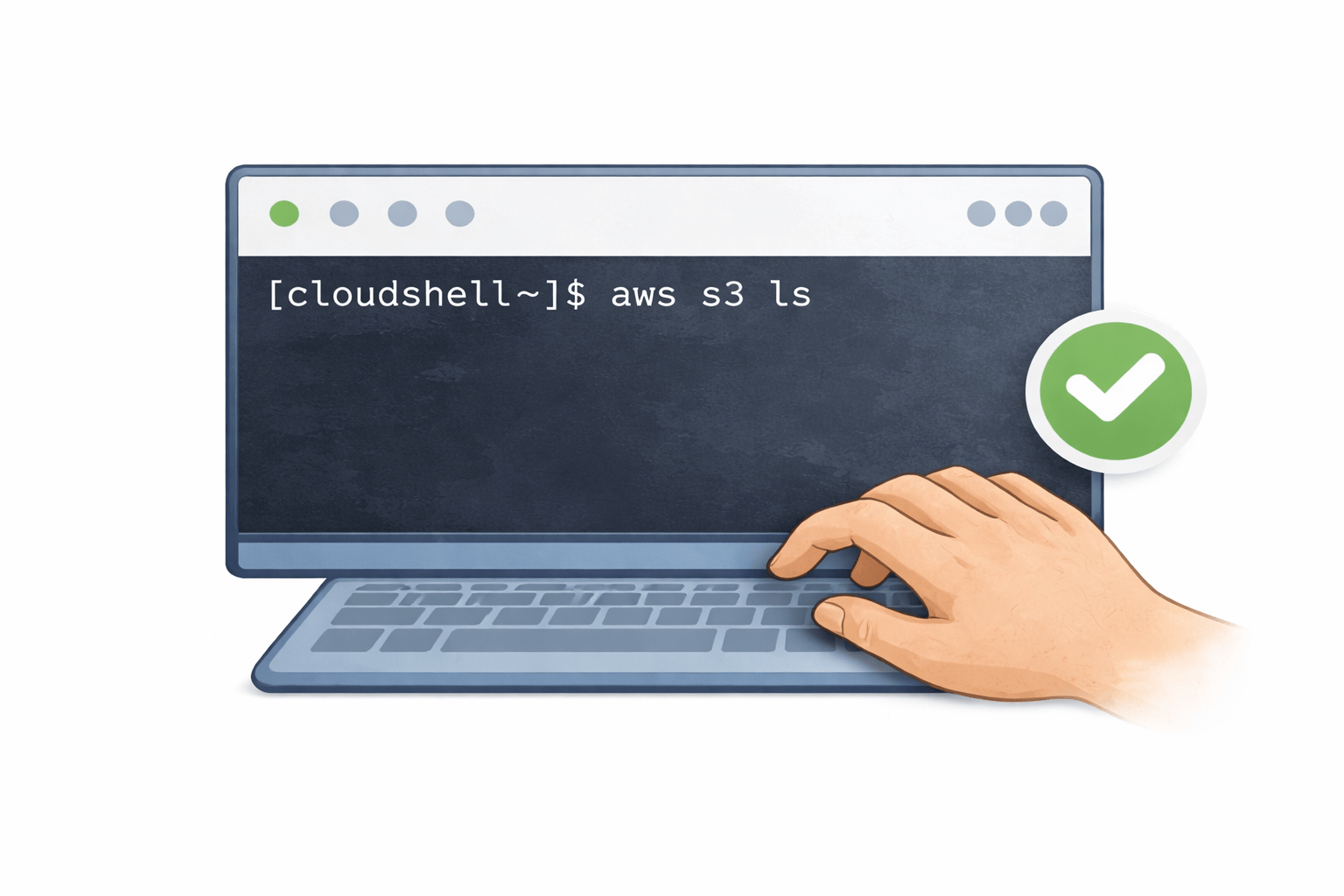
Cloud Shell is a built-in tool in AWS that
lets you manage AWS services by typing simple commands directly in your browser.
Features
Ready To Use
Free With Limits
Work Like a regular Linux
Adjustable Settings
Persistent storage

Create User Using Cloud Shell
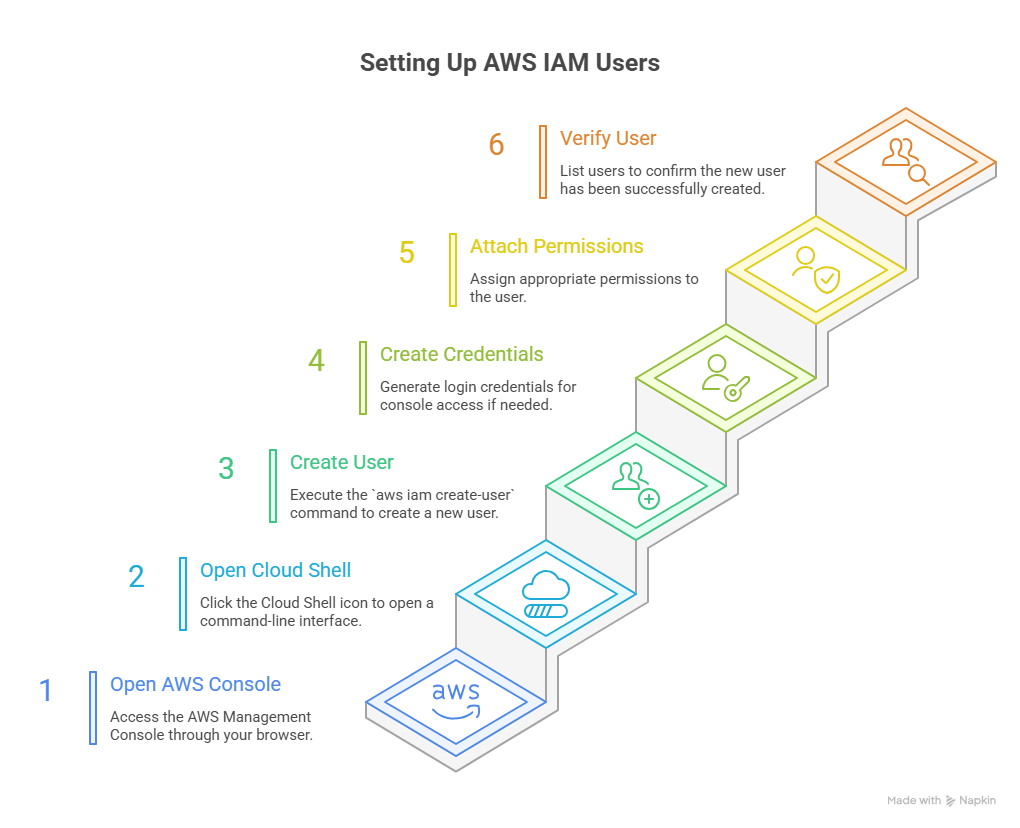
List S3 Buckets using CloudShell and Command Prompt
Using AWS CloudShell
AWS CloudShell automatically uses STS temporary credentials.
aws s3 lsThis command lists all S3 buckets in your AWS account.
Using Command Prompt (Windows)
After configuring AWS CLI with credentials (or assuming a role via STS)
aws s3 lsThis command also lists all S3 buckets using STS-based temporary credentials.
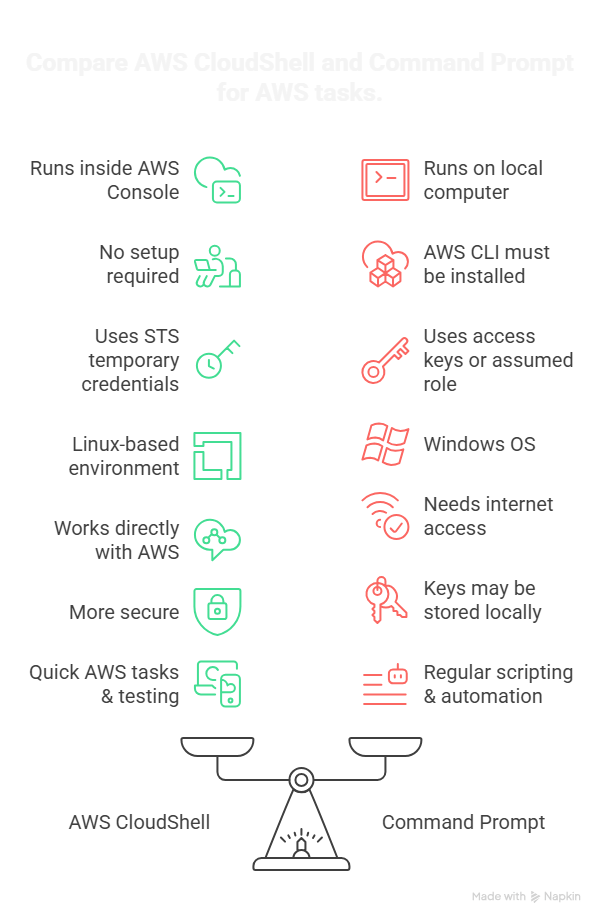
Difference between Aws CloudShell and CMD
Why Policies Matter
Control Access
Policies decide exactly what a user can and cannot do.
Prevent over-permission
Users get only the access they need, nothing extra
Reduce mistakes
Limiting access lowers the chance of accidental changes
Improve security
Sensitive resources
stay protected



Summary
5
Cloud Shell helps manage AWS easily
4
RBAC assigns access based on job role
3
Managed policies are reusable
2
Inline policies are for one user or role
1
Policies define allowed action
Quiz
RBAC gives access based on
A. User name
B. Location
C. Job role
D. Time

Quiz-Answer
A. User name
B. Location
C. Job role
D. Time

RBAC gives access based on