Enhance BitBox UI with
Media Elements

Business Scenario
Welcome back, talented Developers!
In the previous lab, we improved the visual identity of BiteBox using logos, fonts, and UI enhancements.
Now it’s time to make the website more interactive and visually engaging by adding media elements like images, icons, videos, and effects.


Flight Seat Booking (2D Array)
Business Scenario
Welcome back, talented Developers!
To create a simple flight seat booking system using a 2D array in Java,
where empty seats are displayed, the number of passengers
is taken as input, users select seats using row and column,
and the final seating arrangement is displayed after booking.
Flight Seat Booking (2D Array)
Business Scenario
Welcome back, talented Developers!
To create a simple flight seat booking system using a 2D array in Java,
where empty seats are displayed, the number of passengers
is taken as input, users select seats using row and column,
and the final seating arrangement is displayed after booking.
Flight Seat Booking (2D Array)
Business Scenario
Welcome back, talented Developers!
To create a simple flight seat booking system using a 2D array in Java,
where empty seats are displayed, the number of passengers
is taken as input, users select seats using row and column,
and the final seating arrangement is displayed after booking.
Flight Seat Booking (2D Array)
Business Scenario
Welcome back, talented Developers!
To create a simple flight seat booking system using a 2D array in Java,
where empty seats are displayed, the number of passengers
is taken as input, users select seats using row and column,
and the final seating arrangement is displayed after booking.
Pre-Lab Preparation
git pull origin branchName
Git Pull
Task 1: Banner Design
Add hero section below navbar
1
Module : CSS Fundamentals: From Boxes to Floating Fun
- Deep Dive Into CSS
- Mastering Page Layouts With Positioning
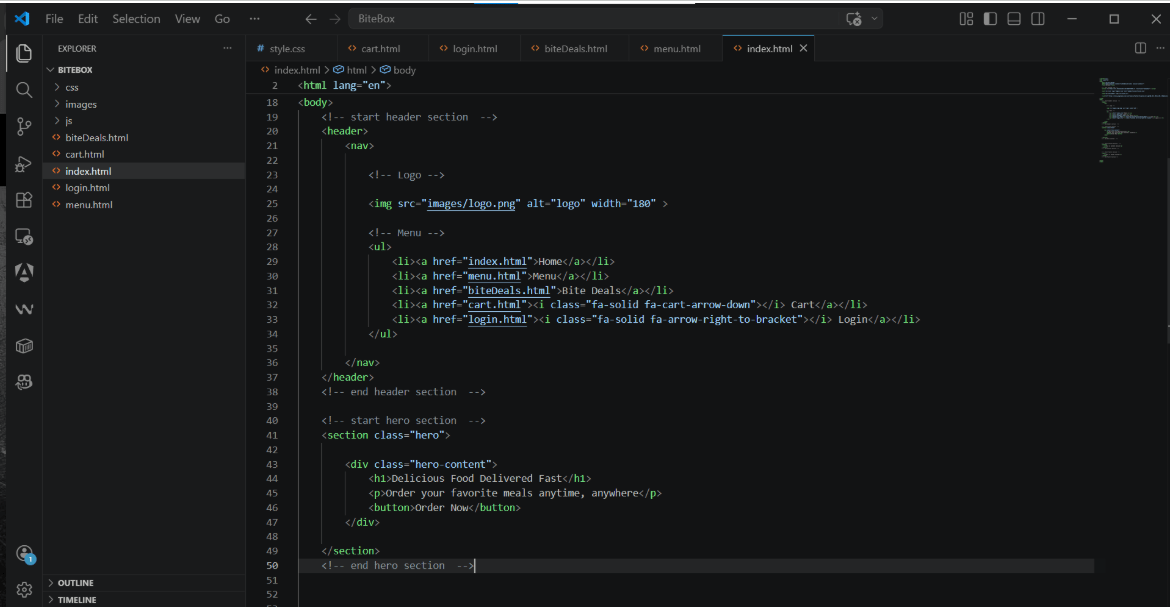
Add Height (Create Banner Area)
3
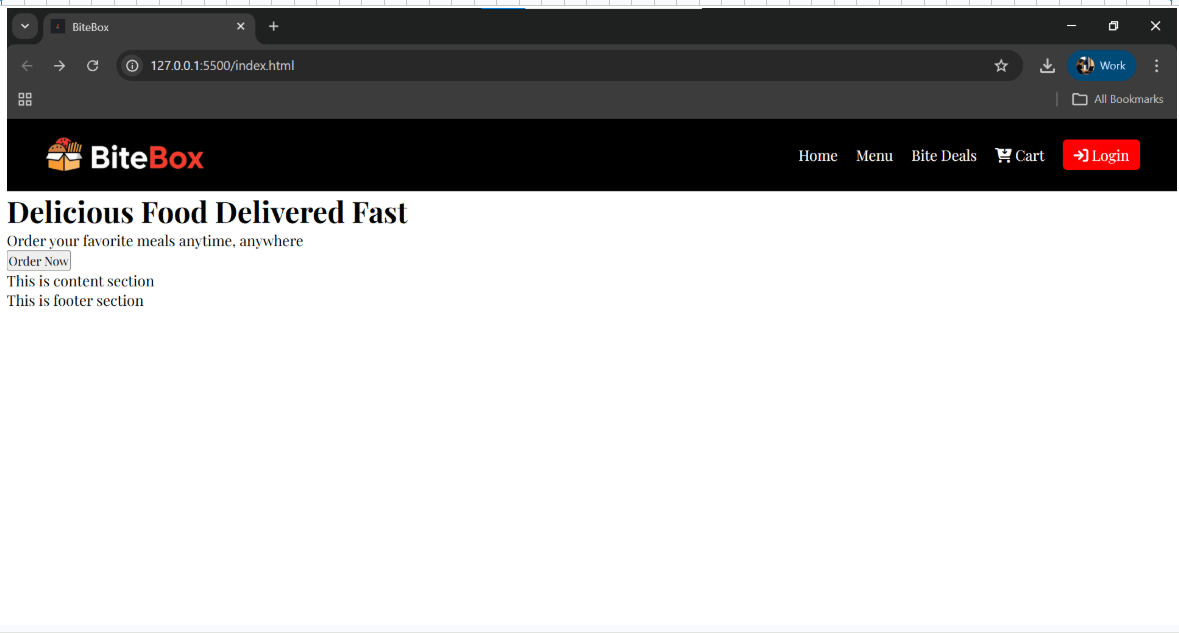
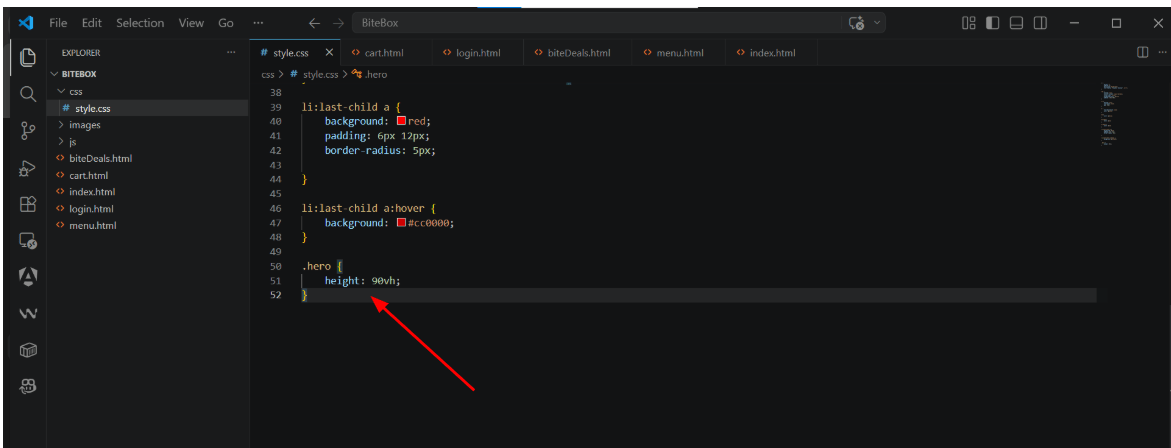
Create image using canva Ai banner image and Add Background Image
4
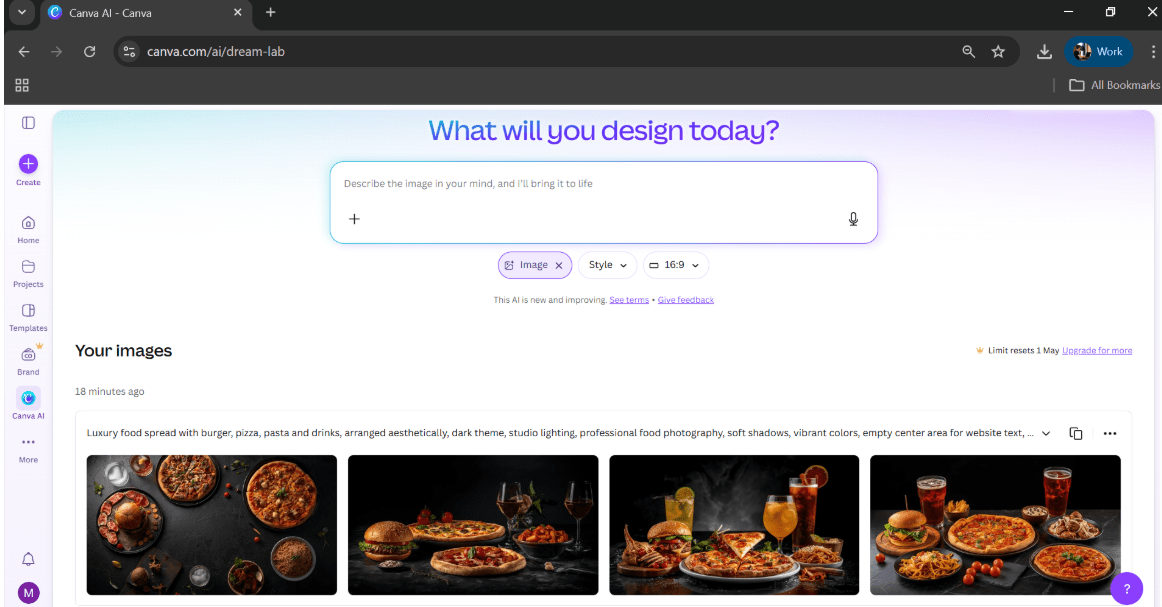
Download and add banner image inside images folder
5
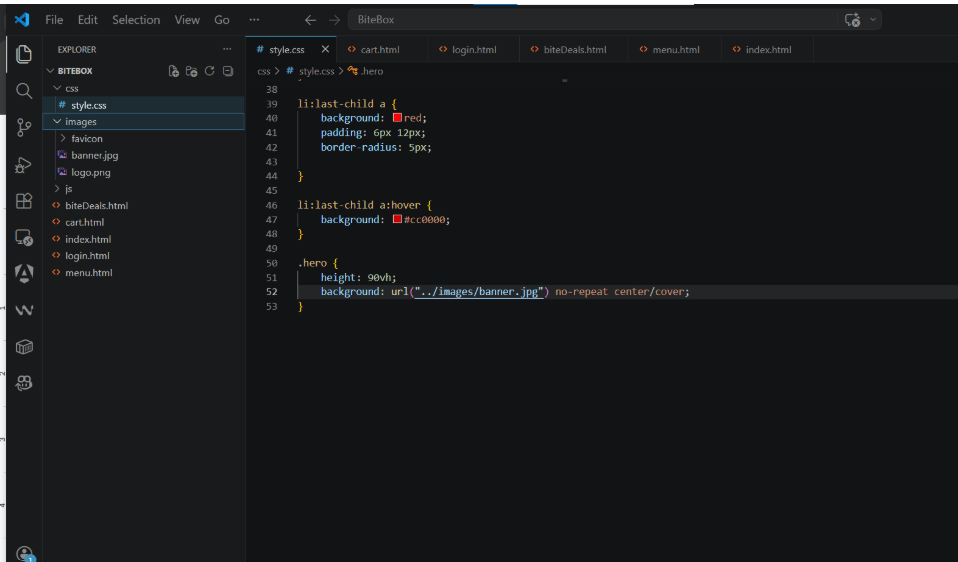
Center Content using Flexbox
6
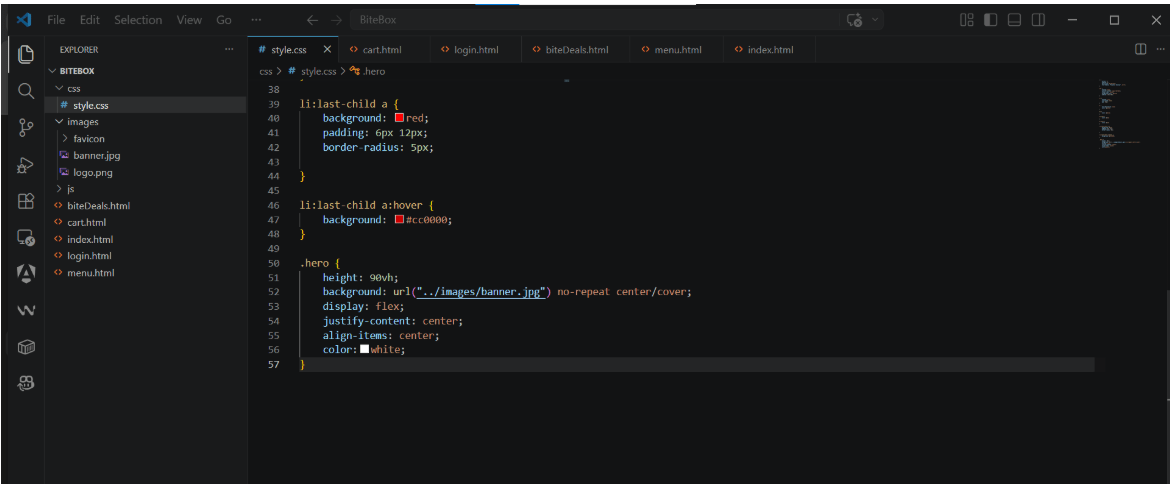
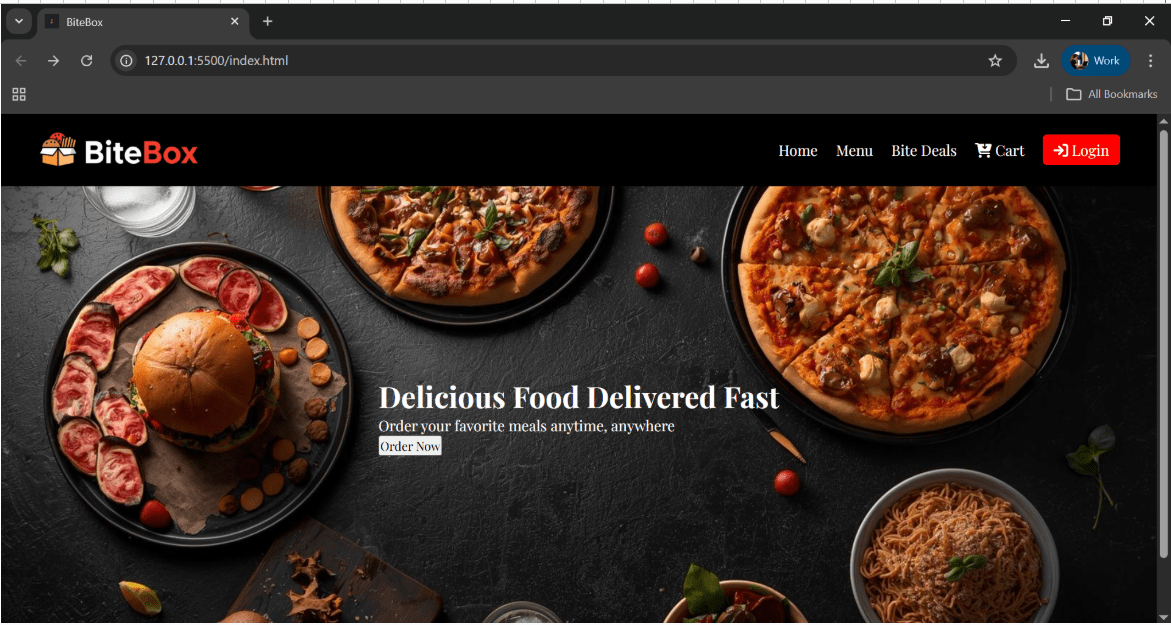
Style Button order now button
7
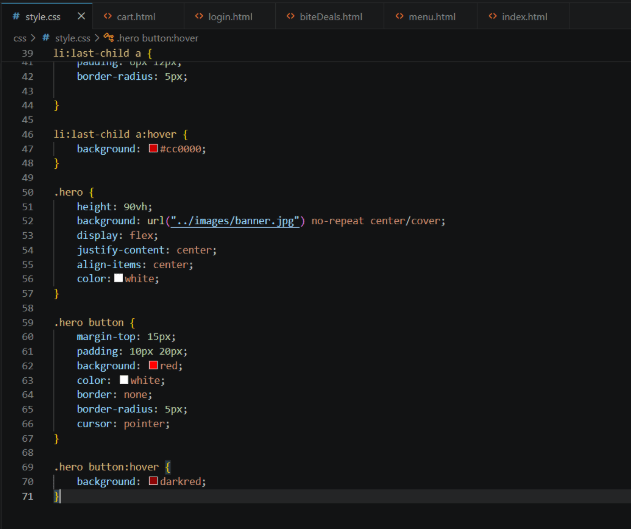
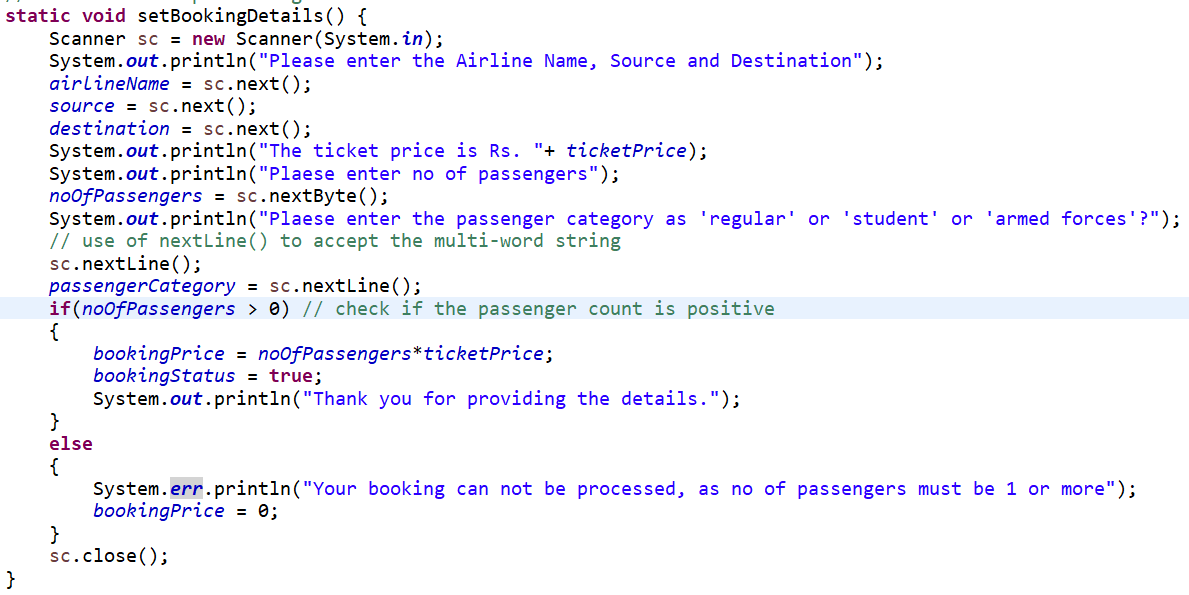
Task 2: Checking the no of passengers
verify if no of passengers is a positive value, the proceed with booking
1
Task 2: Perfroming Joins
we need to fetch data from the booking and flight table. So, we need to use inner join
1
select f.airline_name, f.flight_number,f.source, f.destination, f.departure_time,
f.arrival_time,b.seat_number, b.booking_status
from flight f inner join booking b
on f.flight_id = b.flight_id;
Display details of the flight, for which booking is not done.To fetch the flight details for which booking is not done, we can use left join
2
select f.*
from flight f left join booking b
on f.flight_id = b.flight_id
where b.booking_id is null;

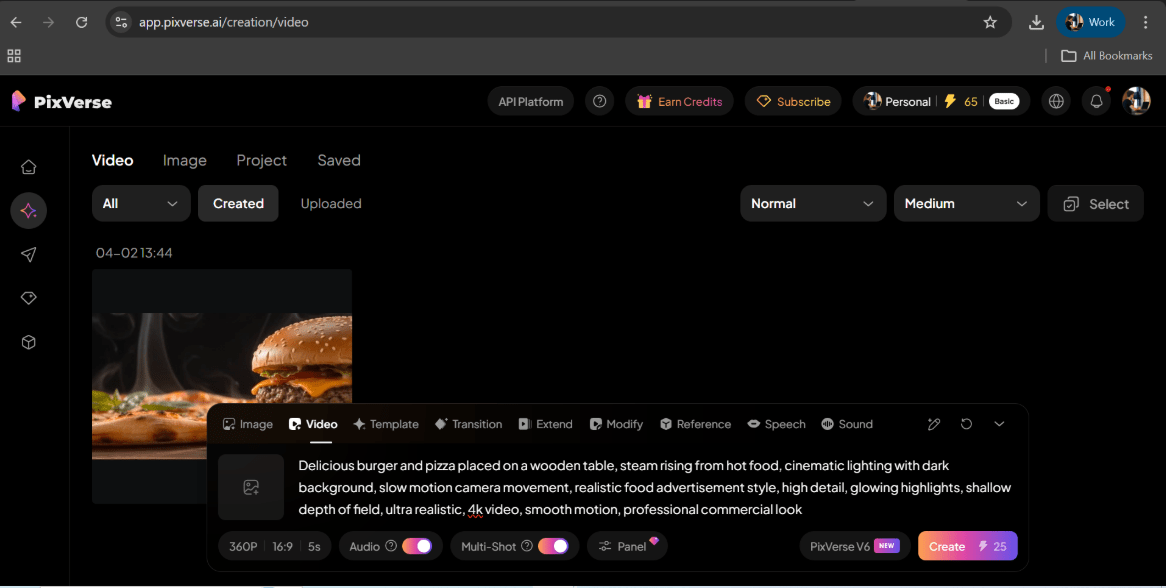
Prompt Example :
Delicious burger and pizza on a wooden table, steam rising, cinematic lighting, slow motion, realistic food advertisement, dark background, high detail, 4k video
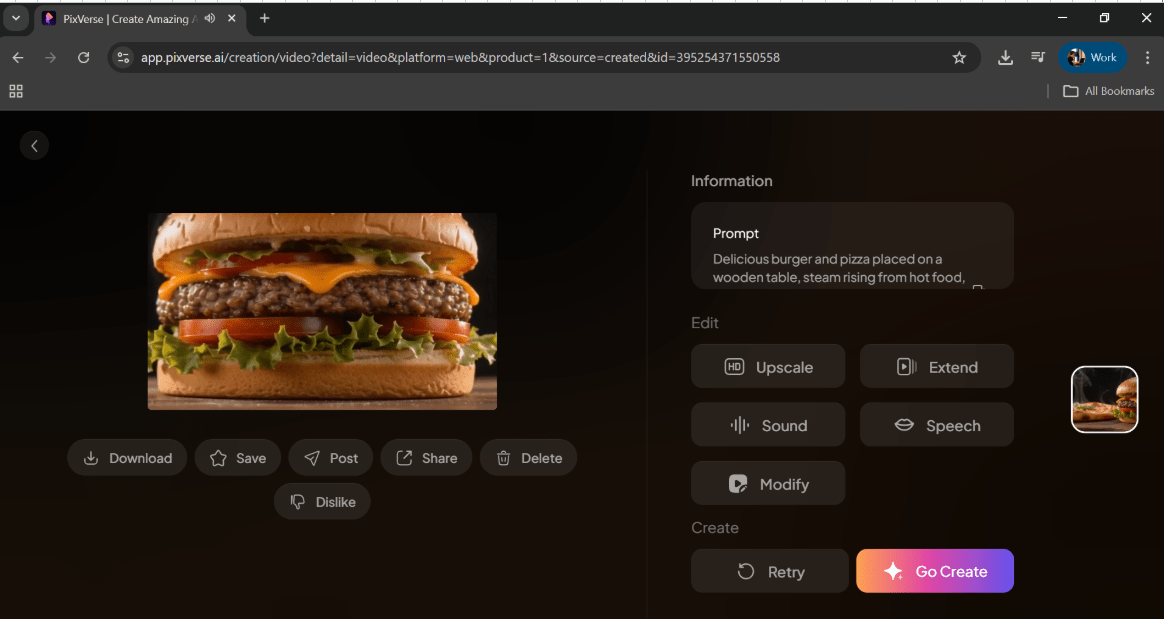
Download the video
- Create media folder inside project directory
- Drag download video into this
2
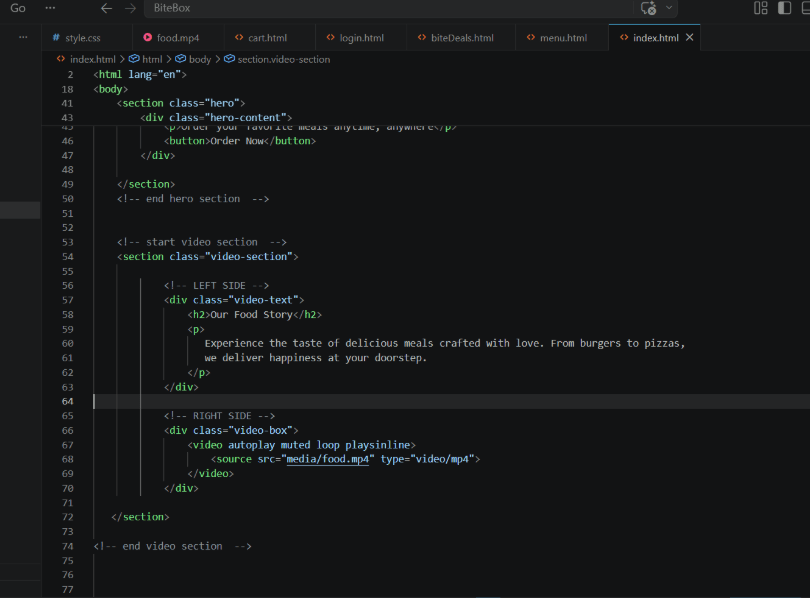
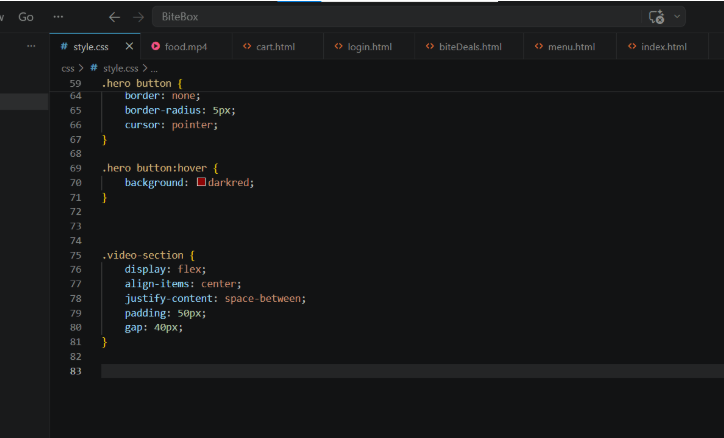
Add section with video div and text div
3
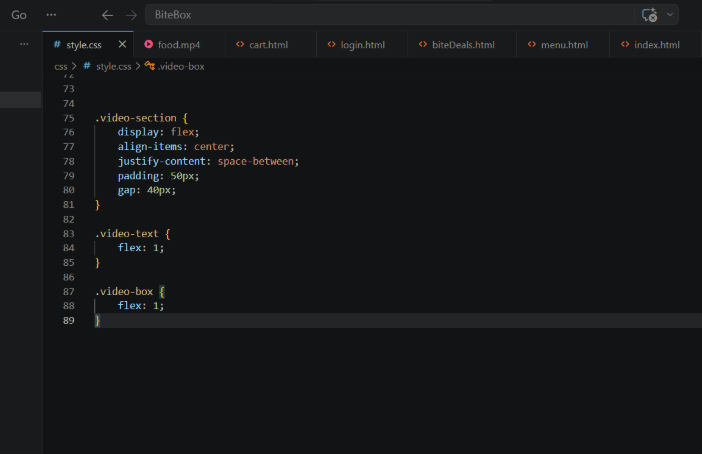
Apply Flexbox Layout
4
Make Equal Width
6
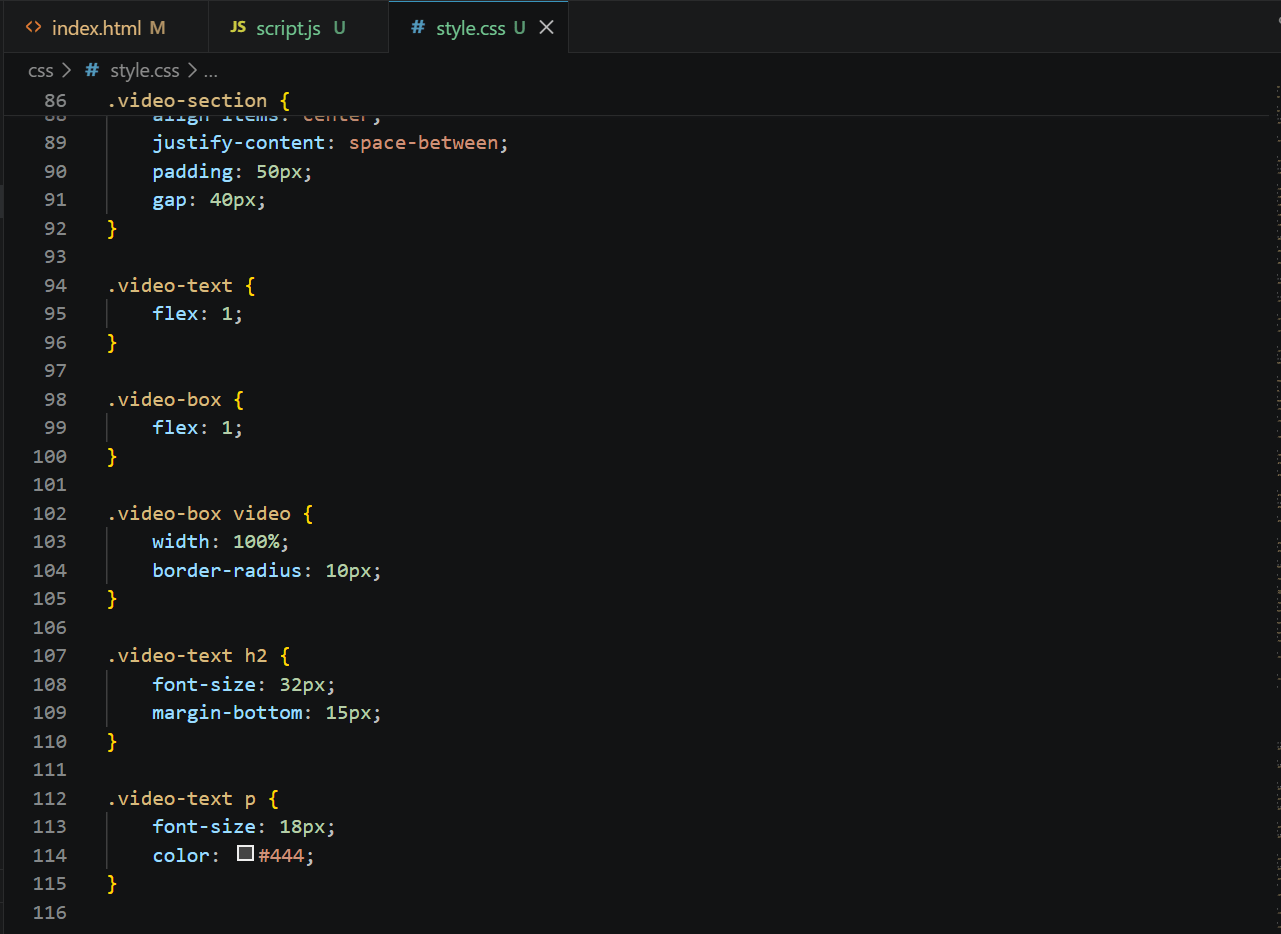
Style video and text
7
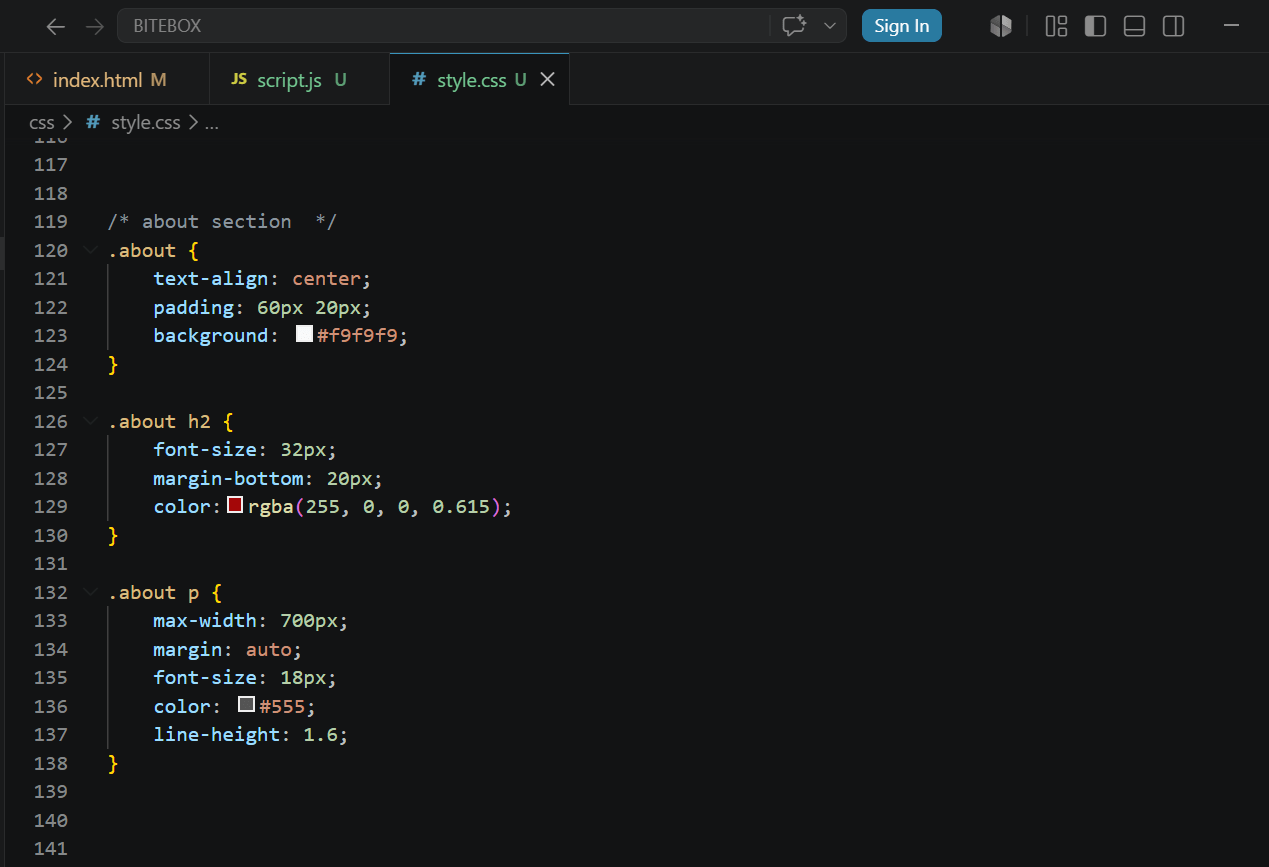
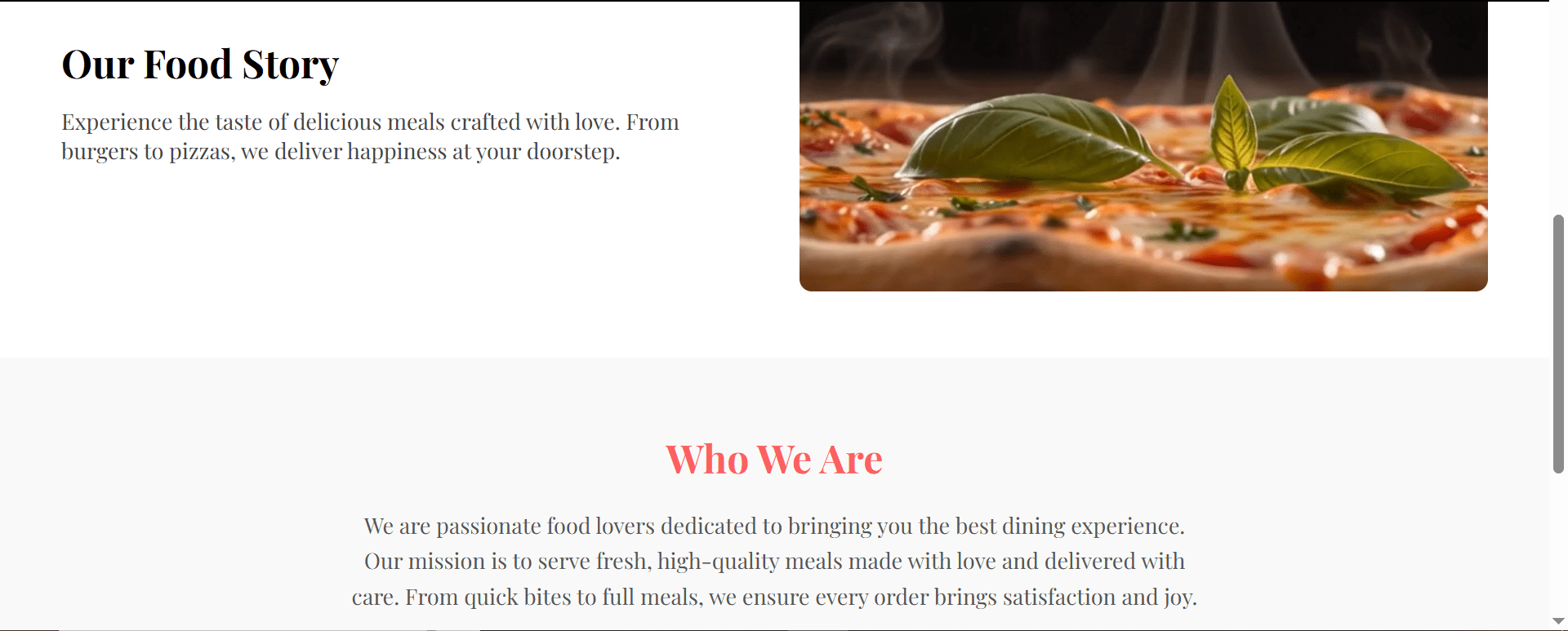
Task 2: Add about us
Add HTML (Below Video Section)
1
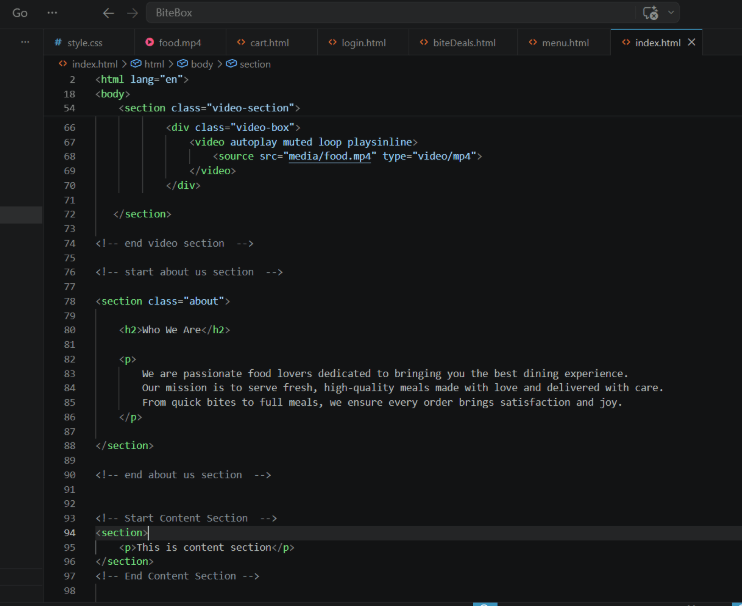
Center the content and style heading and paragraph
2
Great job!
You successfully enhanced the BiteBox website with media elements, making the UI more interactive, modern, and visually engaging.
Checkpoint
git push origin branchNameGit Push
git push origin branchNameNext-Lab Preparation
Before starting the next lab, make sure you revise the following topics:
-
CSS Fundamentals: From Boxes to Floating Fun
-
Unlocking CSS' Creative Toolbox