Topic Name


HTML Basics for Testers


Html Tags : The Foundation

Structural Tags
<html>
<head>
<body>
<section>
<div>
<span>
Formatting Tag
<b>
<i>
<u>
<strong>
<em>
<p>
<h1> to <h6>
Media & Link
<a>
<img>
<video>
<audio>
Understanding the DOM
Elements
Individual HTML components
Structure
Hierarchical organization
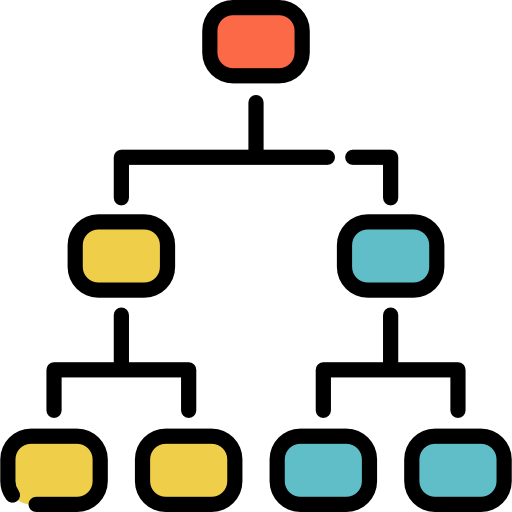
DOM Tree
Parent-child relationships


Forms: CollectingUser Input
User Interaction
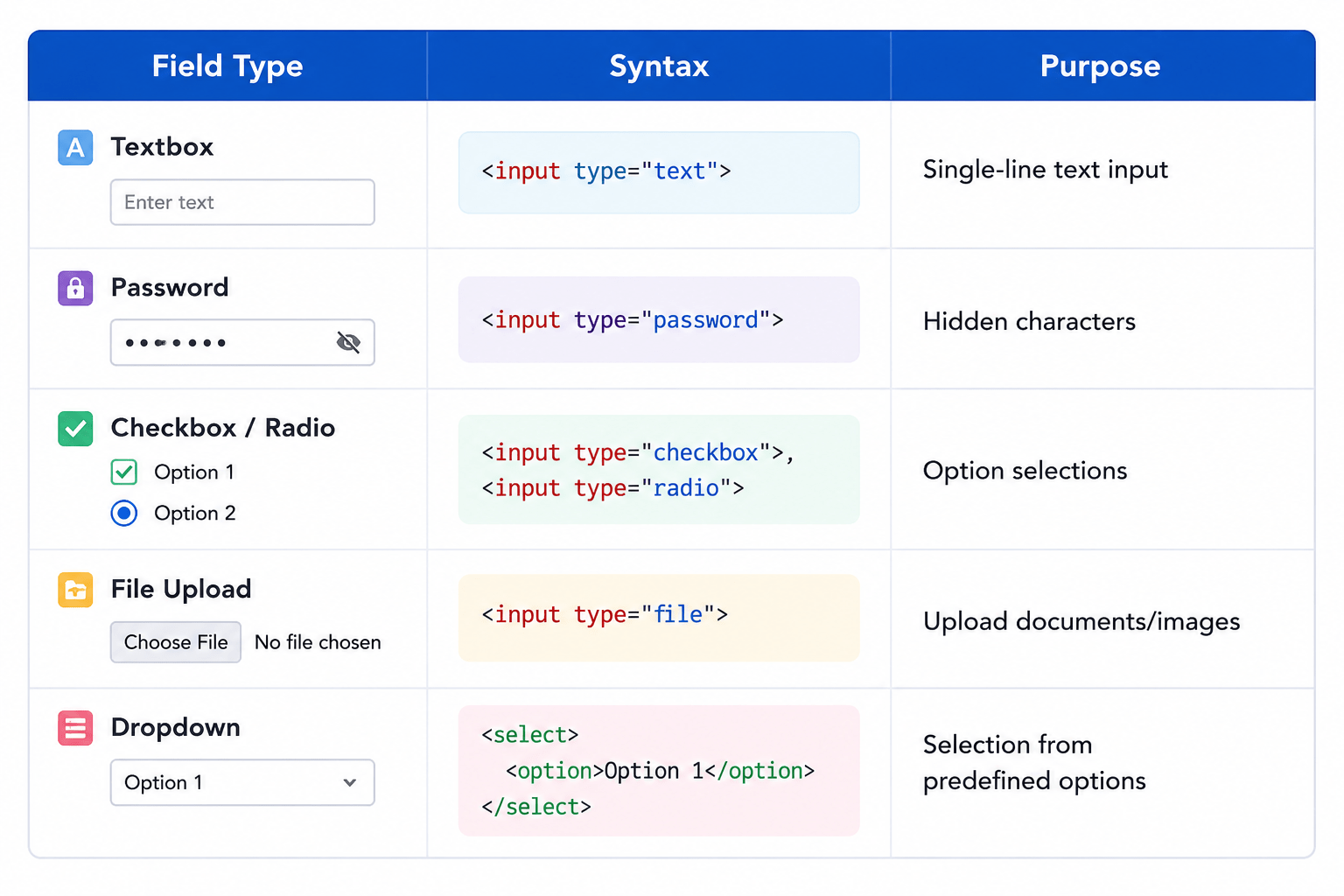
Forms collect data from users through various input methods
Validation Testing
Verify constraints, error messages, and field behaviors
Submission Logic
Test form processing and backend integration



Form Basic Syntex
<form action="/submit" method="POST">
    <!-- Input 1: Username -->
    <div>
        <label for="username">Username:</label>
        <input type="text" id="username" name="username">
    </div>

    <!-- Input 2: Password -->
    <div>
        <label for="password">Password:</label>
        <input type="password" id="password" name="password">
    </div>

    <!-- The Button -->
    <button type="submit">Log In</button>
</form>
Form Tag
Defines the form with action (destination) and method (GET/POST)

Input Fields
Collect specific types of user data with appropriate attributes.


Submit Button
Triggers form submission to the specified endpoin
HTML Tables:Structure & Testing
Tables organize complex data into scannable rows and columns, makinginformation easier to understand and compare
Syntax
<table>
<tr>

  <th>Name</th>
  <th>Age</th>
  </tr>  <tr>
  <td>Alice</td>
  <td>30</td>
  </tr></table>
table Defines the table
tr Table row
th Table header
td Table data (cell)
Table Testing Considerations
Rendering
Proper display across browsers

Alignment
Consistent data positioning

Responsiveness
Adaptation to screen sizes

Sorting
Column sorting functionalit


Testing Approach for HTML Elements
Identify Test Cases
Map elements to functional requirements
Select Testing Tools
Choose appropriate manual/automated methods
Execute Tests
Verify behavior across browsers and device
Report Issues
Document defects with clear reproduction steps




Conclusion
Gained a strong understanding of HTML structure, tags, and the DOM for effective web testing
Learned to test forms for validation, responsiveness, accessibility, and security.
Explored table testing by verifying rendering, alignment, responsiveness, and sorting functionality.
Applied a systematic testing approach to identify test cases, execute tests, and validate UI behavior.
Improved the ability to detect, document, and report defects to ensure high-quality web applications.