Introduction to RDBMS and SQL & SQL Launchpad Setup

Business Scenario

Welcome back,Developers!
In the previous lab, we implemented flight data management using ArrayList with CRUD operations (Add, Search, Update, Delete, and Display).
Pre-Lab Preparation
-
Basic computer operations
-
Installing software
-
Basic understanding of data (rows, columns, tables)
git pull origin branchName
Git Pull
SQL (Structured Query Language):
SQL is a language used to communicate with an RDBMS. It allows users to store, retrieve, and manage data within the database.
Why do we select SQL?
-
It is an industry-standard language
-
Easy to learn and widely used
-
Compatible with multiple databases such as MySQL, Oracle, and SQL Server
1
Download SQL Software
-
Visit the official MySQL website
-
Download MySQL Installer
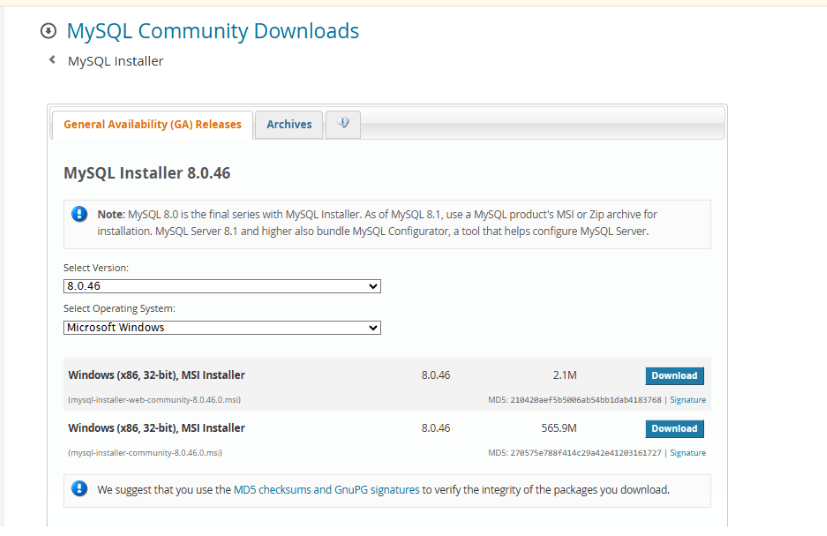
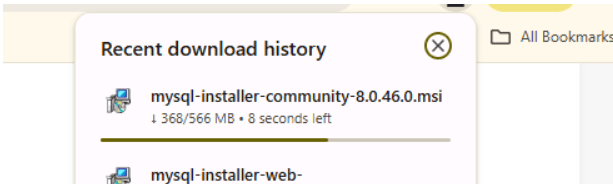
1
Install the Software
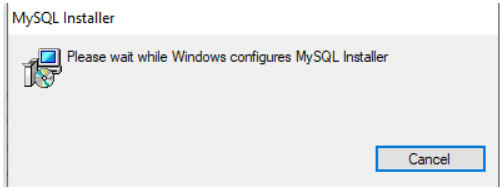
Run the downloaded installer
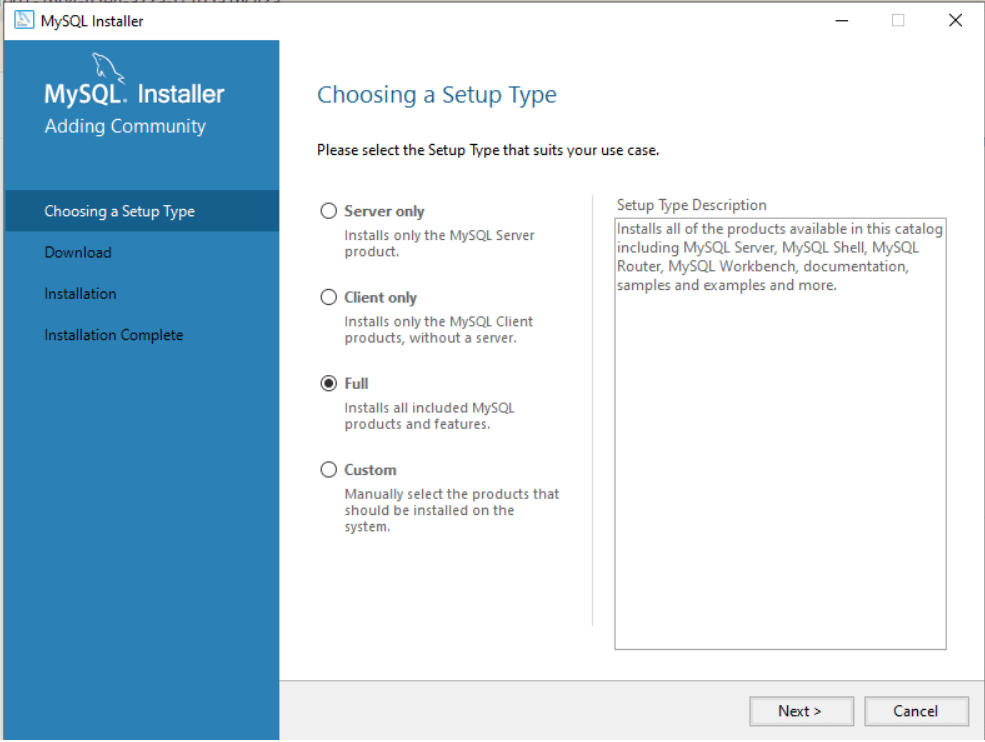
In setup type : select full —> Click next
Click execute
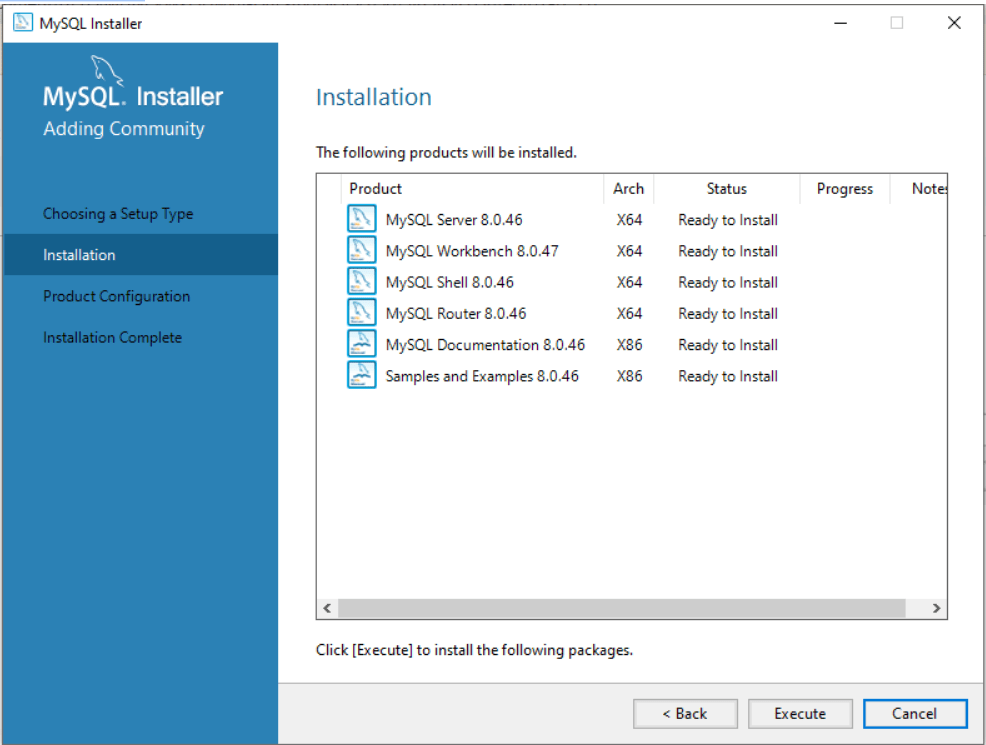
Click next
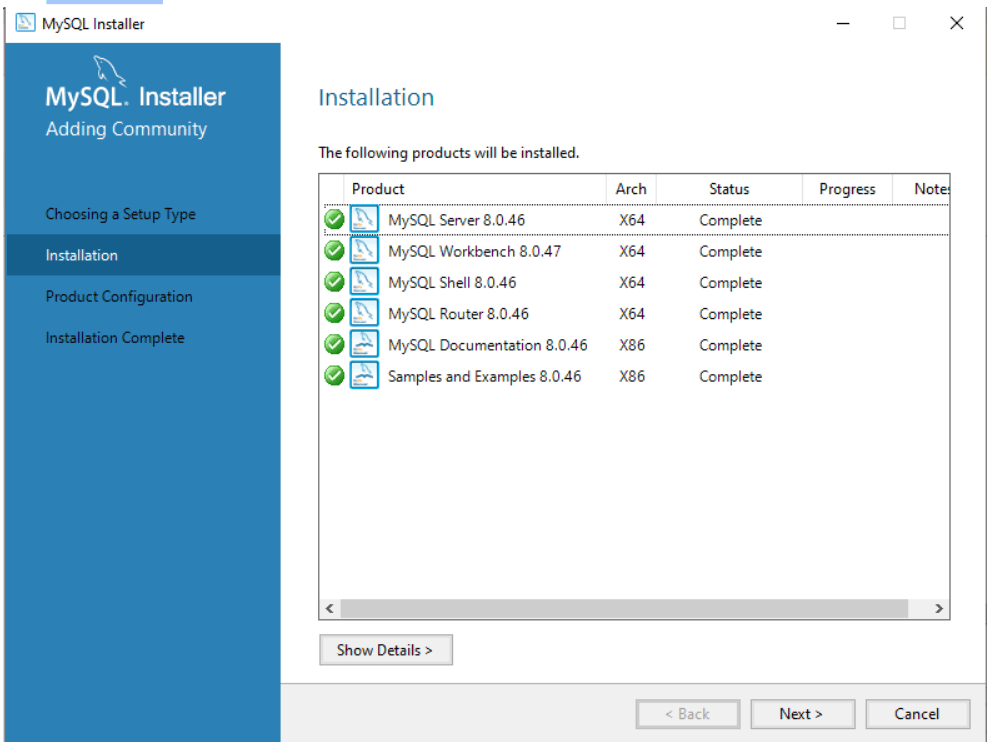
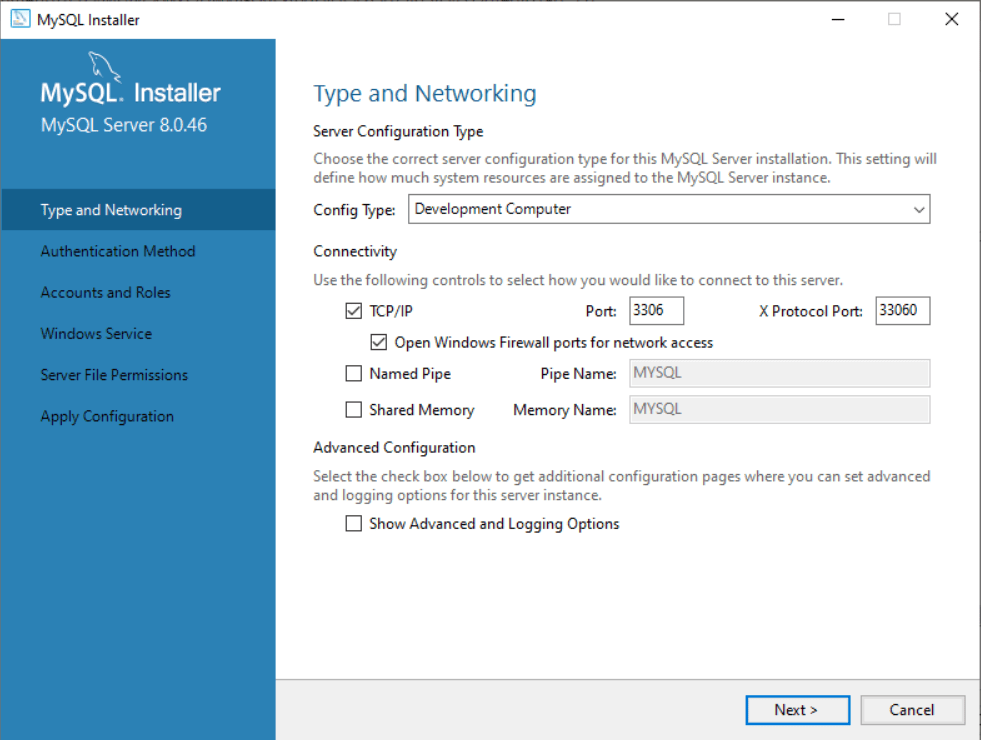
Click next
Click next
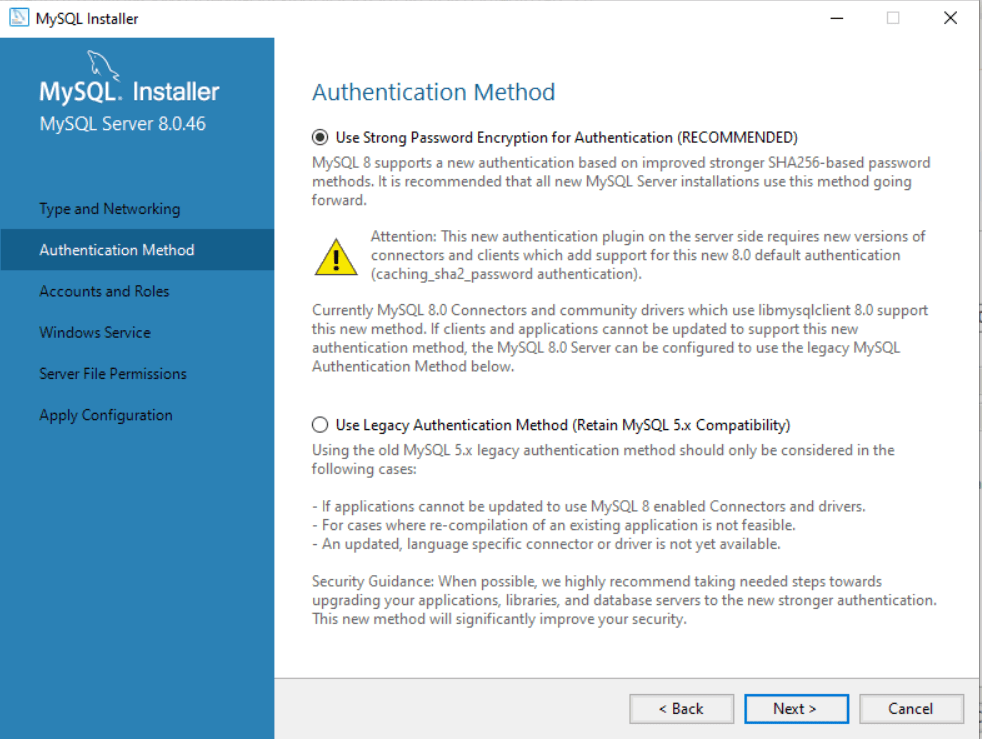
Choose Use Strong Password encryption
Enter password
Note:give root as password
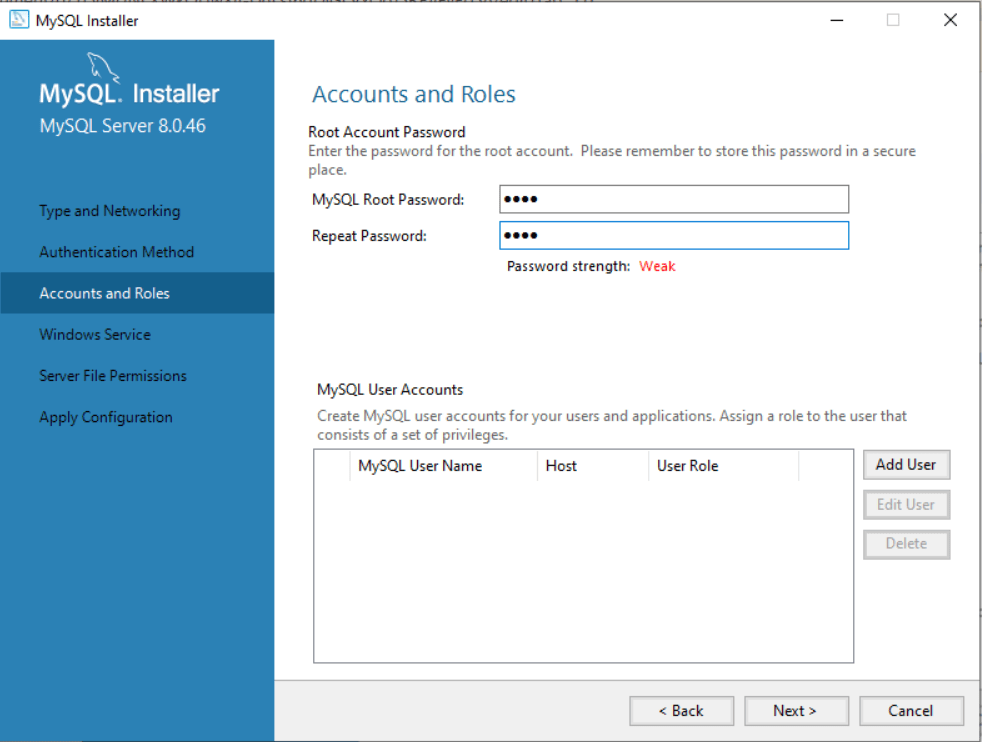
Click next
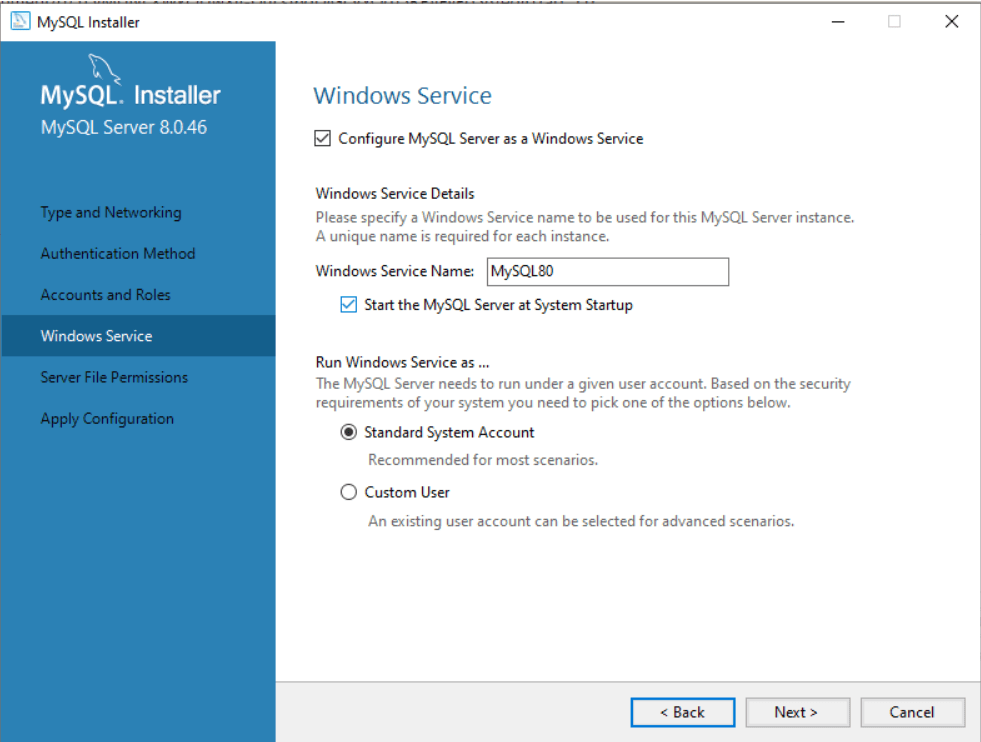
Choose yes
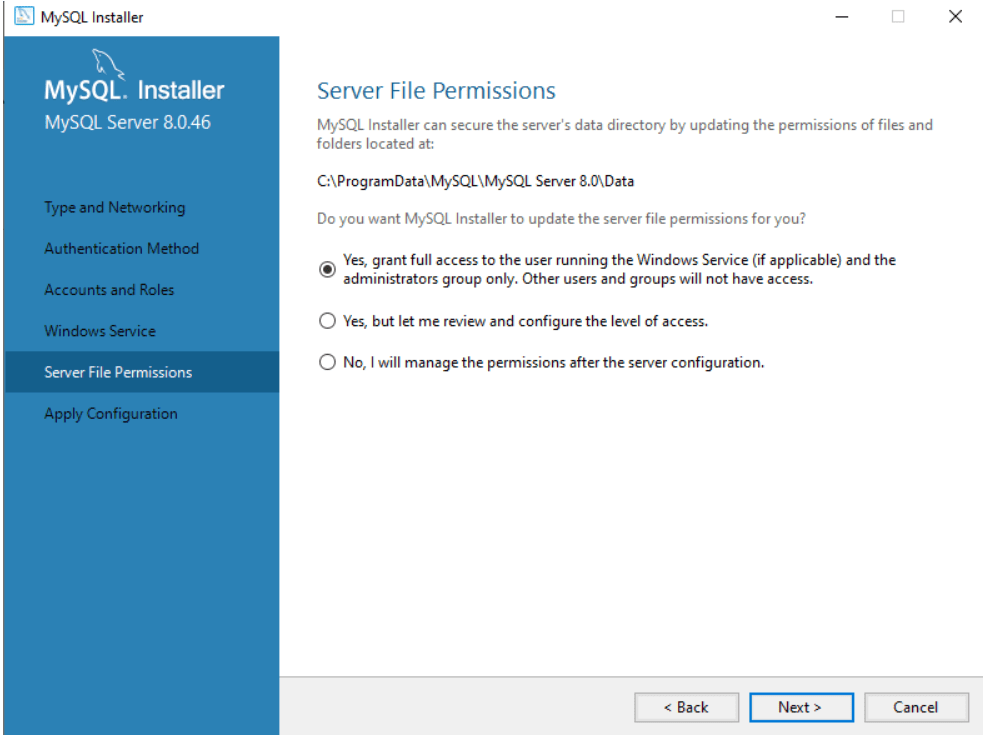
Click execute
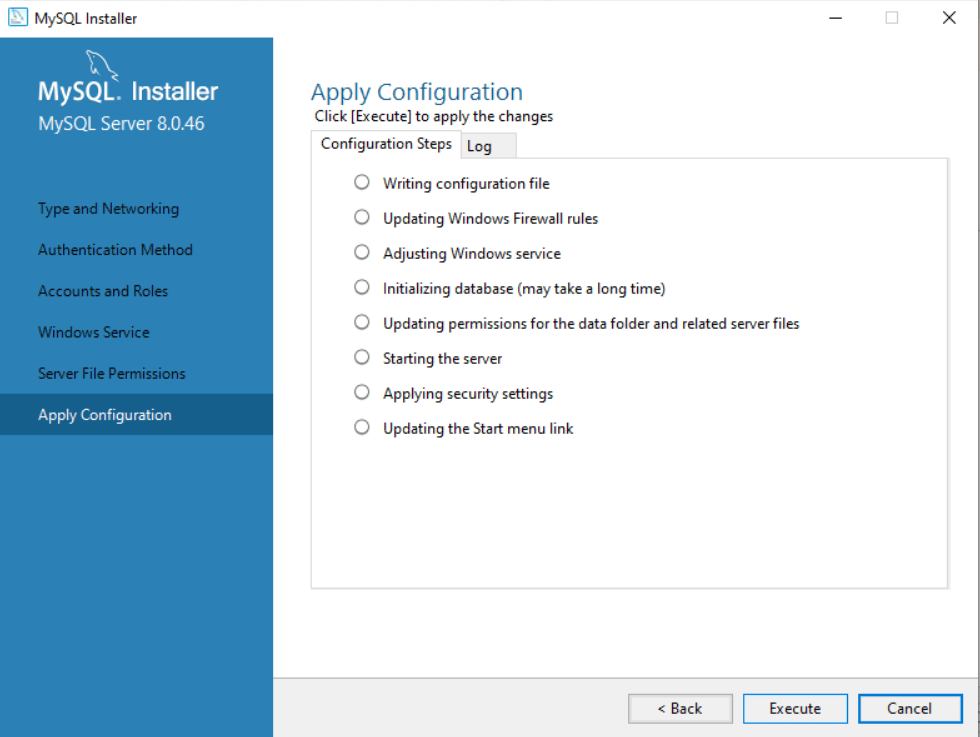
Write your password to configure
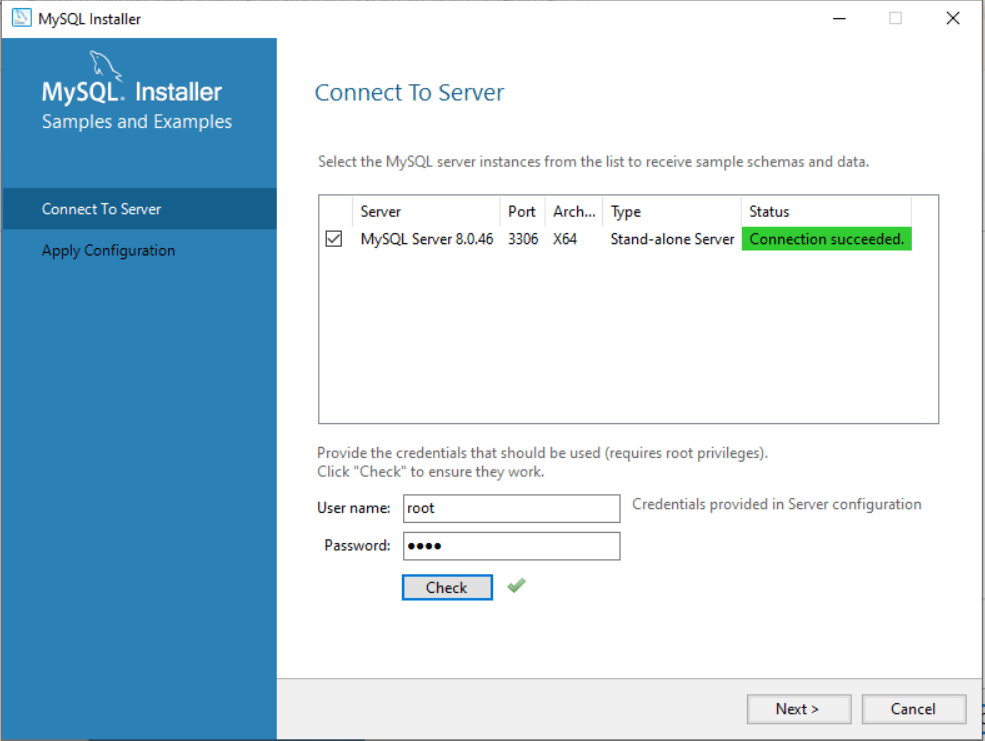
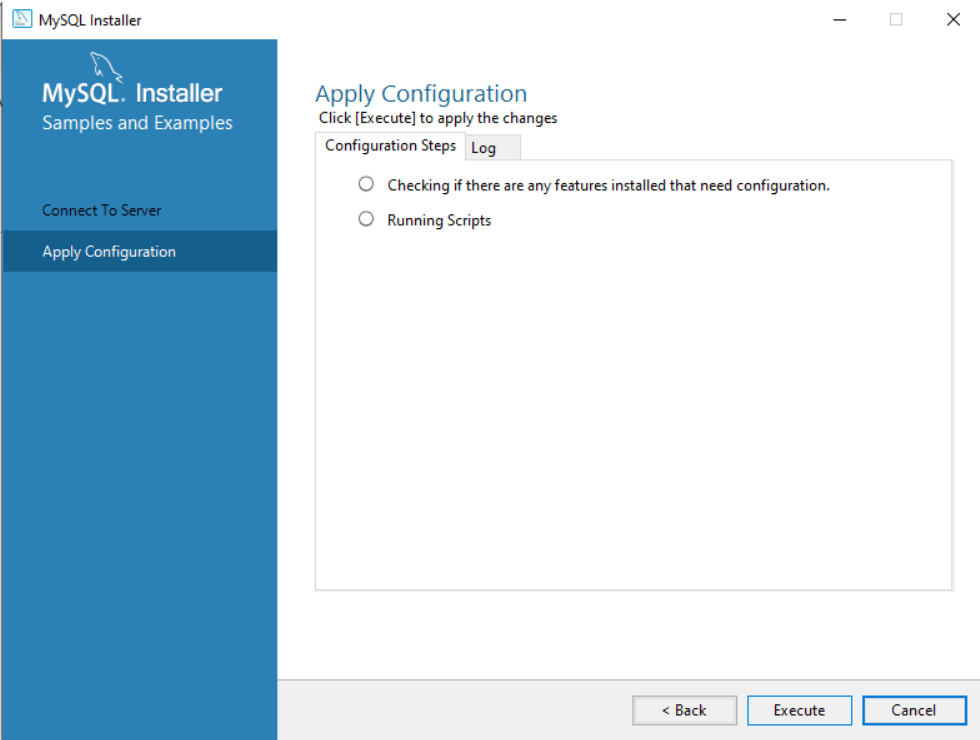
Click execute
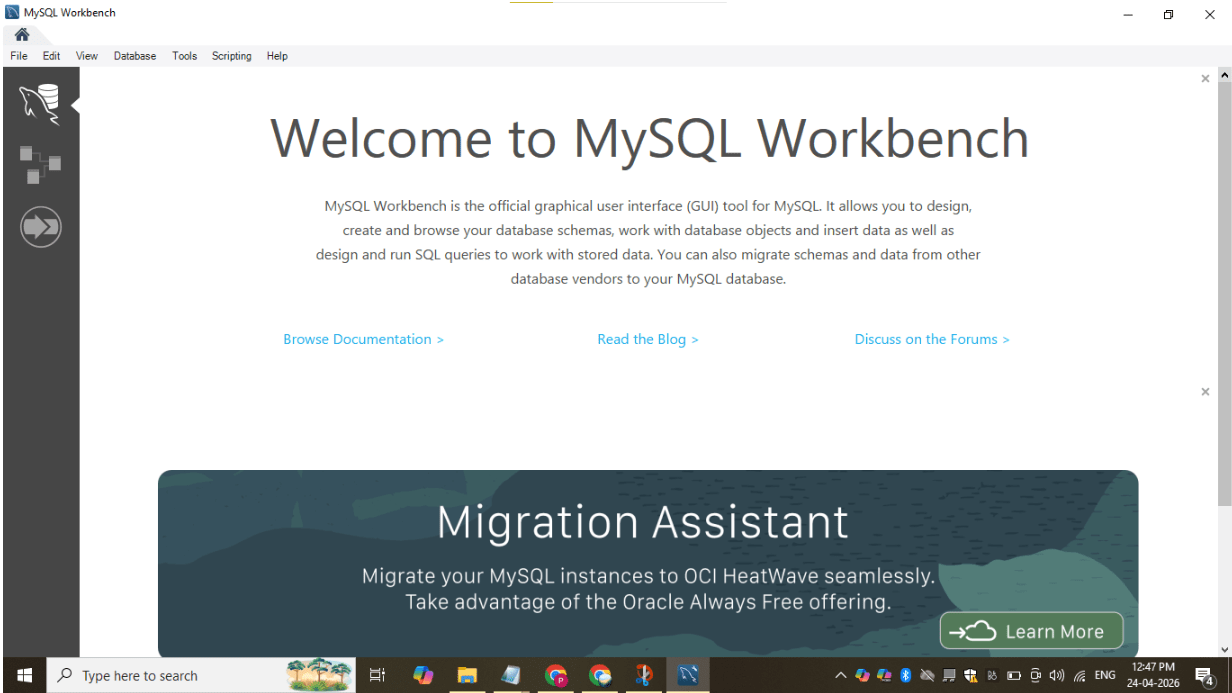
Now open Mysql workbench and open connection
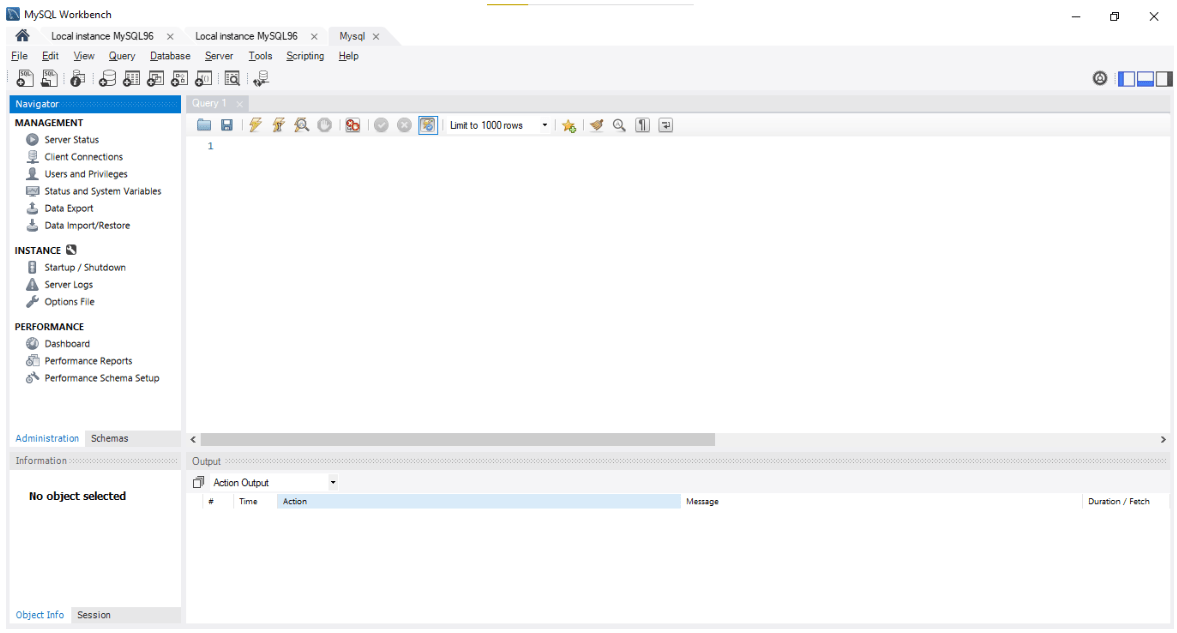
Great job!
-
Learned the concepts of RDBMS and SQL
-
Understood the importance of SQL
-
Successfully installed and launched the SQL tool
-
Environment is ready for performing database operations
Checkpoint