Leveraging Power BI Service

Managing Data Refreshes


Learning Outcome
5
Apply best practices for stable refresh performance
4
Monitor refresh failures and notifications
3
Understand refresh limits and inactivity behavior
2
Configure and manage scheduled refreshes
1
Explain how data refresh works in Power BI Service
What datasets are in Power BI Service


How reports depend on datasets
That Power BI Service supports scheduled refresh
Basic navigation of the Power BI Service interface
Students already know:
Imagine Your dashboard looks perfect.
Numbers are clean.
Charts are sharp.
A week later...
Decisions are made.
But something feels off.
The report didn’t change.
The data did.
No one noticed.



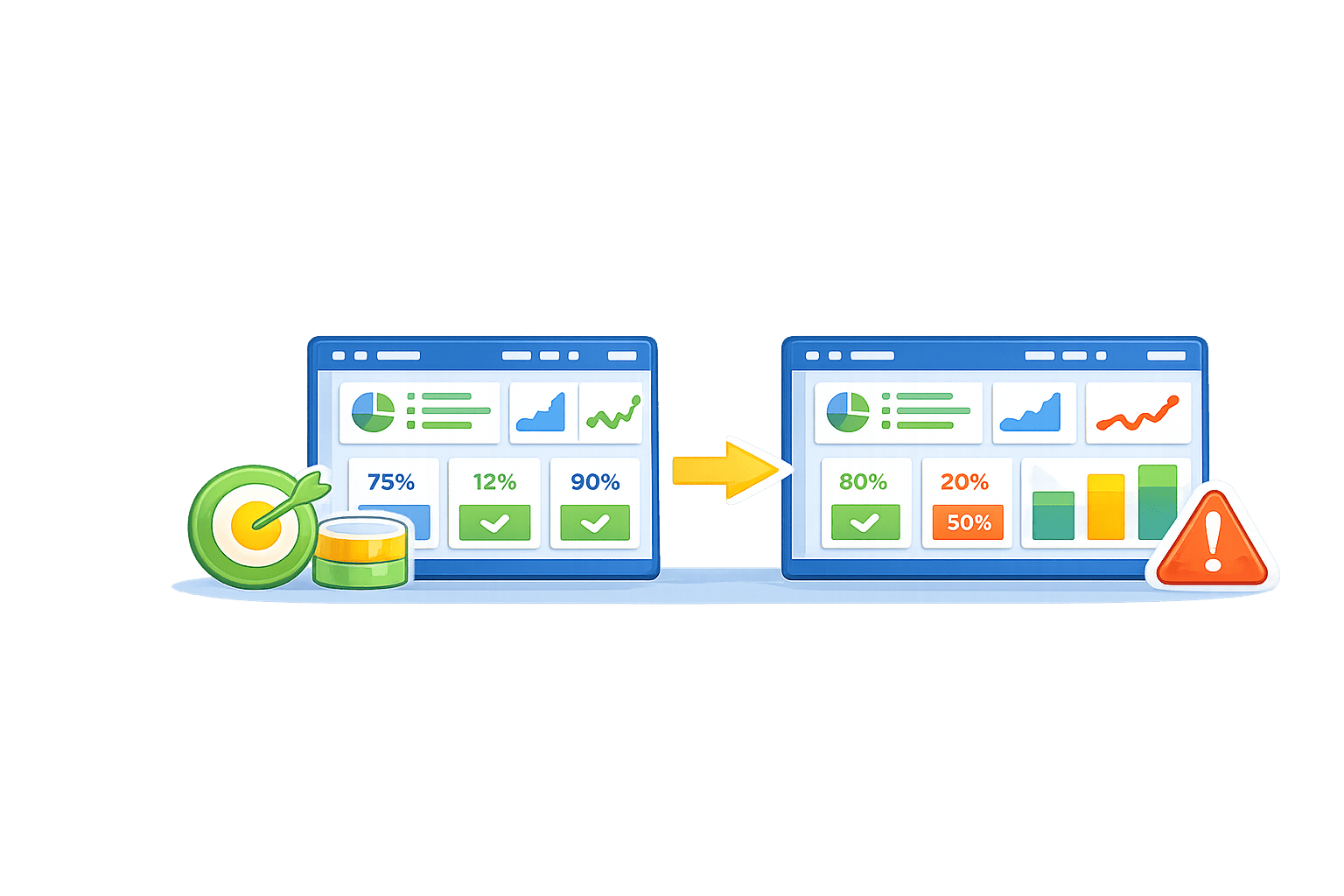
Now imagine another situation.
The data refreshes automatically
Failures send alerts.
Exports reflect the latest numbers.
The report stays honest.
A report is only as good as its last refresh.


If insights depend on data:
What happens when data stops updating?
And how do we even know?
That’s why Managing Data Refreshes is critical.
Fresh data keeps decisions trustworthy.
Reports do not update automatically unless configured
In real systems:
- Data changes frequently
Power BI Service provides tools to:
-
Automate refresh
-
Monitor failures
-
Notify users
The core section explains how refresh works end-to-end

What Data Refresh Means in Power BI
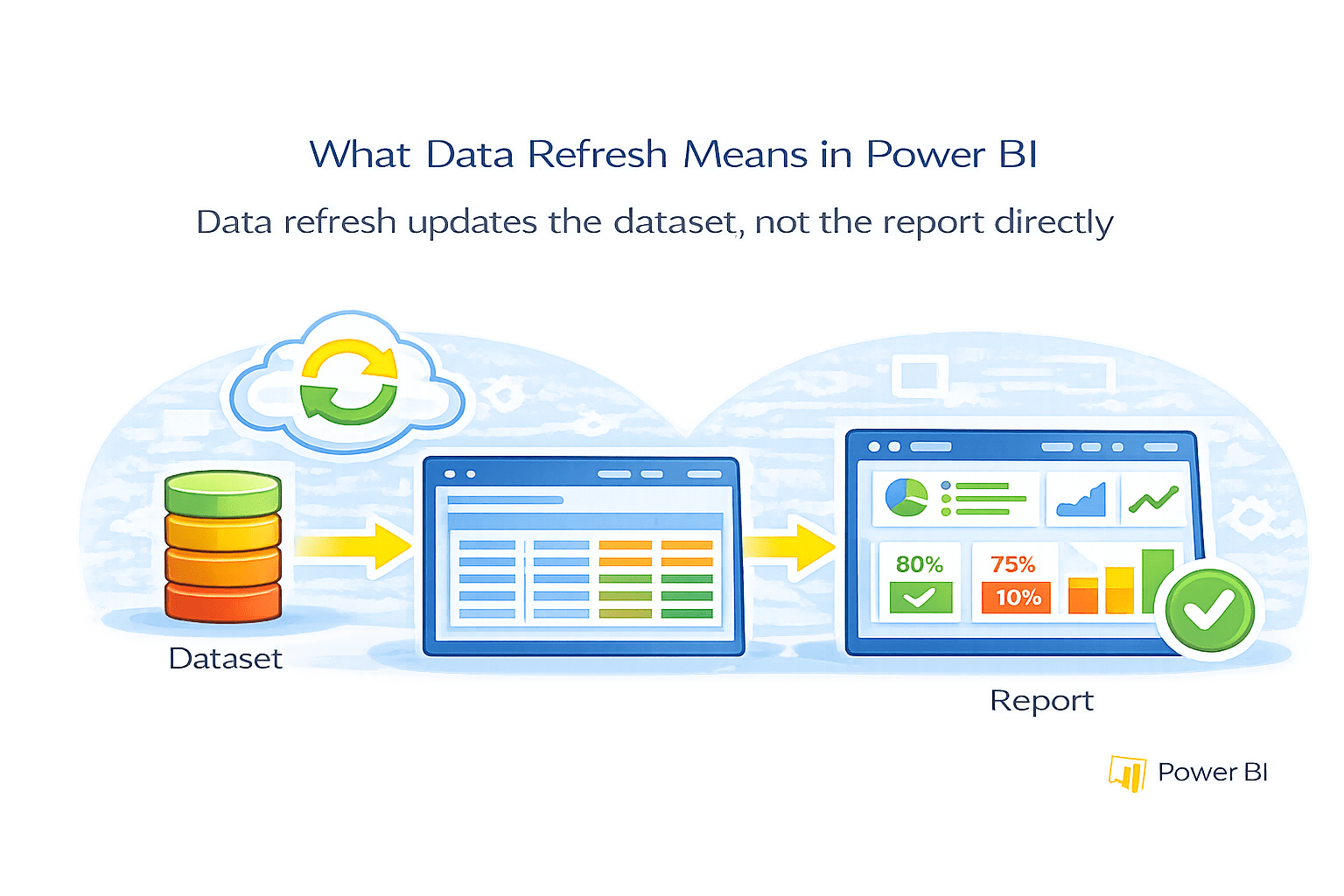
Data refresh updates the dataset, not the report directly
During refresh:
- Power BI reconnects to the data source
- Retrieves latest data
- Recomputes transformations and measures
All reports and dashboards connected to the dataset update automatically after refresh
Key Concept
- One dataset → many reports
- Refreshing once updates everything
Key Principle
Types of Data Refresh
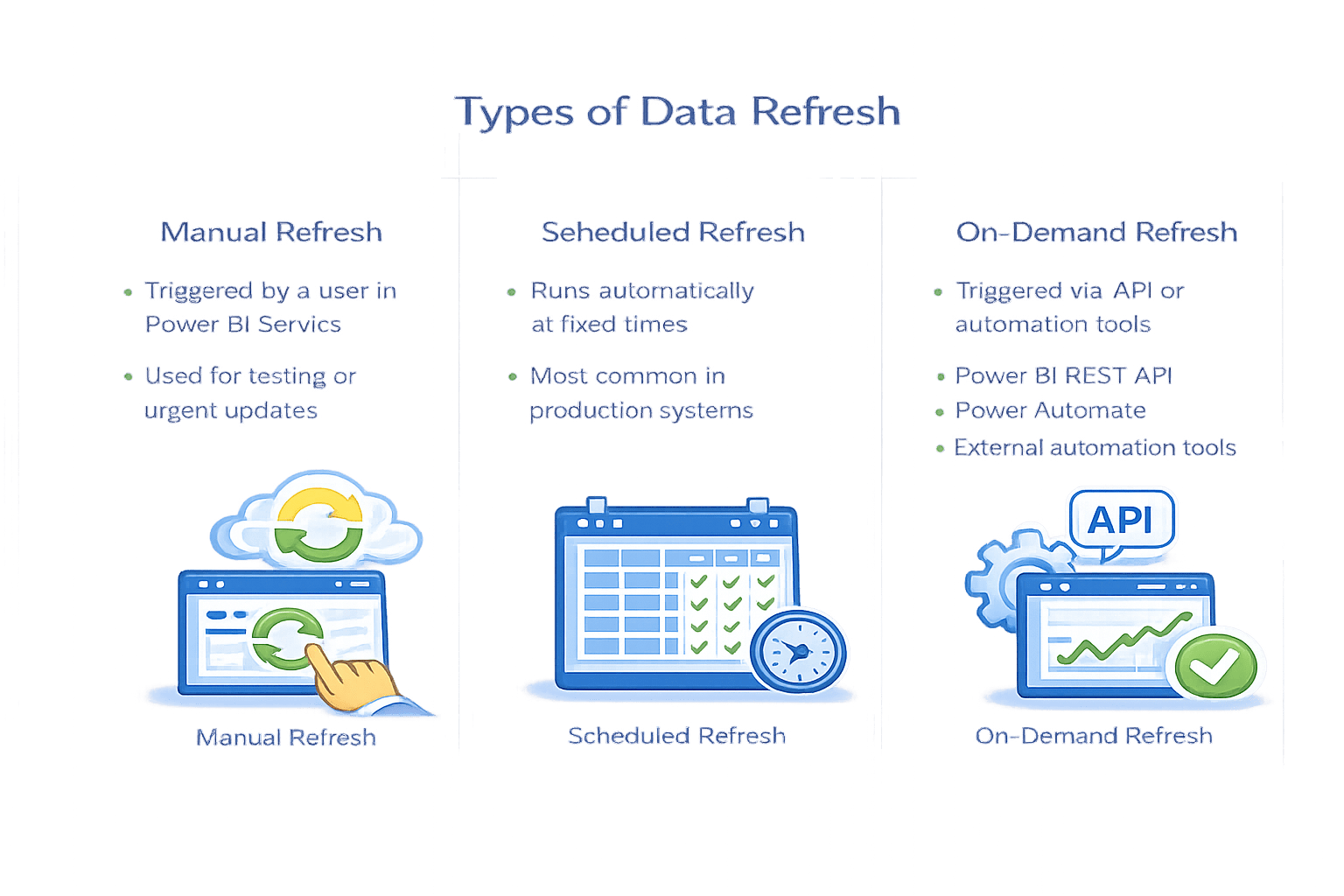
Manual Refresh
-
Triggered by a user in Power BI Service
-
Used for testing or urgent updates
Scheduled Refresh
-
Runs automatically at fixed times
- Most common in production systems
On-Demand Refresh
- Triggered via API or automation tools
- Useful for event-driven or real-time business workflows
Configuring Scheduled Data Refresh
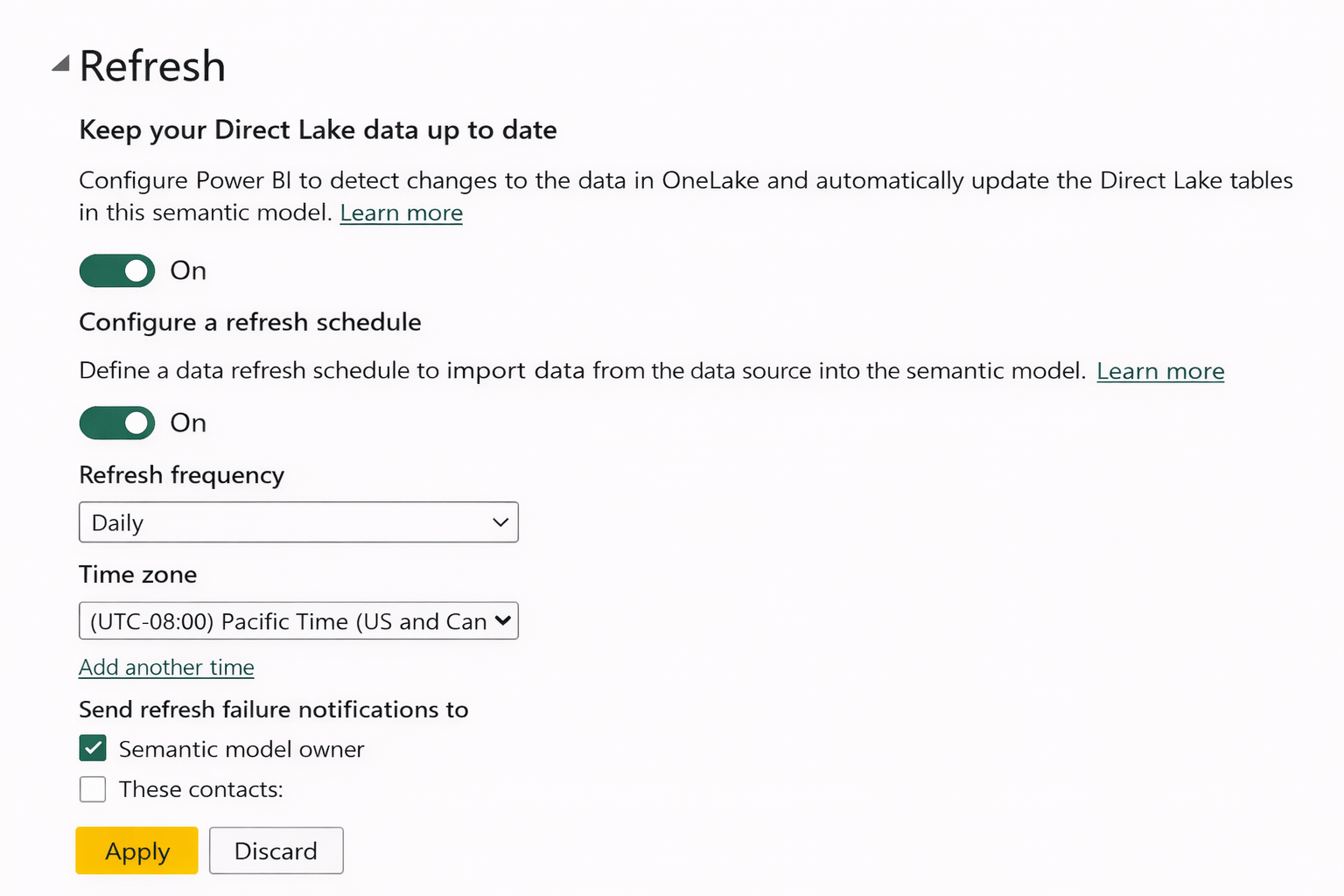
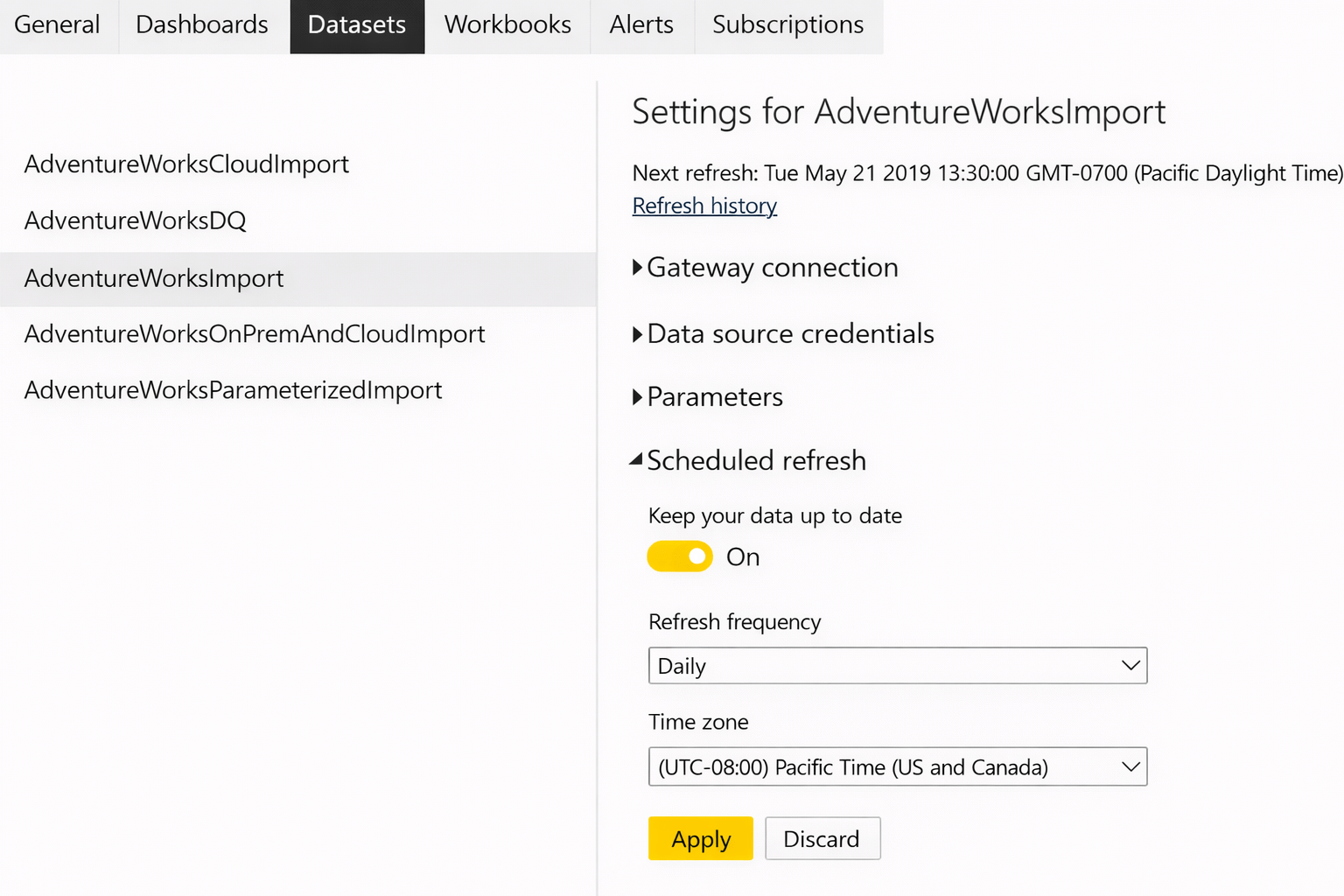
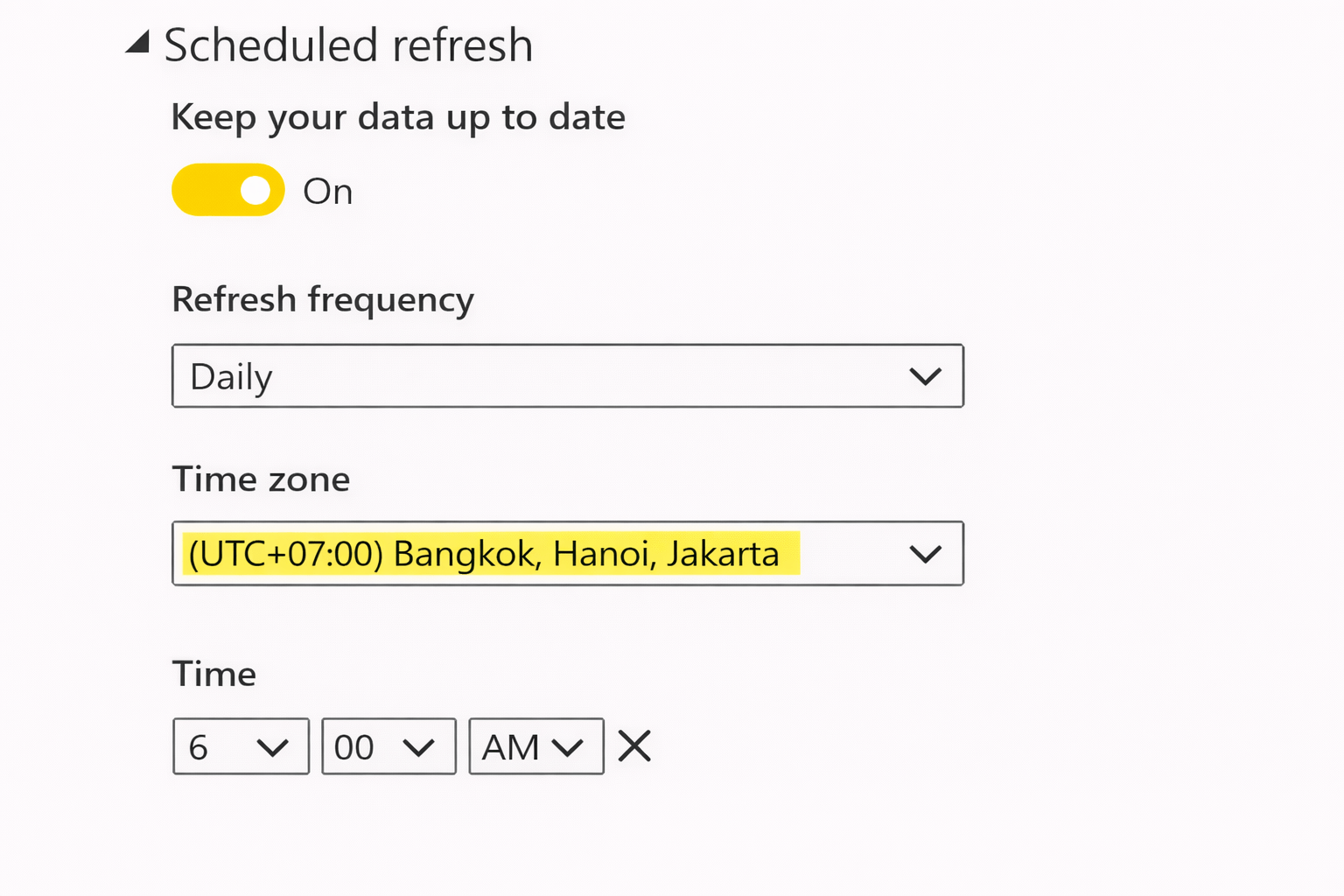
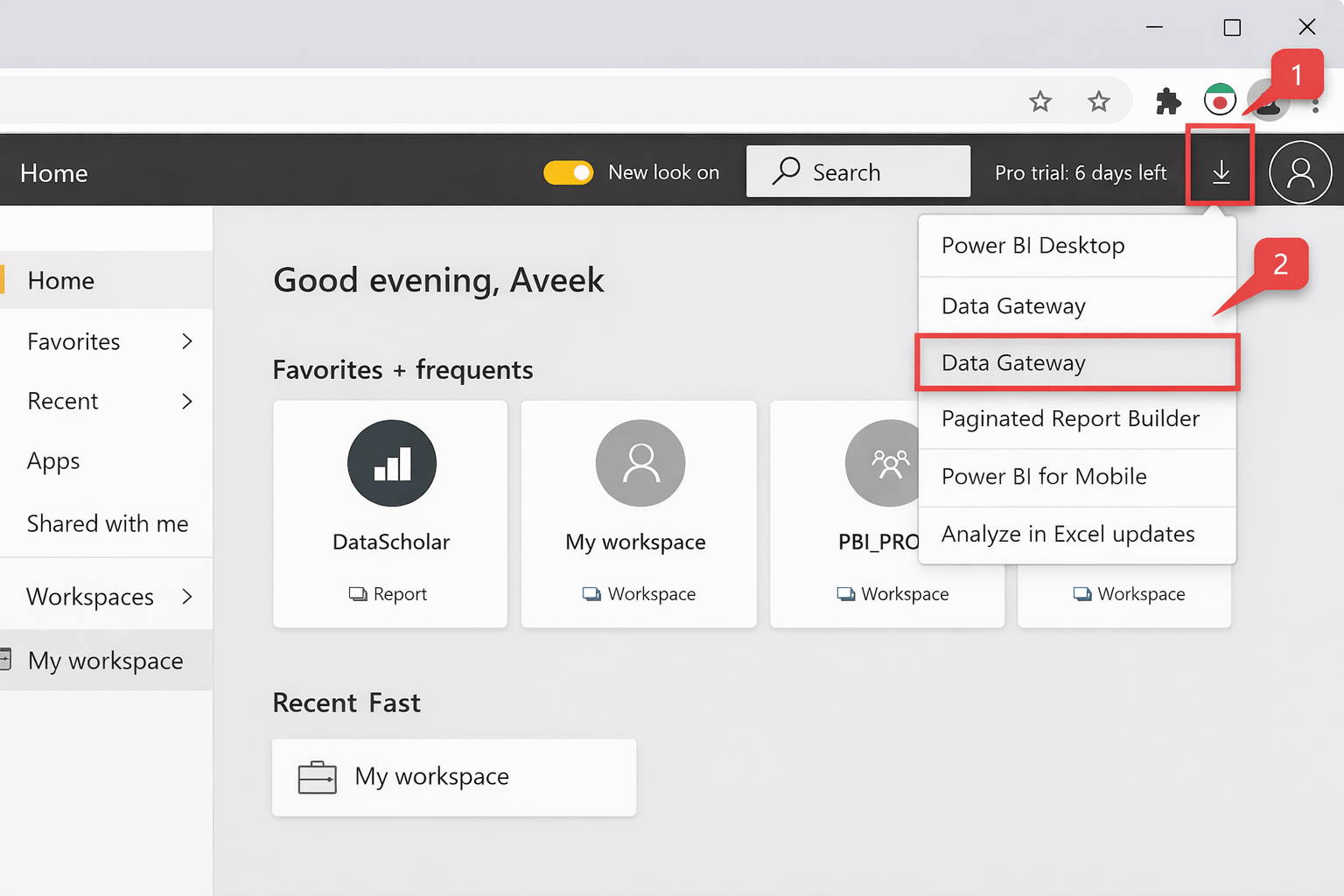
Scheduled refresh is configured at the dataset level.
Steps
-
Open Power BI Service
-
Go to Workspace → Datasets
-
Select the dataset
-
Click Settings
-
Open Scheduled refresh
-
Configure:
-
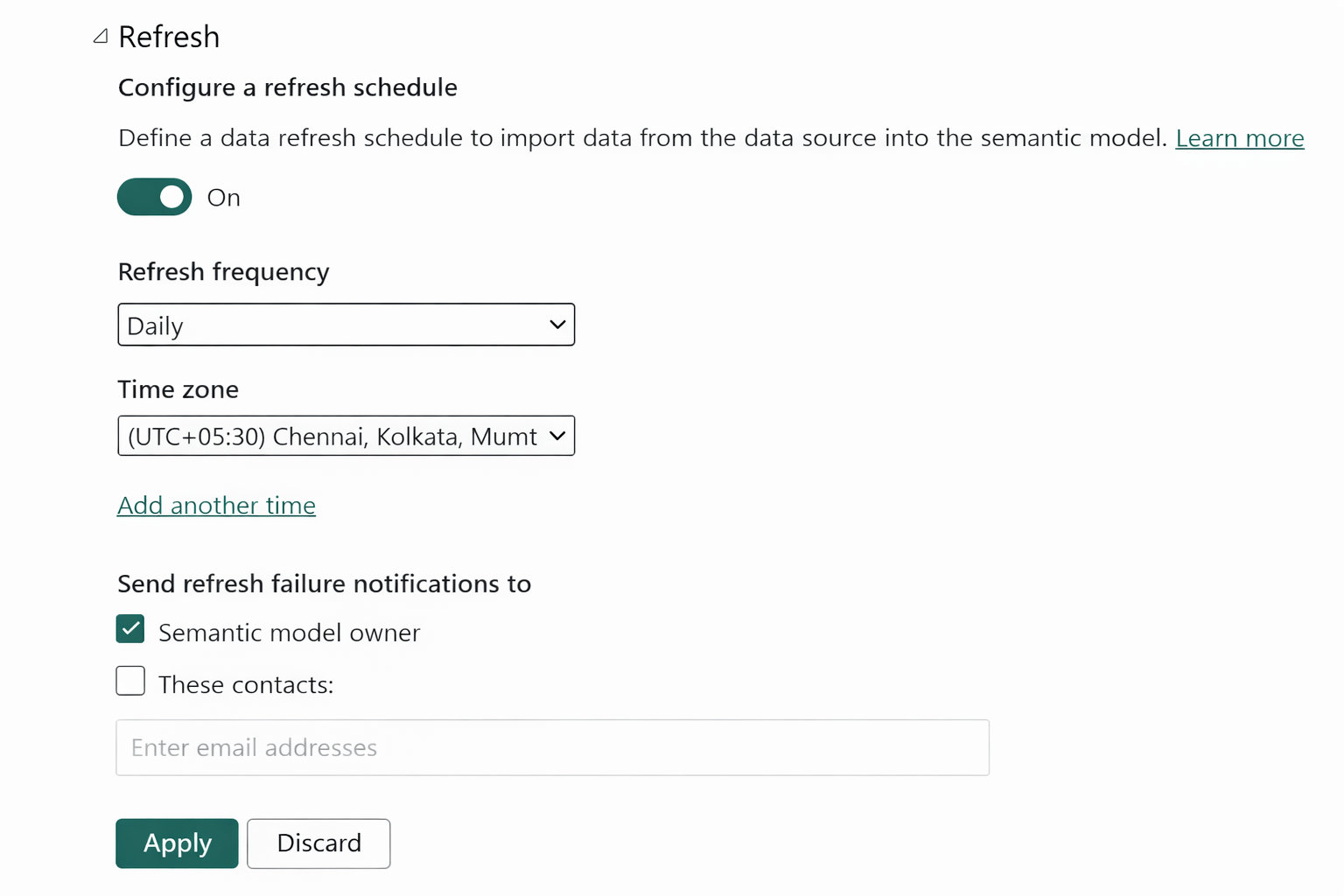
Refresh frequency
-
Time zone
-
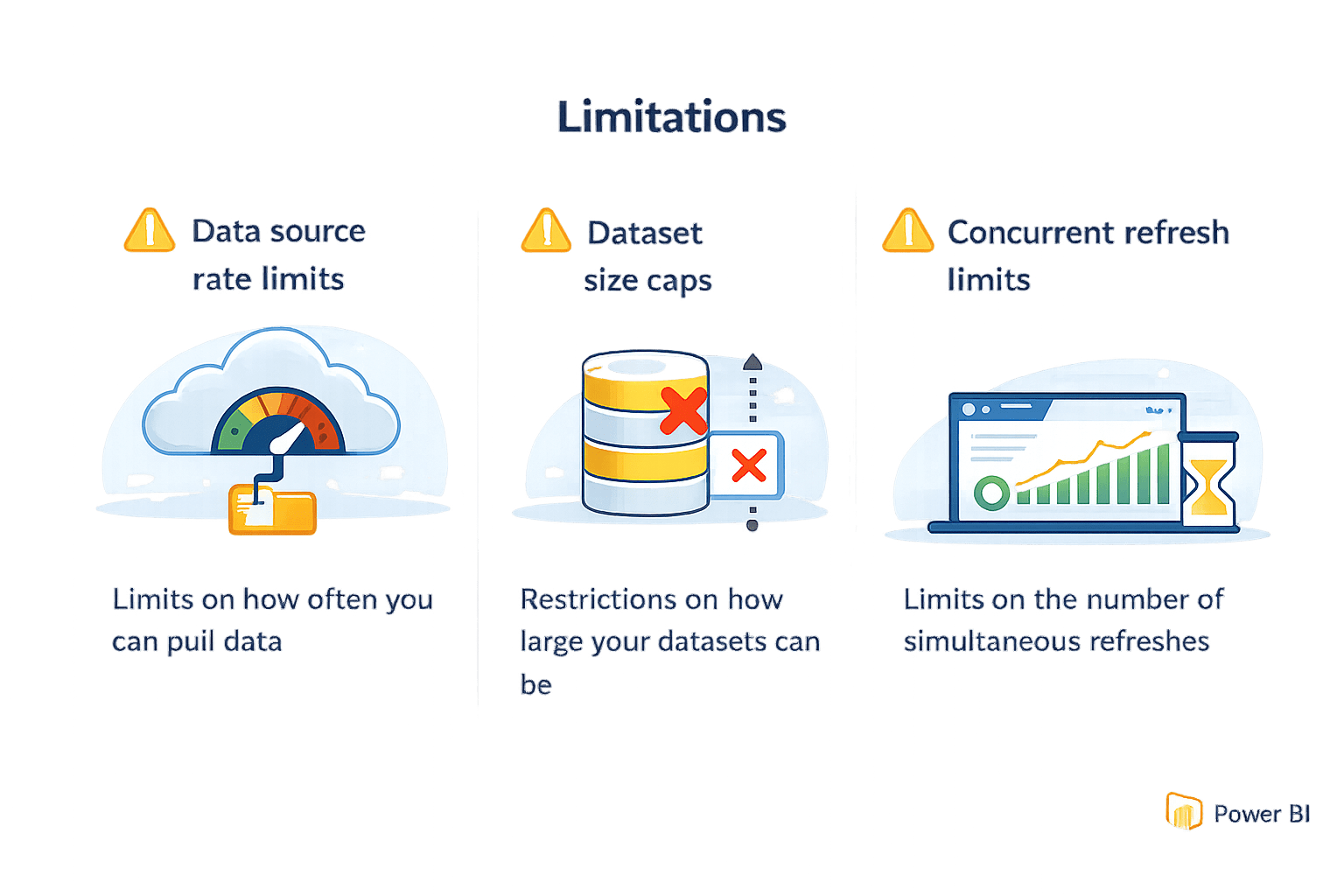
Limits
Power BI Pro: Up to 48 refreshes per day
Premium: Higher capacity and concurrency
Scheduled Refresh Inactivity Behavior
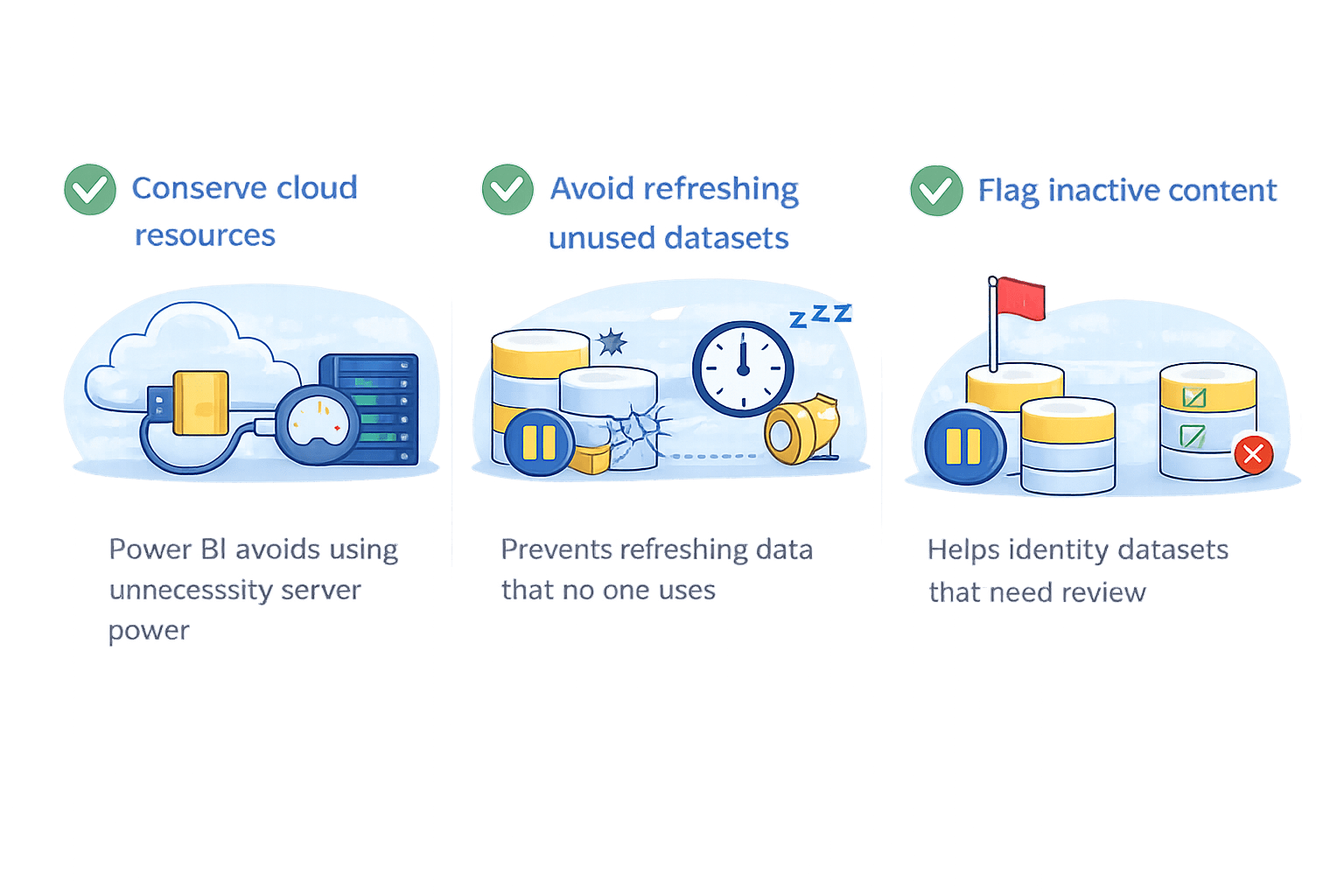
Power BI monitors dataset activity continuously
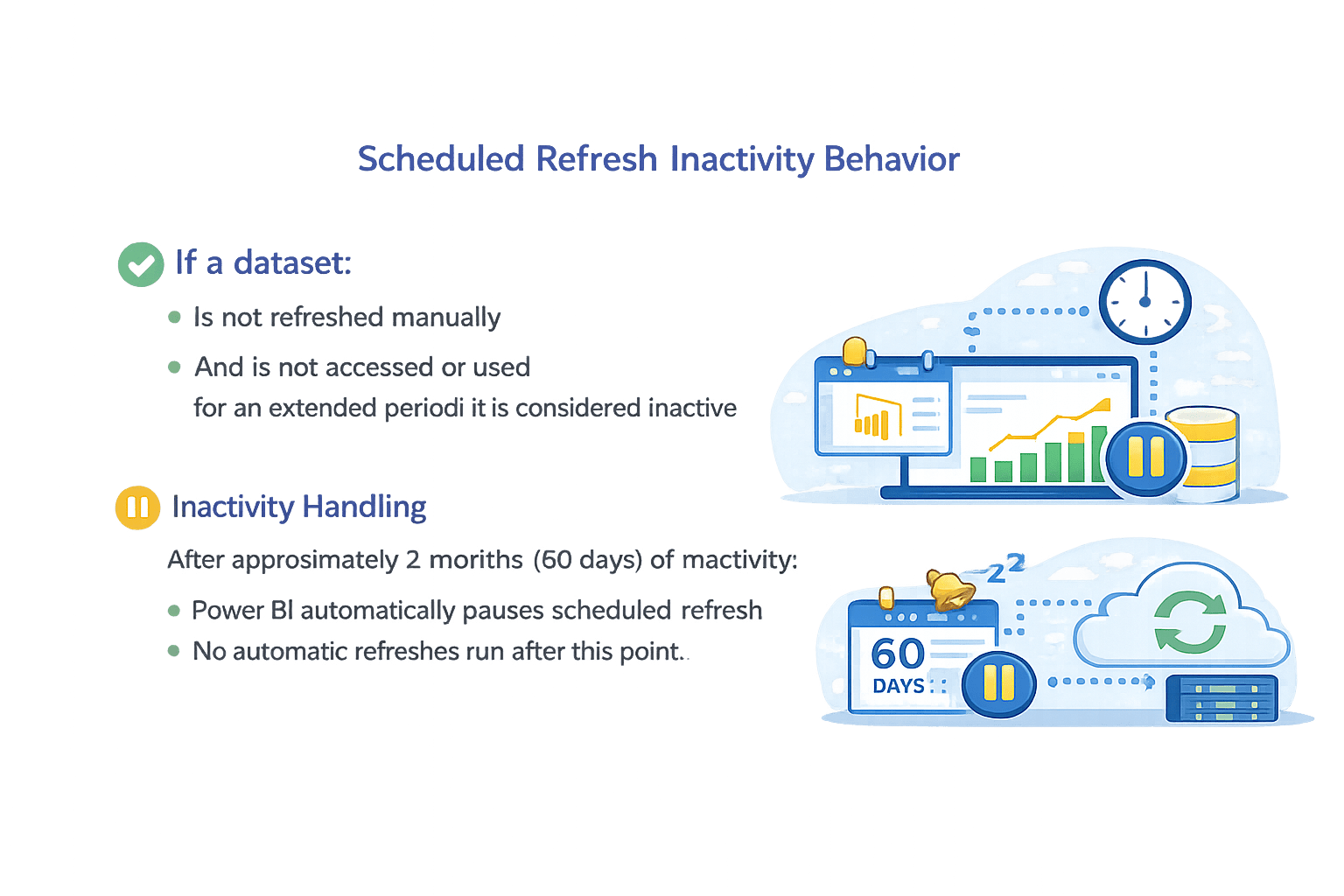
If a dataset:
-
Is not refreshed manually
- And is not accessed or used for an extended period, it is considered inactive
Inactivity Handling
After approximately 2 months (60 days) of inactivity:
-
Power BI automatically pauses scheduled refresh
-
No automatic refreshes run after this point
Why This Happens
How to Resume Refresh
- Open the dataset in Power BI Service
- Trigger a manual refresh
- Scheduled refresh resumes automatically
Notifications for Refresh Status and Failures
Email Notifications
Power BI can notify users when:
-
Refresh fails
-
Refresh succeeds (optional)
Steps
-
Go to Dataset → Settings
-
Enable Refresh failure notifications
-
Enter email addresses
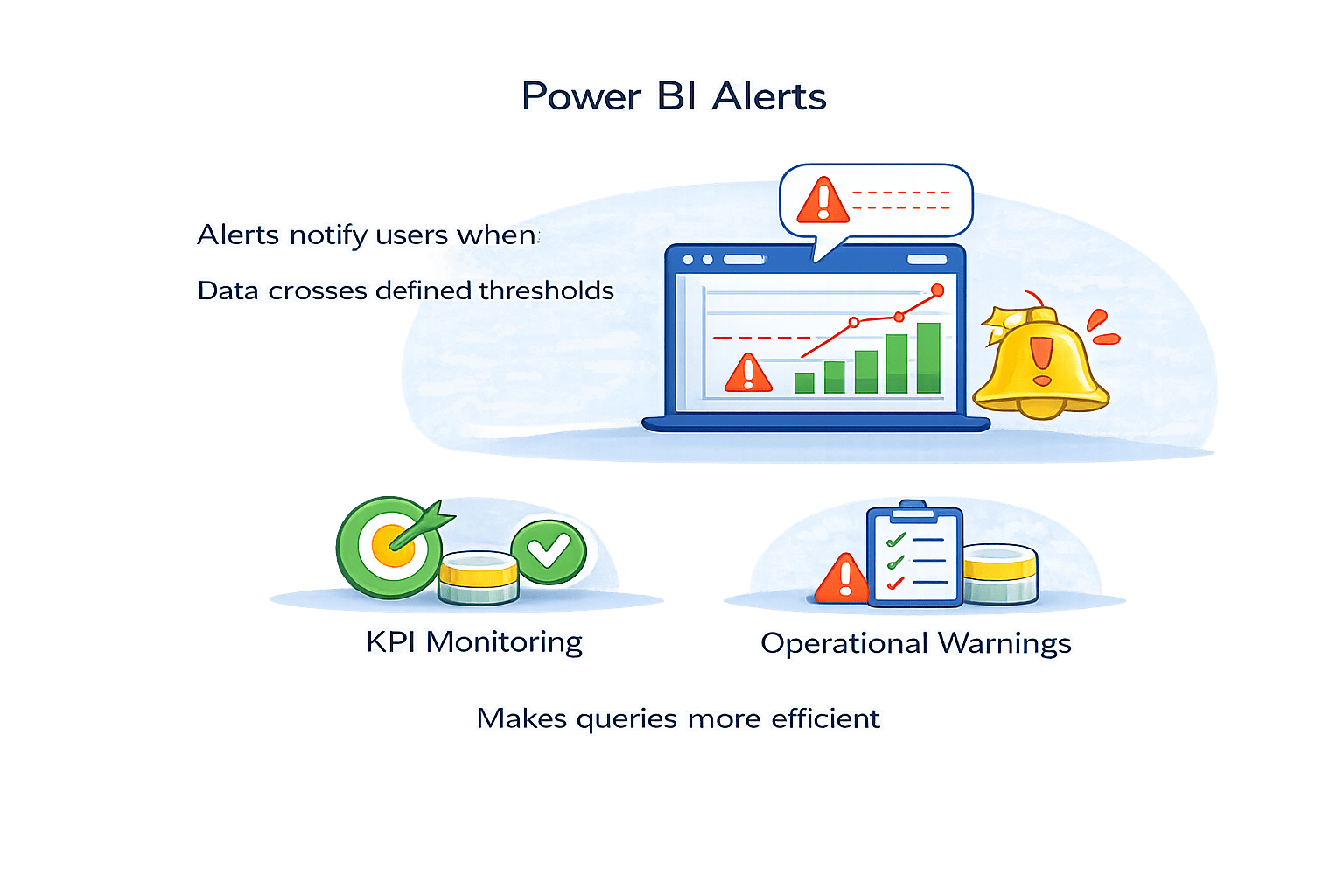
Alerts notify users when Data crosses defined thresholds
Power BI Alerts
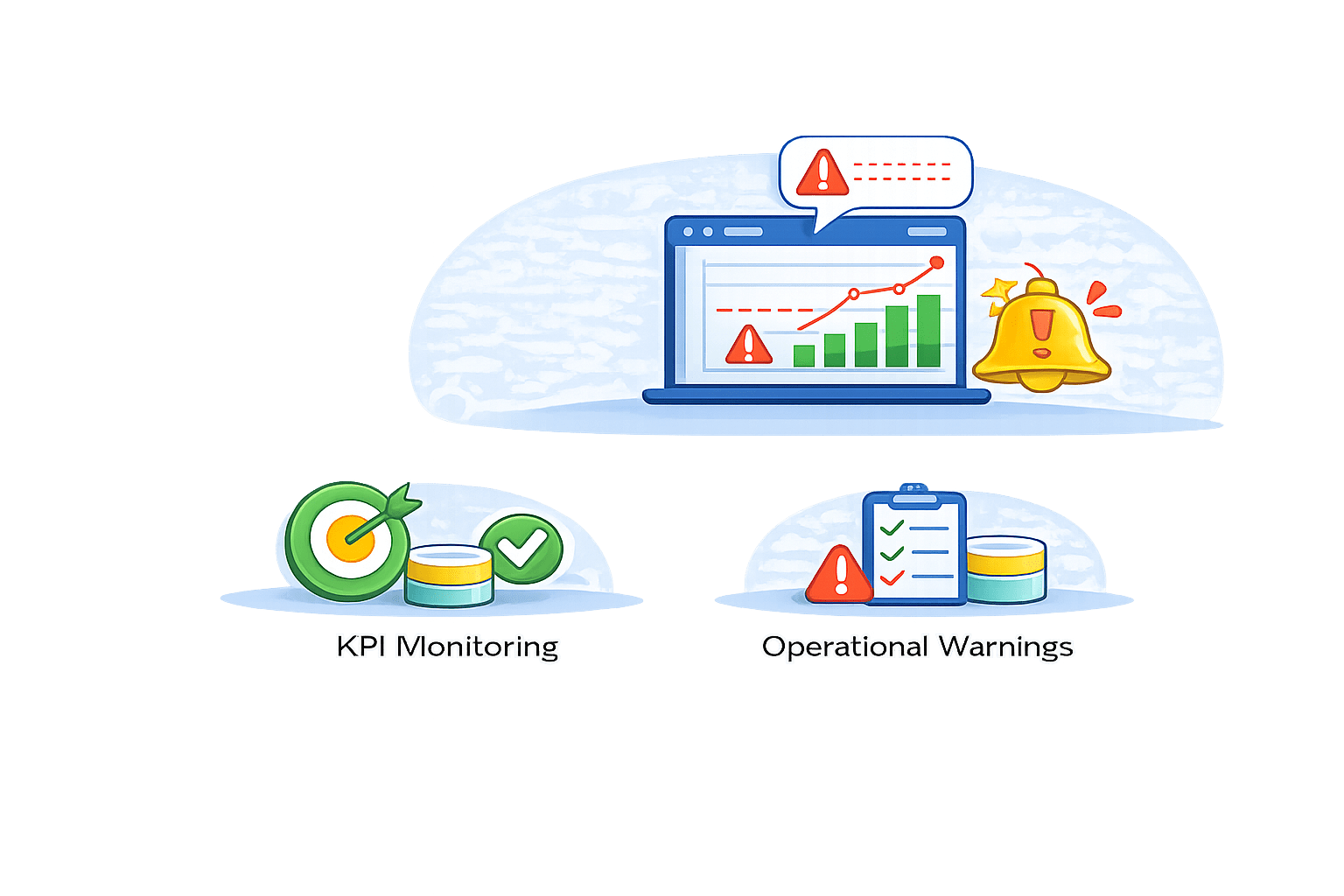
Used for:
Refresh Limitations
Best Practices
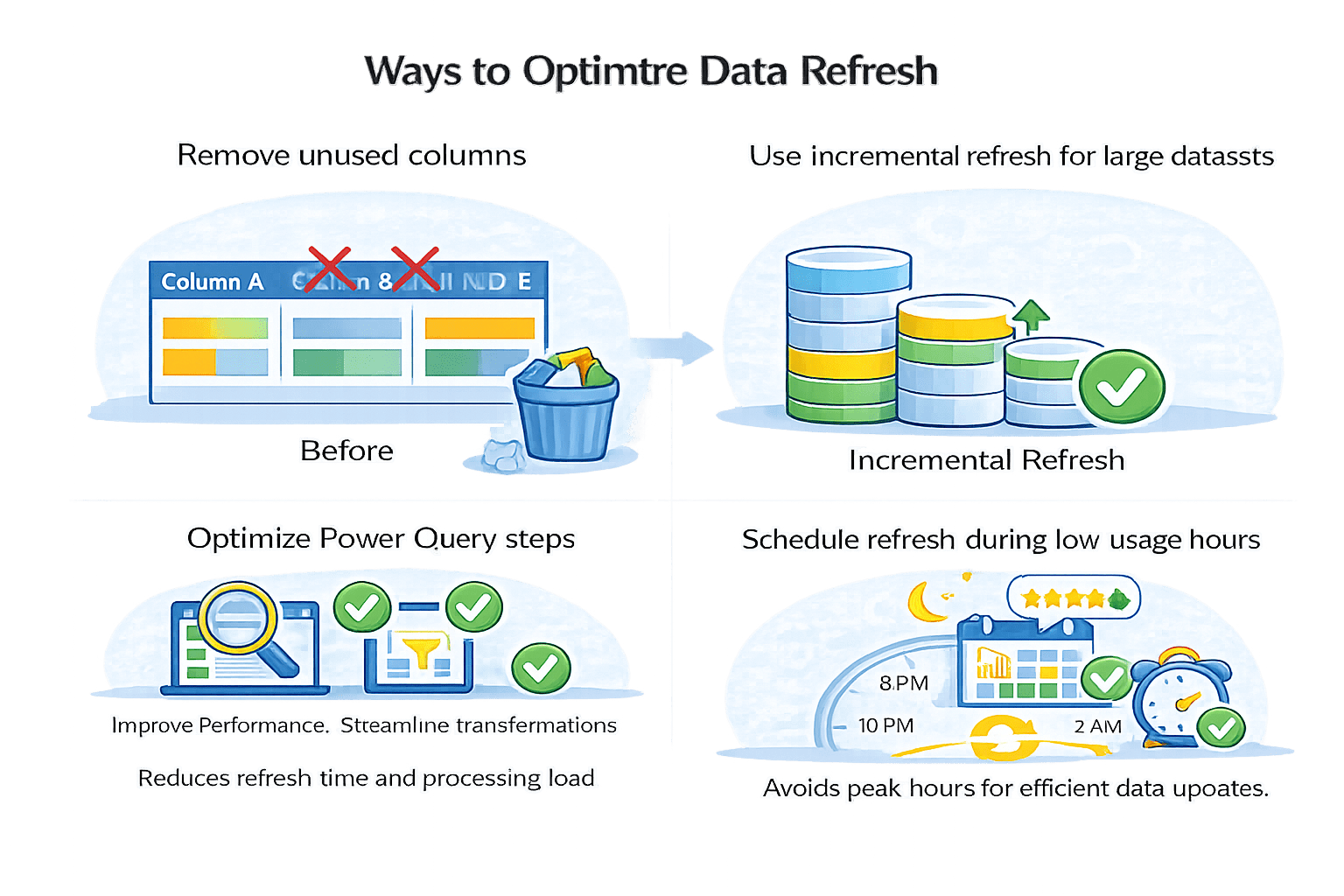
Remove unused columns
Schedule refresh during low-usage hours
Use incremental refresh for large datasets
Optimize Power Query steps
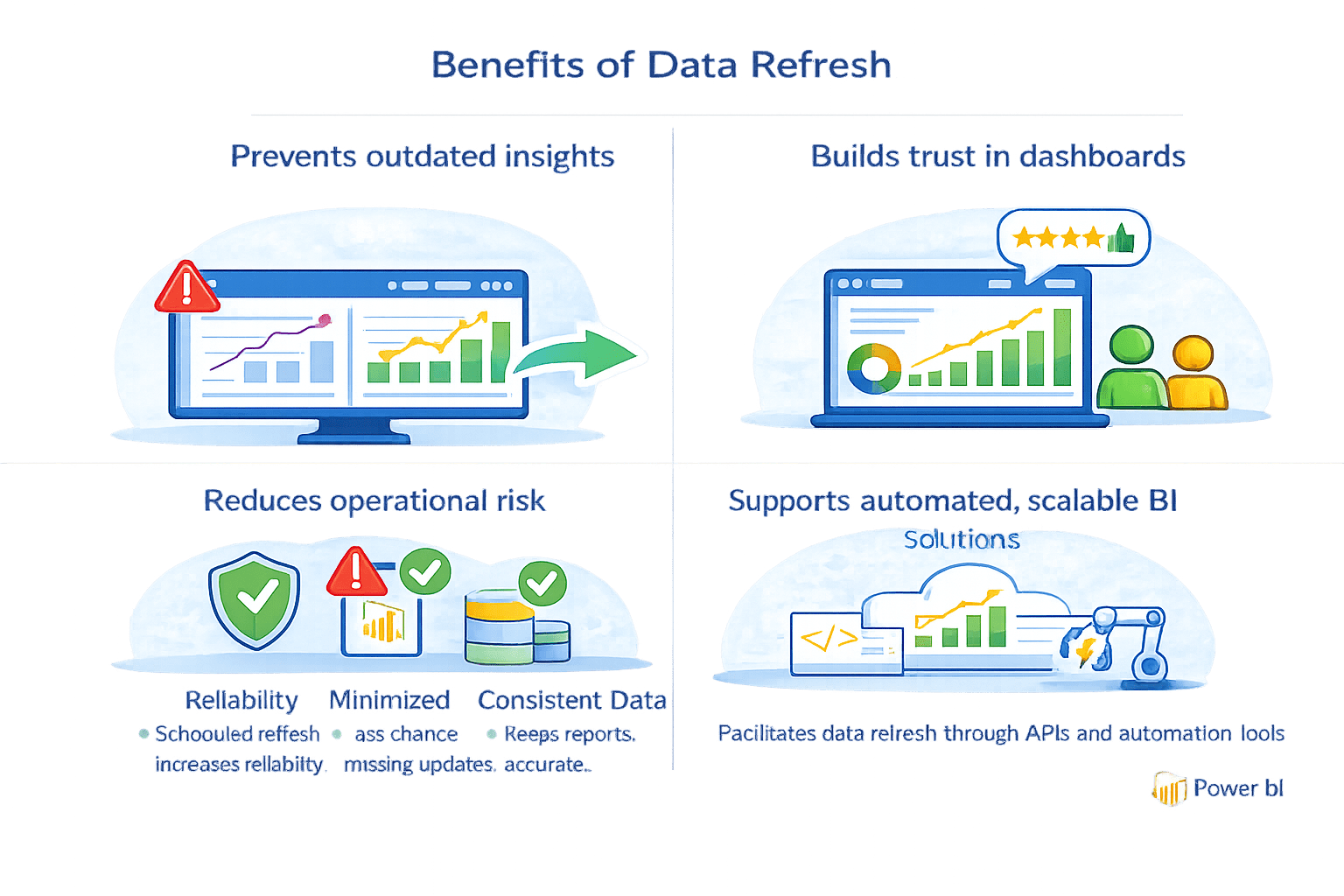
Why Refresh Management Matters
Summary
5
Best practices improve reliability and performance
4
Notifications help detect failures early
3
Refresh pauses after prolonged inactivity
2
Scheduled refresh automates data updates
1
Data refresh updates datasets, not visuals directly
Quiz
At which level does Power BI refresh data?
A. Dataset level
B. Visual level
C. Dashboard level
D. Report level

At which level does Power BI refresh data?
A. Dataset level
B. Visual level
C. Dashboard level
D. Report level
Quiz-Answer
