Unlocking CI/CD In AWS


Transformers Of AWS DevOps

Learning Outcome
5
Understand how CI/CD pipelines integrate with AWS DevOps tools
4
Learn about AWS CodeArtifact and package management
3
Understand how Image Builder pipelines work
2
Learn about AWS Image Builder and automated image creation
Explain what a Dockerfile is
1
Understand how AWS transforms application deployment workflows
Earlier, we learned that
Analogy
How AWS Transforms Application Deployment
AWS modern DevOps practices transform the way applications are deployed
Traditional deployment often involves:
Manual server configuration
Inconsistent environments
Difficult scaling
Slow deployment cycles

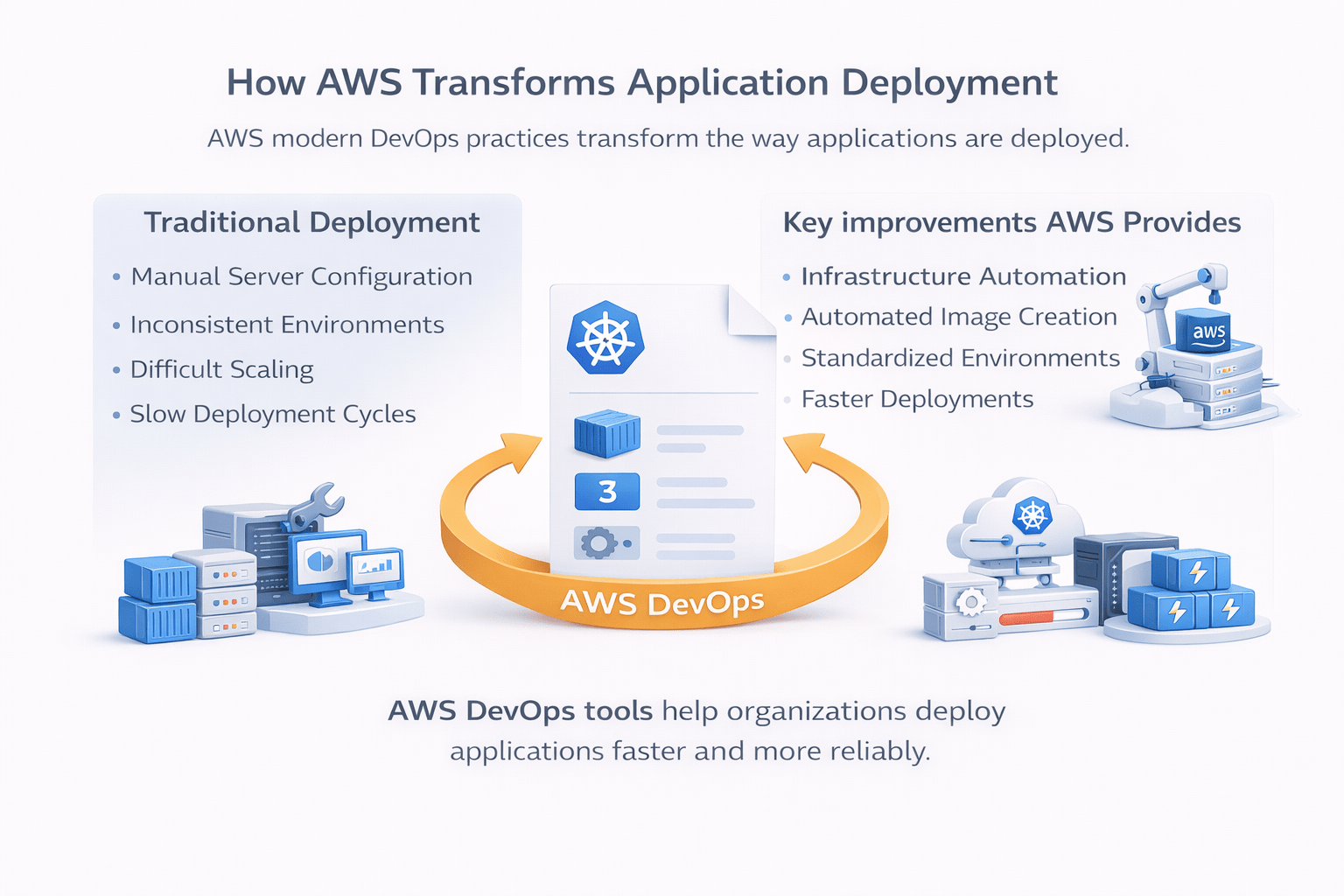
AWS solves these challenges through automation

Key improvements AWS provides:
-
Infrastructure automation
-
Automated image creation
-
Standardized environments
-
Faster deployments
- Reduced human errors
AWS DevOps tools help organizations deploy applications faster and more reliably
AWS EC2 Image Builder
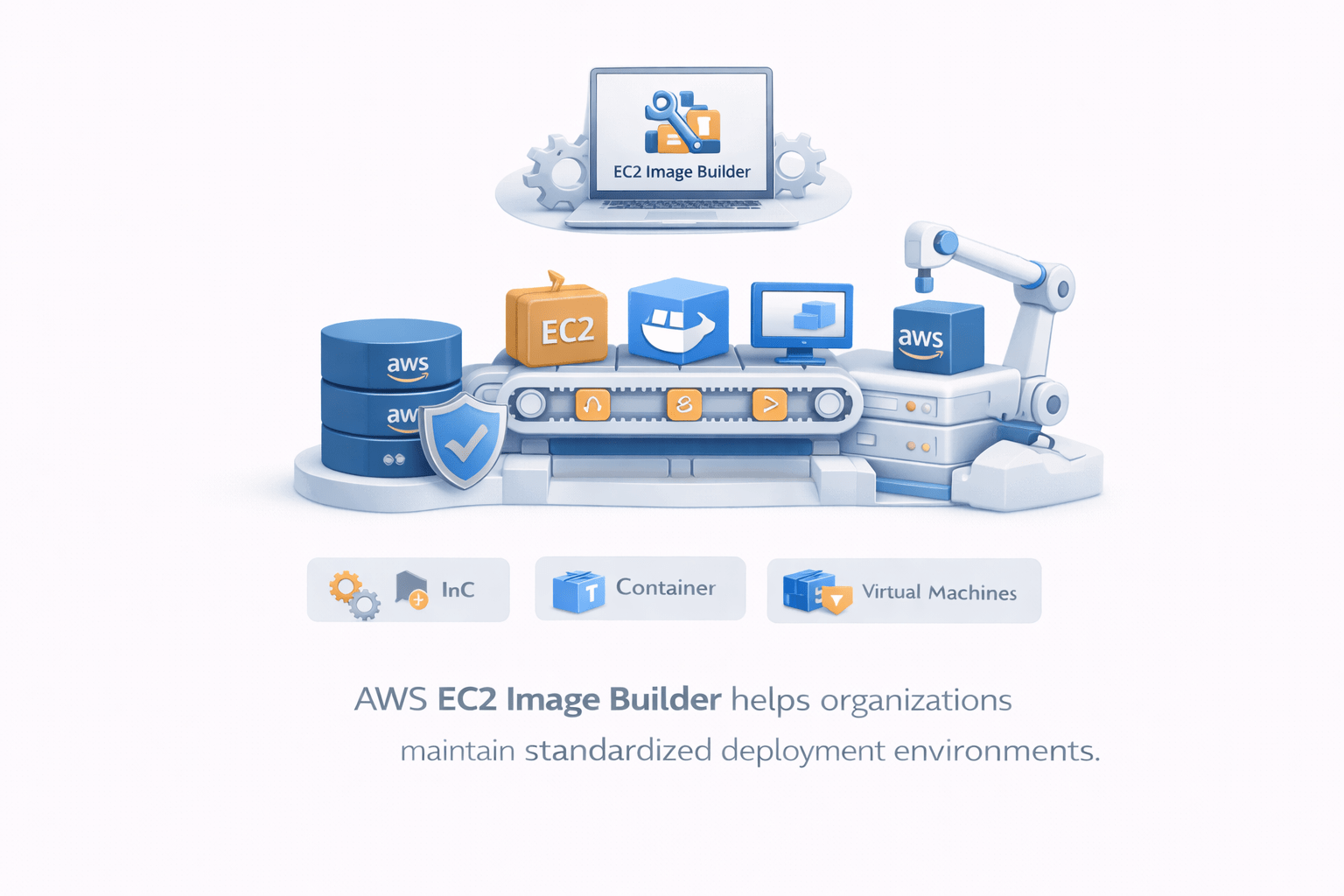
EC2 Image Builder is an AWS service used to automate the creation, management, and deployment of machine images
These images can be used for:
EC2 instances
Containers
Virtual machines

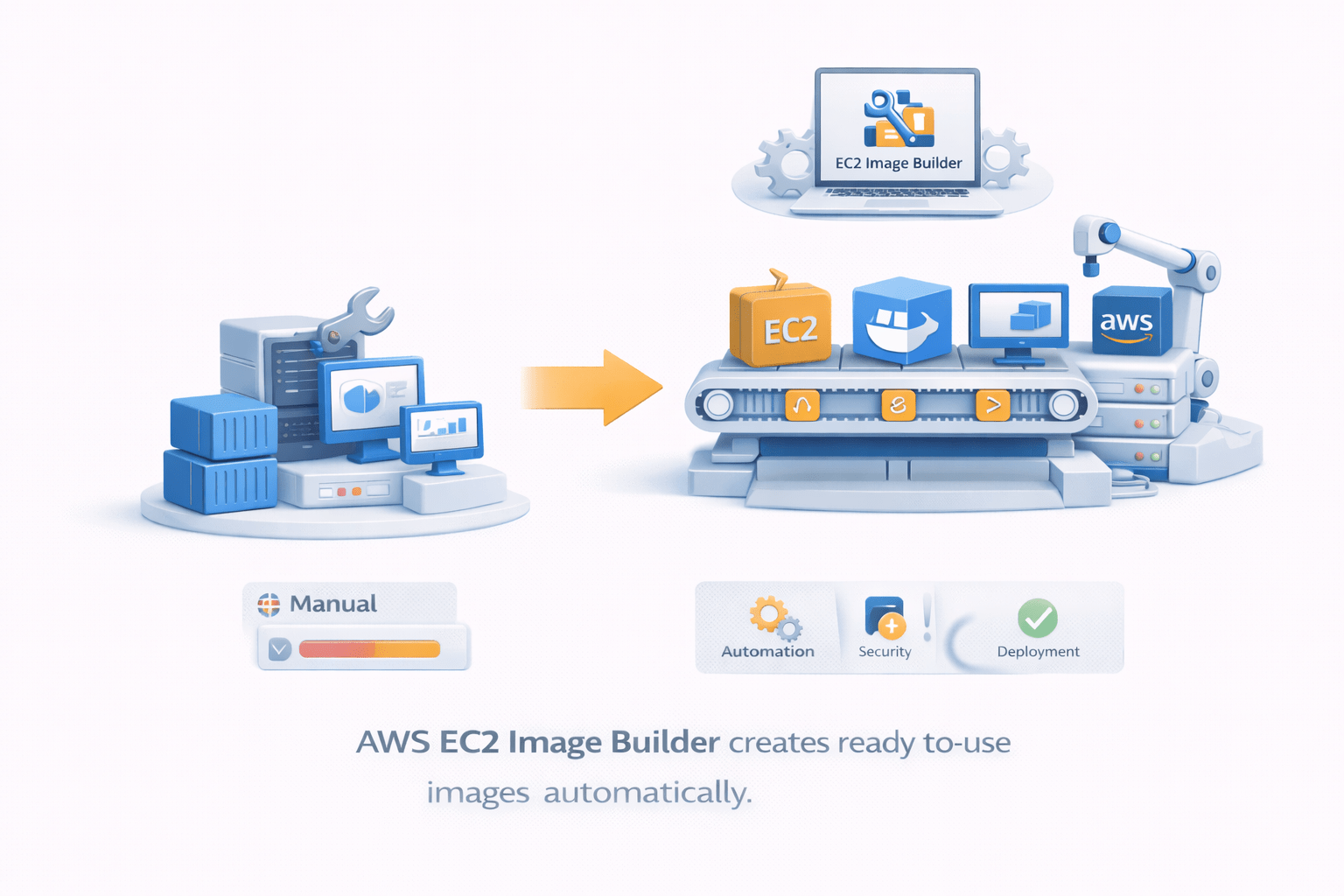
Instead of manually configuring servers every time, Image Builder creates ready-to-use images automatically
Benefits:
Automated image creation
Improved security
Reduced maintenance effort
Consistent infrastructure
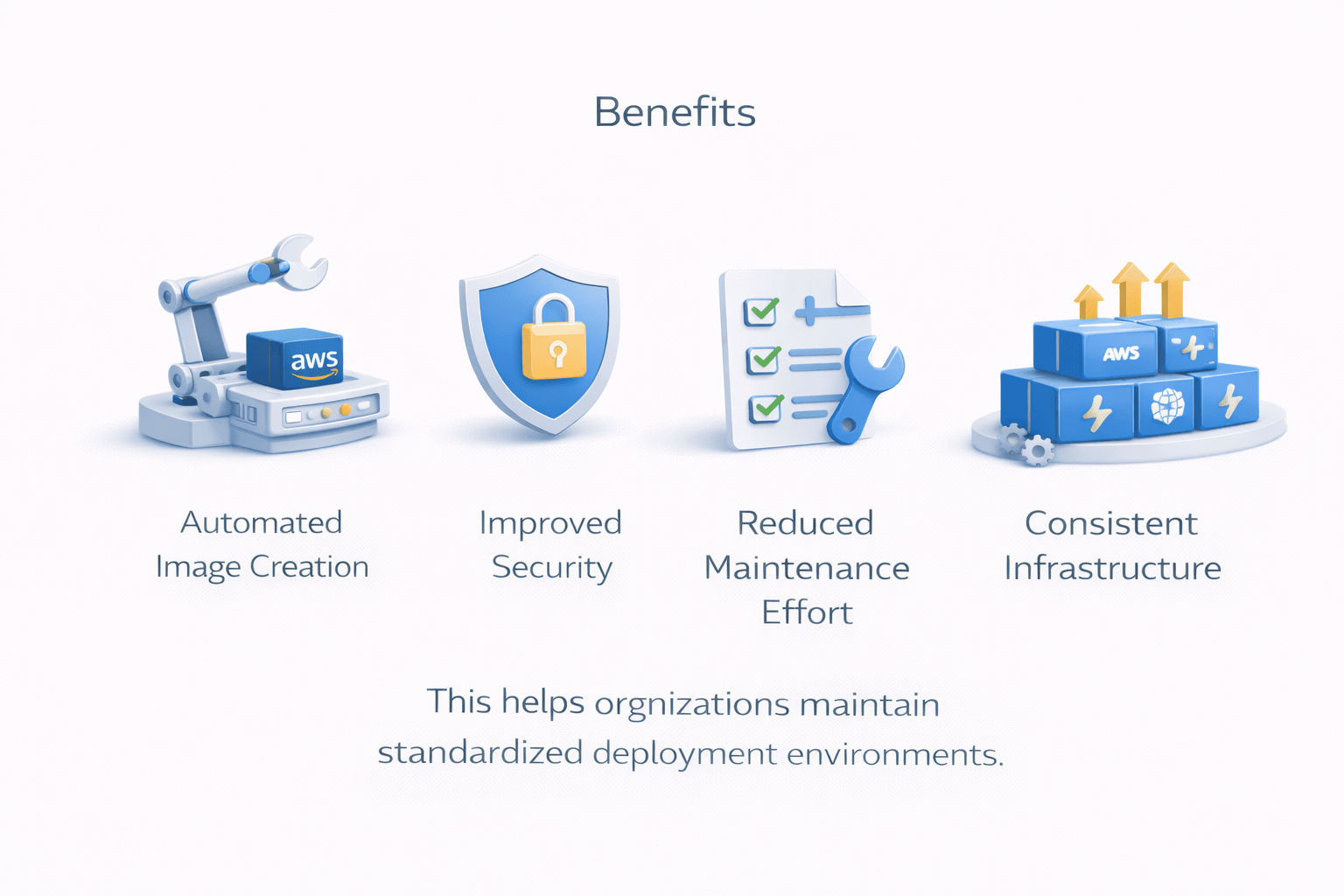
This helps organizations maintain standardized deployment environments

Automated Image Creation
AWS Image Builder enables fully automated image creation pipelines
This means images are built automatically whenever updates are required
Automation includes:
Installing software packages
Applying security patches
Running configuration scripts
Testing the image

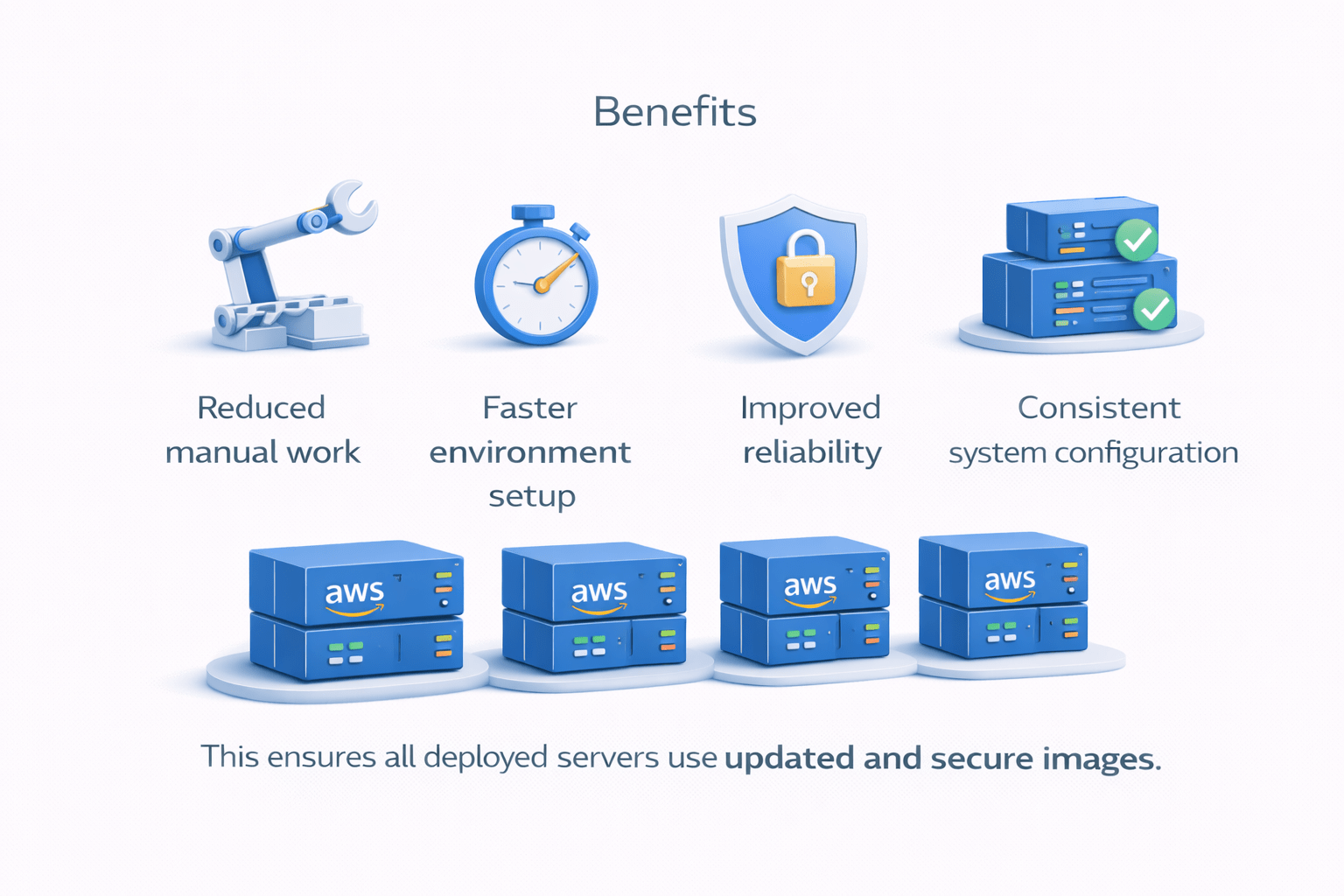
Benefits:
Reduced manual work
Faster environment setup
Improved reliability
Consistent system configuration
This ensures all deployed servers use updated and secure images
Streamlined Workflows
Image Builder simplifies DevOps workflows by automating multiple steps
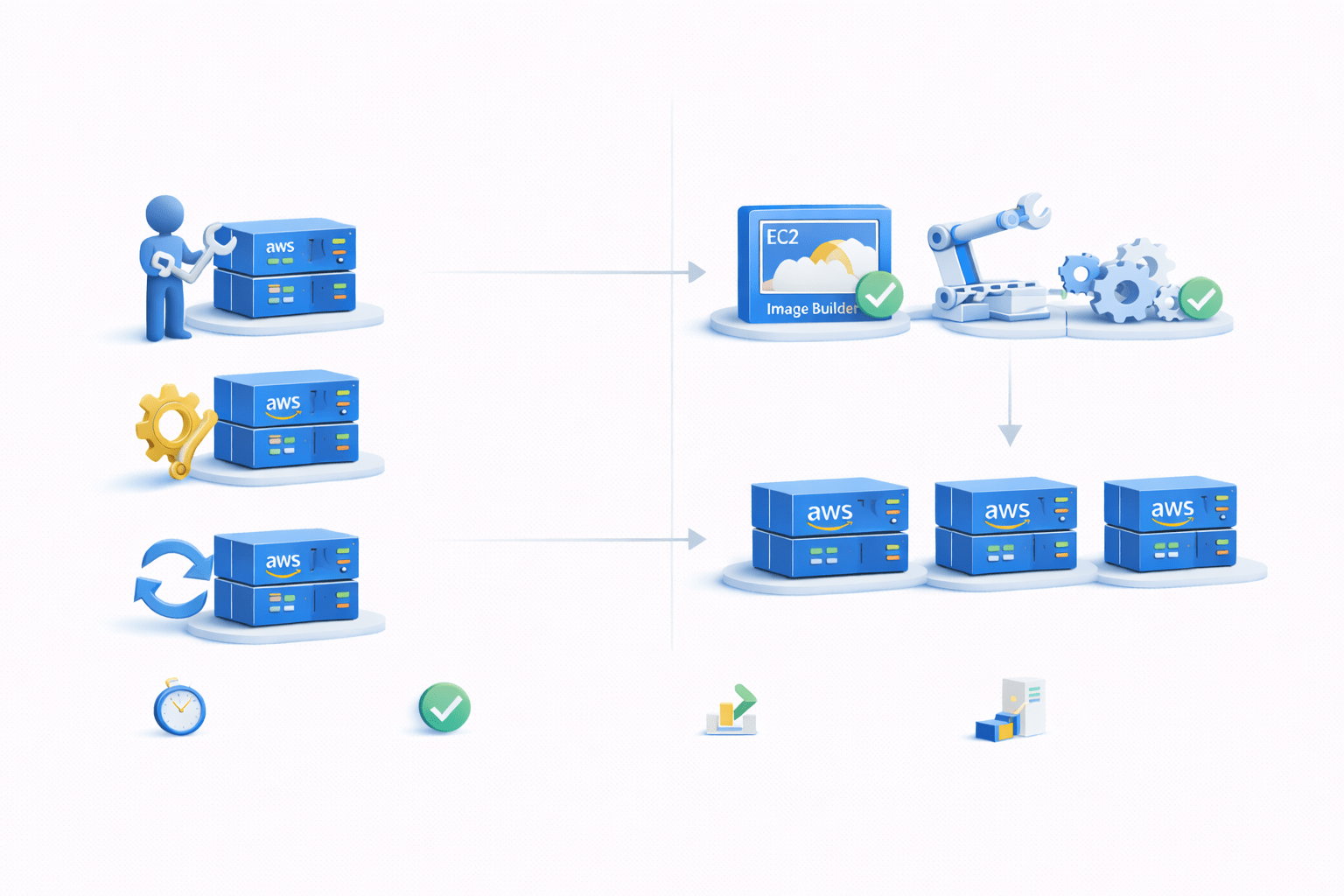
Traditional workflow:
Manual server setup
Manual configuration
Manual updates
With Image Builder:
Image creation is automated
Testing is integrated
Deployment-ready images are generated


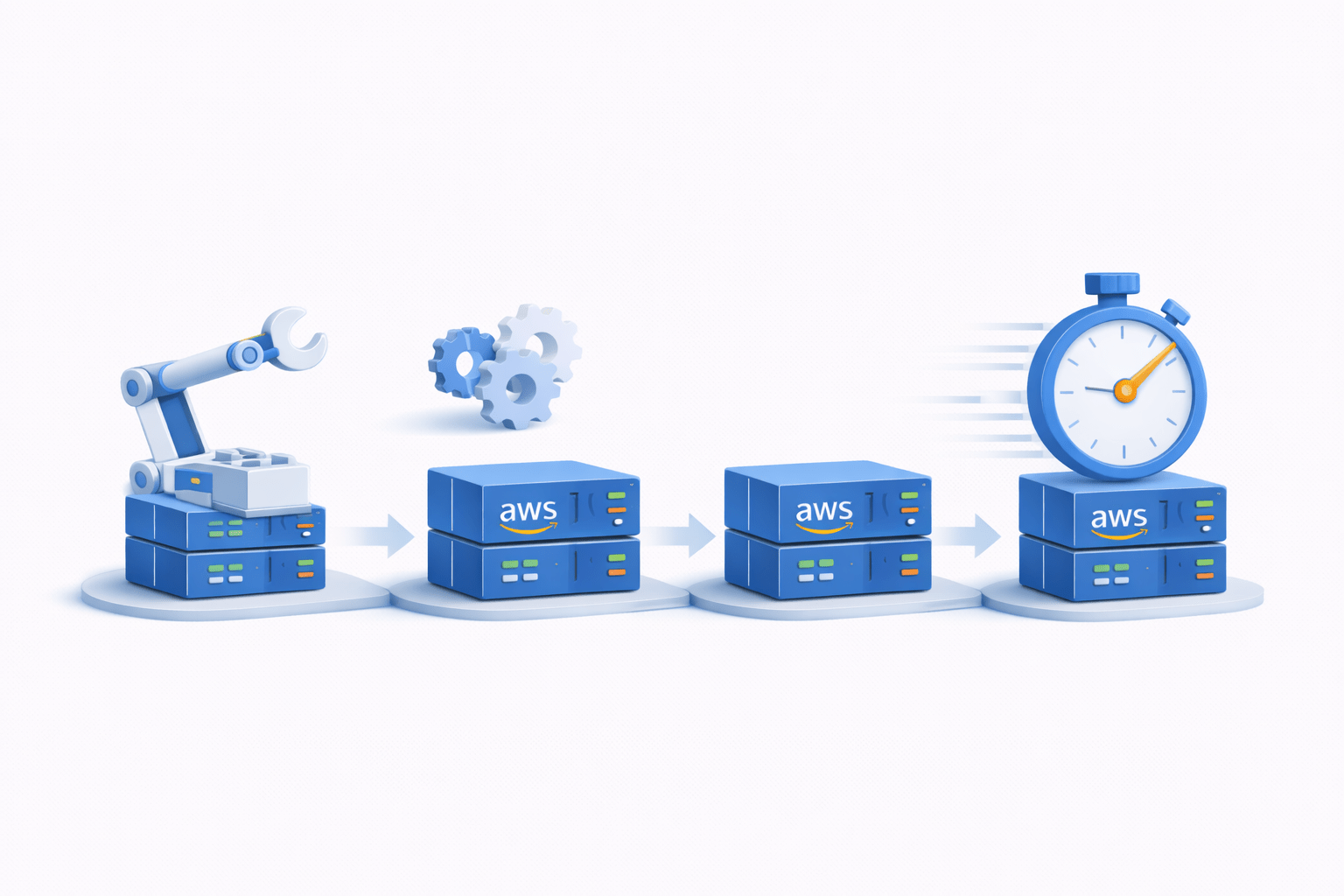
This results in:
Faster development cycles
Reduced configuration errors
Improved DevOps productivity
Optimized Images
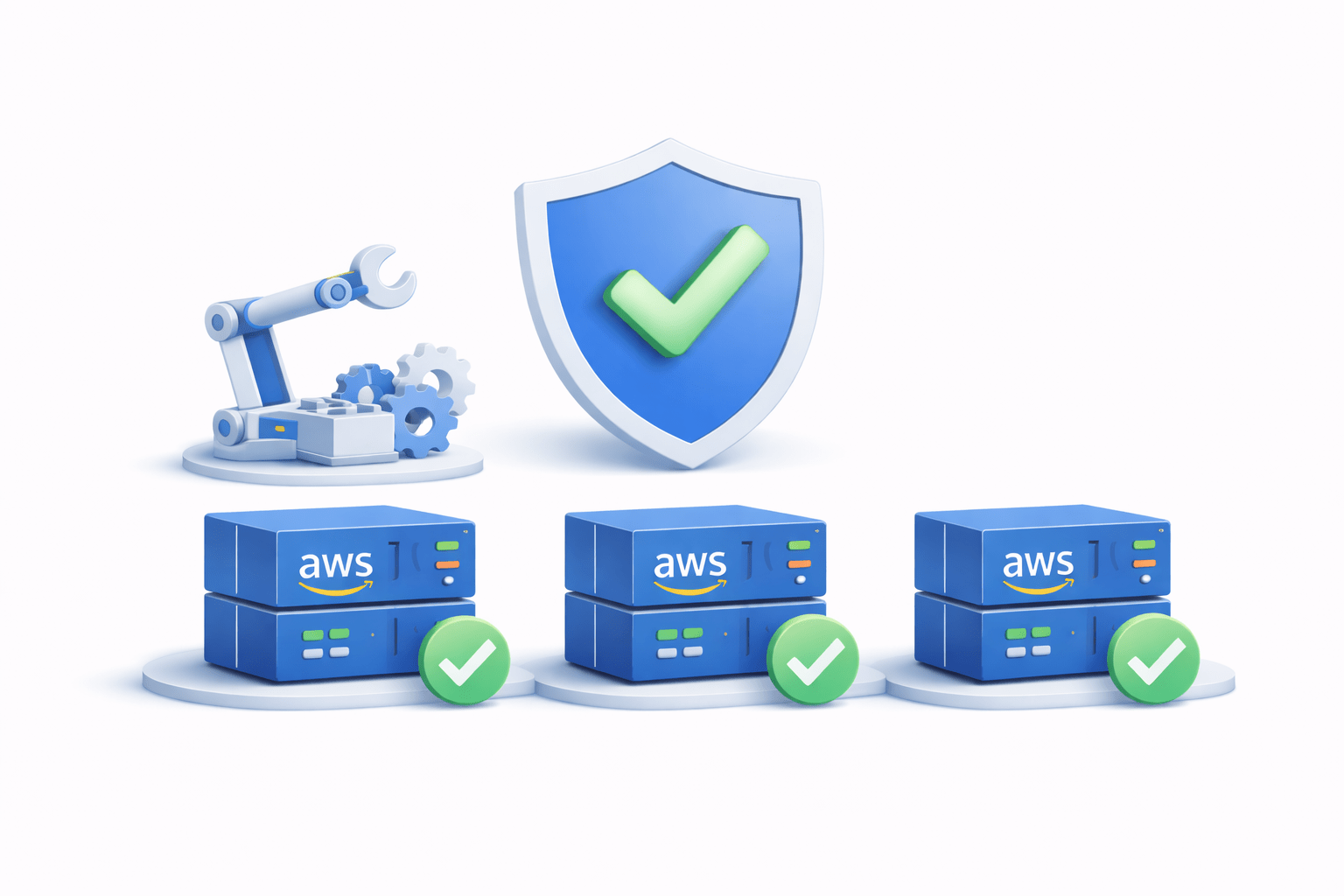
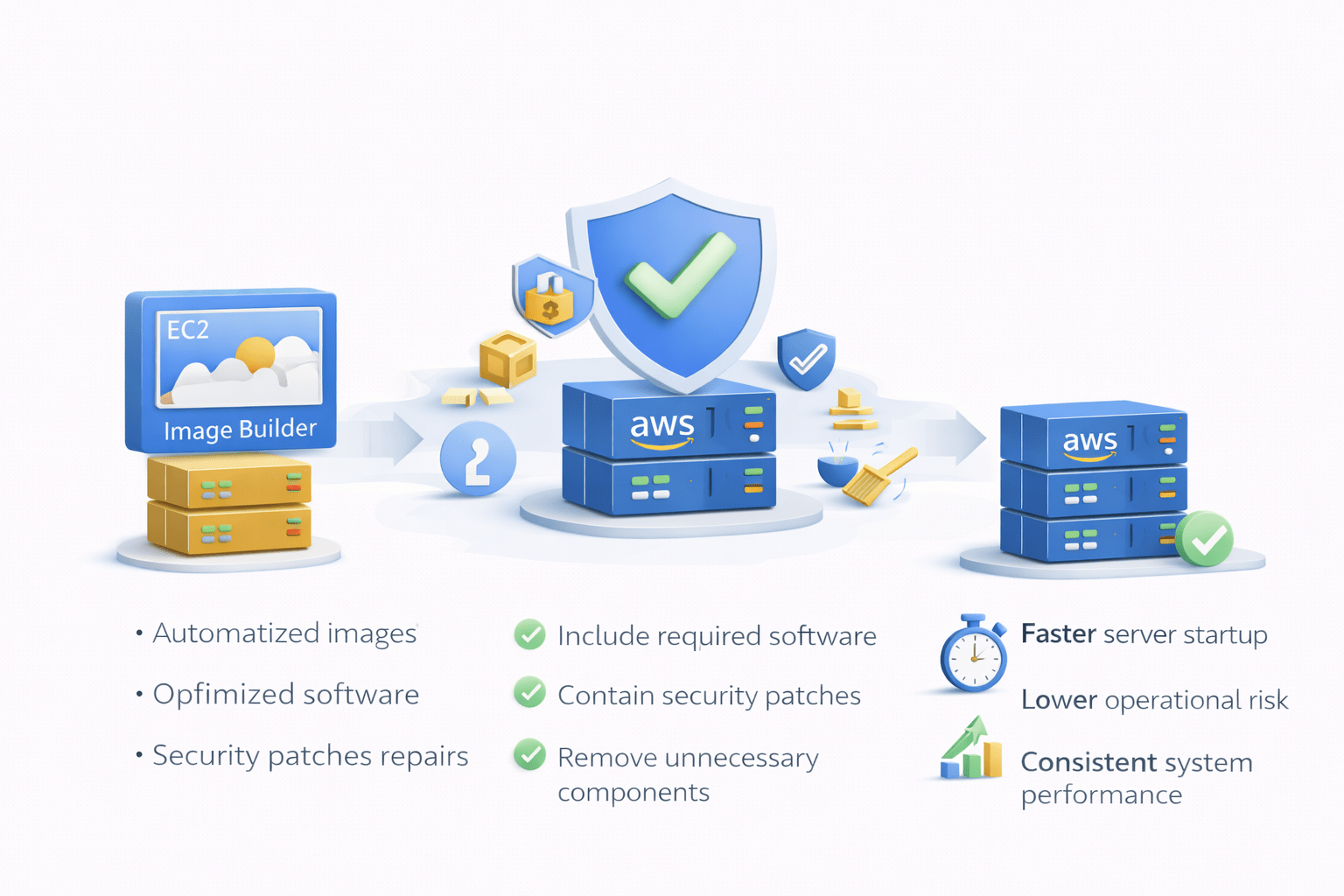
Image Builder creates optimized images for performance and security
These optimized images:
Include required software packages
Contain security patches
Remove unnecessary components
Improve boot and deployment speed
Optimized images help organizations achieve :
Faster server startup
Lower operational risk
Consistent system performance


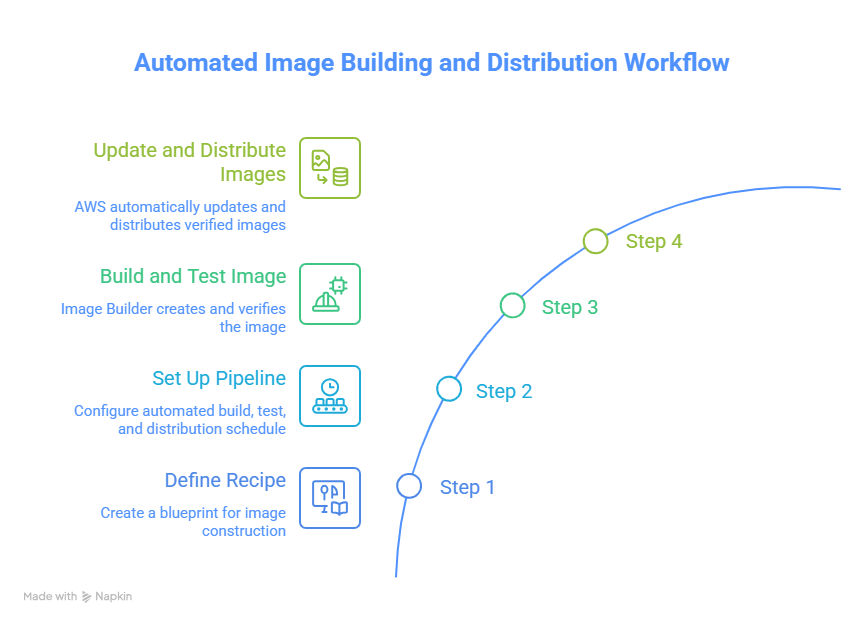
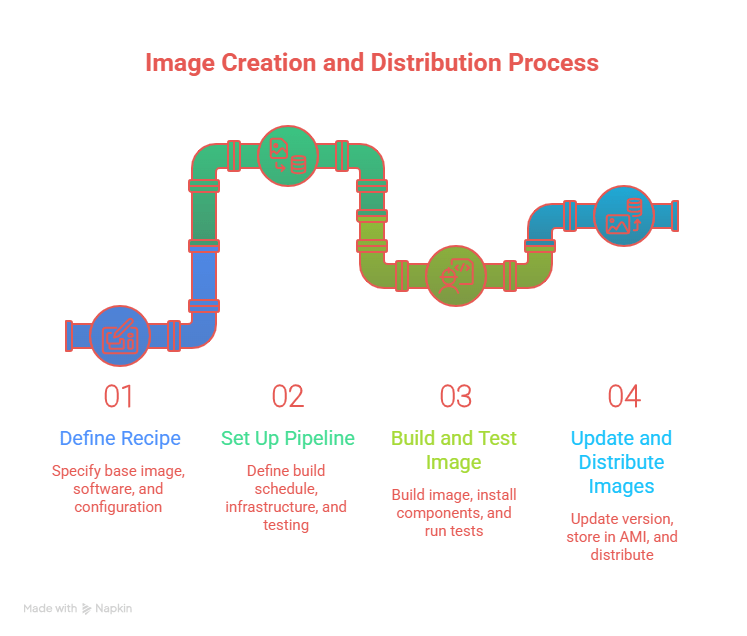
Steps to Create an Image Builder Pipeline
Creating an Image Builder pipeline involves several steps
Main workflow:
Define Recipe
⬇
Set Up Pipeline
⬇
Build and Test Image
⬇
Update Images Automatically
⬇
Distribute Images
Understanding AWS CodeArtifact
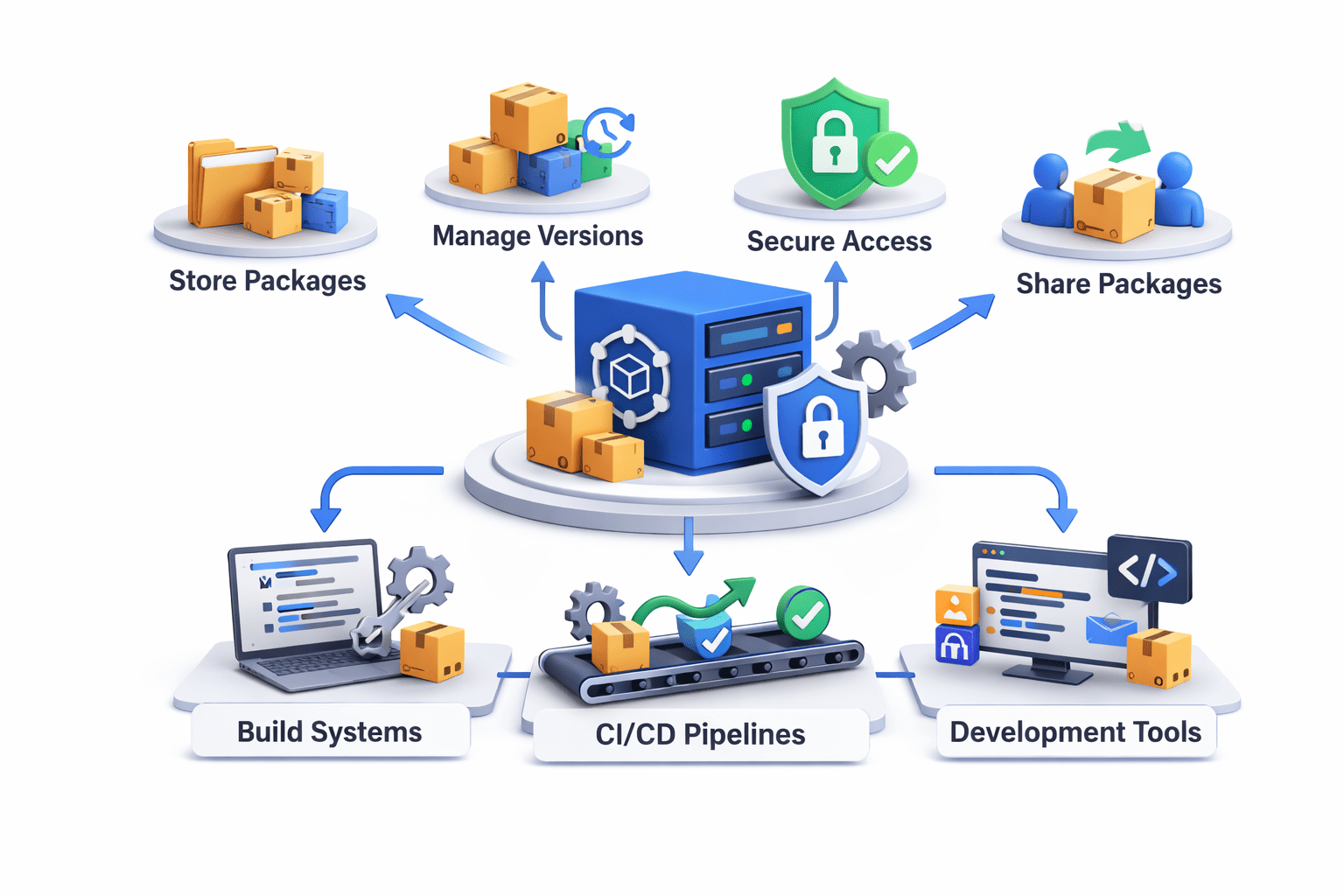
AWS CodeArtifact is a fully managed package repository service
It helps organizations store and manage software packages used during application development

Developers can:
Store dependencies
Share packages
Manage versions
Secure package access
CodeArtifact integrates with:
Build systems
CI/CD pipelines
Development tools
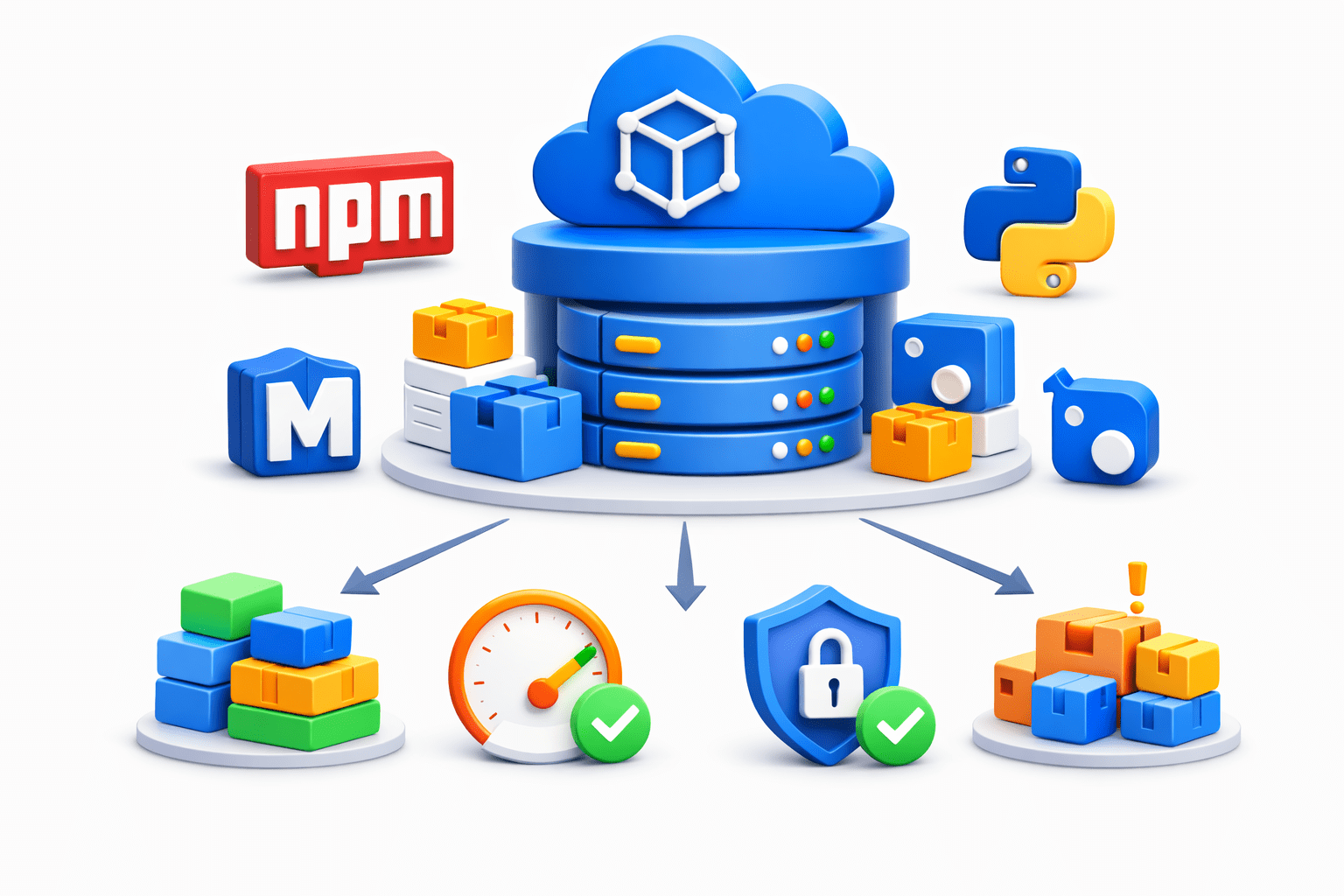
Package Repository
CodeArtifact acts as a centralized package repository
It stores packages such as
-
npm packages
-
Maven dependencies
-
Python packages
-
NuGet libraries
Benefits:
Centralized dependency management
Faster builds
Reliable package access
Reduced dependency issues

Security and Access Control
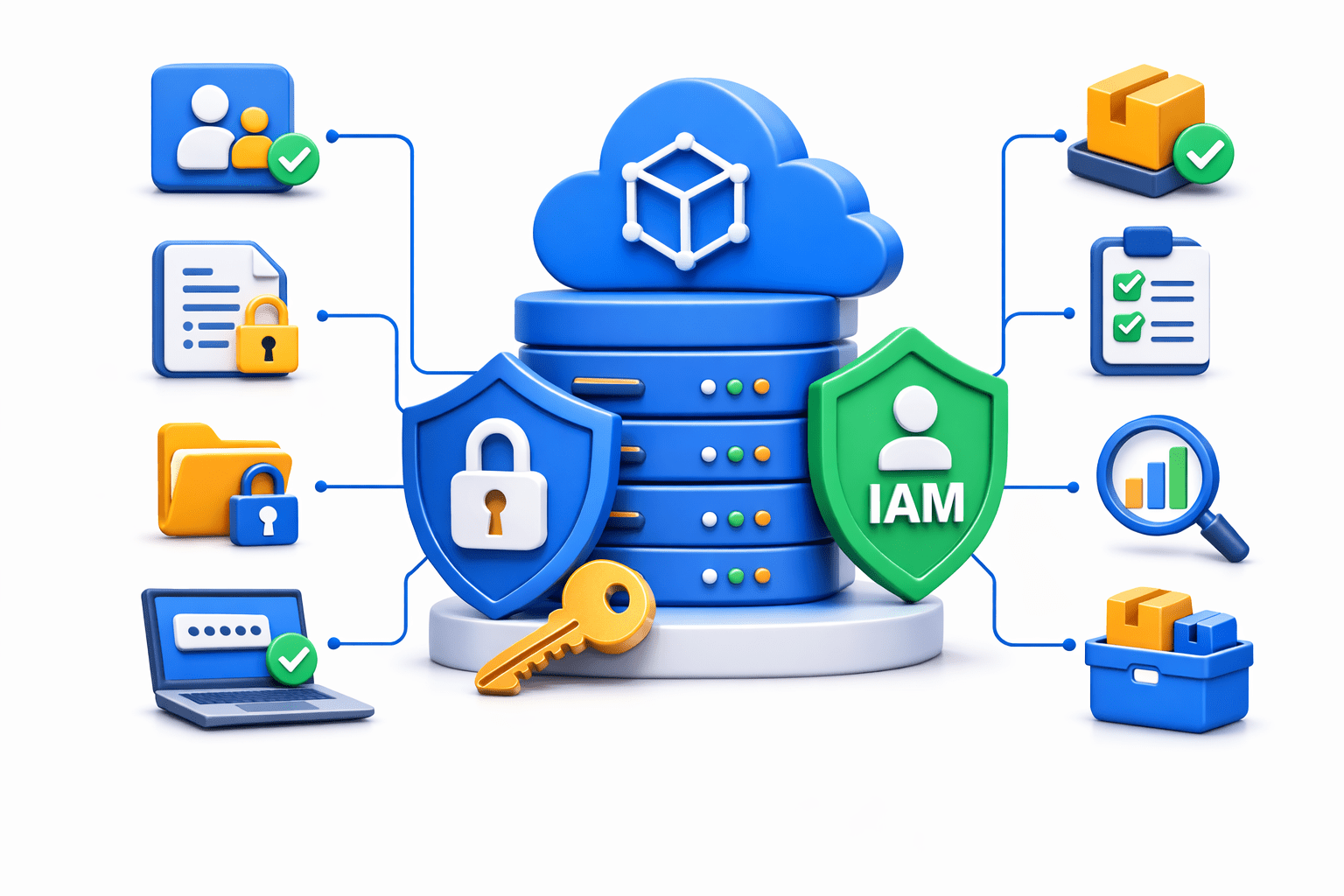
CodeArtifact integrates with AWS IAM for security
Security features include:
Fine-grained access permissions
Authentication control
Secure package storage
Audit and monitoring
This ensures that only authorized developers and systems can access packages

Version Control
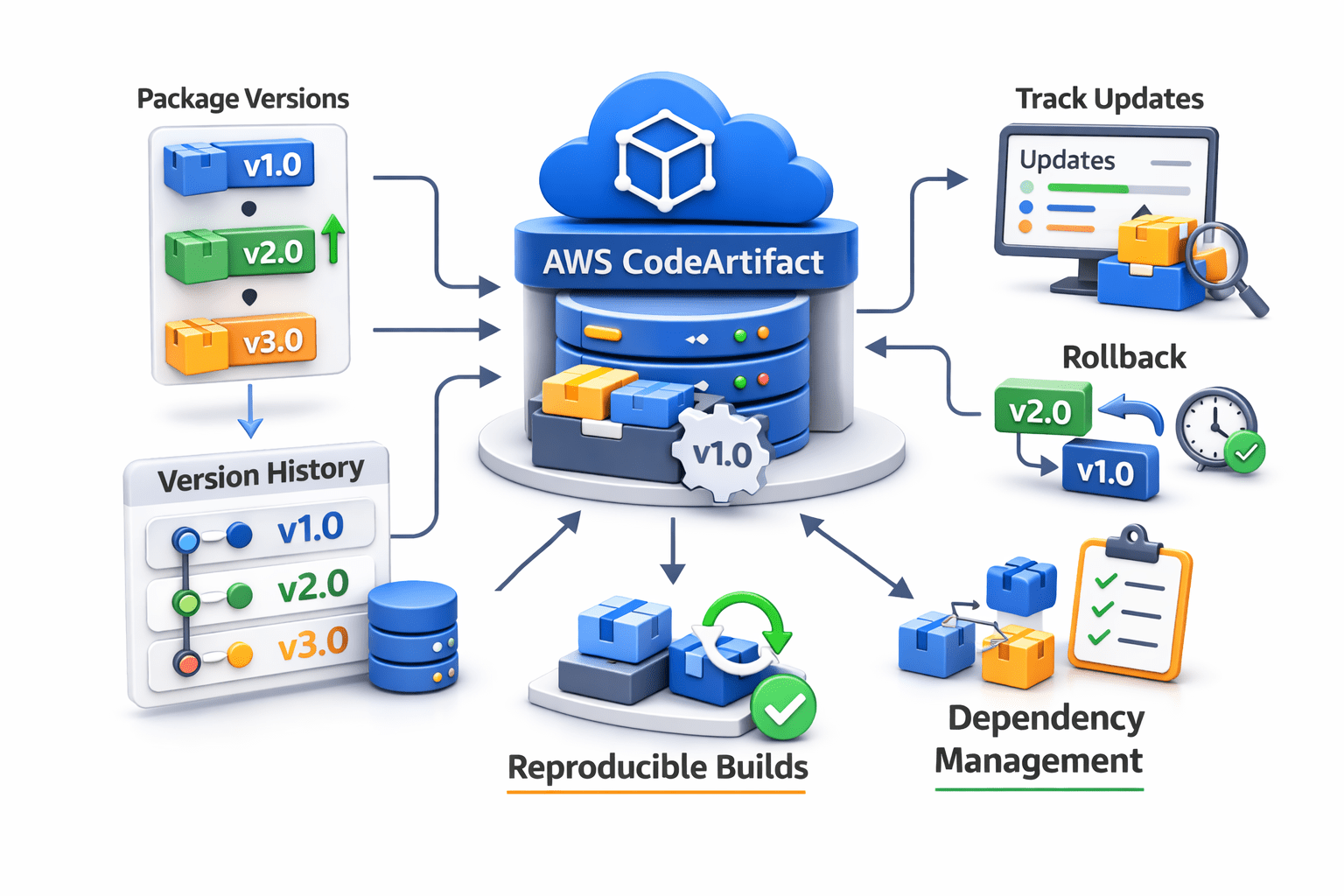
CodeArtifact supports package version management
This allows developers to:
Maintain multiple package versions
Track package updates
Roll back to previous versions if needed
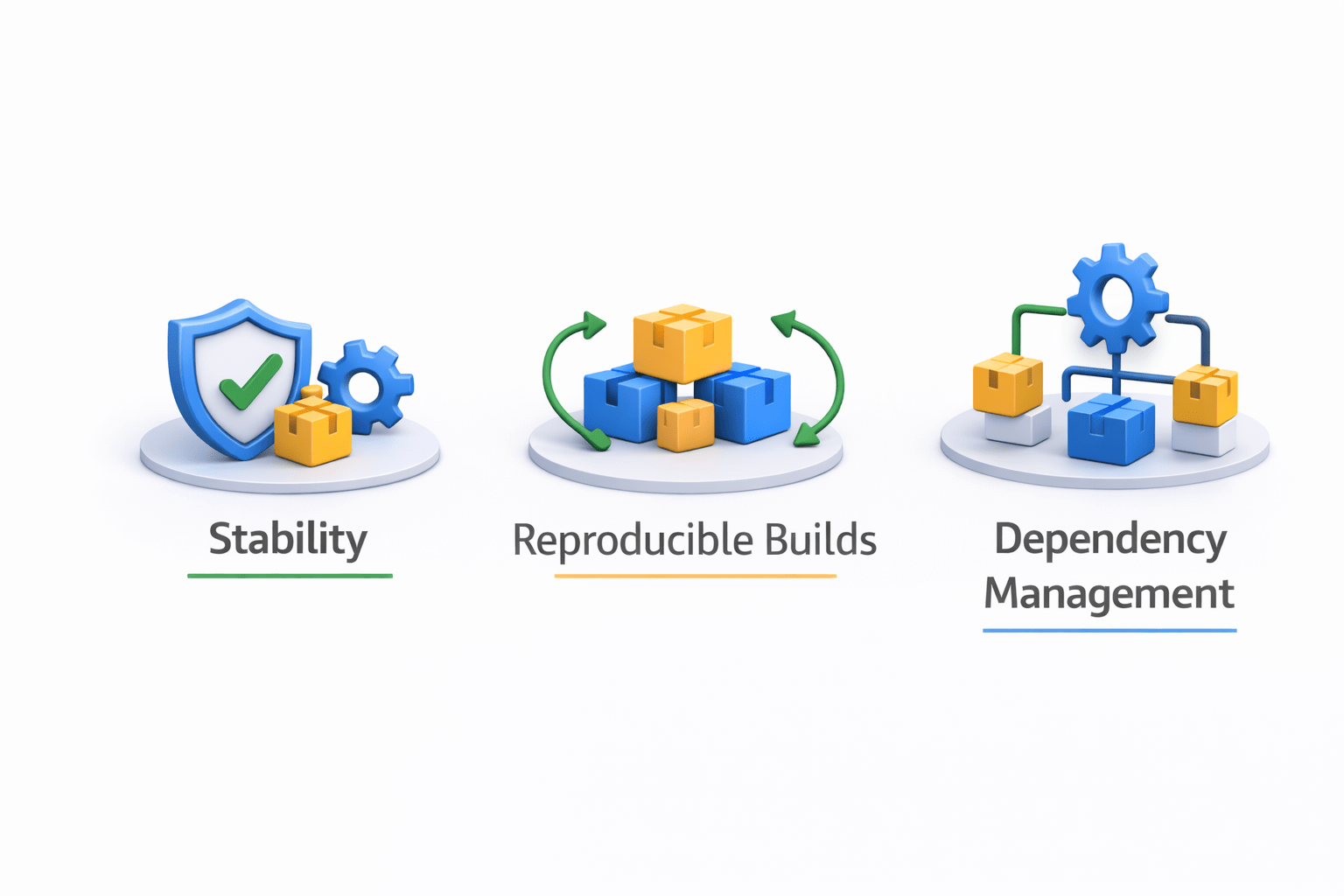
Version control ensures:
Stability in applications
Reproducible builds
Better dependency management

Summary
4
Tagging Docker images , Pushing images to Docker Hub
3
Writing a Dockerfile , Building Docker images ,Testing containers locally
2
Containerizing applications using Docker
1
Creating a simple web application
Quiz
Which command is used to upload a Docker image to Docker Hub?
A. docker build
B. docker run
C. docker push
D. docker create

Quiz-Answer
Which command is used to upload a Docker image to Docker Hub?
A. docker build
B. docker run
C. docker push
D. docker create
