






















Content ITV PRO
This is Itvedant Content department
Learning Outcomes
5
Array with loop
4
Array Operations and Functions
3
How to create an 1D, 2D, and 3D array
2
Installation of Numpy
1
What is an array and Numpy
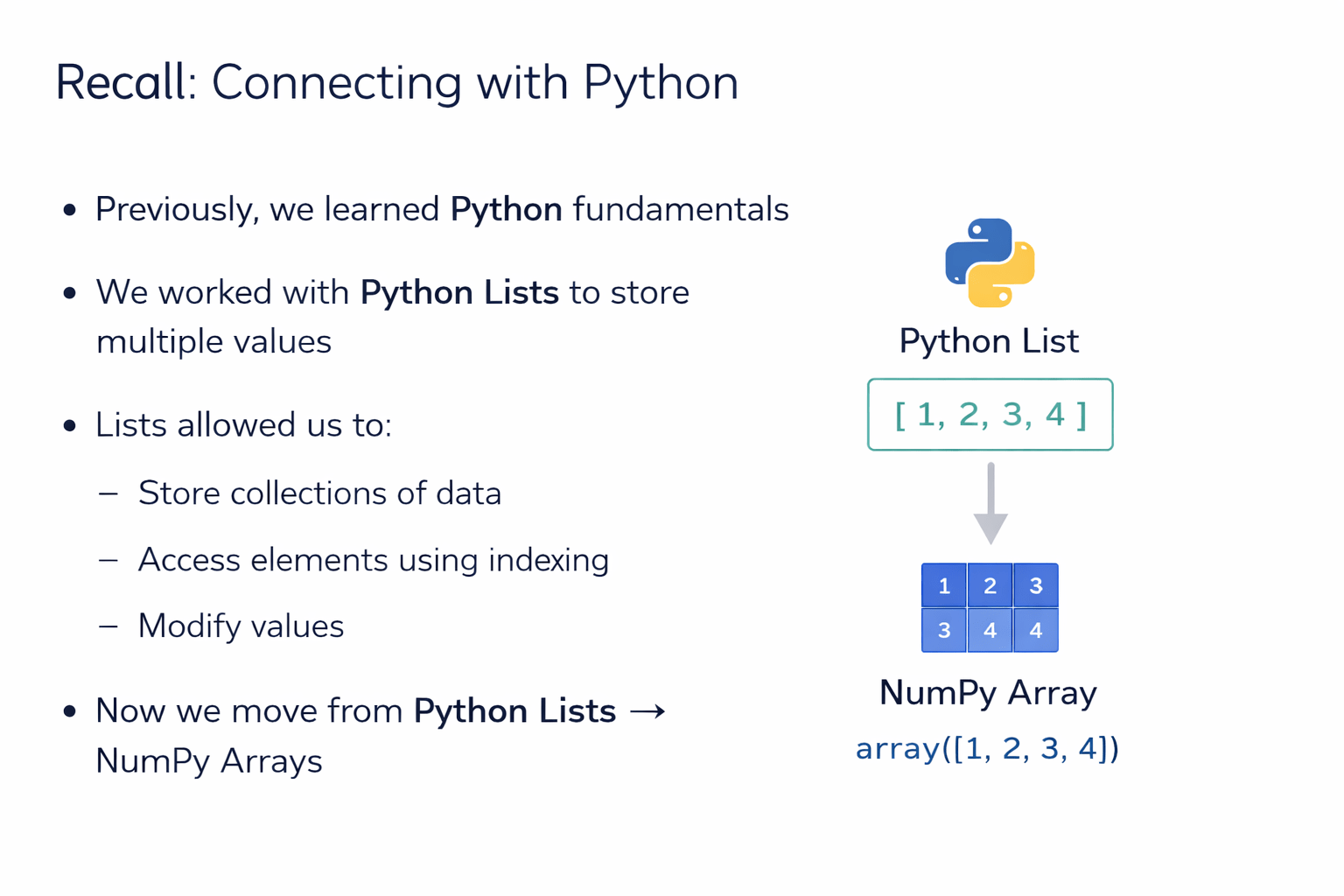
Previously, we learned Python fundamentals
Store collections of data
Access elements using indexing
Modify values
Now we move from Python Lists → NumPy Arrays
Imagine a room filled with many boxes
This is like a Python List
➡ Flexible but scattered
➡ Mixed items stored together
Each When you need something, you must:
1
Look at different boxes
2
Search carefully
3
Spend more time
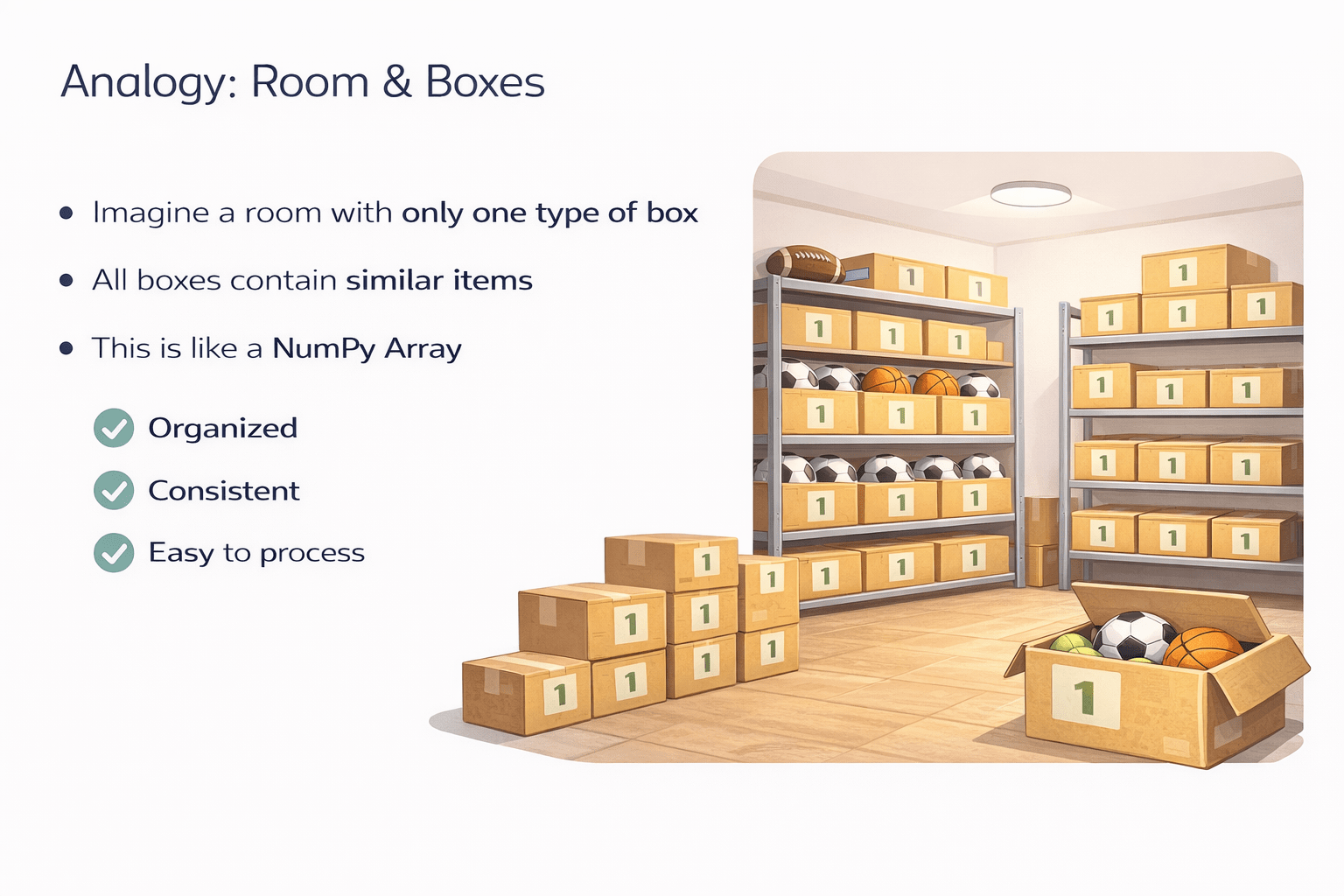
Now imagine a room with only one type of box
Organized
Consistent
Easy to process
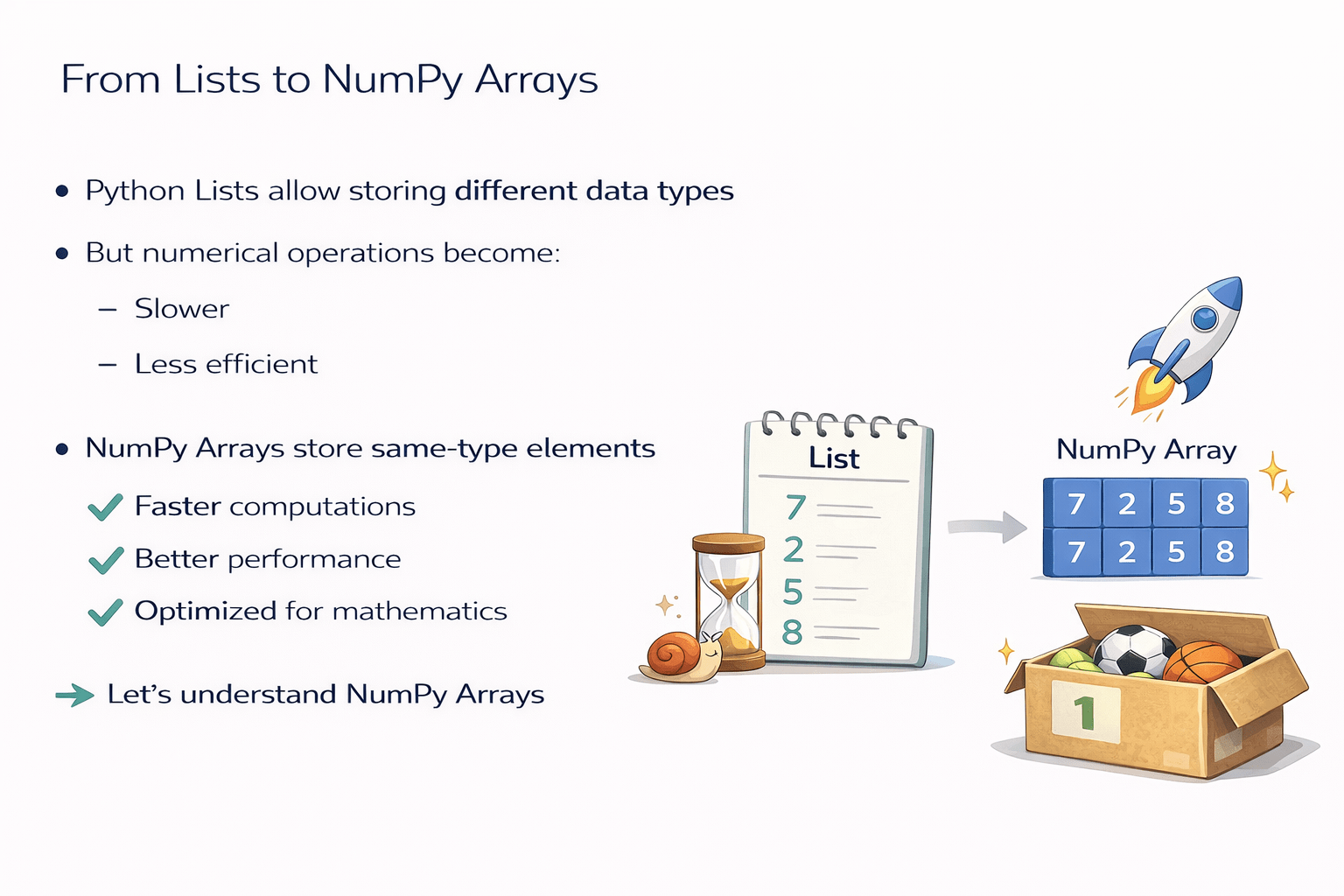
From Lists to NumPy Arrays
Slower
Less efficient
Faster computations
Better performance
Optimized for mathematics
Let’s understand NumPy Arrays
Introduction to NumPy?
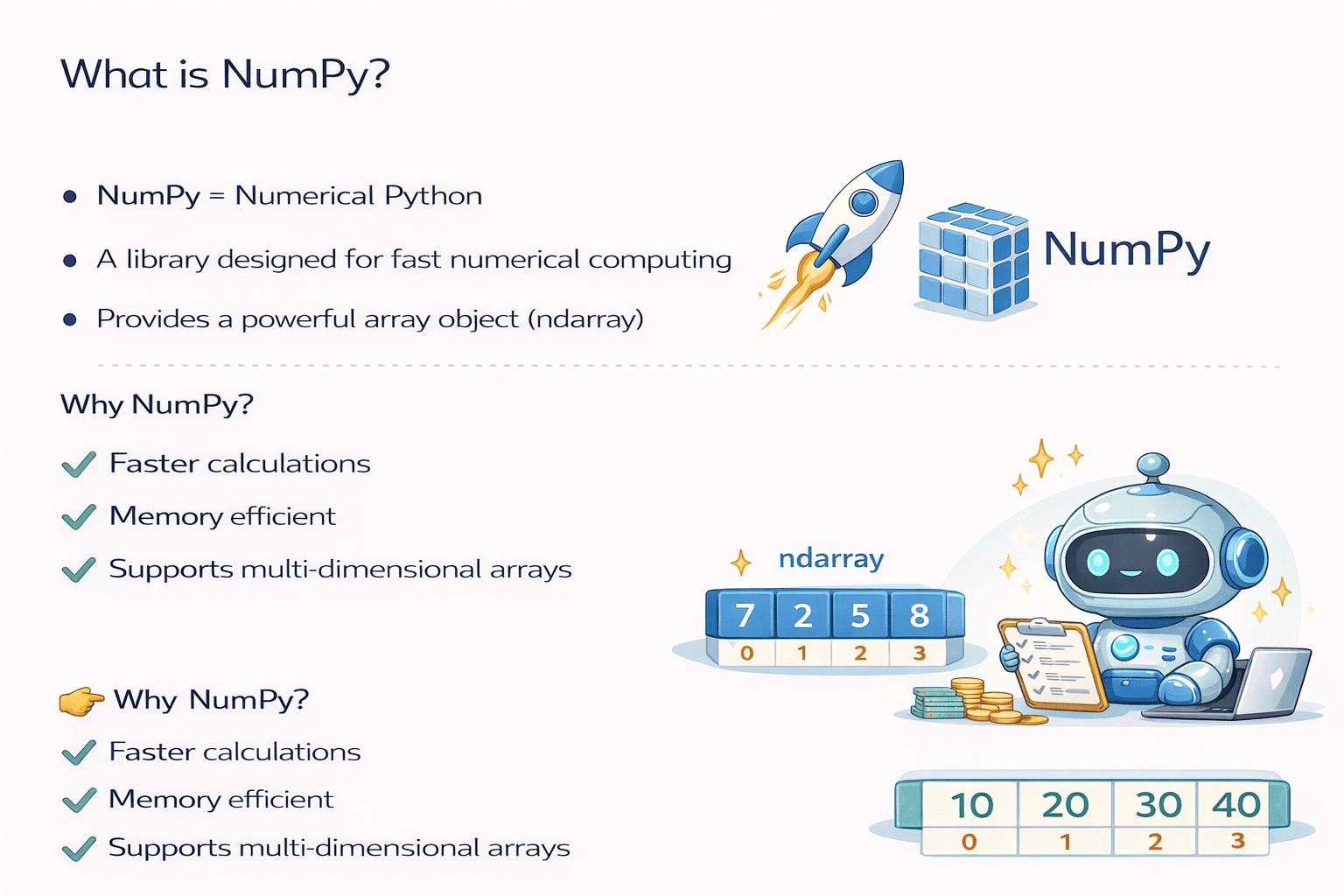
NumPy Stand for Numerical Python
What is NumPy?
A library designed for fast numerical computing/Calculations
Provides a powerful array object (ndarray)
Why NumPy?
Faster calculations
Memory efficient
Supports multi-dimensional arrays
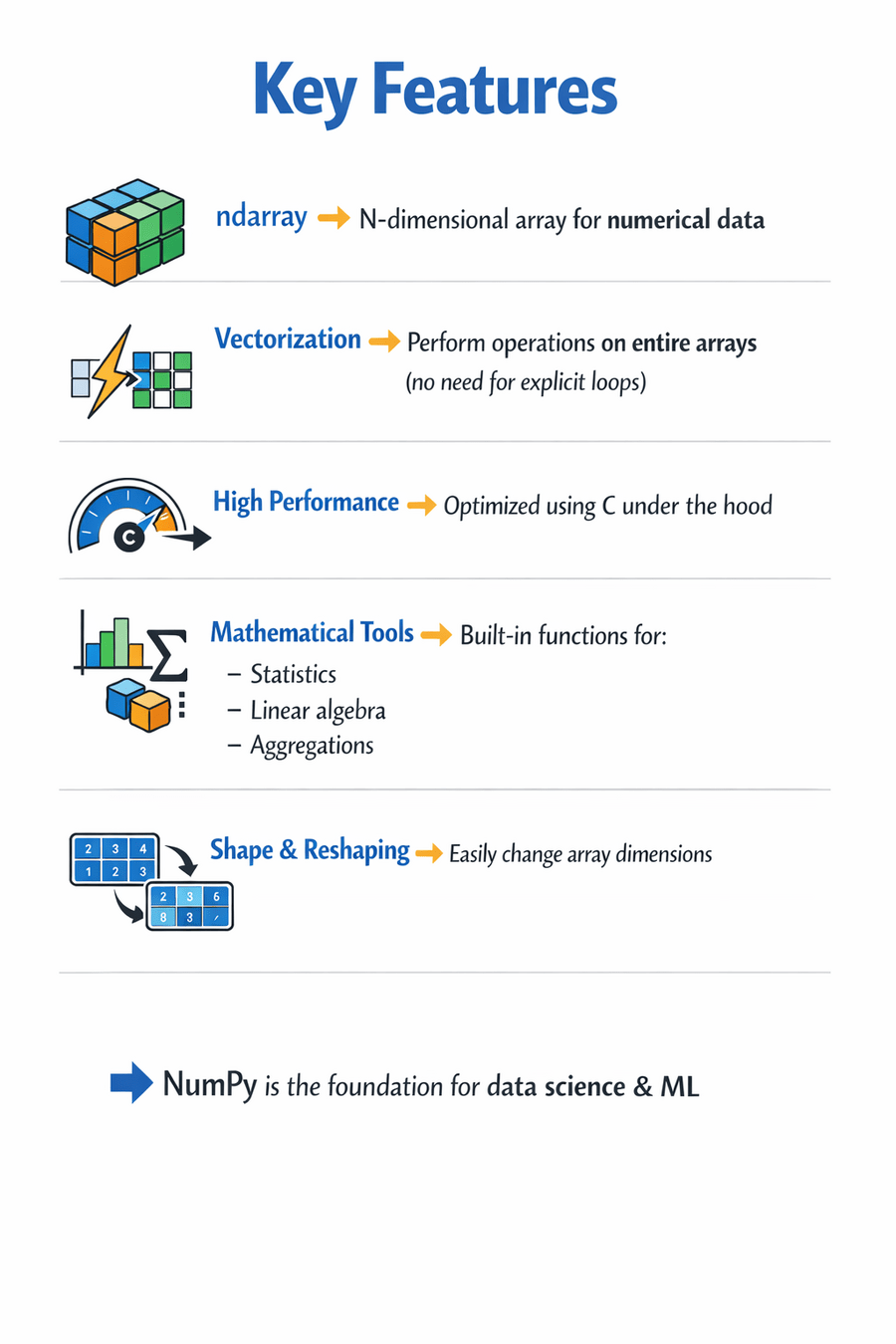
Key Features:
ndarray → N-dimensional array for numerical data
Vectorization → Perform operations on entire arrays
(no need for explicit loops)
High Performance → Optimized using C under the hood
Mathematical Tools → Built-in functions for:
Shape & Reshaping → Easily change array dimensions
NumPy is the foundation for data science & ML
How to Install NumPy
Install Using pip
Open Command Prompt / Terminal:
pip install numpy
Verify Installation
Open Python and run:
import numpy as np
print(np.__version__)
If the version prints successfully. NumPy is installed.
NumPy Array
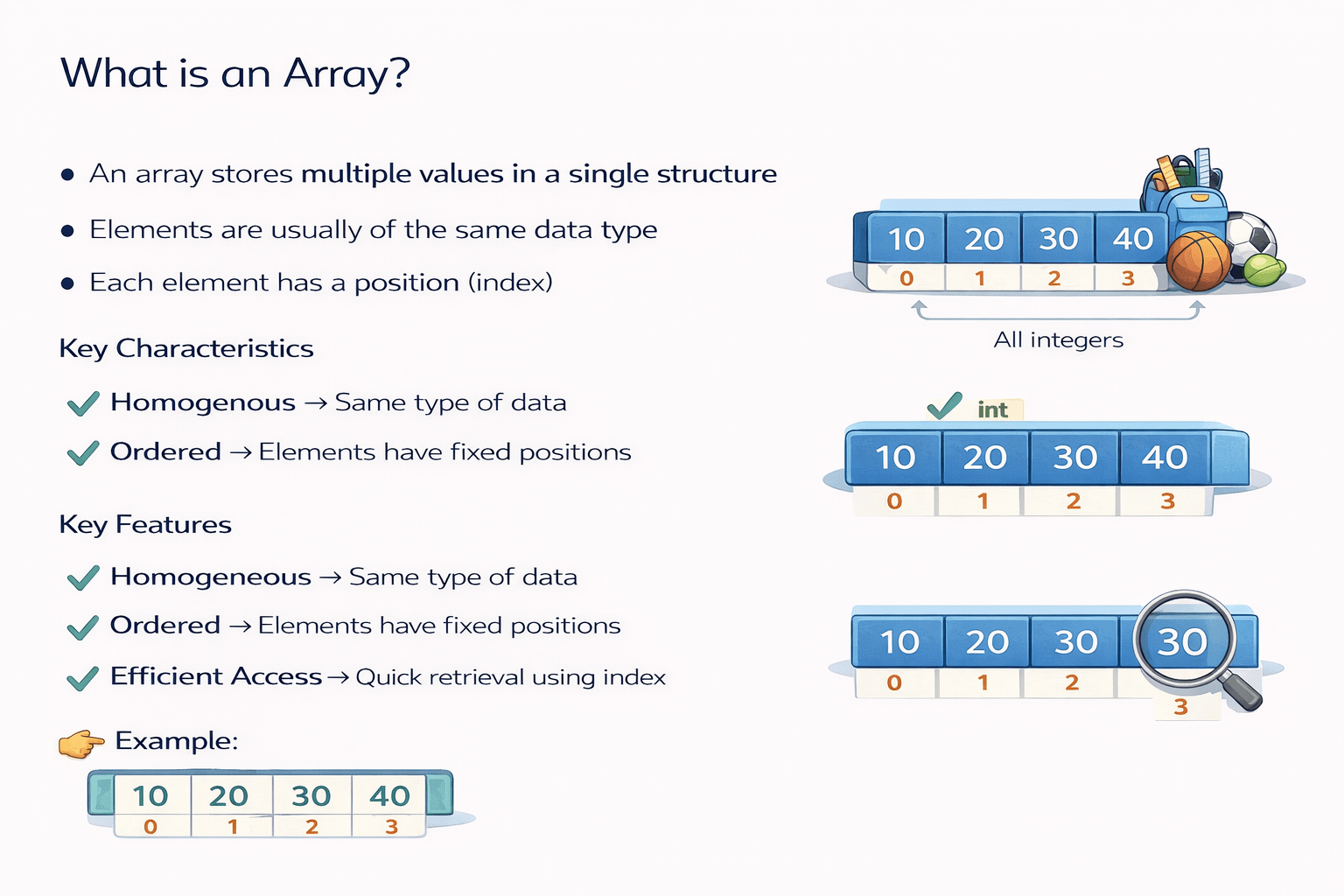
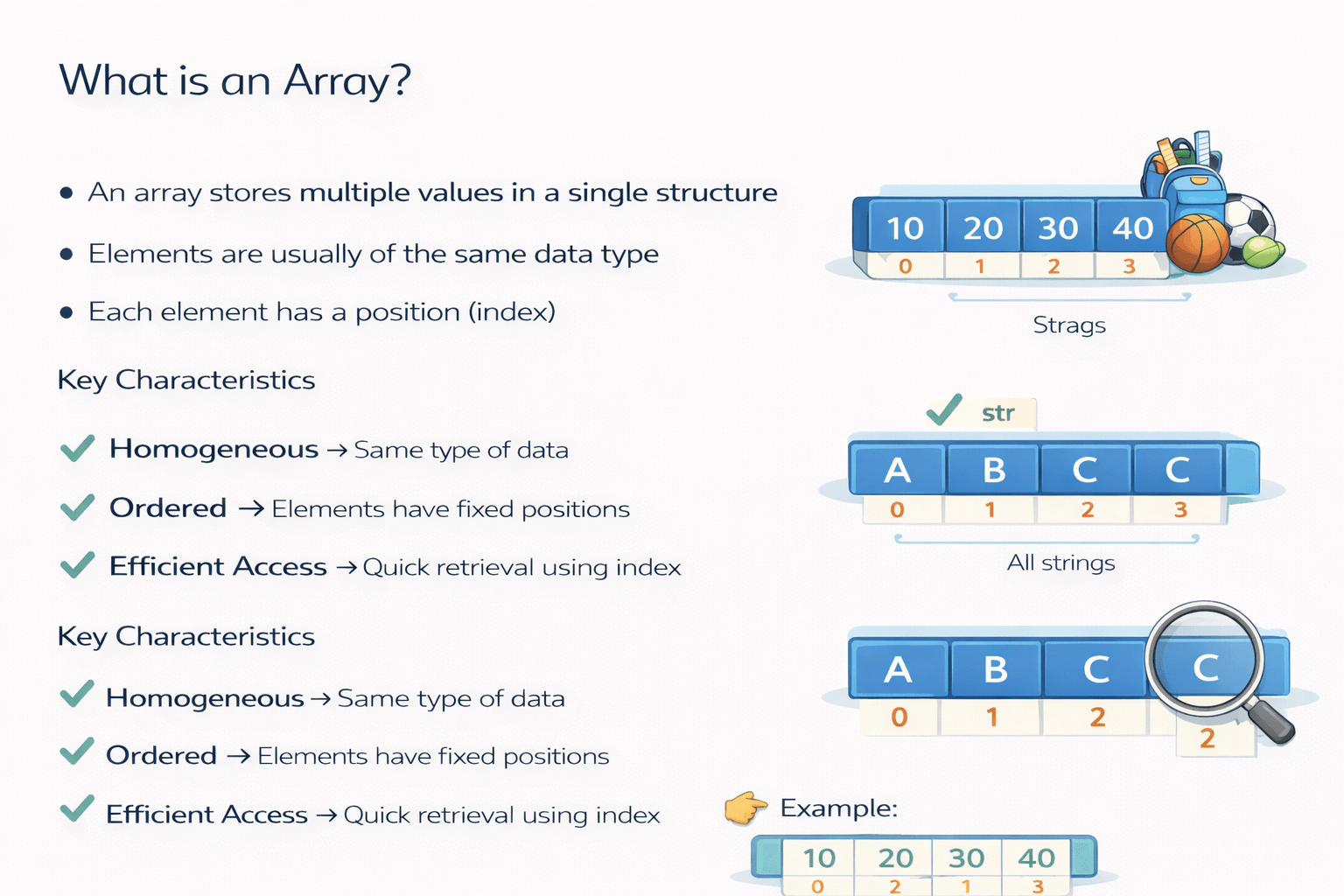
An array stores multiple values in a single structure
Elements are usually of the same data type
Each element has a position (index)
What is an Array?
Key Characteristics
Homogeneous → Same type of data
Ordered → Elements have fixed positions
Efficient Access → Quick retrieval using index
Example:
Creating an Array in Numpy
Steps:
First, Import NumPy:
Import numpy as np
Create a NumPy array using np.array():
arr = np.array([1, 2, 3, 4])
View the array:
print(arr)
Key Idea:
Use np.array()
Pass a list / sequence
NumPy converts it into an ndarray
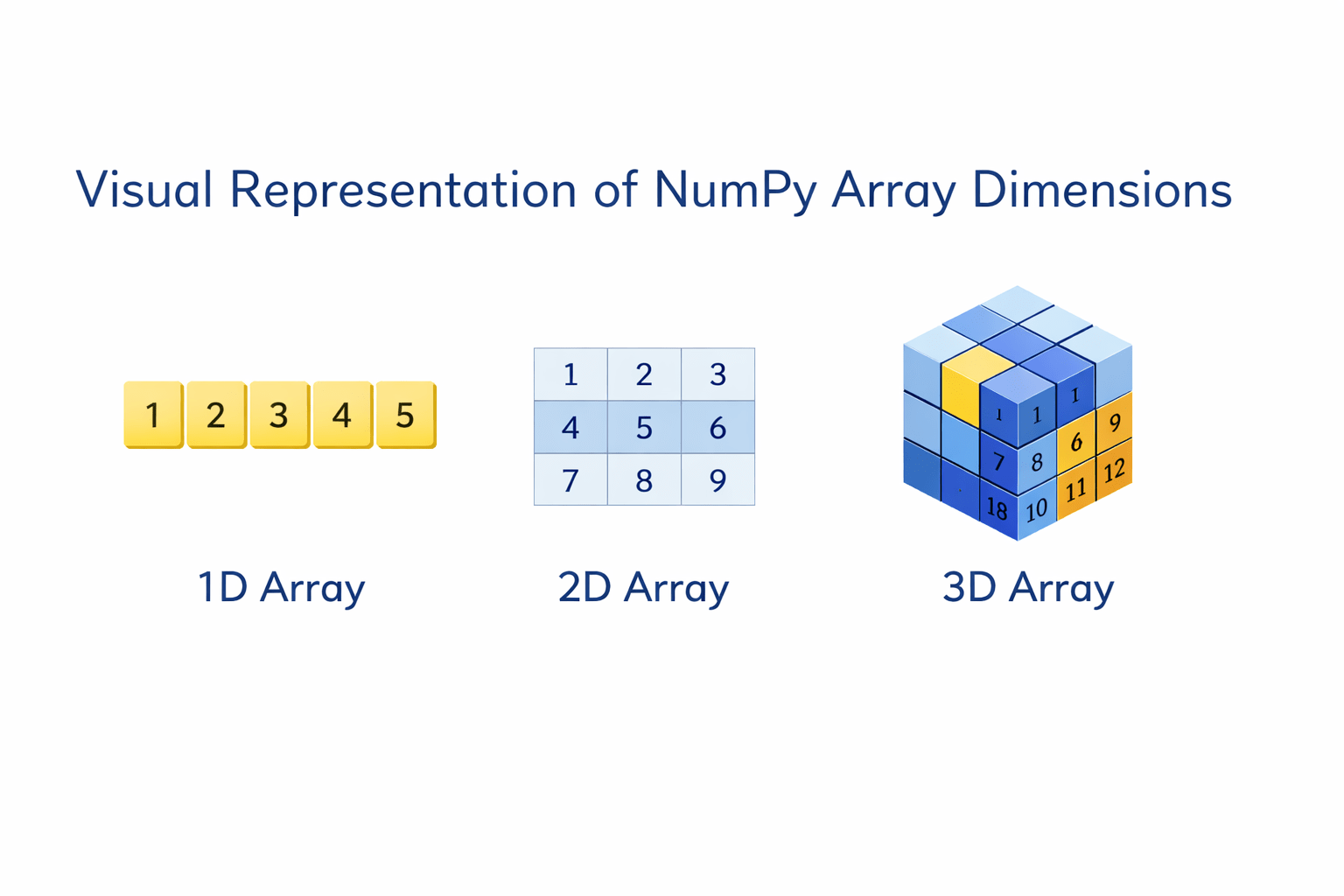
1D Array (One-Dimensional)
A 1D array is a simple list of elements, similar to a traditional Python list
Syntax:
a1=np.array([val1,val2,-----])
Example:
import numpy as np

arr_1d = np.array([1, 2, 3, 4, 5])
Shape
arr_1d.shape

output:
(5,)
5 columns, 1 row
Real-life example
Marks of one student
Daily temperatures
Prices list
2D Array (Two-Dimensional)
A 2D array represents a table or matrix, with rows and columns. Each element occupies a specific position
Syntax:
a2=np.array([[v1,v2,v3---],[v4,v5,---]])
Example:
Example:
arr_2d = np.array([
    [1, 2, 3],
    [4, 5, 6]
])
Shape
arr_2d.shape

output:
(2, 3)
2 rows ,3 columns
Real-life example
Students × subjects marks
Excel sheet data
Image (black & white)
3D Array (Three-Dimensional)
A 3D array adds a third dimension to the table, often representing a cube or
a volume of data
Syntax:
a3=np.array([[[v1,v2,v3--],[v4,v5,v6---],[v6,v7,v8,---],[v9,v10,v11,--]]])
Example:
arr_3d = np.array([
    [
        [1, 2, 3],
        [4, 5, 6]
    ],
    [
        [7, 8, 9],
        [10, 11, 12]
    ]
])
Shape
arr_3d.shape

output:
(2, 2, 3)
2 layers, 2 rows in each layer, 3 columns
Visual Representation of NumPy Array Dimensions
Operations on array:
import numpy as np
a = np.array([1, 2, 3, 4])
b = np.array([5, 6, 7, 8])
Sample Array
Element-wise arithmetic operations
1
These happen element by element, no loops needed.
a + b
a - b
a * b
a / b
a ** b
addition
subtraction
multiplication
division
power
Syntax:-
[ 6 8 10 12]
[-4 -4 -4 -4]
[ 5 12 21 32]
[0.2 0.33333333 0.42857143 0.5 ]
[ 1 4 9 16]
output:
Scalar operation
2
The scalar is applied to every element.
a + 10
a * 3
a / 2
Syntax:-
[11 12 13 14]
[ 3 6 9 12]
[0.5 1. 1.5 2. ]
output:
3
Comparison & logical operations
These return boolean arrays.
a > 2
a == 3
a != b
[False False True True]
[False False True False]
[ True True True True]
Syntax:-
output:
Aggregation (statistical operations)
4
Operate on the whole array or along an axis.
a.sum()
a.mean()
a.max()
a.min()
a.std()
Syntax:-
np.int64(10)
np.float64(2.5)
np.int64(4)
np.int64(1)
np.float64(1.118033988749895)
output:
For 2D arrays:
Sample code:
arr.sum(axis=0)
arr = np.array([[1, 2], [3, 4]])
arr.sum(axis=1)
--- #column-wise
--- #row-wise
Shape & restructuring operations
5
a.shape
Syntax:-
output:
(4,)
a.reshape(2,2)
array([[1, 2],
[3, 4]])
a.flatten()
array ( [1, 2, 3, 4])
a.flatten()
array ( [1, 2, 3, 4])
# transpose (mainly for 2D)
Mathematical functions
6
np.sqrt(a)
Computes the square root of each element in array
np.log(a)
Computes the natural logarithm (base e) of each element in a.
np.exp(a)
Computes e raised to the power of each element in a.
np.sin(a)
Computes the sine of each element in a.
Broadcasting
7
Allows operations between arrays of different shapes.
arr = np.array([[1, 2, 3],
               [4, 5, 6]])
print(arr + np.array([10, 20, 30]))

output:
[[11 22 33]
 [14 25 36]]
Each row gets [10, 20, 30] added automatically.
+10 +20 +30
Matrix operations
8
element-wise
import numpy as np

a = np.array([1, 2, 3, 4])
b = np.array([5, 6, 7, 8])
a @ b

ouput:
np.int64(70)
import numpy as np
a = np.array([1, 2, 3, 4])
b = np.array([5, 6, 7, 8])
a * b
ouput:
array([ 5, 12, 21, 32])import numpy as np
a = np.array([1, 2, 3, 4])
b = np.array([5, 6, 7, 8])
a @ b
ouput:
np.int64(70)import numpy as np
a = np.array([1, 2, 3, 4])
b = np.array([5, 6, 7, 8])
a * b
ouput:
array([ 5, 12, 21, 32])matrix multiplication
[5 + 12 + 21 + 32]
For 2D matrices:
A = np.array([[1, 2], [3, 4]])
B = np.array([[5, 6], [7, 8]])

A @ B

output:
array([[19, 22],
       [43, 50]])
Sorting & Searching
9
Sort() Method
import numpy as np
A = np.array([25, 1, 89, 60, 90])
np.sort(A)

output:
array([ 1, 25, 60, 89, 90])
argsort() Method
import numpy as np
A = np.array([25, 1, 89, 60, 90])
np.argsort(A)

output:
array([1, 0, 3, 2, 4])
It returns indices that sort an array.
25 is on 0th index
where() method
import numpy as np
A = np.array([25, 1, 89, 60, 90])
np.where(A > 30)

output:
(array([2, 3, 4]),)
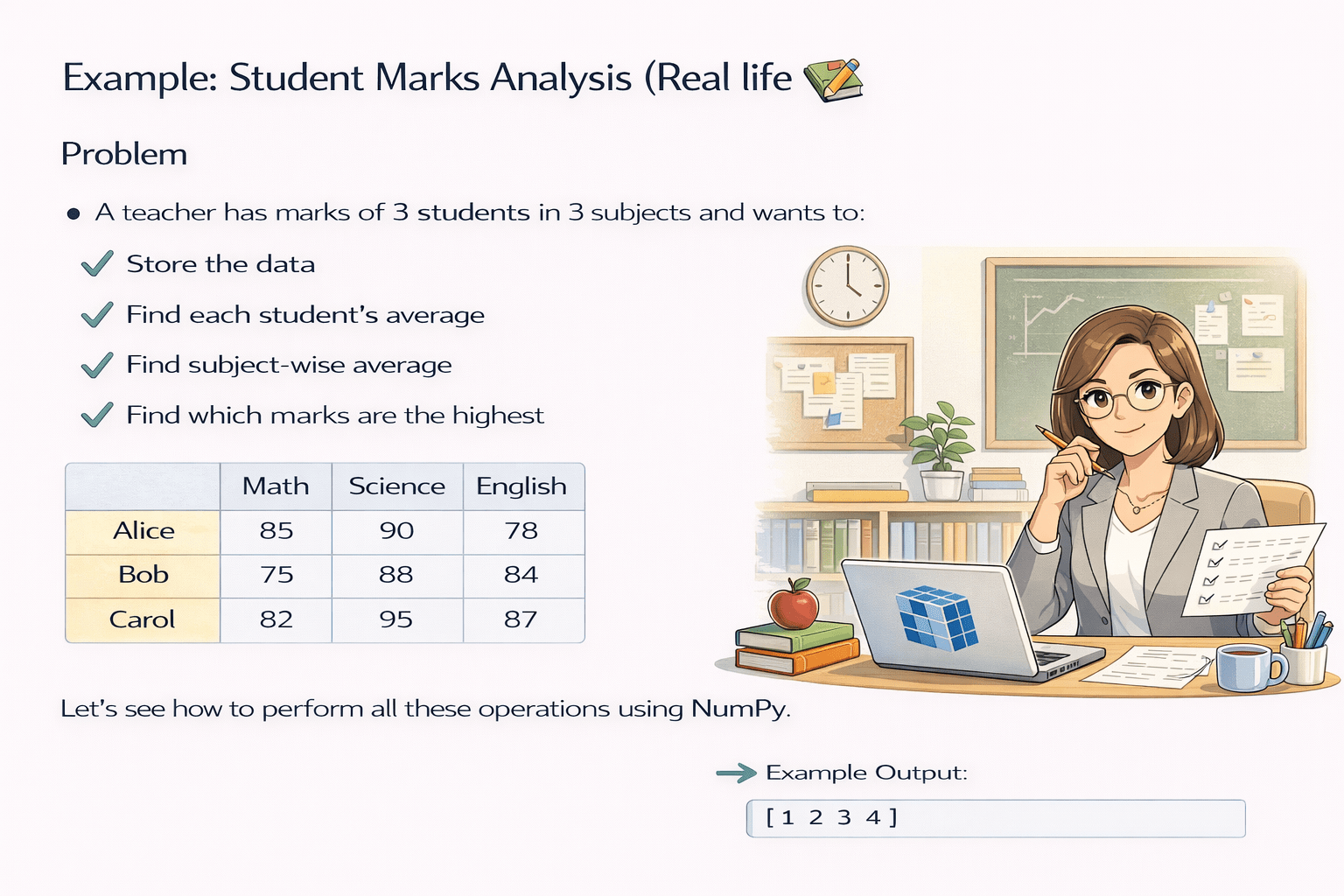
Example: Student Marks Analysis
(Real world UseCase)
A teacher has marks of 3 students in 3 subjects and wants to:
1. Store the data
2. Find each student’s average
3. Find subject-wise average
4. Highest marks
Let’s see how to perform all these operations using Numpy.
Step 1: Store marks in a NumPy array
General structure:
Code Example:
marks = np.array([
[80, 85, 90], # Student 1
[70, 75, 78], # Student 2
[88, 92, 95] # Student 3
])
So the array looks like:
Student 1 → 80 85 90
Student 2 → 70 75 78
Student 3 → 88 92 95
Step 2: Average marks of each Student
We calculate row-wise average → axis = 1
Code:
student_average = np.mean(marks, axis=1)
print(student_average)
output:
[85.         74.33333333 91.66666667]
Student1
Student2
Student3
80
85
90
70
75
78
88
92
95
85.0
74.333
91.667
Step 3: Average marks of each Subject
We calculate column-wise average → axis = 0
Code:
subject_average = np.mean(marks, axis=0)
print(subject_average)
output:
[79.33333333 84.         87.66666667]
Subject1
Subject2
Subject3
80
85
90
70
75
78
88
92
95
79.33
84.0
87.66
Step 4: Find highest marks
import numpy as np
marks = np.array([
    [80, 85, 90],   # Student 1
    [70, 75, 78],   # Student 2
    [88, 92, 95]    # Student 3
])

print(np.max(marks, axis=1))
import numpy as np
marks = np.array([
[80, 85, 90], # Student 1
[70, 75, 78], # Student 2
[88, 92, 95] # Student 3
])
print(np.max(marks, axis=0))
Output:- [90 78 95]
Output:- [88 92 95]
Arrays with Loop
# Using range() and len()
a = [10, 20, 30, 40, 50]

for i in range(len(a)):
    print(f"Index {i}: {a[i]}")

Output:
Index 0: 10
Index 1: 20
Index 2: 30
Index 3: 40
Index 4: 50
# Using enumerate()
a = [10, 20, 30, 40, 50]

for i, val in enumerate(a):
    print(i, val)

Output:
0 10
1 20
2 30
3 40
4 50
range(len(a)) → Gives index values (0 to 4).enumerate(a) → Gives both index and value directly (cleaner & recommended).
Modifying array elements using a loop
a = [10, 20, 30, 40, 50]

for i in range(len(a)):
  a[i] = a[i]*2
print(a)

Output:
[20, 40, 60, 80, 100][20, 40, 60, 80, 100].Using list comprehension → NumPy array
a = [10, 20, 30, 40, 50]
b = np.array([x**2 for x in a])
print(b)

Output:
[ 100 400 900 1600 2500]b by squaring each element of list a using list comprehension, resulting in [100, 400, 900, 1600, 2500].Summary
5
Array with Loop
4
Array Operations and Functions
3
How to create an 1D, 2D and 3D array
2
Installation of Numpy
1
What is an array and Numpy
Quiz
Which attribute gives the shape of a NumPy array arr
A. arr.size
B. arr.length
C. arr.shape
D. arr.dim
Quiz-Answer
C. arr.shape
Which attribute gives the shape of a NumPy array arr
A. arr.size
B. arr.length
D. arr.dim
By Content ITV