Unlocking Angular's Data Binding Magic


Directives Demystified: Essentials of Angular’s Power Tools

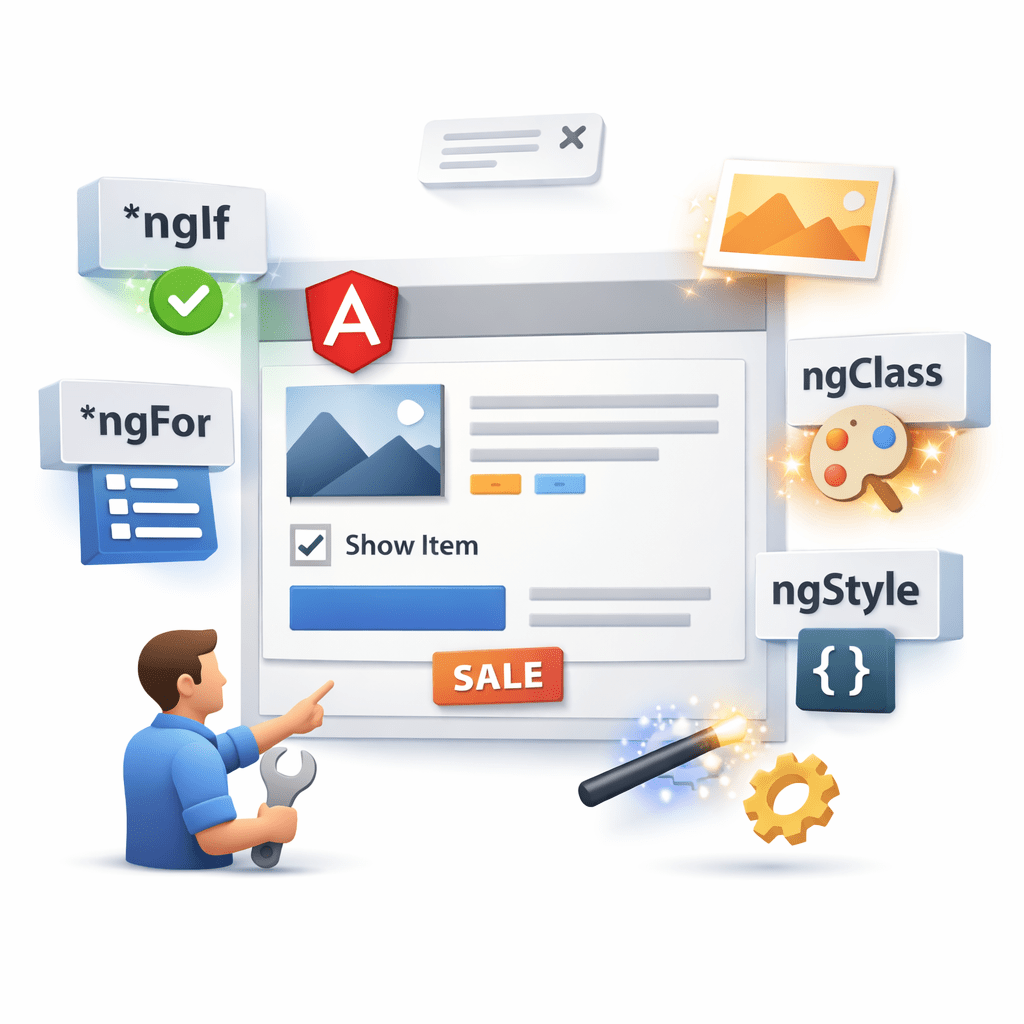

Learning Outcome
4
Implement built-in directives like ngClass and ngStyle
3
Use attribute directives for styling and behavior
2
Identify different types of directives
1
Understand what directives are in Angular
House Analogy
Think of HTML elements as a house
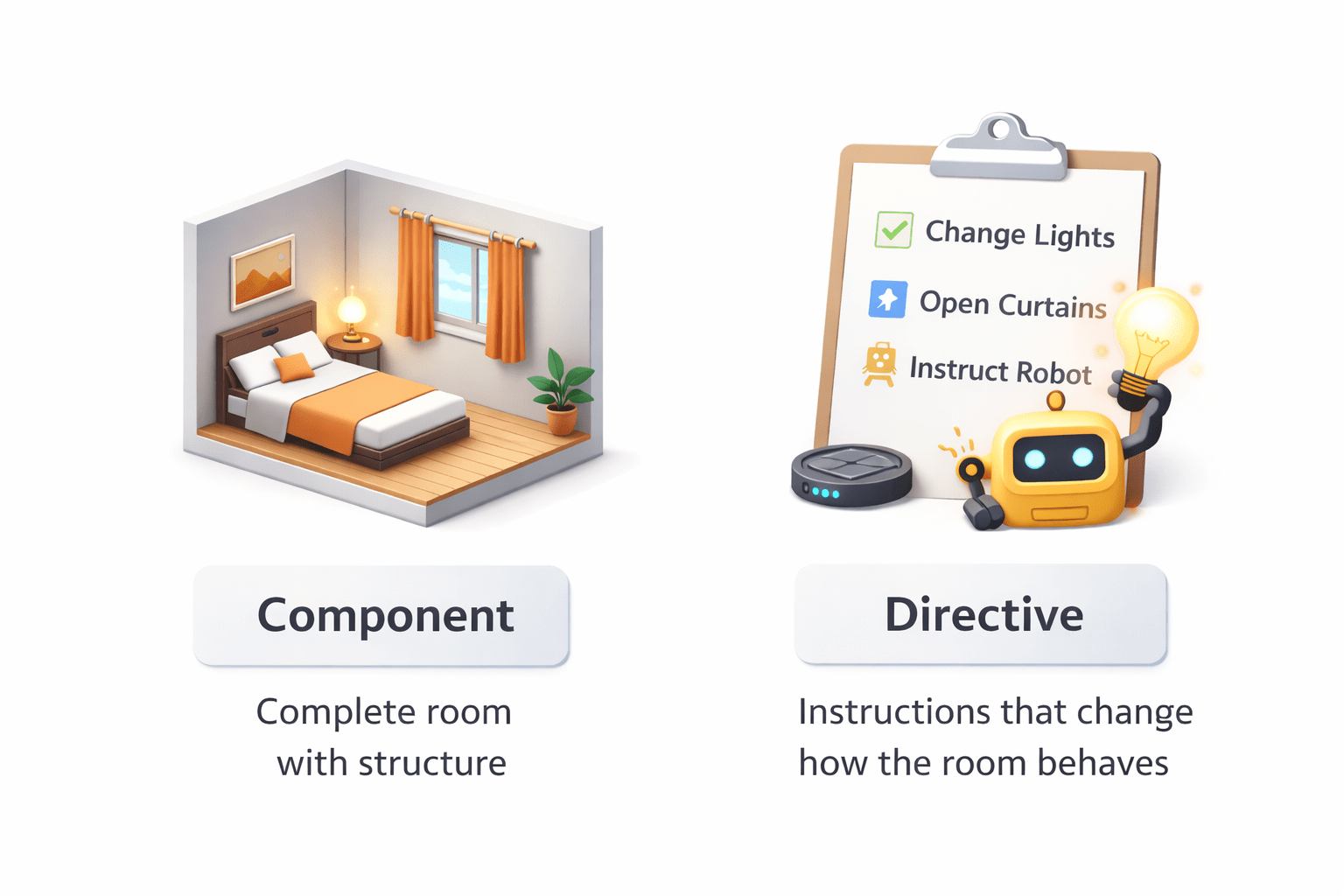
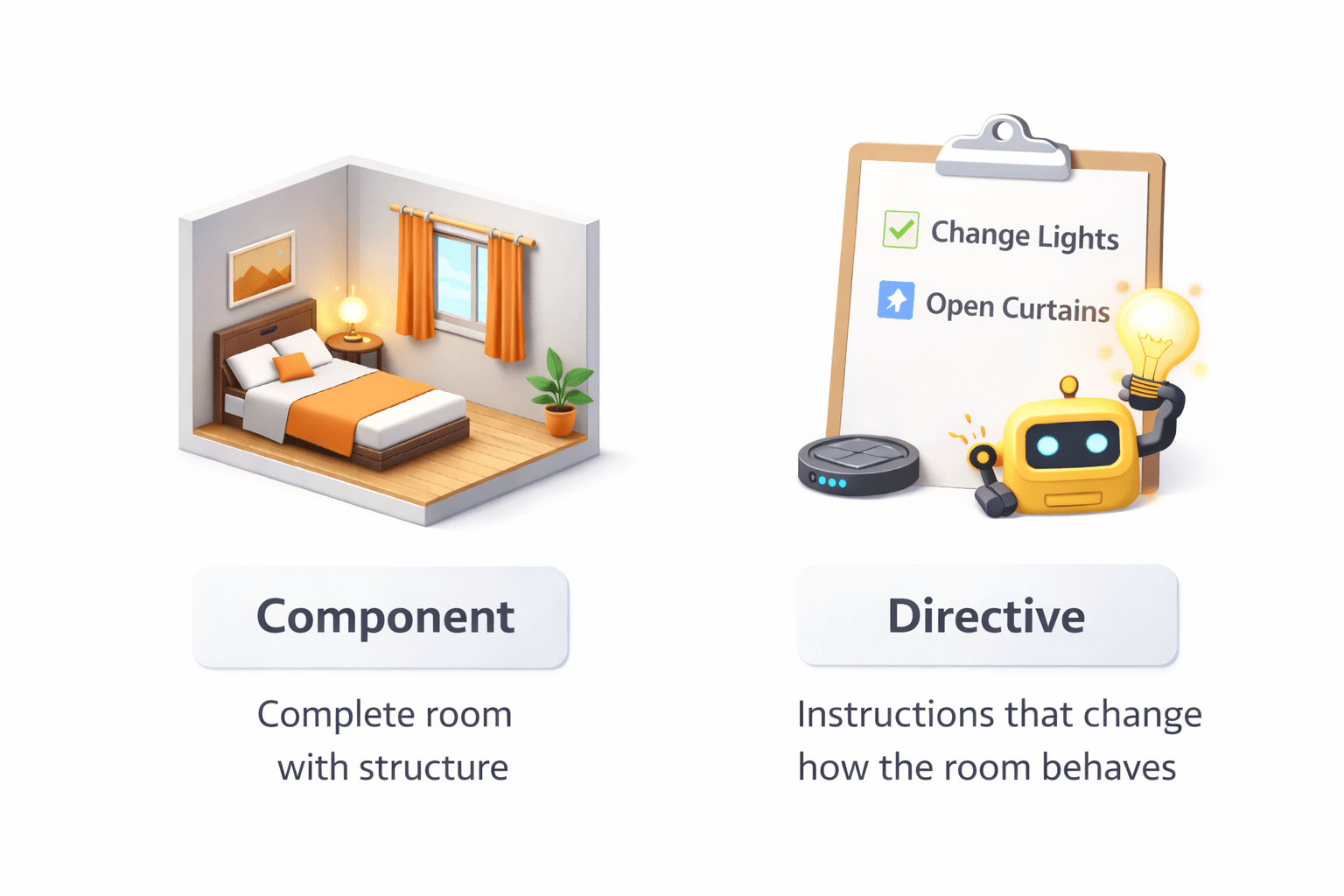
Component → Complete room with structure
House Analogy
Directive → Instructions that change how the room behaves
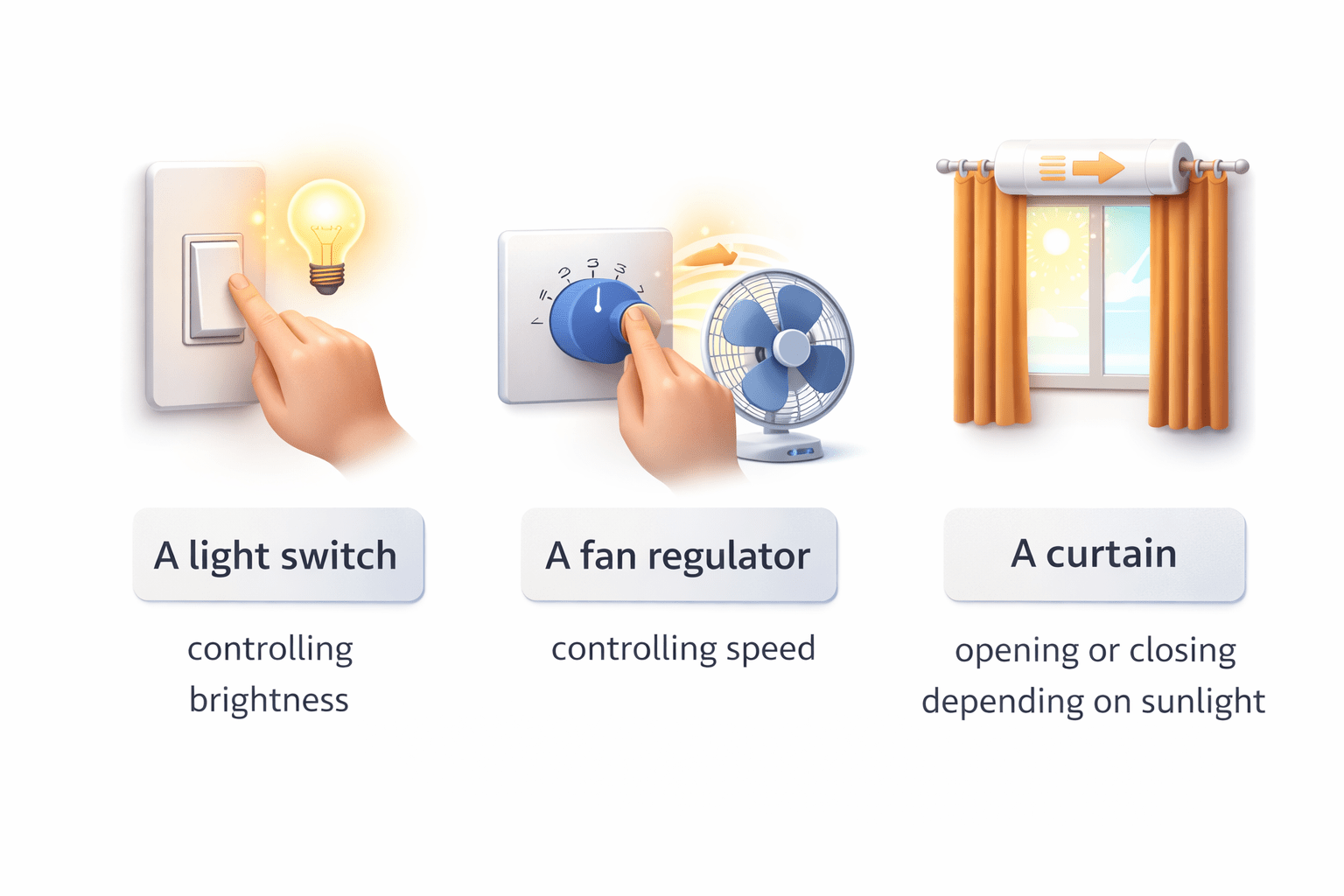
A curtain opening or closing depending on sunlight
A fan regulator controlling speed
A light switch controlling brightness
Like :

House Analogy
Similarly in Angular:
Directives control behavior and appearance of HTML elements without changing their structure.
Why Directives in Angular
Directives help us:
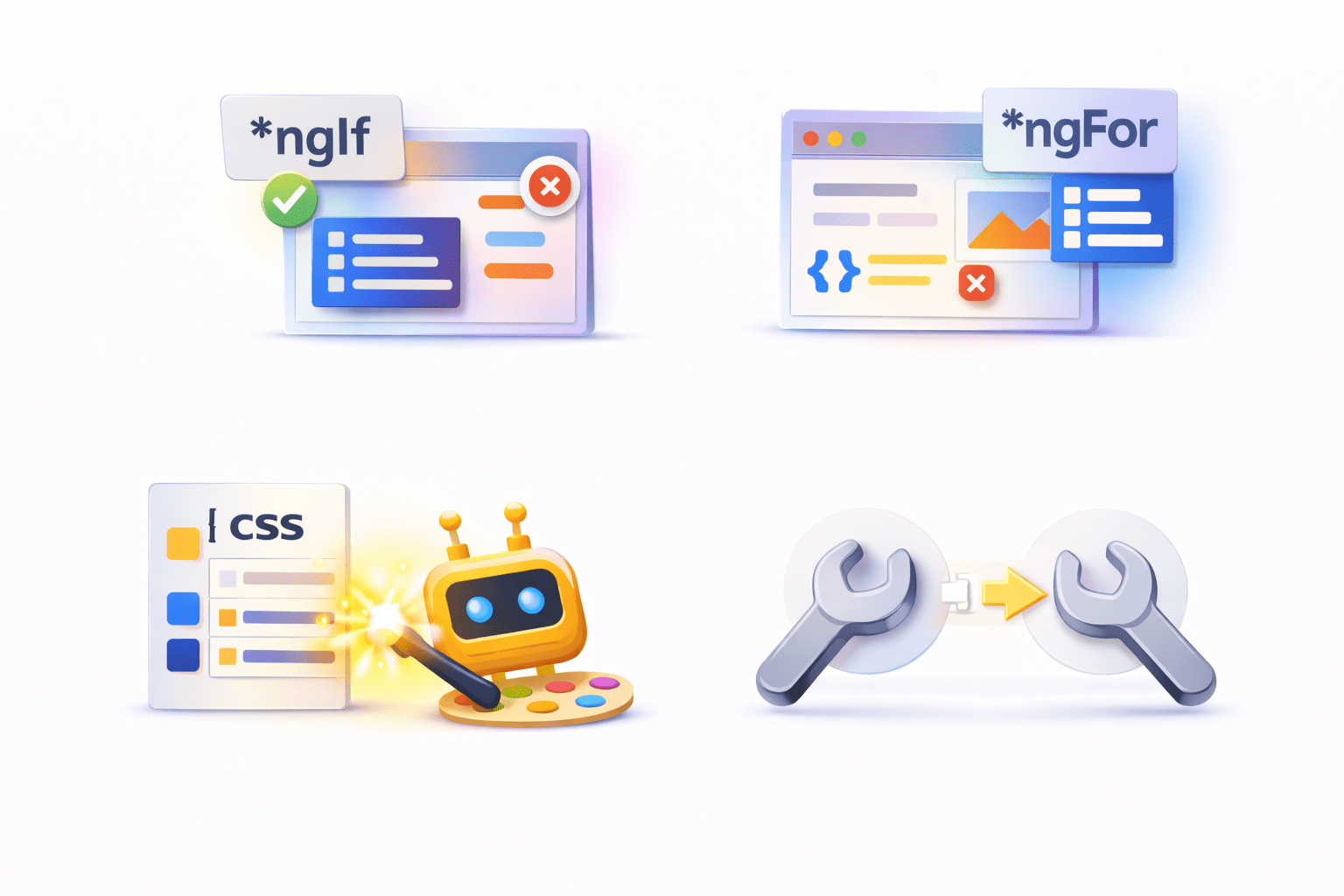
Modify DOM behavior dynamically
Apply styles conditionally
Control UI rendering easily
Reuse UI logic across components
Instead of manually manipulating the DOM using JavaScript, Angular allows us to use directives
What are Directives?
Definition :
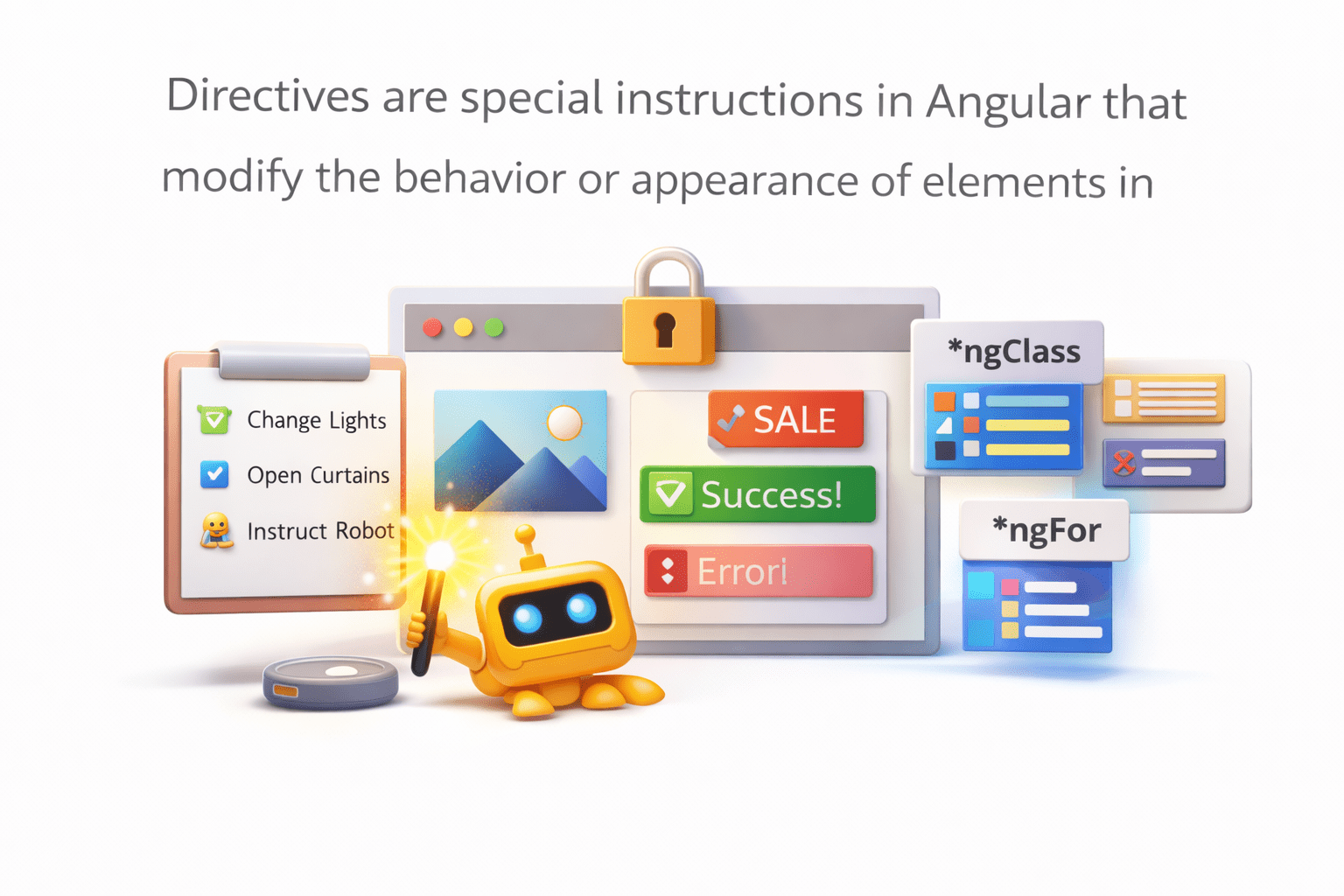
Directives are special instructions in Angular that modify the behavior or appearance of elements in the DOM.
Key Points :
- Directives extend HTML functionality
- Used to manipulate DOM structure or styling
- Help create dynamic UI behavior
Types of Directives in Angular
Angular provides three main types of directives
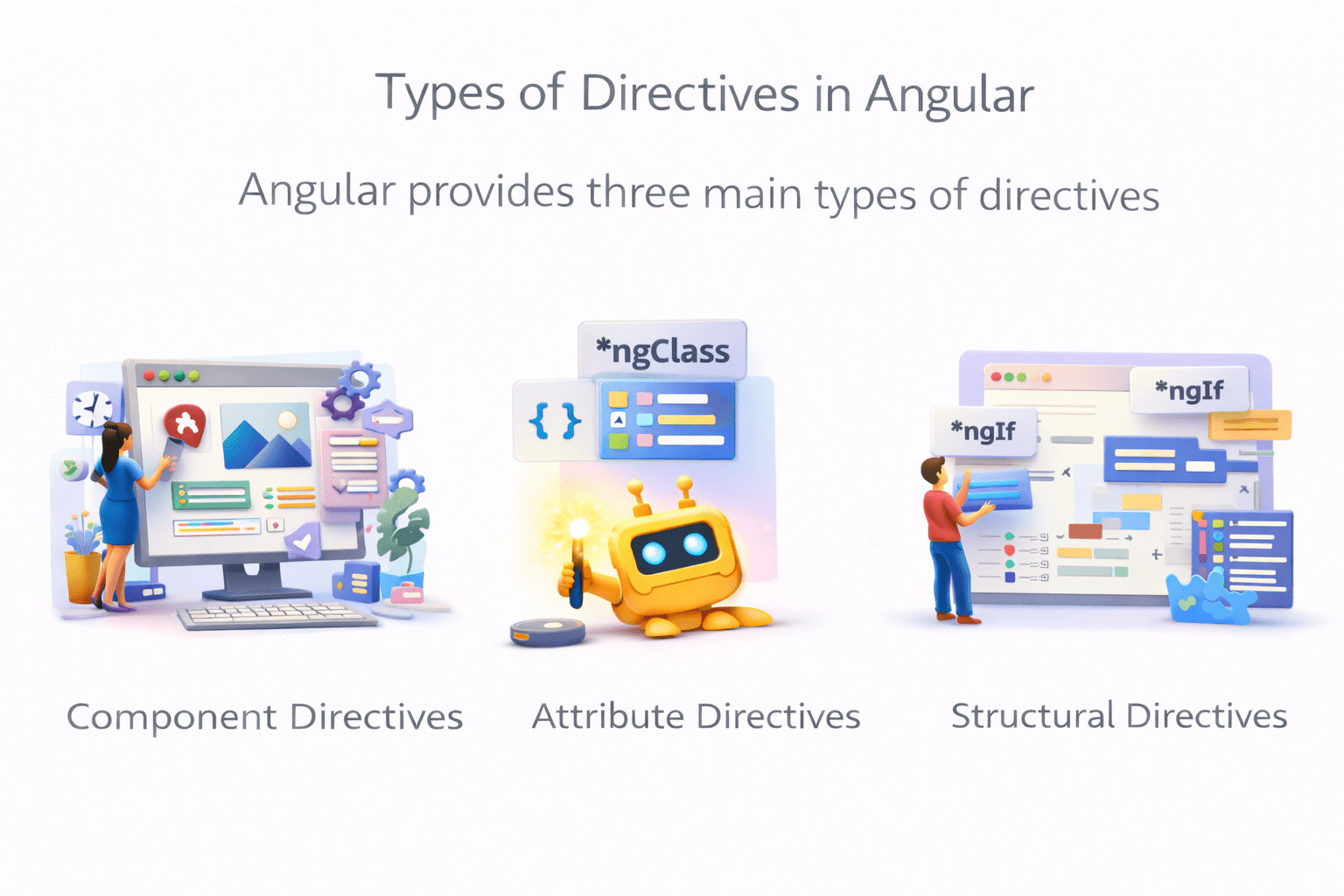
Component Directives
Attribute Directives
Structural Directive
In this section we will focus on component and attribute directives

Component Directive
Definition:
A component is a directive that has its own template (view)
Angular replaces this tag with the component's template.
Example :
@Component({
   selector: 'app-header',
   templateUrl: './header.component.html'
})
export class HeaderComponent {}
Usage in HTML:
<app-header></app-header>
Attribute Directive
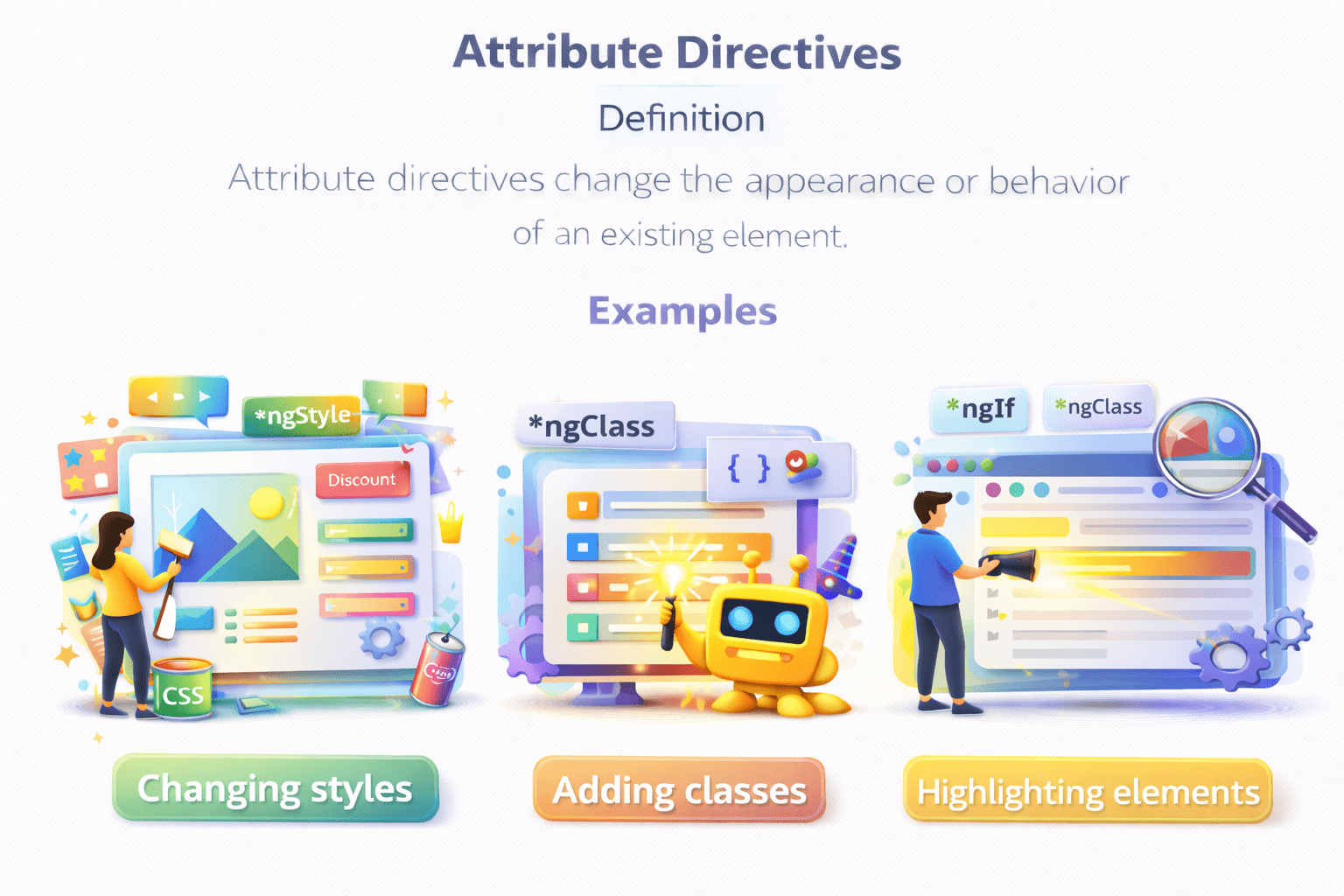
Changing styles
Adding classes
Highlighting elements
Example :
These directives allow applying multiple styles and classes dynamically.
Attribute directives change the appearance or behavior of an existing element.
Angular provides built-in attribute directives.
- ngClass
-
ngStyle
Using ngClass
Example :
<p [ngClass]="{'highlight': isHighlighted, 'bold': isBold}">
    Angular Directives Example
</p>
ngClass is used to apply multiple CSS classes dynamically.

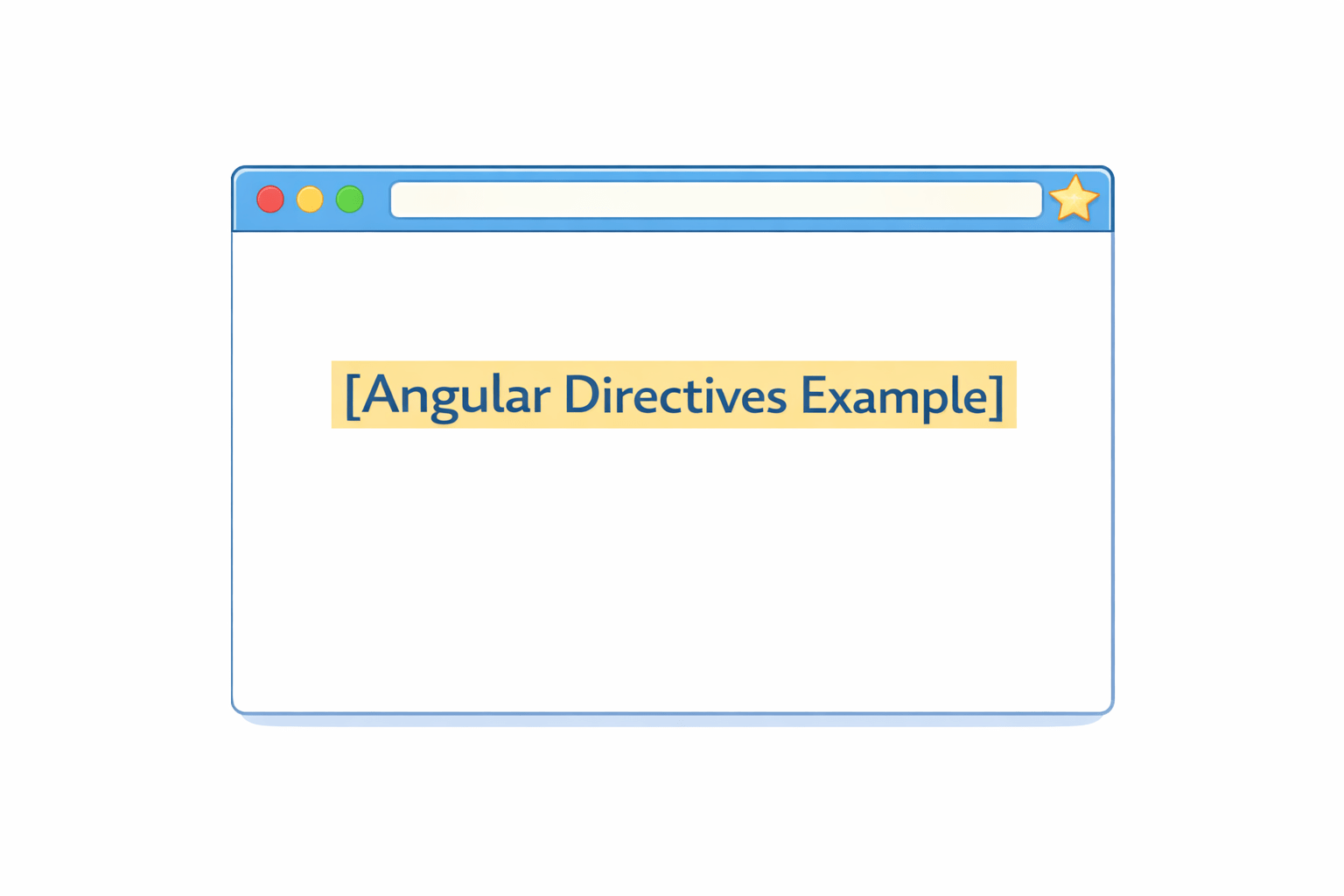
Component :
isHighlighted = true;
isBold = false;
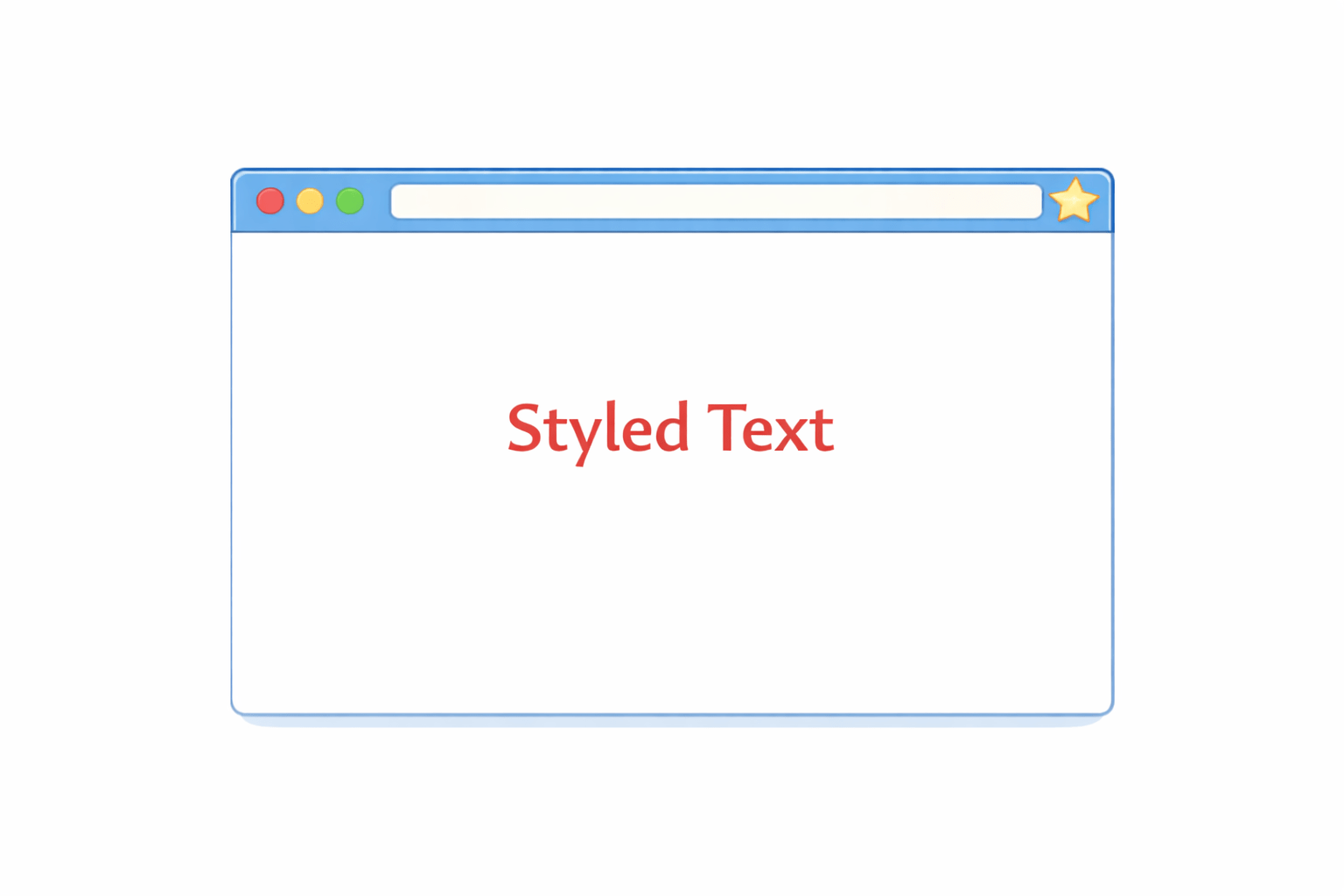
Using ngStyle
ngStyle allows dynamic application of multiple styles.
Example :
<p [ngStyle]="{'color': textColor, 'font-size': fontSize}">
Styled Text
</p>
Directives are one of the core features that make Angular powerful for building dynamic applications.
textColor = 'red';
fontSize = '20px';
Component :
Summary
4
ngClass and ngStyle apply dynamic classes and styles.
3
Angular provides three types of directives:
2
They modify the behavior and appearance of DOM elements.
1
Directives are used to extend HTML functionality in Angular
Quiz
What is the main purpose of directives in Angular?
A. Manage routing
B. Modify DOM behavior and appearance
C. Handle HTTP requests
D. Store application data

Quiz-Answer
What is the main purpose of directives in Angular?
A. Manage routing
B. Modify DOM behavior and appearance
C. Handle HTTP requests
D. Store application data
