Email Etiquette


Email Communication Fundamentals and Best Practices


Learning Outcome
5
Identify and avoid common email mistakes
4
Apply proper email etiquette in different situations
3
Use concise and appropriate language
2
Structure emails effectively for better communication
1
Write clear and professional emails
Let’s try something...
Now ask yourself-
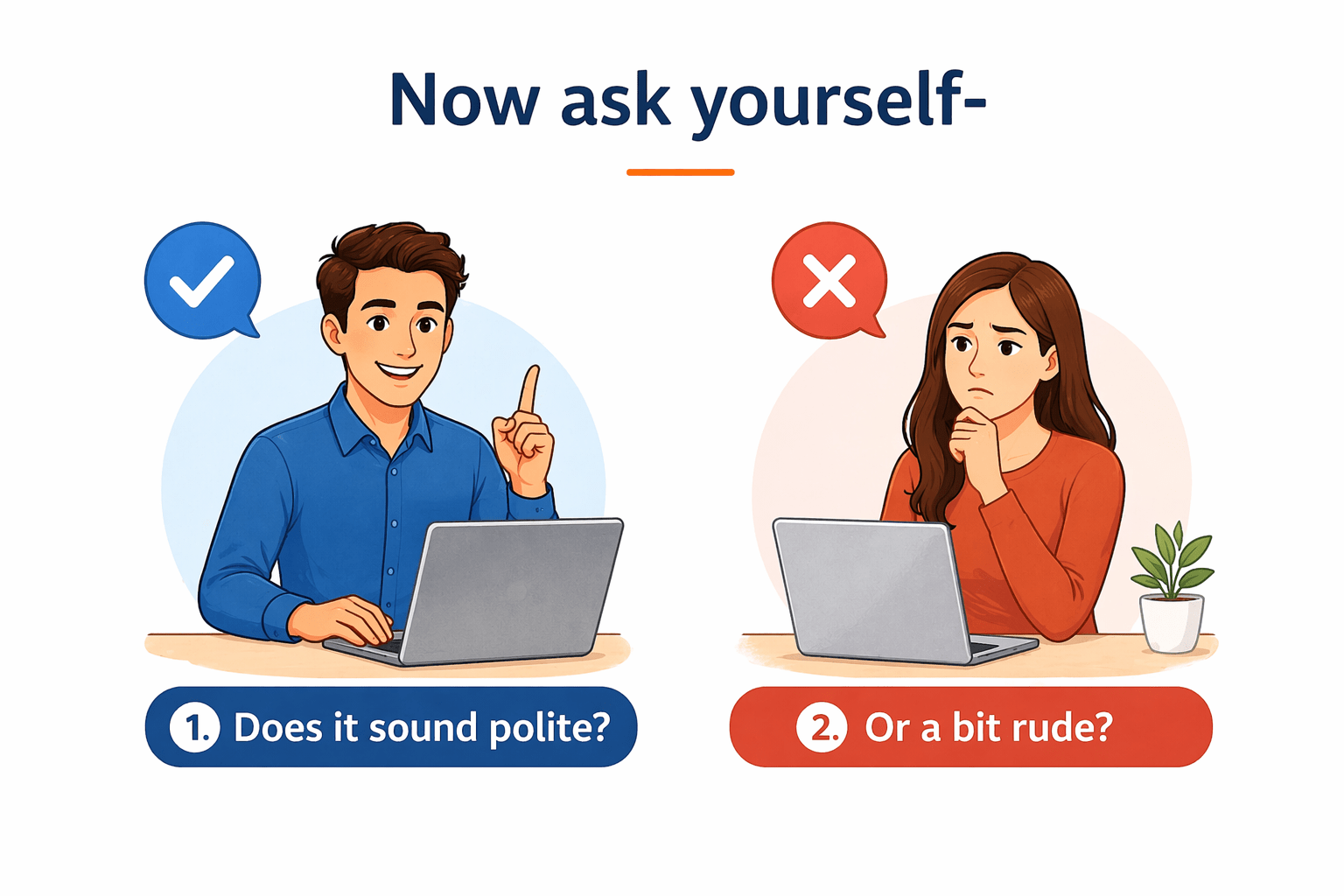
Does it sound polite?
Or a bit rude?
That’s the power and risk of written communication.
Read this line in your mind:
“Send the details.”
You’re not hearing a voice.
There’s no facial expression.
Yet... you feel a tone.
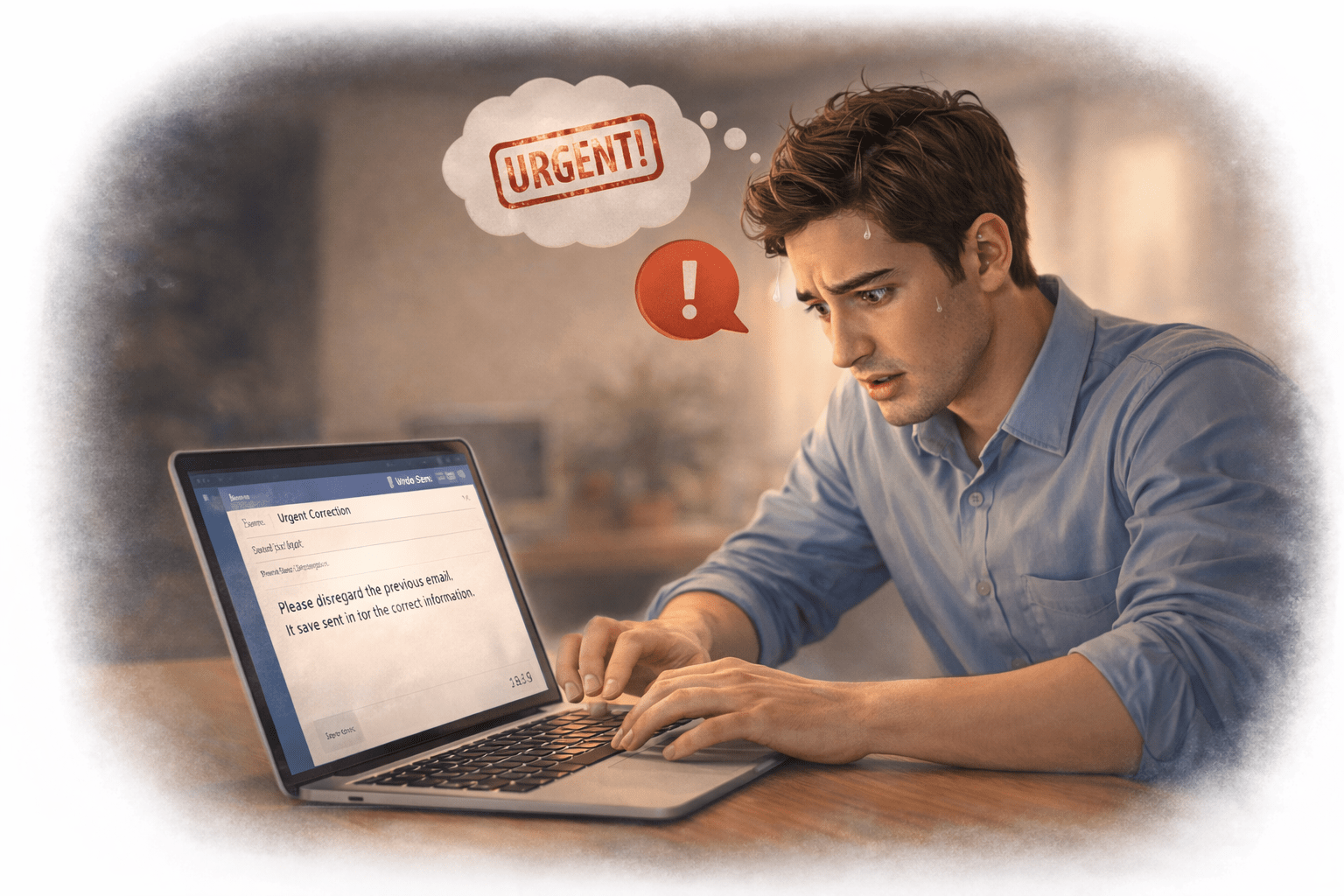
There’s no chance to explain.
No chance to correct it immediately.
If your tone can be misunderstood so easily in one sentence,
What happens when you’re emailing a recruiter or interviewer?
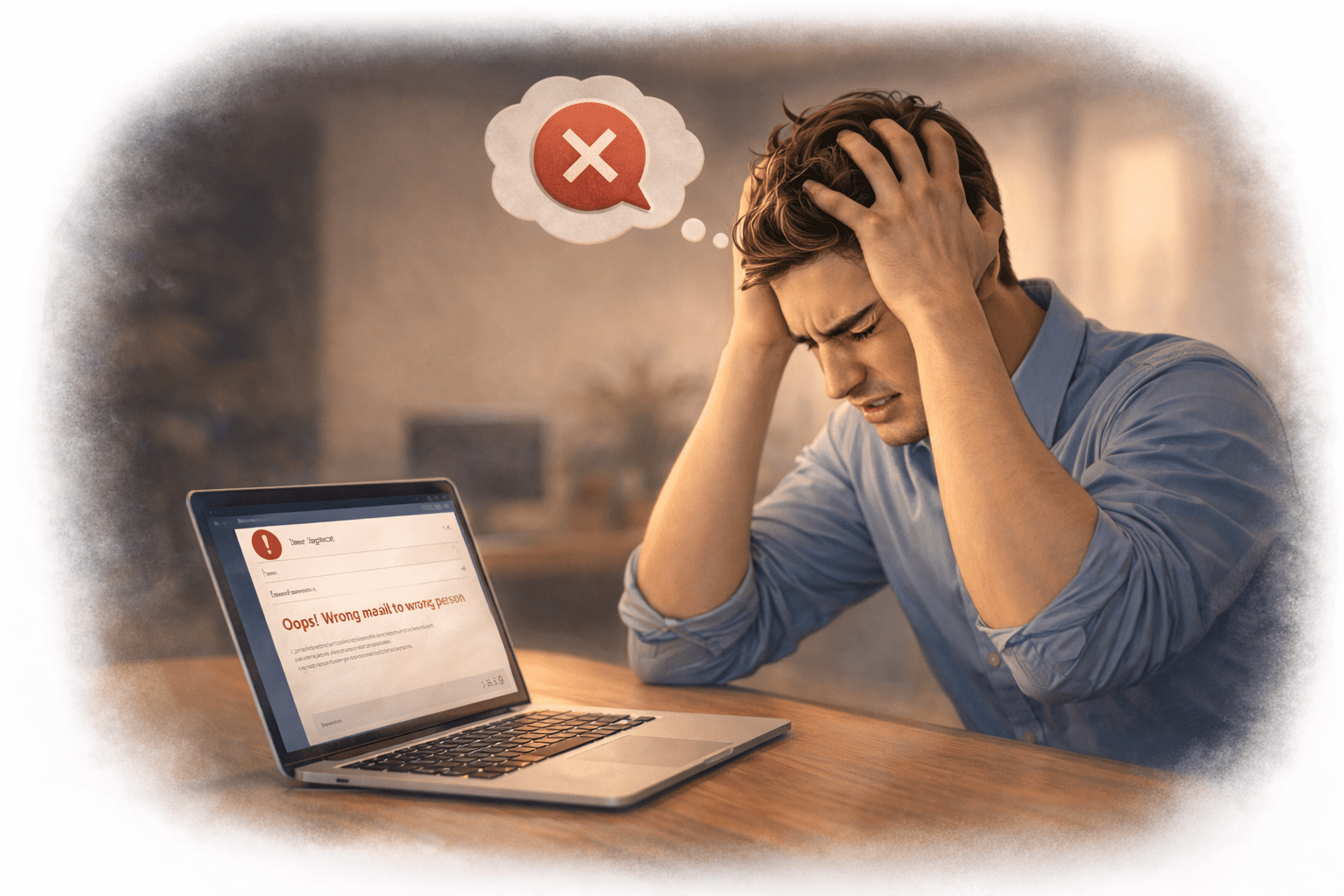
Your words speak on your behalf.
And that’s why...
writing emails the right way becomes a critical skill.

Let’s understand Email Etiquette for Interviews.
In emails, people don’t hear what you mean...
they read what you write.
Why does email communication matter?
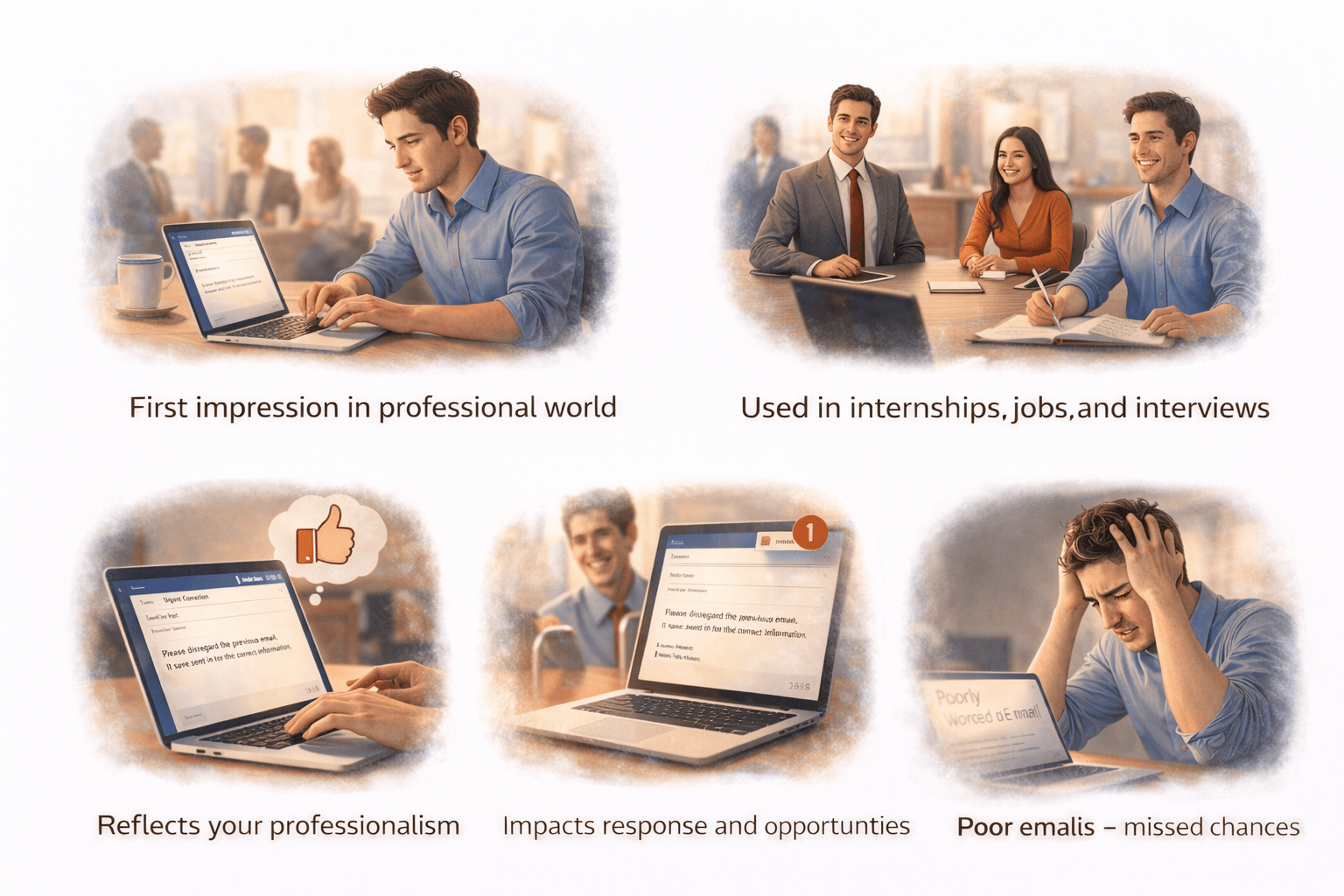
First impression in professional world
Used in internships, jobs, and interviews
Reflects your professionalism
Impacts response and opportunities
Poor emails = missed chances
What happens with poor emails?
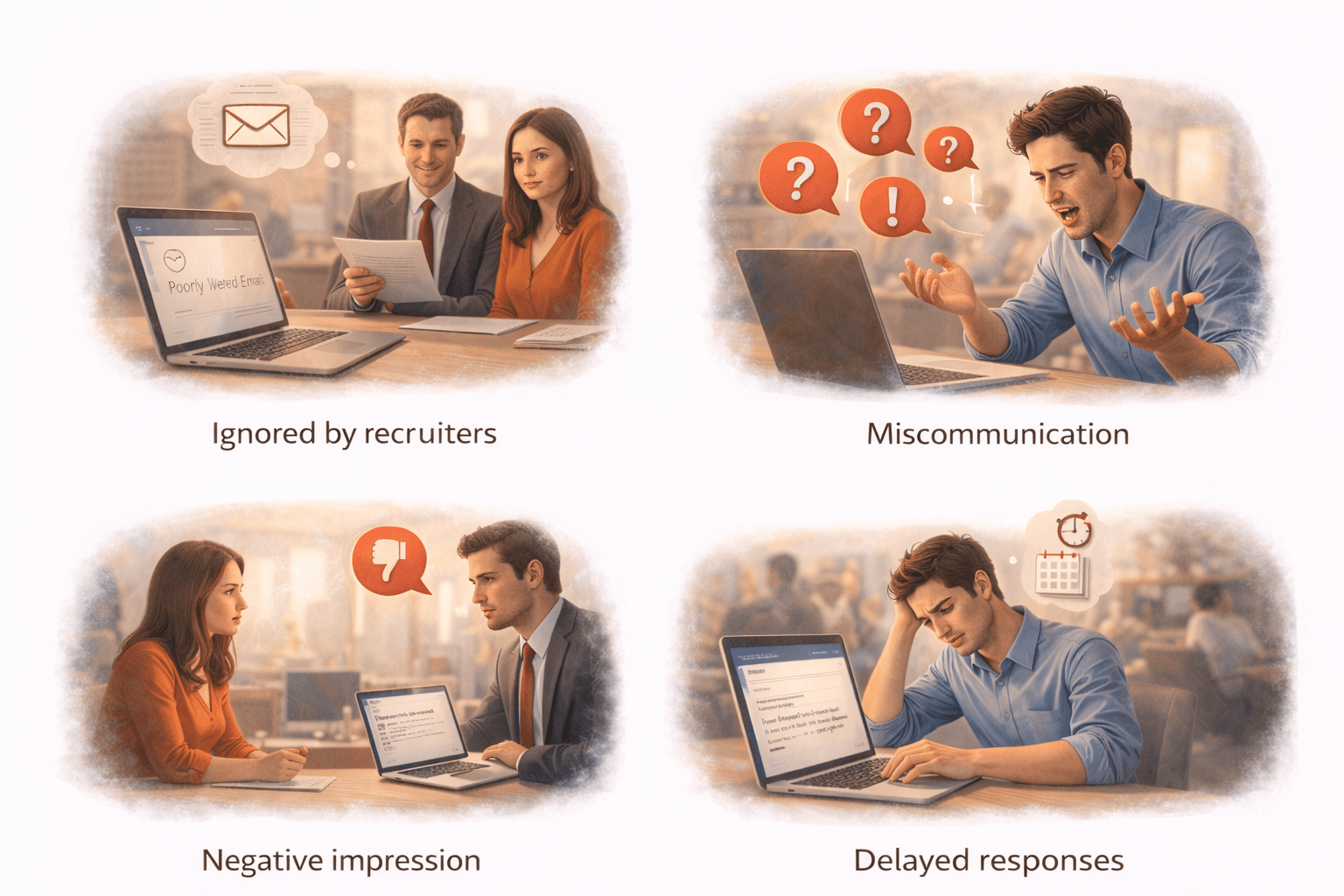
Ignored by recruiters
Miscommunication
Negative impression
Delayed responses
Good emails = clarity + credibility
What is a professional email?
A professional email is a formal written message used in a workplace or business setting to communicate clearly, respectfully, and purposefully.
It usually includes:
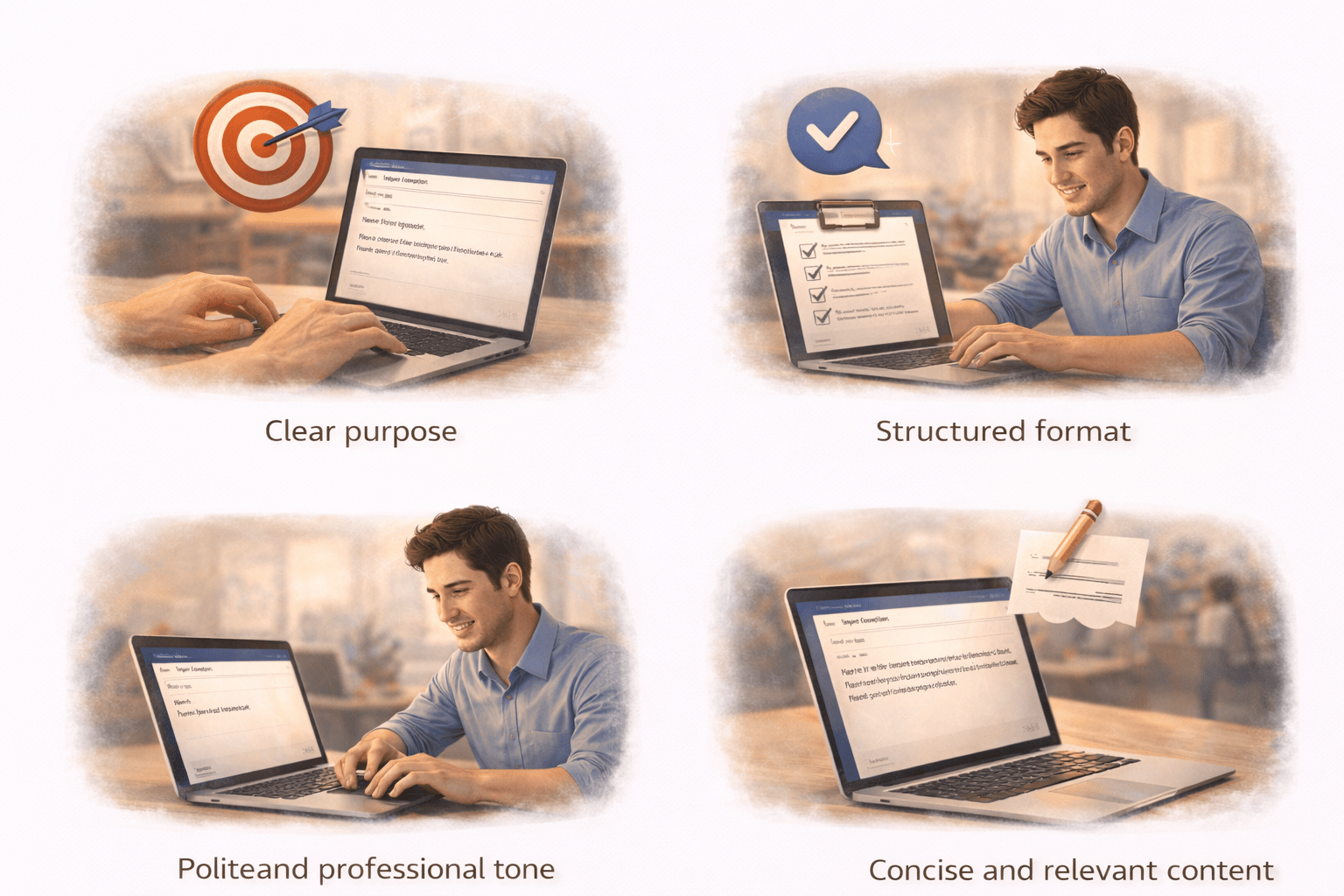
1. Clear purpose
2. Structured format
3. Polite and professional tone
4. Concise and relevant content
Key Components of an Email
Anatomy of a Good Email
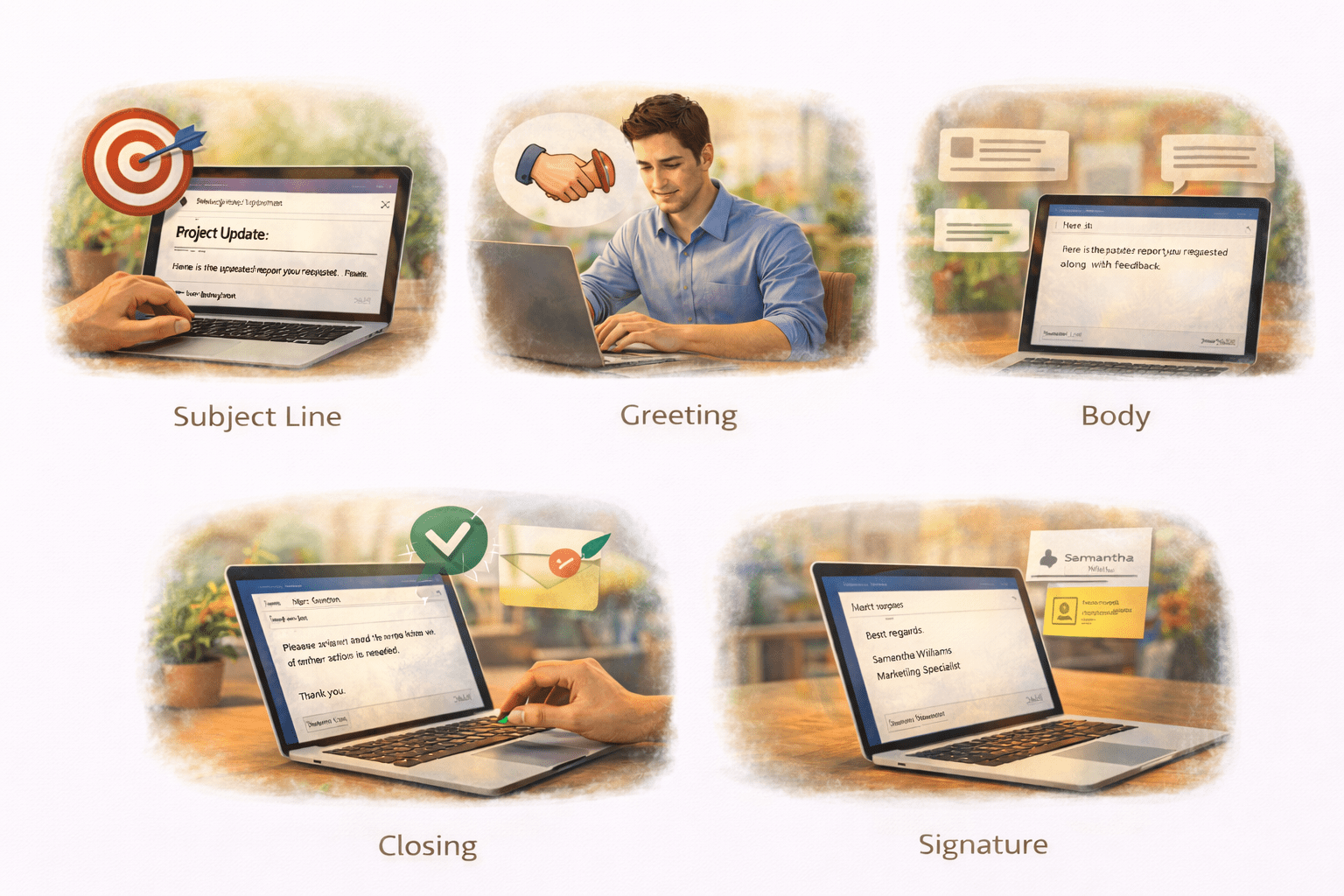
Subject Line (Purpose- tells what the email is about)
Greeting (Respectful start and sets the tone)
Body (shares the Main message)
Closing (Call to action)- ends politely with action or thanks
Signature (Your identity)
CC (Carbon Copy) – For Transparency

Keeps relevant people informed
Shows open communication
Useful when others need visibility but not direct action
Maintains team alignment
BCC (Blind Carbon Copy) – For Privacy

Hides recipients’ email addresses
Protects privacy in group emails
Prevents unnecessary “Reply All” chains
Useful for large or external groups
Email Etiquette Basics
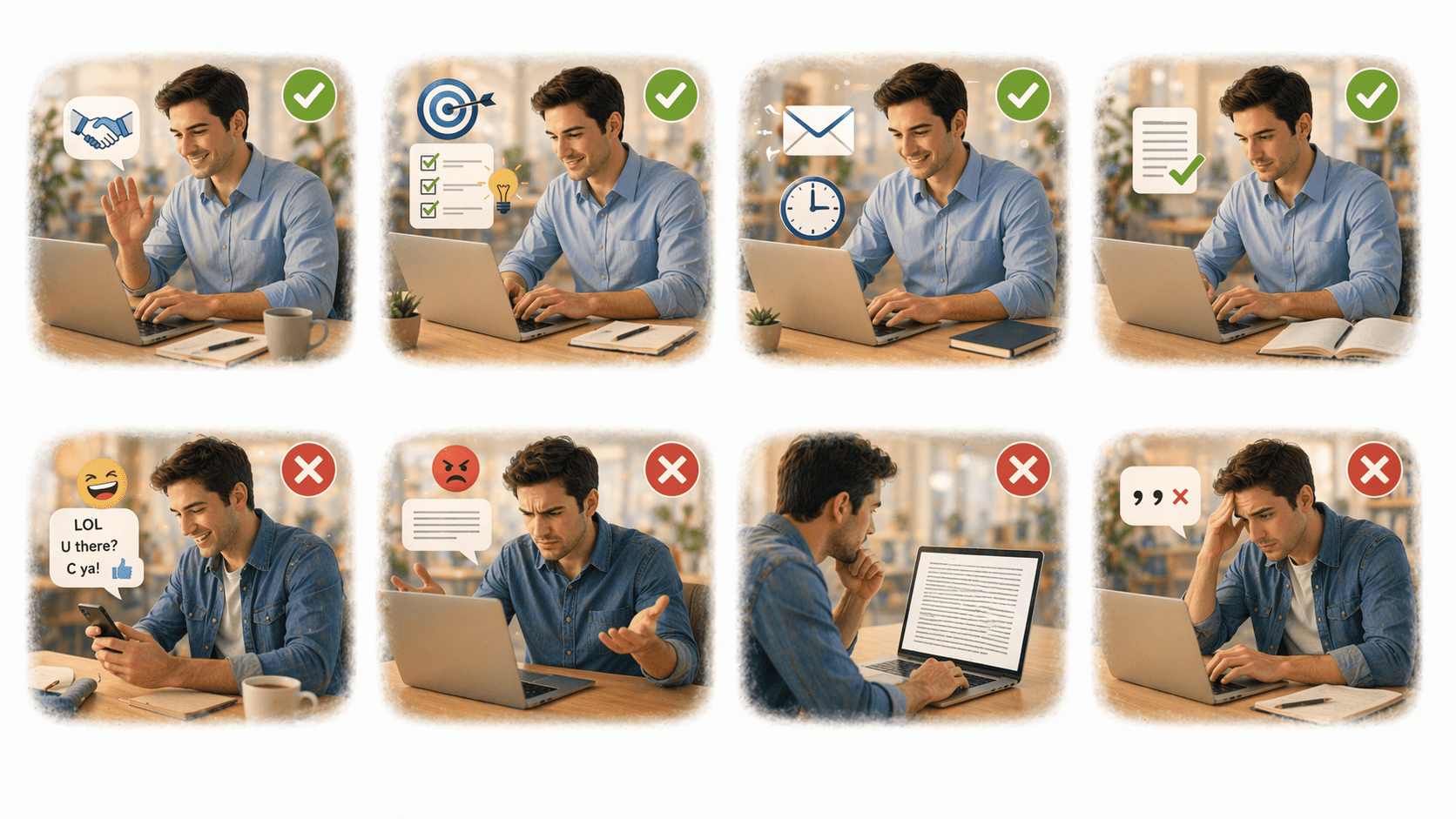
Use polite language
Be clear and specific
Keep it concise
Use proper grammar
Avoid slang/emojis
Don’t be too abrupt
Don’t write long paragraphs
Do’s of Email Writing

Don’ts

How to draft an Effective Email
Step-by-Step Approach
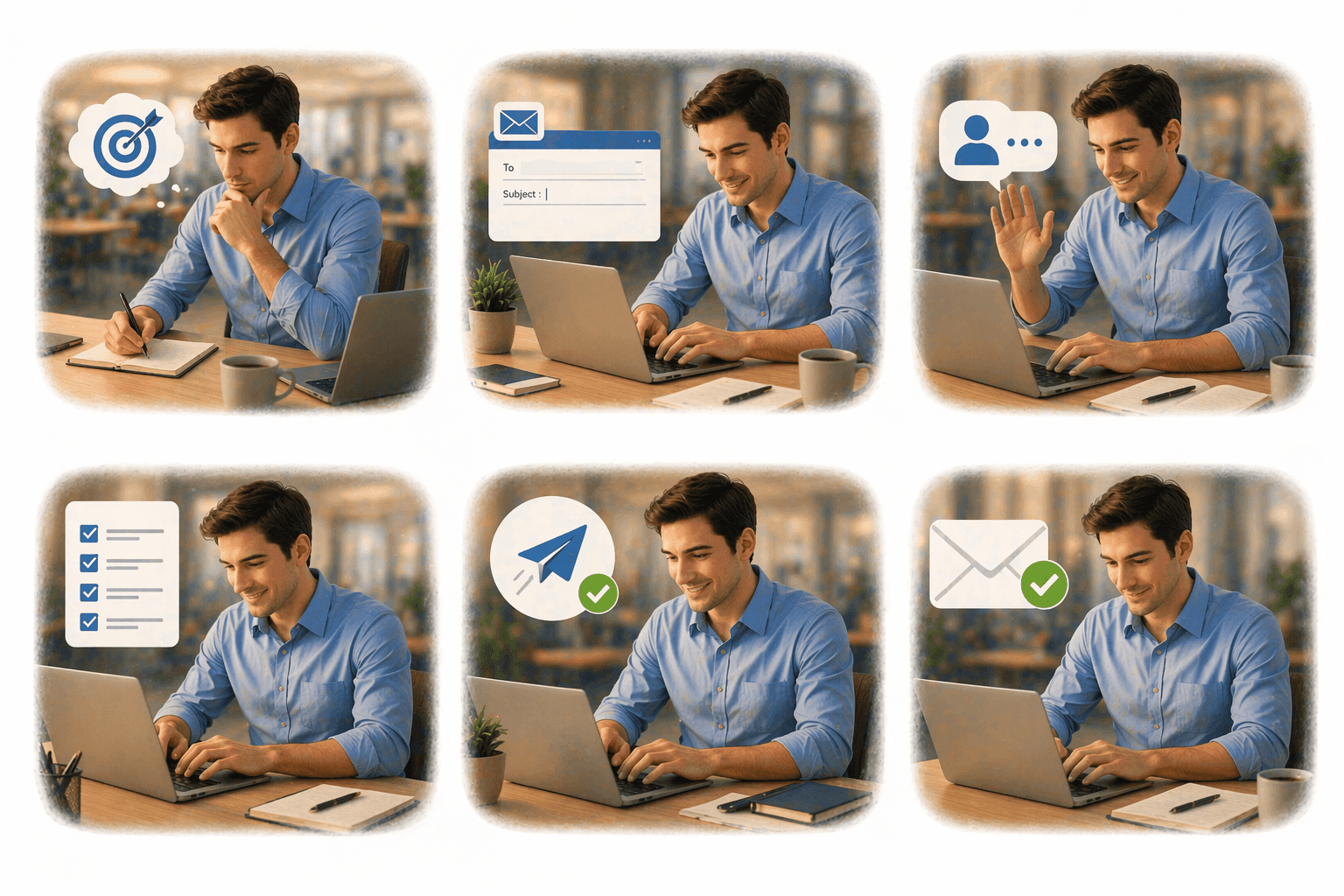
1.Define purpose
5.End with clear action
2.Write clear subject
3.Start with greeting
6.Add proper closing
4.Keep message structured
Tips for Best Practices
Keep it short and clear
Focus on one purpose
Use professional tone
Respond timely
Proofread before sending
Activity Slide (Interactive)
Spot the Mistake!
Show a poorly written email and ask:
-
What is wrong?
-
How can we improve it?
Sample Draft ( Inclass Activity )
Job application email example for a Data Analyst role:
Summary
5
Recognized and avoided common email mistakes
4
Applied proper email etiquette
3
Gained skills to use concise and professional language
2
Understood how to structure emails clearly
1
Learned professional email communication
Quiz
Which tone is suitable for professional emails?
A. Casual
B. Informal
C. Polite and formal
D. Funny

Quiz-Answer
Which tone is suitable for professional emails?
A. Casual
B. Informal
C. Polite and formal
D. Funny
