HTML Foundations: From Web Basics to Page Content


Getting Started With HTML


Learning Outcome
5
Open and run an HTML file in the browser
4
Explain the purpose of important HTML tags
3
Understand the basic structure of an HTML document
2
Create the first .html file
1
Create a project folder for HTML development
Imagine you want to build a house.....
To build a proper house, you need:

Similarly, while creating a webpage:
HTML provides the structure of the webpage
Different HTML tags act like different parts of the building
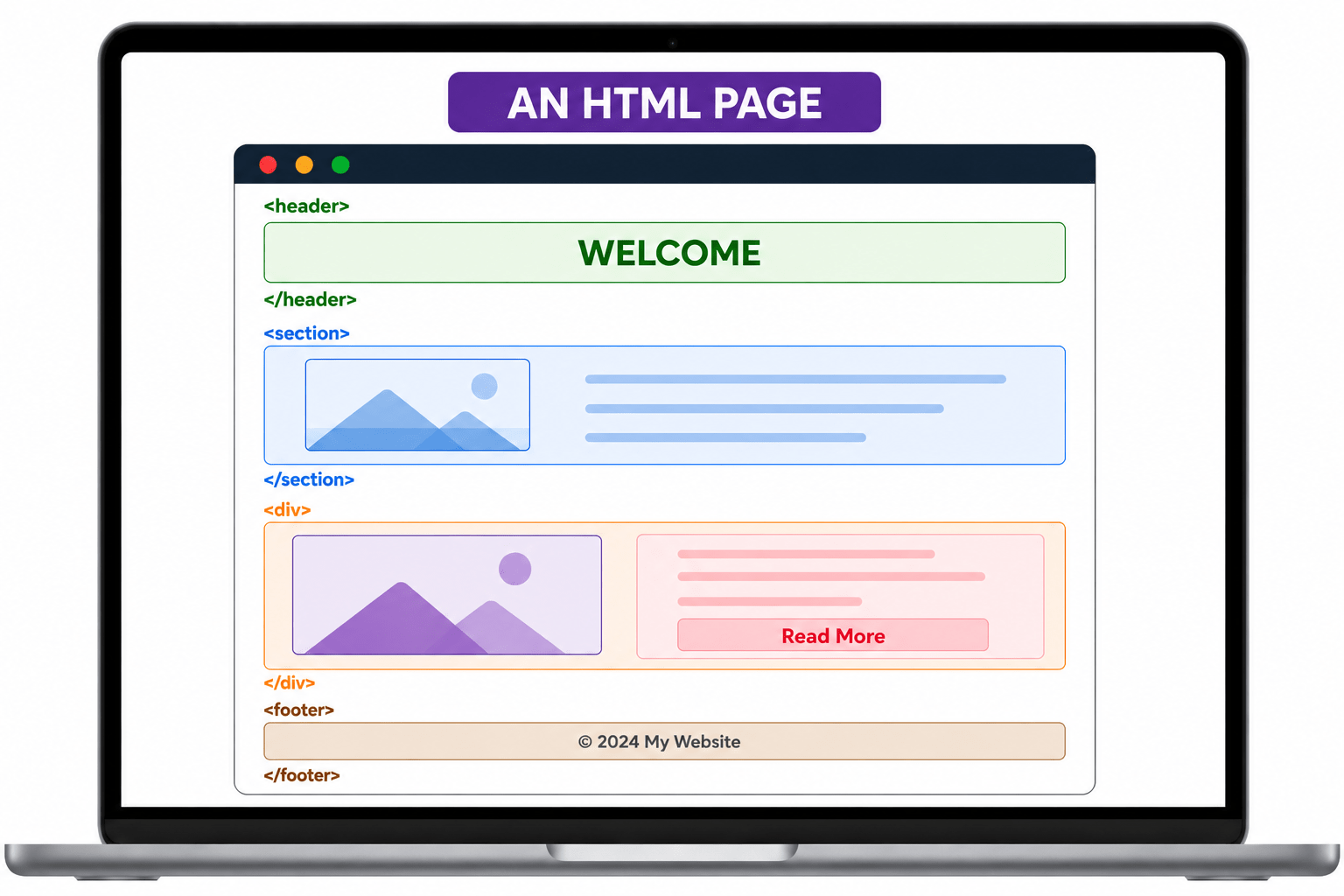
Without structure, a webpage cannot be displayed properly in the browser.

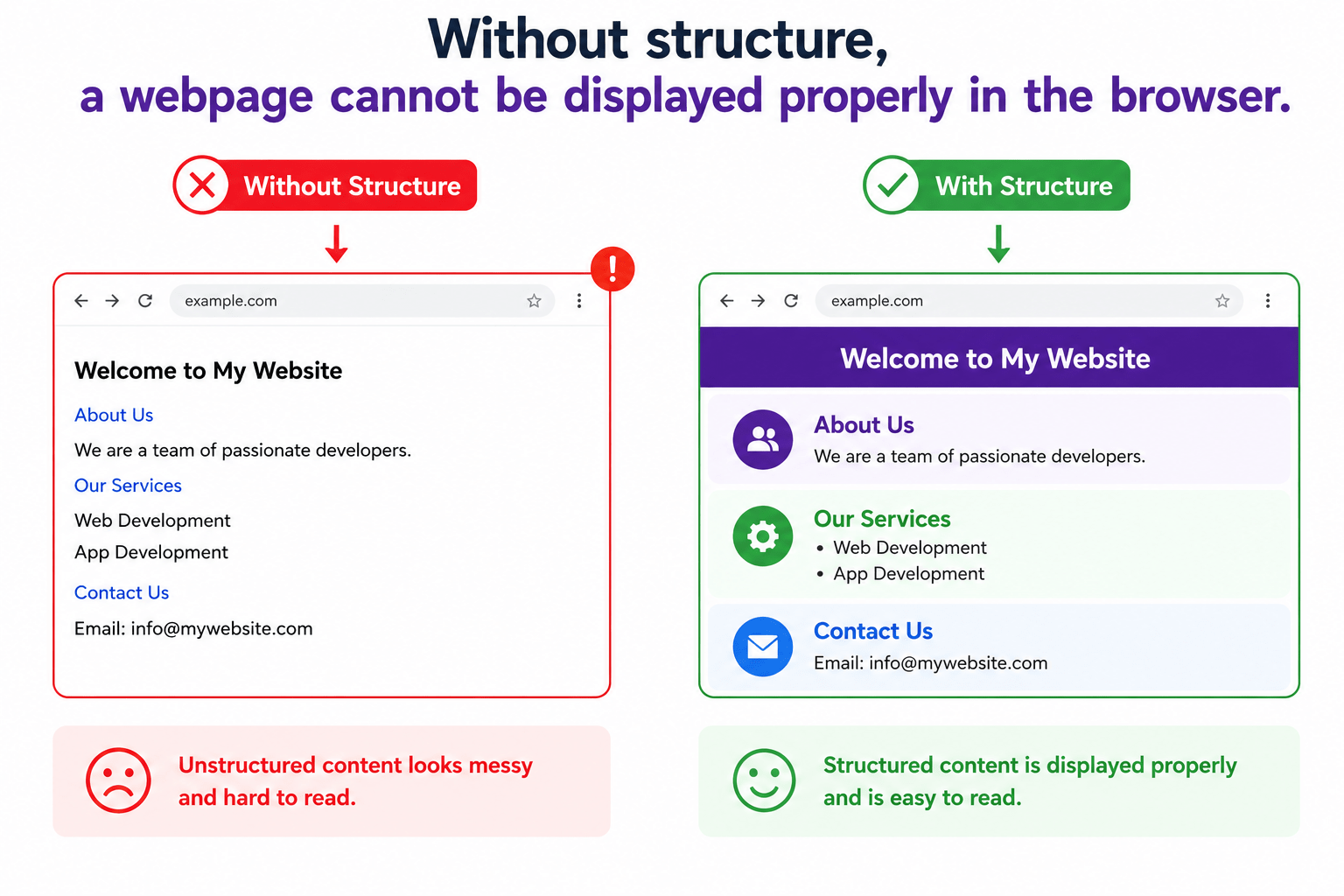
Now that we understand the importance of webpage structure, let us start creating our first HTML project practically.

Let's Discover What You Will Achieve Today !

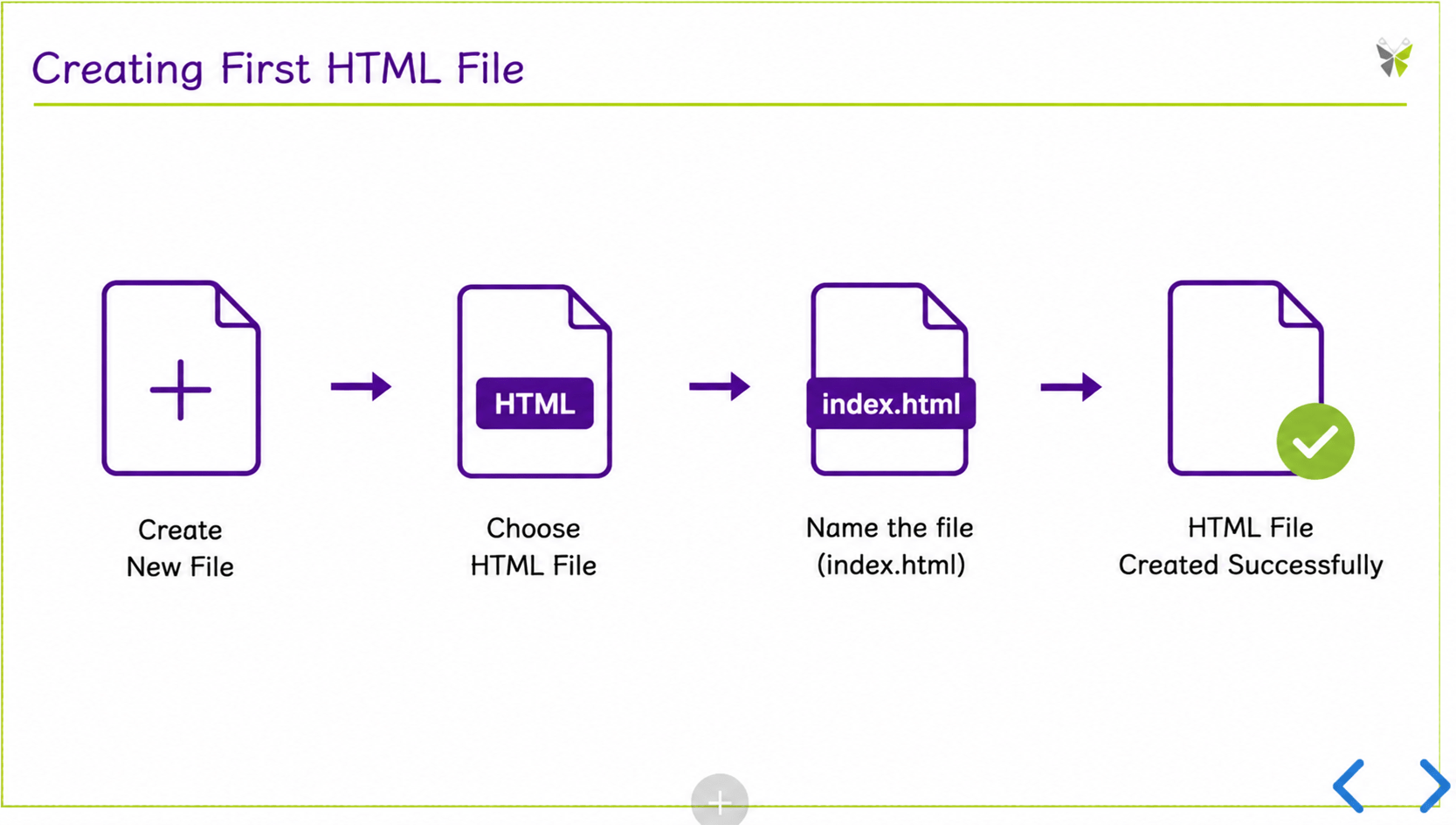
Creating First HTML File
Let's Discover What You Will Achieve Today !
Understanding Basic HTML Structure
Creating First HTML File
Let's Discover What You Will Achieve Today !

Understanding Important HTML Tags
Understanding Basic HTML Structure
Creating First HTML File
Let's Discover What You Will Achieve Today !
Understanding Important HTML Tags
Understanding Basic HTML Structure
Creating First HTML File
Writing First HTML Program
Creating Project Folder
What is a Project Folder?

A Project Folder is a directory used to store all files related to a website or web application.
It helps developers organize files, manage HTML/CSS/JS/images, and keep the project structure clean and understandable.


Steps to Create Project Folder
Open your
system.
Create a new folder on Desktop
Give folder name: HTMLProject
Creating First HTML File
An HTML file contains webpage structure and content written using HTML tags.
What is an HTML File?
Saved using the .html extension
Can contain text, images, links, and buttons
Understanding Basic HTML Structure
Every HTML document follows a standard structure that :
What is HTML Structure?
<!DOCTYPE html>

<html>
<head>
   <title></title>
</head>
<body>

</body>
</html>
Organizes webpage content properly
Helps browsers display pages correctly
Makes code easy to read and manage
Creates the foundation of every webpage
<!DOCTYPE html>
Defined at the beginning of the html page
What Is The Correct Order For HTML Tags?
<!DOCTYPE html>
What Is The Correct Order For HTML Tags?
<html>
</html>
The root element that contains all the elements
What Is The Correct Order For HTML Tags?
<!DOCTYPE html>
<html>
</html>
<head>
</head>
Specifies more details of the webpage to the browser
What Is The Correct Order For HTML Tags?
<!DOCTYPE html>
<html>
</html>
<head>
</head>
Specifies more details of the webpage to the browser
Content that displays like paragraph,images,links
<body>
</body>
Writing First HTML Program

<!DOCTYPE html>
<html>

<head>
   <title>First HTML Page</title>
</head>

<body>

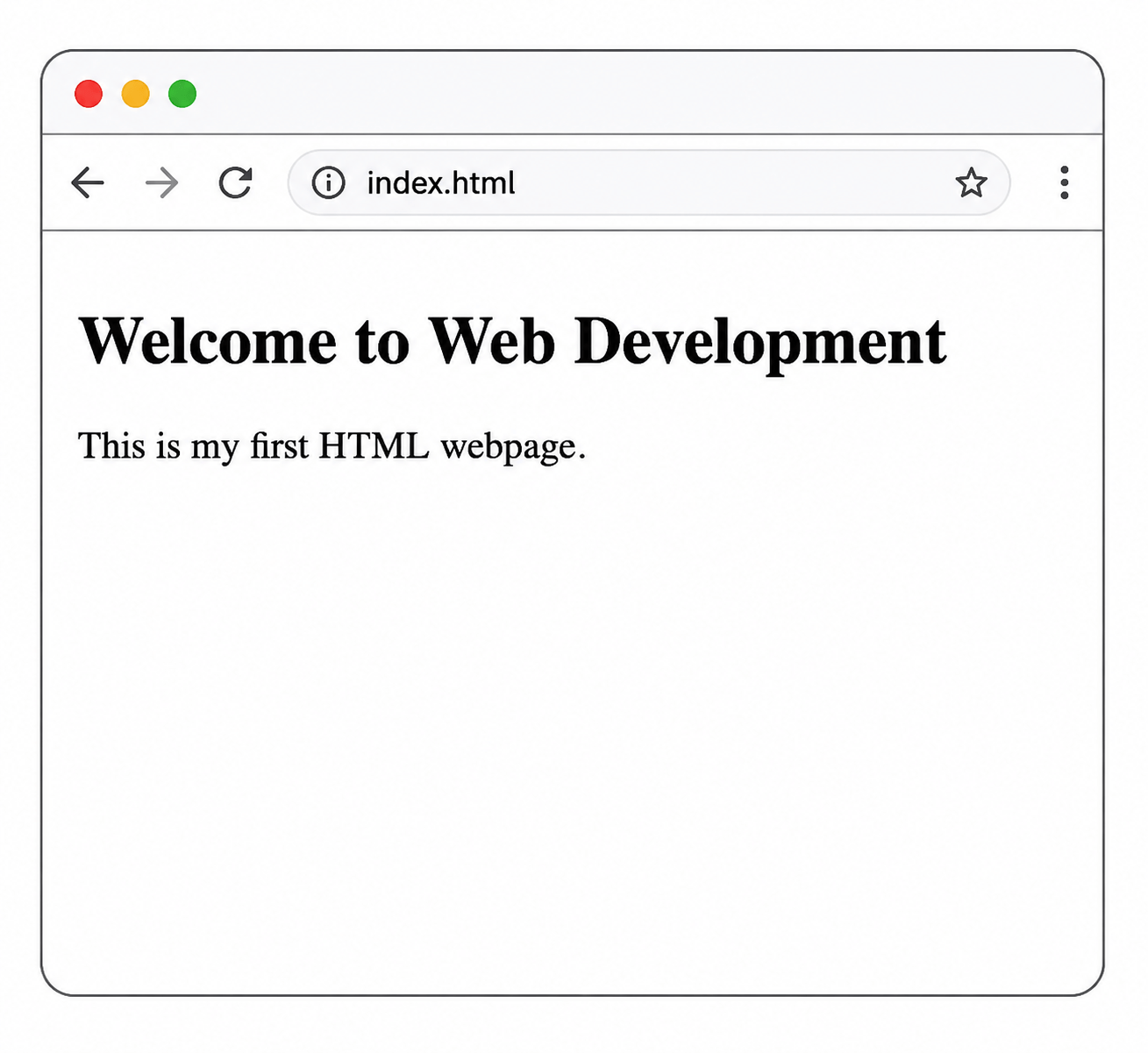
   <h1>Welcome to Web Development</h1>

   <p>This is my first HTML webpage.</p>

</body>

</html>
Opening HTML File in Browser
Steps to Run HTML File
Save the HTML file.

Double-click on: index. html
Go to project folder.


Summary
5
Opened and executed the HTML file in the browser
4
Written your first HTML program
3
Learned the purpose of important HTML tags
2
Understood the basic HTML document structure
1
Created the first .html file
Quiz

Which tag defines the root element of an HTML document?
A. <body>
B. <head>
C. <html>
D. <title>
Quiz-Answer
Which tag defines the root element of an HTML document?
A. <body>
B. <head>
C. <html>
D. <title>
