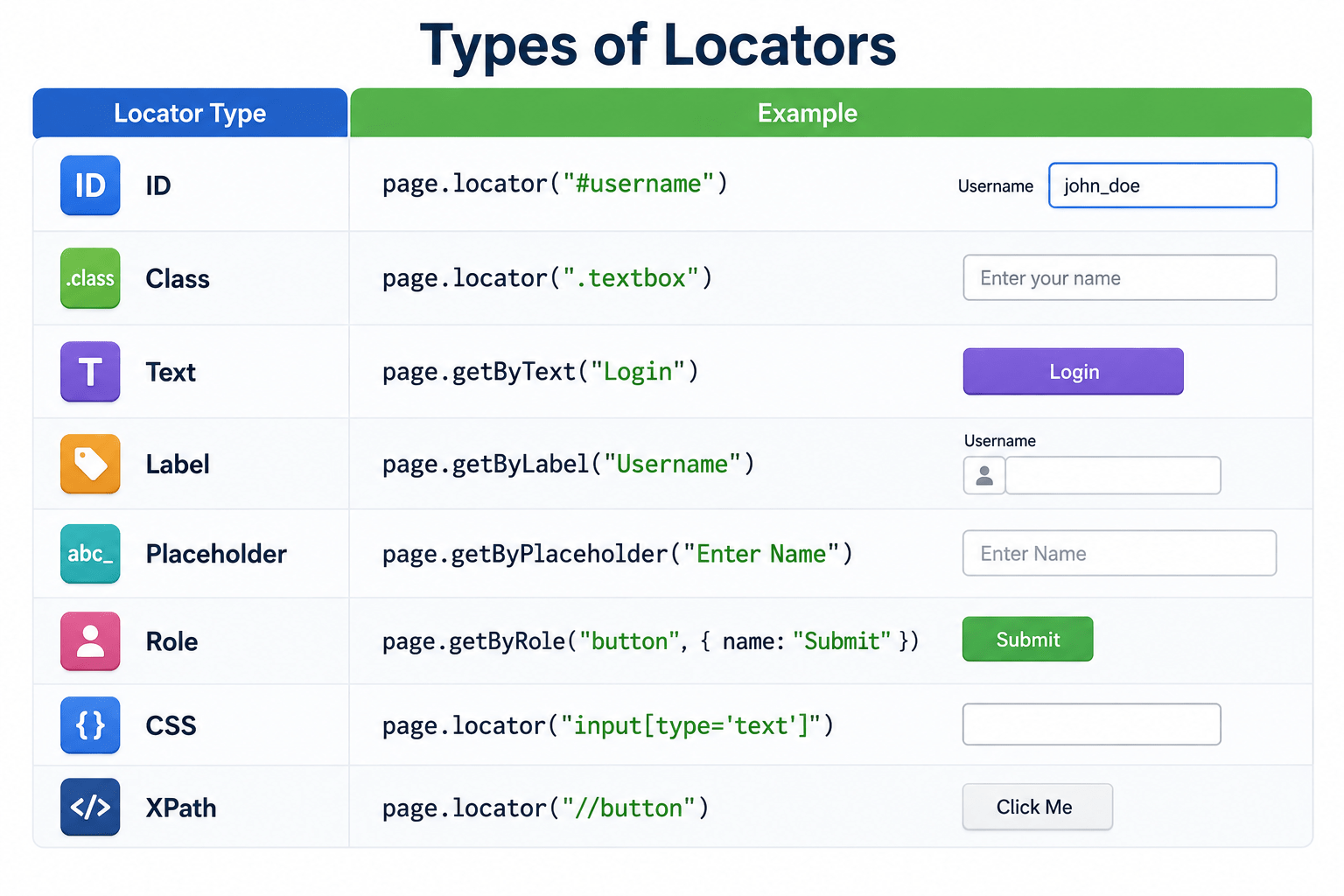
Locators Types(ID,Text,CSS,XPath, Role)


What are Locators?

Learning Outcome
6
Build stable and reliable automation scripts
5
Understand the advantages of using Locators
4
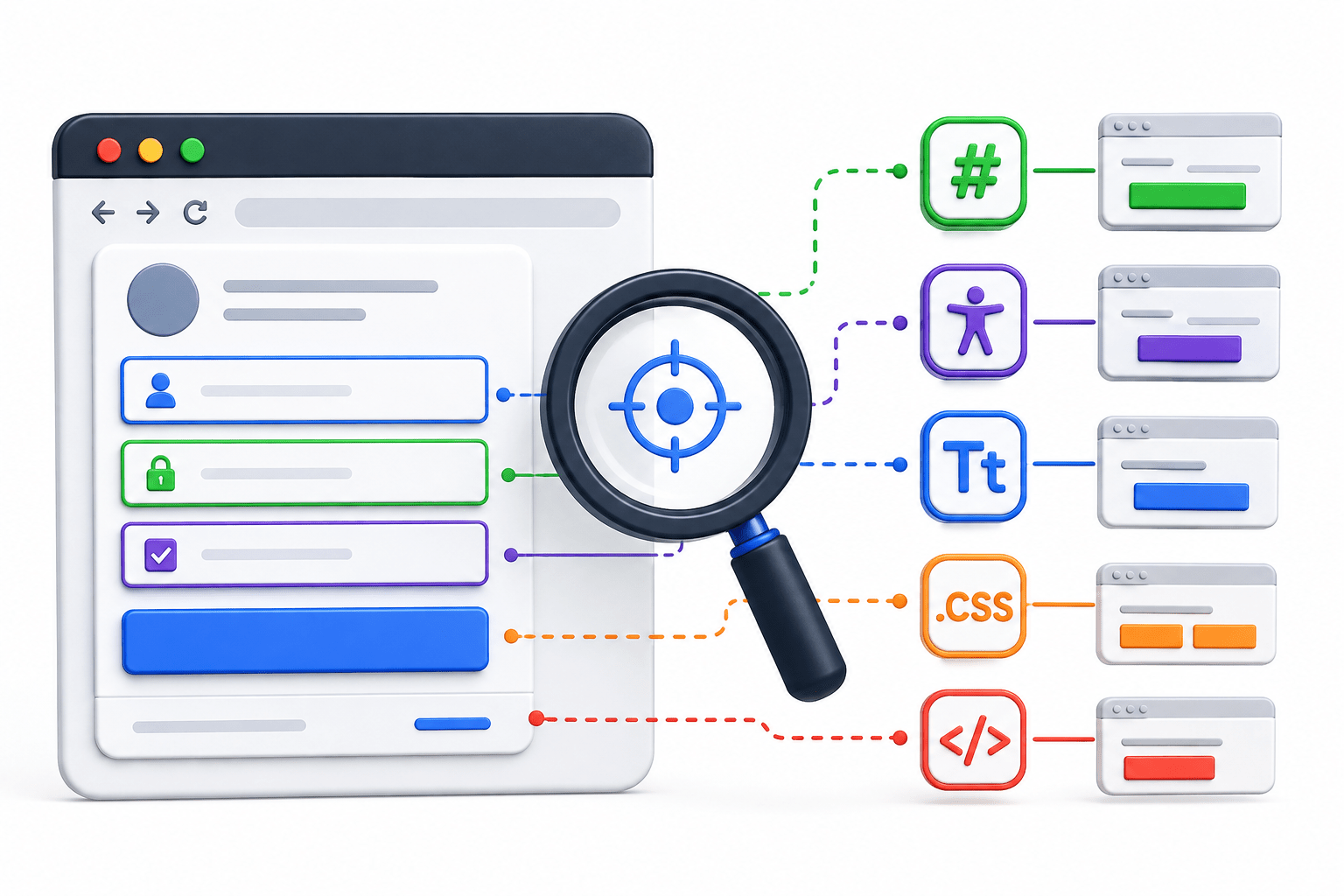
Identify different types of Playwright Locators
3
Describe how Locators work
2
Understand why Locators are required
1
Explain what a Locator is
Recall
-
What is a Web Element?
-
Can Playwright interact with a webpage without identifying an element?
-
Which Browser Actions have we learned so far?
-
What is the first step before clicking or typing on a webpage?
Hook/Story/Analogy
Imagine you are a delivery executive delivering a parcel to a large apartment complex.

The apartment has:
10 buildings
20 floors


Hundreds of flats

Without the correct address, you cannot deliver the parcel
So you need:
Building Number

Floor Number

Flat Number
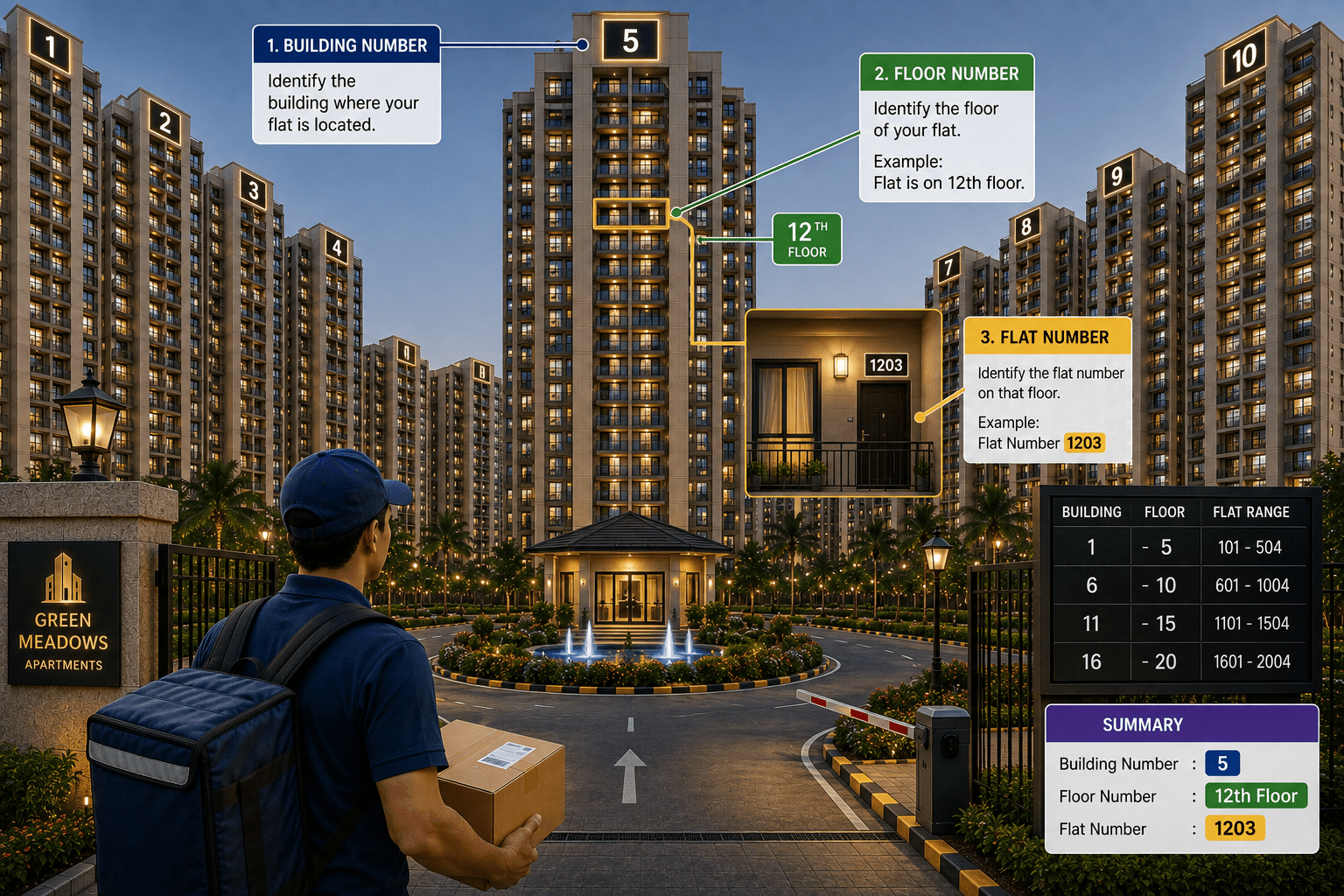
Only then can you deliver the parcel to the correct person.
Similarly, a webpage contains hundreds of elements.
Playwright also needs the correct address to identify the required element.
That address is called a Locator.
Transition from Analogy to Technical Concept
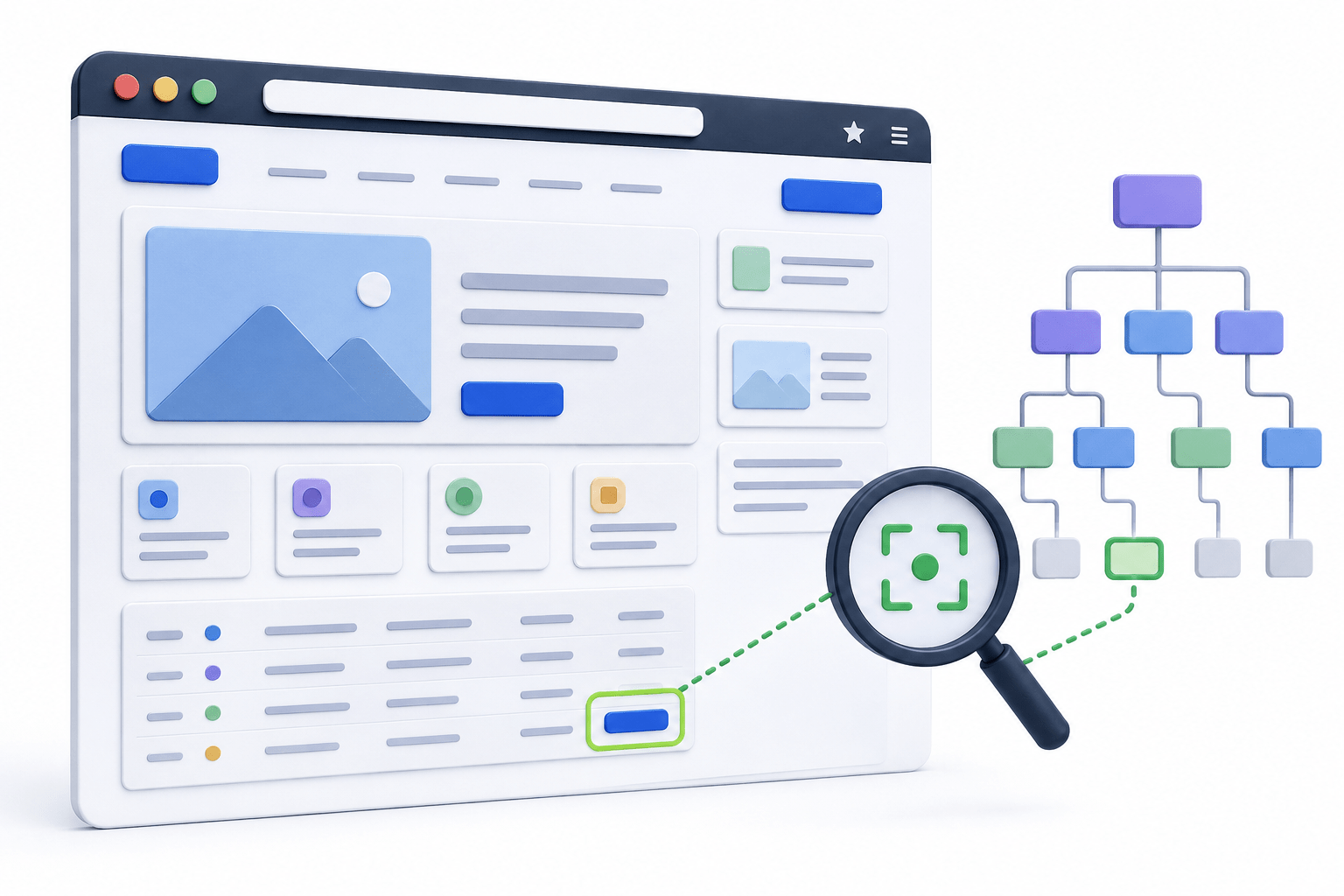
Just as a delivery executive cannot deliver a parcel without the correct address, Playwright cannot interact with a webpage without locating the correct element
What are Locators?
A Locator is a Playwright object used to find, identify, and interact with one or more web elements on a webpage
Web elements include:
Textboxes
Buttons
Links
Checkboxes
Radio Buttons
Dropdowns
Tables
Images





How Locators Work
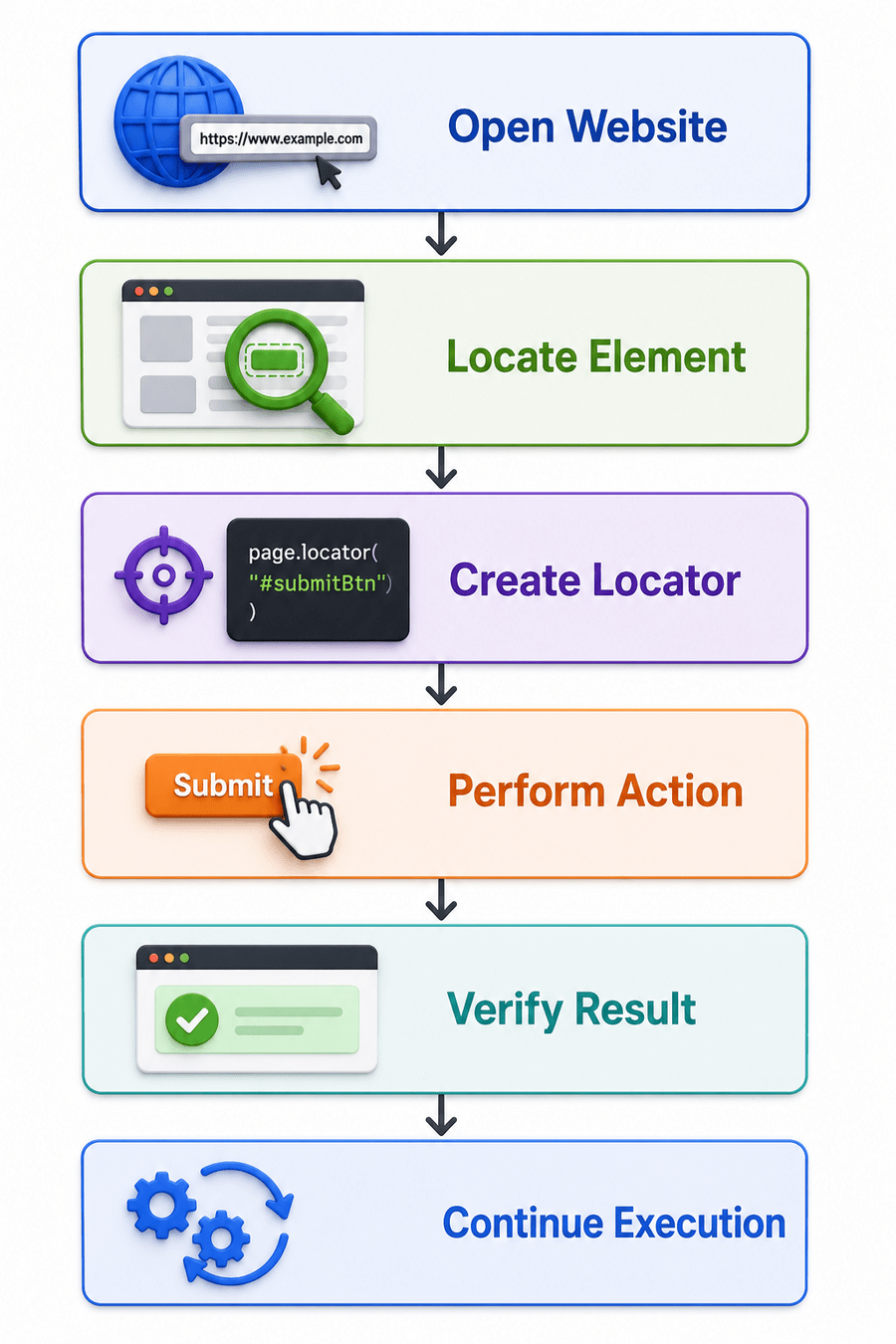
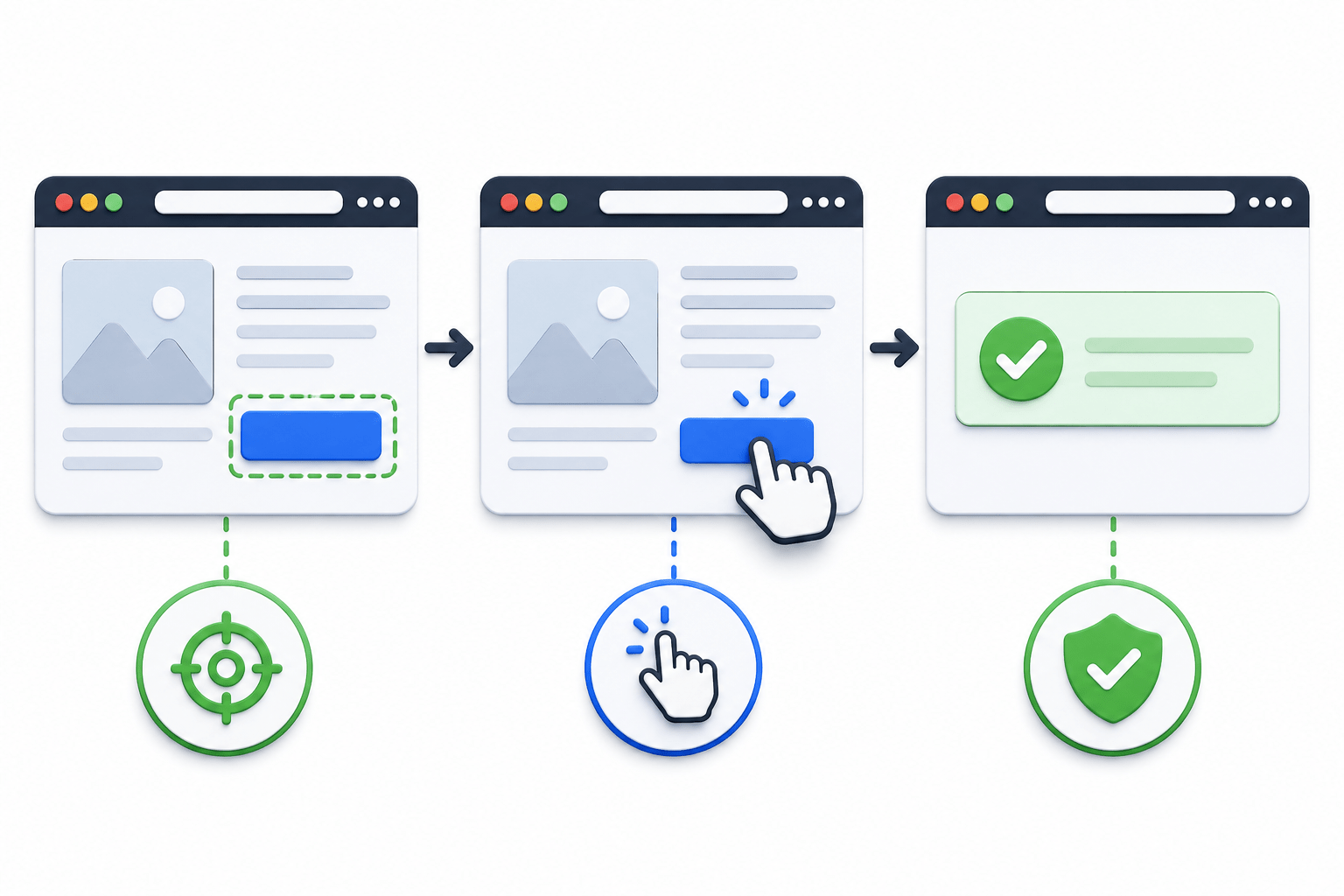
Locator username = page.locator("#username");
username.fill("Admin");
System.out.println(username.inputValue());
This sequence demonstrates how Playwright first identifies the element, then performs an action, and finally verifies the result
Why are Locators Important?
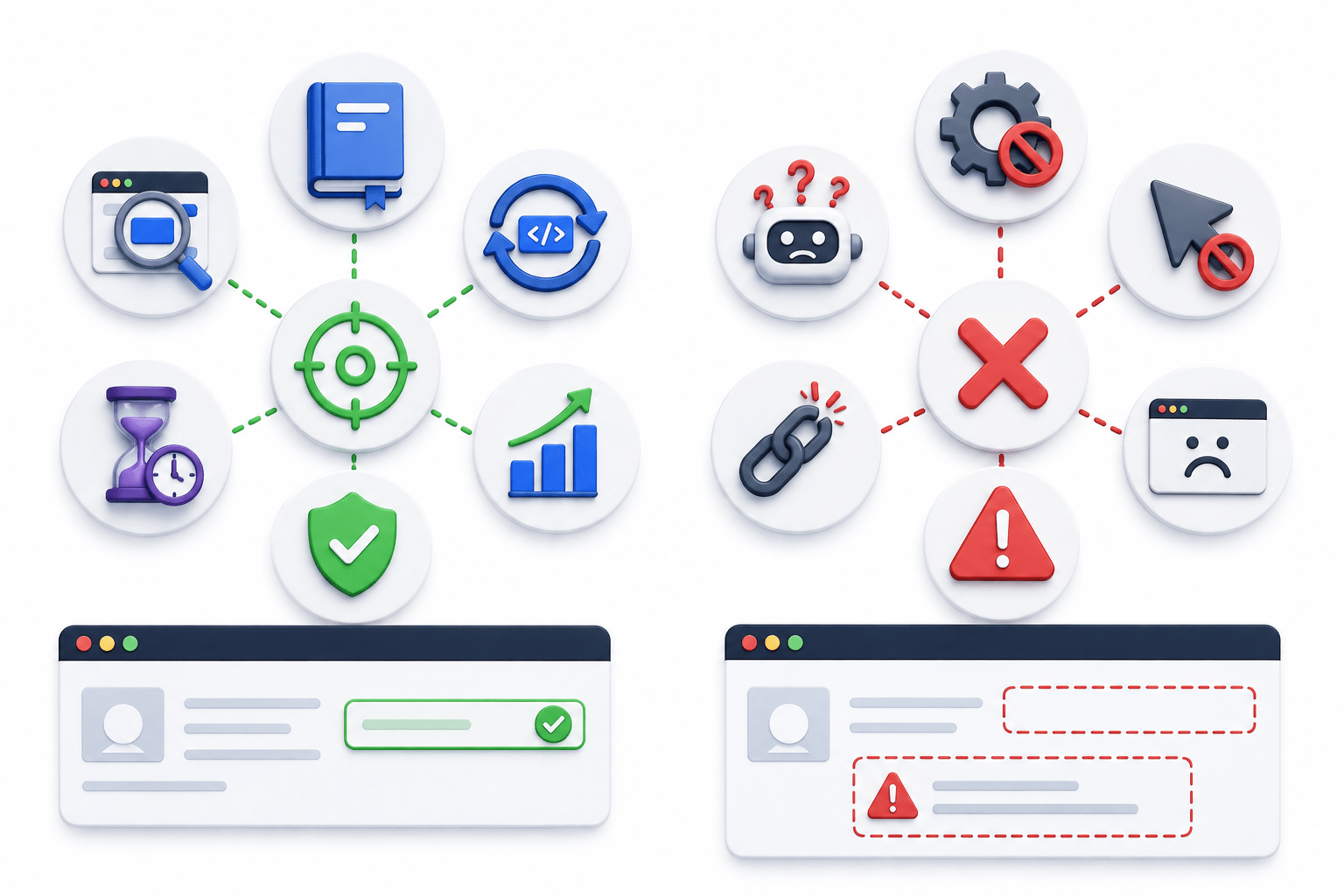
Locators are the foundation of Playwright automation because they
Identify the correct web element.
Improve script readability
Support code reusability
Enable automatic waiting
Reduce flaky tests.
Improve automation stability





Without Locators
Playwright cannot identify elements
Actions cannot be performed
Validations cannot be executed

Best Practices
Use these guidelines when writing Locators:
Prefer getByRole() whenever possible
Use meaningful and unique locators
Avoid fragile XPath expressions if better options exist
Use IDs when available and stable
Let Playwright's Auto-Wait feature handle synchronisation

Real-World Applications
Locators are used to:
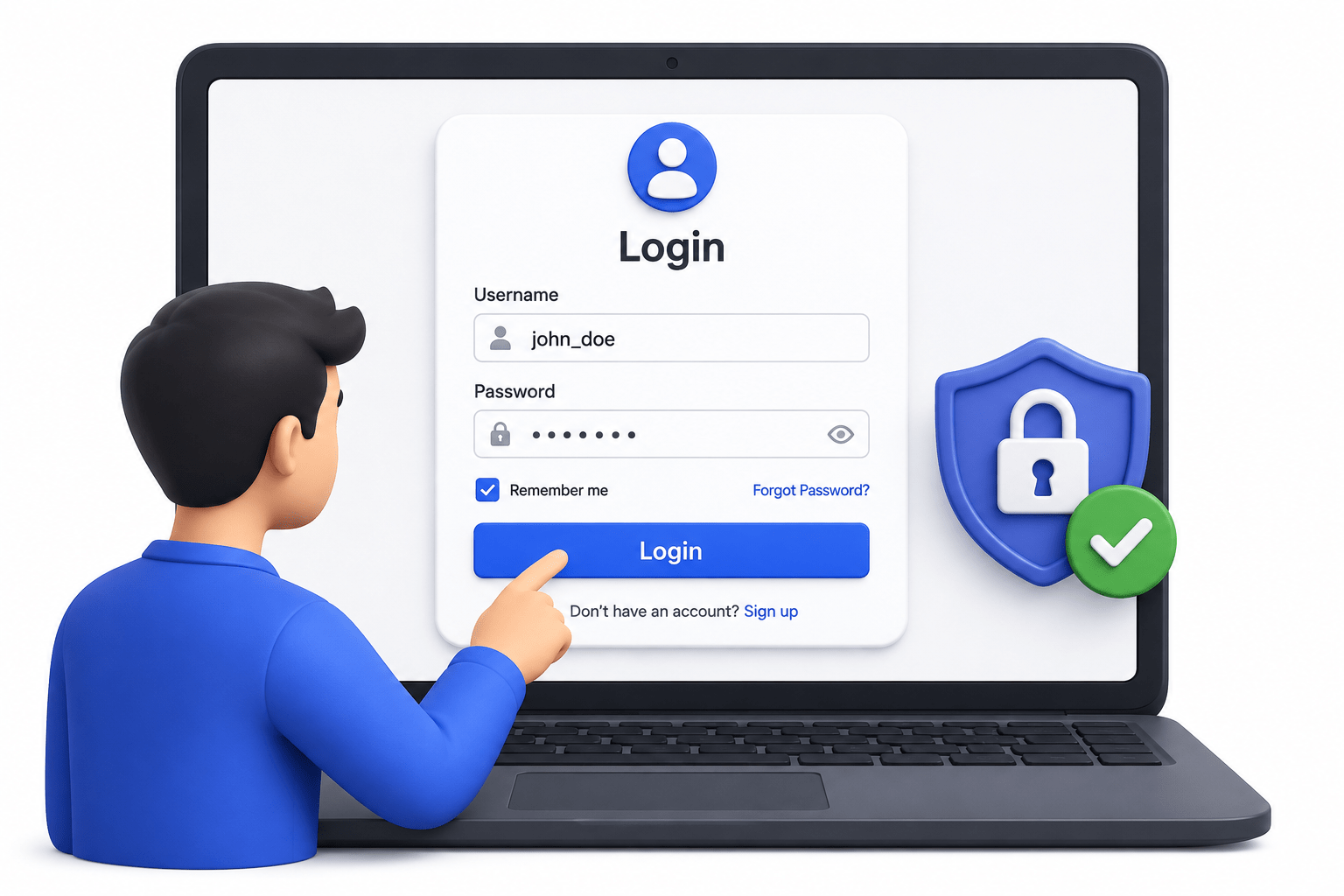
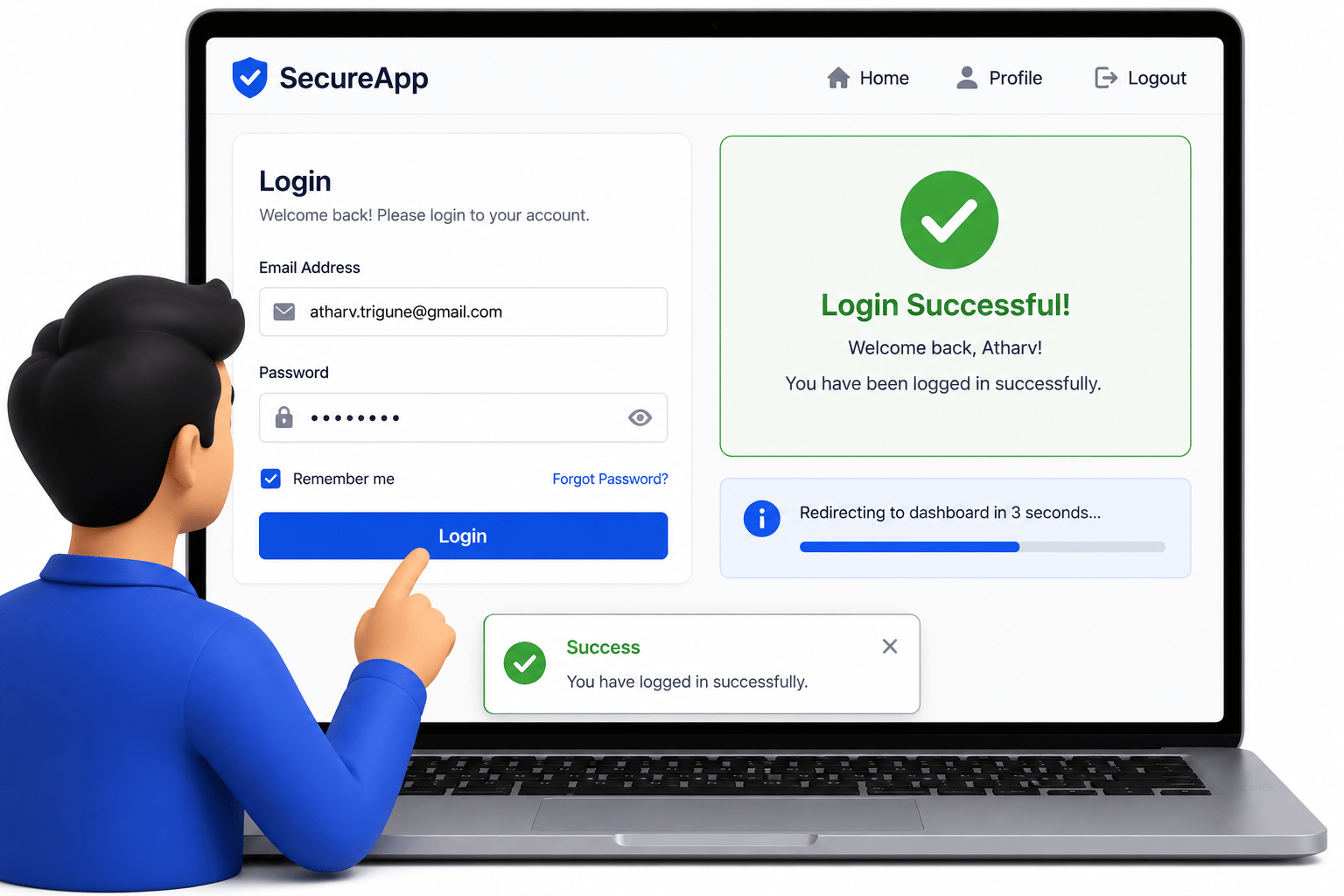
Login into applications
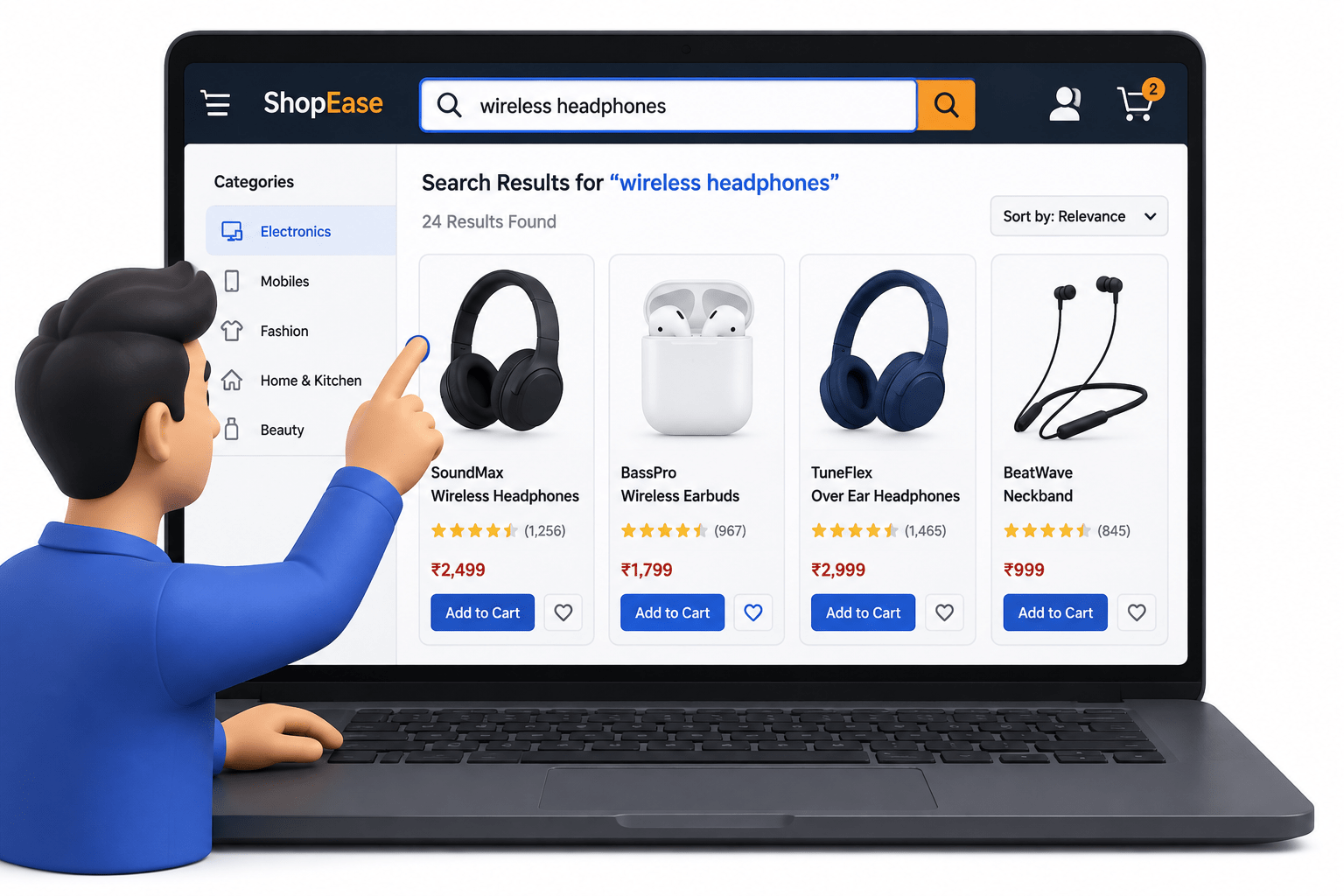
Search products
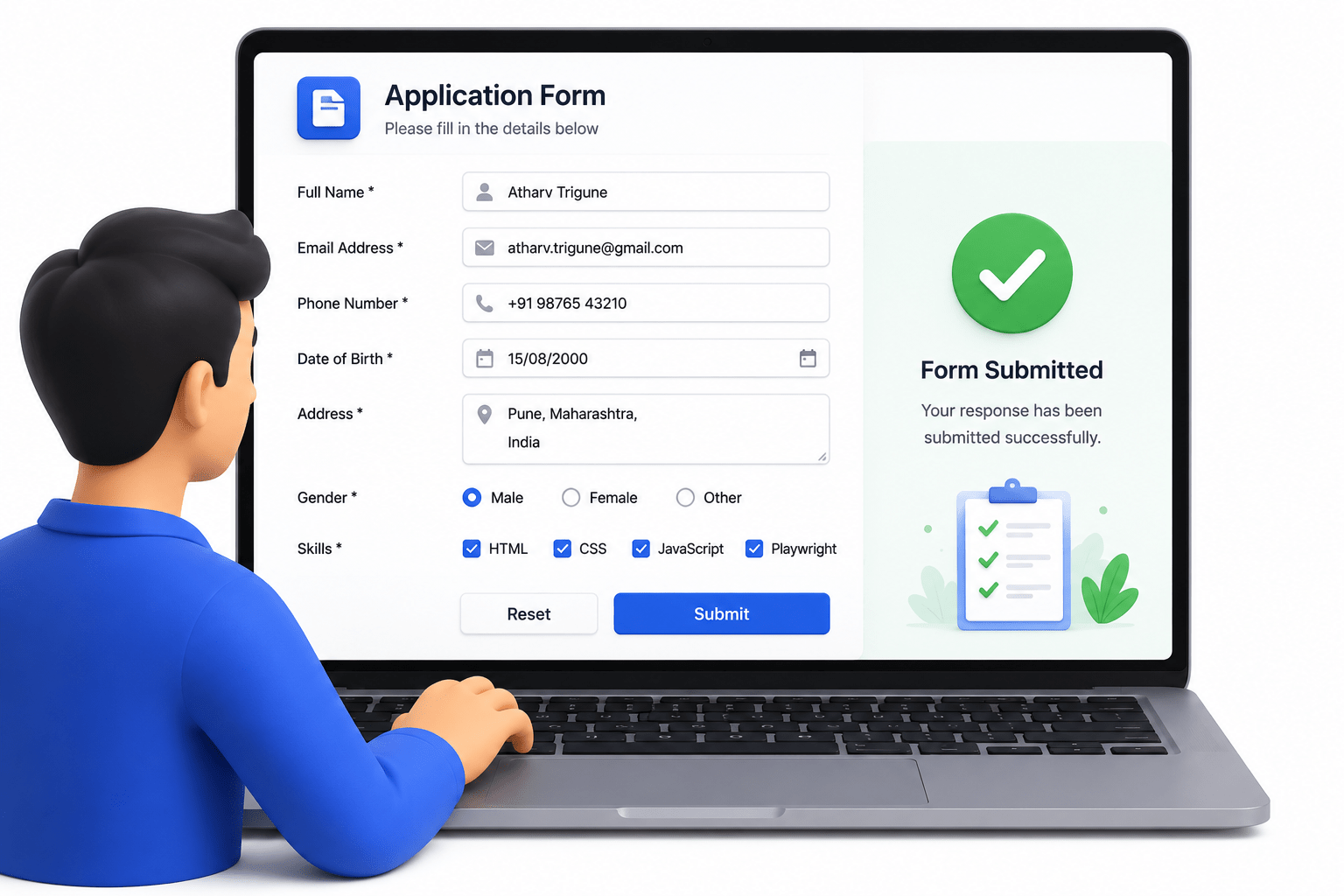
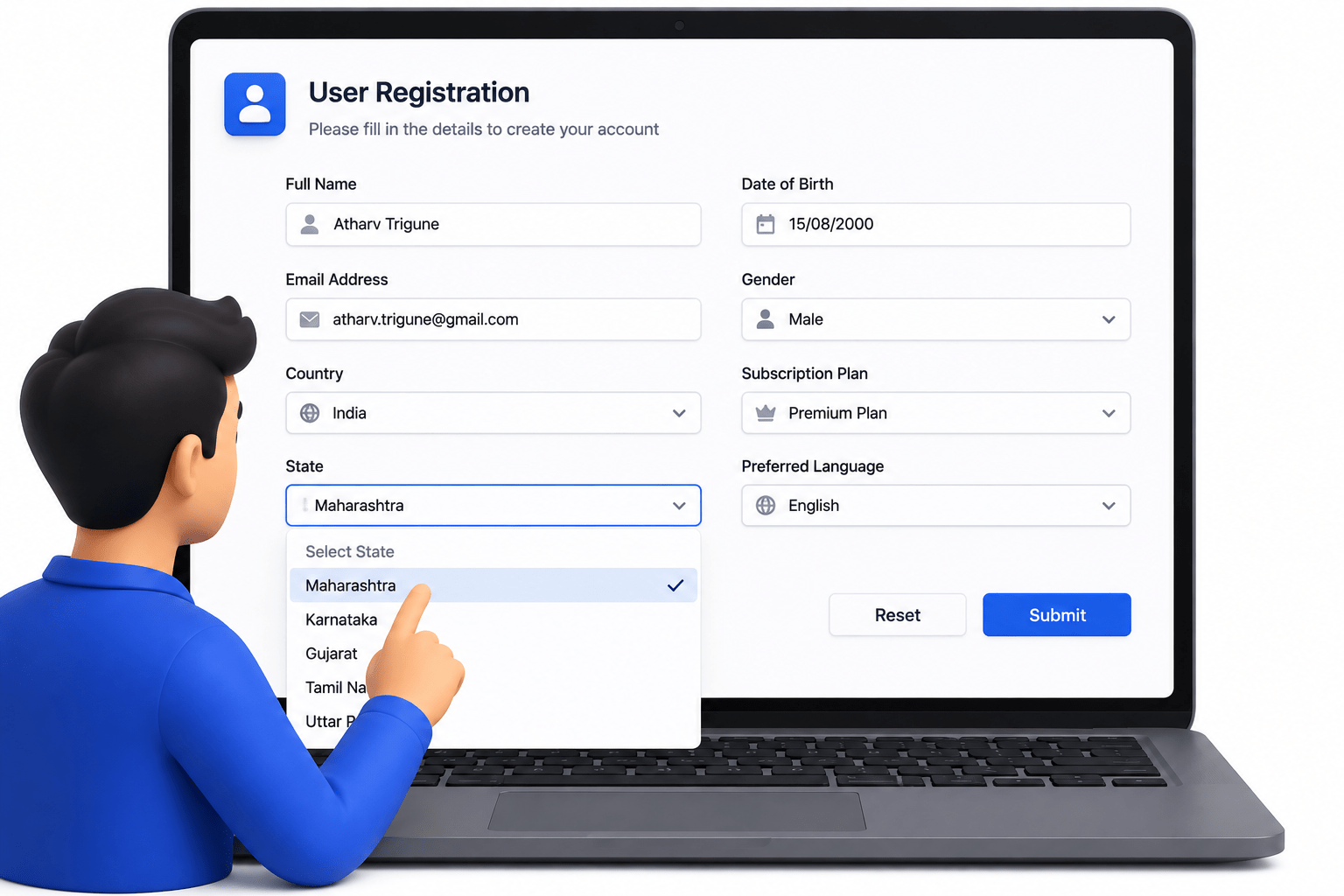
Submit forms
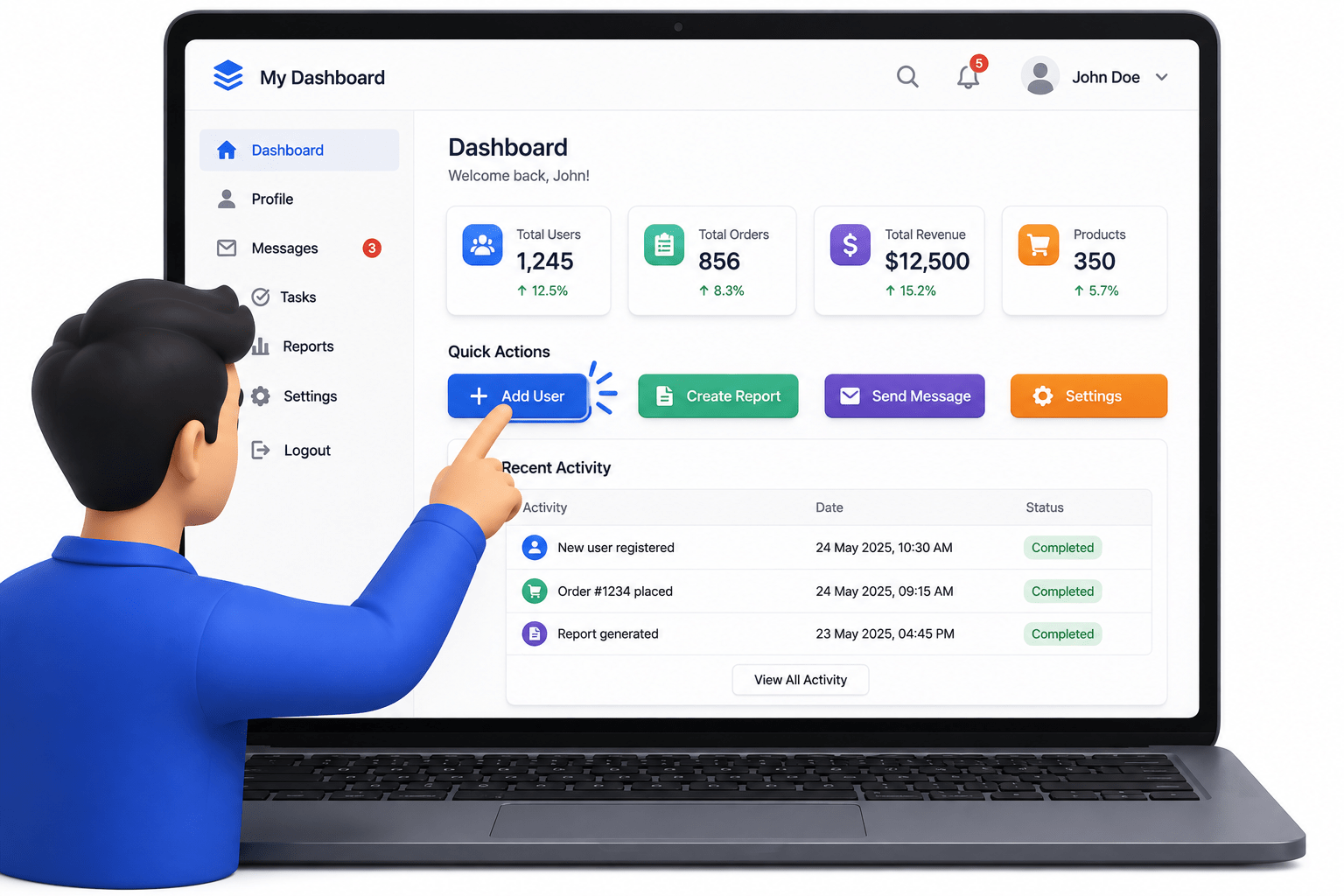
Click buttons
Select dropdown values
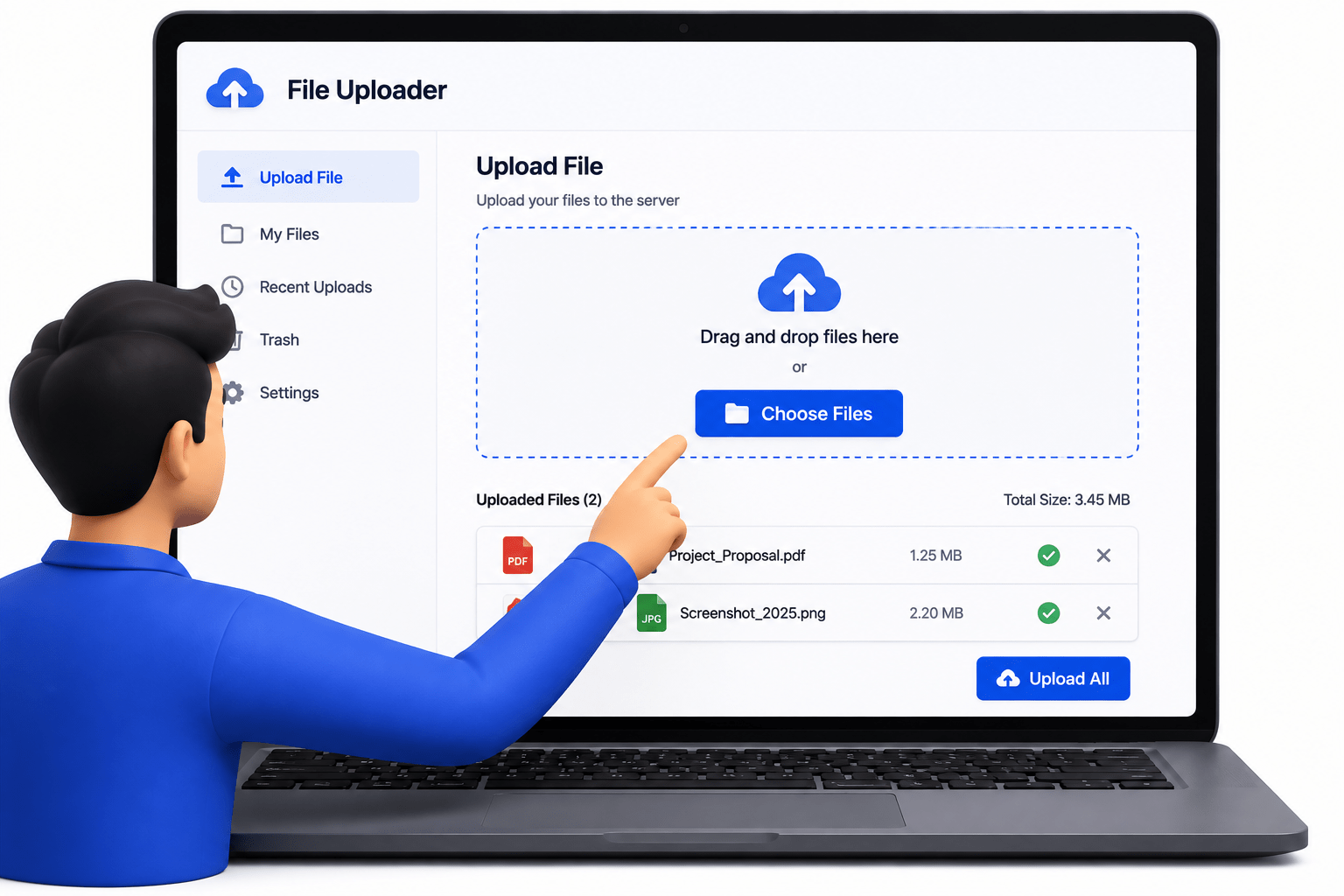
Upload files
Validate messages
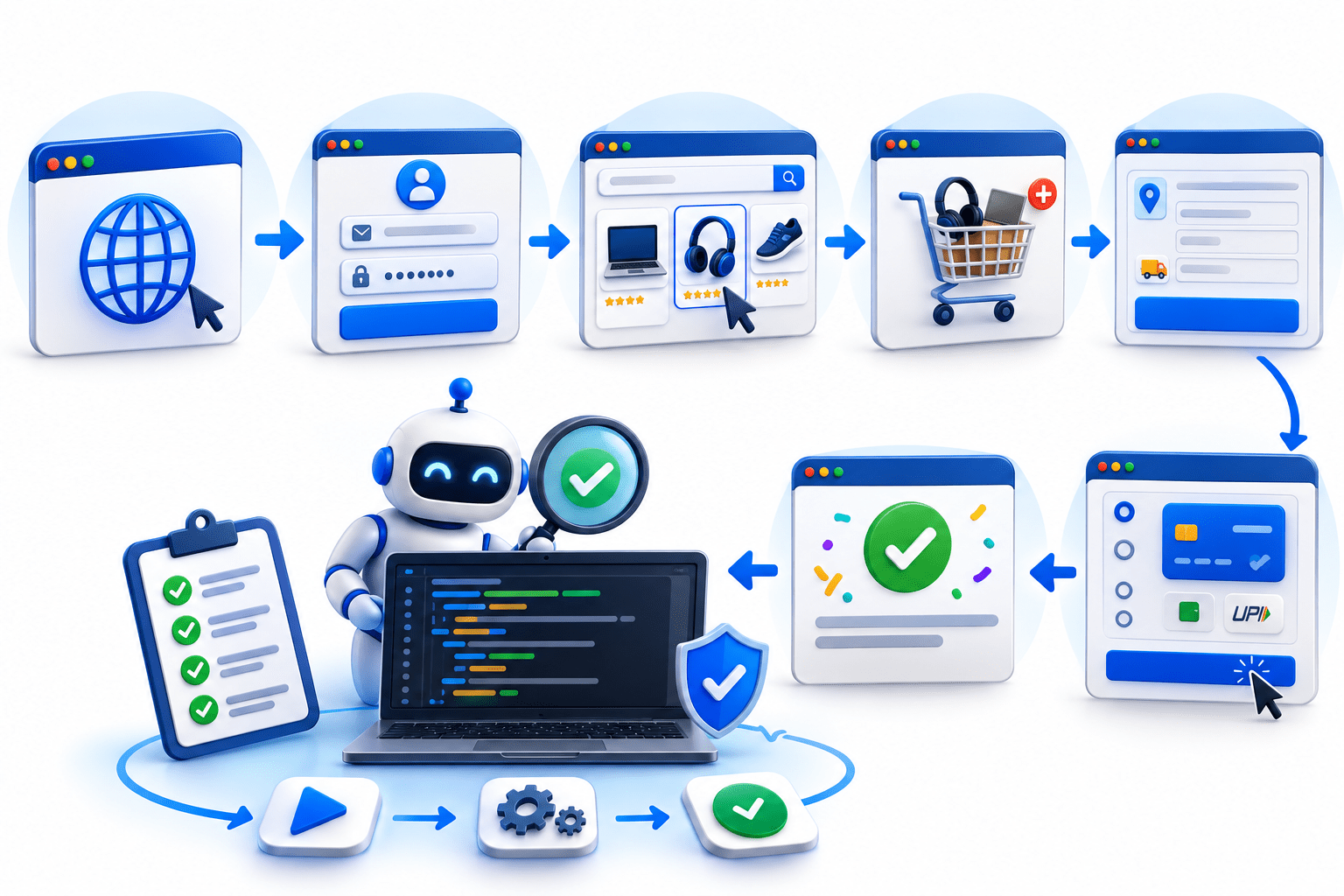
Perform end-to-end automation
Summary
5
getByRole() is generally the recommended locator strategy
4
Playwright supports Auto-Wait with Locators.
3
Good Locators create stable automation
2
Every action starts with a Locator
1
Locators identify web elements.
Quiz
What is a Locator?
A. Browser
B. Web Page
C. Object used to find web elements
D. Test Script

Quiz-Answer
What is a Locator?
A. Browser
B. Web Page
C. Object used to find web elements
D. Test Script
