Building & Deploying with CLI


Angular Deployment: Production Builds and Hosting Strategies

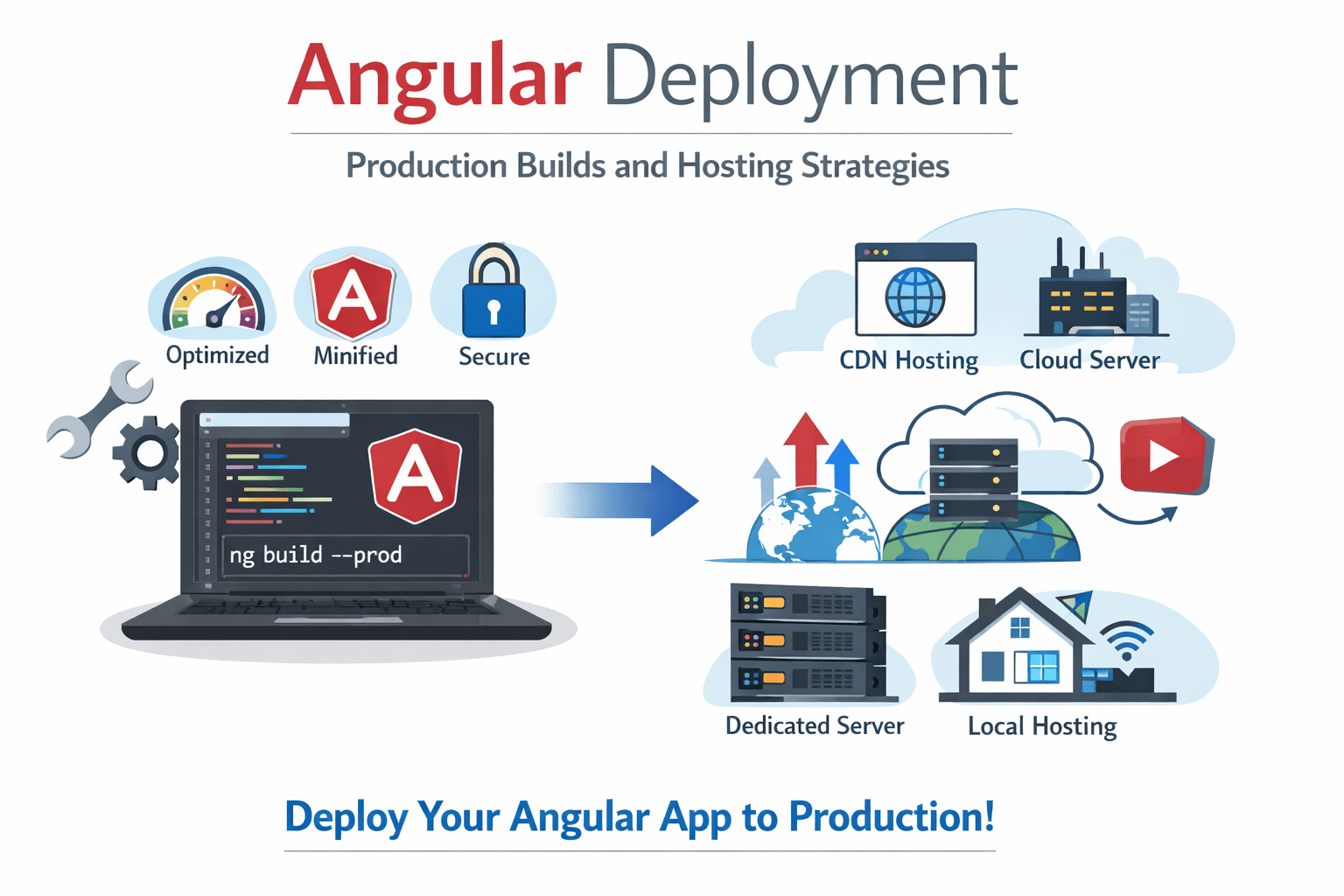

Learning Outcome
5
Understand basic CI/CD flow
4
Deploy apps on GitHub Pages & Netlify
3
Learn deployment strategies
2
Create optimized builds using Angular CLI
1
Understand production build process
Analogy
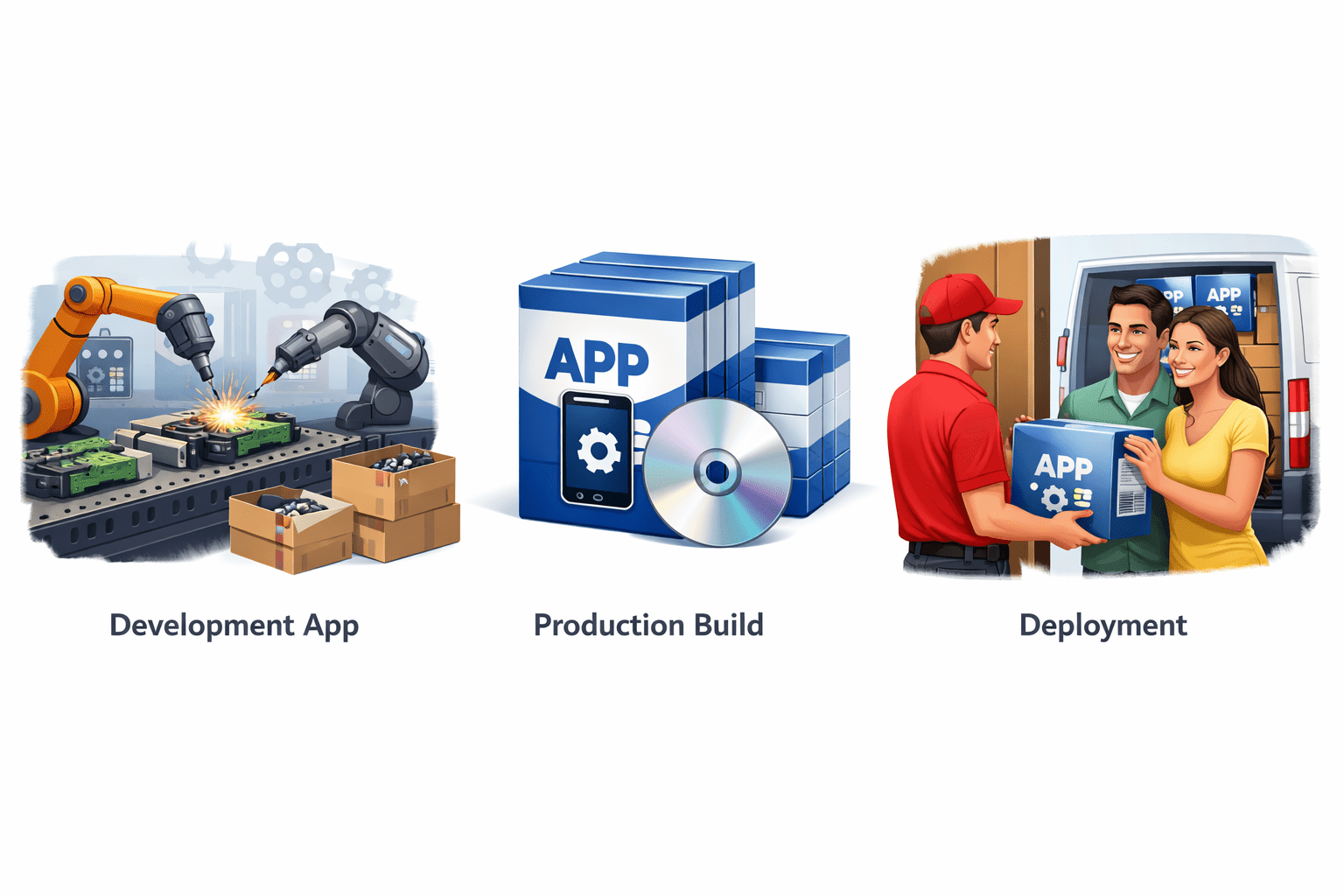
Development app = Raw product in factory
Production build = Finished packaged product
Deployment = Delivering product to customers
Think of :

Analogy
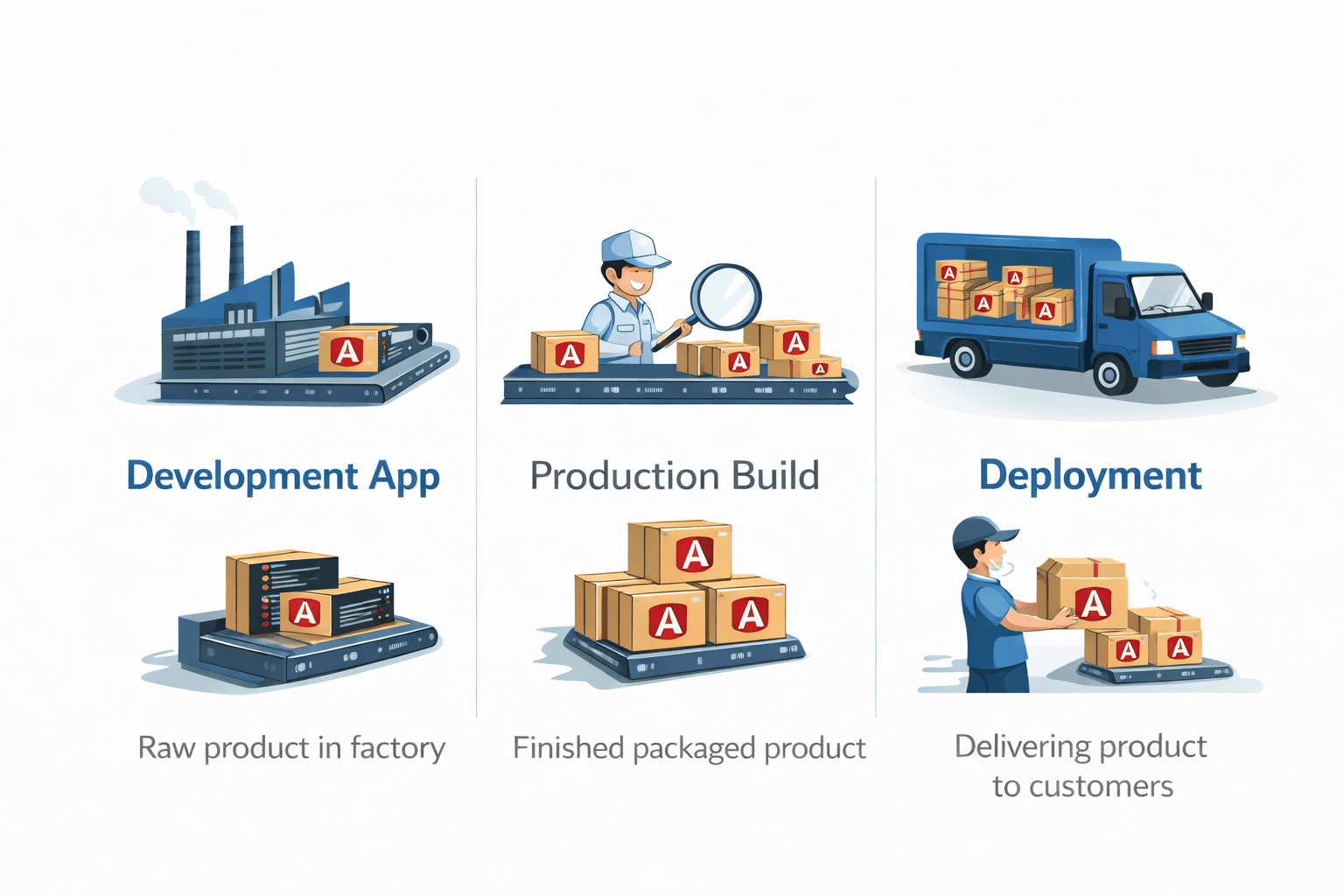
Build → Packaging
Optimization → Quality check
Deployment → Delivery
Mapping :

Why Deployment & Production Build
During development :
Problems :
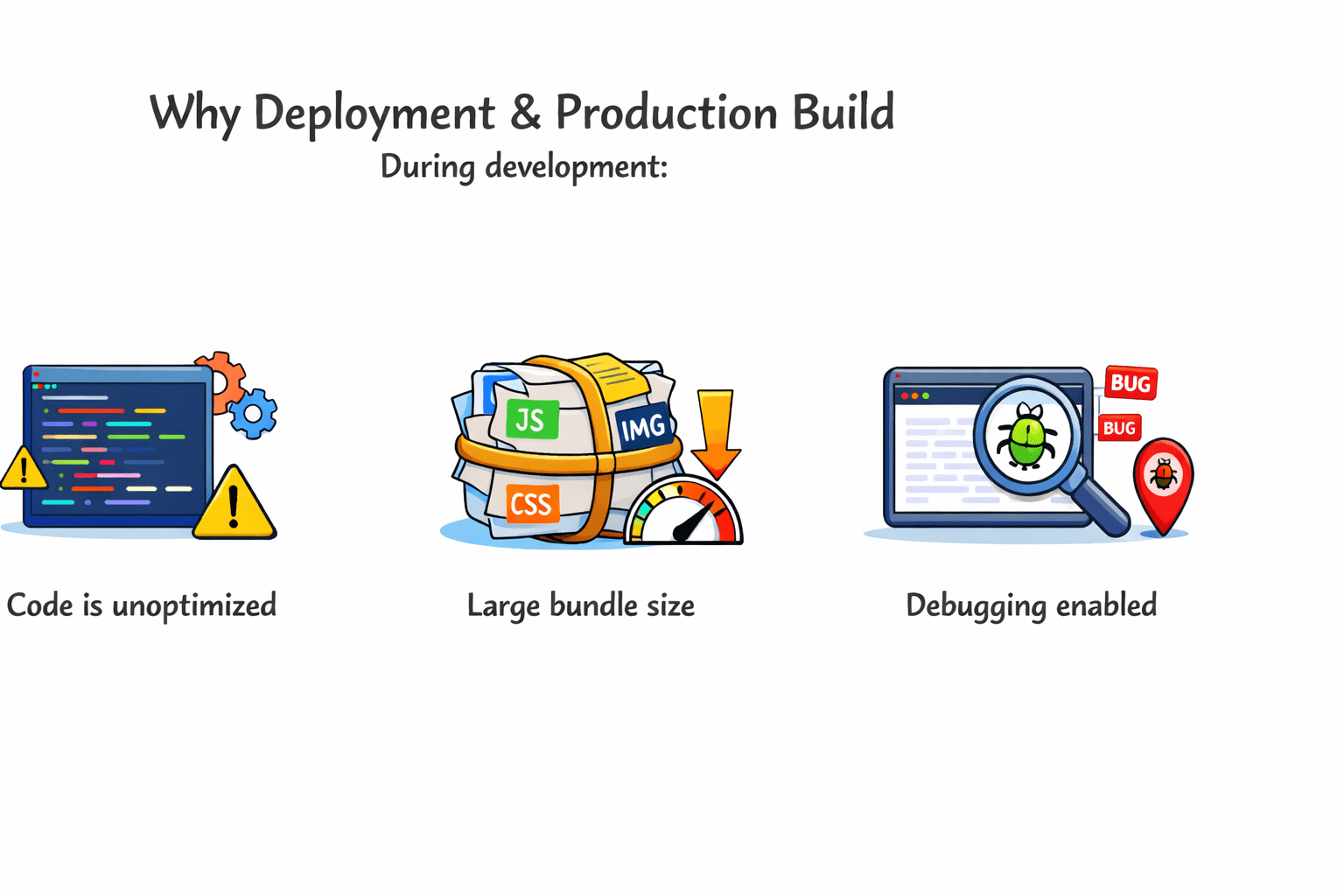
Code is unoptimized
Large bundle size
Debugging enabled
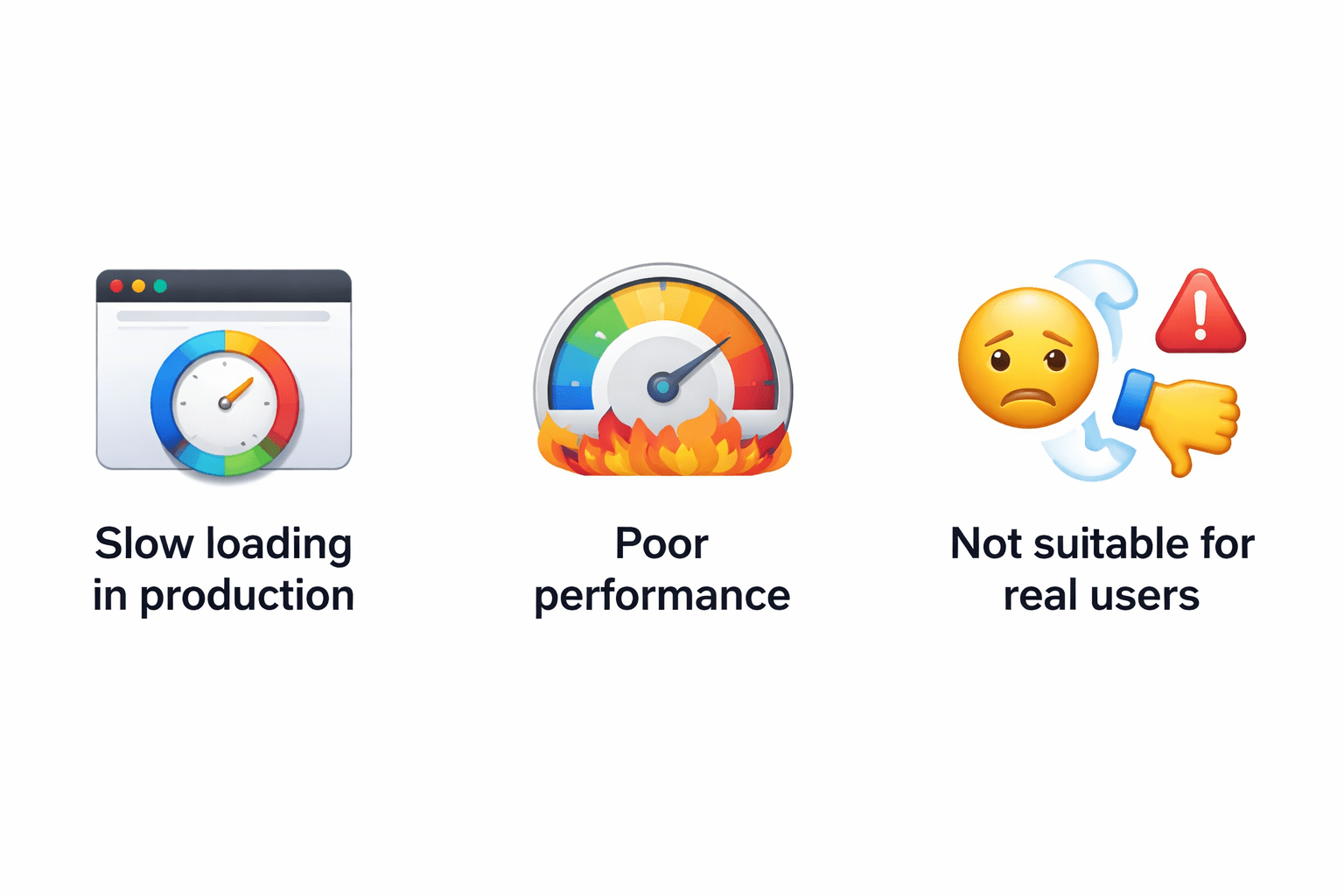
Slow loading in production
Poor performance
Not suitable for real users

Solution :
Production Build :
Deployment :
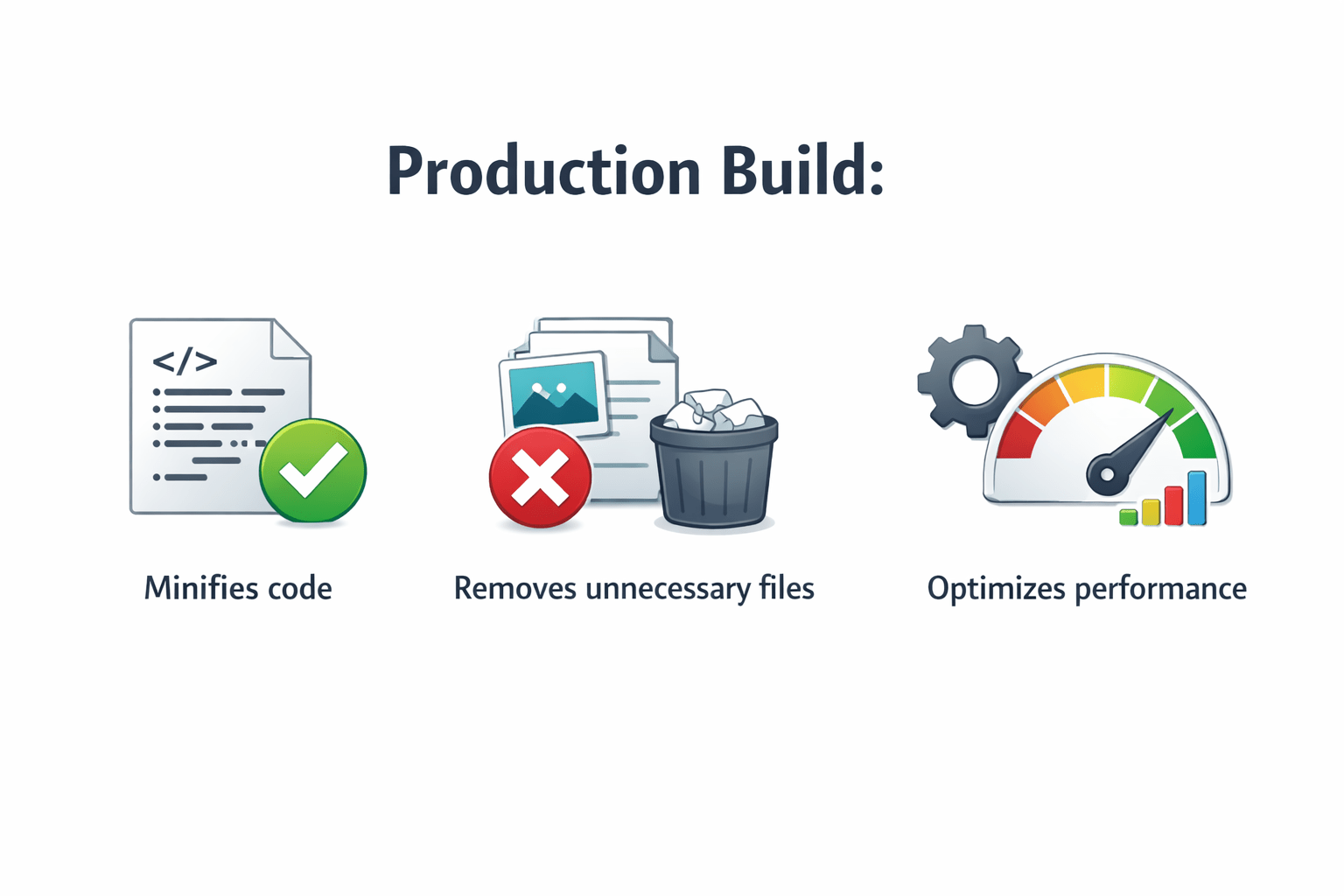
Minifies code
Removes unnecessary files
Optimizes performance
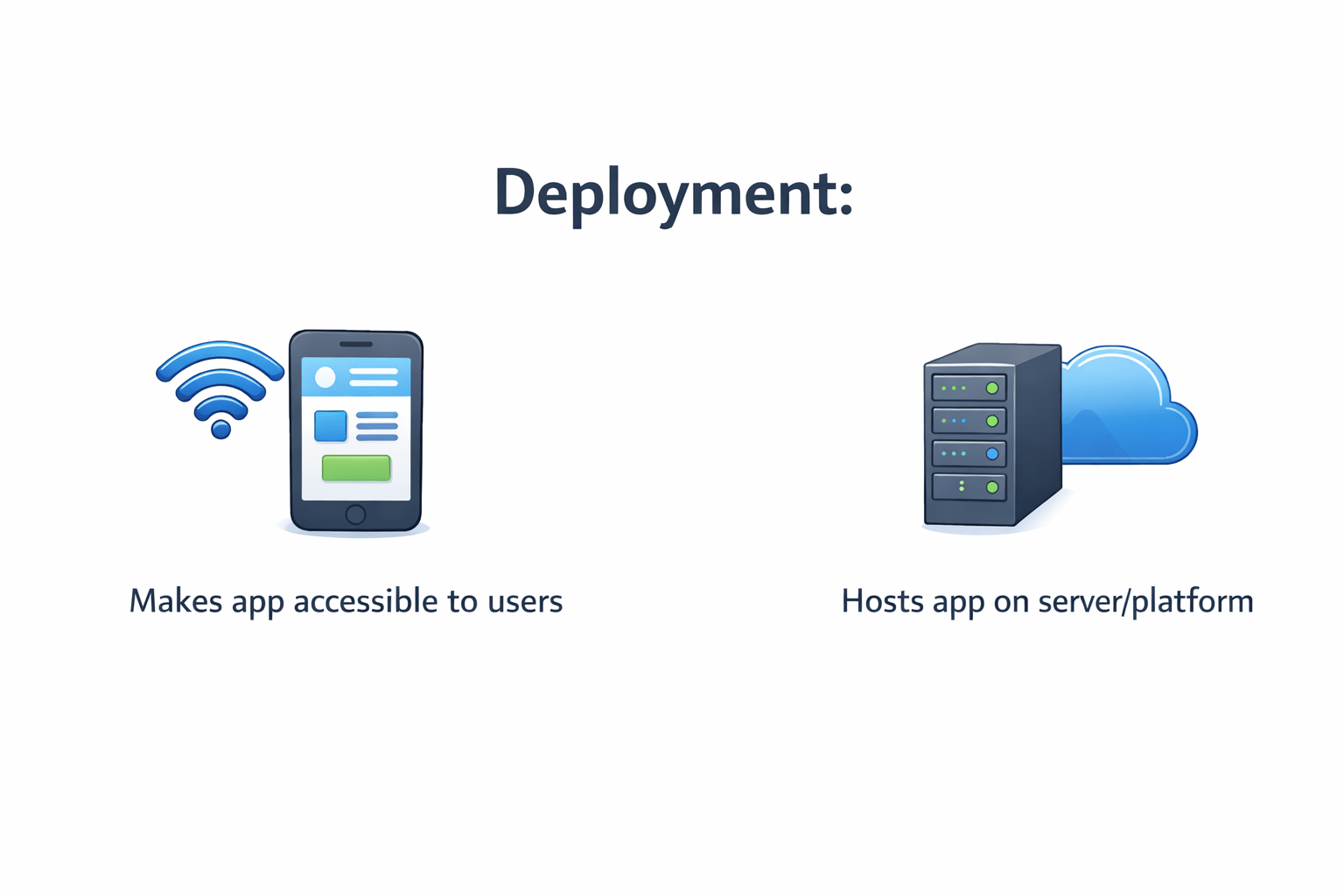
Makes app accessible to users
Hosts app on server/platform
Creating Production Build
Basic command
ng buildWhat Angular Does:
-
Minification
-
Tree shaking (removes unused code)
-
Ahead-of-Time (AOT) compilation
-
Bundling files
Production build
ng build --configuration=productionOutput:
- Files generated in dist/your-app-name/
Build Configuration Overview
Angular supports multiple environments:
-
development
-
production
Config file:
angular.json
Example
"configurations": {
  "production": {
    "optimization": true,
    "outputHashing": "all"
  }
}
Benefits:
-
Environment-specific settings
-
Better control over builds
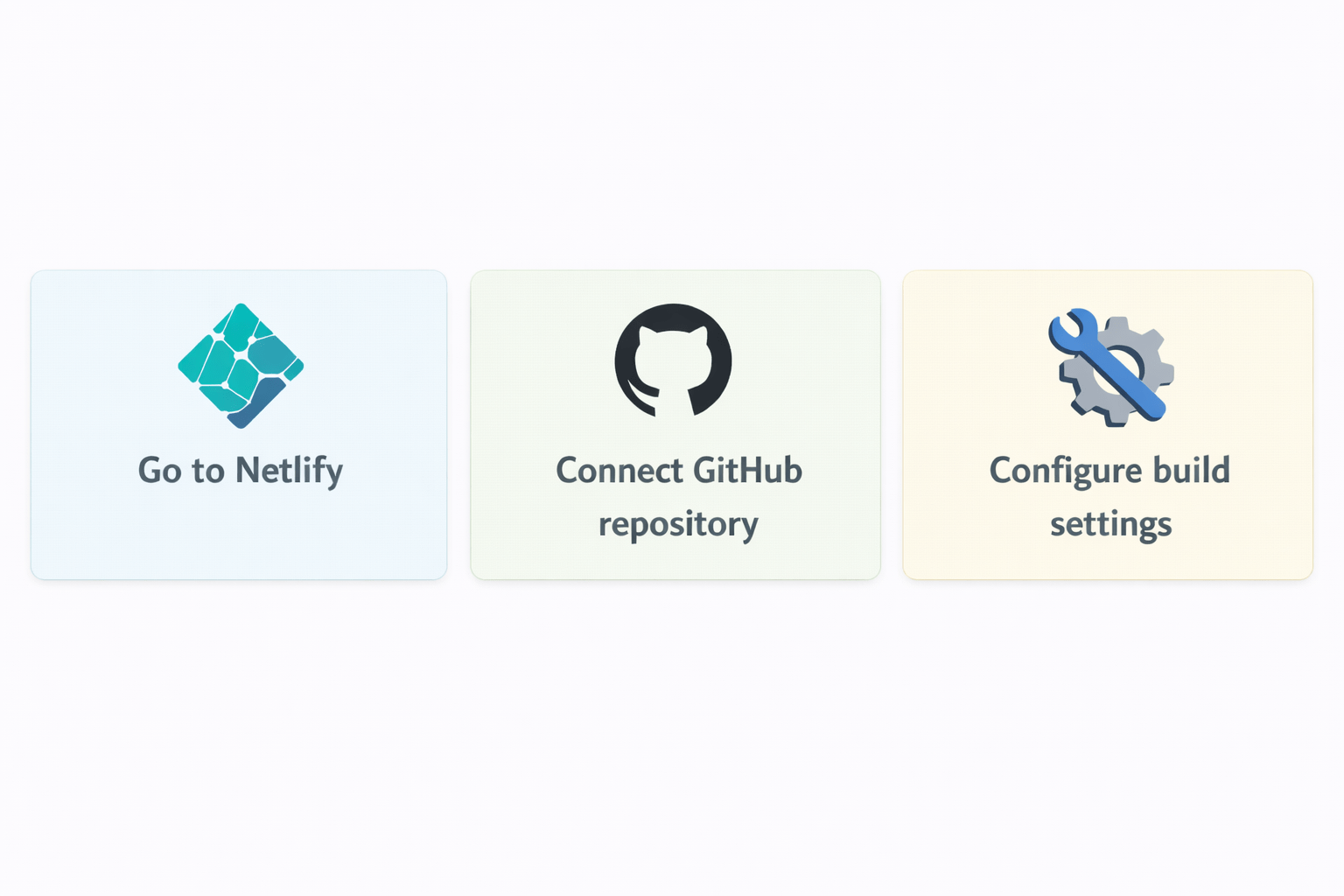
Netlify Continuous Deployment
Steps :
Build command:
ng build --configuration=productionPublish directory :
dist/my-appBenefit:
-
Auto deploy on every push
-
No manual work
Deployment Best Practices
Always use production build
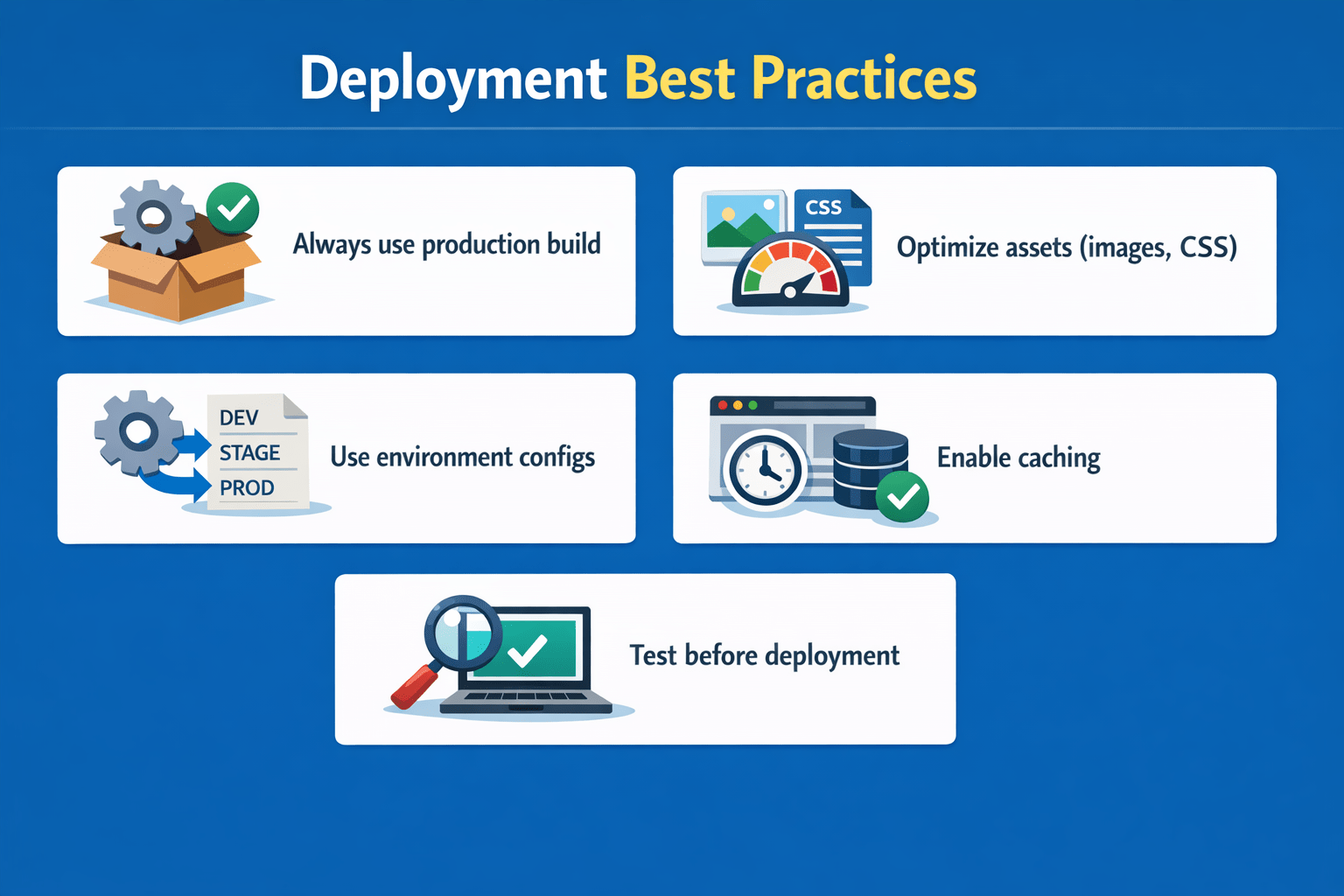
Optimize assets (images, CSS)
Test before deployment
Enable caching
Use environment configs
Common Issues & Fixes
Issue: Routing not working
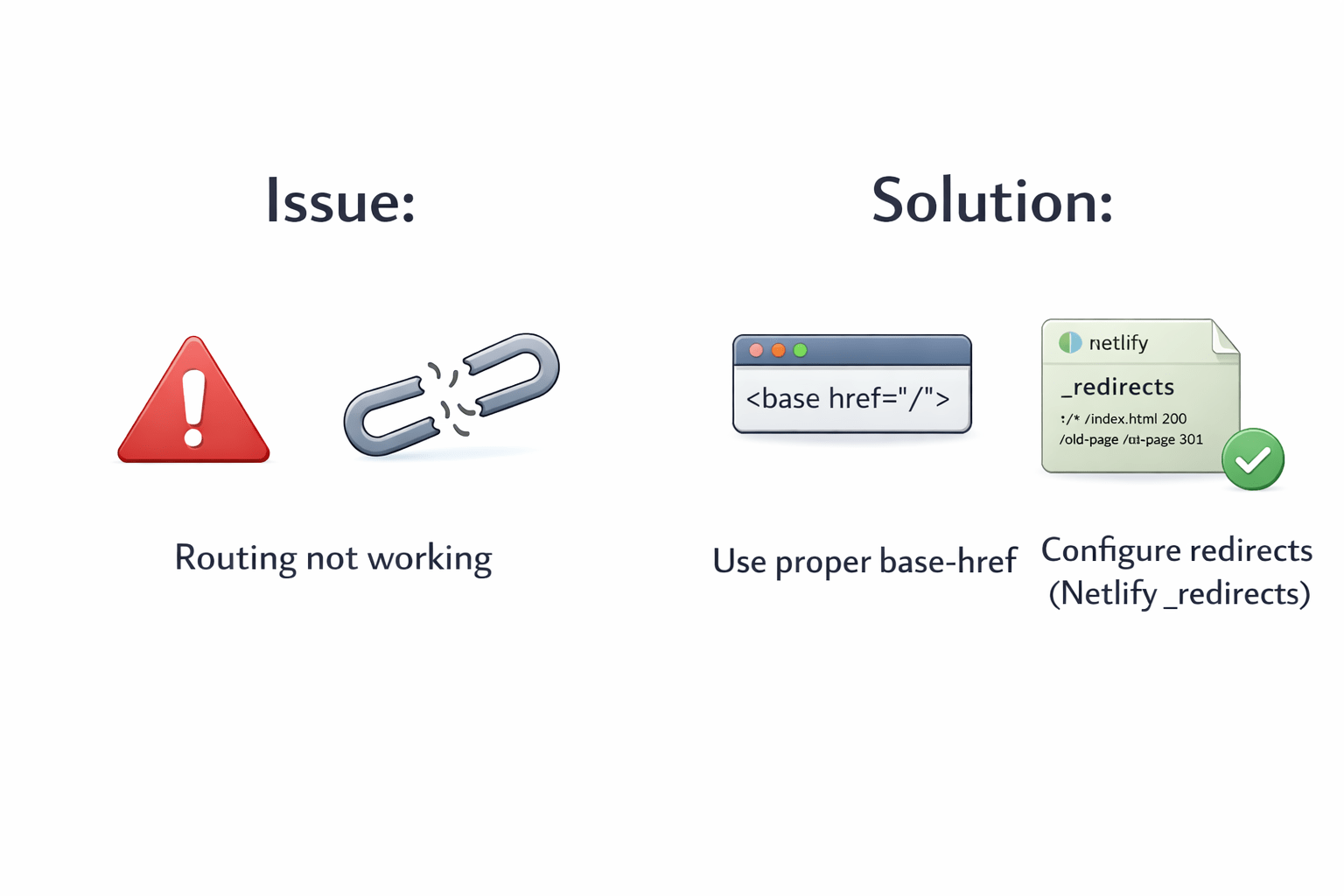
Solution:
-
Use proper base-href
-
Configure redirects (Netlify _redirects)
Example
/* /index.html 200Summary
5
Deployment makes app accessible globally
4
CI/CD automates deployment
3
GitHub Pages & Netlify enable easy deployment
2
Angular CLI simplifies build process
1
Production build improves performance
Quiz
Production build command is:
A. ng serve
B. ng start
C. ng build --configuration=production
D. ng run

Quiz-Answer
Production build command is:
A. ng serve
B. ng start
C. ng build --configuration=production
D. ng run
