Introduction to EKS


Configuring AWS EKS & ECR Integration

Learning Outcome
5
Understand Amazon ECR
4
Deploy applications on AWS Fargate
3
Configure and create an EKS cluster
2
Identify key benefits of EKS
1
Understand what Amazon EKS is
Topic Name-Recall(Slide3)
Hook/Story/Analogy(Slide 4)
Transition from Analogy to Technical Concept(Slide 5)
What is EKS?
EKS is a fully managed Kubernetes service
provided by Amazon Web Services

It allows you to run Kubernetes without managing control plane infrastructure
AWS handles:
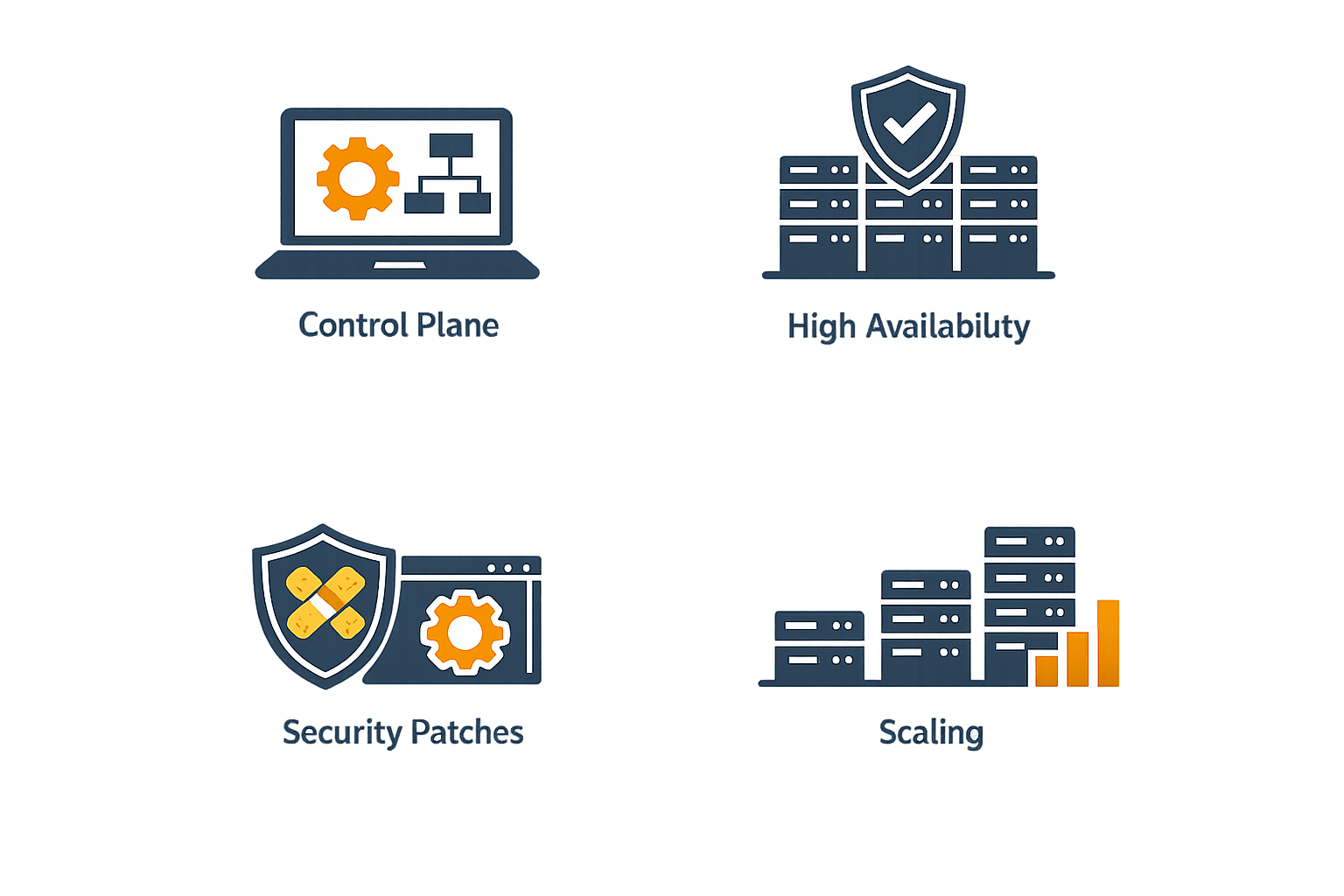
Control plane
Security patches
Scaling
High availability
Key Benefits of EKS
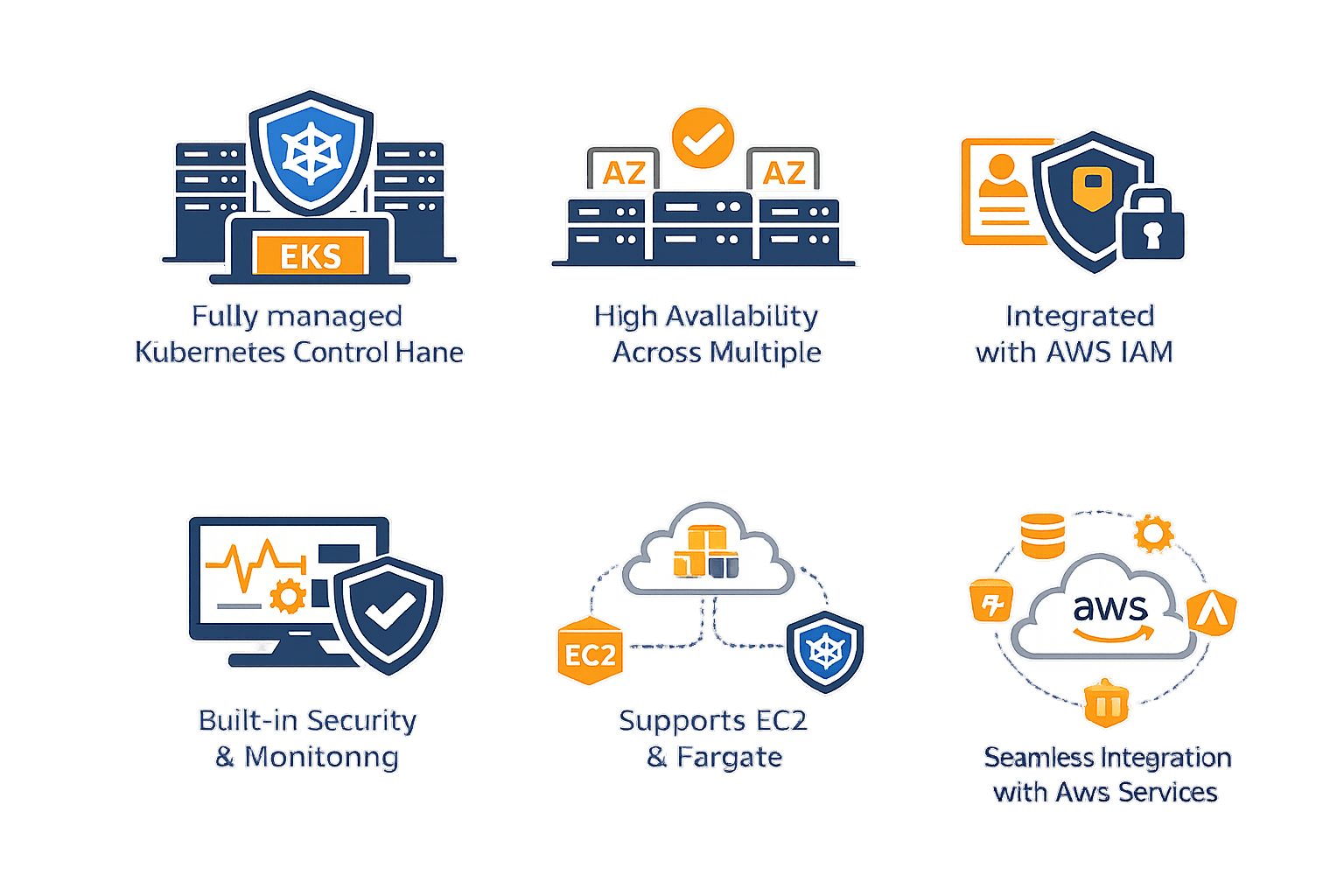
Fully managed Kubernetes control plane
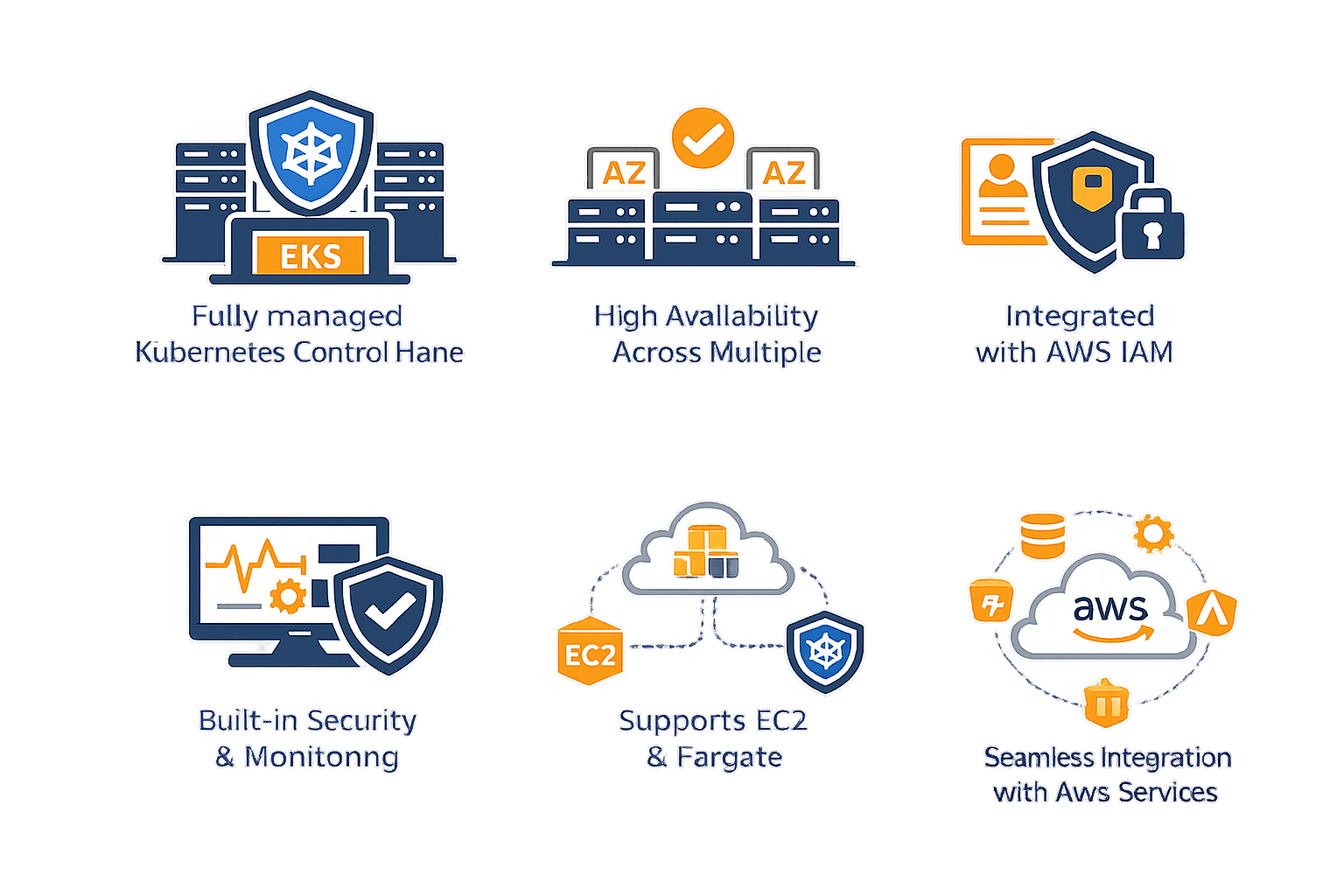
High availability across multiple AZs
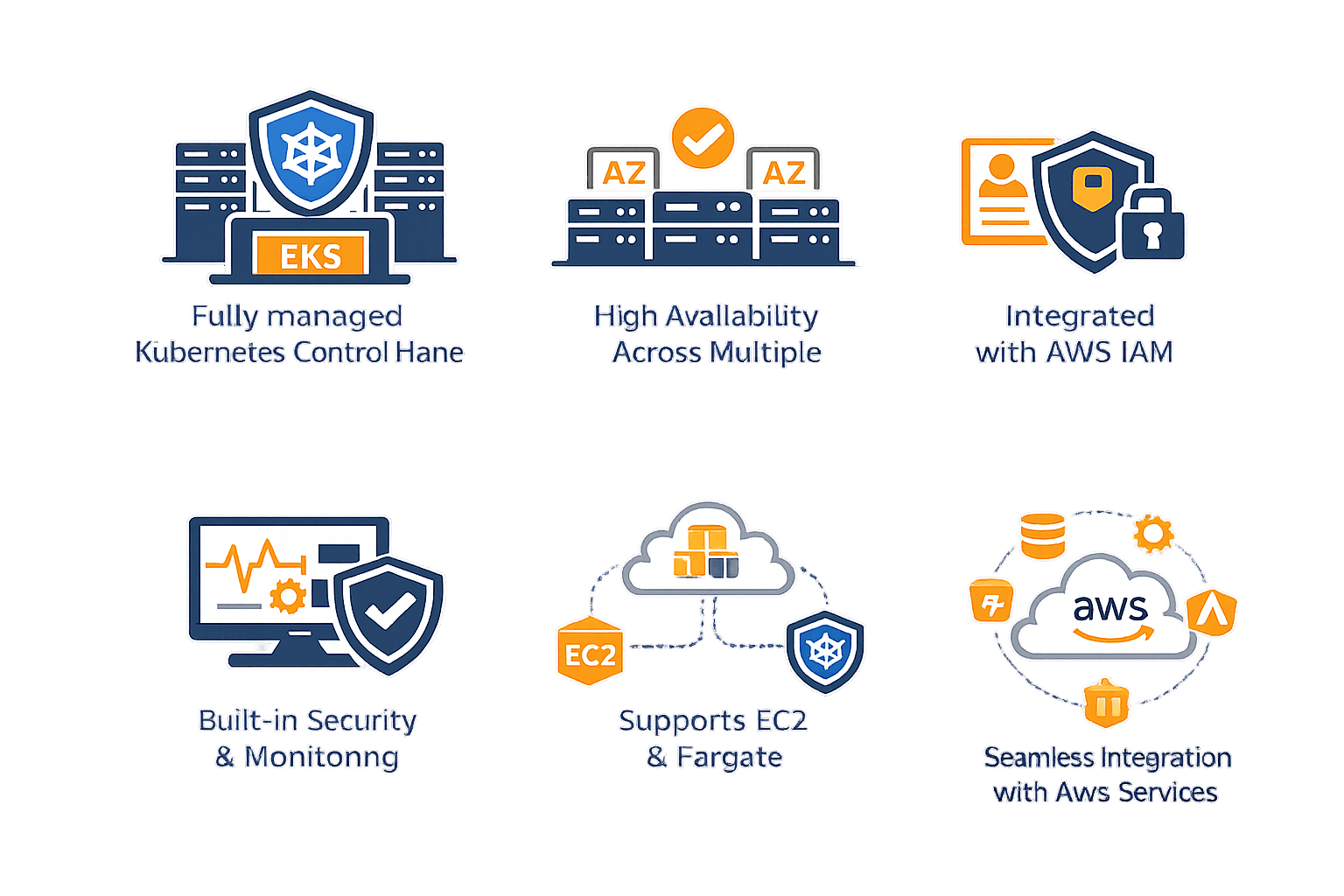
Integrated with AWS IAM
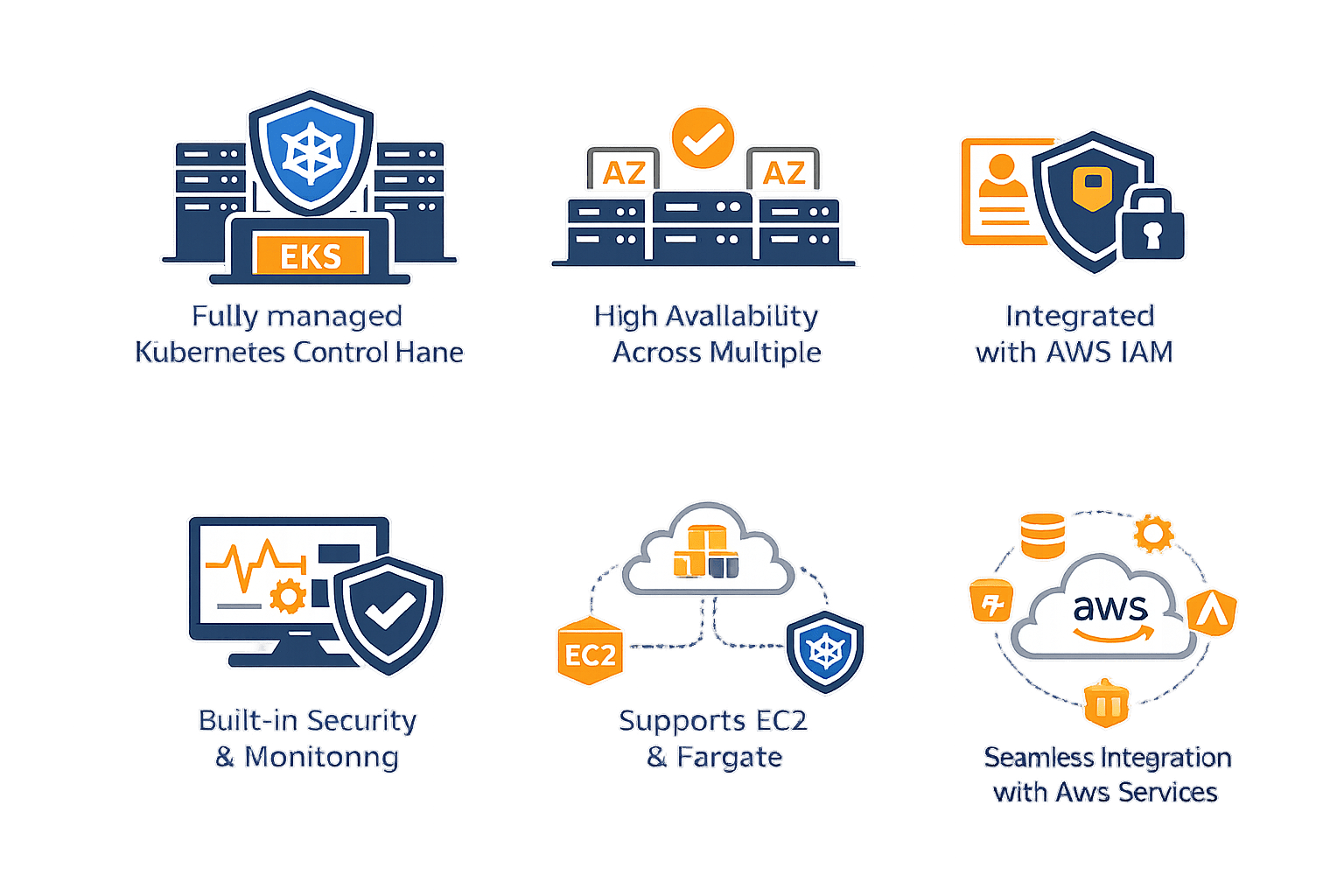
Built-in security & monitoring
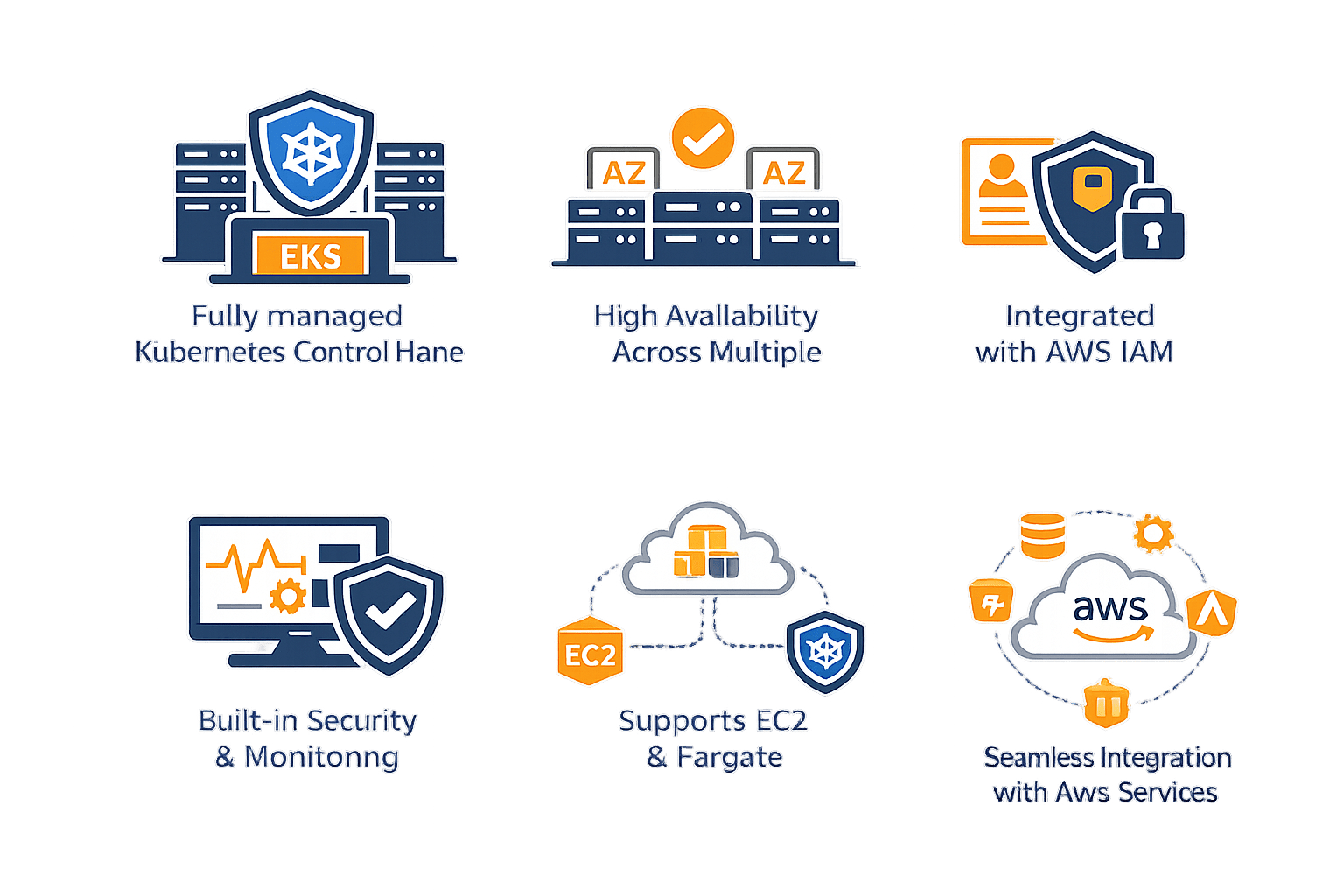
Supports EC2 & Fargate
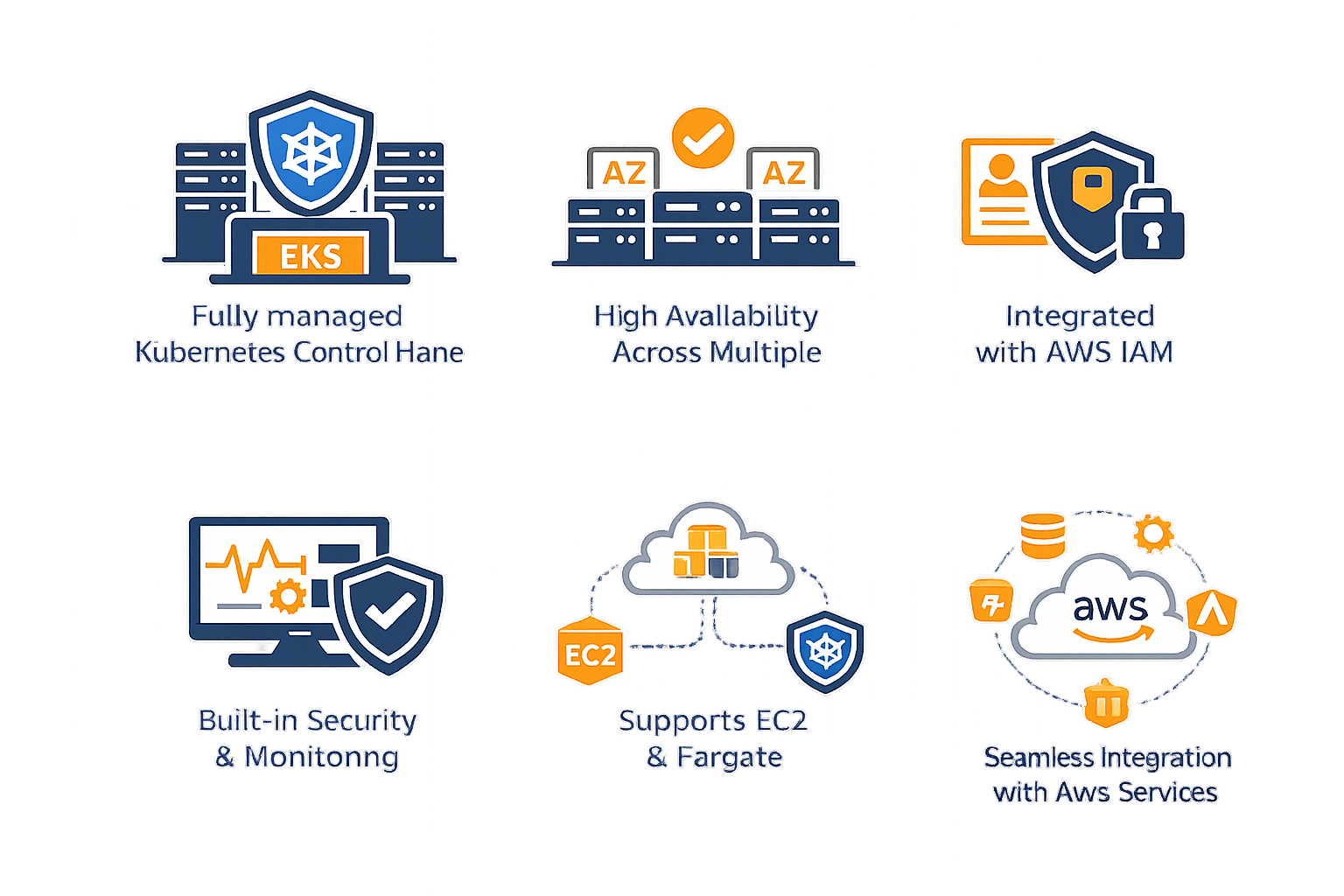
Seamless integration with AWS services
Why Use EKS?
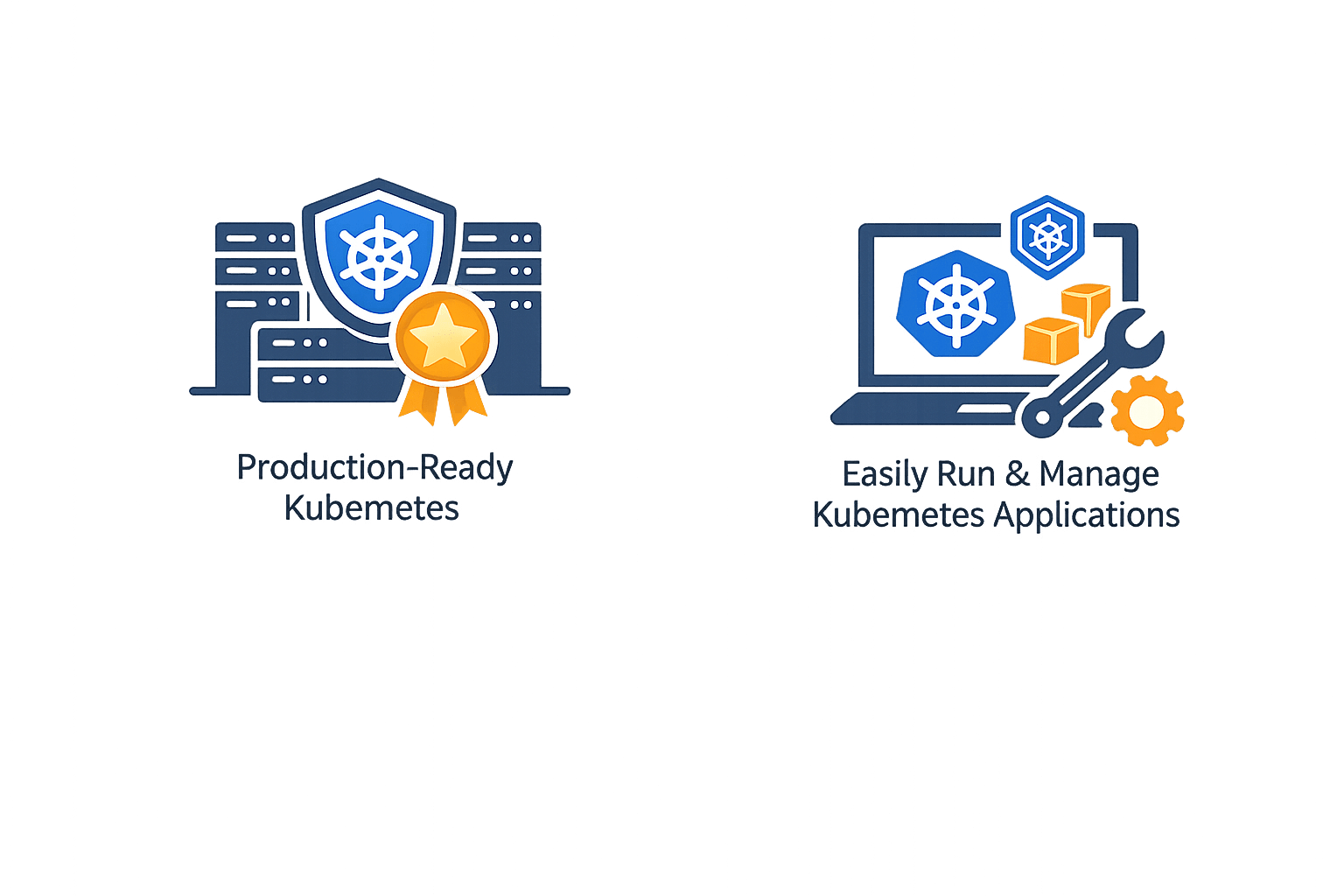
You want production-ready Kubernetes
Easily run and manage kubernetes application
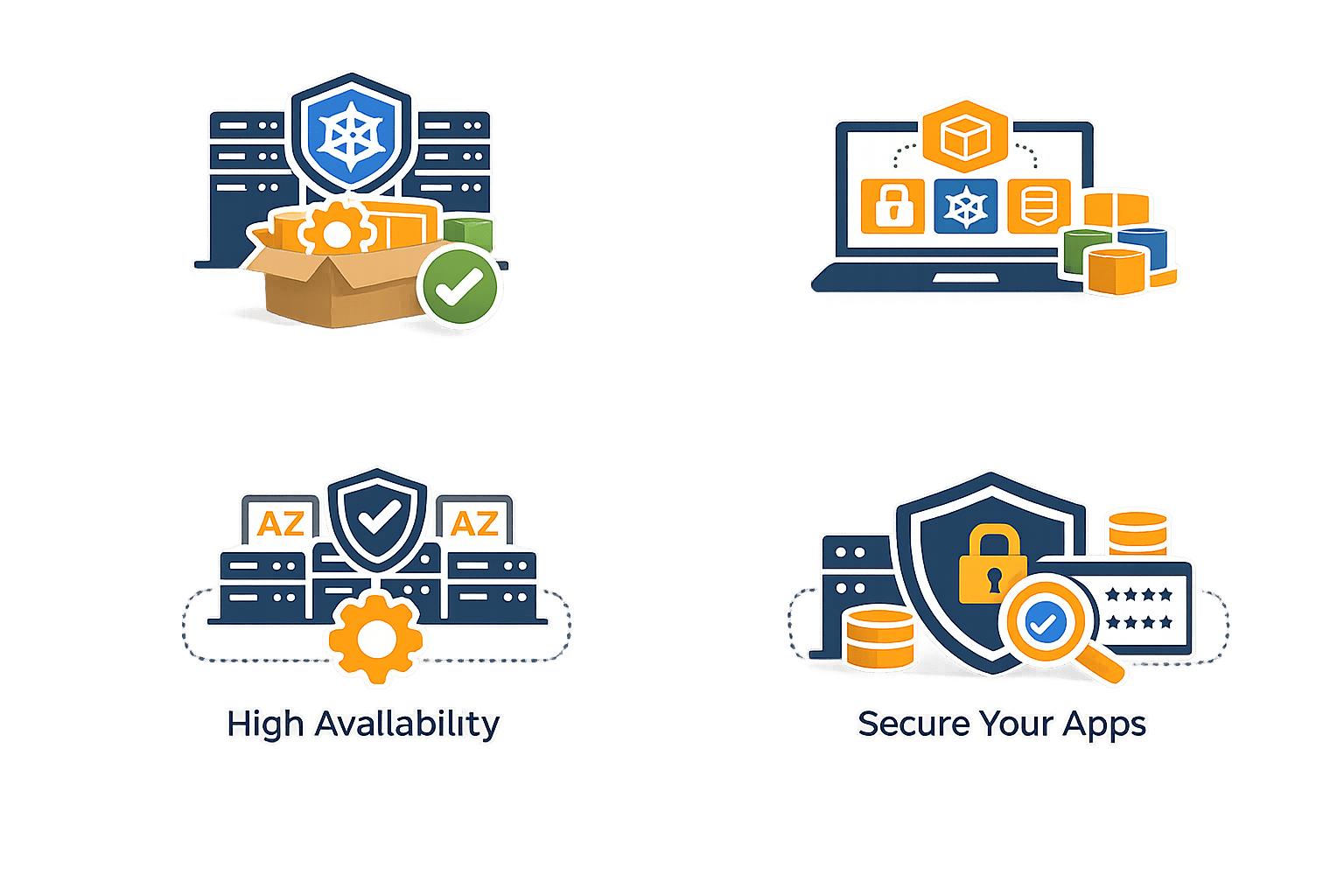
You need high availability & security
Ensure your applications are secure and reliable
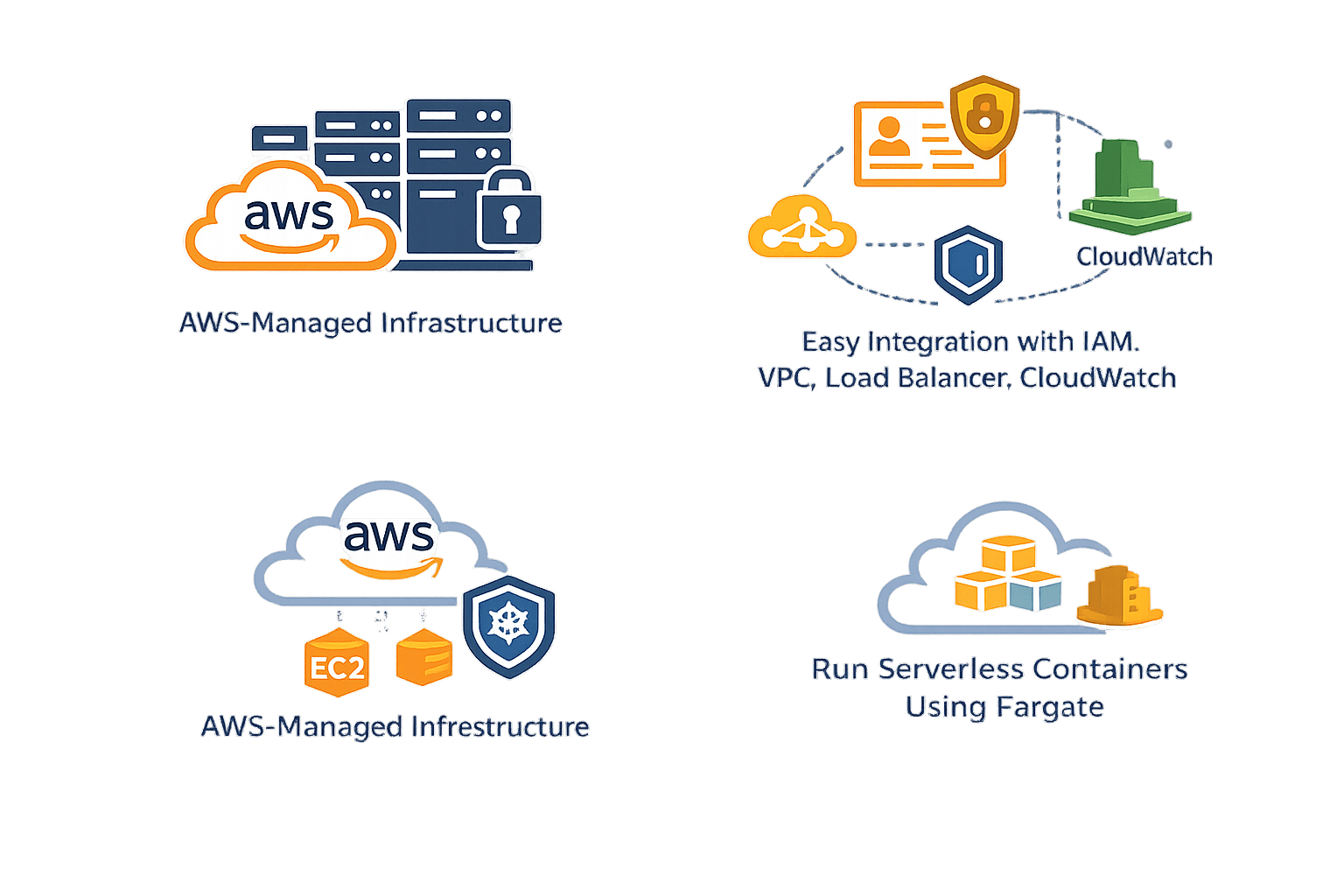
You want AWS-managed infrastructure
- Easy Integration with IAM, VPC, Load Balancer , CloudWatch
-
Run serverless container using Fargate
What is ECR?
Think of ECR as:
Docker Hub for AWS
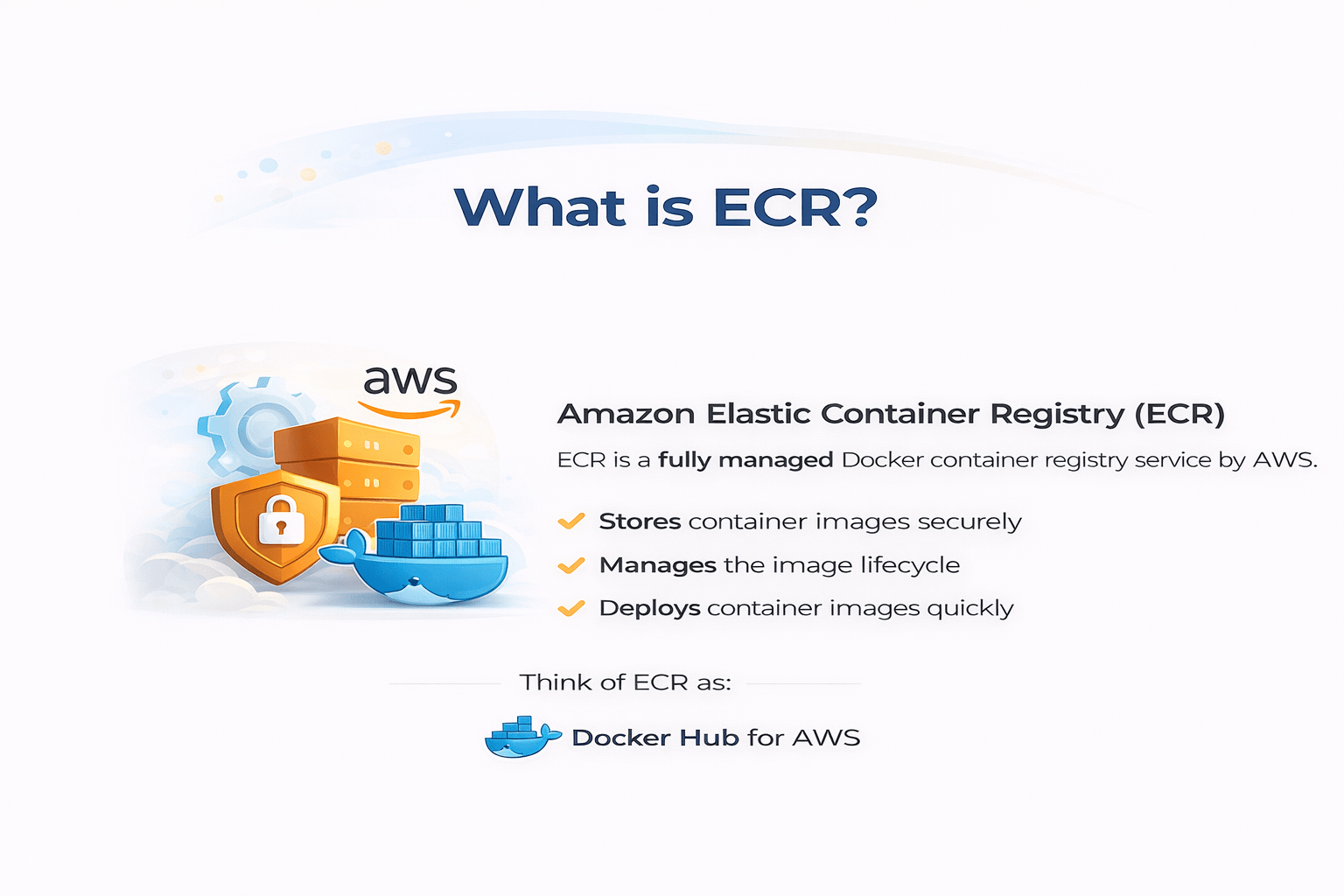

Amazon Elastic Container Registry (ECR)
ECR is a fully managed Docker container registry service by AWS
Stores container images securely
It:
Manages the image lifecycle
Deploys container images quickly
Difference Between EKS and ECR
Amazon Elastic Kubernetes Service
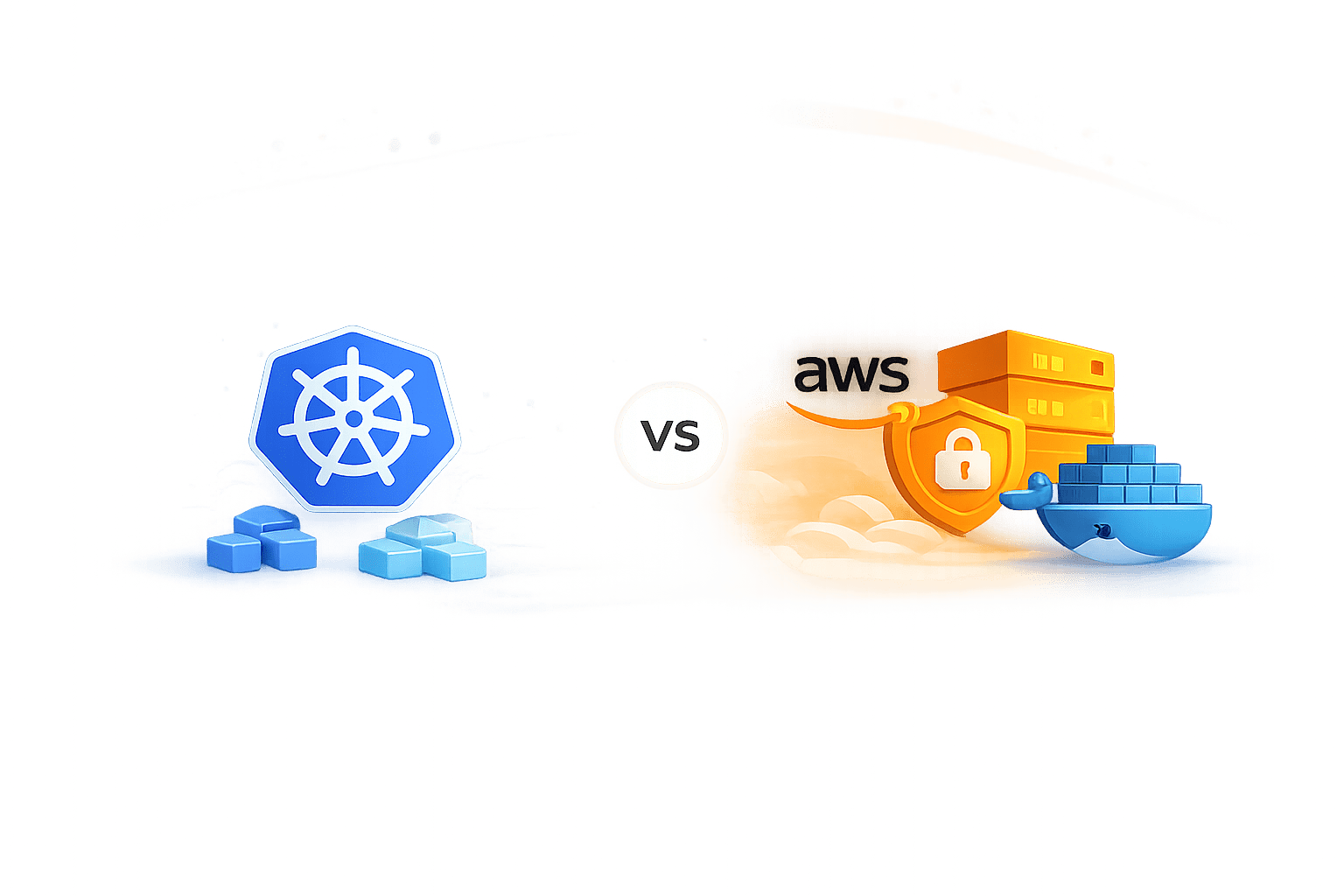
Runs Kubernetes clusters
Compute/Orchestration
Pods, Services, Deployments
Kubernetes Cluster
Running applications
EKS runs containers
Amazon Elastic Container Registry
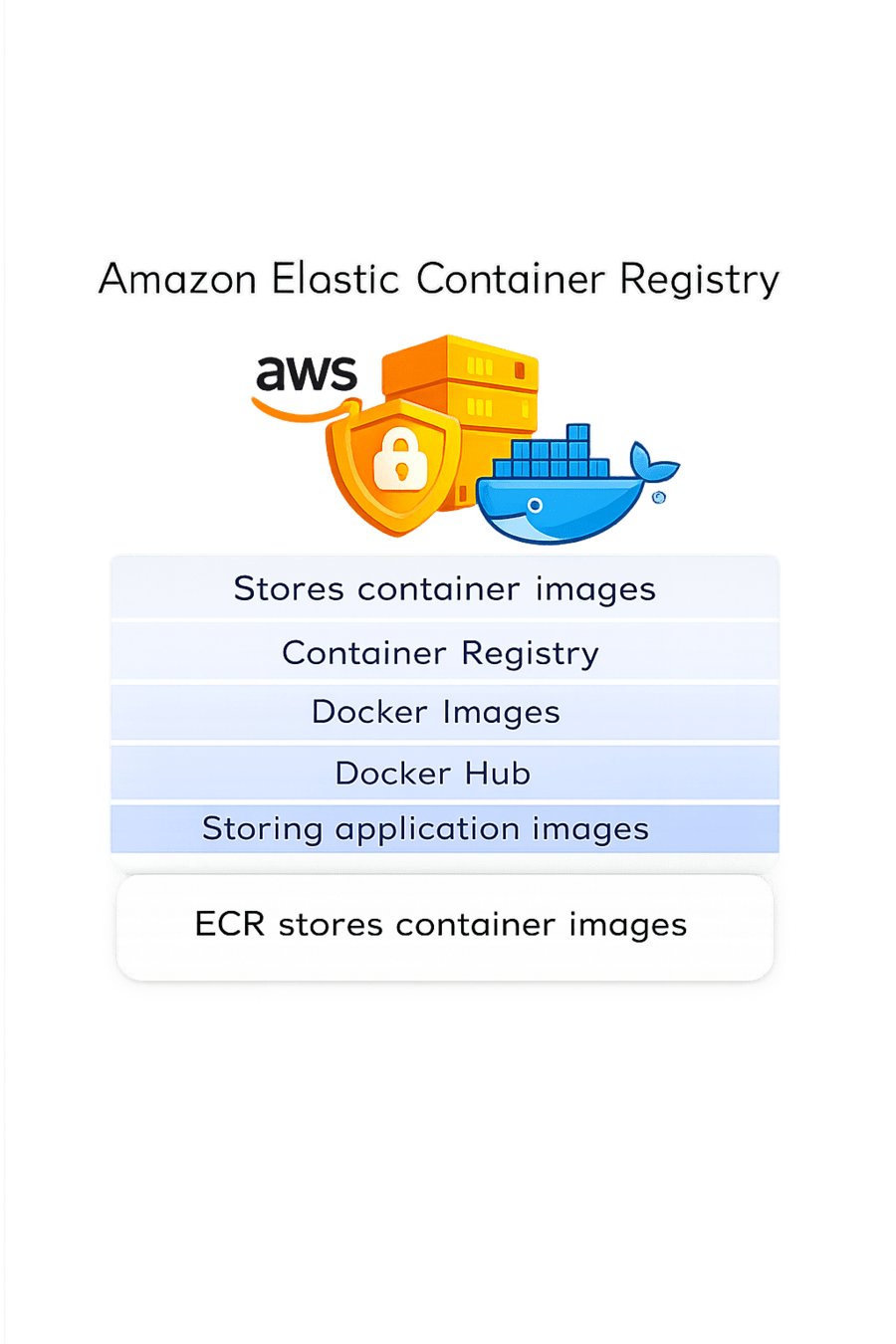
Stores container images
Container Registry
Docker Images
Docker Hub
Storing application images
ECR stores container images
Configure AWS EKS (Using AWS Console)
Step 1 – Login to AWS Console
Go to: https://aws.amazon.com/console/
Sign in to your AWS account.
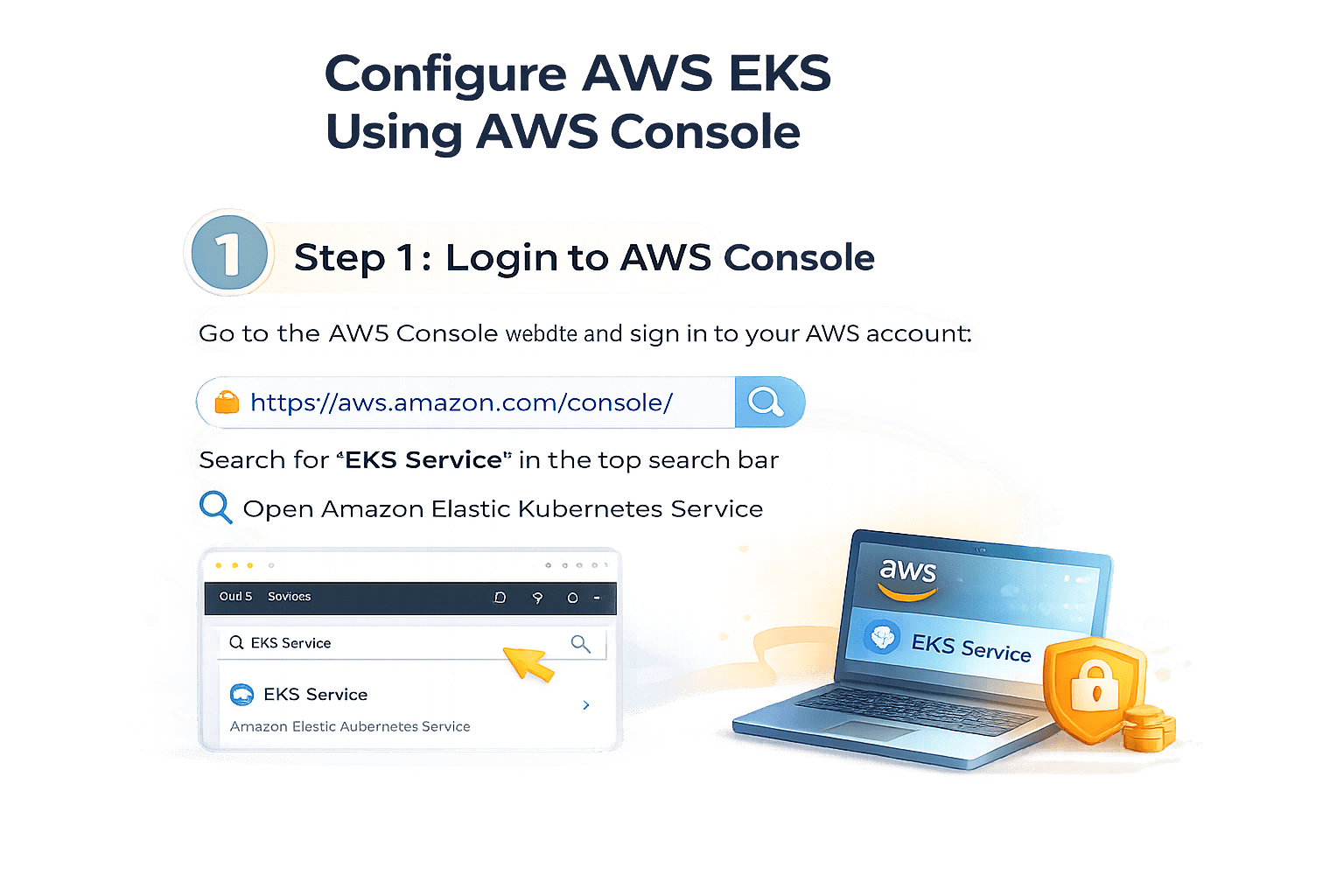

Search for EKS Service in the top search bar
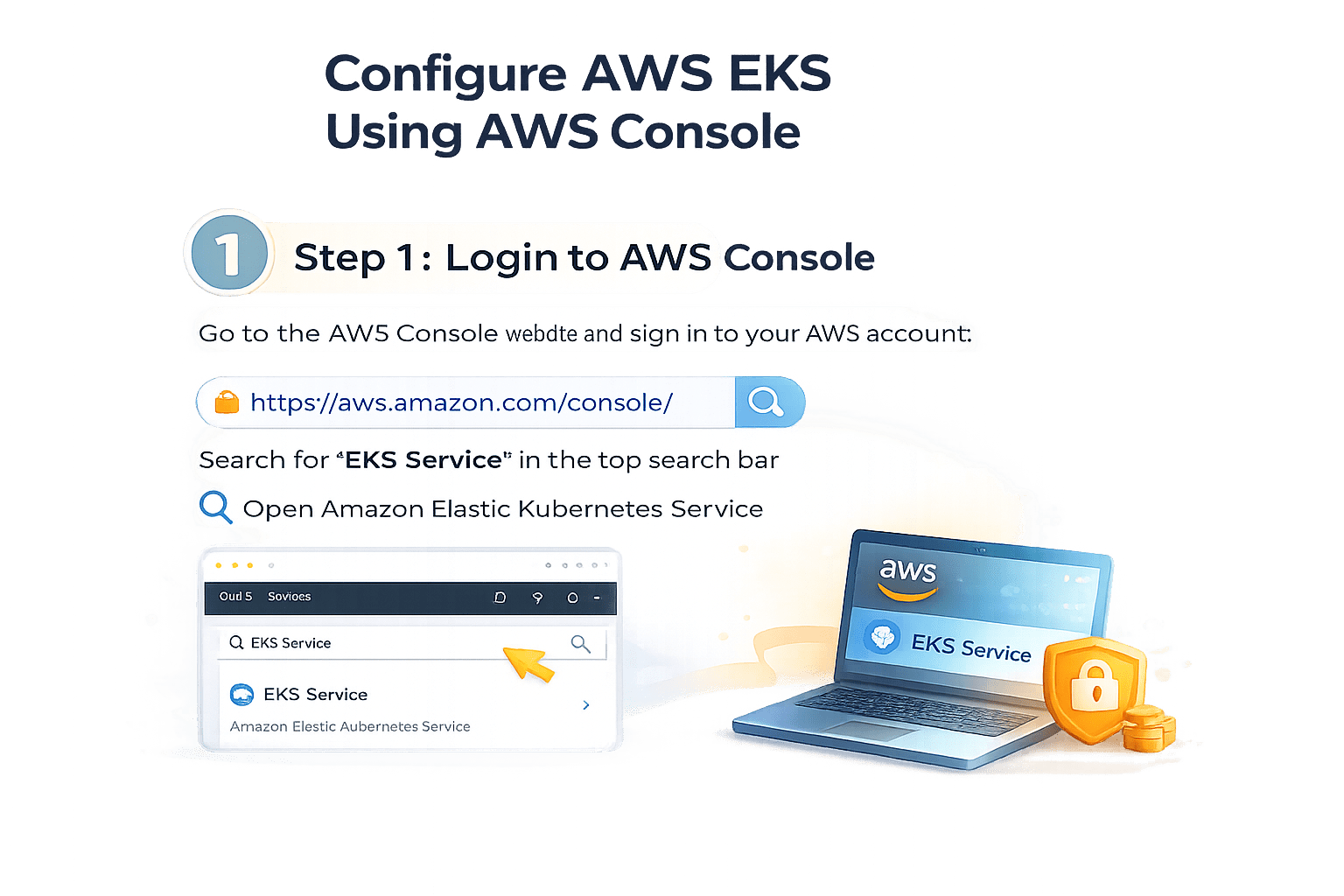
Configure AWS EKS (Using AWS Console)
Step 2 – Create EKS Cluster

1.Click Create Cluster
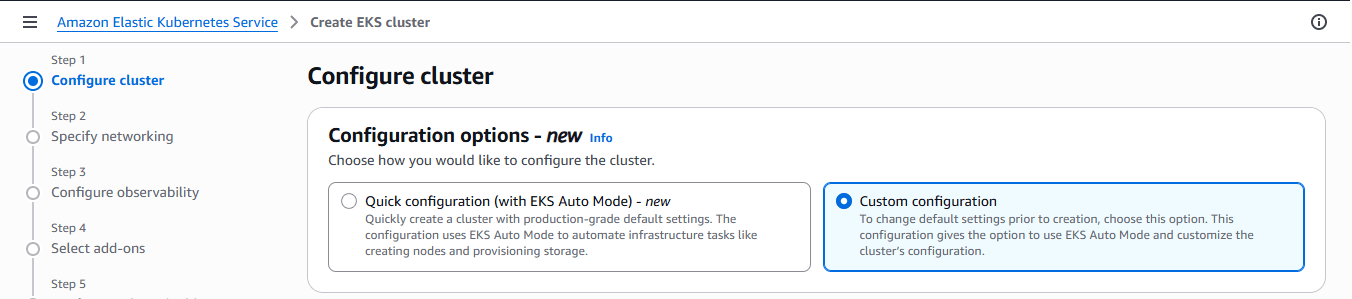
2. Choose Custom configuration
Configure AWS EKS (Using AWS Console)
Step 2 – Create EKS Cluster

I. Cluster Configuration
Cluster name: dev-eks-cluster

II. Cluster IAM Role:
- Click Create recommended role (if not available)
Configure AWS EKS (Using AWS Console)
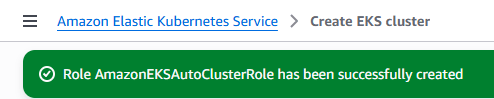
It will display that Role has been successfully Created
IV
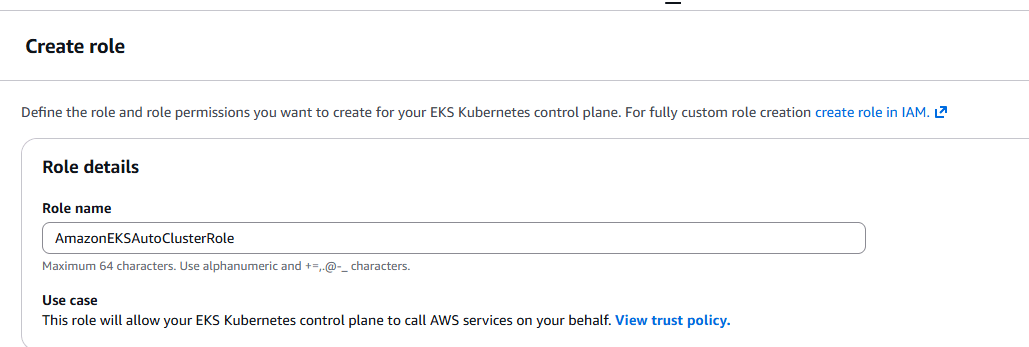
It will recommend a Role Name and then click on "Next"
III
Configure AWS EKS (Using AWS Console)
V
Select latest stable version for kubernetes

VI
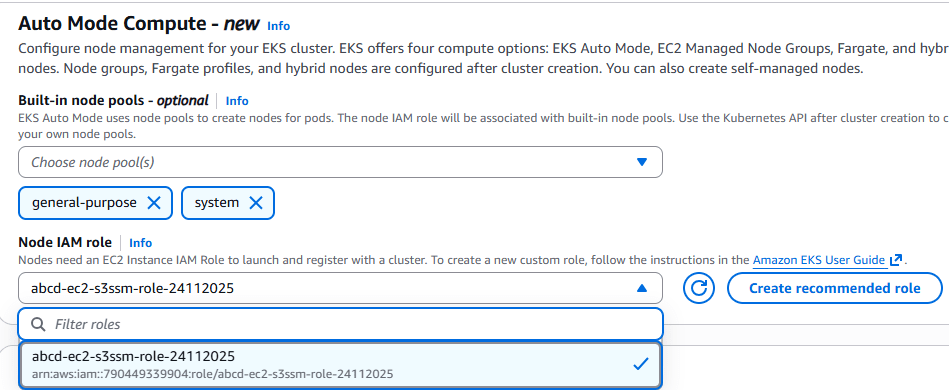
Select Default Node IAM Role and click on "Next"
Configure AWS EKS (Using AWS Console)
Core Concepts (Slide 7)
Core Concepts (.....Slide N-3)
Summary
5
Build strong branding
4
Use different marketing channels
3
Target the right audience
2
Create and communicate value
1
Understand customer needs
Quiz
Which platform is mainly used for professional networking and B2B marketing ?
A. Facebook
B. Instagram
C. LinkedIn
D. Snapchat

Quiz-Answer
Which platform is mainly used for professional networking and B2B marketing ?
A. Facebook
B. Instagram
C. LinkedIn
D. Snapchat
