Playwright Basic and Browser Actions


Playwright Basic and Browser Actions


Learning Outcome
6
Build the foundation for real-world browser automation.
5
Refresh pages and move backwards or forward.
4
Retrieve the page title and current URL.
3
Navigate between pages.
2
Launch a browser and open web pages.
1
Understand Browser Actions in Playwright.

Recall / Revisit
Use these four questions to revisit the key browser concepts in Playwright.
What does each Playwright component represent?
What is the first step before you Interact with a website?
Why must automation scripts move between web pages?
Can Playwright click, type, and Interact just like a user?
Why Do We Need Browser Actions?
Every automation script starts by controlling the browser before it can interact with page elements.
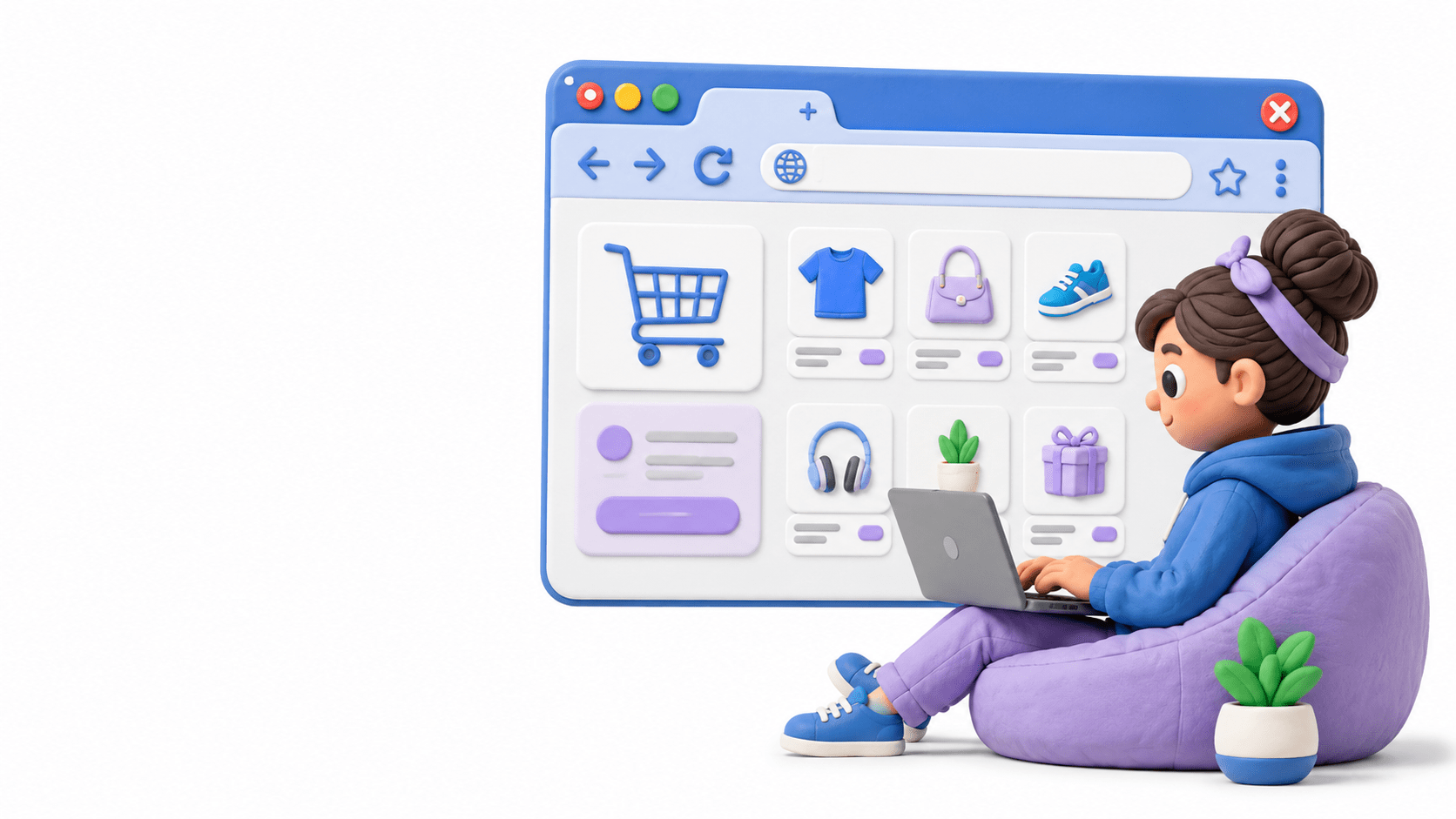
IMAGINE USING AN ONLINE SHOPPING WEBSITE
1
2
3
4
5
6
Open the browser
Enter the website URL
Navigate to different pages
Refresh when needed
Move back or forward
Close the browser
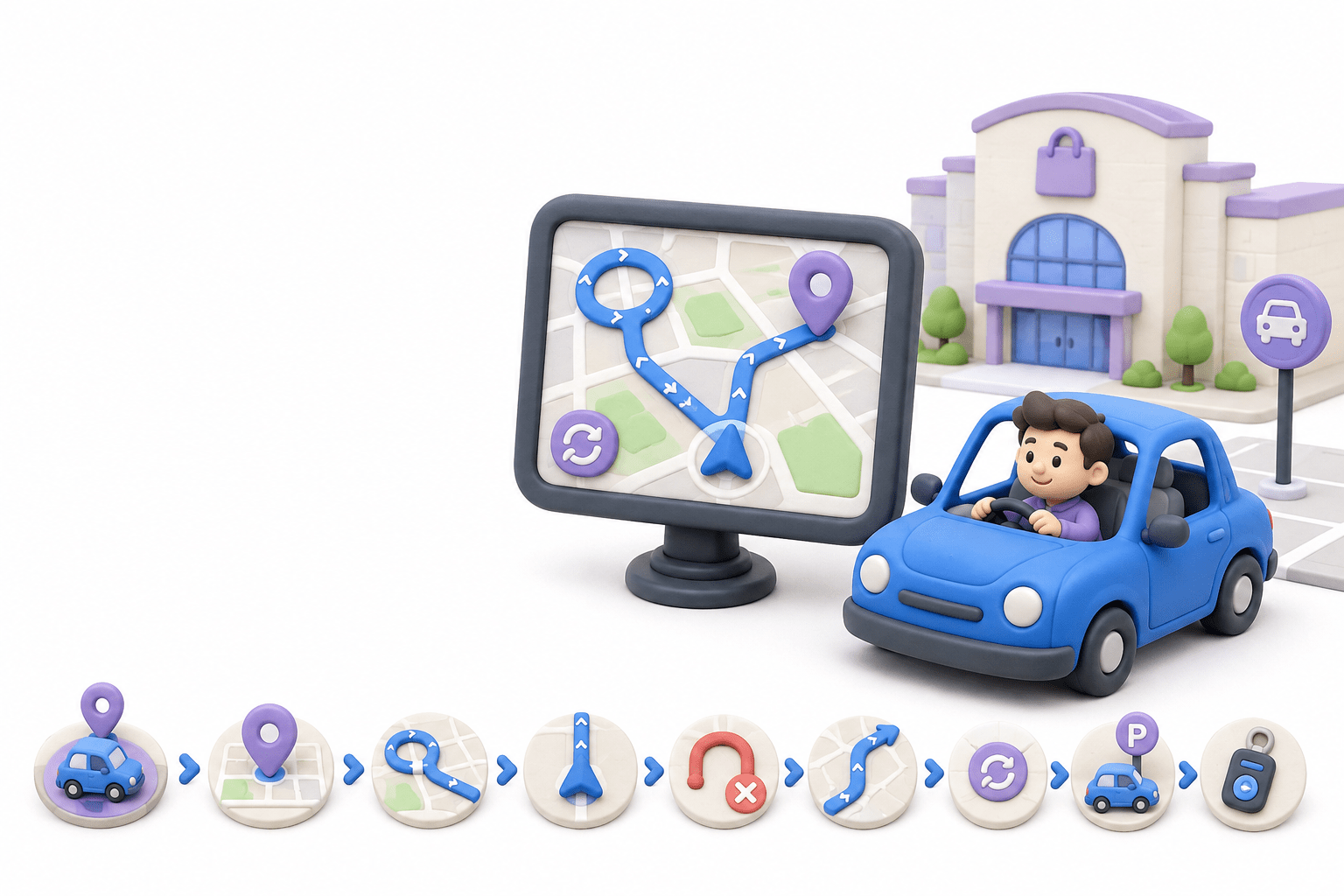
Imagine you are driving your car to visit a shopping mall.
1
2
3
4
5
6
Start the car.
Enter the destination into the GPS.
Drive to the location.
Check your current location.
Take a wrong turn and go back.
Refresh the GPS route if traffic changes.
Before reaching your destination, you perform several actions:
7
Park the car and turn off the engine.
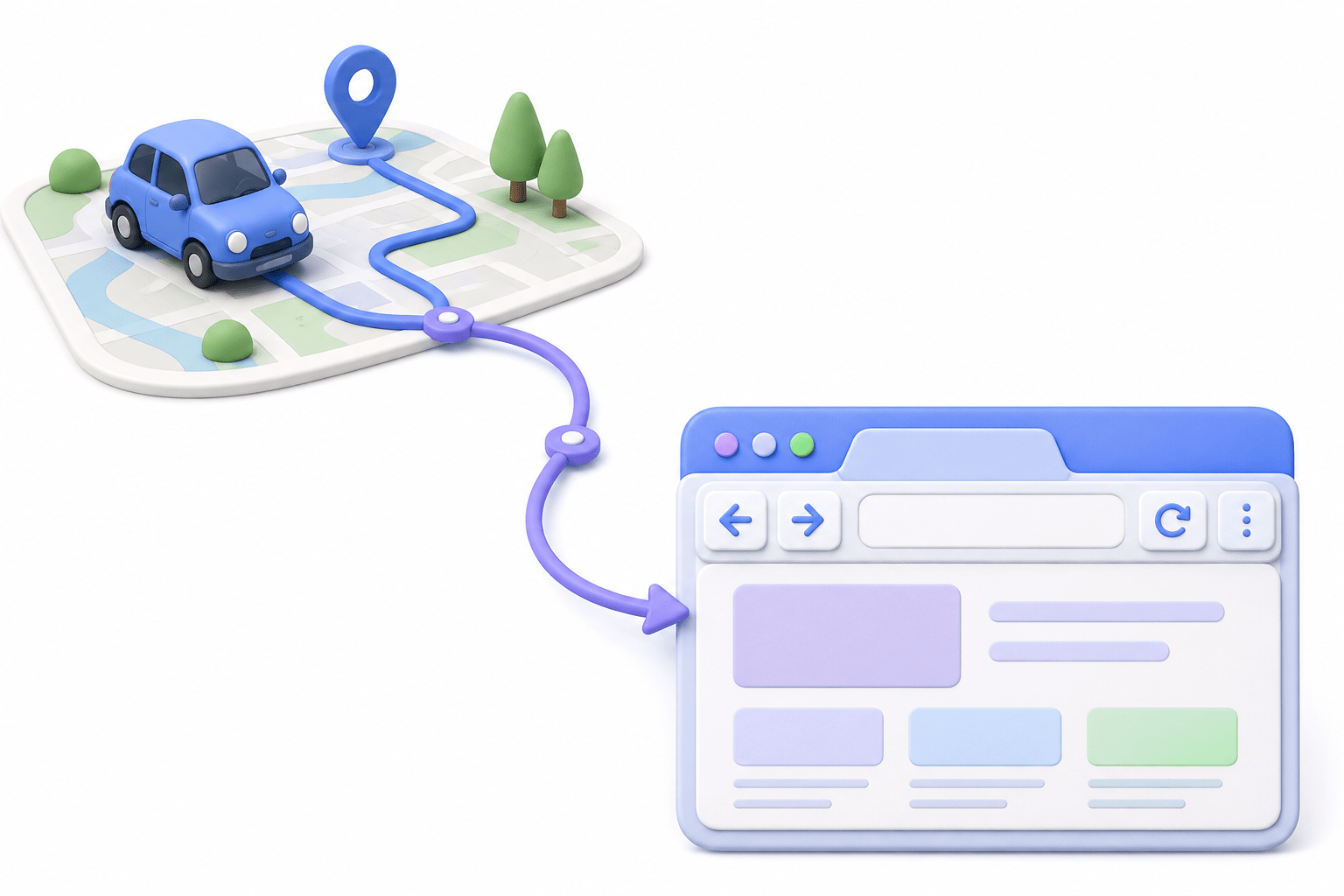
Now, let's connect the car-journey analogy to Playwright Browser Actions.
Car
Driver
GPS Destination
Start the Car
Drive to Destination
Browser
Automation Tester
Website URL
Launch Browser
Get Current URL
Check Current Location
Read Destination Board
Get Page Title
Refresh Page
SO IN TECHNICAL TERMS
Take Previous Road
Move to Next Road
Park & Switch Off Car
Navigate Back
Navigate Forward
Close Browser
Just as a driver performs different actions while travelling, an automation script performs different browser actions while interacting with a web application.
What are Browser Actions?
Browser Actions are operations that enable Playwright to automatically control a web browser.
Open the browser
Enter the website URL
Navigate to different pages
EXAMPLES OF BROWSER ACTIONS
Refresh when needed
Move back or forward
Close the browser
Refresh when needed
Move back or forward
Close the browser
Why are Browser Actions Important?
Browser Actions help testers:
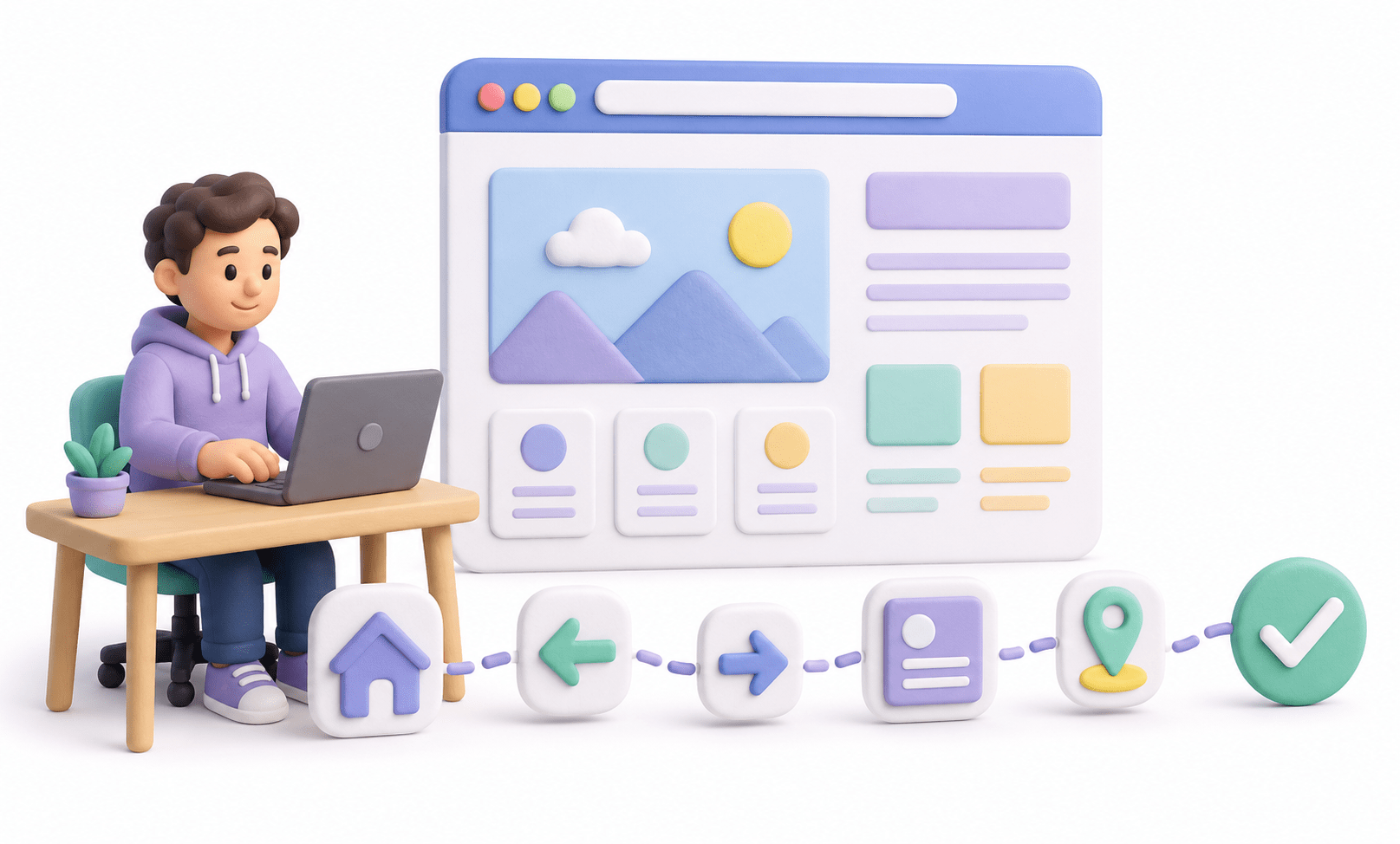
Open applications automatically.
Navigate between pages.
Verify page titles and URLs.
Simulate real user browsing.
Create end-to-end automation tests.
Without Browser Actions, Playwright cannot interact with websites.
Browser Actions turn a script into a real browsing journey
Browser Actions Workflow
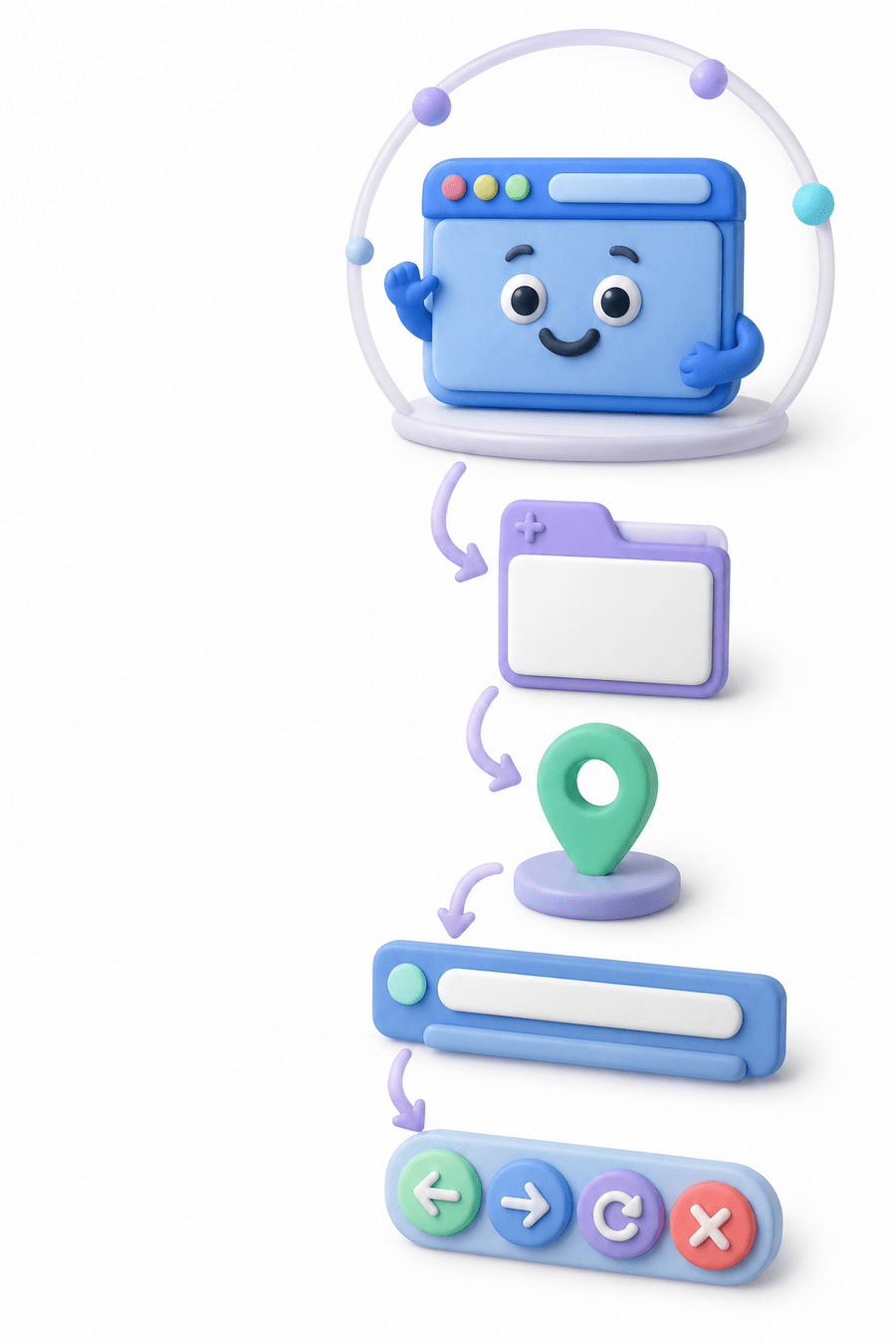
A Playwright automation script moves through these browser actions step by step.
PLAYWRIGHT EXECUTION FLOW
Create Playwright
Launch Browser
Create Browser Context
Create Page
Navigate to Website
Get Title & URL
Refresh / Back / Forward
Close Browser
Common Browser Actions
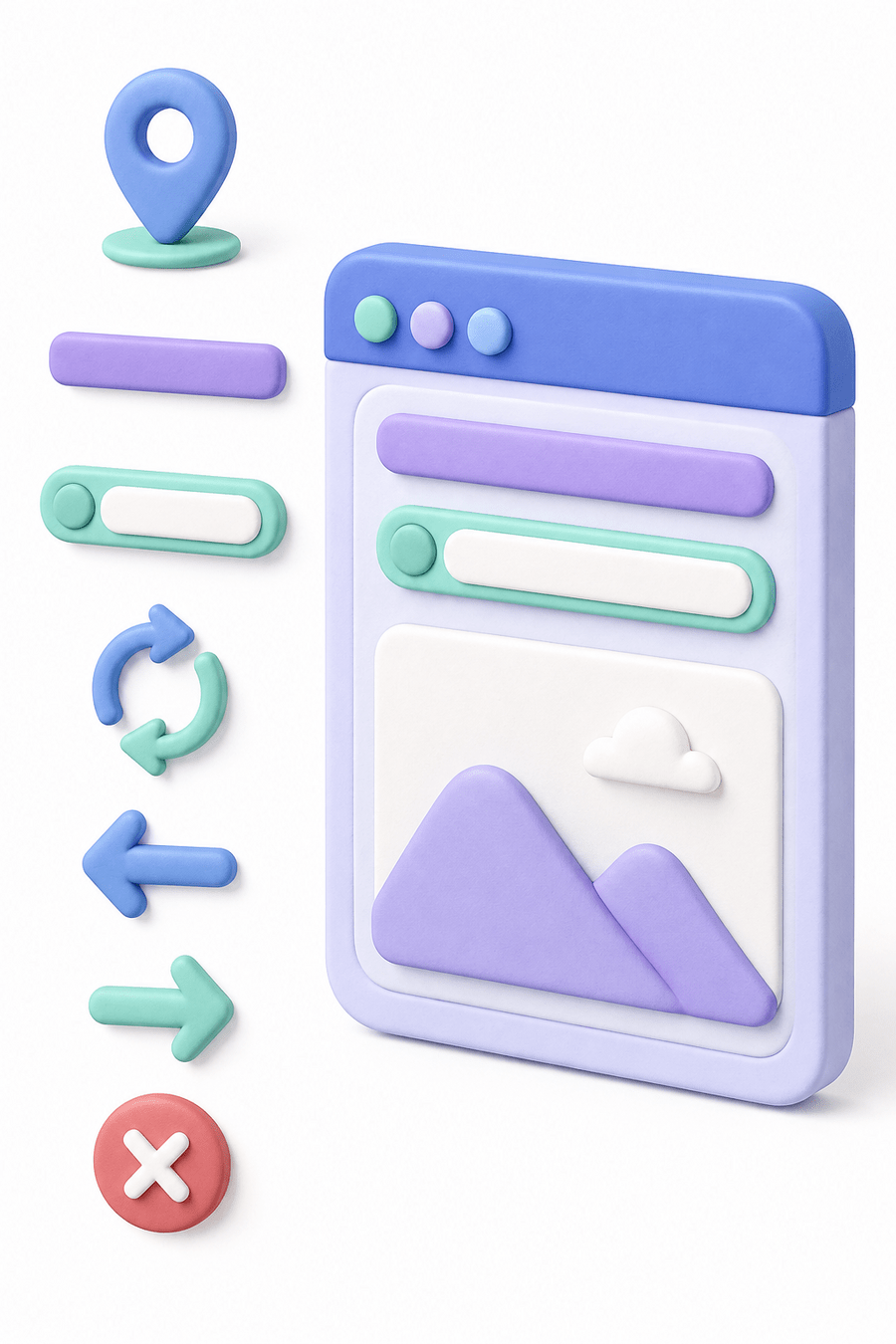
Frequently used Playwright commands for browser navigation and control
page.navigte()
page.title()
Open a website
Get page title
page.url()
page.reload()
Get current URL
Refresh page
page.goBack
page.goForward()
Navigate to the previous page
Navigate to the next page
browser.close()
Close browser
Use the right action at the right step
BROWSER ACTION
PURPOSE
Real-World Applications
Browser Actions are used in:

Core Concepts (.....Slide N-3)
Summary
4
Every automation script starts with these actions.
3
They allow navigation, verification, and browser control.
2
They are the foundation of Playwright automation.
1
Browser Actions control browser behaviour.
Quiz
Which method returns the page title?
A. page.url()
B. page.title()
C. page.text()
D. page.name()

Quiz-Answer
Which platform is mainly used for professional networking and B2B marketing ?
A. page.url()
B. page.title()
C. page.text()
D. page.name()
