Introduction to Playwright and Environment Setup


Playwright Supported Browser

Learning Outcome
6
Execute browser automation using the architecture flow.
5
Understand the execution flow of a Playwright script.
4
Explain each architecture component.
3
Understand the role of Browser Context.
2
Explain how Playwright communicates with browsers.
1
Understand Playwright Architecture.

Recall / Revisit
01
02
03
04
What is Browser Automation?
What are the main components involved when automating a web application?
How do browsers execute the commands written in an automation script?
Why is it important to have separate browser sessions while testing multiple users simultaneously?

Why Do We Need a Better Automation Tool?
Imagine thousand of automated tests running every day
Key question to explore
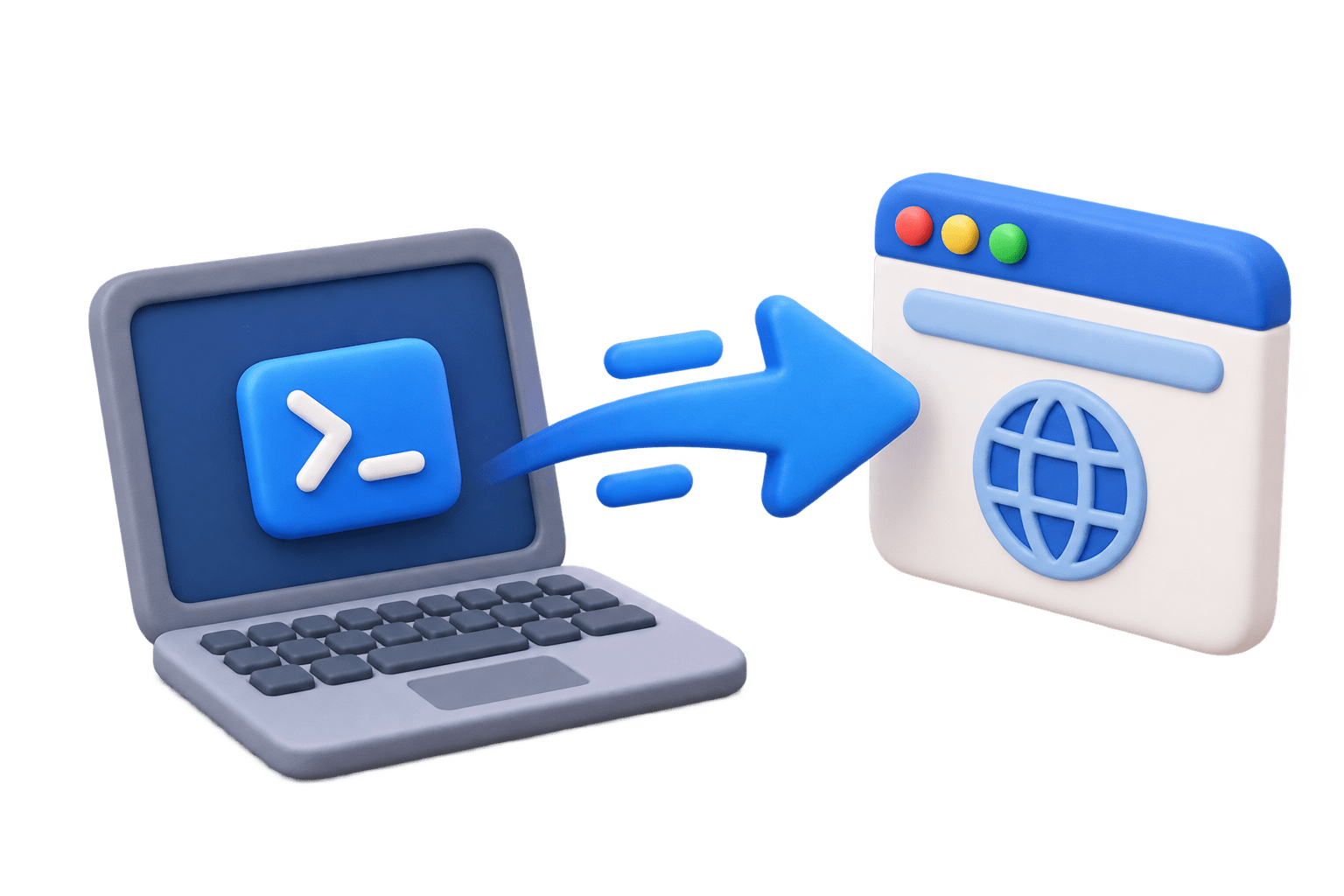
Who sends browser commands?
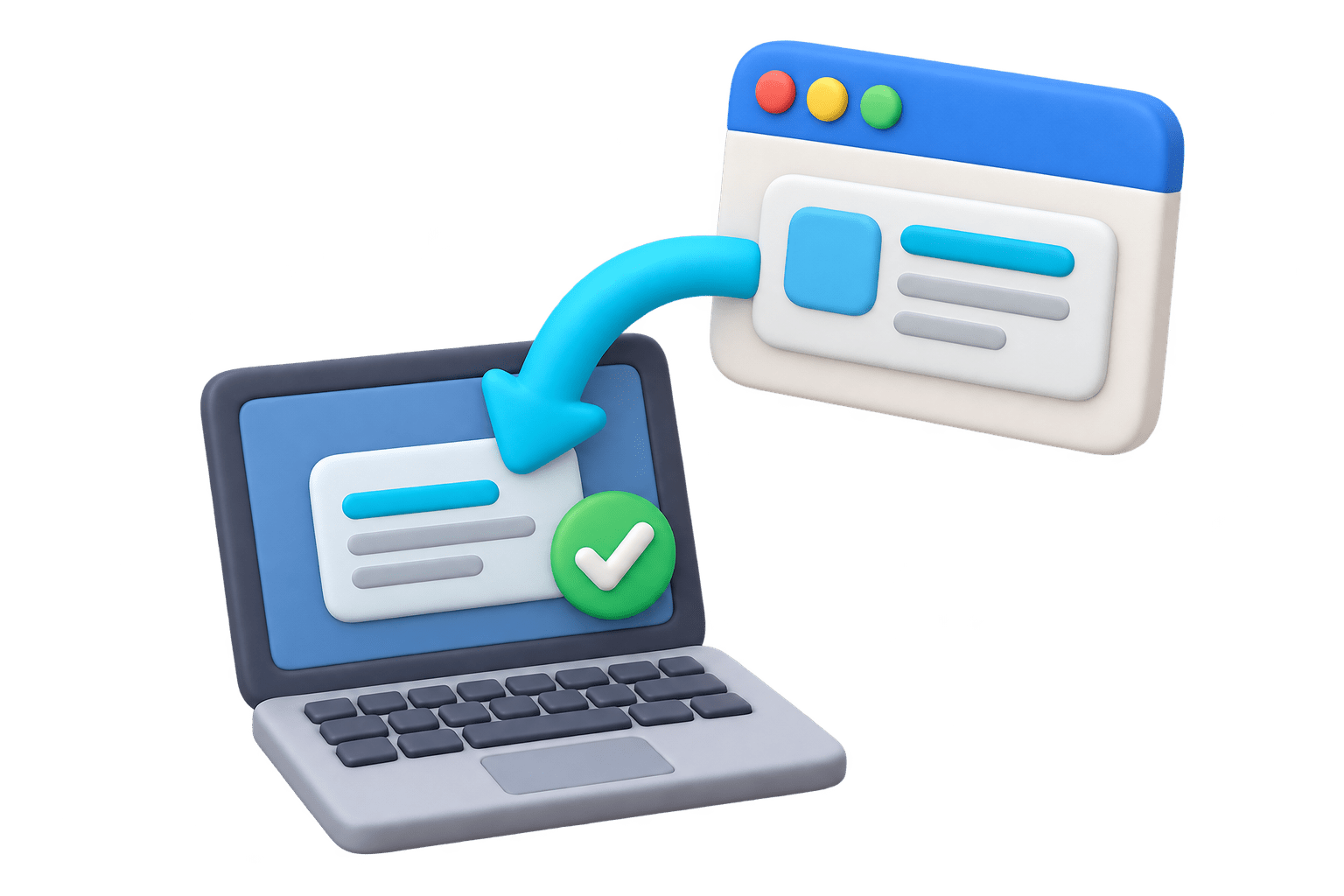
Who receives browser responses?
How are multiple users tested simultaneously?
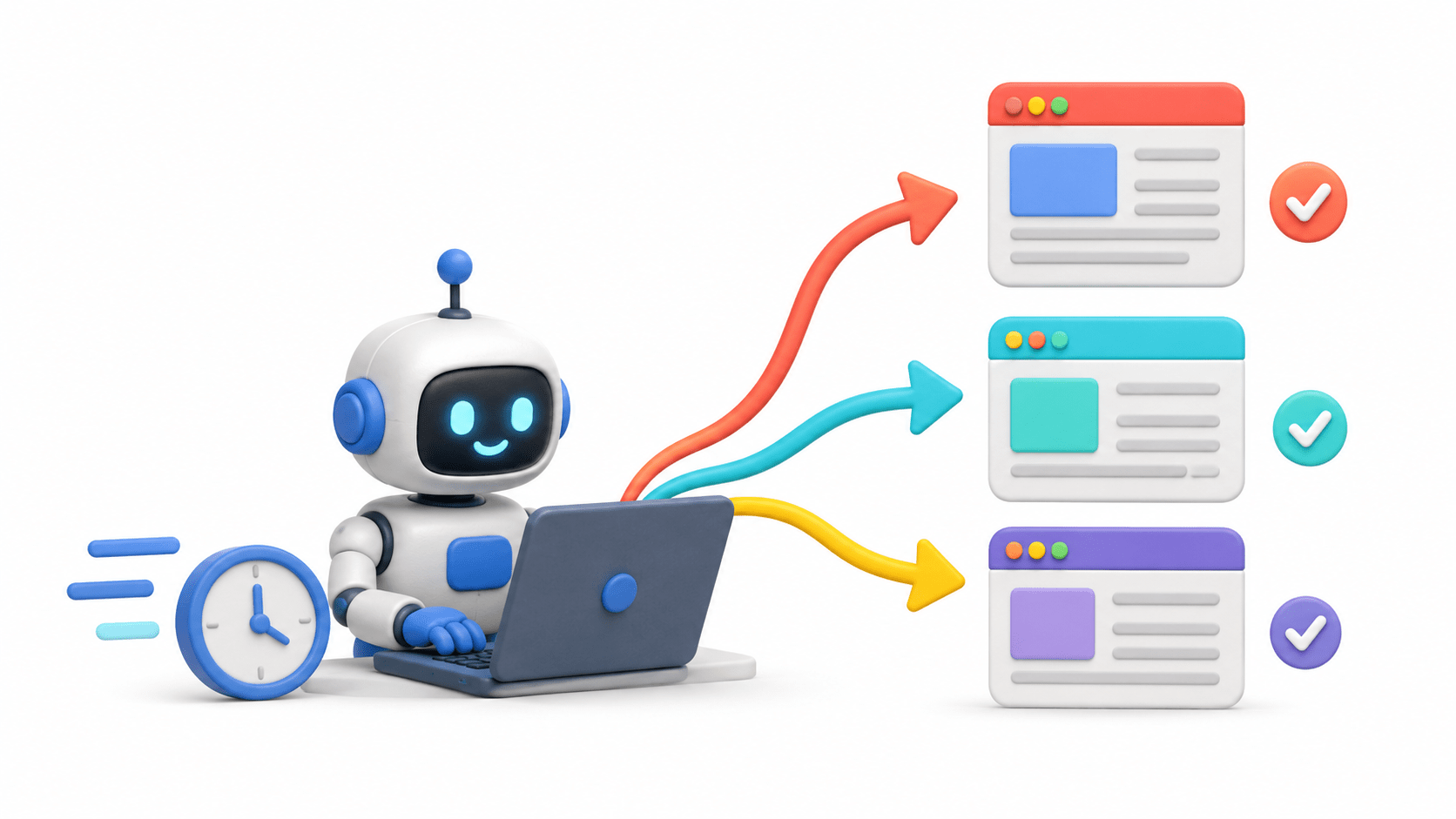
Why is Playwright faster than Selenium?

Next
To answer these questions, lets understand playwright architecture
One tap can trigger a complete delivery journey
Ordering food through a delivery app is simple for you - but component work together the scense
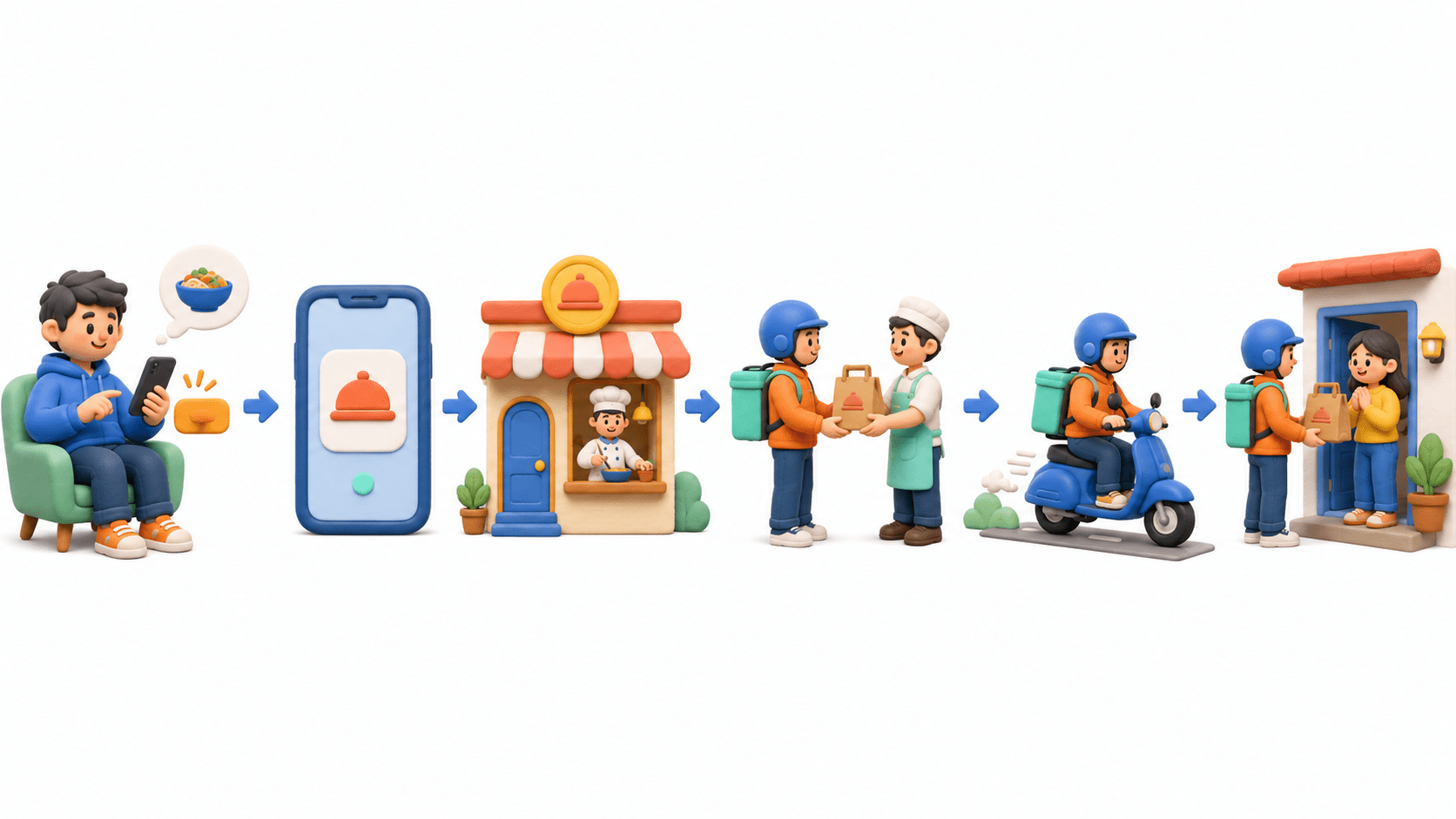
You place the order
Delivery app receives request
Restaurant prepare food
Partner picks up the order
Food travels to you
Delivered to your door step
Food delivery flow → Playwright execution flow
Just as one order moves through several delivery steps, one Playwright request moves through connected architectural components.
Food delivery analogy
Customer
Food Order
Delivery App
Private Dining Table
Restaurant & Food Prep
Delivered Food
Playwright architecture
Automation Tester
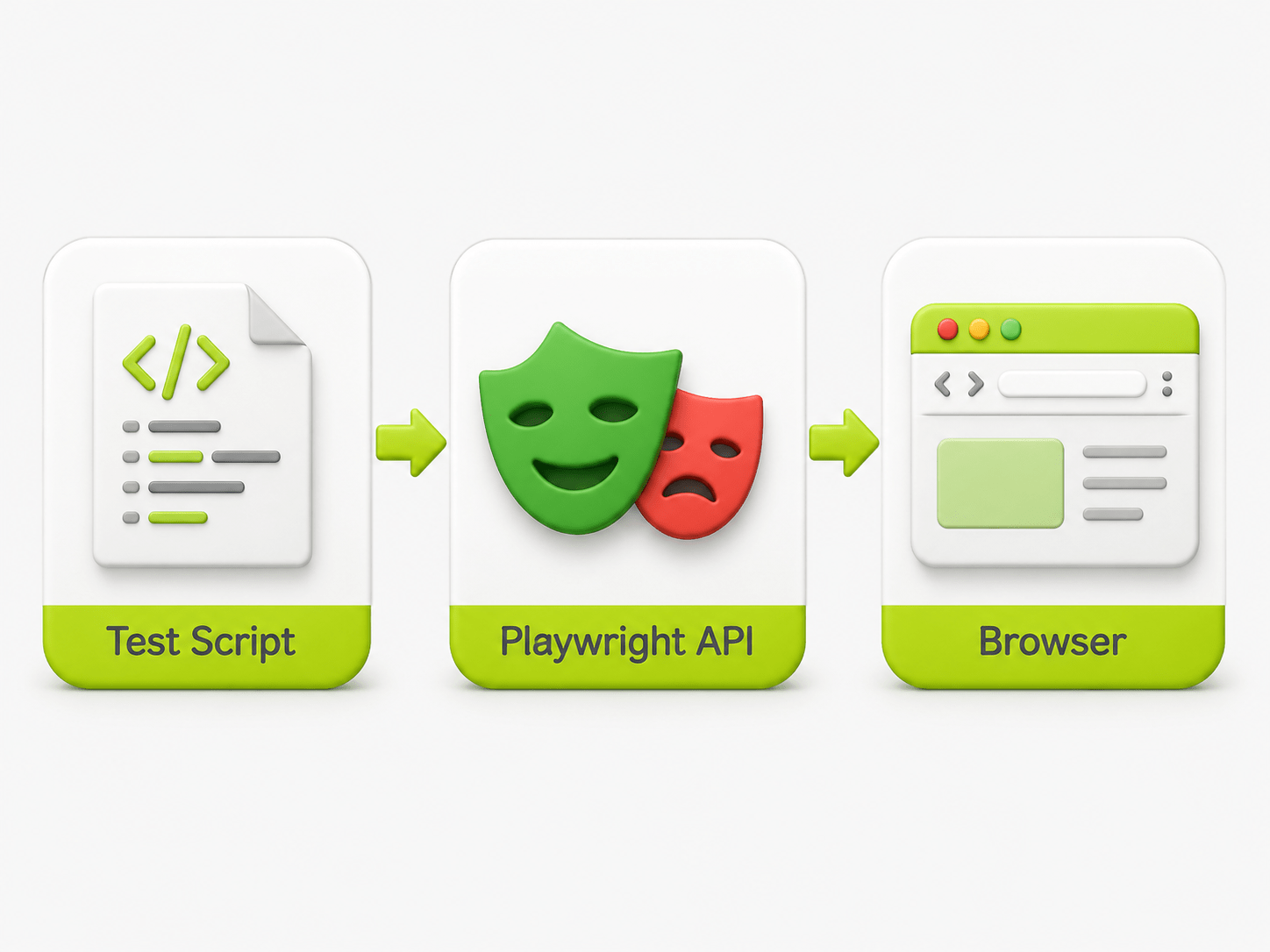
Test Script
Playwright API
Browser Context (Isolated Session)
Browser Actions (Click Fill Navigate)
Test Result
One test request travels through the Playwright API, an isolated Browser Context, the browser, and back as a test result.
What is Playwright Architecture?
It defines how Playwright communicates with browsers to automate modern web applications.
↔
Direct browser communication
Playwright uses its own protocol to talk desctly to brownie engines.
X
No browser drivers required
No need to manage ChromeDrive Gecko Driver, or simile drivers.
WHY IT MATTERS
Fewer layers → faster, simpler automation
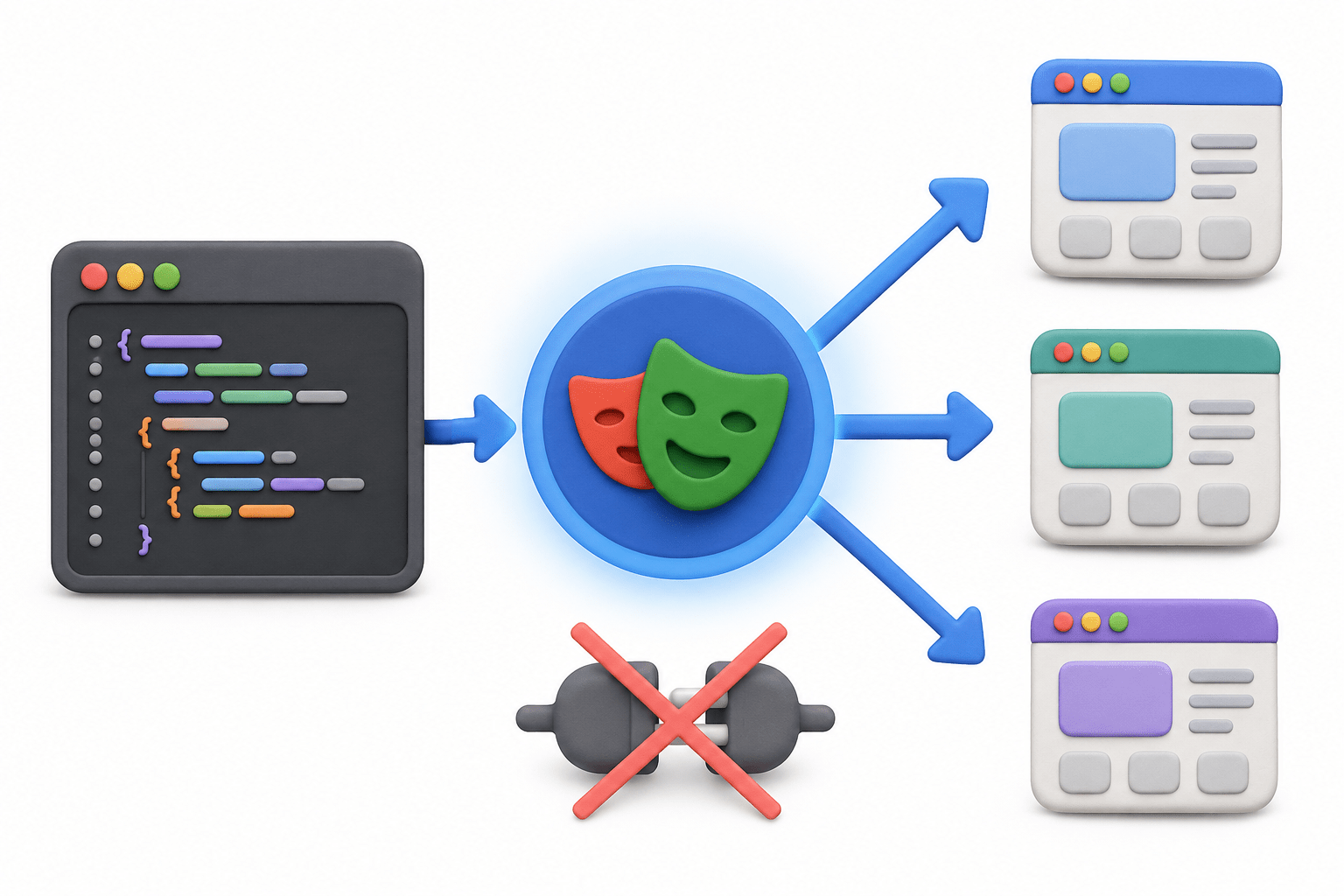
How a Playwright request flows
From the tester's script to browser action-and back as a response.
Tester
Test Script (Java/15/Python/C#)
Playwright API
Browser Context
Browser (Chromium/Firefox/WebKit)
Web Application
Response Returned
How Playwright executes an automation script
A predictable sequence creates a clean, isolated, and reliable test run.
01
Create Playwright Object
02
Launch Browser
02
Launch Browser
02
Launch Browser
03
Create Browser Context
02
Launch Browser
04
Create Page (Browser Tab)
02
Launch Browser
05
Navigate to Application
02
Launch Browser
06
Perform Actions
02
Launch Browser
07
Close Browser & Release Resources
Components of Playwright Architecture
Five key components work together to create a reliable browser-automation session.
Playwright Client
Playwright Server
Browser
Browser Context
Page
Together, these layers manage the full journey: test code browser session → page interaction.
Advantages of Playwright Architecture
Built-in design choices that make automation faster, more stable, and easier to scale.
01
Driverless Architecture
02
Launch Browser
02
Fast Execution
02
Launch Browser
03
Auto Waiting
02
Launch Browser
04
Better Stability
02
Launch Browser
05
Cross-Brows or Support
02
Launch Browser
06
Multiple Browser Contexts
02
Launch Browser
07
Reliable Parallel Testing
02
Launch Browser
08
Cleaner Architecture
Browser Context
An isolated browser session-like an independent browser profile for every user or test.
With Browser Context
Context A → User A
BROWSER
Context B User B
No Session Conflict
BROWSER
User A Login
User B Login
Session Conflict
With Browser Context
User A Login
BROWSER
User B Login
Session Conflict
BROWSER
User A Login
User B Login
Session Conflict
Browser Context Benefits
Each context acts like a fresh, private browser profile without launching a new browser every time.
Separate Cookies
Separate Cache
Separate Login Sessions
Parallel Testing
No Session Conflict
Result: reliable multi-user testing with clean, independent sessions.
Summary
5
Tool selection depends on project requirements.
4
Playwright provides built-in Auto-Wait and parallel execution.
3
Both automate web applications.
2
Playwright is modern and feature-rich.
1
Selenium is mature and widely adopted.
Quiz
What is the main purpose of Browser Context?
A. Store screenshots
B. Manage isolated sessions
C. Generate reports
D. Execute SQL queries

Quiz-Answer
What is the main purpose of Browser Context?
A. Store screenshots
B. Manage isolated sessions
C. Generate reports
D. Execute SQL queries
