Crafting Compelling Visuals


Advanced Visual Crafting


Learning Outcome
6
Design reports that guide users, not confuse them
5
Understand the role of bookmarks and dynamic titles
4
Explain interactivity features such as drill-throughs and tooltips
3
Apply advanced formatting techniques conceptually
2
Understand when and why to use each advanced visual
1
Identify advanced visual types in Power BI
Recall
Basic visualizations
card
Bar
line
table
How visuals respond to slicers and filters
Basic report layout and formatting
That visuals can interact with each other

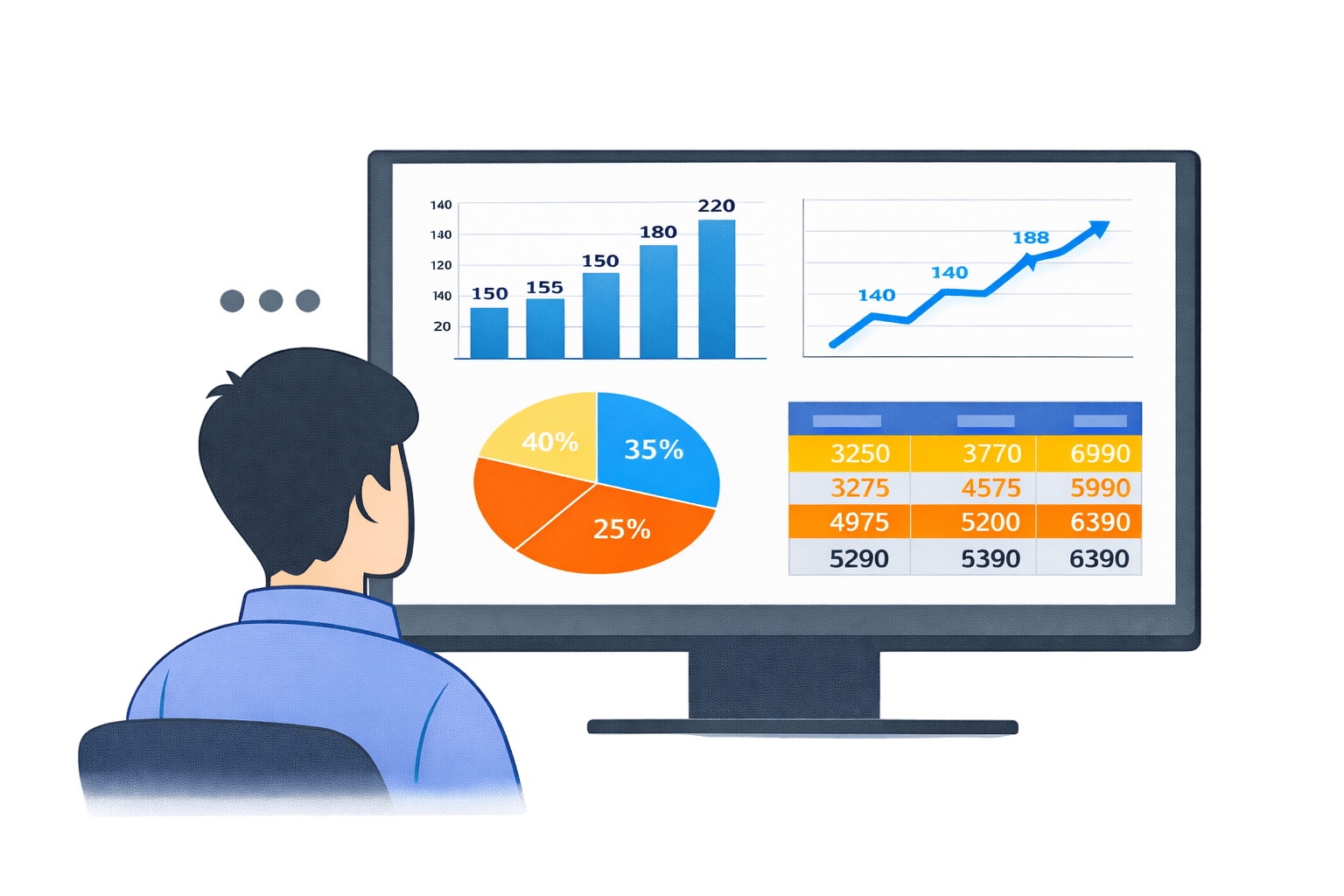
Imagine You open a report.
The charts look clean.
The numbers are correct.
But everything feels... flat.
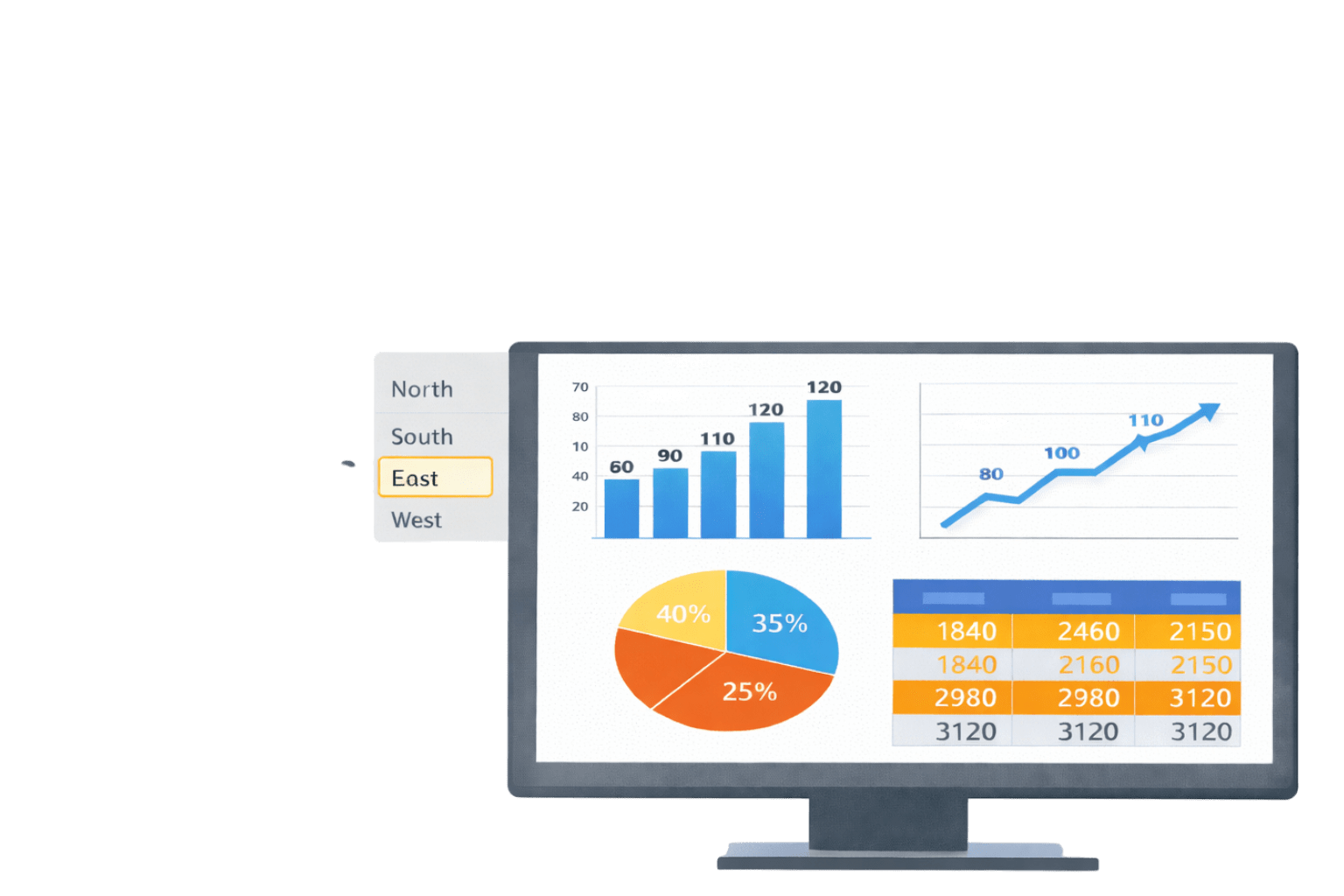
You click a slicer.
Only numbers change.
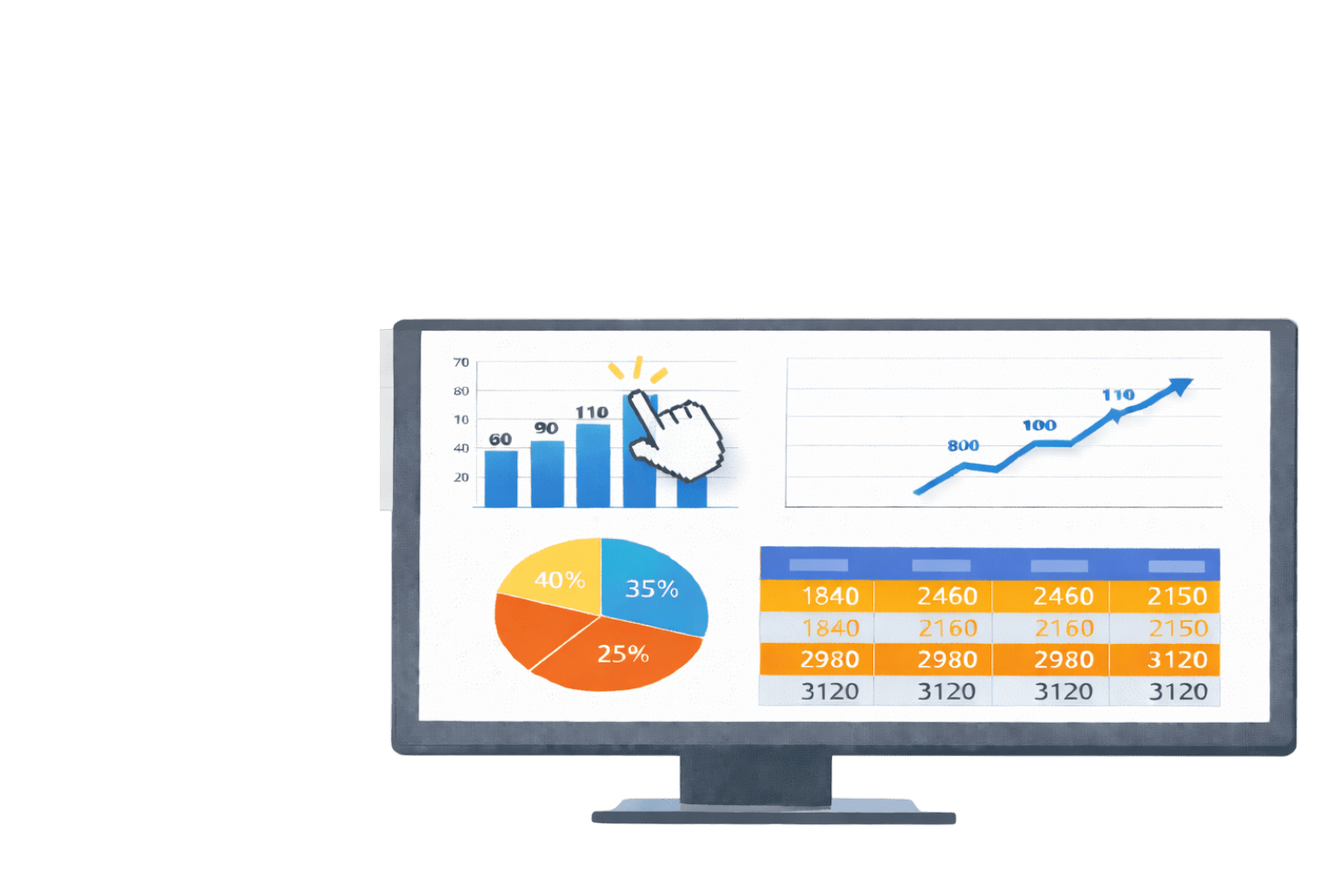
You hover.
Nothing explains.

Now imagine another report.
You click a region.
The report focuses.
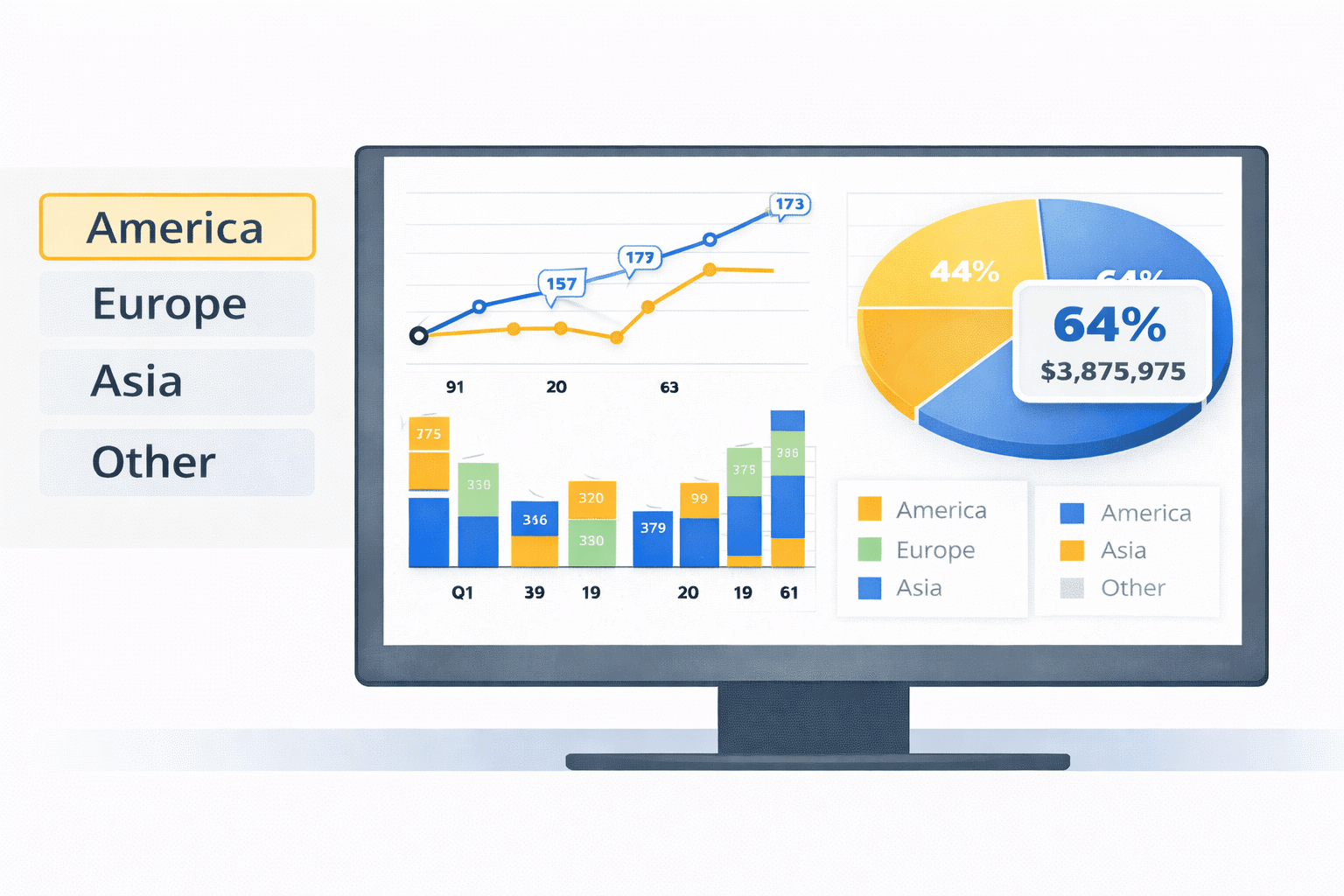
You hover.
Extra insight appears.

Colors guide your attention before you even start thinking.
The data didn’t change.
The visuals did.
If the data is the same:

Why do some reports feel intuitive,
while others feel confusing?


Why do some reports guide users,
while others leave them guessing?

Good reports don’t just show data.

They respond to the user.
That responsiveness comes from Advanced Visual Crafting.
- Before adding interactivity, we must understand advanced visual types
- Different visuals answer different analytical needs
- Once the right visual is chosen, advanced techniques enhance it
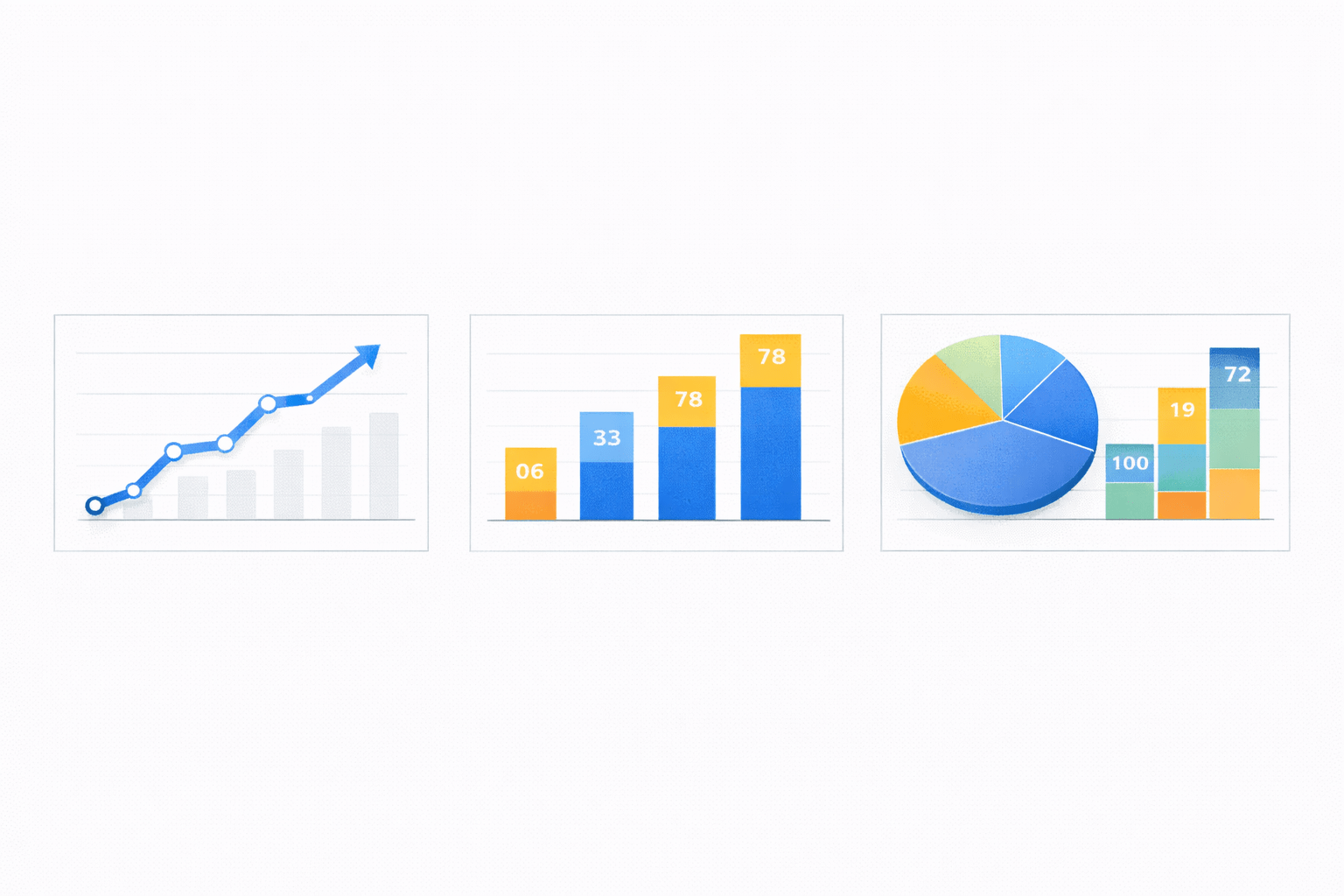
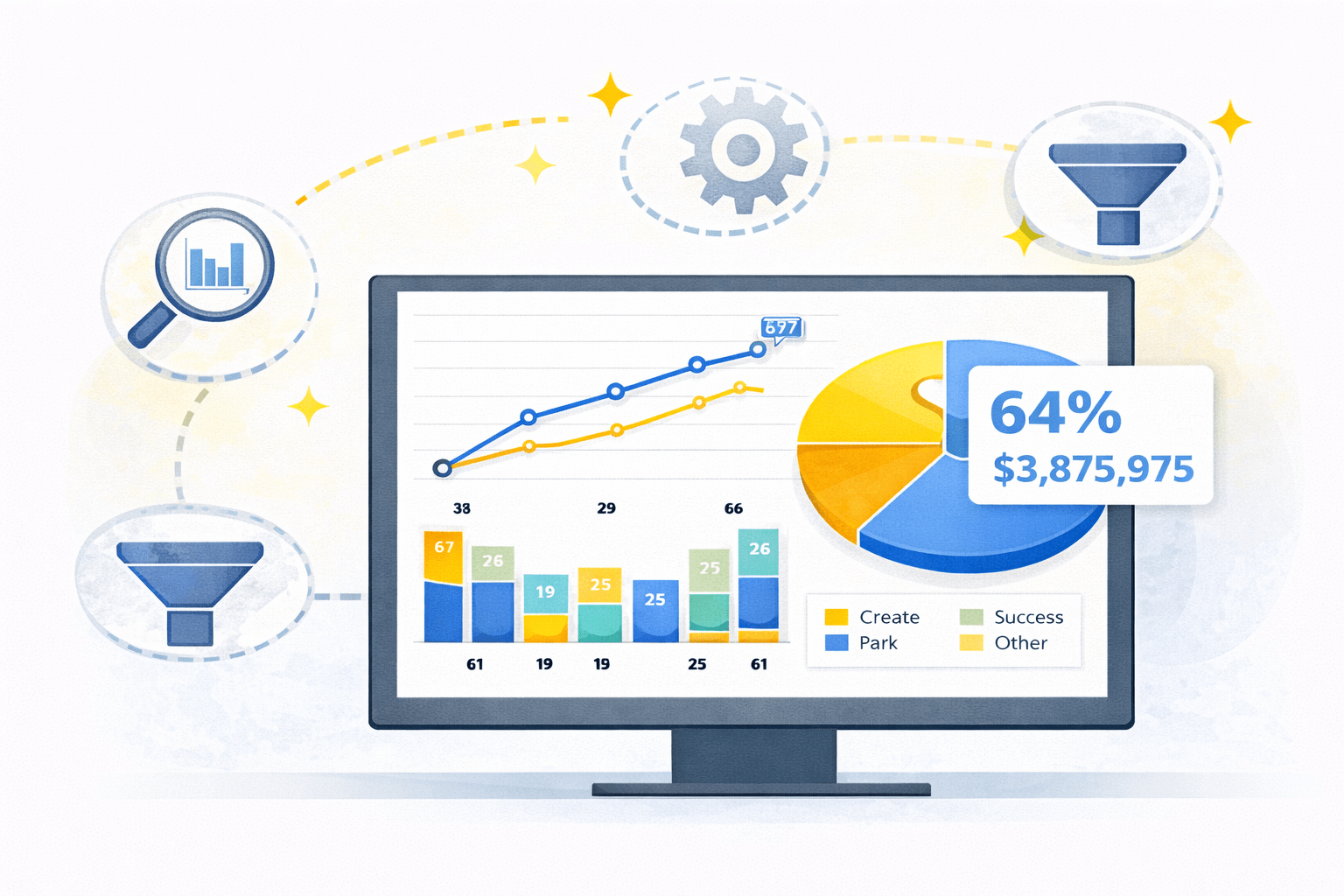
Advanced Visual Types in Power BI
Advanced visual types help represent complex or high-level information more effectively than basic charts.
Advanced Visual Types
Matrices
Tables
Maps
Gauges
Cards
KPI Visuals
Matrices
Multi-dimensional visual similar to pivot tables
Support:

Row and column grouping
Drill-down and expand/collapse



Best used for:

Hierarchical data
Summarised views with detail on demand


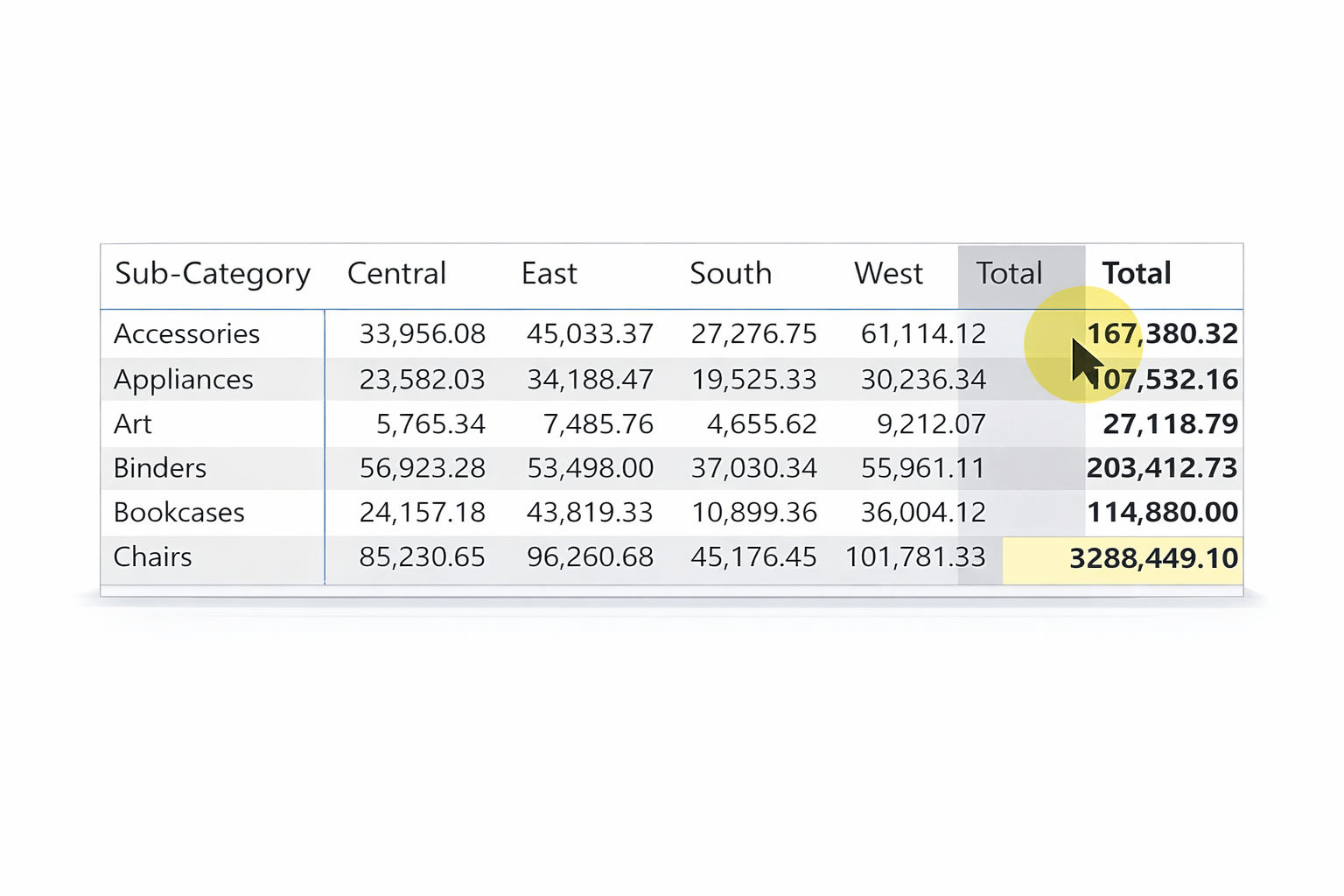
Example :
Tables

Grid-based display of data
Best used for:
- Exact values
- Detailed inspection

Can be enhanced with:

- Sorting

- Filtering

- Conditional formatting


Maps
Used to display geographic data

Useful only when location adds analytical value
Common use cases:
Sales by country/state
Regional performance

Gauges
Show progress toward a target
Best for:

Performance tracking
Should be used sparingly (one metric at a time)

KPIs


Cards
Highlight a single key metric
Used for:
Total sales
Profit
Counts
Provide instant focus for the user





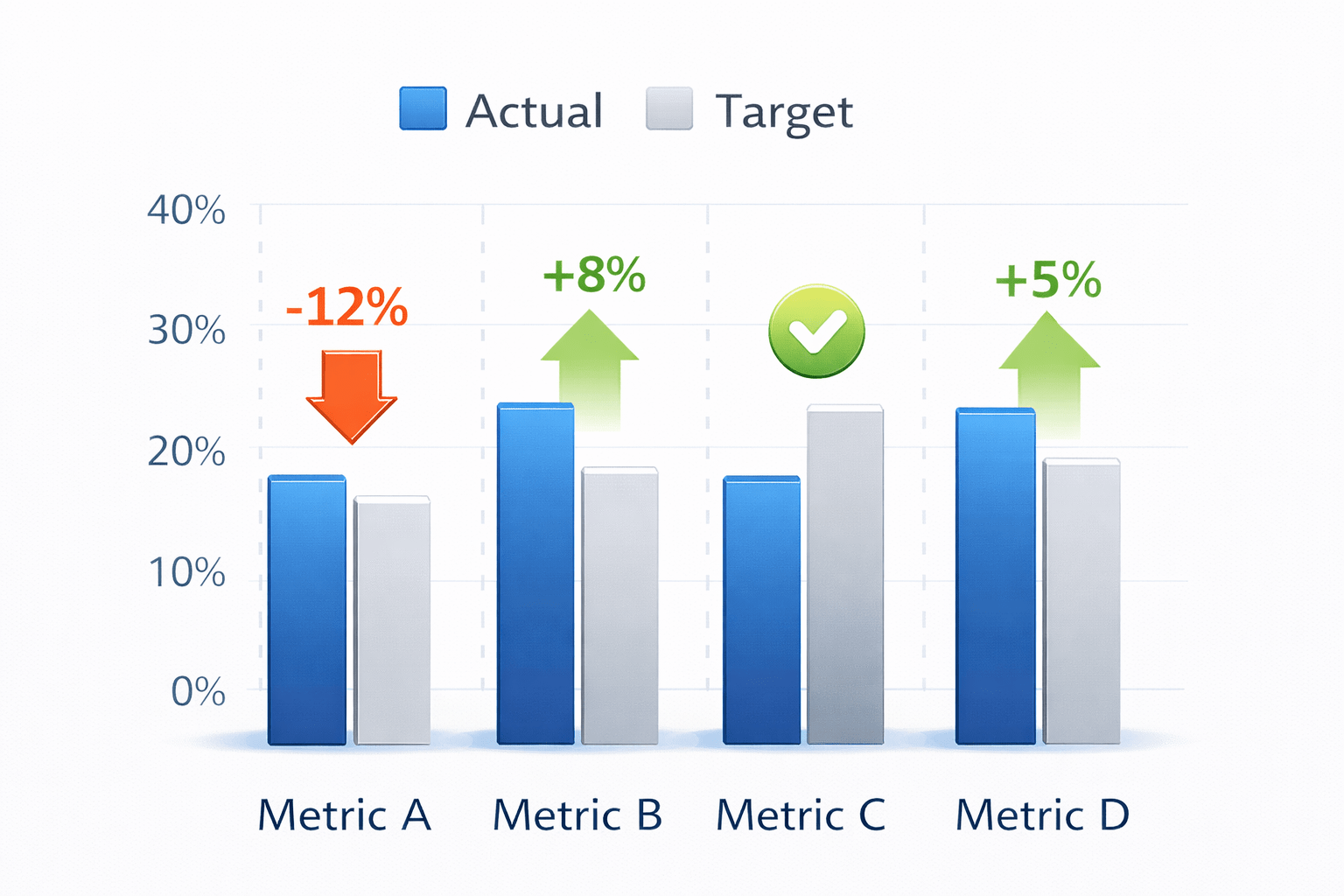
KPI Visuals
Compare actual values against targets
Often include:
Status indicators
Trend direction


Best for performance monitoring


What Is Advanced Visual Crafting ?
- Advanced visual crafting enhances visuals using:
Formatting rules
Interactivity
Navigation features
- Focuses on user experience, not just appearance



- Helps users:
Understand faster
Explore deeper
Make confident decisions



Why Use Advanced Visual Crafting

Enhancing Storytelling
- Visuals guide users through insights

Improving User Experience
- Reports feel intuitive and responsive

Optimizing Data Representation
- Important values stand out automatically

Supporting Customization
- Reports adapt to different users and business needs

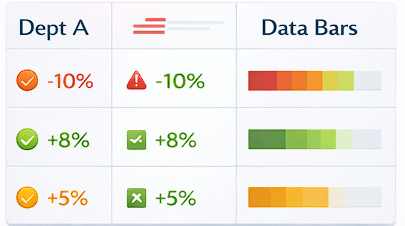
Conditional Formatting
Dynamically changes visual appearance based on values
Common techniques:
- Color scales
- Icons
- Data bars




Purpose
Direct attention to critical insights
Highlight risks and opportunities
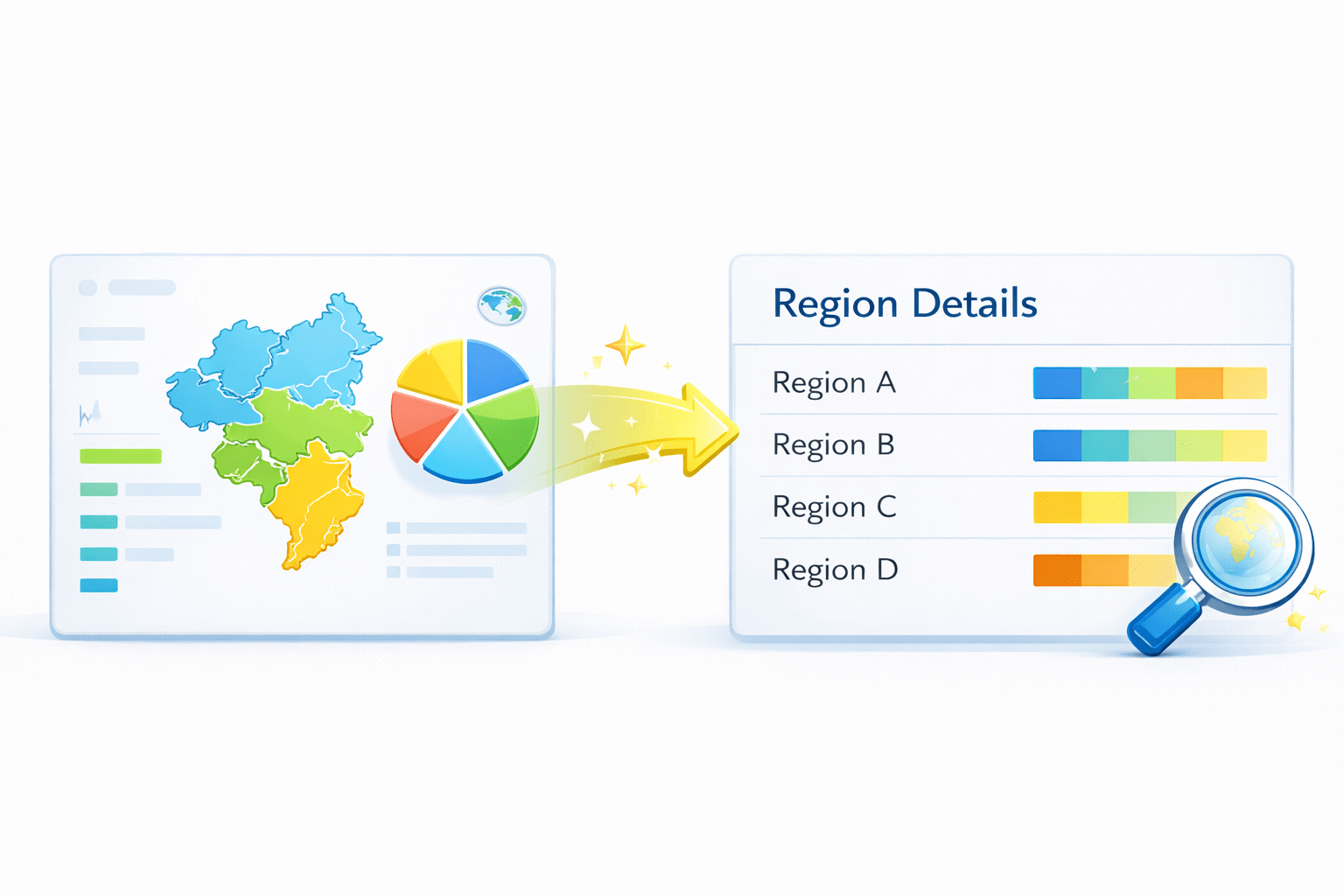
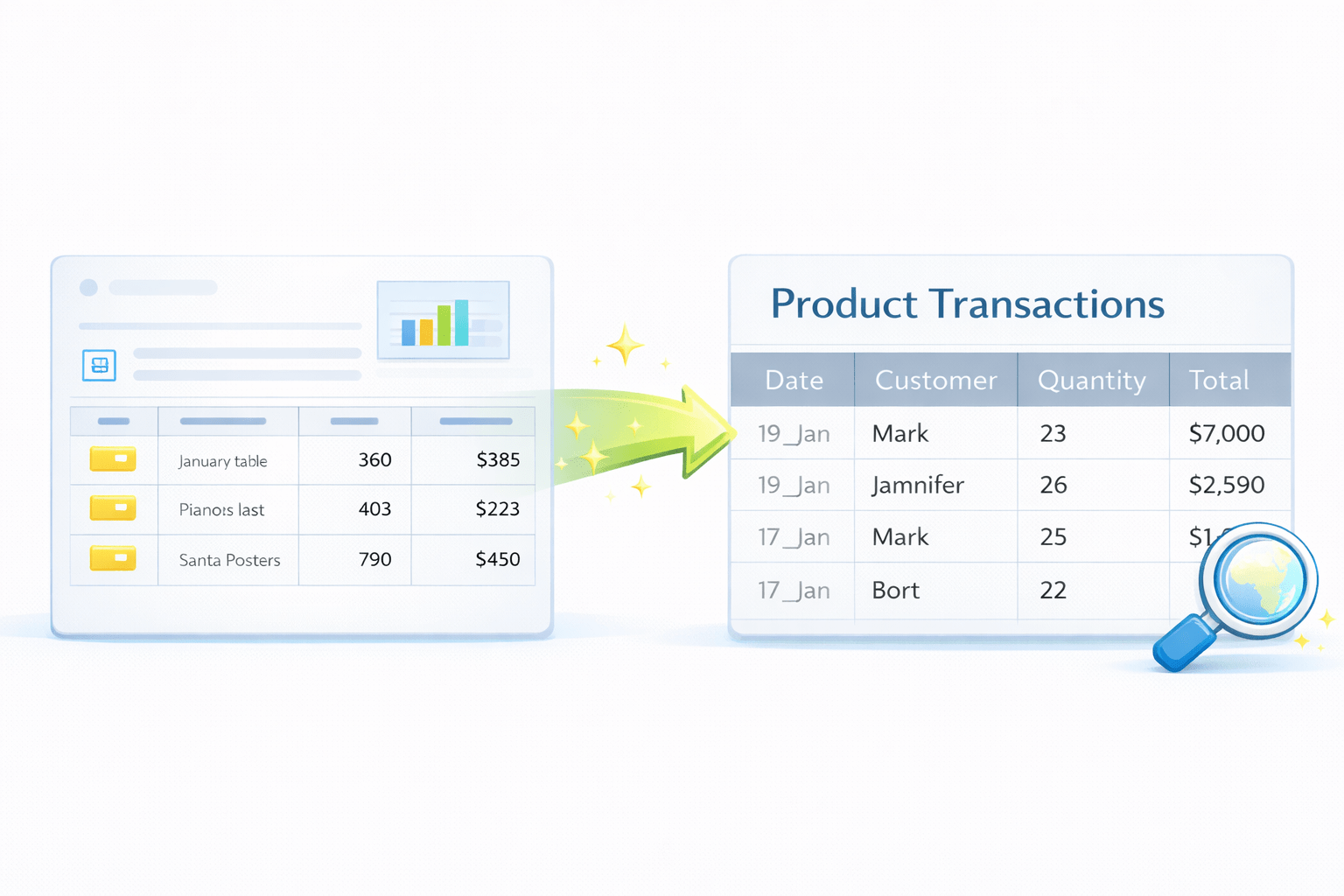
Drill-throughs
Enable navigation from summary to detailed views
Context is passed automatically
Use Cases
- Region → region details
- Product → transaction-level data


Custom Tooltips
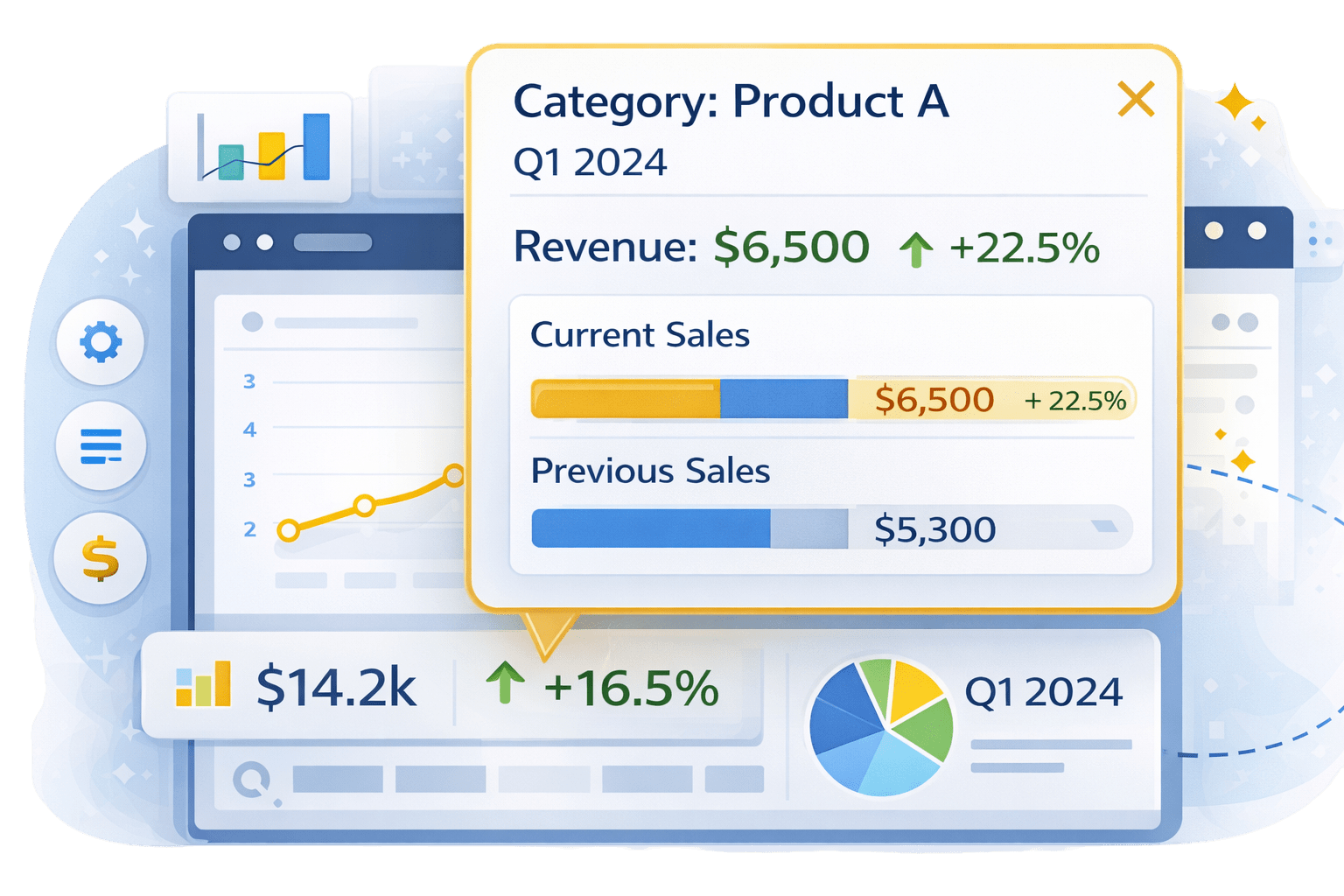
Display rich information on hover
Used for:

Keep main visuals clean
Additional context

Comparisons

Breakdowns

Bookmarks
Navigation

Visual visibility

Save specific report states

Use Cases:

Control:
Filters

Simulated dashboards
Toggle views


How Advanced Visual Techniques Work Together


Formatting highlights it

Drill-throughs expand it

Tooltips explain it

Advanced visual types show information

Bookmarks navigate it

Together, they create intuitive reports
Visual Techniques
Summary
5
Bookmarks improve navigation
4
Drill-throughs and tooltips support exploration
3
Conditional formatting guides attention
2
Advanced crafting improves storytelling and usability
1
Advanced visual types handle complex information
Quiz
Which visual is best for hierarchical data?
A. Bar chart
B. Line chart
C. Matrix
D. Card

Quiz-Answer
Which visual is best for hierarchical data?
A. Bar chart
B. Line chart
C. Matrix
D. Card
