From Prompt Engineering to AI Applications

Business Scenario
Welcome!

Today is your final day as a ML Engineer at FusionTech Consulting
In the previous lab, you explored different Generative AI models, designed effective prompts, experimented with various prompting techniques, and learned how to control AI-generated responses
Your responsibility is to build a simple AI-powered application using programming and an API. Instead of typing prompts into a browser, your program will send prompts directly to the AI model and receive responses automatically.
These concepts will help you:
• Connect Python applications with AI models
• Authenticate AI services using an API Key
• Send prompts programmatically
• Build AI-powered software applications
Pre-Lab Preparation
Topic: From Prompt Engineering to AI Applications
1) Large Language Models (LLM)
2) API Key
3) Programming Integration

Git Pull
Task 1: Connect Python to Google Gemini API
git pull origin branchName1
Open Web Browser and visit this website
https://aistudio.google.com
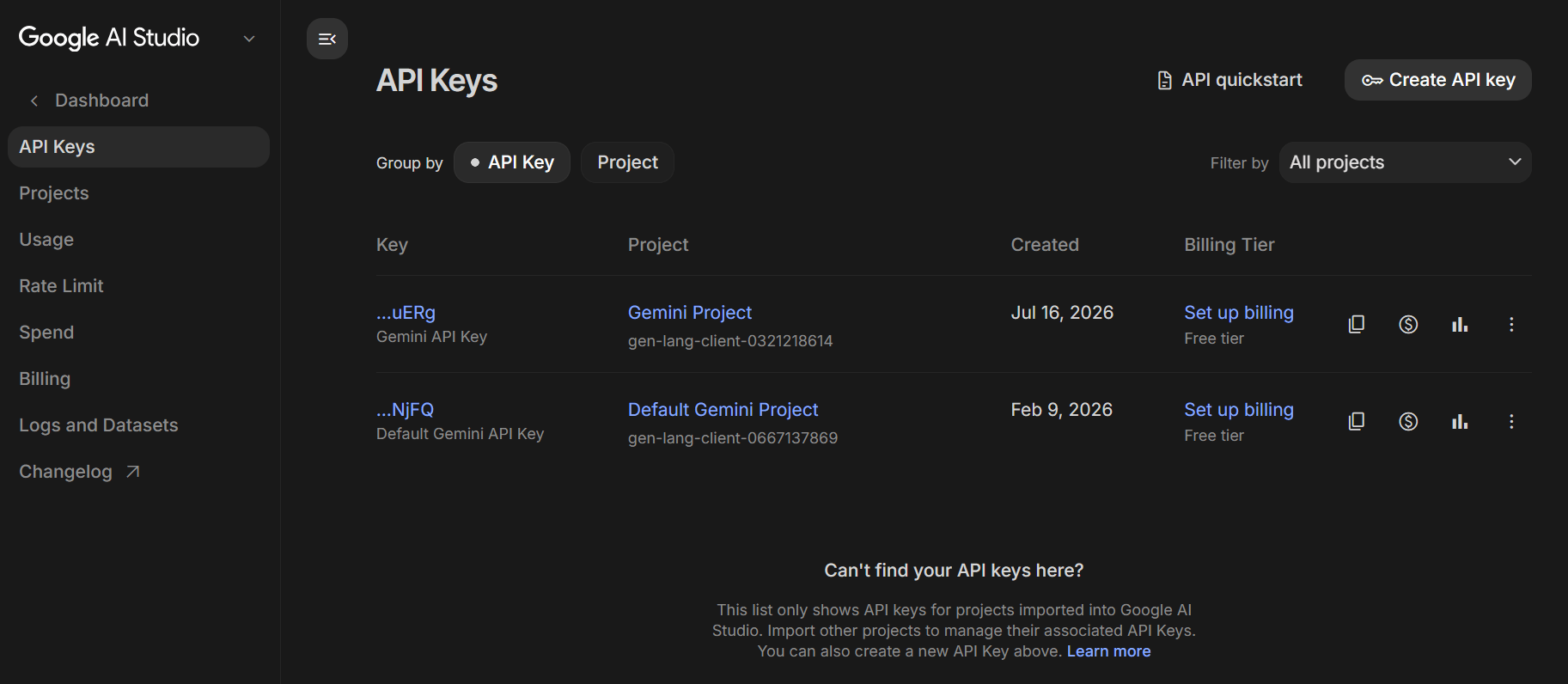
Sign in using your Google Account.
2
Click Create API Key
3
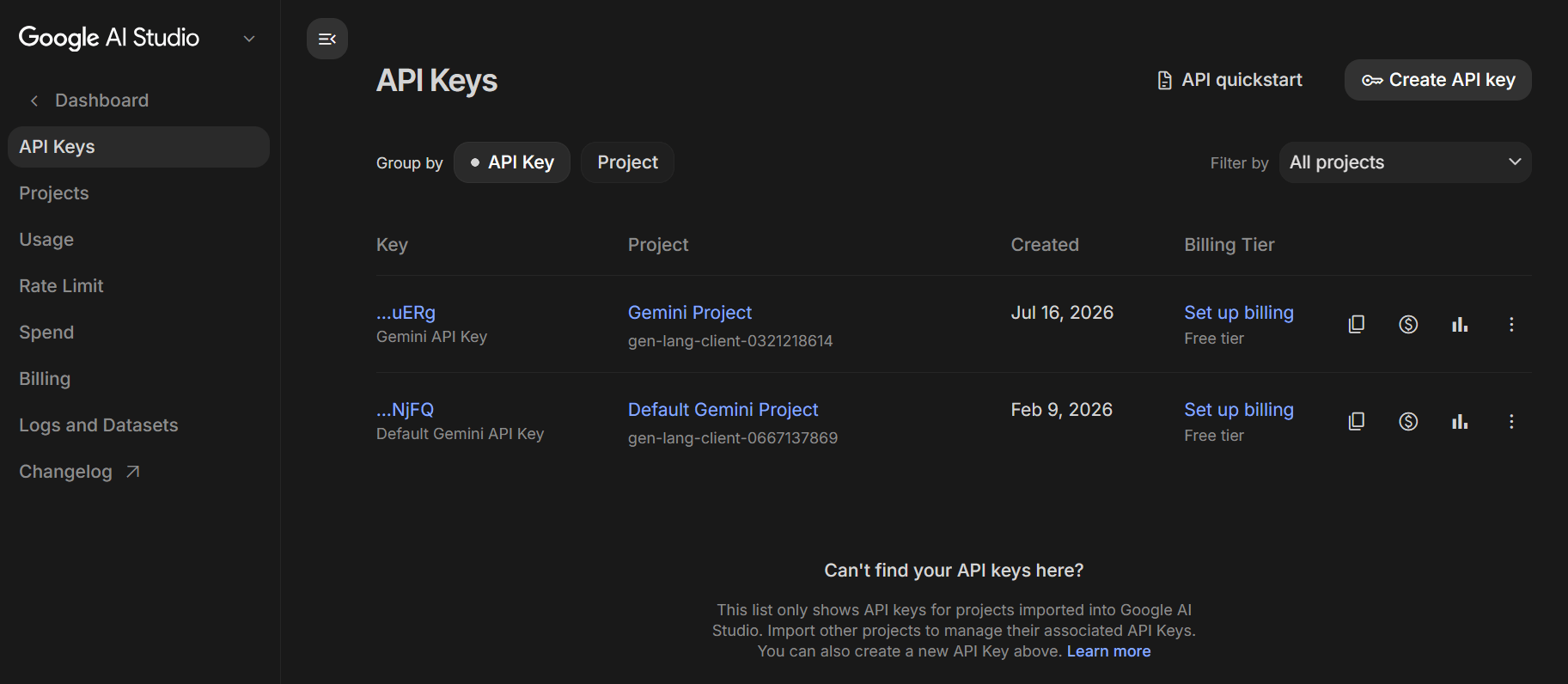
Click on Create Key
4
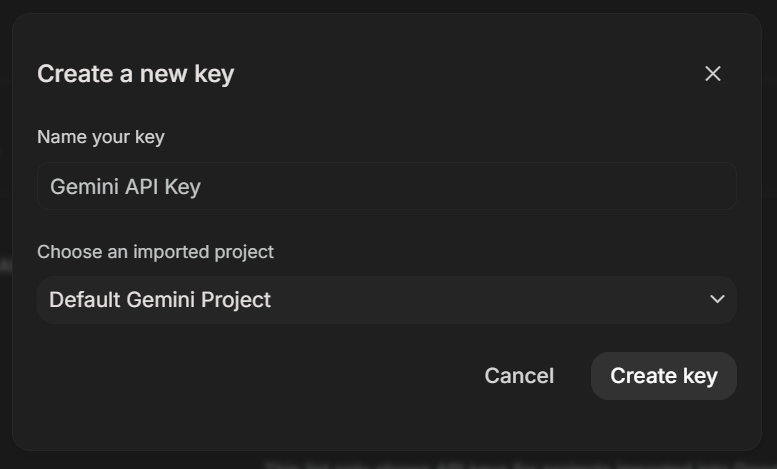
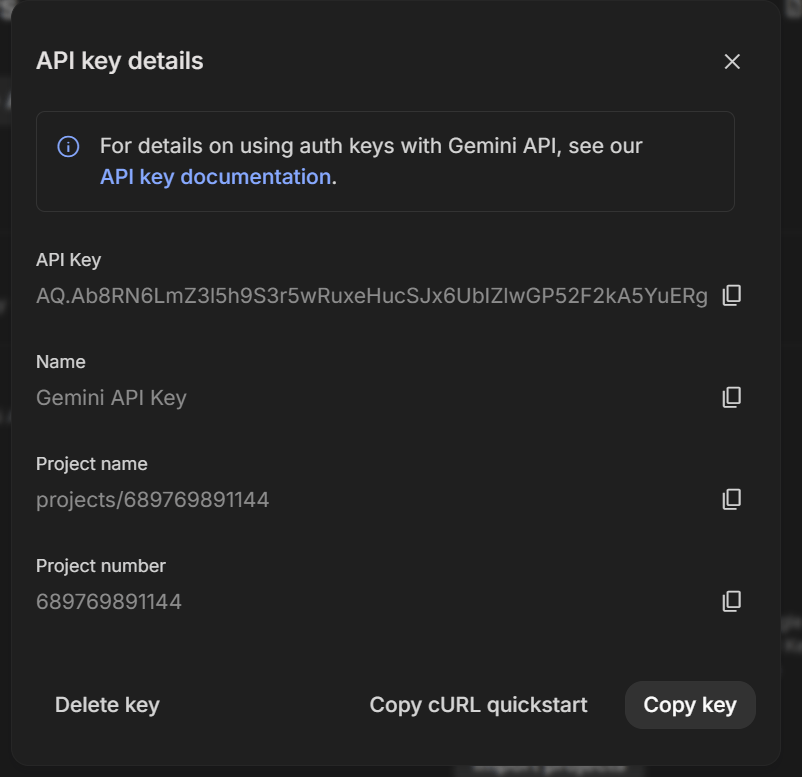
API Key will be generated
5
AIzaSyAxxxxxxxxxxxxxxxxxxxxxxxxxxxxxxxxxx
A valid key looks like this :
Open Jupyter Notebook
6
ai_application.ipynb
Create a new Notebook and name it as :
7
Install the Google Gemini Python SDK
8
import sys
!{sys.executable} -m pip install -U google-genai
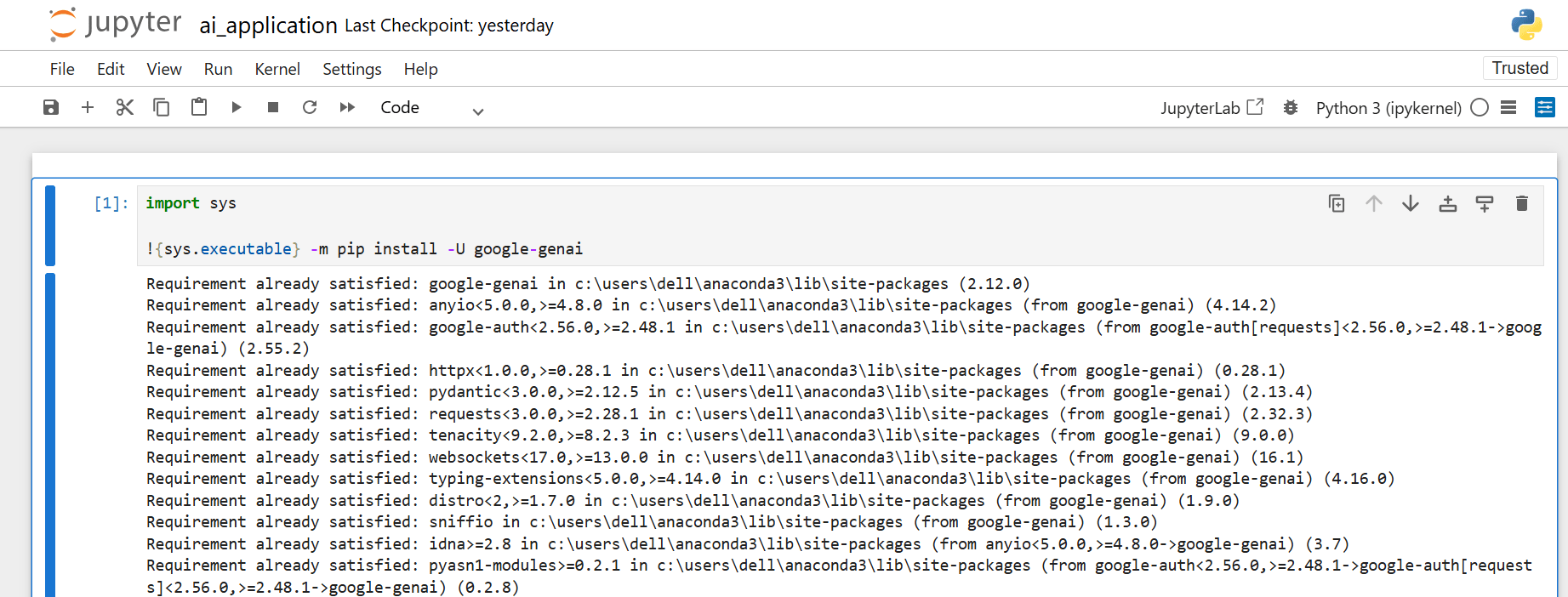
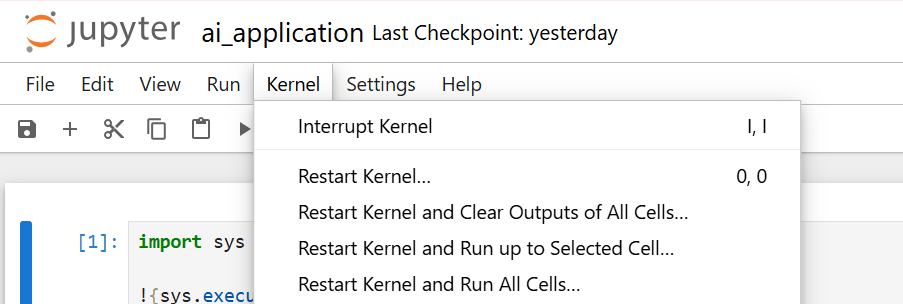
Restart the Jupyter Kernel
9
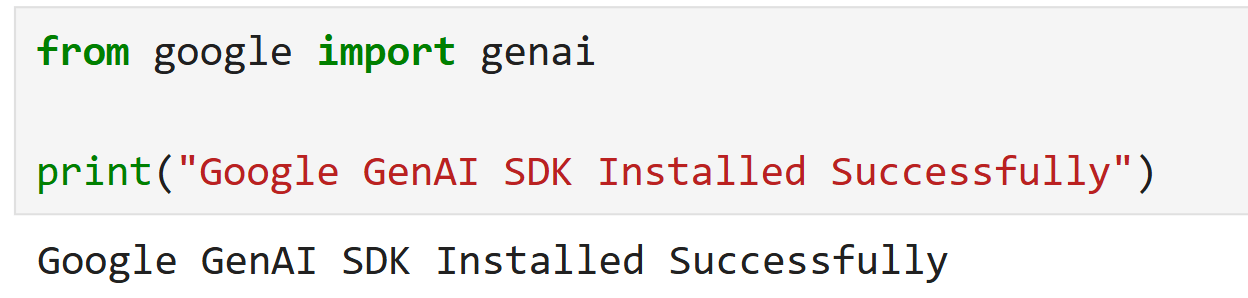
Verify that the SDK has been installed successfully
10
from google import genai
print("Google GenAI SDK Installed Successfully")
Create a new code cell
11
from google import genai

API_KEY = "PASTE_YOUR_API_KEY_HERE"

MODEL_NAME = "gemini-3.5-flash"

client = genai.Client(
 api_key=API_KEY
)

prompt = """
Explain Artificial Intelligence in simple language suitable for beginners.
"""

response = client.models.generate_content(
 model=MODEL_NAME,
 contents=prompt
)

print("\n========== AI Response ==========\n")
print(response.text)
If Program displays error :
12
ClientError: 404 NOT_FOUND
Execute the following code to view the available Gemini models.
from google import genai

client = genai.Client(api_key=API_KEY)

for model in client.models.list():
 print(model.name)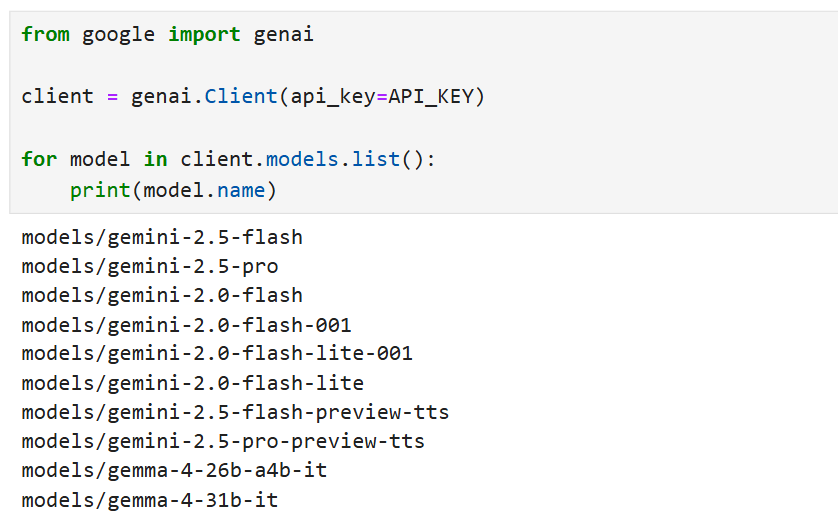
Replace :
MODEL_NAME =
Key Insertion :
13
Replace
With the API Key you created
Example :
API_KEY = "PASTE_YOUR_API_KEY_HERE"API_KEY = "AIzaSyAxxxxxxxxxxxxxxxxxxxxxxxxxxxxxxxxxx"Run the Program & save the Notebook
14
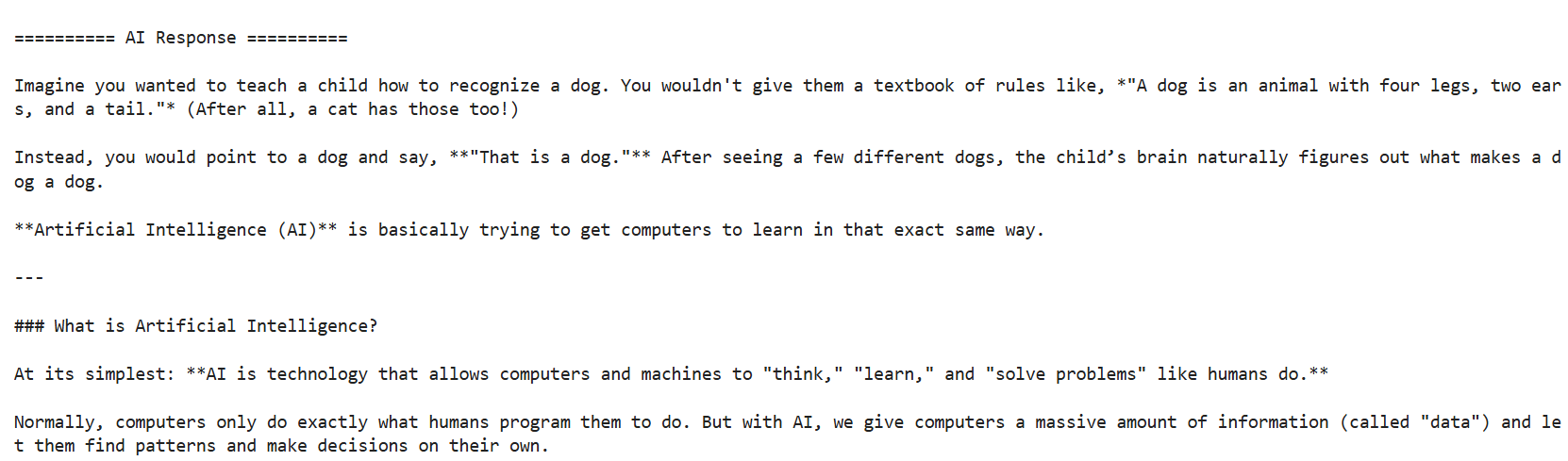
Locate the following prompt
15
Replace it with :
prompt = """
Explain Artificial Intelligence in simple language suitable for beginners.
"""
prompt = """
Explain Prompt Engineering in less than 100 words using bullet points.
"""Run the Program & Observe the output
16
Task 2: Build an AI Topic Explainer
Open the file created in Task 1
1
Locate and Delete the following prompt :
2
prompt = """
Explain Prompt Engineering in less than 100 words using bullet points.
"""Create a variable to accept user input
3
Type the following statement immediately below the client object
topic = input("Enter Topic : ")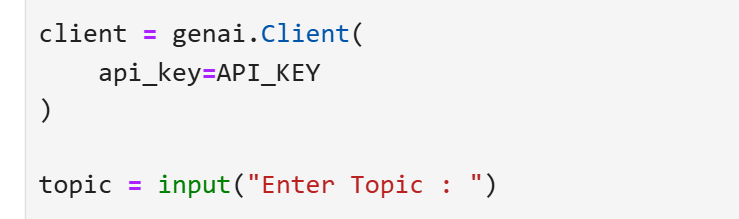
Create a reusable prompt template
4
prompt = f"""
You are an experienced Technical Trainer.

Task:
Explain the given topic.

Context:
The explanation is for first-year engineering students who are beginners.

Constraints:
• Maximum 150 words
• Use simple language
• Include one real-world example
• Avoid difficult technical terms

Output Format:
Definition
Key Features
Real-World Example
Conclusion

Topic:
{topic}
"""
Run the Program, Input the Topic and Save the file
5
Enter Topic : Artificial Intelligence
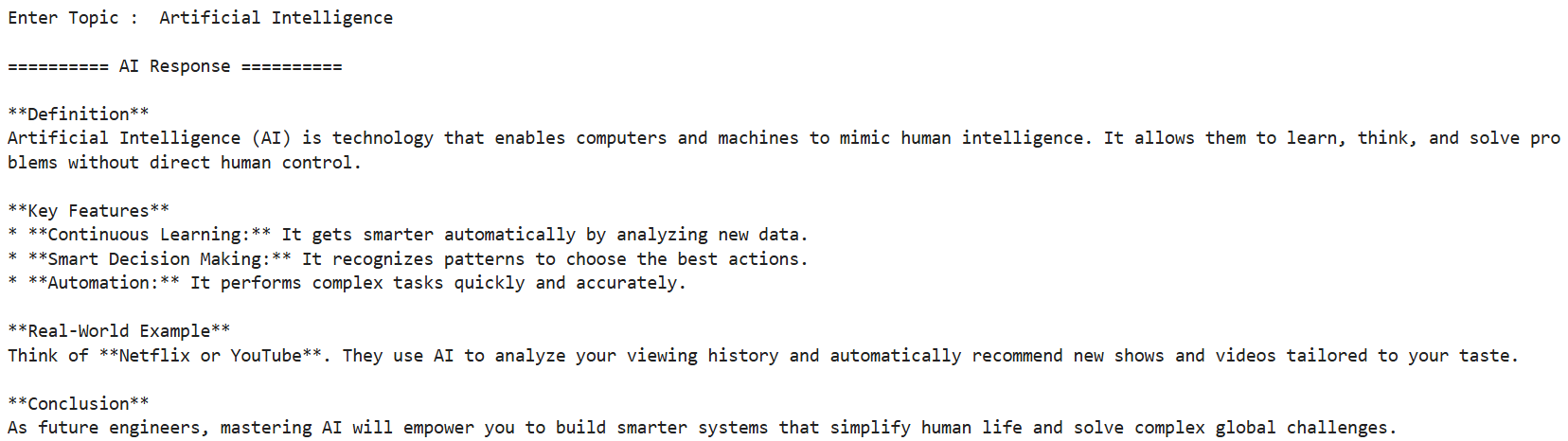
Try modifying the constraints and observe the response
6
Try modifying output format section
7
Overview
Advantages
Applications
Summary
Task 3: Control AI Responses
1
Open the file and replace the prompt with :
prompt = f"""
You are an experienced Technical Trainer.

Task:
Explain the given topic.

Context:
The explanation is for first-year engineering students.

Constraints:
• Maximum 150 words
• Use simple language

Output Format:
Paragraph

Topic:
{topic}

"""
2
Run the Program

Replace the Output Format
3
Enter Topic : Artificial Intelligence
Output Format:
Definition
Key Features
Advantages
Applications
Conclusion
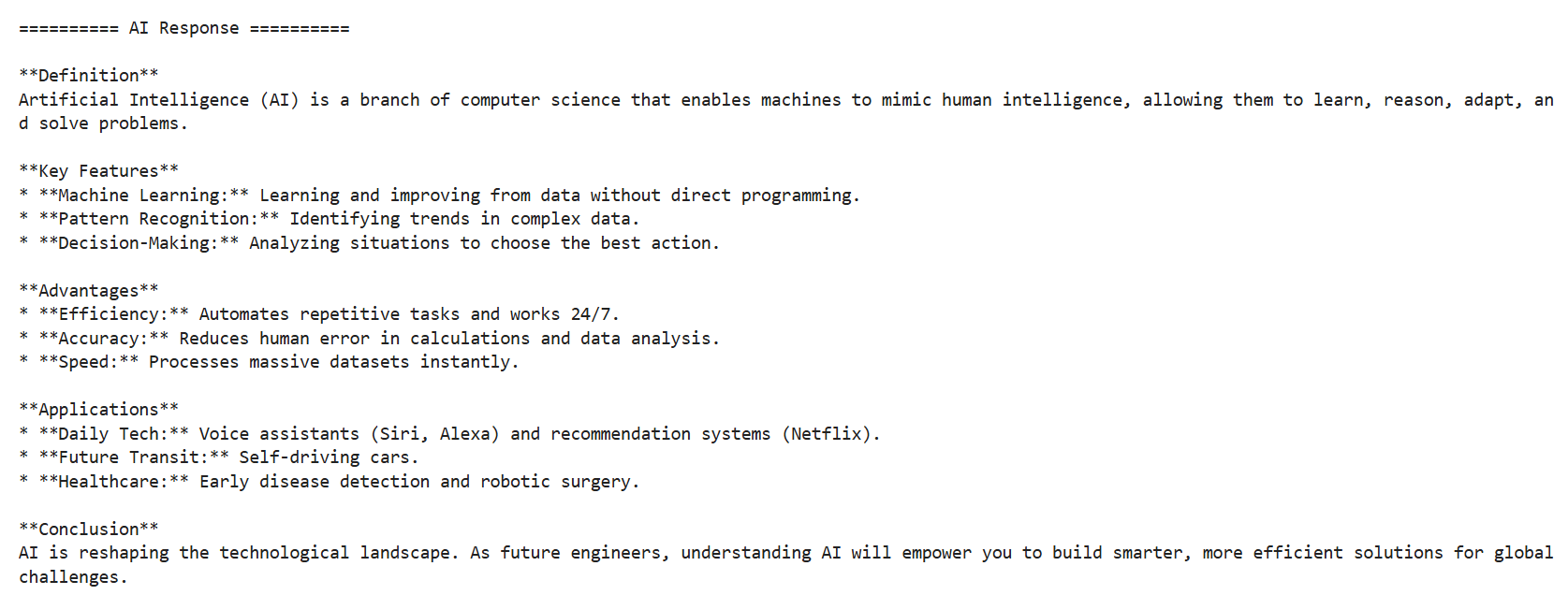
Try modifying Output Formats
4
Modify Input Section
5
topic = input("Enter Topic : ")
topic = input("Enter Any Technology Topic : ")
Replace with
Task 4: Build your AI Assistant
1
Open the file and replace the prompt with :
prompt = f"""
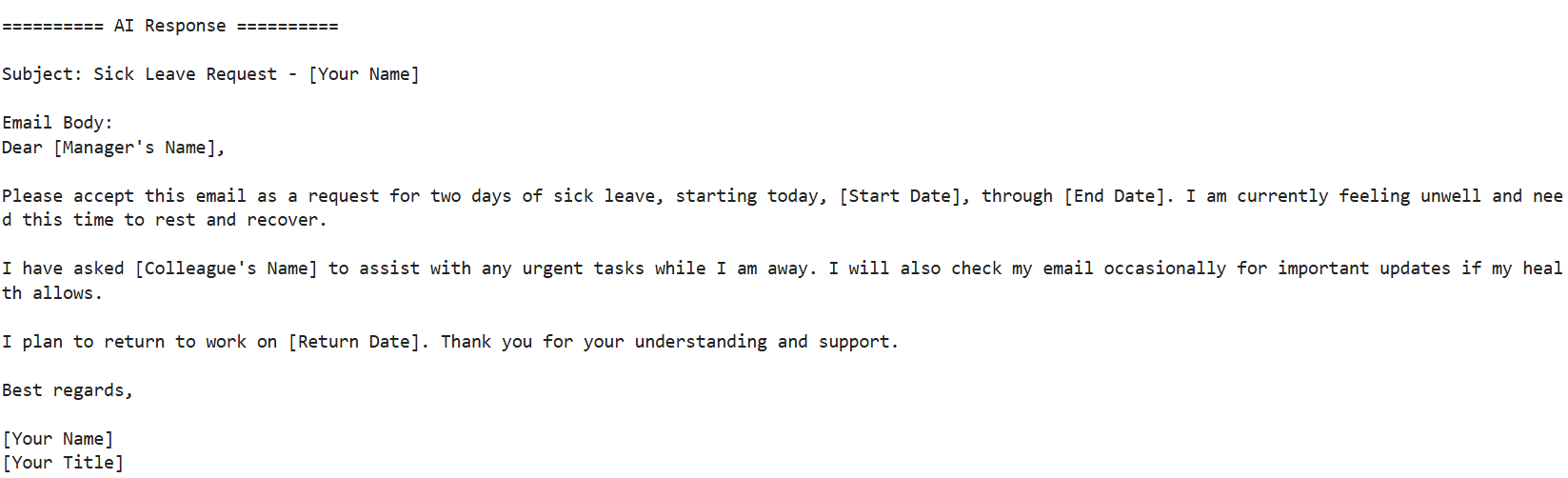
You are an AI Email Writing Assistant.

Task:
Write a professional email based on the user's request.

Context:
The email should be suitable for workplace communication.

Constraints:
• Use a professional tone.
• Maximum 150 words.
• Generate an email with a Subject and Body.
• Do not use complicated vocabulary.

Output Format:
Subject:
Email Body:
User Request:
{topic}
"""
Locate the following
2
topic = input("Enter Any Technology Topic : ")
topic = input("Enter your Email Request : ")
Replace with
Run the Program
3
Enter Topic : Write an email requesting two days leave due to illness.
Convert the application into an AI SQL Query Generator
4
Replace the prompt with
prompt = f"""
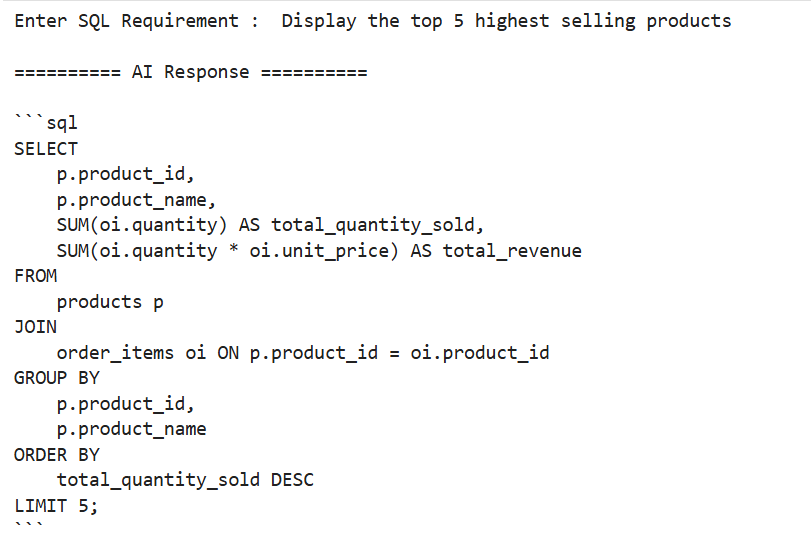
You are an SQL Expert.

Task:
Generate an SQL query.

Constraints:
• Generate only SQL code.
• Do not provide explanation.

User Requirement:
{topic}
"""
Locate the following
5
topic = input("Enter your Email Request : ")
topic = input("Enter SQL Requirement : ")
Replace with
Enter Topic : Display all employees whose salary is greater than 50000
Run the Program
6

Modify the Topic & Run the Program
7
Display the top 5 highest selling products.
Great job!
You have successfully completed the final lab and made your own AI application using Programming and API Keys
Checkpoint
Git Push
git push origin branchName