React Installation & Creating Your First React +
Vite Project

Business Scenario
Hello talented developers!

Great job on creating and running your first React + Vite application!
Our client is now ready for us to start developing ShopKart – an E-commerce Web Application.

Before we start building features such as product listing, shopping cart, login and registration, we need to prepare a clean and scalable foundation for our project.
In this lab, we will configure the required libraries, define the ShopKart project structure, and create the basic pages and navigation that we will build upon in the upcoming labs.

Pre-Lab Preparation
Module:
1) React Introduction & JSX
2) Deep Dive into Component & Props
git pull origin branchName
Git Pull
Task 1:Install Required Dependencies
Open your ShopKart project in VS Code and Open the terminal
1
Install Bootstrap
2
npm install bootstrap
- Bootstrap will help us create responsive layouts and UI components. We'll combine it with our own CSS later to give ShopKart its unique visual design.
Install React Router DOM:
3
npm install react-router-dom
- This will allow us to create navigation between different ShopKart pages.
Install React Hook Form
4
npm install react-hook-form
- We will use this later when we build our Login, Registration and other forms.
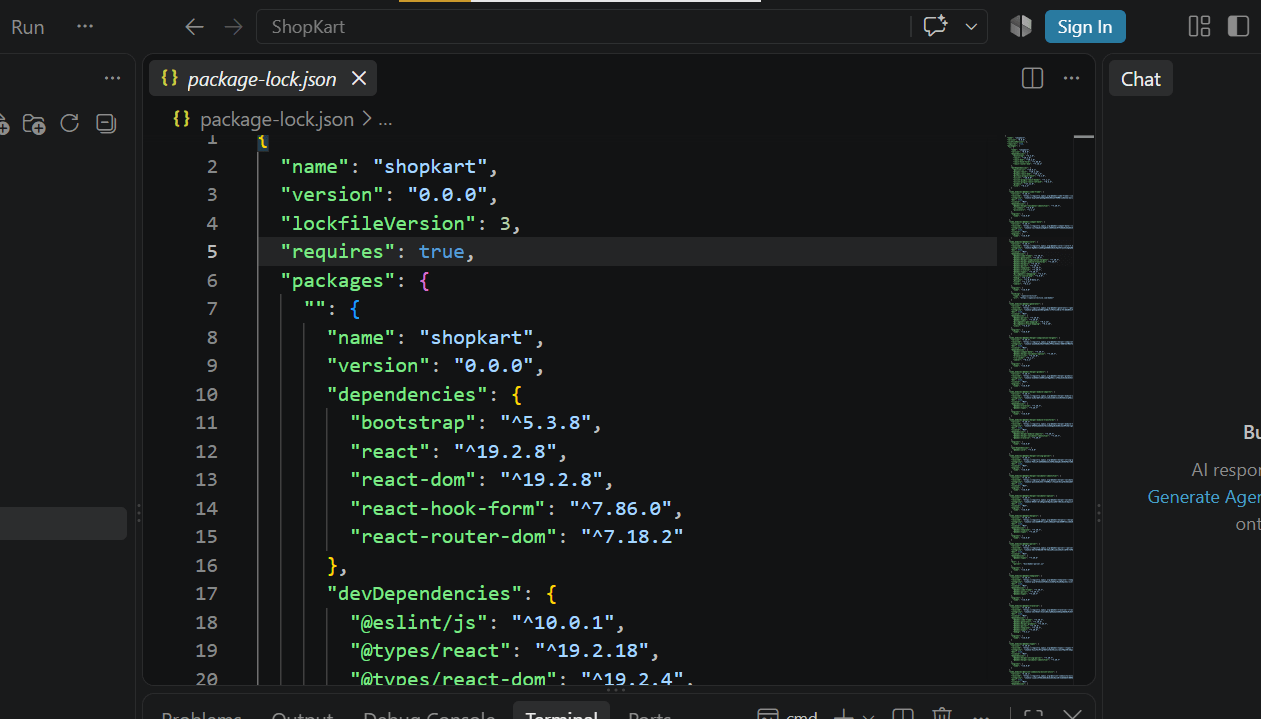
Open package.json and verify that the dependencies have been added.
5
- The three dependencies specified for this onboarding lab are Bootstrap, React Router and React Hook Form.
Task 2: Configure Bootstrap
Open : src/main.jsx
1
Add the Bootstrap CSS import at the top and Save the file
2
import 'bootstrap/dist/css/bootstrap.min.css';
- Bootstrap is now globally available throughout our React application.
Task 3 : Define the ShopKart Project Structure
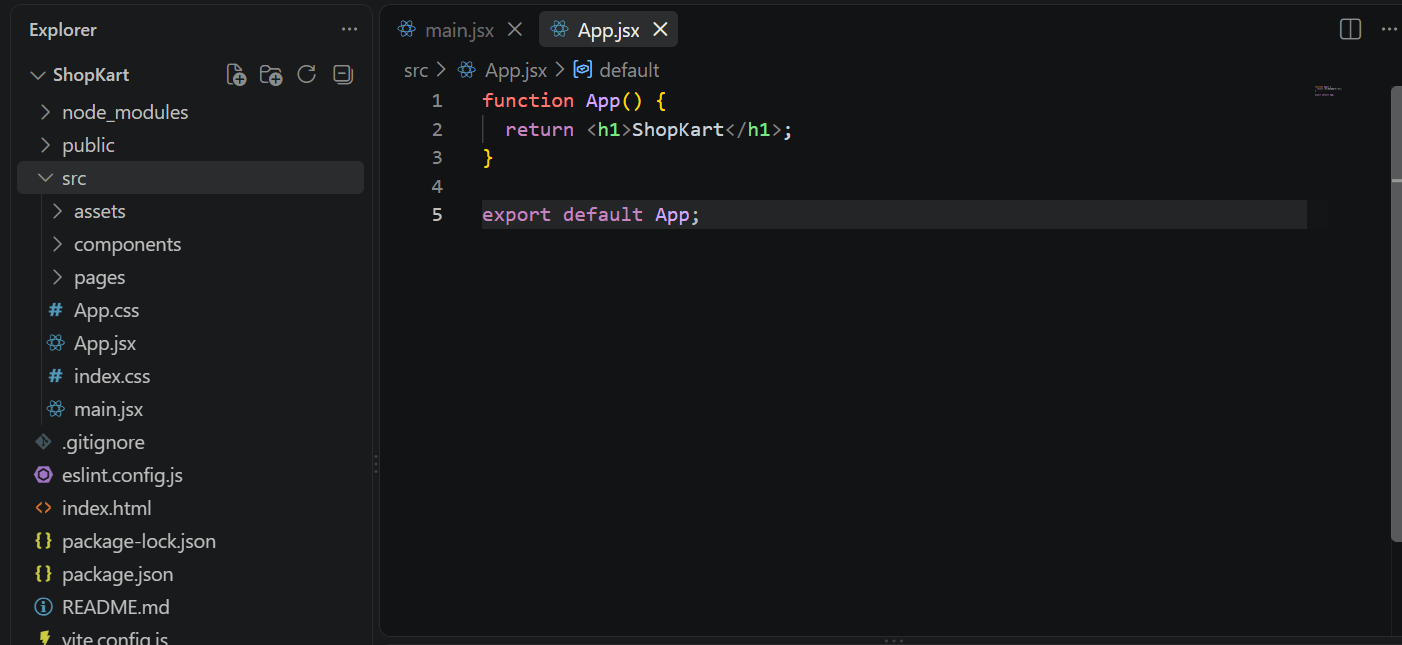
Inside the src folder, create : components and pages folder
1
Task 4 : Create Basic Components
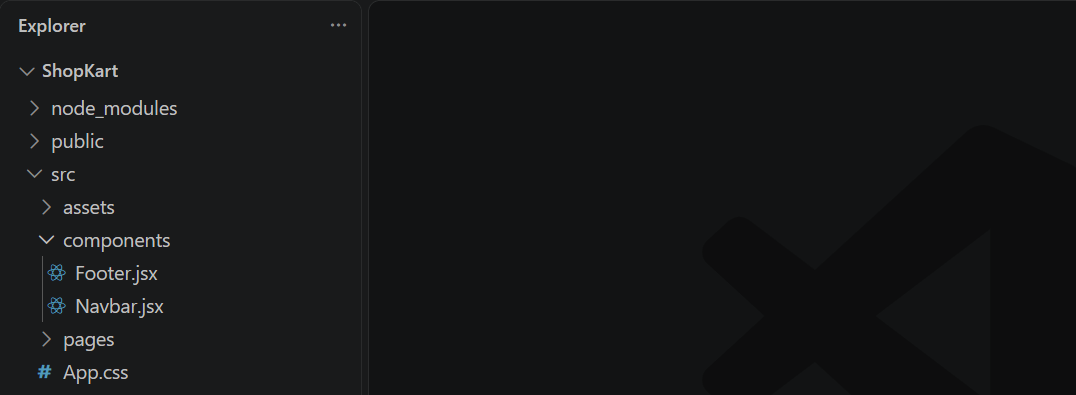
Inside components folder create : Navbar.jsx and Footer.jsx
1
For now, add a simple component to Navbar.jsx and Footer.jsx
2
import React from 'react'

export default function Navbar() {
  return (
     <nav>ShopKart Navbar</nav>
  )
}
import React from 'react'

export default function Footer() {
  return (
    <footer>Footer</footer>
  )
}
Task 5 : Create Basic ShopKart Pages
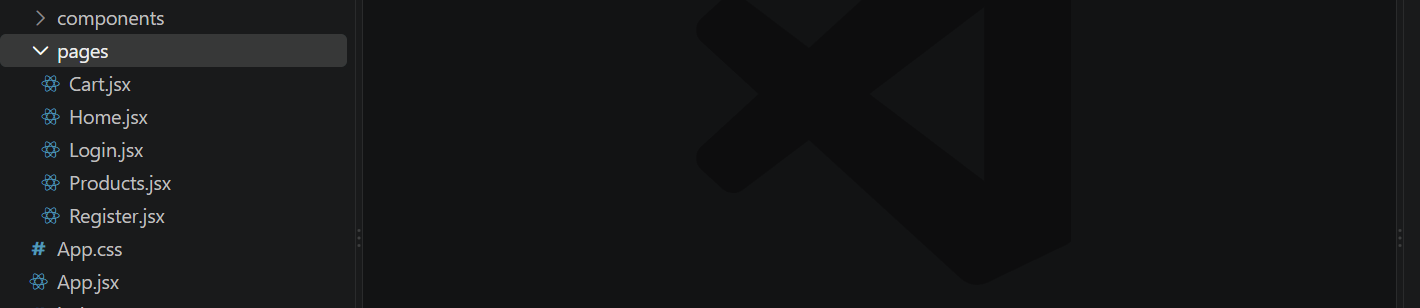
Inside pages folder create :
- Home.jsx
- Product.jsx
- Cart.jsx
- Login.jsx
- Register.jsx
Create a simple content for each page
1
2
import React from 'react'
function Home() {
  return (
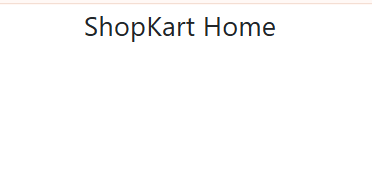
    <div>ShopKart Home</div>
  )
}
export default Home
import React from 'react'
function Products() {
return (
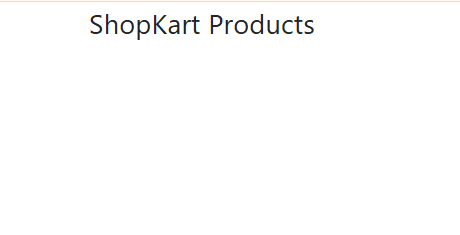
<div>ShopKart Products</div>
)
}
export default Productsimport React from 'react'
function Cart() {
return (
<div>Cart</div>
)
}
export default Cartimport React from 'react'
function Login() {
return (
<div>Login</div>
)
}
export default LoginTask 6 : Setup Basic Routing
Open main.jsx and import BrowserRouter
1
import { BrowserRouter } from "react-router-dom";
Wrap <App /> with BrowserRouter
2
import './index.css'
import App from './App.jsx'
import 'bootstrap/dist/css/bootstrap.min.css';
import { BrowserRouter } from 'react-router-dom';
createRoot(document.getElementById('root')).render(
  <StrictMode>
    <BrowserRouter>
    <App />
    </BrowserRouter>
  </StrictMode>,
)
Task 7 : Define Home and Products Routes
Open App.jsx and import :
1
import { Routes, Route } from "react-router-dom";
Import pages
2
import Home from "./pages/Home";
import Products from "./pages/Products";
Run the ShopKart Application
3
- Open : http://localhost:5173
- Open : http://localhost:5173/products
We are done with this lab. The latest source code has been uploaded to GitHub. You can access the latest commit using the link below:
Git Push
git push origin branchName
Great job!
ShopKart now has a clean and scalable foundation with the essential libraries, pages, components, and basic navigation in place.
Checkpoint
Next-Lab Preparation
Module:
1) React Introduction & JSX
2) Deep Dive into Component & Props