Building the ShopKart Home Page

Business Scenario
Hello talented developers!

Our ShopKart project has now been successfully configured with React + Vite, Bootstrap, React Router and React Hook Form.

Today, we will focus on the Home Page foundation.
Pre-Lab Preparation
Module:
1) React Introduction & JSX
2) Deep Dive into Component & Props
We will break the interface into reusable React components and use props wherever the same component needs to display different data.
git pull origin branchName
Git Pull
Task 1:Create the ShopKart Design Foundation
Open index.css - Remove the default Vite CSS if it is still present and add :
1
* {
  box-sizing: border-box;
}
body {
  margin: 0;
  font-family: Arial, sans-serif;
  background-color: #f8fafc;
  color: #0f172a;
}
a {
  text-decoration: none;
  color: inherit;
}
button {
  font-family: inherit;
}
Task 2 :Build the Shopkart Navbar
Open Navbar.jsx and Replace the temporary Navbar with:
1
import "./Navbar.css";

function Navbar() {
  return (
    <>
      {/* Top Shipping Bar */}
      <div className="top-bar">
        <div className="container-fluid">
          <span className="new-badge">NEW</span>
          Free shipping on orders above ₹499 | Easy 7-day returns
        </div>
      </div>

      {/* Main Navbar */}
      <nav className="navbar navbar-expand-lg">
        <div className="container-fluid">
{/* Logo */}
<a className="navbar-brand" href="/">
<img src="/images/logo.png" alt="ShopKart" className="shopkart-logo" />
</a>
{/* All Categories Dropdown */}
<div className="dropdown category-dropdown">
<button className="category-btn dropdown-toggle" type="button"
data-bs-toggle="dropdown" aria-expanded="false"> All Categories
</button>
<ul className="dropdown-menu">
<li><a className="dropdown-item" href="#">Electronics</a></li>
<li><a className="dropdown-item" href="#">Fashion</a></li>
<li><a className="dropdown-item" href="#">Home & Kitchen</a></li>
<li><a className="dropdown-item" href="#">Beauty & Personal Care</a></li>
<li><a className="dropdown-item" href="#">Sports & Fitness</a></li>
<li><a className="dropdown-item" href="#">Books & Stationery</a></li>
</ul>
</div>
{/* Mobile Toggle */}
<button className="navbar-toggler" type="button" data-bs-toggle="collapse"
data-bs-target="#shopKartNavbar">
<span className="navbar-toggler-icon"></span>
</button>
{/* Navigation */}
<div className="collapse navbar-collapse" id="shopKartNavbar">
<ul className="navbar-nav main-nav mx-auto">
<li className="nav-item"><a className="nav-link active" href="/">Home</a></li> <li className="nav-item"><a className="nav-link" href="/products">Products</a></li>
<li className="nav-item"><a className="nav-link" href="#">Deals</a></li>
<li className="nav-item"><a className="nav-link" href="#">About Us</a></li>
</ul>
{/* Search */}
<div className="search-box">
<input type="text" placeholder="Search for products..." />
<button className="search-btn"><img src="/icons/search-icon.png" alt="Search"/>
</button>
</div>
{/* Icons */}
<div className="nav-actions">
<img src="/icons/heart.png" alt="Wishlist" className="nav-icon" />
<div className="cart-wrapper">
<img src="/icons/cart-icon.png" alt="Cart" className="nav-icon" />
<span className="cart-count">3</span>
</div>
</div>
</div>
</div>
</nav>
</>
);
}
export default Navbar;Inside components folder - create Navbar.css file
2
- You will wirte the navbar css here
Inside components folder - create Navbar.css
2
.navbar .nav-link:hover {
  color: #0aa89e;
}

.nav-icon {
  width: 28px;
  height: 28px;
  object-fit: contain;
  cursor: pointer;
}
Install React Router DOM:
3
npm install react-router-dom
- This will allow us to create navigation between different ShopKart pages.
Install React Hook Form
4
npm install react-hook-form
- We will use this later when we build our Login, Registration and other forms.
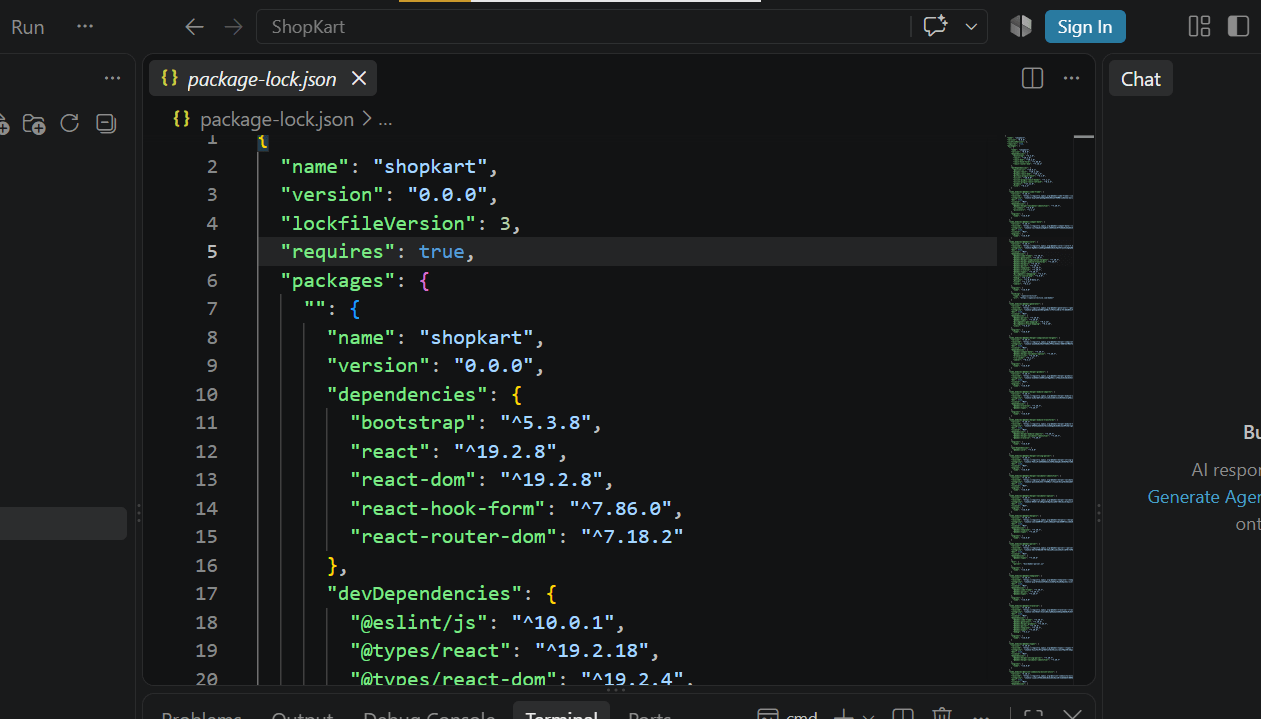
Open package.json and verify that the dependencies have been added.
5
- The three dependencies specified for this onboarding lab are Bootstrap, React Router and React Hook Form.
Task 2: Configure Bootstrap
Open : src/main.jsx
1
Add the Bootstrap CSS import at the top and Save the file
2
import 'bootstrap/dist/css/bootstrap.min.css';
- Bootstrap is now globally available throughout our React application.
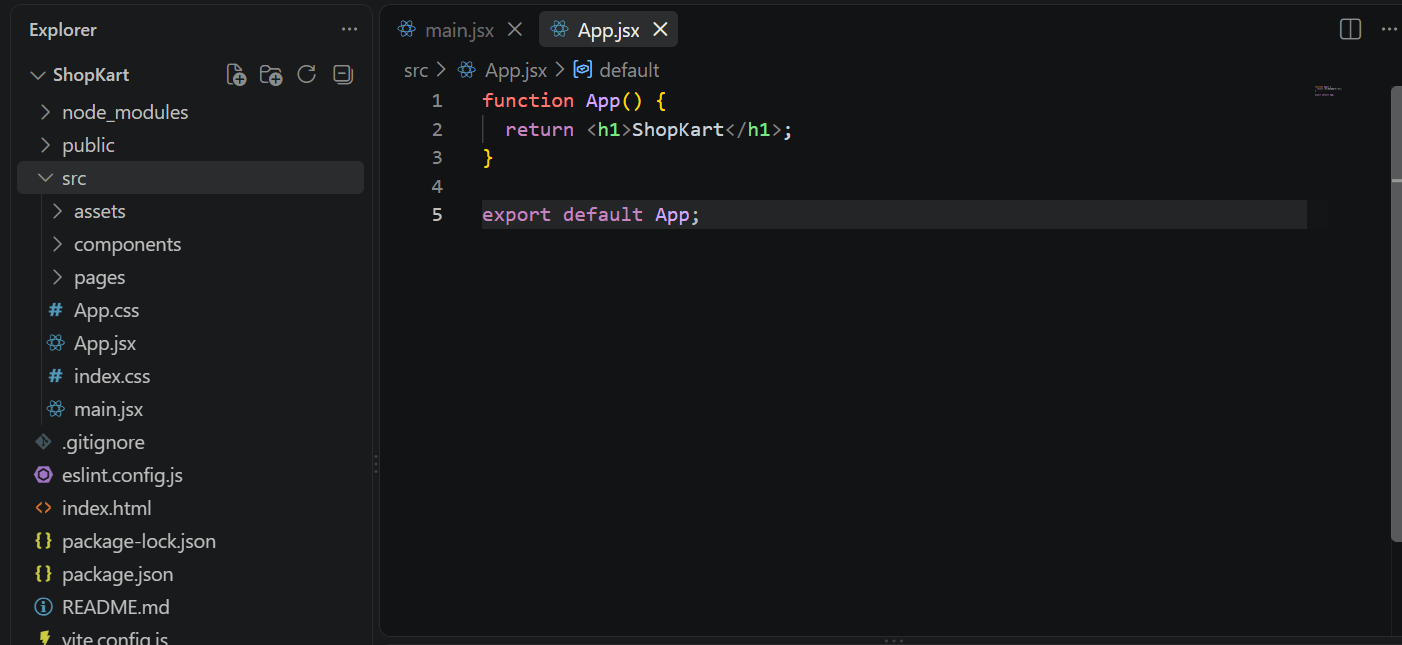
Task 3 : Define the ShopKart Project Structure
Inside the src folder, create : components and pages folder
1
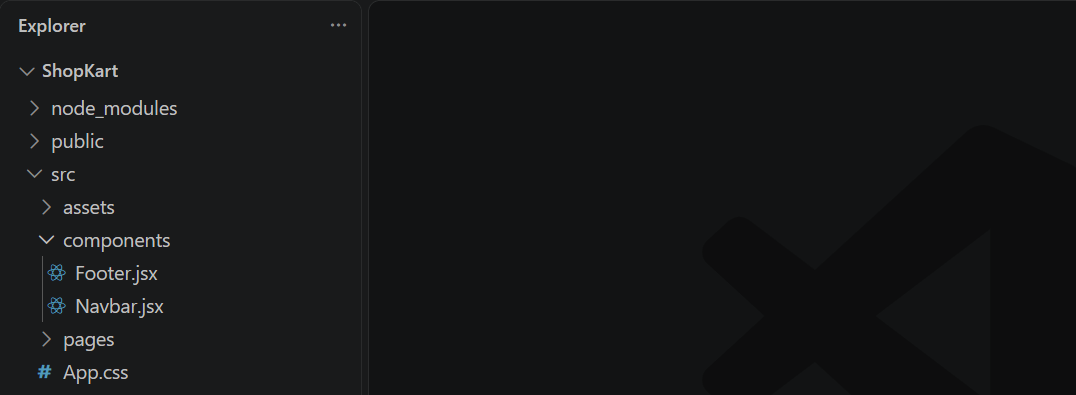
Task 4 : Create Basic Components
Inside components folder create : Navbar.jsx and Footer.jsx
1
For now, add a simple component to Navbar.jsx and Footer.jsx
2
import React from 'react'

export default function Navbar() {
  return (
     <nav>ShopKart Navbar</nav>
  )
}
import React from 'react'

export default function Footer() {
  return (
    <footer>Footer</footer>
  )
}
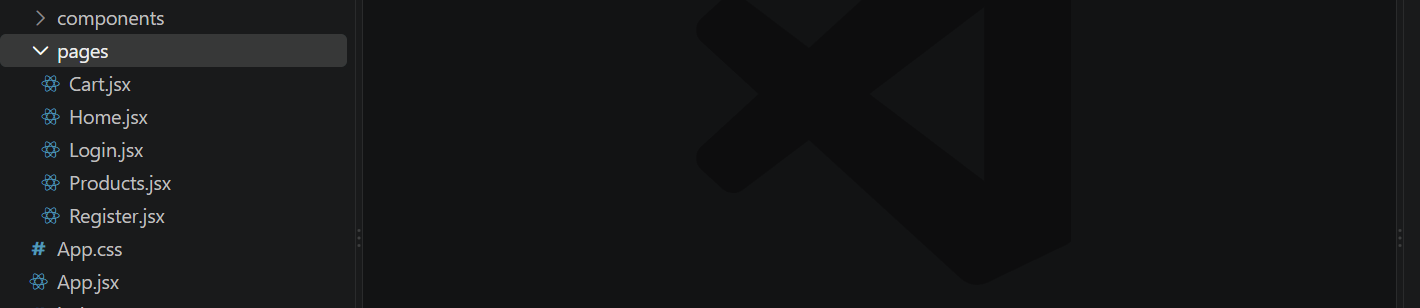
Task 5 : Create Basic ShopKart Pages
Inside pages folder create :
- Home.jsx
- Product.jsx
- Cart.jsx
- Login.jsx
- Register.jsx
Create a simple content for each page
1
2
import React from 'react'
function Home() {
  return (
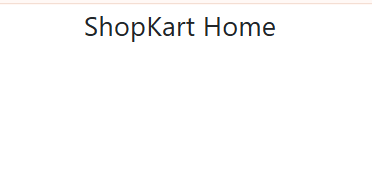
    <div>ShopKart Home</div>
  )
}
export default Home
import React from 'react'
function Products() {
return (
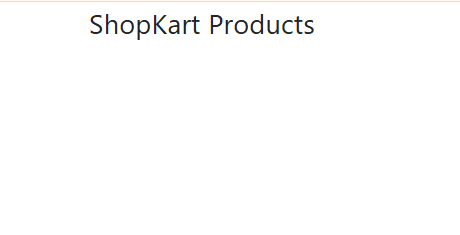
<div>ShopKart Products</div>
)
}
export default Productsimport React from 'react'
function Cart() {
return (
<div>Cart</div>
)
}
export default Cartimport React from 'react'
function Login() {
return (
<div>Login</div>
)
}
export default LoginTask 6 : Setup Basic Routing
Open main.jsx and import BrowserRouter
1
import { BrowserRouter } from "react-router-dom";
Wrap <App /> with BrowserRouter
2
import './index.css'
import App from './App.jsx'
import 'bootstrap/dist/css/bootstrap.min.css';
import { BrowserRouter } from 'react-router-dom';
createRoot(document.getElementById('root')).render(
  <StrictMode>
    <BrowserRouter>
    <App />
    </BrowserRouter>
  </StrictMode>,
)
Task 7 : Define Home and Products Routes
Open App.jsx and import :
1
import { Routes, Route } from "react-router-dom";
Import pages
2
import Home from "./pages/Home";
import Products from "./pages/Products";
Run the ShopKart Application
3
- Open : http://localhost:5173
- Open : http://localhost:5173/products
We are done with this lab. The latest source code has been uploaded to GitHub. You can access the latest commit using the link below:
Git Push
git push origin branchName
Great job!
ShopKart now has a clean and scalable foundation with the essential libraries, pages, components, and basic navigation in place.
Checkpoint
Next-Lab Preparation
Module:
1) React Introduction & JSX
2) Deep Dive into Component & Props