Understanding Dynamic Product Rendering in React

Business Scenario
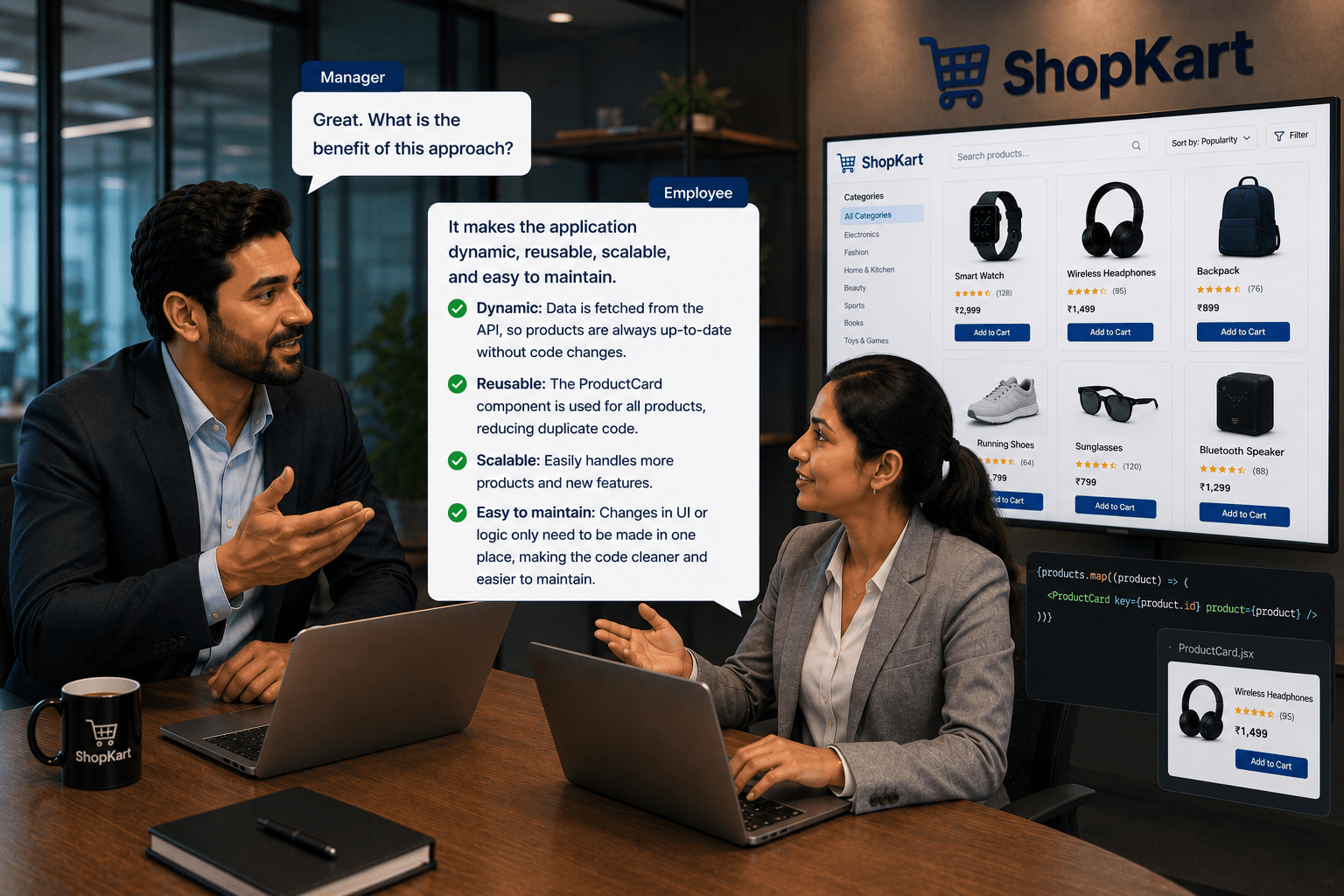
To understand how dynamic product listing works in React, let’s look at a conversation between a manager and an employee.

Manager:
How should we display products in the ShopKart application?

Employee:
Instead of static data, we should fetch products dynamically from an API.
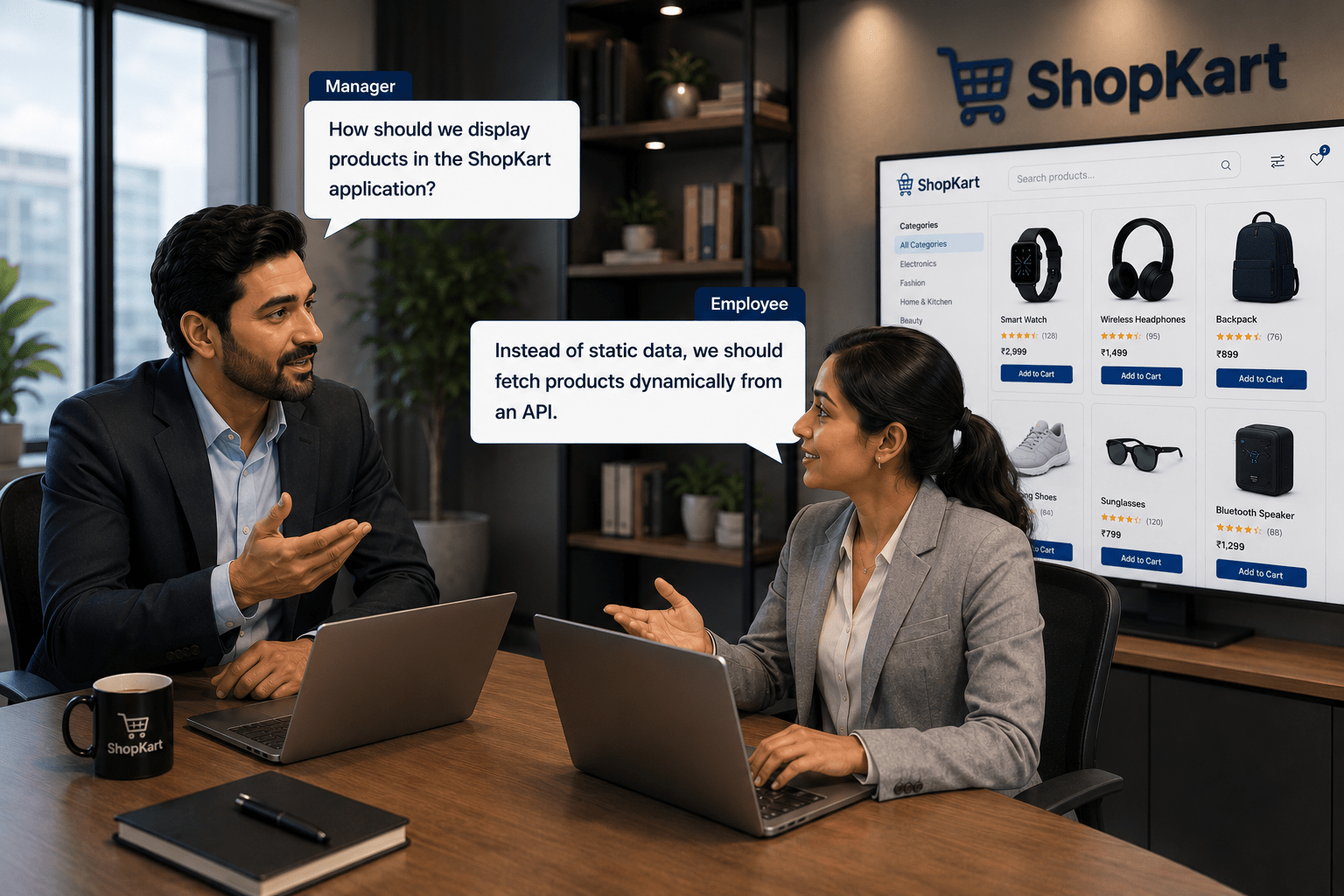
Manager: How will we manage and display the data in React?

Employee:
We can use useState and useEffect to fetch and store data, then use map to display products.

Manager:
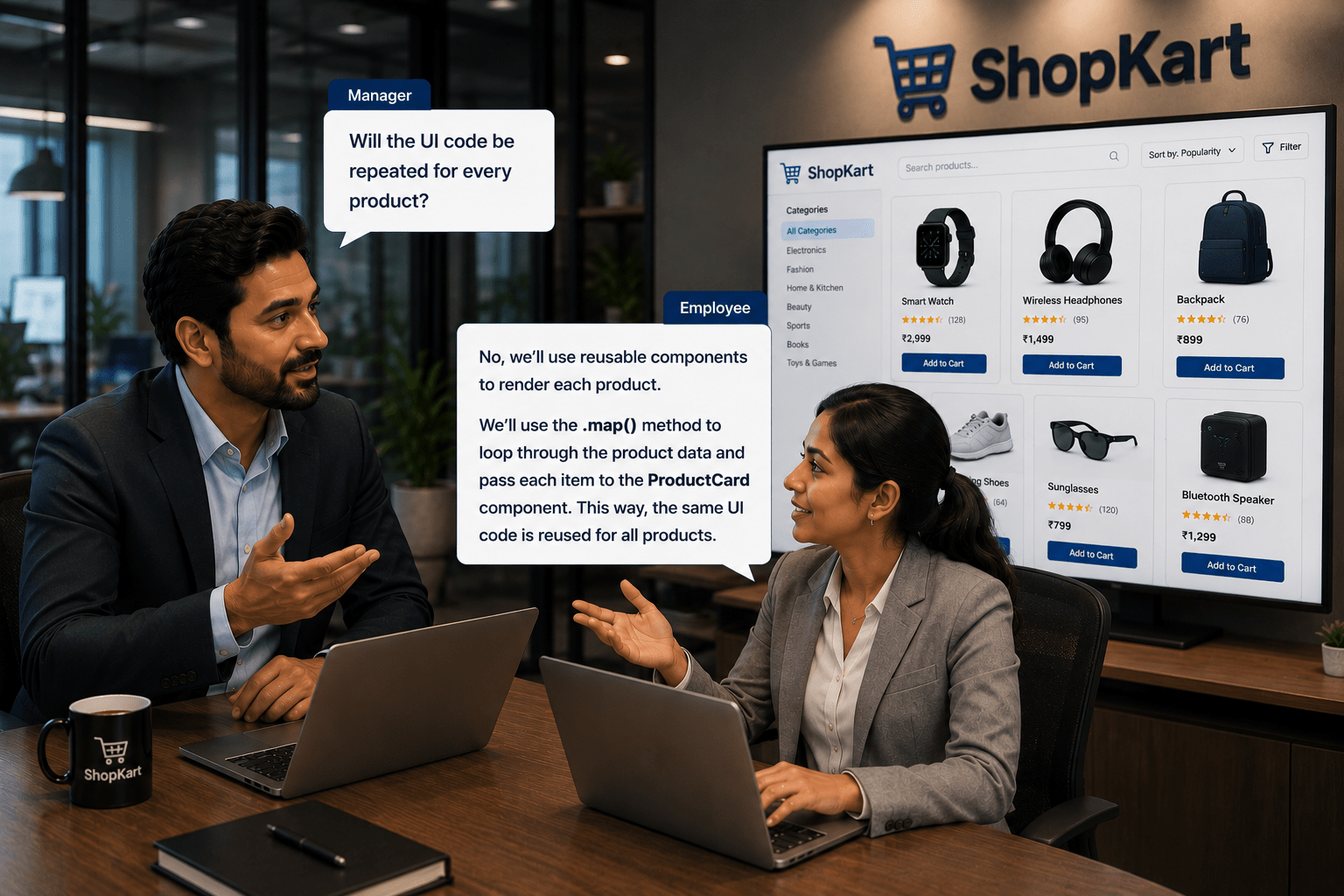
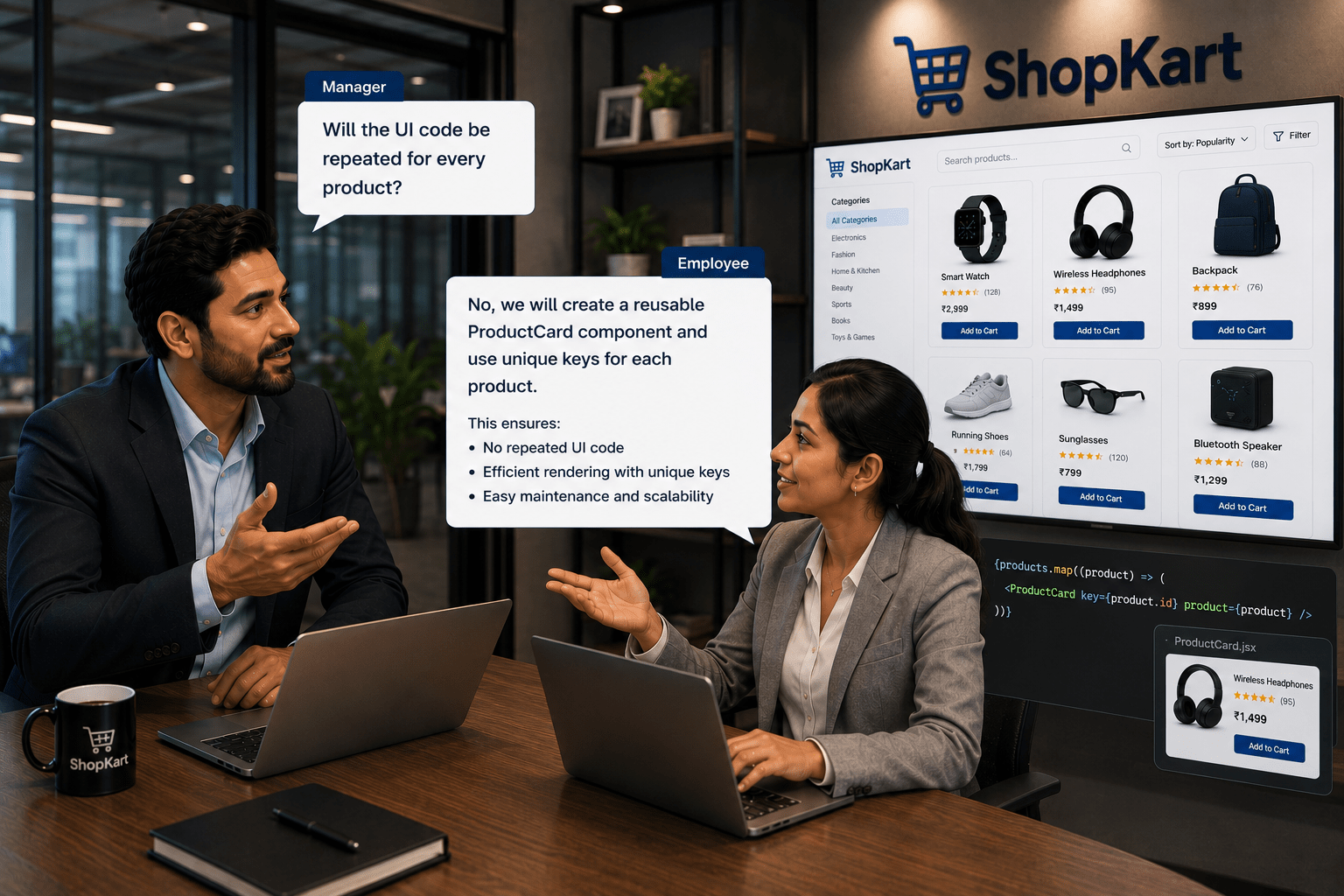
Will the UI code be repeated for every product?
Employee:
No, we will create a reusable ProductCard component and use unique keys for each product.
Manager:
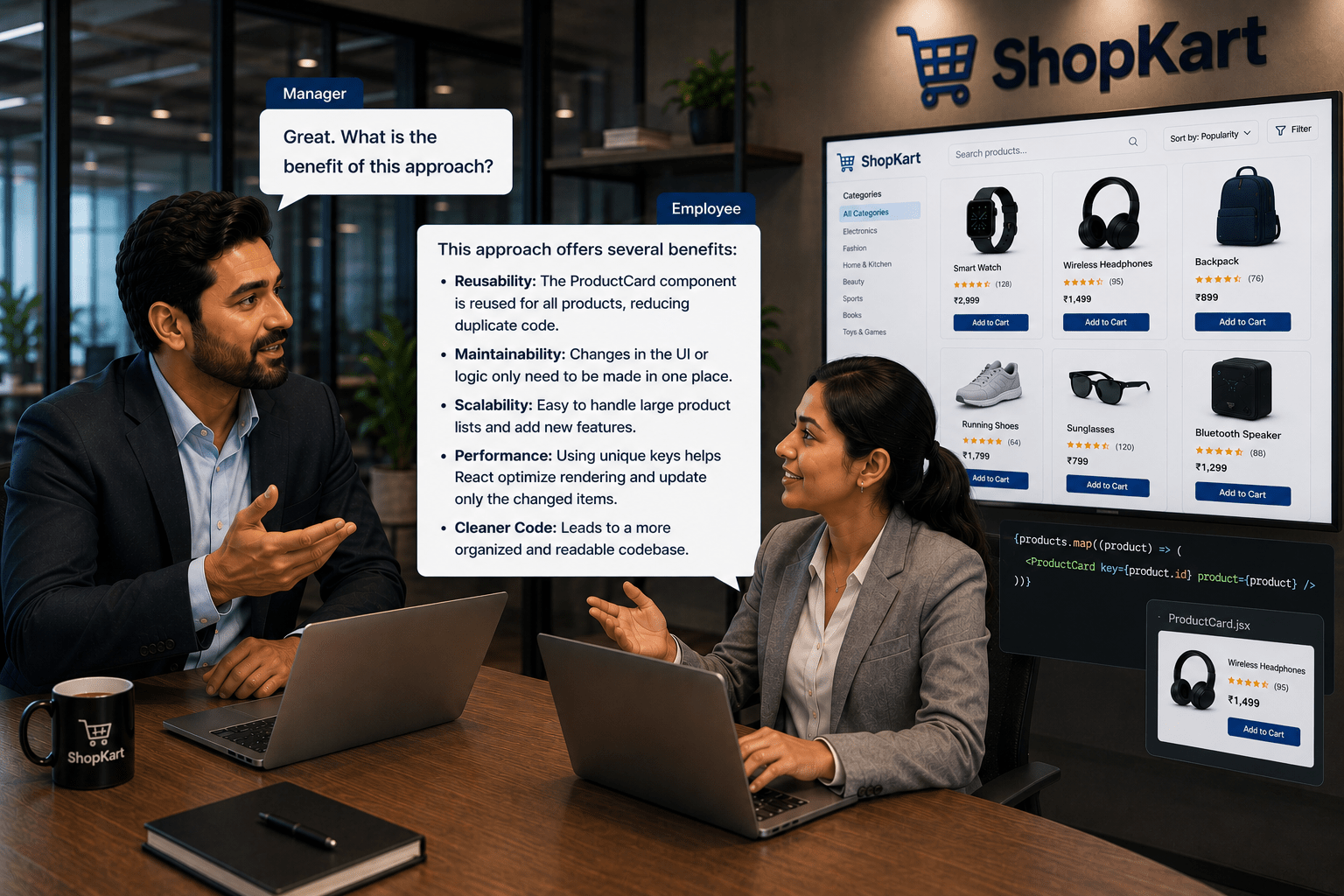
Great. What is the benefit of this approach?
Employee:
It makes the application dynamic, reusable, scalable, and easy to maintain.
Pre-Lab Preparation
-
What are React Components
-
What are Props in React
-
What is useState Hook
-
What is useEffect Hook
-
Lists and Keys in Reacta
Task 1: Create ProductCard Component
1
Navigate to components folder
2
Create a file
(ProductCard.jsx)
3
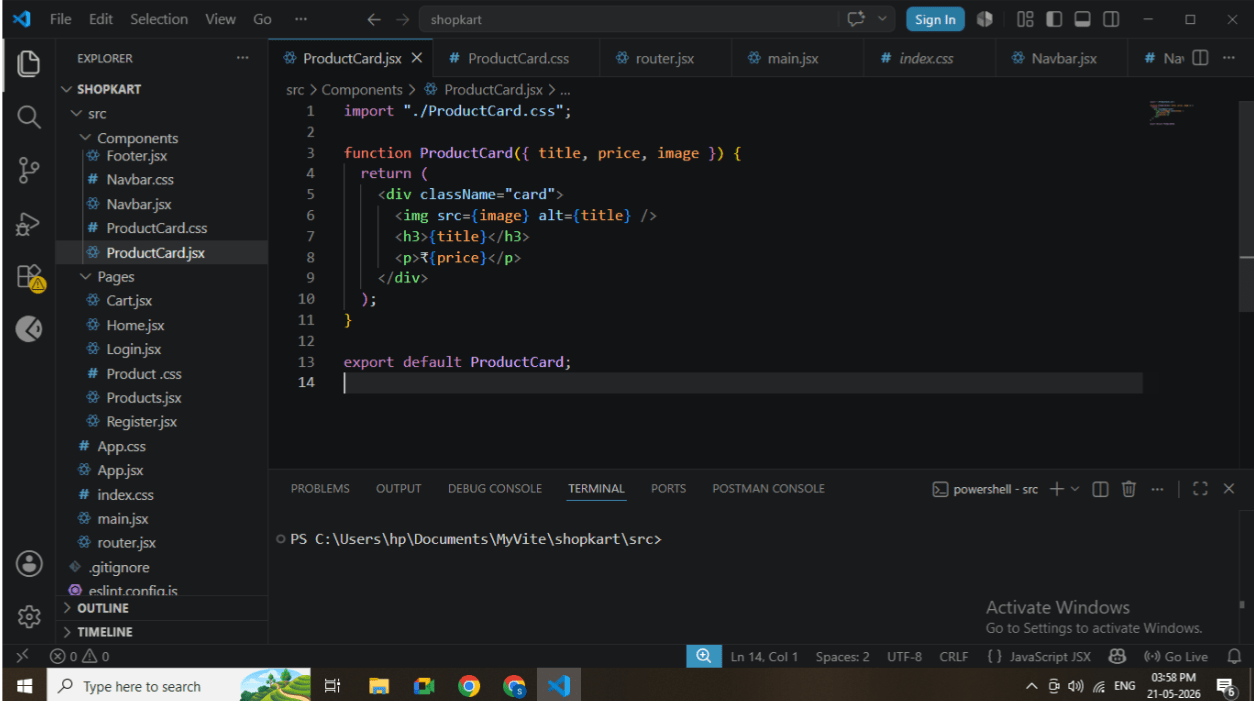
Add the following code
function ProductCard({ title, price, image }) {
 return (
   <div>
     <img src={image} width="100" />
     <h3>{title}</h3>
     <p>₹{price}</p>
   </div>
 );
}

export default ProductCard;
-
ProductCard component code
Task 2: Create Products Page
1
Navigate to pages folder
2
Create file: Products.jsx
3
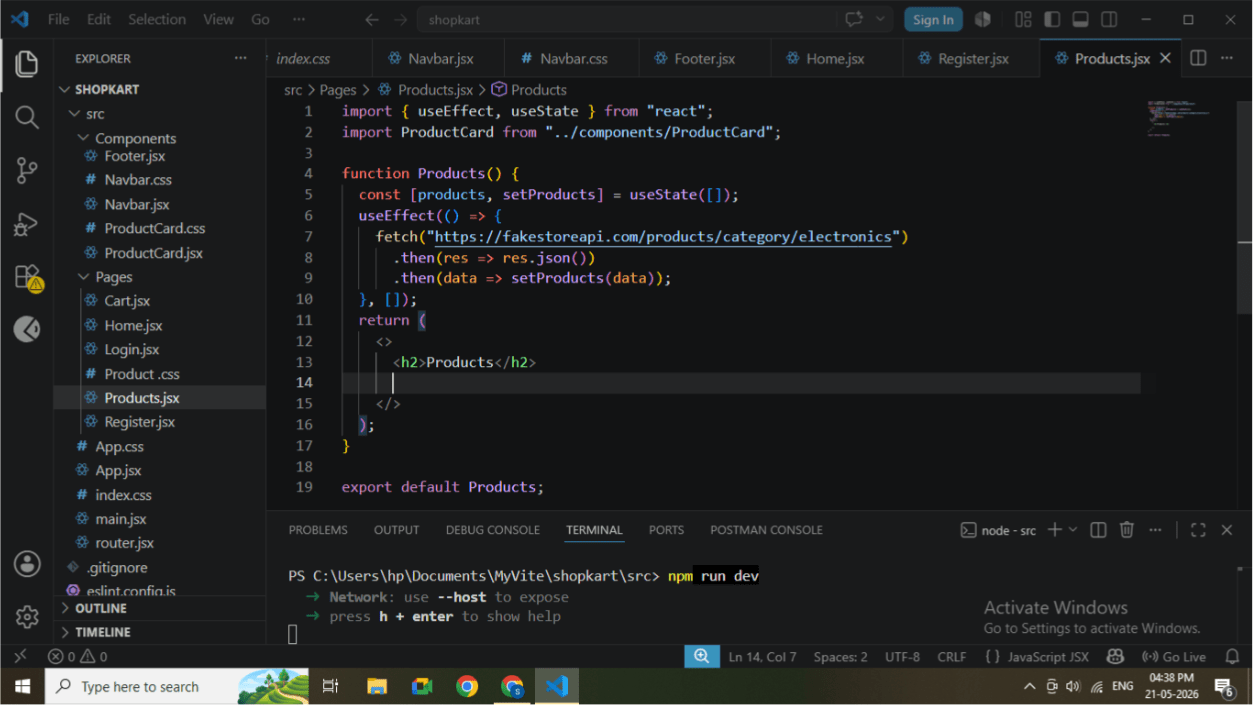
Import required hooks and component
import { useEffect, useState } from "react";
import ProductCard from "../components/ProductCard";
4
Initialize state
const [products, setProducts] = useState([]);
5
Fetch API data
useEffect(() => {
 fetch("https://fakestoreapi.com/products
")
   .then(res => res.json())
   .then(data => setProducts(data));
}, []);
Task 3: Render Product List
1
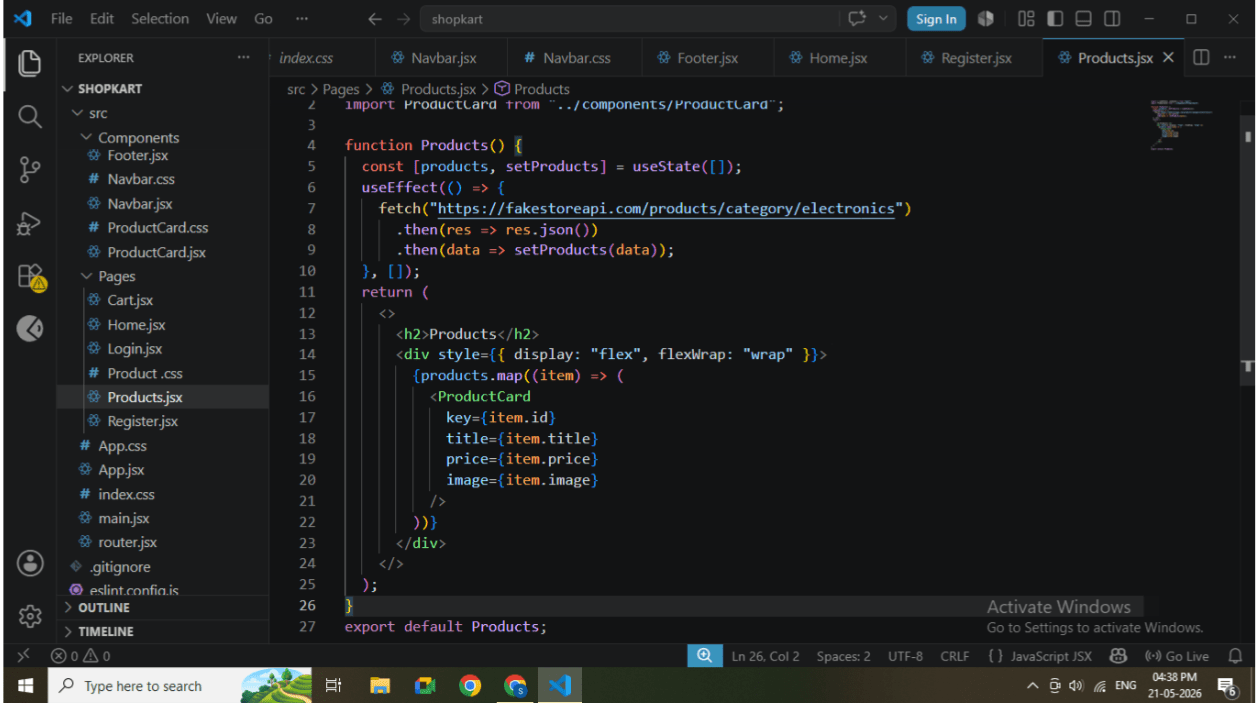
Use map function to display products
{products.map((item) => (
 <ProductCard
   key={item.id}
   title={item.title}
   price={item.price}
   image={item.image}
 />
))}
2
Wrap inside container
<div>
 <h2>Products</h2>
 {products.map(...)}
</div>
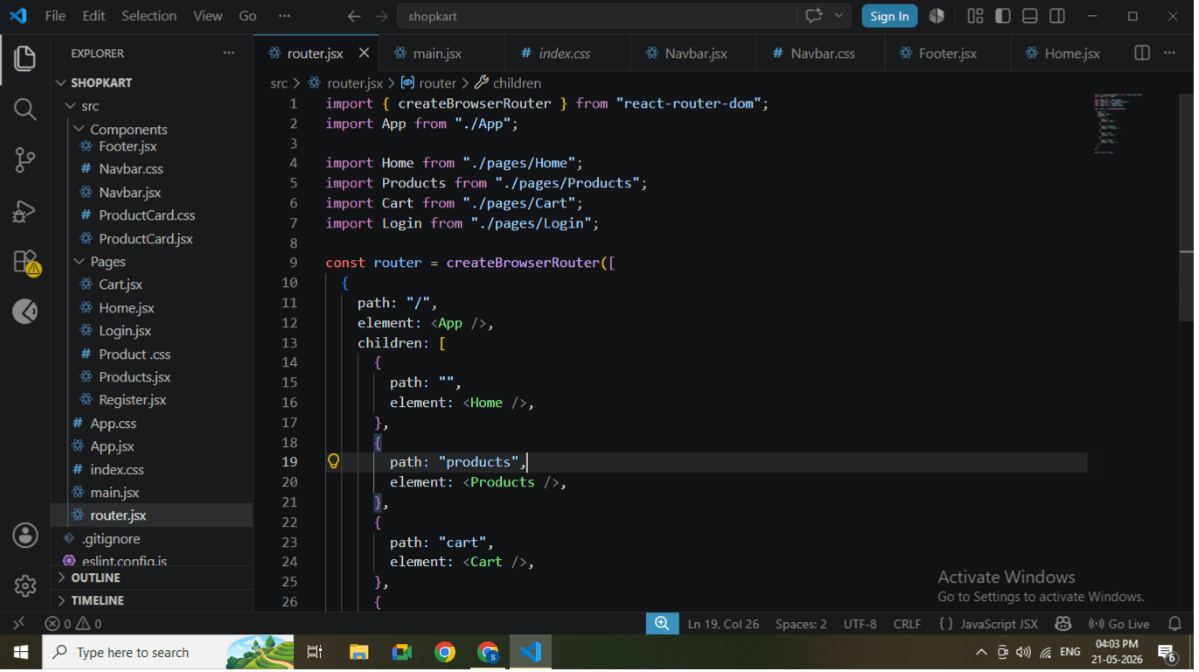
Task 4: Verify Routing Integration
1
Open router.jsx
2
Ensure Products route exists
{
 path: "products",
 element: <Products />,
}
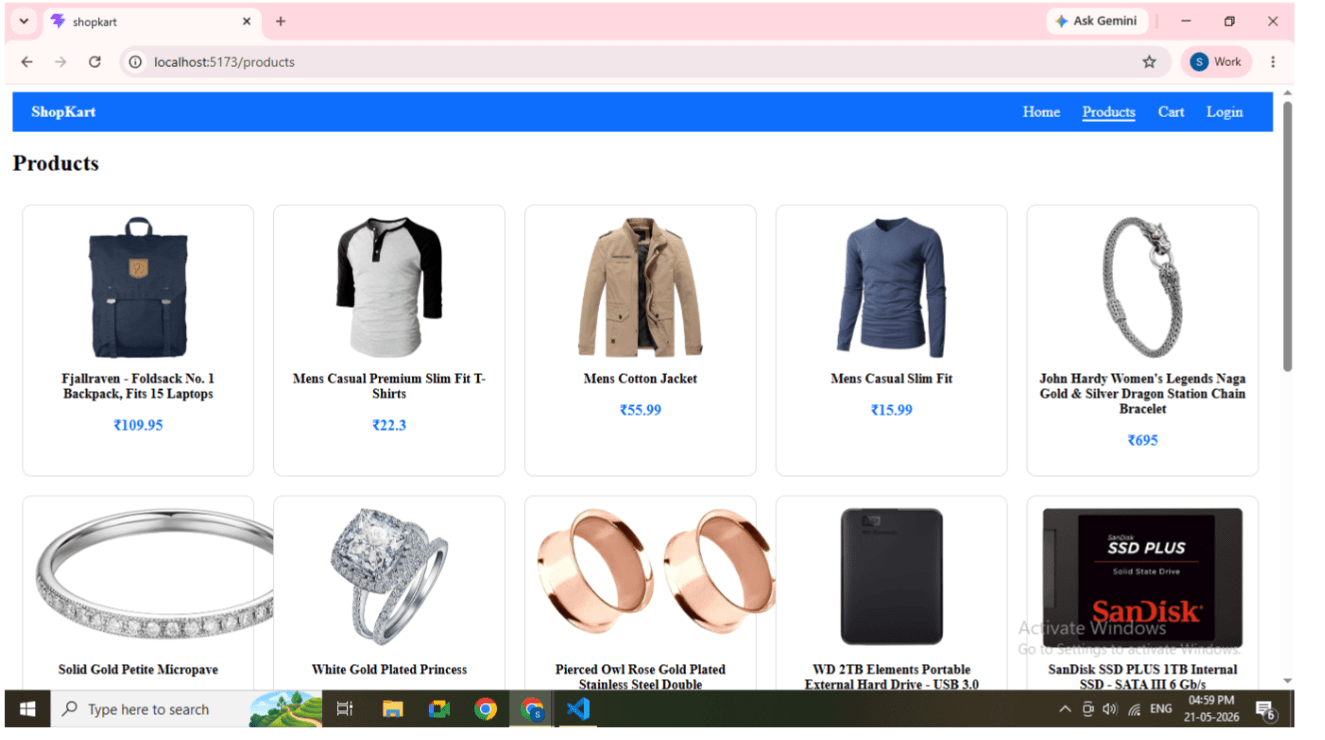
Task 5: Run Application
1
Run command
npm run dev
2
Open browser
https://fakestoreapi.com/products
Great job!
-
Created reusable ProductCard component
-
Used props for data passing
-
Managed API data using useState and useEffect
-
Rendered dynamic product list using map and keys
-
Integrated API with React application
Checkpoint
Next-Lab Preparation
-
Add to Cart functionality
-
State management
-
Form handling
-
Backend integration