

Scheduled Automation and Reporting
Automated Reporting and Secure Sharing

Learning Outcome
4
Apply secure sharing principles to reports.
3
Recognize what makes a report useful.
2
Identify scheduled search vs Digest by Zapier.
1
Understand the five stages of an automated report.
5
Connect reporting to data protection.

Imagine receiving your bank statement at the end of every month.
You never have to write it yourself or manually collect every transaction. Your bank automatically records each transaction throughout the month and compiles them into a statement on a scheduled date.

Once the statement is ready, it is sent directly to your registered email address. Since it contains sensitive financial information, it is password-protected, and your account number is partially hidden as XXXXXX4521.
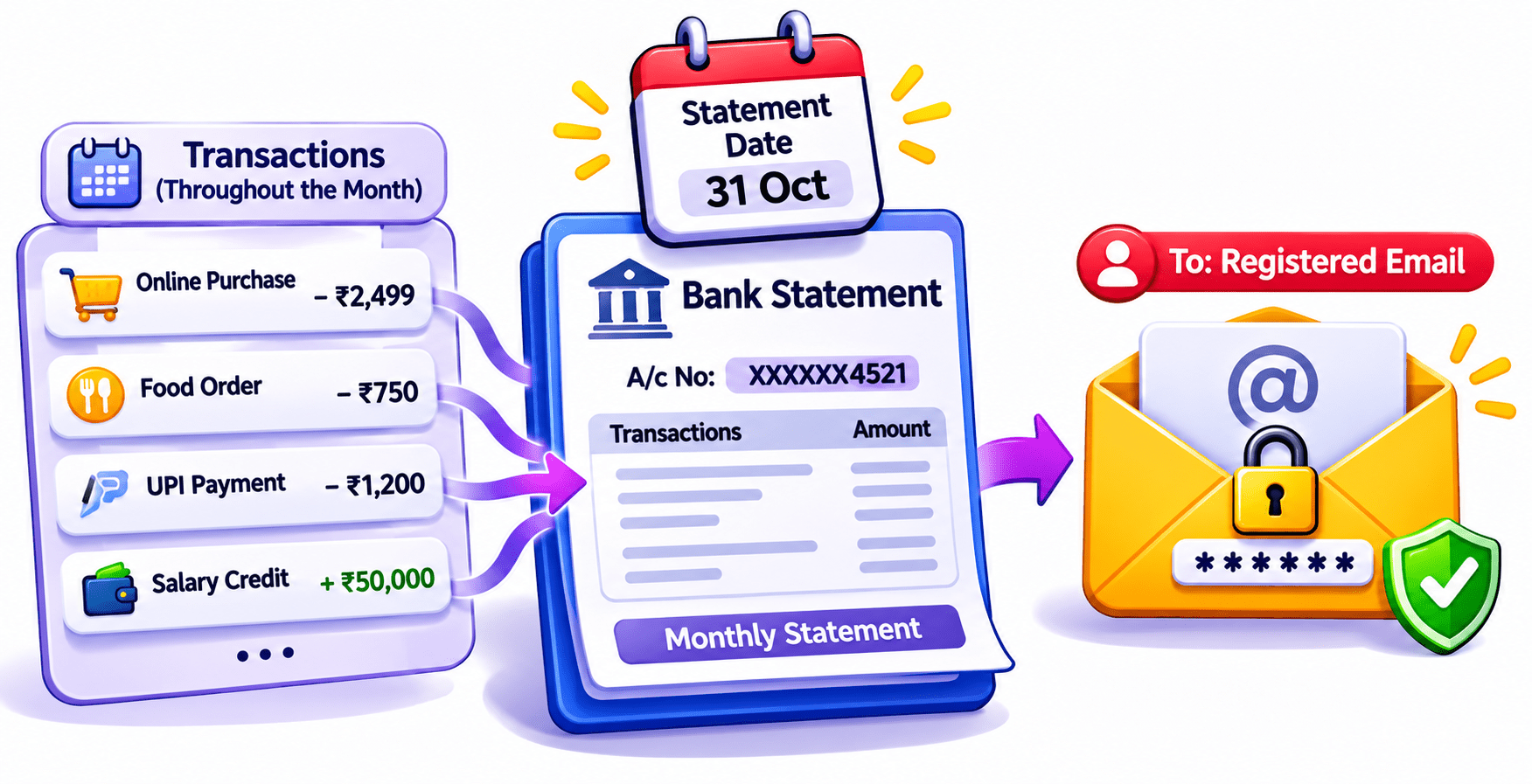
Think about it:

Who compiles all the transactions?

When is the statement generated?
Who receives it?
Think about it:
Who compiles all the transactions?
When is the statement generated?
Who receives it?
The bank automatically.
On a fixed date.
Only the registered email address.
Now, imagine a branch manager who wants a summary of new leads delivered to their inbox every morning at exactly 9 AM.
There's no visitor, no new event required. The process starts simply because it's 9 AM.
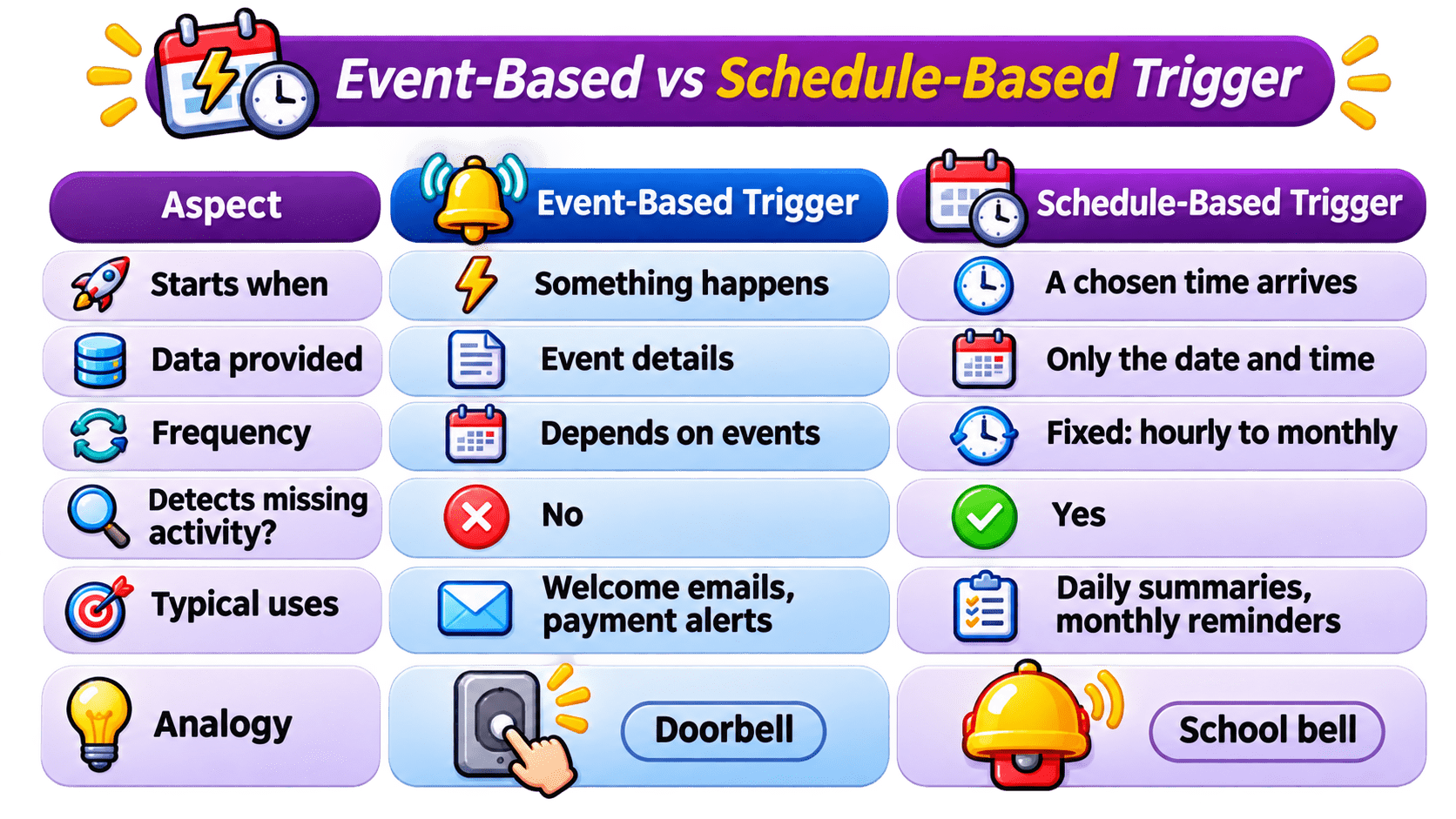
That's exactly why this automation needs a Schedule Trigger, not an Event Trigger.
Think about it: Does someone need to press a button to start this process? Or should it happen automatically when the clock strikes 9?


Now, imagine a branch manager who wants a summary of new leads delivered to their inbox every morning at exactly 9 AM.
There's no visitor, no new event required. The process starts simply because it's 9 AM.
That's exactly why this automation needs a Schedule Trigger, not an Event Trigger.
Think about it: Does someone need to press a doorbell to start this process? Or should it happen automatically when the clock strikes 9?
What is a Schedule-Based Trigger?

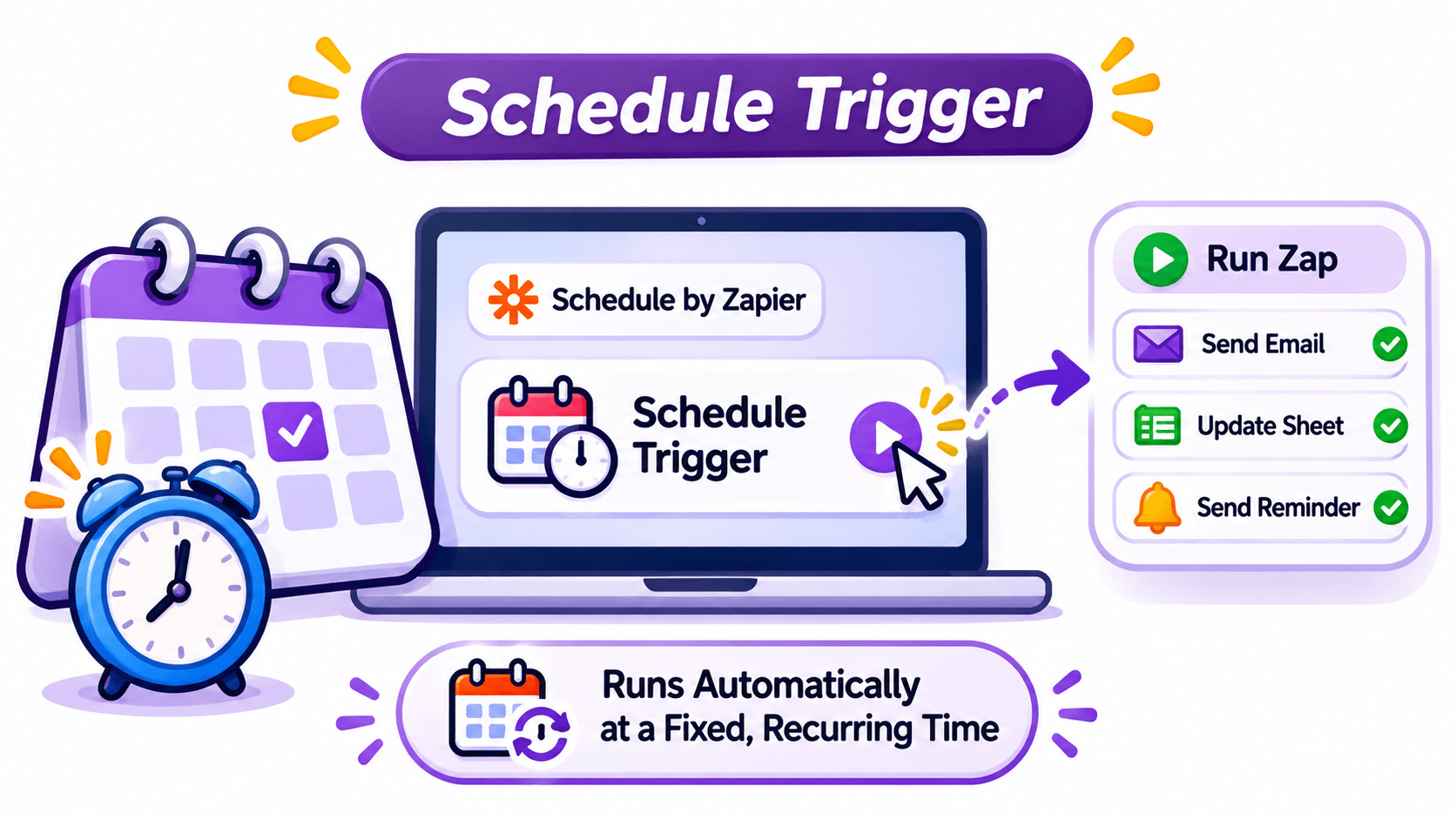
A Schedule Trigger is a trigger in Zapier that automatically starts a Zap at a predefined time or at regular, recurring intervals using Schedule by Zapier.
No App Connection:
No external app connection is required.

No Task Usage:
The trigger does not consume any tasks.

Fastest Option:
Hourly is the shortest available interval.

What a Schedule Trigger Provides
An event trigger brings data. A schedule trigger brings only the date and time.

Schedule fires, e.g. daily at 9:00 AM
Search action gathers data: find sheet rows or CRM contacts

Actions use the data: send a summary, a reminder, or a report

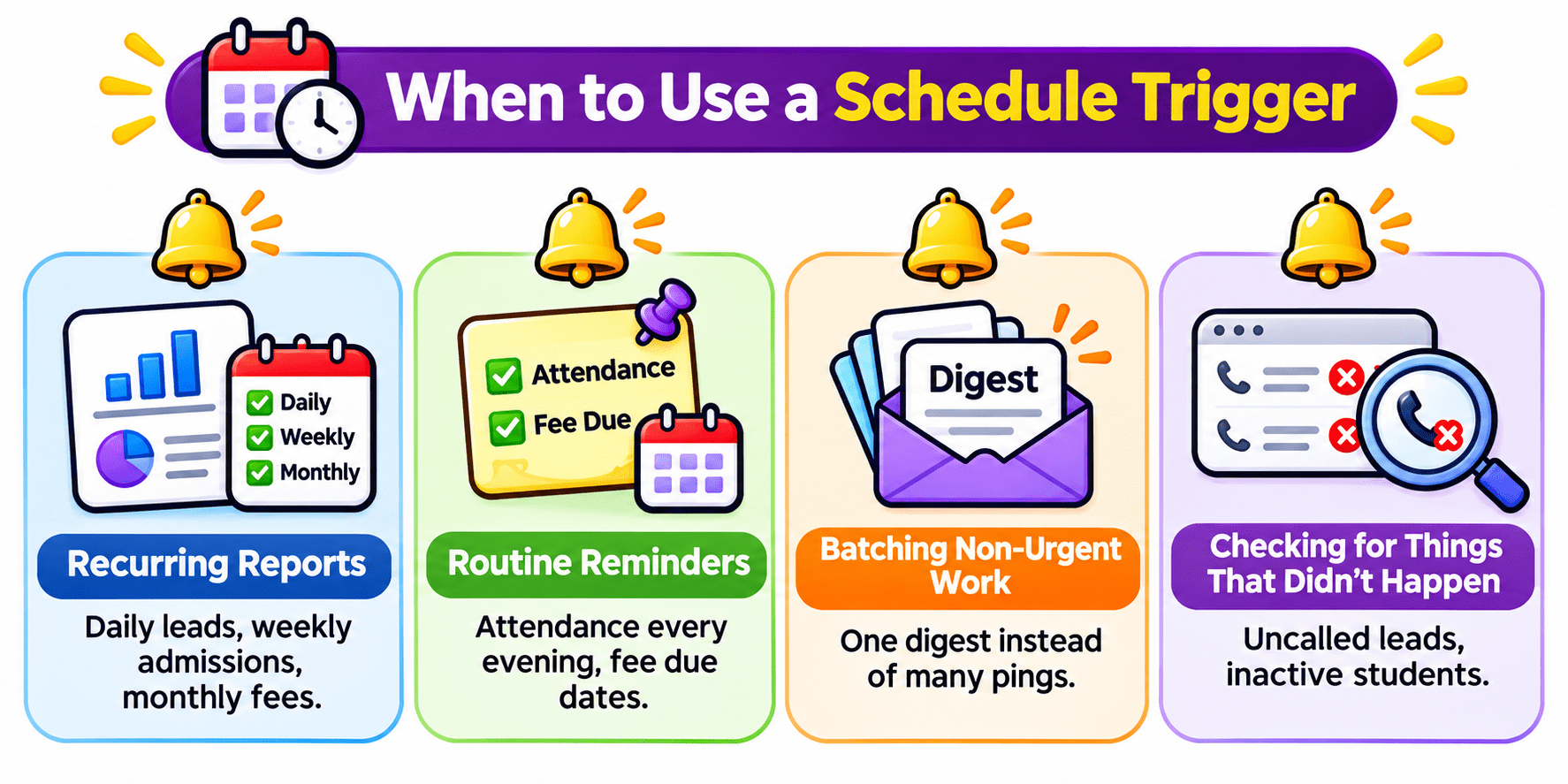
When to Use a Schedule Trigger
Setting Up a Schedule Correctly
Time zone: set the account to IST, or “9 AM” arrives at night. Toggle the Zap off and on after changing it.
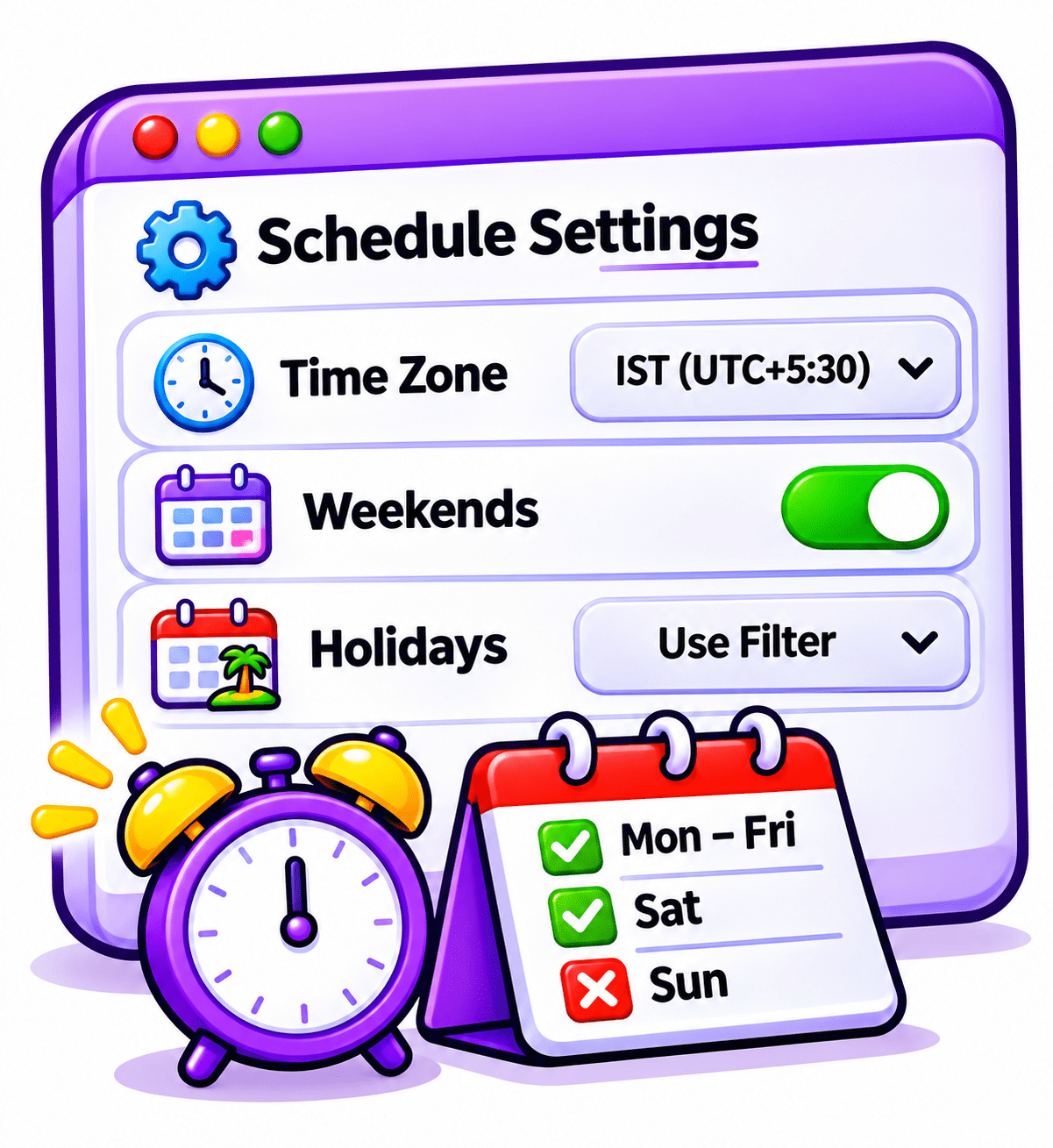
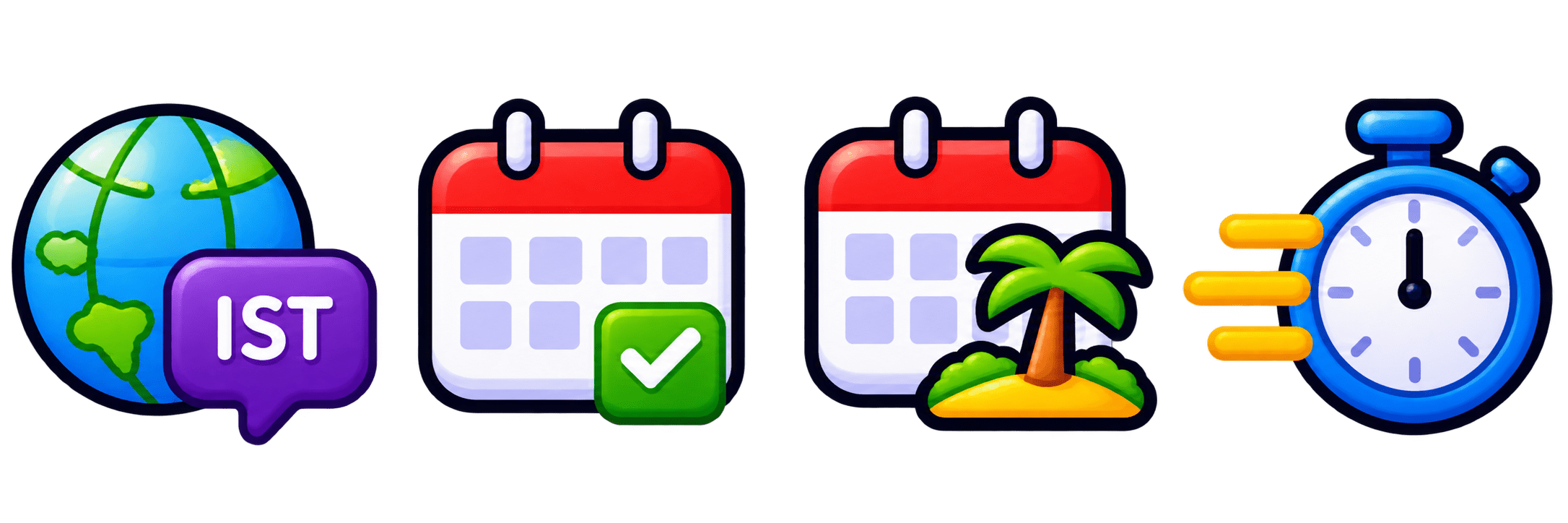
Weekends: include them for Saturday branches; skip them for head-office reports.
Business rules: “first working day” or “skip holidays” needs a Filter (plus a holiday sheet).
Small delays: runs near the set time, not to the exact second.
Matching Tone to the Situation
Matching Tone to the Situation
Matching Tone to the Situation
Real-World Applications: Schedule or Event?
Yesterday’s leads summary at 9 AM daily
Welcome email the moment enrolment completes
Monday reminder for trainers to update attendance
Schedule
Event
Schedule
Real-World Applications: Schedule or Event?
Yesterday’s leads summary at 9 AM daily
Welcome email the moment enrolment completes
Monday reminder for trainers to update attendance
Schedule
Event
Schedule
Summary
4
Use schedules for reports, reminders, and missed-activity checks.
3
A schedule brings only the time, so a search step fetches the data.
2
1
5
Set IST, weekend options, and Filters for reliable timing.
Options are hourly, daily, weekly, monthly, and custom.
Schedule triggers start Zaps at chosen times, not on events.
Quiz
You need an alert for leads not called within 24 hours. Which trigger fits?
A. Event: new lead
B. Schedule with a search step
C. Event: lead called
D. No trigger needed

You need an alert for leads not called within 24 hours. Which trigger fits?
A. Event: new lead
B. Schedule with a search step
C. Event: lead called
D. No trigger needed
Quiz-Answer