Medicare Doctor Schedule & Appointment Completion

Business Scenario
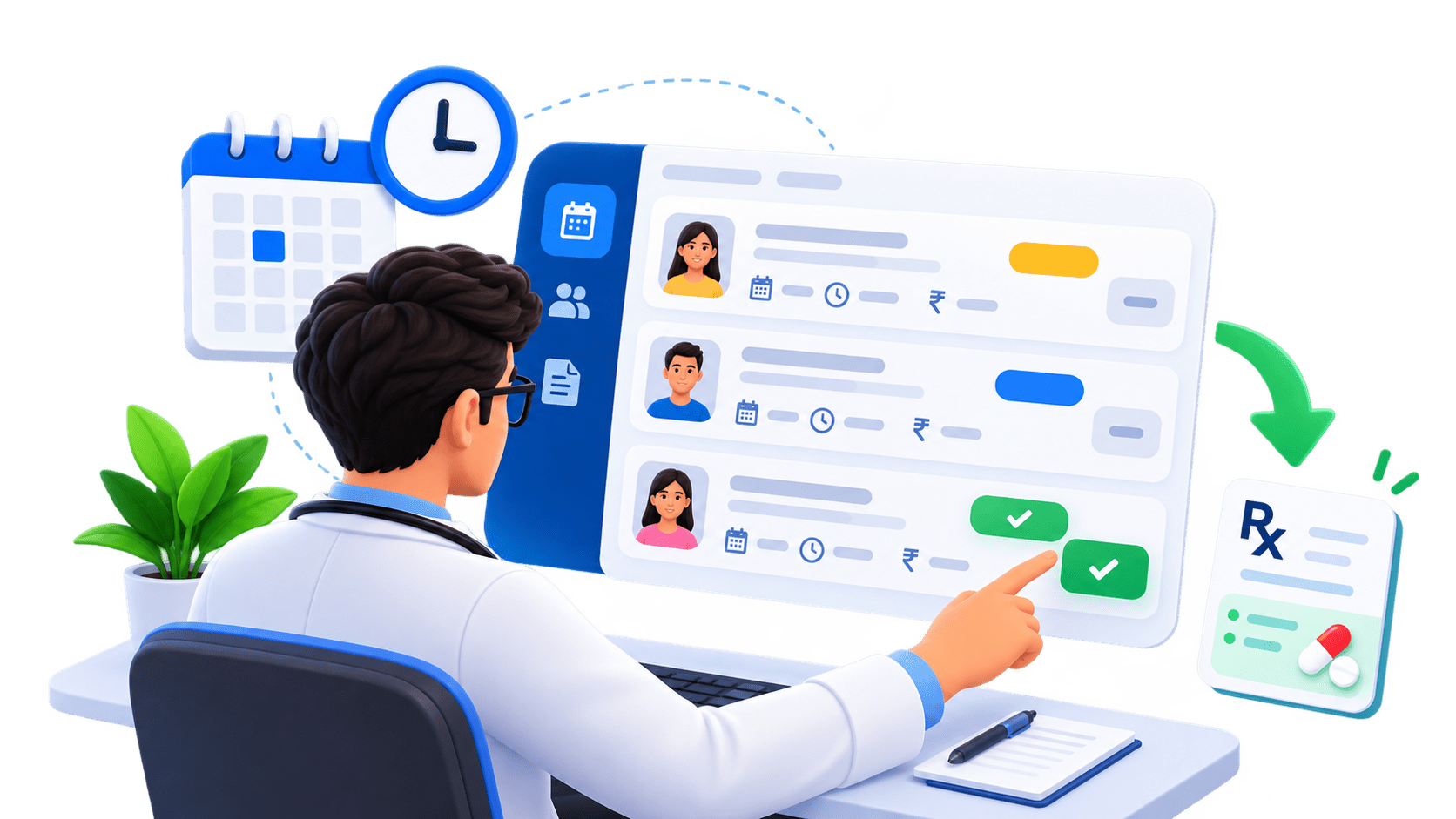
In this lab, you will enhance the Medicare application by implementing the Doctor Schedule feature, allowing doctors to view and manage their assigned patient appointments.

Pre-Lab Preparation
Module:
1) React Basics & Backend Integration (Spring Boot)
Phase 12G — Doctor Schedule & Complete Appointment
DOCTOR Login
      ↓
Doctor Dashboard
      ↓
My Schedule
- The flow becomes:
      ↓
GET /api/appointments/doctor/me
      ↓
Assigned Appointments
      ↓
Patient Name
Date
Slot
Fee
Status
      ↓
Mark Completed
      ↓
PATCH /api/appointments/{id}/complete
      ↓
COMPLETED
      ↓
Add Prescription- We already built these backend APIs, so this phase is mainly frontend integration.
Update appointmentService.js
1
- Open : src/services/appointmentService.js
- Use this updated version:
import api, {getAuthConfig} from "../api/api";


const createAppointment =
    async (appointmentData) => {

        const response =
            await api.post(
                "/appointments",
                appointmentData,
                getAuthConfig()
            );
return response.data;
};
const getMyAppointments =
async () => {
const response =
await api.get(
"/appointments/my",
getAuthConfig()
);
return response.data;
};
const cancelAppointment =
async (appointmentId) => {
const response =
await api.patch(
`/appointments/${appointmentId}/cancel`,
{},
getAuthConfig()
);
return response.data;
};const getDoctorAppointments =
async () => {
const response =
await api.get(
"/appointments/doctor/me",
getAuthConfig()
);
return response.data;
};
const completeAppointment =
async (appointmentId) => {
const response =
await api.patch(
`/appointments/${appointmentId}/complete`,
{},
getAuthConfig()
);
return response.data;
};
const appointmentService = {
createAppointment,
getMyAppointments, cancelAppointment,
getDoctorAppointments,
completeAppointment
};
export default appointmentService;Create Doctor AppointmentCard
2
- Create:
src/components/appointment/DoctorAppointmentCard.jsx
import { Link } from "react-router";

function DoctorAppointmentCard({ appointment, onComplete, completingId }) {
    const formatTimeSlot = (timeSlot) => {
        switch (timeSlot) {
case "MORNING_10_AM":
return "10:00 AM";
case "AFTERNOON_2_PM":
return "2:00 PM";
case "EVENING_5_PM":
return "5:00 PM";
default:
return timeSlot;
}
};
const getStatusBadge = (status) => {
switch (status) {
case "PENDING":
return "text-bg-warning";
case "CONFIRMED":
return "text-bg-primary";
case "COMPLETED":
return "text-bg-success";
case "CANCELLED":
return "text-bg-secondary";
default:
return "text-bg-light";
}
};
const canComplete =
appointment.appointmentStatus !== "COMPLETED" &&
appointment.appointmentStatus !== "CANCELLED"; return (
<div className="card shadow-sm h-100">
<div className="card-body">
<div className="d-flex justify-content-between
align-items-start mb-3">
<div>
<h5 className="mb-1">
{appointment.patientName}
</h5>
<small className="text-secondary">
Patient
</small>
</div>
<span
className={`badge ${getStatusBadge(
appointment.appointmentStatus
)}`}
>
{appointment.appointmentStatus}
</span>
</div>
<hr />
<p className="mb-2">
<strong>Appointment ID:</strong> {appointment.id}
</p>
<p className="mb-2"> <strong>Date:</strong> {appointment.appointmentDate}
</p>
<p className="mb-2">
<strong>Time:</strong> {formatTimeSlot(appointment.timeSlot)}
</p>
<p className="mb-2">
<strong>Consultation Fee:</strong> ₹{appointment.consultationFee}
</p>
<p className="mb-4">
<strong>Payment:</strong> {appointment.paymentStatus}
</p>
{canComplete && (
<button
className="btn btn-success w-100"
onClick={() => onComplete(appointment.id)}
disabled={completingId === appointment.id}
>
{completingId === appointment.id
? "Completing..."
: "Mark Completed"}
</button>
)}
{appointment.appointmentStatus === "COMPLETED" && (
<Link to={`/doctor/appointments/${appointment.id}/prescription`}
className="btn btn-primary w-100"> Add Prescription
</Link>
)}
{appointment.appointmentStatus === "CANCELLED" && (
<div className="alert alert-secondary mb-0">
Patient cancelled this appointment.
</div>
)}
</div>
</div>
);
}
export default DoctorAppointmentCard;Why Add Prescription Already Links Somewhere
- You may notice:
<Link to={`/doctor/appointments/${appointment.id}/prescription` }>
    Add Prescription
</Link>- That page doesn't exist yet.
- That's okay because Phase 12I will create it.
- But to avoid a broken route while testing Phase 12G, we should temporarily disable that button until Phase 12I.
- So for now, I recommend using:
<button className="btn btn-primary w-100" disabled>
    Add Prescription — Coming Soon
</button>- Then in Phase 12I we'll turn it into the real Link.
- So use this version for now:
{
    appointment
.appointmentStatus ===
"COMPLETED"
&& (
<button
className="btn btn-primary w-100"
disabled
>
Add Prescription
— Coming Soon
</button>
)
}Create Doctor Schedule Page
3
- Create:
src/pages/doctor/DoctorSchedule.jsx
import { useEffect, useState} from "react";

import appointmentService from "../../services/appointmentService";

import DoctorAppointmentCard
     from "../../components/appointment/DoctorAppointmentCard";


function DoctorSchedule() {
    const [appointments, setAppointments] = useState([]);
    const [loading, setLoading] = useState(true);
    const [error, setError] = useState("");
    const [completingId, setCompletingId] = useState(null);

    useEffect(() => {
        loadAppointments();
    }, []);

    const loadAppointments = async () => {
        try {
            setLoading(true);
            setError("");

            const data = await appointmentService
                    .getDoctorAppointments();

            setAppointments(data);
} catch (error) {
setError(
error.response
?.data
?.message
||
"Unable to load appointments"
);
} finally {
setLoading(false);
}
};
const handleComplete = async (appointmentId) => {
const confirmed = window.confirm(
"Mark this appointment as completed?"
);
if (!confirmed) {
return;
}
try {
setCompletingId(appointmentId);
setError("");
const updatedAppointment =
await appointmentService
.completeAppointment(appointmentId); setAppointments(
previousAppointments =>
previousAppointments.map(
appointment => {
if (
appointment.id ===
appointmentId
) {
return updatedAppointment;
}
return appointment;
}
)
);
} catch (error) {
setError(
error.response
?.data
?.message
||
"Unable to complete appointment"
);
} finally {
setCompletingId(null);
}
}; if (loading) {
return (
<div className="container py-5 text-center">
<div
className="
spinner-border
text-primary
"
>
</div>
<p className="text-secondary mt-3">
Loading schedule...
</p>
</div>
);
}
return (
<div className="container py-5">
<div className="mb-4">
<h2>
My Schedule
</h2>
<p className="text-secondary">
View and manage your
assigned appointments.
</p>
</div> {error && (
<div className="alert alert-danger">
{error}
</div>
)}
{
appointments.length === 0
? (
<div className="alert alert-info">
You do not have any
appointments assigned.
</div>
)
: (
<div className="row g-4">
{
appointments.map(
appointment => (
<div className="col-md-6 col-lg-4"
key={appointment.id}>
<DoctorAppointmentCard
appointment={appointment}
onComplete={handleComplete}
completingId={completingId}
/>
</div>
)
)
} </div>
)
}
</div>
);
}
export default DoctorSchedule;Add Doctor Schedule Route
4
- Open : src/routes/router.jsx
- Add:
import DoctorSchedule from "../pages/doctor/DoctorSchedule";- Then add:
{
    path: "doctor/schedule",

    element: (

        <ProtectedRoute allowedRoles={[ "DOCTOR"]}>

            <DoctorSchedule />

        </ProtectedRoute>
    )
},- Now we have:
/doctor/dashboard

/doctor/schedule
Update Doctor Navbar
5
- Inside the DOCTOR section of: Navbar.jsx change it to:
<>

    <li className="nav-item">
        <Link
         className="nav-link" to="/doctor/dashboard">
            Dashboard
        </Link>
    </li>


    <li className="nav-item">
        <Link
          className="nav-link" to="/doctor/schedule">
            My Schedule
        </Link>
    </li>

</>- Doctor navigation becomes:
Dashboard
My Schedule
Logout
- Doctor Profile comes in Phase 12H.
Update Doctor Dashboard
6
- Open: DoctorDashboard.jsx
- Add :
import {Link} from "react-router";- Then replace the disabled My Schedule button with:
<Link to="/doctor/schedule" className="btn btn-primary">
    View Schedule
</Link>- Keep Prescription disabled for now.
Test Doctor Schedule
7
- Login as a doctor.
- Open:http://localhost:5173/doctor/schedule
- React calls:
GET /api/appointments/doctor/me
Authorization: Bearer <doctor-token>
- Backend flow:
JWT
 ↓
Doctor email
 ↓
User
 ↓
DoctorProfile
 ↓
findByDoctorId()
 ↓
Only this doctor's appointments
- No: doctorId comes from the frontend.
Expected Doctor Card
8
- Suppose response contains:
{
    "id": 8,
    "patientId": 4,
    "patientName": "Rahul Shah",
    "doctorId": 2,
    "doctorName": "Dr. Ananya",
    "specialization": "Cardiologist",
    "appointmentDate": "2026-09-28",
    "timeSlot": "AFTERNOON_2_PM",
    "consultationFee": 1200,
    "appointmentStatus": "PENDING",
    "paymentStatus": "UNPAID",
    "createdAt": "2026-09-24T19:00:00"
}- Doctor sees:
Rahul Shah
Patient
Appointment ID: 8
Date: 2026-09-28
Time: 2:00 PM
Consultation Fee: ₹1200
Payment: UNPAID

[ Mark Completed ]
Complete Appointment
9
- Click: Mark Completed
- Confirmation:
Mark this appointment as completed?
- React sends:
PATCH /api/appointments/8/complete
Authorization: Bearer <doctor-token>
- Backend validates:
Authenticated doctor
        ↓
Doctor owns appointment?
        ↓
YES
        ↓
Appointment CANCELLED?
        ↓
NO
        ↓
COMPLETED
- Expected: 200 OK
- Then React updates that card immediately.
Wrong Doctor Security
10
- Suppose Appointment 8 belongs to: Dr. Ananya Dr. Rohan should not receive it through:
GET /api/appointments/doctor/me
- But even if he manually sends:
PATCH /api/appointments/8/complete
- backend checks:
appointment.doctor.id
       ==
loggedInDoctor.id
- If false: 403 FORBIDDEN
Cancelled Appointments
11
- If patient cancelled: CANCELLED doctor sees:
Patient cancelled this appointment.
- No: Mark Completed button.
- Backend also rejects completion of cancelled appointments.
We are done with this lab. The latest source code has been uploaded to GitHub. You can access the latest commit using the link below:
Great job!
You have successfully implemented the Doctor Schedule & Appointment Completion feature in the Medicare application.
Checkpoint

Git Push
git push origin branchNameNext-Lab Preparation
Module:
1) React Basics & Backend Integration (Spring Boot)