Unlocking Angular's Data Binding Magic


Property & Two-Way Binding in Angular: Essentials and Examples


Learning Outcome
4
Apply two-way binding
3
Understand Two-Way Data Binding
2
Implement property binding
1
Understand Property Binding
What is Property Binding?

Property Binding is used to bind component data to an HTML element property.
Image source is dynamically controlled by component.

Template
<img [src]="imageUrl" alt="Demo Image">Example: Setting Image Source
export class AppComponent {
 imageUrl = "https://via.placeholder.com/150";
}
Component
[property]="value"It binds to DOM property, not attribute.
Syntax:
Introduction to Two-Way Data Binding
Two-Way Binding means : Data flows in both directions.
- If component changes → UI updates
- If user changes input → Component updates automatically
Angular provides this using:
[(ngModel)]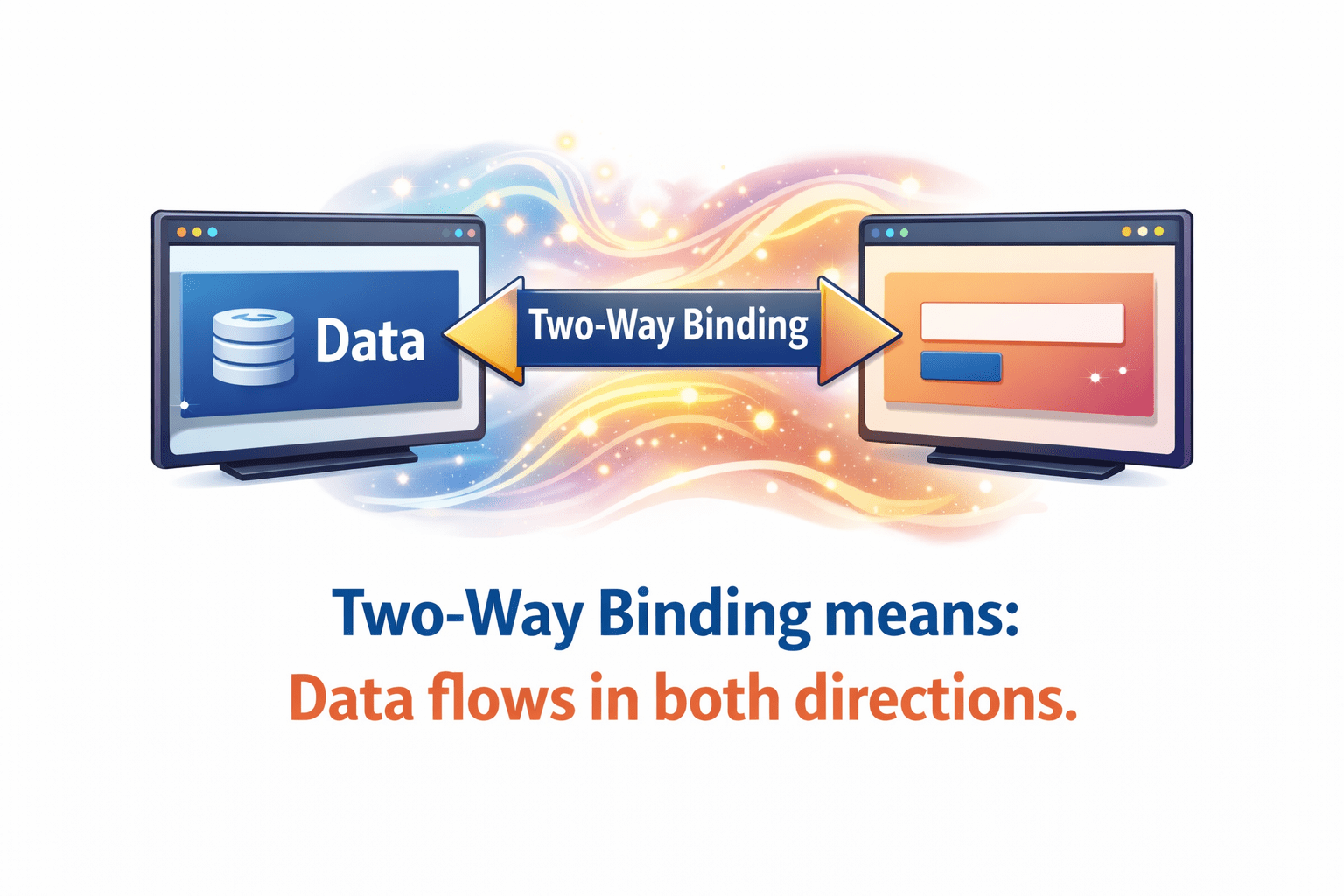
Implementing Two-Way Data Binding
Important - Import FormsModule in AppModule.
Step 1: Import FormsModule
import { FormsModule } from '@angular/forms';
@NgModule({
 imports: [FormsModule]
})
Step 2: Component
export class AppComponent {
 userName = "";
}
<input [(ngModel)]="userName">
<p>Hello {{ userName }}</p>Step 3: Template
Implementing Two-Way Data Binding
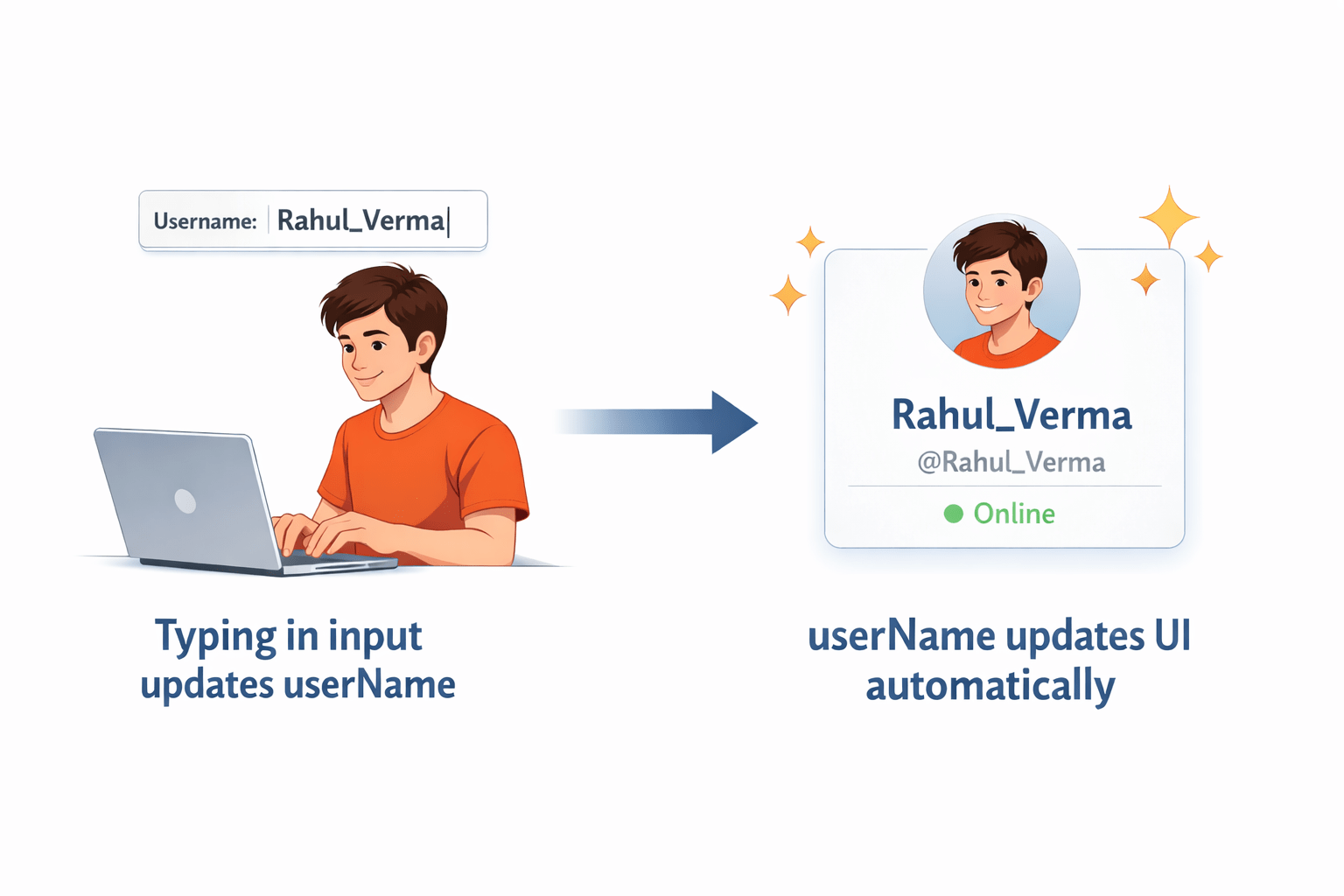
Output:
Typing in input updates userName
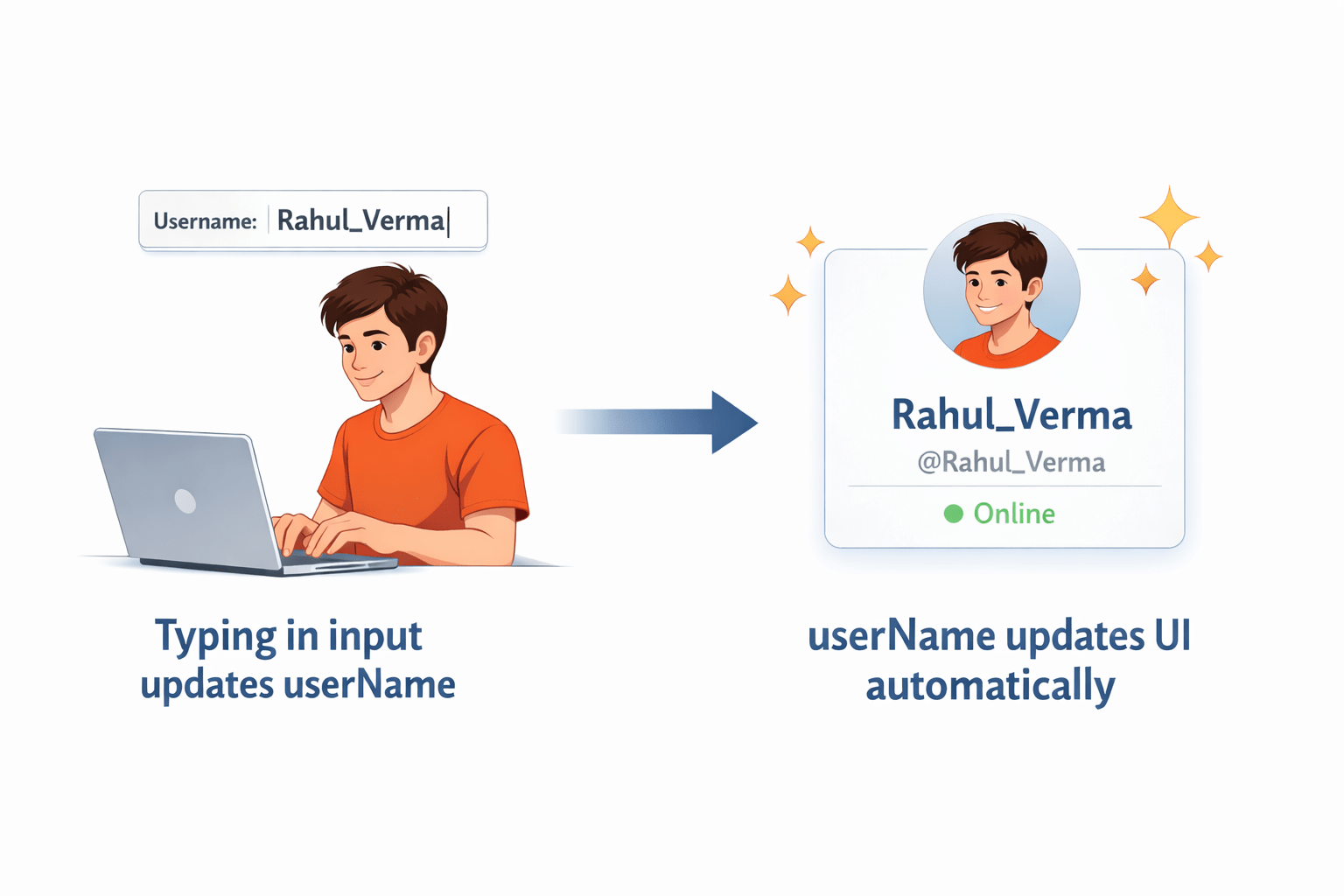
userName updates UI automatically
Benefits and Use Cases of Two-Way Binding
Benefits:
-
Automatic synchronization
-
Cleaner code
-
Less manual event handling
-
Better user experience
Use Cases:
-
Forms
-
Input fields
-
Real-time data updates
- Search boxes

Summary
5
Proper binding improves application interactivity
4
FormsModule is required for ngModel
3
Two-way binding synchronizes component and UI
2
Event binding handles user actions
1
Property binding updates DOM properties
Quiz
Which module is required for ngModel?
A. BrowserModule
B. FormsModule
C. HttpClientModule
D. RouterModule

Quiz-answer
Which module is required for ngModel?
A. BrowserModule
B. FormsModule
C. HttpClientModule
D. RouterModule
