Stepping into The World of Cloud Computing


Crafting IAM Groups and Roles

Learning Outcome
5
Explain groups and roles using real-life examples
4
Learn when and why roles are used
3
Understand what IAM Roles are
2
Learn why groups are useful
1
Understand what IAM Groups are
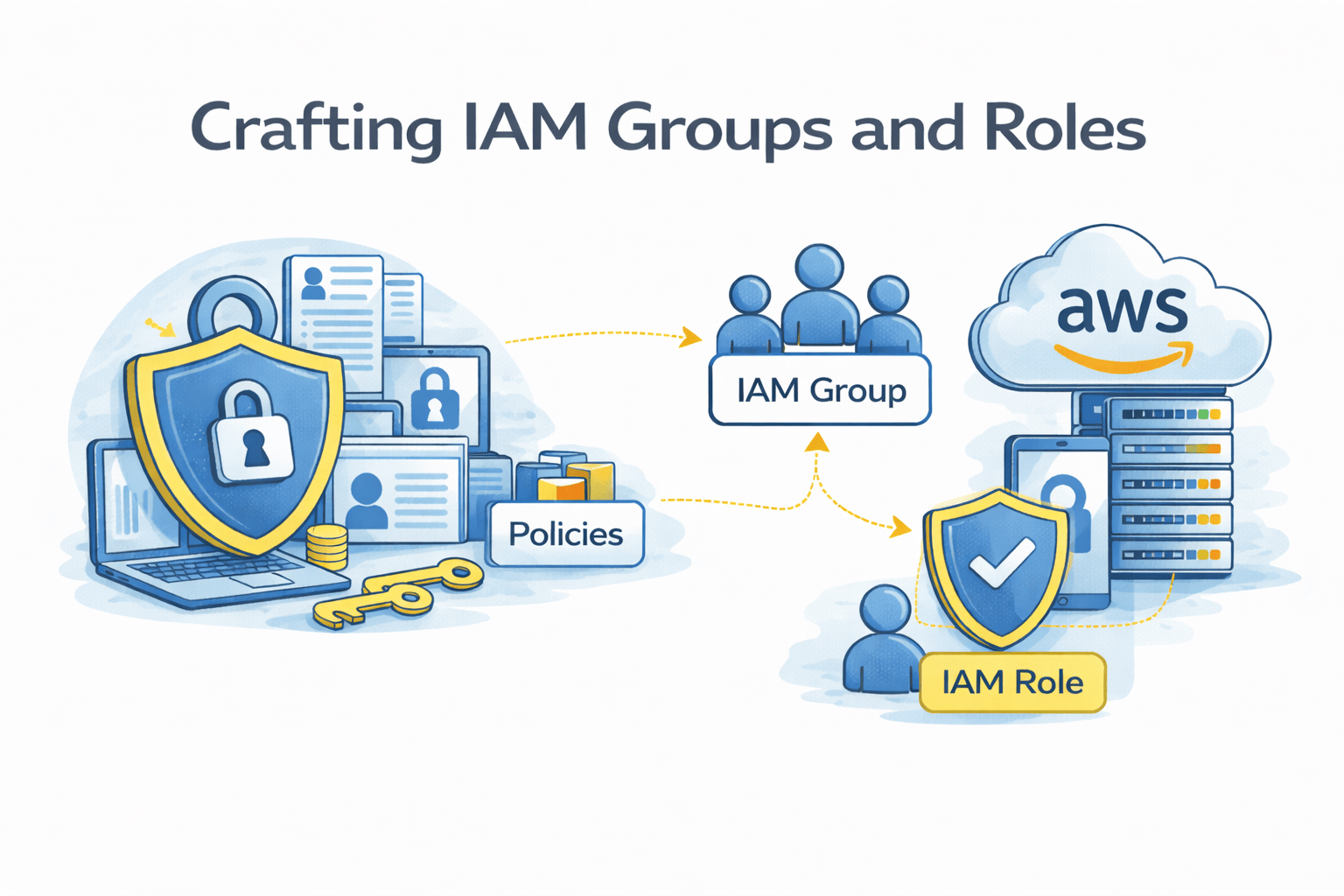
Earlier, we learned that
-
IAM controls who can access AWS
-
Users represent people or systems
-
Permissions decide what actions are allowed
Groups and roles help manage these permissions more easily and safely.
Office Analogy
In an office, employees are divided into departments with specific access


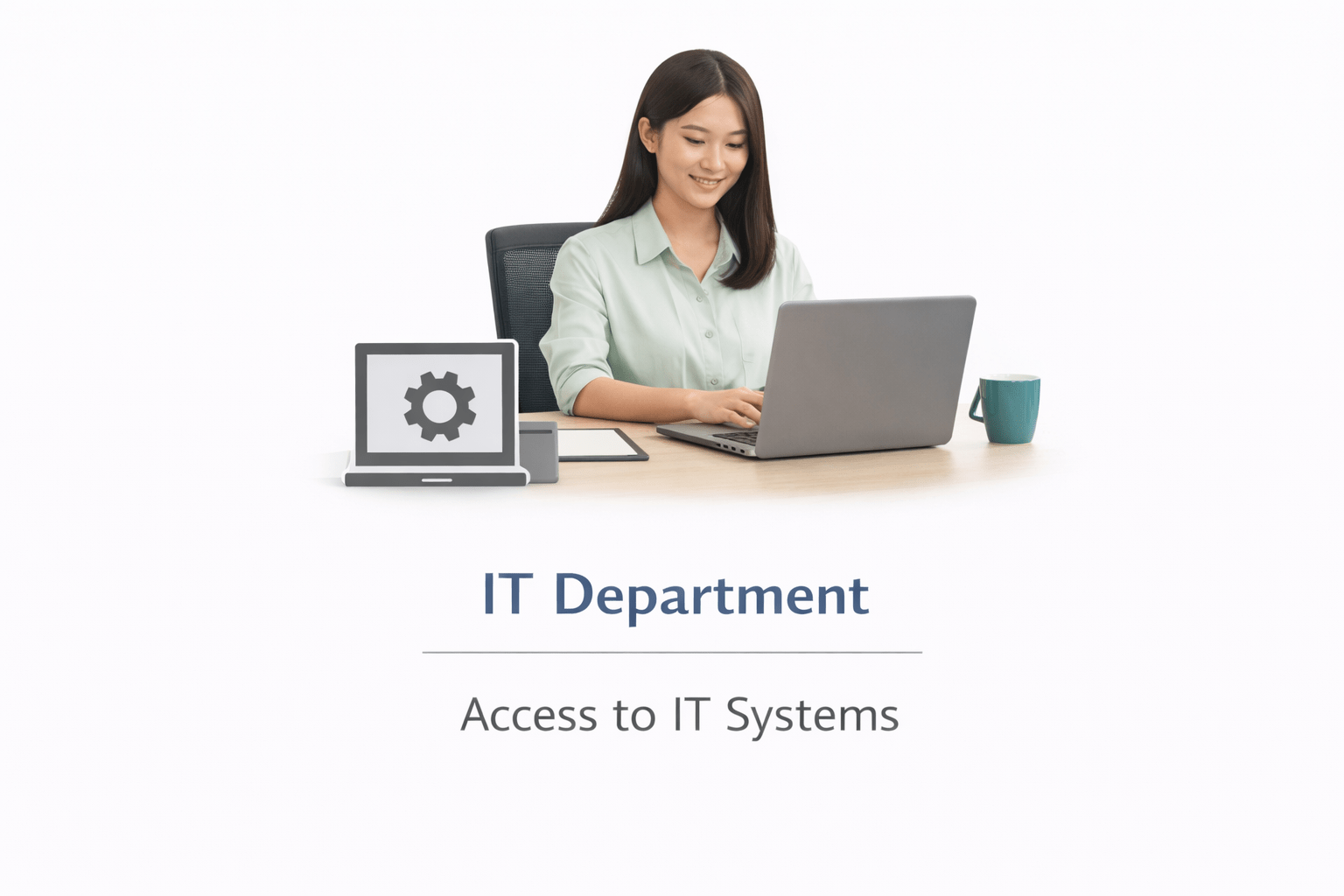

Sometimes, an employee is given temporary access to handle a special task.
IAM Groups work like departments (HR, Finance), giving the same access to all members.
IAM Roles work like temporary assignments, giving special access only for a short time.
Just like offices group employees into departments and give temporary responsibilities when needed, AWS uses Groups and Roles to manage access in a smart and secure way.

IAM: What Are Groups?
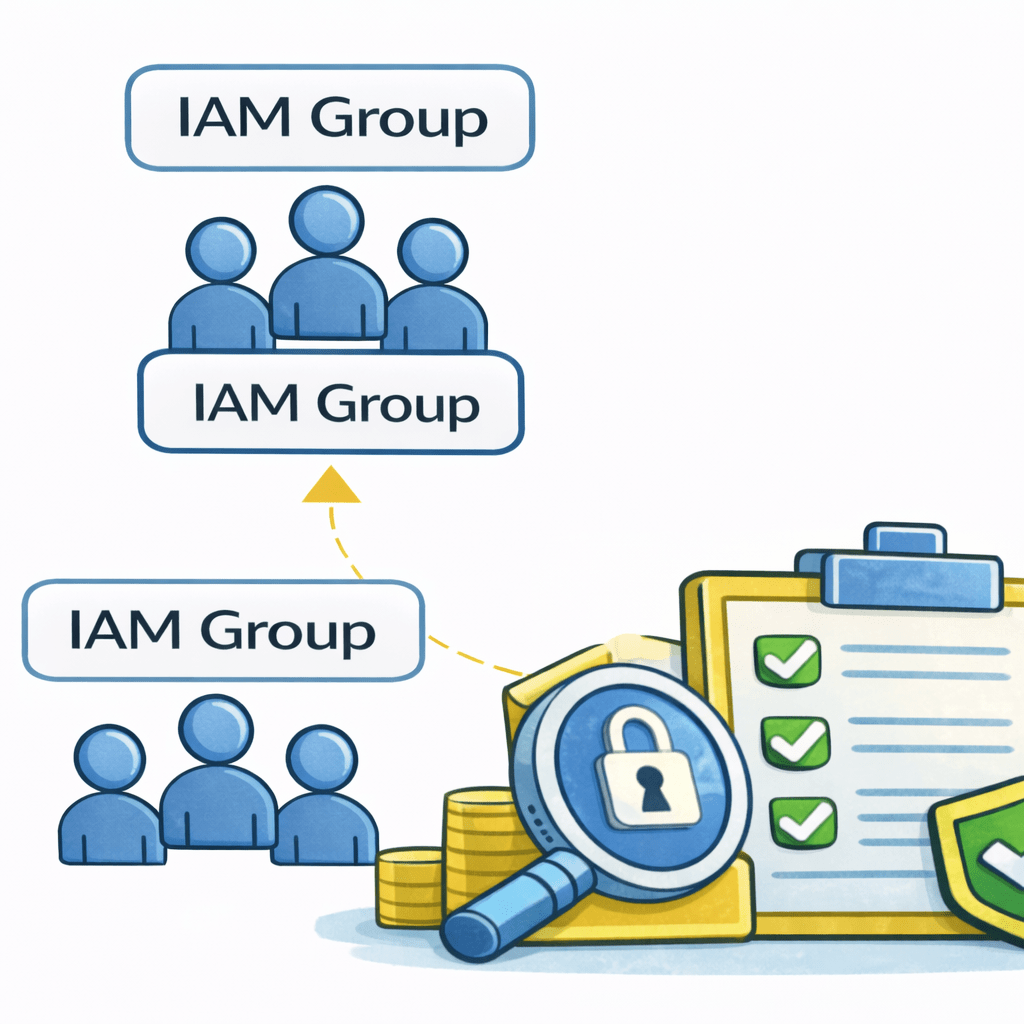
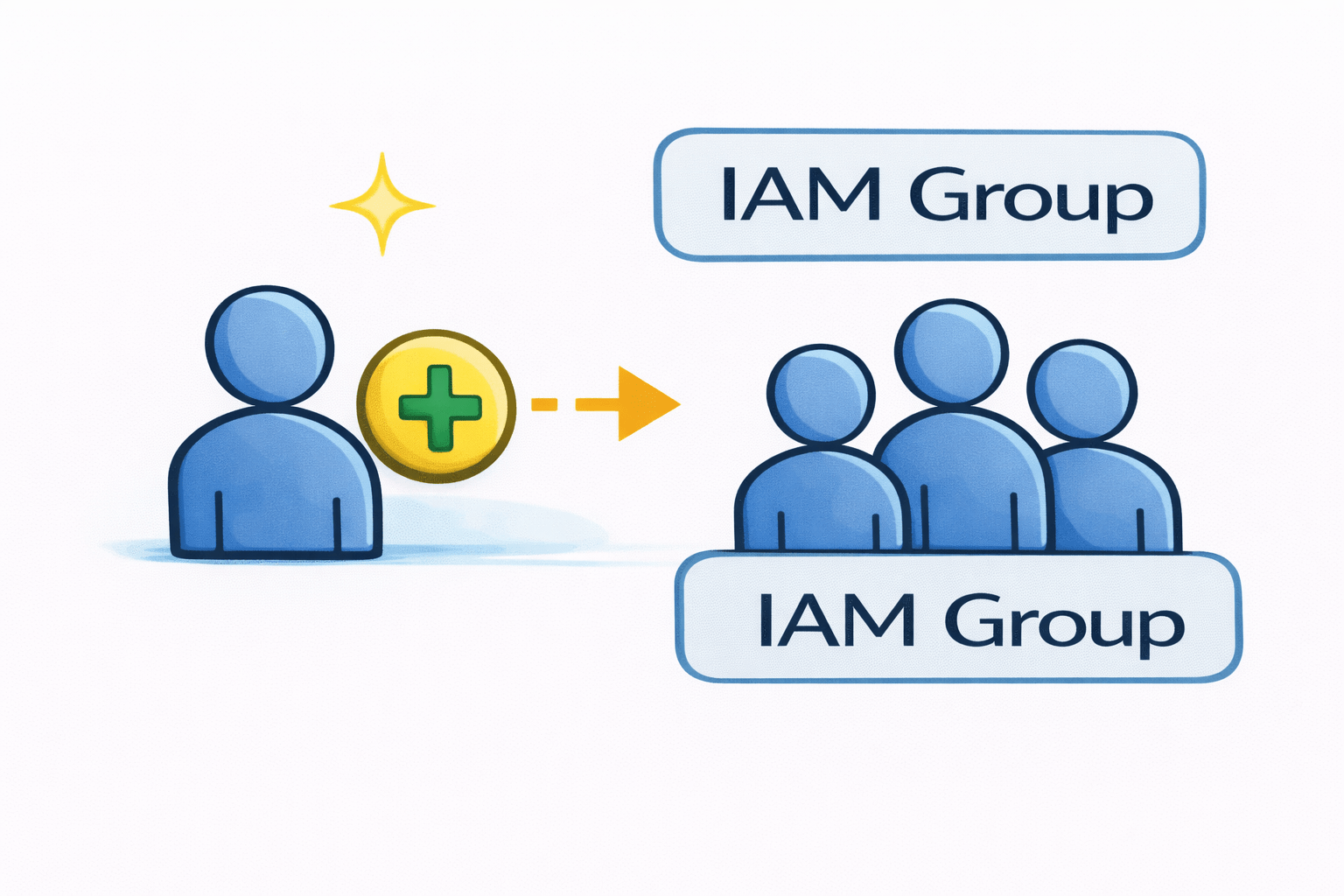
IAM Groups are collections of users who need the same level of access
Instead of setting permissions for each person, access is given once to the group.
Example (Office):
All employees in the Finance department follow the same rules and access the same files.

Similarly, all users in one IAM Group receive the same permissions.
Why Groups are useful
Easier
Permissions are managed in one place instead of for each user.
Faster
Adding a user to a group instantly gives them the required access.
Less error-prone
Reduces mistakes from assigning wrong permissions individually.
Groups make access management

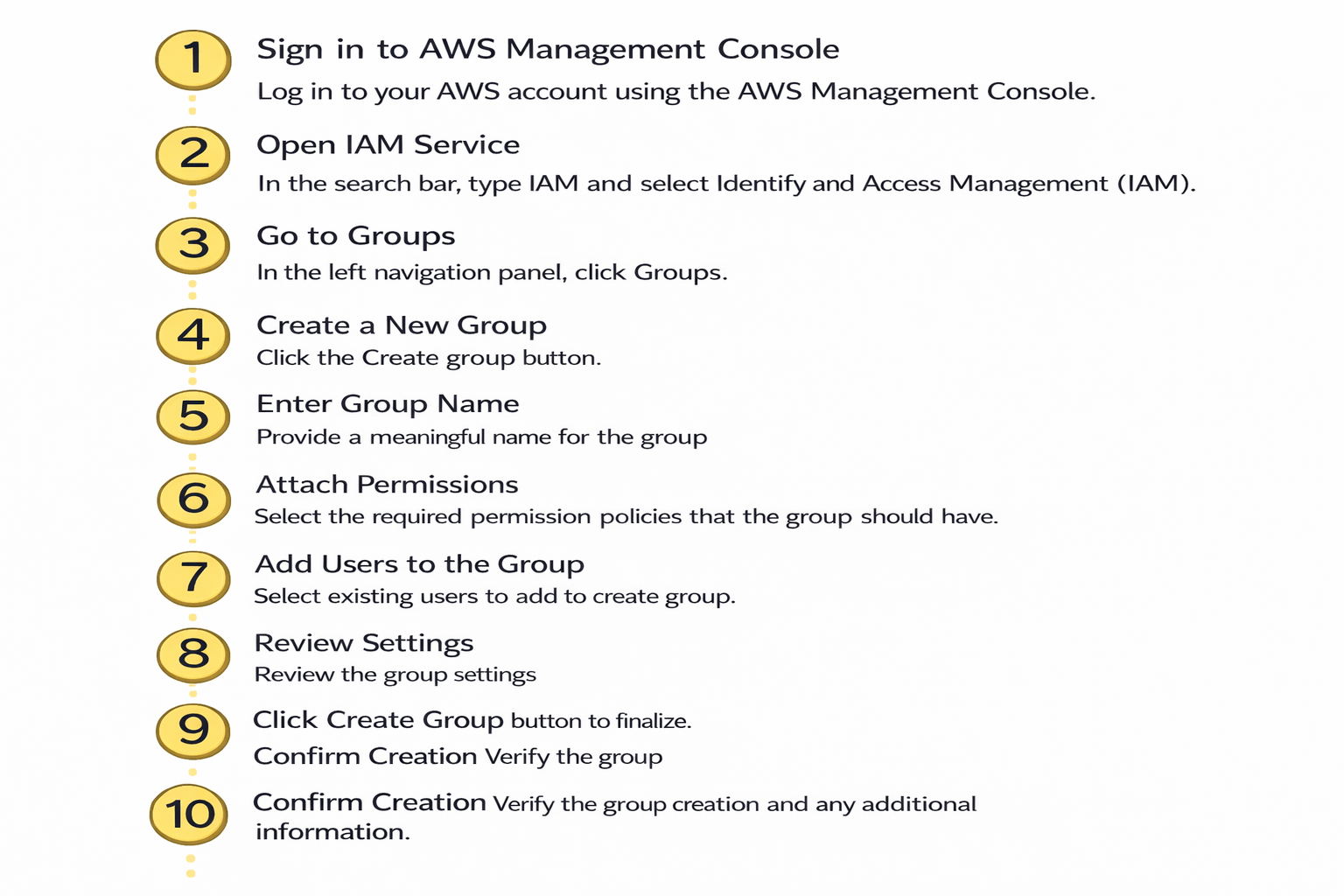
How to Create a Group
IAM Group Manages
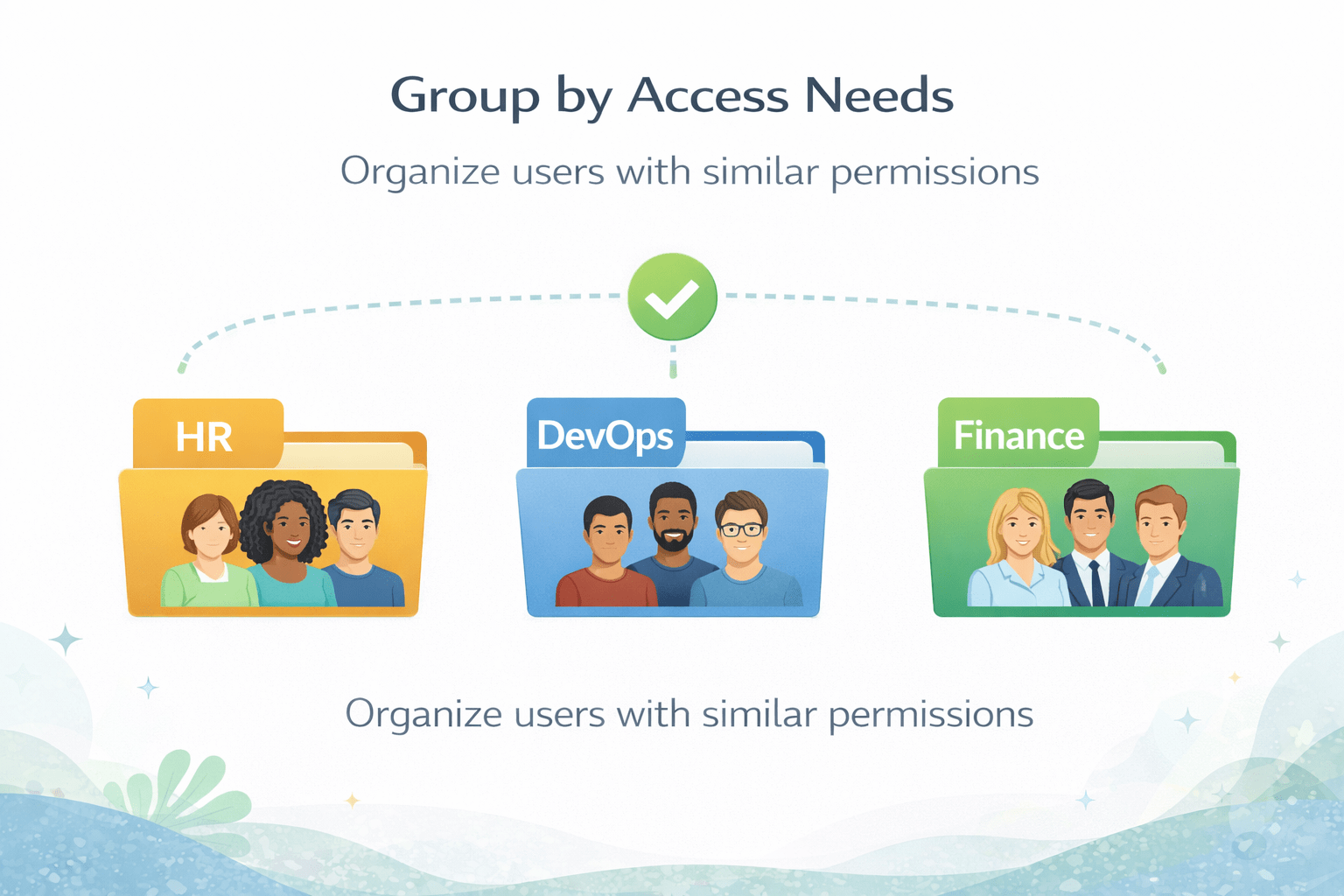
Group by Access Needs
Organize users with similar permissions
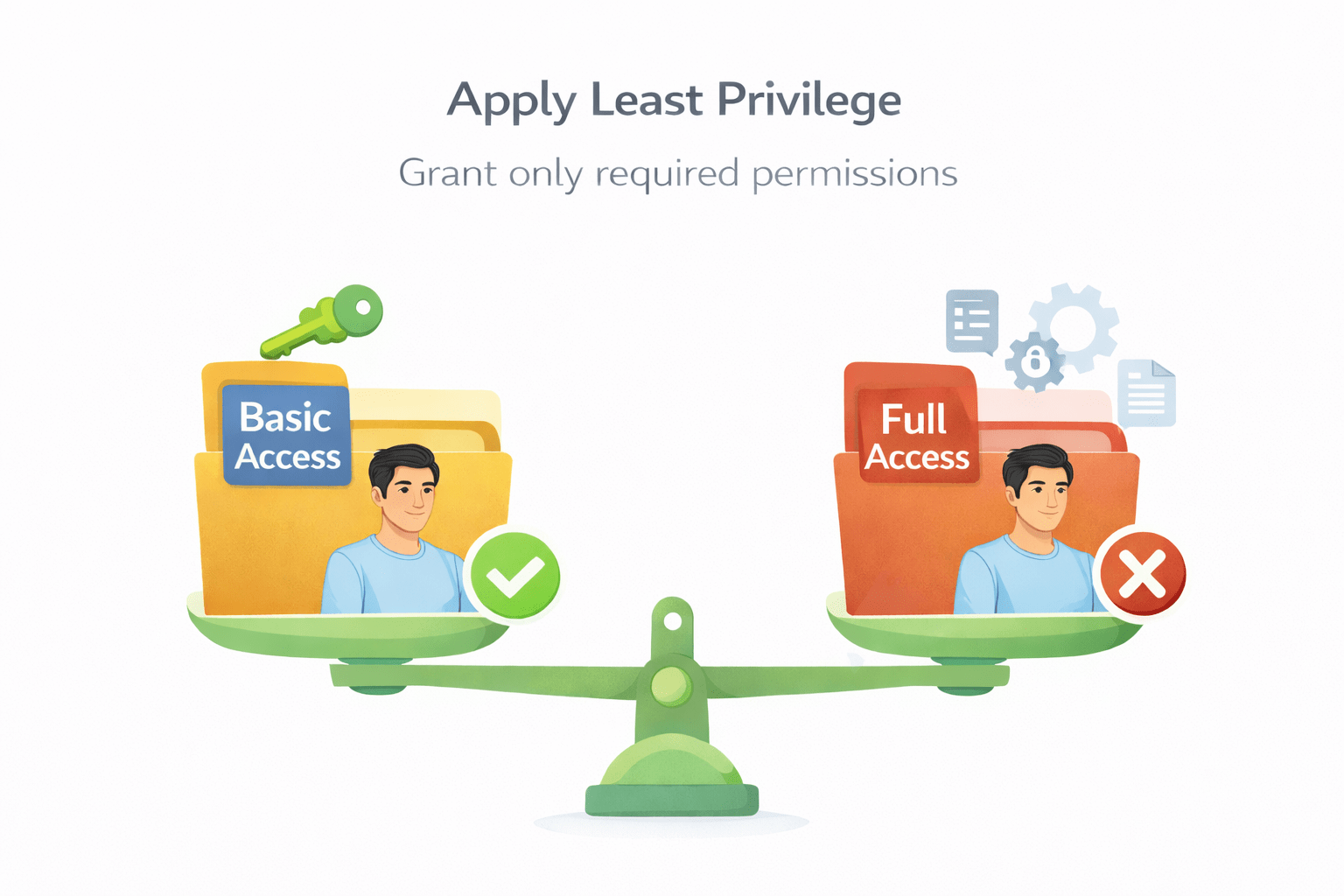
Apply Least Privilege
Grant only required permissions
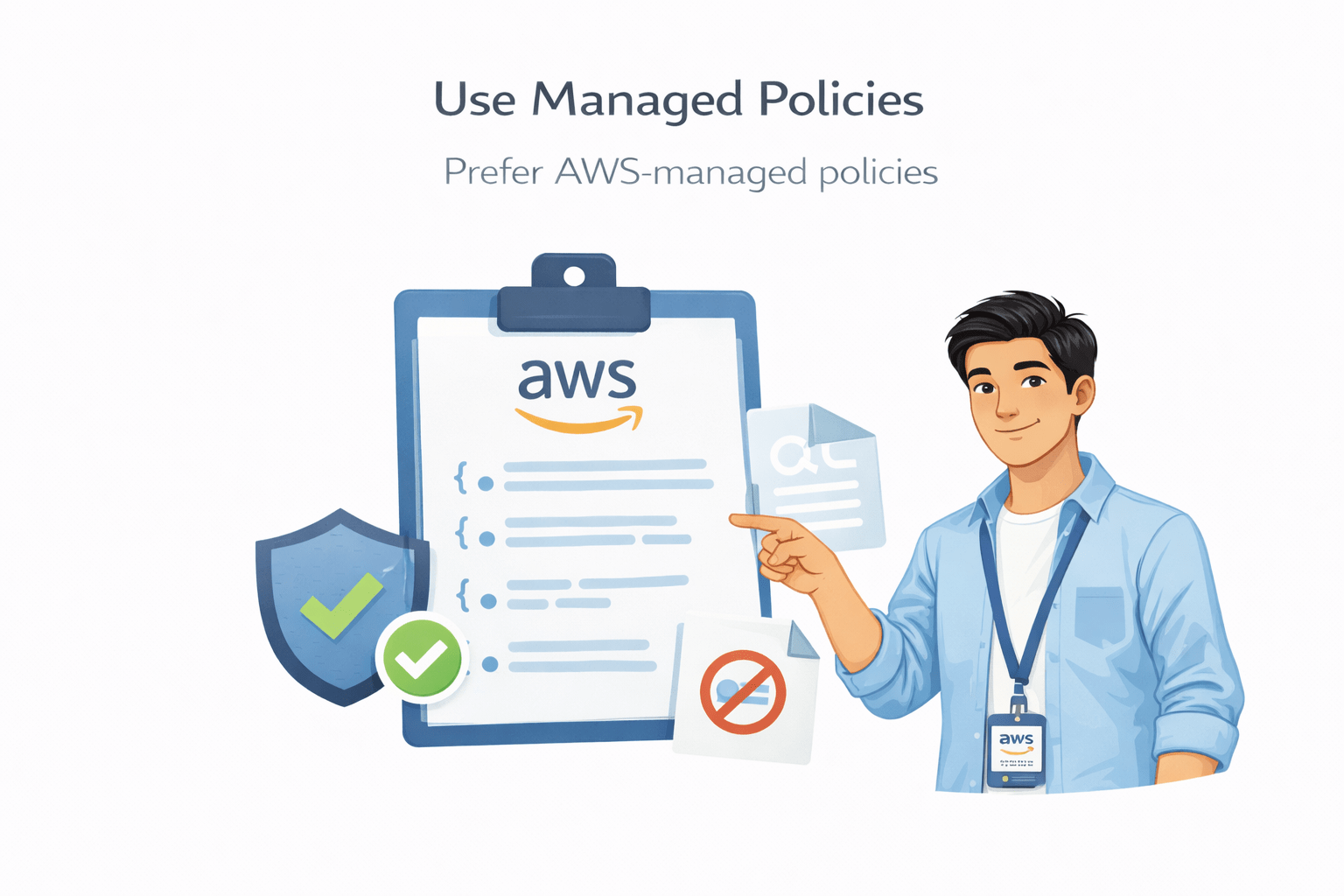
Use Managed Policies
Prefer AWS-managed policies
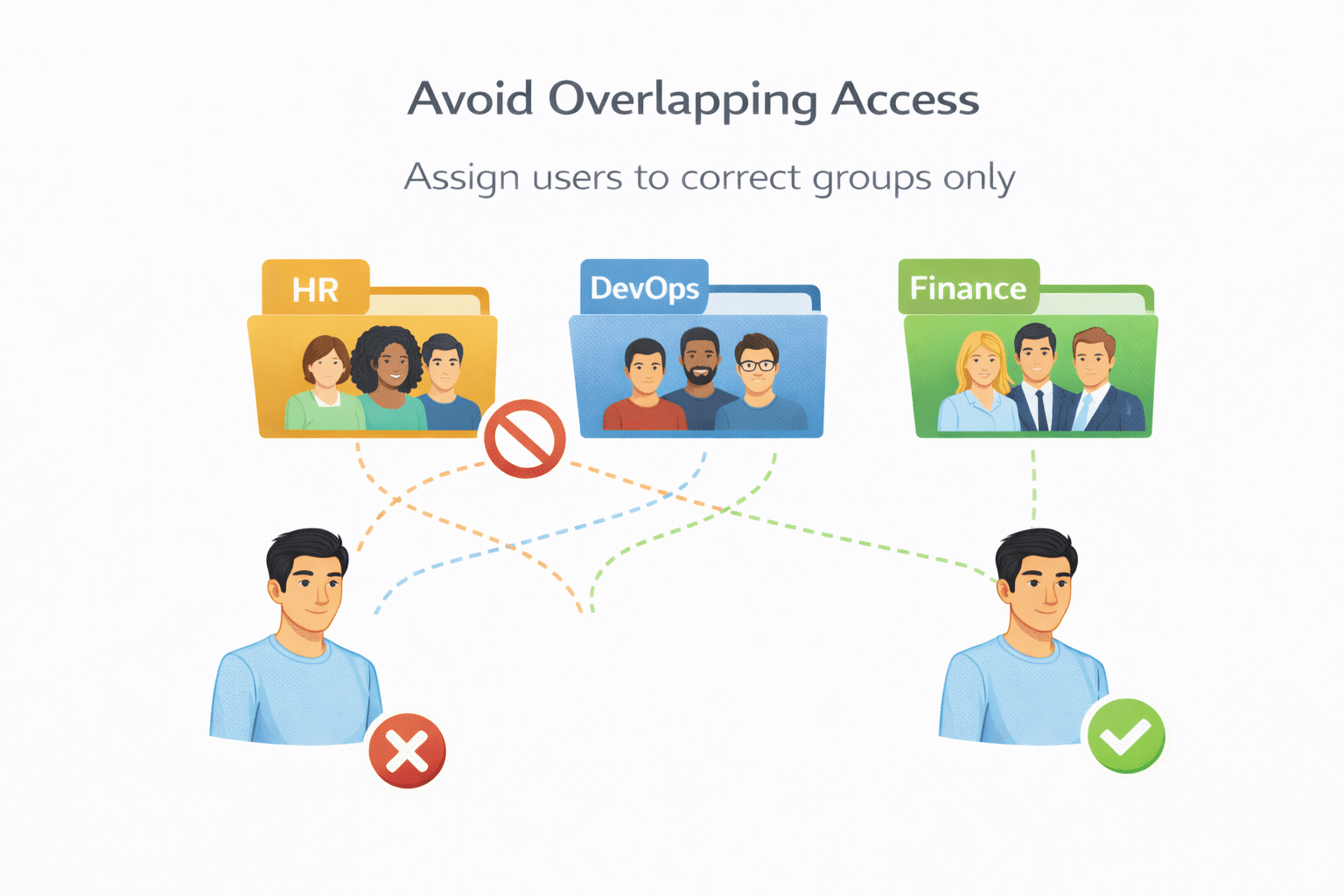
Avoid Overlapping Access
Assign users to correct groups only
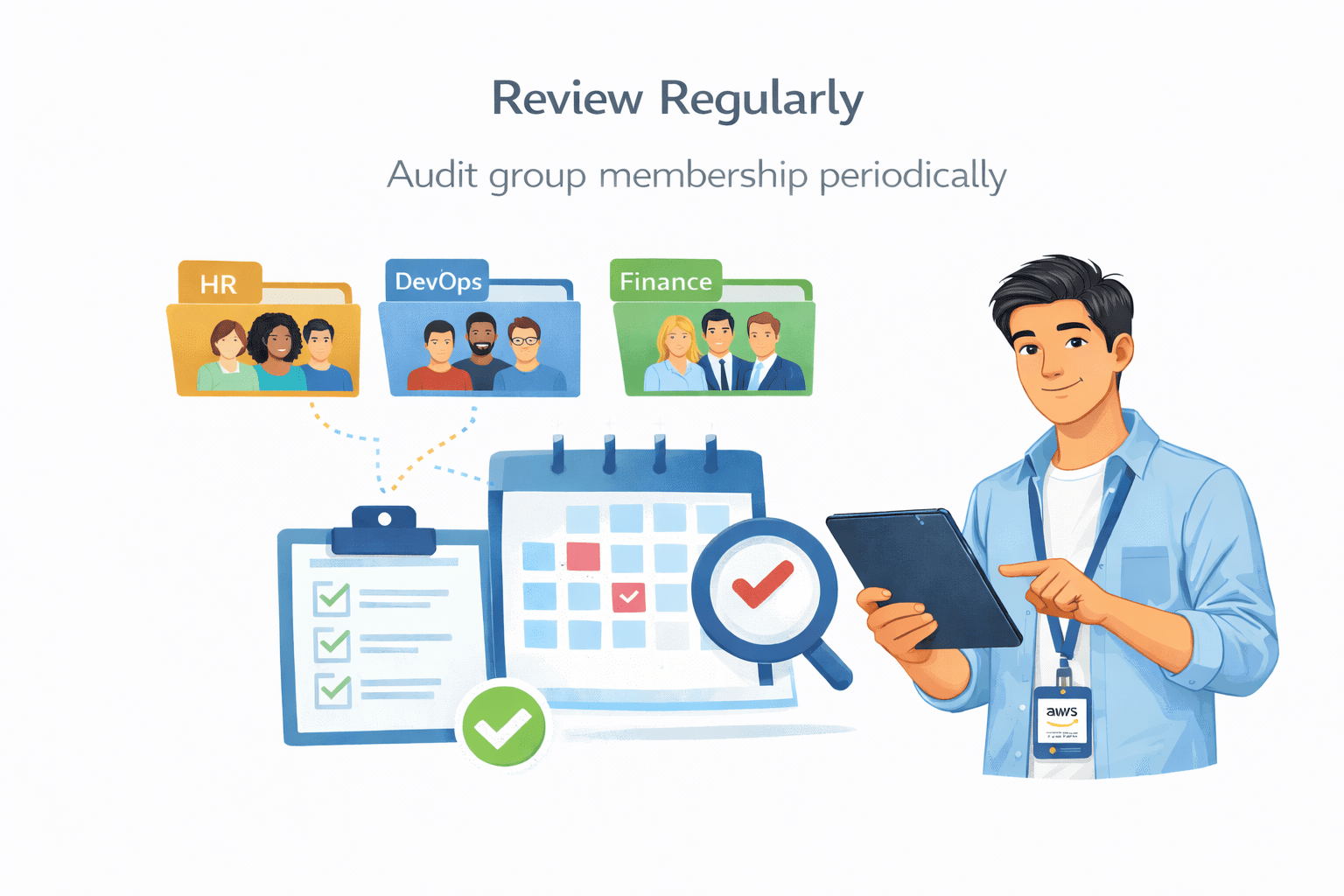
Review Regularly
Audit group membership periodically
What Are IAM Roles?
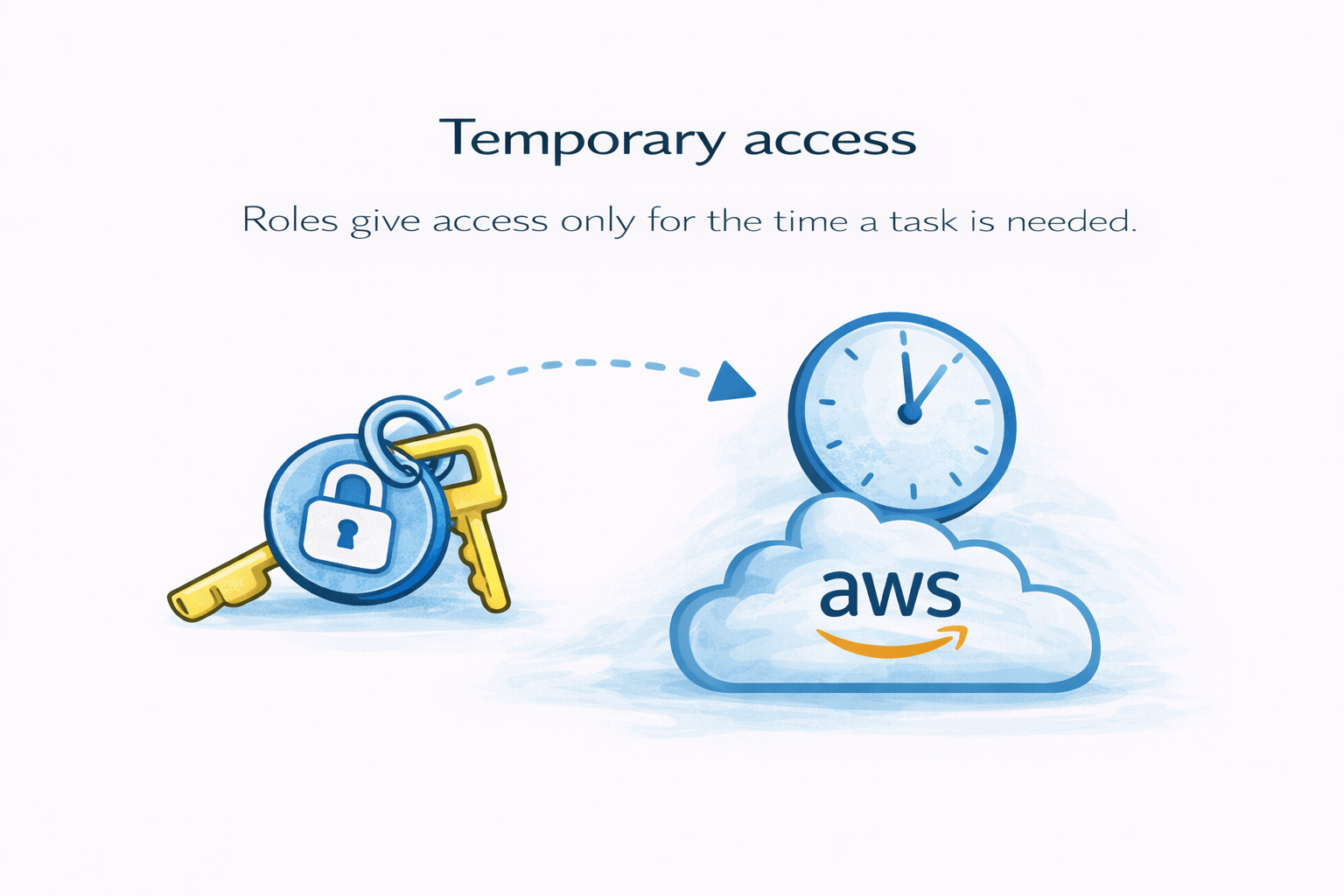
IAM Roles give temporary access to AWS for a specific task.
Example :
An employee is given temporary access to the Finance system during an audit.
After the audit ends, that access is removed
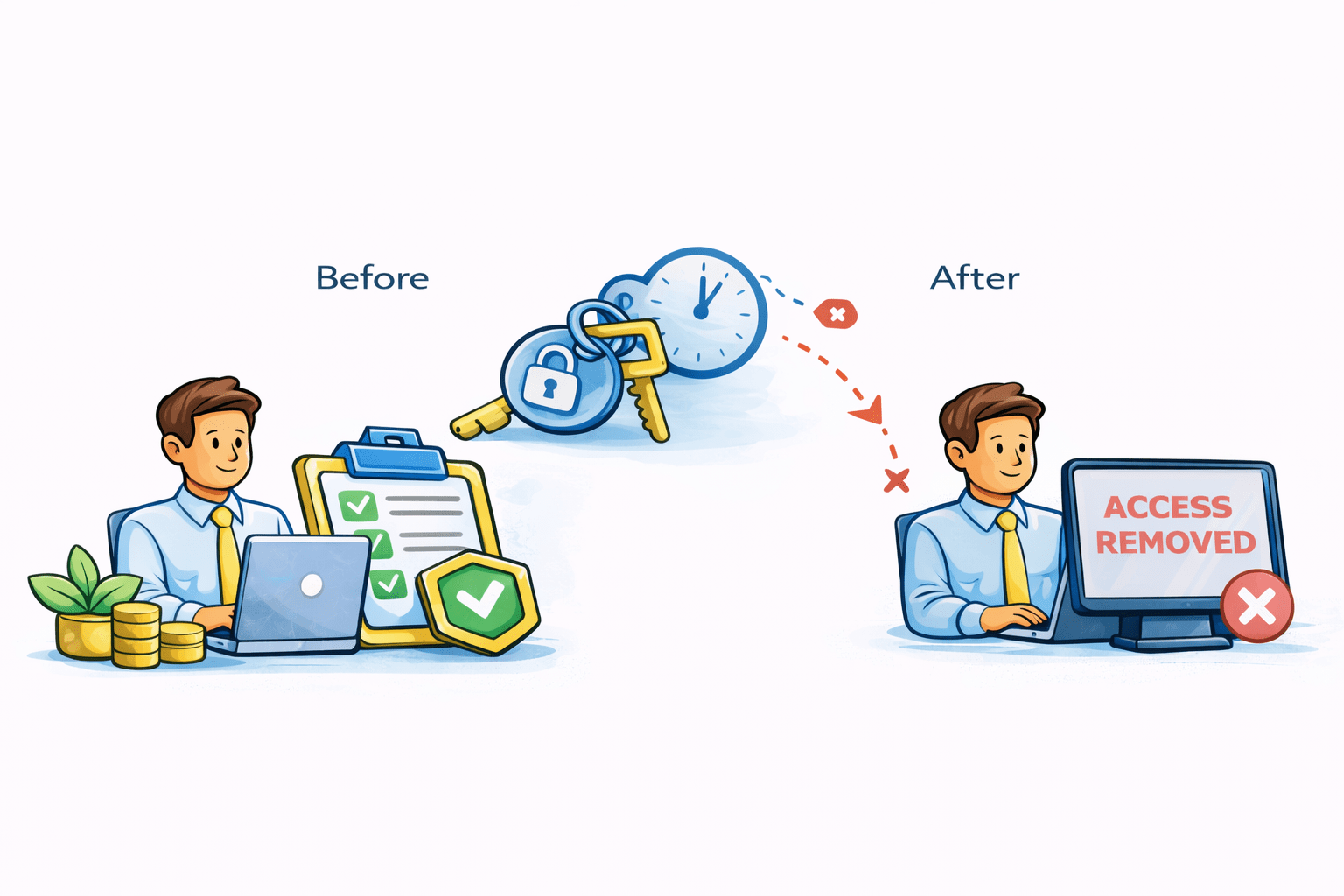
This is how an IAM Role works.
Why Roles Are Important
Temporary access
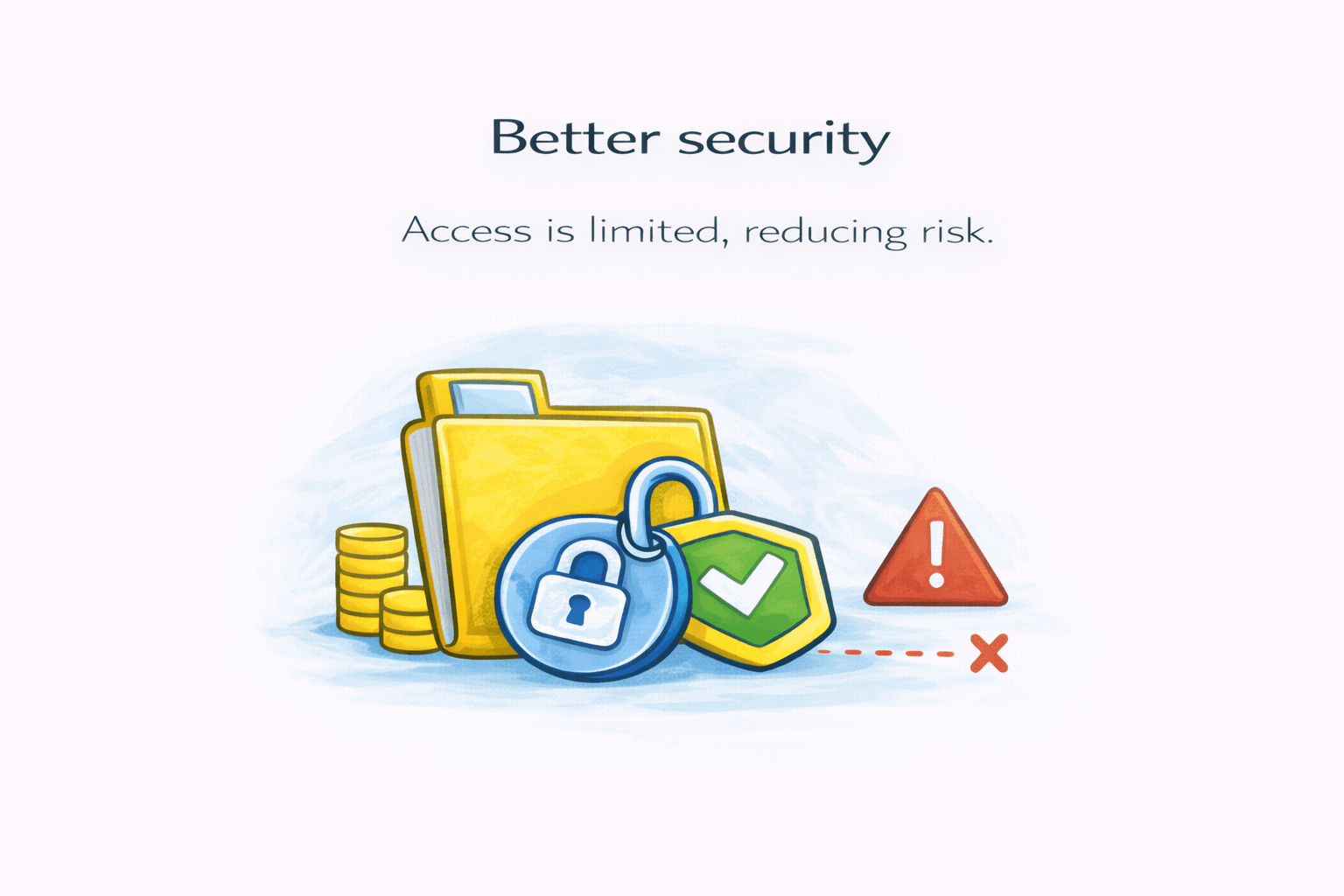
Better security
No shared logins
Roles give access only for the time a task is needed.
Access is limited
Reducing risk
Users don’t need permanent usernames or passwords
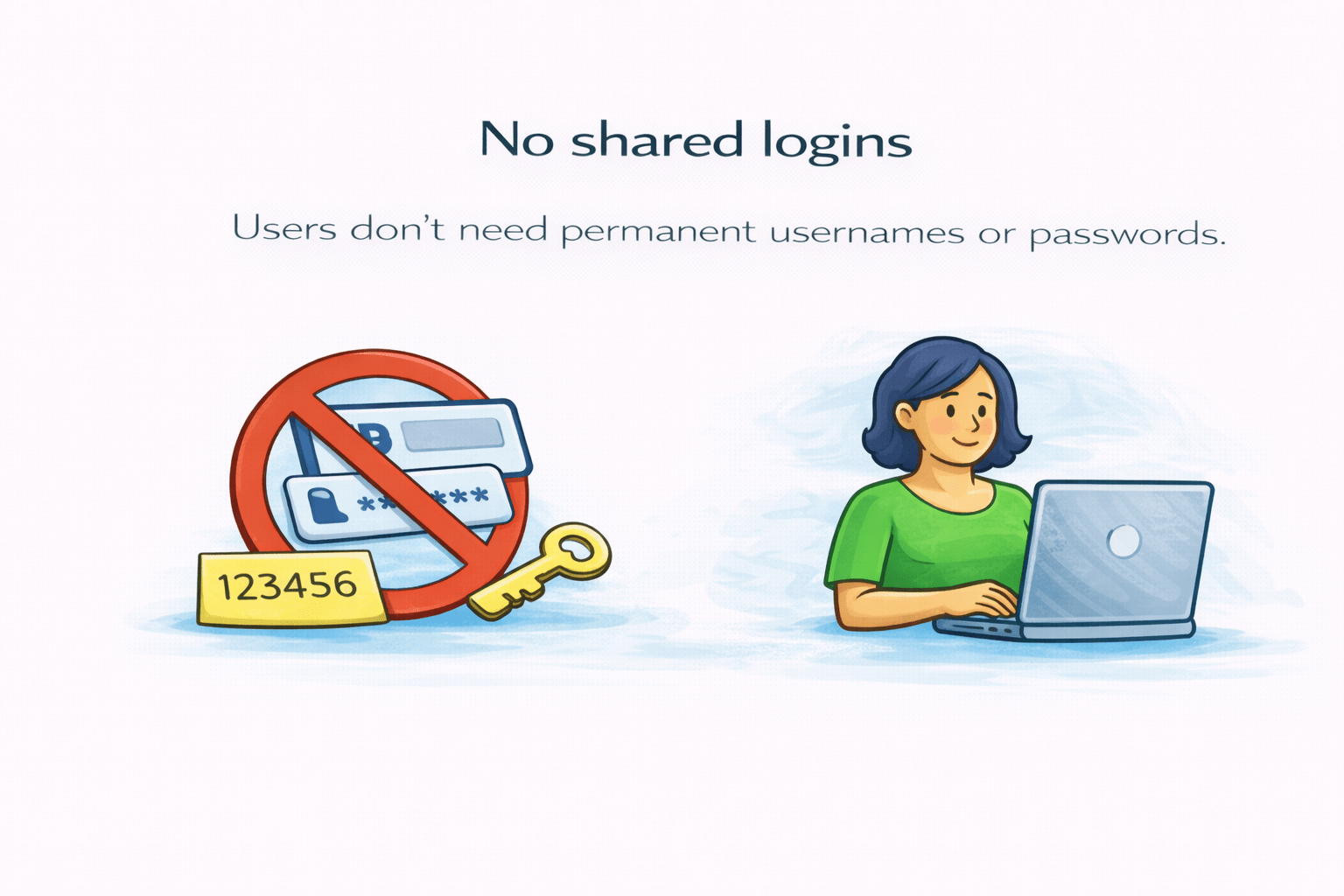
This keeps access safe and controlled.
How to Create a Role
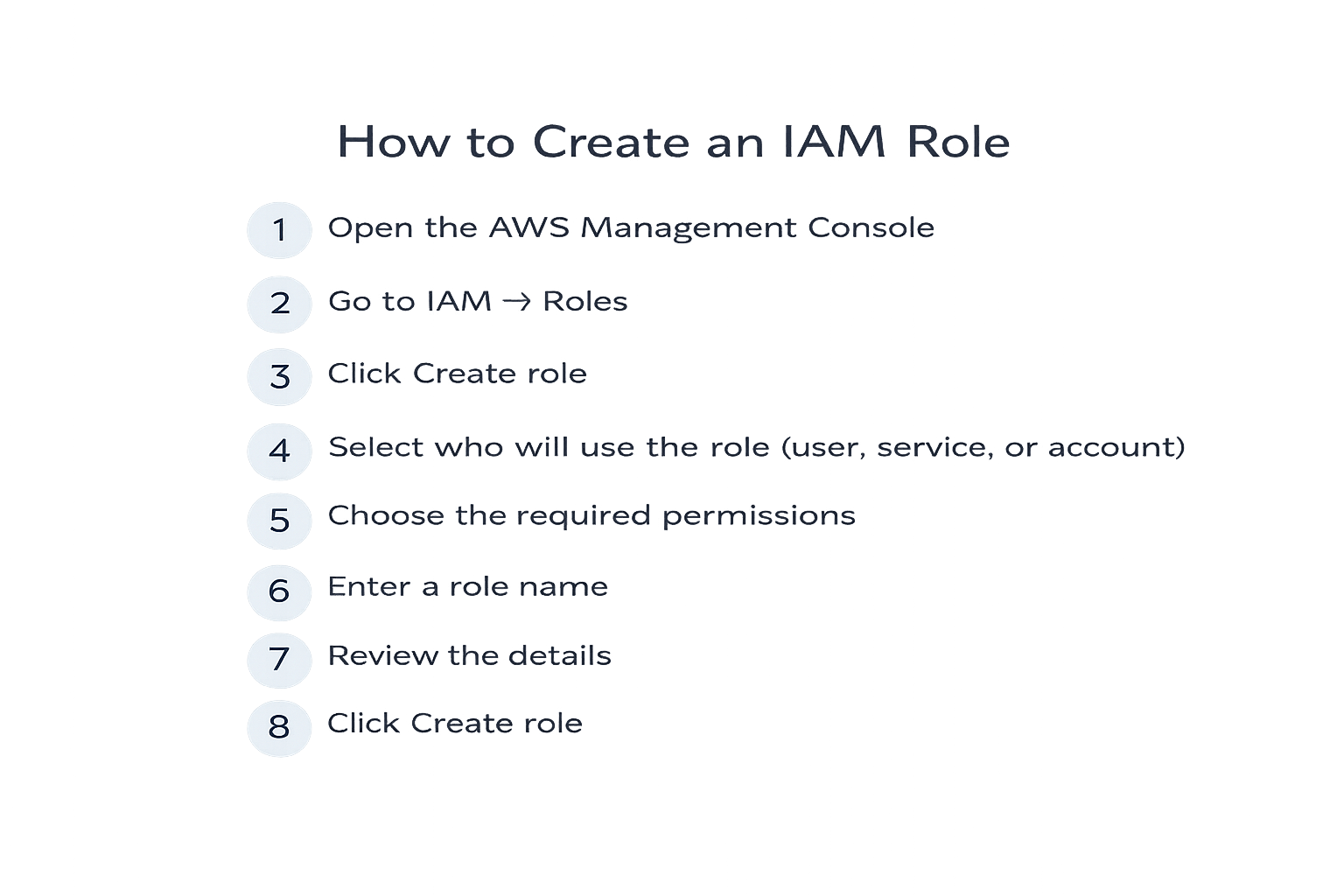
Difference Between Groups and Roles
IAM Group
Used to give permanent access
Assigned directly to IAM users
Best for users with the same job role
Permissions remain until the user is removed
Account permissions do not expire automatically
Suitable for consistent, ongoing work

IAM Roles
Used to give temporary access
Not attached permanently to users
Access is assumed only when needed
Often used by AWS services or
external users
Good for one-time or special tasks

AWS Security Token Service
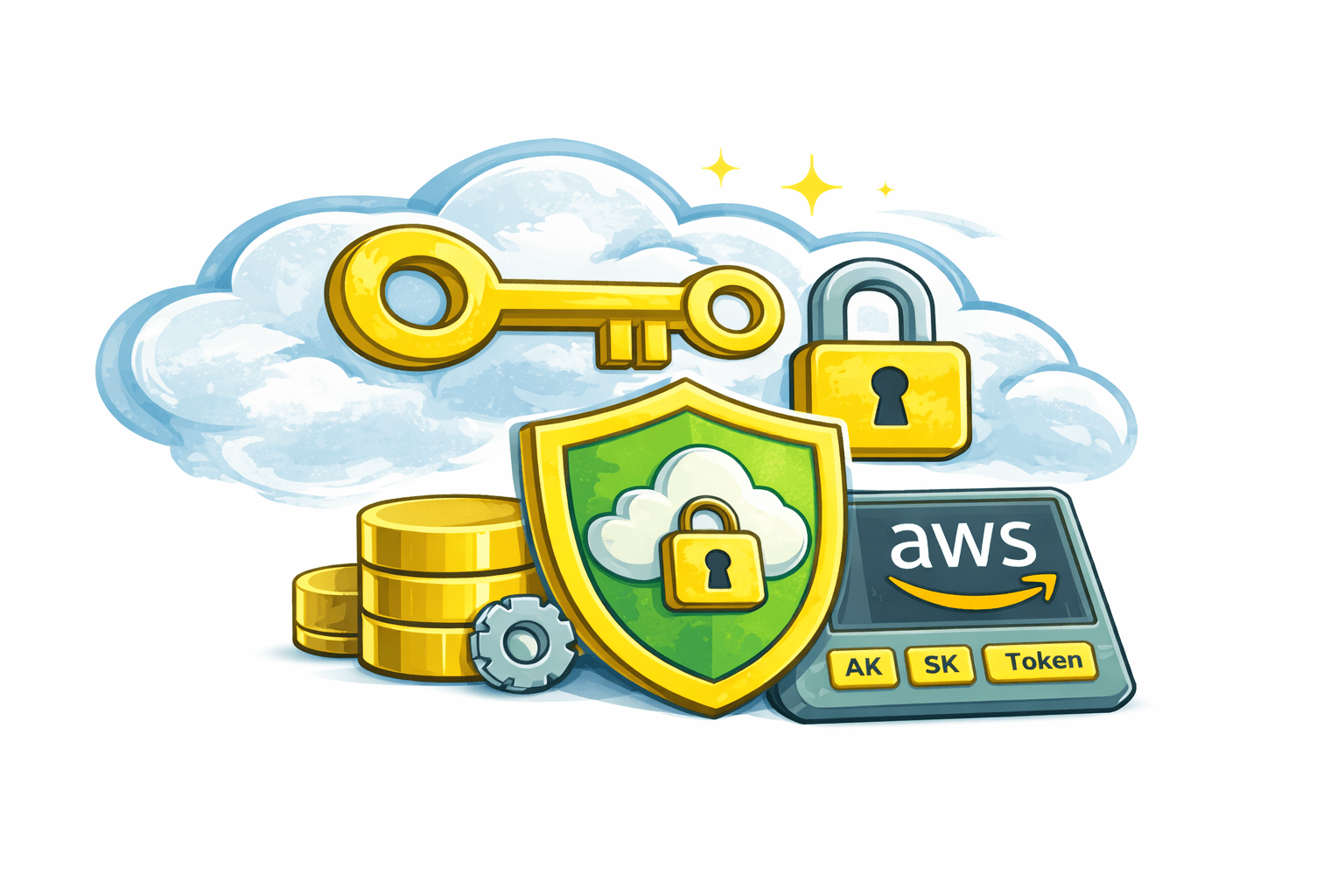
AWS Security Token Service (STS) is a service that provides temporary security credentials to users, applications, or services to access AWS resources securely
Key Points
Issues temporary access keys (Access Key, Secret Key, Session Token)
Credentials are short-lived and automatically expire
Used for role-based access, cross-account access, and federated users
Improves security by avoiding long-term credentials

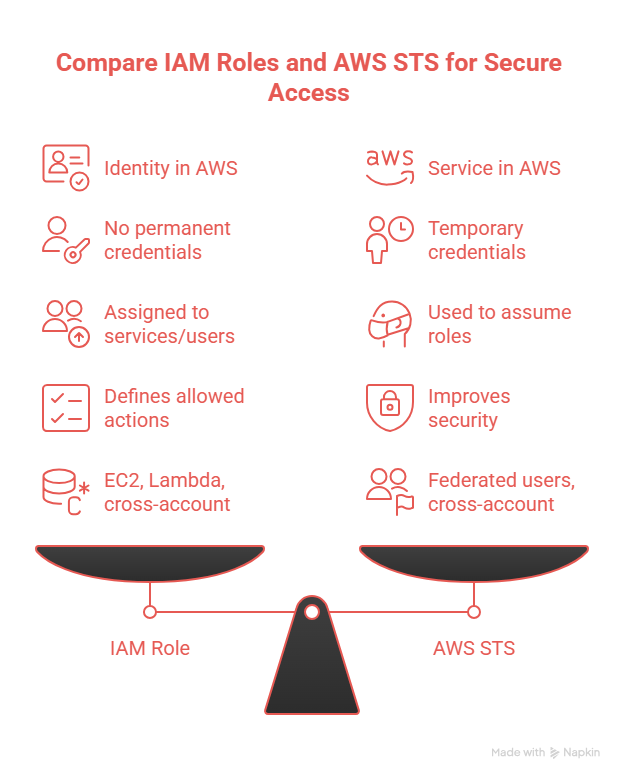
Difference Between IAM Role & STS
Summary
5
Both help manage AWS access safely
4
Roles improve security and flexibility
3
IAM Roles give temporary access for tasks
2
Groups make permission management easy
1
IAM Groups organize users with similar access
Quiz
IAM Groups are used to
A. Give temporary access
B. Store data
C. Group users with same permissions
D. Monitor billing

Quiz-Answer
A. Give temporary access
B. Store data
C. Group users with same permissions
D. Monitor billing
IAM Groups are used to