Use OSINT tools to gather and analyze publicly available information.

Business Scenario
Welcome!
You are working as a Cyber Security Analyst at SecureXit, where you need to perform an OSINT assessment to identify publicly available information about a client's organization.
Your task is to use dnsenum, dnsrecon, dnsmap, lbd, theHarvester, Maltego, and Shodan to gather information, discover exposed services, and analyze the organization's external digital footprint for potential security risks.


Pre-Lab Preparation
Topic : Ethical Hacking Fundamentals
1) Introduction to Ethical Hacking.
2) Footprinting and reconnaissance concepts.
3) OSINT tools and techniques.
Task 1: Domain and Email Enumeration
1
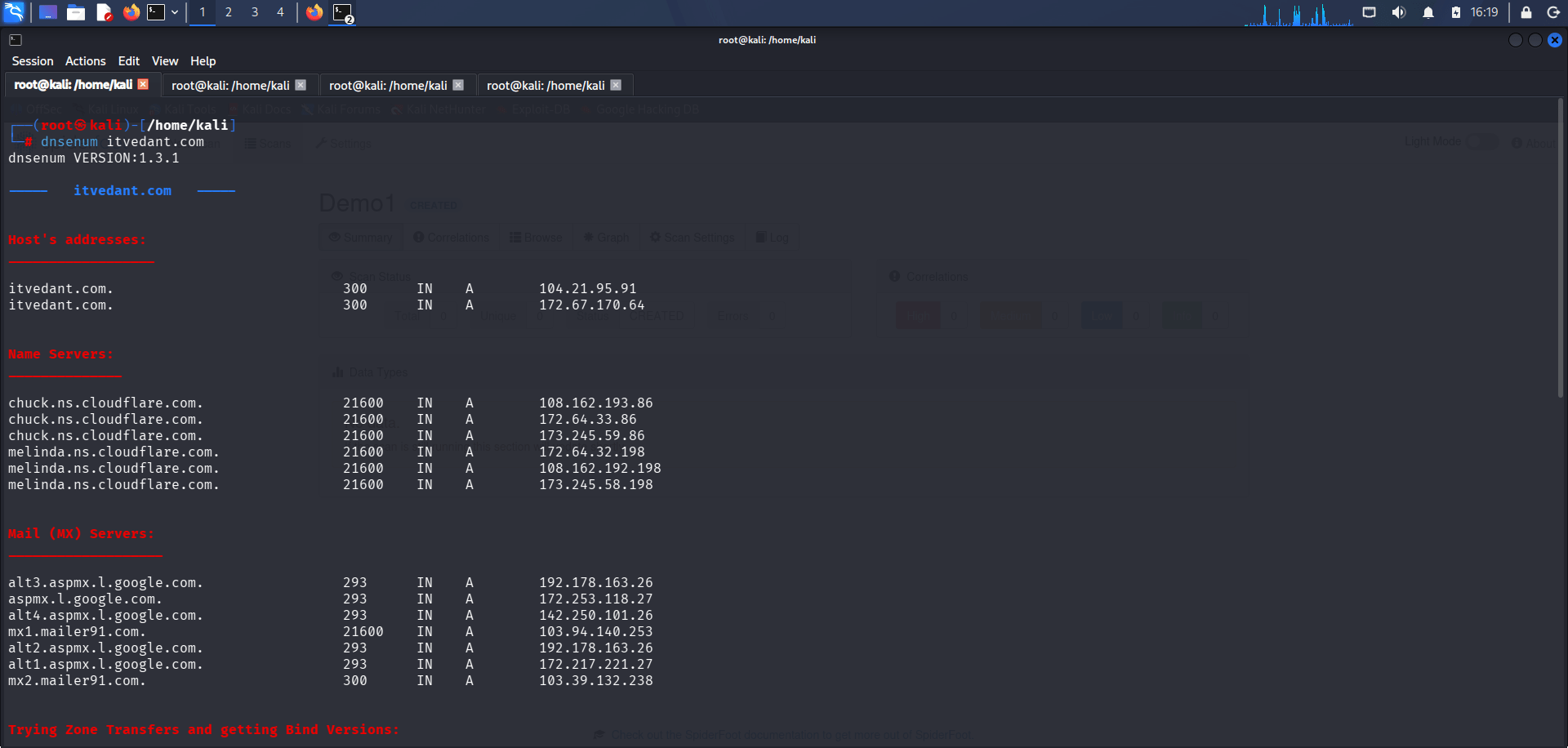
Perform Domain Enumeration Using dnsenum
Open the Kali Linux terminal and run the following command:
dnsenum itvedant.com2
Enumerate DNS Information Using dnsrecon
Execute the following command:
Review the output and identify DNS records, name servers, and discovered subdomains.
dnsrecon -d itvedant.com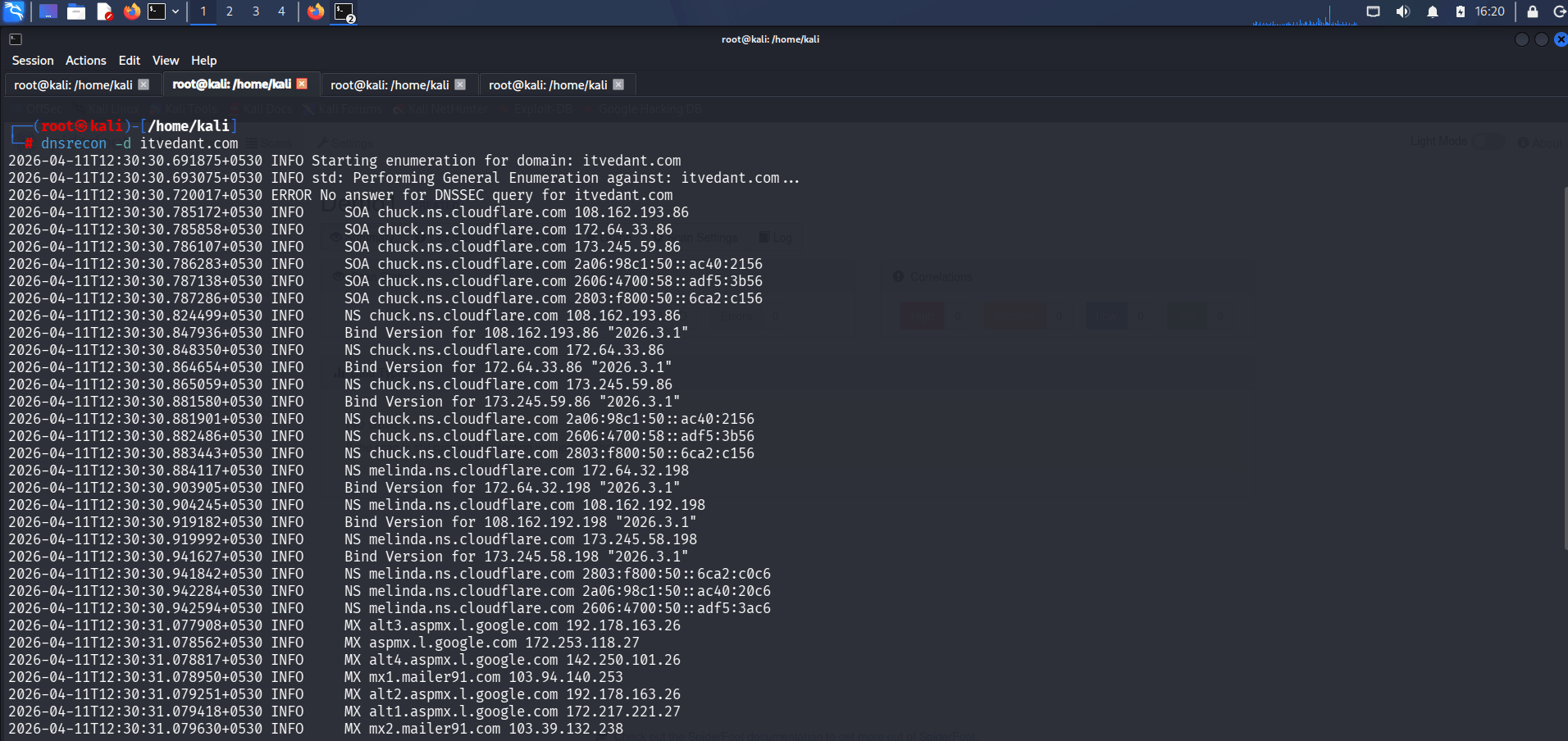
Analyze the results to identify DNS records, host information, and additional domain details.
3
Discover Subdomains Using dnsmap
Run the following command:
dnsmap itvedant.com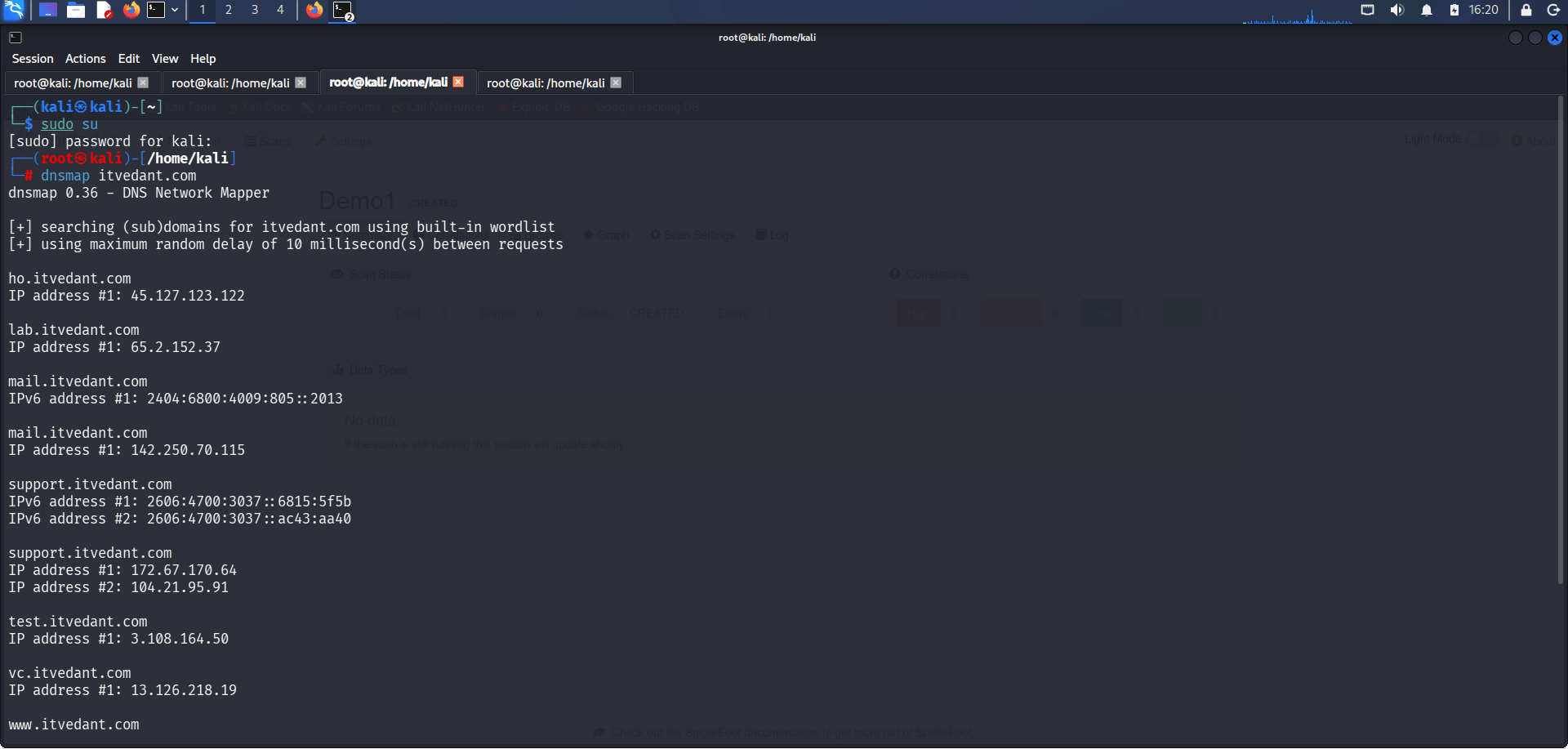
4
Check for Load Balancers Using lbd
Execute the following command:
Observe the discovered subdomains and record them for further analysis.
lbd itvedant.com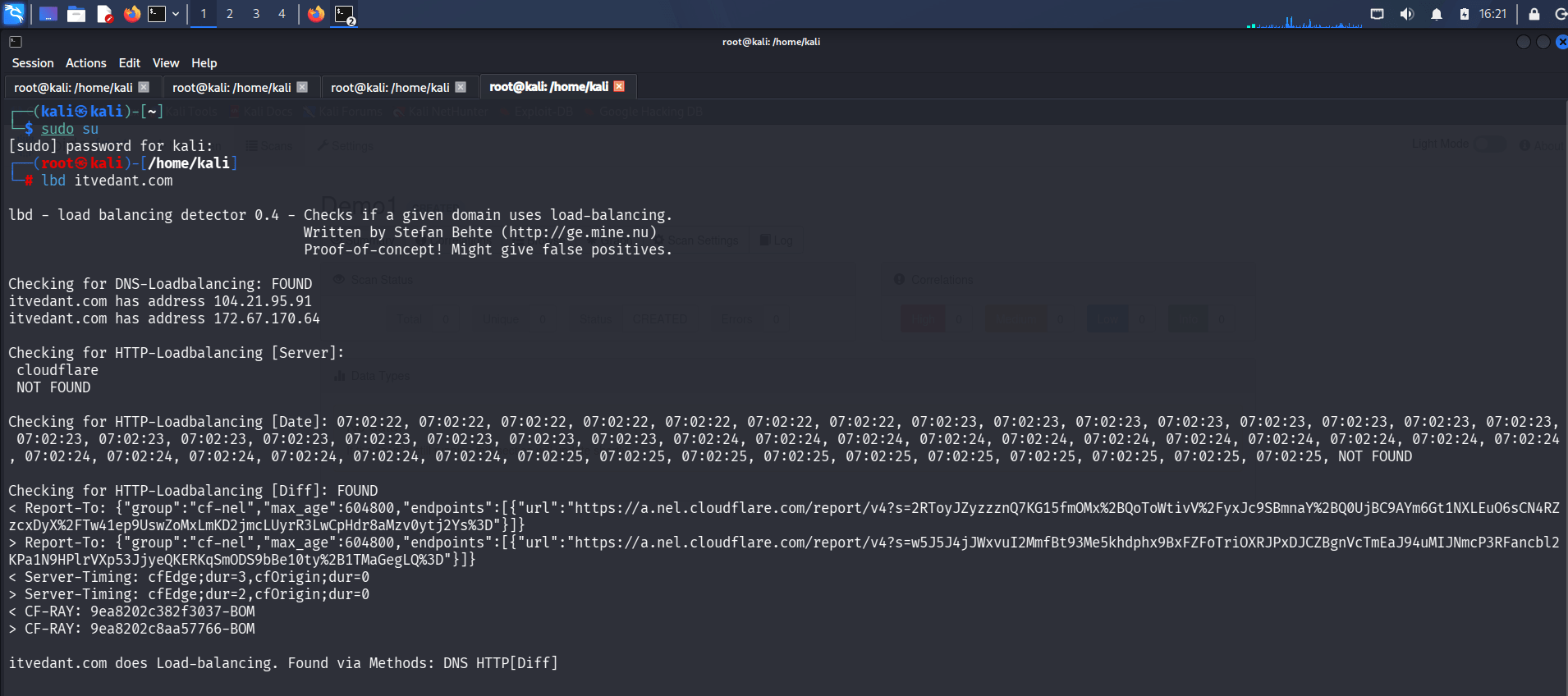
Review the output to determine whether the target is using load balancing technologies.
5
Gather Email and Domain Information Using theHarvester
Run the following command:
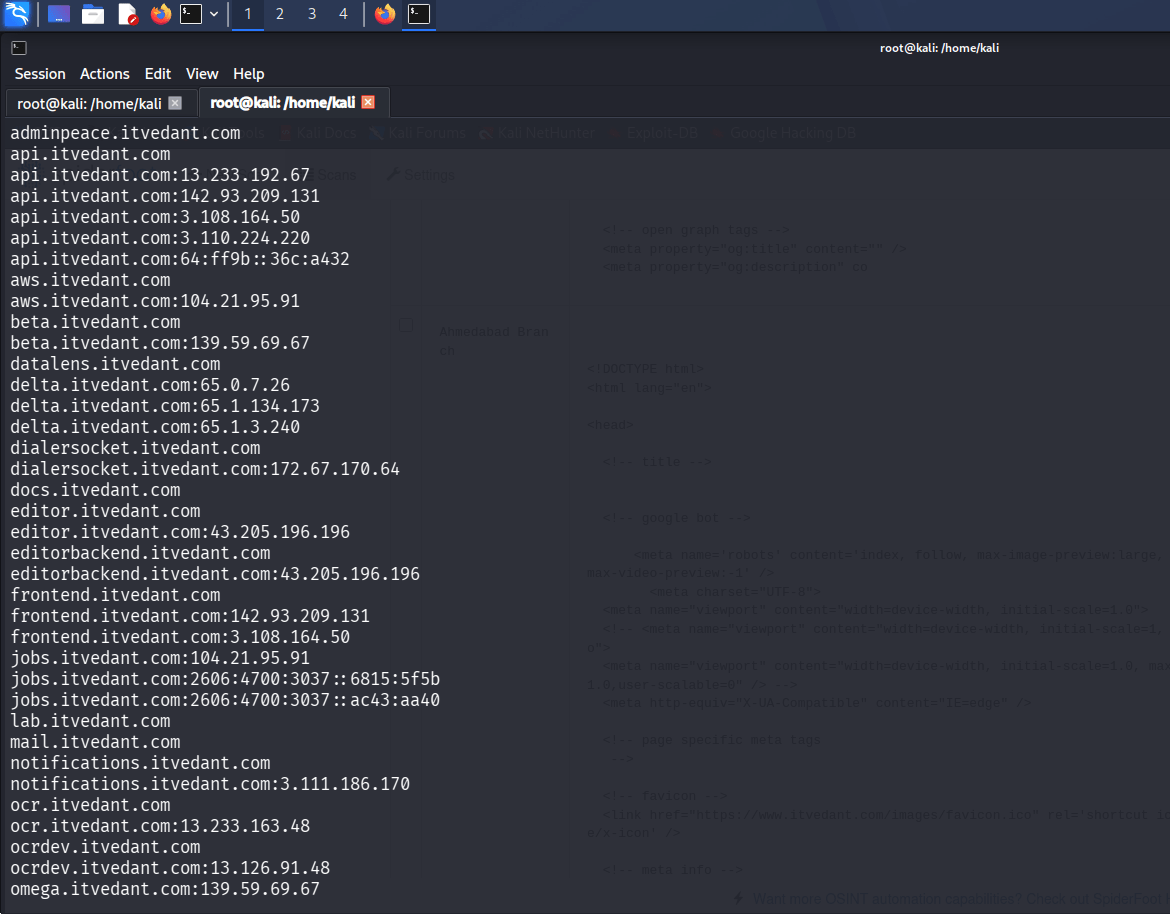
theHarvester -d itvedant.com -l 500 -b all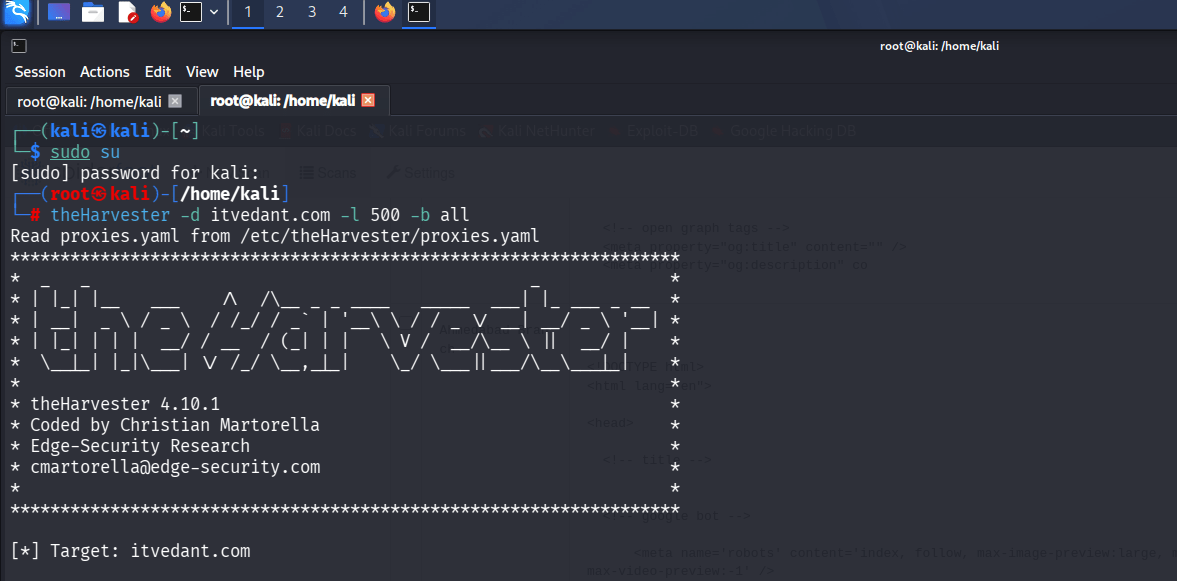
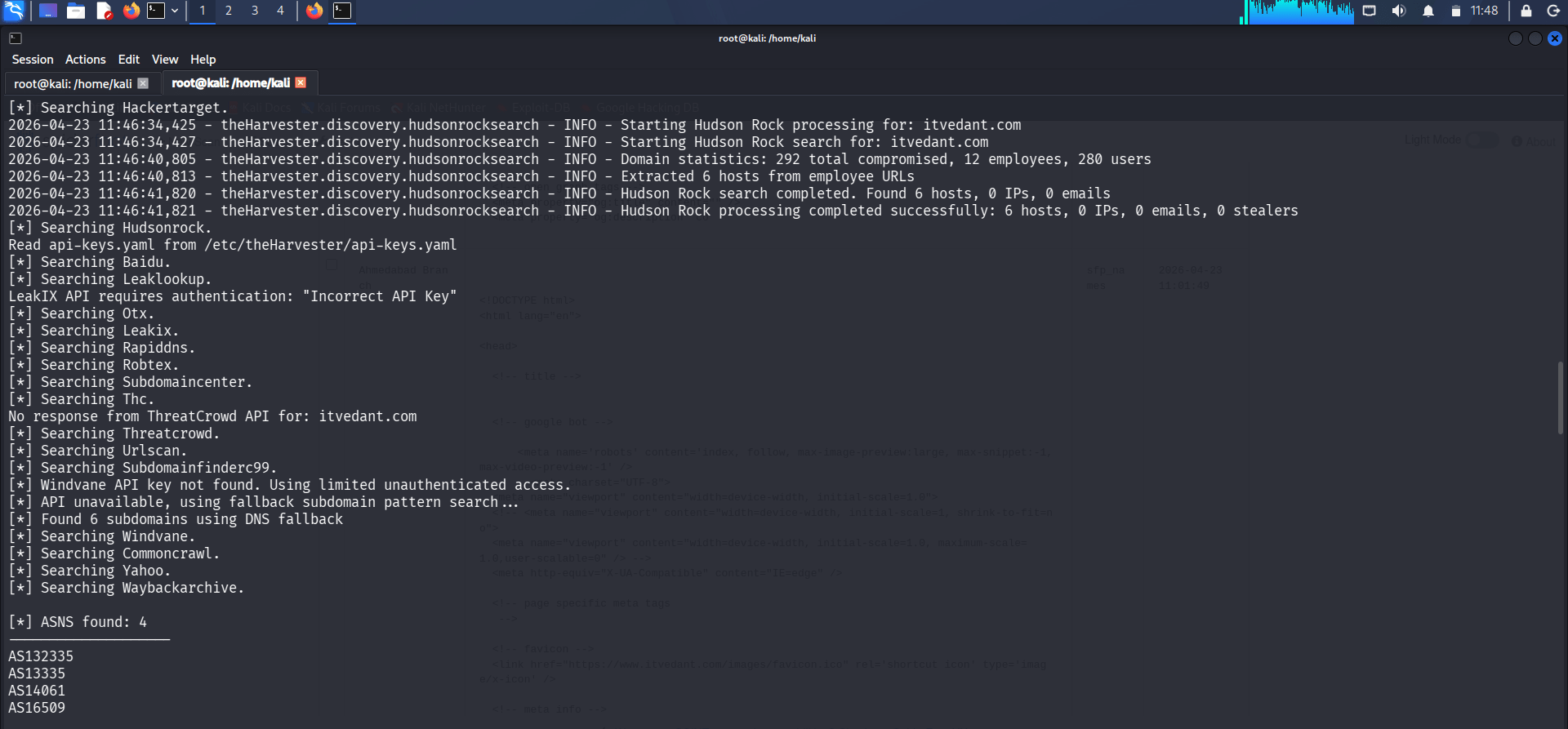
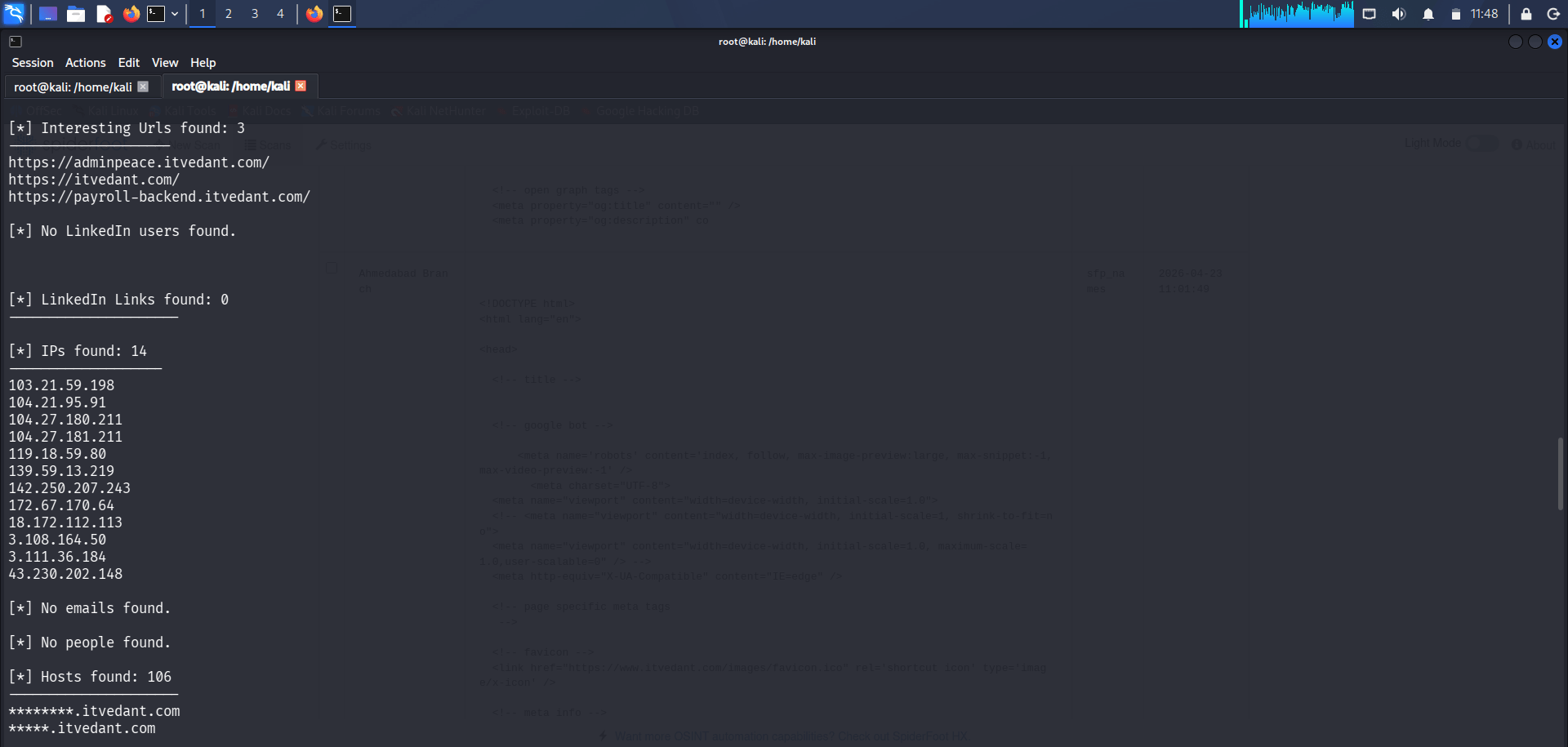
Analyze the results and identify email addresses, hostnames, subdomains, and other publicly available information related to the target domain.
Task 2: Information Gathering Using SpiderFoot
1
Launch SpiderFoot
Open Kali Linux and start SpiderFoot. Access the SpiderFoot web interface through your browser and create a new scan.
spiderfoot -l 127.0.0.1:12347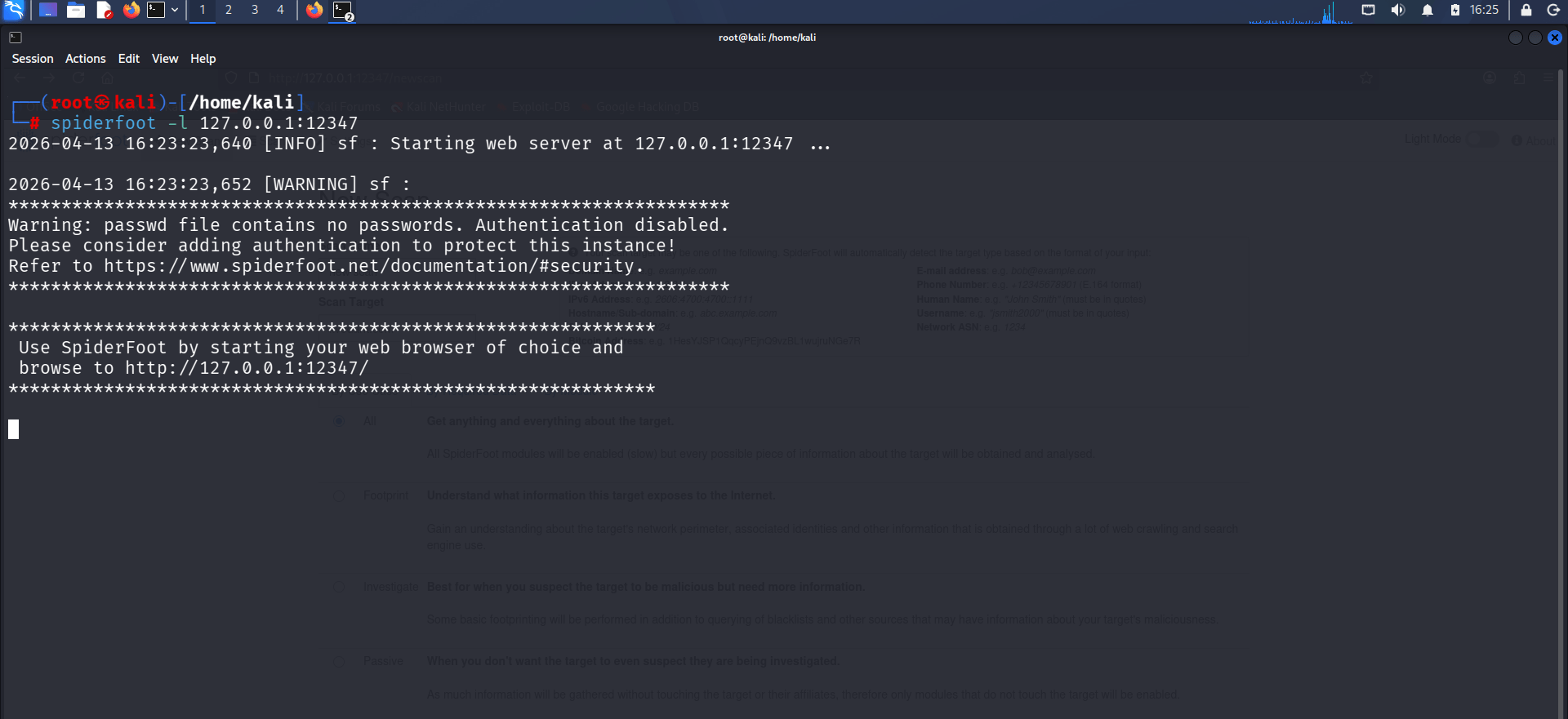
2
Configure and Run the Scan
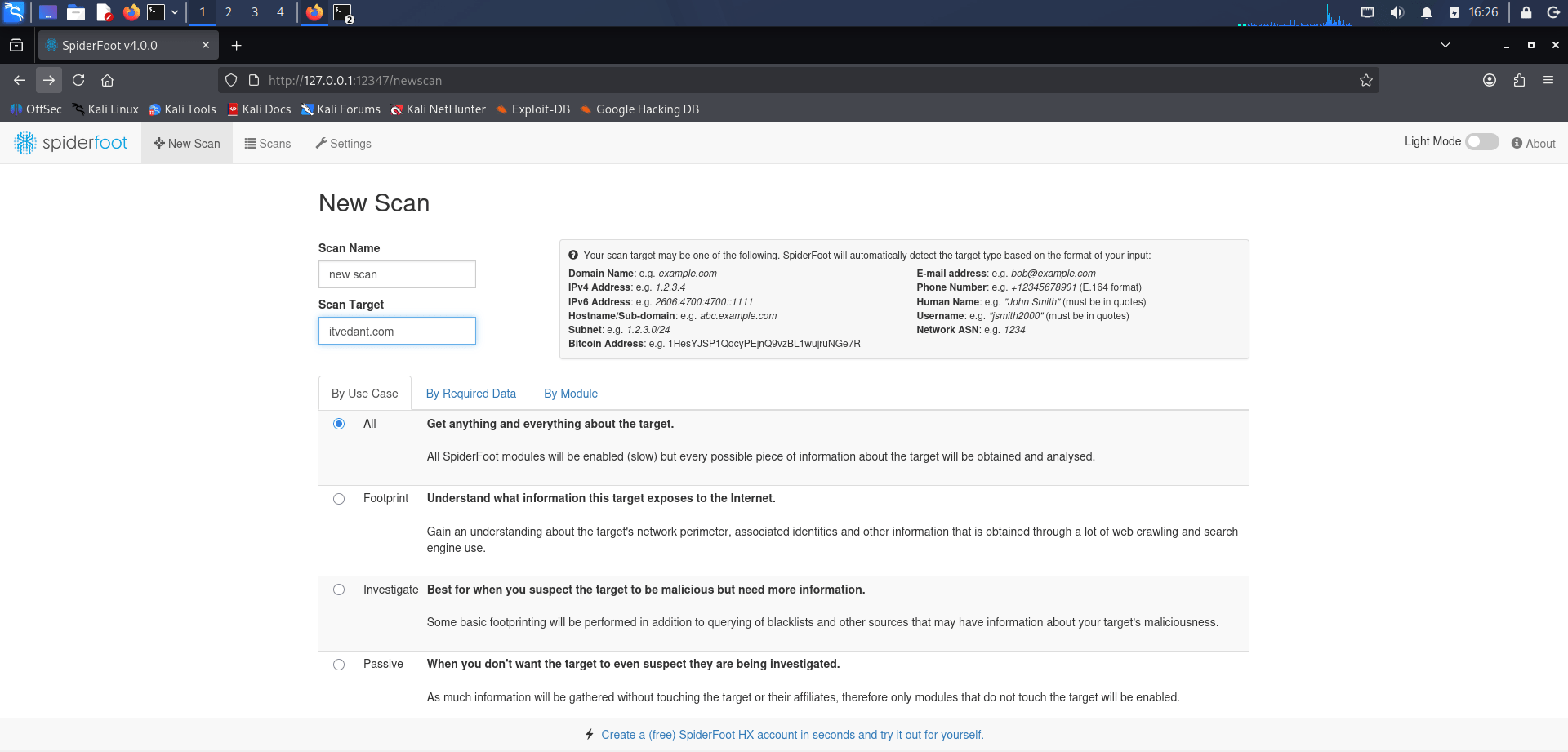
Open browser and type https://127.0.0.1:12347/
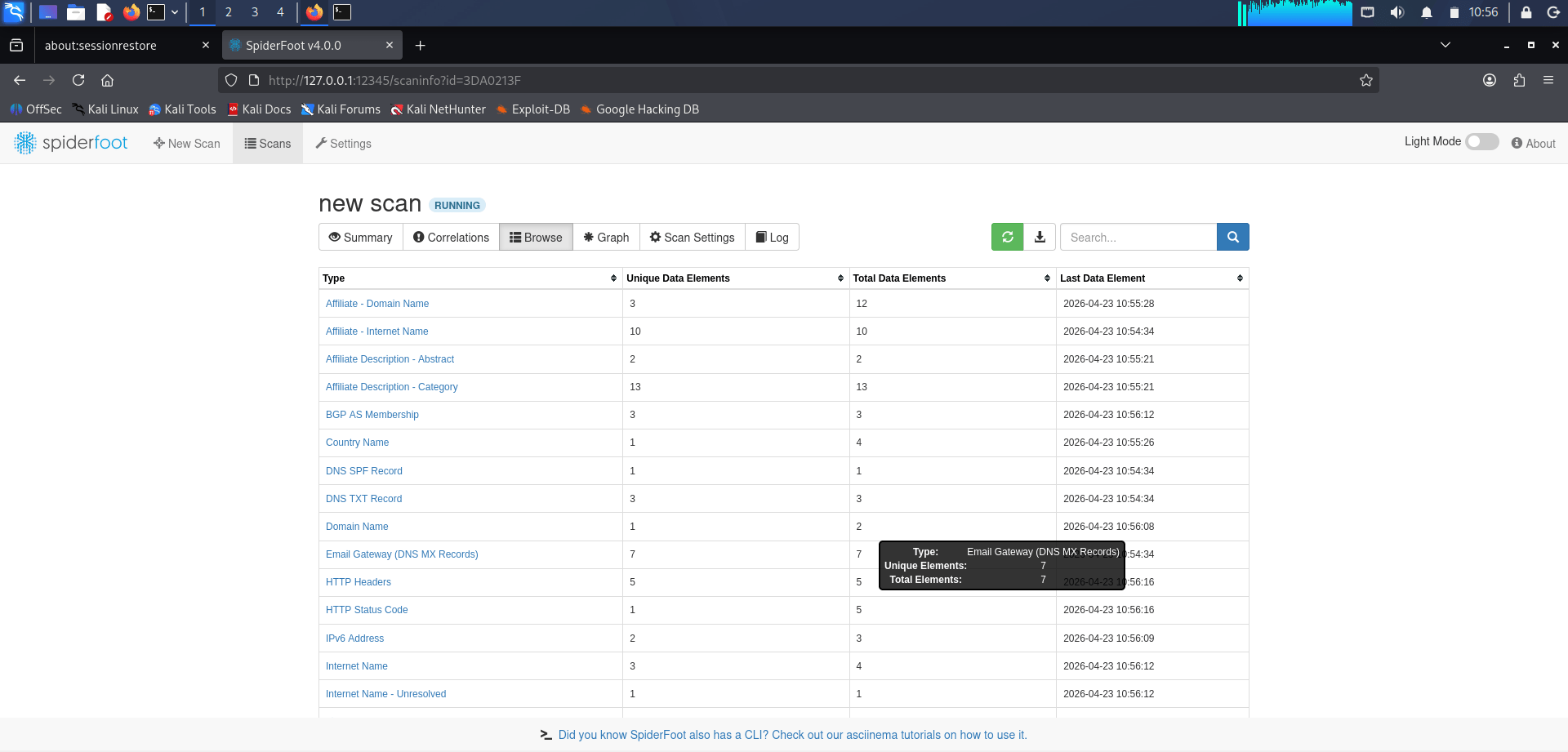
- Select the required OSINT modules and start the scan to gather information about domains, subdomains, DNS records, IP addresses, email addresses, and related infrastructure.
spiderfoot -l 127.0.0.1:12347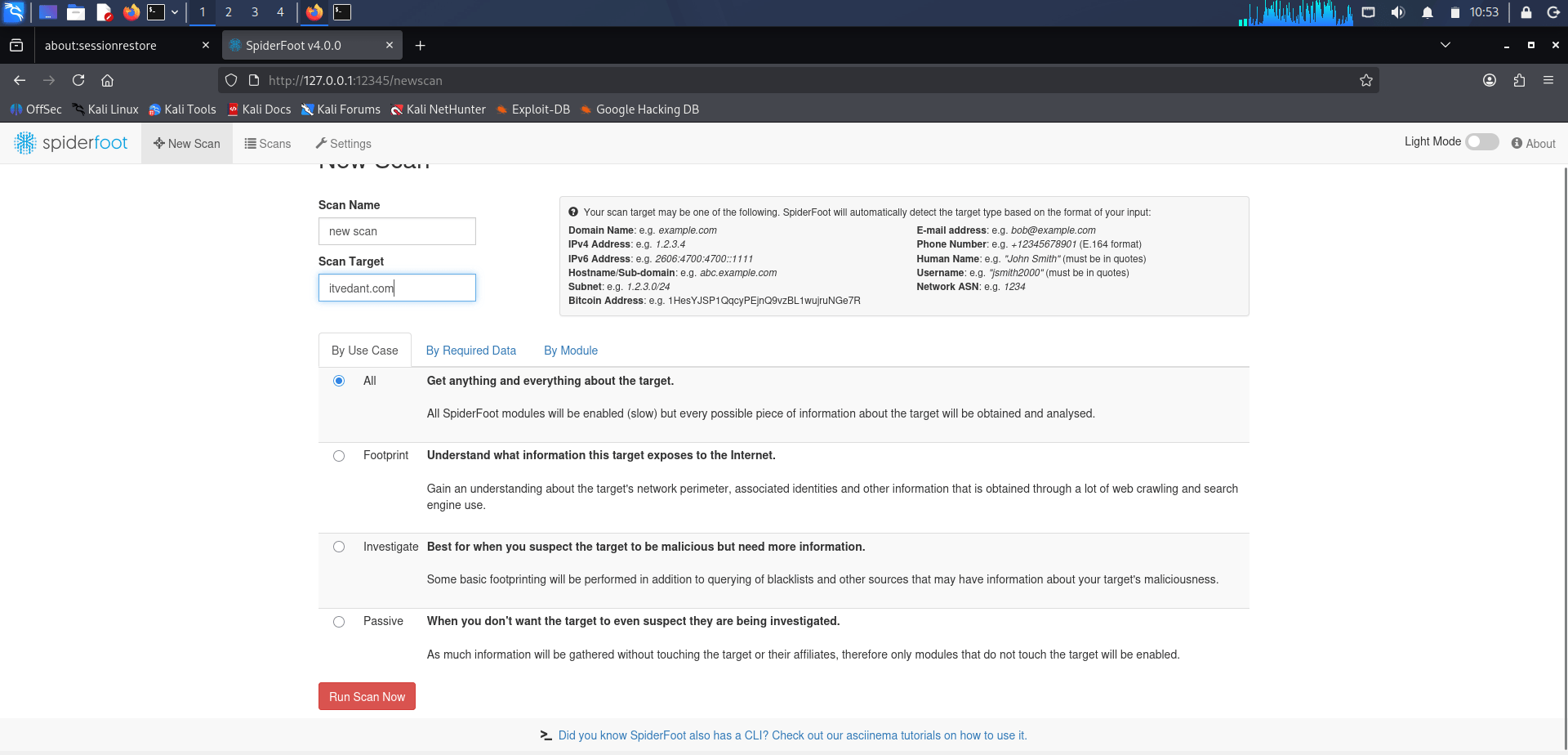
- Enter the target domain:
-
Click on Run scan now.
Select the required OSINT modules and start the scan to gather information about domains, subdomains, DNS records, IP addresses, email addresses, and related infrastructure.
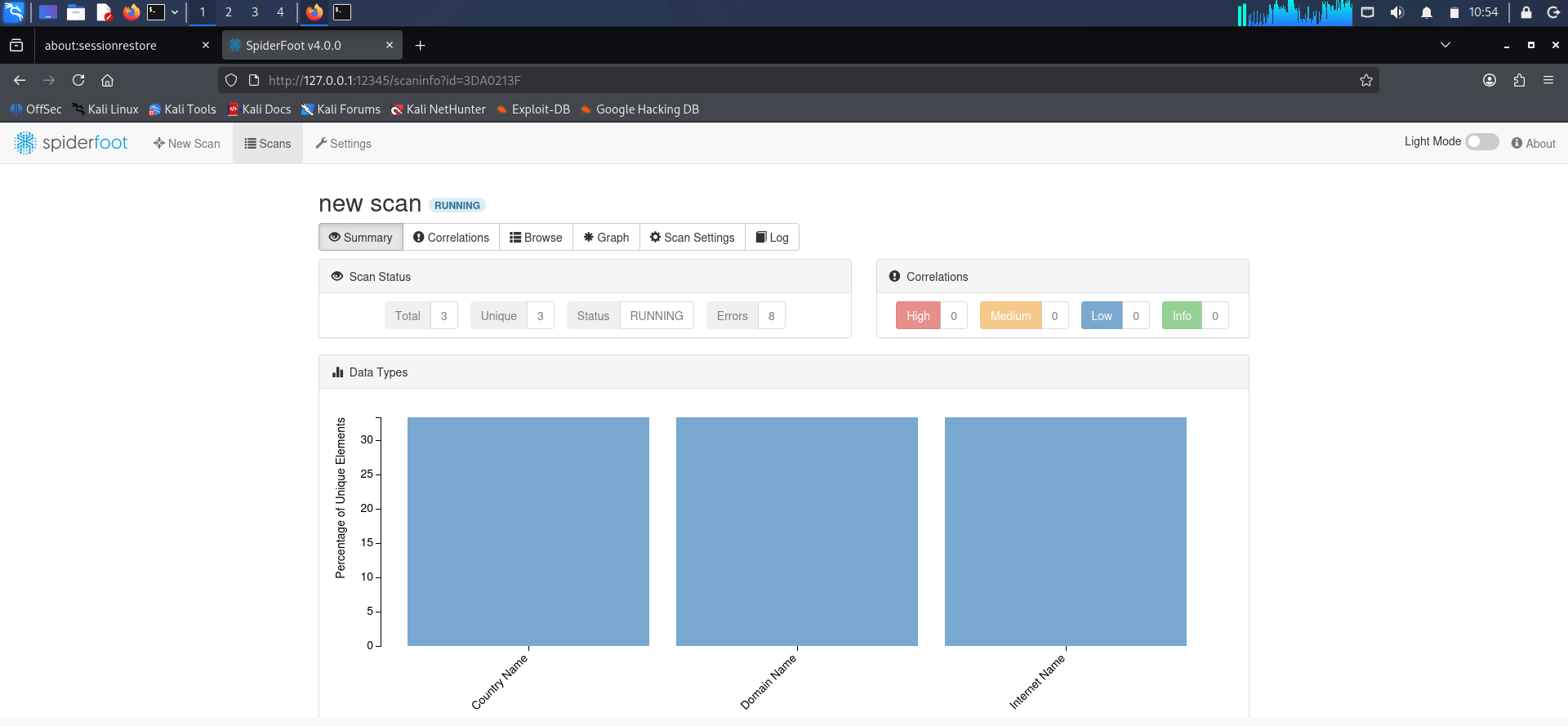
3
Review and Analyze Results
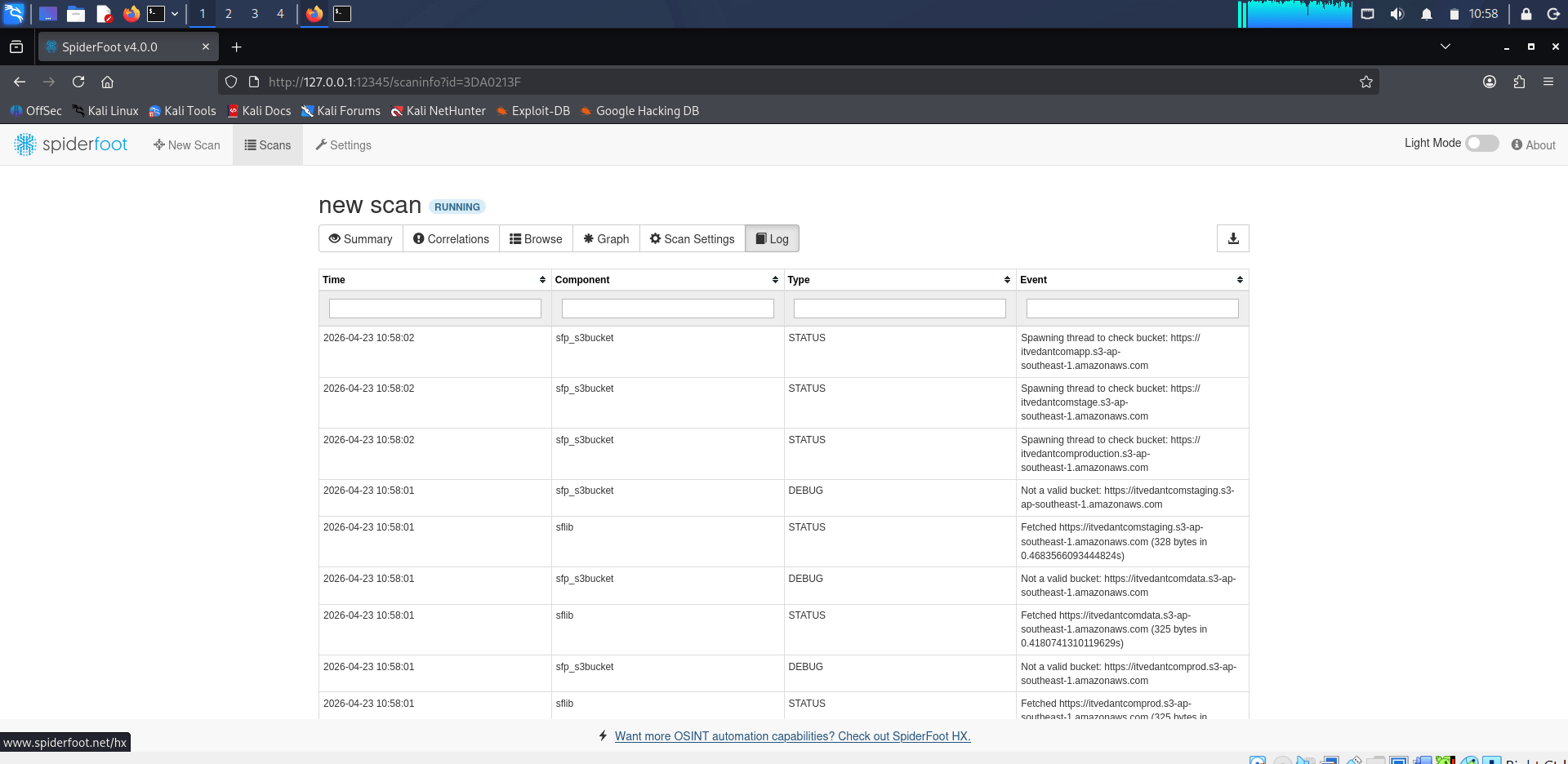
Once the scan is complete, review the collected information, including discovered hosts, DNS records, emails, and associated assets. Document the findings and summarize the target's digital footprint in the OSINT investigation report.
Task 3: OSINT Framework – Username Enumeration
1
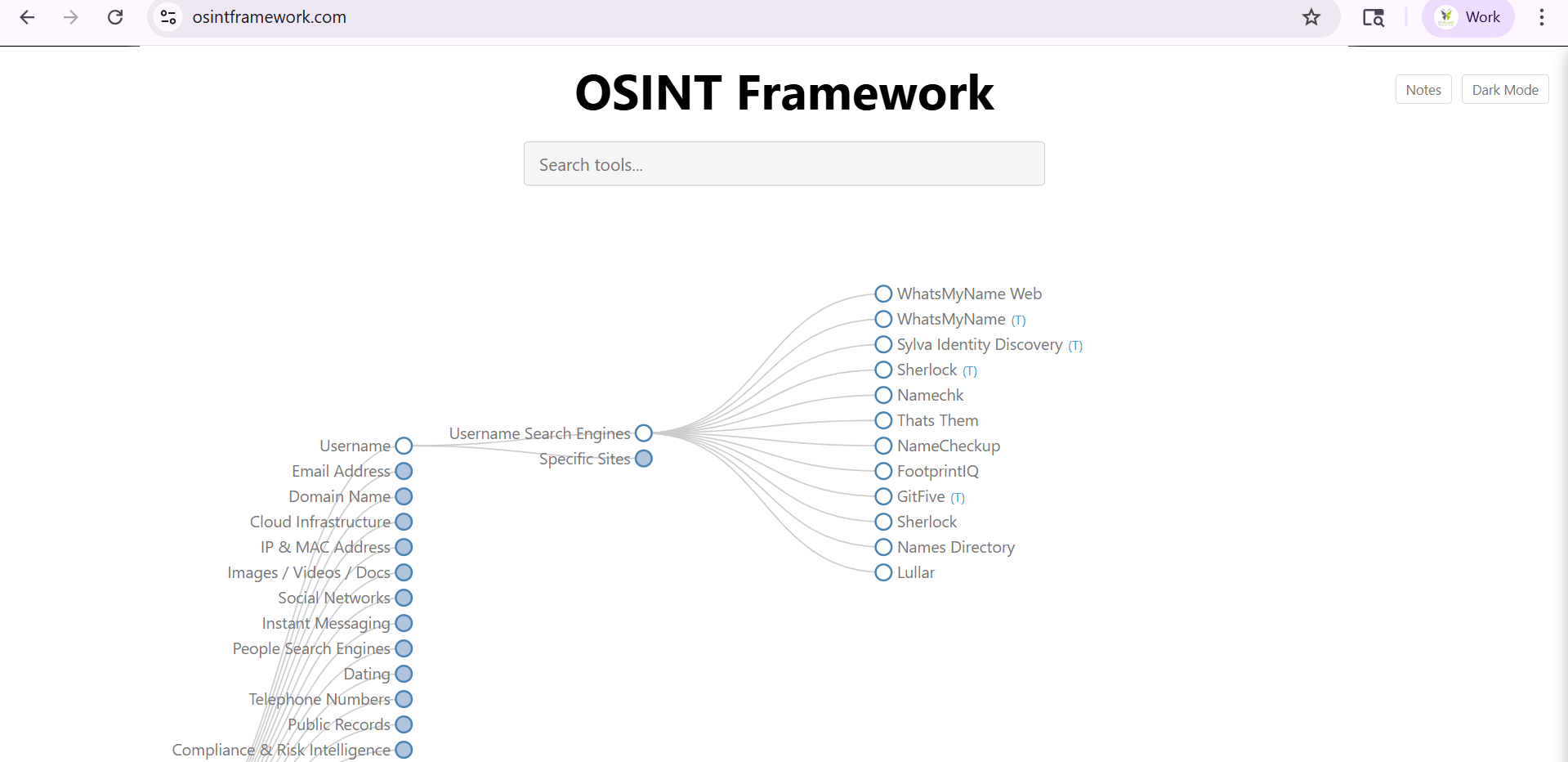
Access the OSINT Framework
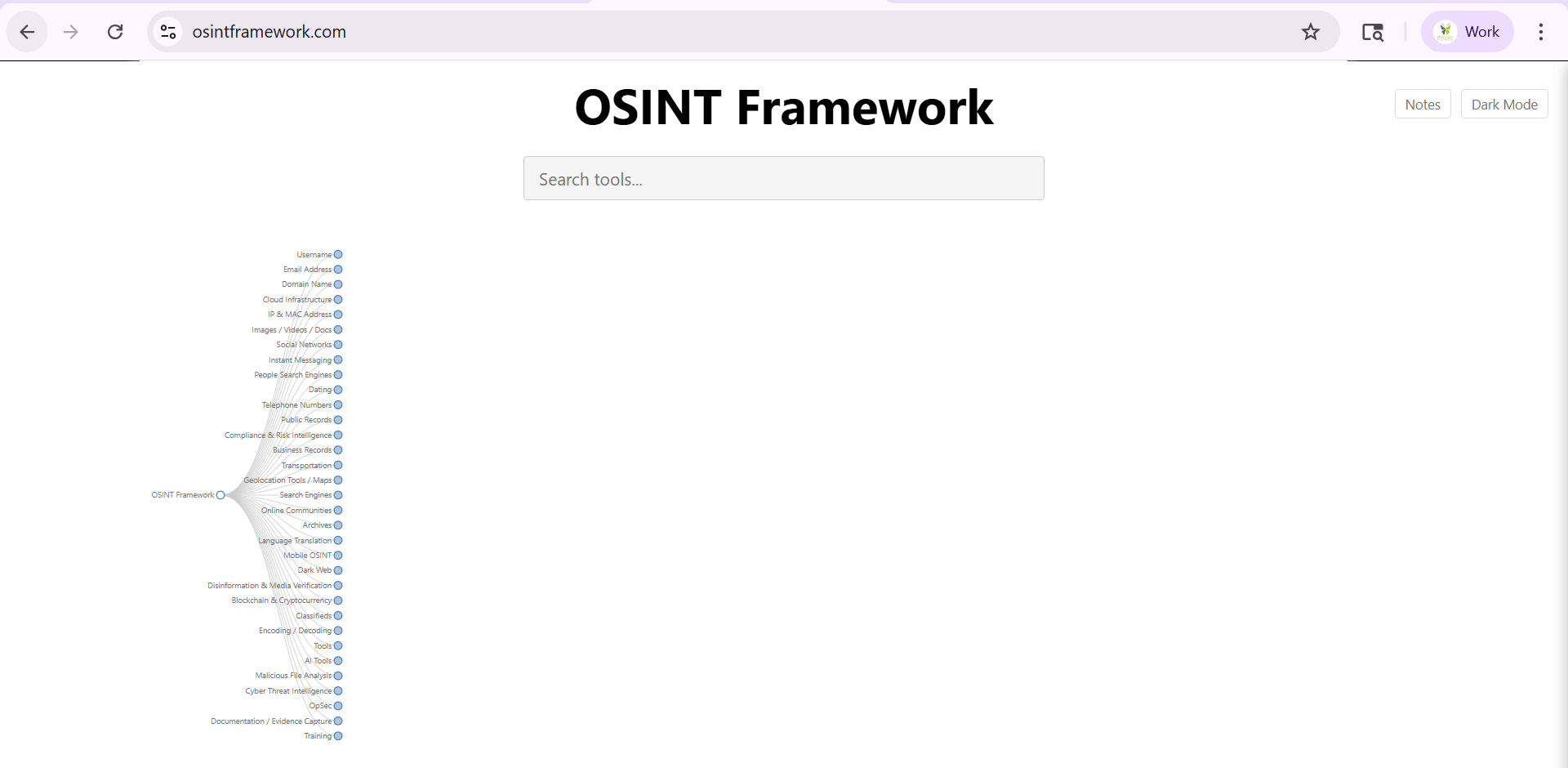
Open the official OSINT Framework website.
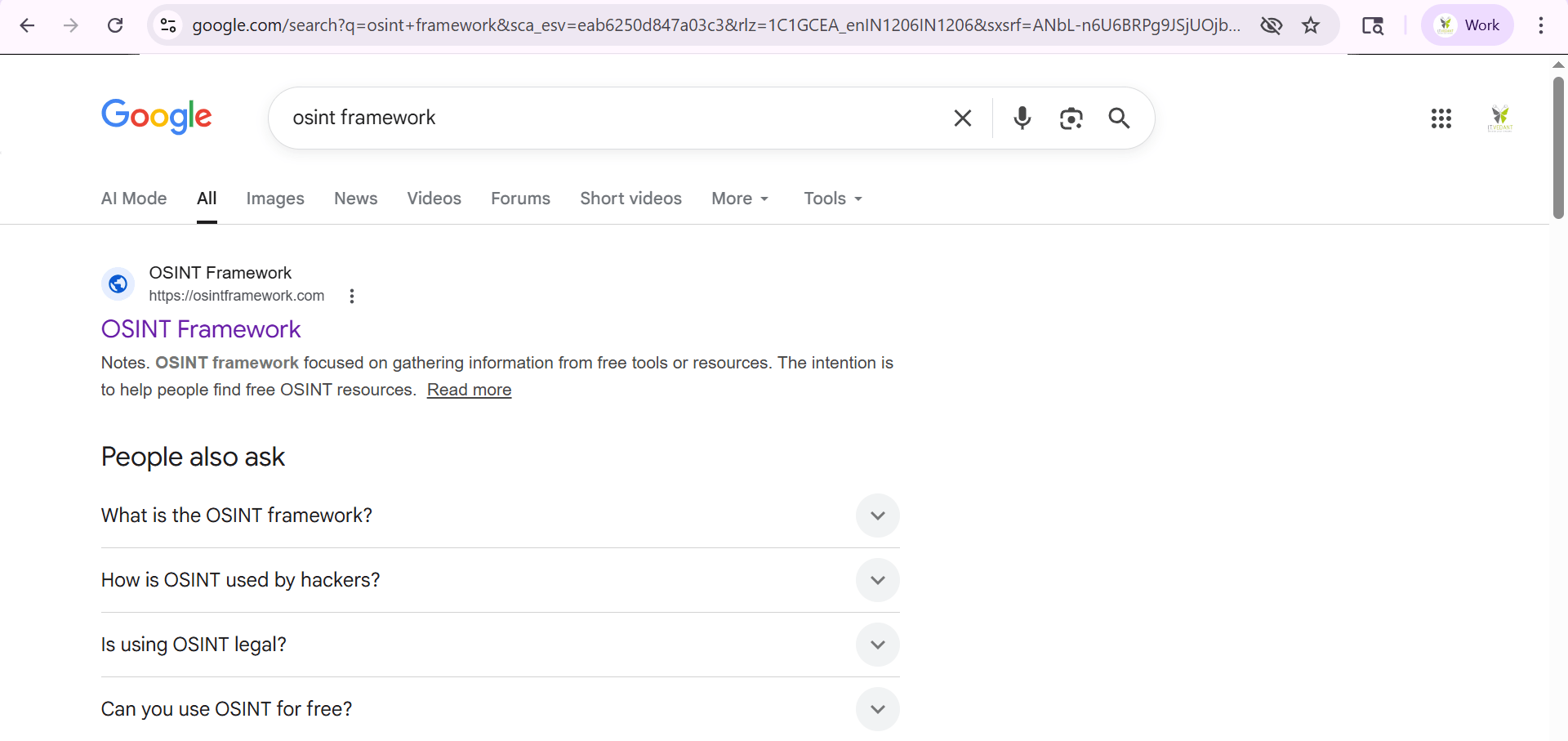
Open a web browser and search for OSINT Framework.
-
On the main page, locate and click Username from the available OSINT categories.
-
Select Username Search Engines to view tools used for username investigation.
-
Review the list of available username enumeration tools such as:
-
WhatsMyName Web
-
Sherlock
-
Namechk
-
NameCheckup
-
FootprintIQ
-
On the main page, locate and click Username from the available OSINT categories.
-
Select Username Search Engines to view tools used for username investigation.
-
Review the list of available username enumeration tools such as:
-
WhatsMyName Web
-
Sherlock
-
Namechk
-
NameCheckup
-
FootprintIQ
2
Perform Username Enumeration Using WhatsMyName
From the OSINT Framework, click WhatsMyName Web.
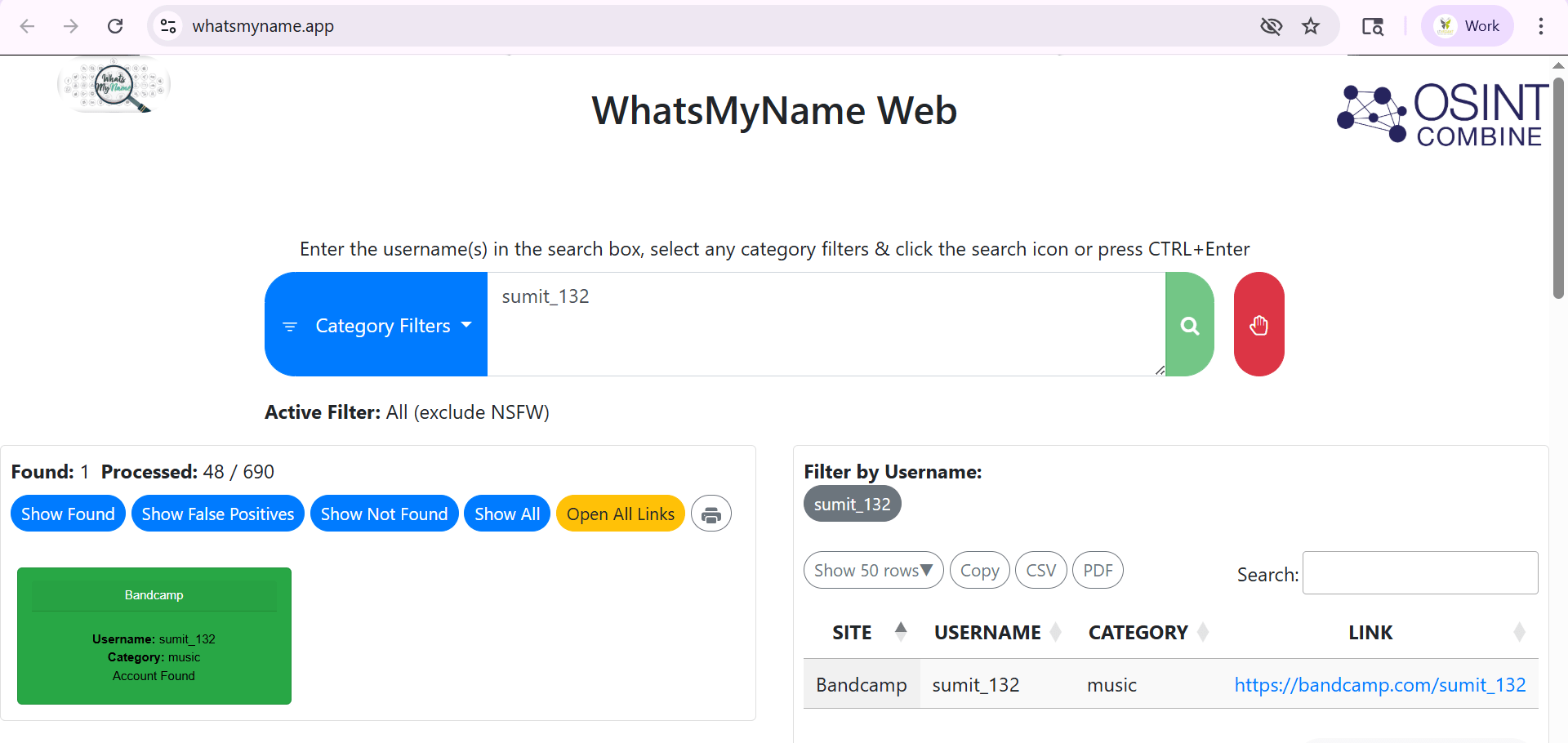
Enter a target username (e.g., sumit_132) in the search box.
-
Click the Search button.
-
Wait for the scan to complete and review the results.
-
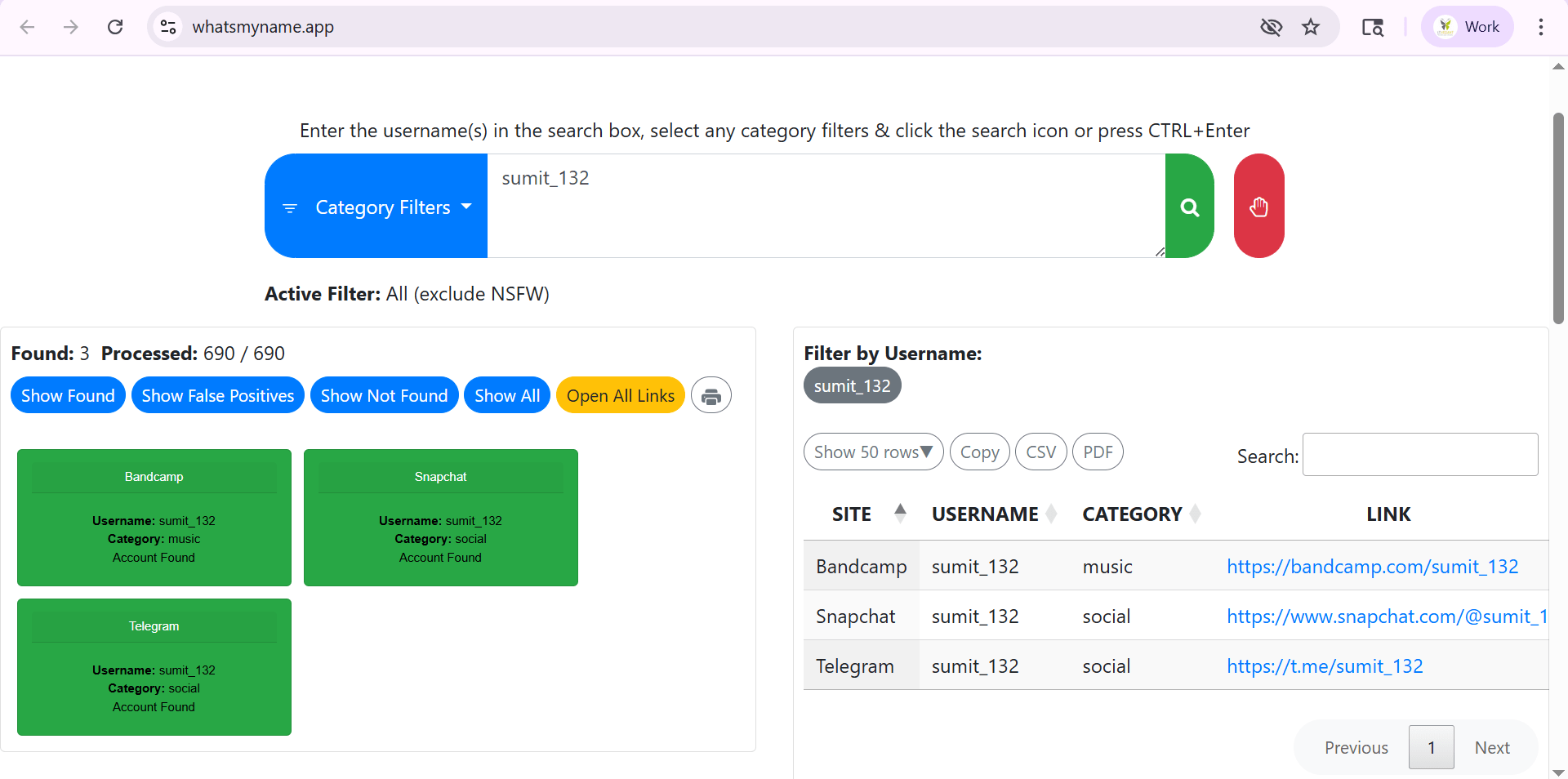
Observe the platforms where the username exists (e.g., Bandcamp, Snapchat, Telegram).
Task 4: Discovering Internet-Exposed Services Using Shodan
1
Access the Shodan Search Engine
-
Open the official Shodan website.
-
Sign in or create a free account if required.
-
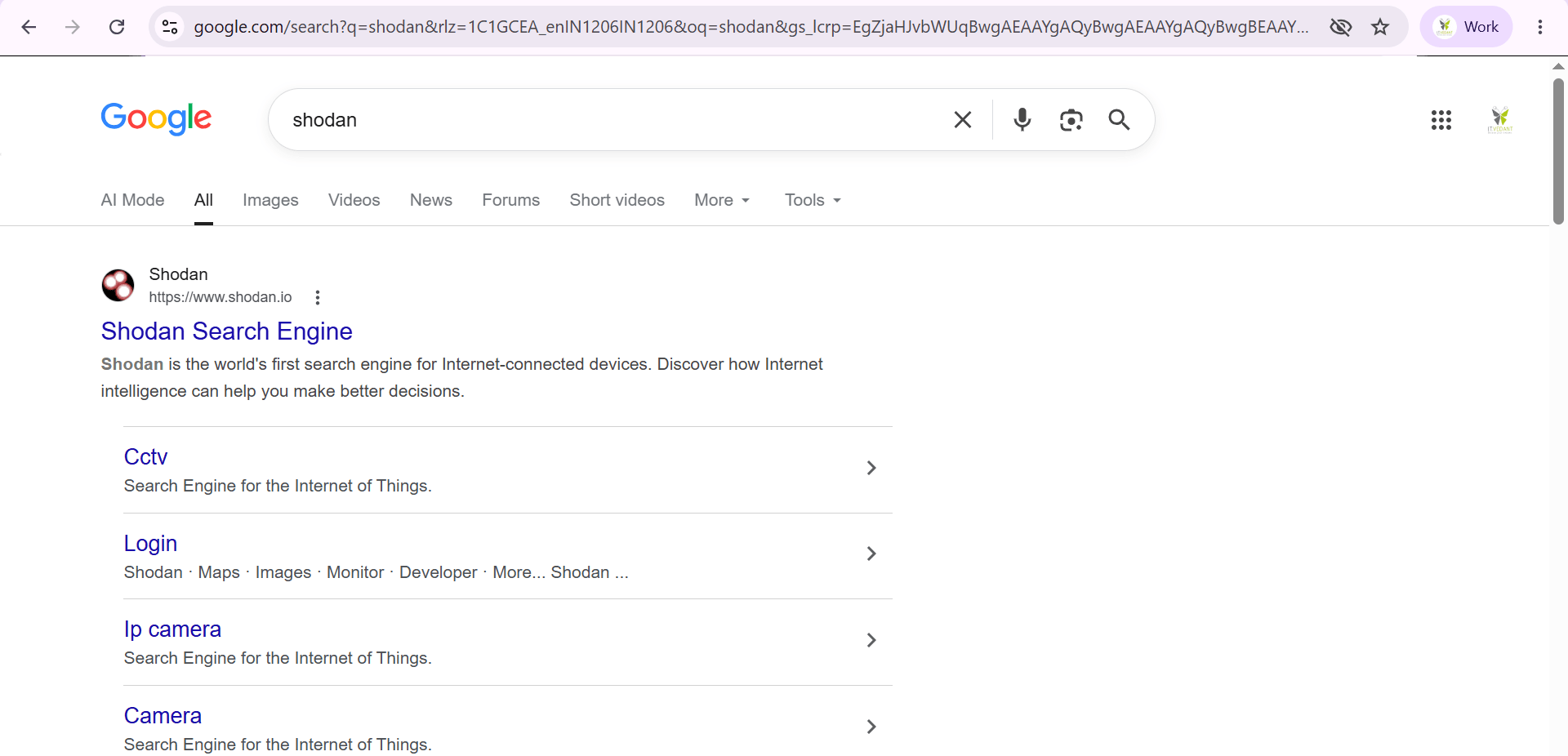
Open a web browser.
-
Search for Shodan using Google.
2
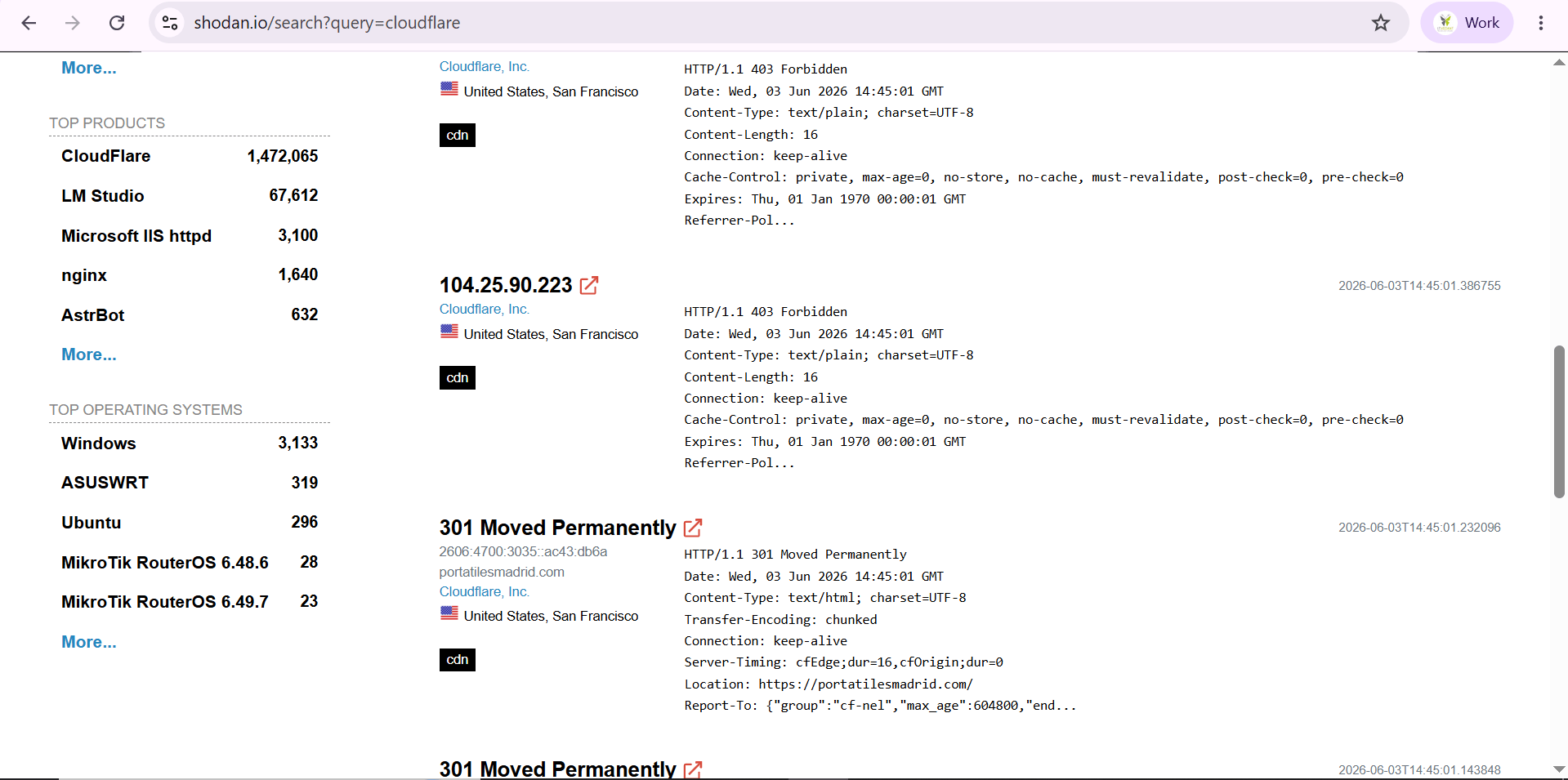
Search for Cloudflare Services
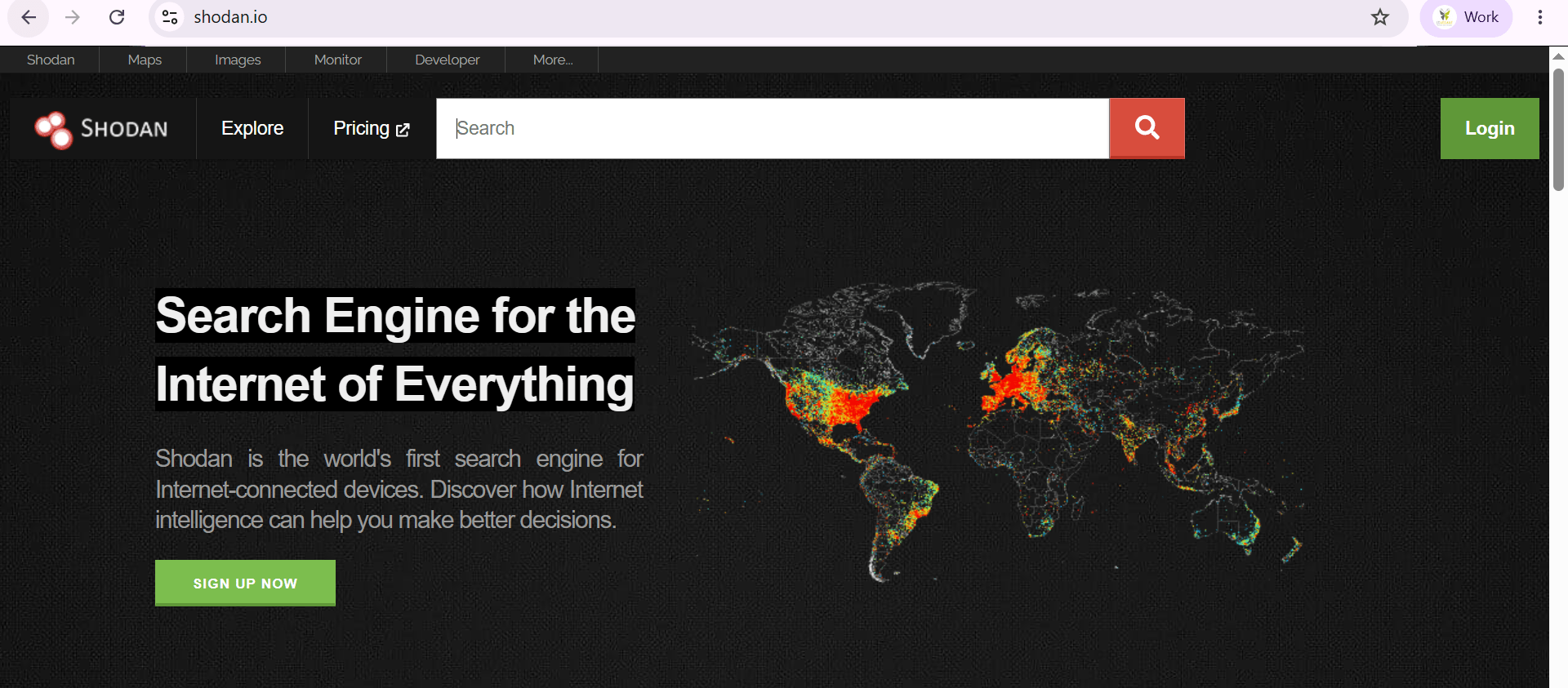
- Locate the search bar on the Shodan homepage.
- Enter the keyword Cloudflare in the search field.
-
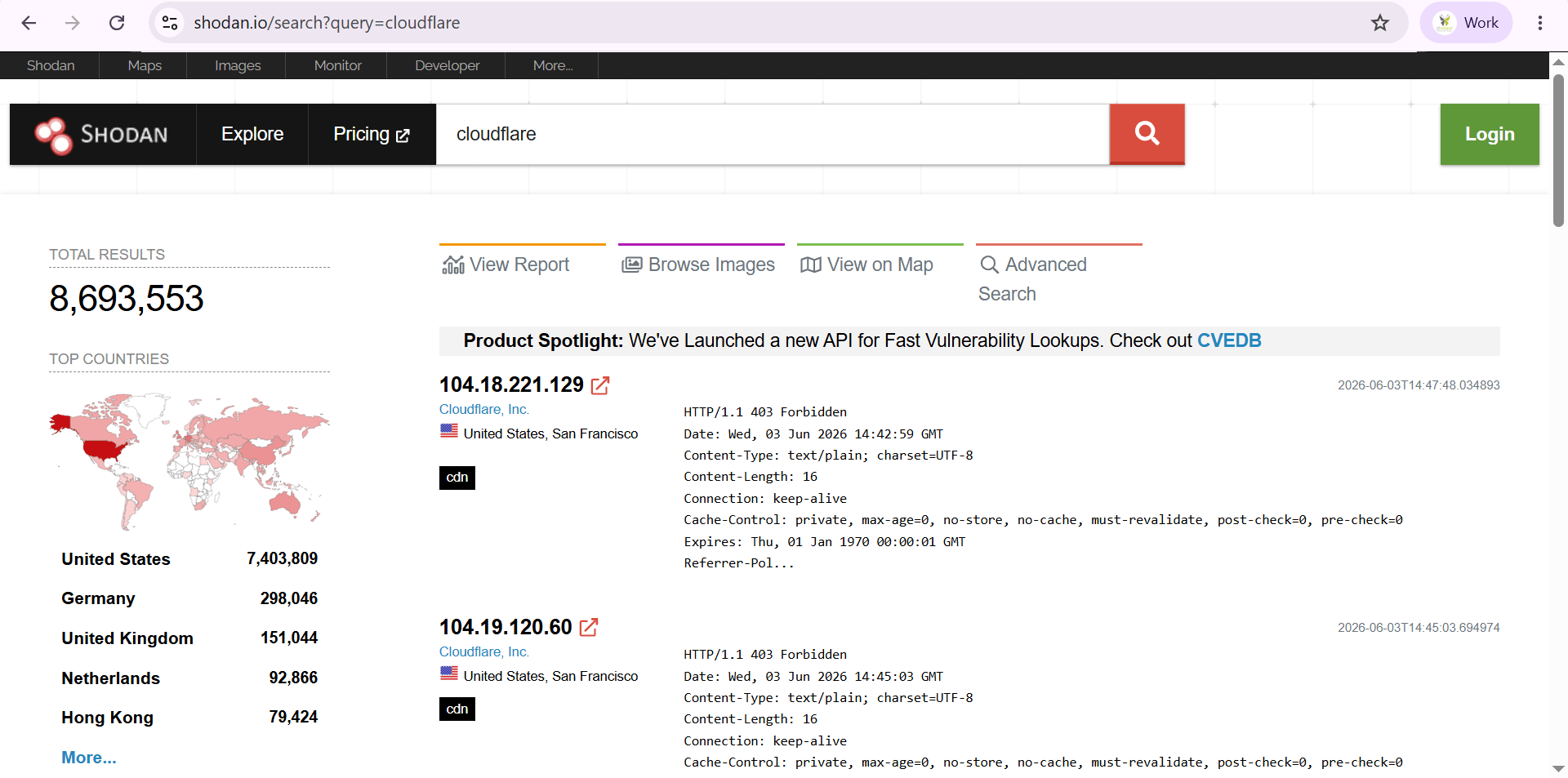
Press Enter or click the Search button.
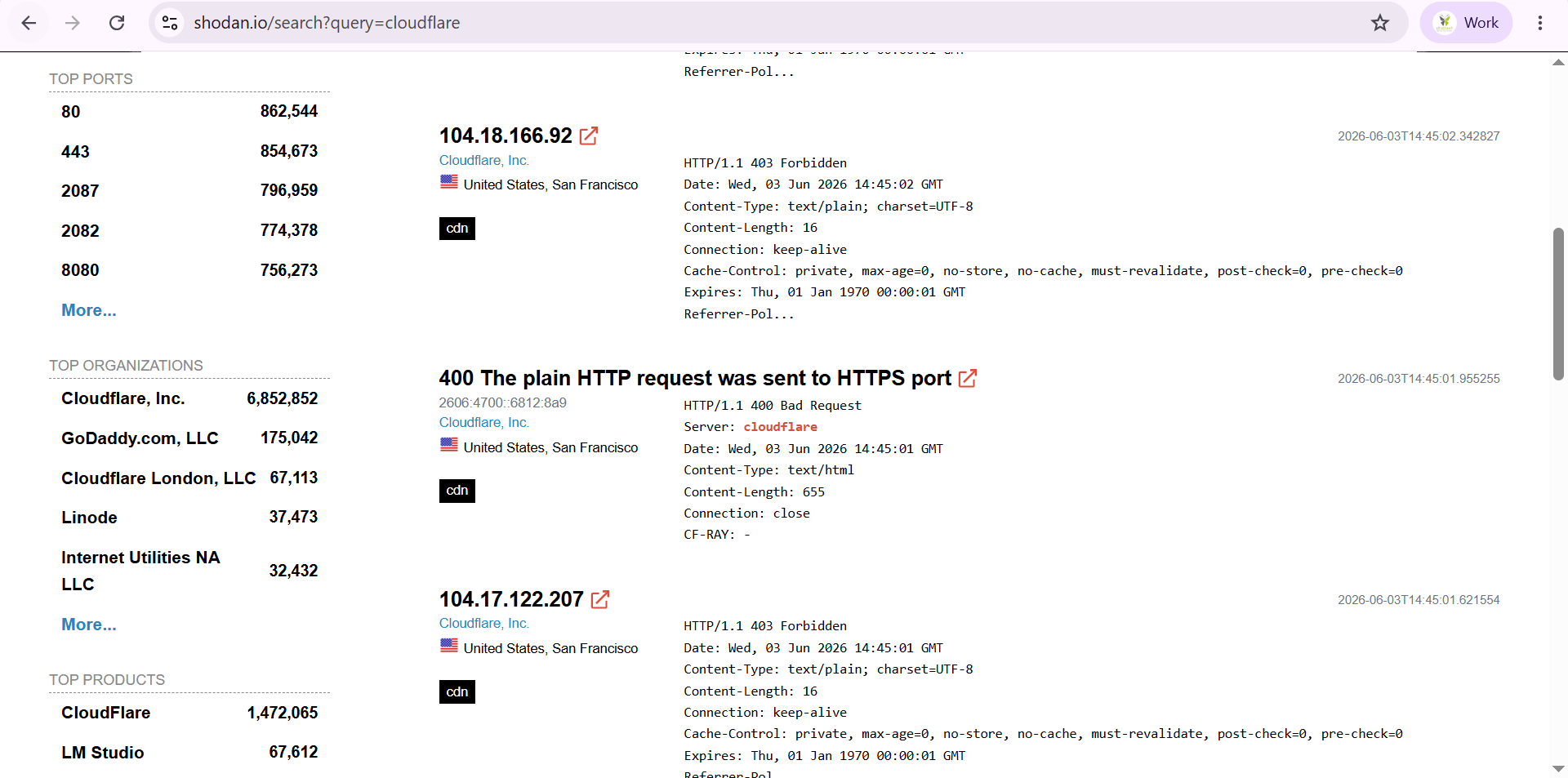
-
Review the list of results returned by Shodan.
Great job!
You have successfully completed your lab on Open Source Intelligence (OSINT) and Reconnaissance.
In this lab, you have: Performed Domain Enumeration and Email Enumeration, Conducted Service Discovery and Digital Footprint Analysis, Used dnsenum, dnsrecon, dnsmap, lbd, theHarvester, Maltego, and Shodan, Gathered Publicly Available Information about a Target Organization, Analyzed collected data to gain valuable Security Insights
You are now ready to move to the next stage of Cybersecurity Reconnaissance and Threat Intelligence.
Checkpoint
Next-Lab Preparation
Topic : Kali Linux and Security Tools
1) Network scanning using Nmap.
2) Host discovery and port scanning.
3) Using Kali Linux tools.