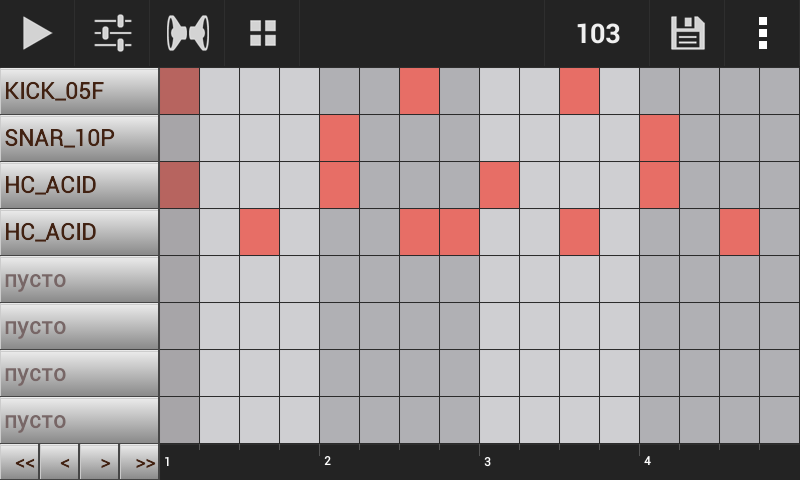
CReate BEAT
WITH Groovemixer
SONG SEQUENCER
used to order song patterns
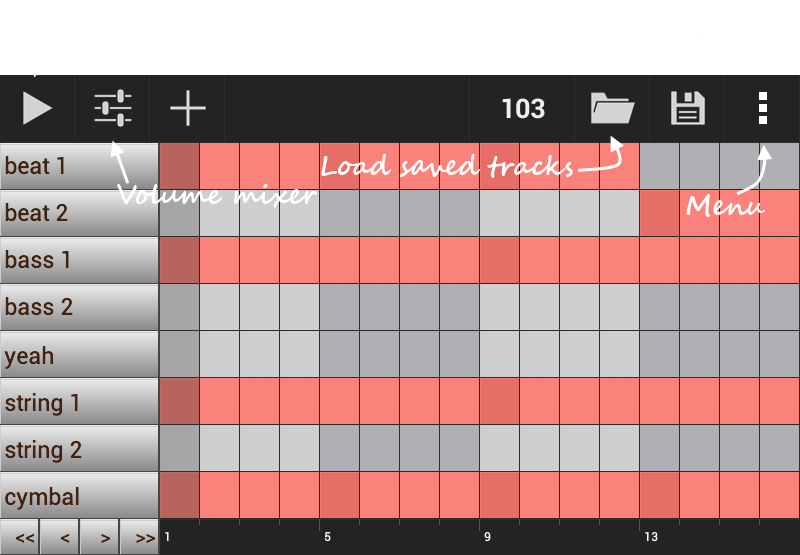
Press MeNU Button
and touch New groove item
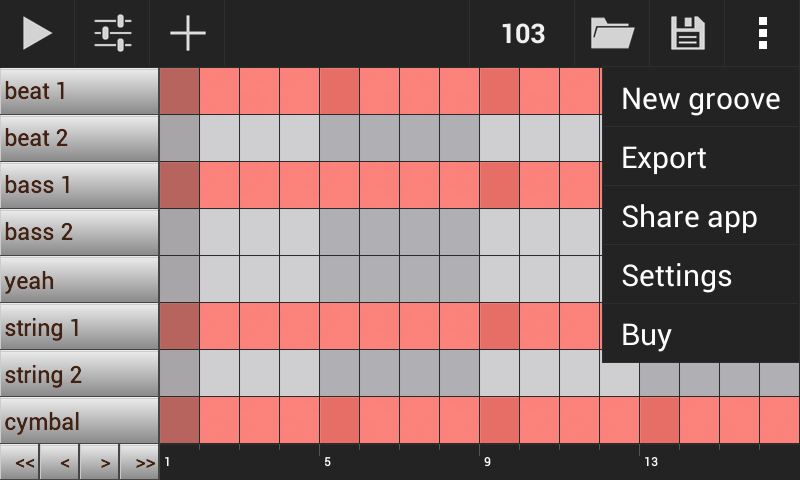
NEW TRACK
touch Pattern 1 to create loop
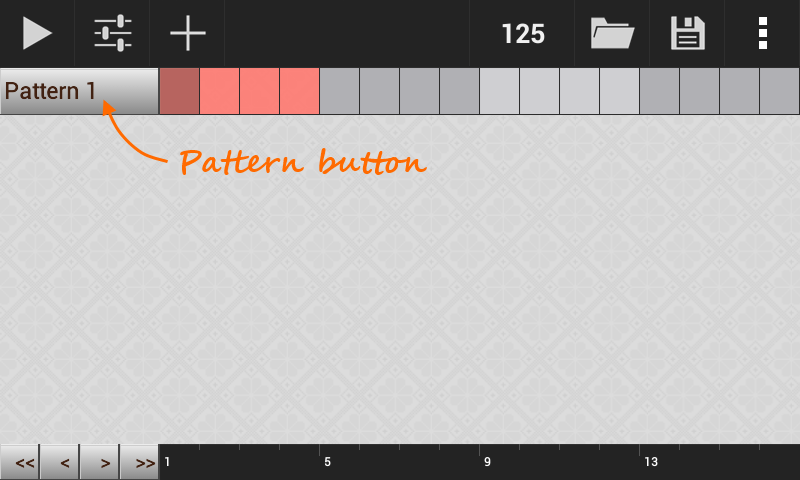
EDIT PATTERN 1
now you need to add instruments
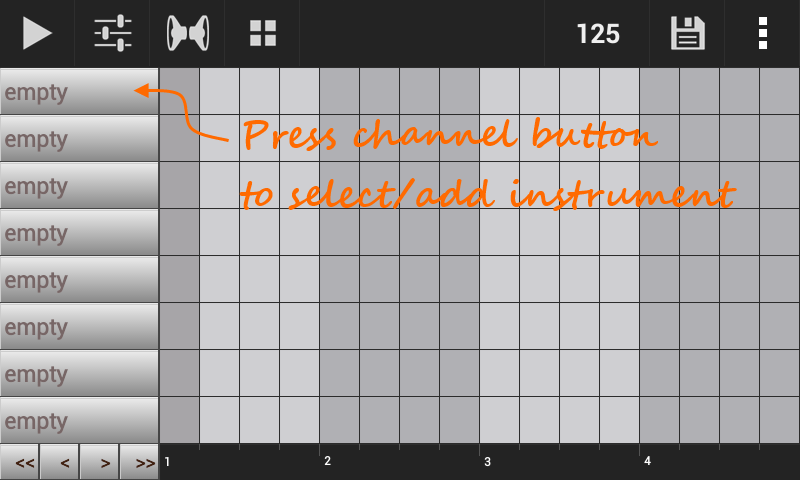
SAMPLE LIST
shows imported/used instruments
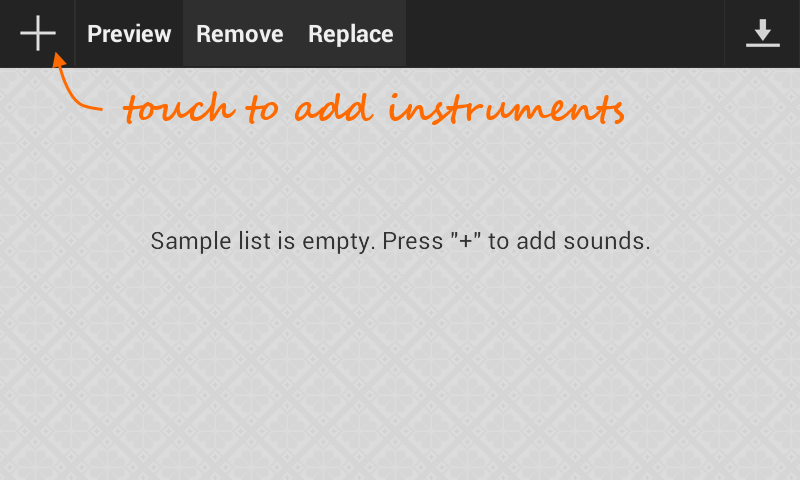
SELECT INSTRUMent
you need to choose WAV file in the file manager
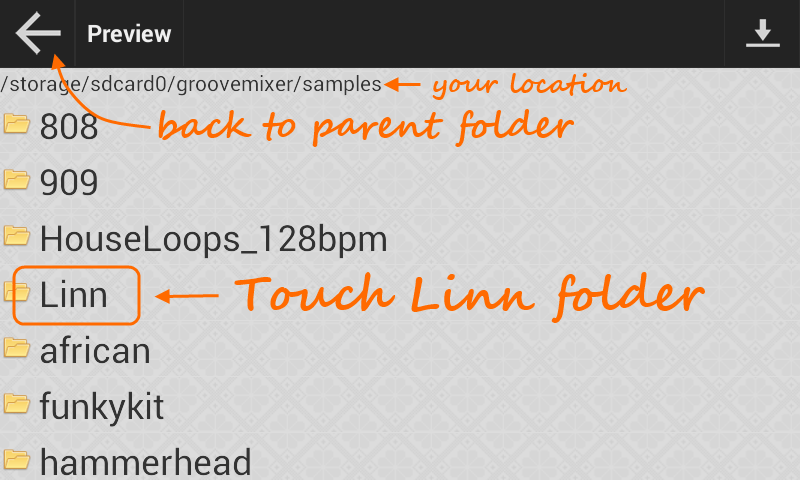
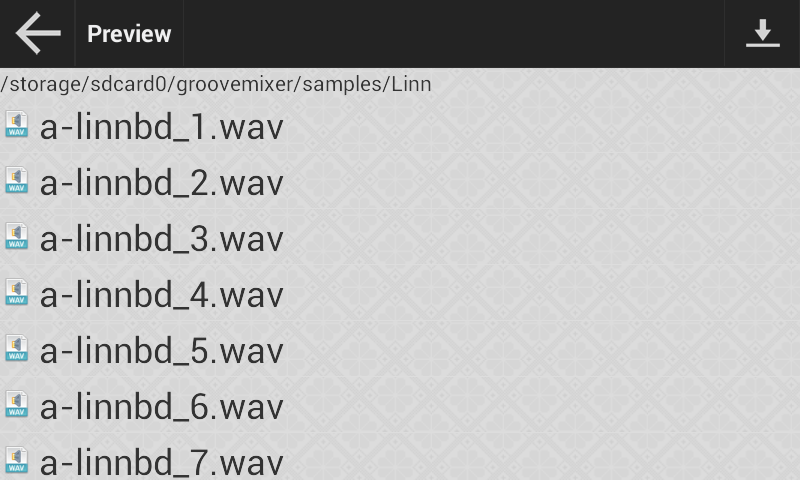
SELECT INSTRUMENT
touch any WAV file to import it to the project
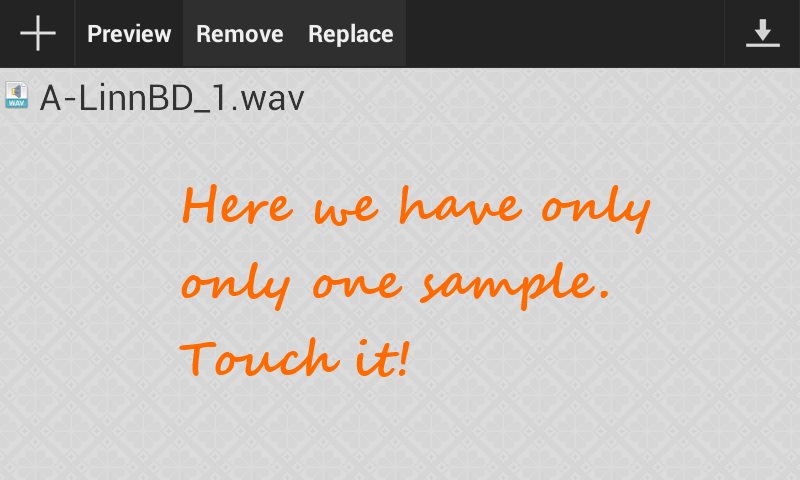
SELECT IMPORTED SAMPLE
you need to choose imported instrument
TURN ON NOTES
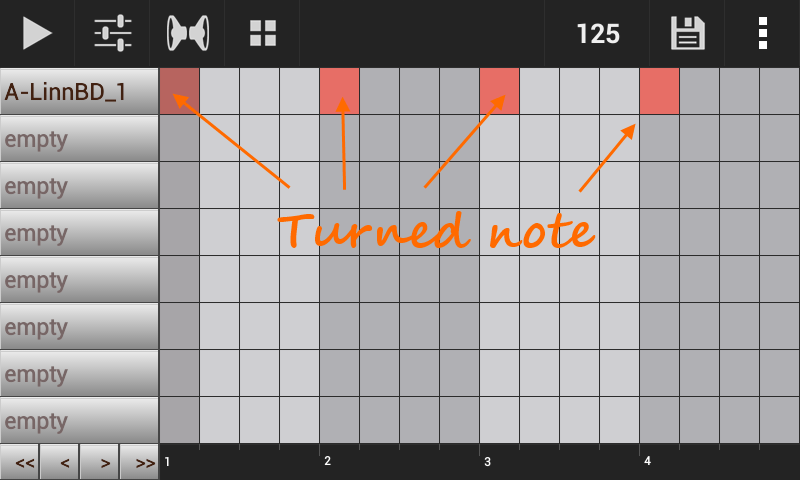
you added sample to channel and
now you can turn on notes by touching cells
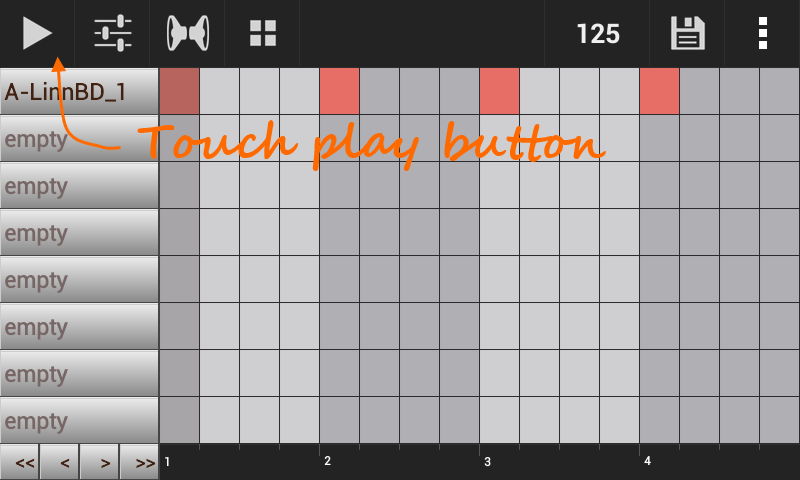
PLAY IT
you must hear boom boom boom boom
DOING SIMILAR
you can create more complex beats
see demos