Getting started with
Igloo Core Engine


Learning how to use the canvas ui

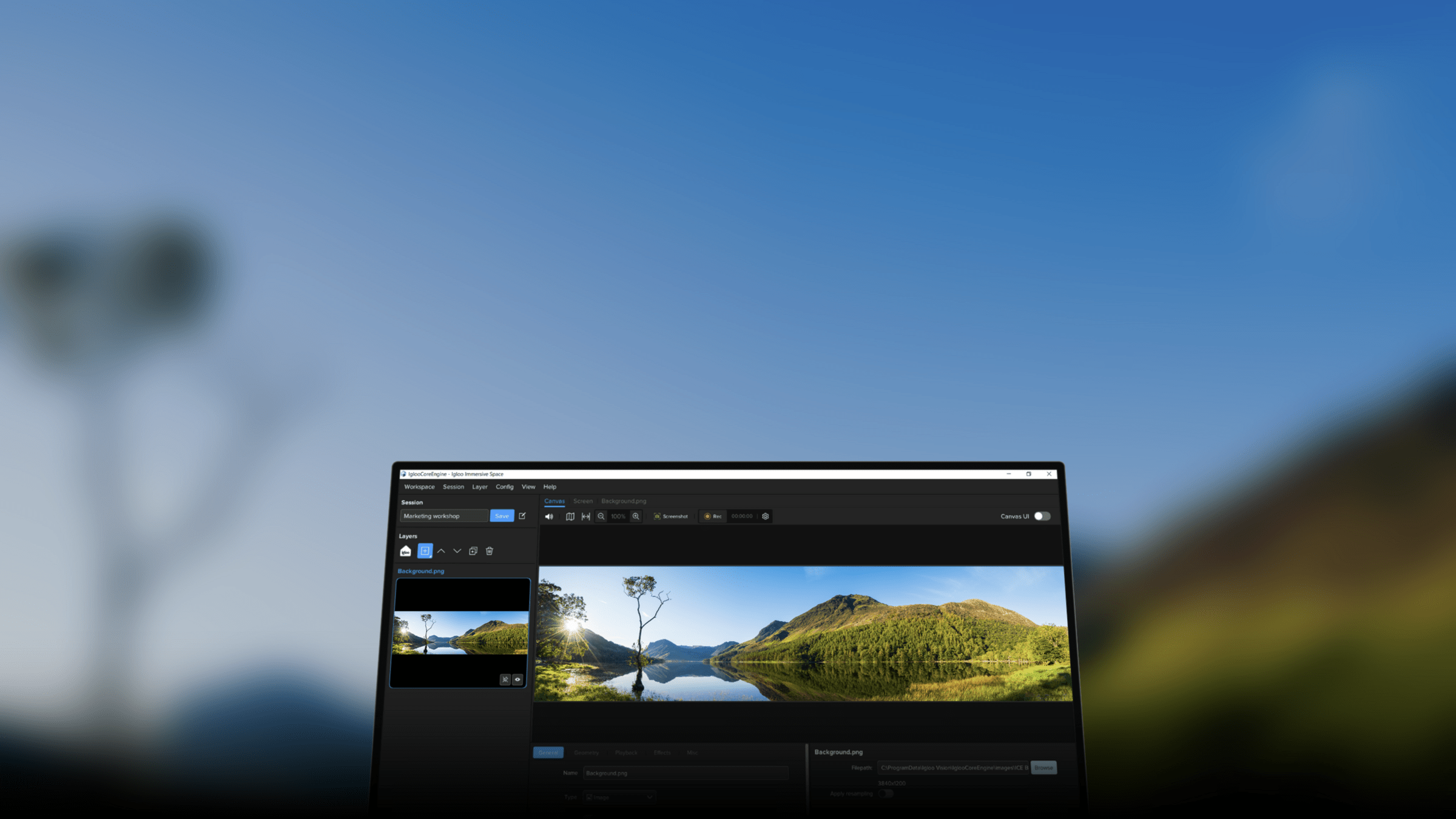
Igloo Core Engine (or Core Engine for short) is the software platform powering immersive spaces. It makes them easy to set up, easy to operate and easy to benefit from.
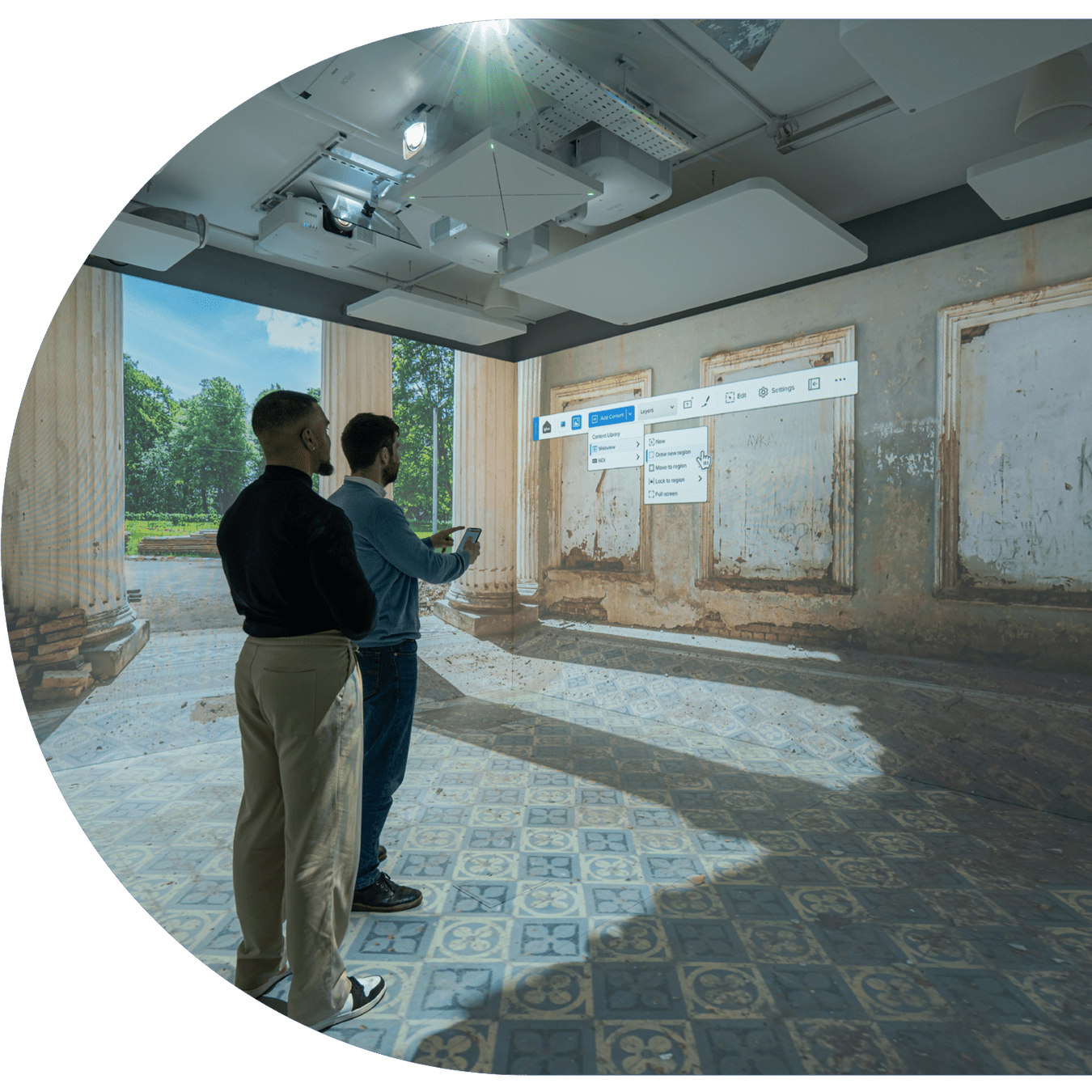

The Canvas UI toolbar
Lets go into how you can add, play, edit position and save your content and sessions through the canvas ui toolbar



Home
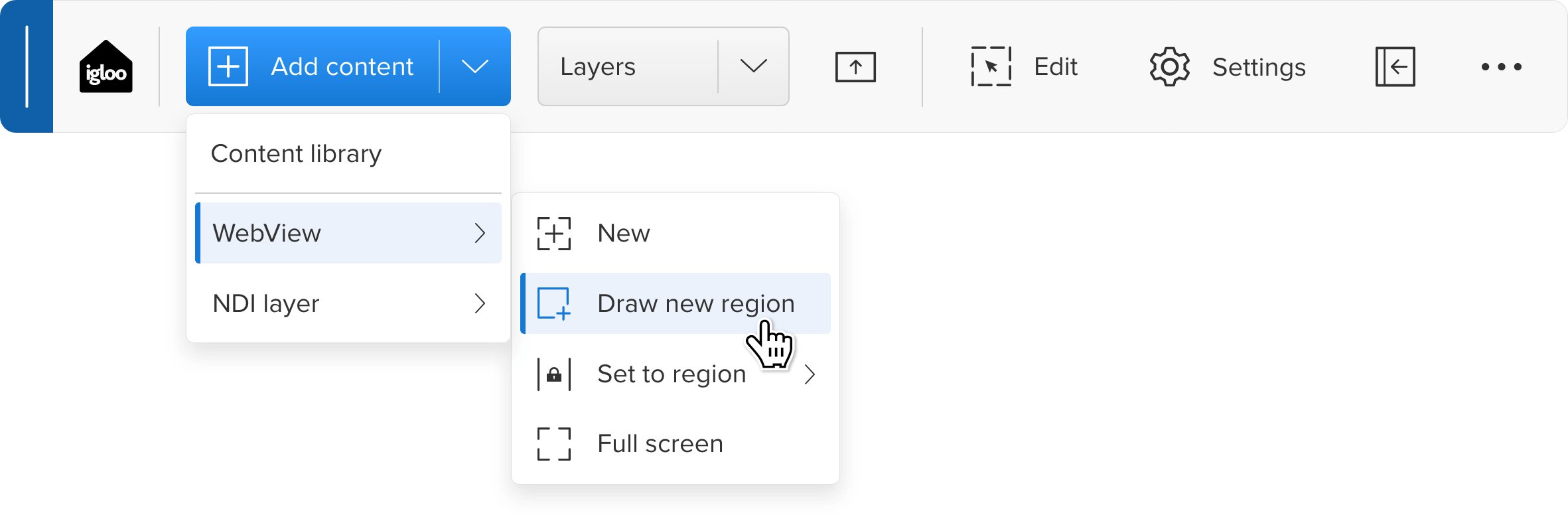
You can browse the content library or add a webview or NDI layer


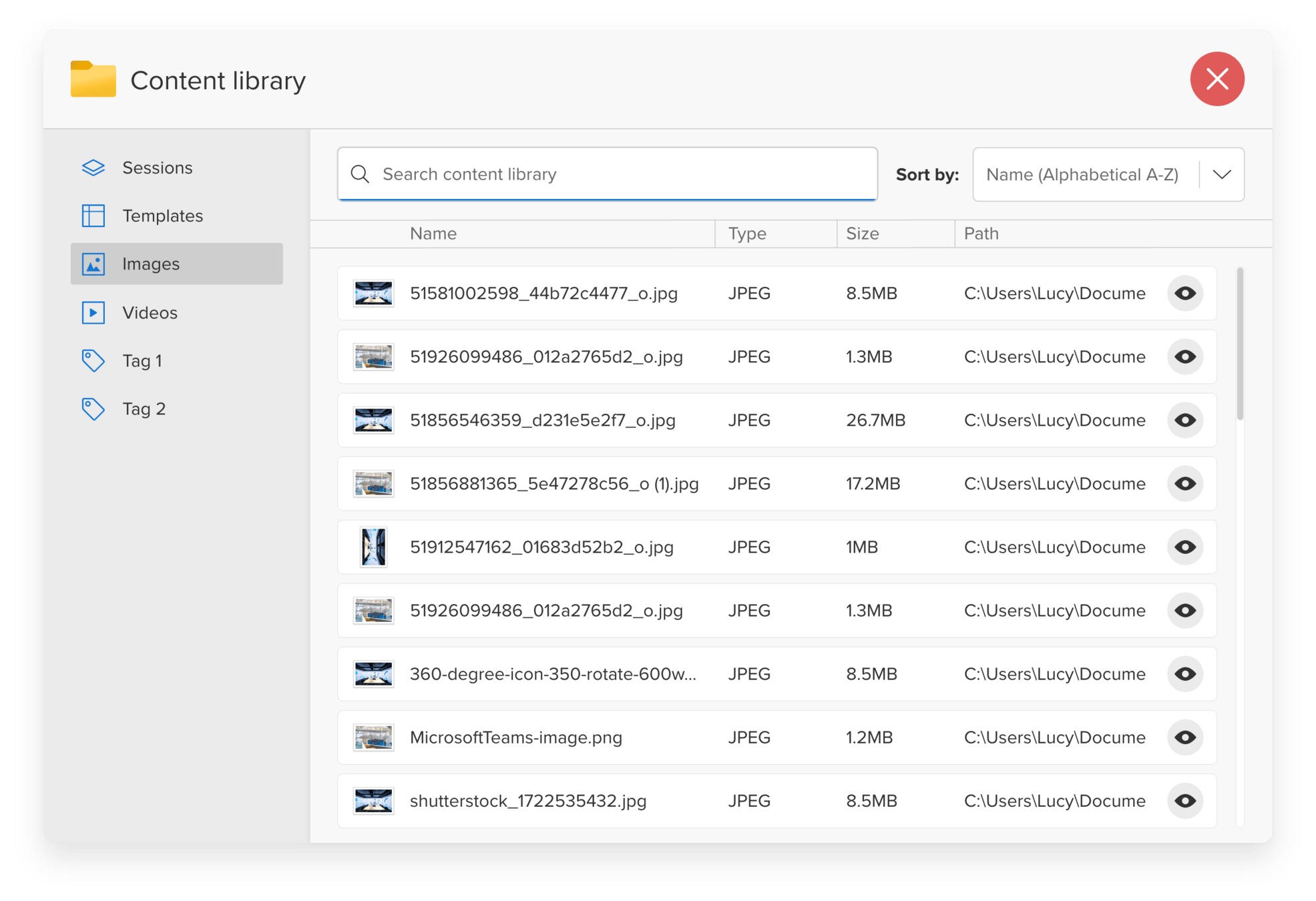
You can select content from the library. such as images, videos, saved sessions.
You can return to the homescreen to access pre-saved sessions, just click on the home button. Be sure to save your session.
A session is one
or more layers
How do I add content






Edit your layers
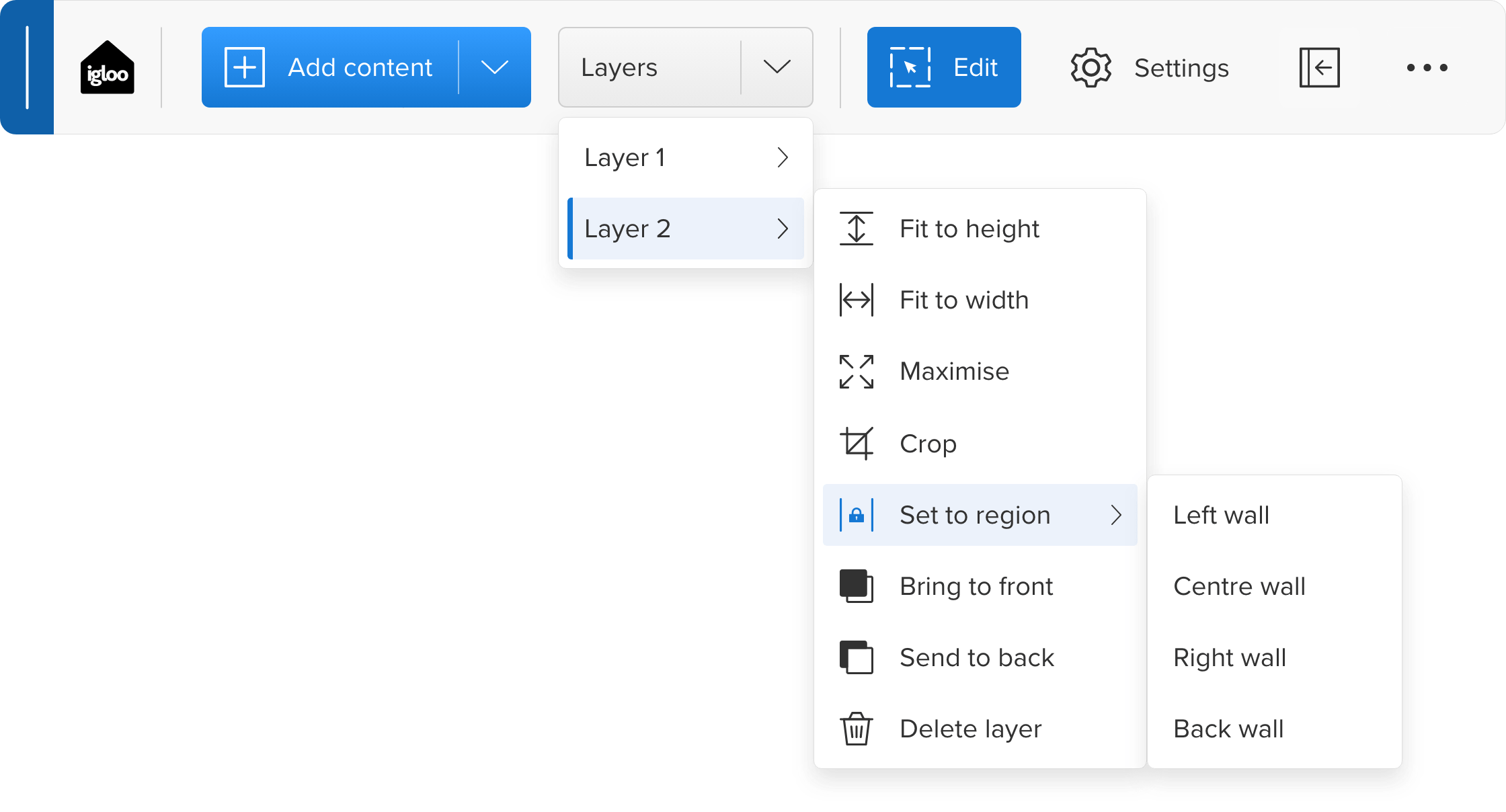
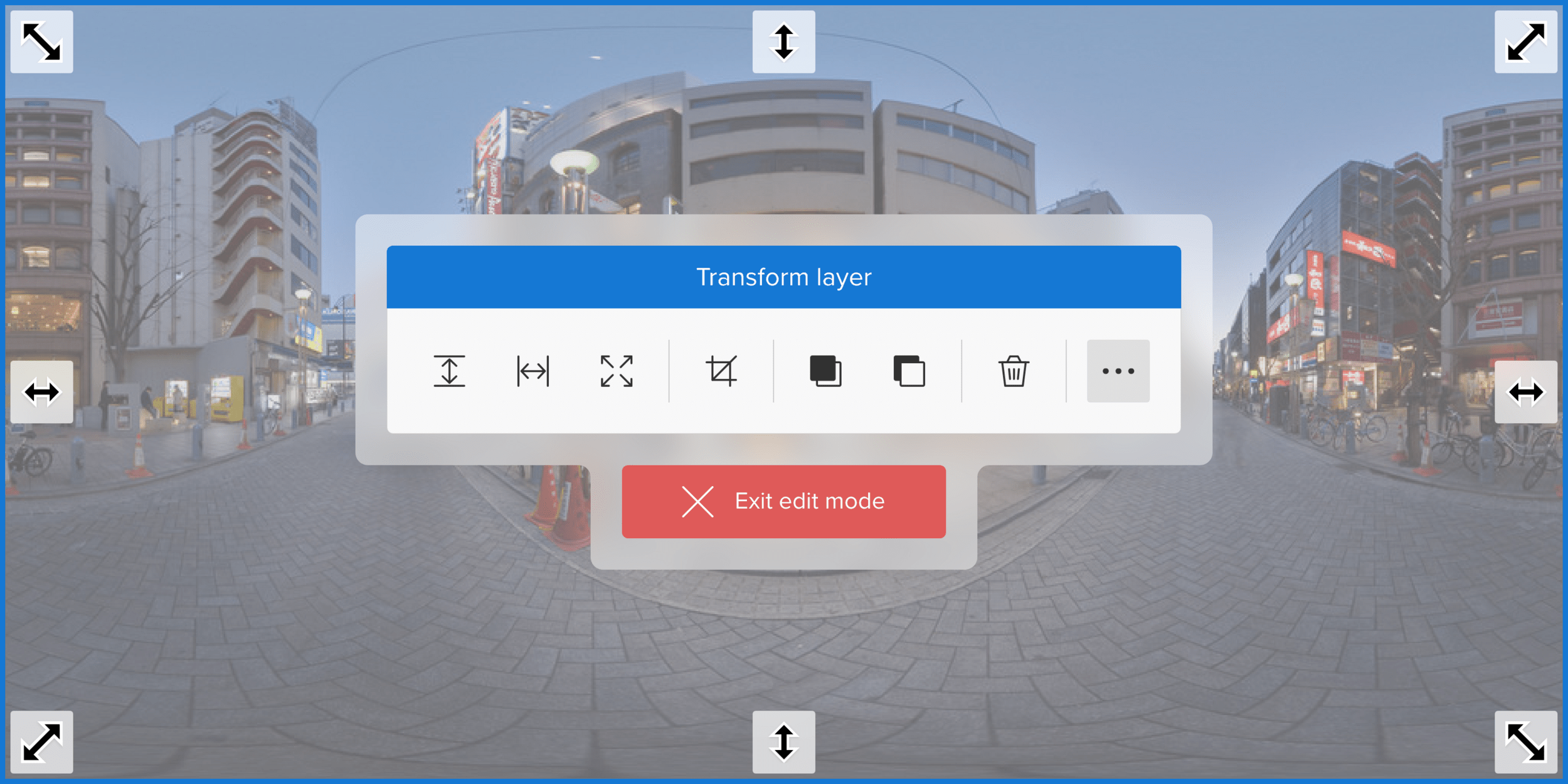

You can re-size and reposition your layer on the canvas by clicking on edit mode or using the geometry tools in the layers panel.
Layer 2
Layer 2 on another wall
You can maximise any layer to fit you whole canvas by either width or height when in
Edit mode.
You can edit any layer on the canvas from the toolbar

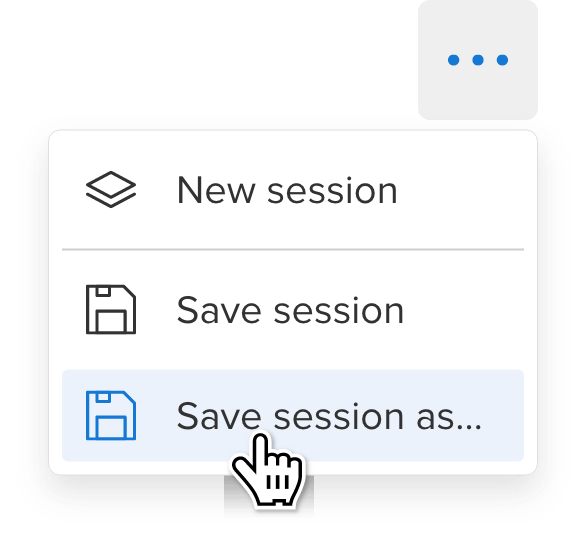
Save your sessions
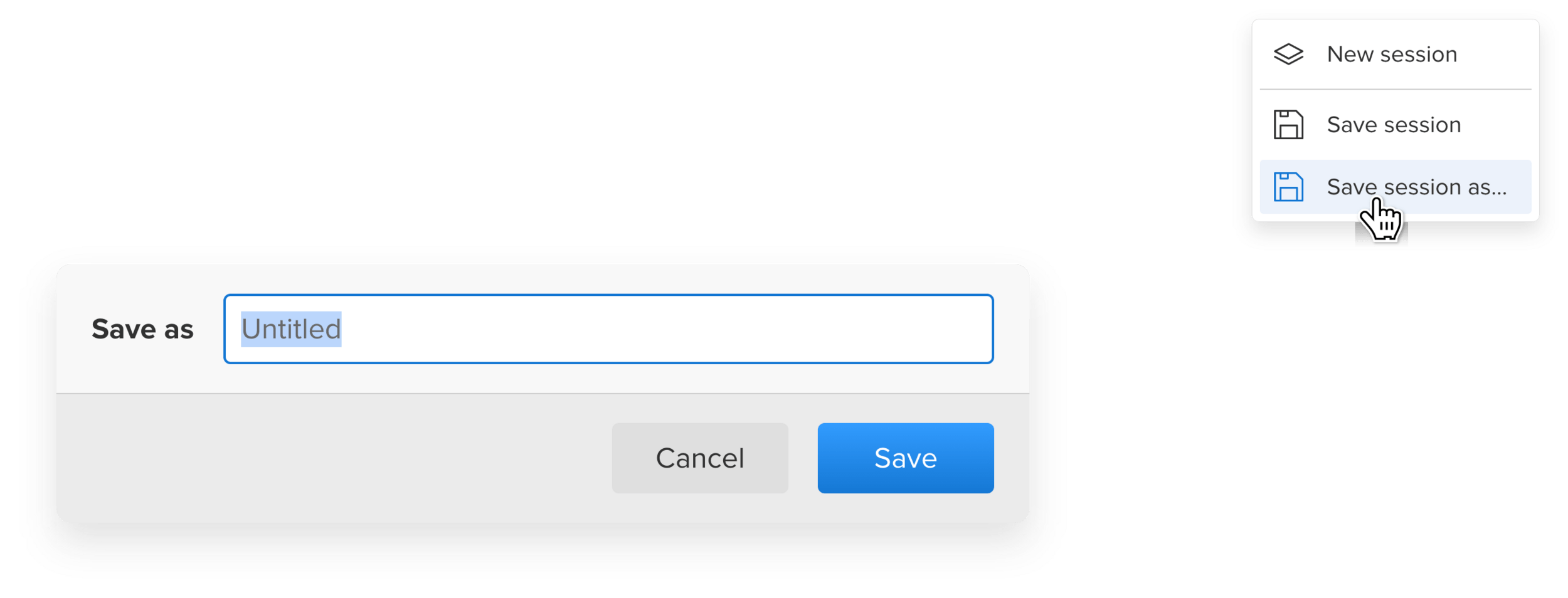
Saving your sessions are important, you can then configure these to appear on your home screen
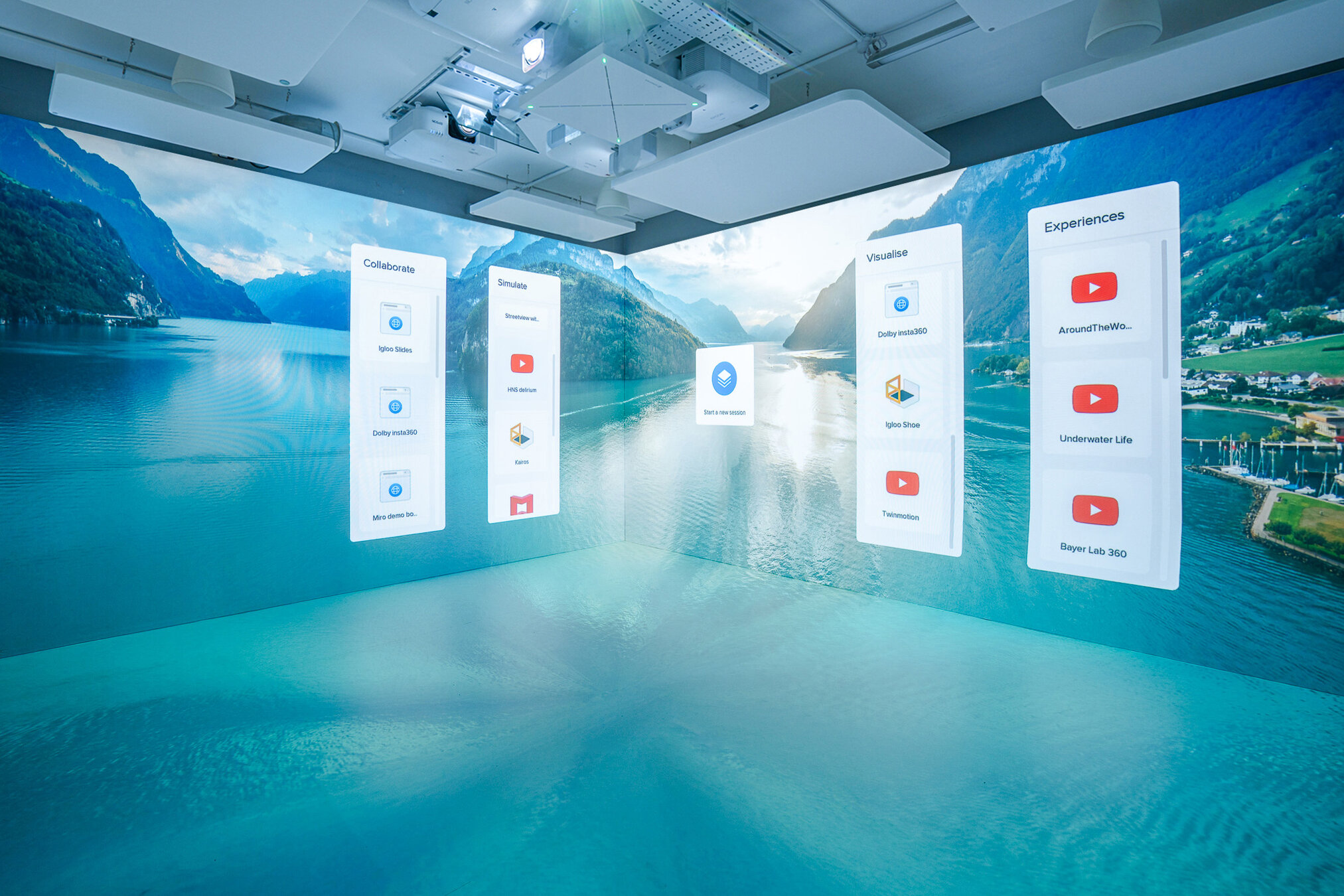
Your Homescreen can be designed to suits your needs. I.e you can have more than one home screen and you can edit the content and background.






Lets create a new session together
01
Wiggle your cursor
via Igloo Control panel to bring up the "real" toolbar
02
Add a new webview
by clicking on the
Add content button.
03
Once the page had loaded edit it's
position using the
Edit mode button
04
Once happy with the position, add an image from the Content Library. Accessed from the Add content button.
05
Save your session now and you will be able to recall this on the Homescreen content grids or via the
Content library
We also added an example session where you can edit the webviews and layers...
06
Click on the home icon on the toolbar to reacess this saved session.