Run a C# Project in VS Code

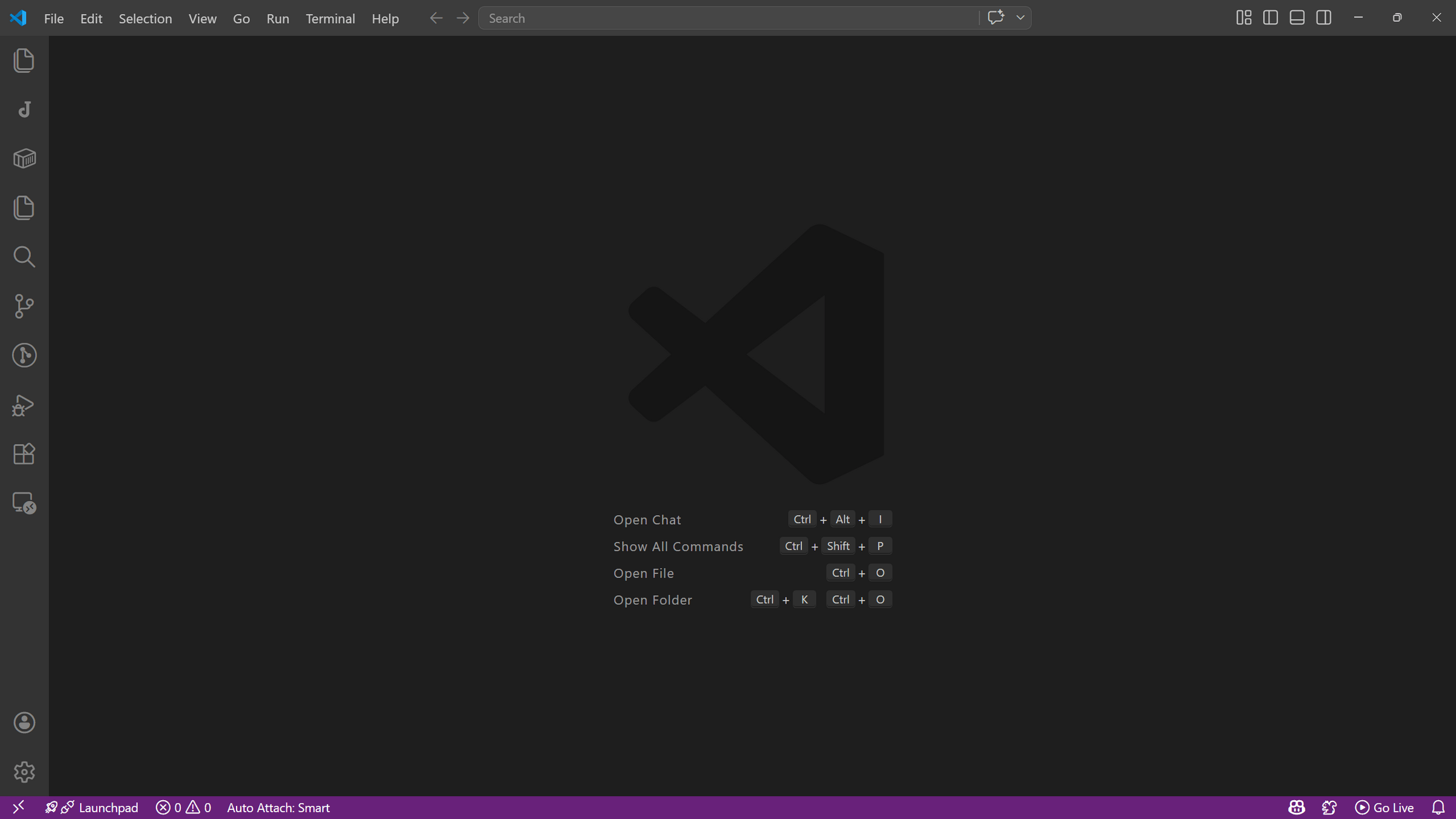
Open Visual Studio Code
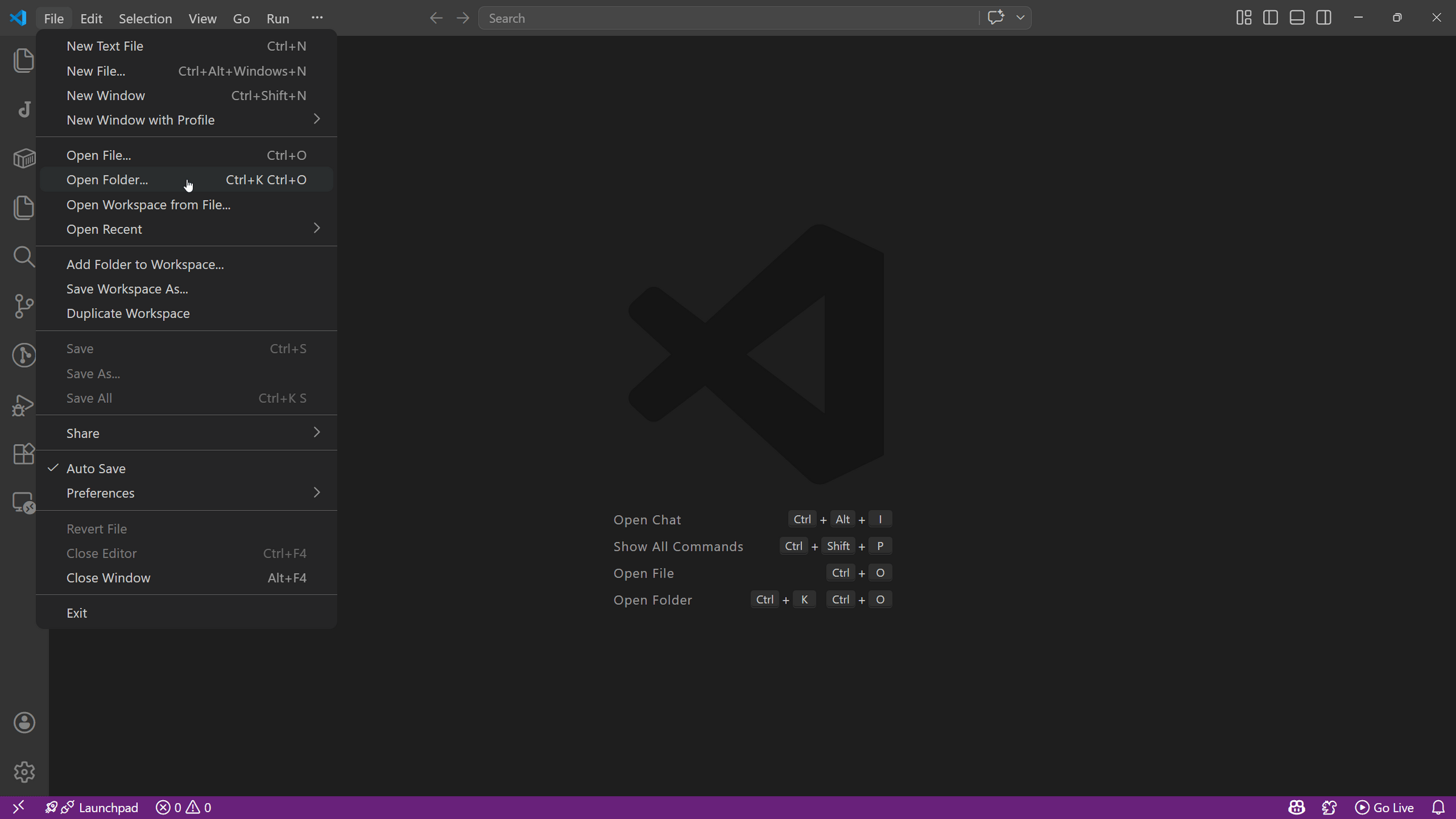
Open the folder that contains your project
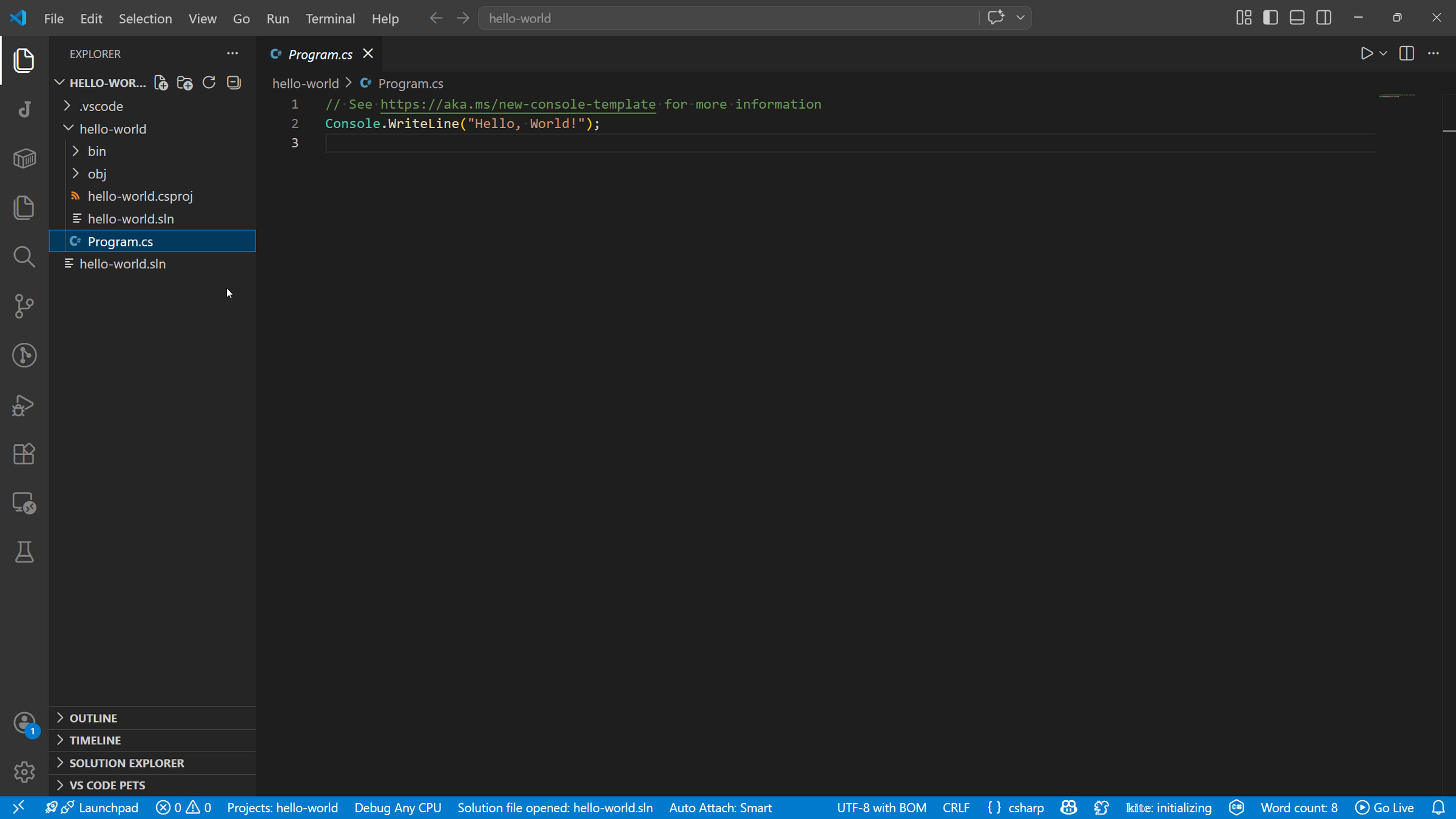
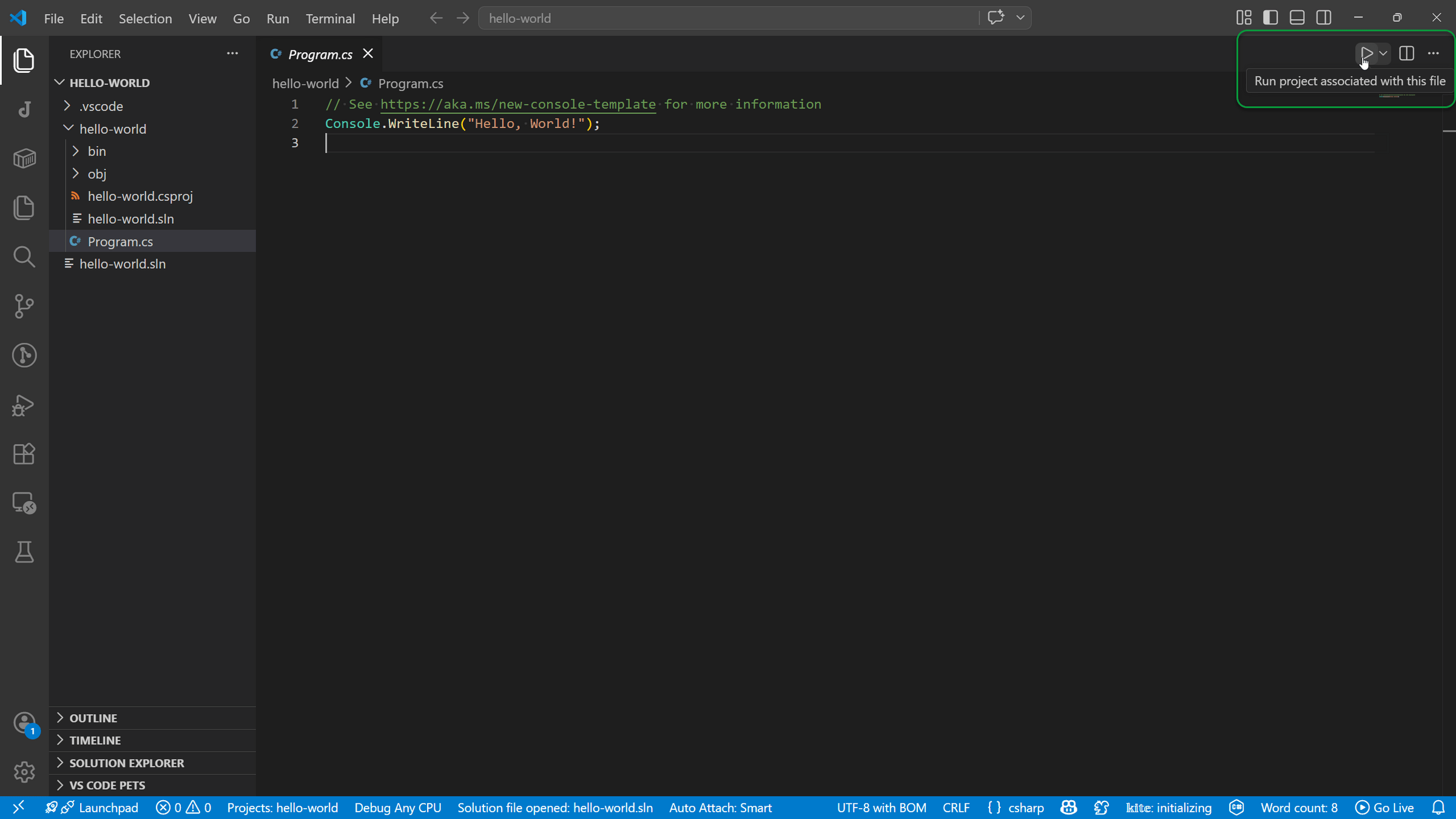
Open the main program file, usually Program.cs
Click the play button at the top-right corner
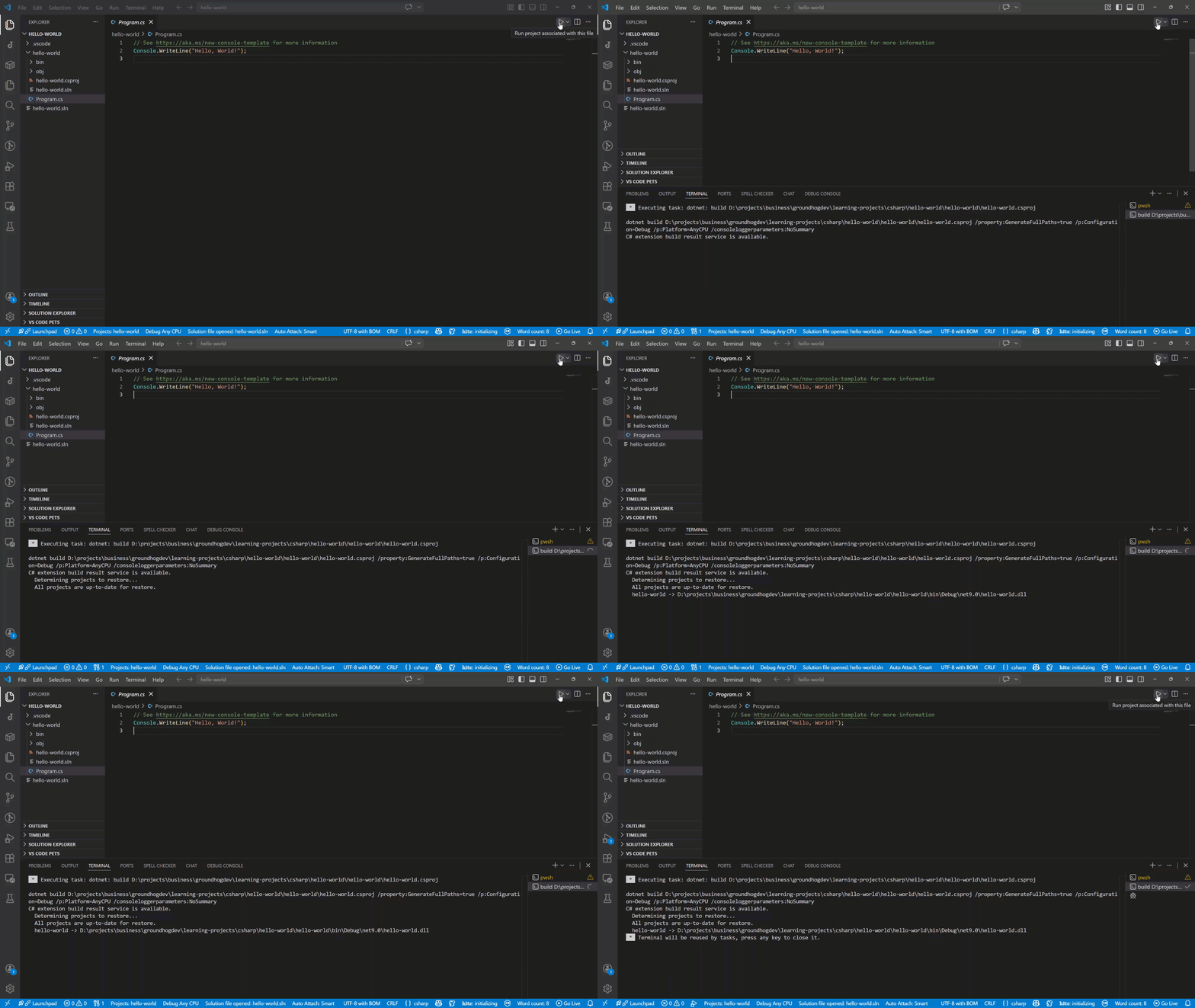
The Terminal Panel will open and VS Code will build your program
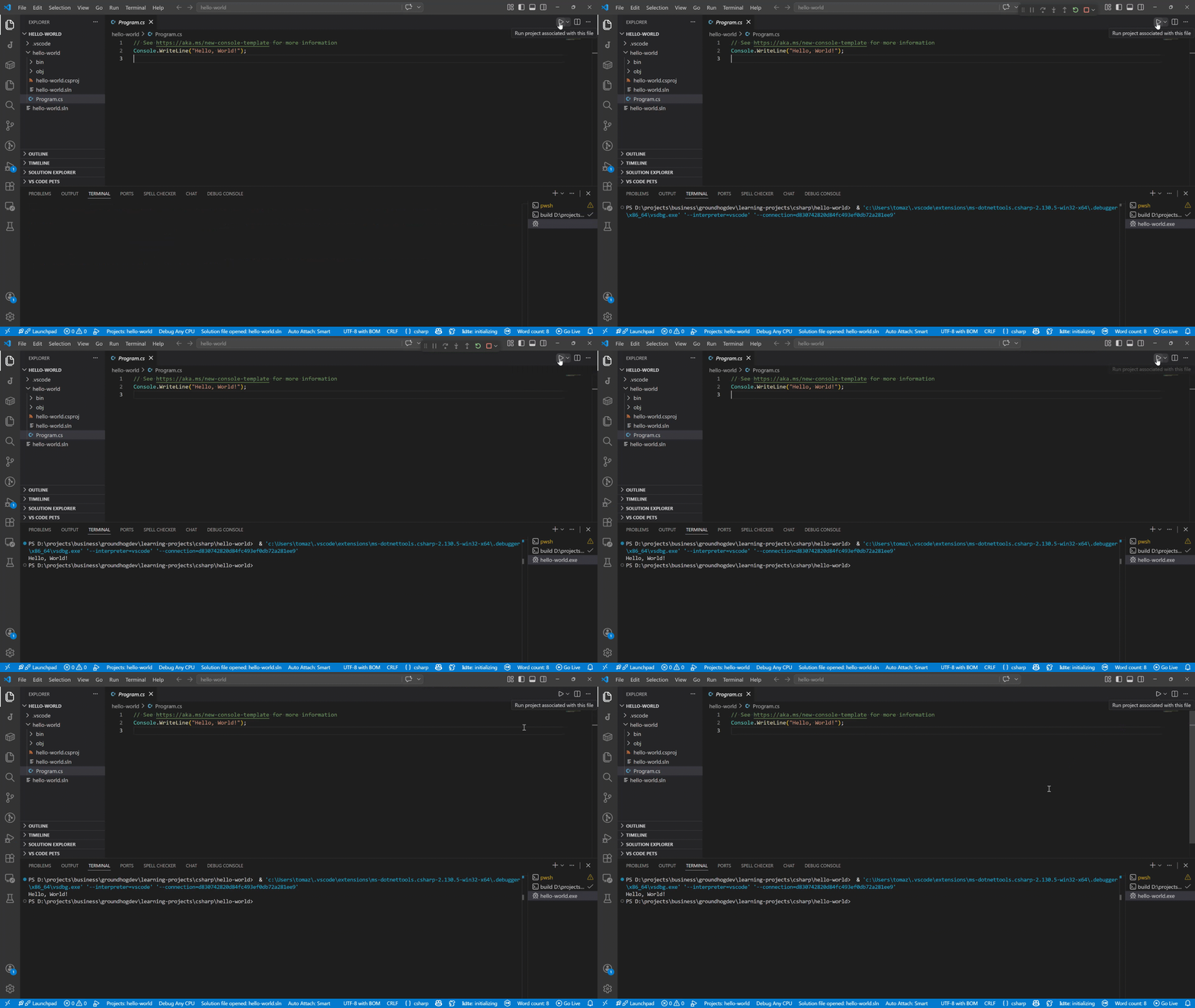
After building the program, VS Code runs it and you can see the output in the Terminal Panel
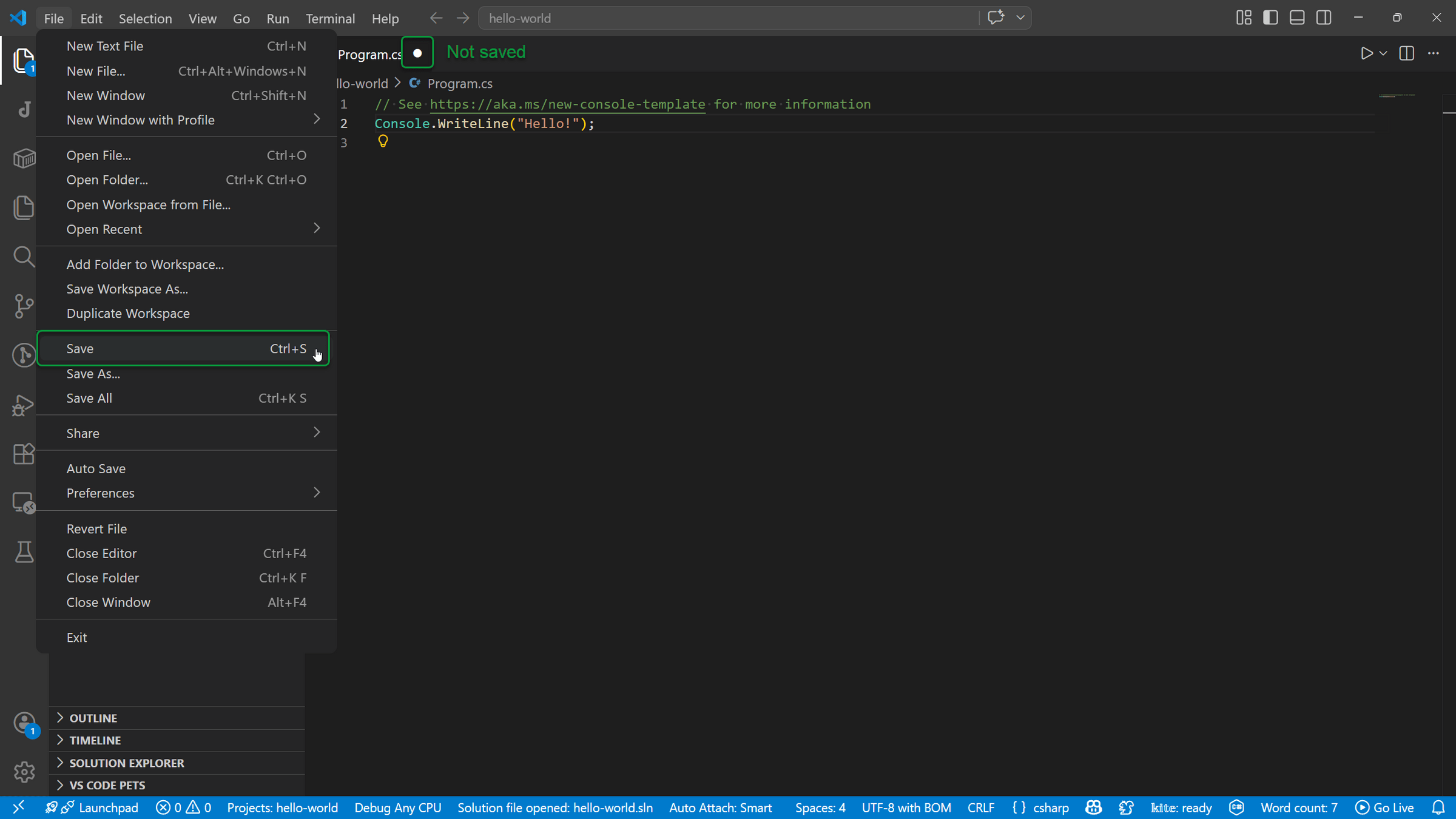
Warning: Make sure you save your changes (File / Save or Ctrl + S) to run the latest version of your program