Field Trips

Manning College of Nursing
10/9
10/14
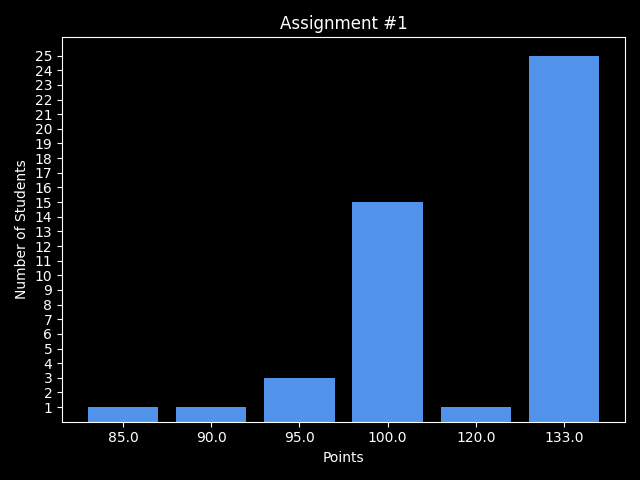
Assignment 1
49/49 students submitted
@staff
#help
/feedback

#feedback
Quiz 2
Plenty of Bonus opportunities!

Avanith Kanamarlapudi

Office Hours
Mondays 3-4p
McCormack 3rd Floor M-3-02-164
#help
?

Next class via
Text
Thursday!
Next week Tuesday either Vidhya or me+Bluey in person!!
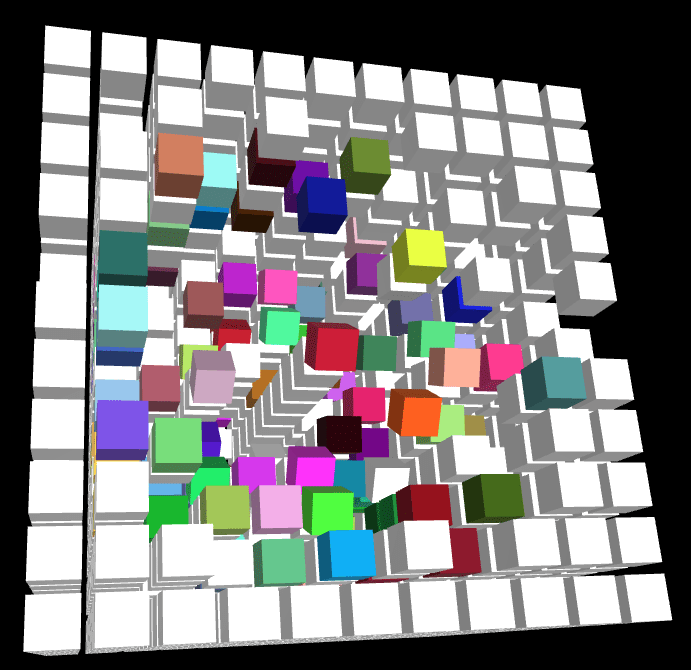
Assignment 2
Tuesday 9/23


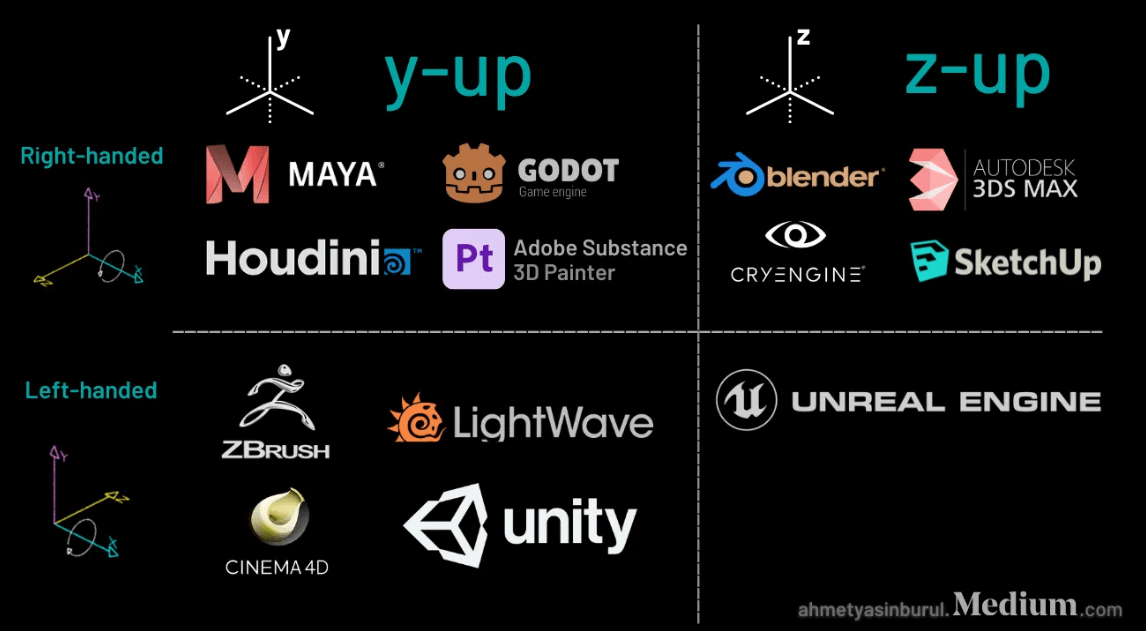
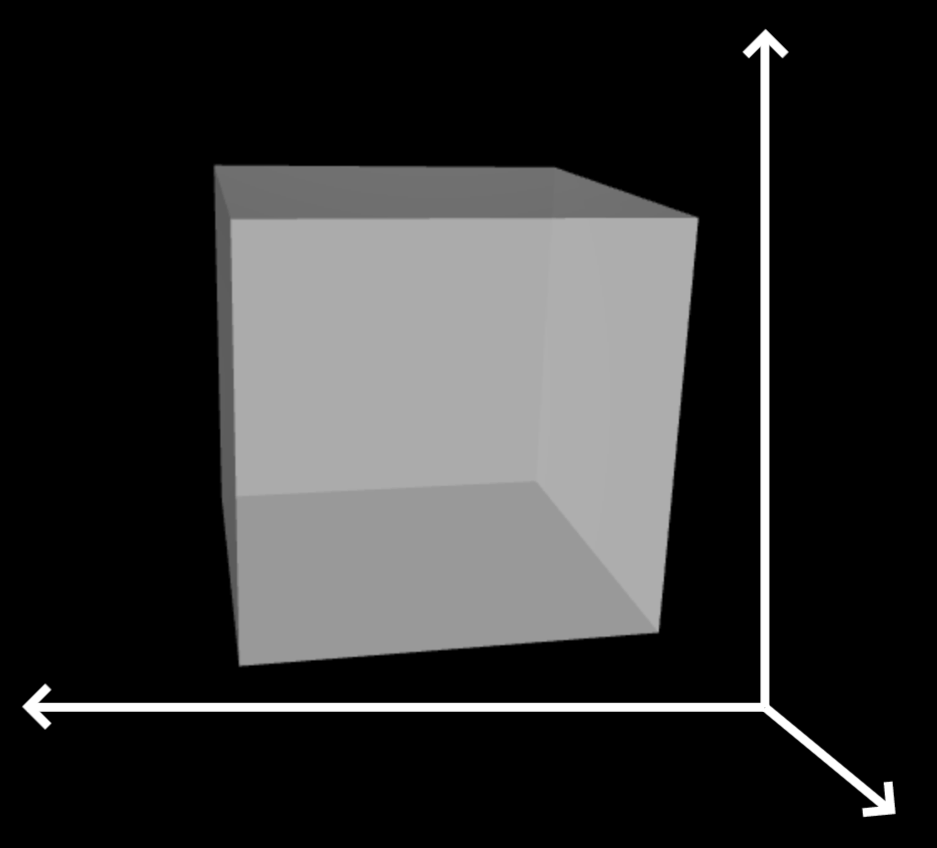
X
Y
Z
XTK
How can we know this?

we can try it out!
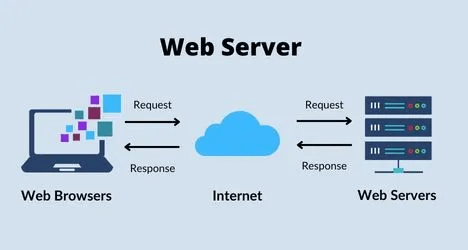


localhost
127.0.0.1
python -m http.server
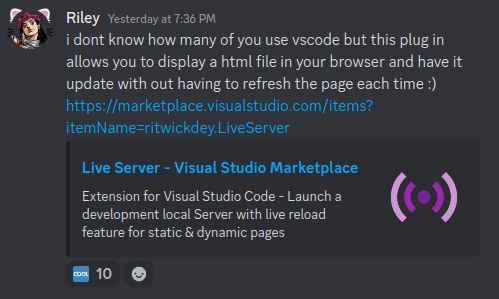

can a website read "scene.json" ?
No! a website can only read https://server/scene.json

Let's try it!
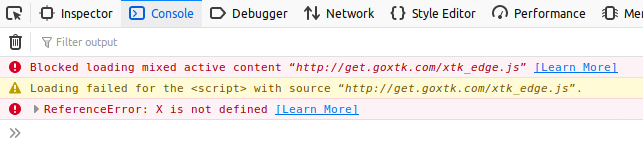

Assignment 2 on Github Pages
<script type="text/javascript" src="http://get.goxtk.com/xtk_edge.js"></script><script type="text/javascript" src="https://get.goxtk.com/xtk_edge.js"></script>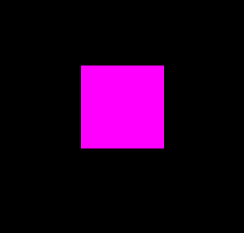
[255, 0, 255]
XTK
same as GLSL
[255, 0, 255]

[102, 0, 18]
[102, 0, 18]
[.4, 0, .7]
[1, 0, 1]
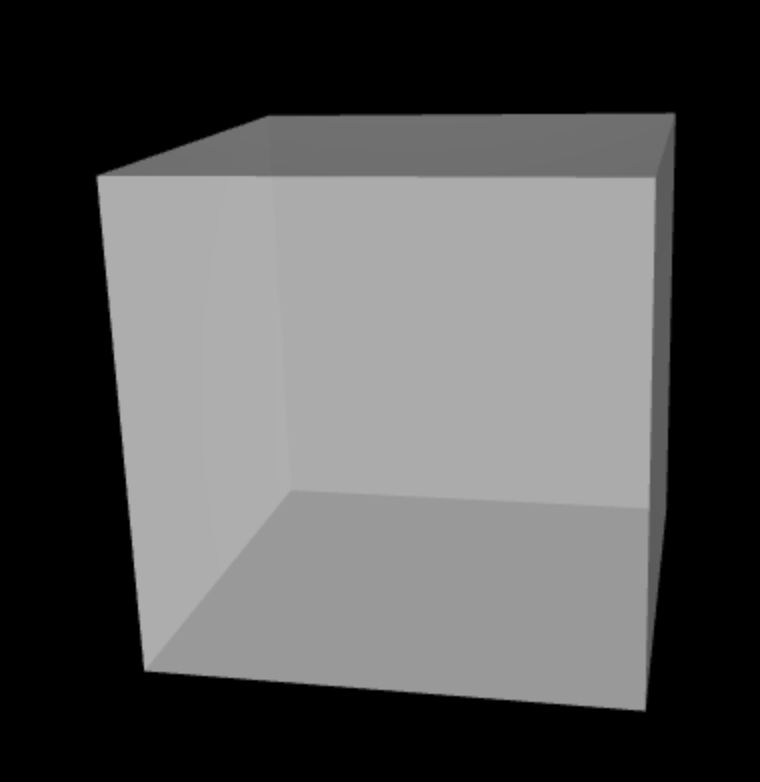

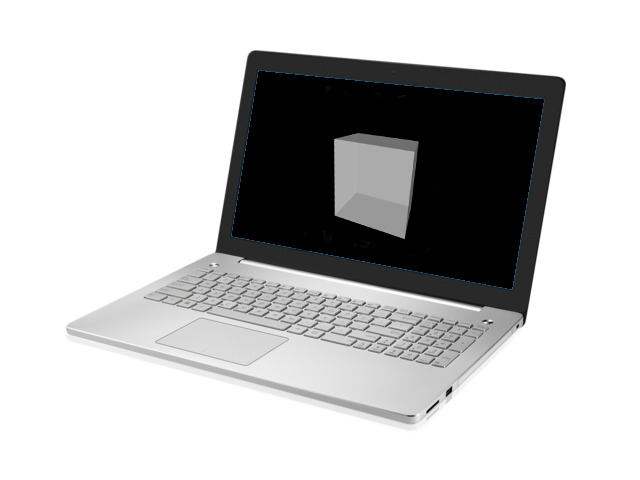
3D?
It is all virtual.

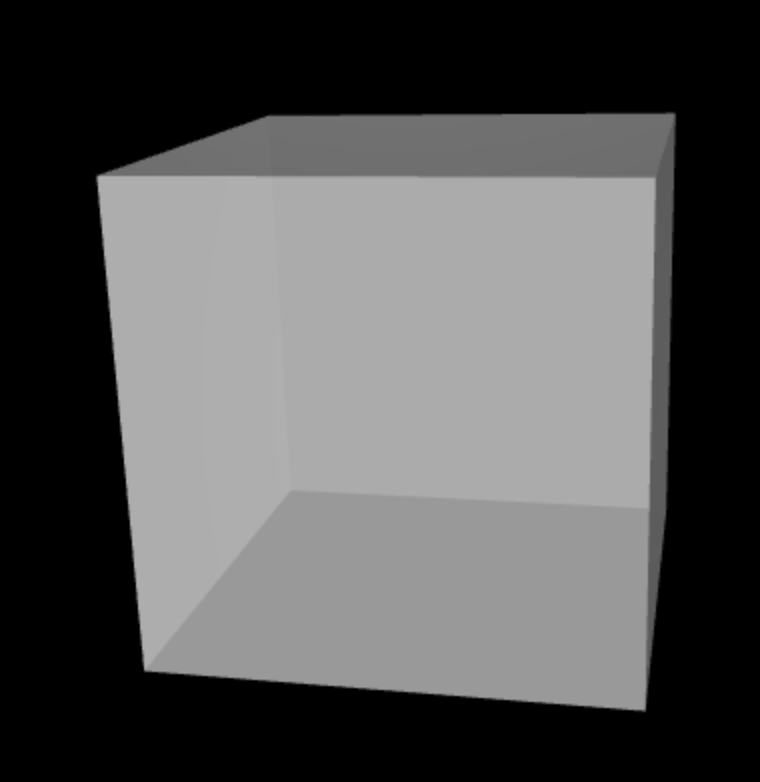

Frustum
zNear
zFar
Viewport
Camera
(Eye)
Perspective Projection
Camera
Eye
Position (0,0,100)
Focus (0,0,0)
Scene
Center
Up (0,1,0)
Translate (Move in x,y)
Zoom (Move in z)
Rotate
Camera Movement
Camera
Eye
Position (0,0,100)
Focus (0,0,0)
Scene
Center
Up (0,1,0)
Translate (Move in x,y)
Zoom (Move in z)
Rotate
Camera Movement
but you could also move the cube!
c.center = [0, 0, 0];
c.center = [10, 0, 0];
c.transform.translateX(10);
X.cube
from the origin
c.center = [20, 0, 0];
c.center = [10, 0, 0];
c.transform.translateX(10);
c.transform.translateX(-10);
from the current position
movement in x-direction
overwrites!
modifies current position!
Global
Local
Let's try it!
There are different WebGL and WebGPU frameworks available!





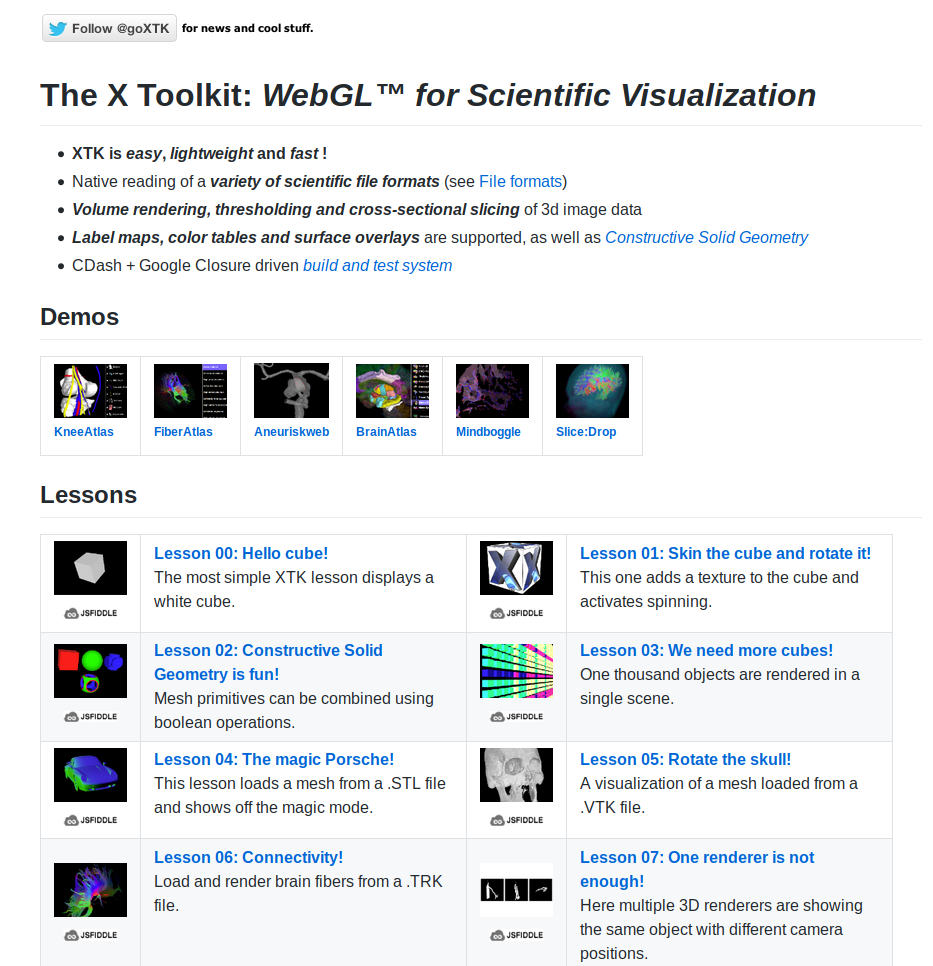
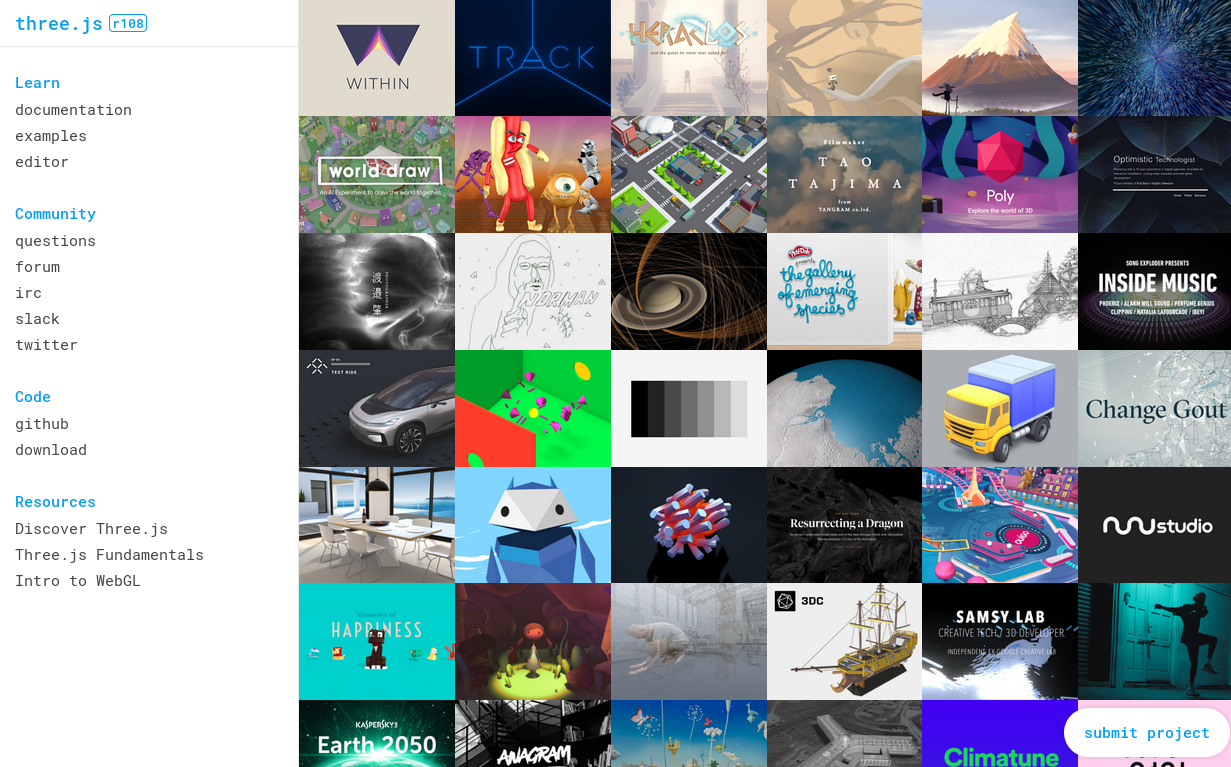
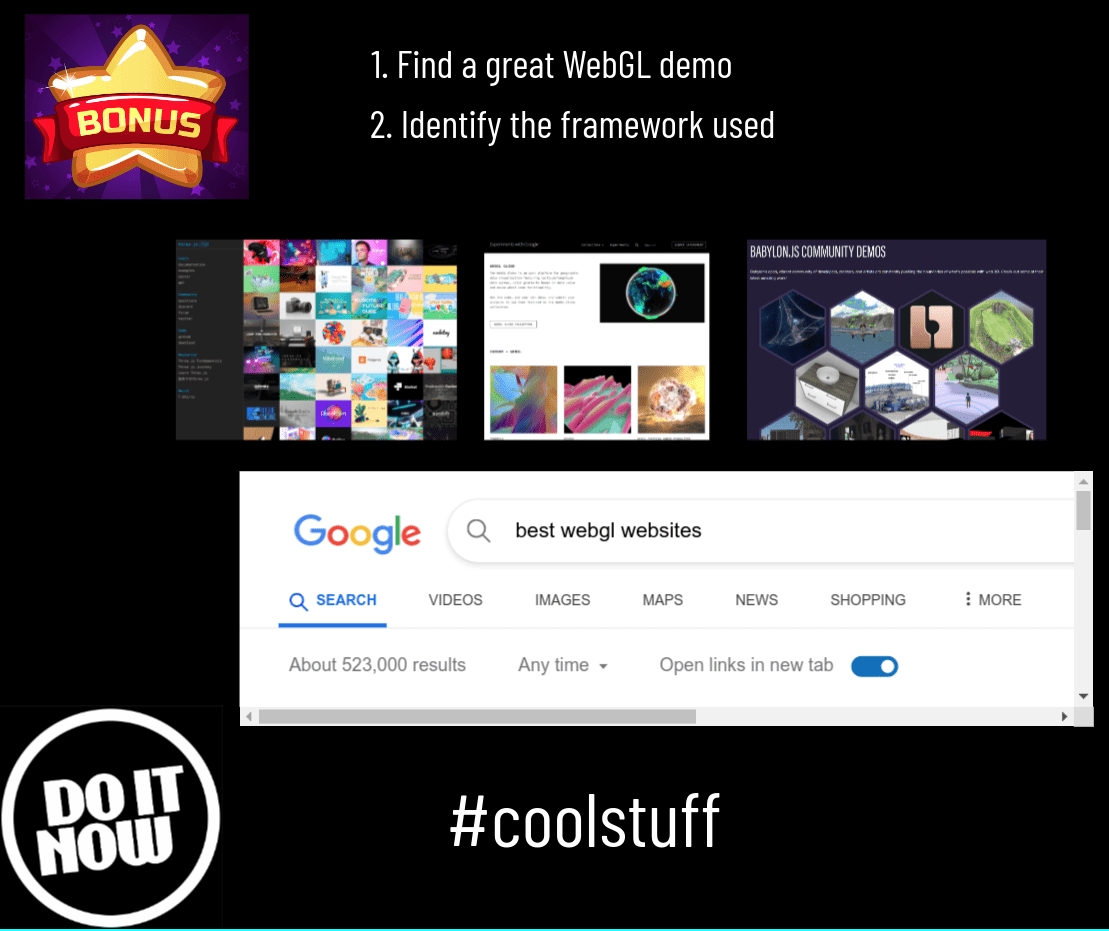
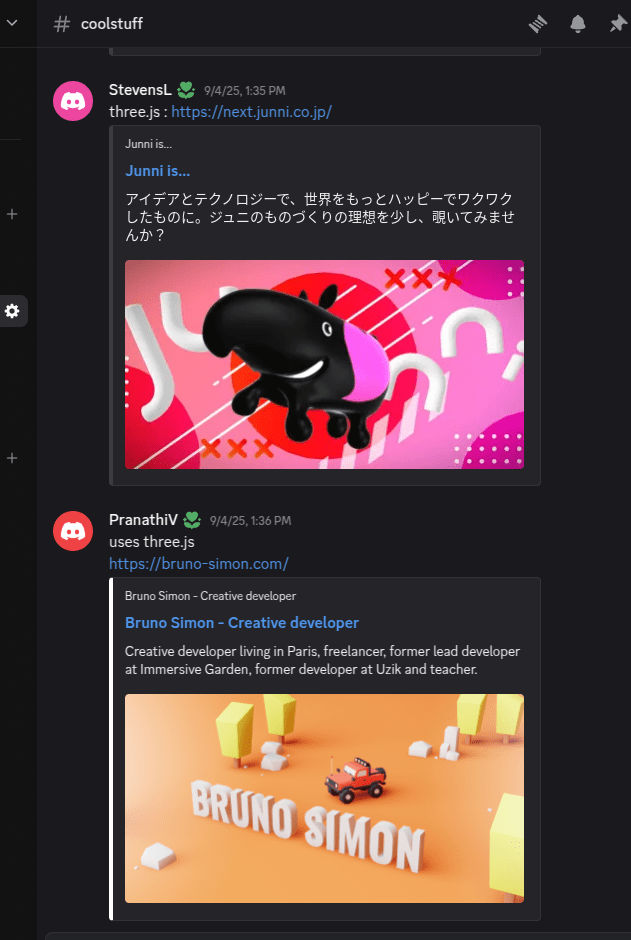
33 links
31 using THREE.js
easy
hard
XTK
Three.js
WebGL
limited
freedom
Complexity
Functionality
Final Project
counts as 40% !!
choose any framework you like!
easy
hard
XTK
Three.js
WebGL
limited
freedom
Complexity
Functionality
XTK
X.renderer3D
Renderer
Scene
Interaction
Loop
Three.js
THREE.WebGLRenderer
THREE.Scene
THREE.TrackballControls
Loop
Canvas
Canvas
Camera
THREE.PerspectiveCamera
Lighting
THREE.AmbientLight
THREE.DirectionalLight
scene = new THREE.Scene()
camera = new THREE.PerspectiveCamera( fov, ratio, zNear, zFar )
Field of View
Frustum
zNear
zFar
Viewport
Camera
(Eye)
Perspective Projection
Frustum
zNear
zFar
Viewport
Camera
(Eye)
Perspective Projection
Camera
Field of View Angle
camera = new THREE.PerspectiveCamera( fov, ratio, zNear, zFar )
Field of View
Aspect Ratio (4:3, 16:9..)
1
10000
75
renderer = new THREE.WebGLRenderer()
document.body.appendChild ( renderer.domElement )
Canvas
ambientlight = new THREE.AmbientLight( 0x404040 )
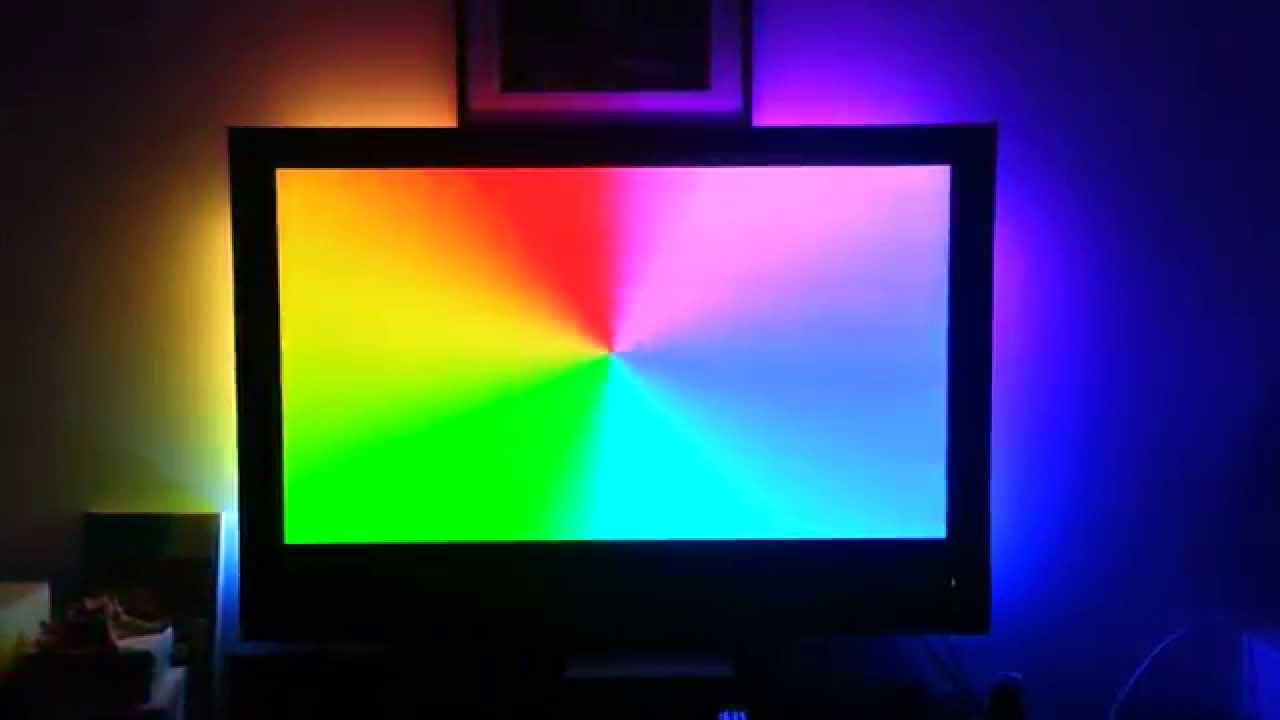
Color
light = new THREE.DirectionalLight ( 0xffffff, 5.0 )
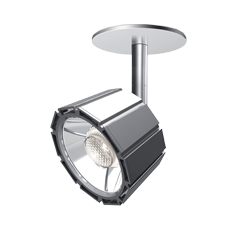
Color
Intensity
controls = new THREE.TrackballControls ( camera, element )
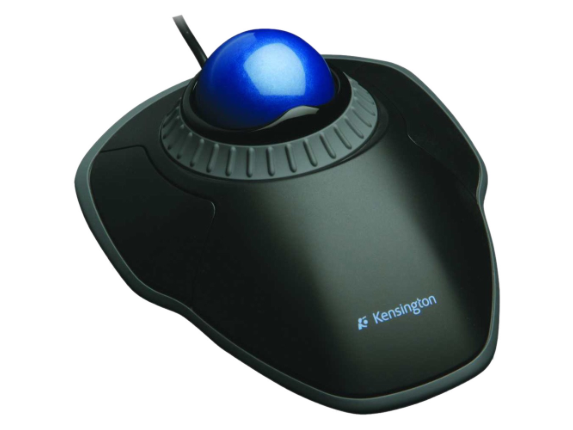
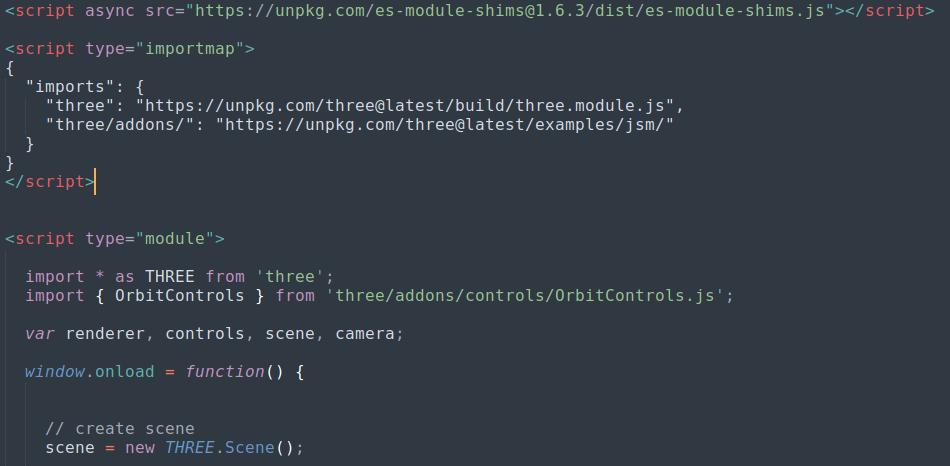
controls = new THREE.OrbitControls ( camera, element )
<script>

  window.onload = function() {

    // .... other code

    animate();

  };

  function animate() {

     // call it directly again
     requestAnimationFrame( animate );

     // trigger Three.js rendering
     renderer.render( scene, camera );

  };

</script>
Loop
XTK
X.cube
Geometry
Material
Three.js
THREE.Mesh
THREE.BoxGeometry
Mesh
THREE.MeshStandardMaterial
geometry = new THREE.BoxGeometry
( 20, 20, 20 )
lengthX, lengthY, lengthZ
Geometry defines the shape!
material = new THREE.MeshStandardMaterial
( { color: 0xffffff } )
Material defines the appearance!
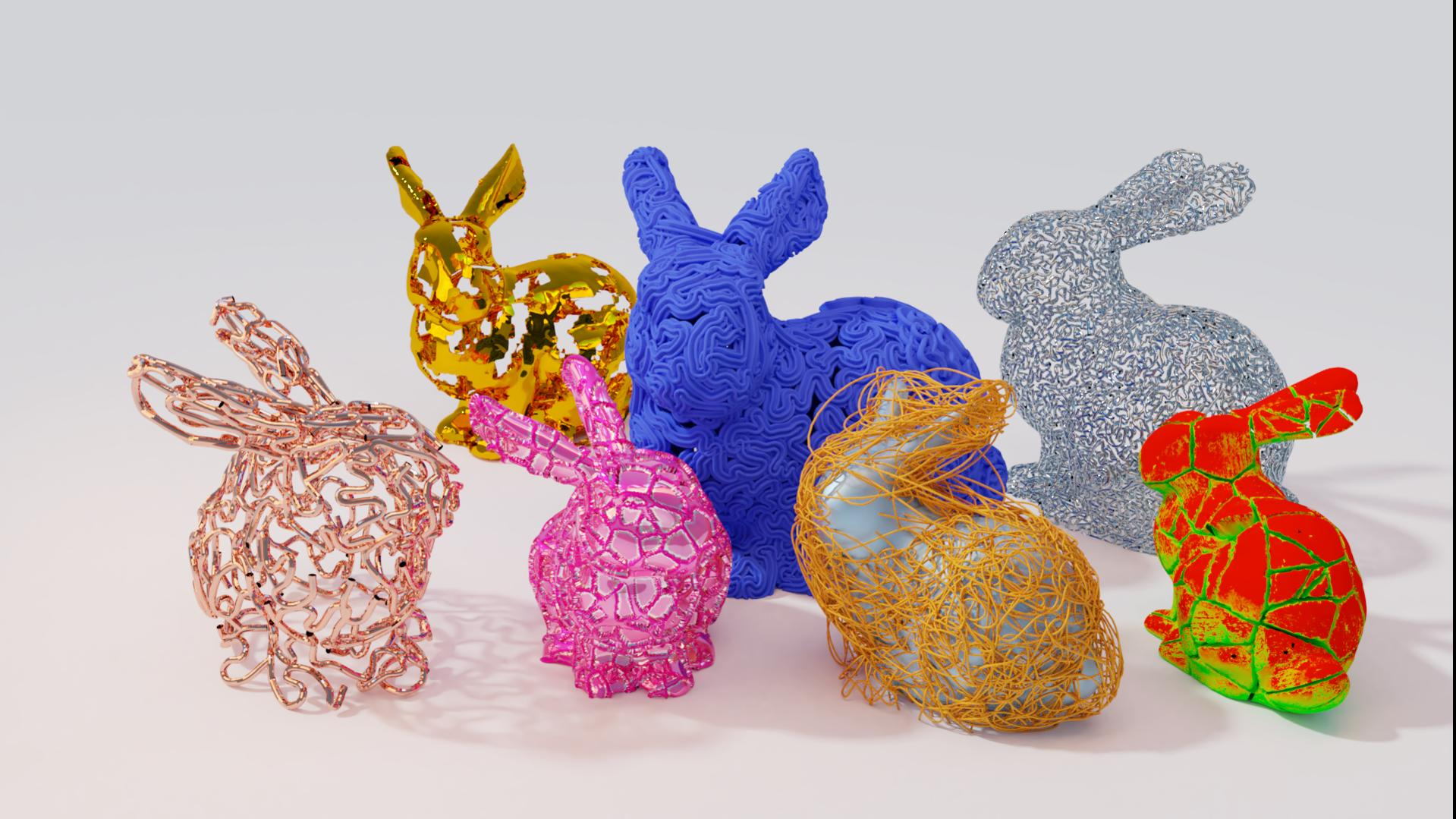
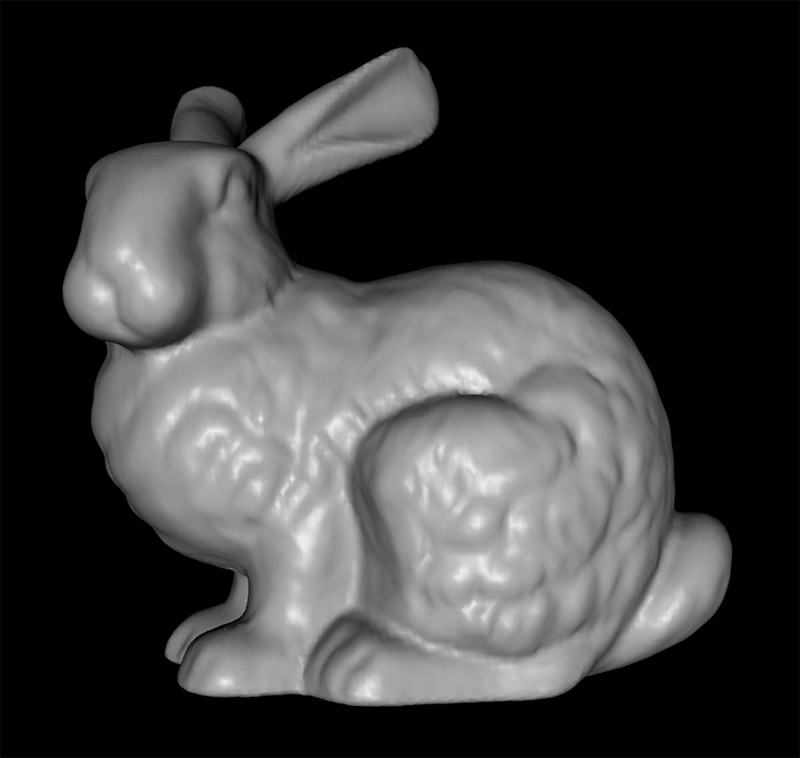
new THREE.Mesh( geometry, material )
cube =
<html>
  <head>
    <style>
      html, body {
        background-color:#000;
        margin: 0;
        padding: 0;
        height: 100%;
        overflow: hidden !important;
      }
    </style>
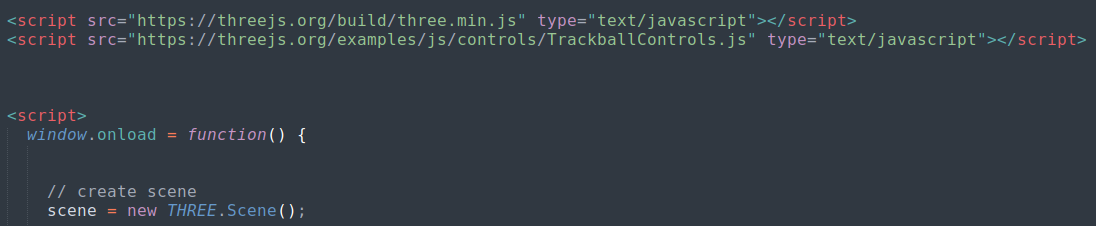
    <script src="https://threejs.org/build/three.min.js" type="text/javascript"></script>
    <script src="https://threejs.org/examples/js/controls/TrackballControls.js" type="text/javascript"></script>
    <script>
      window.onload = function() {


		// Three.js code goes here


        animate();

      };

      function animate() {

        requestAnimationFrame( animate );

		// and here...

      };
    </script>
  </head>
  <body></body>
</html>


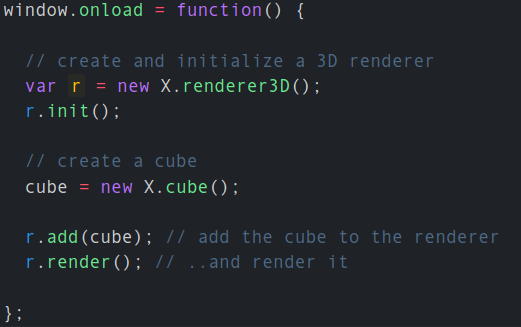
with XTK!


8 months internship
Hack.Diversity
submit your music