11/6 Materials
11/13 Lights + Textures
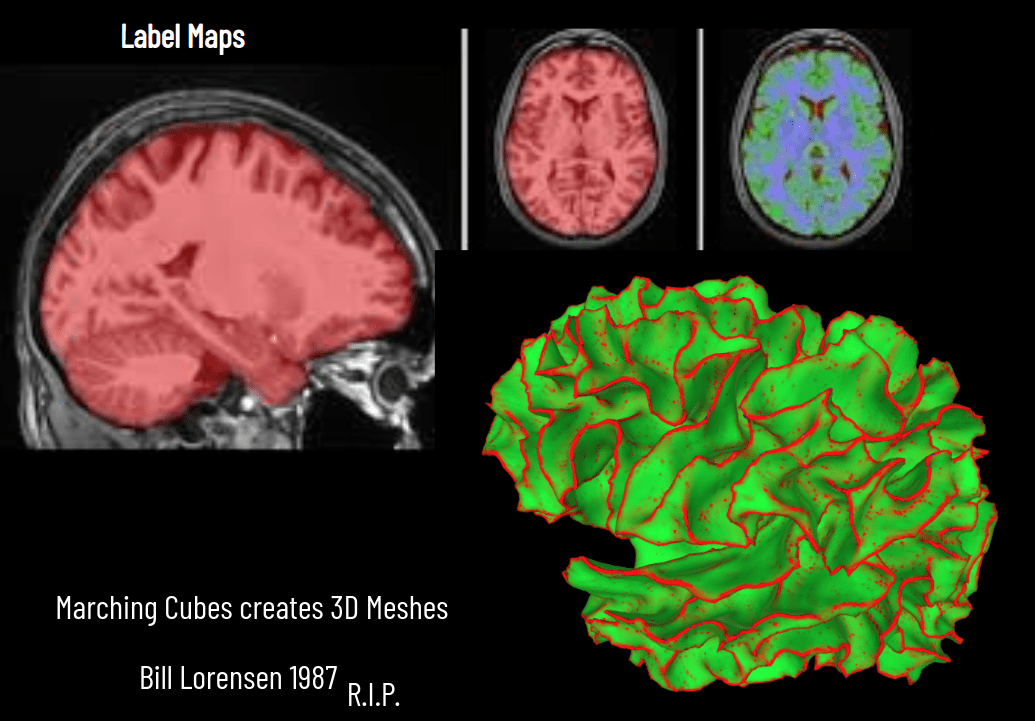
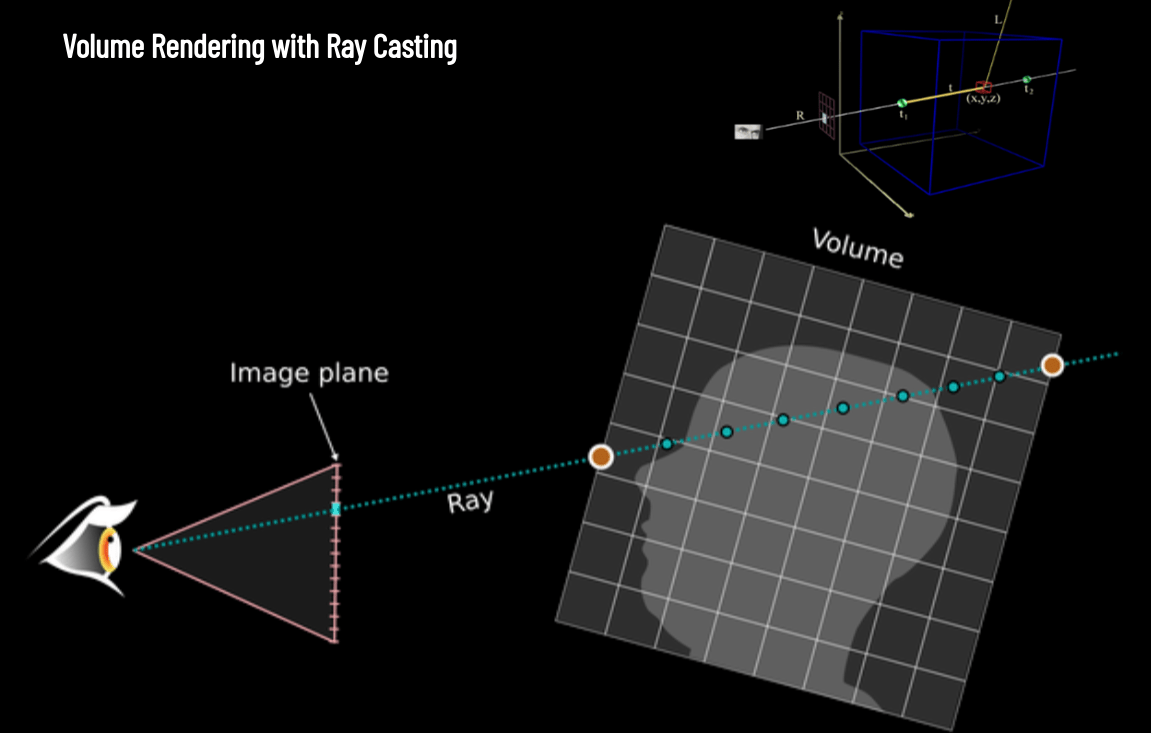
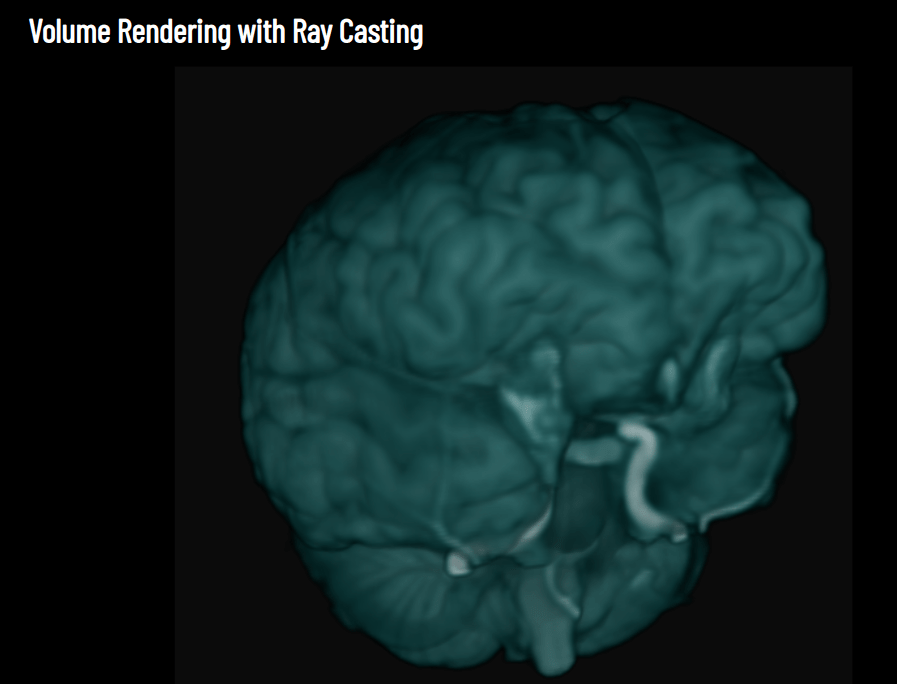
11/18 Medical Visualization / Volume Rendering
11/20 NeRFs + glTF
12/2 Outside Lecture + Skybox
11/25 Fast Forwards!
11/27 No Class
12/4 Recap Lecture
12/9 Presentations!
12/11 Presentations II!

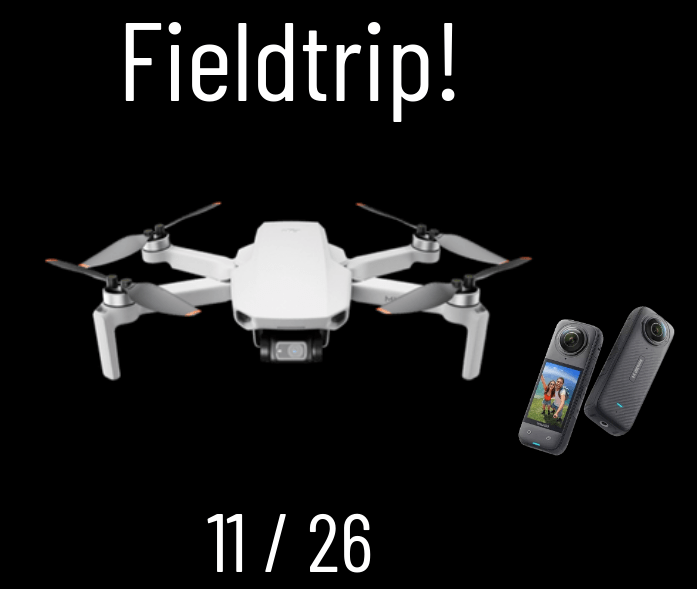



+

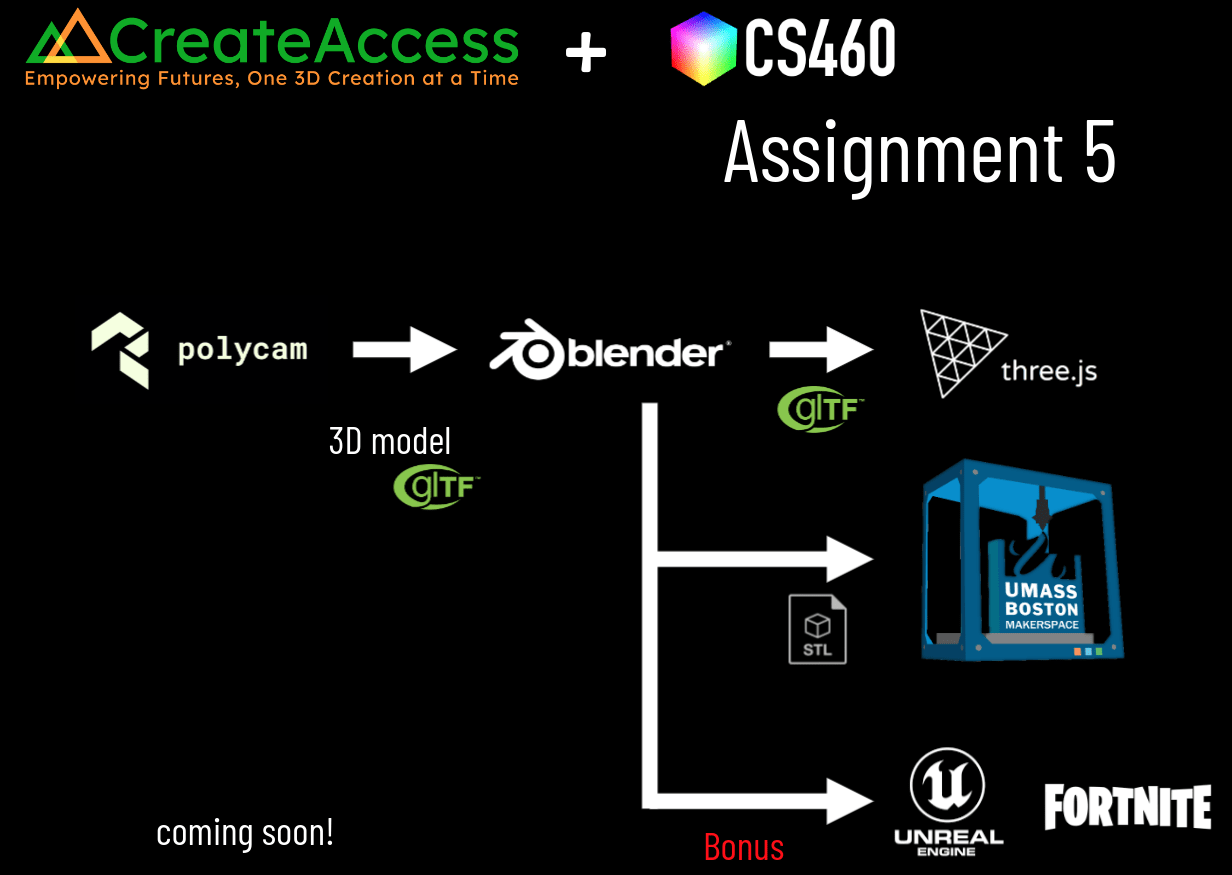
3D model




Assignment 5


Due 11/25!
Due tonight!!

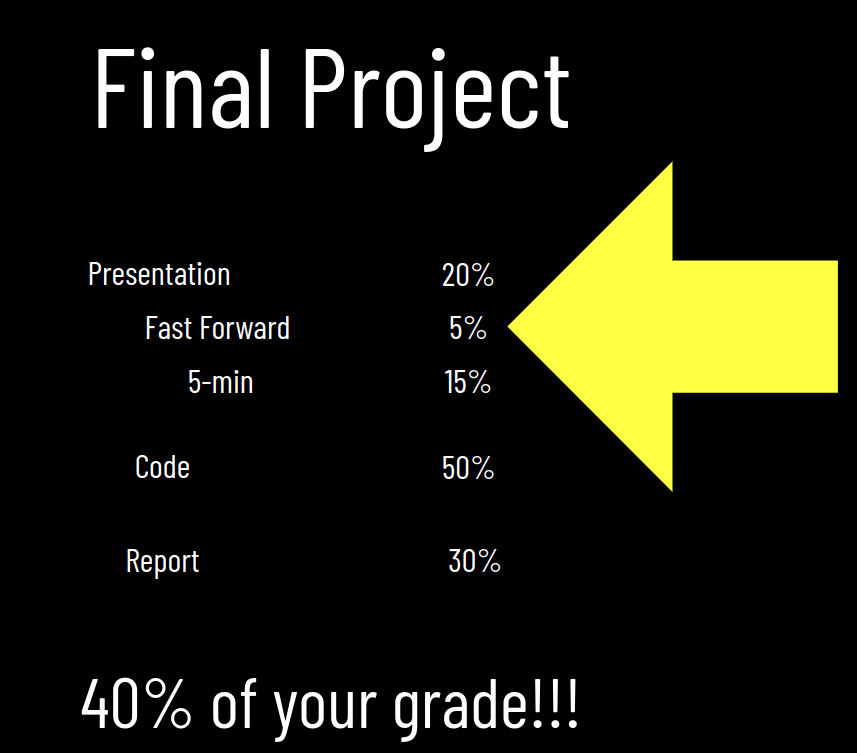
Final Project!
counts as 40% of your grade!
#finalproject
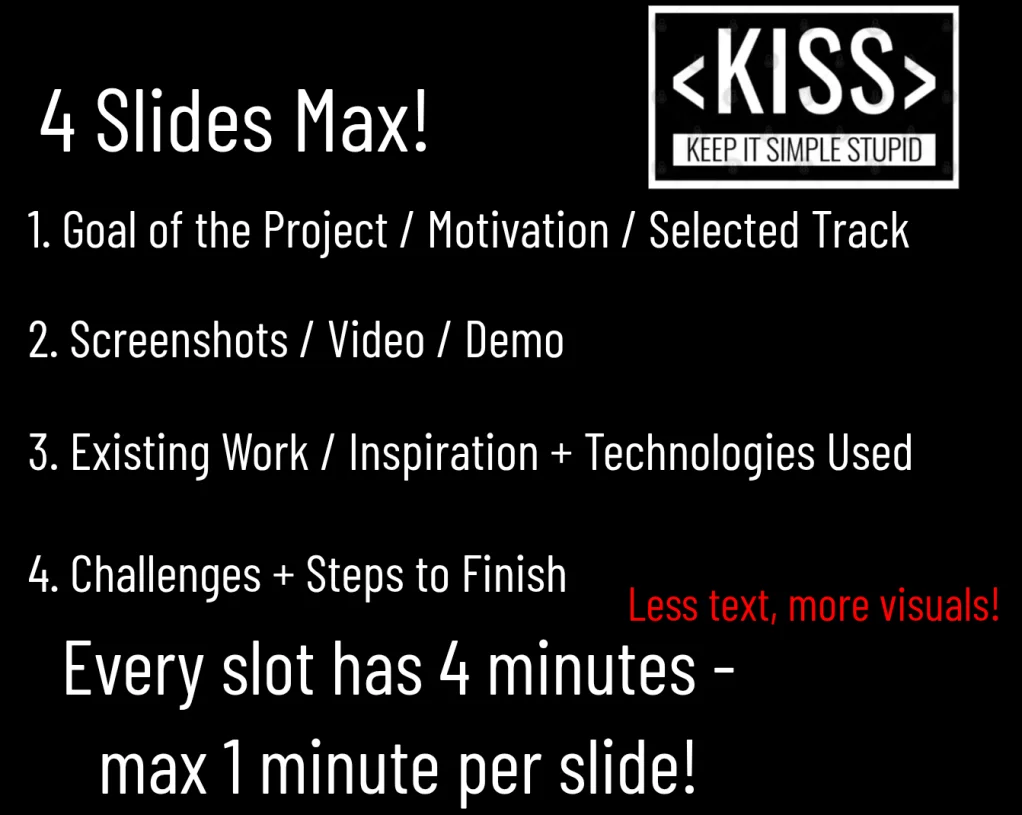
Final Project Presentation
Final Submission
Tu 12/9
Th 12/18
Th 12/11

Lecture 1

GPU Access!






<canvas></canvas>
var c = document.createElement("canvas");
document.body.appendChild(c);
*.html
*.js






Lecture 2



Lecture 3






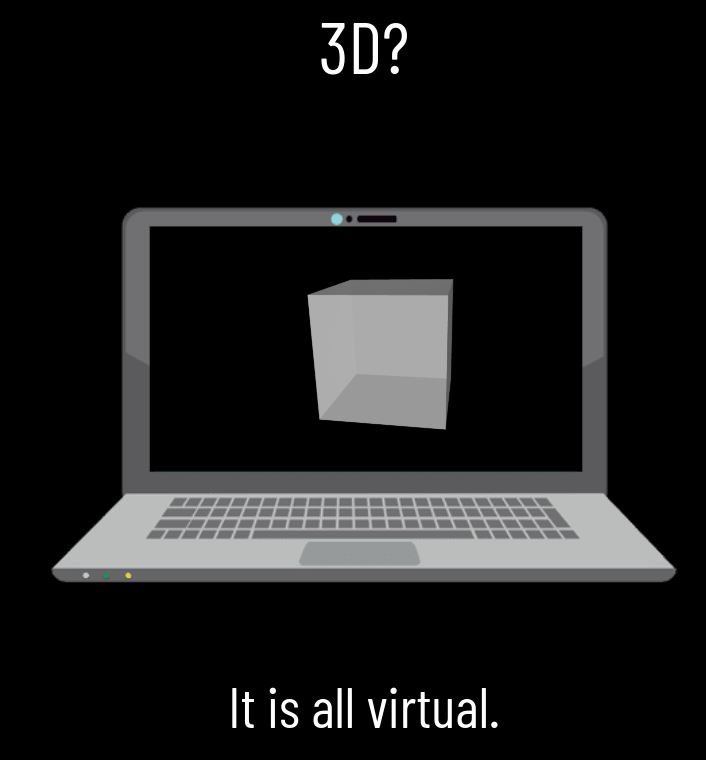
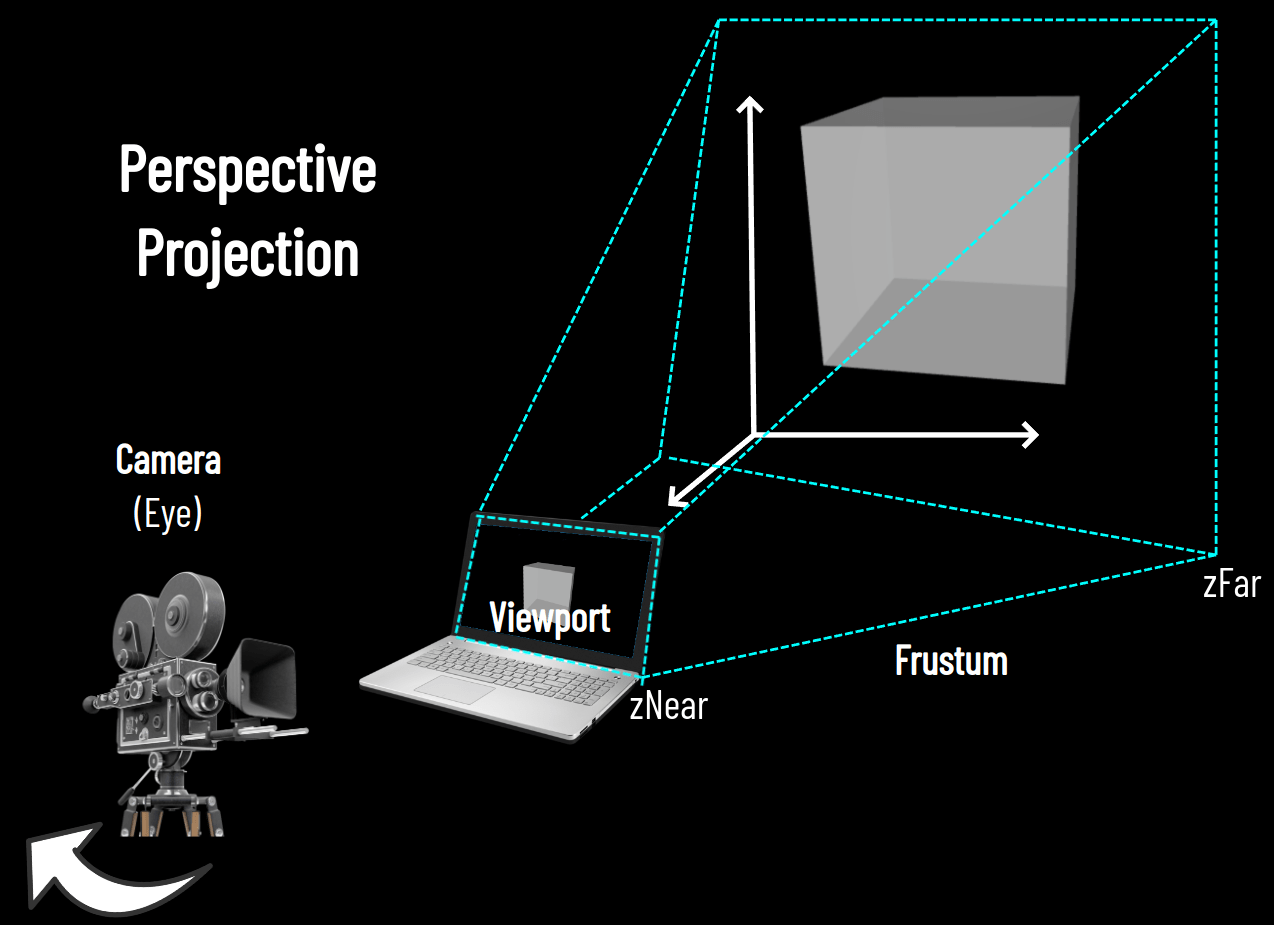
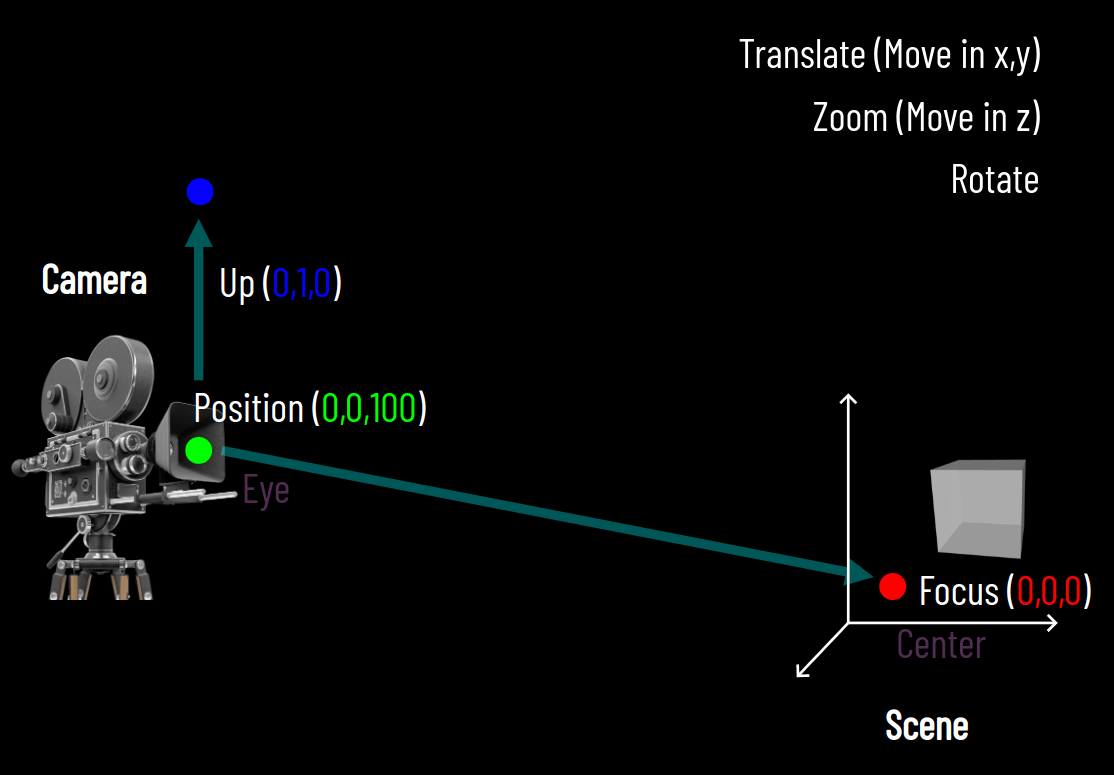
Lecture 4
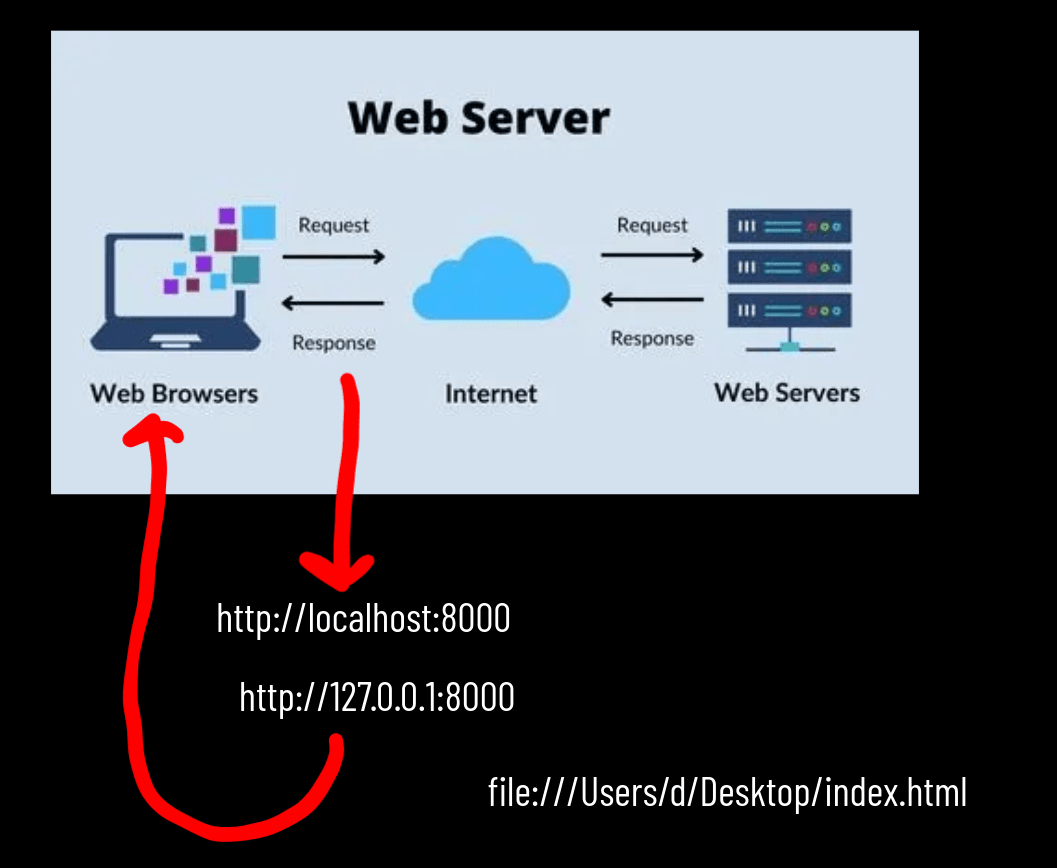
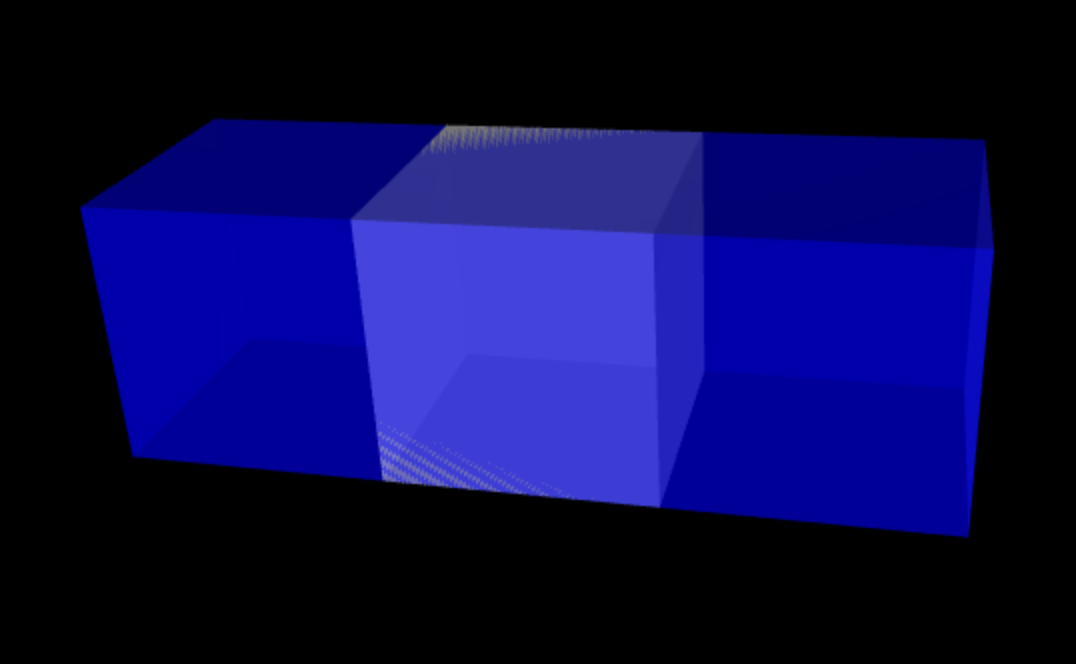
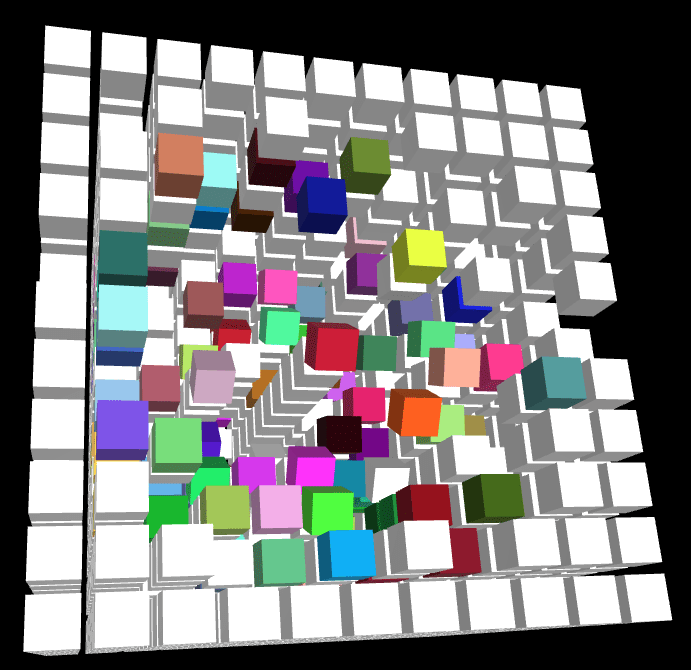
Z-Fighting
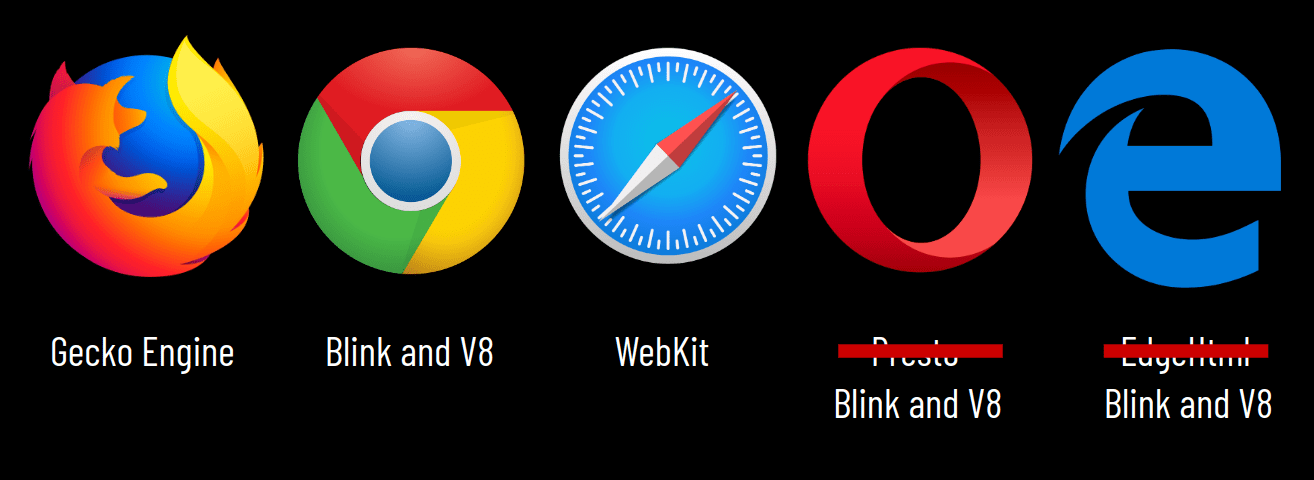
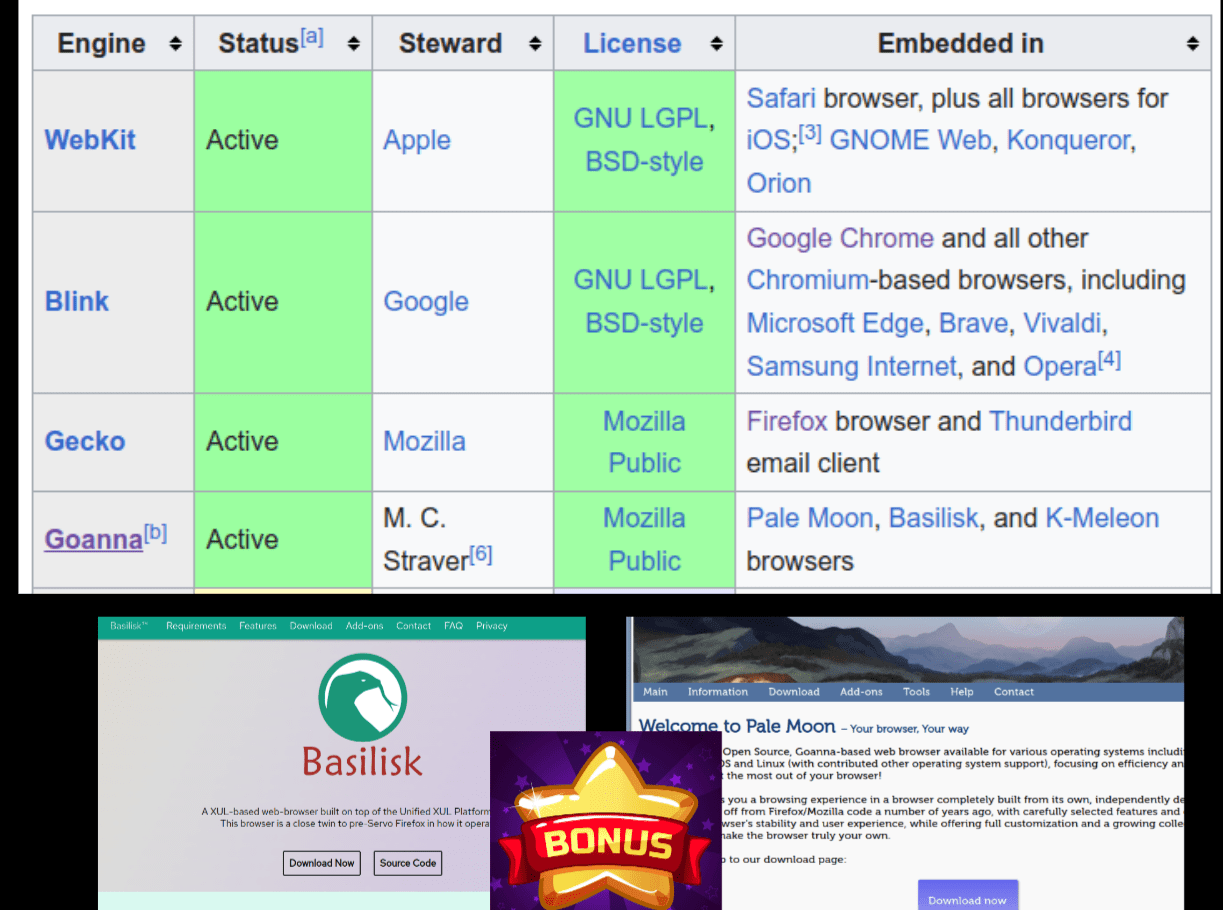
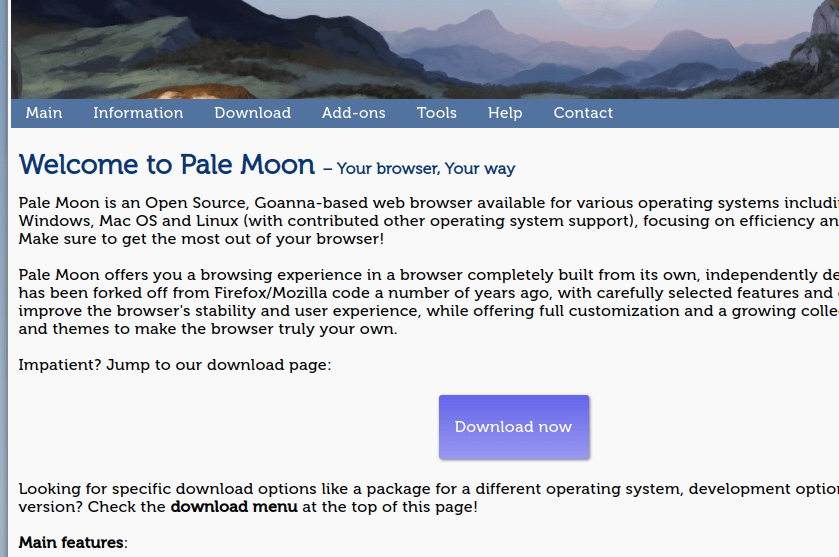
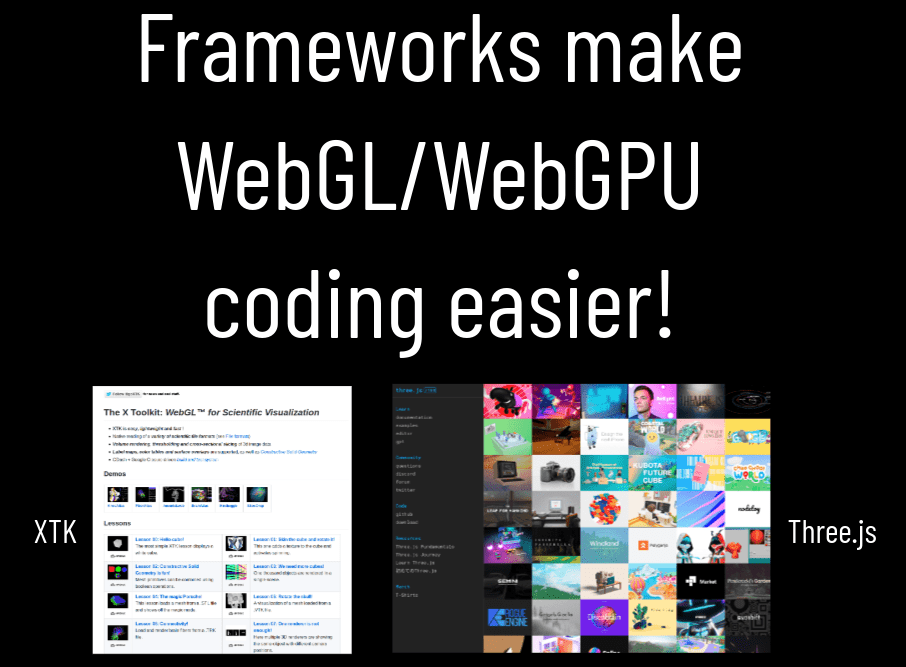
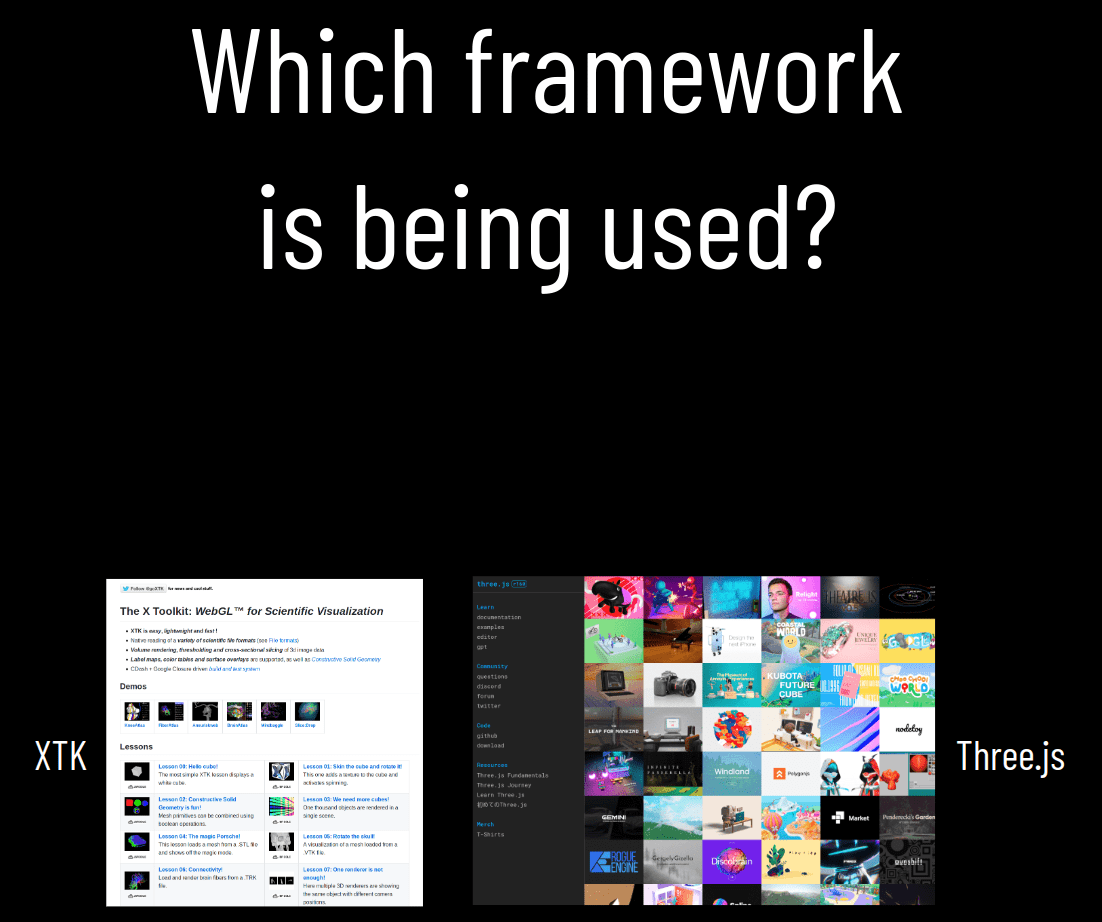
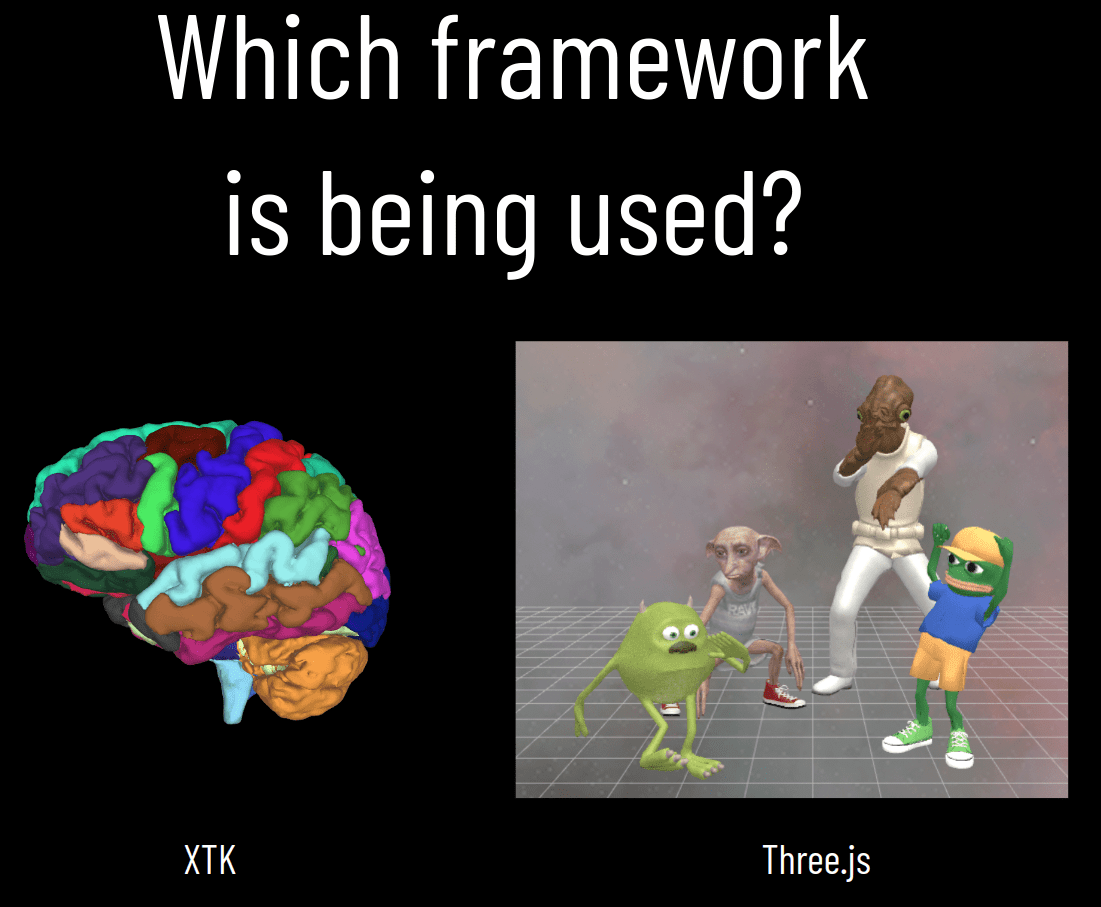
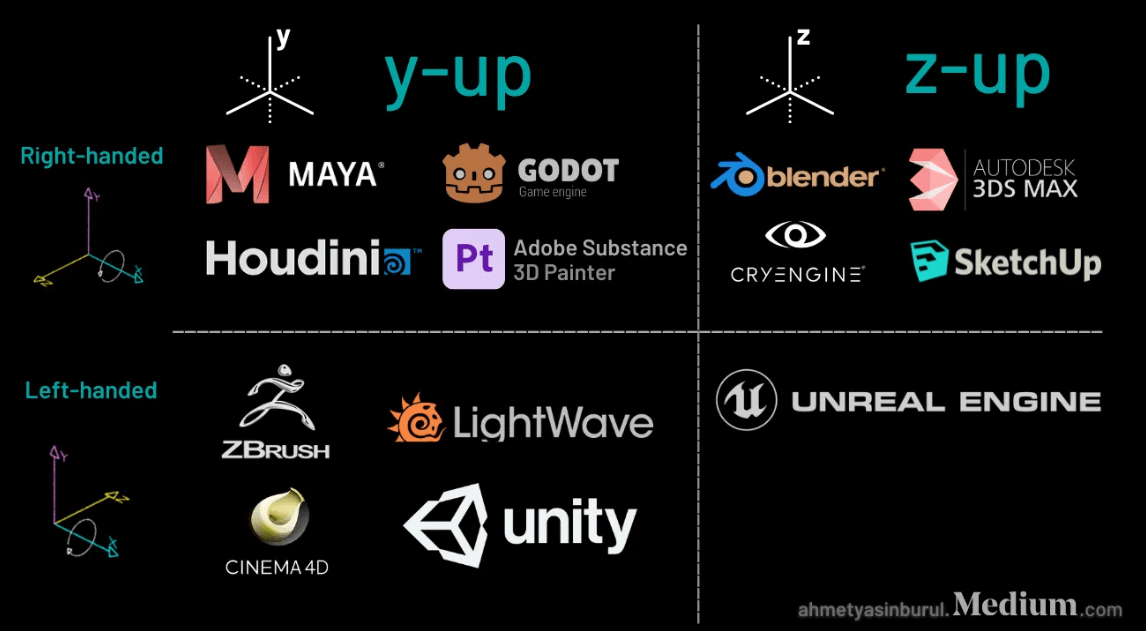
Which framework?

Lecture 5
Assignment 2
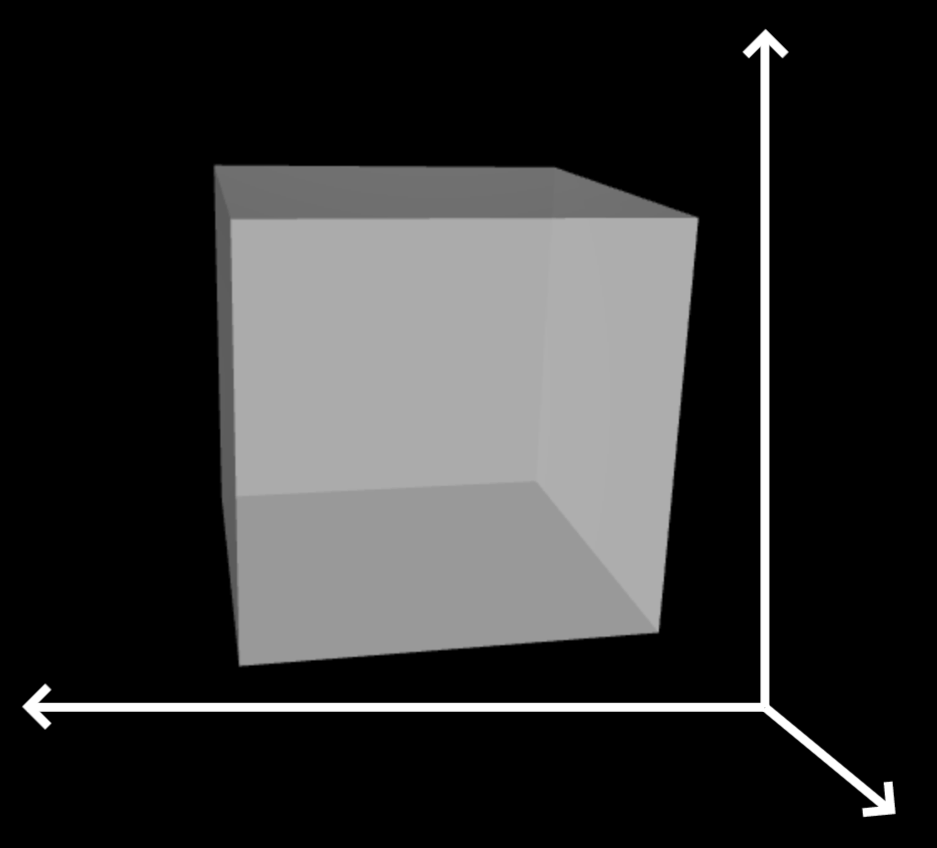
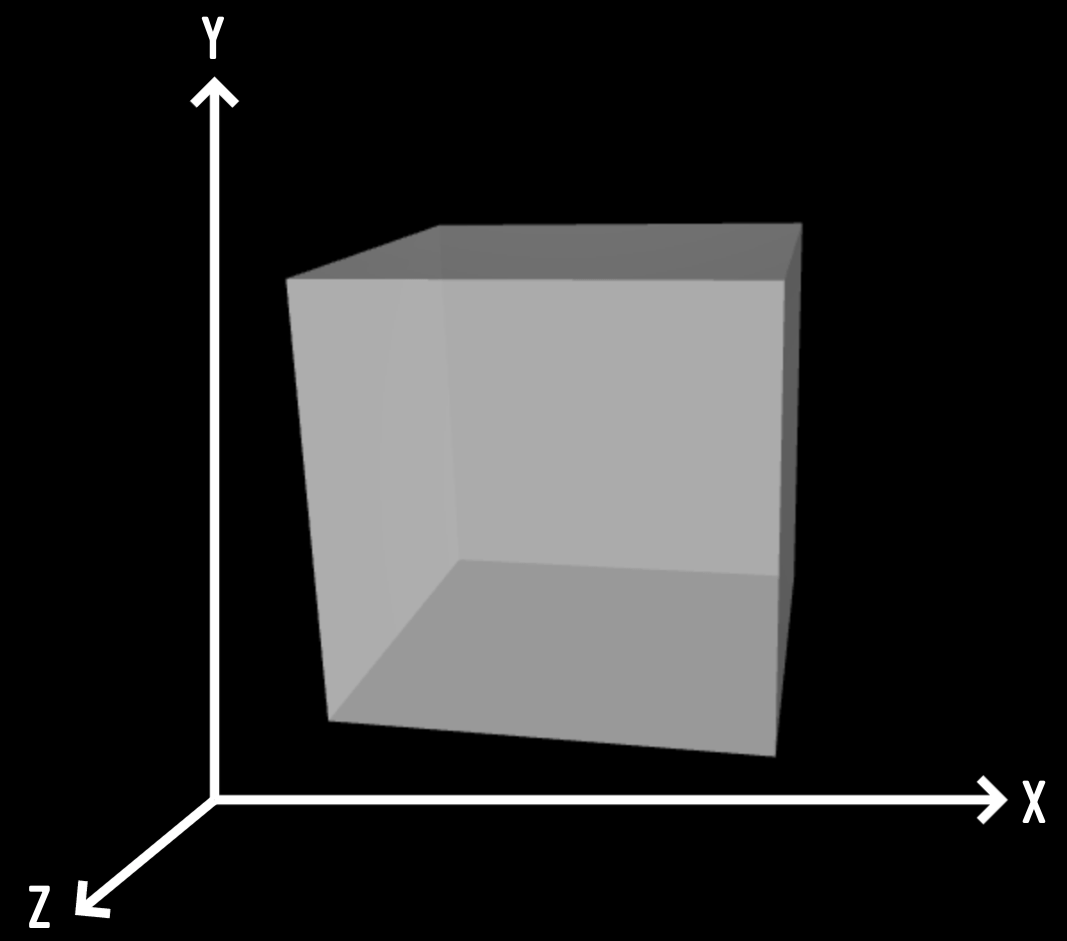
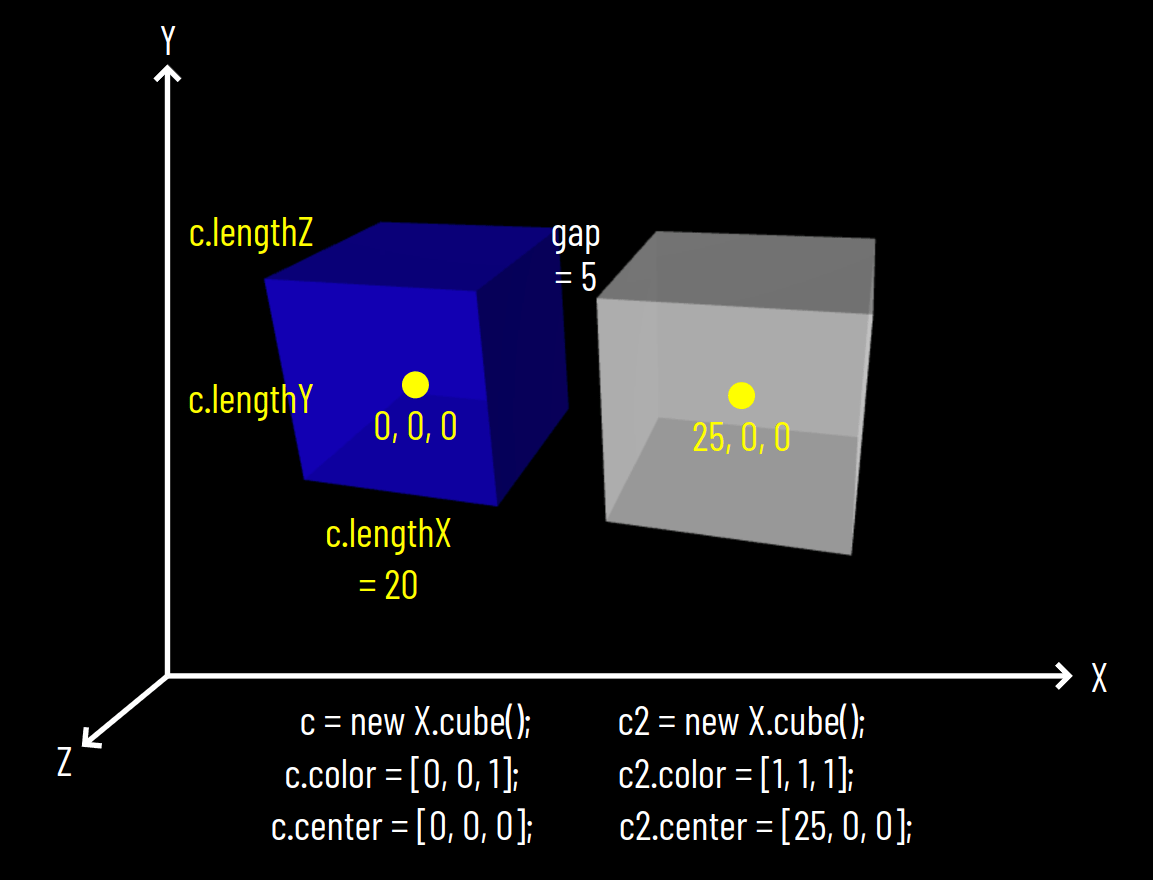
X
Y
Z
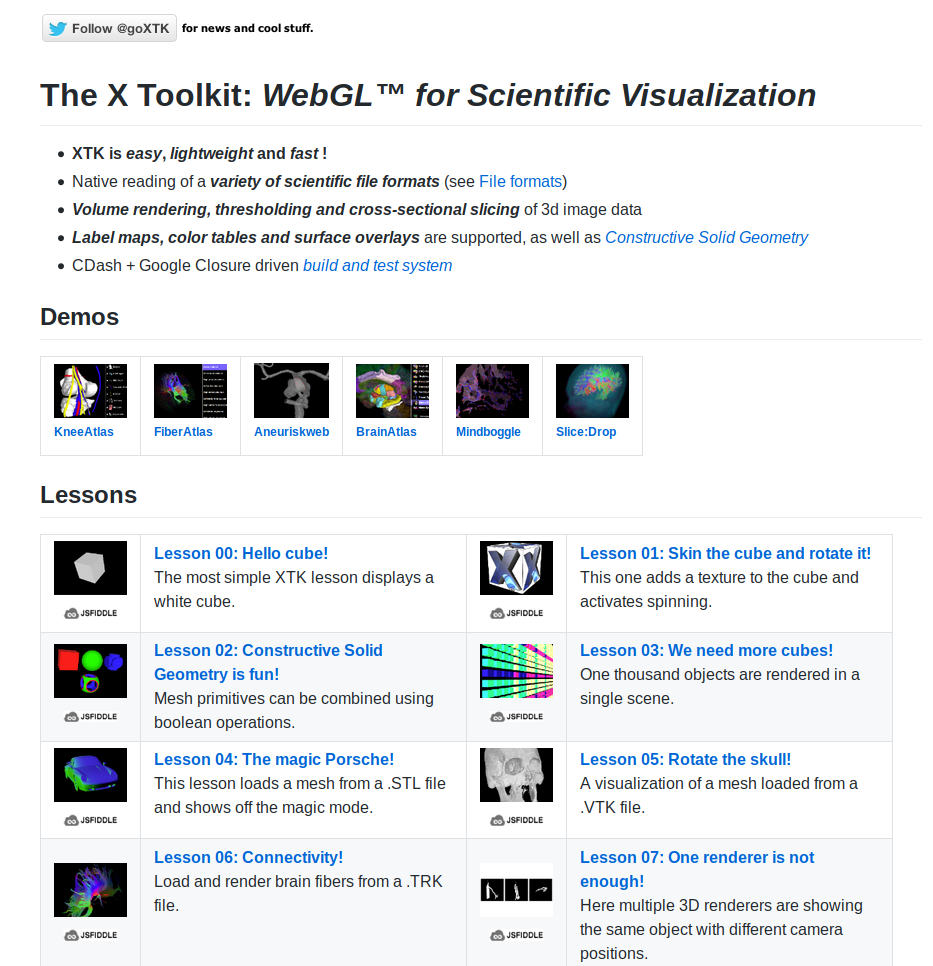
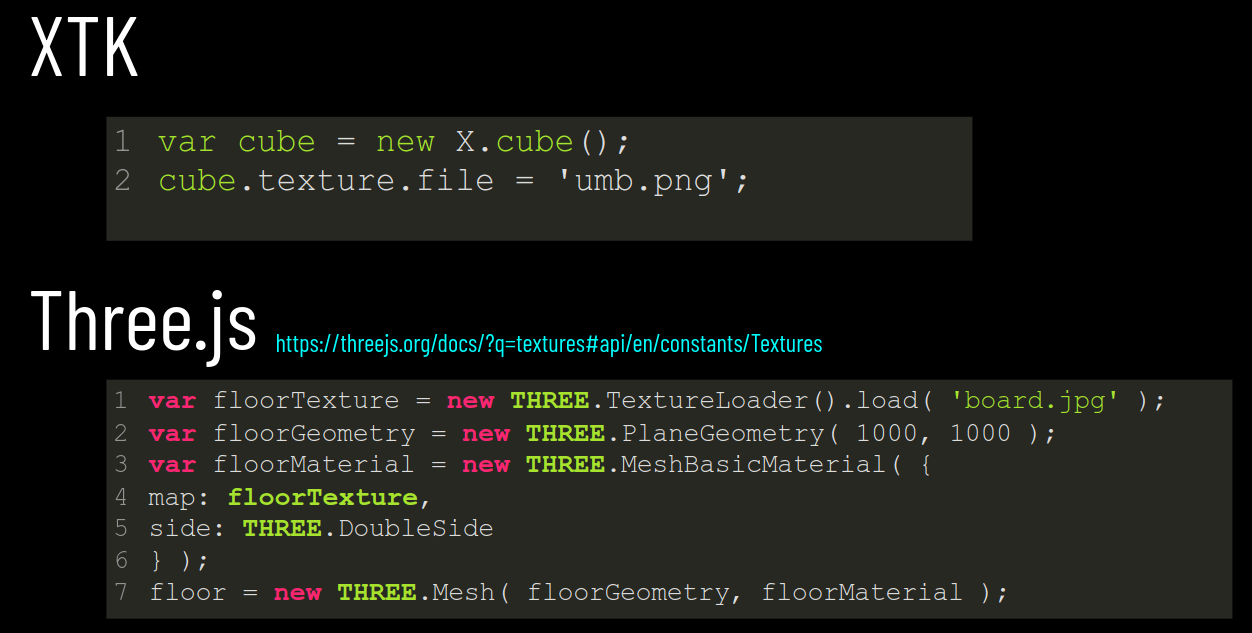
XTK
How can we know this?

we can try it out!
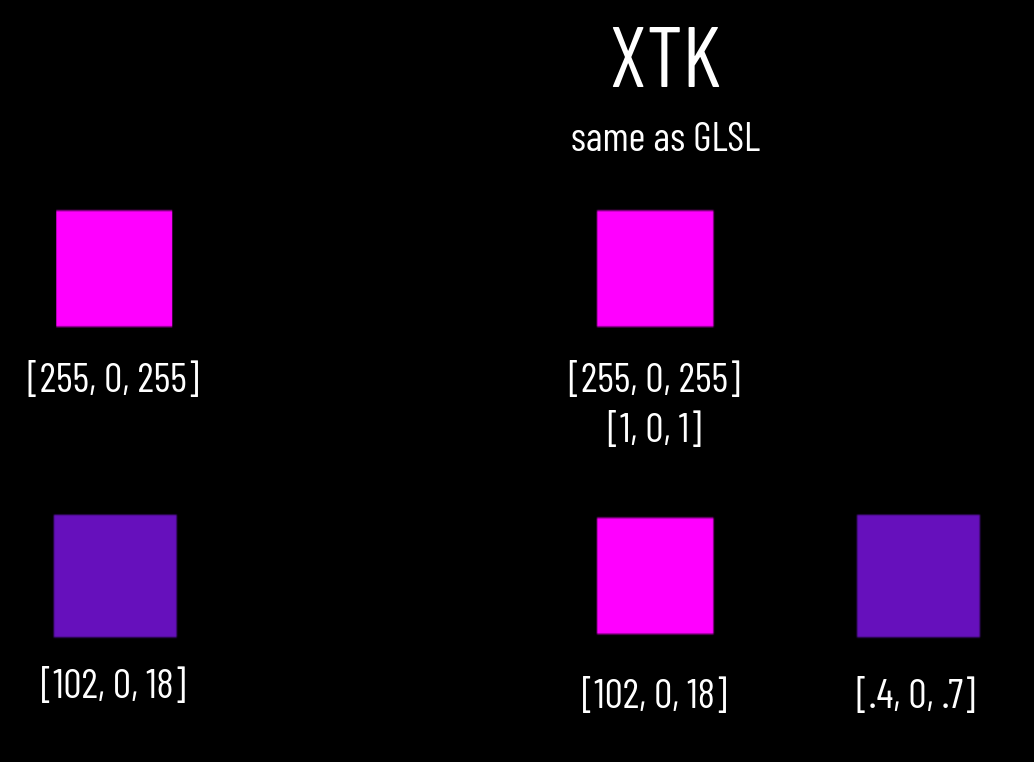
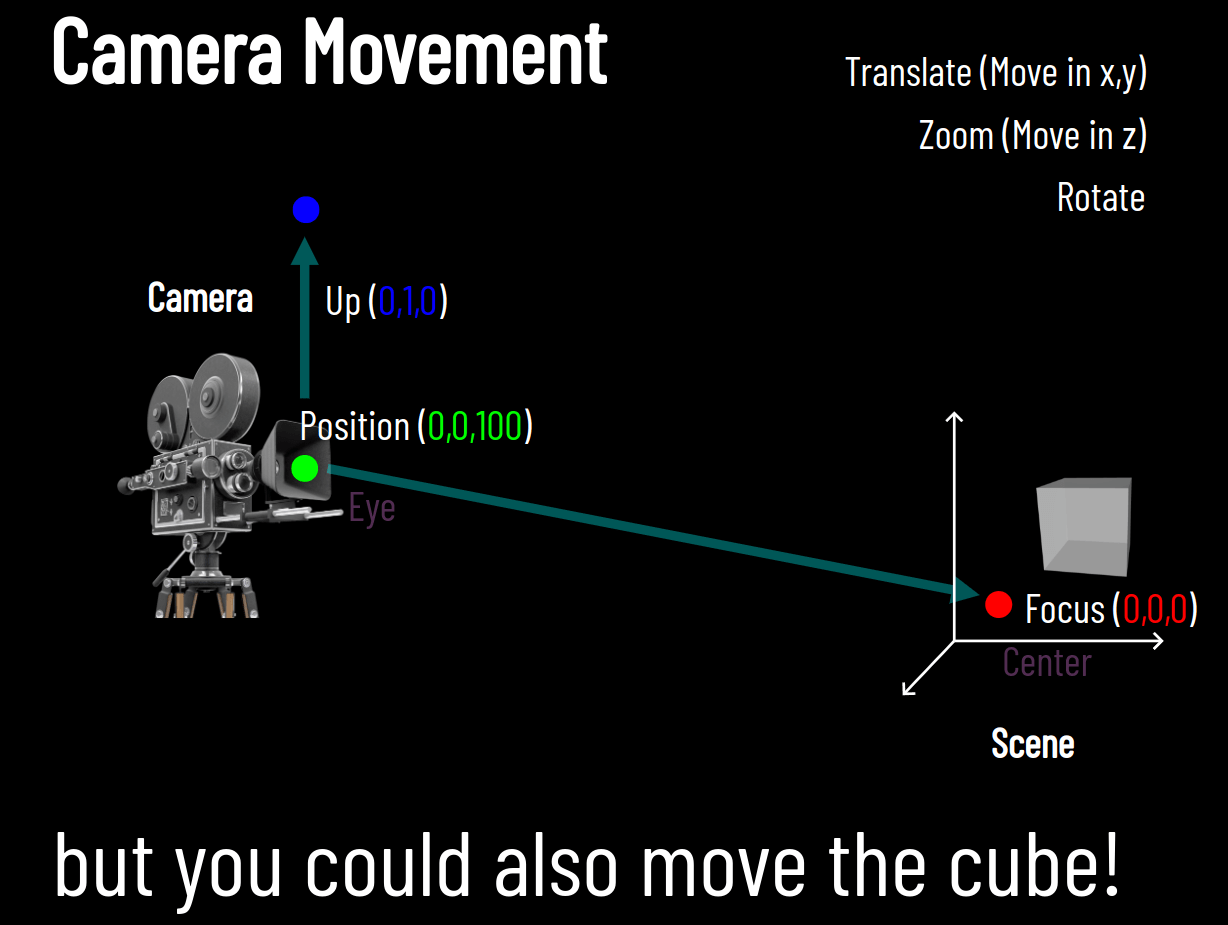
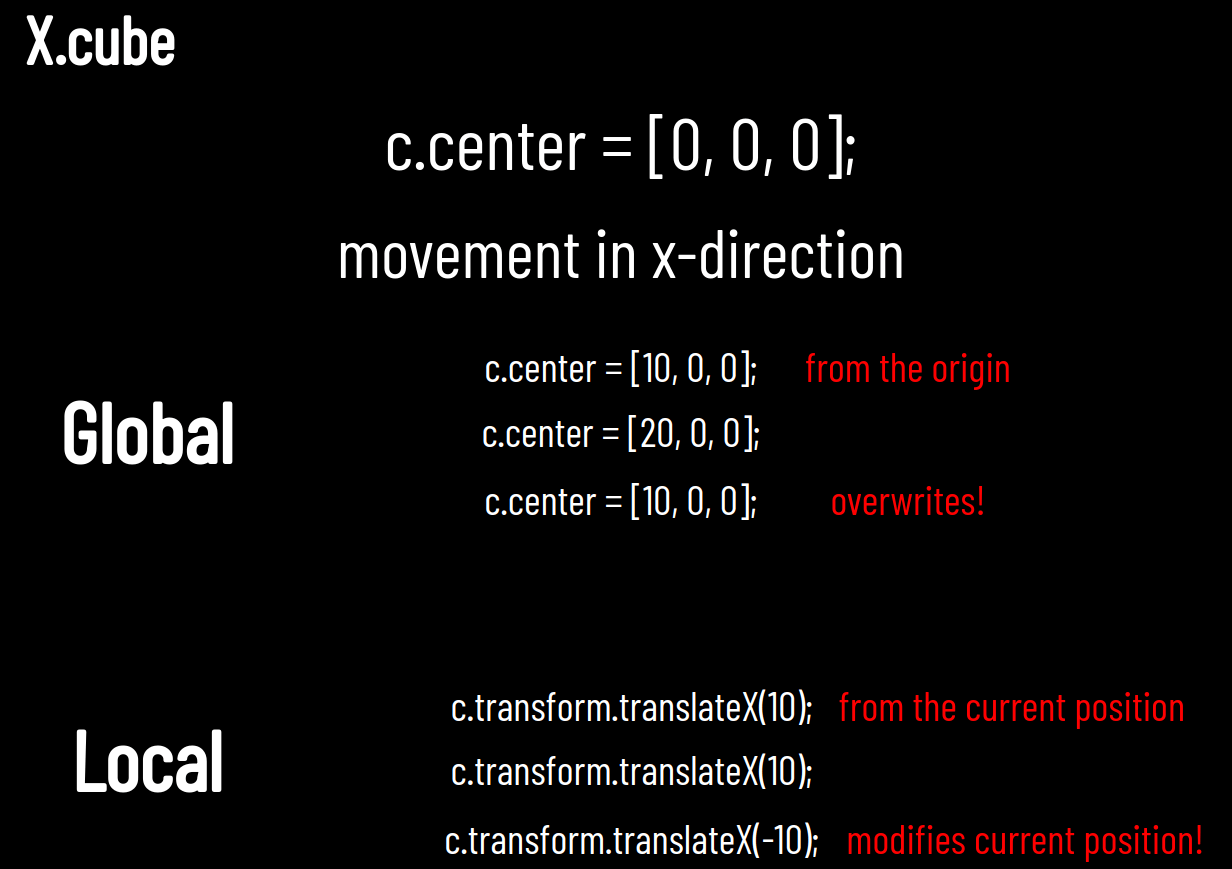
Lecture 6
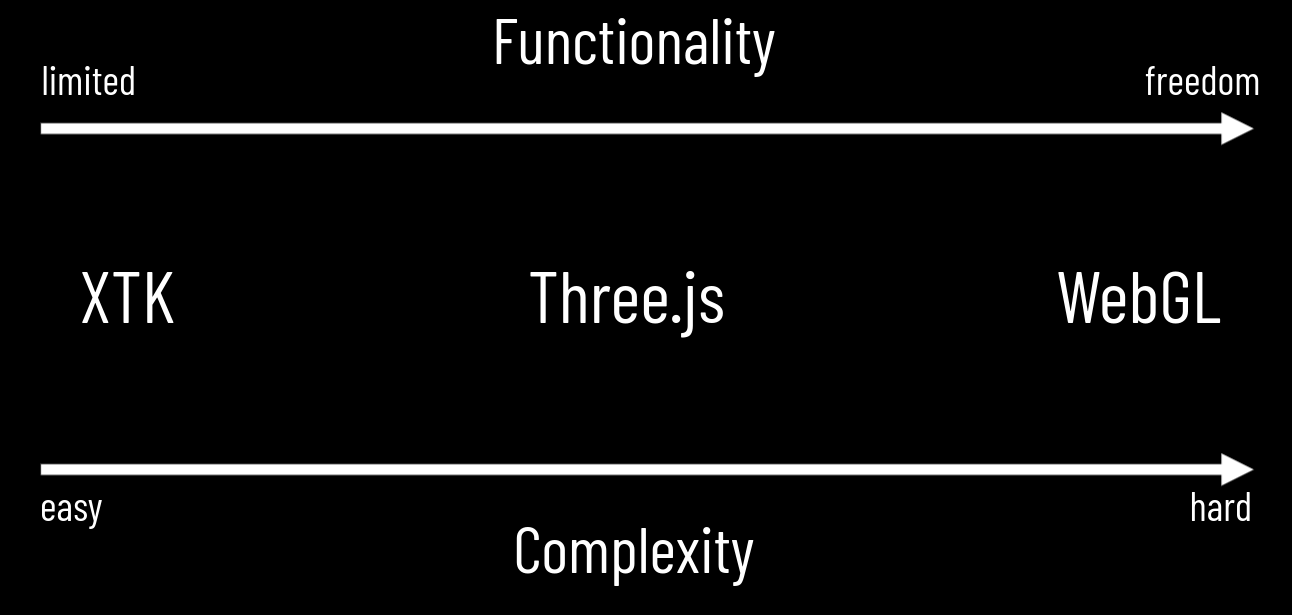

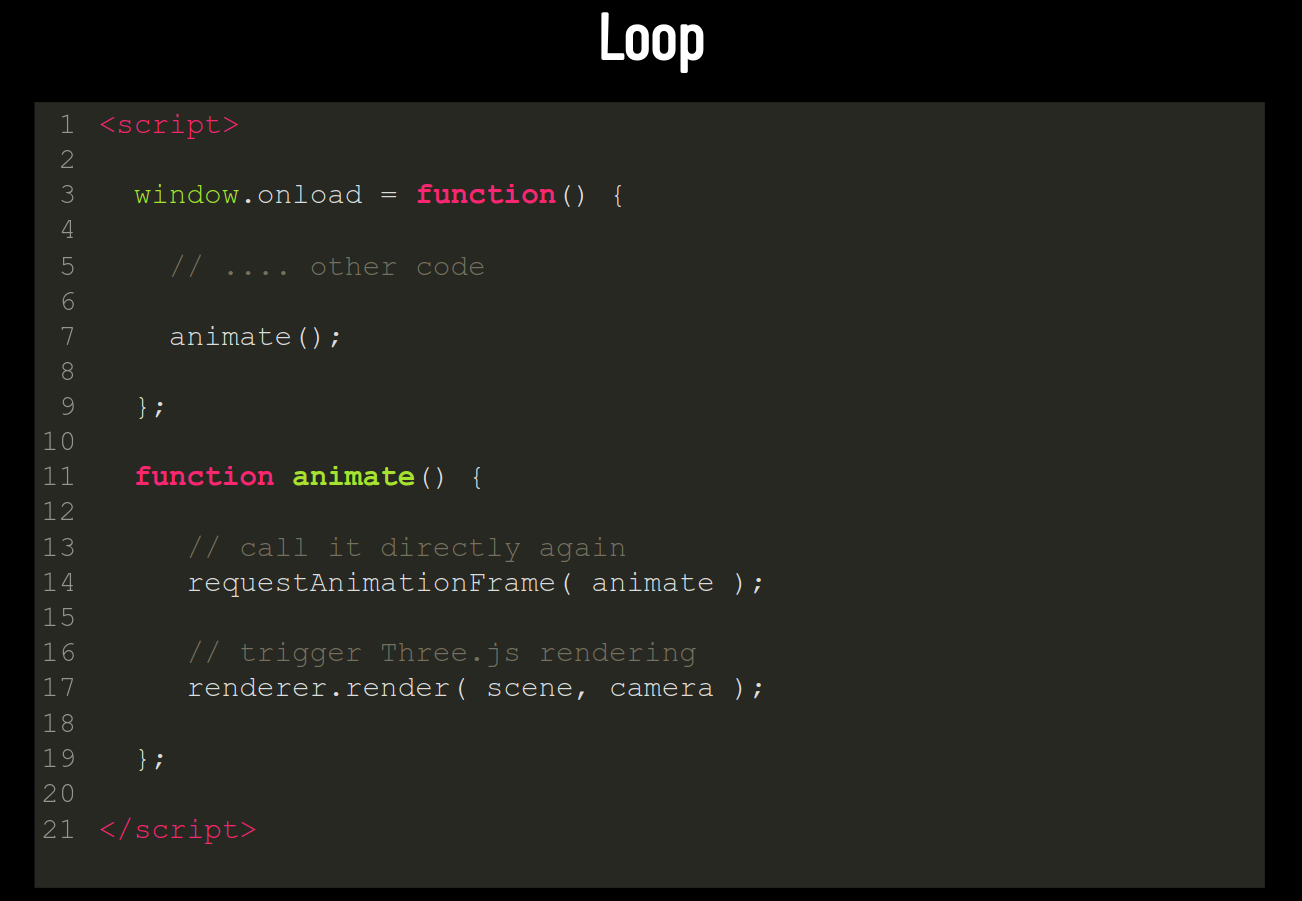
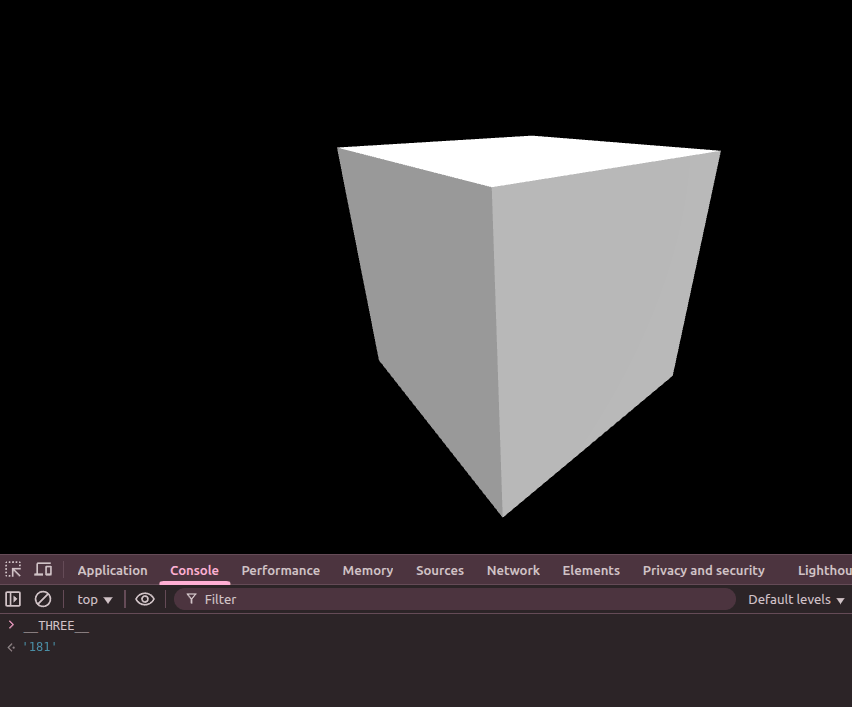
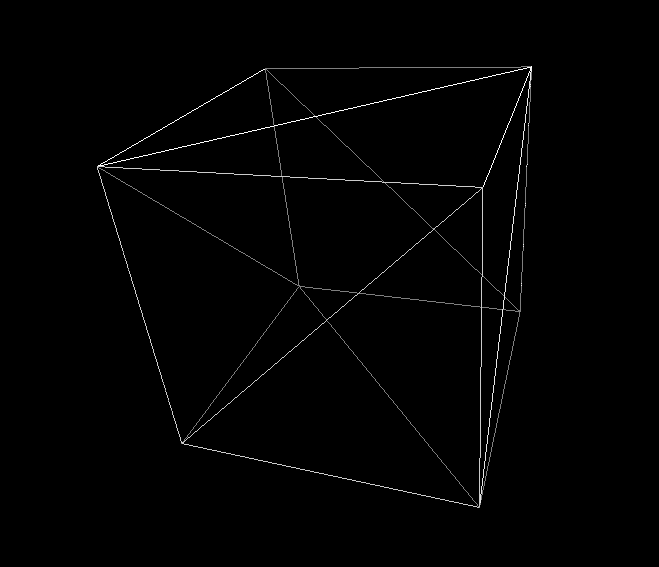
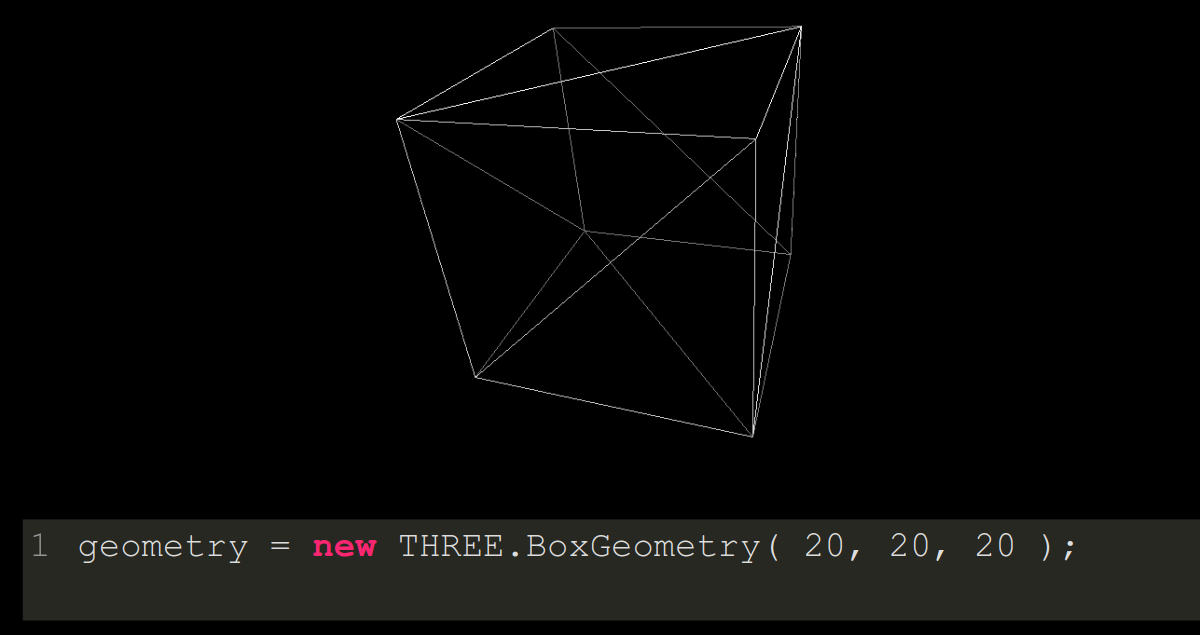
Wireframe
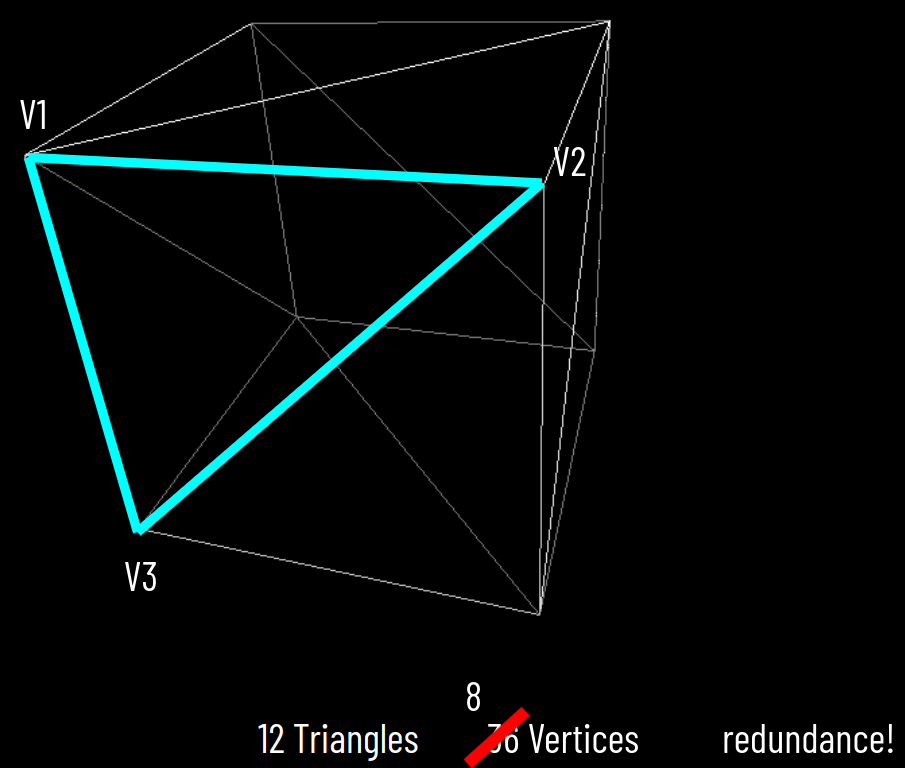
12 Triangles
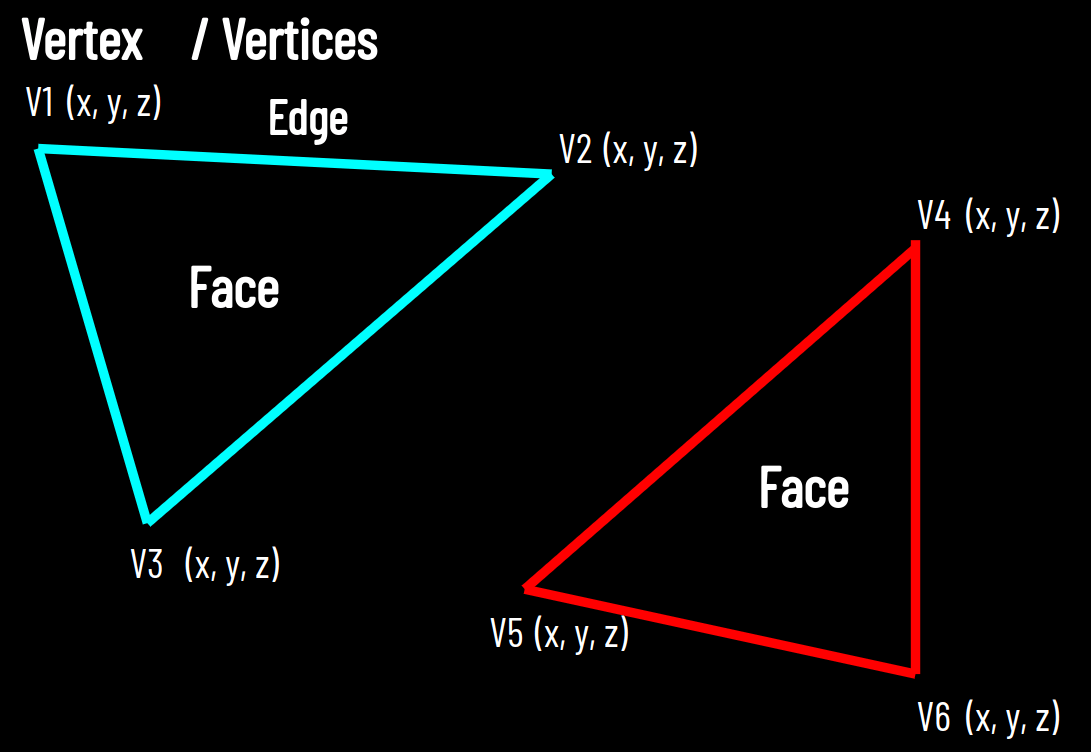
Lecture 7
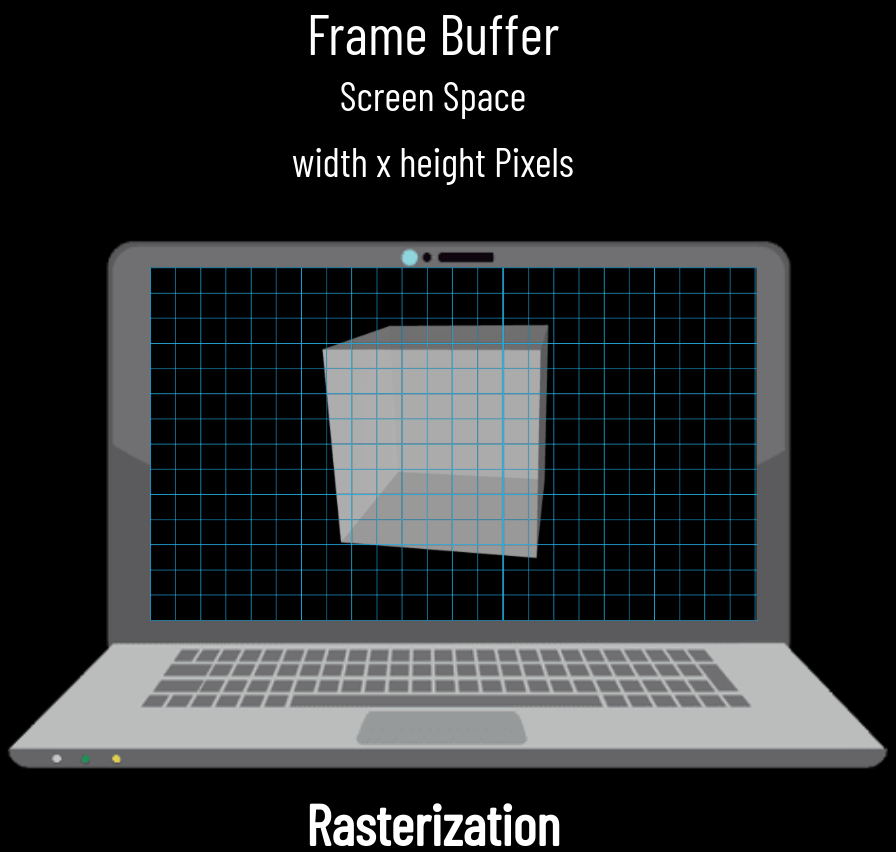
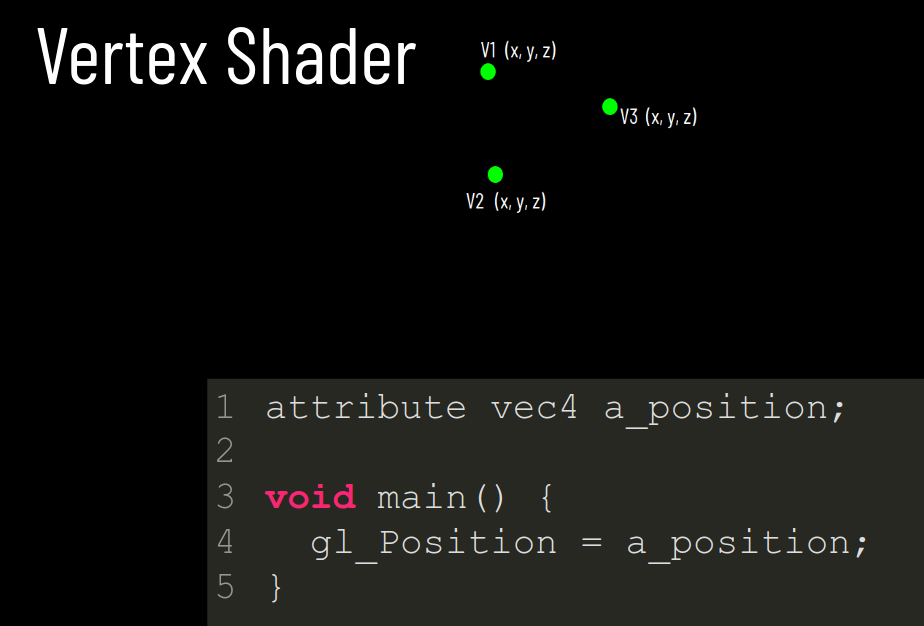
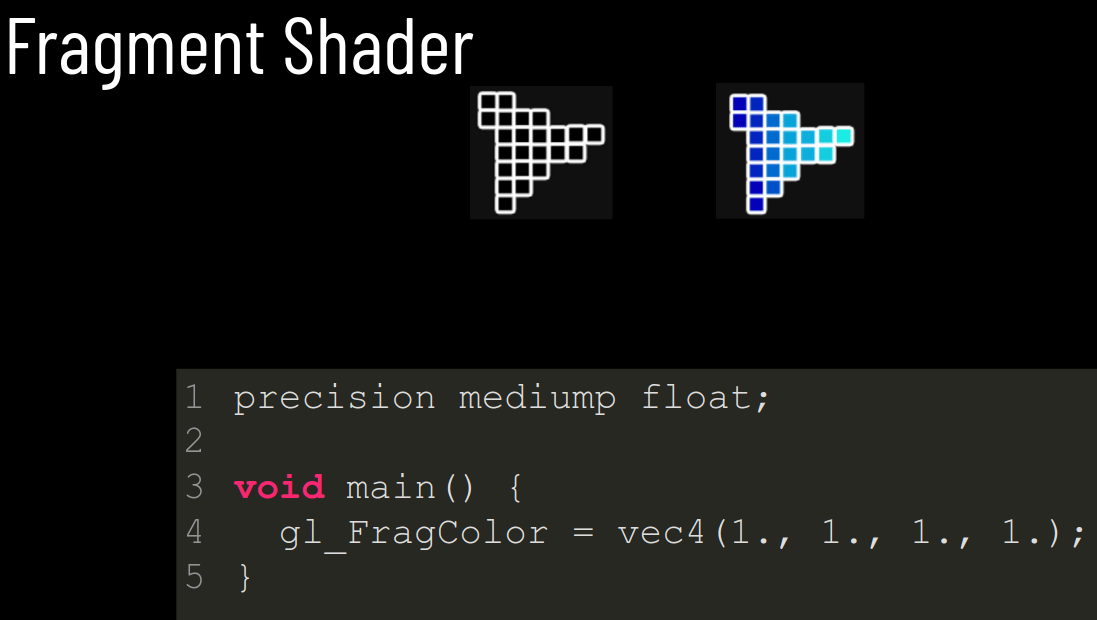
Lecture 8
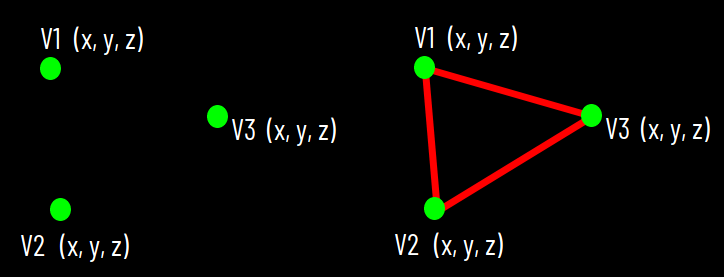

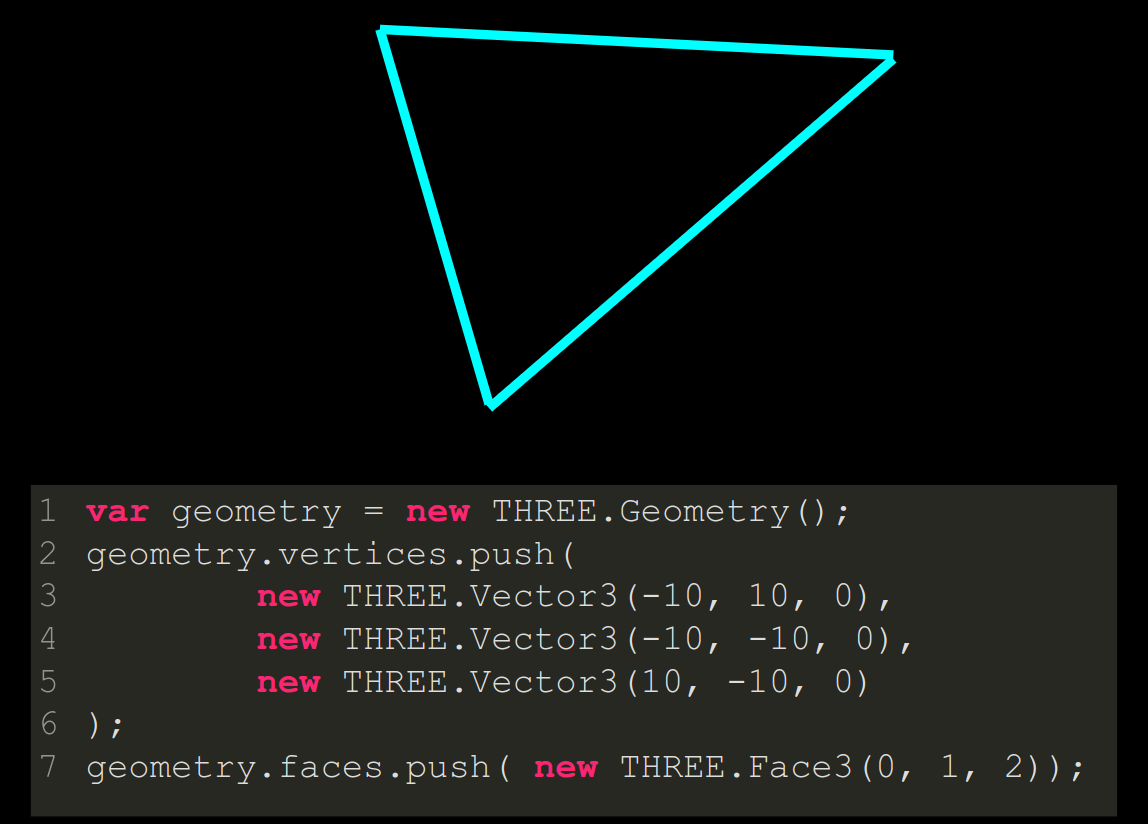
var geometry = new THREE.Geometry();
geometry.vertices.push(
	new THREE.Vector3(-10, 10, 0),
	new THREE.Vector3(-10, -10, 0),
	new THREE.Vector3(10, -10, 0)
);
geometry.faces.push( new THREE.Face3(0, 1, 2));

GPU
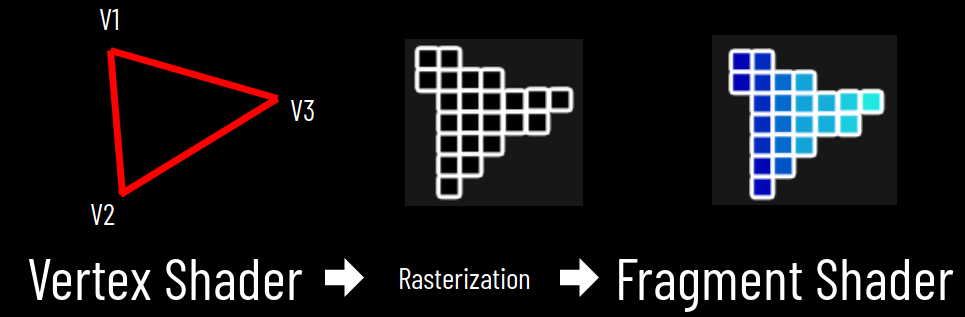
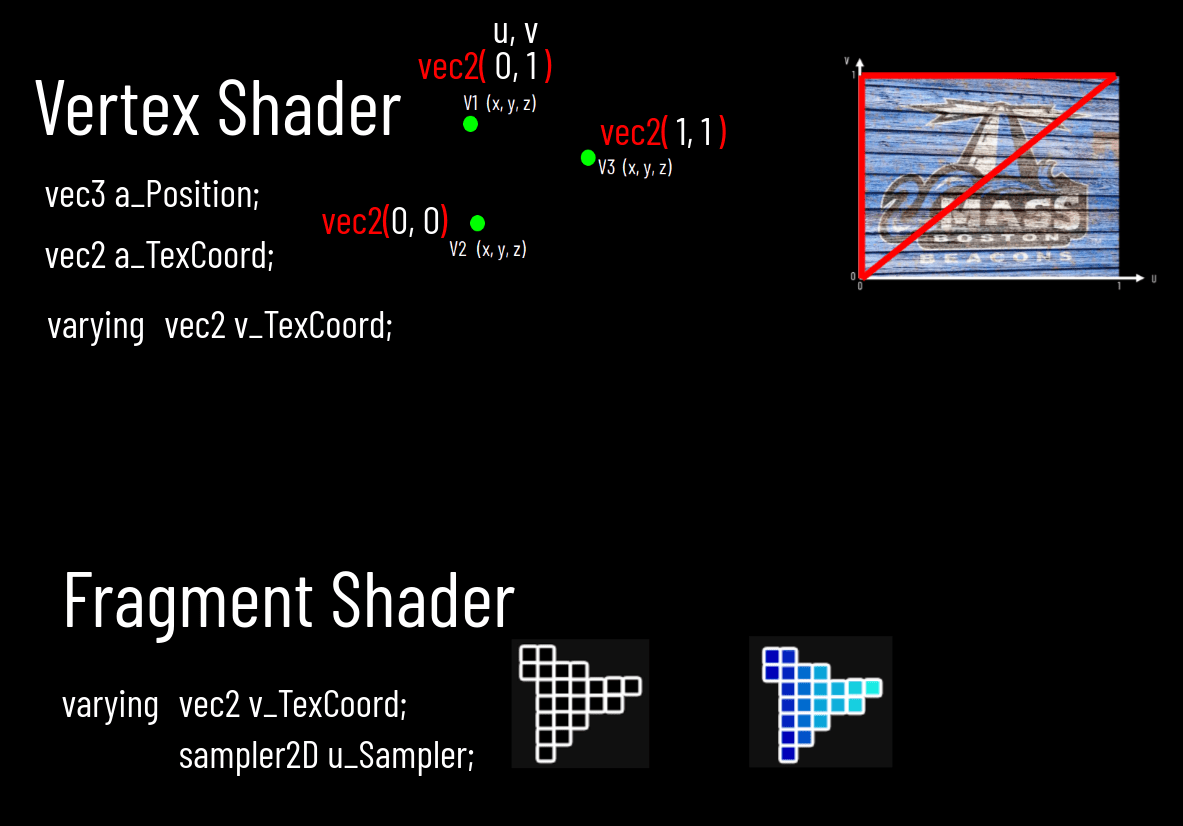
Vertex Shader
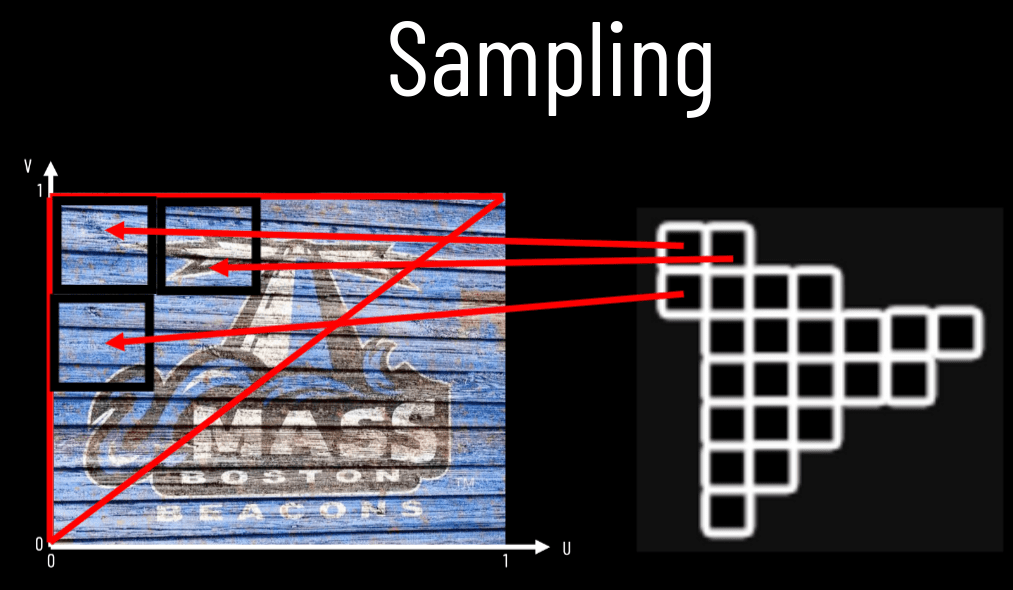
Fragment Shader
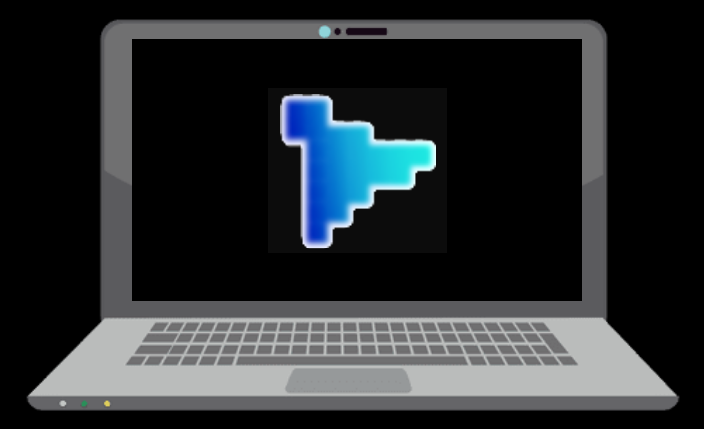
Viewport
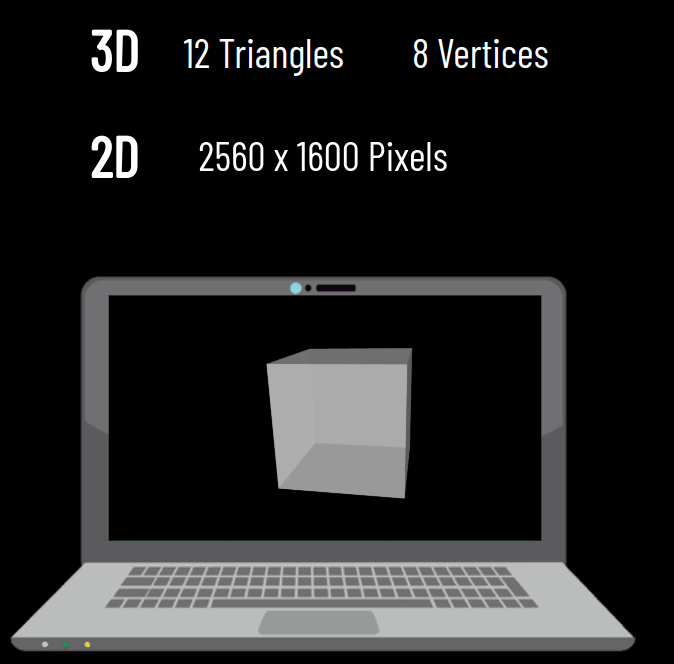
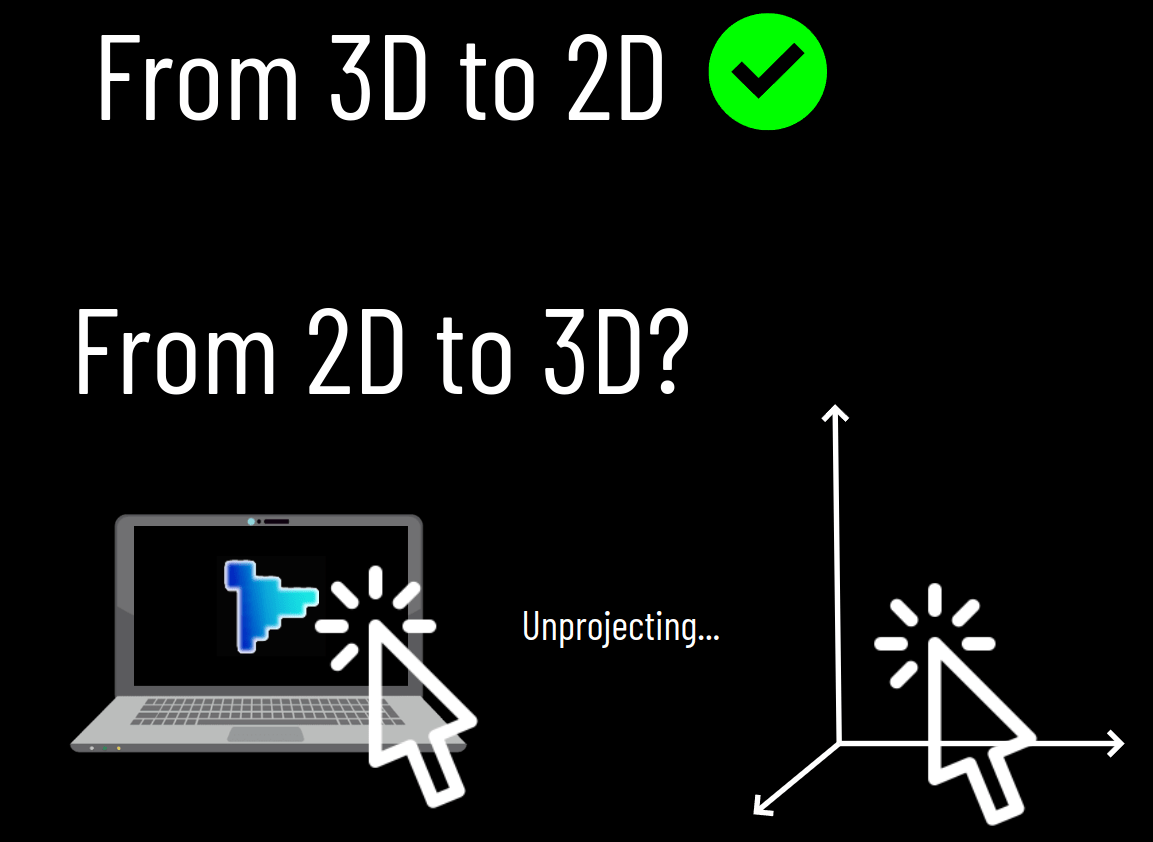
From 3D..
..to 2D
vertex coordinates X Y Z
screenspace coordinates X Y
Vertices
Face
Rasterization
The Rendering Pipeline
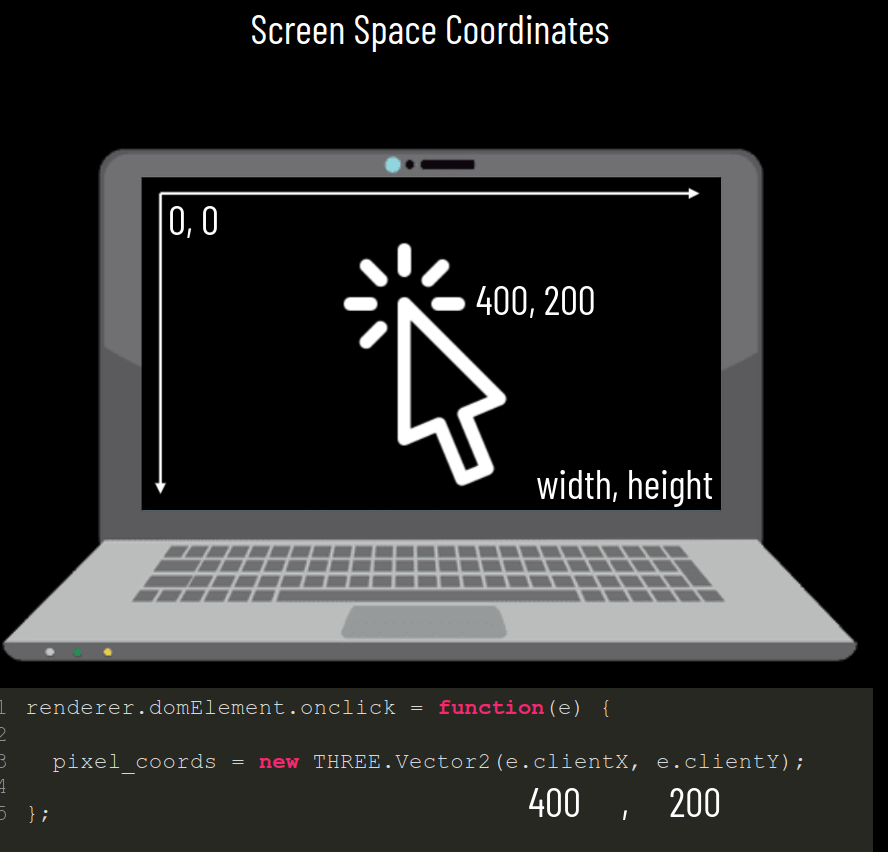
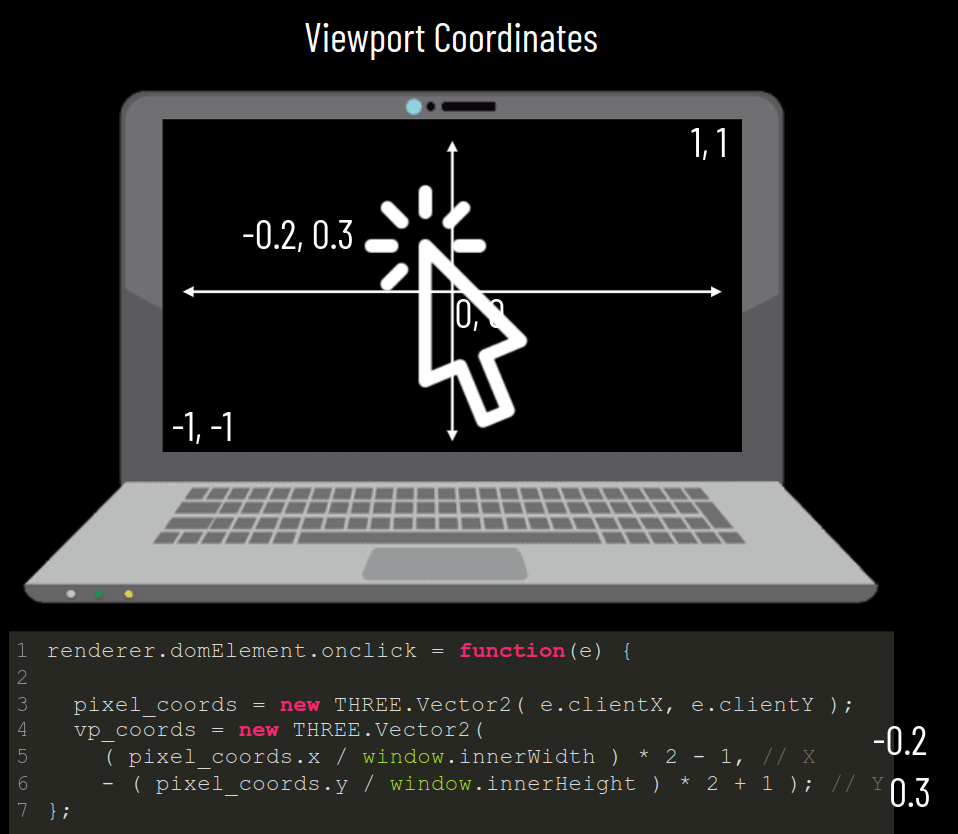
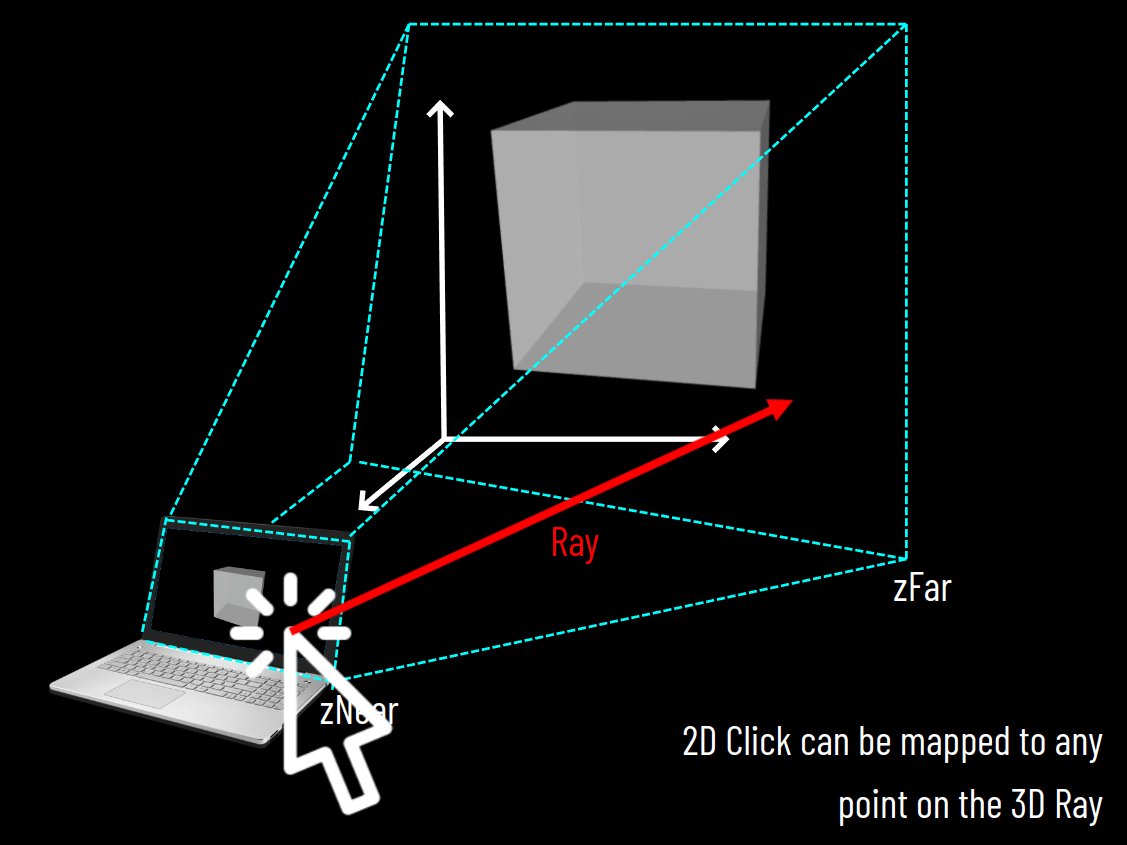
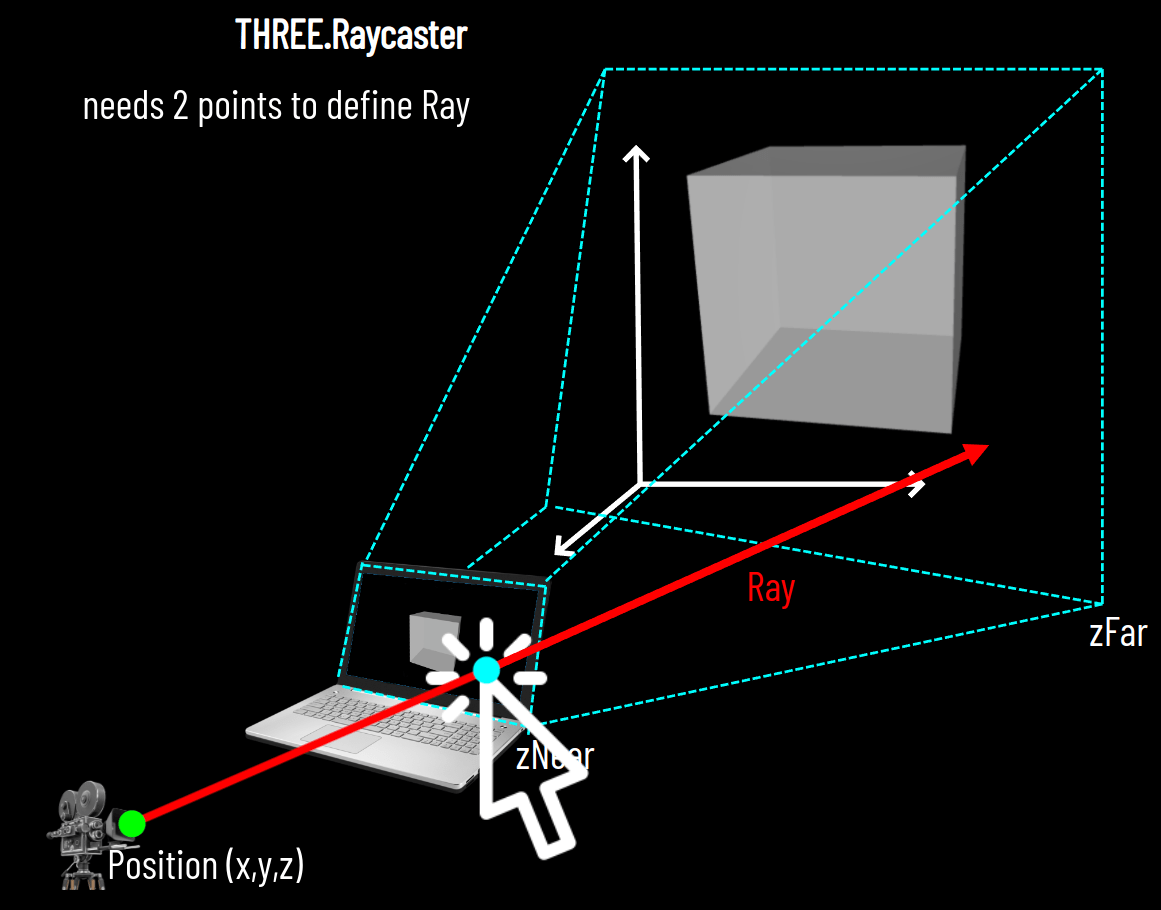
Lecture 9
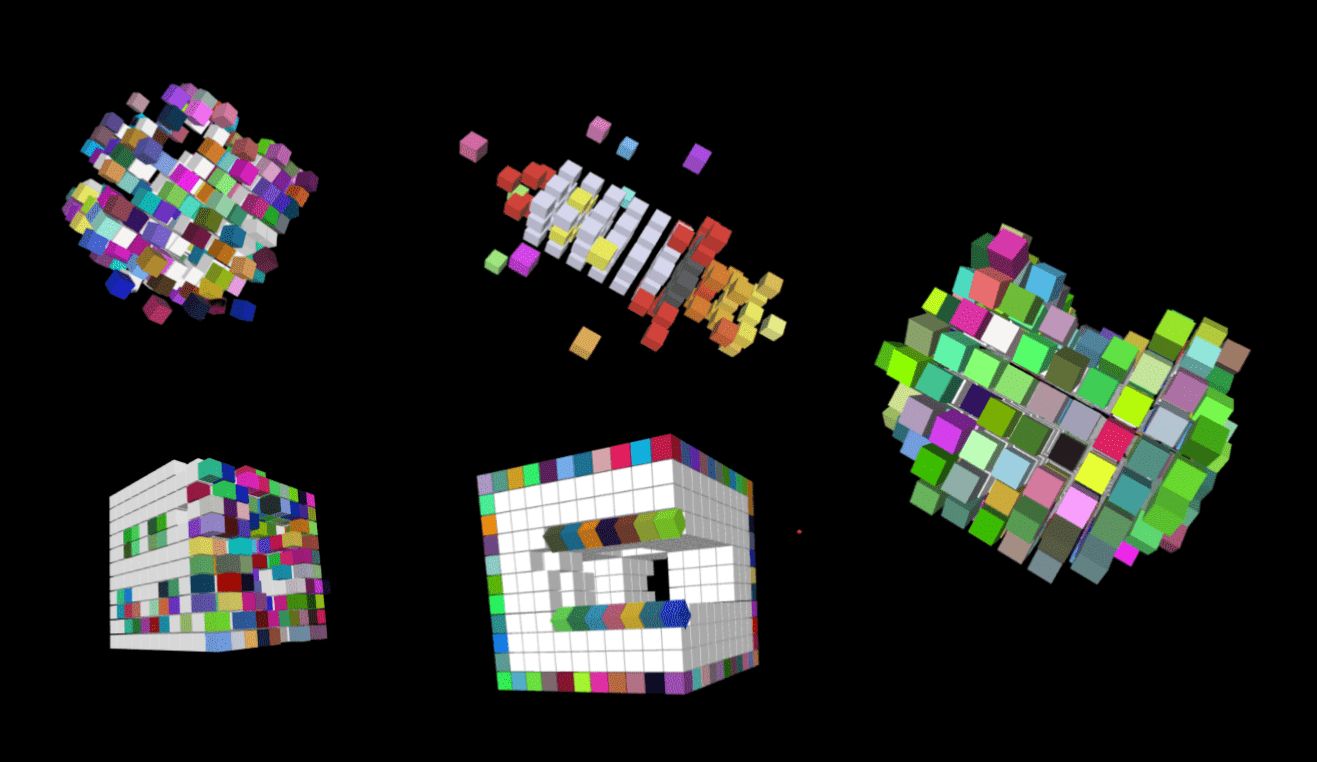
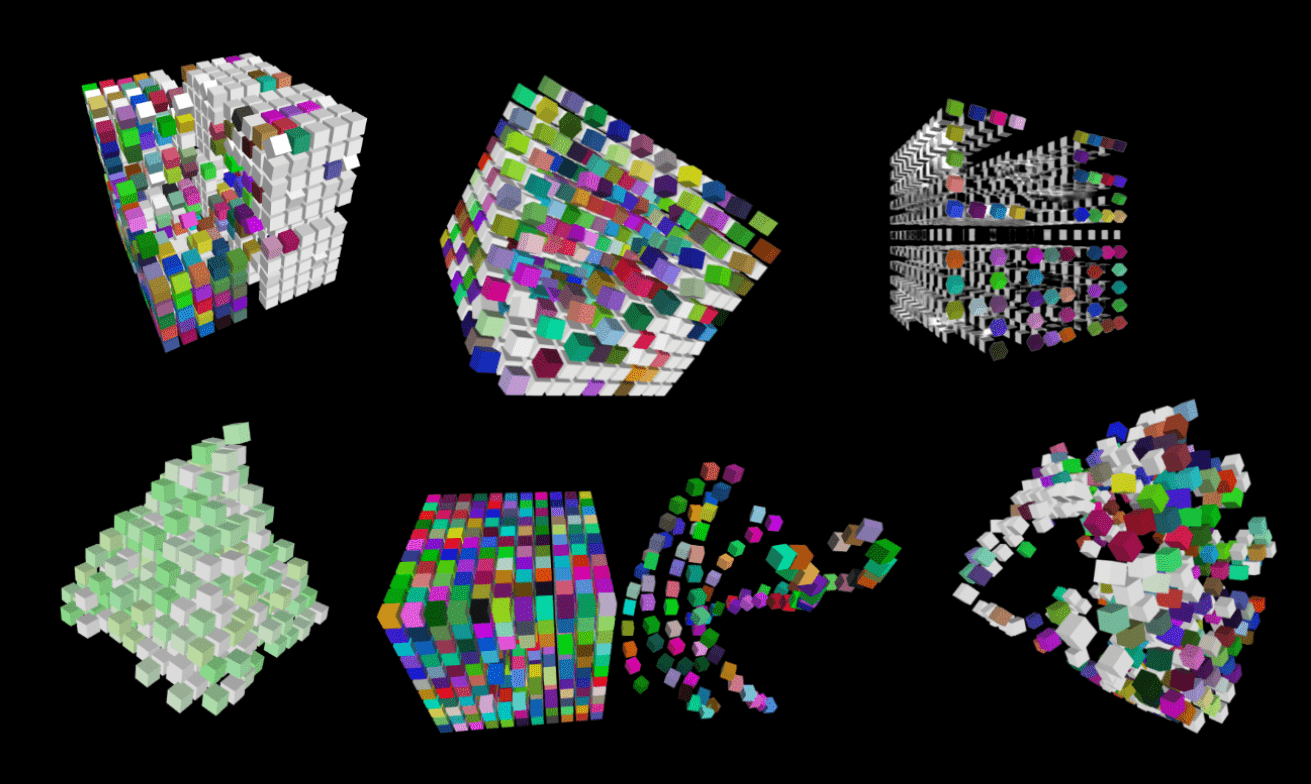
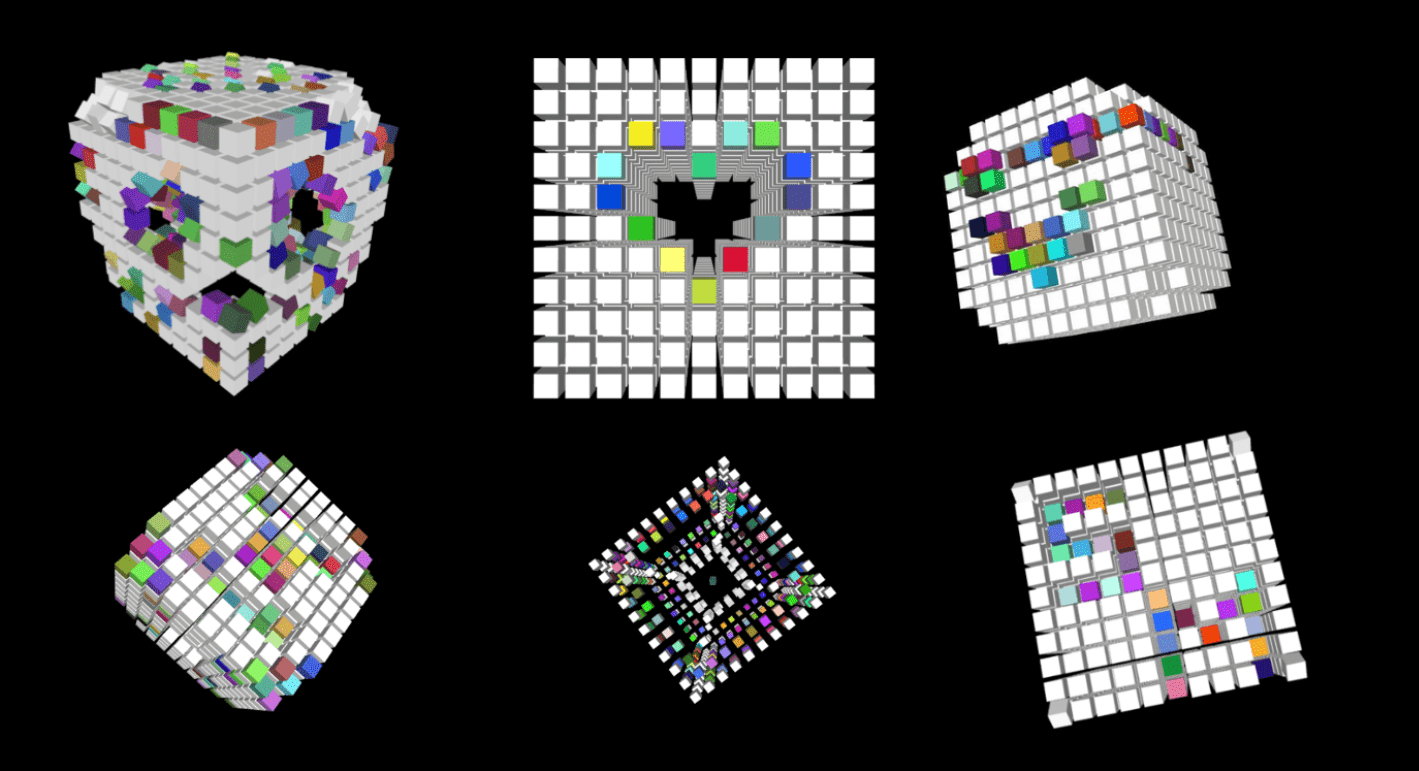
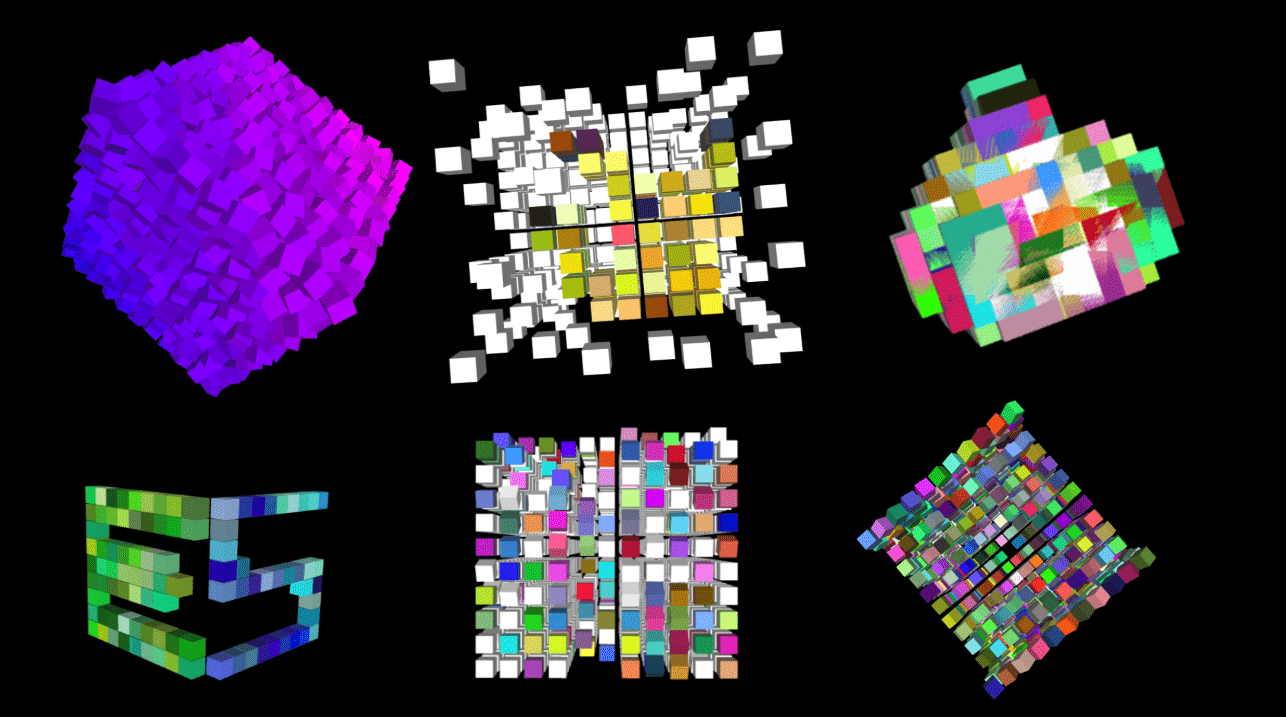
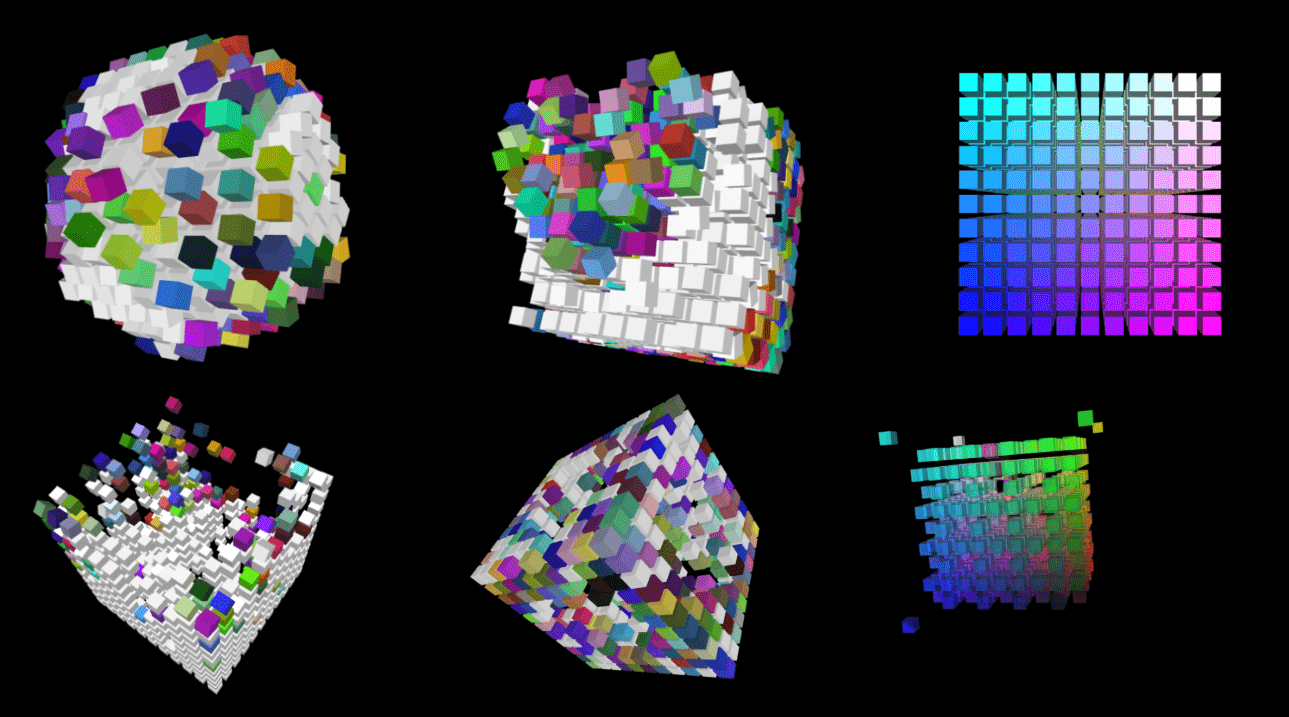
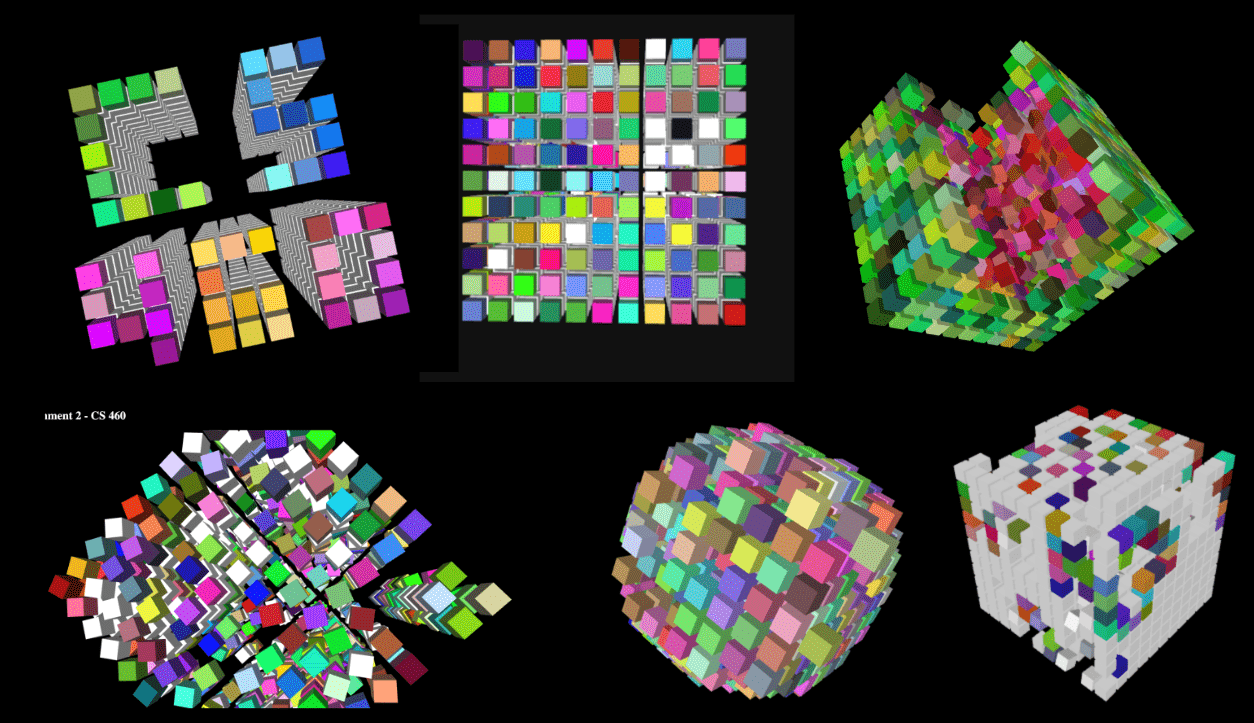
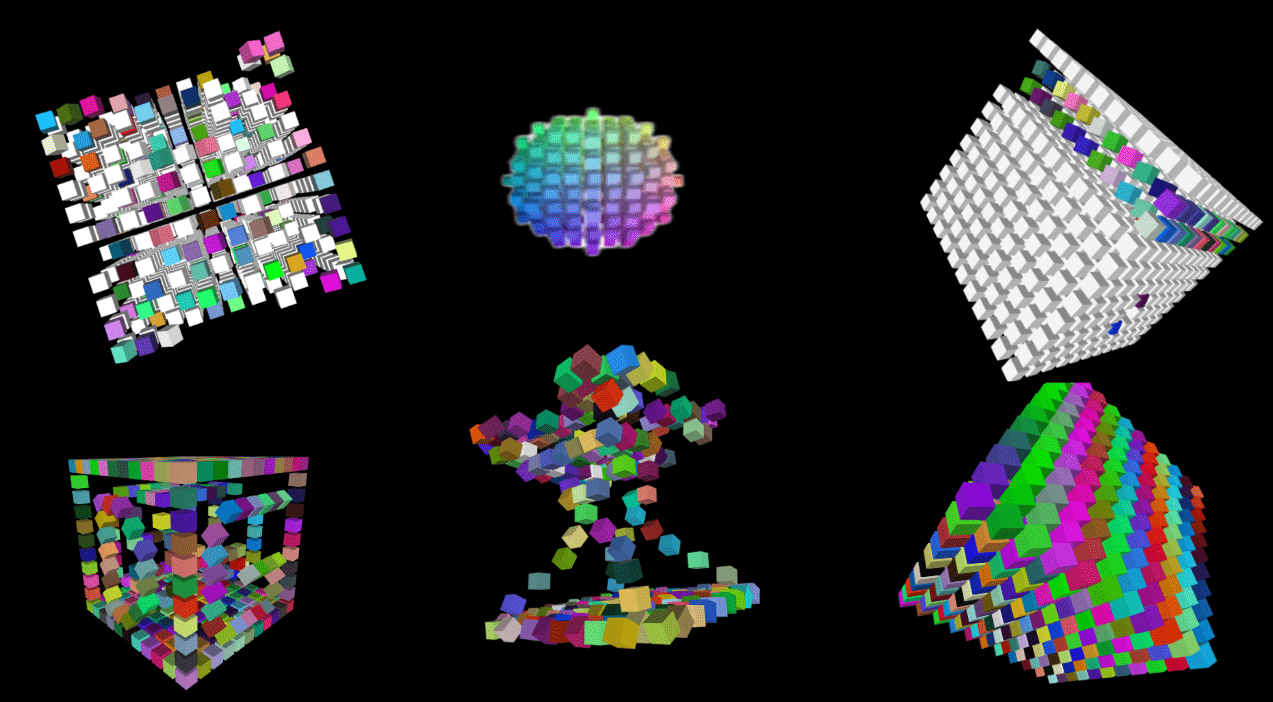
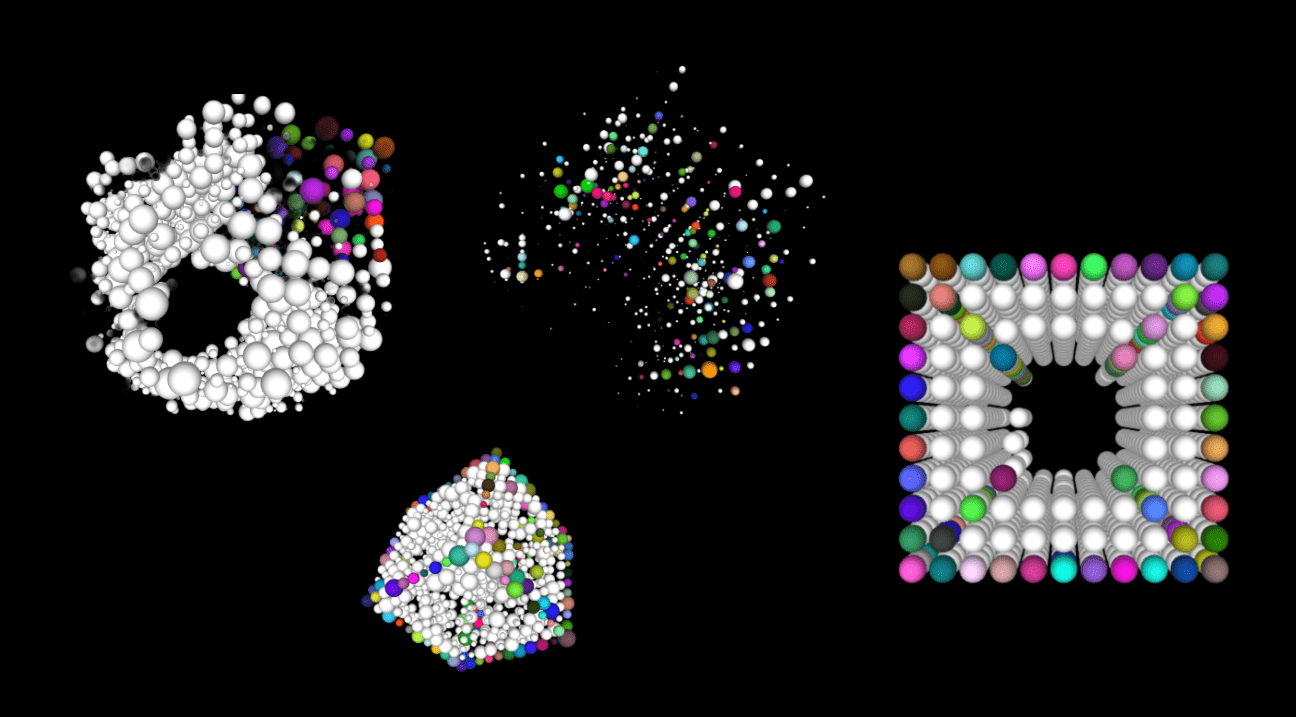
Field Trips

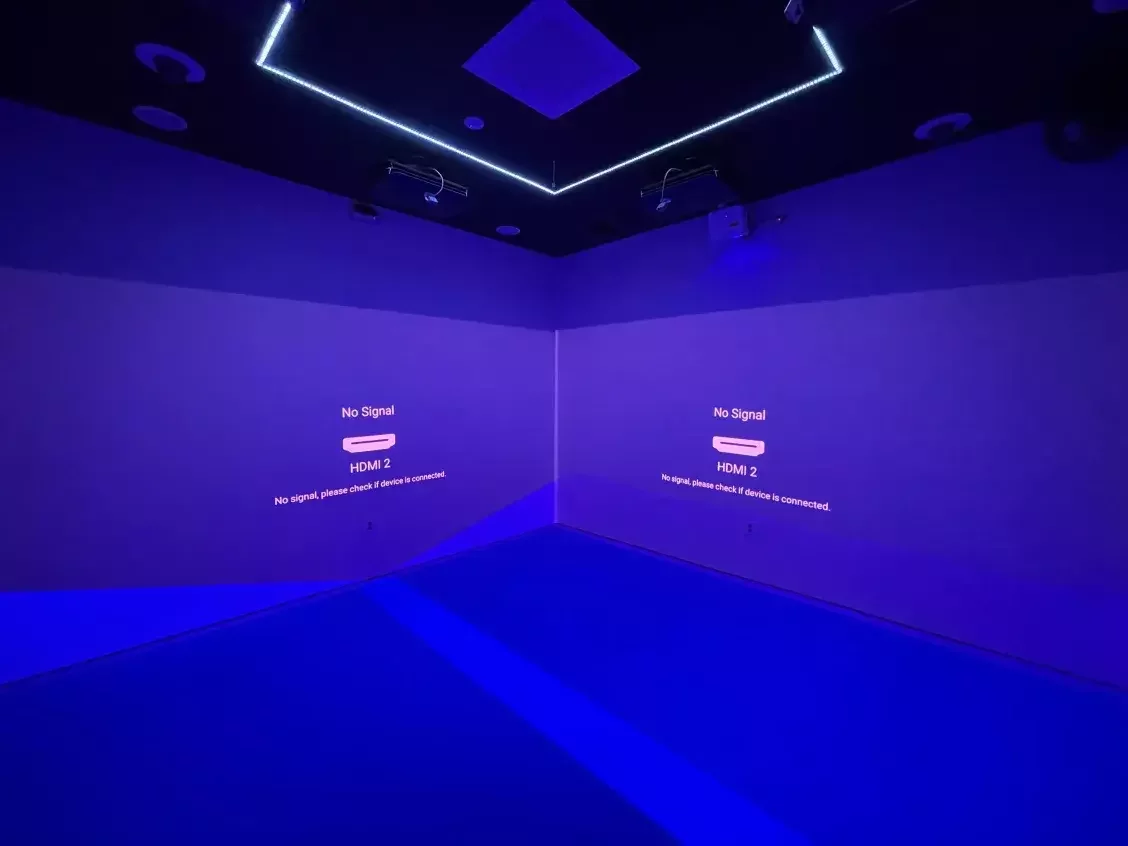
Manning College of Nursing
10/9
10/14
Thursday
Tuesday
by Tuesday 9/30!
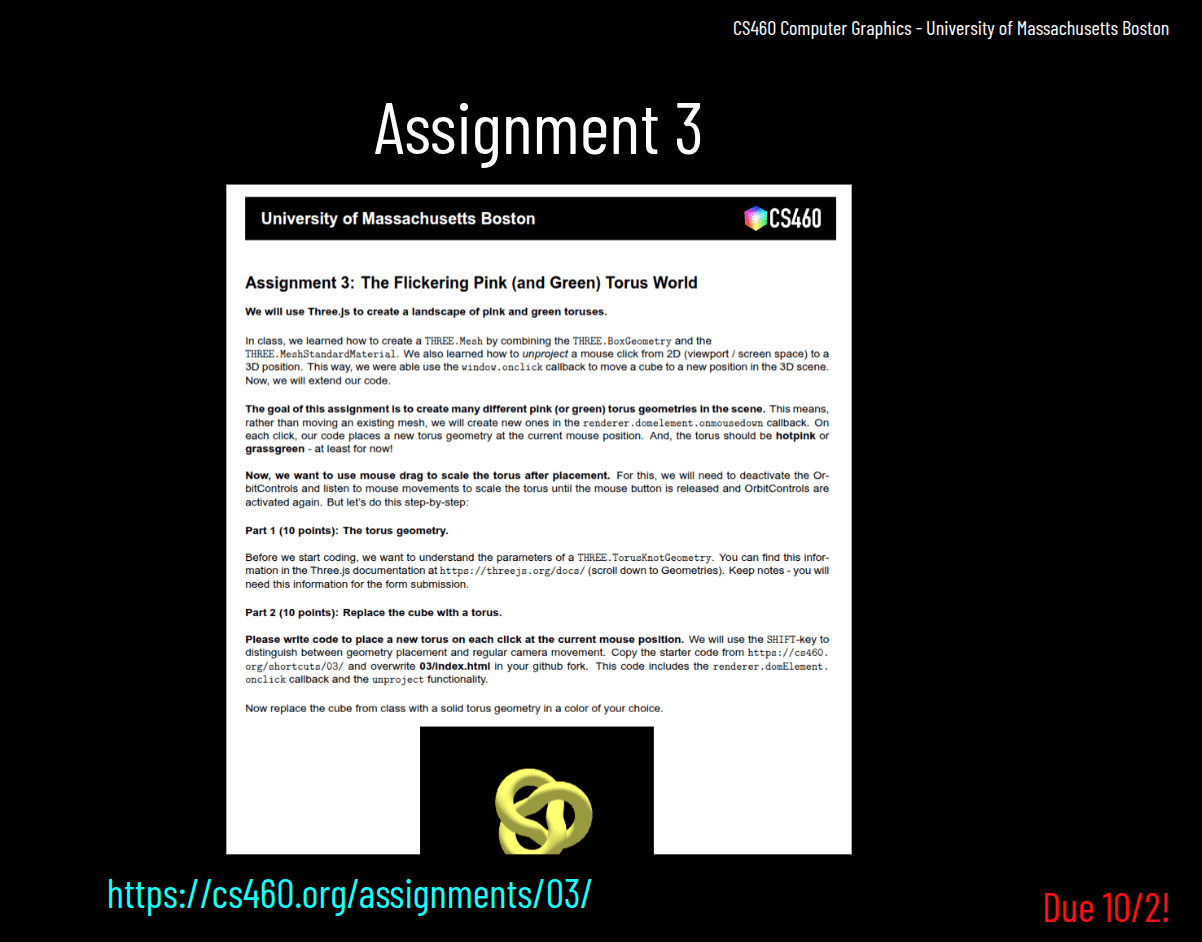
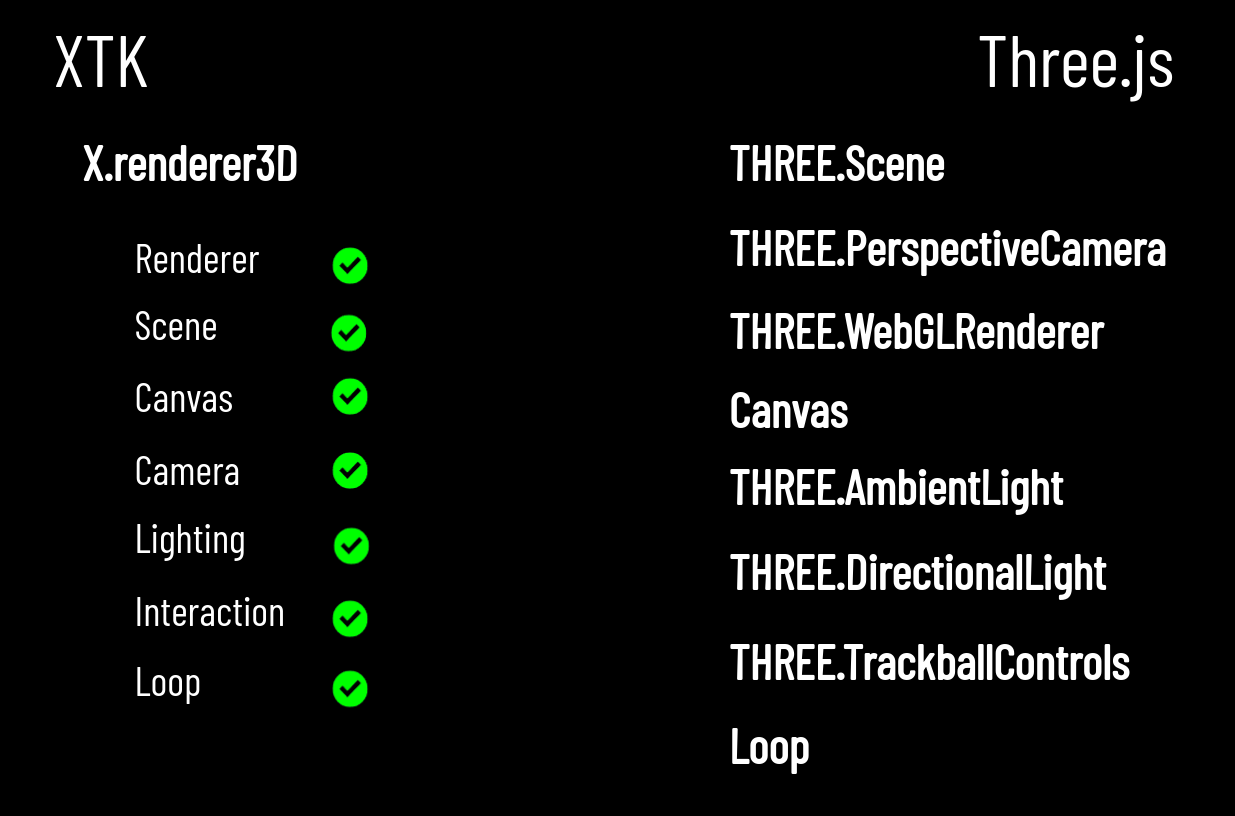
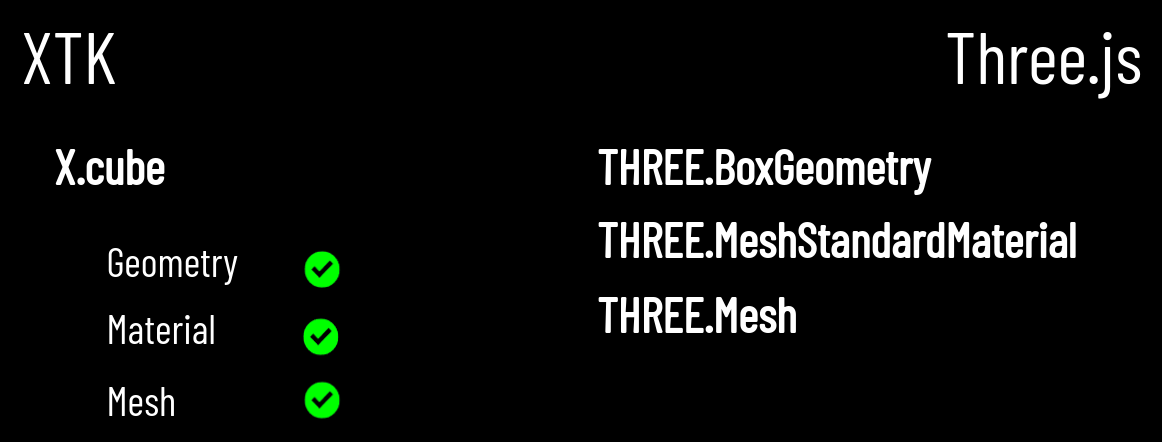
XTK
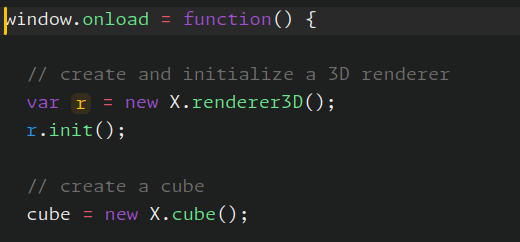
X.renderer3D
X.cube
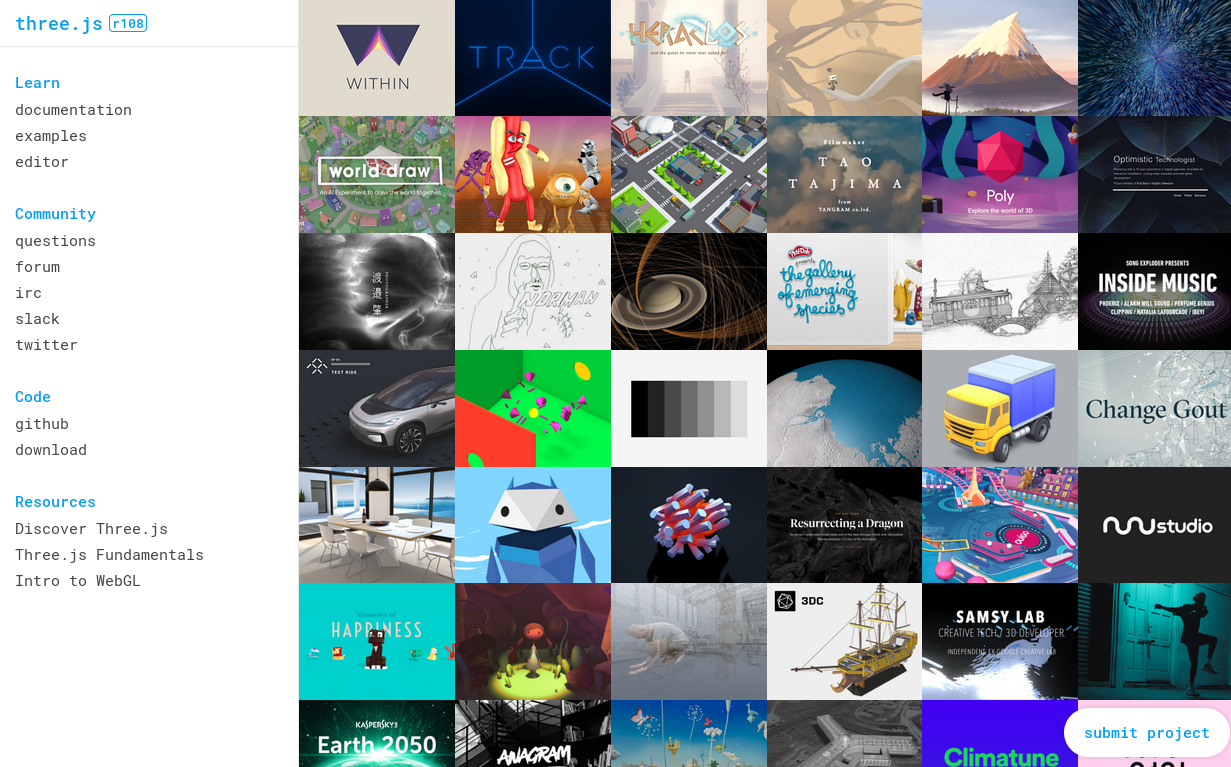
Three.js
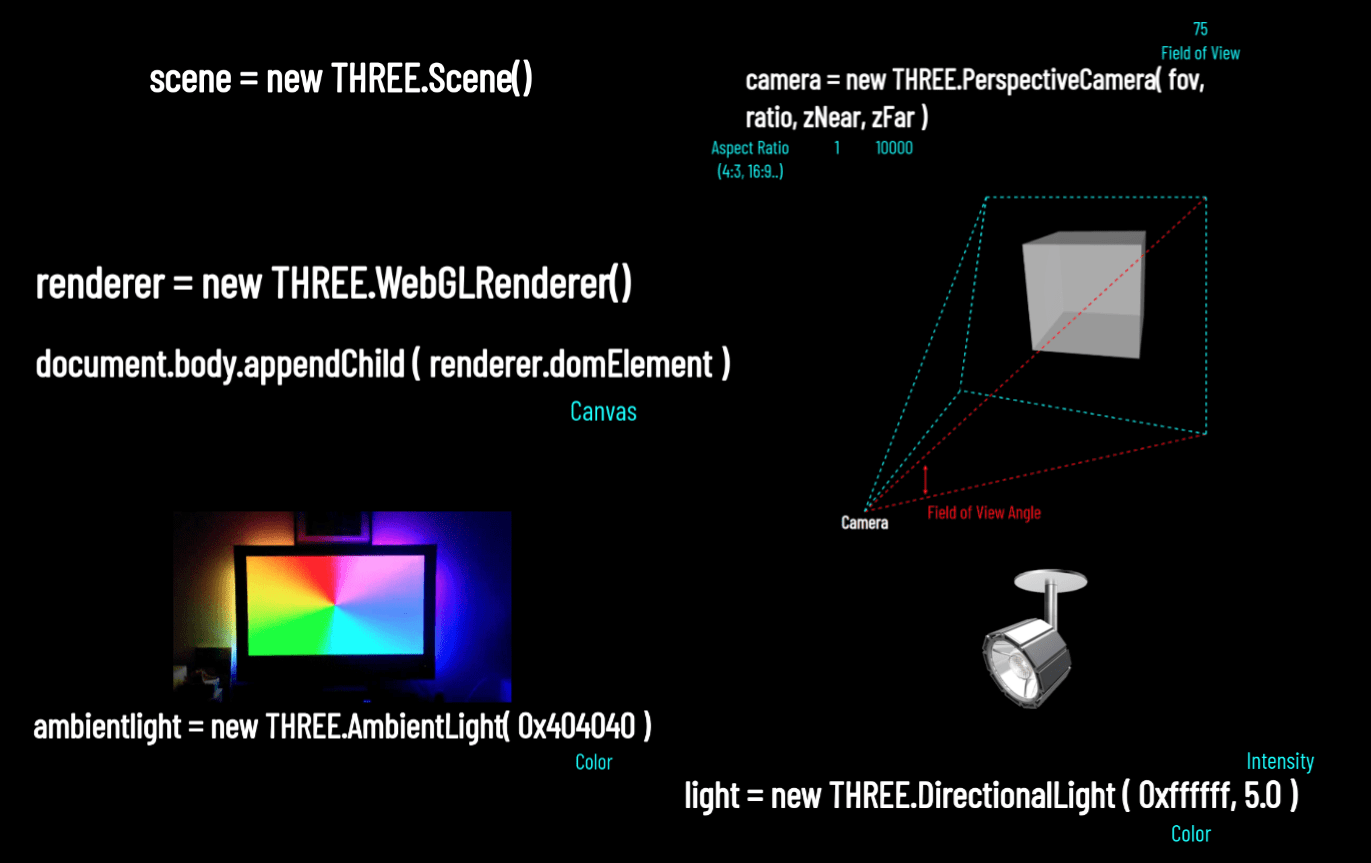
THREE.WebGLRenderer
THREE.Scene
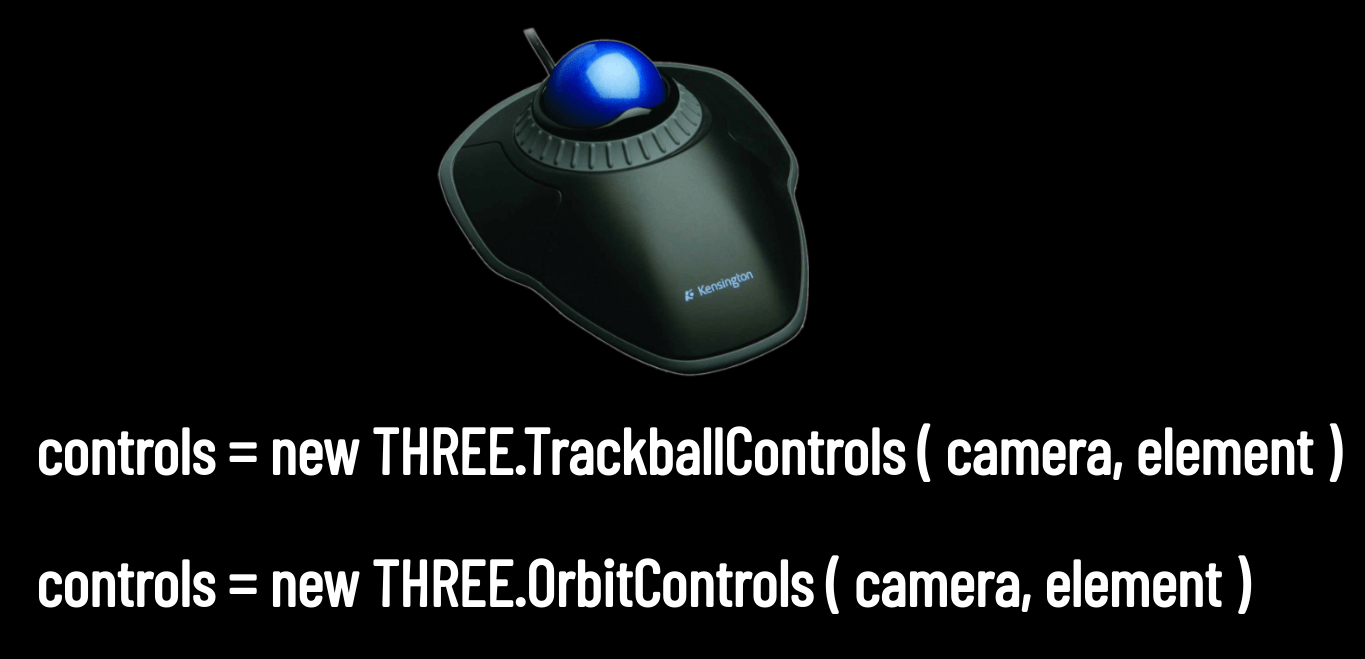
THREE.TrackballControls
THREE.PerspectiveCamera
THREE.AmbientLight
THREE.DirectionalLight
WebGL
gl.viewport
gl.createShader
gl.shaderSource
gl.compileShader
gl.getShaderInfoLog
gl.createProgram
gl.attachShader
gl.linkProgram
gl.useProgram
gl.createBuffer
gl.bindBuffer
gl.BufferData
gl.getAttribLocation
gl.vertexAttribPointer
gl.enableVertexAttribArray
gl.clearColor
gl.clear
gl.drawArrays
THREE.Geometry
THREE.Material
THREE.Mesh
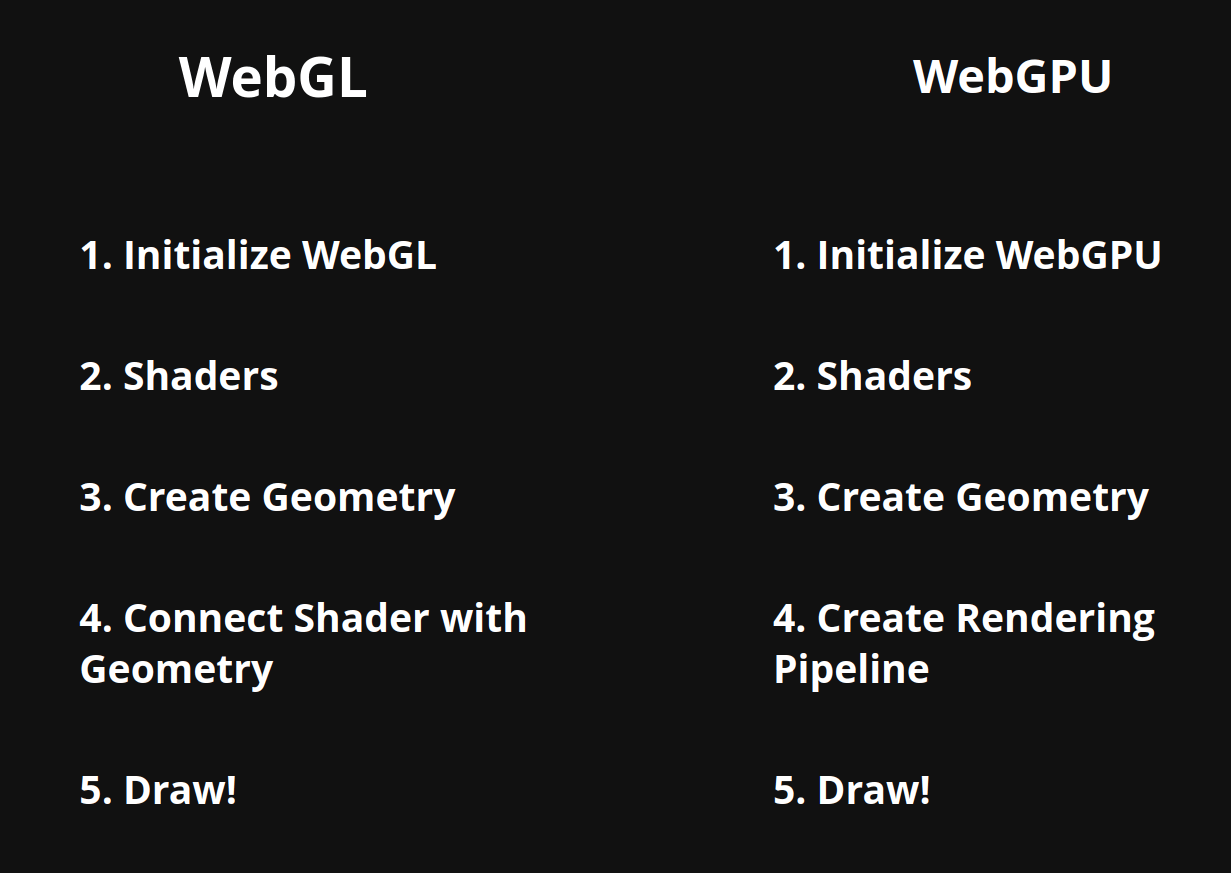
1. Initialize WebGL
2. Shaders
3. Create Geometry
4. Connect Shader with Geometry
5. Draw!
setup Canvas
setup GL Context
compile vertex shader
compile fragment shader
attach and link shaders
create vertices
create and bind buffer
put data in
unbind buffer
bind buffer
find vertex attribute in shader source
configure vertex attribute
enable vertex attribute array
clear viewport
clear color buffer
draw vertex arrays
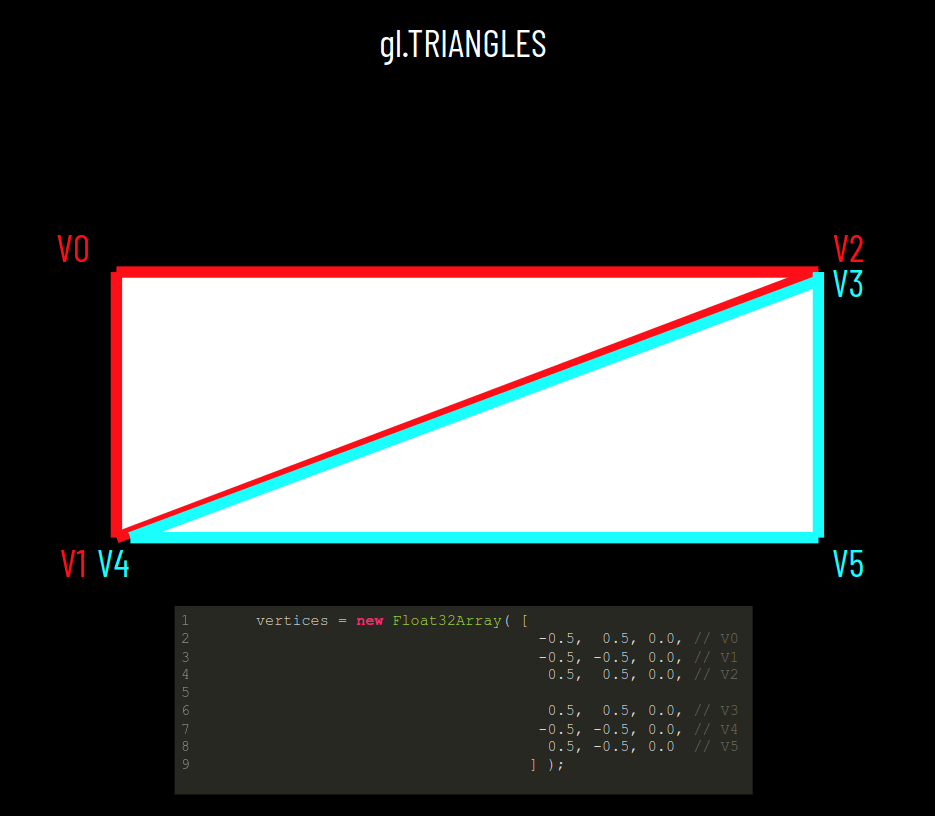
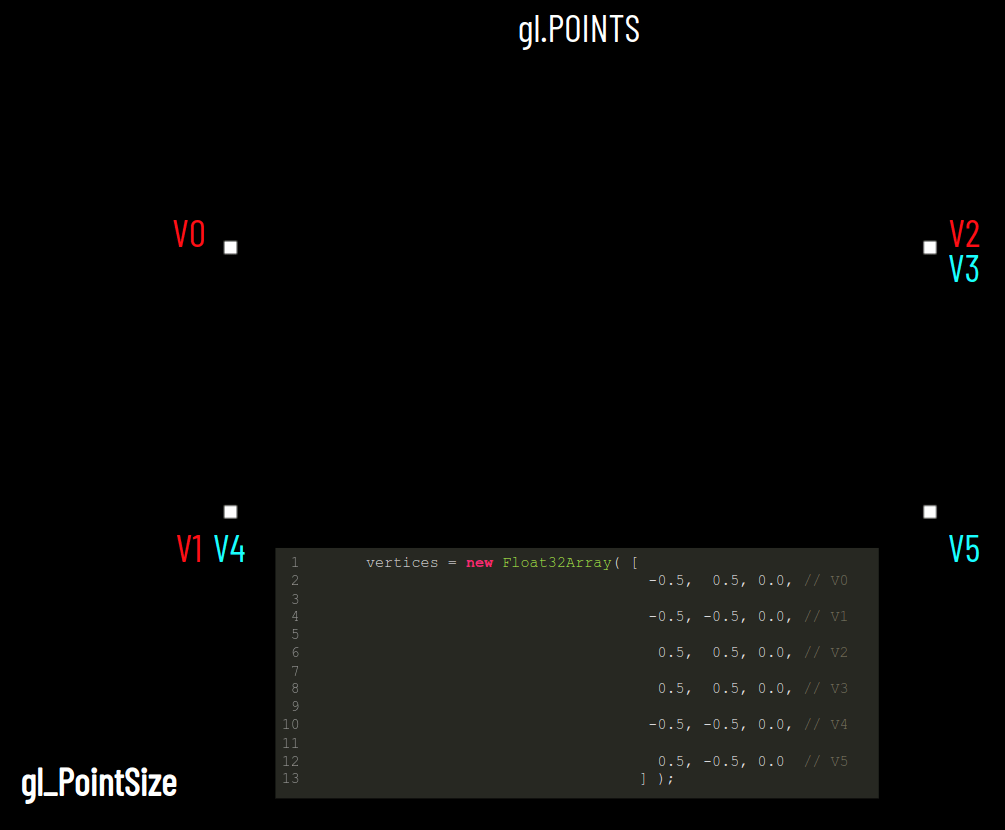
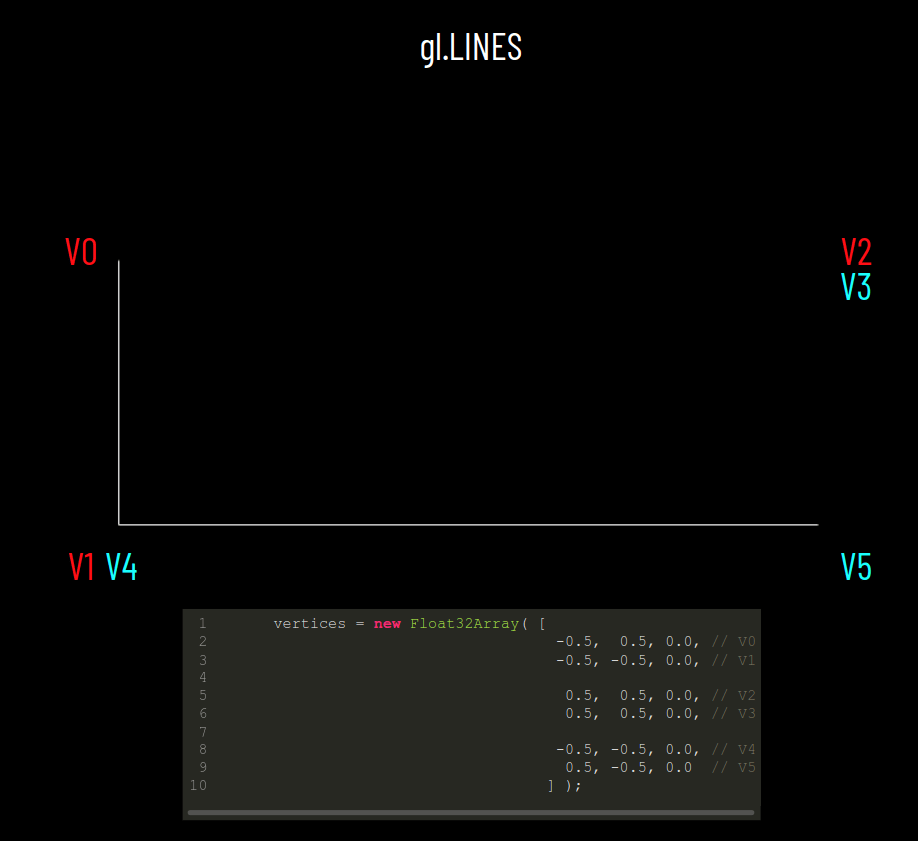
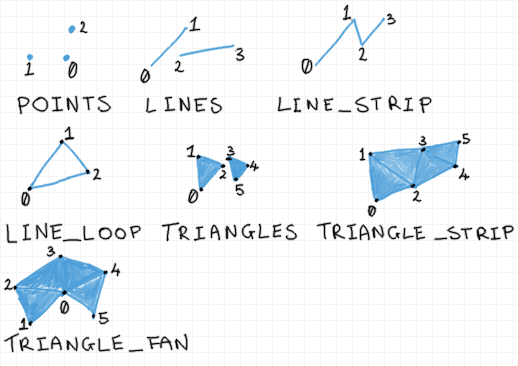
Rendering Primitives
V0
V1
V2
V3
V4
V5
      vertices = new Float32Array( [
                                     -0.5,  0.5, 0.0, // V0      // 0
                                     -0.5, -0.5, 0.0, // V1, V4  // 1
                                      0.5,  0.5, 0.0, // V2, V3  // 2
                                      0.5, -0.5, 0.0  // V5      // 3
                                    ] );
var indices = new Uint8Array( [ 0, 1, 2, // Triangle 1
2, 1, 3 ] ); // Triangle 20
1
2
3
Indexed Geometry
Before: 6 x 32 bits, Now: 4 x 32 bits
6 x 8 bits == 48 bits
We still save 16 bits.
We save 2 x 32 bits.
gl.ARRAY_BUFFER
gl.ELEMENT_ARRAY_BUFFER
Lecture 10
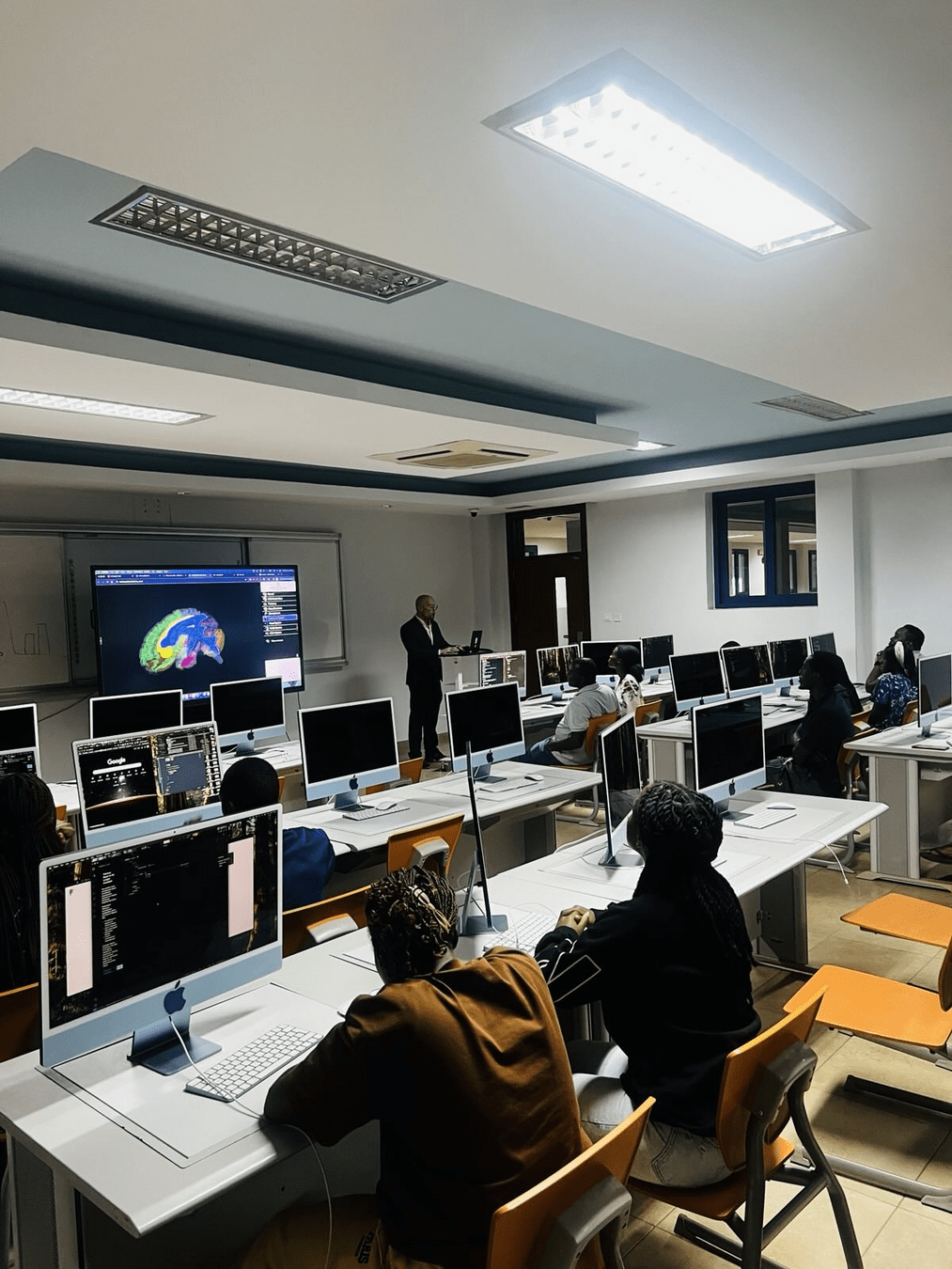
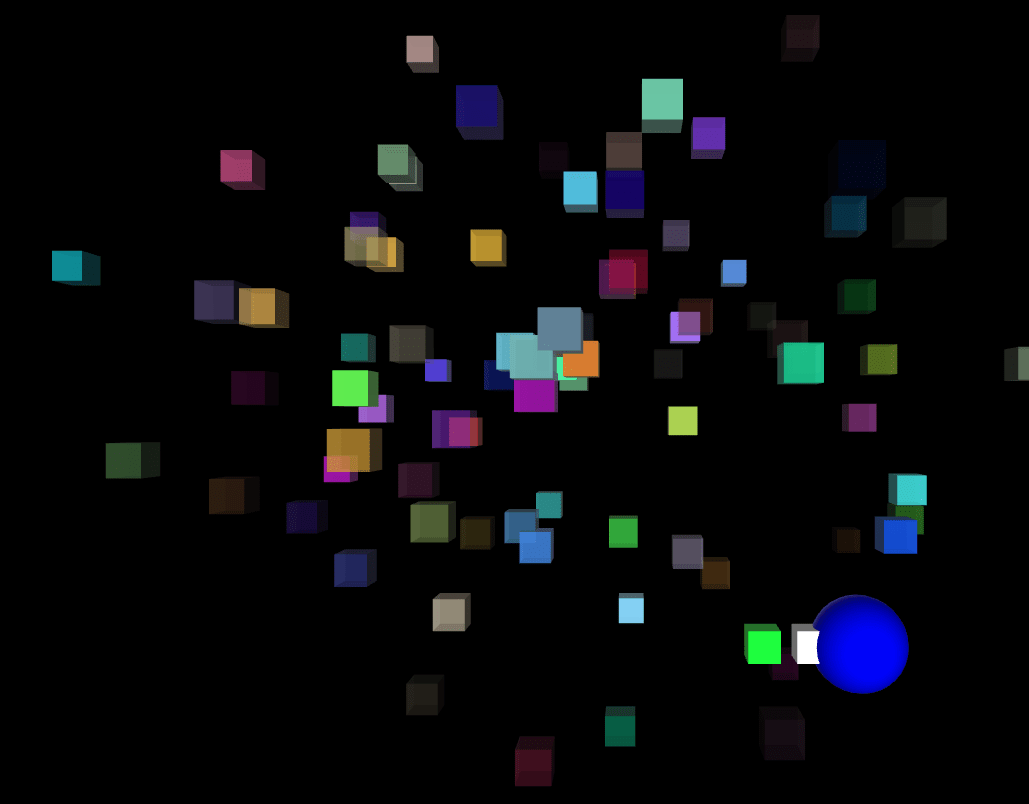
Avanith Kanamarlapudi
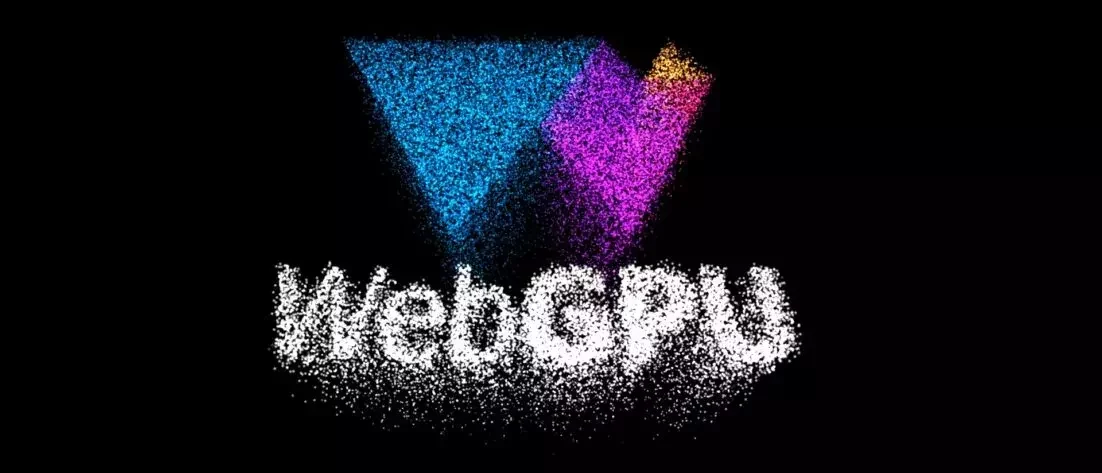
Important for the Bonus of Assignment 4!
Lecture 11
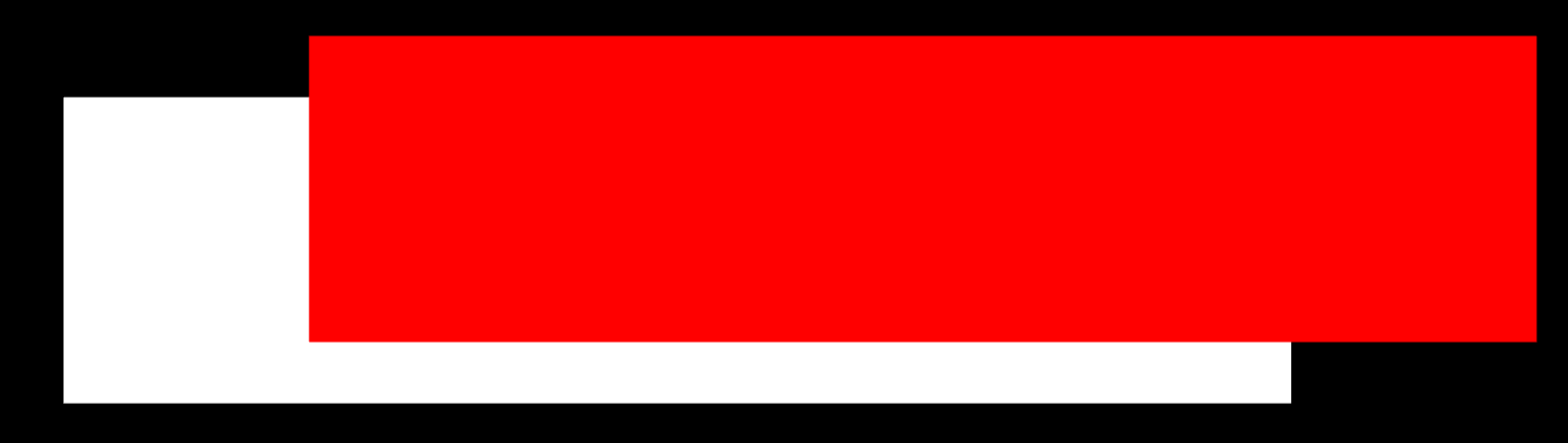
Uniforms
createRectangle()
Rendering Loop
And, they move!

1. Initialize WebGL
2. Shaders
3. Create Geometry
4. Connect Shader with Geometry
5. Draw!
1 Frame

multiple Frames
animate()
1 Rectangle
multiple Rectangles
createRectangle()
createRectangle()
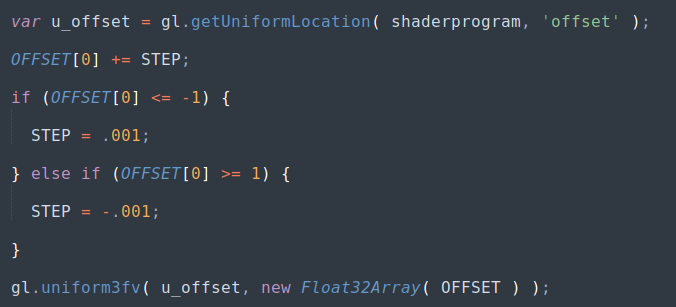
change Offsets!
Fragment Shader
Vertex Shader
attribute vec3 position;
different data for each vertex
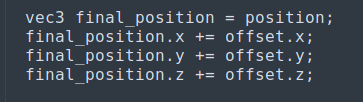
uniform vec3 offset;
different data for each gl.drawArray or gl.drawElements call
uniform vec4 color;
Shaderprogram
createRectangle()
return [ v_buffer, i_buffer, color, offset ];
a =
objects = [];

objects.push( a );
objects.push( b );
createRectangle()
b =
return [ v_buffer, i_buffer, color, offset ];
[ a, b ]
5-minute Bonus Opportunity!
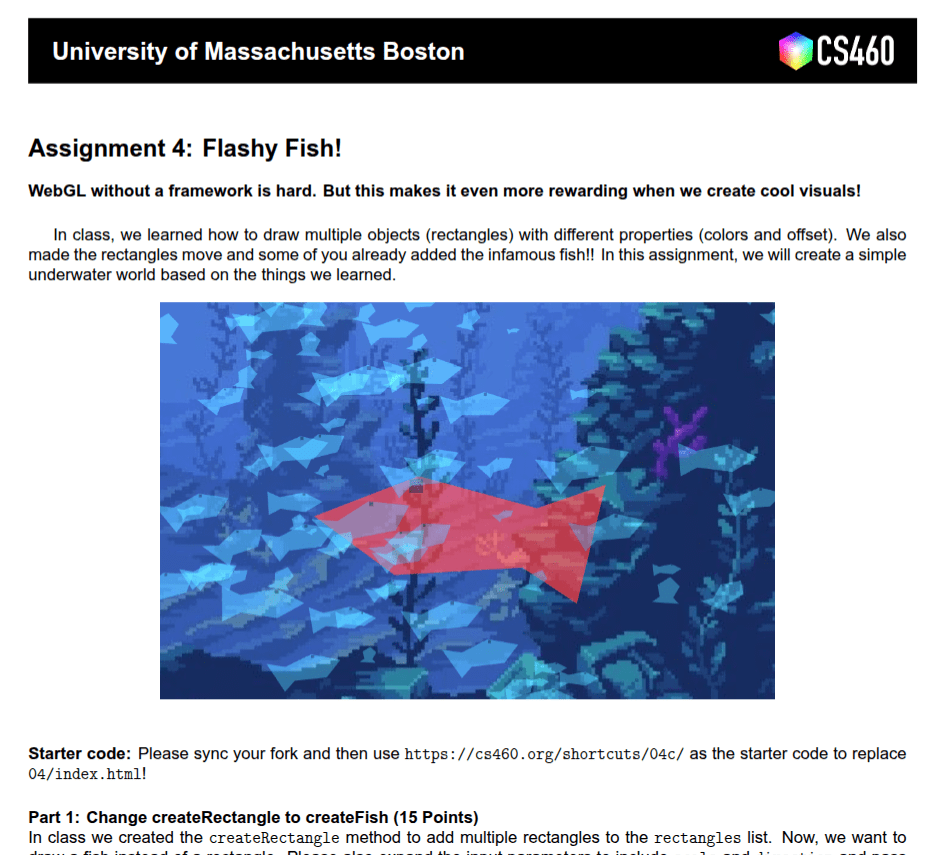
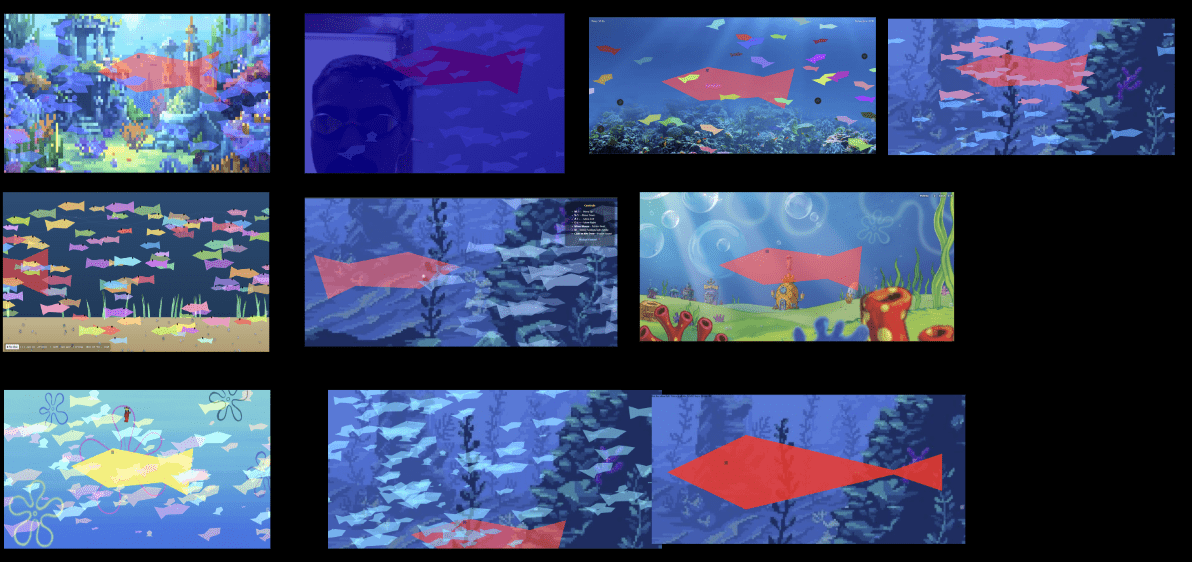
createFish ( color, offset )
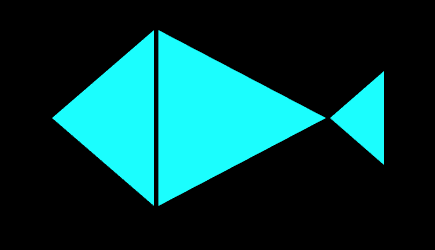
0,0
-.1, 0
.2, 0
0, .1
0, -.1
?, ?
?, ?
Fieldtrips!
Manning College of Nursing
"Straight-A" Shortcut
(1) your WNDR-inspired final project is displayed on campus
(2) your final project involves content for the Manning College of Nursing 3D Caves
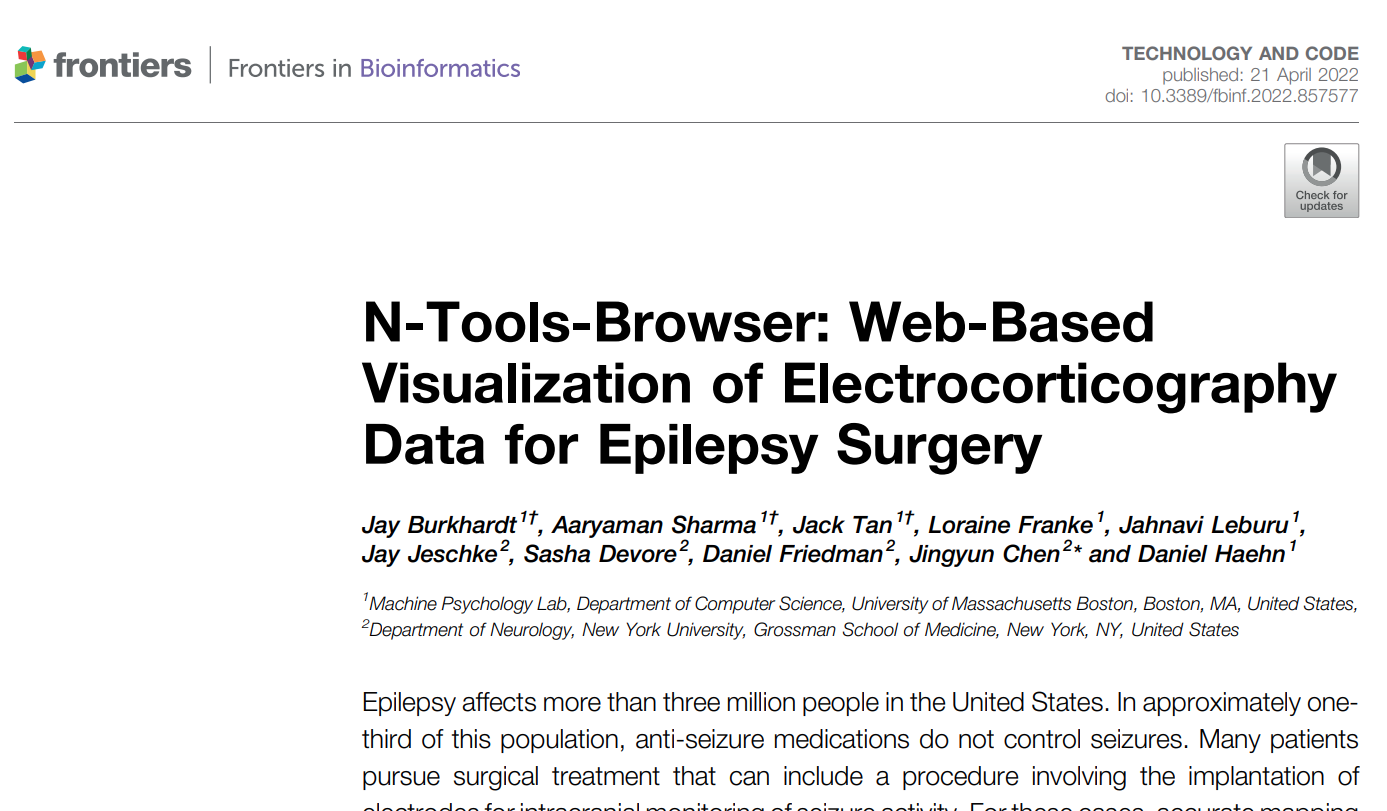
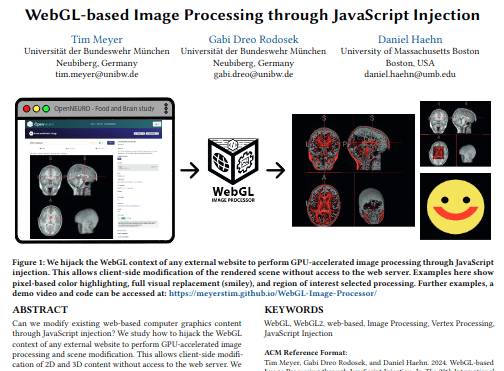
(3) Final project is submit-able to the research conference
Lecture 12
[ [ v_buffer, i_buffer, color, offset ], [ v_buffer, i_buffer, color, offset ] ]
objects =
function animate() {

  for(var o = 0; o < objects.length; o++) {

    var current_object = objects[o];

    var current_v_buffer = current_object[0];
    var current_i_buffer = current_object[1];
    var current_color = current_object[2];
    var current_offset = current_object[3];

    // pass data to shader

    gl.drawElements( gl.TRIANGLES ... )

  }

  requestAnimationFrame( animate );

}
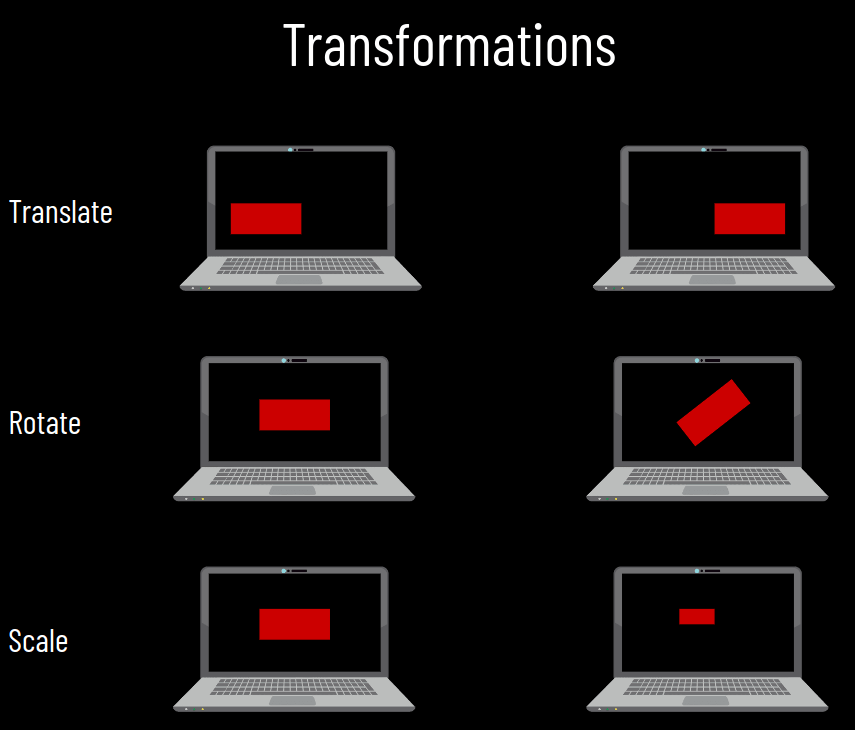
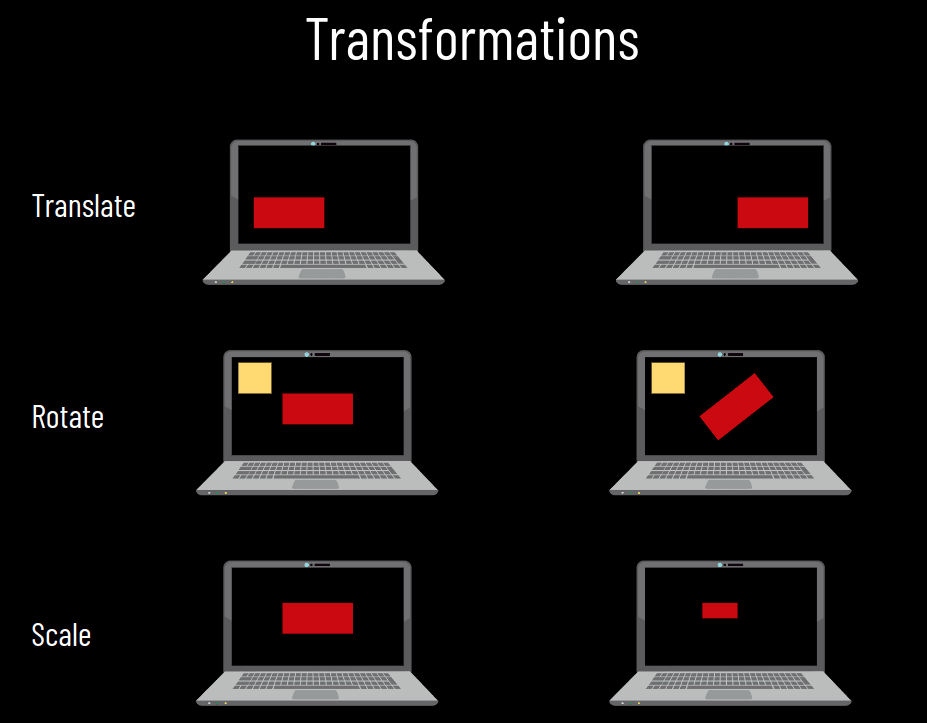
Transformation
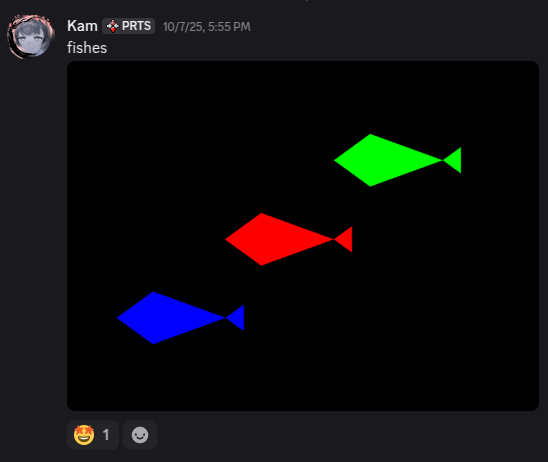
5-minute Bonus Opportunity!
createFish ( color, offset )
0,0
-.1, 0
.2, 0
0, .1
0, -.1
.3, -.05
.3, .05
0
1
2
3
4
5
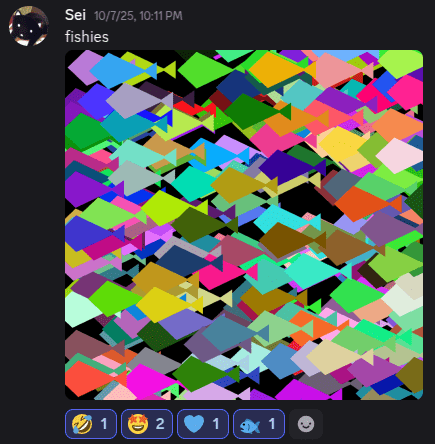
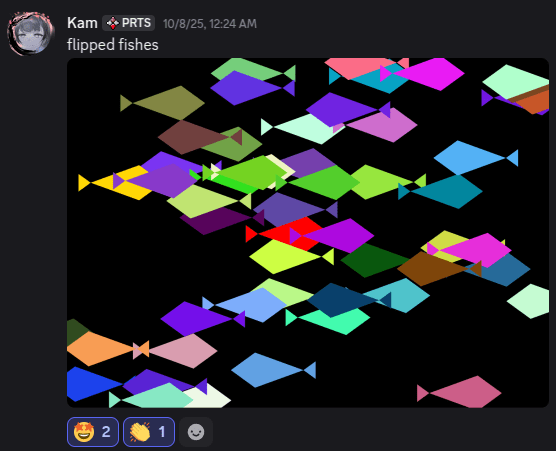
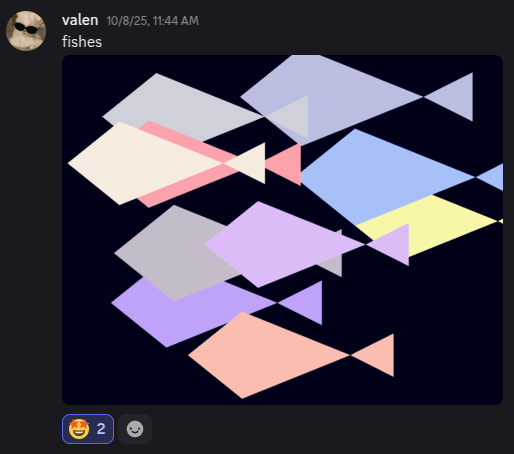
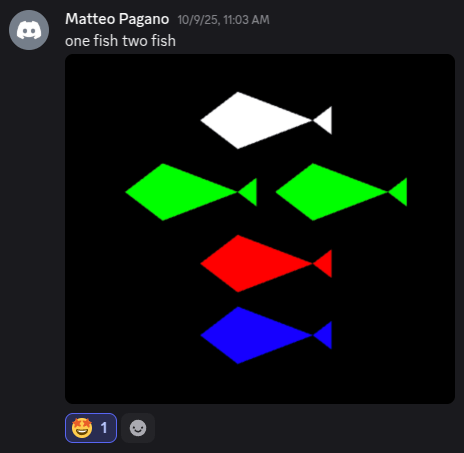
Transformation!
Due 10/23!

Lecture 13
Patrick Cozzi and Liz Dailey




Lecture 14
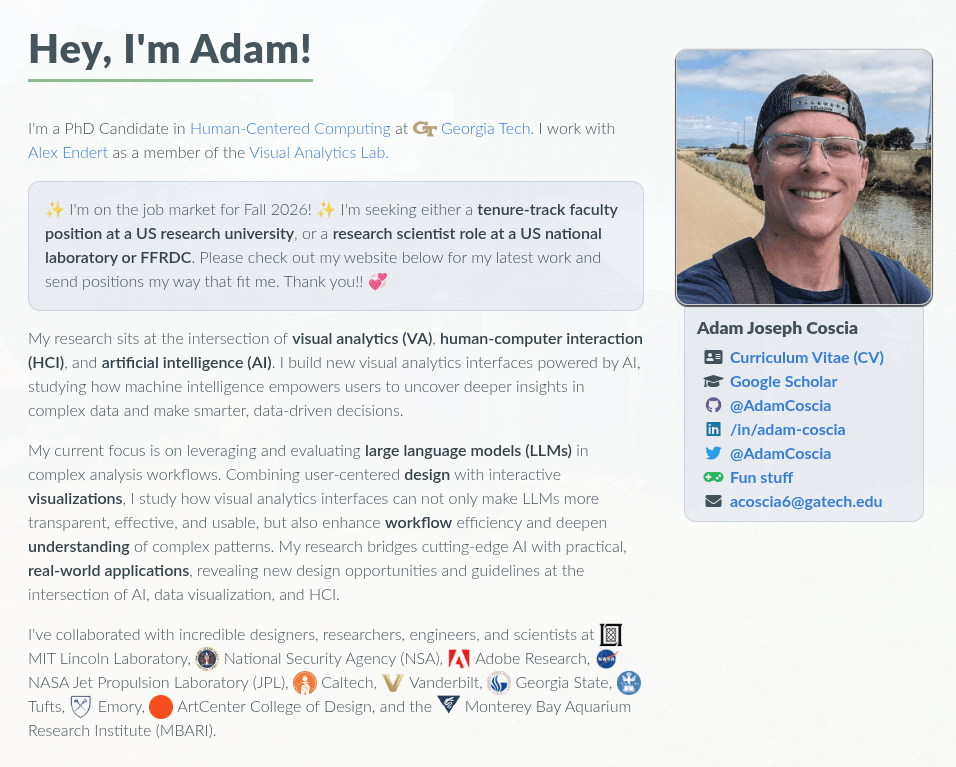
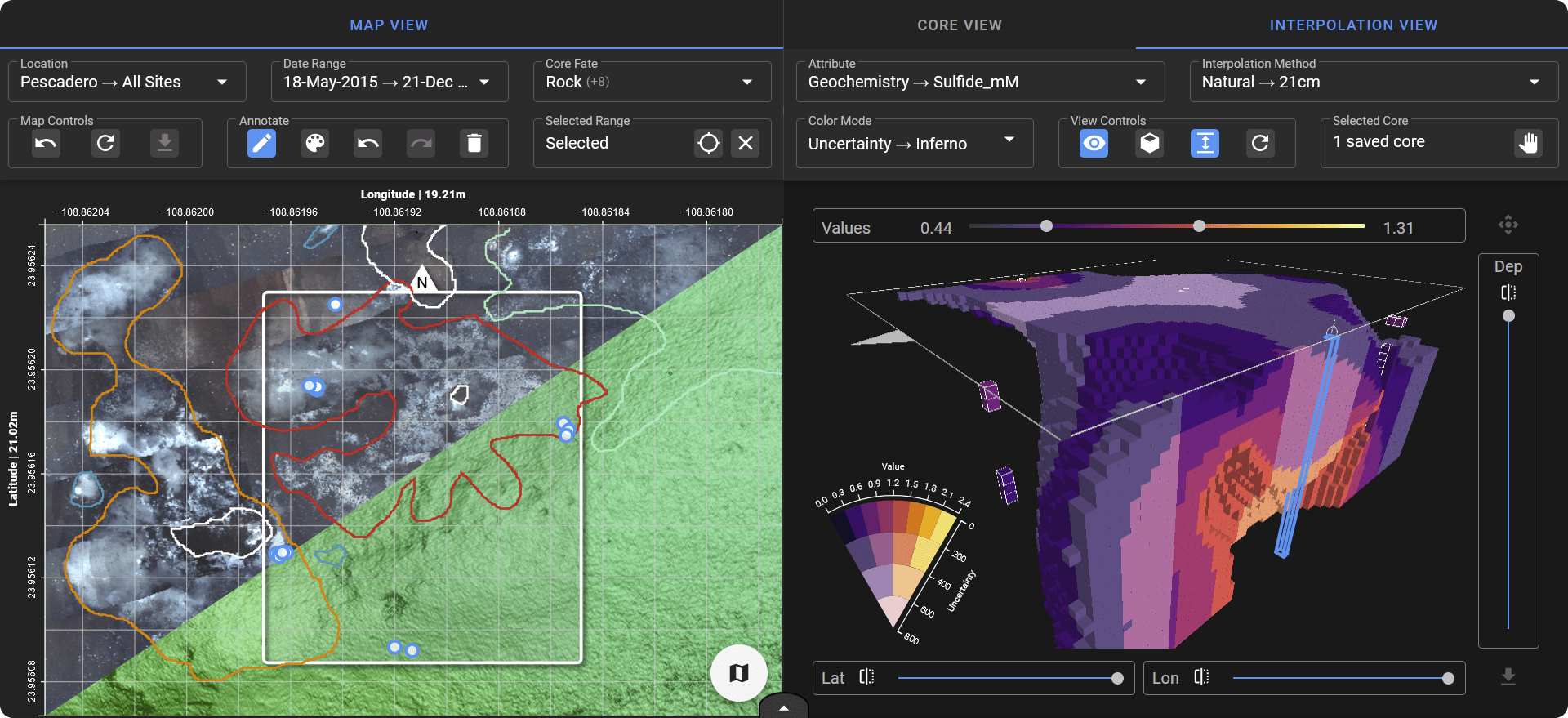
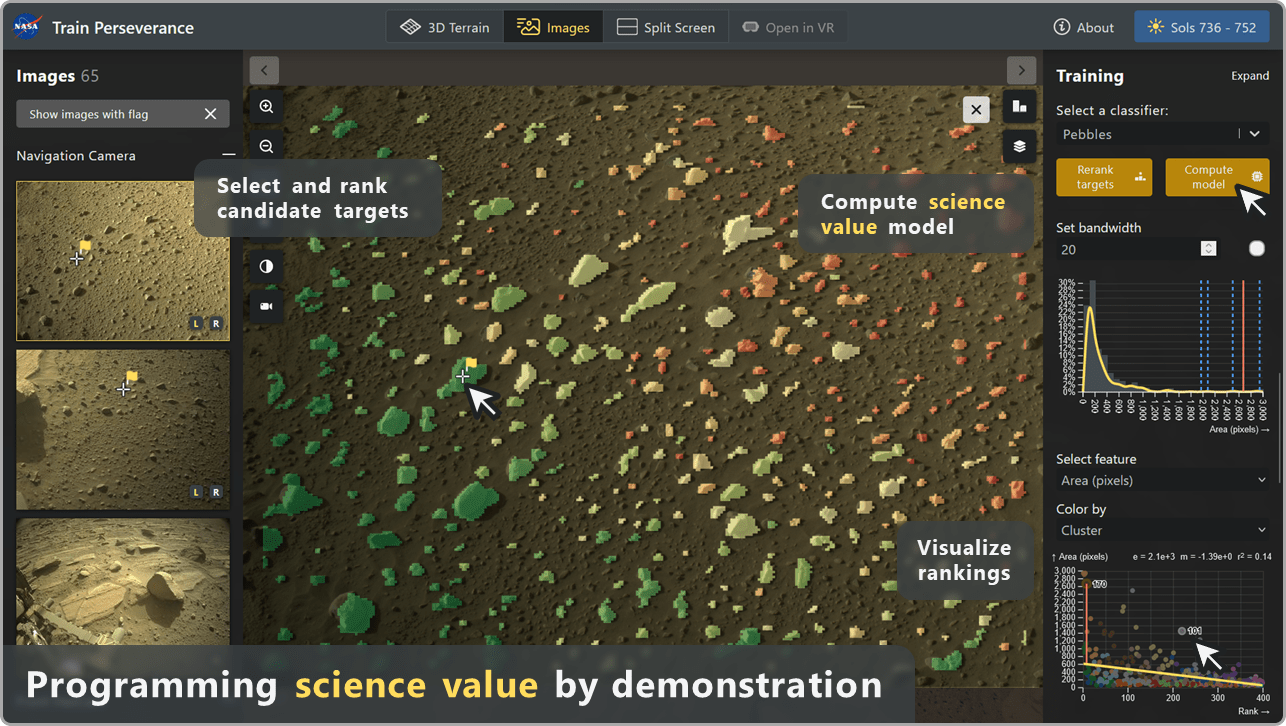
ReRank
DeepSee
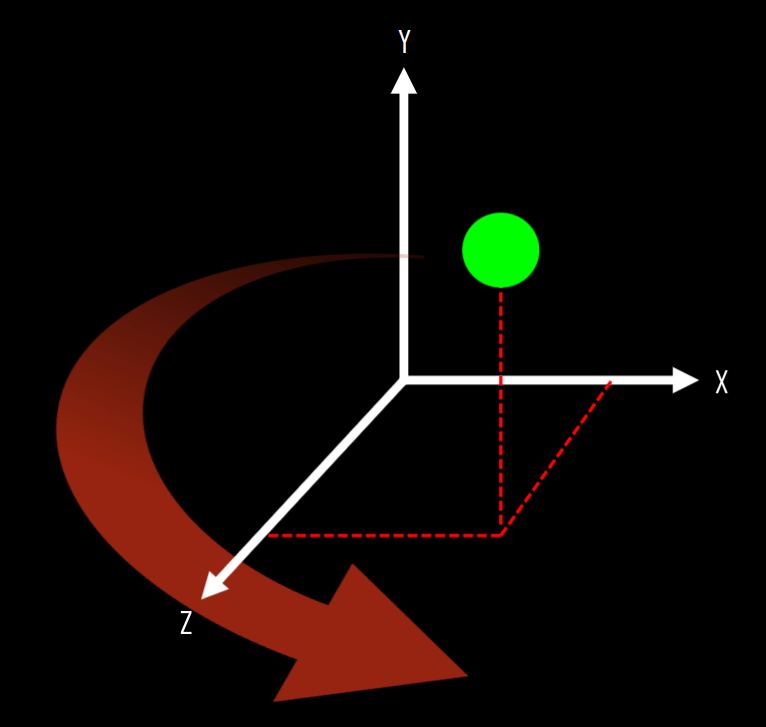
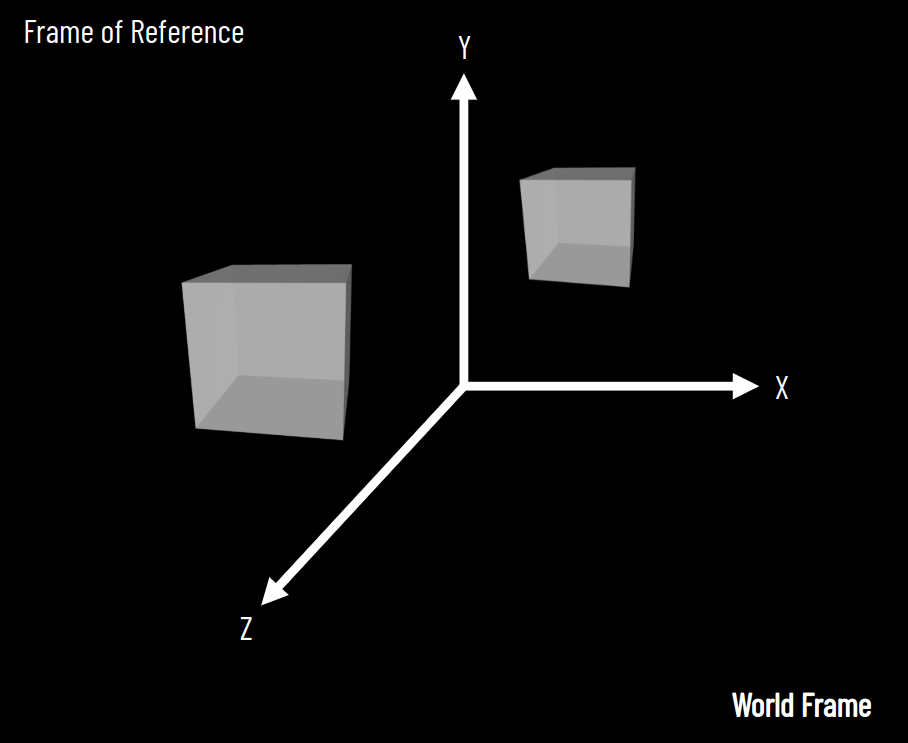
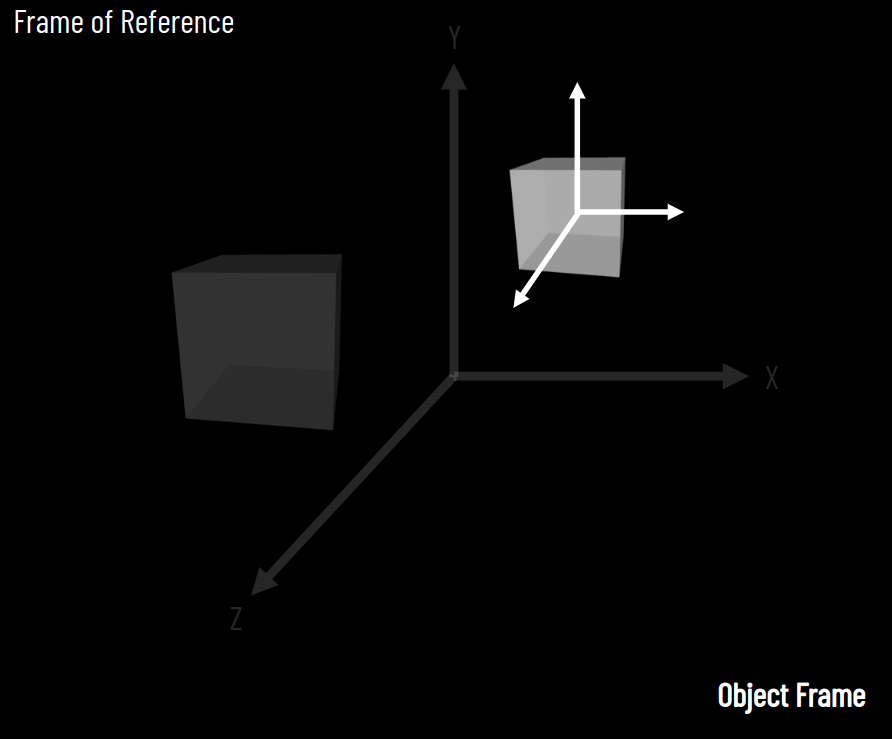
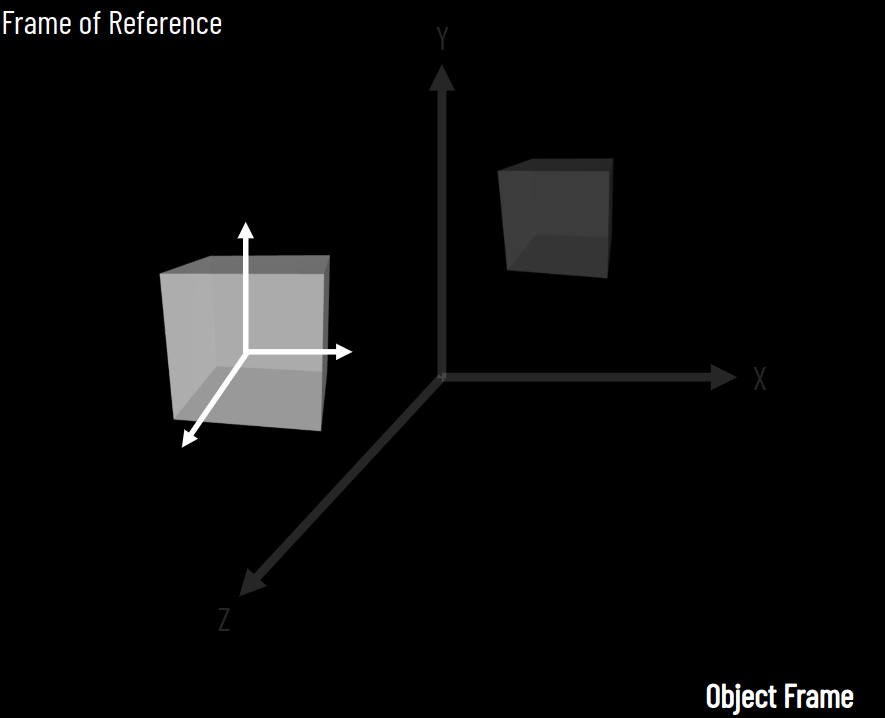
X
Y
Z
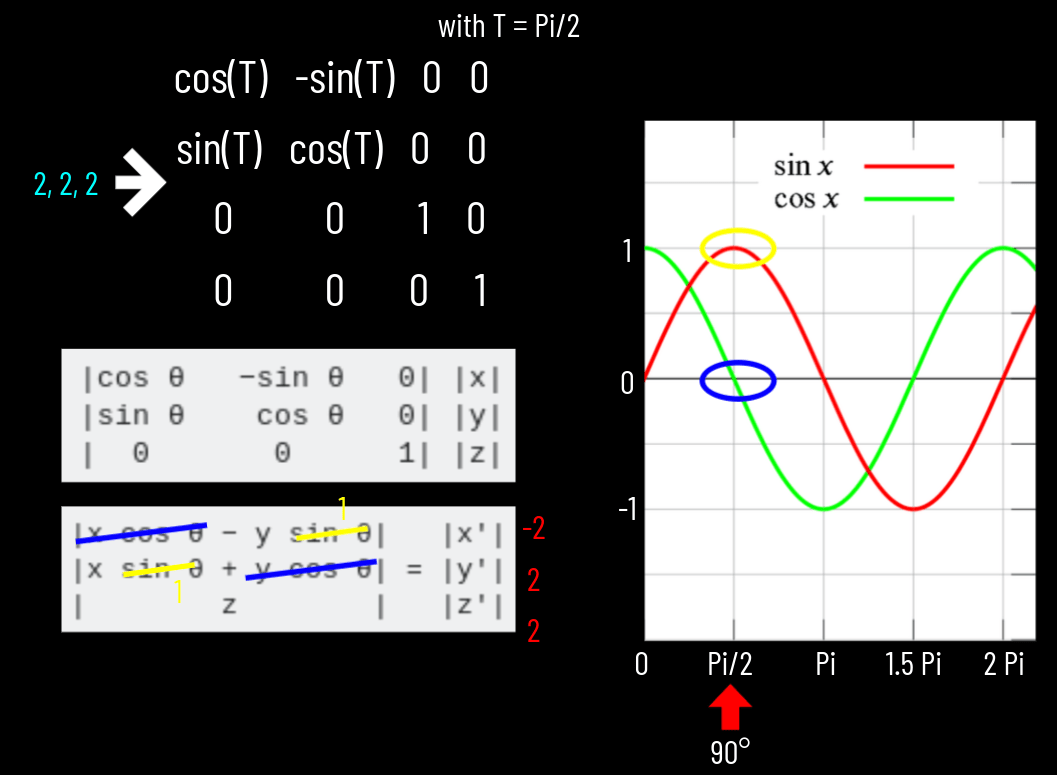
90°
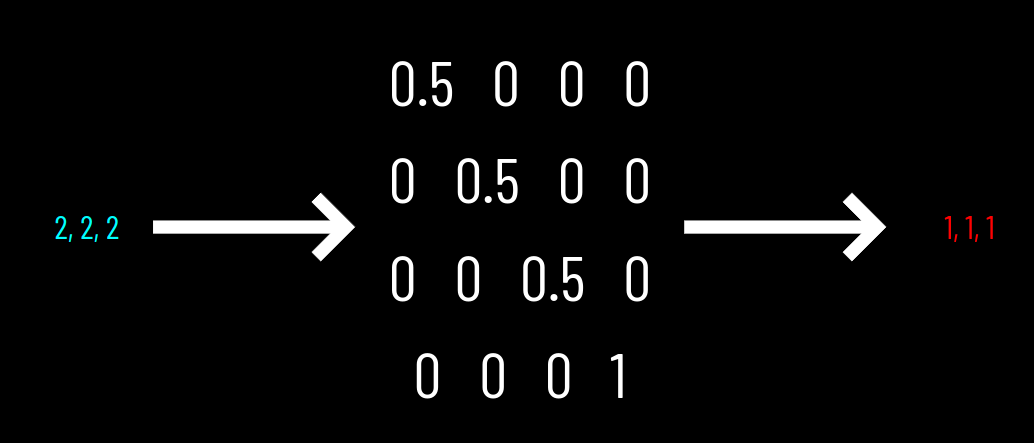
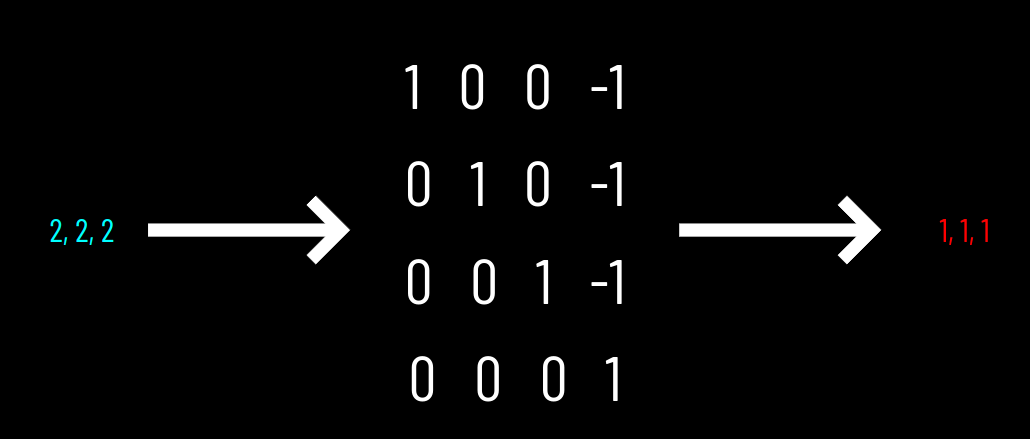
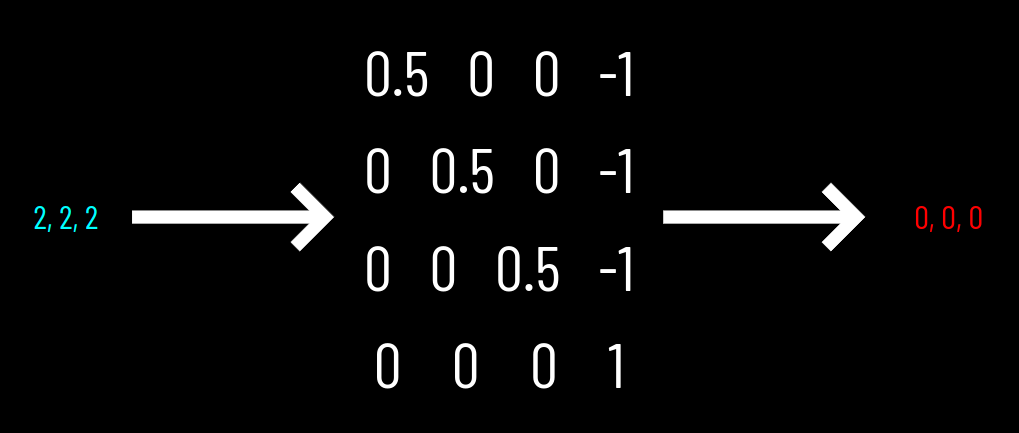
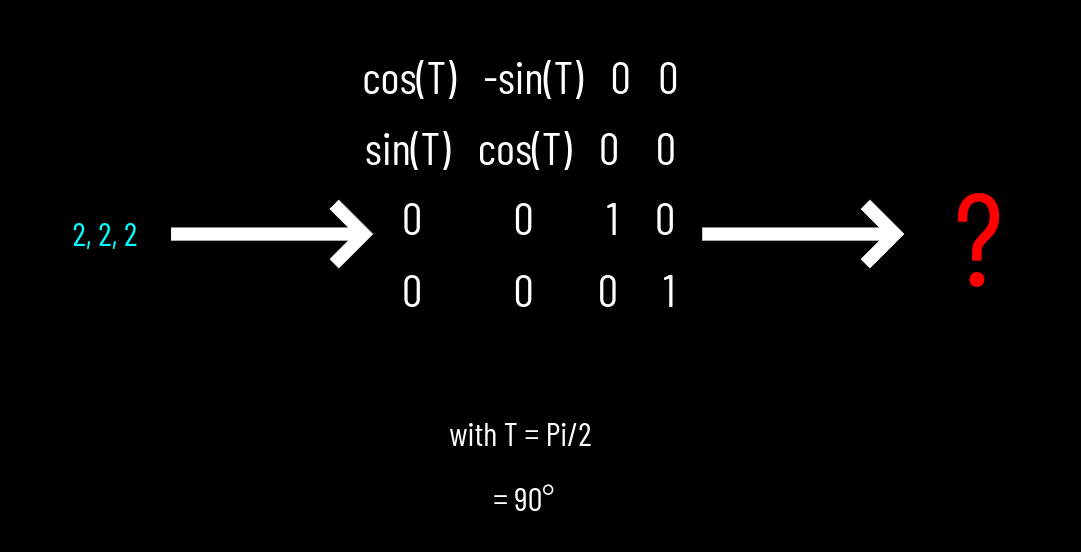
2,2,2
-2,2,2
-2,-2,2
180°
270°
2,-2,2
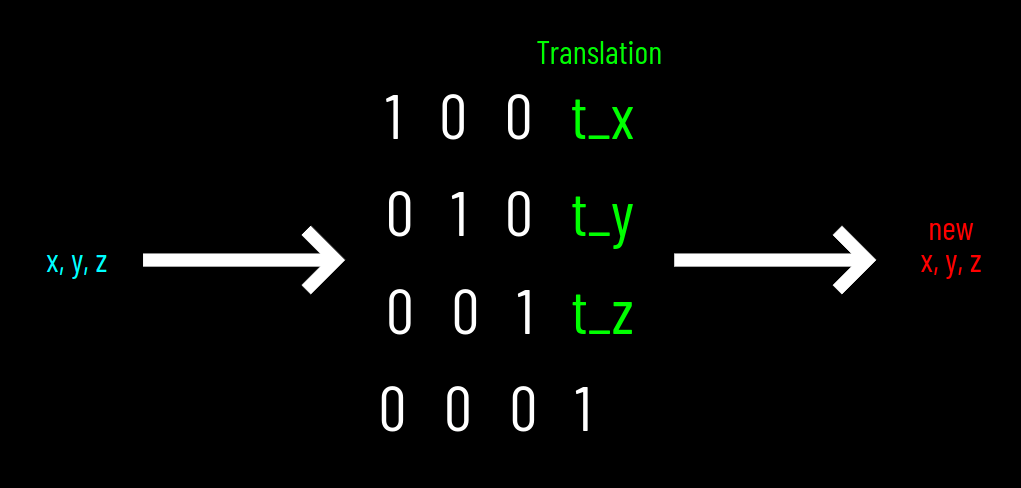
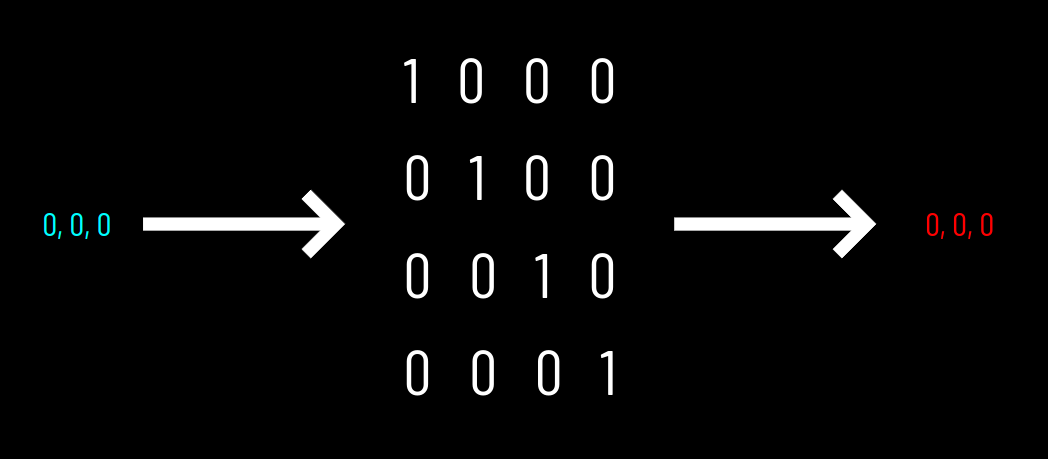
1 0 0 0
0 1 0 0
0 0 1 0
0 0 0 1
Identity
1
0
0
0
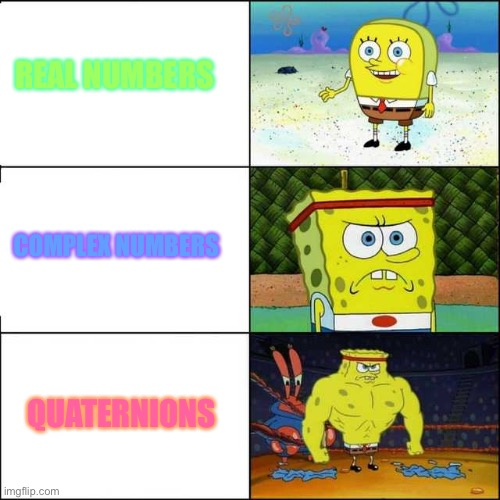
Matrix
Quaternion
w
x
y
z
-1
0
0
0
Quaternion
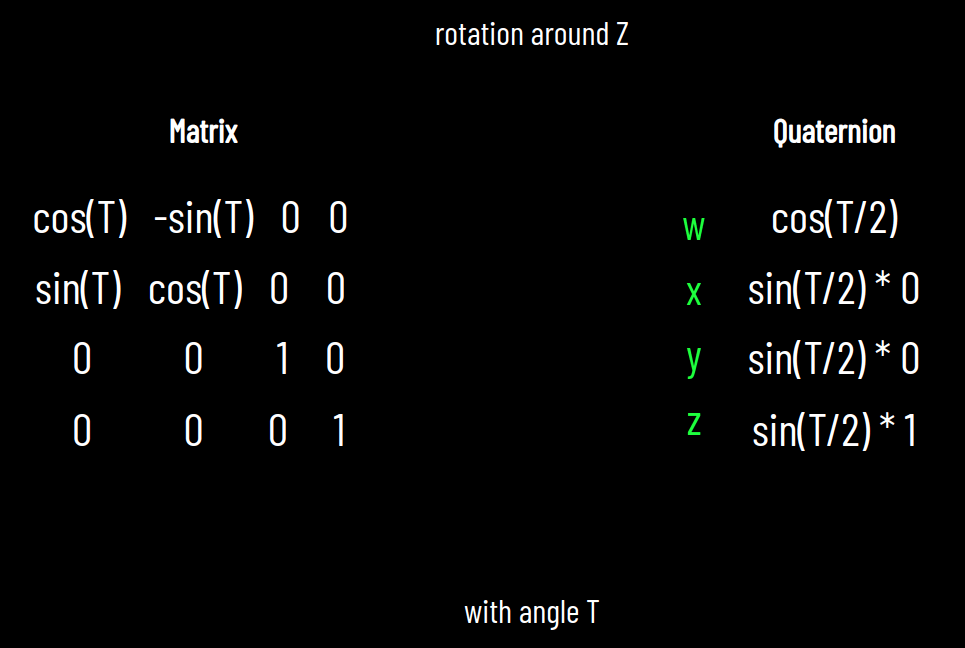
Lecture 15
theta = Math.PI / 4;

current_transform = new Float32Array([
  Math.cos(theta), -Math.sin(theta), 0, 0,
  Math.sin(theta), Math.cos(theta), 0, 0,
  0, 0, 1, 0,
  current_offset[0], current_offset[1], 0., 1.
]);

gl.uniformMatrix4fv(u_transform, false, current_transform);
<script id="vertexshader" type="glsl">
attribute vec3 a_position;
uniform mat4 u_transform;
void main(void) {
vec4 final_position = u_transform * vec4( a_position, 1. );
gl_Position = final_position;
}
</script>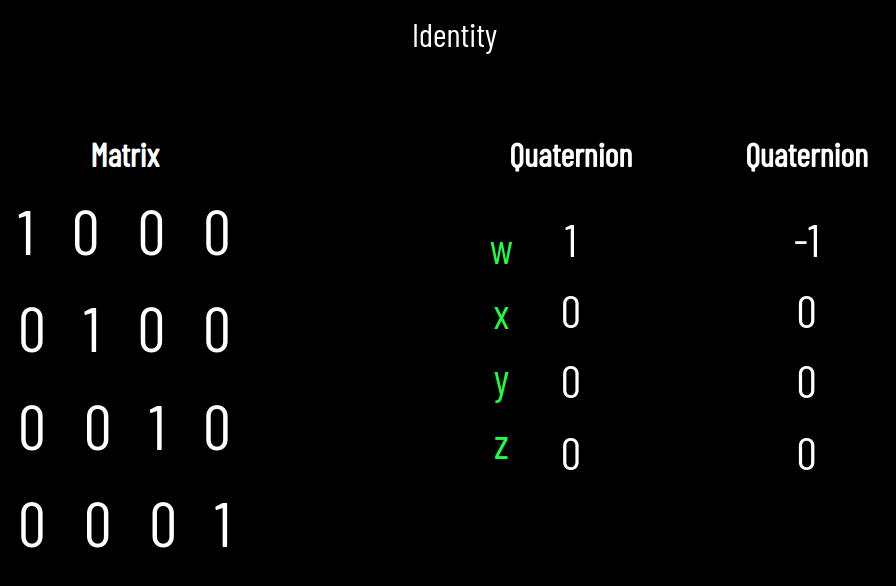
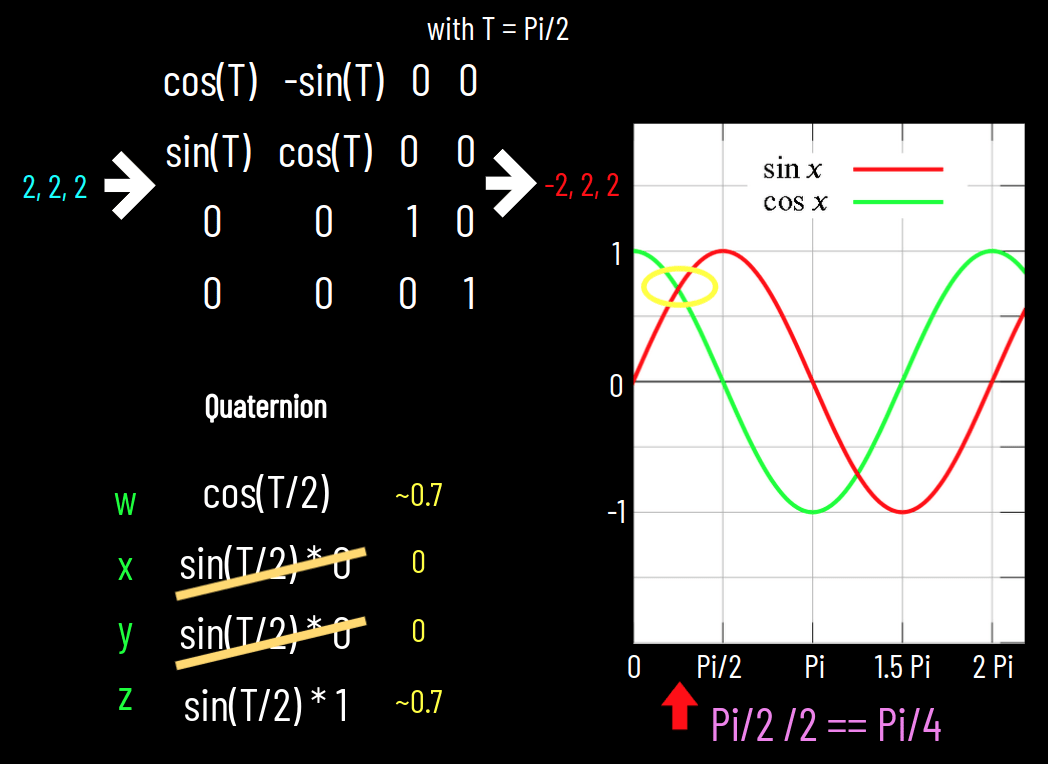
~0.7
0
0
~0.7
0
2
2
2
w
x
y
z
*
Quaternion
?
~0.7
0
0
~0.7
0
2
2
2
*
~0.7
- 0
- 0
- ~0.7
Inverse
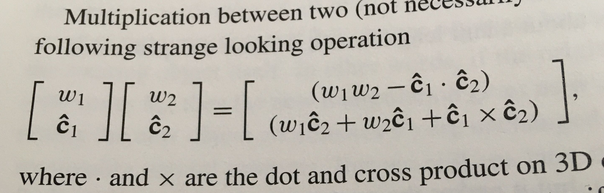
page 64, Gortler: 3D Computer Graphics
implement this in python and show that 0,-2,2,2 is the output!
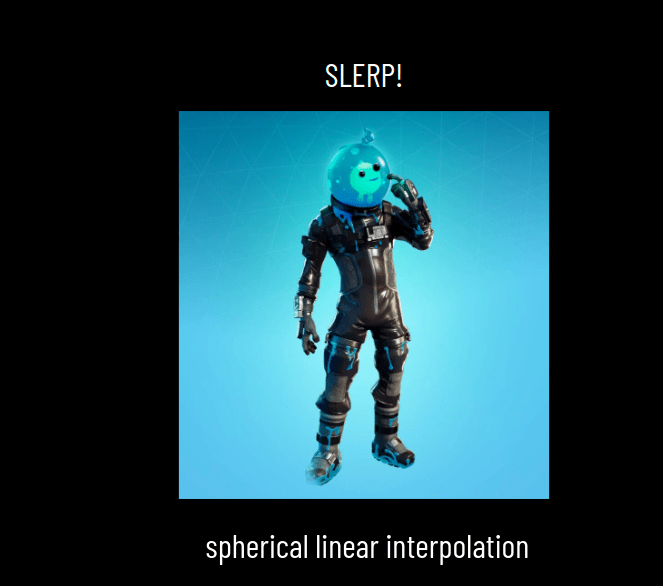
      function animate() {

        requestAnimationFrame( animate );

        for (var t in window.ALL_TORUSES) {


          t = ALL_TORUSES[t];

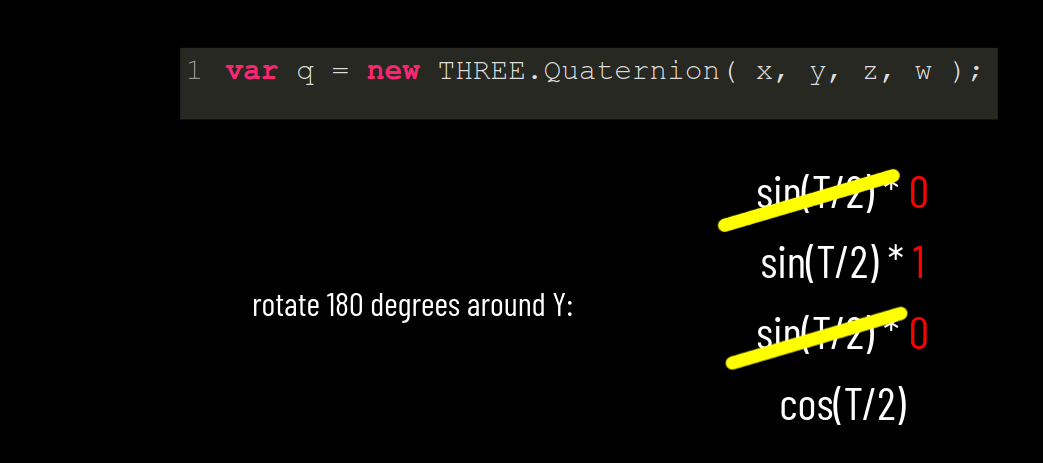
          var T = Math.PI / 2; // 180 degrees

          // around the y axis
          var x = Math.sin( T / 2 ) * 0; // = 0
          var y = Math.sin( T / 2 ) * 1;
          var z = Math.sin( T / 2 ) * 0; // = 0
          var w = Math.cos( T / 2 );

          var q = new THREE.Quaternion( x, y, z, w);

          t.quaternion.slerp( q, 0.01 );

        }


        // and here..
        controls.update();
        renderer.render( scene, camera );

      };
Arcball
Trackball

Controls
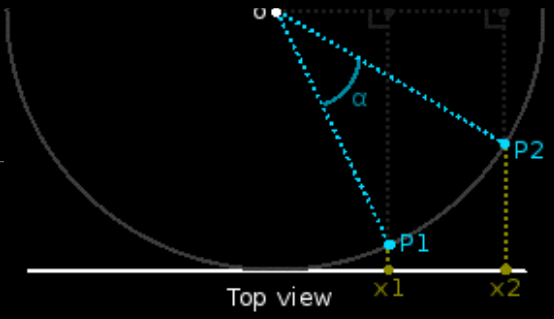
Natural Feeling
Spins twice as fast
Completely path independent
Both:
Map 2D to 3D Sphere
esay to implement with Quaternions
Lecture 16



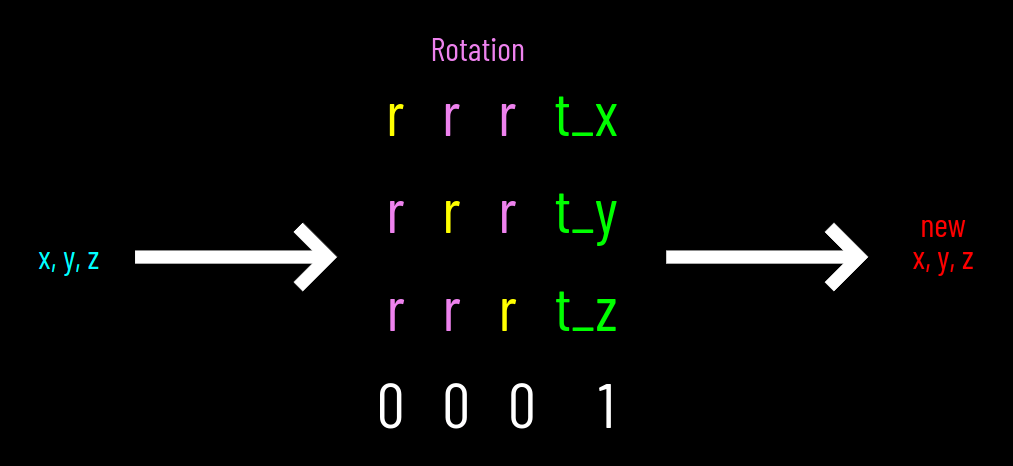
Rigid Body Transformation
Quaternion
Translation Vector
w
x
y
z
x
y
z
0
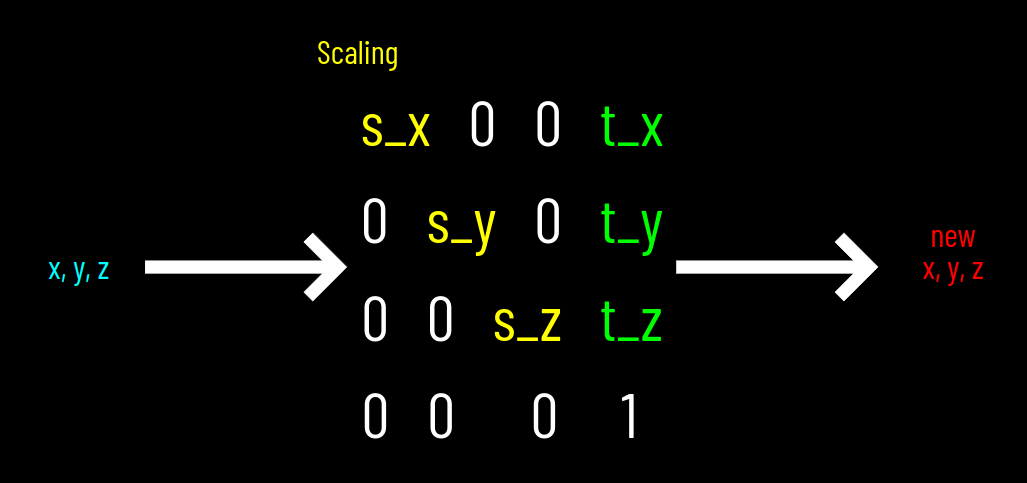
Scaling
x, y, z
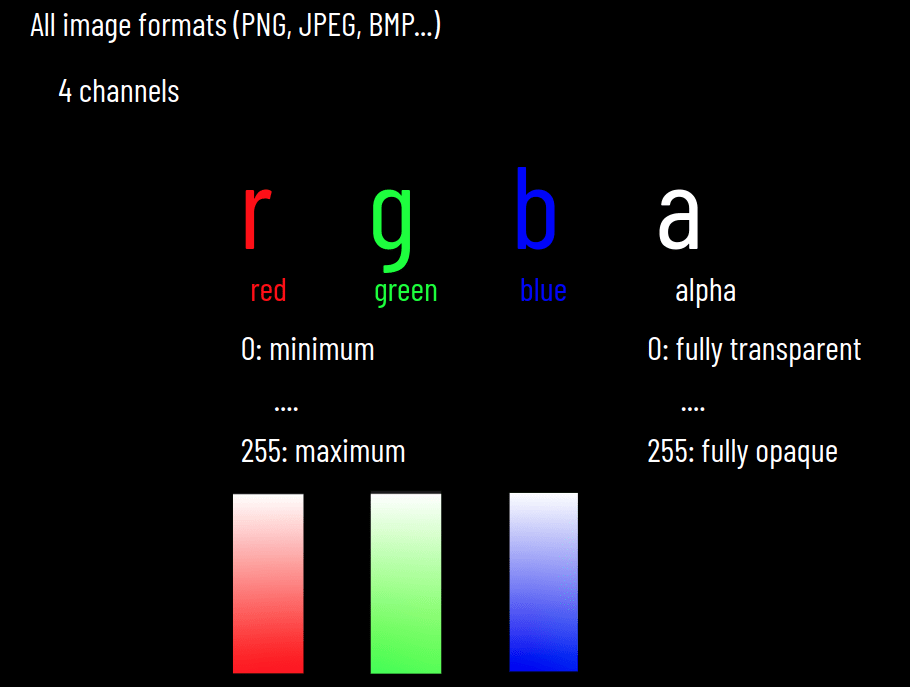
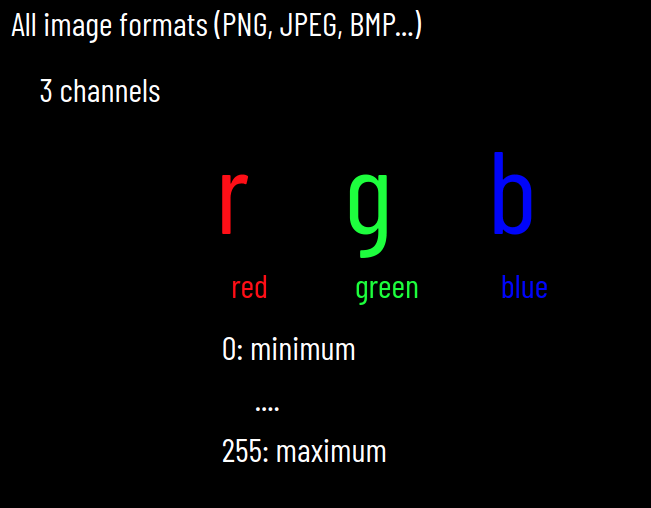
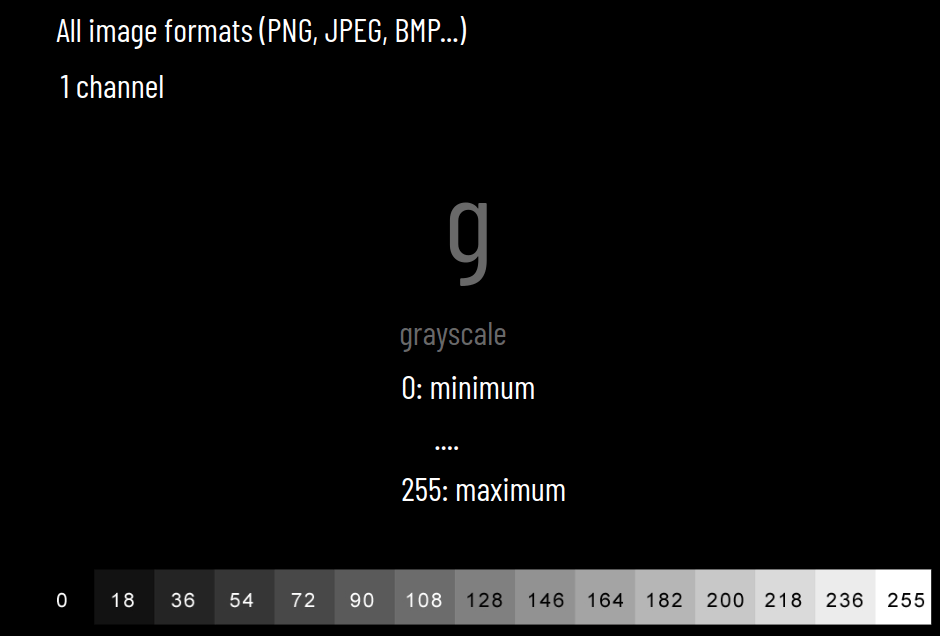
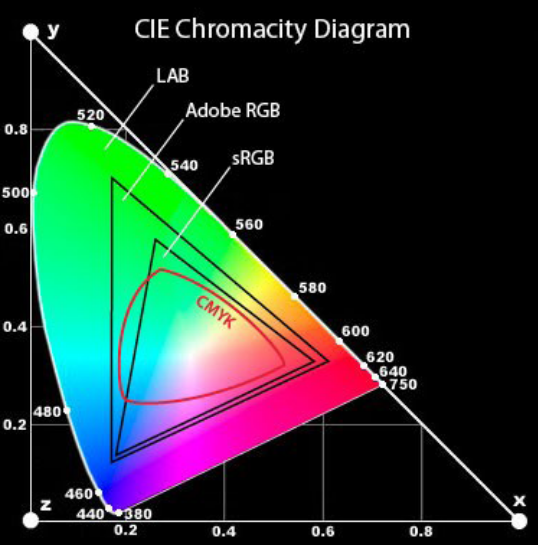
Gamut
range of colors in an imaging system

Lecture 17
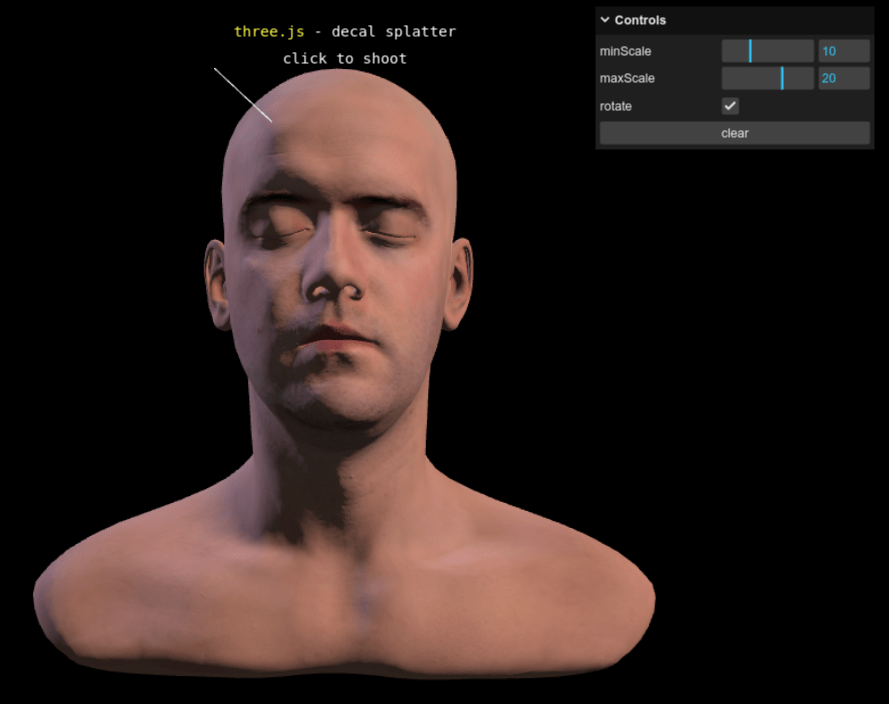
lil-gui
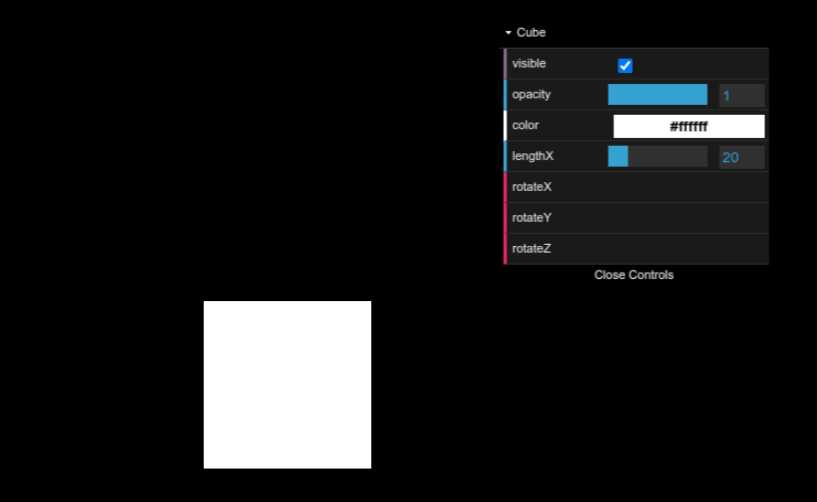
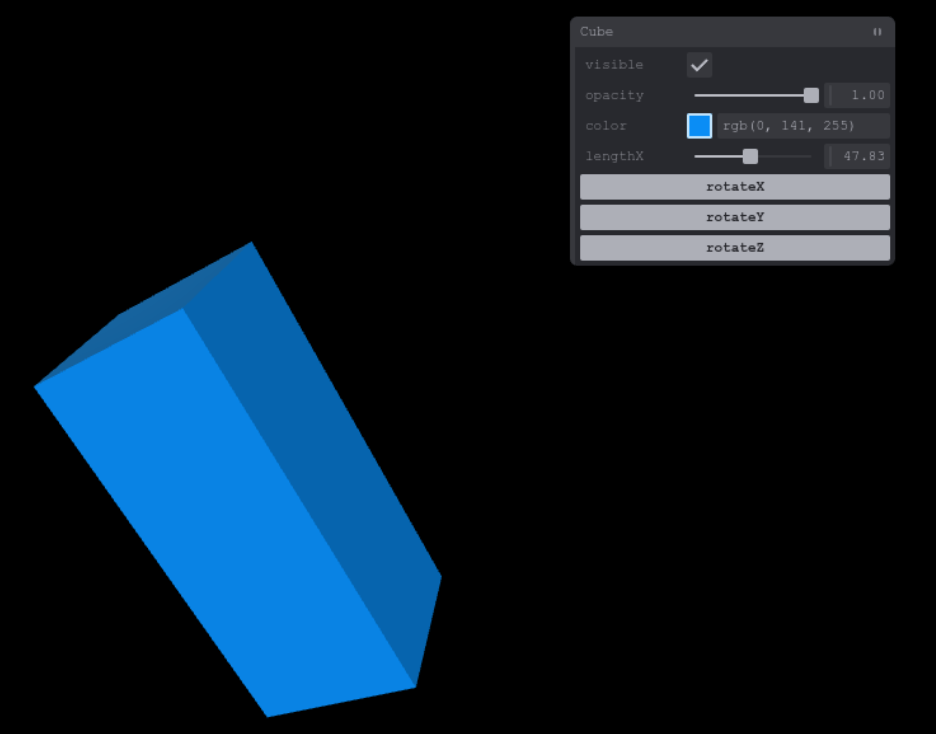
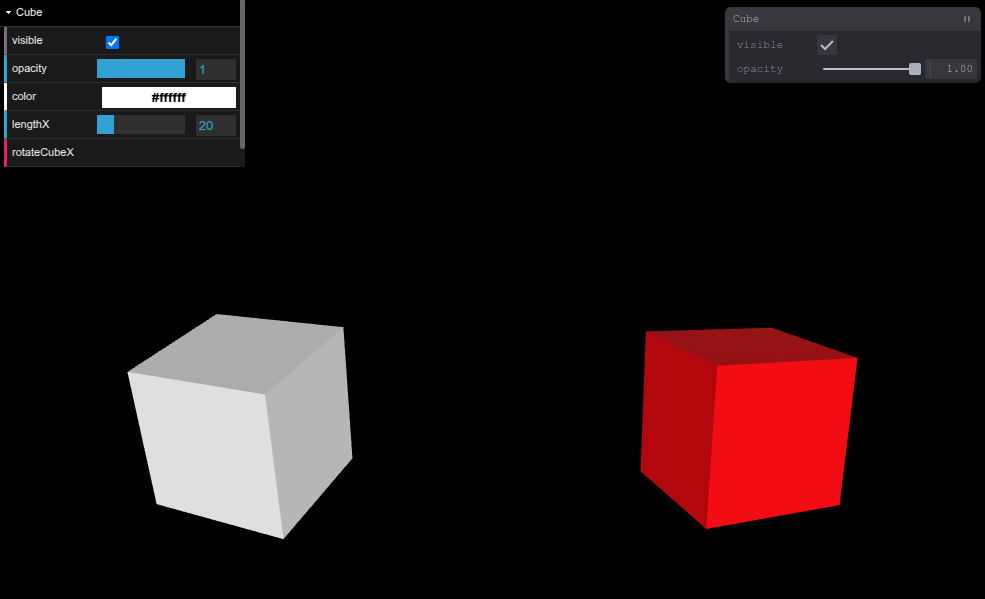
dat.gui
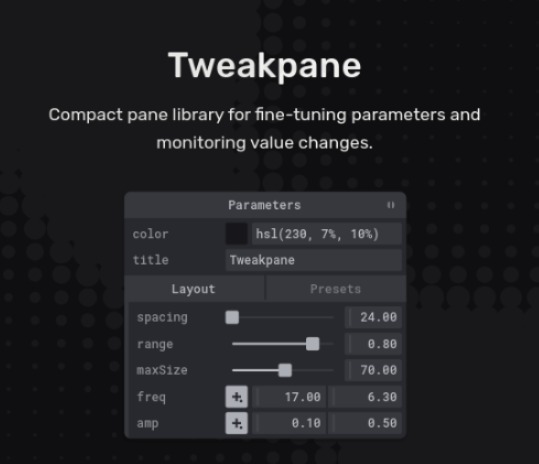
Tweakpane
Lecture 18
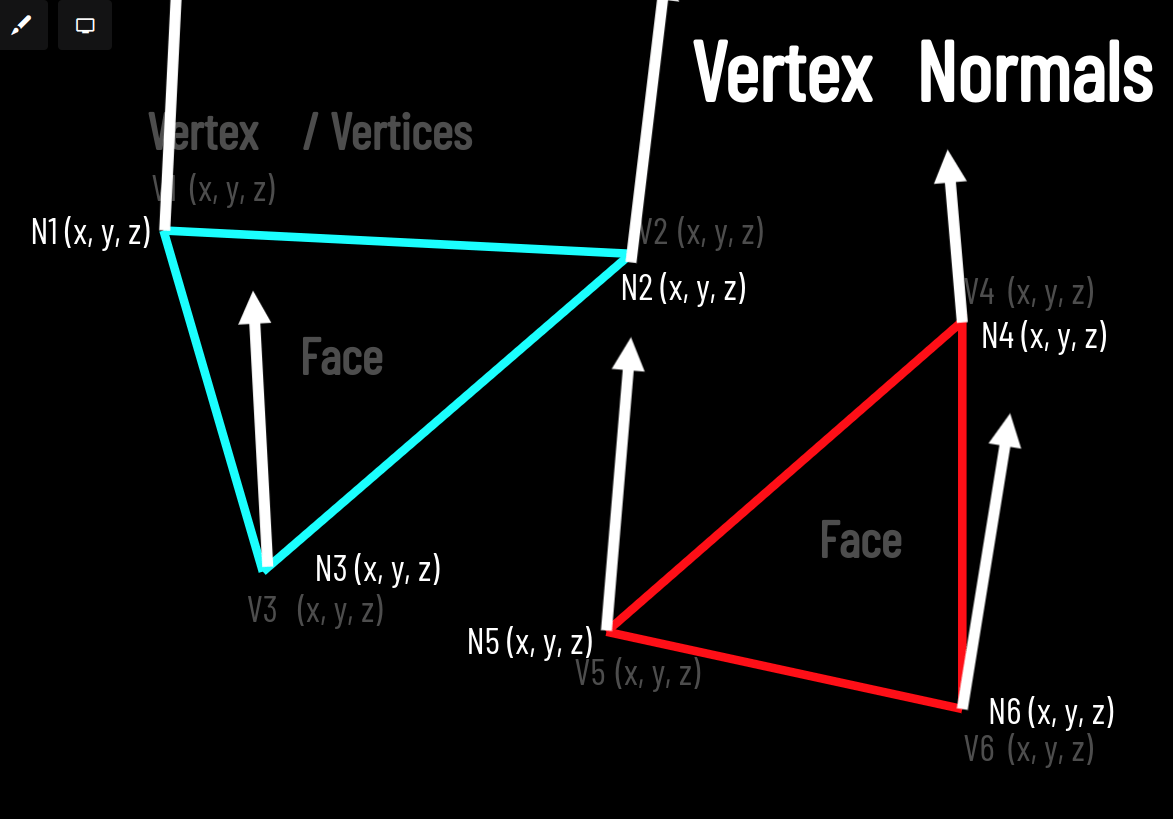
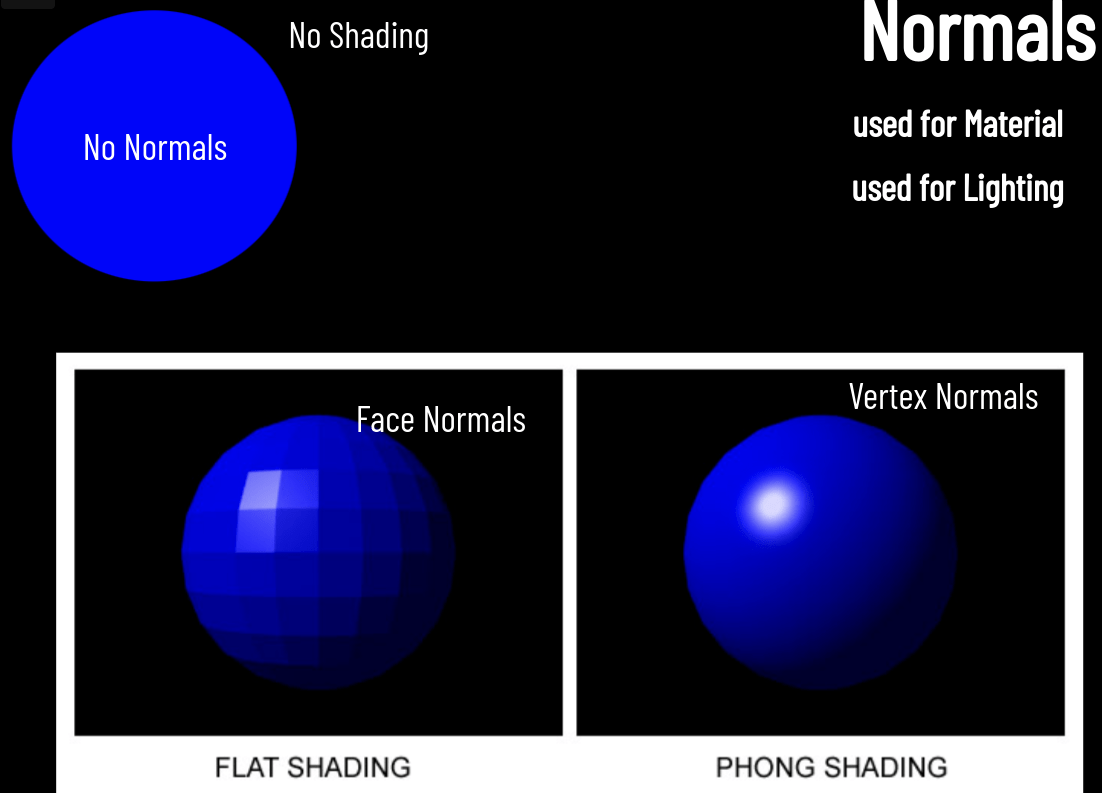
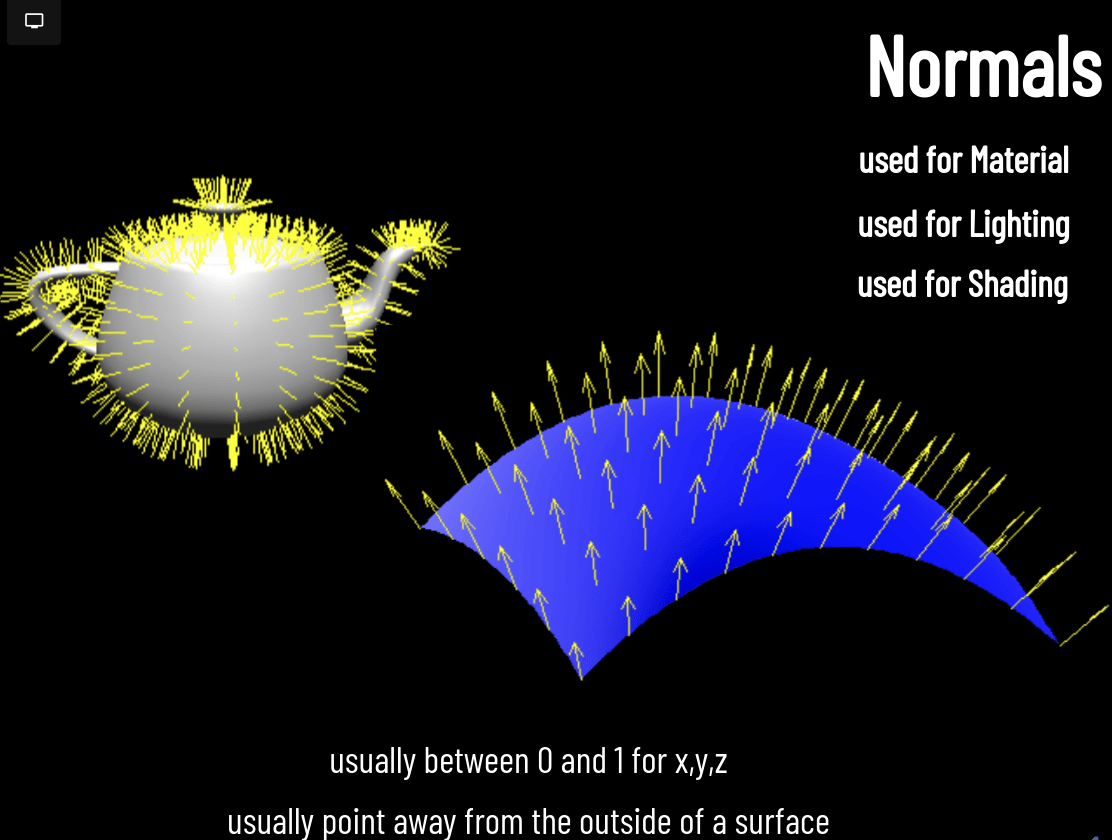
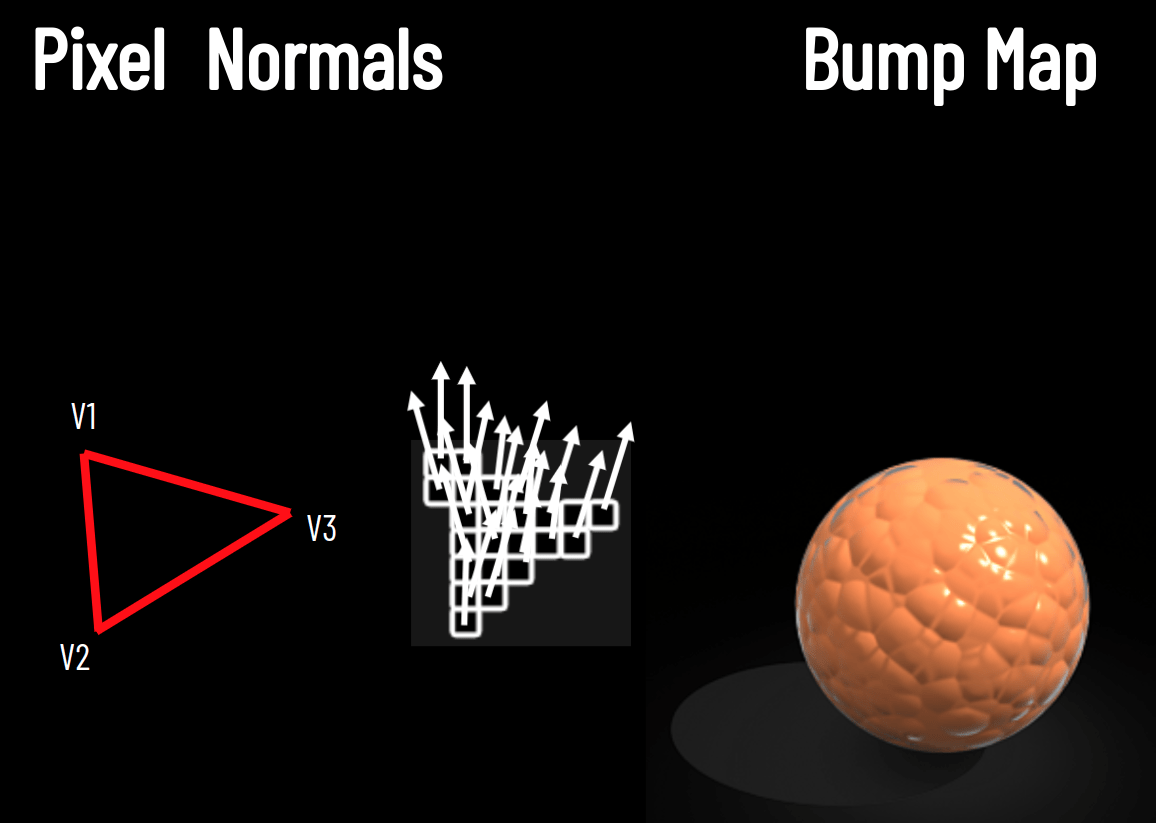
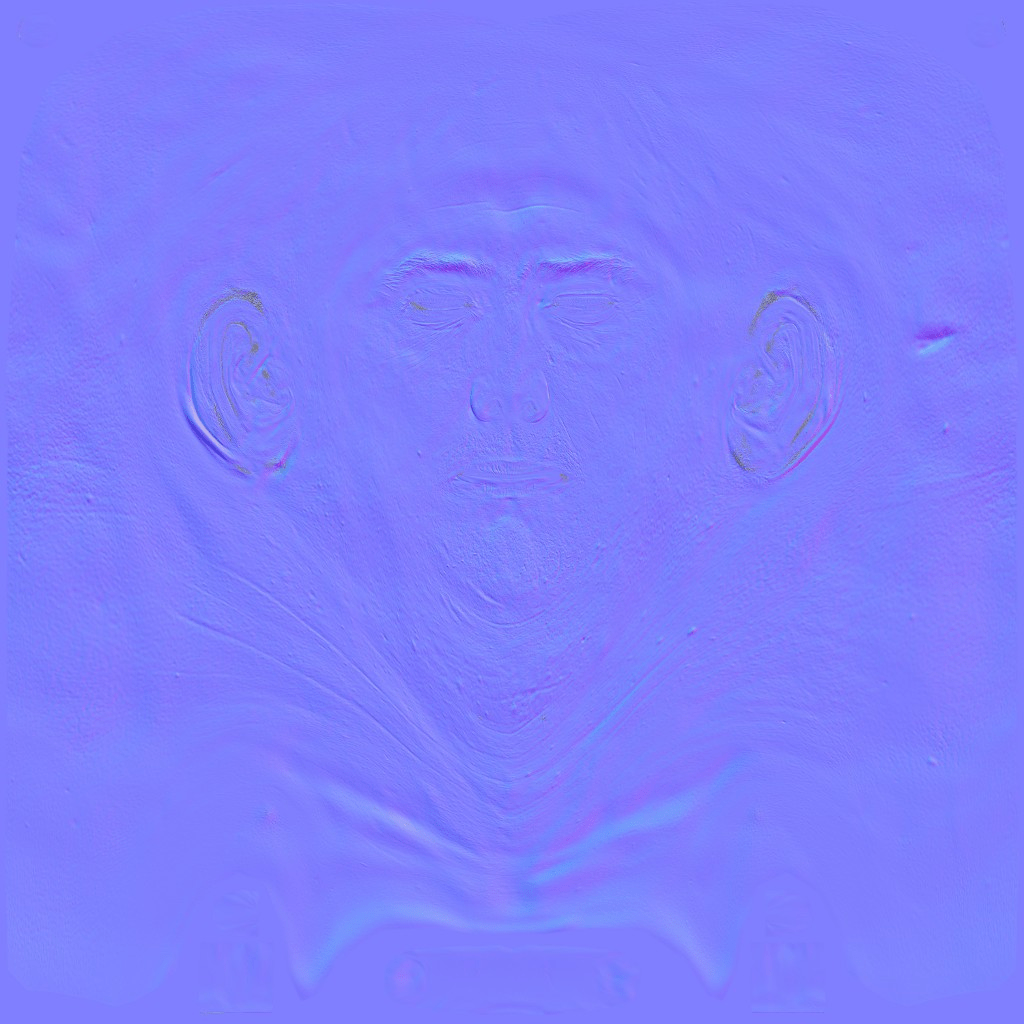
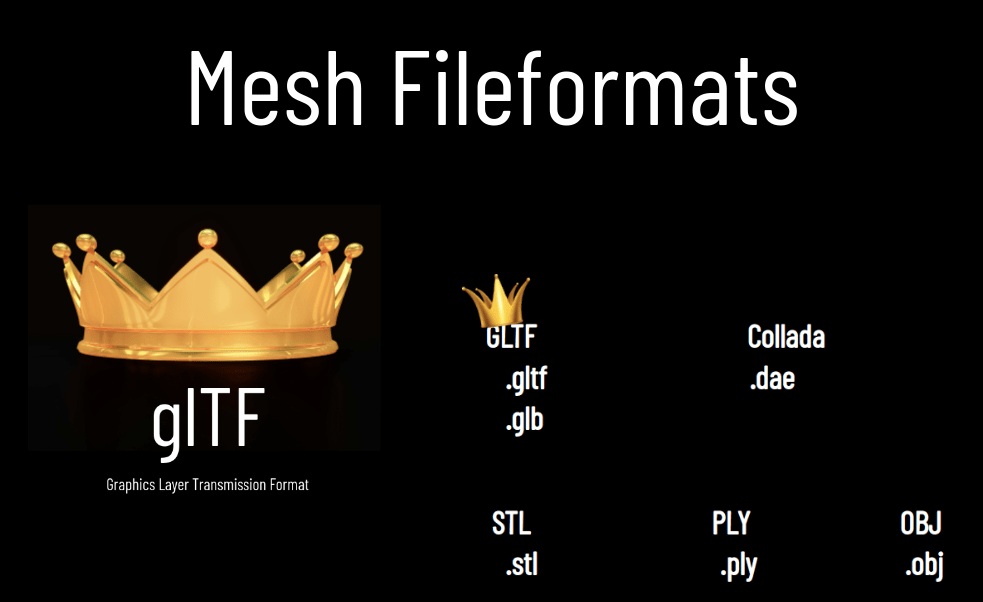
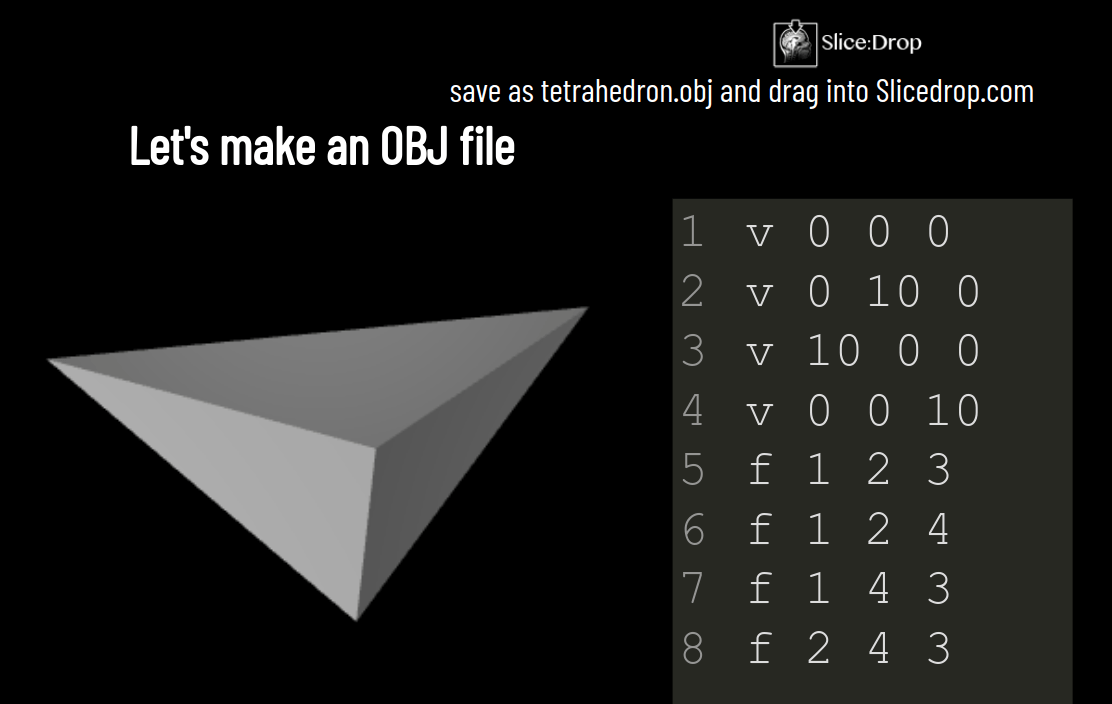
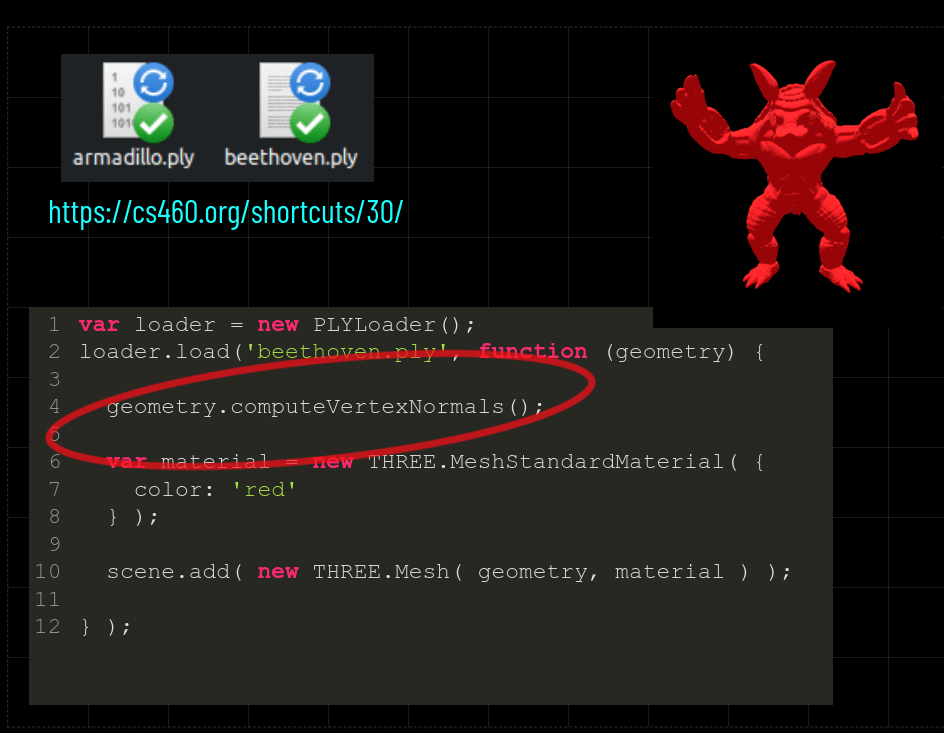
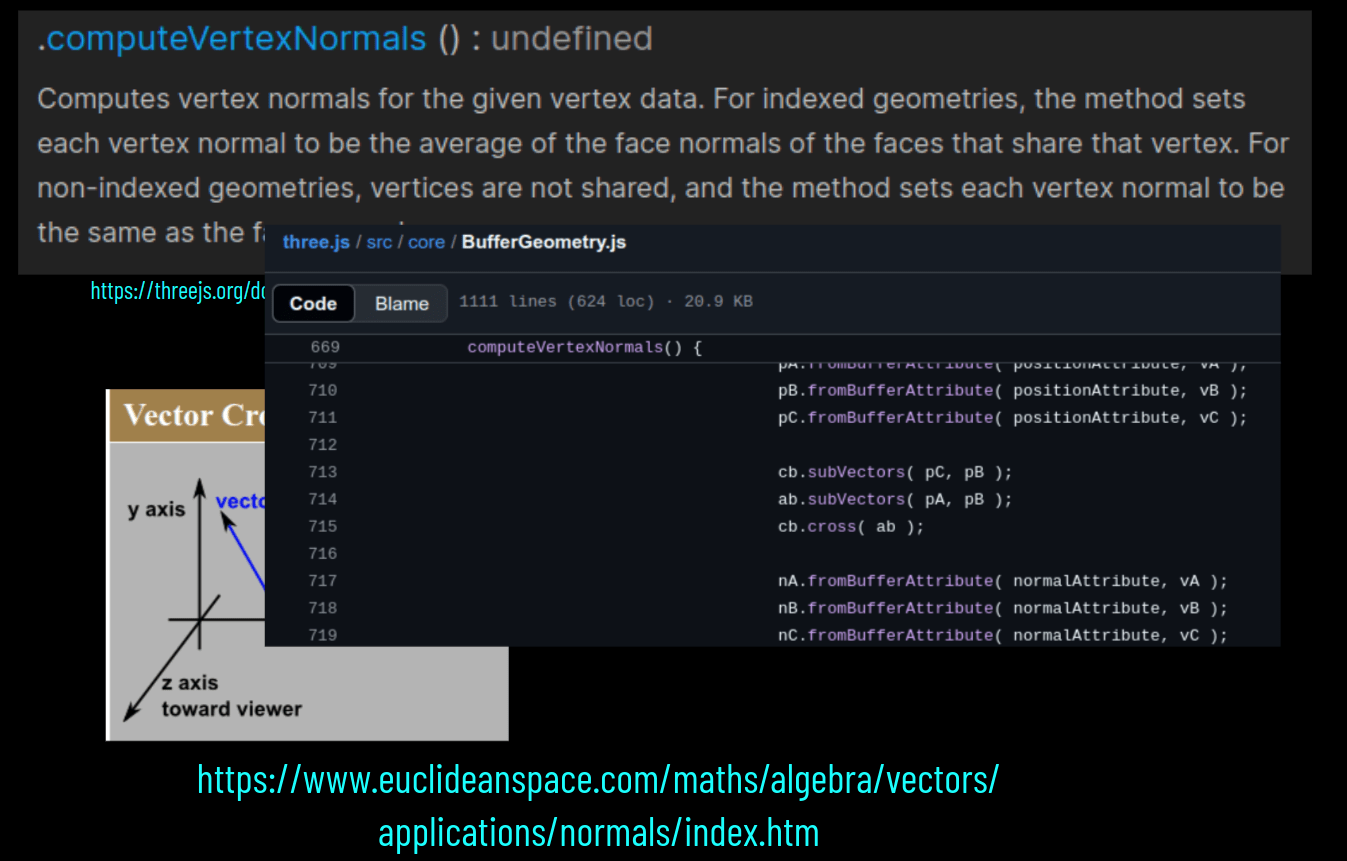
Lecture 19
+
3D model
Assignment 5
Due 11/25!
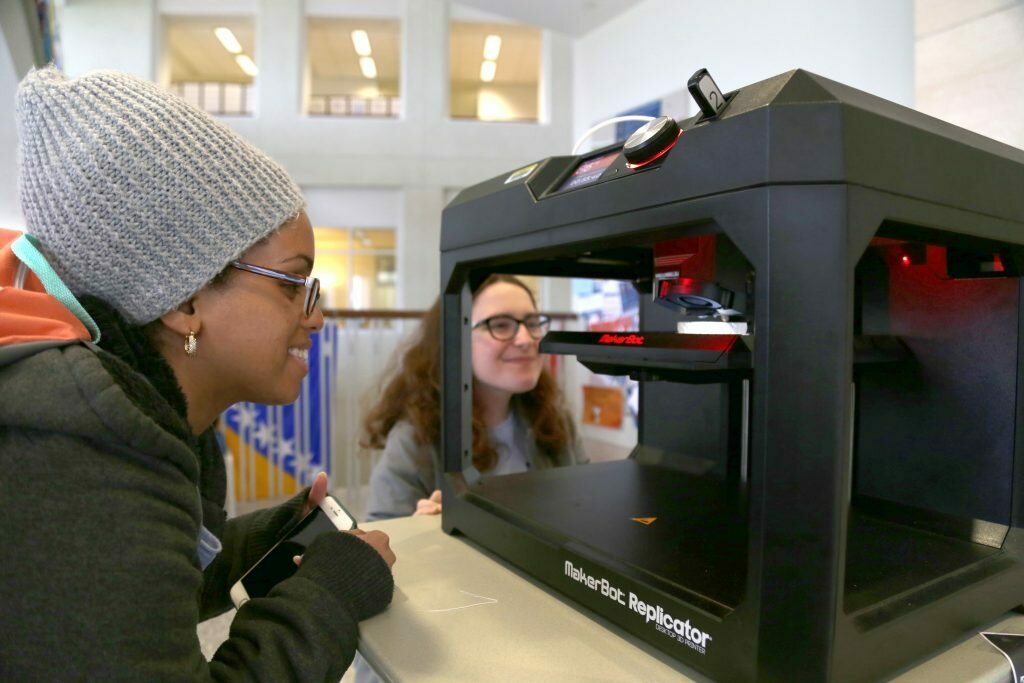

Olivia Moos
Kali Nikias
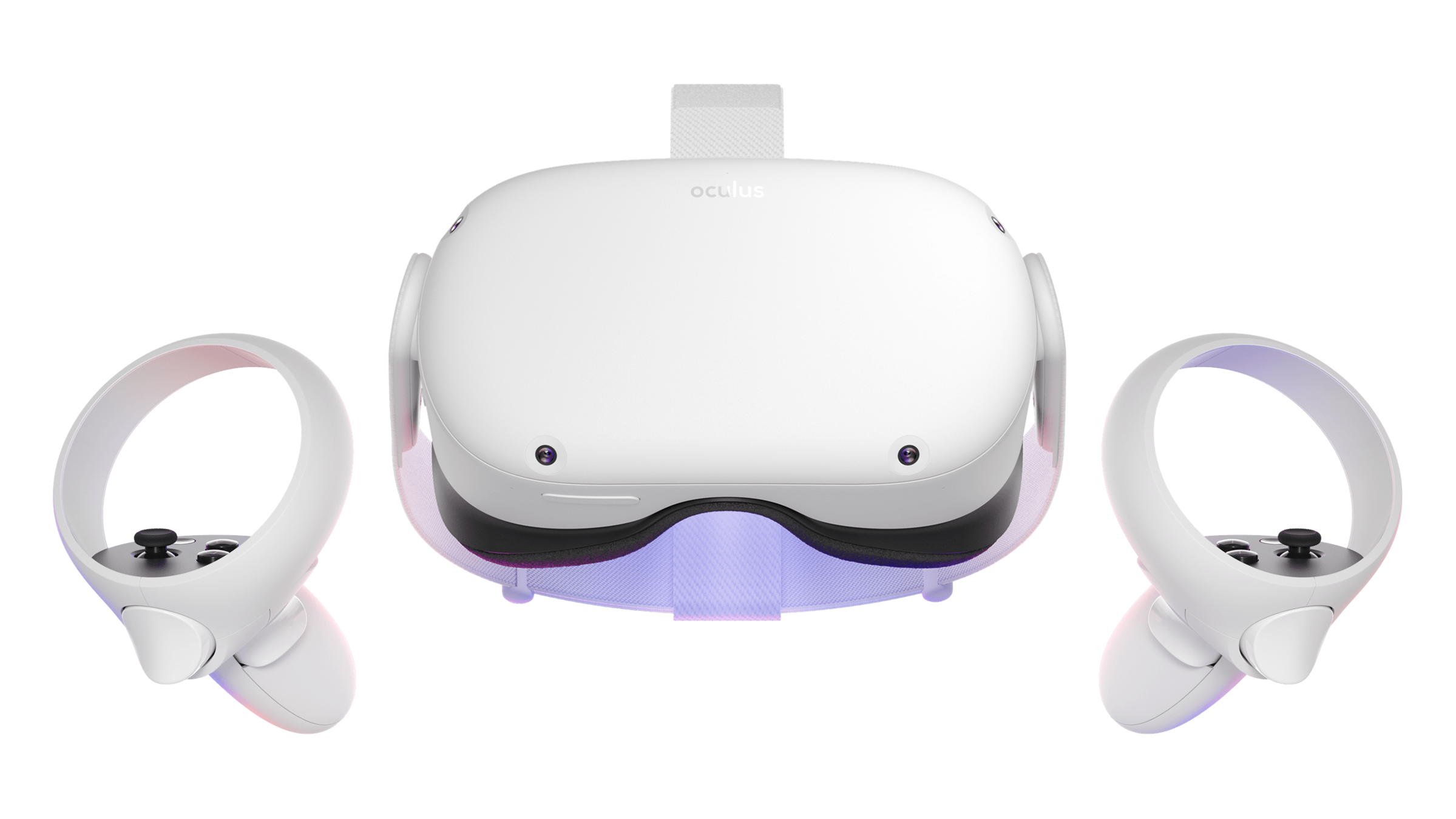
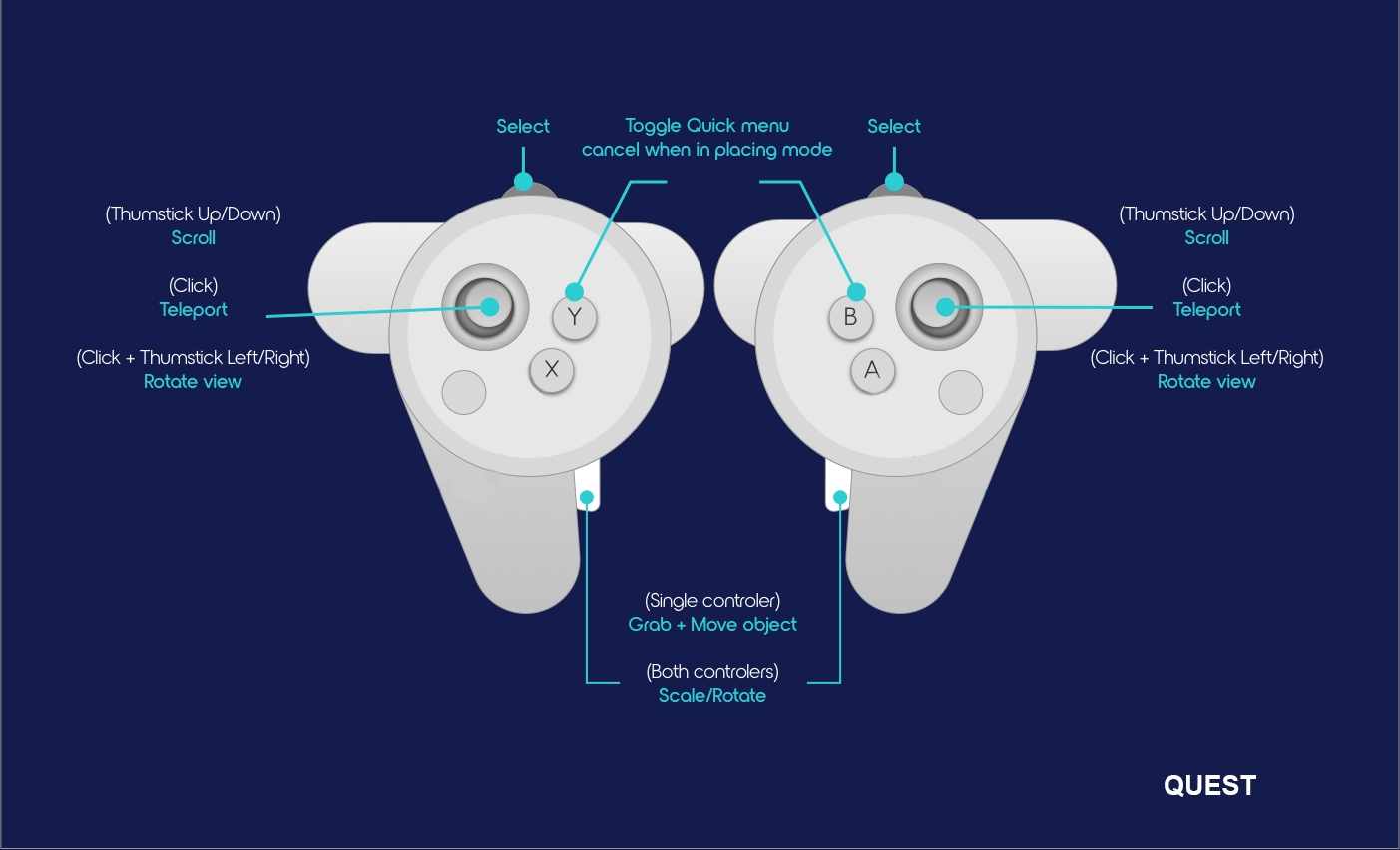
Oculus Quest 2
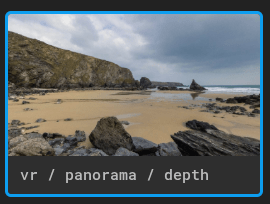
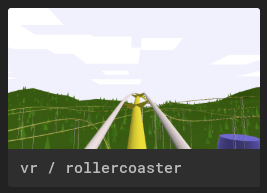
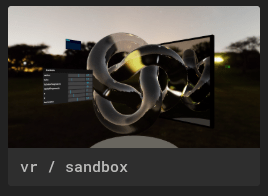
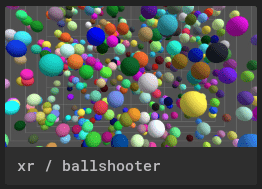
ENTER VR
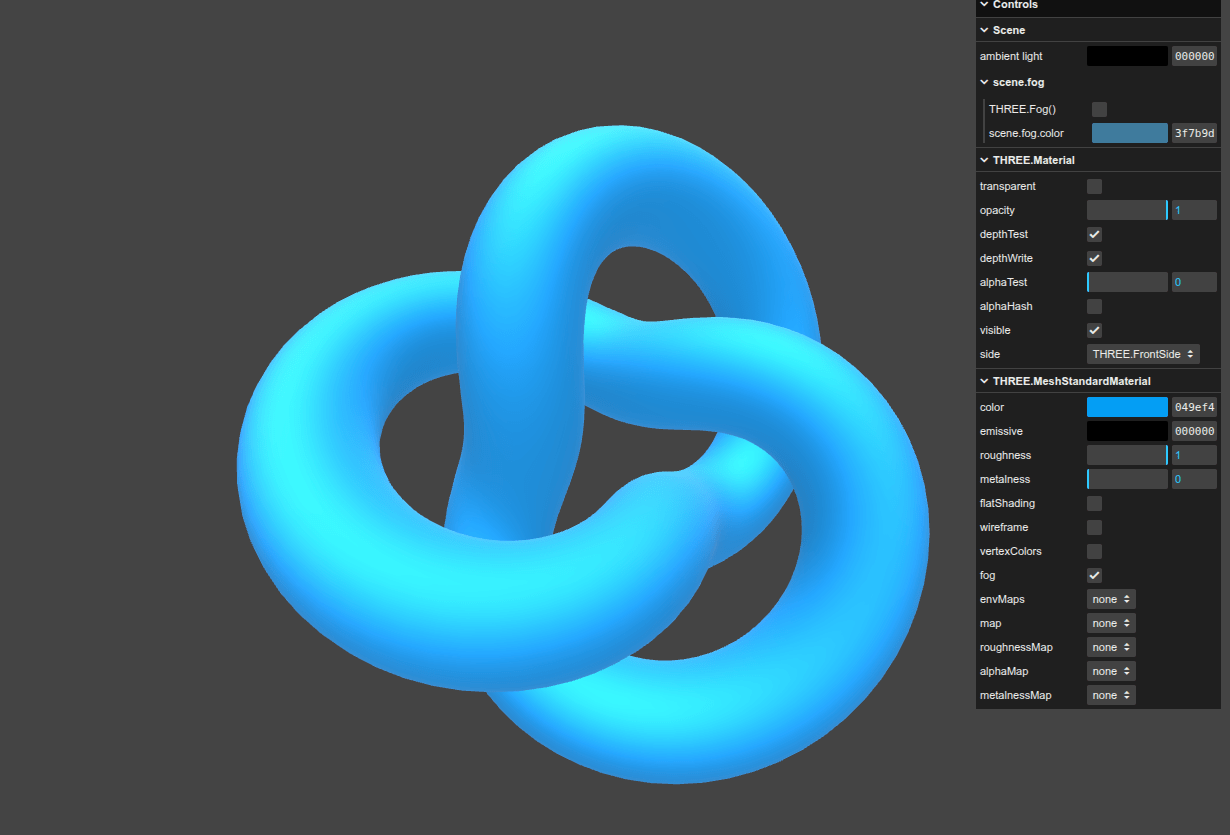
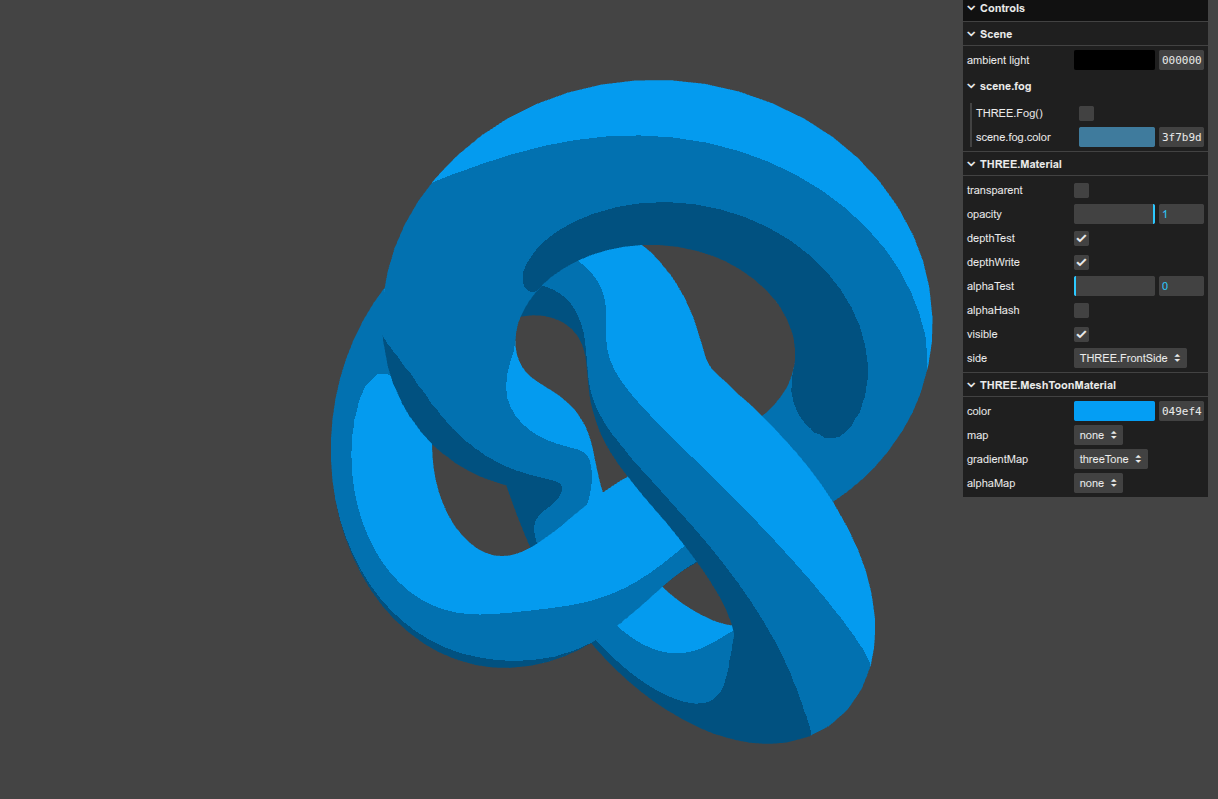
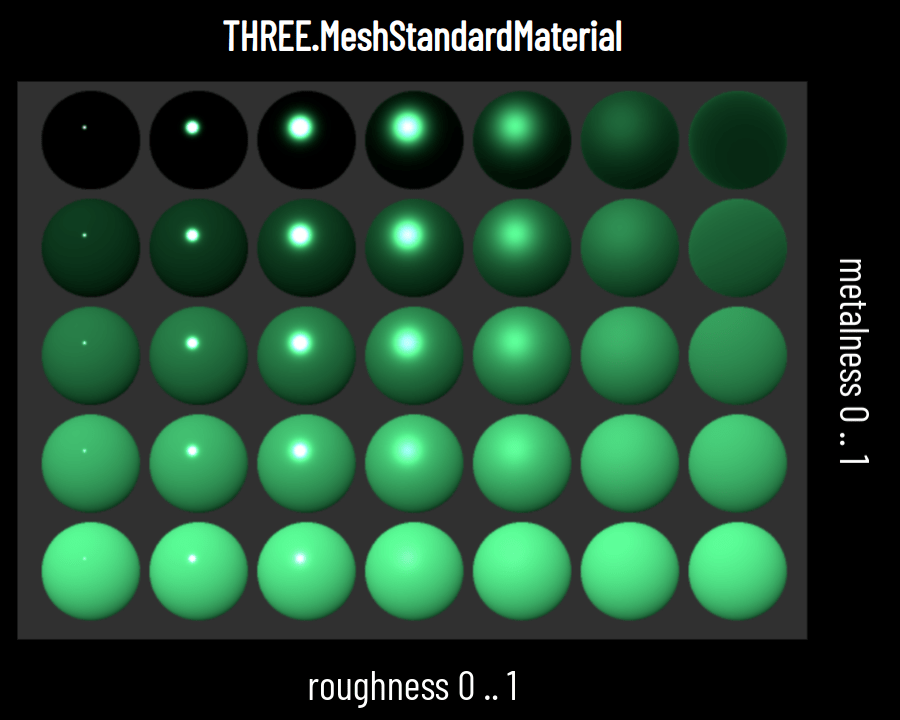
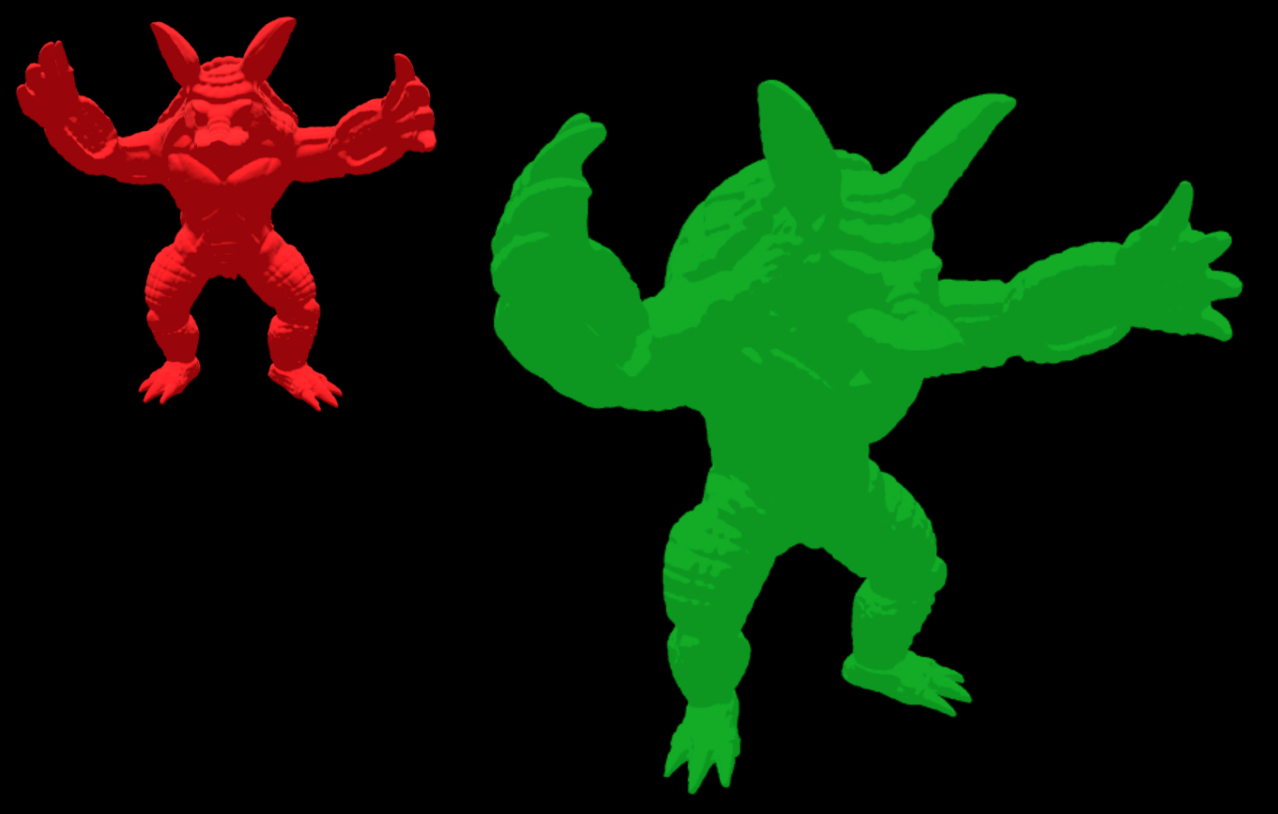
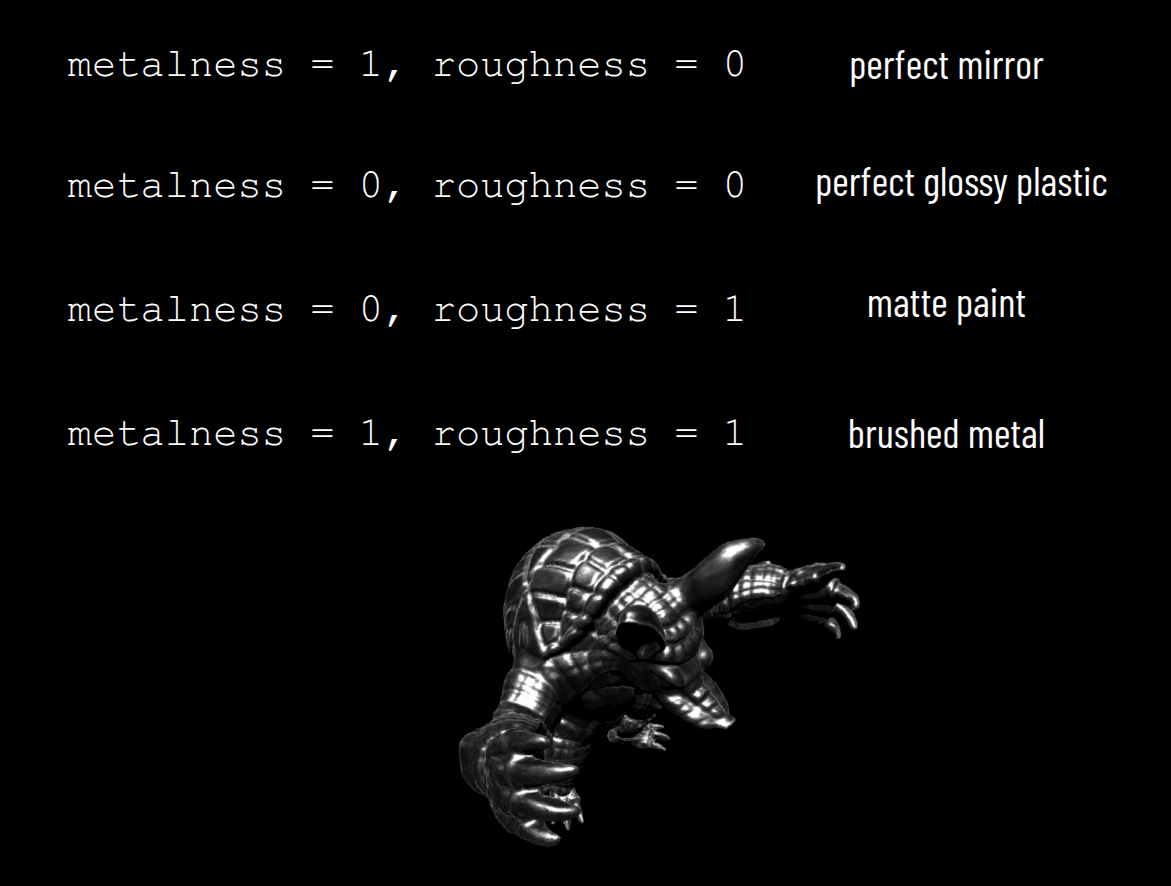
Lecture 20

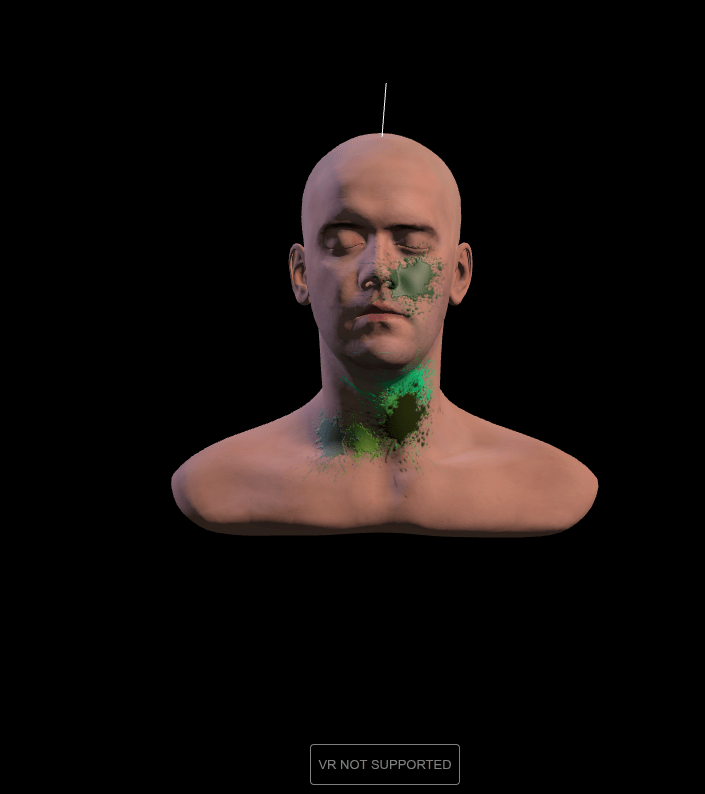
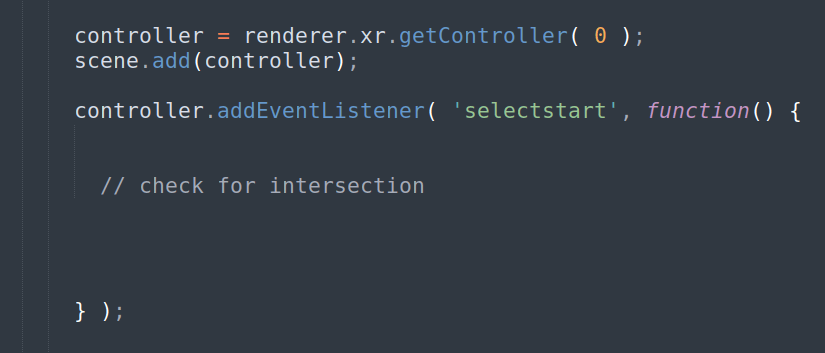
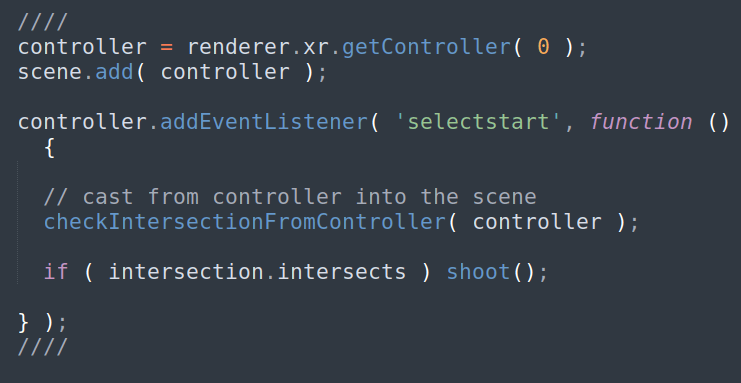
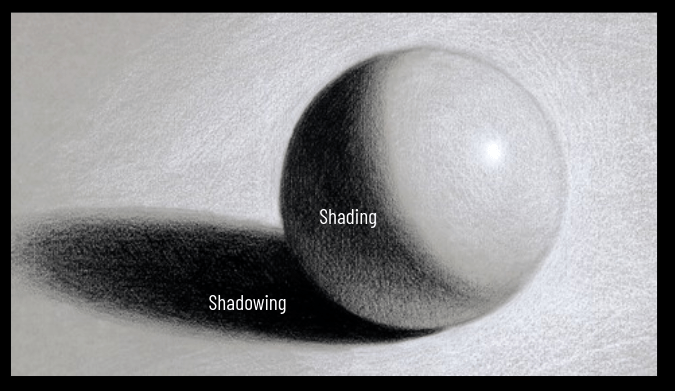

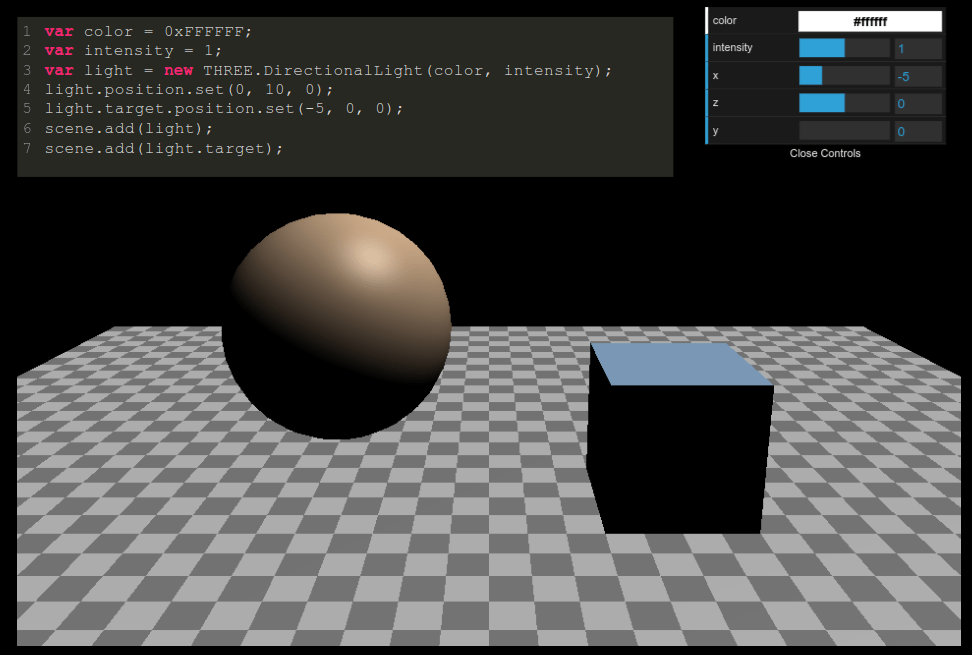
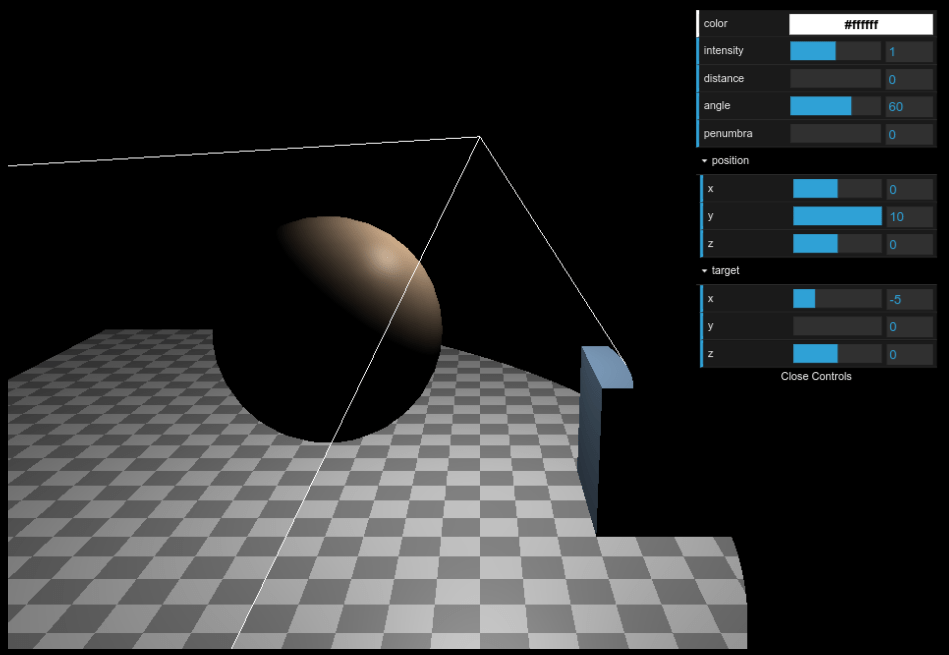
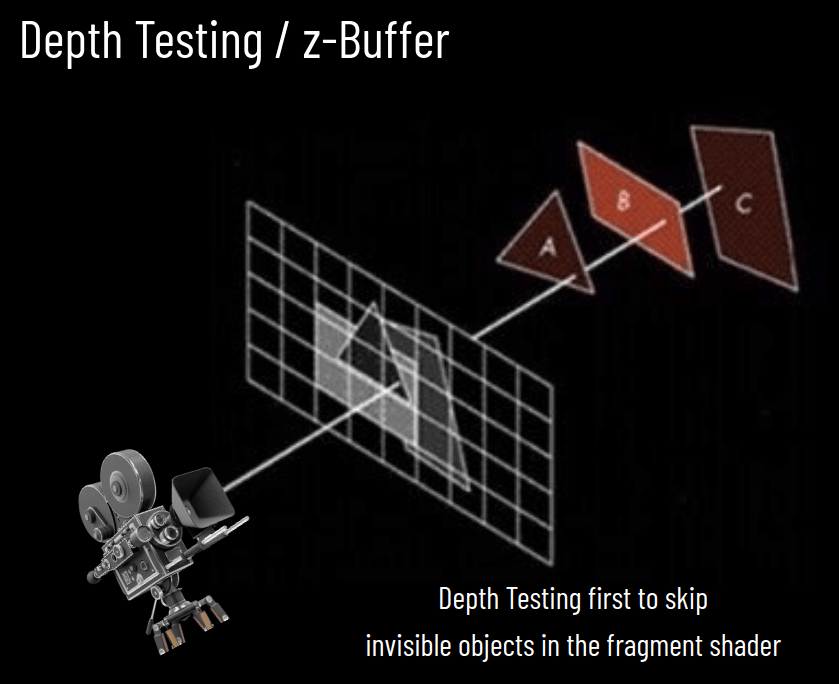
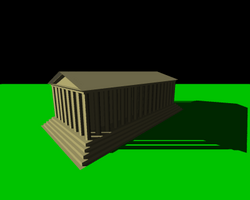

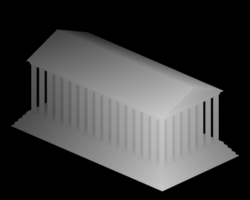
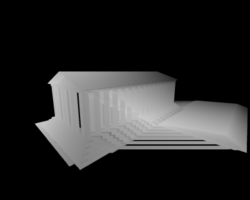
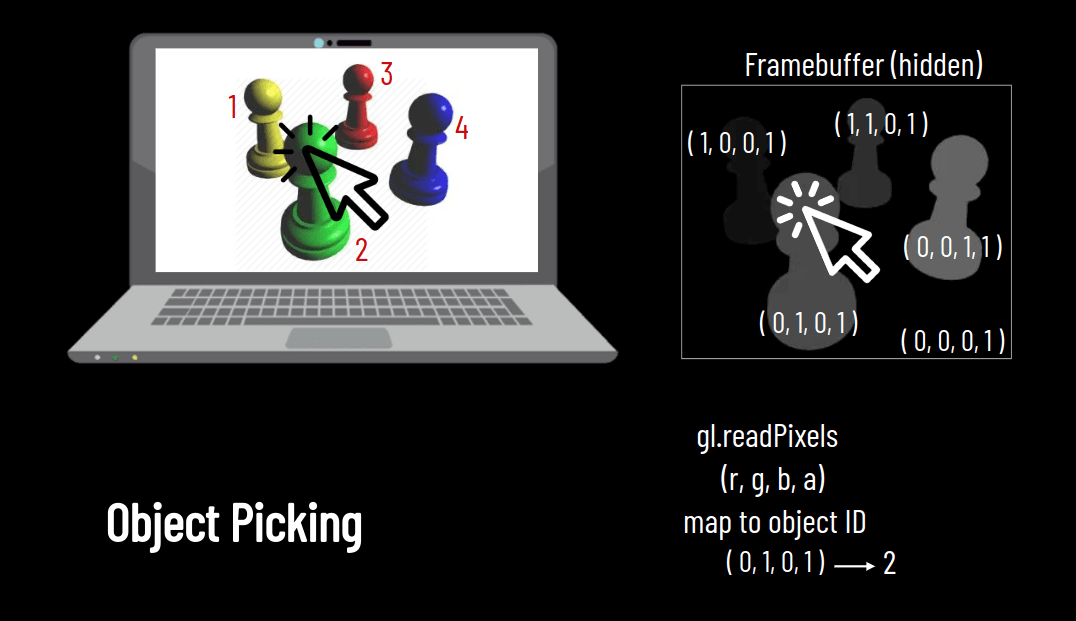
render scene from LIGHT
create DEPTH MAP
calculate shadows
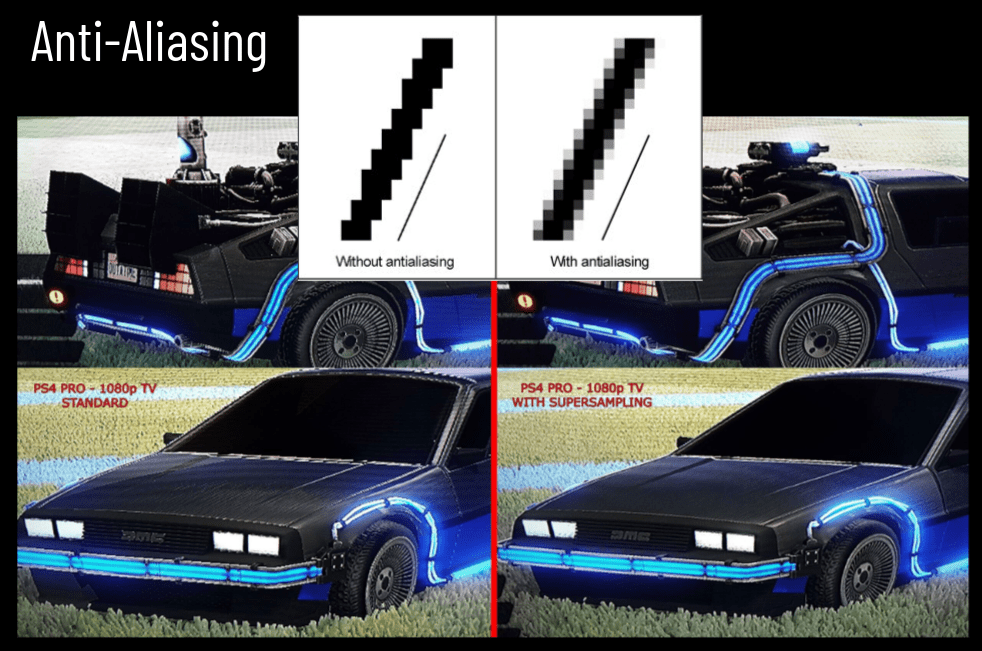
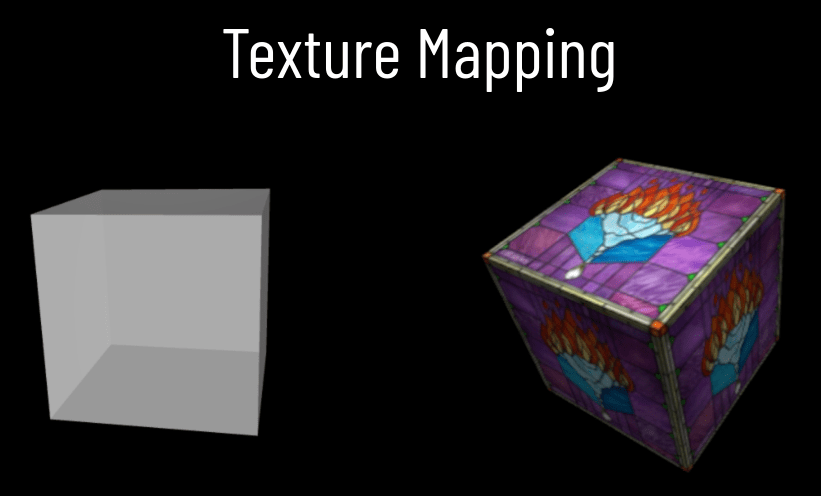
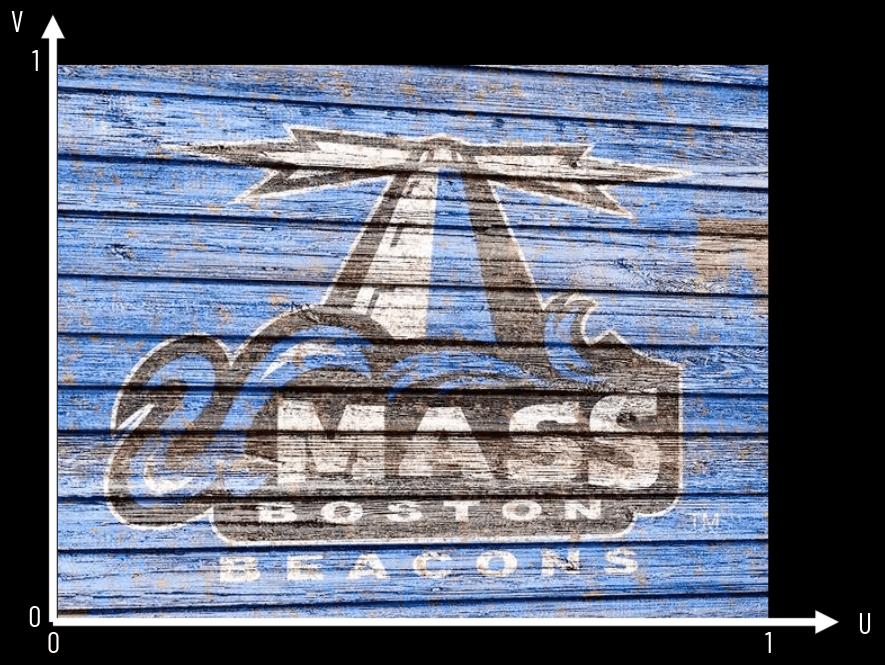
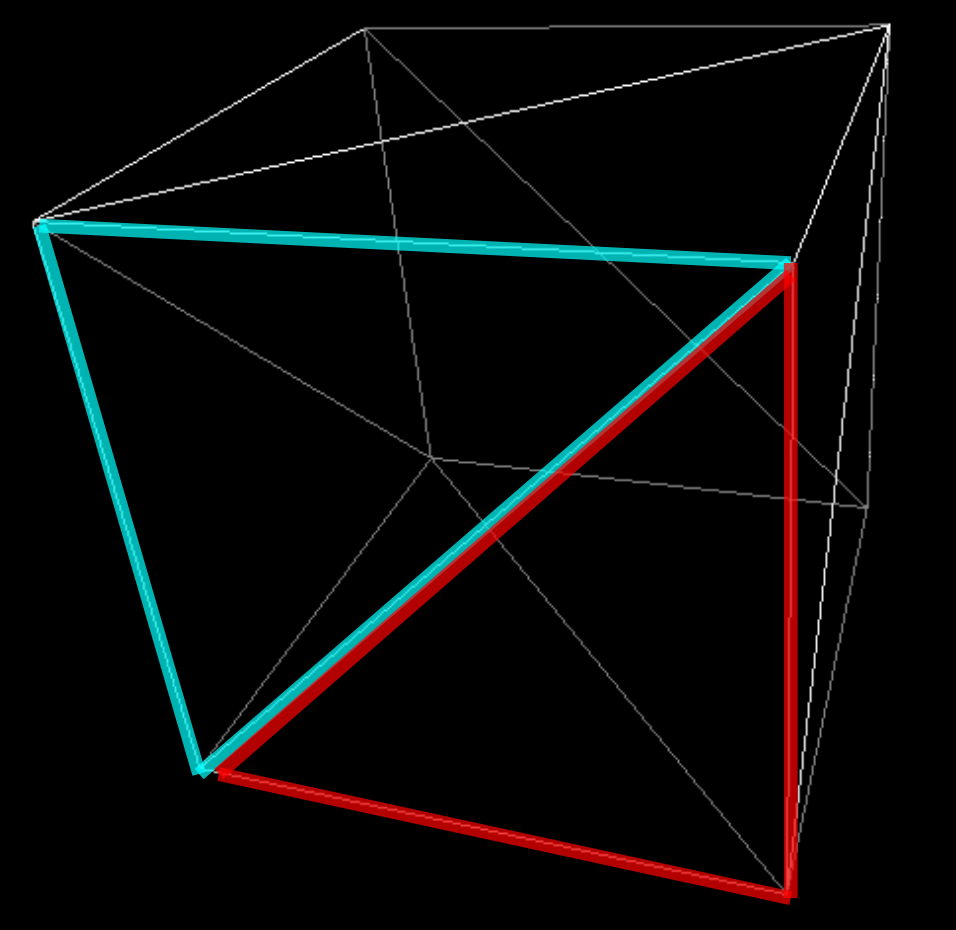
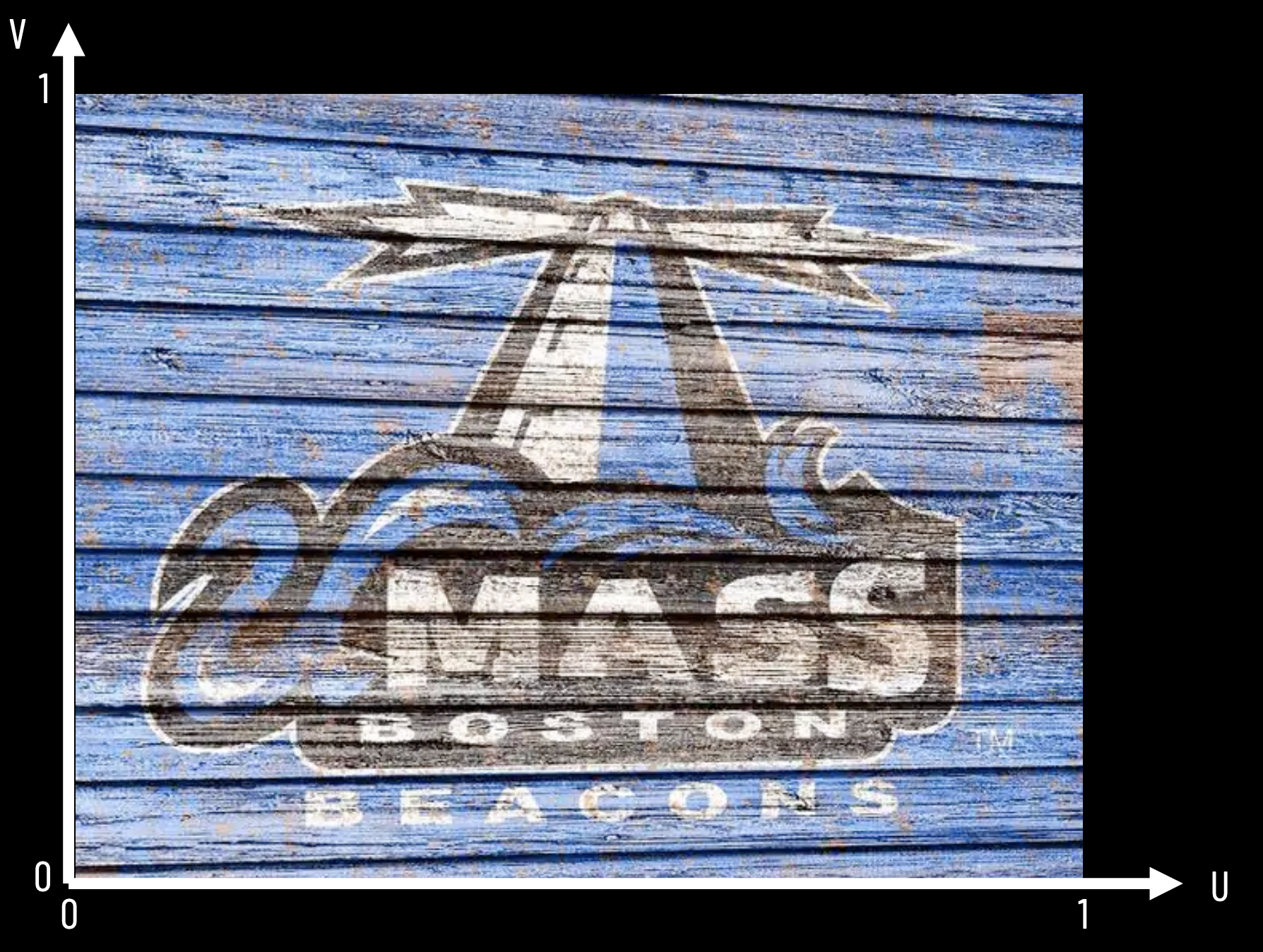
Fragment Shader
Lecture 21
Photogrammetry
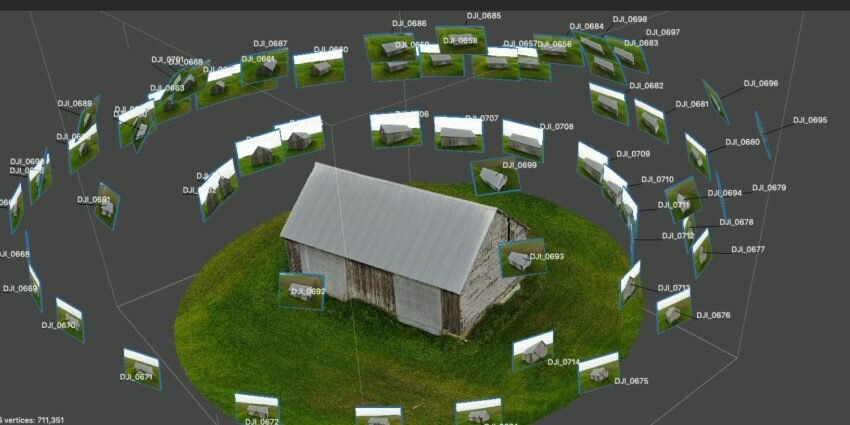
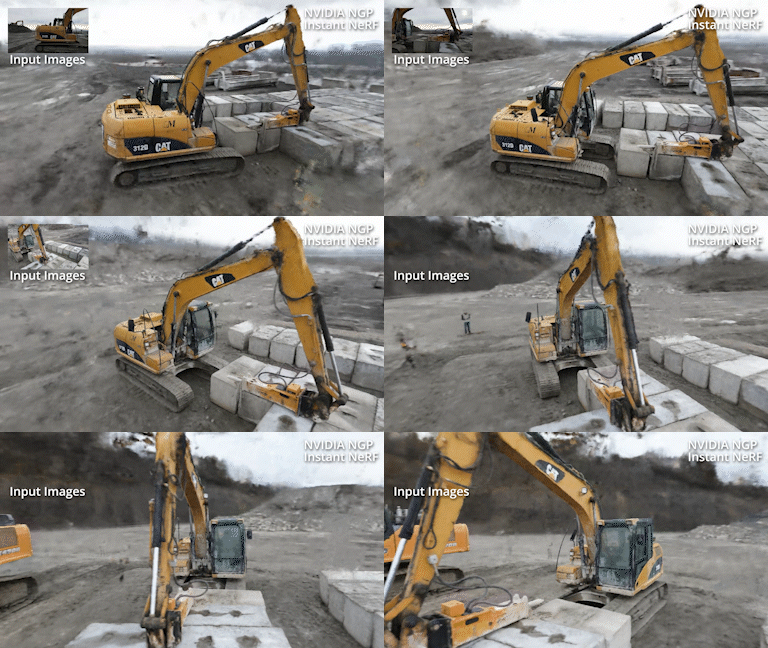

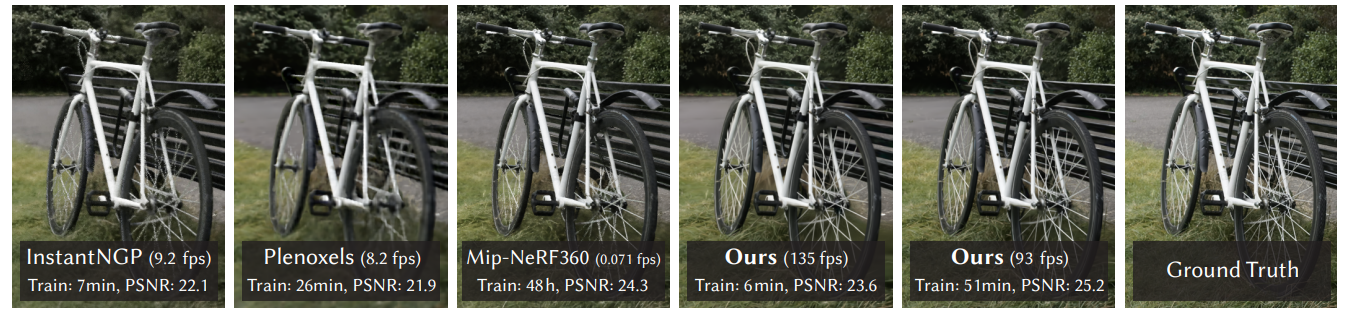
High-resolution + Fast!

Lecture 22
Lecture 23

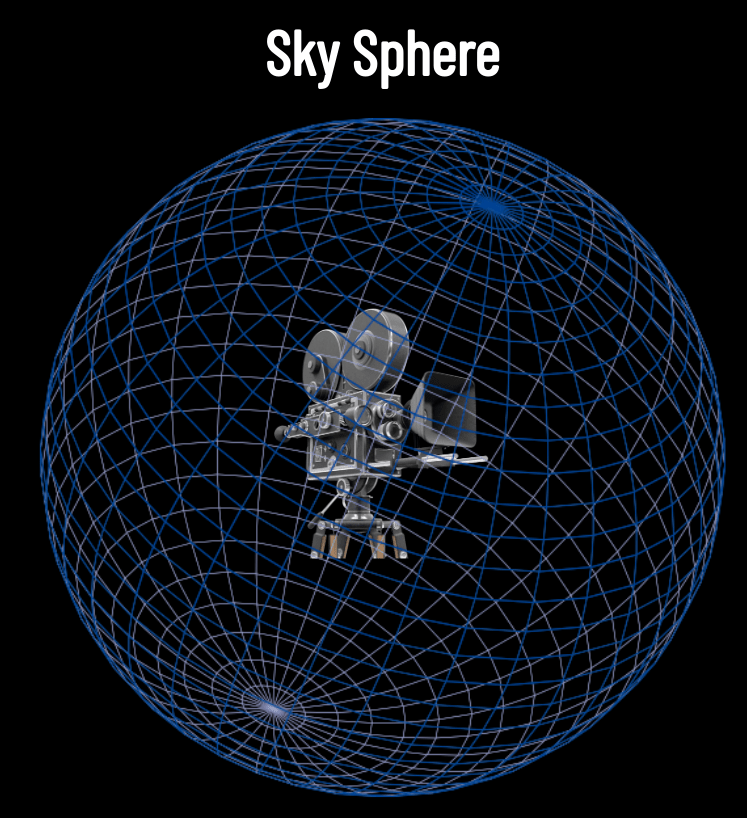
Sky Box

Course Evaluations



...for a great semester!