Getting Started with Zotero
Kyle Feenstra - Coordinator, Learning & Instruction Support

This workshop qualifies for Experience Record.
Please record your attendance!
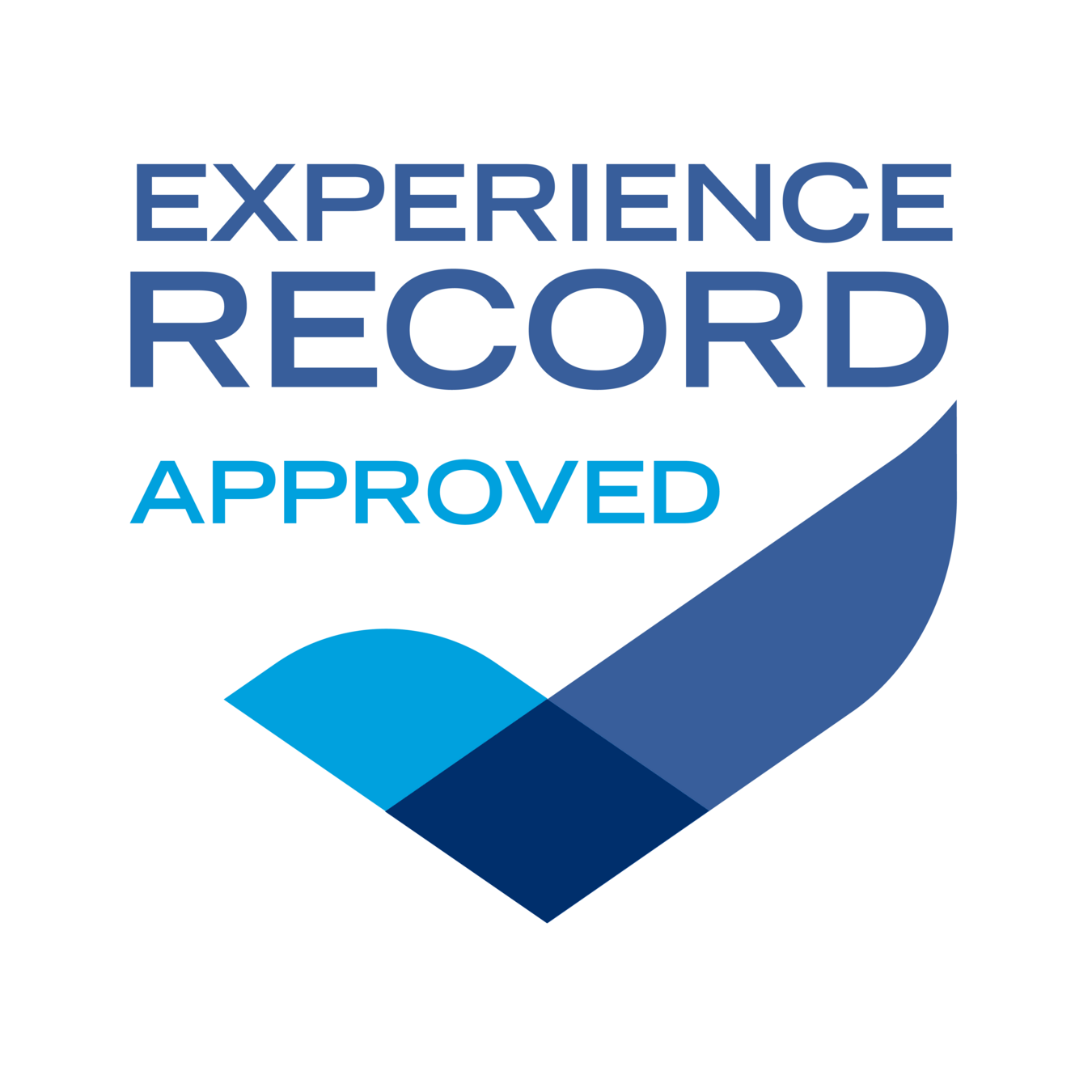
Getting Started Checklist
(Click to download)
The 4 Parts of Zotero
Desktop App
Mobile App
Browser Connector
Word Plugin
Desktop App Settings/Preferences
- General tab - Library Look Up
- Account tab - Sign in & Sync
- Export tab - Default quick copy citation style
- Cite tab - Citation Dialog (Choose Library Mode)
Desktop & Mobile Apps
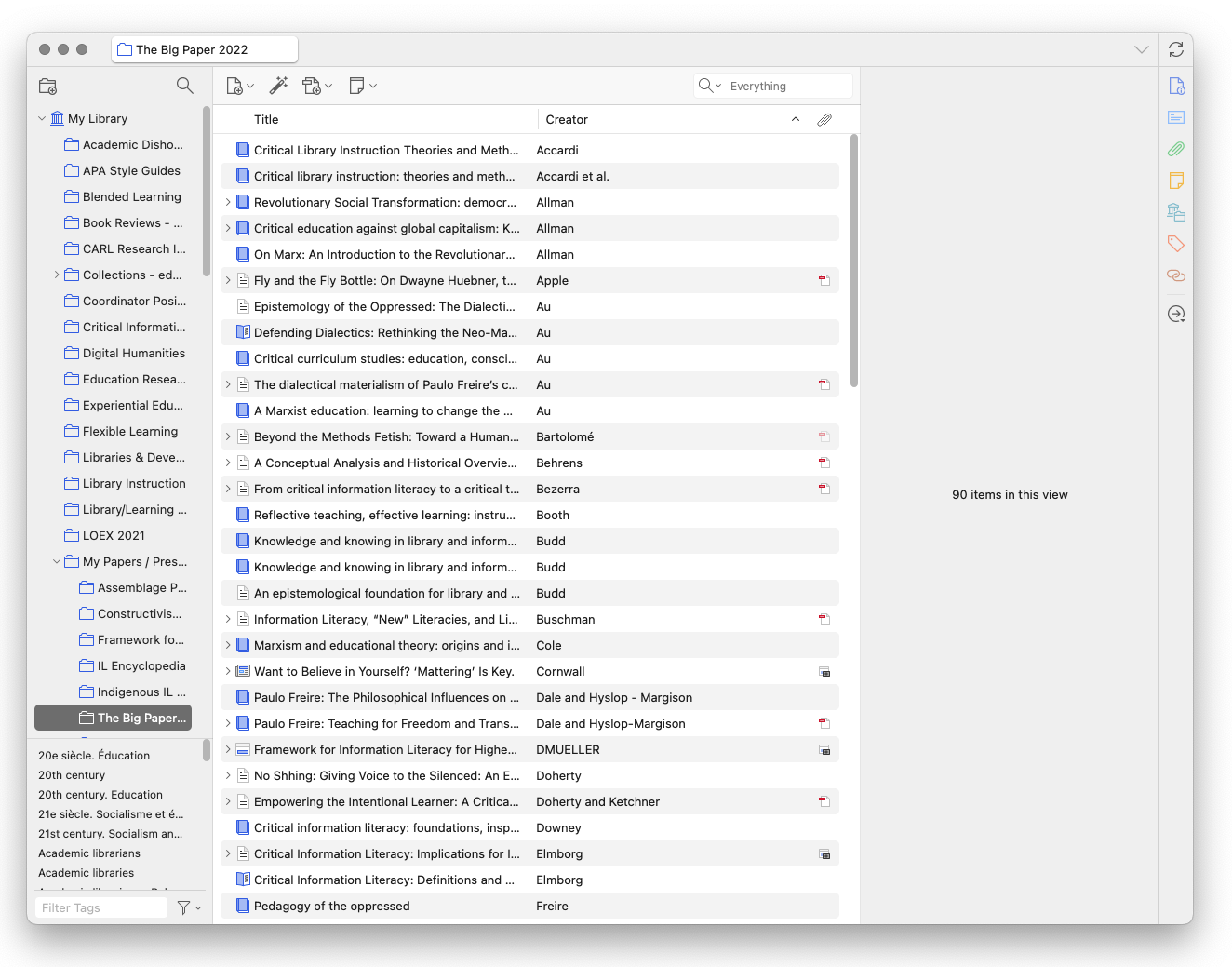
- Add to, organize and edit your Zotero library.
- Create shared folders.
- Read and markup documents.
Browser Connector
- Import references and documents into your Zotero library.
Word Plugin
- Add references and bibliographies from your Zotero library into a word document.
Mobile App
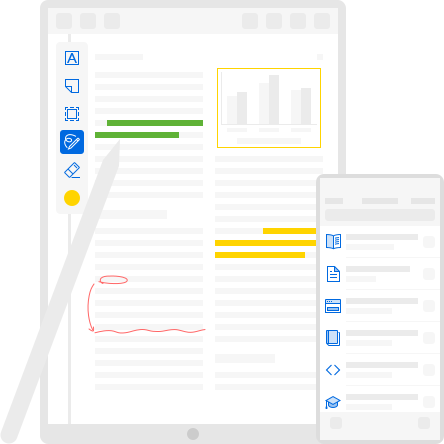
- Manage your Zotero library.
- Read and mark up documents.
More Resources
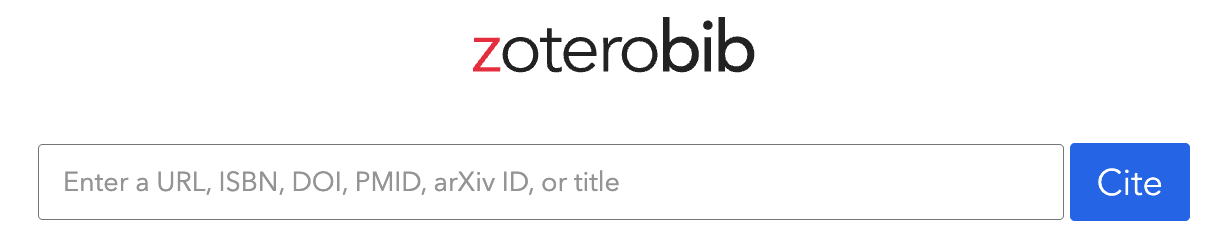
Quick citation generator
- Zotero documentation (User manual)
- Zotero forums (User discussion board)
- Zotero blog (Updates)
The Zotero website is the best source for information and troubleshooting tips.
Questions?
Kyle Feenstra
Coordinator, Learning & Instruction Support