Interaction Design
Designing States
What are states?
— Designing States
What is a State?
A condition of an interface element.
Reality
Interfaces are never static.
Example
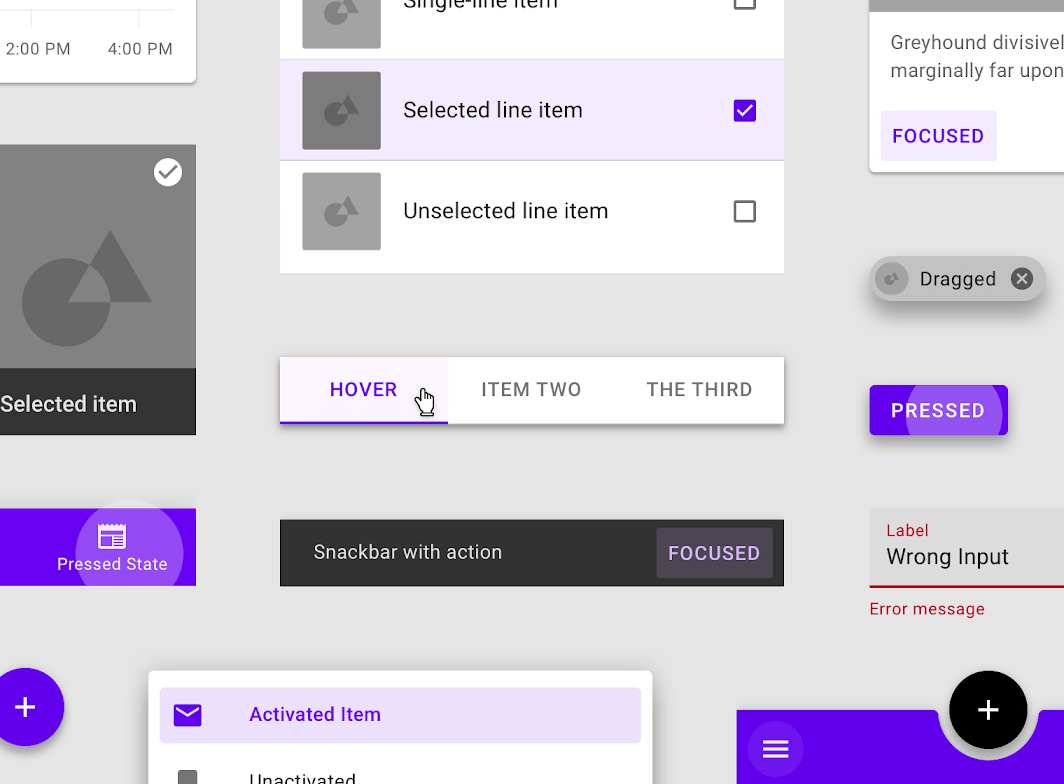
A button changes over time.
Why States Matter
Users Need Context
Questions
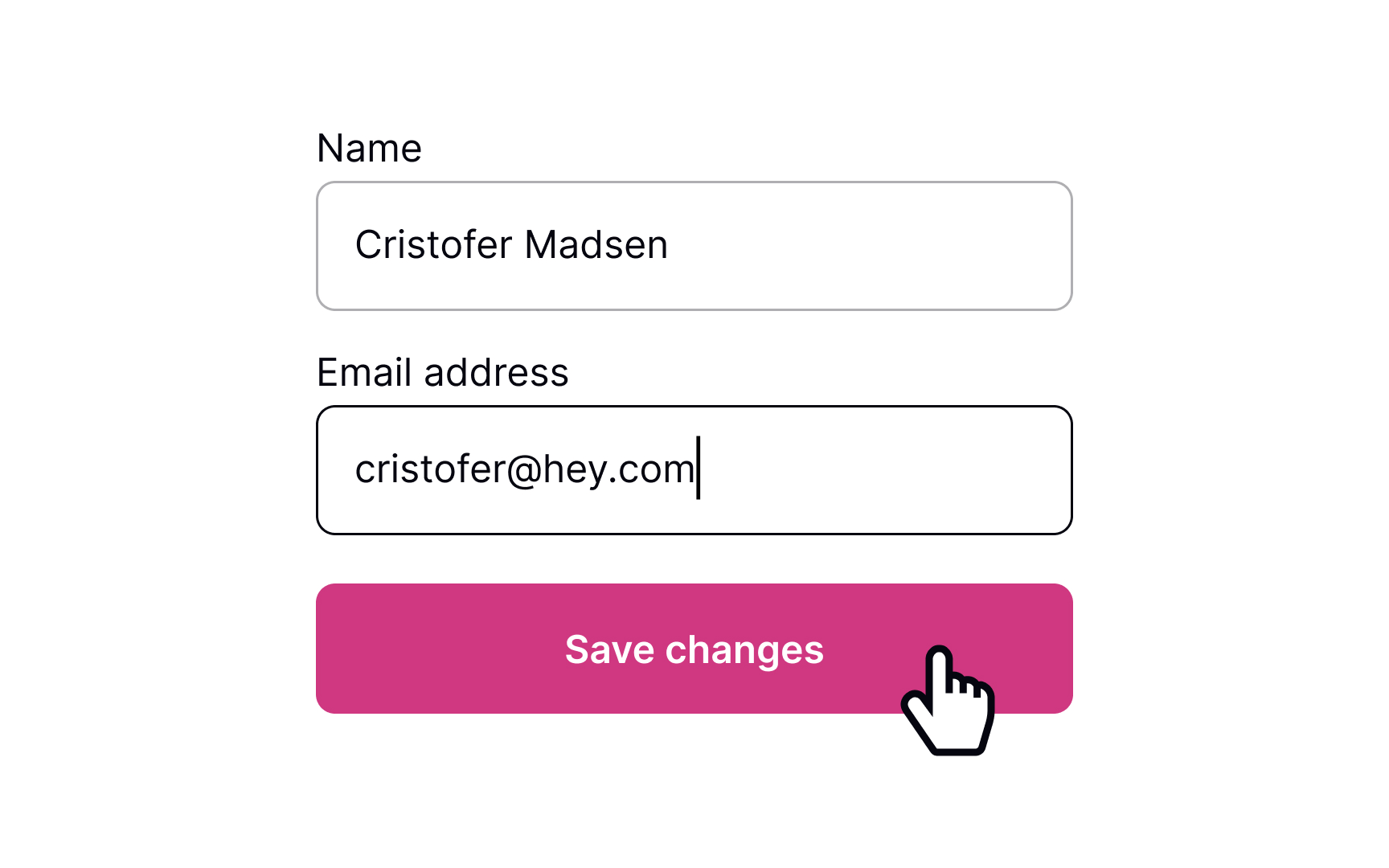
- Is this clickable?
- Did it work?
- Is something wrong?
- Is it loading?
States answer questions.
Types are states?
— Designing States
Button States
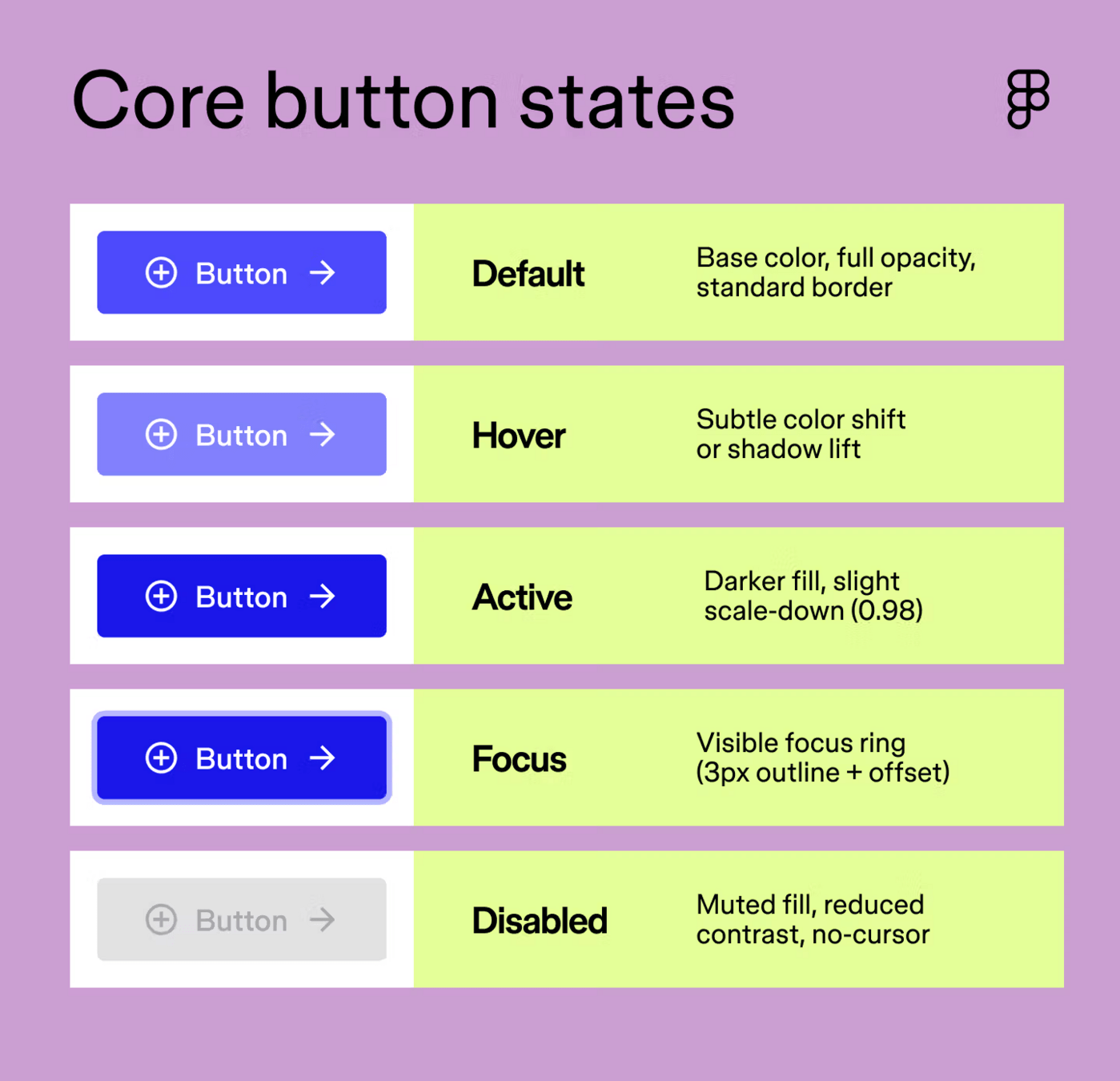
Typical States
Default
Hover
Active
Disabled
Loading
Goal
Communicate possibilities.
Form States
Examples
Empty
Focused
Completed
Validation
Purpose
Guide input.
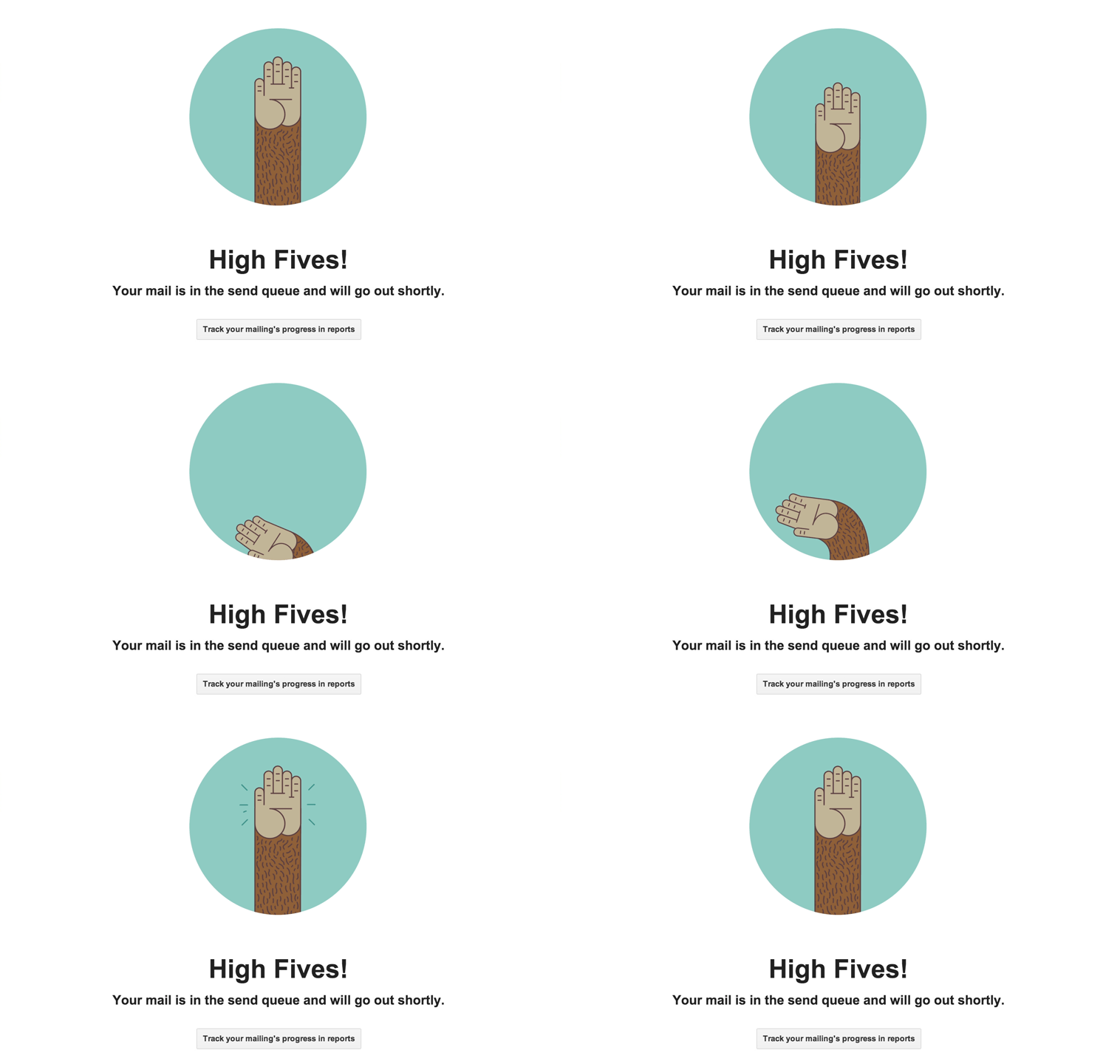
Success States
Communicate completion.
Examples
- Success message
- Checkmark
- Celebration animation
Why?
- Completion
- Confidence
- Reward
Error States
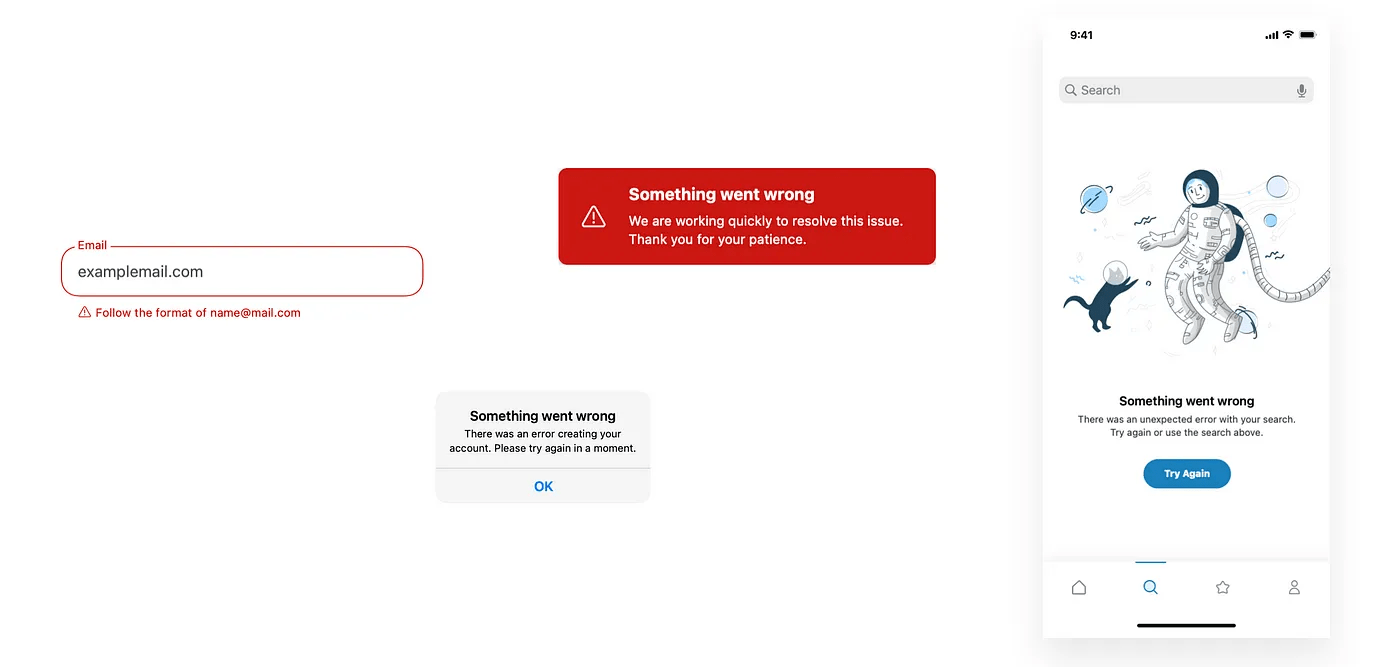
Communicate problems.
Good Error States
- Clear
- Specific
- Helpful
Avoid
- Blame
- Confusion
- Unclear messaging
States in Figma?
— Designing States
States and Motion
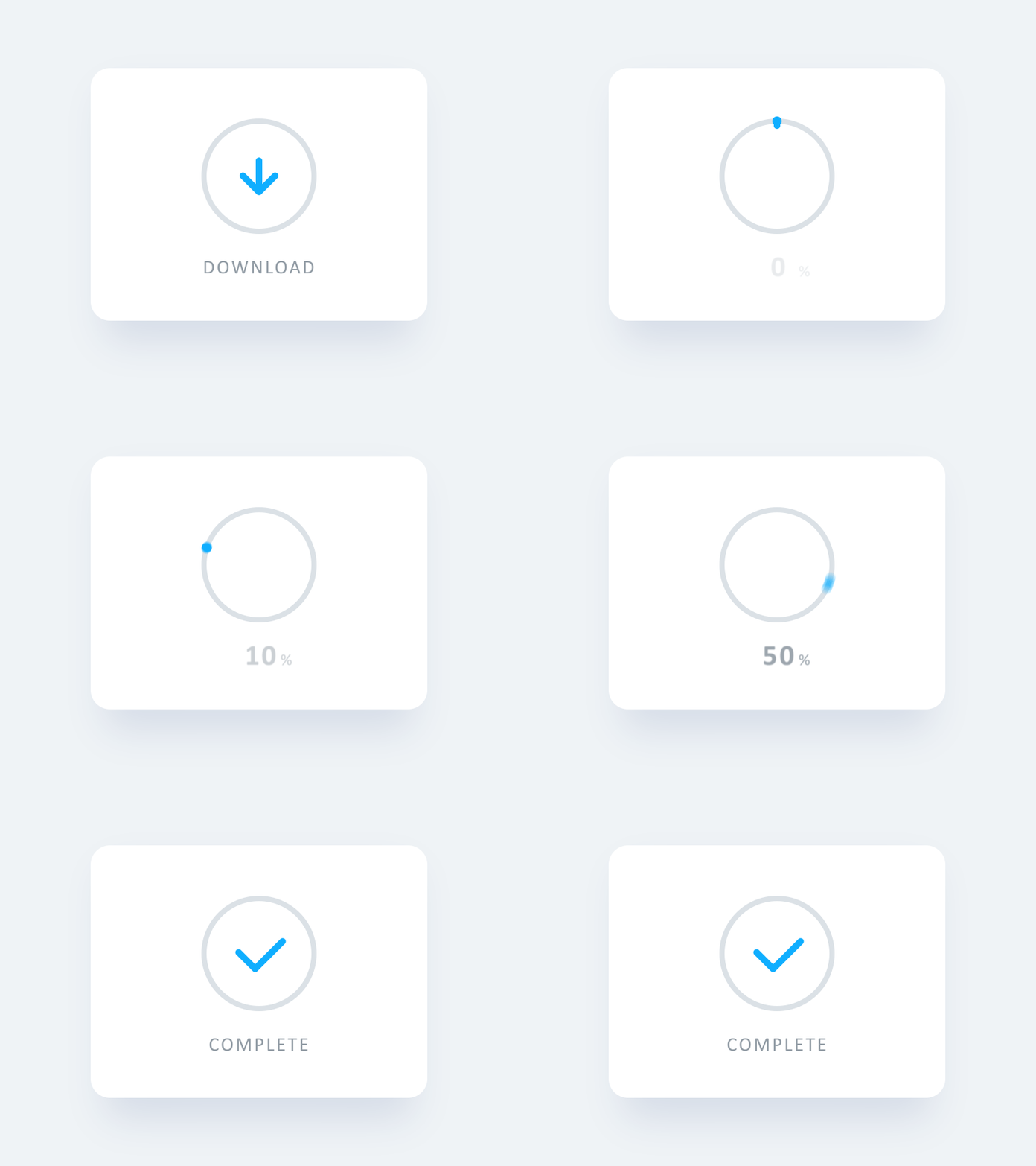
Motion Communicates Change
Default
↓
Hover
↓
Click
↓
Loading
↓
Success
Motion Principle
Continuity
Designing State Flows
Think Beyond Screens
User
↓
Interaction
↓
State Change
↓
Feedback
↓
Next Action
Exercise
Create
- Button States
- Form States
- Success States
- Error States
Tool
- Paper
- Figma
Focus Question
What happens after interaction?
Recap
— Designing States
Most Important Question
Not:
"What does it look like?"
But:
"What happens when the user clicks?"
Recap?
Interaction Design
- Goals
- Actions
- Responses
- Feedback
Design Patterns
- Mental Models
- Familiarity
- Consistency
Wireframing
- Behaviour First
States
- Hover
- Loading
- Success
- Error
Core Principle
Design behaviour before visuals.
[IMAGE PLACEHOLDER: Session recap infographic]
Text