Advanced Git
Techniques for working with Git in teams
Renato Cordeiro Ferreira
2019
ATTENTION!
This is not a talk about the basics of using Git
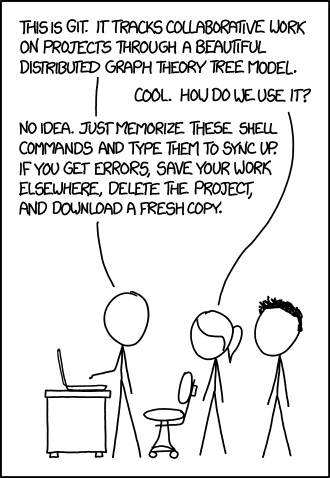
And by basic, I mean:
git add
git commit
git push
git clone
git pull
}
}
"The mindless three"
Starting the work...
And by basic, I mean:
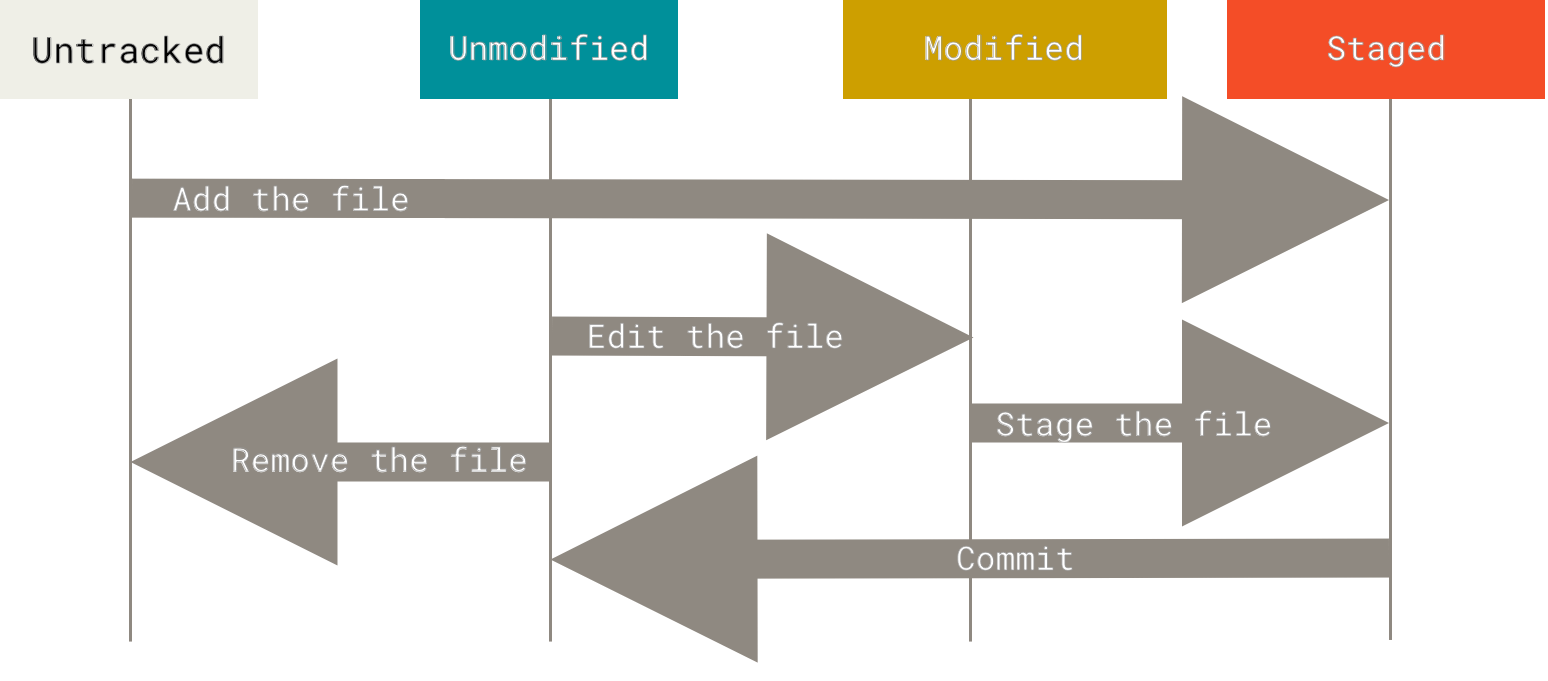
ATTENTION!
This is a talk about how to use Git for real
Branching
The power behind Git
Commits are "little boxes" that store metadata about code changes
a12b34c5
Each commit is identified by a SHA-1 checksum that represents a header + the commit changes
Commits link together like a list, pointing to the commit from which they originated
a12b34c5
b23c45d6
c34d56e7
New commits are created with the combination of
git add + git commit commands
The head of this list (HEAD) represents what you are viewing in the repository at the moment
a12b34c5
b23c45d6
c34d56e7
HEAD
How to go back to the past?
git checkout allows you to see old versions of the code by moving HEAD to other commits
a12b34c5
b23c45d6
c34d56e7
HEAD
HEAD
git checkout b23c45d6
git checkout HEAD^1
git checkout can return to the end of the list because it is identified by default as main
a12b34c5
b23c45d6
c34d56e7
HEAD
HEAD
main
git checkout main
a12b34c5
b23c45d6
c34d56e7
HEAD
HEAD
git reset modifies main and HEAD together, making a commit inaccessible
main
main
git reset b23c45d6
git reset HEAD^1
X
Creating parallel universes
git commit with HEAD disconnected from main generates a tree of commits
a12b34c5
b23c45d6
main
HEAD
d45e67f8
git commit
git checkout -b allows you to create a name to reference this new branch of the tree
test
a12b34c5
b23c45d6
main
HEAD
d45e67f8
git checkout -b test
git checkout still allows you to navigate between commits as desired
test
a12b34c5
b23c45d6
main
HEAD
d45e67f8
git checkout main
Putting everything together
git merge allows you to join two branches, generating a commit that records the merge
test
a12b34c5
b23c45d6
main
HEAD
e56f78a9
d45e67f8
git merge test
Putting everything together (improved)
git rebase allows you to reapply a branch onto another, generating a linear history
test
a12b34c5
b23c45d6
main
HEAD
d45e67f8
git rebase test
git branch -d allows you to delete the reference to a pre-existing branch
git branch -d test
test
X
a12b34c5
b23c45d6
main
HEAD
d45e67f8
Branching strategies
a12b34c5
b23c45d6
c34d56e7
e56f78a9
main
d45e67f8
develop
feature
f67a89b0
hotfix
Git Flow proposes a stable branch, a development one, several for features, and some for emergencies
a12b34c5
b23c45d6
c34d56e7
e56f78a9
main
d45e67f8
feature-1
feature-2
GitHub Flow proposes a stable branch and several for features that are integrated via pull requests
a12b34c5
b23c45d6
c34d56e7
e56f78a9
staging
d45e67f8
prod
feature-2
GitLab Flow proposes a branch for each deployment environment and for features that are made available via merge requests
feature-1
Branching
Which strategy should I use?
Long answer:
It depends, but in general, none of them...
Short answer:
NONE
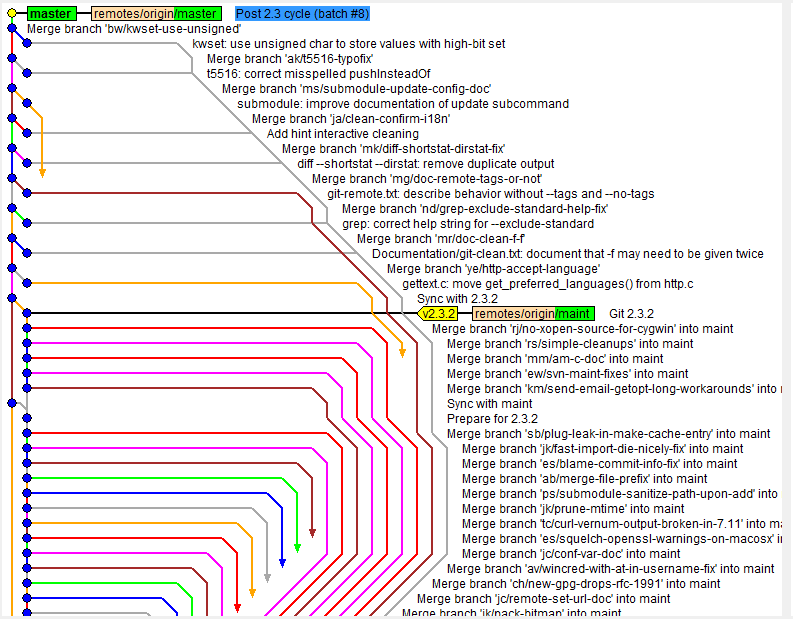
Against branching hell, apply trunk-based development
git add
git commit
git push
}
"The mindless three"
If you only have the main branch and make commits frequently, you dilute merges with every commit
"Branches create distance between developers and we don't want that"
— Frank Compagner, Guerrilla Games
Single Source of Truth
+
Continuous Integration
+
Continuous Code Review
+
Feature Flags
=
Trunk-Based Development
But... But... But...
It can't be that simple!
Long answer:
If your project is free software,
or your team is very large, or your code review is long, or your code integrates several repositories...
Short answer:
It really isn't...
And this is true even with complex projects that have several repositories for the parts of a microservices architecture
For most projects, however:
keep it simple
Questions?
Summarize changes in around 50 characters or less

More detailed explanatory text, if necessary. Wrap it to about 72
characters or so. In some contexts, the first line is treated as the
subject of the commit and the rest of the text as the body. The
blank line separating the summary from the body is critical (unless
you omit the body entirely); various tools like `log`, `shortlog`
and `rebase` can get confused if you run the two together.

Explain the problem that this commit is solving. Focus on why you
are making this change as opposed to how (the code explains that).
Are there side effects or other unintuitive consequences of this
change? Here's the place to explain them.

Further paragraphs come after blank lines.

 - Bullet points are okay, too

 - Typically a hyphen or asterisk is used for the bullet, preceded
   by a single space, with blank lines in between, but conventions
   vary here

If you use an issue tracker, put references to them at the bottom,
like this:

Resolves: #123
See also: #456, #789
References
- https://git-scm.com
- https://rogerdudler.github.io/git-guide/
- https://nvie.com/posts/a-successful-git-branching-model/
- https://guides.github.com/introduction/flow/
- https://docs.gitlab.com/ee/workflow/gitlab_flow.html
- https://trunkbaseddevelopment.com
- https://chris.beams.io/posts/git-commit/
Advanced Git
Techniques for working with Git in teams
Renato Cordeiro Ferreira
2019