E2e Testing with
Cypress
https://bit.ly/2PNvsUe
“If you think your users are idiots, only idiots will use it.”
Linus Torvalds
“Quality is free, but only to those who are willing to pay heavily for it.”
DeMarco and Lister
HEllo EGYPTJS
Salama Salama Ashoush
Senior frontend engineer @ Tajawal
I love JS but I can code in many others
I study programming, web technologies, design, and 3d animation
I watch movies, anime, and play games
find me anywhere @salamaashoush or www.salamaashoush.com

Agenda
-
E2E testing
-
What/Why Cypress?
-
Installation
-
Test structure
-
Selecting
-
Assertions
-
Mocking
-
Cypress dashboard
E2E testing
end-to-end testing involves ensuring that the integrated components of an application function as expected. The entire application is tested in a real-world scenario such as communicating with the database, network, hardware and other applications.
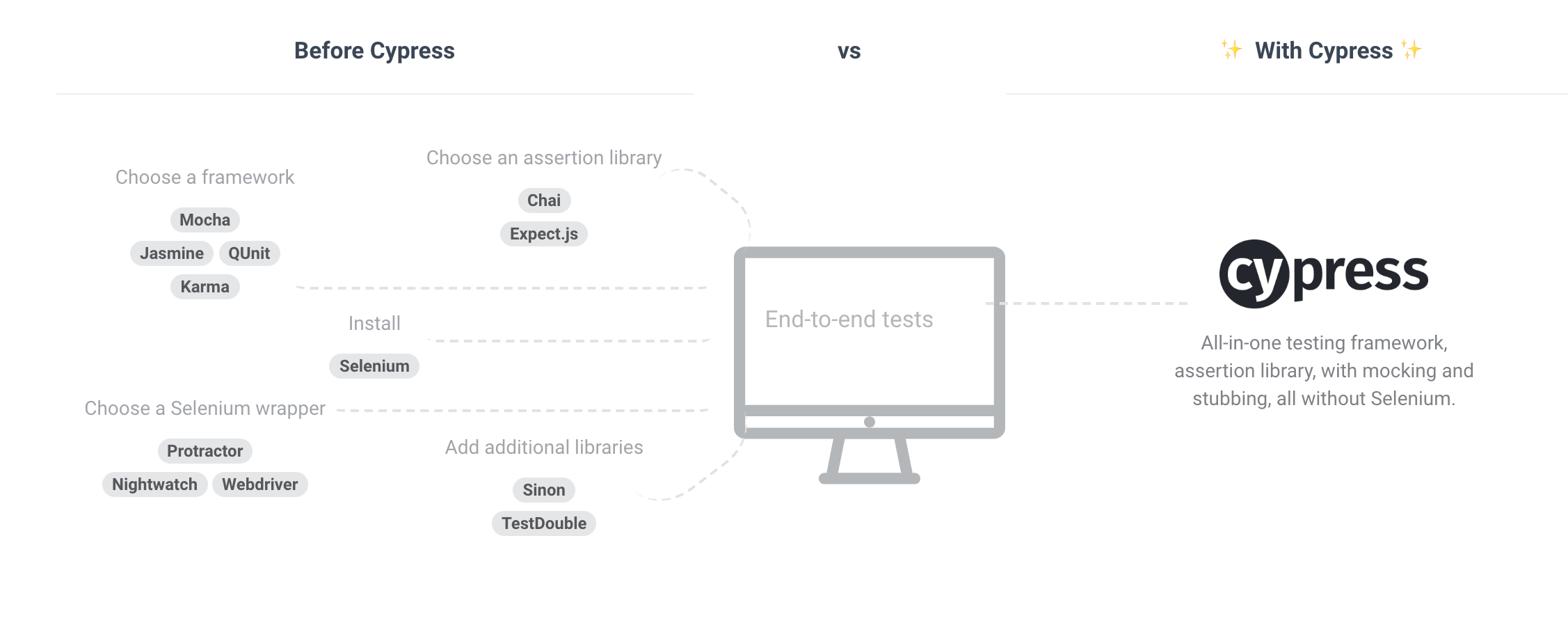
E2E IS HARd
Yes i am talking about you!
Selenium
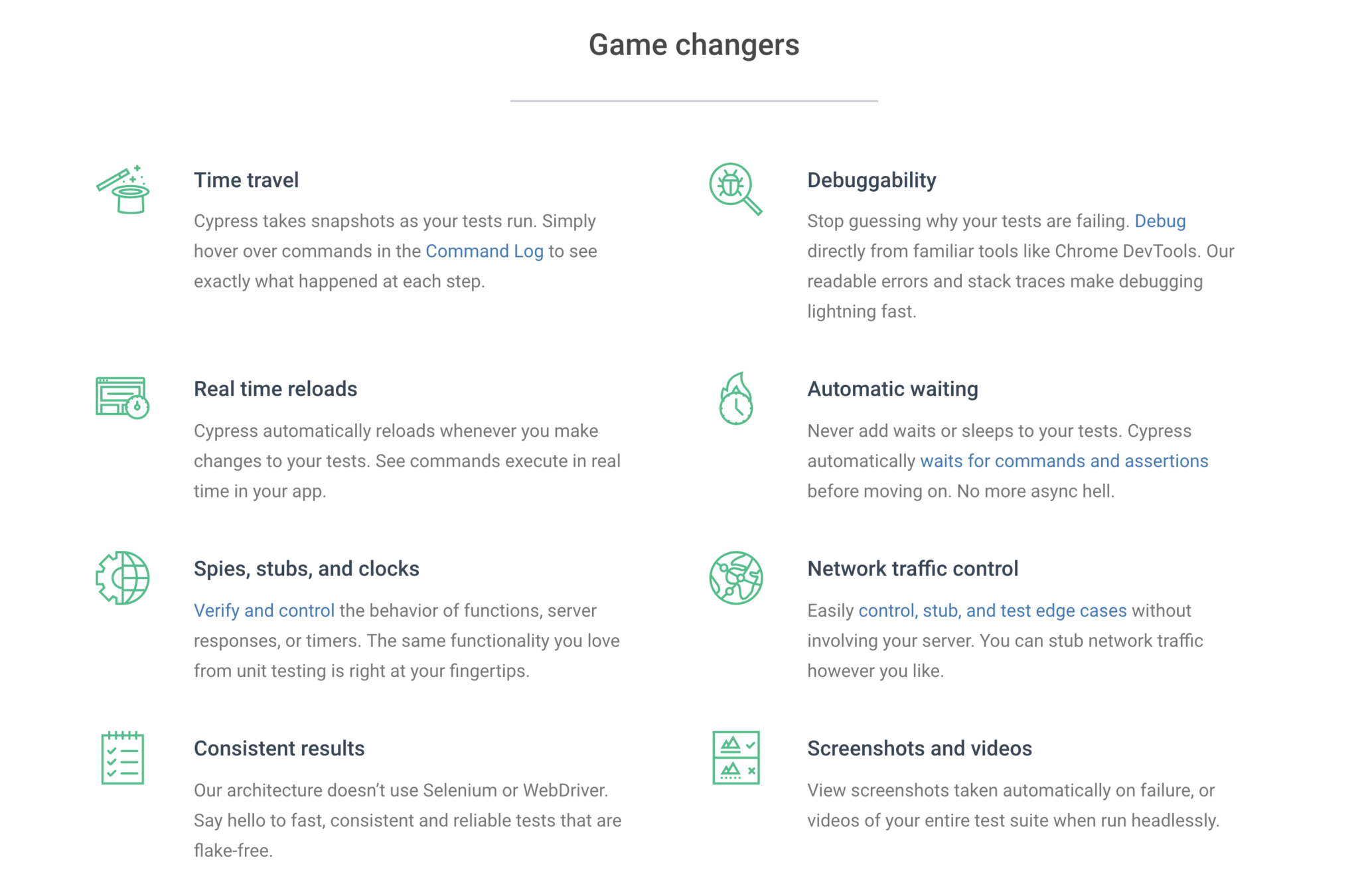
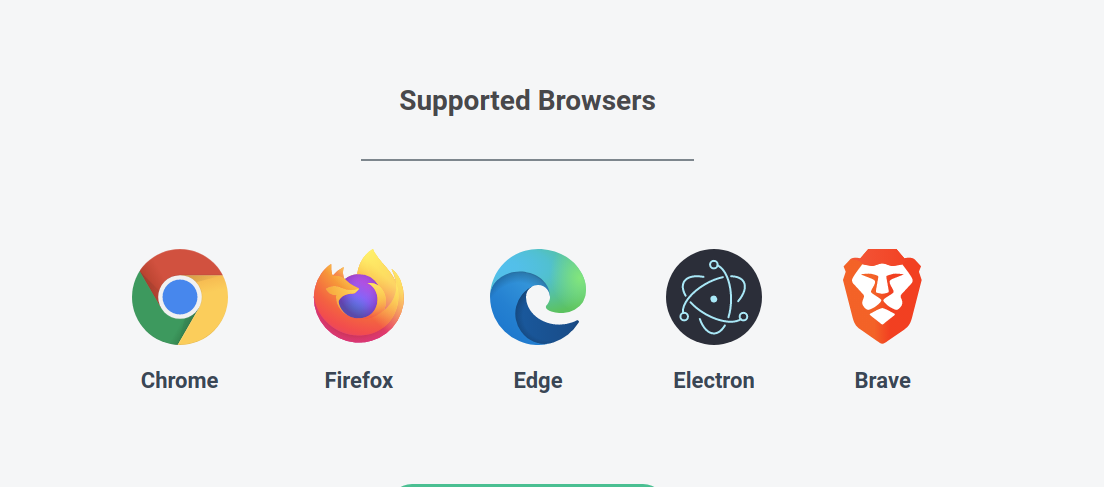
What is Cypress?
A test runner built for humans.
Installation
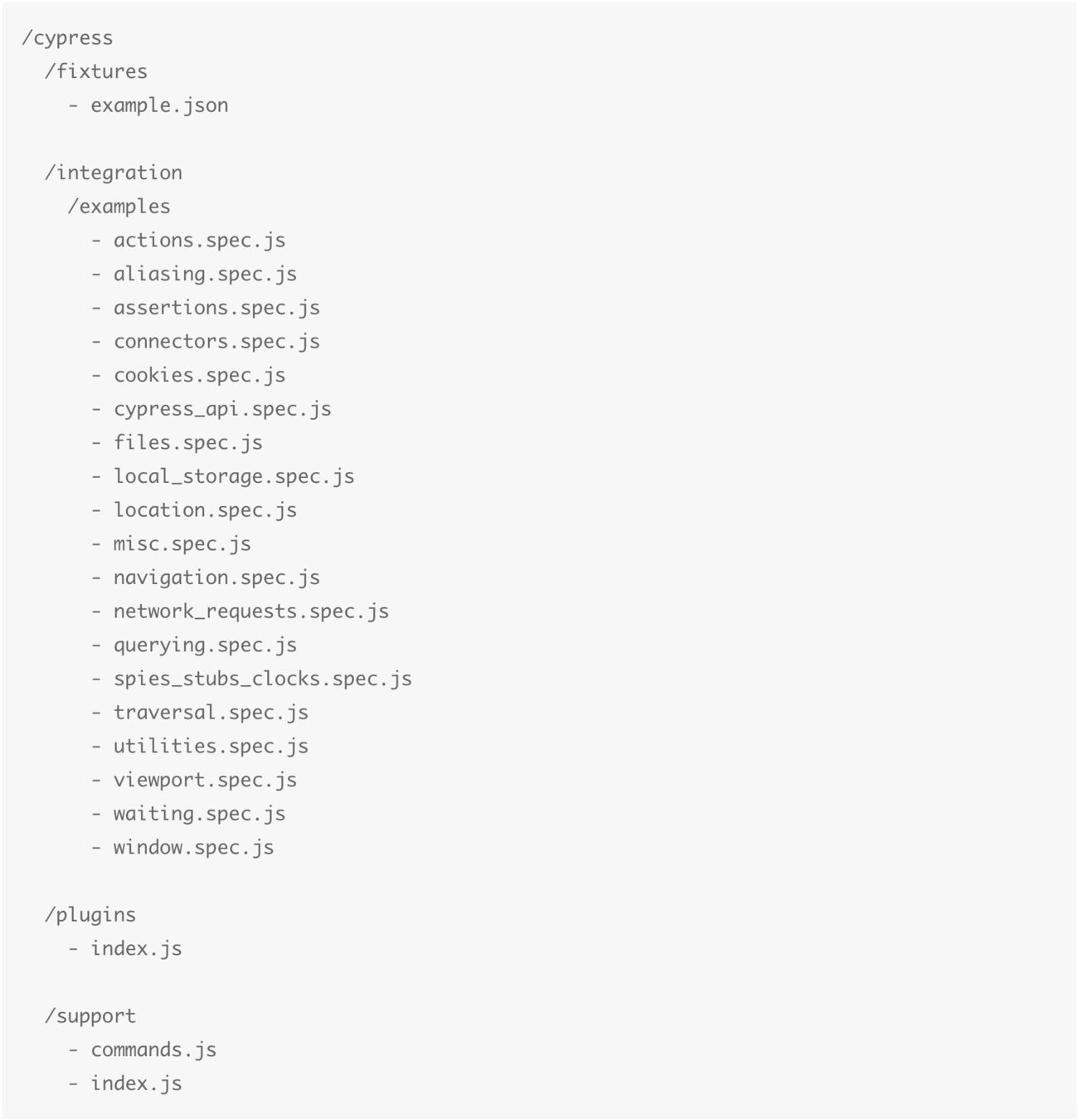
npm install cypress./node_modules/.bin/cypress openThis will create a folder named cypress and cypress.json config file
Folder STructure
Test Structure
describe('Post Resource', function() {
  it('Creating a New Post', function() {
    cy.visit('/posts/new')     // 1.

    cy.get('input.post-title') // 2.
      .type('My First Post')   // 3.

    cy.get('input.post-body')  // 4.
      .type('Hello, world!')   // 5.

    cy.contains('Submit')      // 6.
      .click()                 // 7.

    cy.url()                   // 8.
      .should('include', '/posts/my-first-post')

    cy.get('h1')               // 9.
      .should('contain', 'My First Post')
  })
})
The test interface borrowed from Mocha provides describe(), context(), it() and specify().
Test Structure
describe('Hooks', function() {
  before(function() {
    // runs once before all tests in the block
  })

  after(function() {
    // runs once after all tests in the block
  })

  beforeEach(function() {
    // runs before each test in the block
  })

  afterEach(function() {
    // runs after each test in the block
  })
})
Hooks
Test Structure
//only run this test
it.only('returns "fizz" when number is multiple of 3', function () {
  numsExpectedToEq([9, 12, 18], 'fizz')
})

// skip this test
it.skip('returns "fizz" when number is multiple of 3', function () {
  numsExpectedToEq([9, 12, 18], 'fizz')
})
Excluding and Including
Selecting
elements from a page
describe('My First Test', function() {
  it('finds the content "type"', function() {
    // visit this page
    cy.visit('https://example.cypress.io')

    // select by this content from the page
    cy.contains('type');

    // what about a full jQuery selction engine
    cy.get('.action-email')
  })
})
Interacting
with elements
describe('My First Test', function() {
  it('finds the content "type"', function() {
    cy.visit('https://example.cypress.io')
      .get('.action-email')
      .type('fake@email.com') // type in the email input
  })
})
Some commands in Cypress are for interacting with the DOM such as:
Assertion
describe('My First Test', function() {
  it('finds the content "type"', function() {
    // check if the email input is working as expected
    cy.visit('https://example.cypress.io')
      .get('.action-email')
      .type('fake@email.com')
      .should('have.value', 'fake@email.com')
  })
})
it('can add numbers', function() {
expect(add(1, 2)).to.eq(3)
})
it('can subtract numbers', function() {
assert.equal(subtract(5, 12), -7, 'these numbers are equal')
})Cypress supports both BDD (expect/should) and TDD (assert) style assertions
Stubbing
Cypress makes it easy to stub a response and control the body, status, headers, or even delay.
// Route all GET requests
// that have a URL that matches '/users/*'
// and force the response to be: []
cy.intercept('GET', '/users/*', [])

cy.intercept({
  pathname: '/search',
  query: {
    q: 'some terms'
  }
}).as('searchForTerms')
// this 'cy.wait' will only resolve once a request is made to '/search'
// with the query paramater 'q=some+terms'
cy.wait('@searchForTerms')
Cypress gives you full control over the network layer find more about cy.intercept
Fixtures
// we set the response to be the activites.json fixture
cy.intercept('GET', 'activities/*', {fixture:'activities.json'})


// we can also load alias a fixture to use it later in the test
cy.fixture('activities.json').as('activitiesJSON')
cy.intercept('GET', 'activities/*', '@activitiesJSON')
A fixture is a fixed set of data located in a file that is used in your tests. The purpose of a test fixture is to ensure that there is a well known and
Waiting
cy.intercept('activities/*', {fixture:'activities'}).as('getActivities')
cy.intercept('messages/*', {fixture:'messages'}).as('getMessages')

// visit the dashboard, which should make requests that match
// the two routes above
cy.visit('http://localhost:8888/dashboard')

// pass an array of Route Aliases that forces Cypress to wait
// until it sees a response for each request that matches
// each of these aliases
cy.wait(['@getActivities', '@getMessages'])

// these commands will not run until the wait command resolves above
cy.get('h1').should('contain', 'Dashboard')

// you still can wait for specfic time but you should not relay on manul waiting
cy.wait(1000) // wait for one second
Whether or not you choose to stub responses, Cypress enables you to declaratively cy.wait() for requests and their responses.
JUst the surface
cy.visit('https://www.cypress.io/')
cy.contains('Docs').click()
I cant cover all cypress APIs in one presentation, there are many more cool stuff I didn't cover
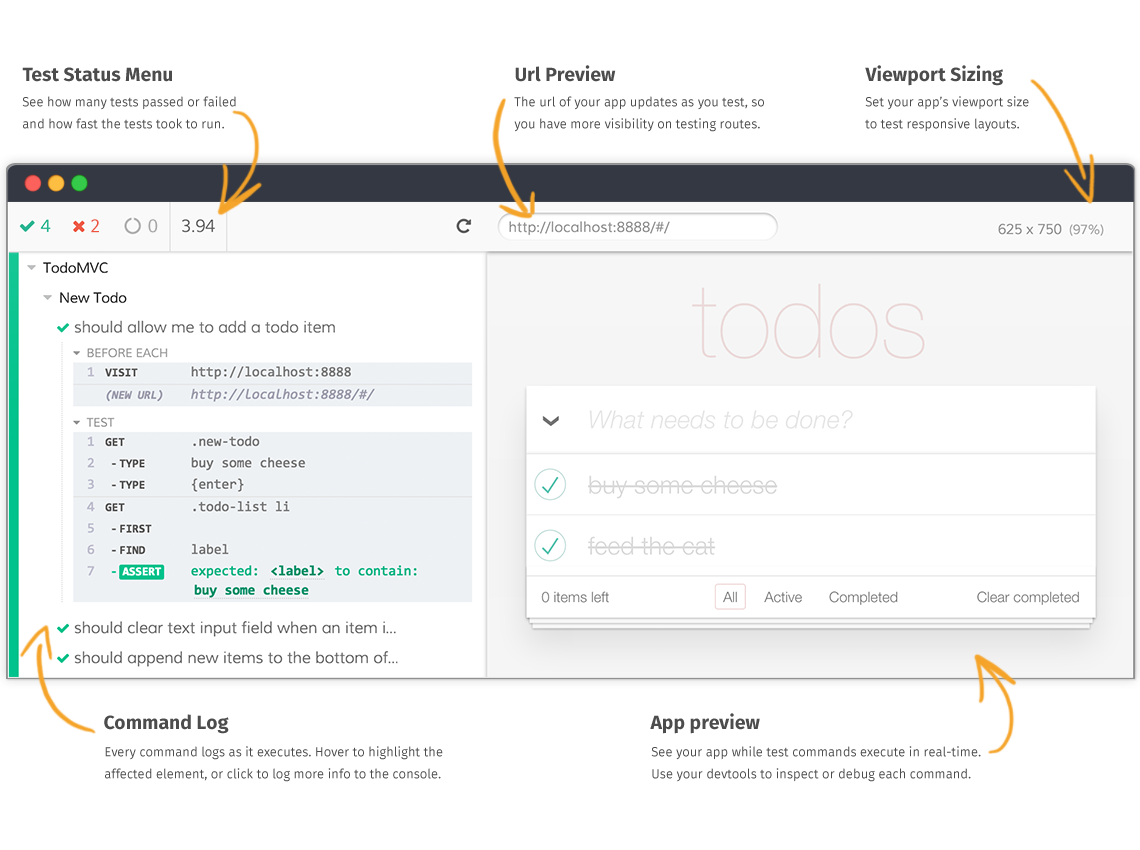
Test Runner
Dashboard
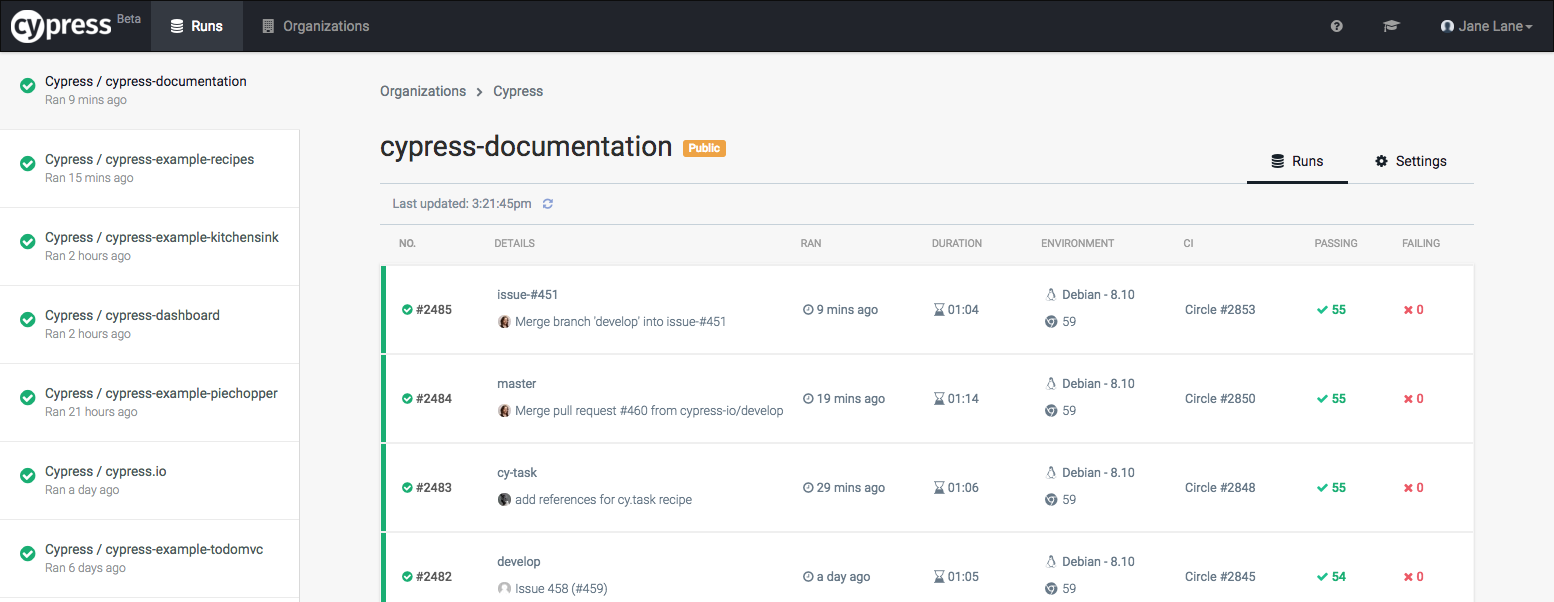
The Cypress Dashboard is a service that gives you access to recorded tests - typically when running Cypress tests from your CI provider. The Dashboard provides you insight into what happened when your tests ran.
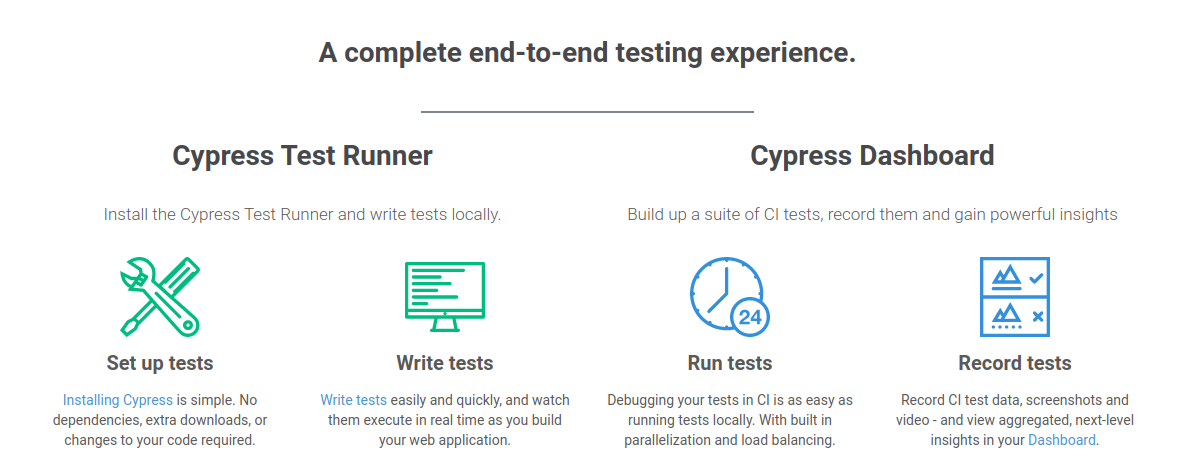
The Dashboard allows you to:
-
See the number of failed, passing, pending and skipped tests.
-
Get the entire stack trace of failed tests.
-
View screenshots taken when tests fail or when using cy.screenshot().
-
Watch a video of your entire test run or a video clip at the point of test failure.
-
See how fast your spec files ran within CI including whether they were run in parallel.
-
See related groupings of tests.
-
Manage who has access to your recorded test data.
-
See usage details for each organization.
-
Pay for your selected billing plan
https://github.com/sorry-cypress/sorry-cypress
Sorry CypresS
Show ME the Code