N+ packages
to boost your react DX
It is all based on my personal opinion/experience
So chill out no libraries fight today
Build tools
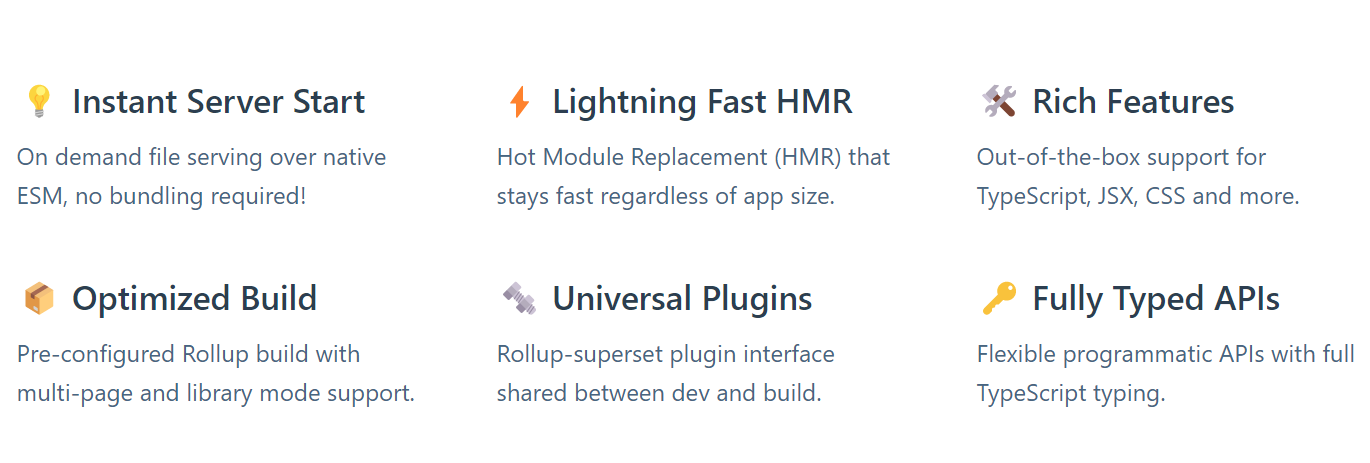
// create a new app `npm create vite@latest my-vue-app -- --template react-ts`


// add to existing app `npm i -D vite @vitejs/react`
// then create vite.config.ts

import { defineConfig } from 'vite'
import react from '@vitejs/plugin-react'

// https://vitejs.dev/config/
export default defineConfig({
  plugins: [react()]
})
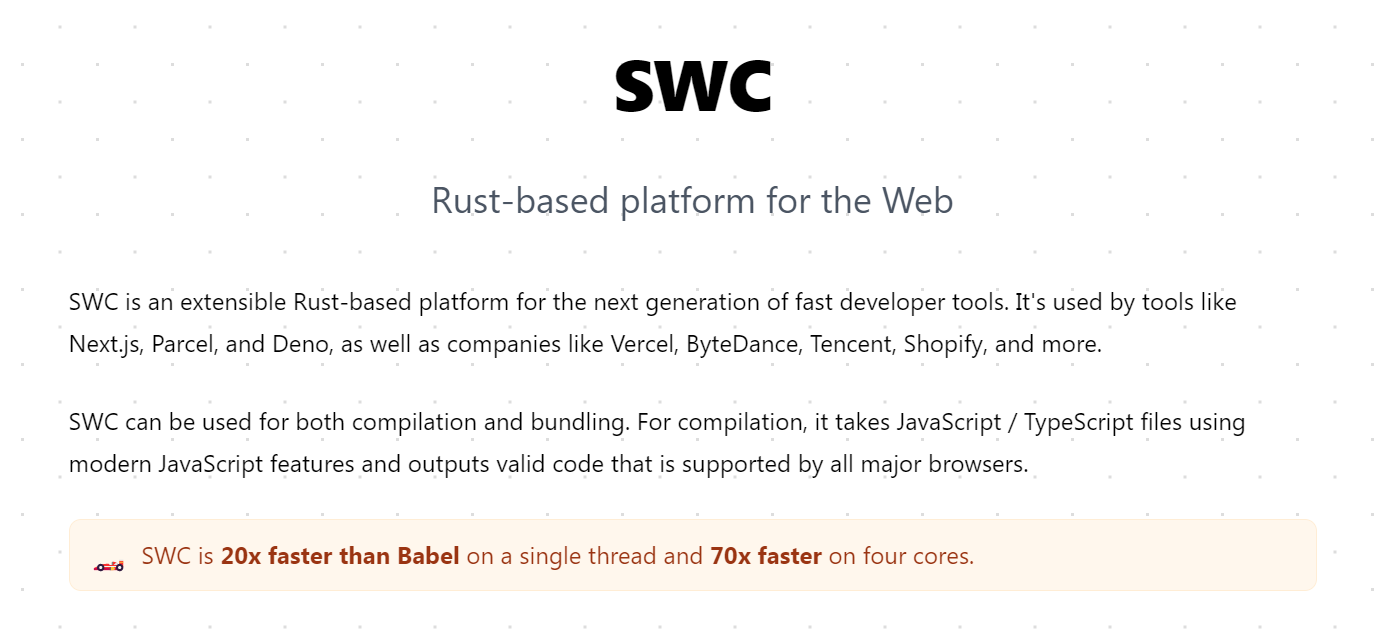
// install swc and swc-laoder  `npm i --save-dev @swc/core swc-loader`
// update your webpack configs
module: {
  rules: [
    {
      test: /\.m?js$/,
      exclude: /(node_modules)/,
      use: {
        // `.swcrc` can be used to configure swc
        loader: "swc-loader"
      }
    }
  ]
}
// your .swcrc
/*
 {
  "jsc": {
    "parser": {
      "syntax": "typescript",
      "tsx": true,
    },
    "target": "es2021",
    "externalHelpers": true,
    "baseUrl": ".",
    "keepClassNames": true,
    "transform": {
      "react": {
        "runtime": "automatic",
        "useBuiltins": true
      }
    }
  },
  "env": {
    "targets": {
      "chrome": "91",
      "node": "16"
    },
    "mode": "entry",
    "coreJs": "3.22",
    "loose": true
  }
}

*/// install jest,swc and swc jest transformer `npm i -D jest @swc/core @swc/jest`
// update your jest.config.js
module.exports = {
transform: {
"^.+\\.(t|j)sx?$": ["@swc/jest"],
},
};Testing/Mocking
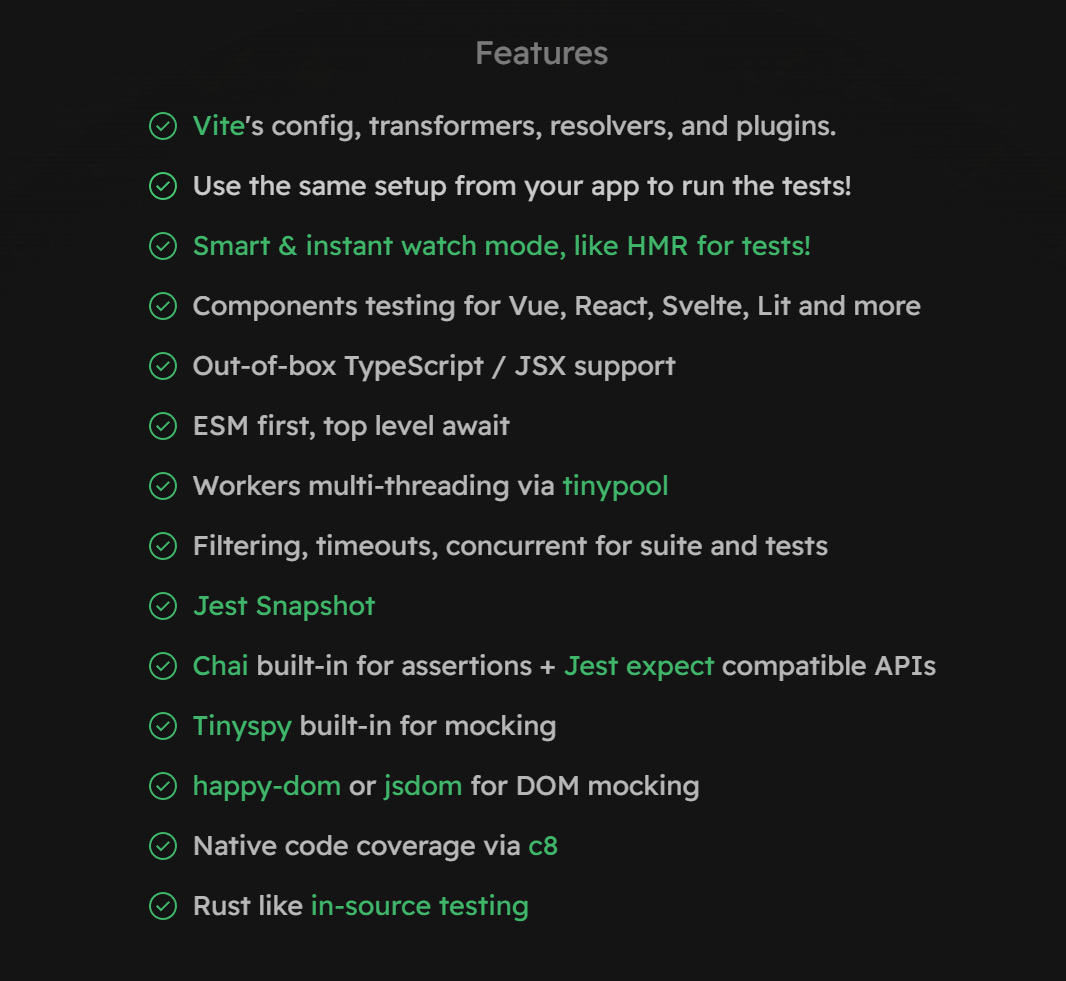
A blazing fast unit-test framework powered by Vite ⚡️
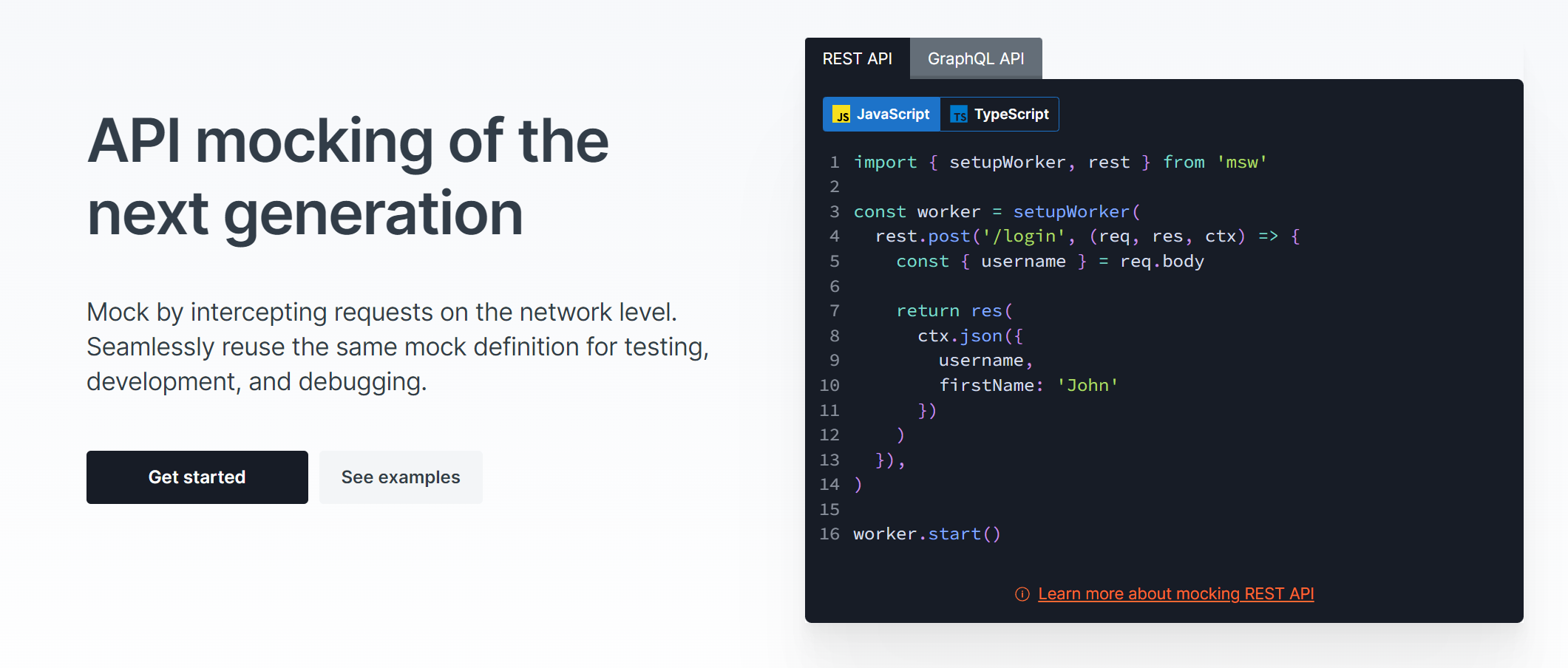


Finally a good replacement for fakerjs
MSW + Falso
=
Faster development/testing
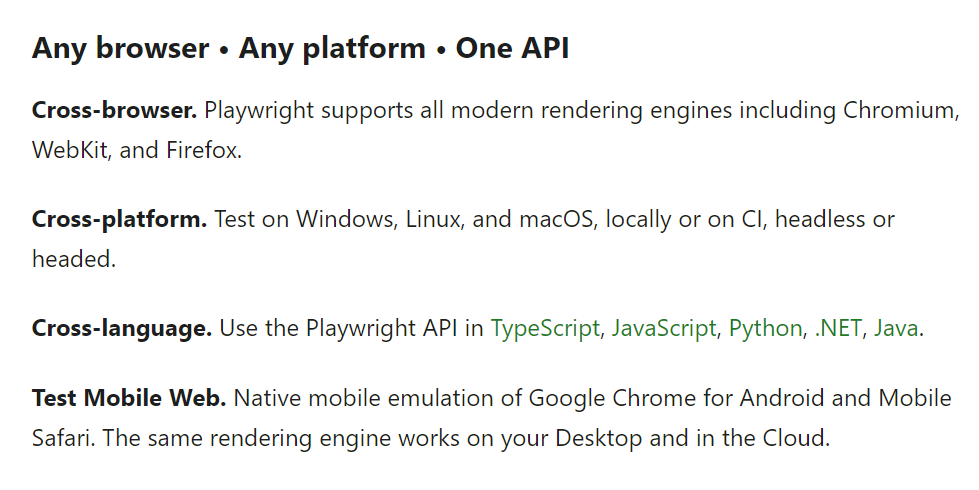
Imagine Cypress but works everywhere and backed by Google*/Microsoft
//install playwright `npm i -D @playwright/test`
//install supported browsers `npx playwright install`

// first test
import { test, expect } from '@playwright/test';

test('basic test', async ({ page }) => {
  await page.goto('https://playwright.dev/');
  const title = page.locator('.navbar__inner .navbar__title');
  await expect(title).toHaveText('Playwright');
});

// run the test in headless mode `npx playwright test`
// ... in headed mode `npx playwright test --headed`
Oh no, wait my QA doesn't know JS/TS !! ...
No Problem Playwright has official .NET,Java and Python packages.
It is cool I wish I could use it also for component testing!
The playwright team is working on making your wish come true. Read more
I know it is not a package but it is cool and worth mentioning
UI/Design systems
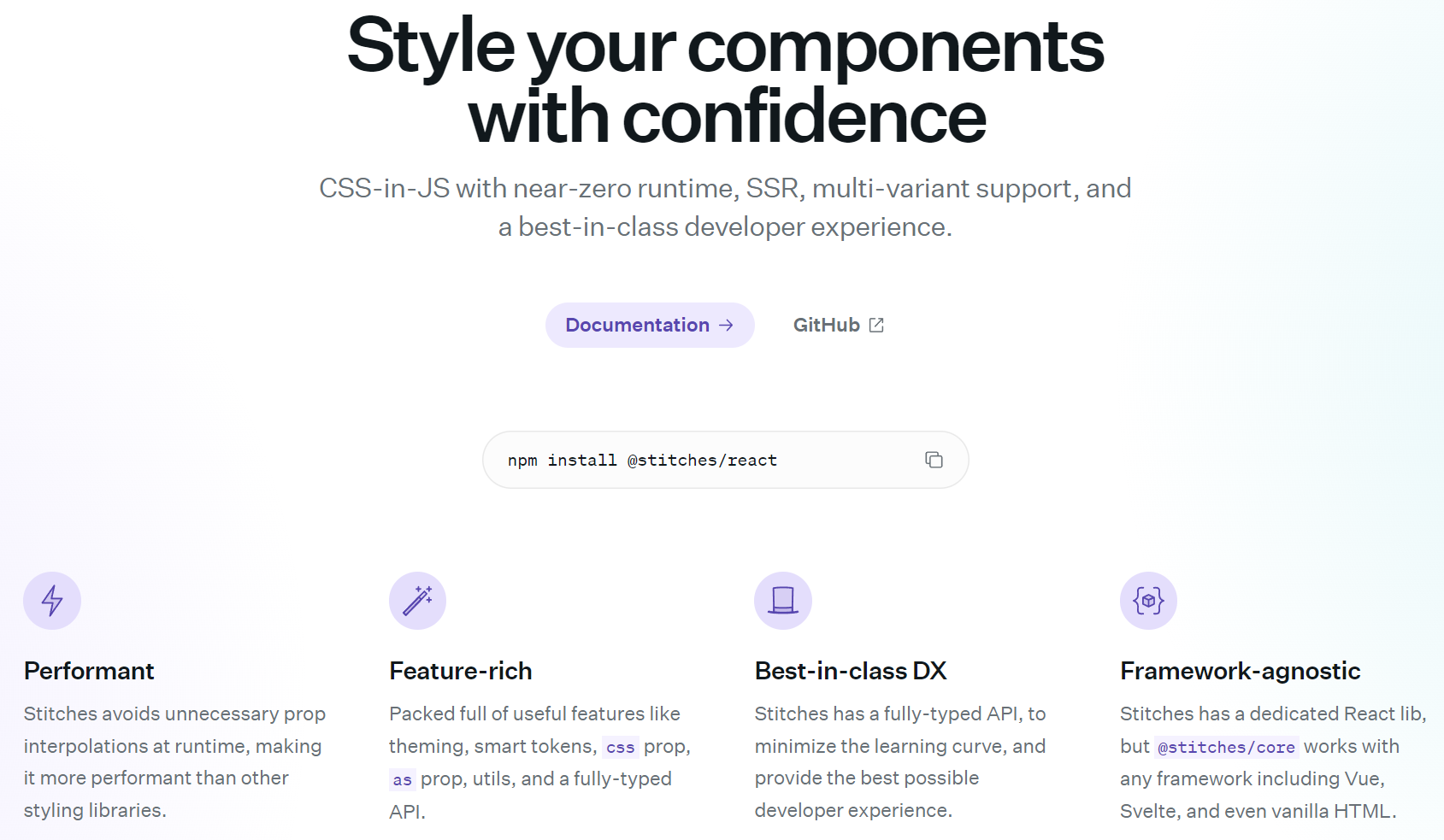
Imagine styled component but faster and supercharged
// import it
import { styled } from '@stitches/react';
// use it
const Button = styled('button', {
  backgroundColor: 'gainsboro',
  borderRadius: '9999px',
  fontSize: '13px',
  padding: '10px 15px',
  '&:hover': {
    backgroundColor: 'lightgray',
  },
});
// render it
const App = () => <Button>Button</Button>;
// make it your own
// stitches.config.ts
import { createStitches } from '@stitches/react';

export const {
  styled,
  css,
  globalCss,
  keyframes,
  getCssText,
  theme,
  createTheme,
  config,
} = createStitches({
  theme: {
    colors: {
      gray400: 'gainsboro',
      gray500: 'lightgray',
    },
  },
  media: {
    bp1: '(min-width: 480px)',
  },
  utils: {
    marginX: (value) => ({ marginLeft: value, marginRight: value }),
  },
});

// then import it in your components

import { styled } from 'your/path/to/stitches.config.ts'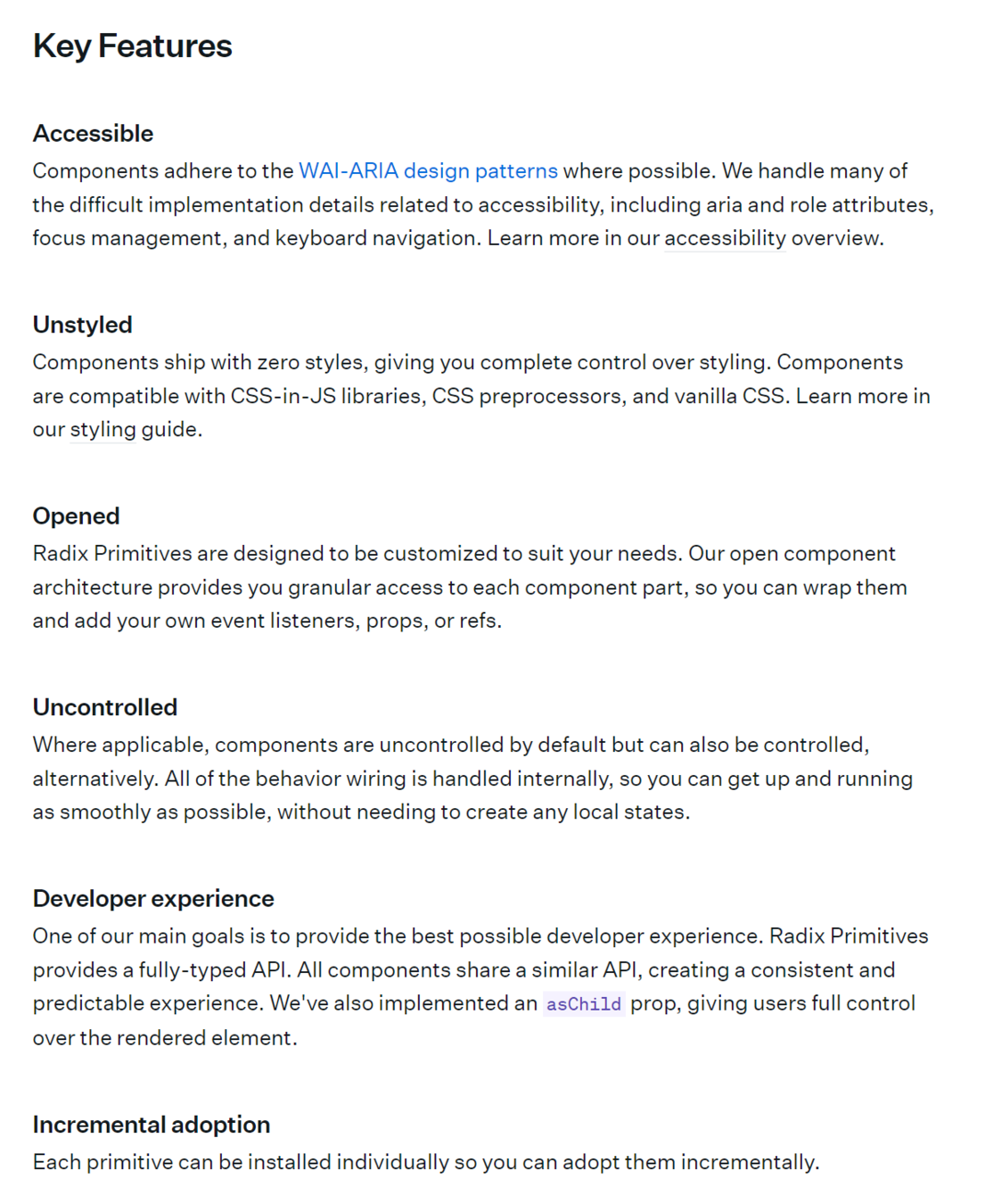
// install the primitave you want `npm install @radix-ui/react-popover@latest`
// Style it as you wish
// Popover.tsx
import { styled } from '@stitches/react';
import * as PopoverPrimitive from '@radix-ui/react-popover';

export const Popover = PopoverPrimitive.Root;
export const PopoverTrigger = PopoverPrimitive.Trigger;
export const PopoverContent = styled(PopoverPrimitive.Content, {
  // your styles
});

// Use it
// App.tsx
import {
  Popover,
  PopoverTrigger,
  PopoverContent,
} from 'your-components/Popover';

function App() {
  return (
    <Popover>
      <PopoverTrigger>...</PopoverTrigger>
      <PopoverContent>...</PopoverContent>
    </Popover>
  );
}Floating UI is a low-level toolkit to create floating elements. Tooltips, popovers, dropdowns, menus, and more.
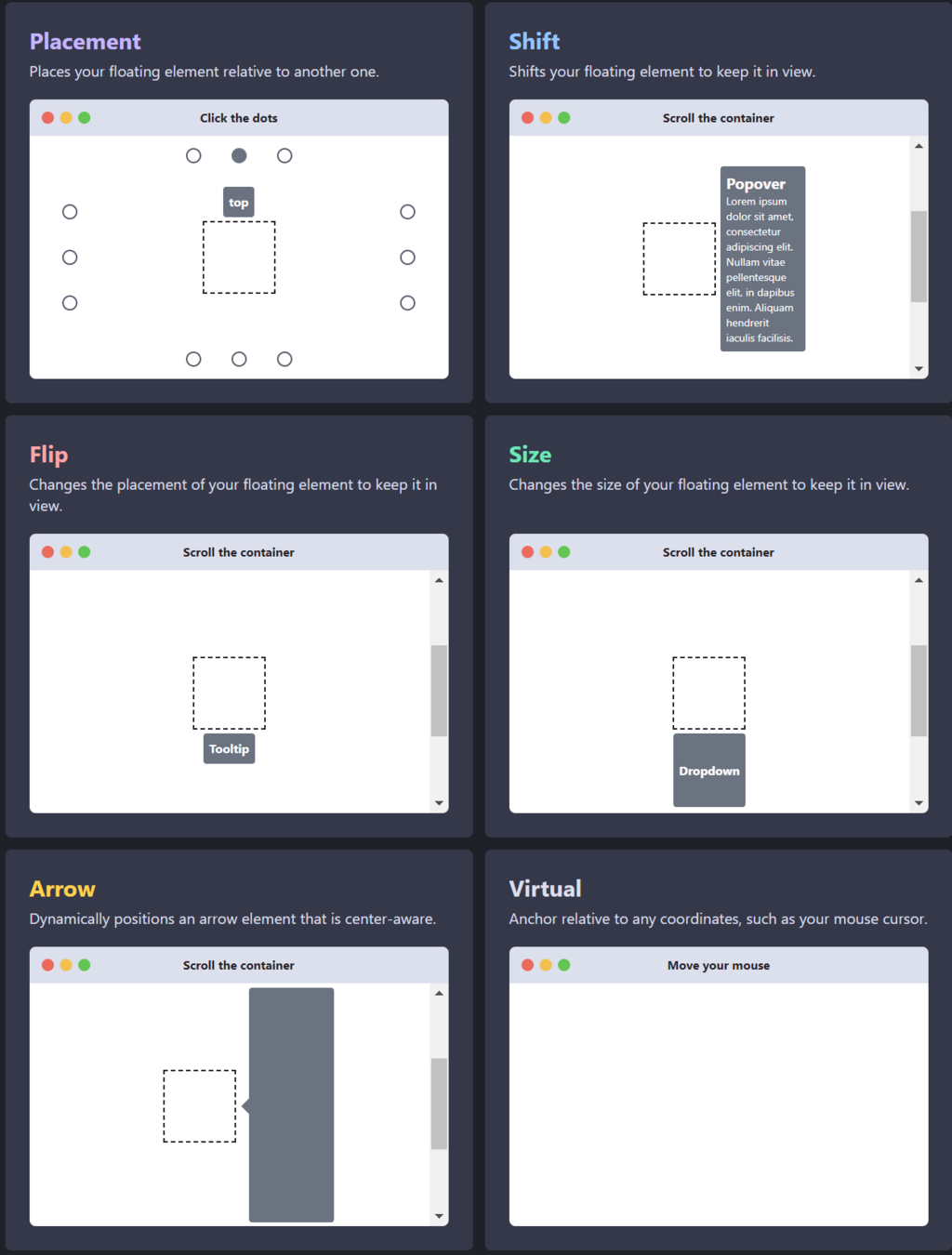
import {useFloating} from '@floating-ui/react-dom';

function App() {
  const {x, y, reference, floating, strategy} = useFloating();

  return (
    <>
      <button ref={reference}>Button</button>
      <div
        ref={floating}
        style={{
          position: strategy,
          top: y ?? '',
          left: x ?? '',
        }}
      >
        Tooltip
      </div>
    </>
  );
}State Managment
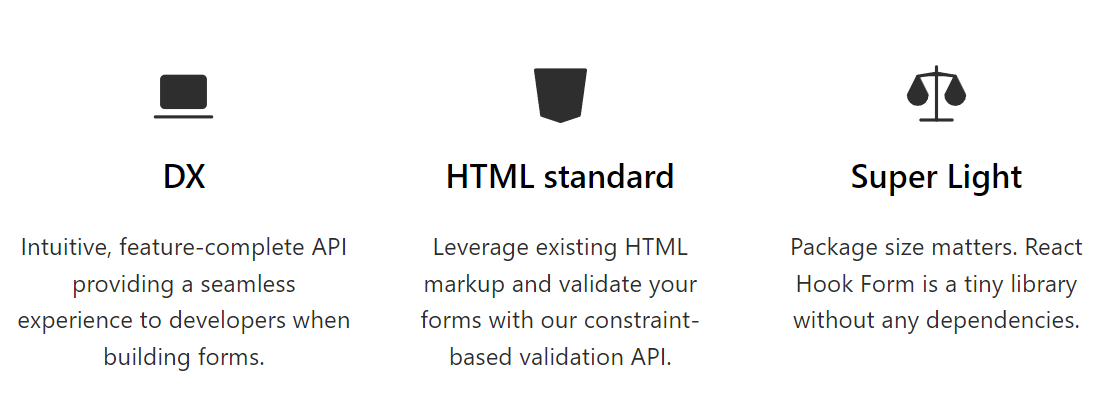
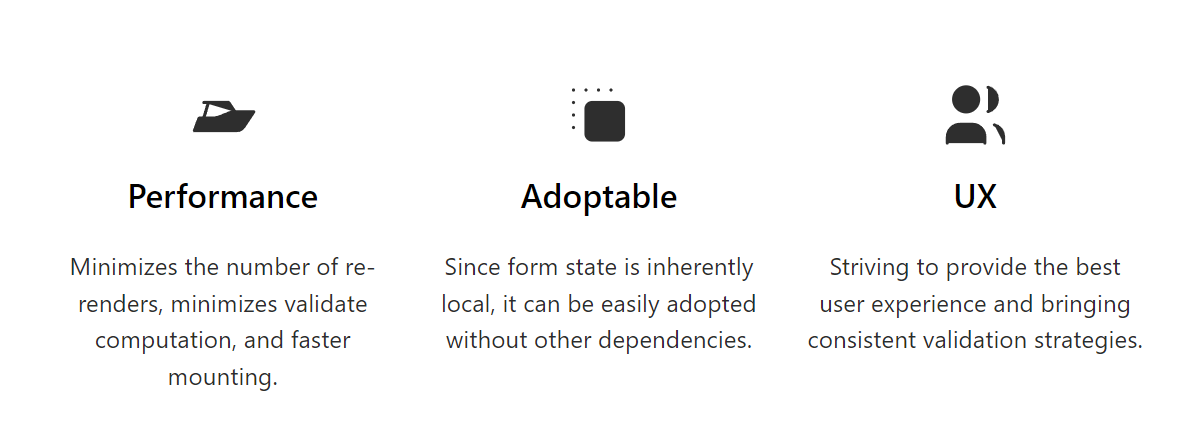
Performant, flexible and extensible forms with easy-to-use validation.

import { QueryClient, QueryClientProvider, useQuery } from 'react-query'

 const queryClient = new QueryClient()

 export default function App() {
   return (
     <QueryClientProvider client={queryClient}>
       <Example />
     </QueryClientProvider>
   )
 }

 function Example() {
   const { isLoading, error, data } = useQuery('repoData', () =>
     fetch('https://api.github.com/repos/tannerlinsley/react-query').then(res =>
       res.json()
     )
   )

   if (isLoading) return 'Loading...'

   if (error) return 'An error has occurred: ' + error.message

   return (
     <div>
       <h1>{data.name}</h1>
       <p>{data.description}</p>
       <strong>👀 {data.subscribers_count}</strong>{' '}
       <strong>✨ {data.stargazers_count}</strong>{' '}
       <strong>🍴 {data.forks_count}</strong>
     </div>
   )
}import { createSlice, configureStore } from '@reduxjs/toolkit'
const counterSlice = createSlice({
name: 'counter',
initialState: {
value: 0
},
reducers: {
incremented: state => {
// Redux Toolkit allows us to write "mutating" logic in reducers. It
// doesn't actually mutate the state because it uses the Immer library,
// which detects changes to a "draft state" and produces a brand new
// immutable state based off those changes
state.value += 1
},
decremented: state => {
state.value -= 1
}
}
})
export const { incremented, decremented } = counterSlice.actions
const store = configureStore({
reducer: counterSlice.reducer
})
// Can still subscribe to the store
store.subscribe(() => console.log(store.getState()))
// Still pass action objects to `dispatch`, but they're created for us
store.dispatch(incremented())
// {value: 1}
store.dispatch(incremented())
// {value: 2}
store.dispatch(decremented())
// {value: 1}The new Recommend redux setup
RTK Query
// Import the RTK Query methods from the React-specific entry point
import { createApi, fetchBaseQuery } from '@reduxjs/toolkit/query/react'

// Define our single API slice object
export const apiSlice = createApi({
  // The cache reducer expects to be added at `state.api` (already default - this is optional)
  reducerPath: 'api',
  // All of our requests will have URLs starting with '/fakeApi'
  baseQuery: fetchBaseQuery({ baseUrl: '/fakeApi' }),
  // The "endpoints" represent operations and requests for this server
  endpoints: builder => ({
    // The `getPosts` endpoint is a "query" operation that returns data
    getPosts: builder.query({
      // The URL for the request is '/fakeApi/posts'
      query: () => '/posts'
    })
  })
})

// Export the auto-generated hook for the `getPosts` query endpoint
export const { useGetPostsQuery } = apiSlice
React Query alternative from RTK team