http://goo.gl/KeTWaM
http://www.adobe.com/tw/products/aftereffects.html
https://helpx.adobe.com/after-effects.html
只有英文版
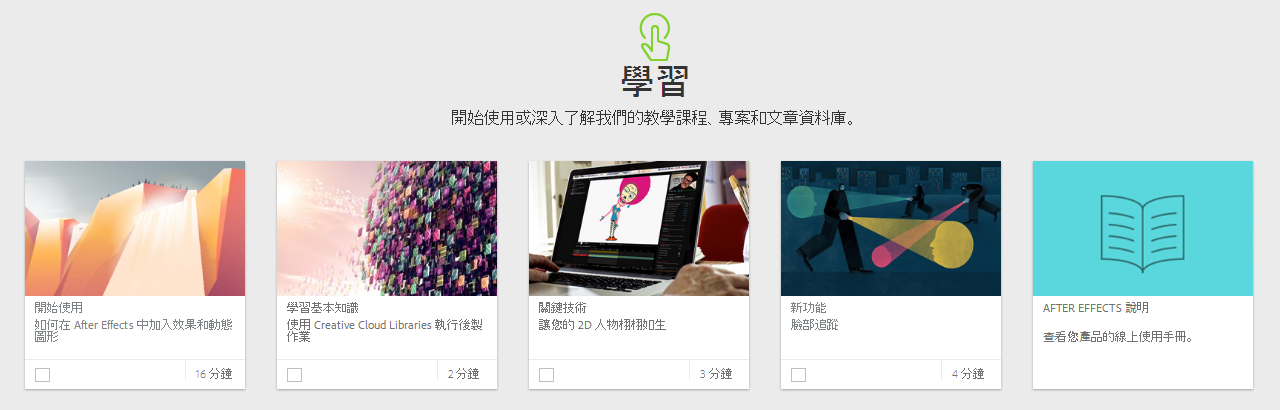
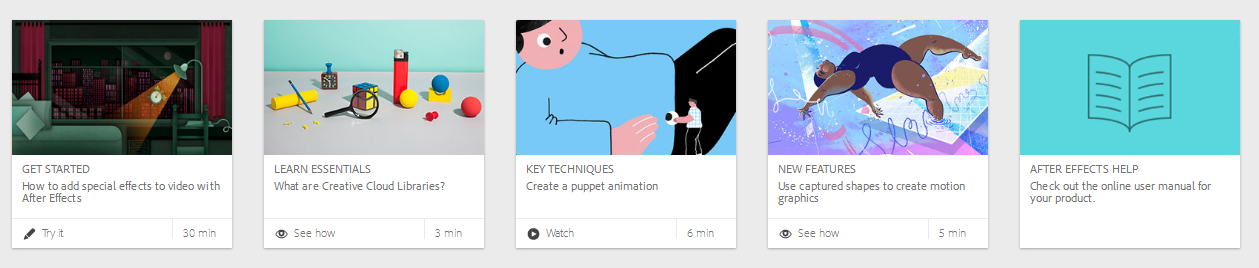
https://helpx.adobe.com/after-effects/tutorials.html
Basic workflow and terminology
Sync application settings with Creative Cloud
Uninterrupted and simplified preview
Touch and gesture-based editing
Use Adobe Color themes in After Effects
Use Creative Cloud Libraries in post-production
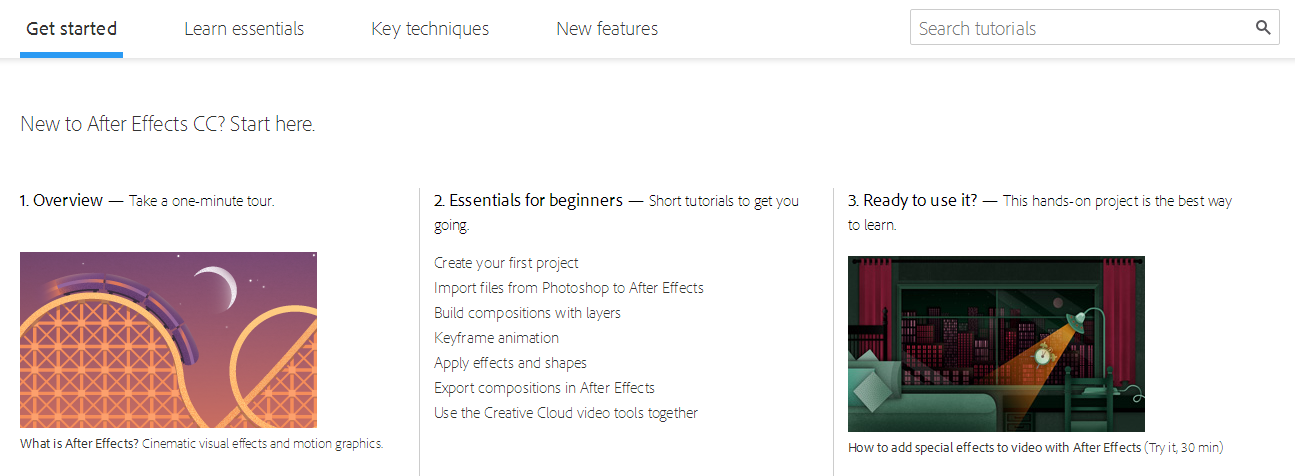
Create your first project
Import files from Photoshop to After Effects
Importing and interpreting footage items
Use the digital asset manager
Build compositions with layers
Transform layers
Keyframe animation
Create text elements
Apply effects and shapes
Finish your project
Export compositions in After Effects
Use the Render Queue to export files
Basics of rendering and exporting
Share and explore portfolios
Create a new composition
Add assets to a composition
Add layers to a composition
Create layers
Create crisp graphics for video in Illustrator
Export compositions to Adobe Media Encoder
Easily find missing footage, fonts, and effects
Add fonts to desktop apps through Creative Cloud
Use the Layer Snapping feature
Set scaling quality using bicubic sampling
Understanding animation
Bring your 2D characters to life
Create a puppet animation
Add and adjust keyframes
Effects and animation presets overview
Creating shapes and masks
Track a mask in After Effects
Face tracking
Alpha channels, masks, and mattes
Use shape tools to make masks
Use the Pen tool to make masks
Animate and morph masks
Luma and Alpha modes in track mattes
Animate track mattes
Apply motion tracking to rigid masks
Use masks to control effects
Use captured shapes to create motion graphics
Create a hoverboard effect
Understanding the order of effects
Stabilize shaky video footage
Remove camera shake with the Warp Stabilizer VFX
Apply motion blur
Matching camera motion with the 3D Camera Tracker
Control effects in multiple clips
Tracking and stabilizing motion
Fix faulty green-screen footage
Use the Refine Edge tool
Propagate refined edges
Fine-tune with Refine Edge Matte options
Use the Roto Brush
Insert 3D objects
Work with 3D layers
Use axis modes
Bend layers
Extrude shapes
Add lighting
Animate cameras
Adjust material options
Cinema 4D Lite overview
Create Cinema 4D files
Import and edit Cinema 4D files
Understanding the Cineware effect and render engine
Use Cinema 4D Lite with After Effects cameras and lights
Video Copilot.net 裡的免費教學影片 (而且有中文翻譯版,見下一頁)
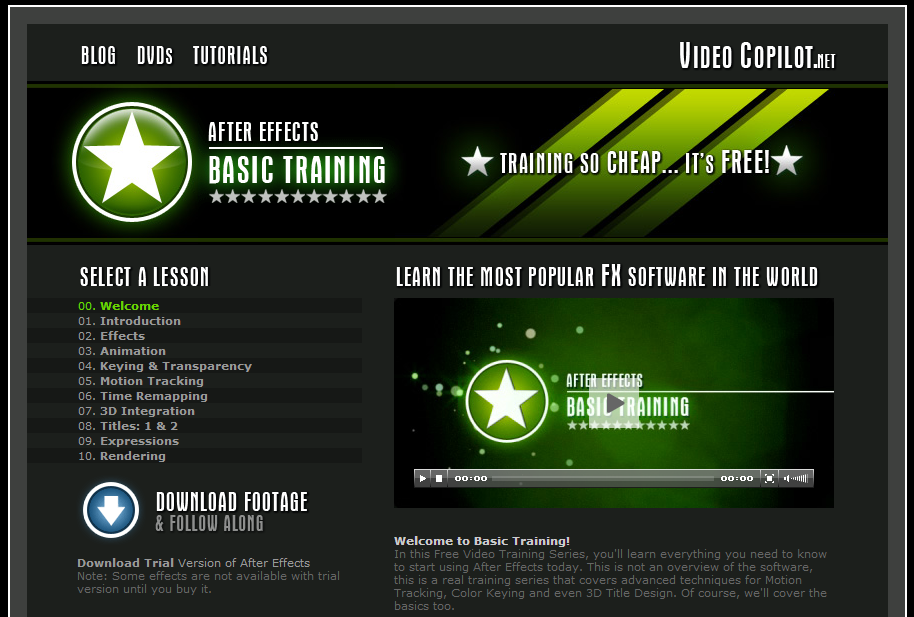
http://www.videocopilot.net/basic/
VideoCopilot 的教學影片 + 中文字幕
可以邊學 AE,邊聽英文!
https://www.youtube.com/playlist?list=PL9569AD6444FC9A7F
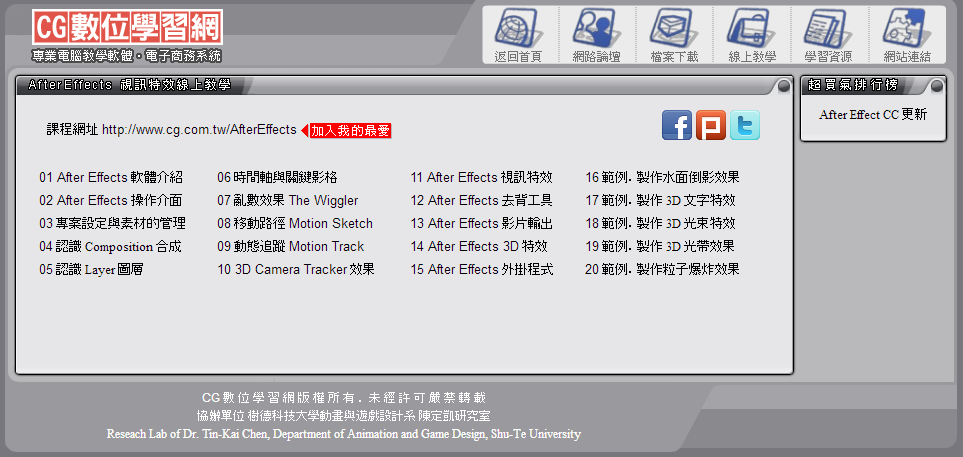
圖文教學,步驟說明
http://www.cg.com.tw/aftereffects/AfterEffects.asp
http://g9app.com/b418