Tips for setting up
your work for showcase and feedback
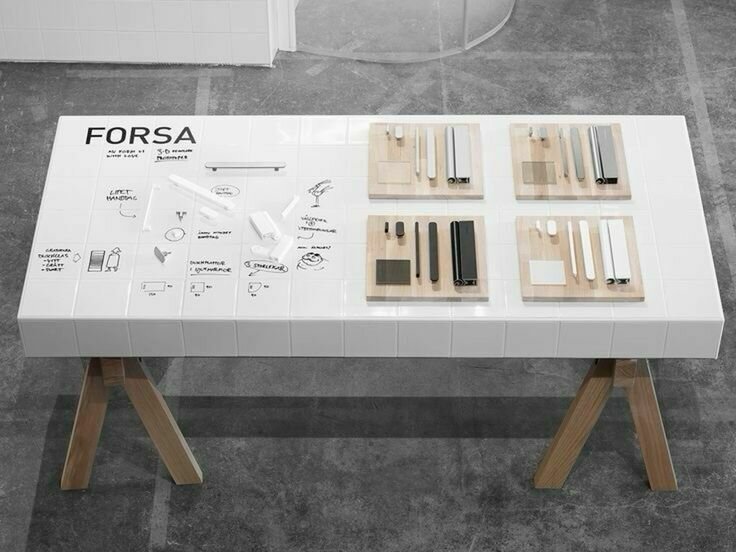
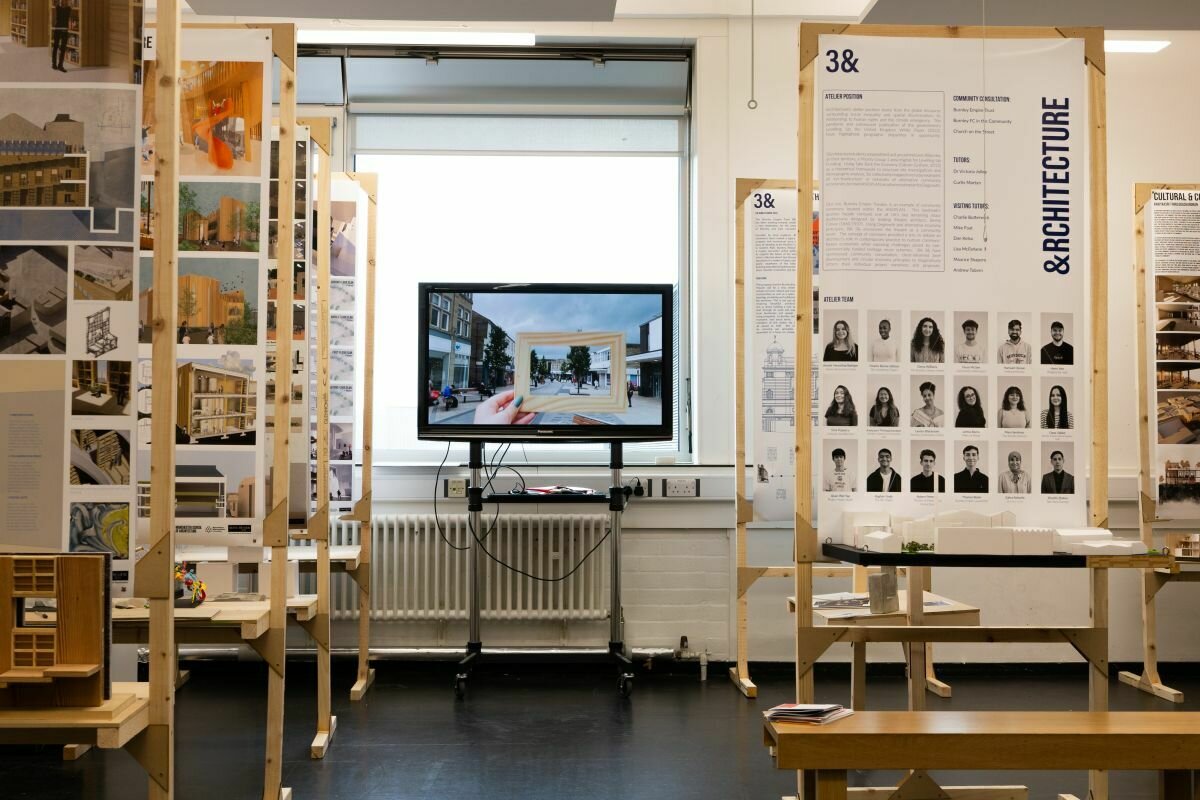
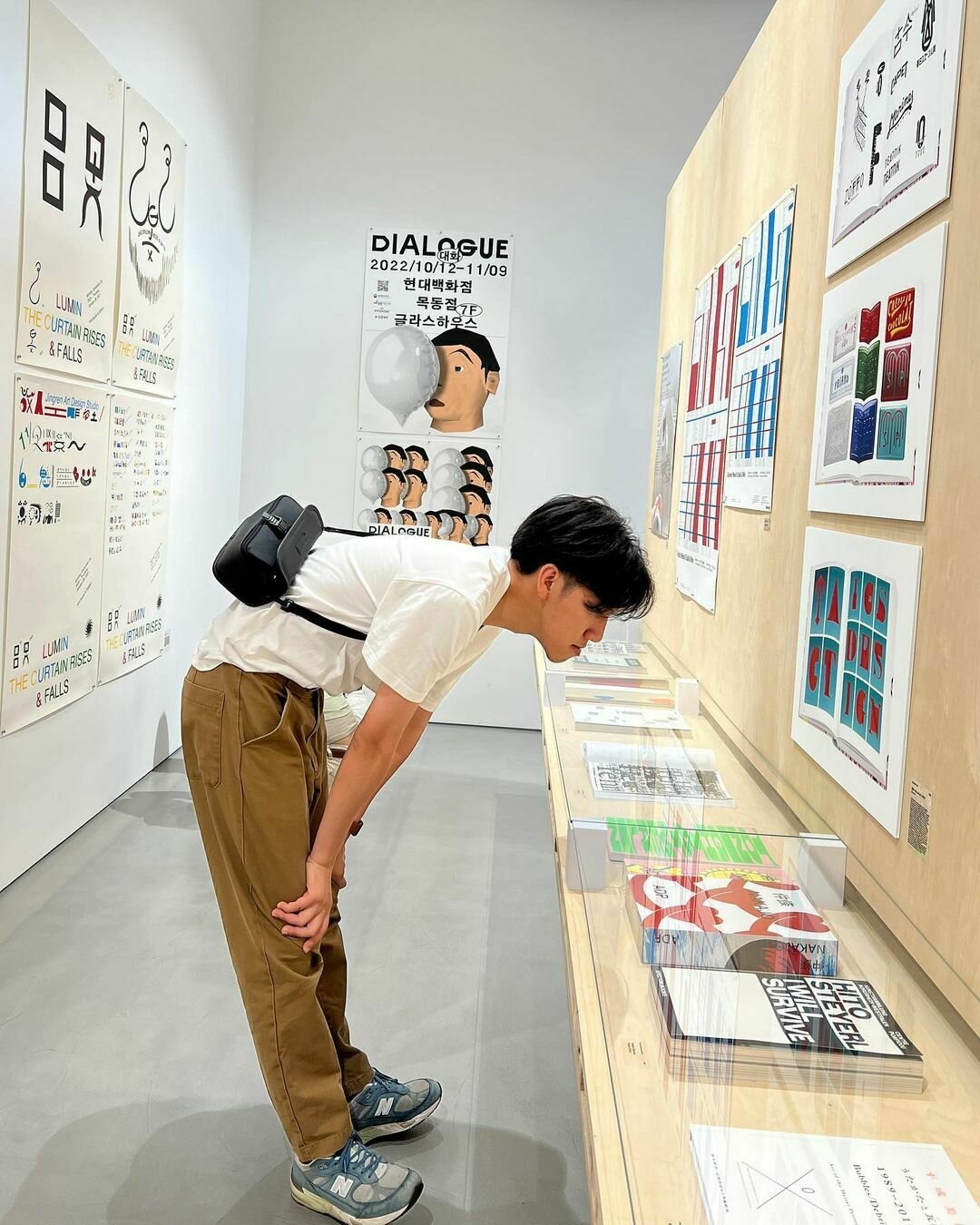
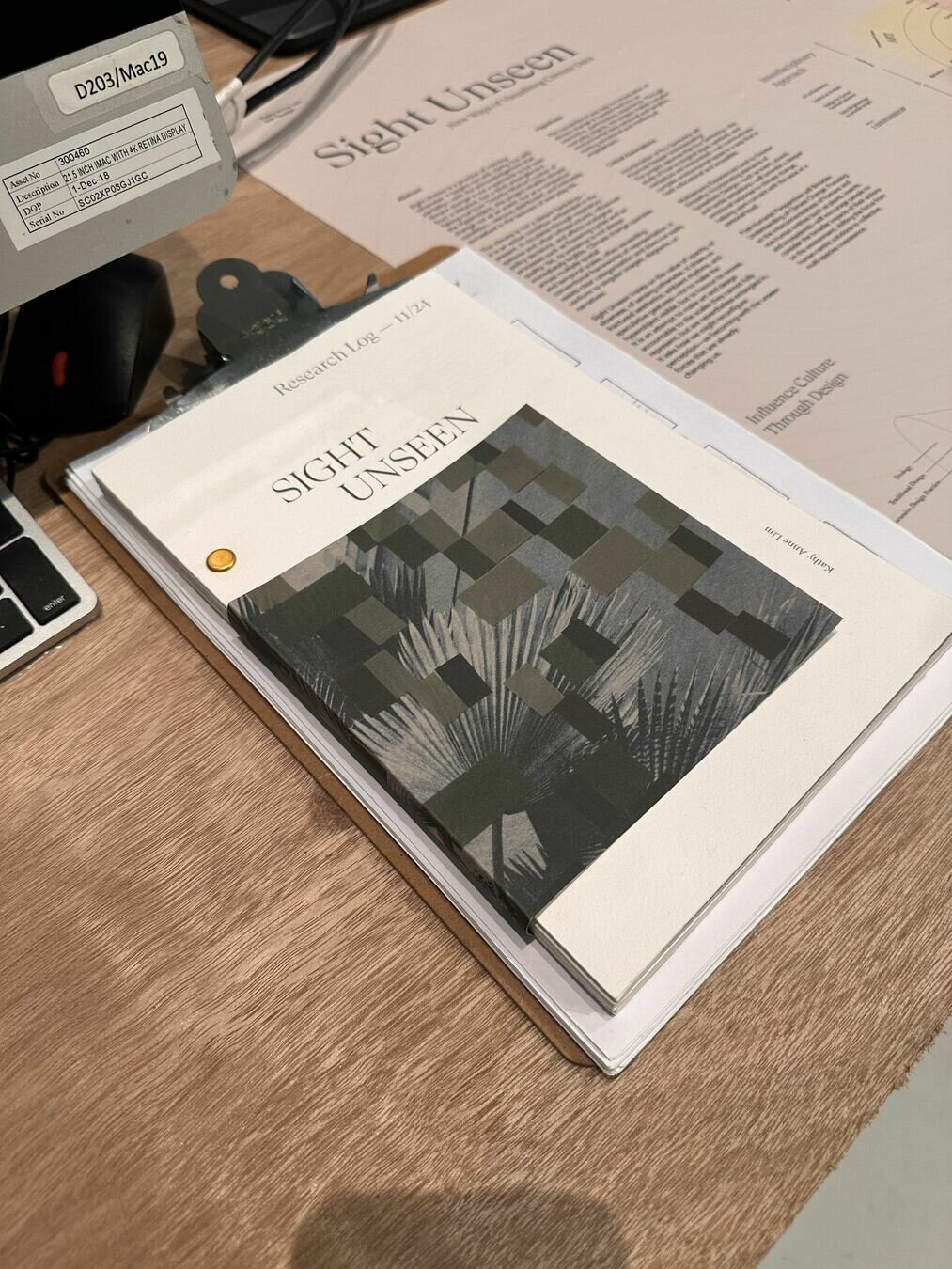
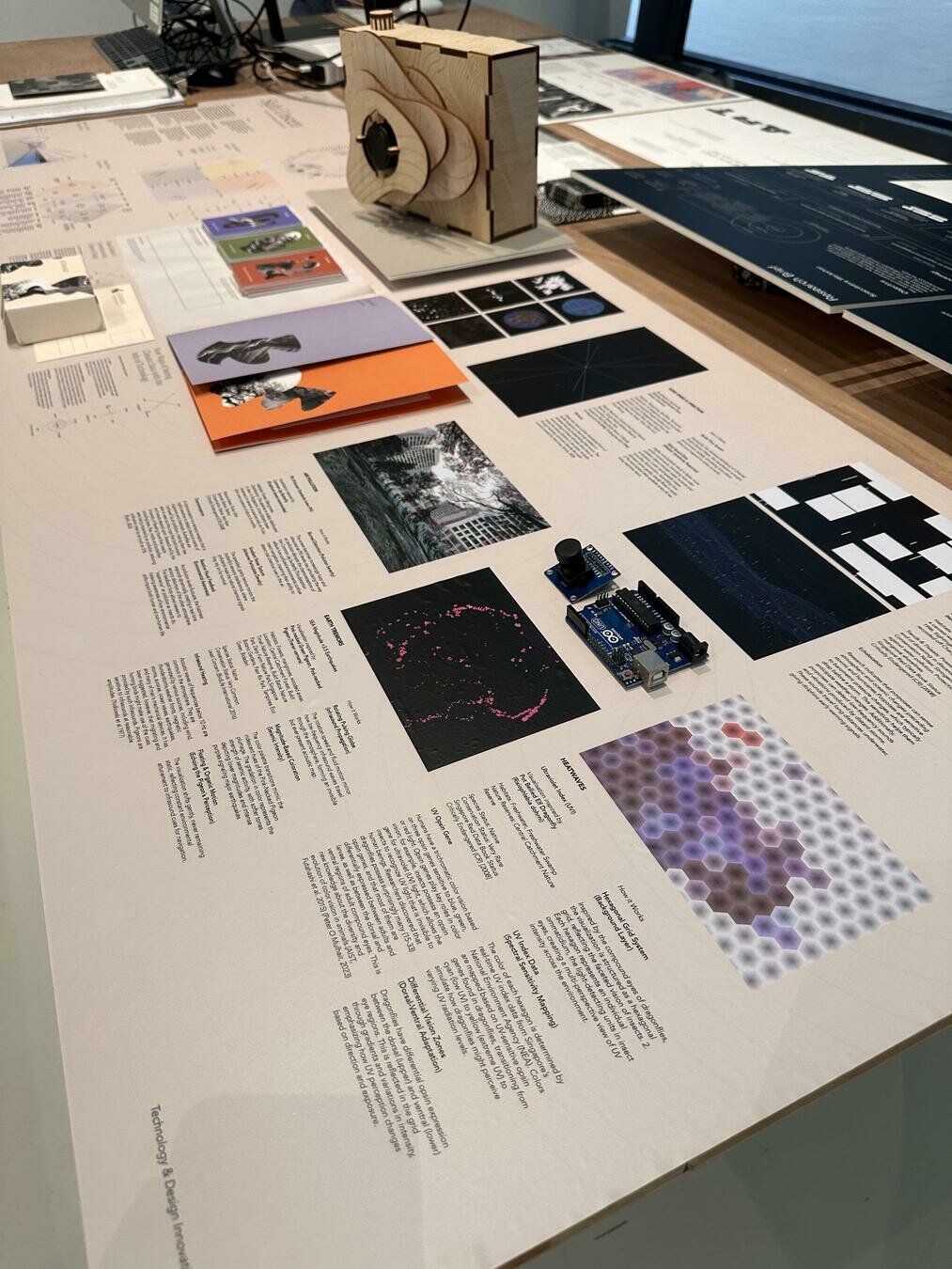
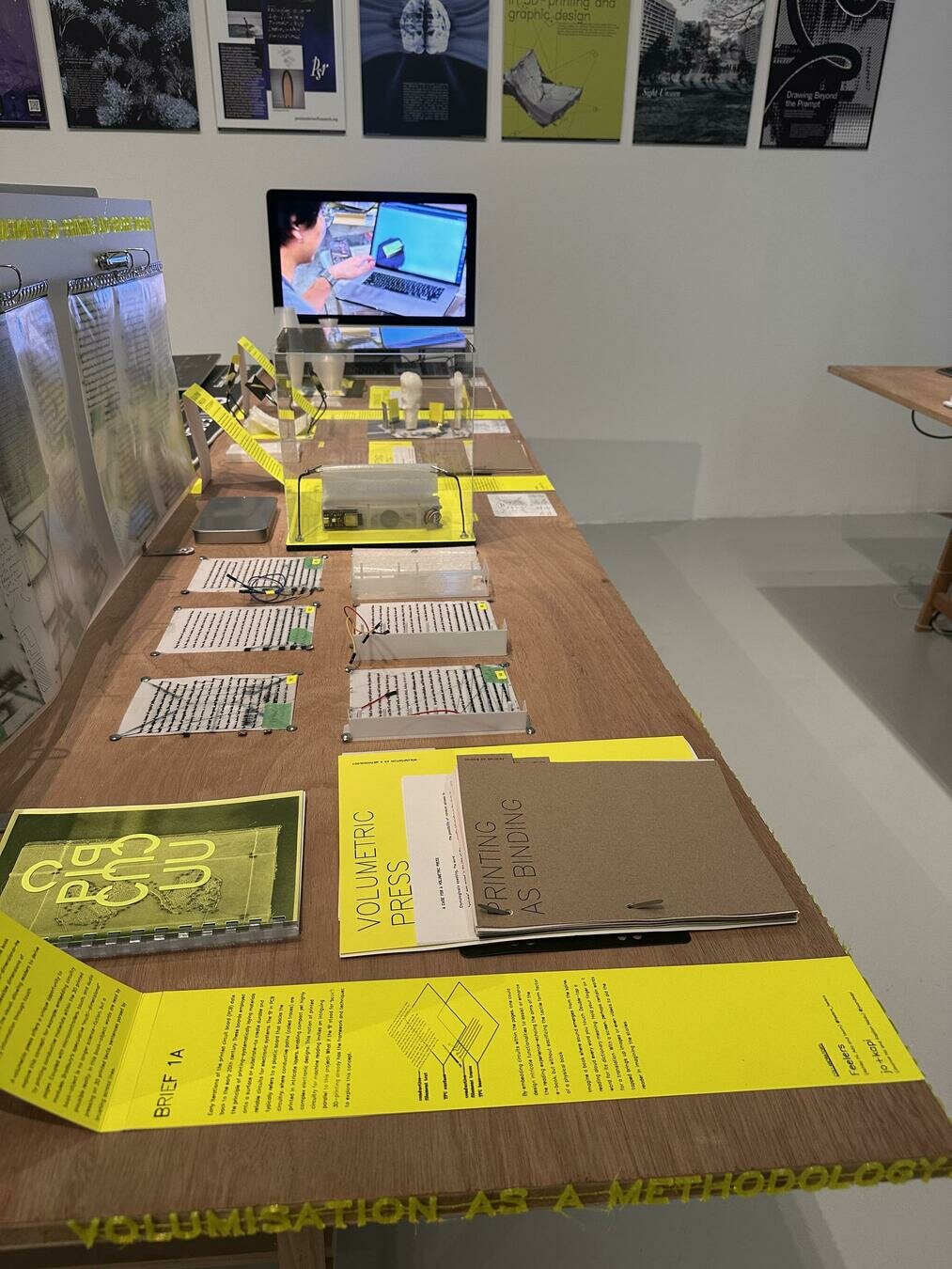
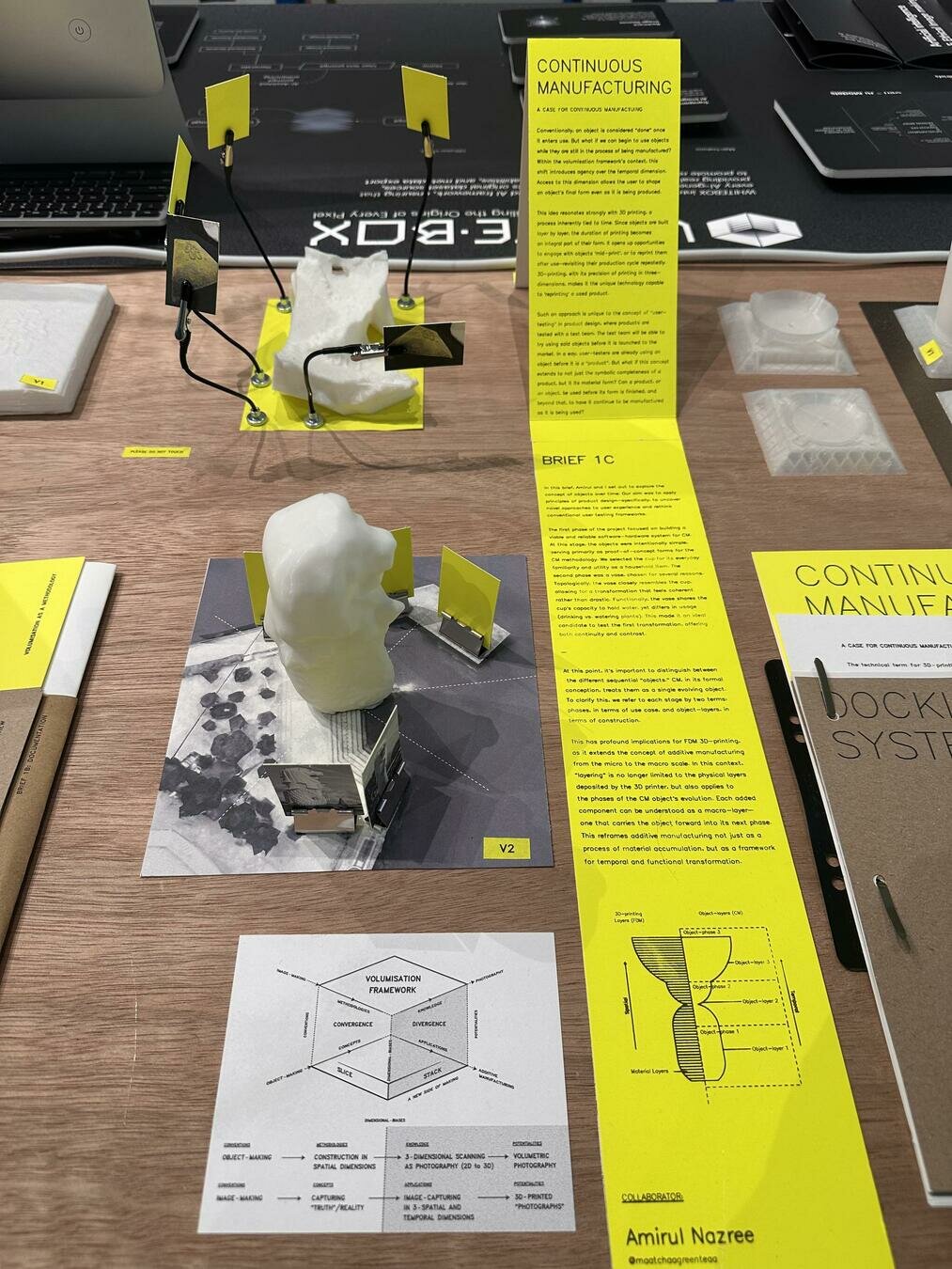
These slides should give you visual impressions on how to set up your work for showcases and feedback sessions.
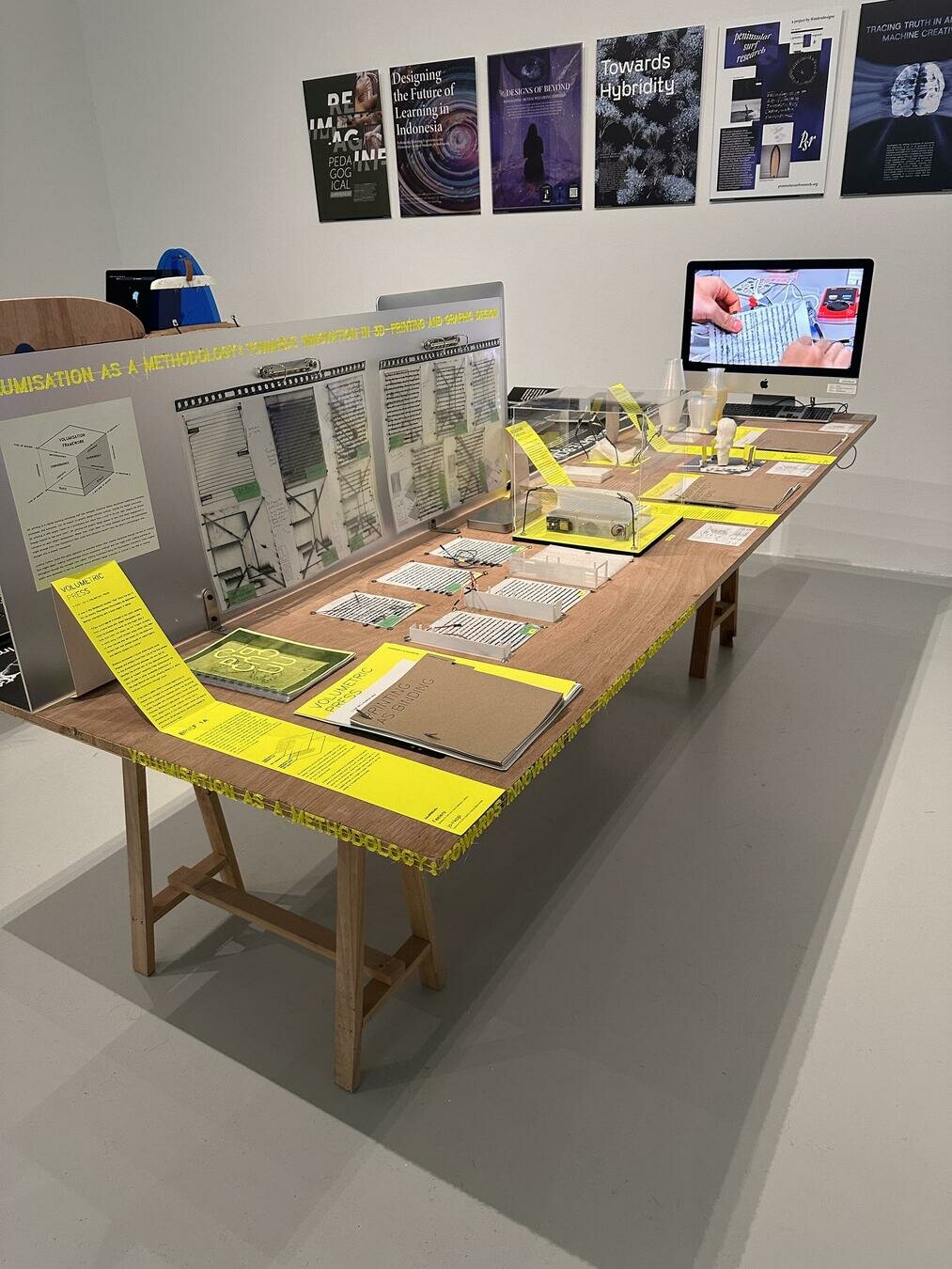
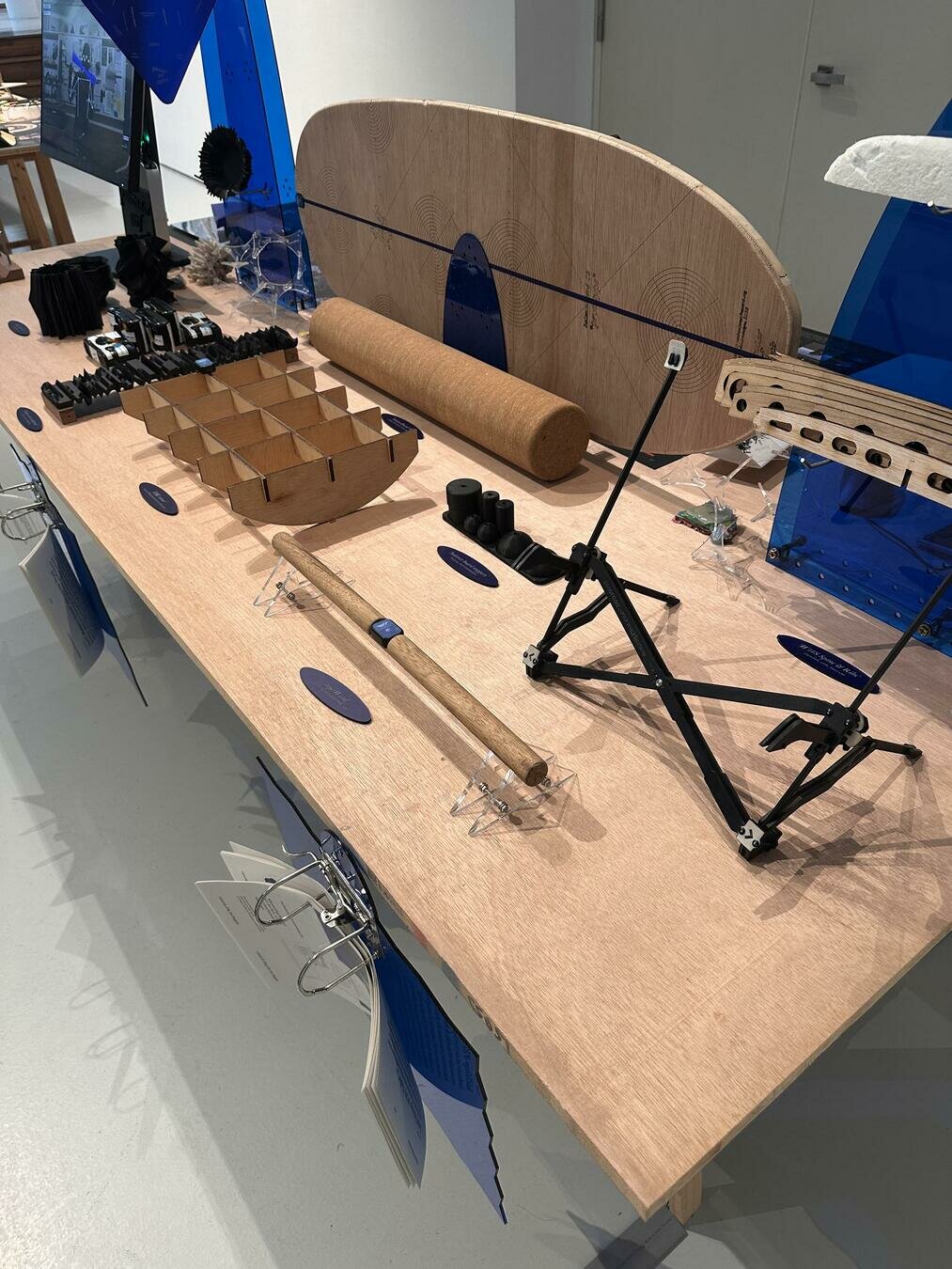
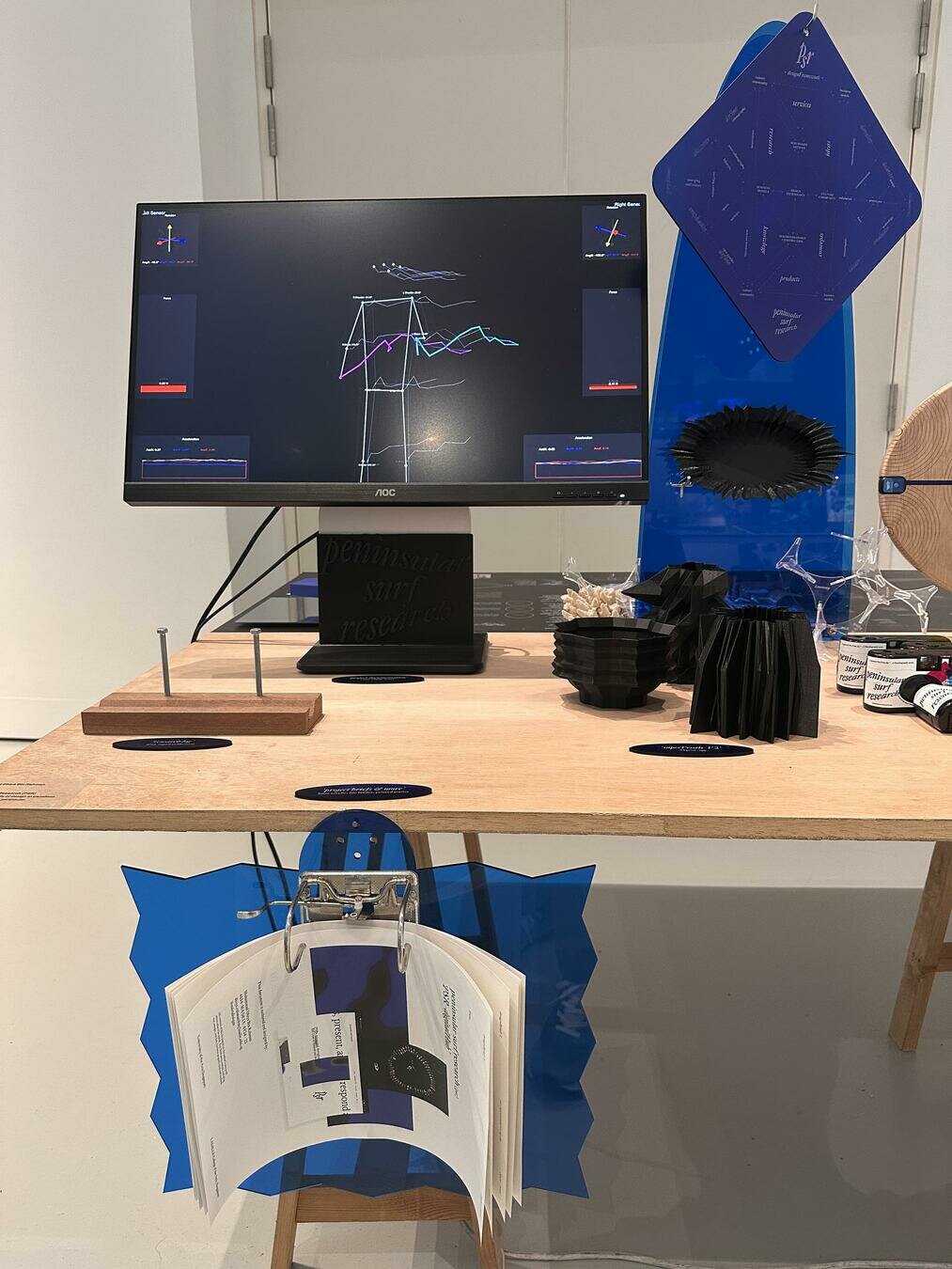
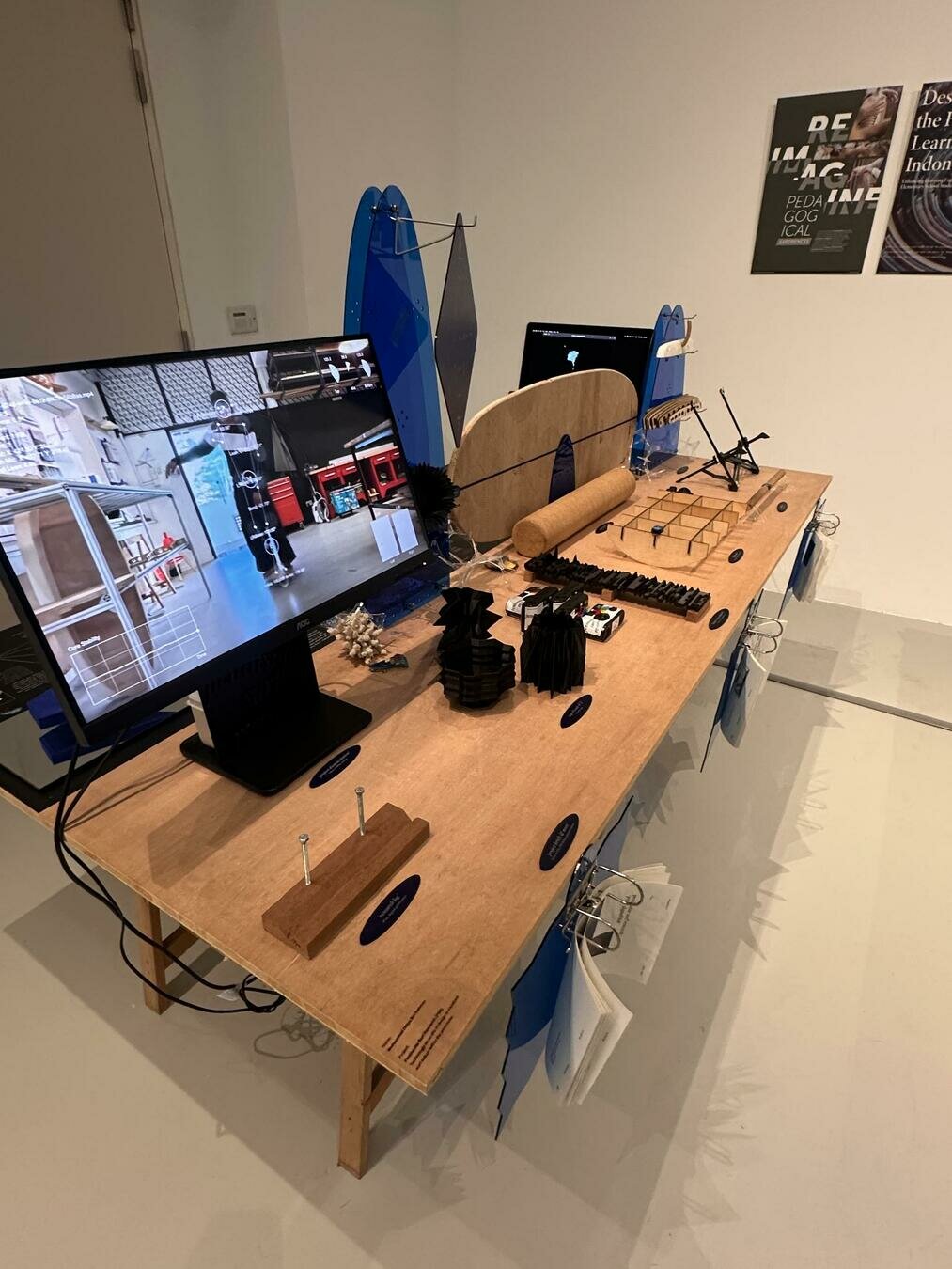
Your setup is the first impression of your body of work, that is why it needs to be neat, polish and spotless.
Setting up your work
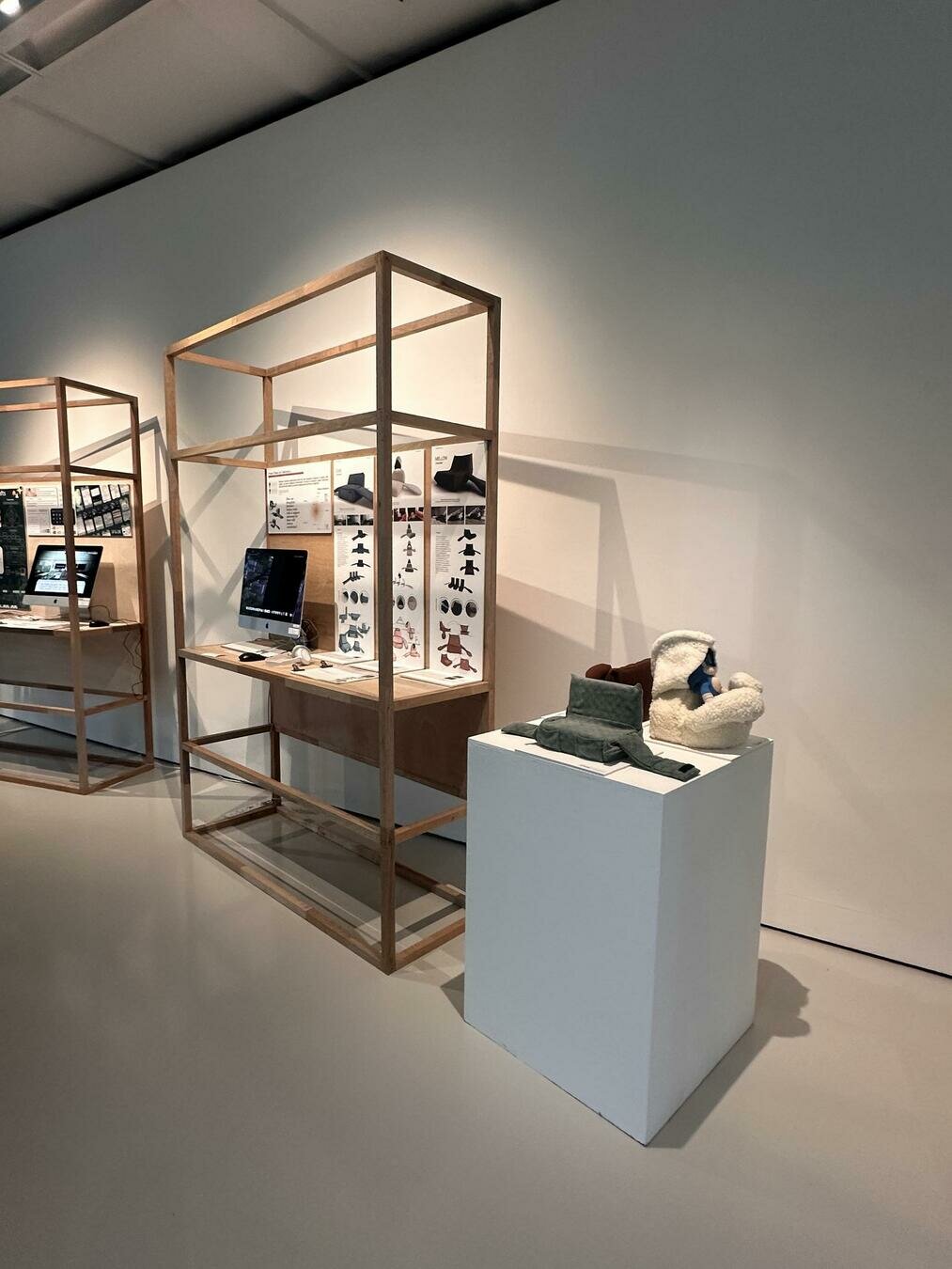
Displaying
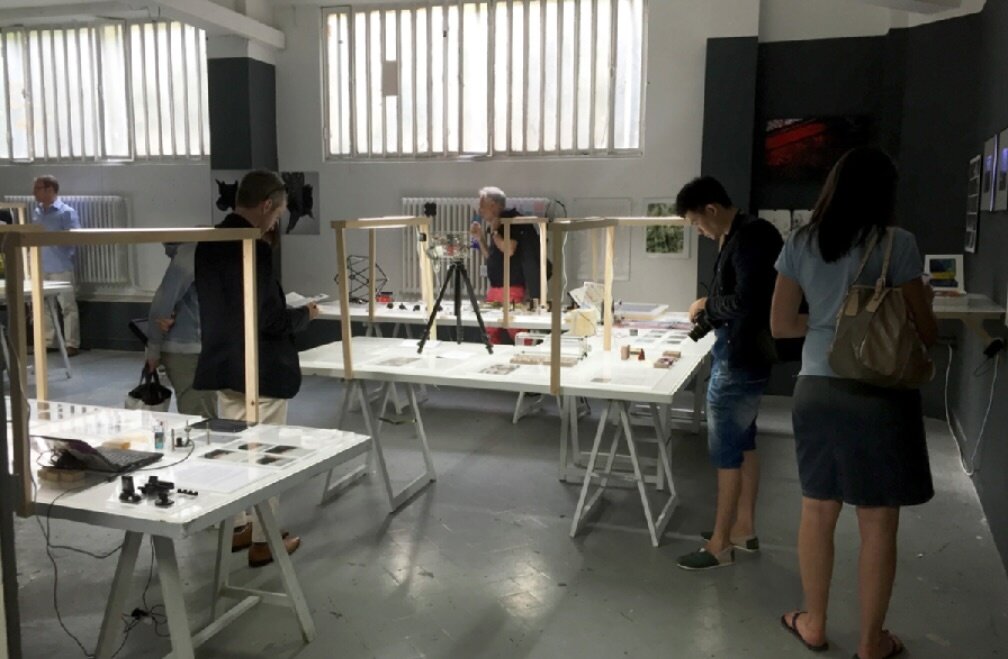
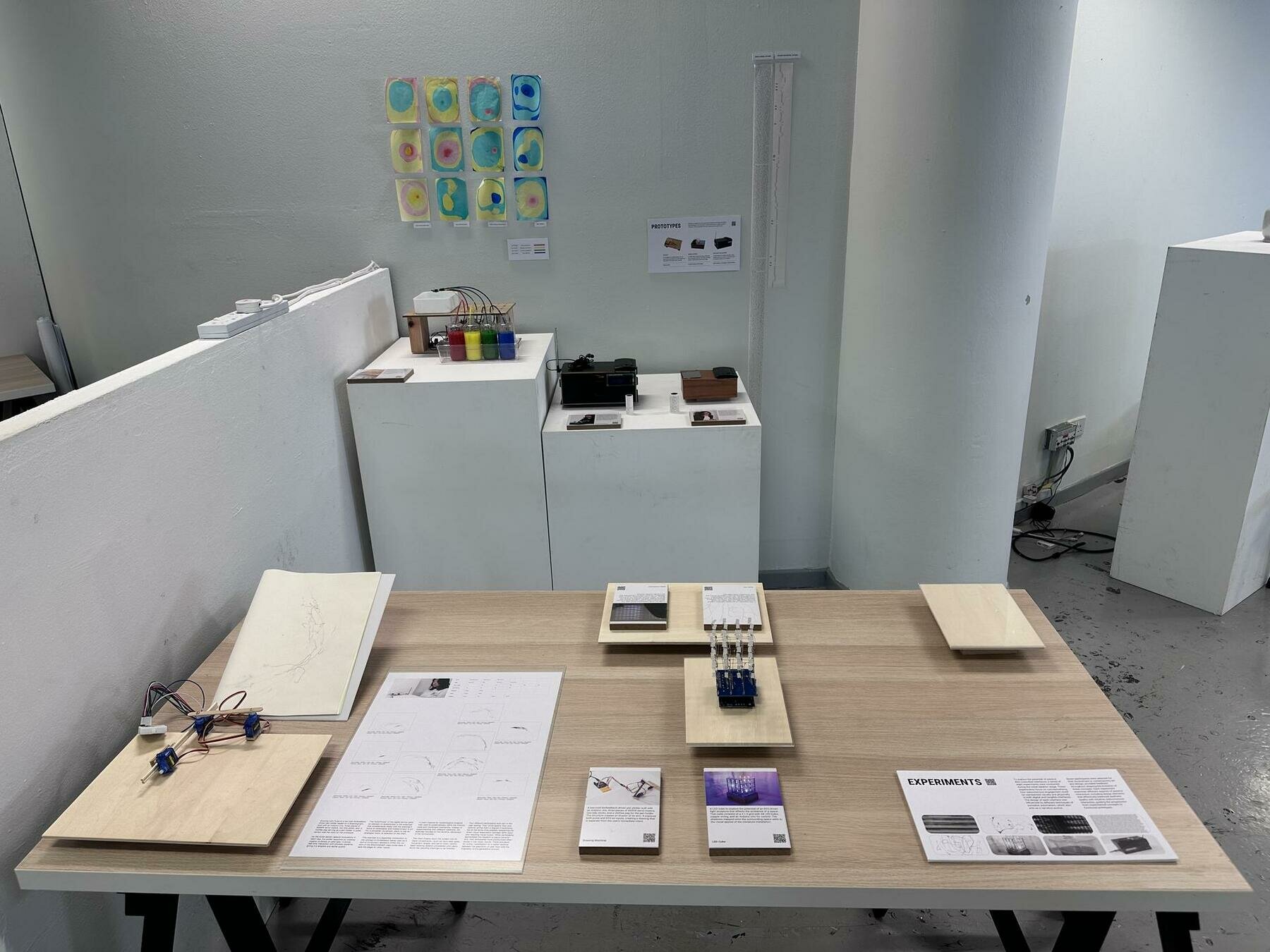
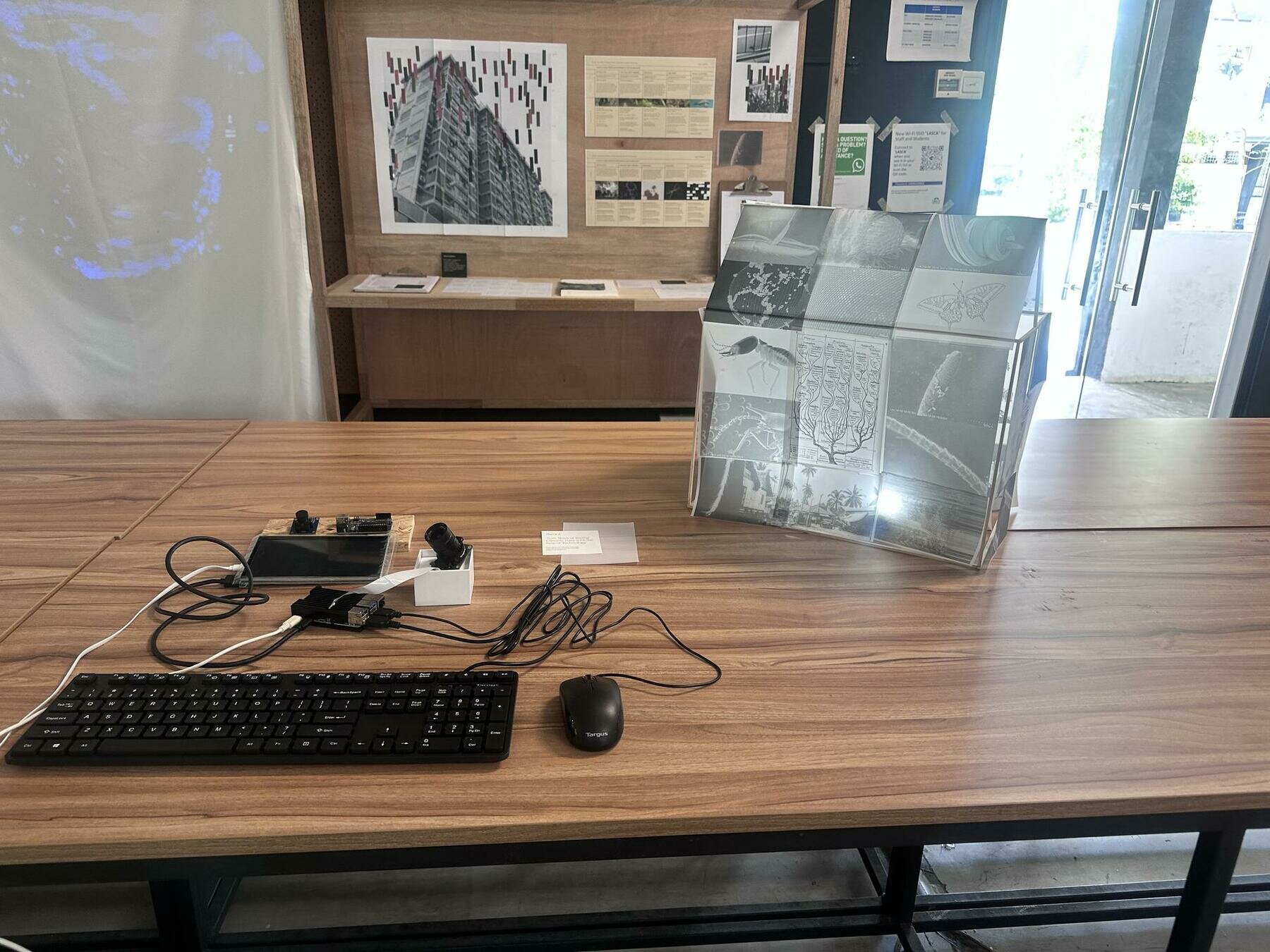
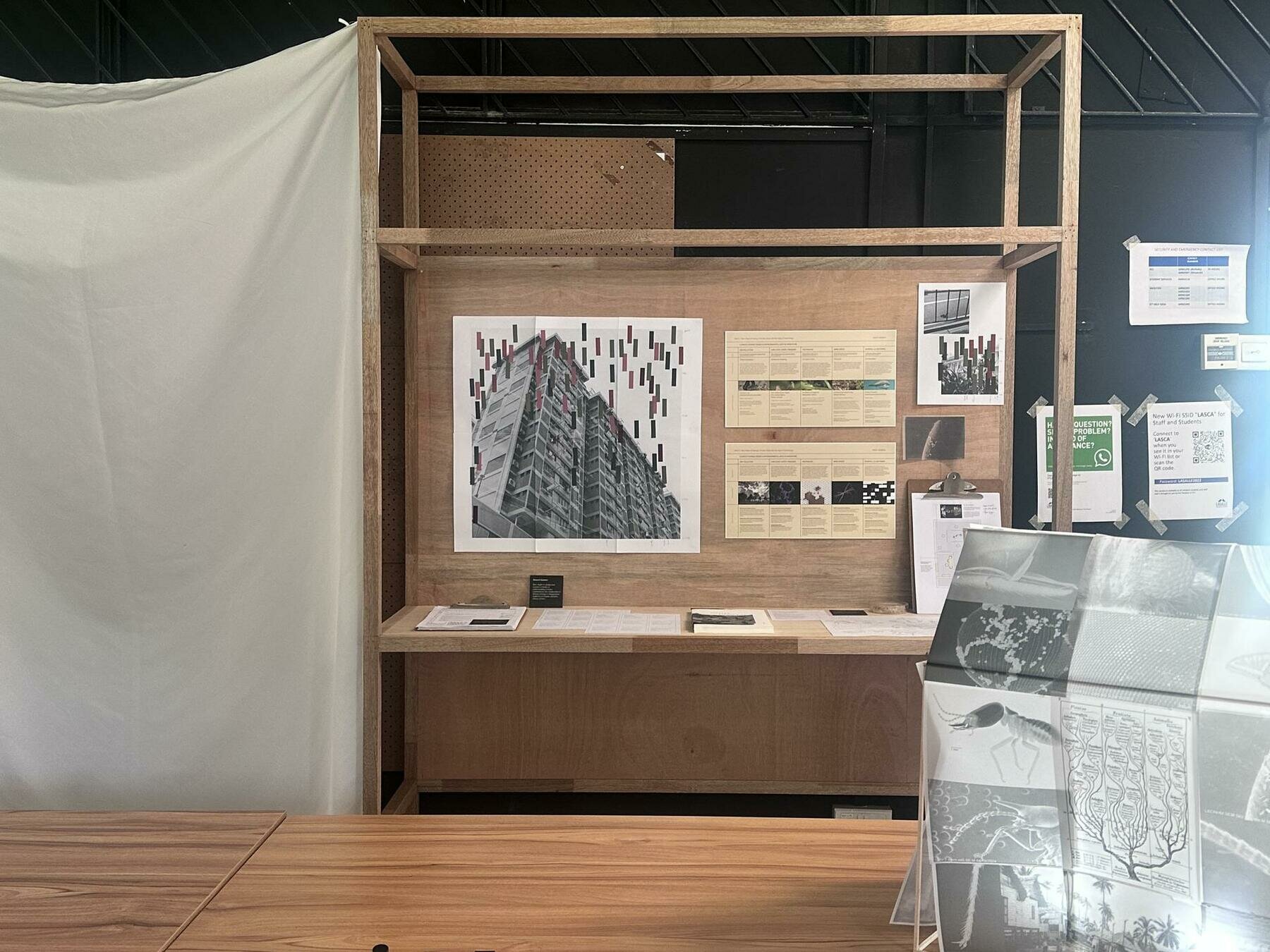
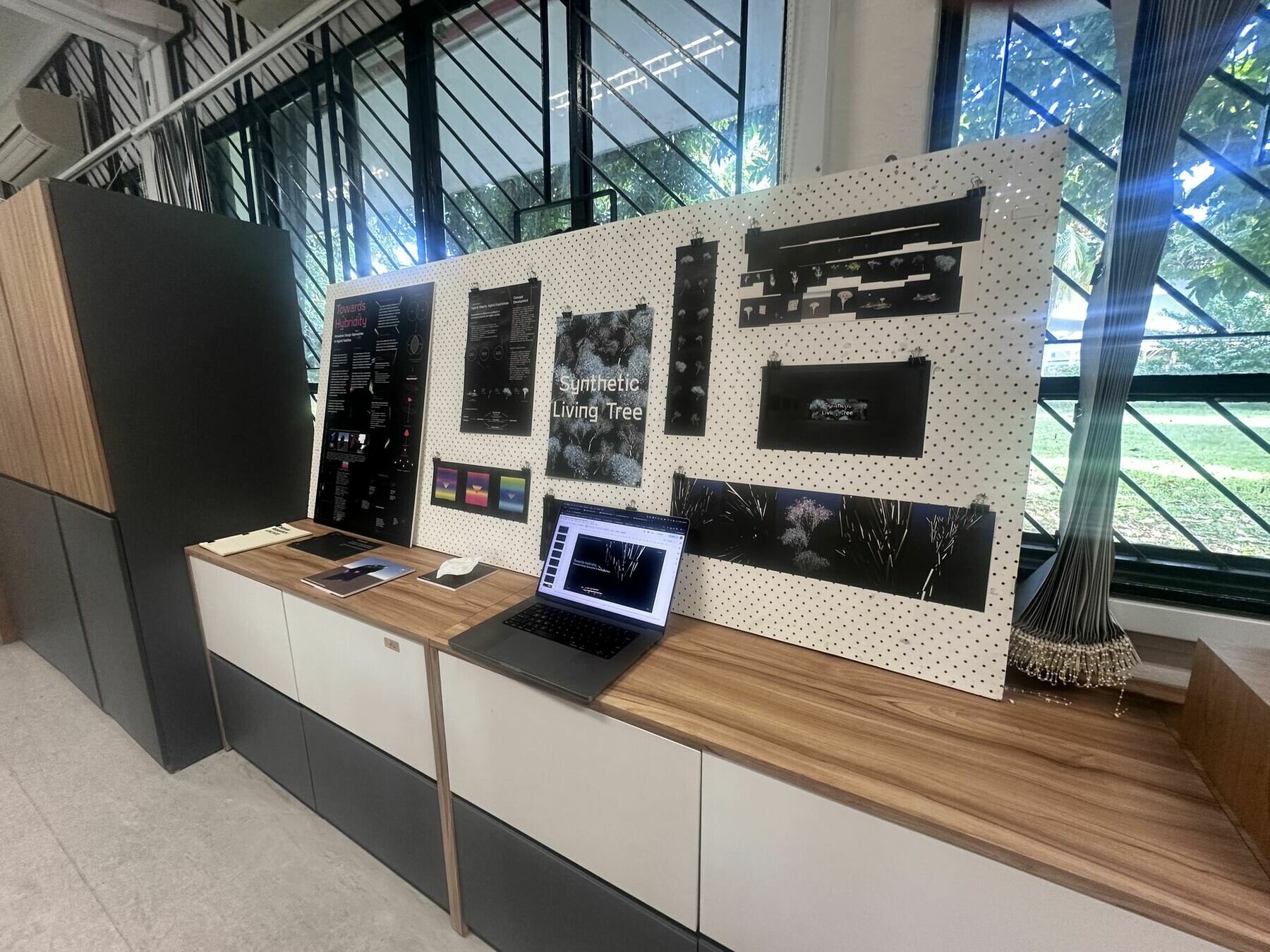
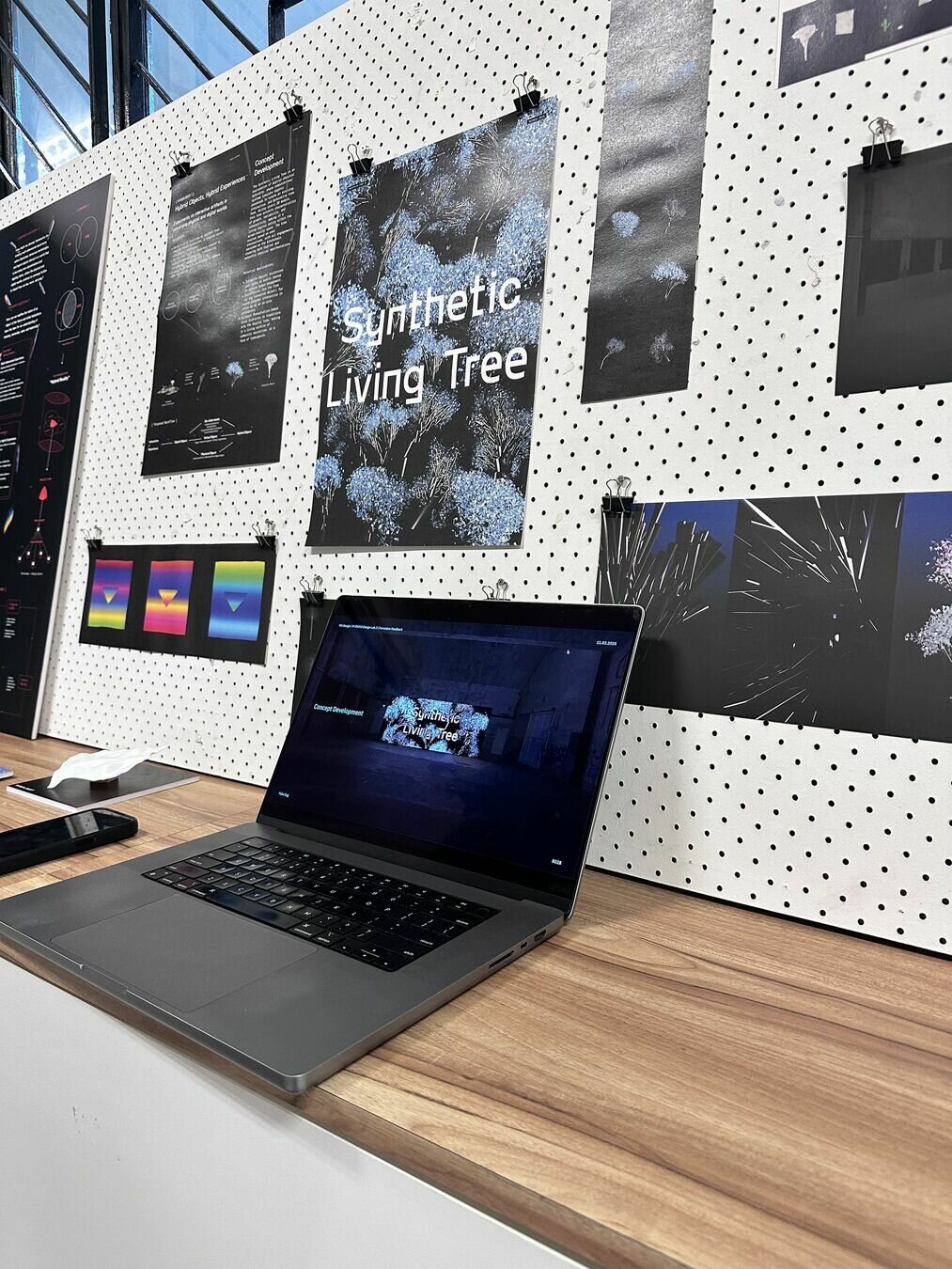
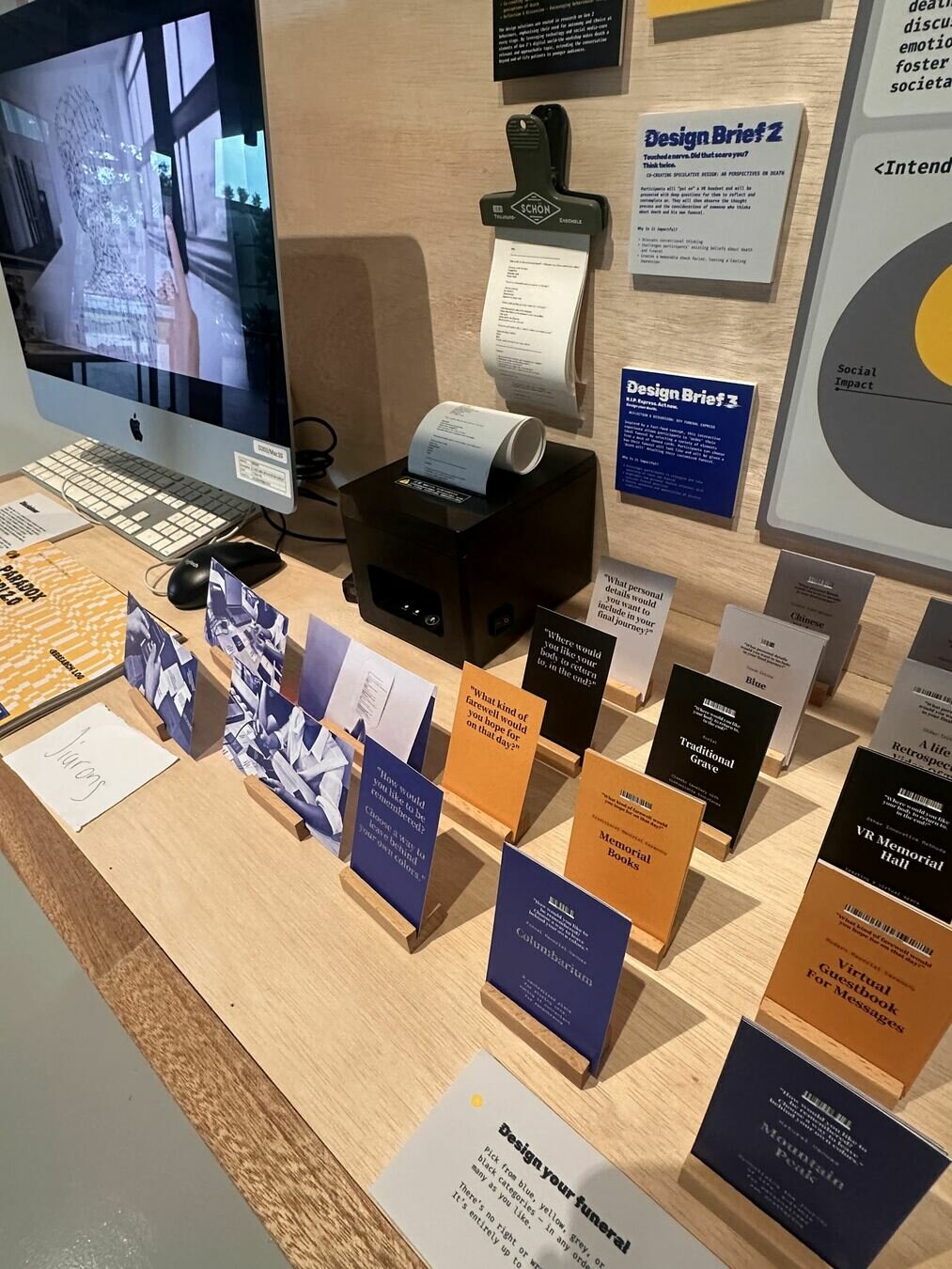
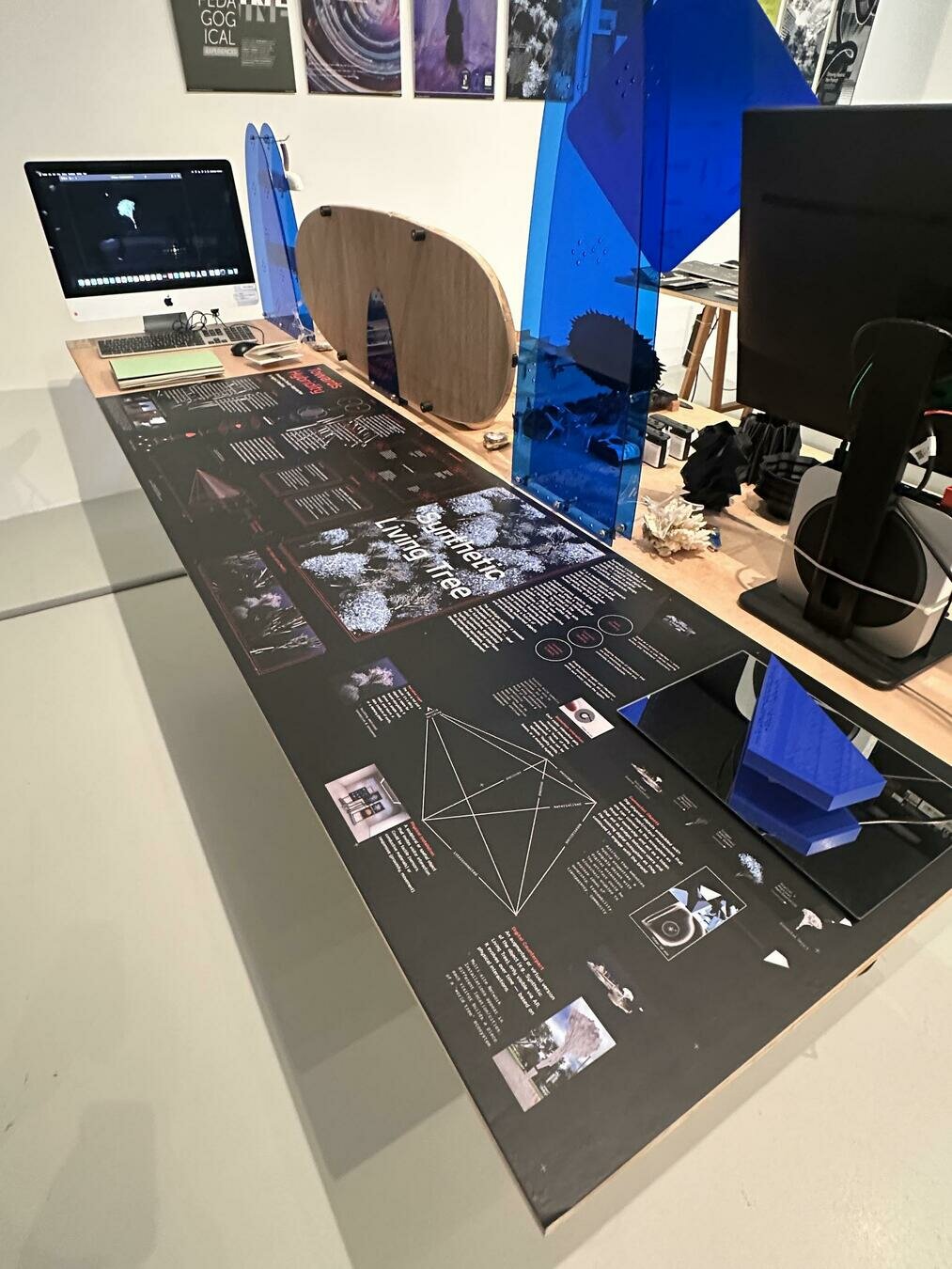
Table setups
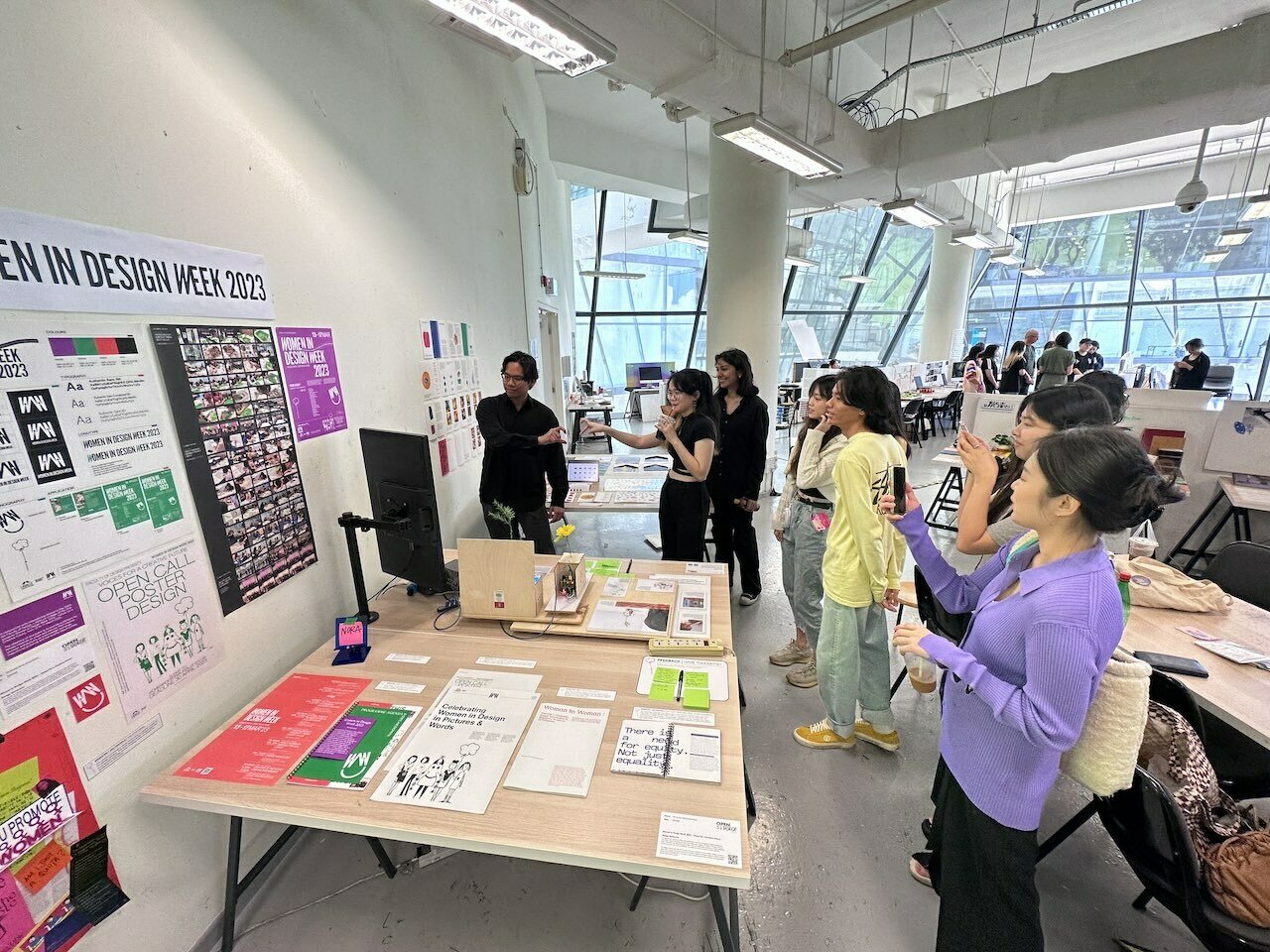
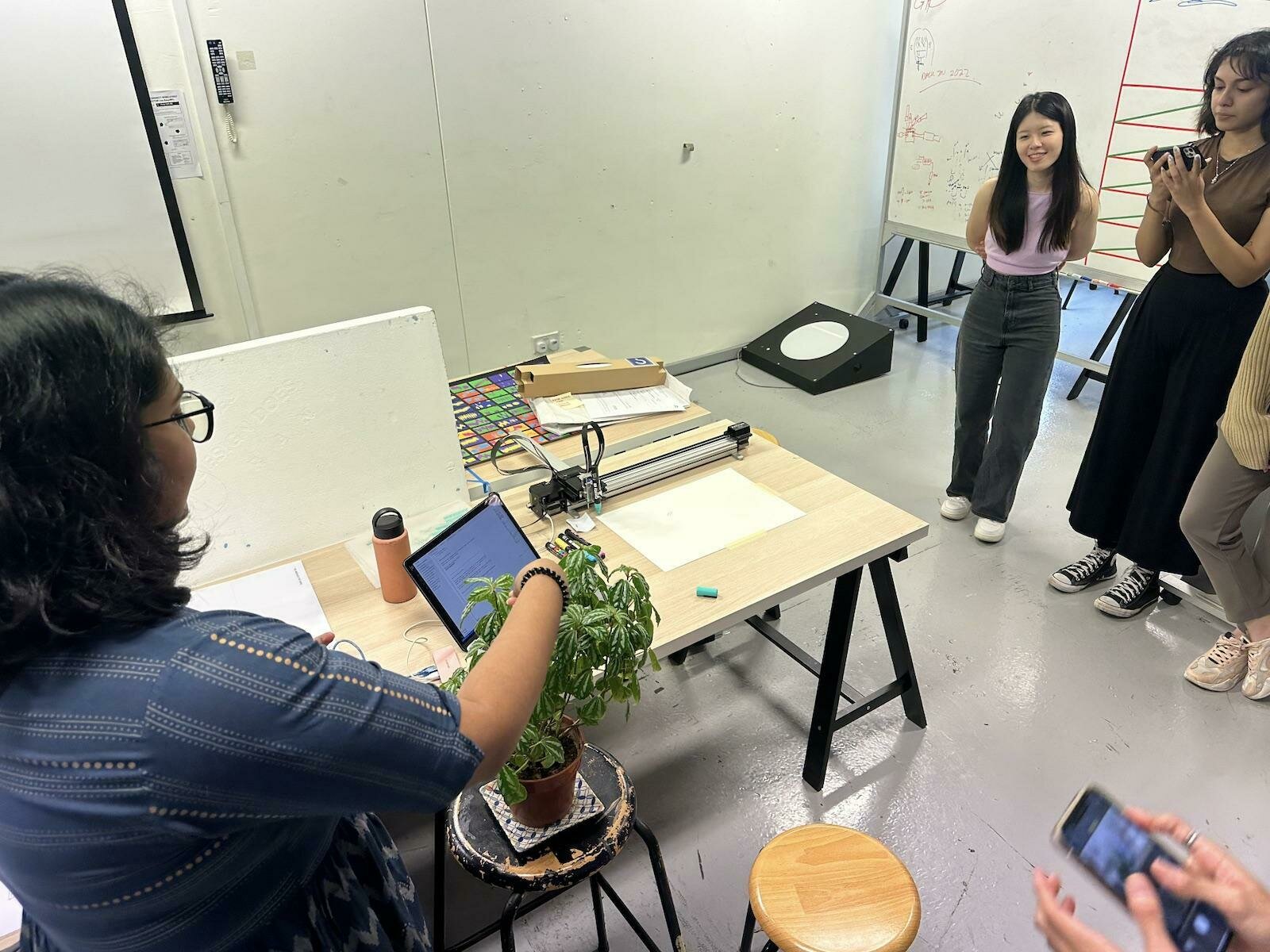
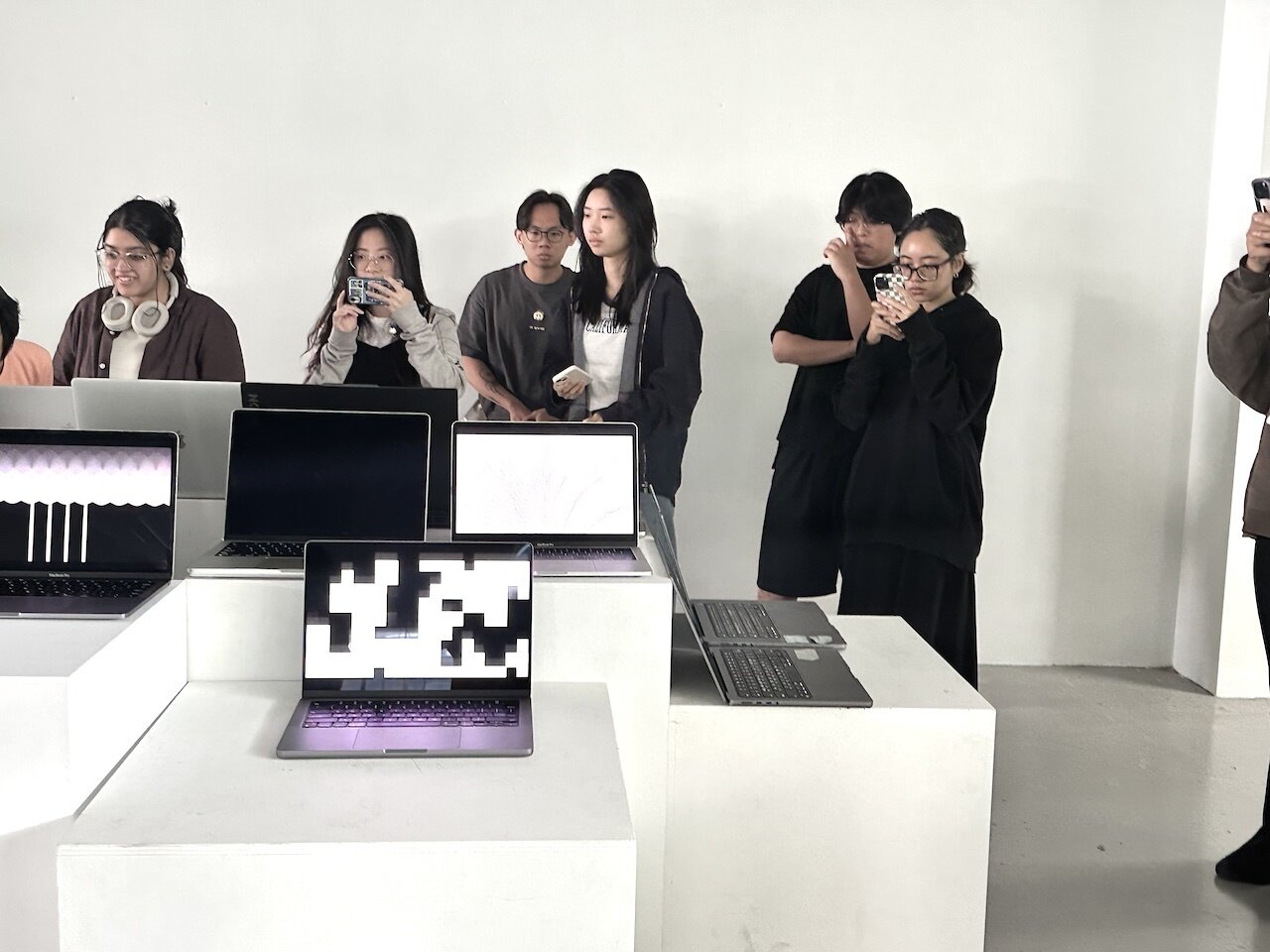
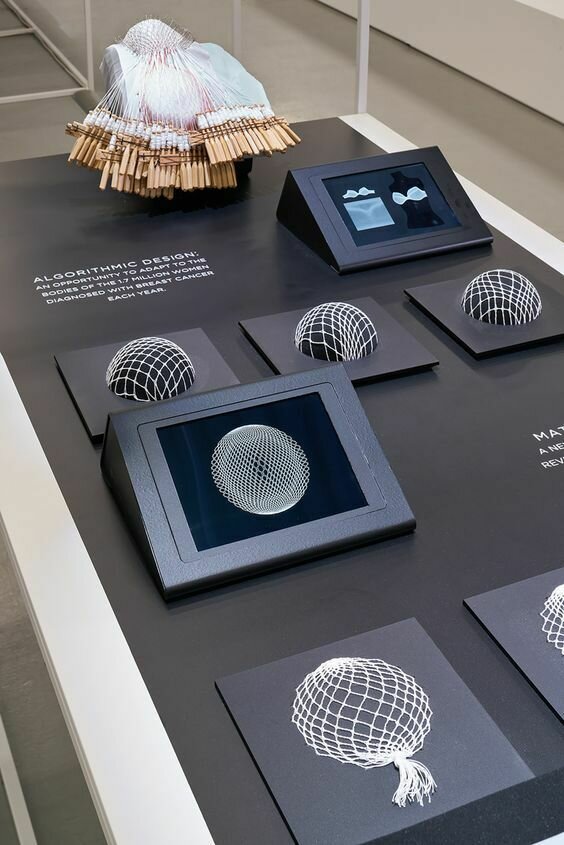
Table setups
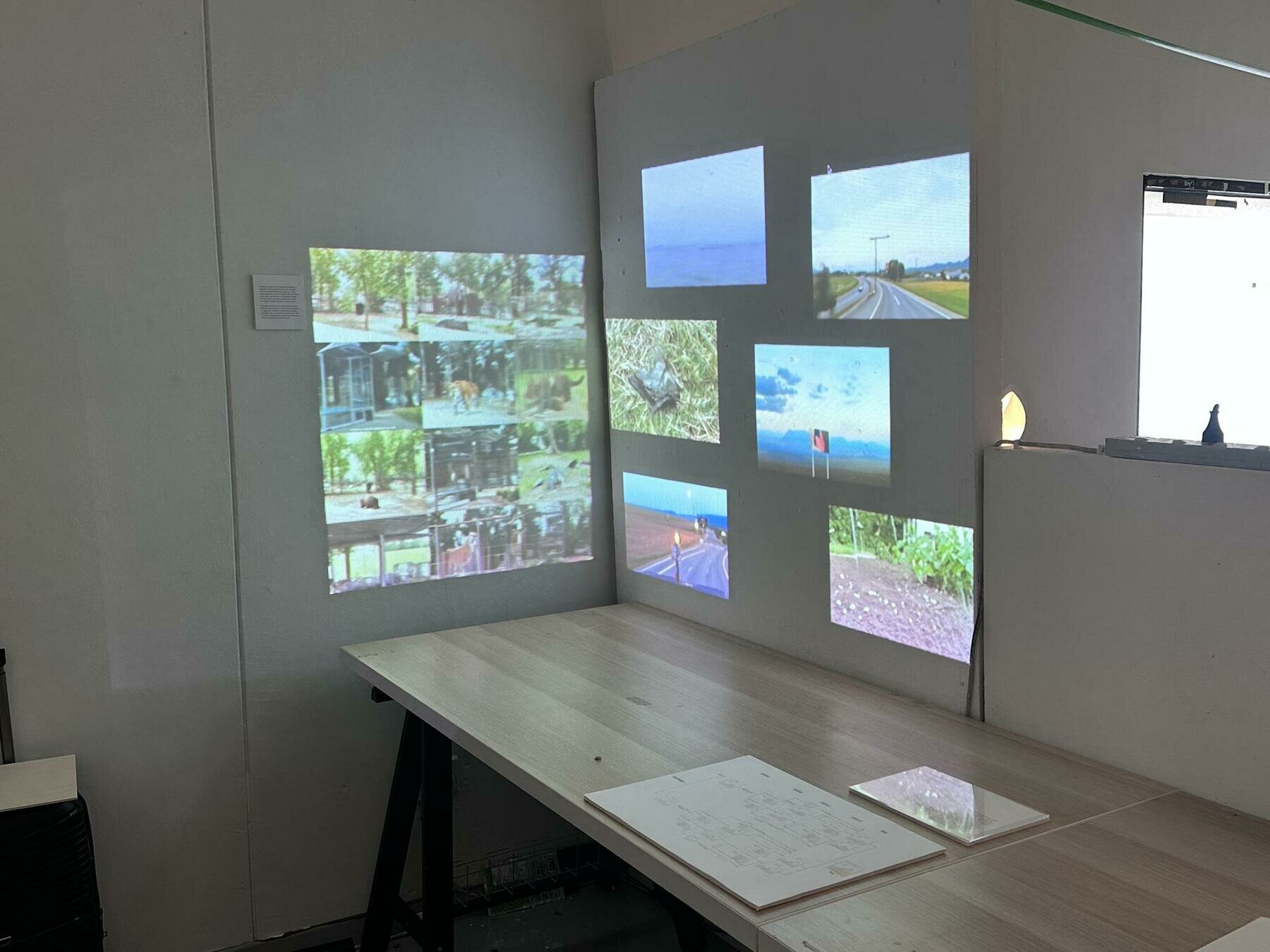
Table setups
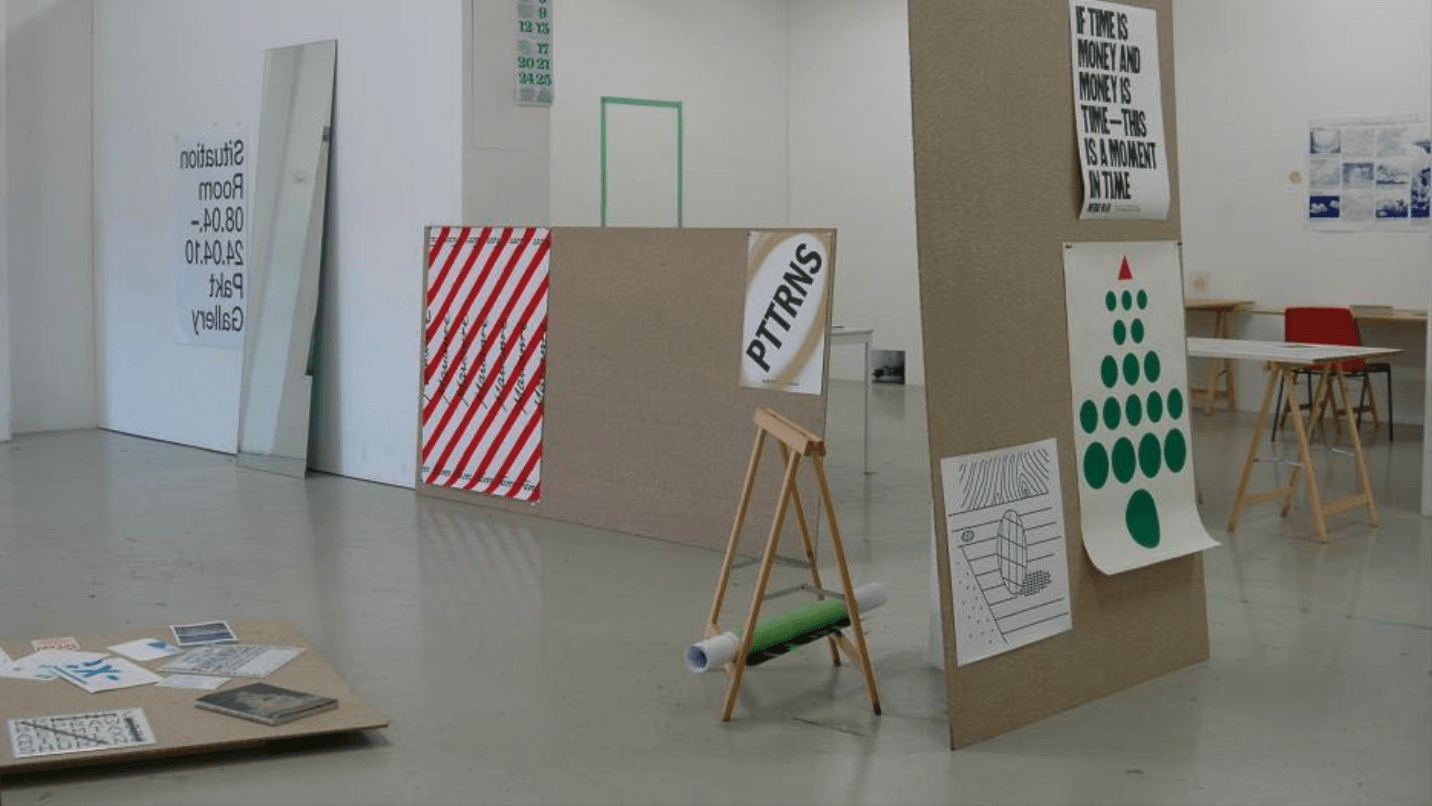
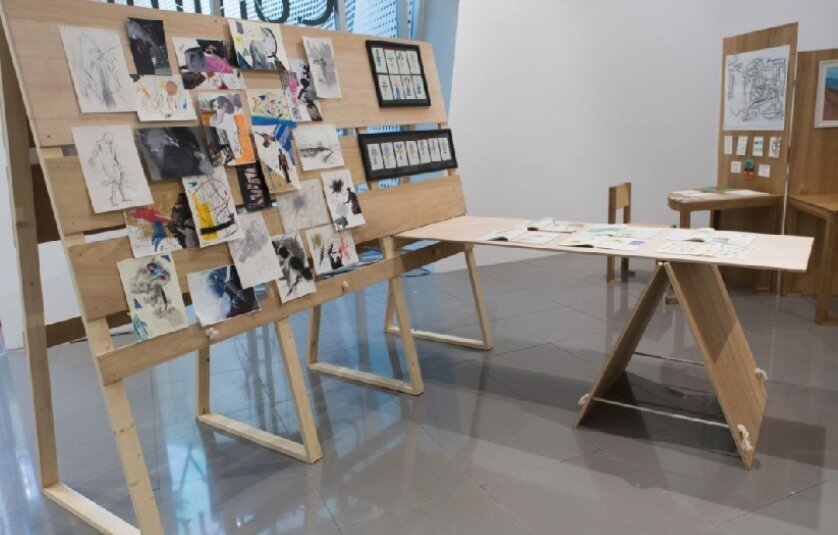
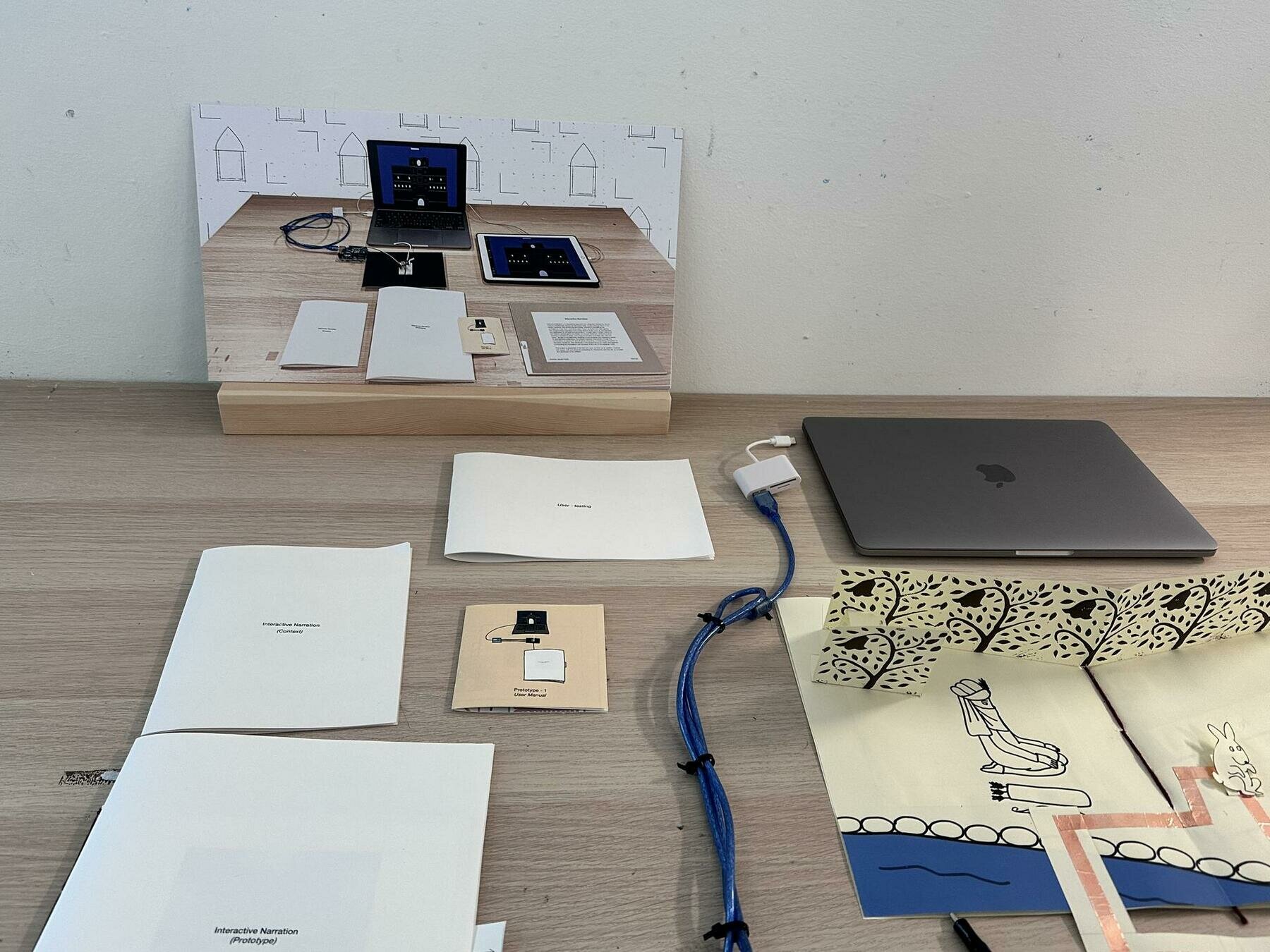
Table setups
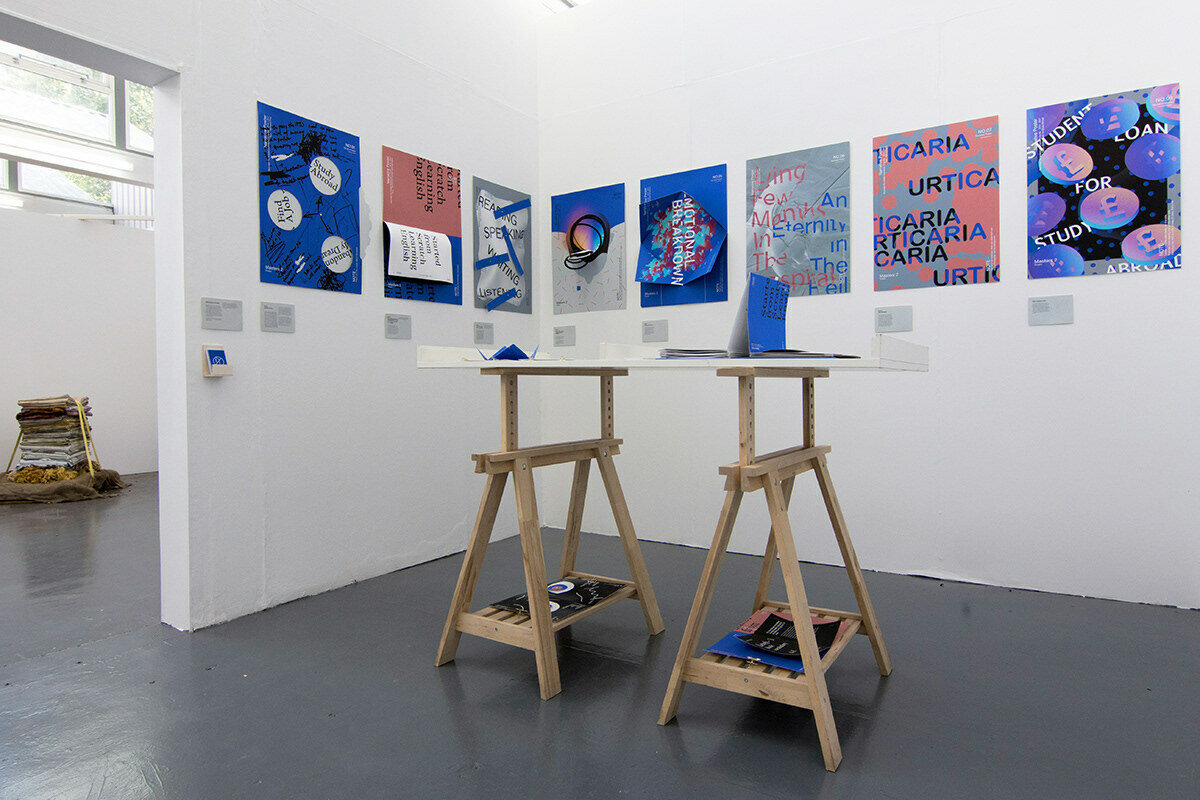
Table setups
Table setups

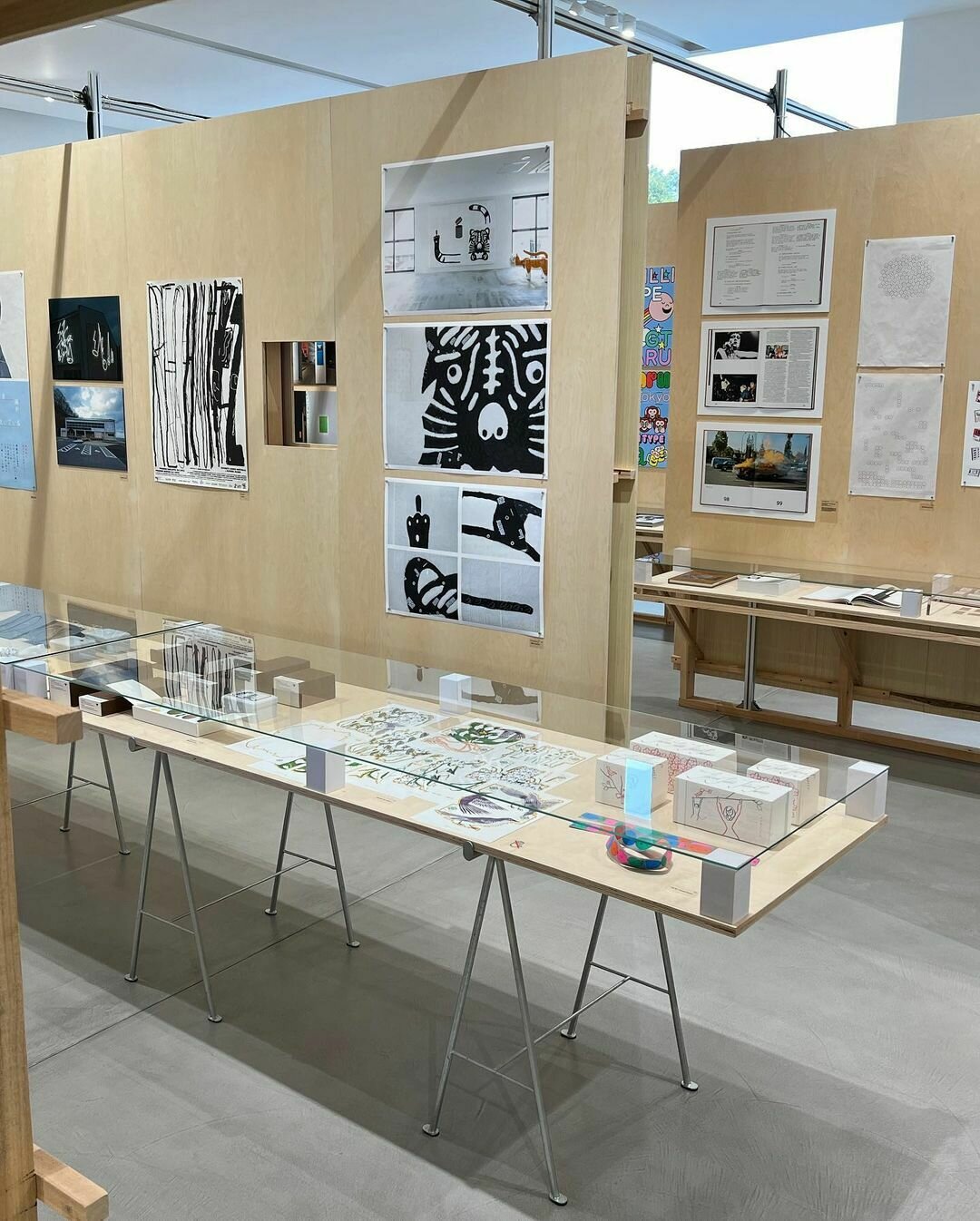
Table setups
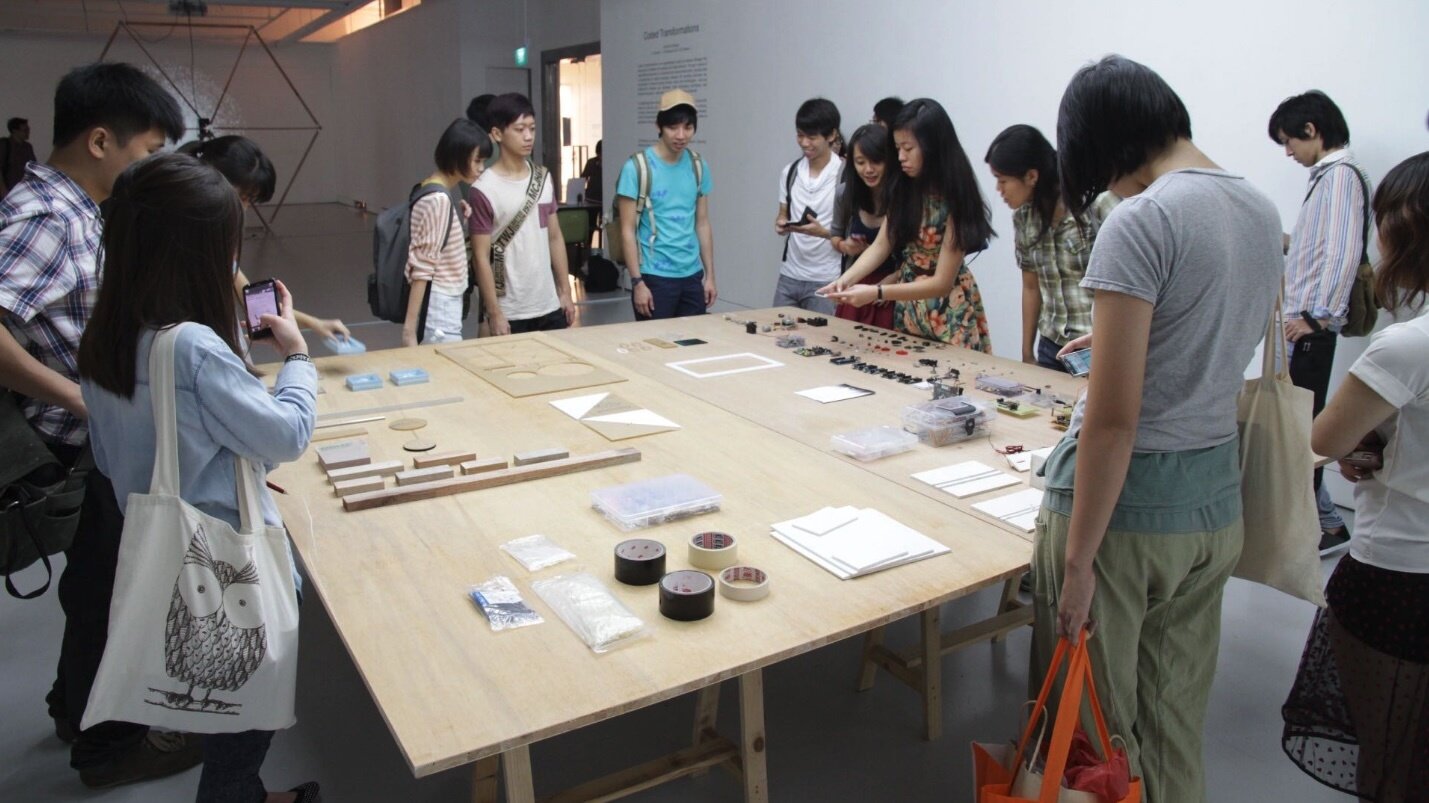
Documenting
Documenting
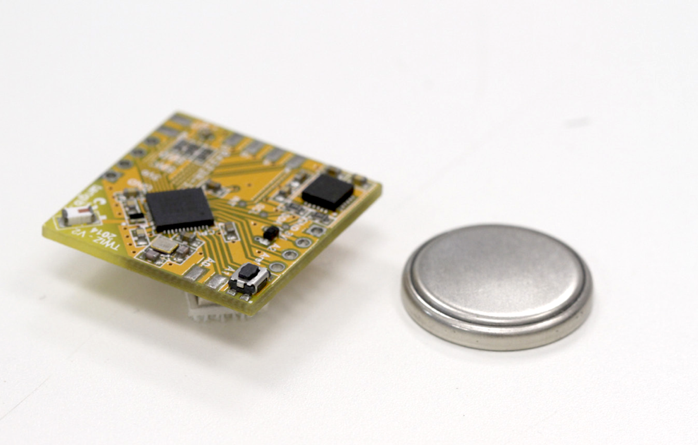
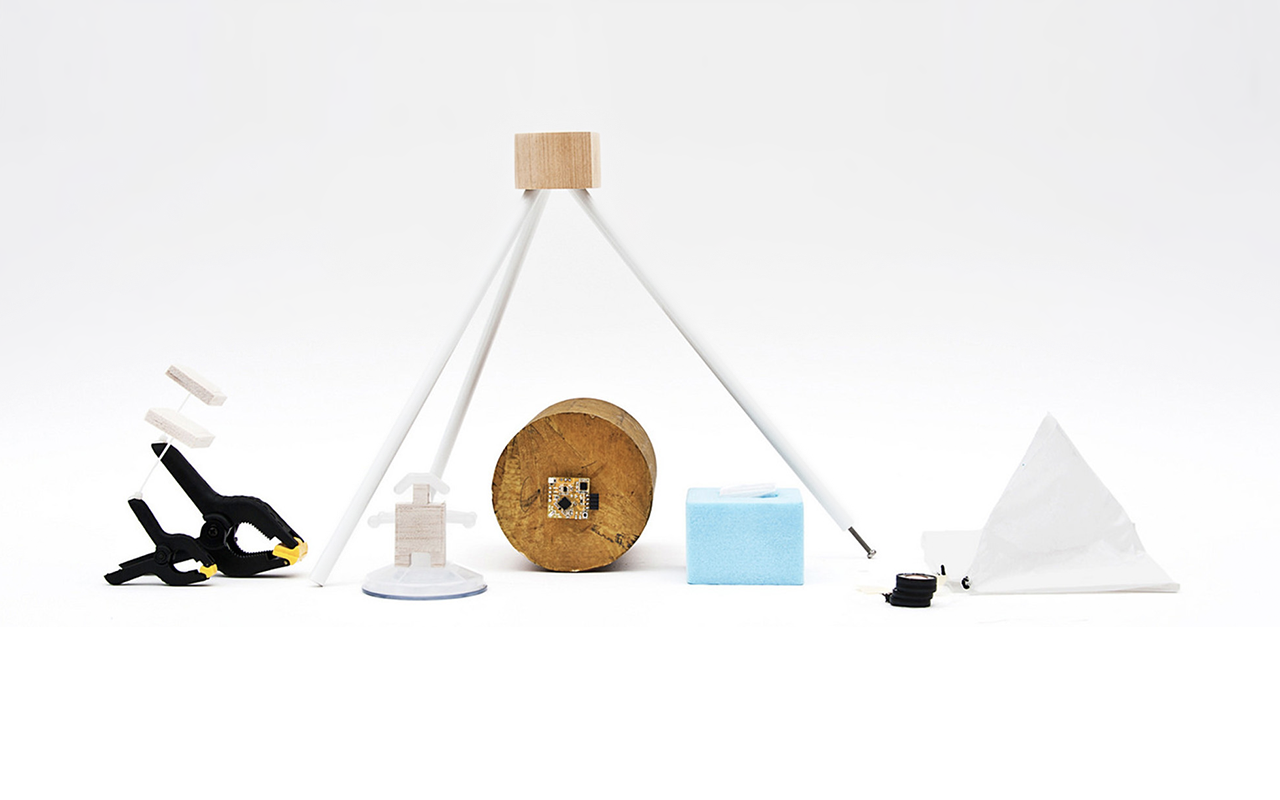
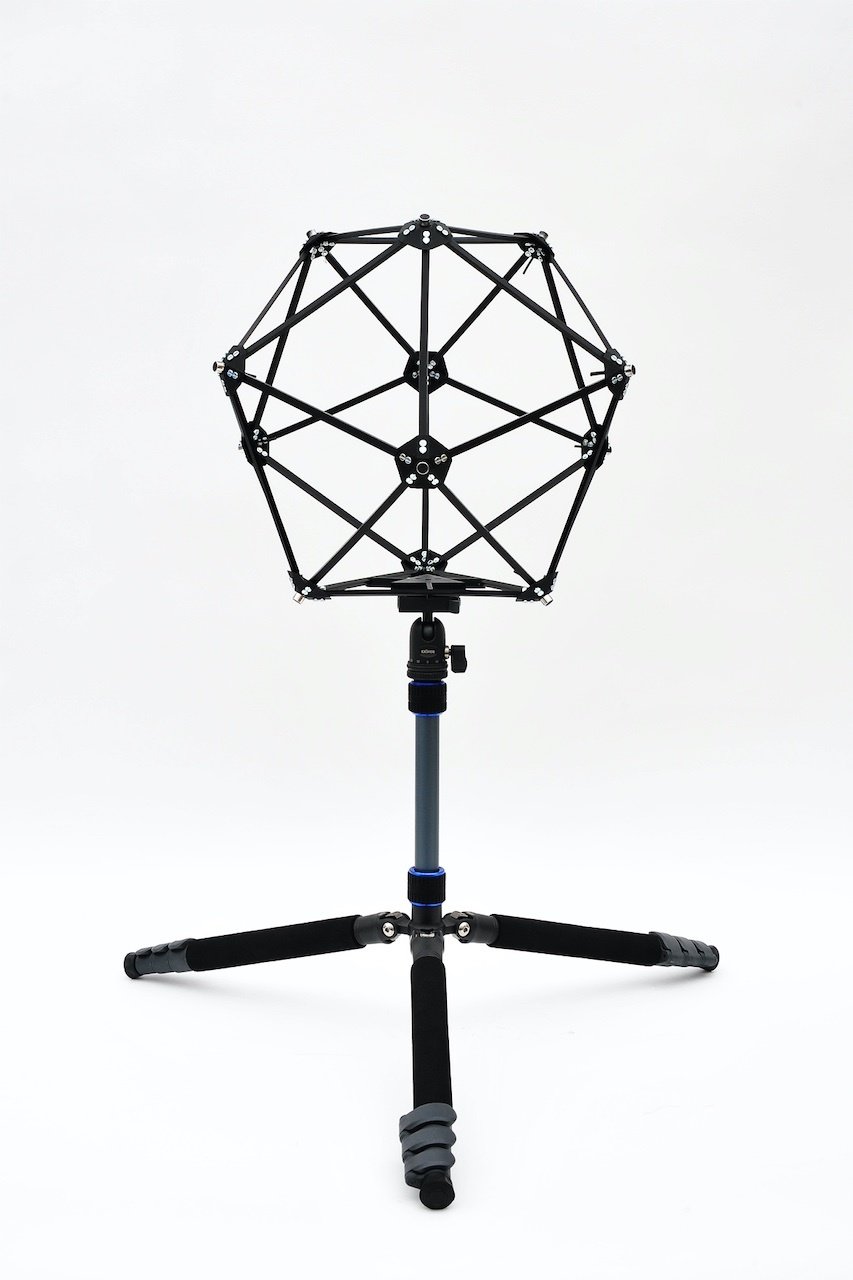
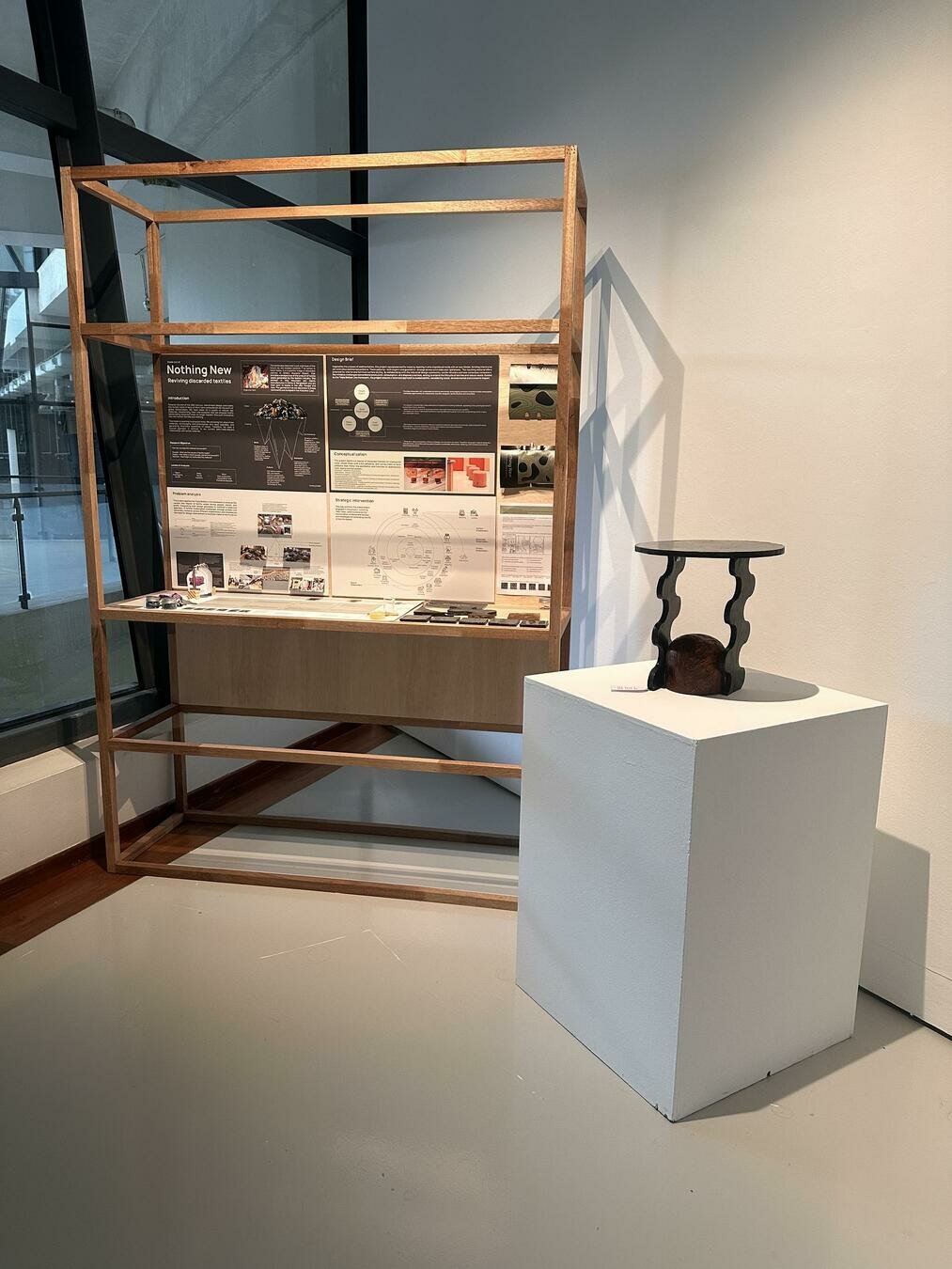
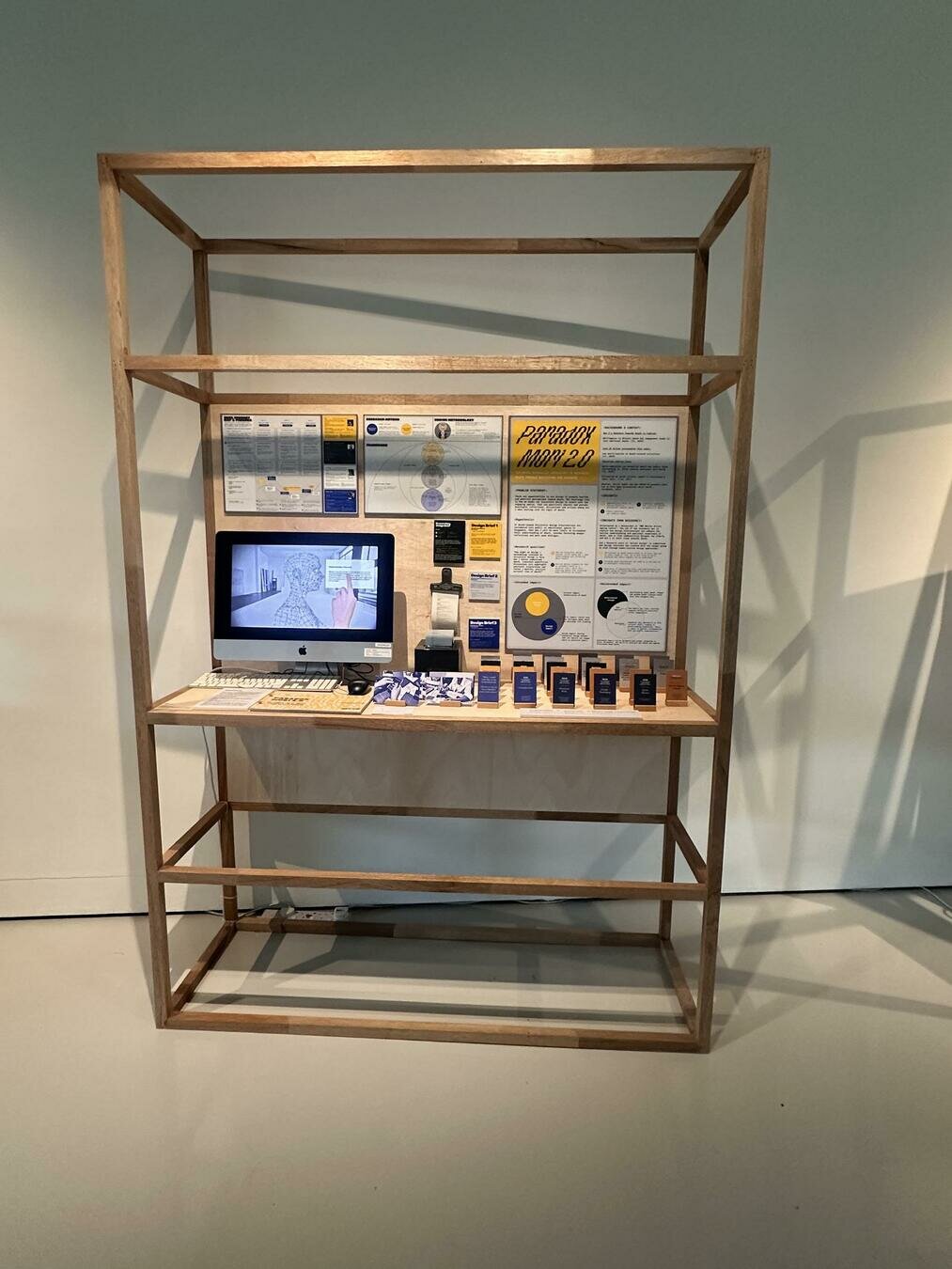
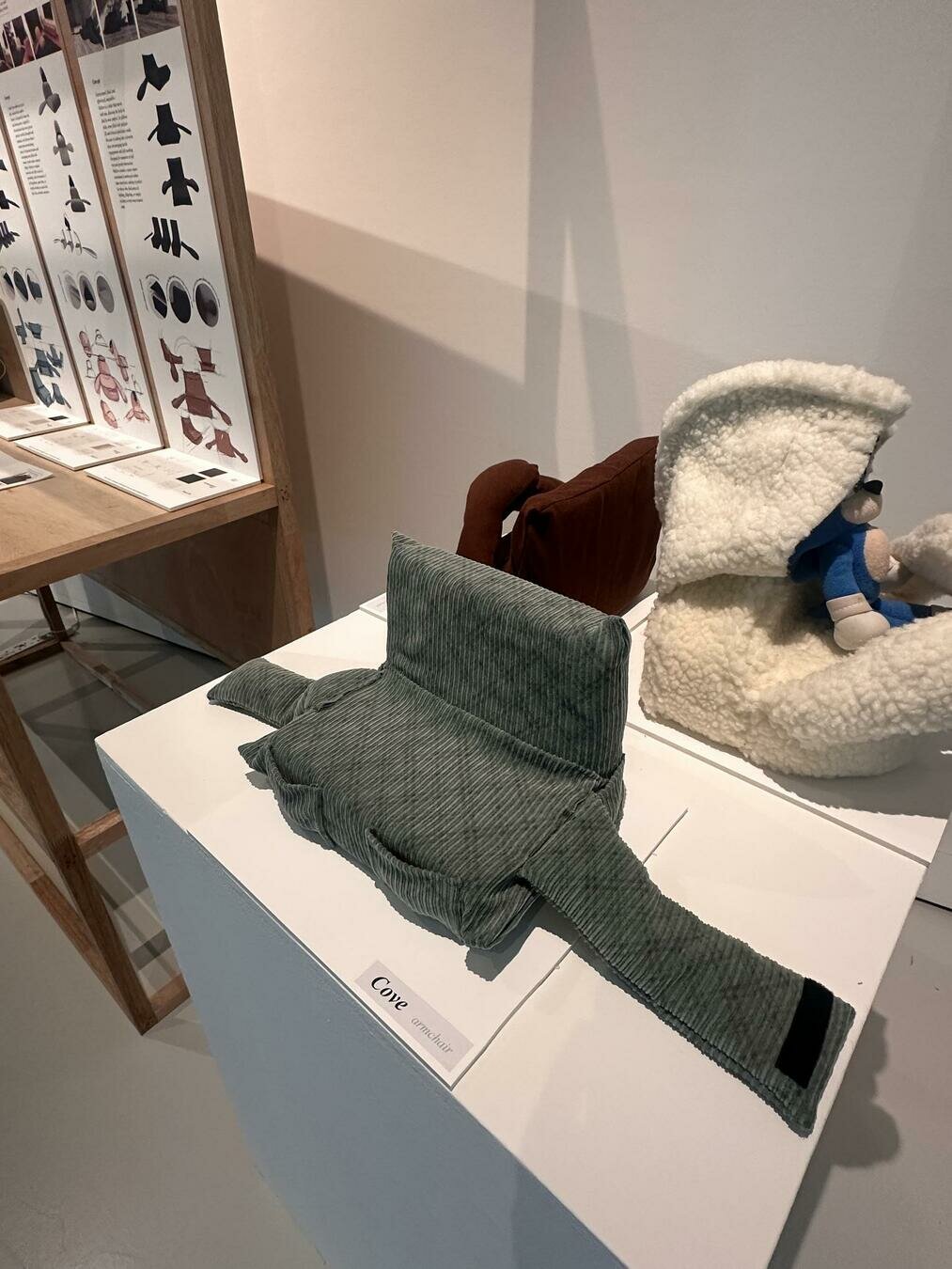
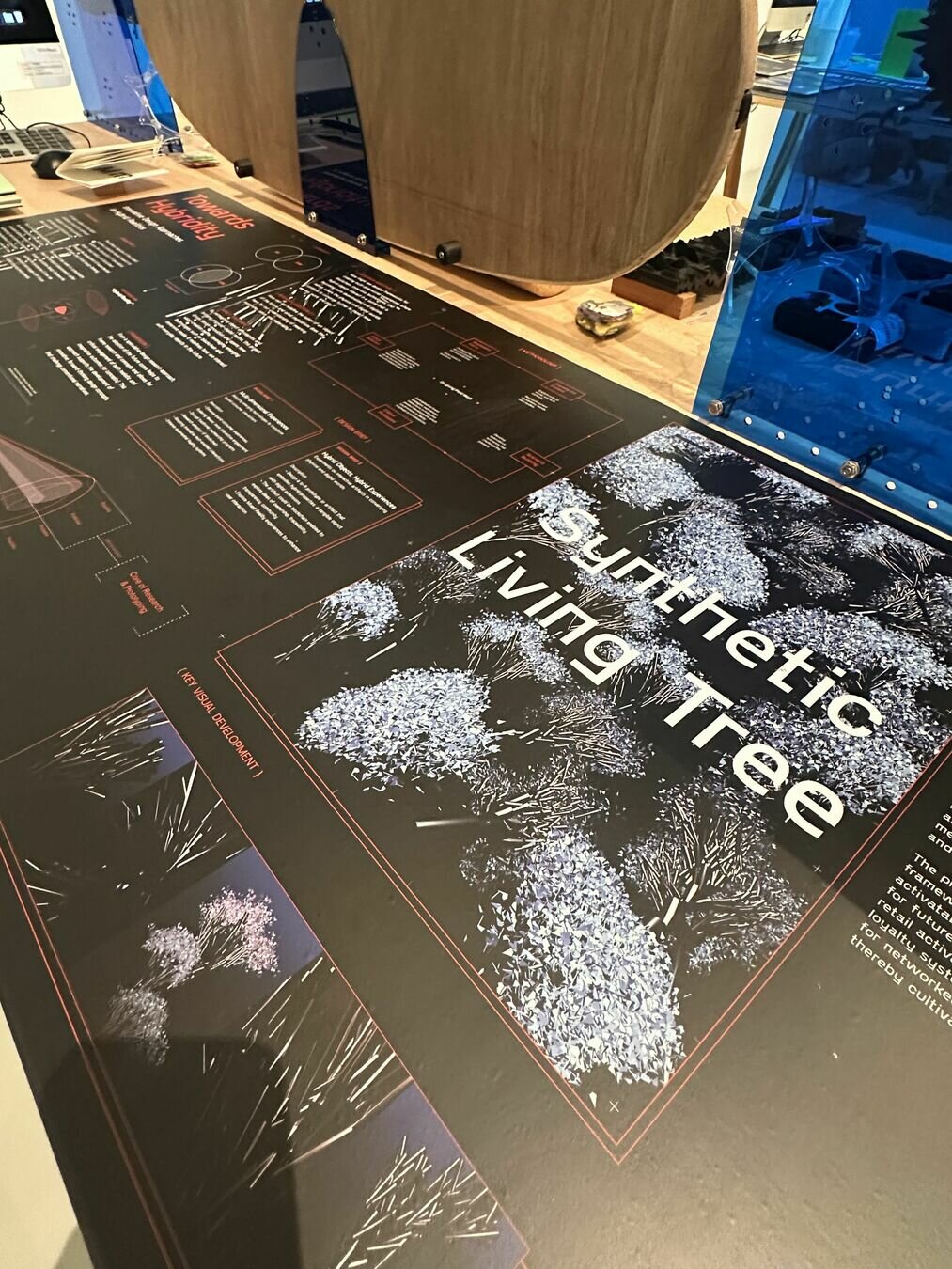
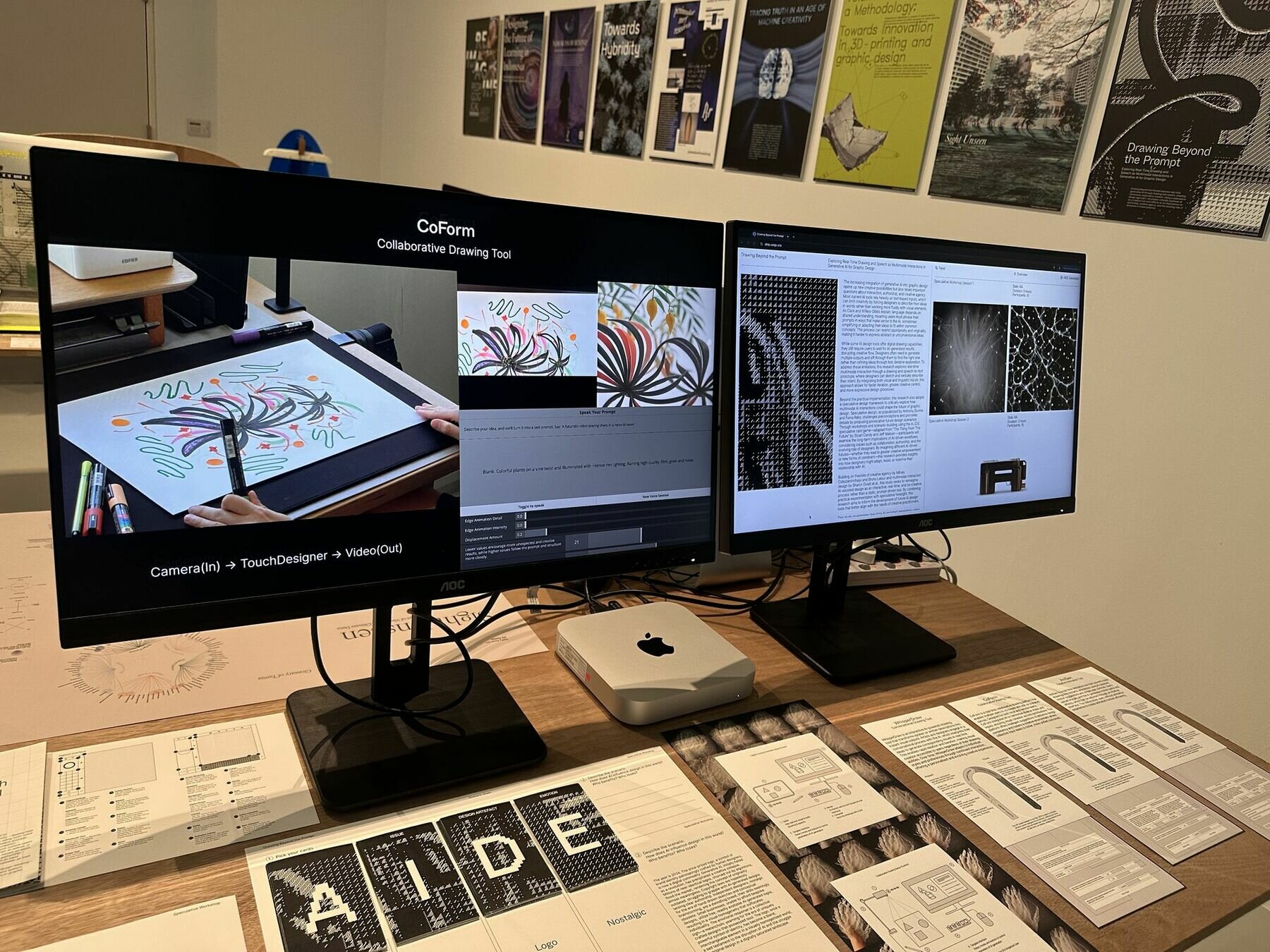
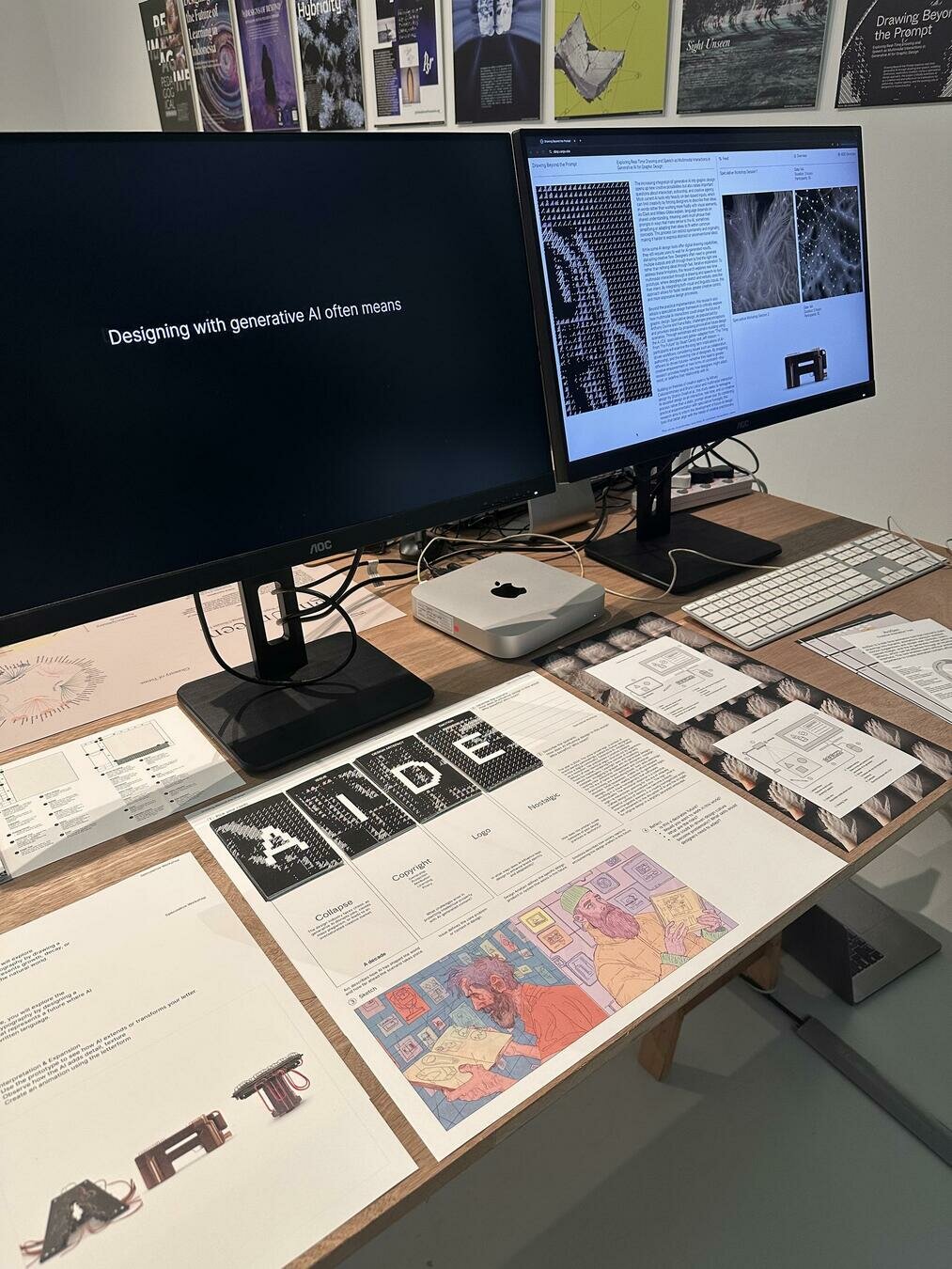
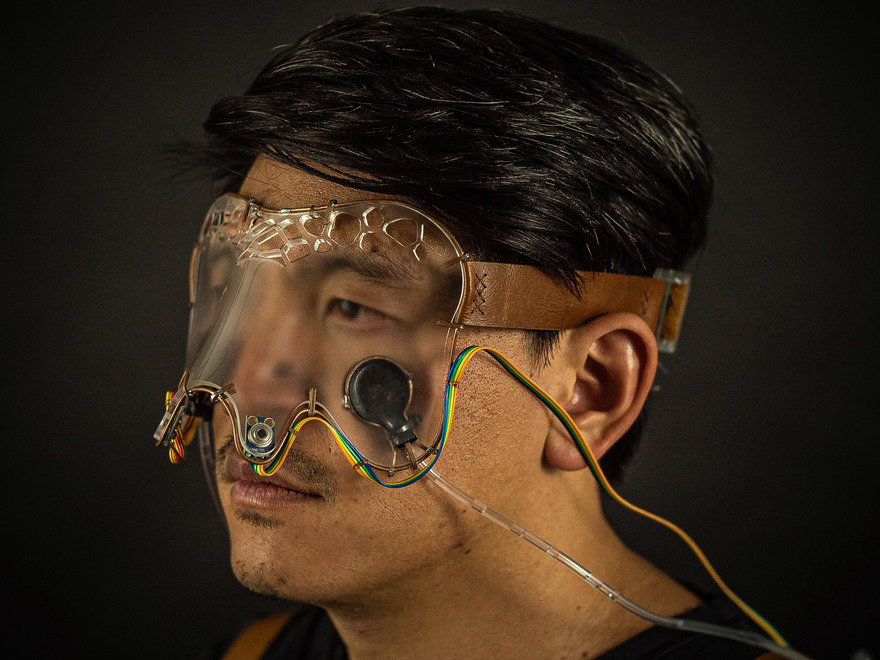
Product shots, clean background so that the focus is solely on the subject. Use a good camera, tripod if necessary, and appropriate lighting.
Documenting
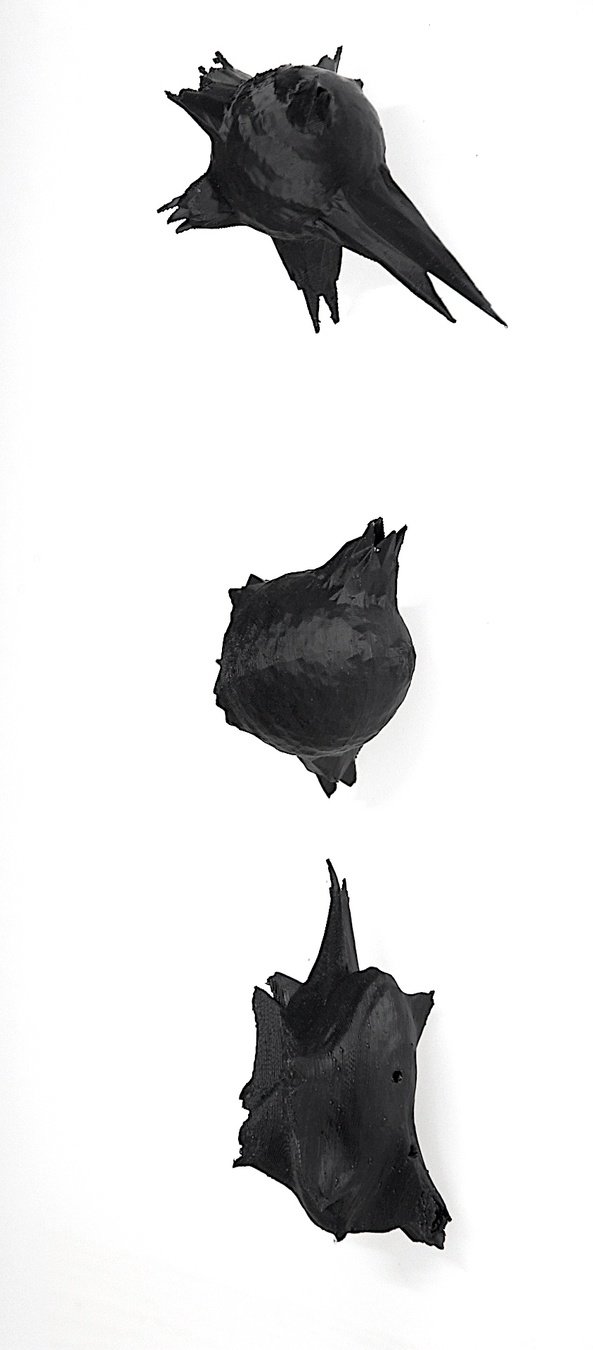
Product shots, clean background so that the focus is solely on the subject. Use a good camera, tripod if necessary, and appropriate lighting.
Documenting
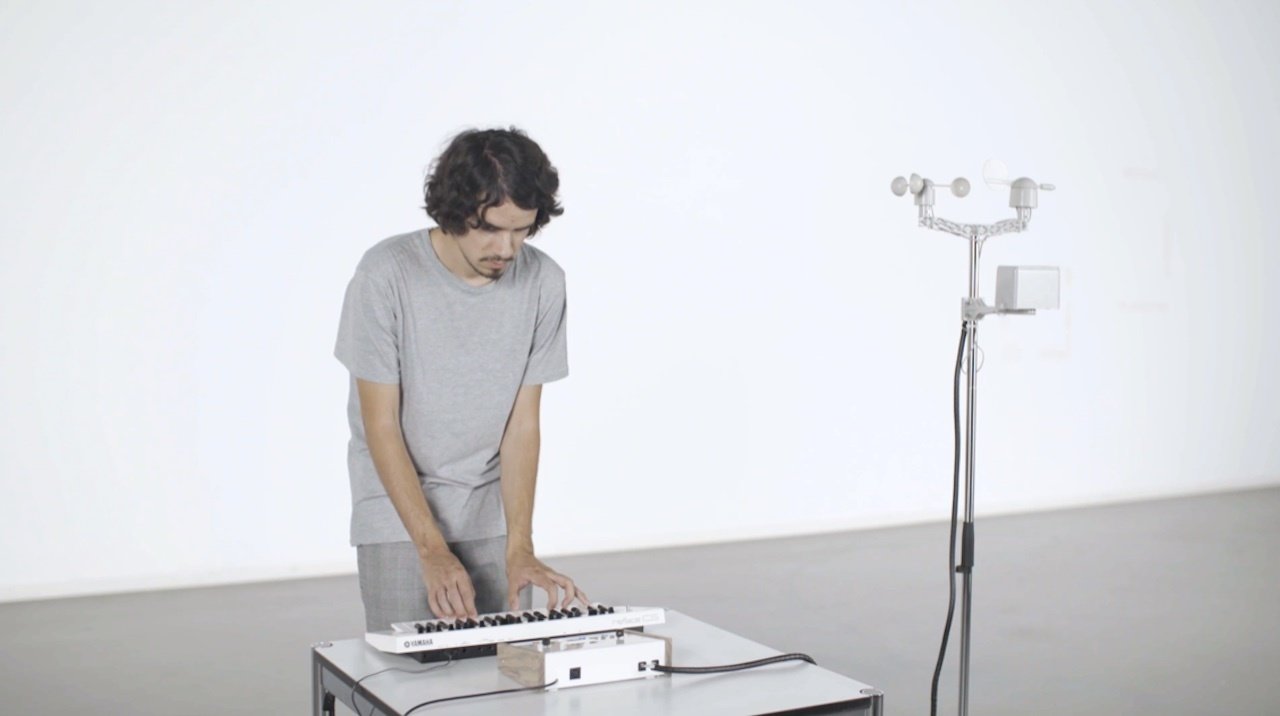
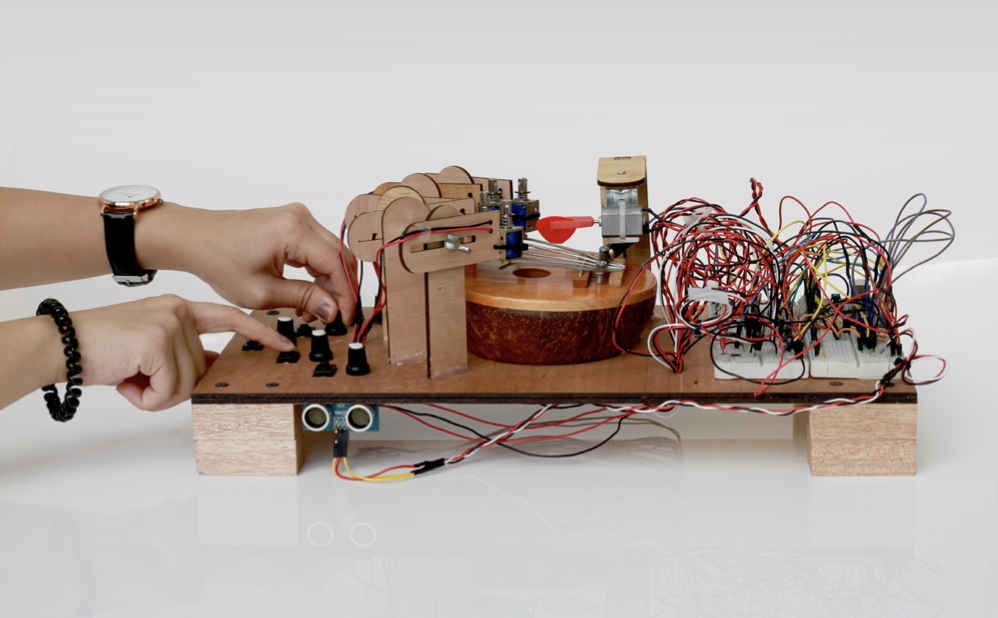
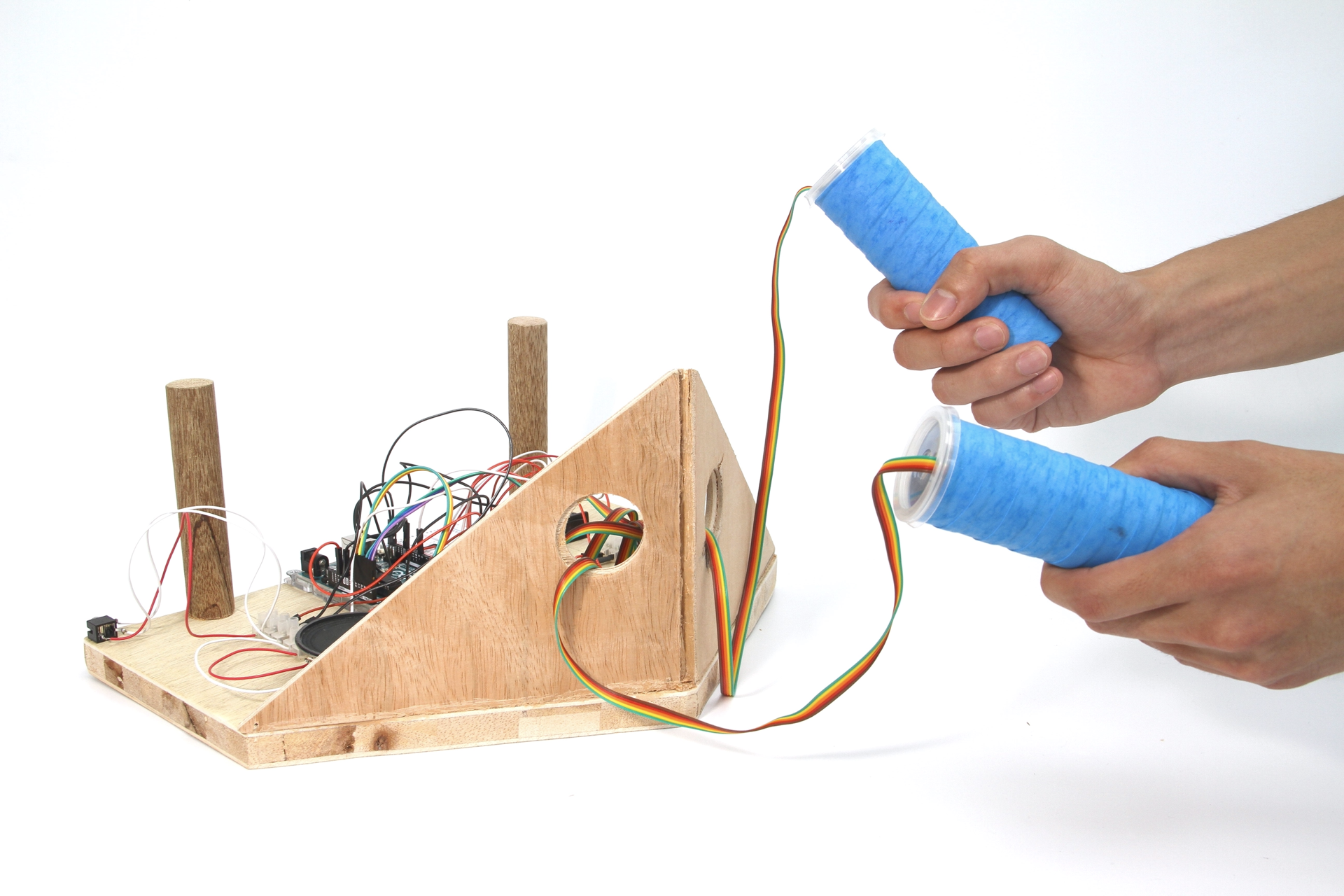
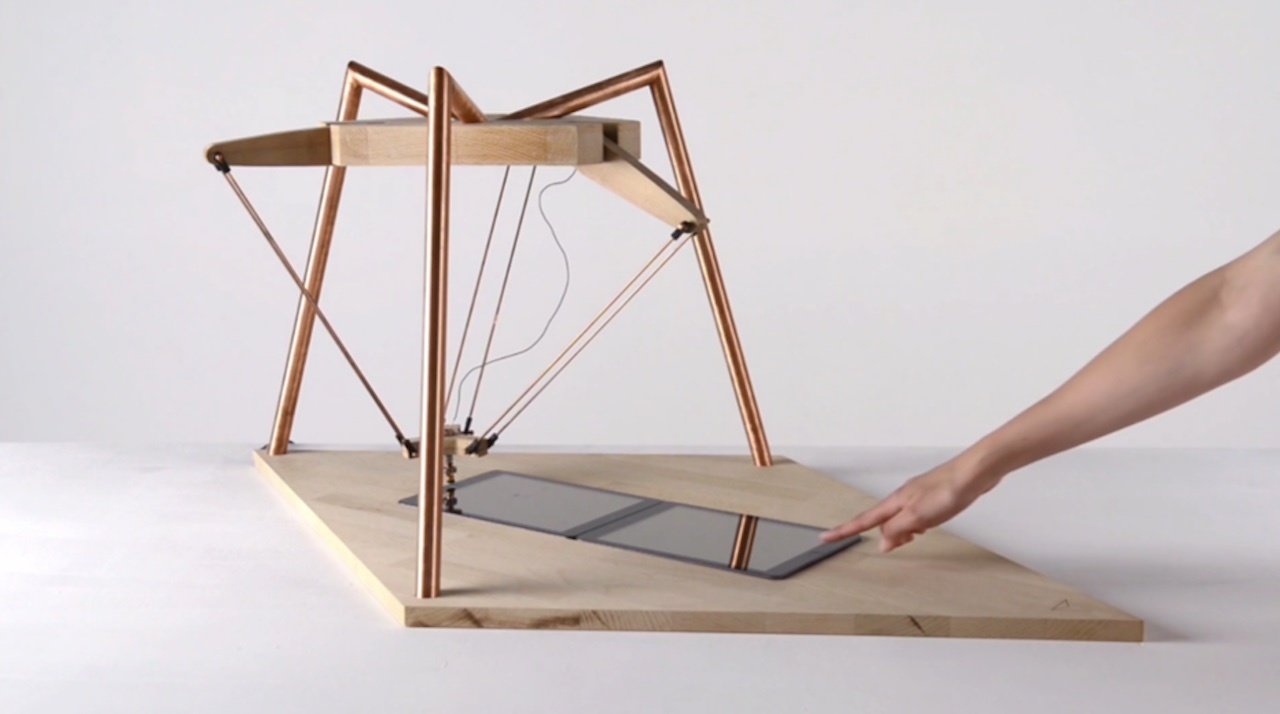
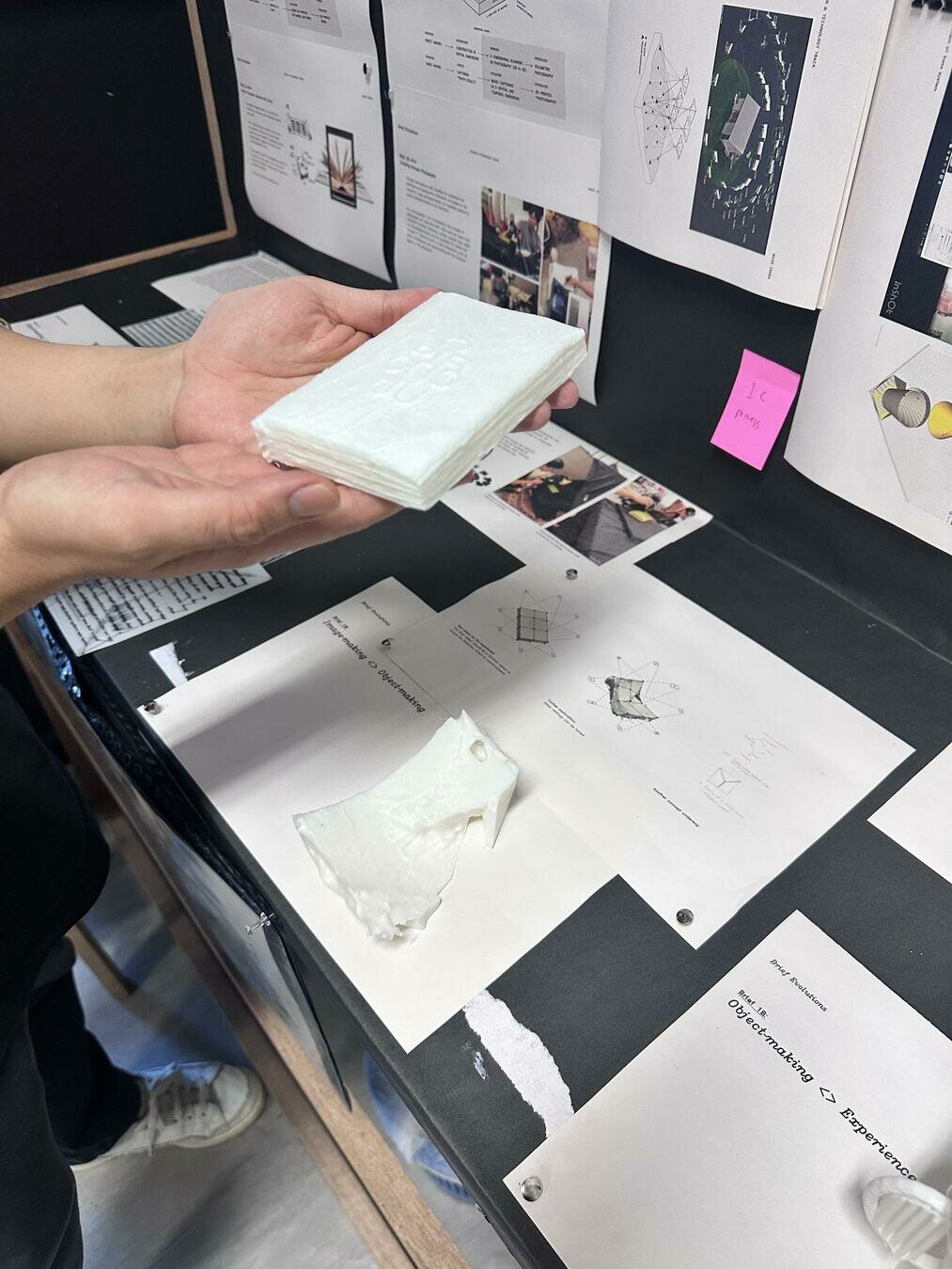
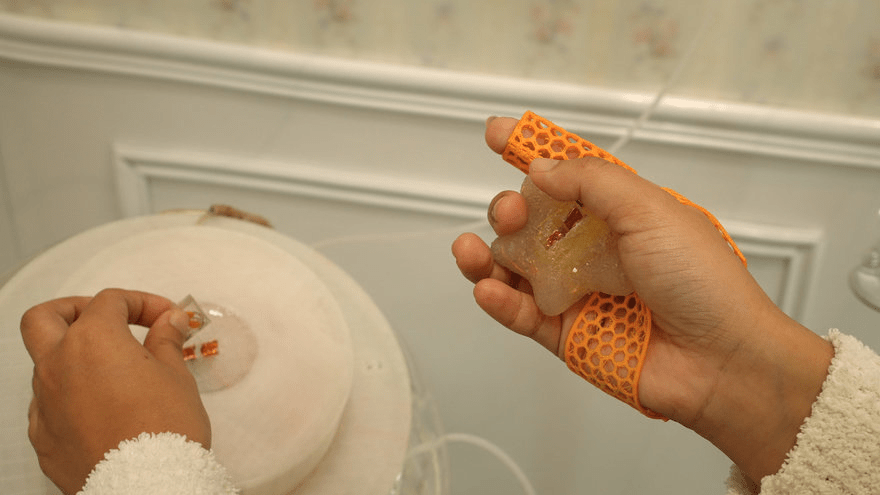
Product shots, clean background so that the focus is solely on the subject, add hands to show interactivity. Use a good camera, tripod if necessary, and appropriate lighting.
Documenting
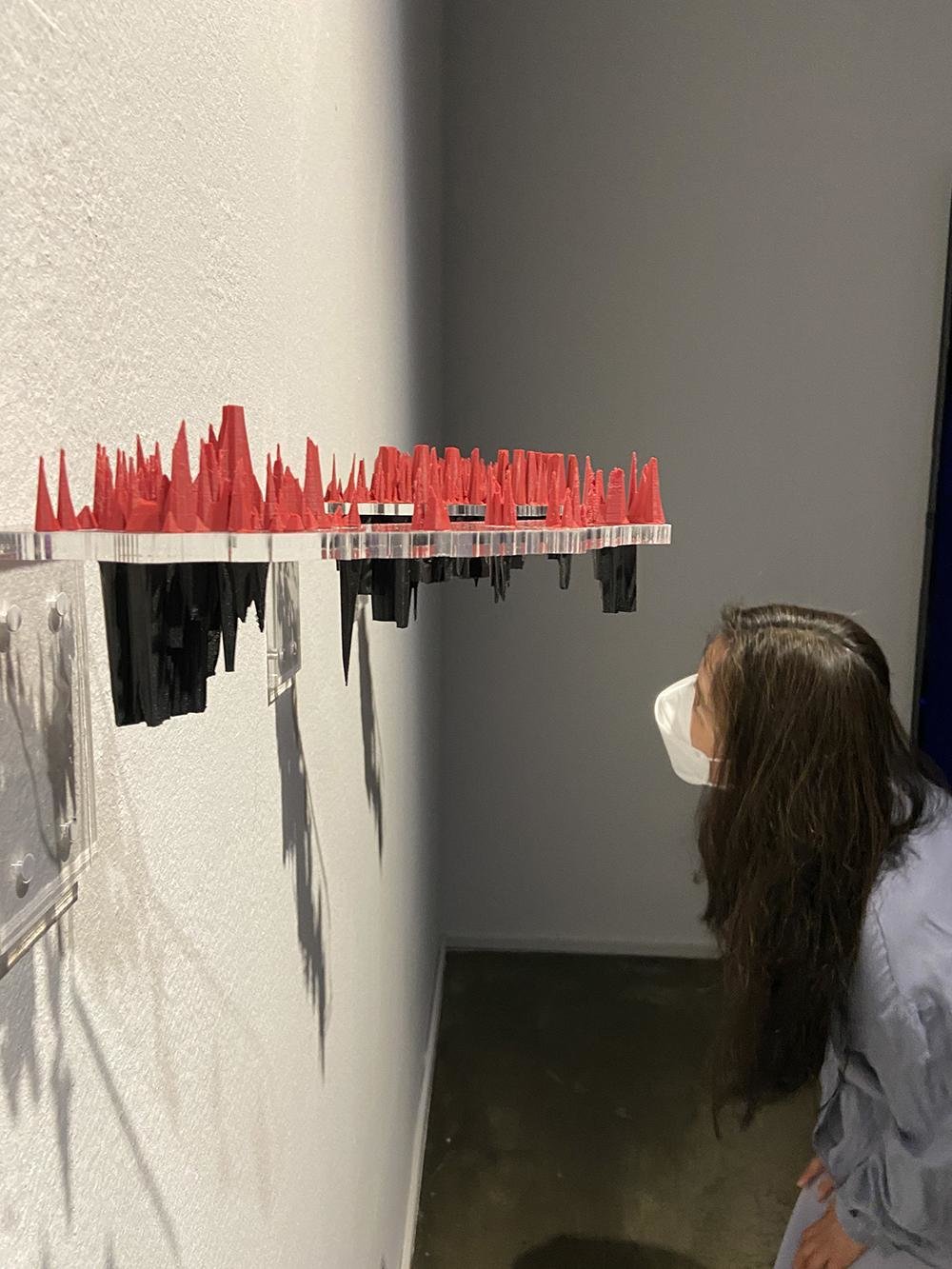
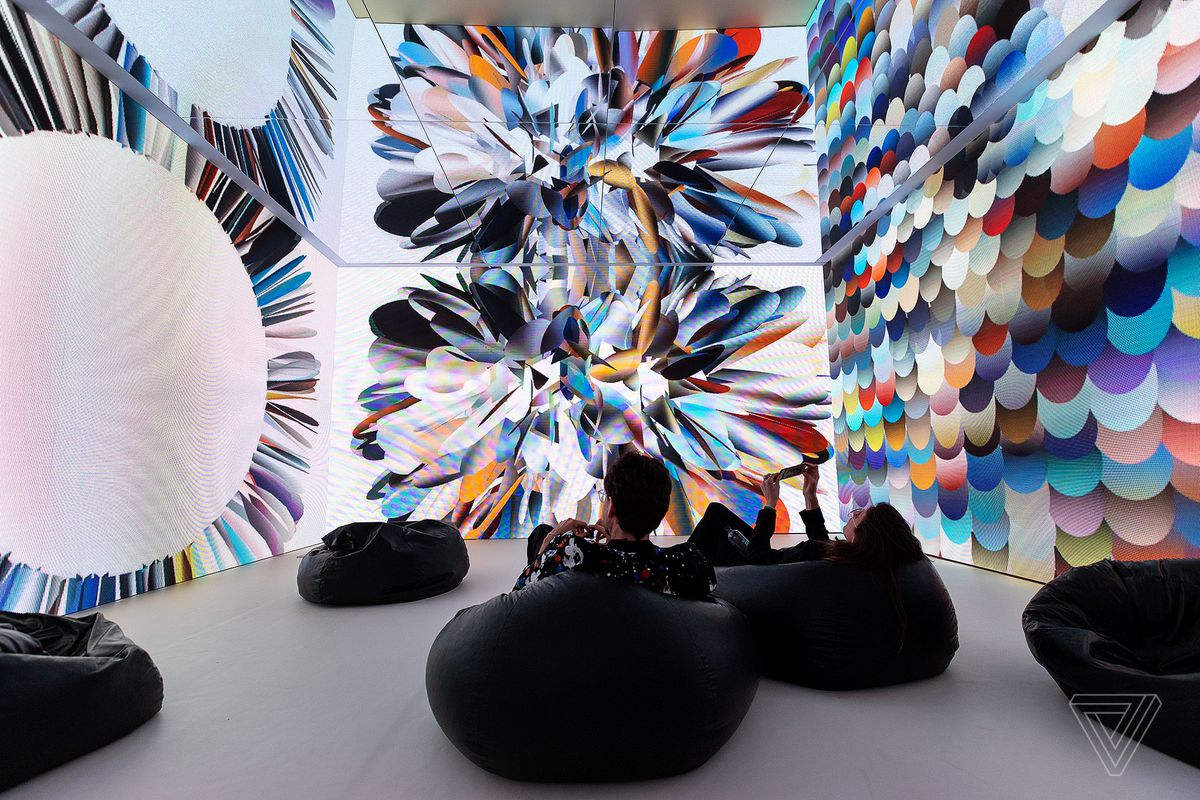
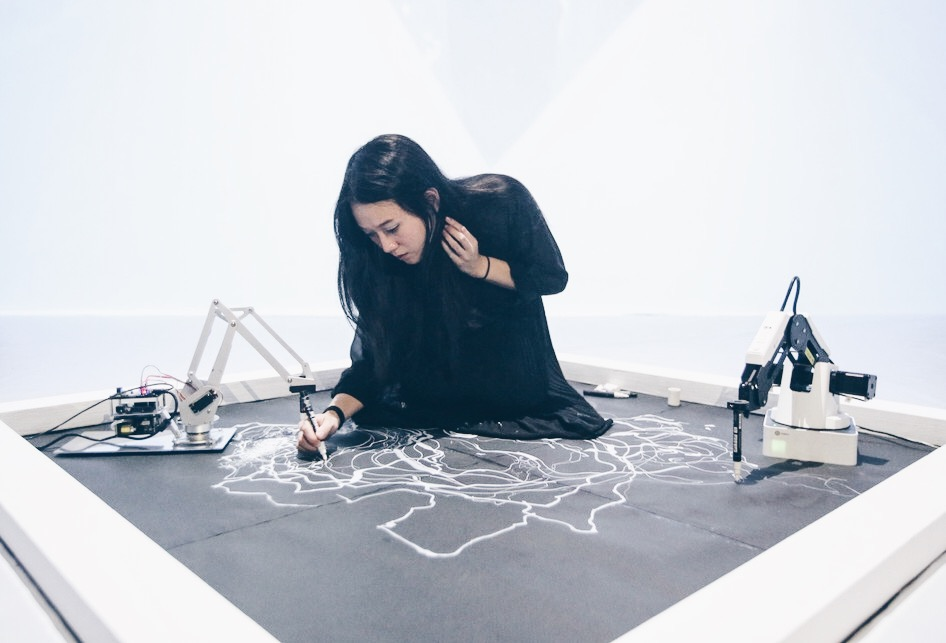
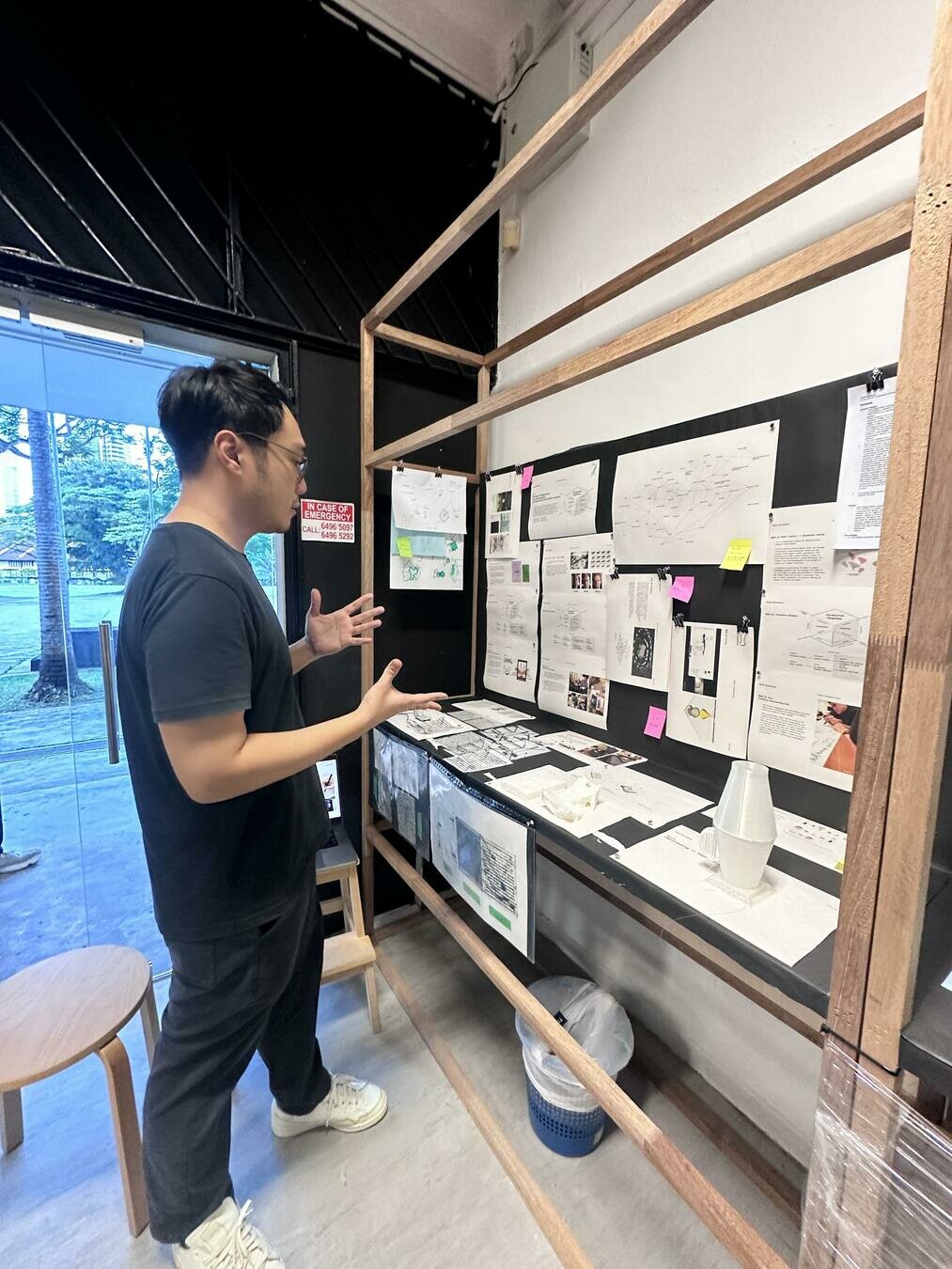
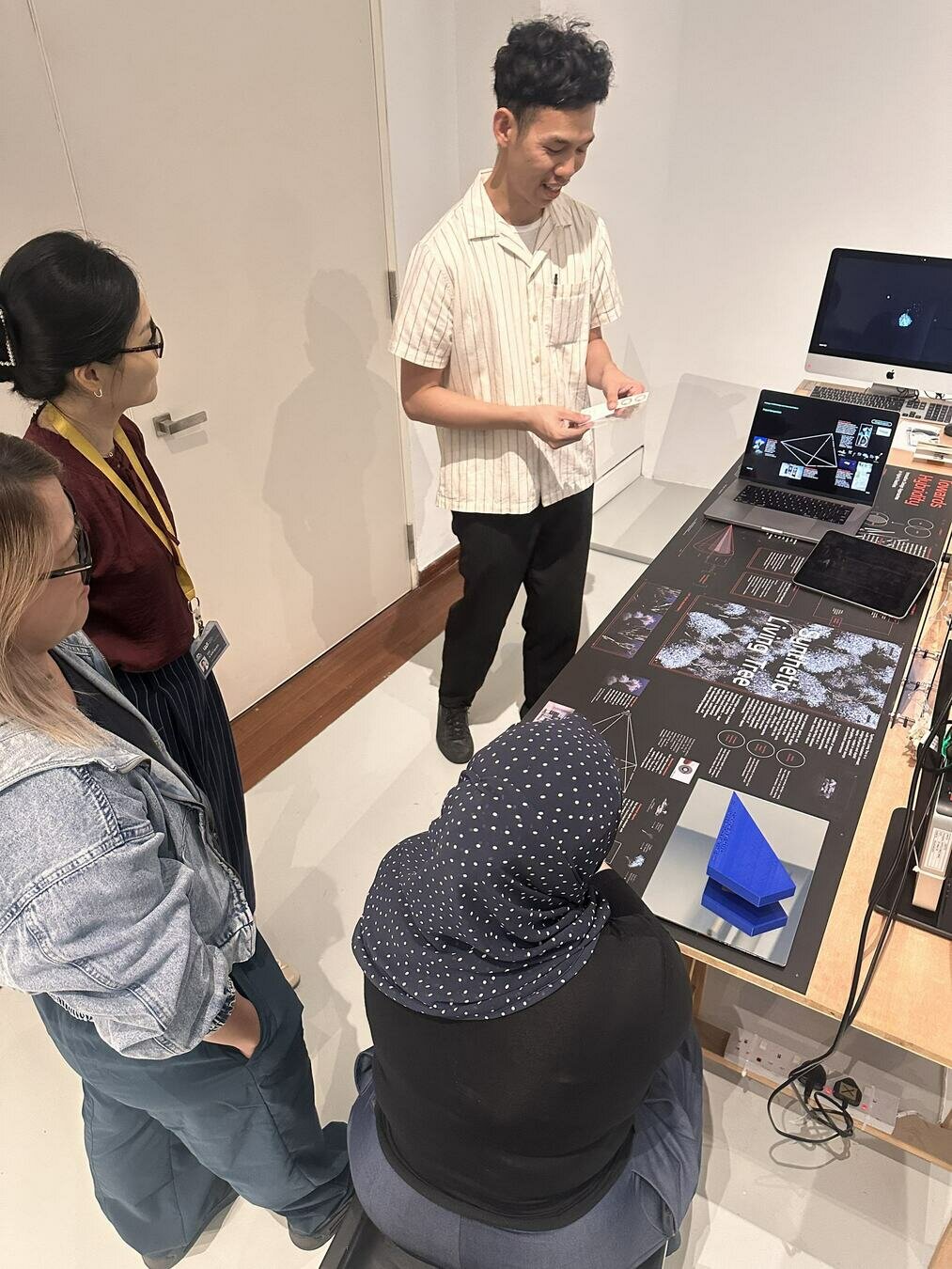
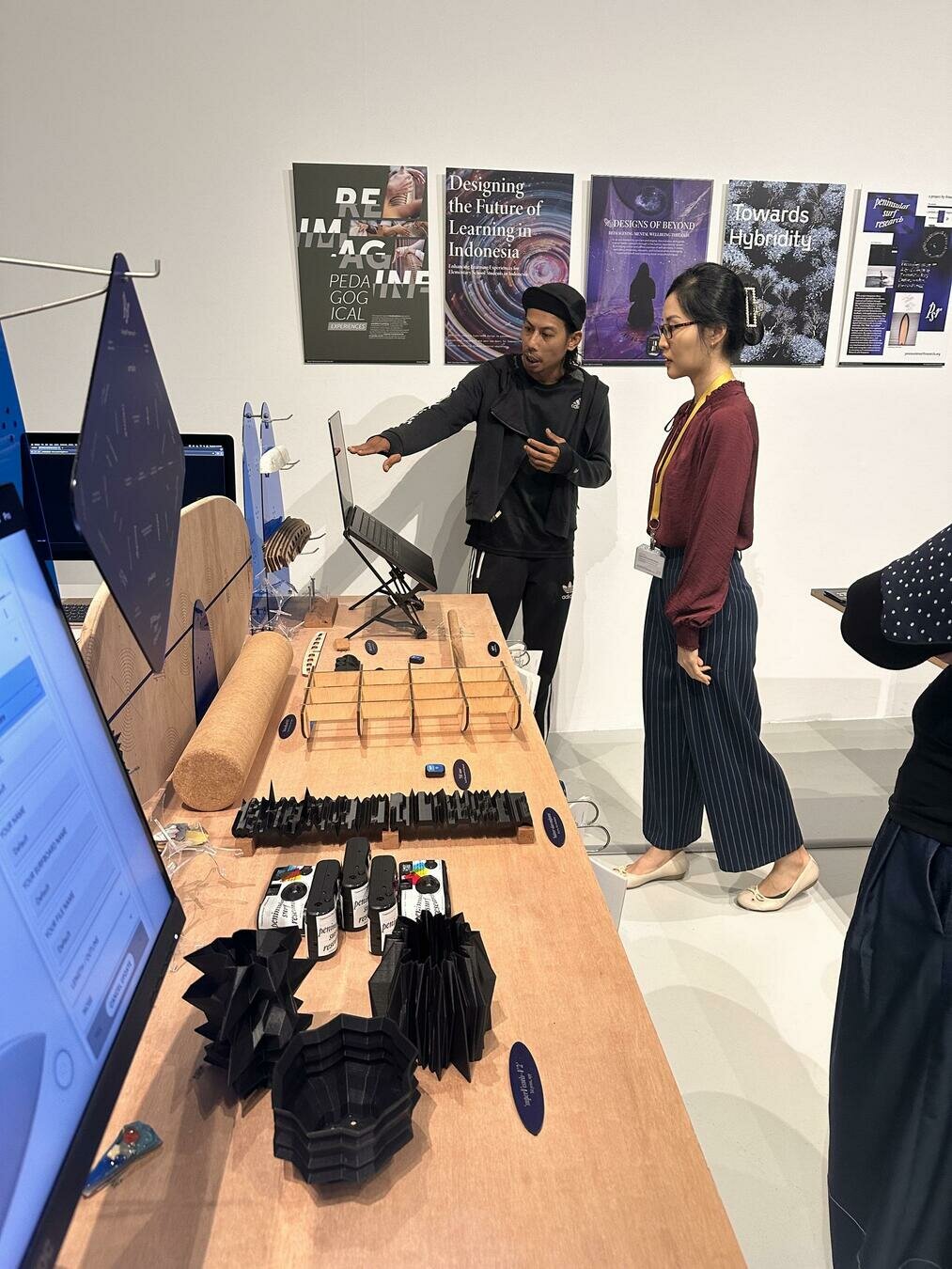
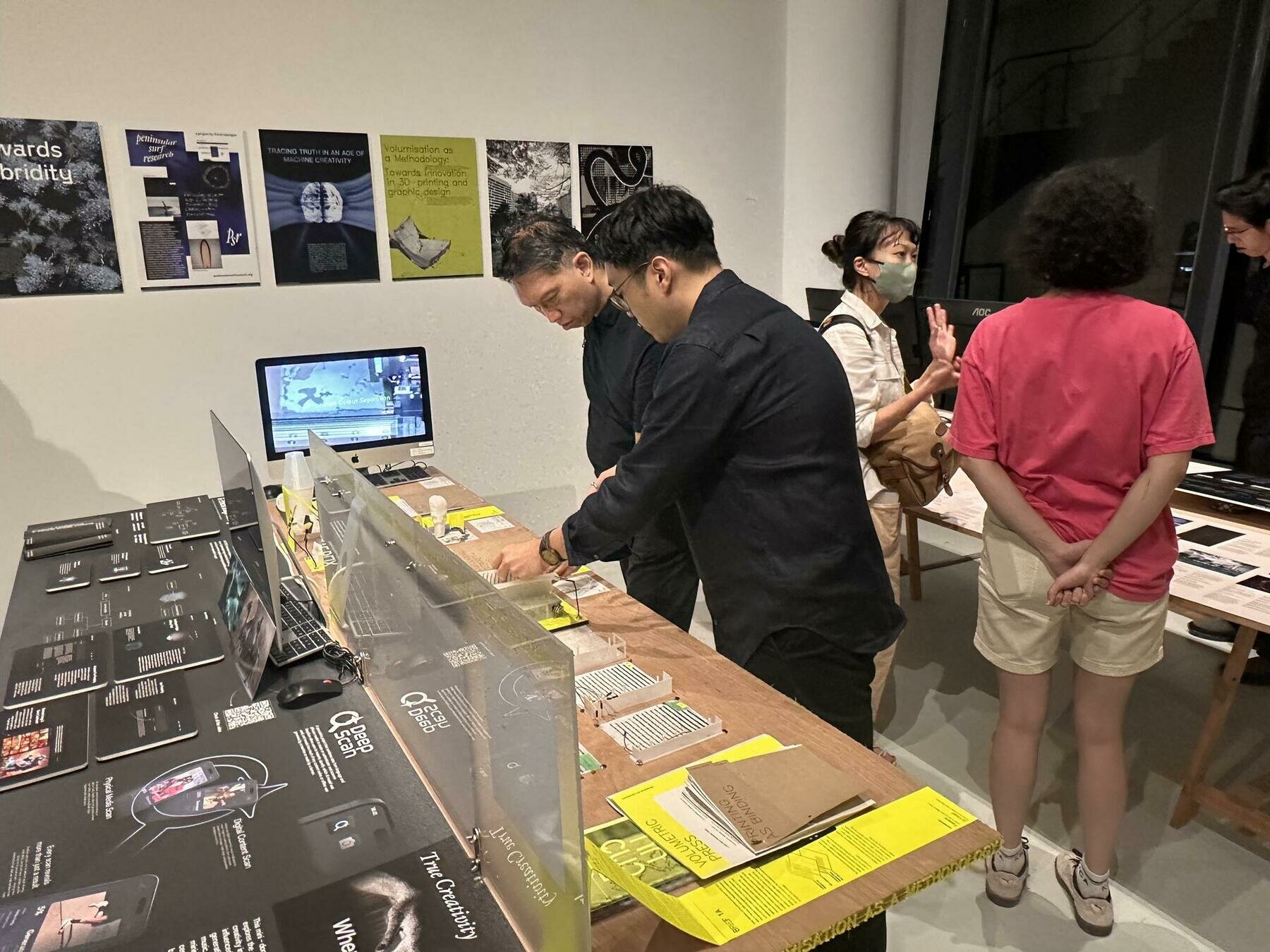
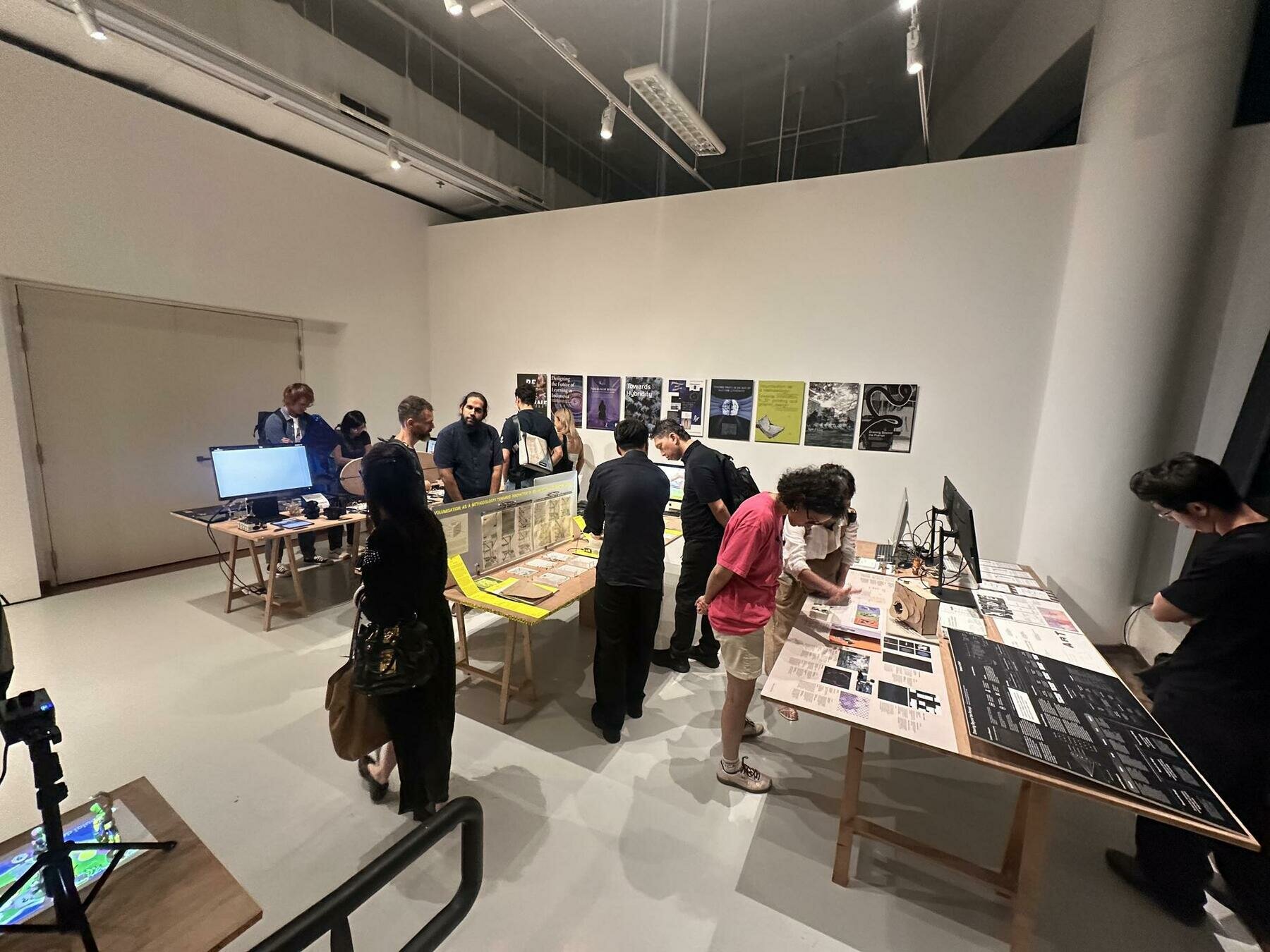
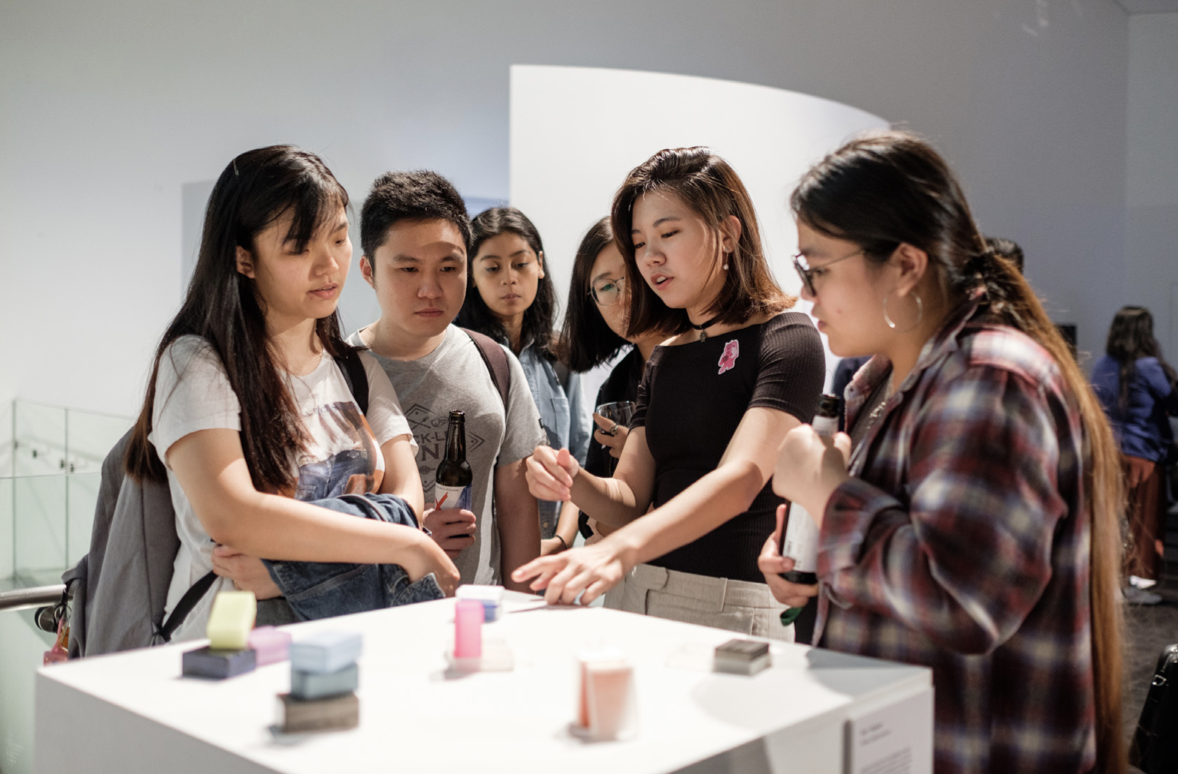
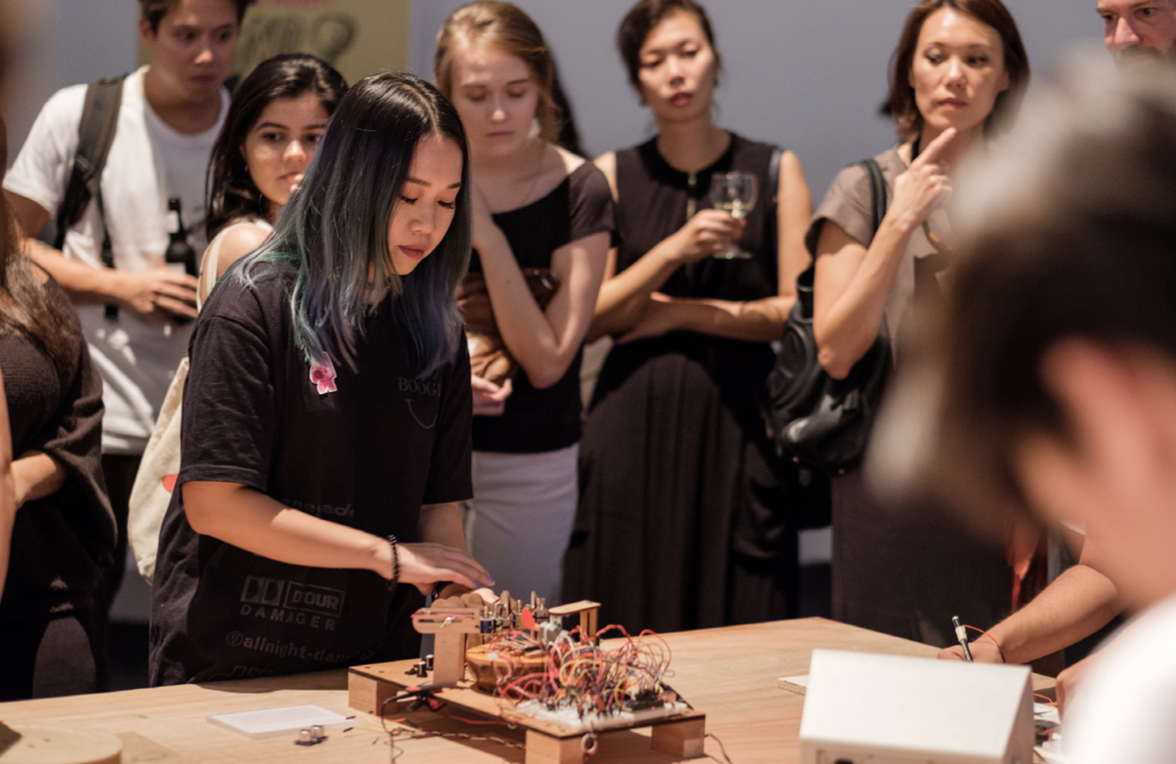
In action, in use: pictures of the work with people interacting or looking at the work. These photos can be staged and choreographed, or taken during a show and tell or exhibition with audience. Use a good camera, a tripod if necessary and adequate lighting.
Documenting
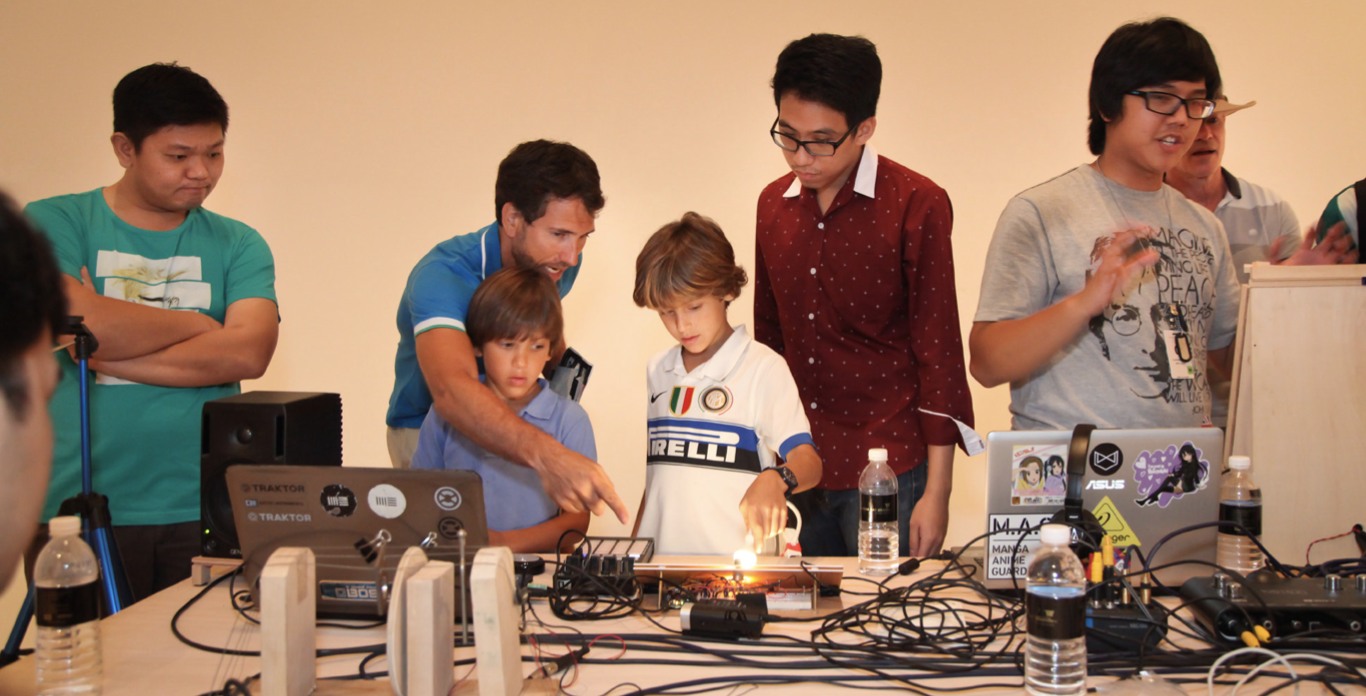

Avoid
In action, in use: pictures of the work with people interacting or looking at the work. These photos can be staged and choreographed, or taken during a show and tell or exhibition with audience. Use a good camera, a tripod if necessary and adequate lighting.
Video
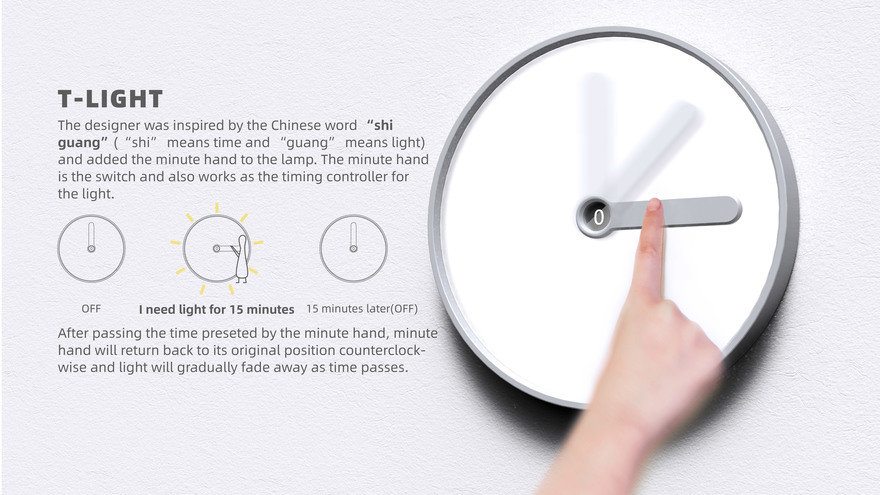
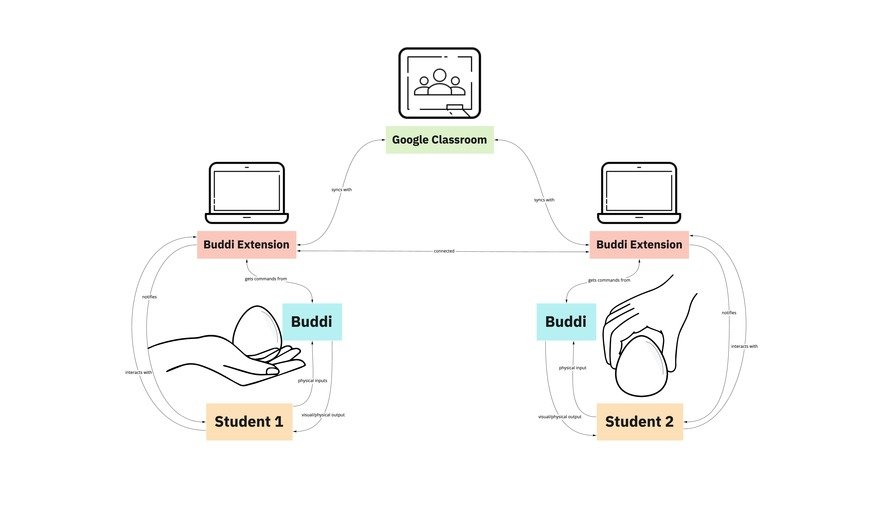
Explainer Videos: Focused on presenting how a design works or solves a problem.

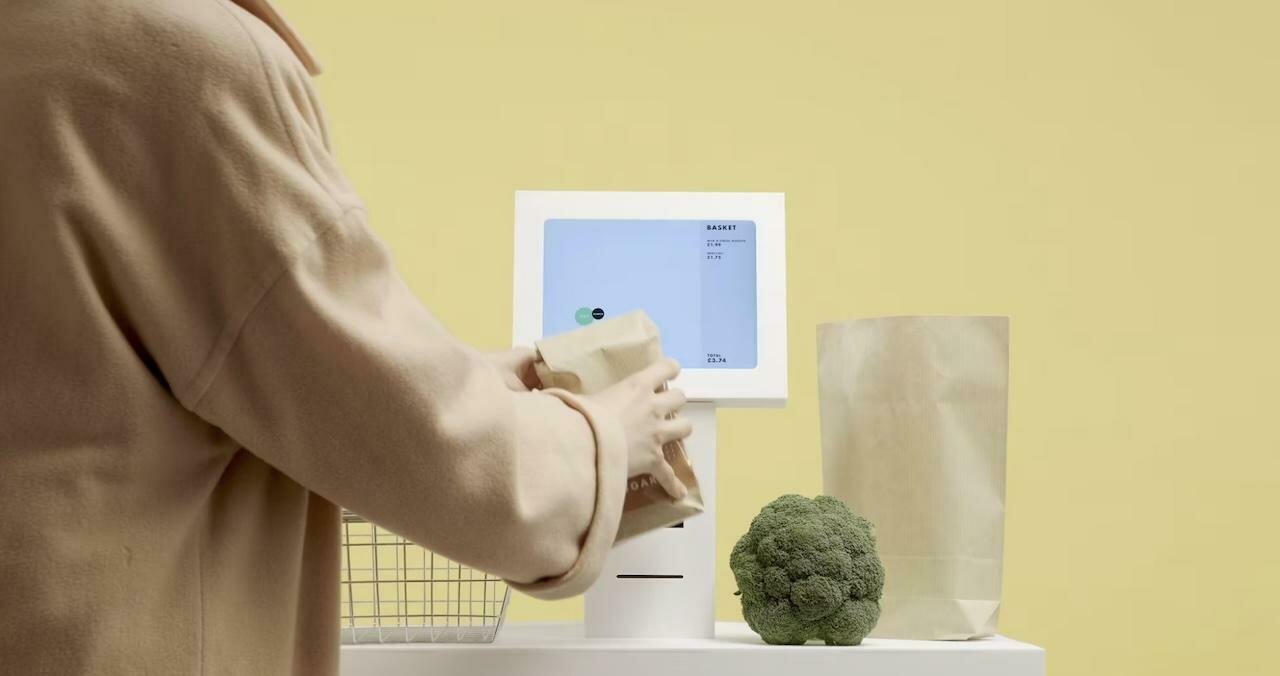
Examples
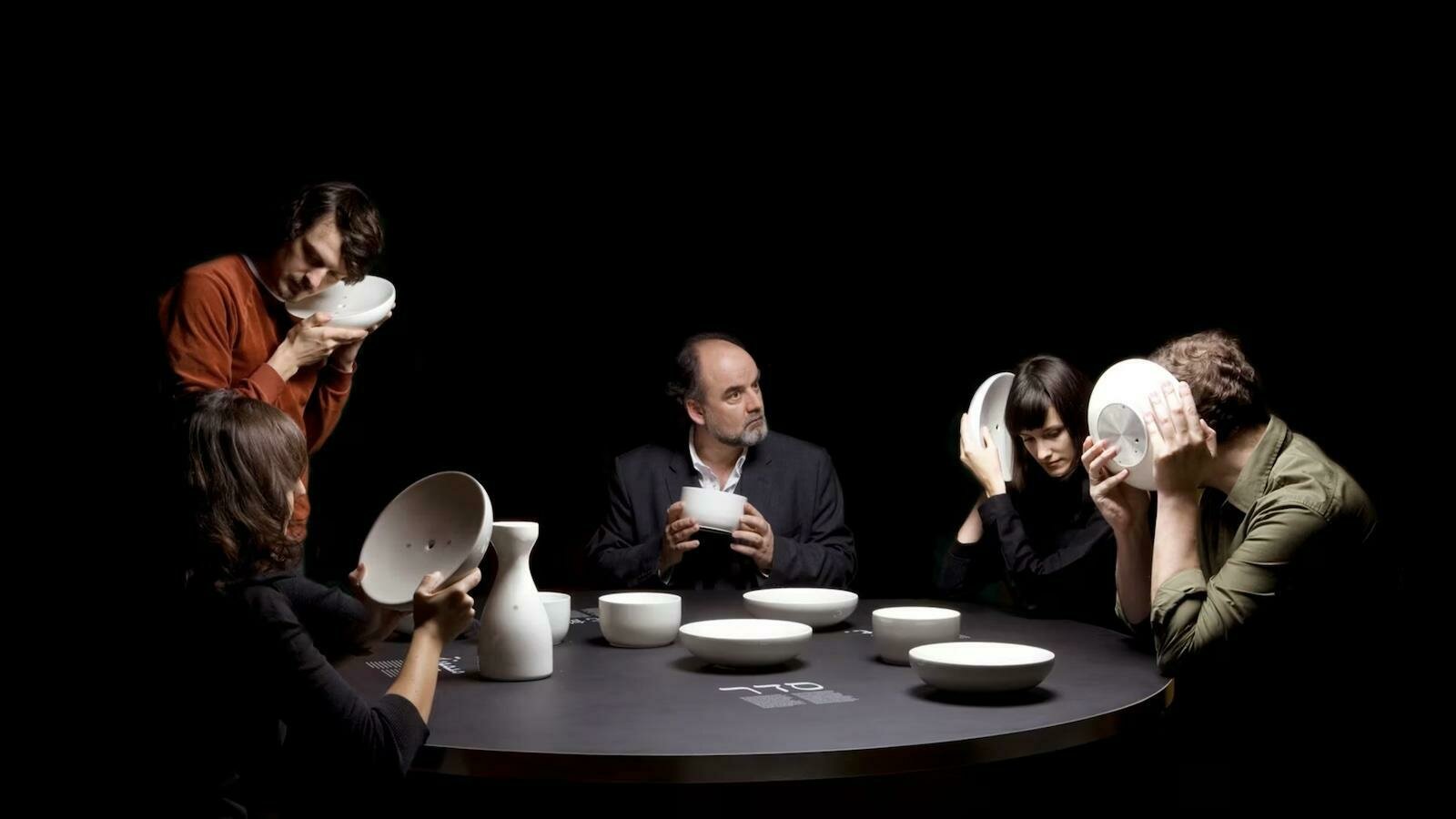
Video
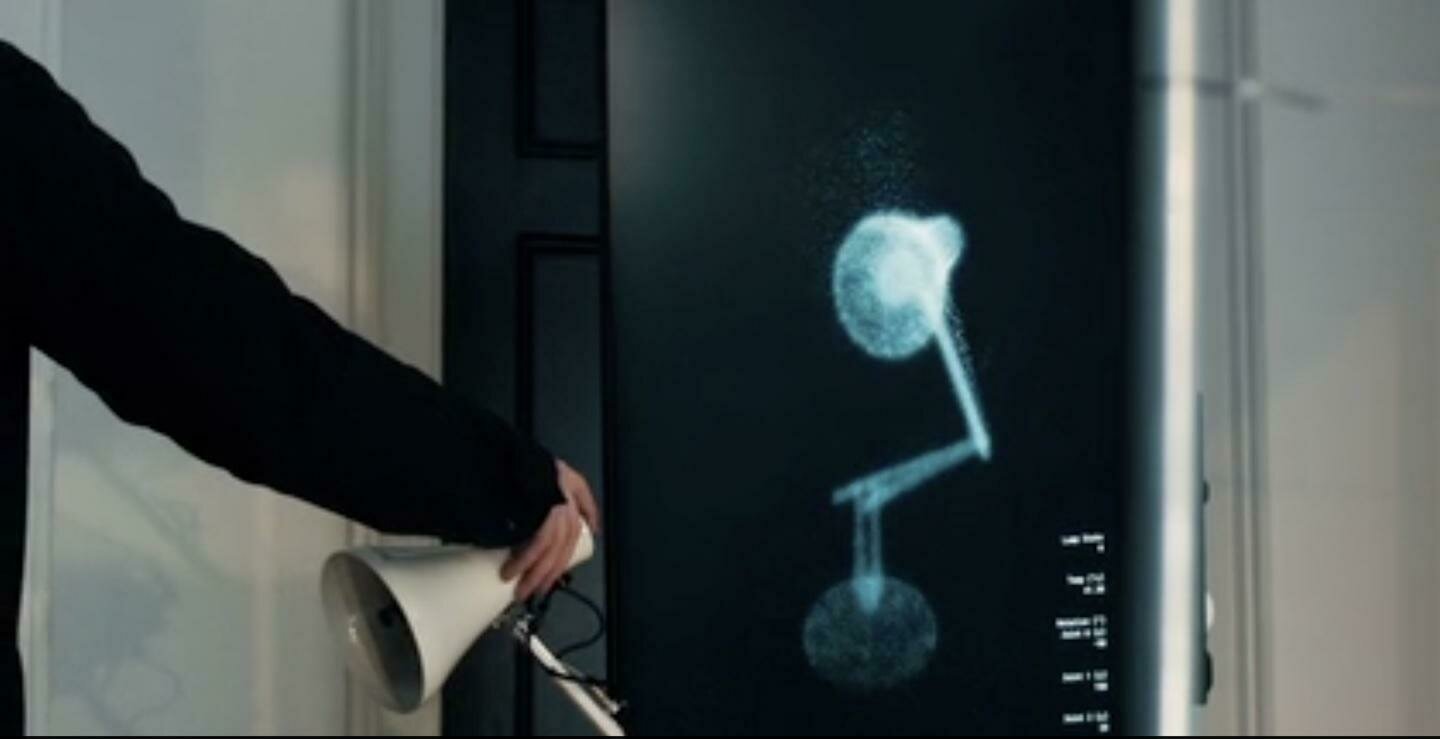
Design Process Videos: Highlighting the evolution and thinking behind a design project.
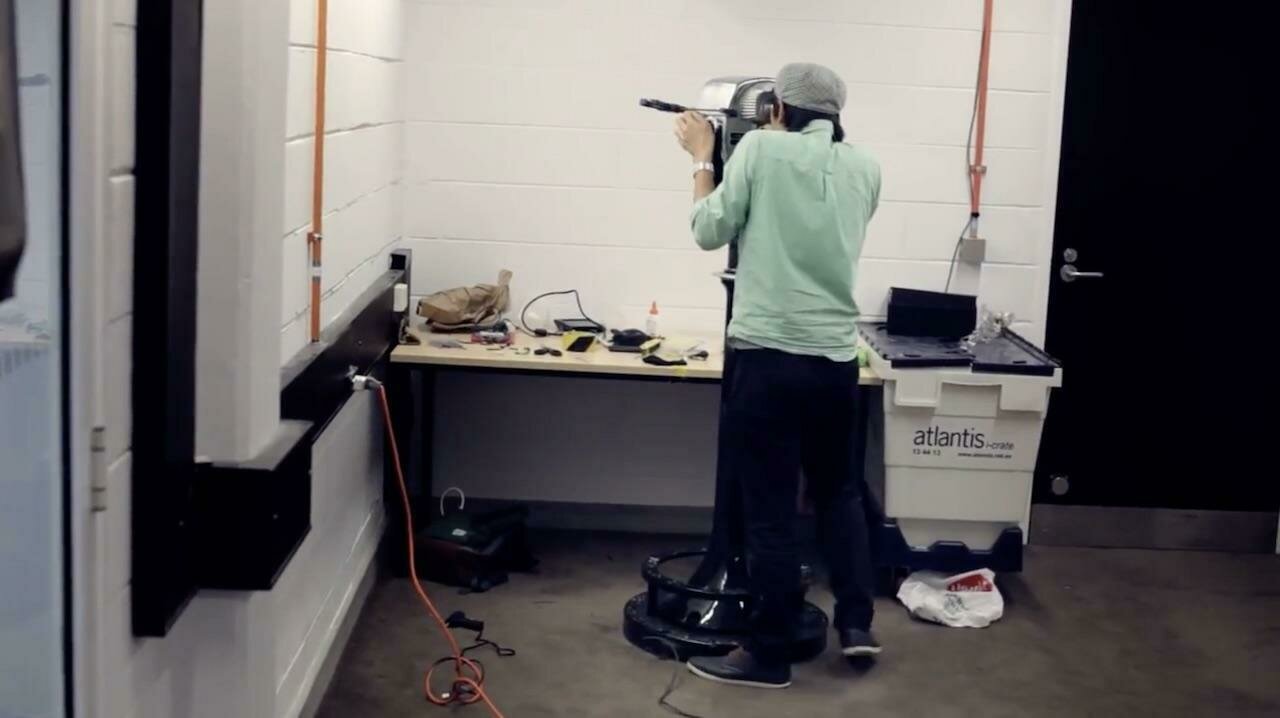
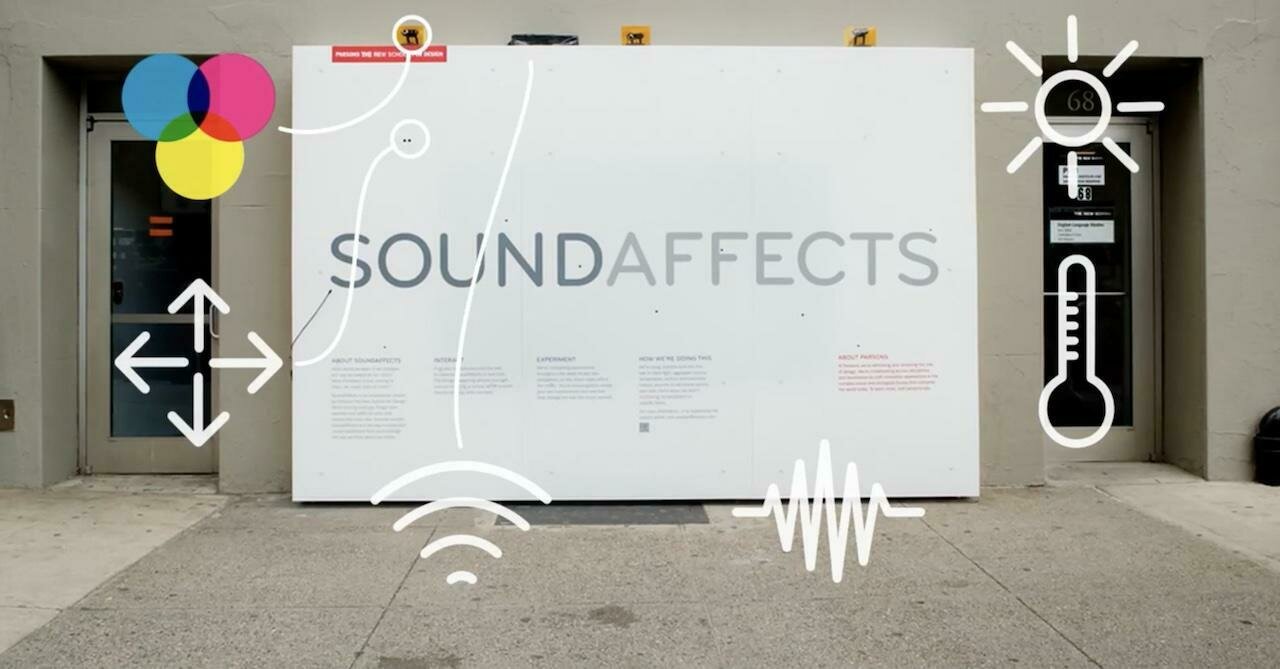
Examples
Video
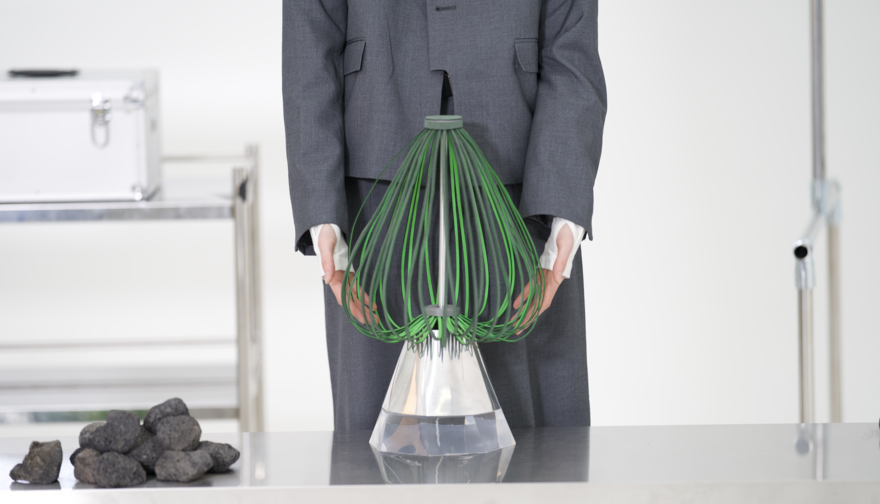
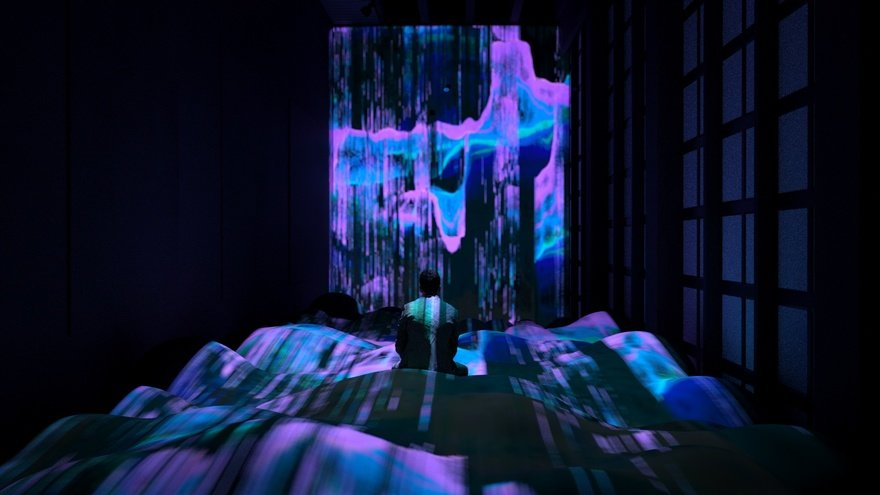
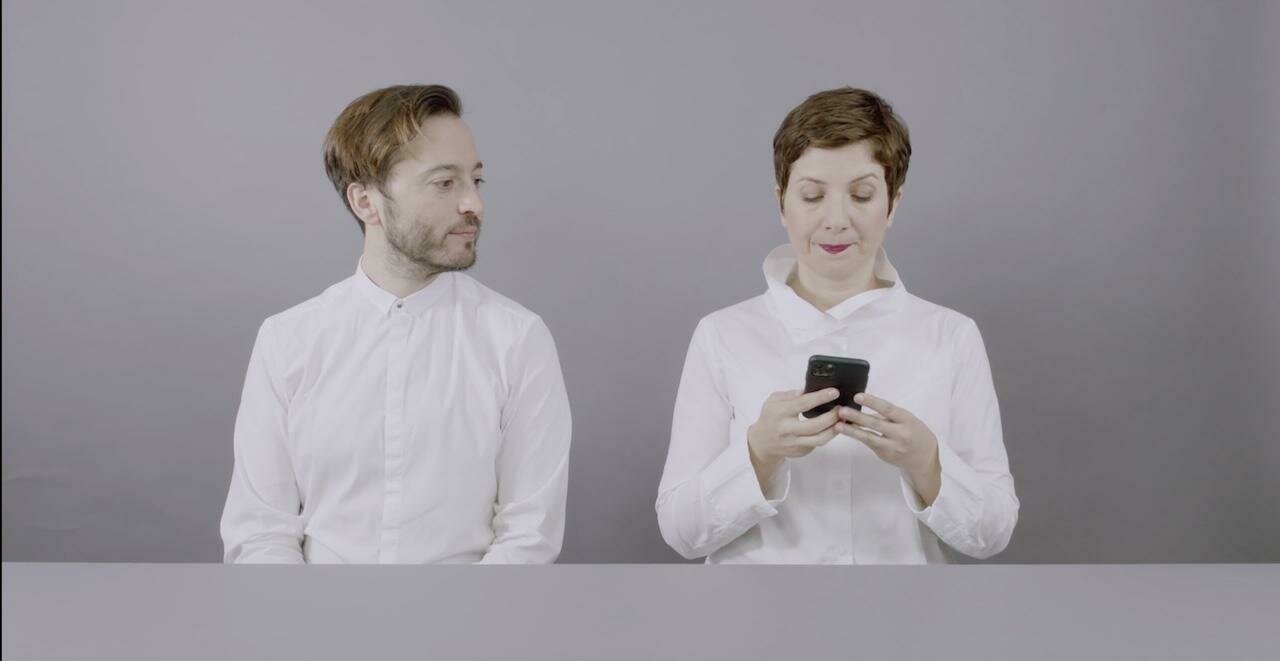
Speculative Design Narratives tied to future-oriented, critical design approaches.
Examples