The Importance of UI animation
&
AN Intro to css3 animation
Andrew Baker
Senior Experience Developer - Karsh Hagan
03.11.2015
What does An experience developer do?
digital strategy and creative concepting
user experience design
visual design mockups
front-end development

Workshop Outline
1) Intro to UI animation
Animation design principles
Importance of animation and interactivity on the web
How to design & build web animation in usable, intuitive user interfaces
Workshop Outline (continued)
2) Using CSS3 to bring your websites to life
What to know about CSS3 animation (basic principles, browser support, graceful degradation)
Intro to CSS3 transition syntax & CSS3 key-frame animation syntax
Using Modernizr to ensure your CSS3 code falls back for old browsers
Examples of CSS3 live in action
Workshop Outline (continued)
3) Student Engagement Live Coding
We will use codepen.io and each student will get the opportunity to build their own unique web animation example
UI animation
Make your interfaces Usable, beautiful, and delightful
What is animation
At its most basic definition, animation is simply a visualization of change
The "illusion of life' animation principles
Created by Walt Disney Studios in the 1930's
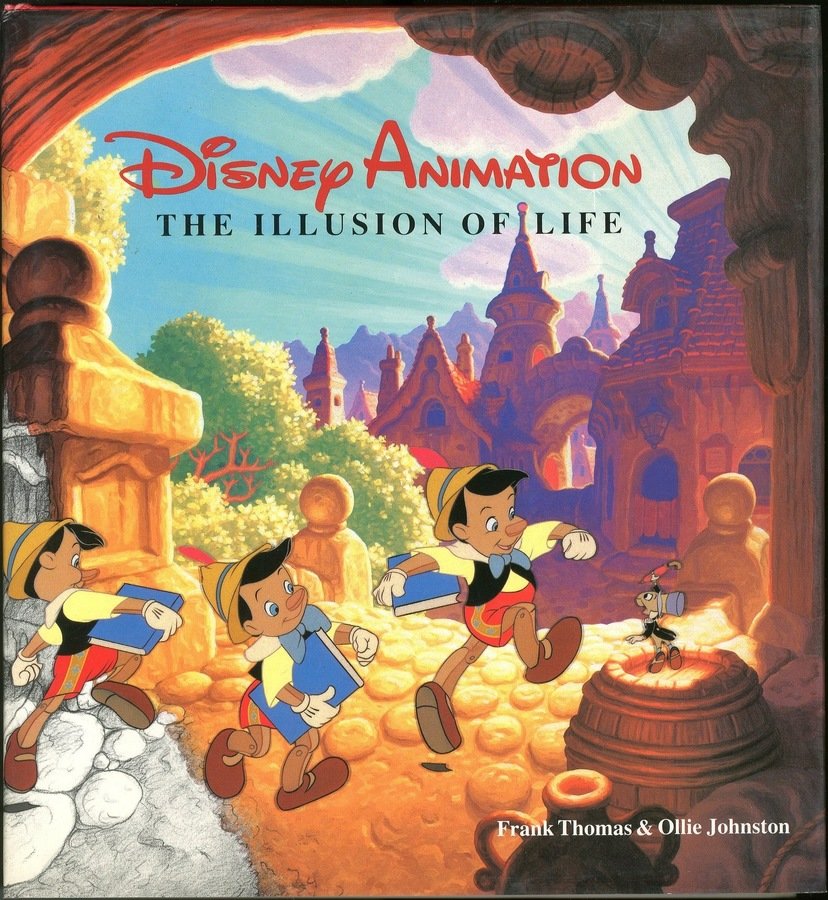
"Illusion of Life" book cover
A couple Examples
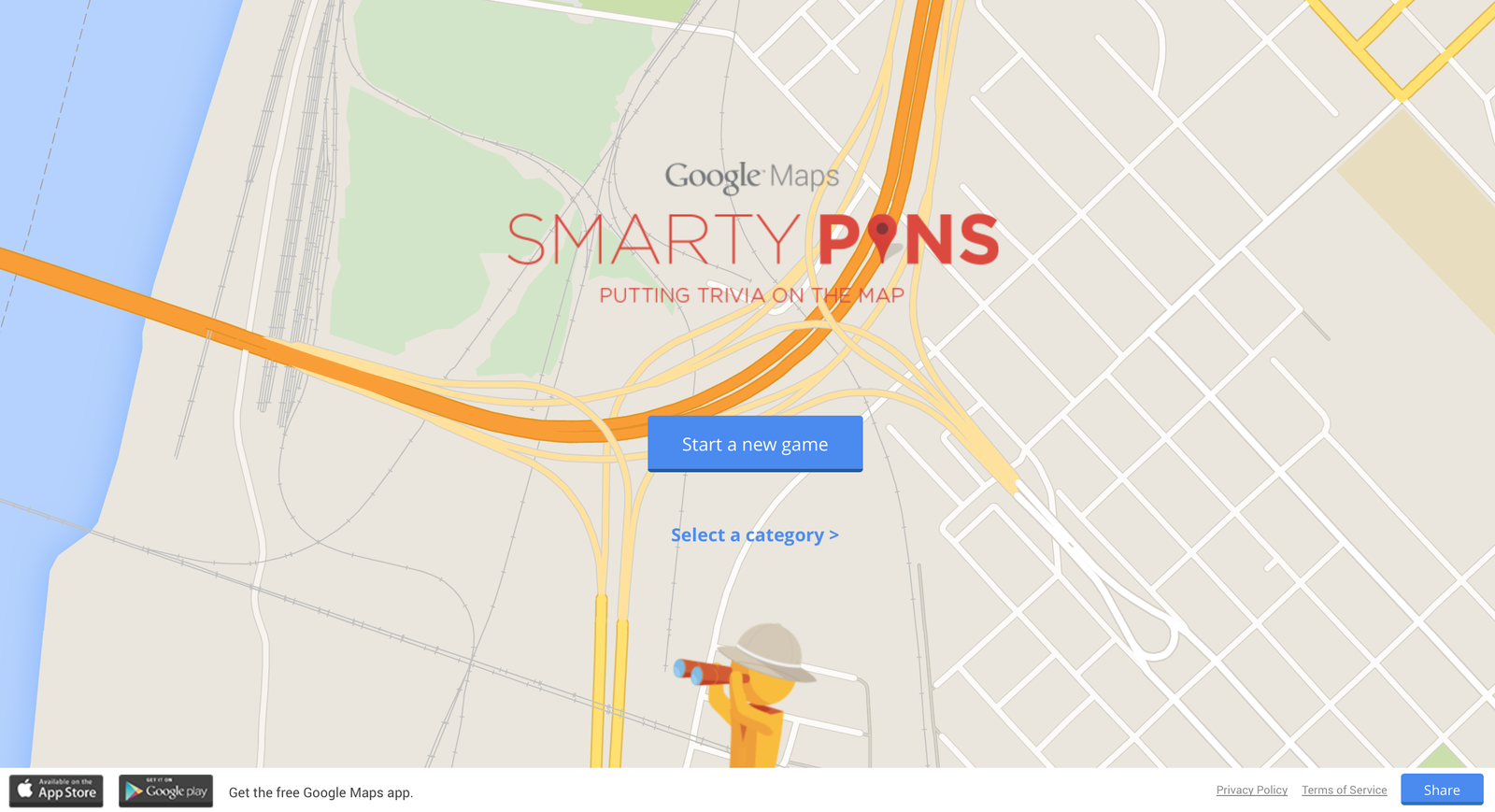
Animation Helps increase Usability
Moving elements attract your user's attention
Intuitive animation gives users feedback based on their interactions
SUBTLETY and CONSISTENCY are key to making your UI comfortable and realistic

iPhone's camera shortcut from the lock-screen
Key components of great animation
Weight
Depth
Balance
Drawing Attention to and explaining changes
Animation to show content detail
Revealing and hiding content
Transitions to other content
Animation adds an additional layer of information
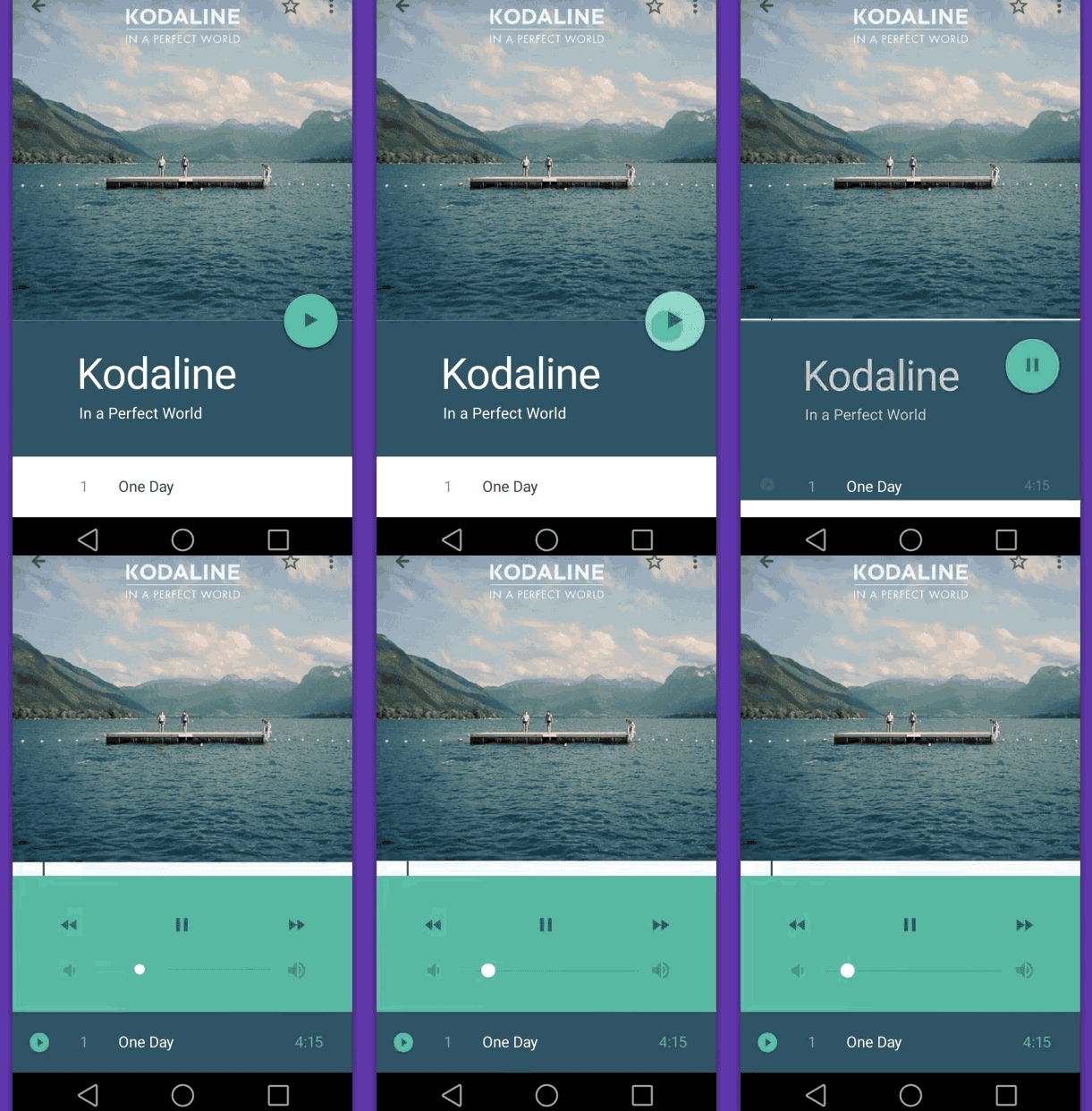
Animation to show content detail
Portfolio website
Homepage section click expands project detail
Javascript, HTML5 history allows for page creation and indexing

vitosalvatore's portfolio attention to detail
Transition to new content
'my profile' page transition to about page seems fluid and intuitive
notice the animation sequence (fade old content, slide new panel in, fade in and scale up new content)
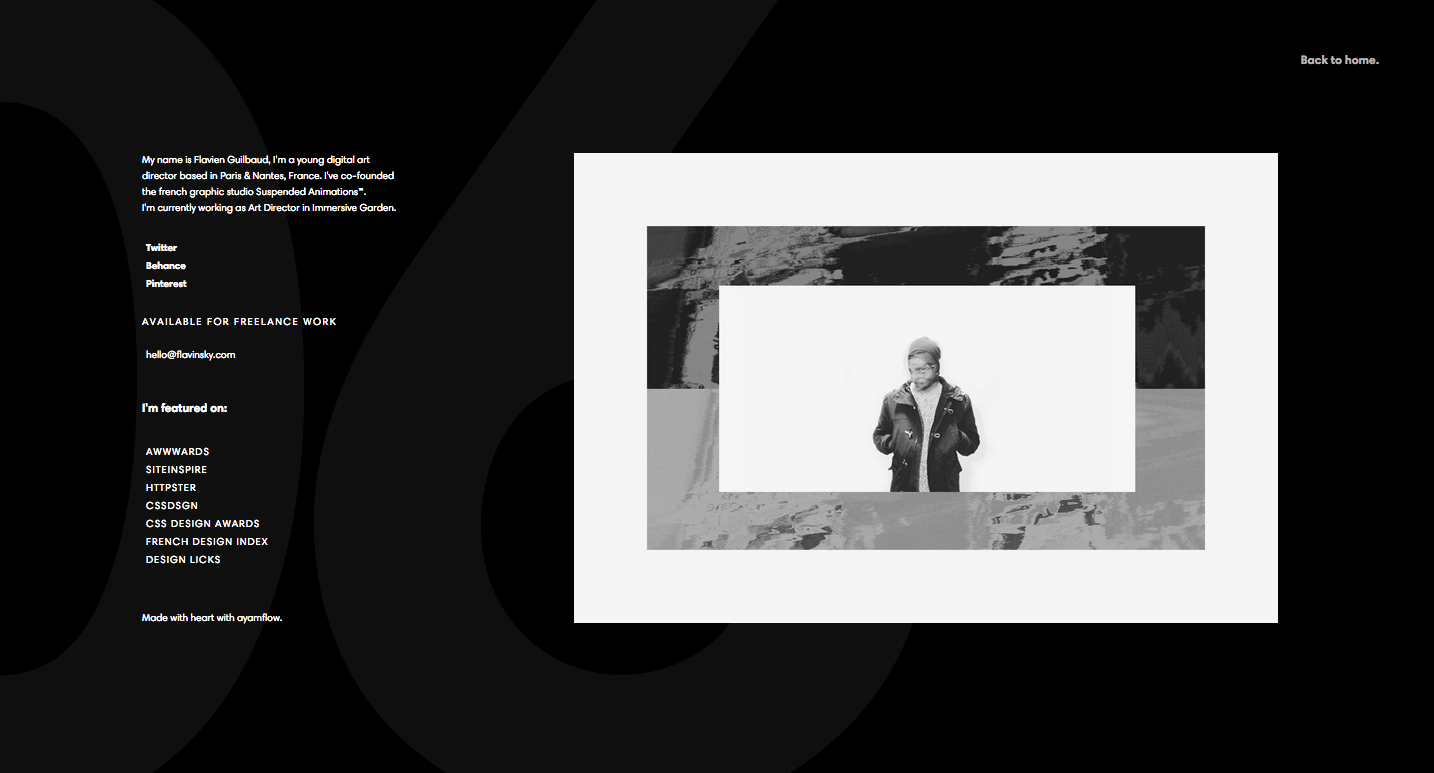
flavinsky.com 'about' profile content animates onto screen
Scrolling Animation
(the good)
Scrolling animations to draw user attention to important information
showcases product detail and technical components
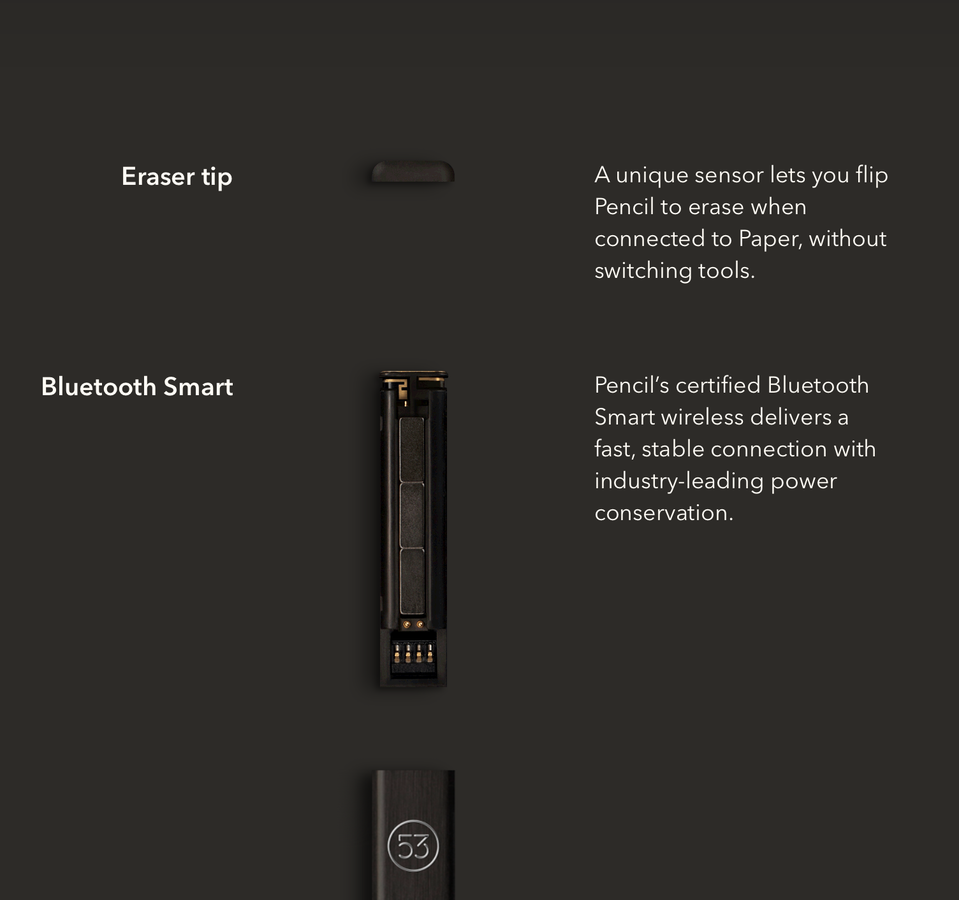
"Pencil" by 53 website
Scrolling Animation
(the bad)
Arrow link undergoes a fast 'bounce' animation effect from the bottom left corner of the page
Places unnecessary importance on this element and distracts the user from reading the main content on the page
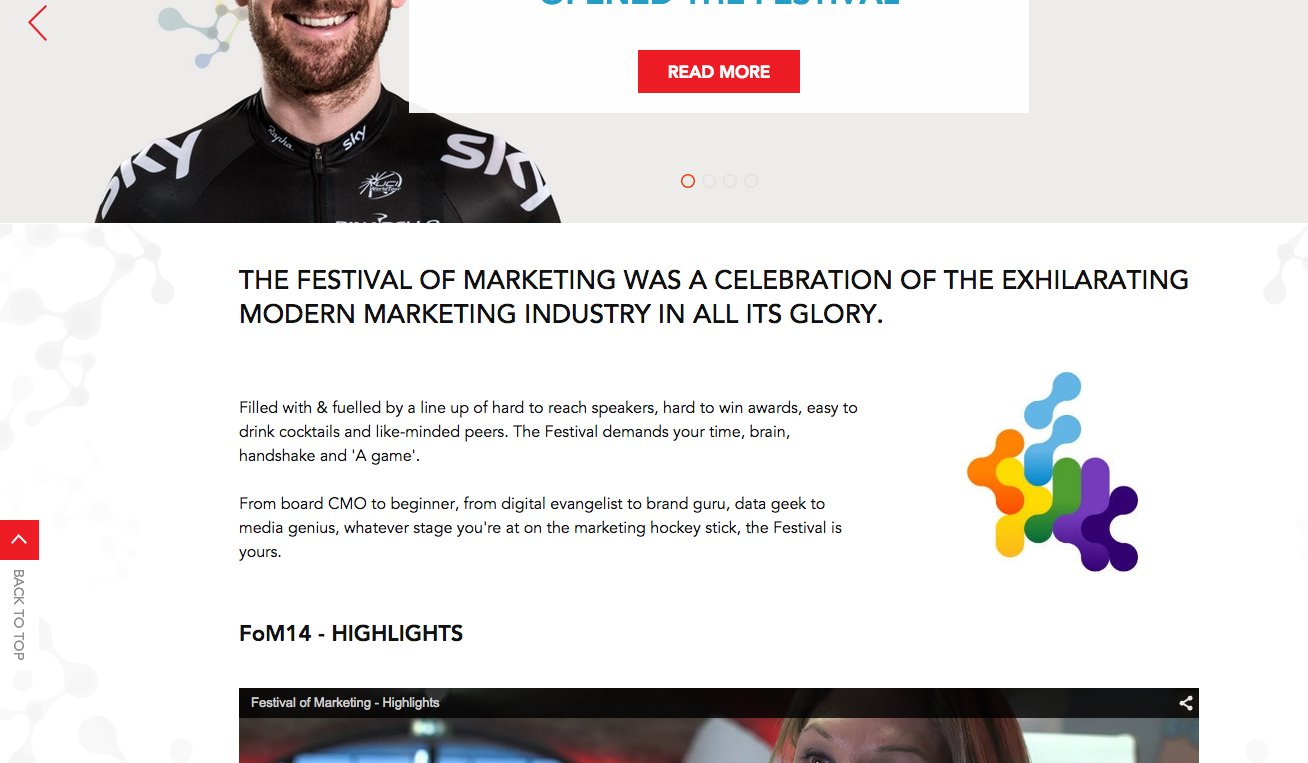
"Festival of Marketing" - back to top link animation
Scrolling Animation
(the ugly)
'parallax' effect offers no detail or function.
scrolling image materialization animation covers up the important categories of work that the agency does
unnecessary 'loading' style animation on team photos

"Muffi" - digital agency portfolio website
Animating main site navigation
'Hamburger' icons for main site navigation have brought a lot of controversy in the UX/UI community
contextual navigation mimics touch UI.
draggable grid transforms in 3d space to show context and allow for project navigation
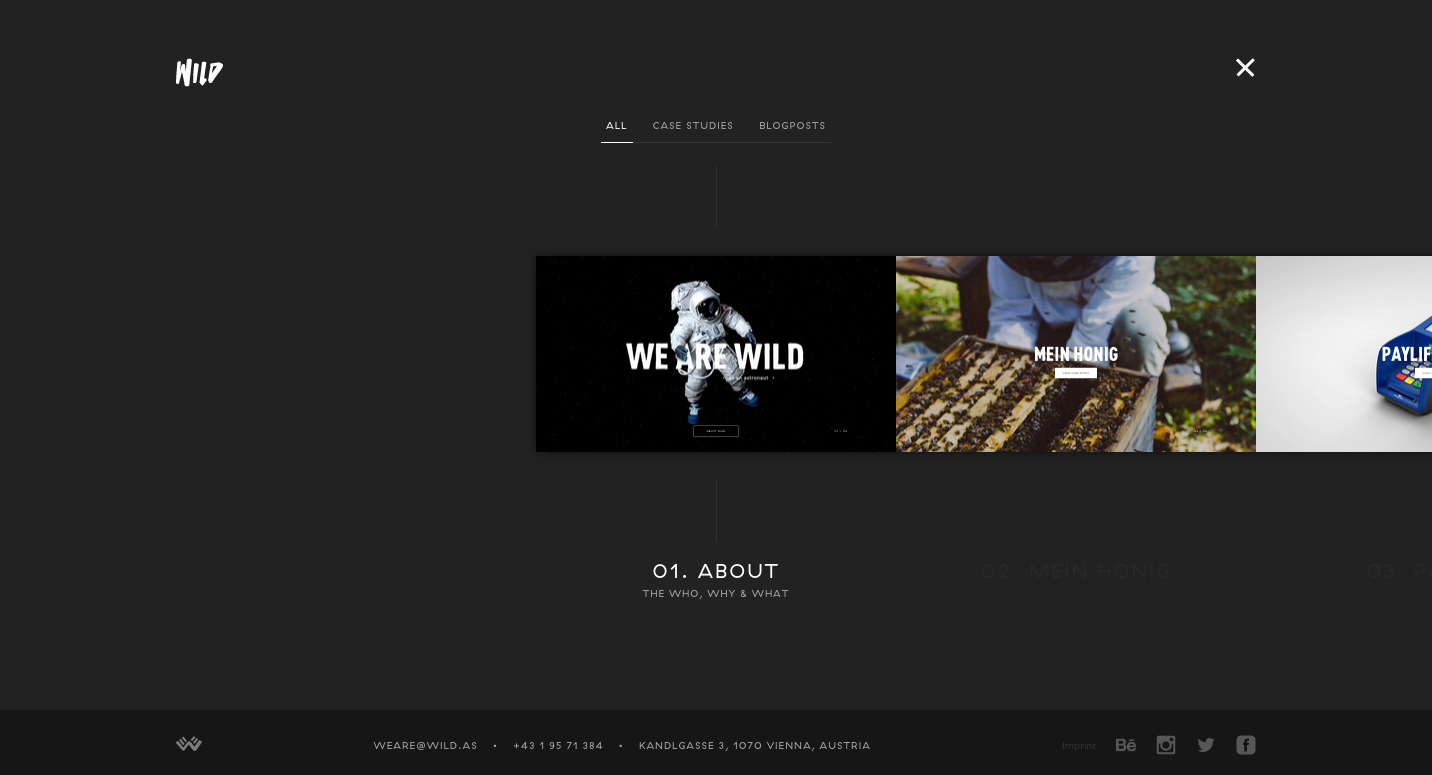
Wild - agency website has a unique contextual navigation model
Reveal Hidden Content
Use reveal animations only for content that is not imperative to the general understanding of your page content
simplicity of animation style can make content consumption easier and more enjoyable
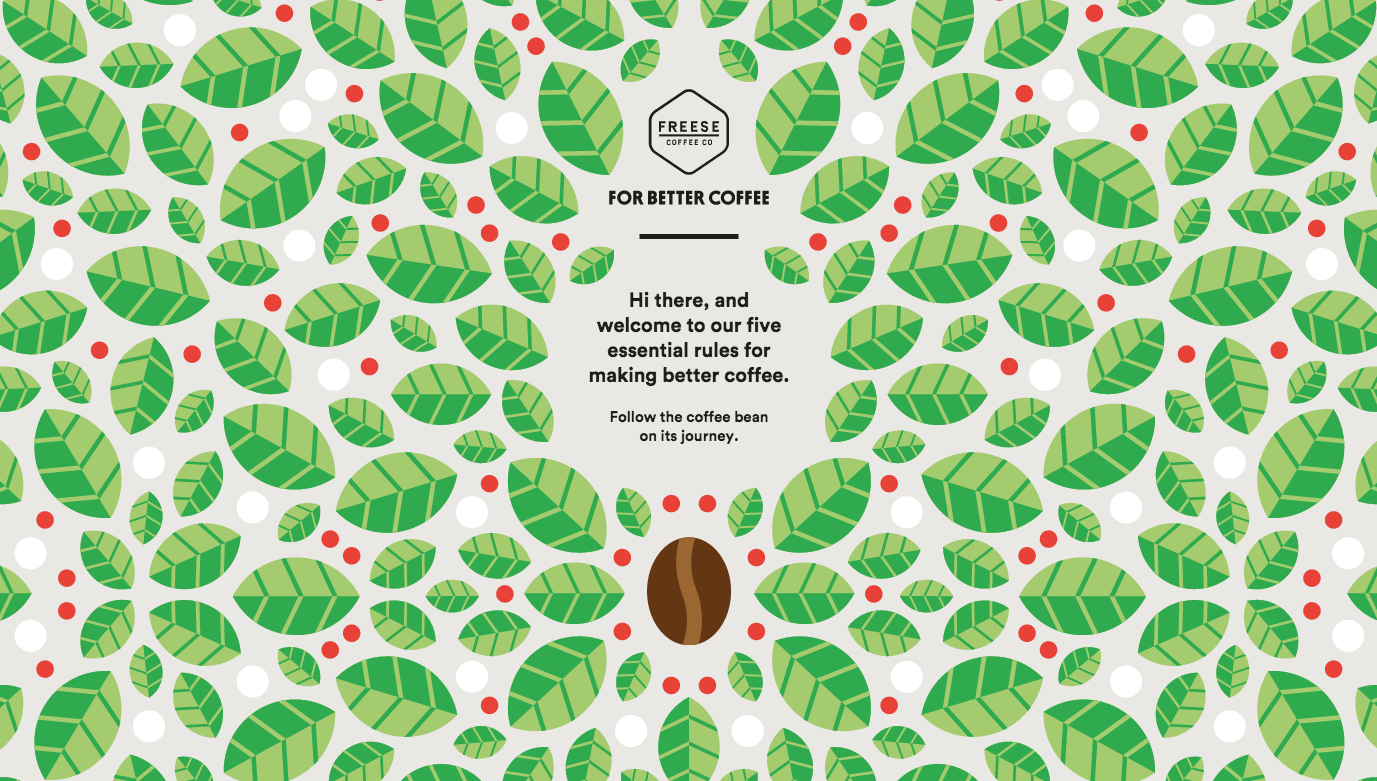
forbetter.coffee is a playful animated site with tips for making great cups of coffee
Use css3 animations
Bring your websites to life
Core movement patters
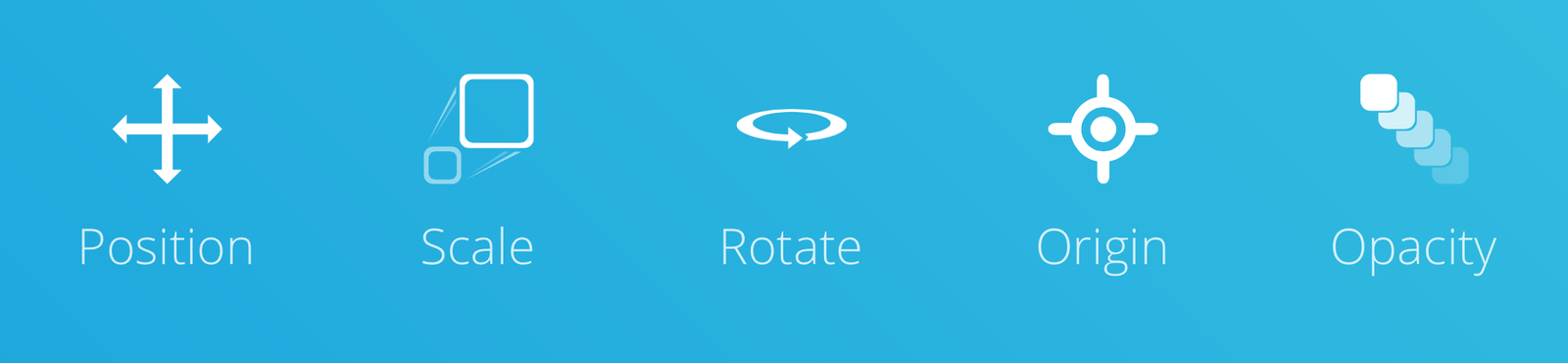
Css Transitions
Transitions from one state to another
Define by:
- transition-property *
- transition-duration *
- transition-timing function (ease, linear, cubic)
- transition-delay
* only property and duration are required
.btn {
    background: #000000;
    -webkit-transition: background .3s ease 0s;
    transition: background .3s ease 0s;
}

.btn:hover {
    background: #333333;
}
.btn {
background: #000000;
transition-property: background;
transition-duration: .3s;
transition-timing-function: ease;
}
.btn:hover {
background: #333333;
}shorthand
full breakdown
Easing
Cubic-bezier gives a unique sense of motion from animation start to finish

triggering css transitions
:hover
class changes (Triggered via javascript)
page load
media queries
device orientation
Browser Support
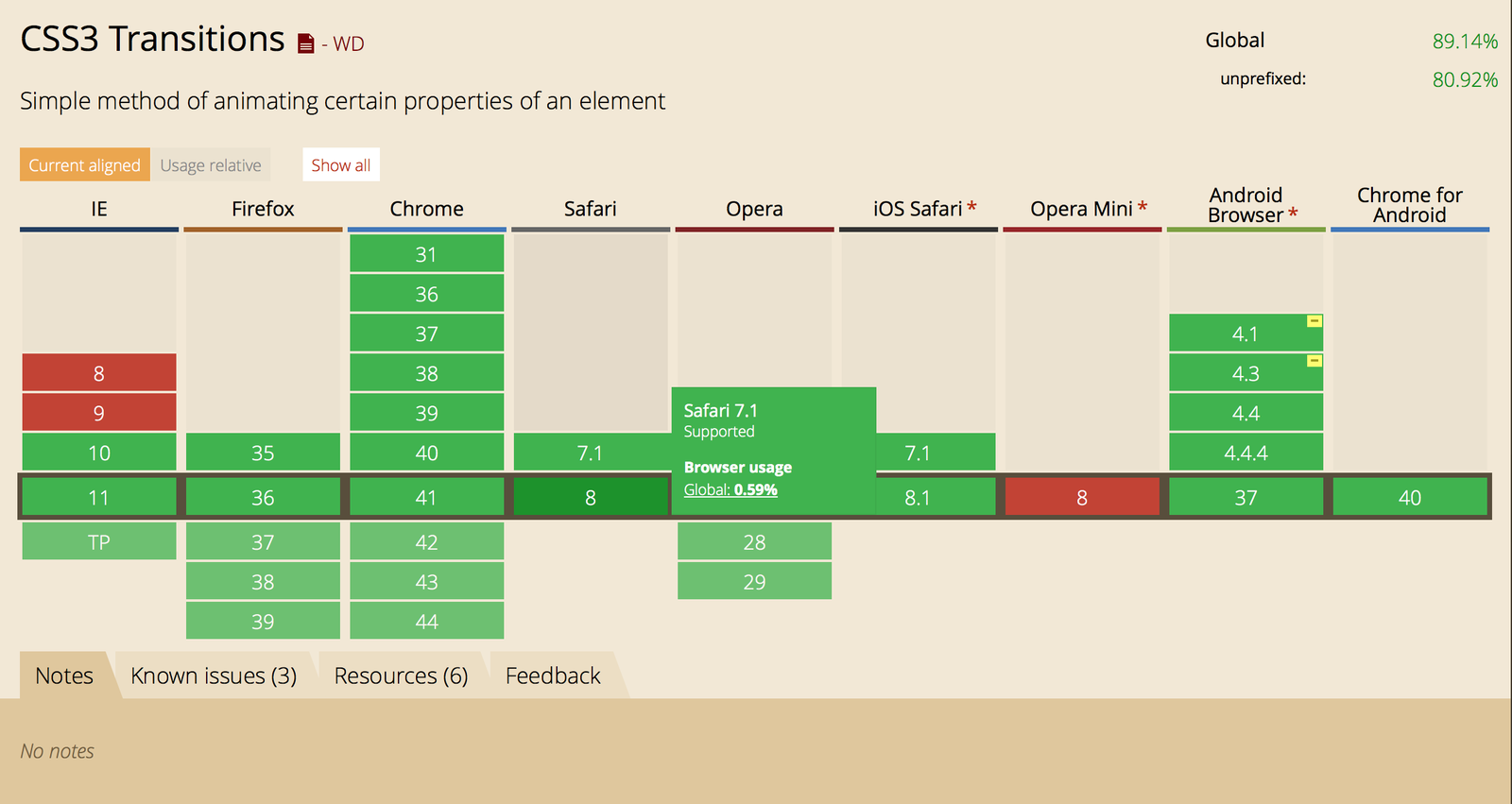
'Can I Use' - an essential tool for building progressively enhanced websites
In action with palm trees
Transitioning top/left vs Translate
Transitioning top, left, bottom, right requires browser
re-paints, sub pixel rendering, and causes composite issues
Modernizr to the rescue
Small javascript library detects HTML5 and CSS3 feature support
The script adds classes to the <html> element on load
nav {
    transform: translateY(-300px);
    transition: transform .3s ease-in;
}

.no-csstransforms nav {
    transition: top .3s ease-in;
}
CSS fallbacks with modernizr
CSS Transitions between state via JS class addition/removal
Adding or removing a CSS class to an element
Most commonly triggered in these instances
- user initiated action (click, swipe, rotate-device)
- page load
- page transition
- scroll
In action with play buttons
Css Key frame animation
Ability to define stages in between initial and final state
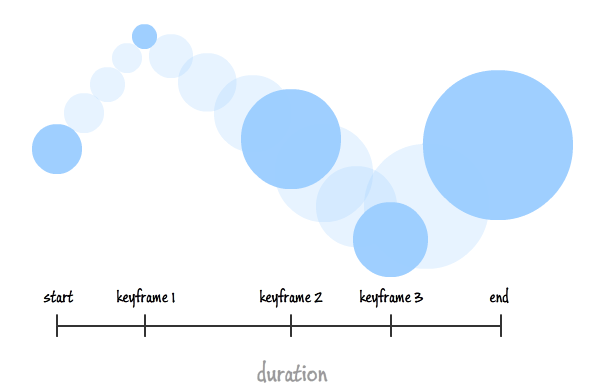
CSS3 Key-frame animation
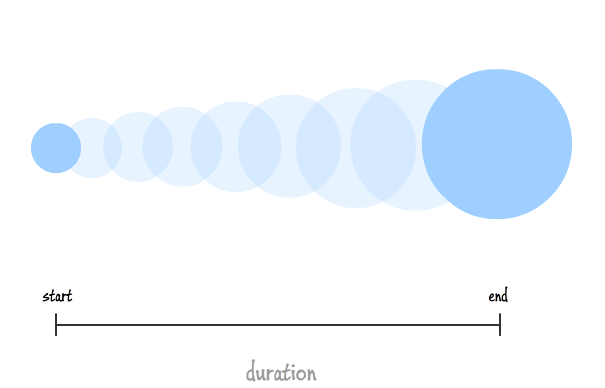
CSS3 transitions
Css KEY-FRAME ANIMATIONS
Define animation in keyframe code,
then reference it on element
[animation-name] [animation-duration] [animation-timing-function] [animation-delay] [animation-iteration-count] [animation-direction] [animation-fill-mode] [animation-play-state]
.btn {
    animation: bobble 3s ease-in infinite;
}
@keyframes bobble {
    0% {
        opacity: 1;
        transform: rotate(20deg);
    }
    50% {
        opacity: 0;
        transform: rotate(-60deg);
    }
    100% {
        opacity: 1;
        transform: rotate(0deg);
    }
}
shorthand
full breakdown
Browser Support css animation
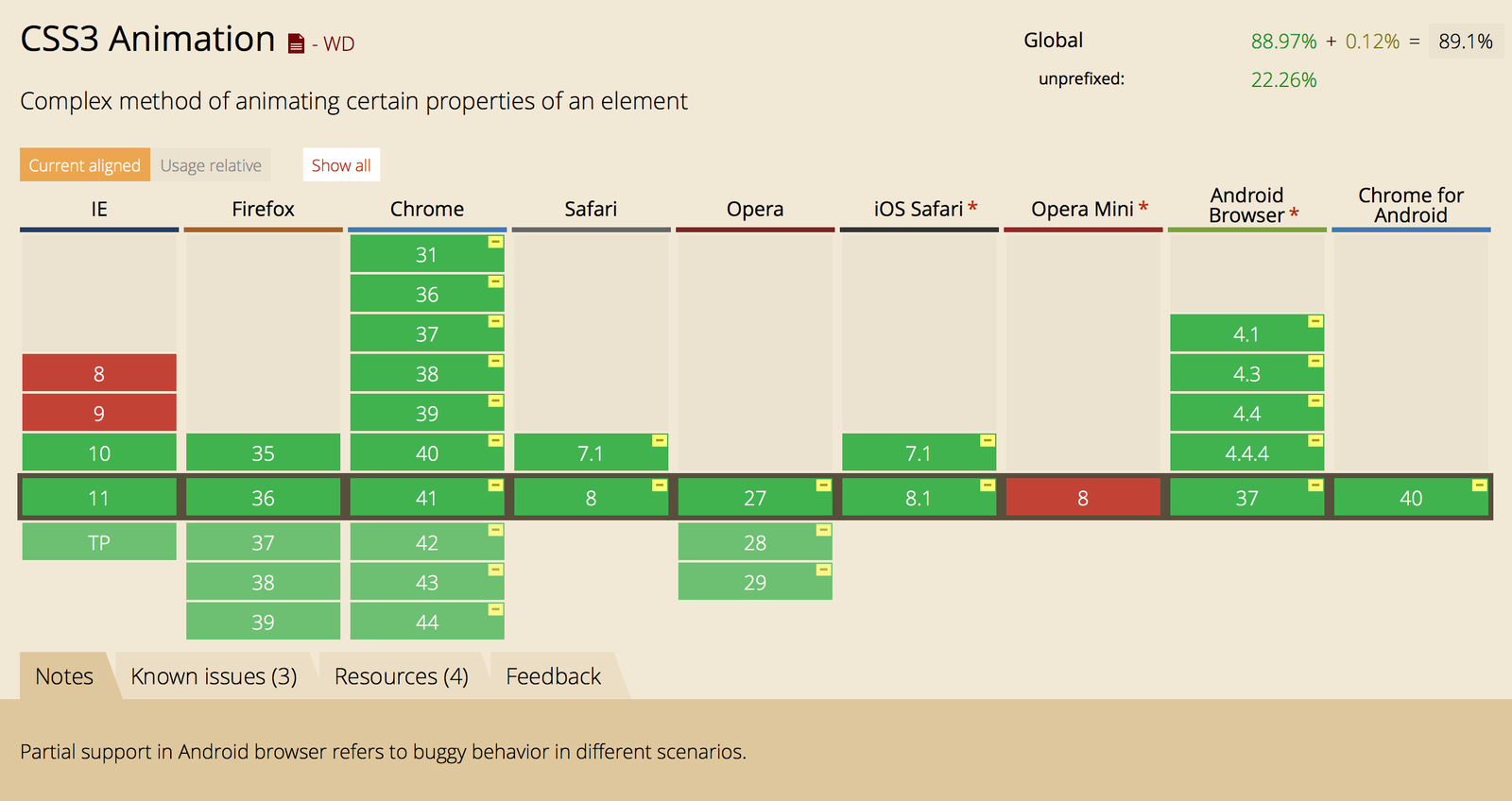
'Can I Use' - an essential tool for building progressively enhanced websites
Simple Keyframe 'pulsing' animation
Sprite animation to the next level
How have i put css animation to use?
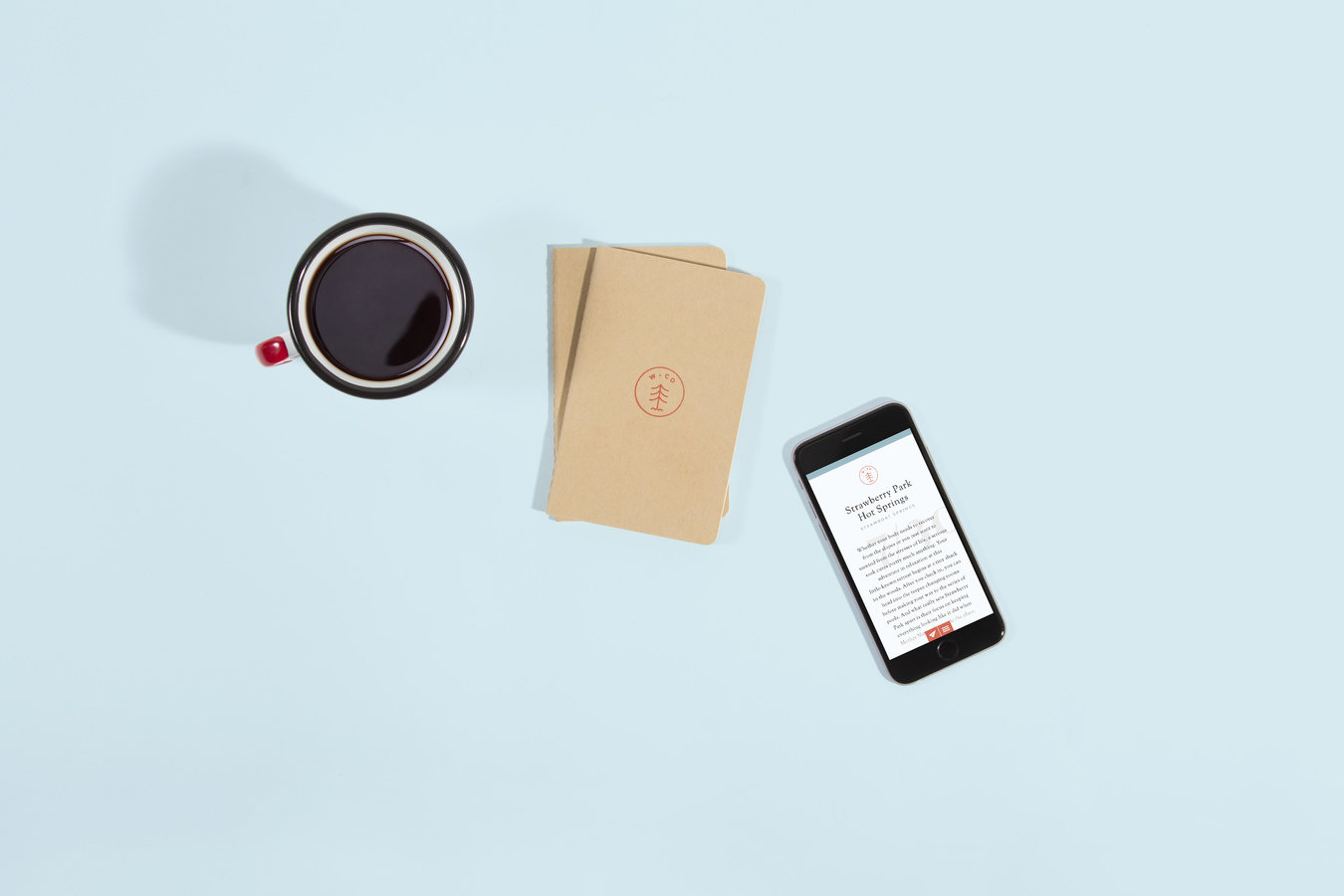
Wonderful Colorado via Karsh Hagan
How have i put css animation to use?
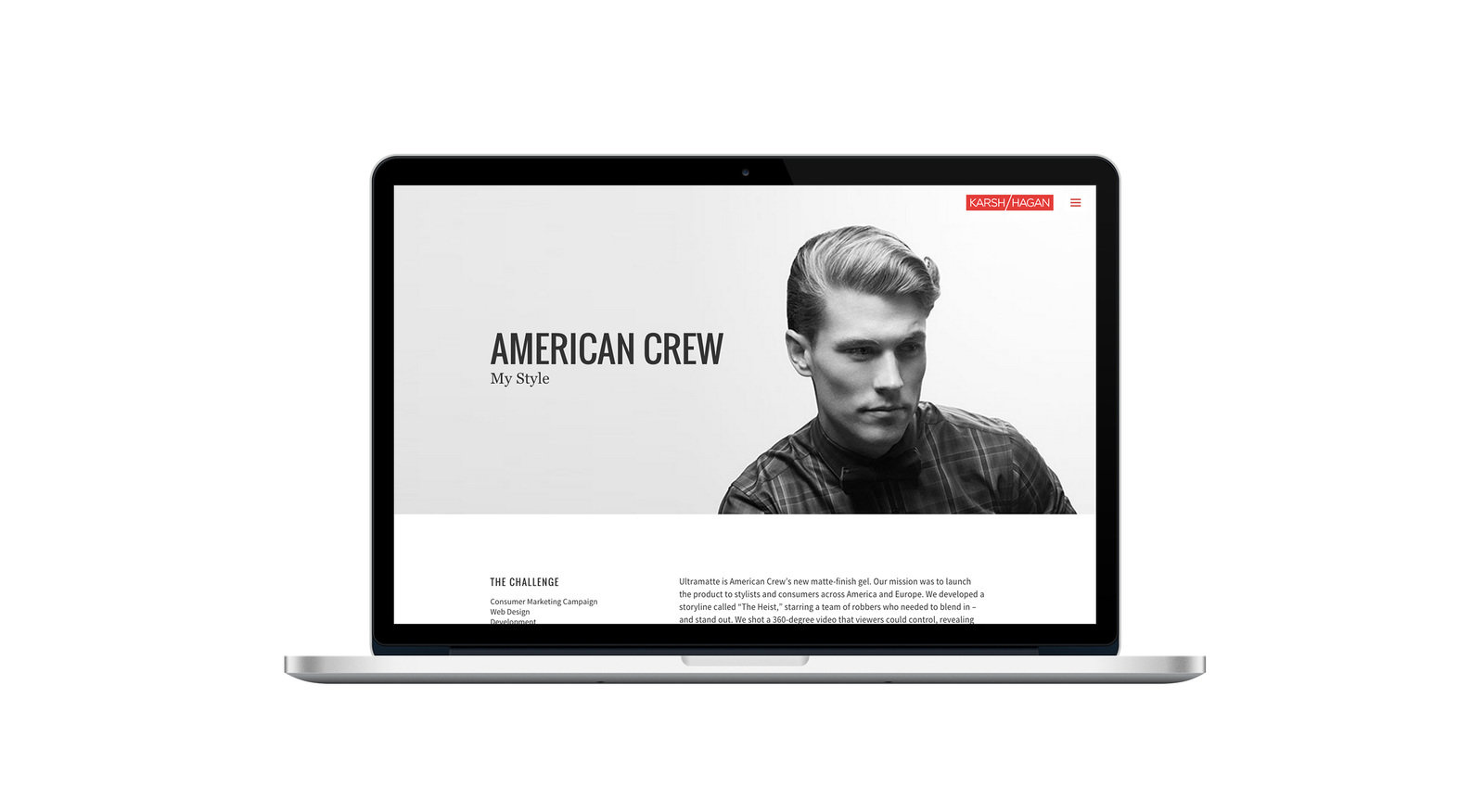
karshhagan.com
How have i put css animation to use?
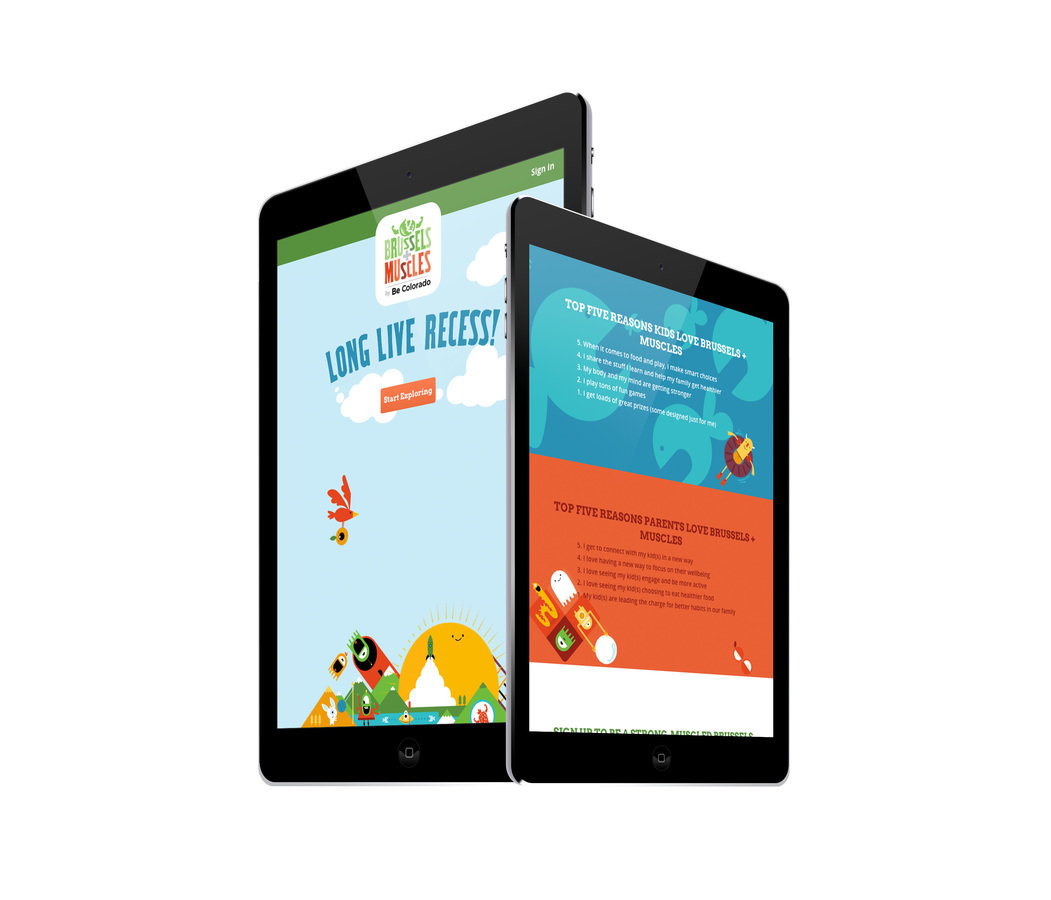
Brussels and Muscles via Be Colorado
How have i put css animation to use?
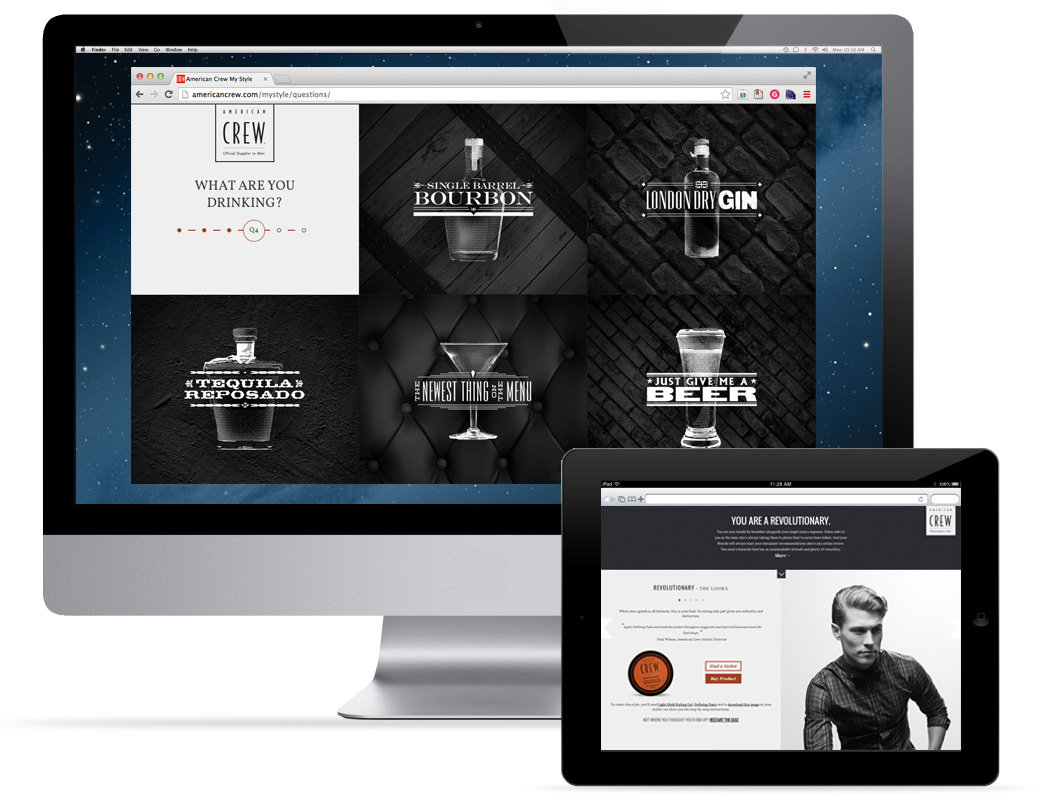
Mystyle by American Crew