Certified
Kubernetes
Administrator
A quick overview with tips
About me
- Senior Cloud Engineer Level 2.
- 40 years of experience with 26 years of age.
- Common lad.
-
TinderLinkedin here.

Why did I take the cert?



Basics
- It's a practice exam for only $395.
- 15-20 questions.
- 2 hours.
- Free retake.
- Access to documentation.
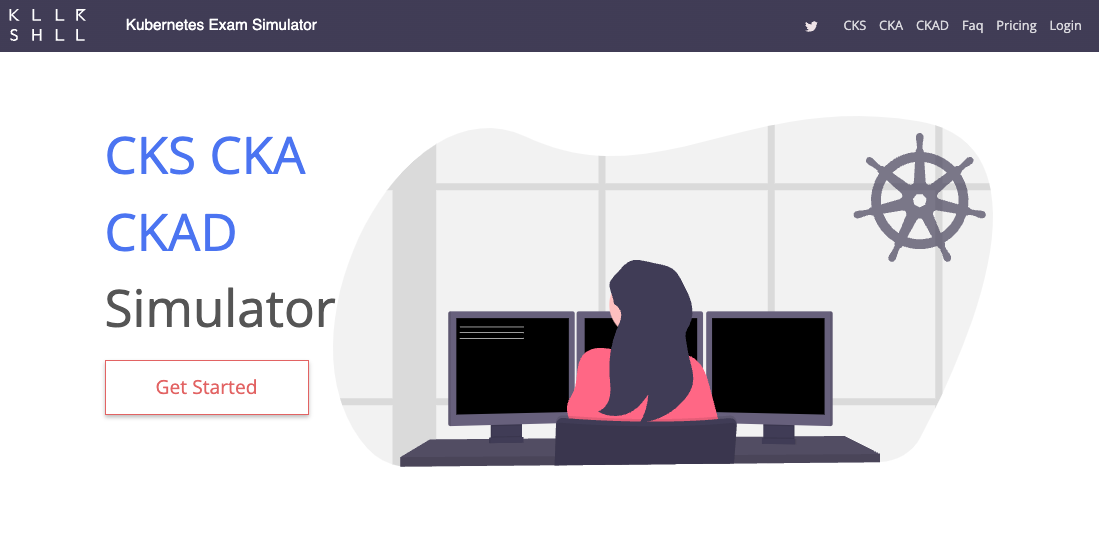
- May contain killersh practice test.
- Results in 24 hours.

Perks
- Lasts 3 years.
- Credly badge.
- Bragging rights.
- Possible future discount.
The
Exam
Day
Check-in process
What will happen:
- Download the PSI Secure browser.
- Wait for the proctor's validation.
- Exam begins.
Friendly reminders:
- Eat something to keep you awake.
- If you are using a notebook, it's recommended to be at least 15".
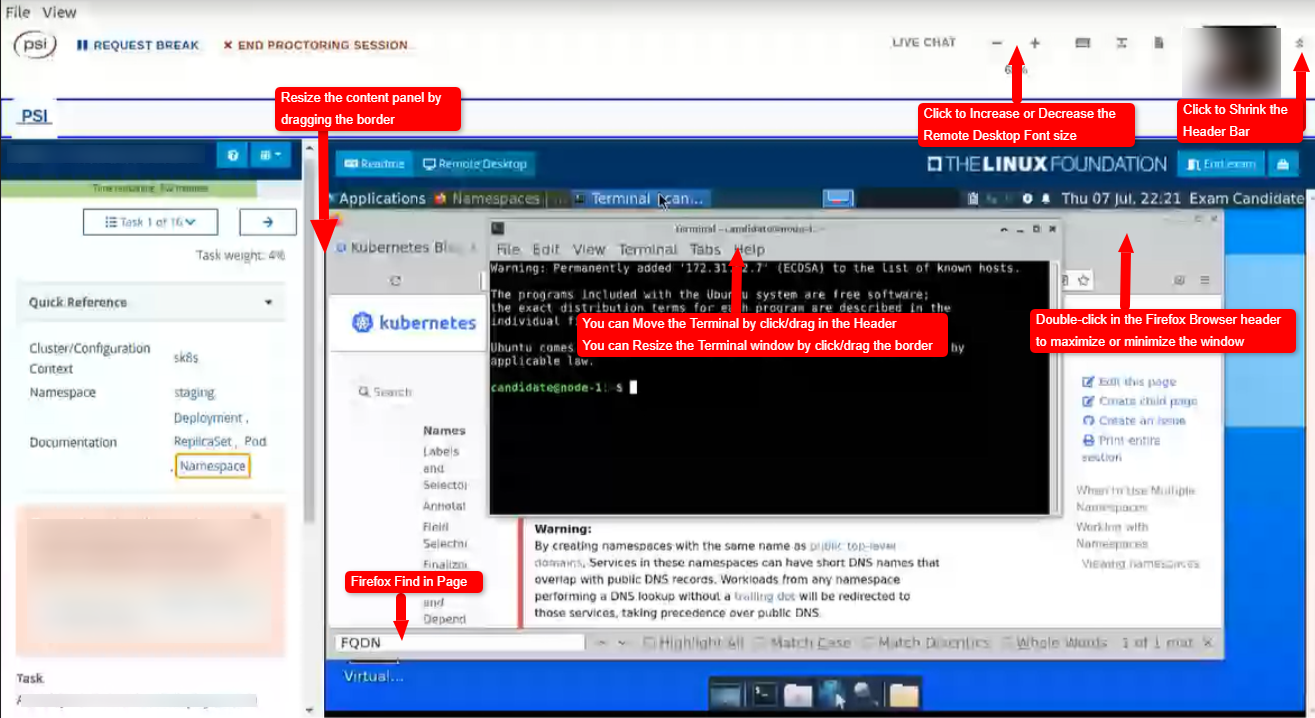
Image obtained from Linux Foundation Tips CKA and CKAD
Questions mechanics
In this game, you play as a Kubernetes administrator that has to clear his way out of 16 tasks so he can go home before 8 PM.
4%
Simple:
- Retrieve information.
- Point evident things.
- Jsonpath moral. superiority.
7%
Multiple steps
- Troubleshooting.
- Custom solutions with extra steps.
4%
Quick questions that will grant you enough space to breath between the ones with 7%
# List only running pods but in a cool way

k get pods --field-selector=status.phase=Running
# List nodes with a specific label and sort them by performance. Once done, tell me your Ascendant Zodiac sign.

k top pods -l name=LABEL_NAME --sort-by-cpu
# Run the coolest NGINX that you could imagine but with a custom env variable to make it unique and divergent

k run nginx --image=nginx --env=myteam:variable
# To assert dominance over the others k8s admins, use JSONPATH to get the pod name followed by the started timestamp

k get pod nginx -o jsonpath='{.metadata.name}{"\t"}{.status.containerStatuses[*].state.running.startedAt}{"\n"}'
7%
You will wonder if it is truly worth the time.
# Run a deployment with a pod that does things in a mounted volume# (...)
template:
# (...)
spec:
containers:
- image: busybox
name: busy-worker
command: ["/bin/sh"]
args: ["-c", "while true; do echo $(date) >> /var/log/execution.log; sleep 1; done"]
volumeMounts:
- name: logs
mountPath: /var/log
volumes:
- name: logs
7%
Why are still here? Just to deploy?
# Now do a flip, and then add sidecar reading from that same volume# (...)
template:
# (...)
spec:
containers:
# (...)
- image: alpine
name: sidecar
command: ["/bin/sh", "-c", "tail -f /var/log/execution.log"]
volumeMounts:
- name: logs
mountPath: /var/log
# (...)
Where's the difficulty?
- The questions are not sorted by percentage.
- The documentation can make you waste time.
Practice
- Be aware of the shortcuts.
- Grouping searches.
- Cheat sheet.
- Manage time.
- More practice.
Killersh
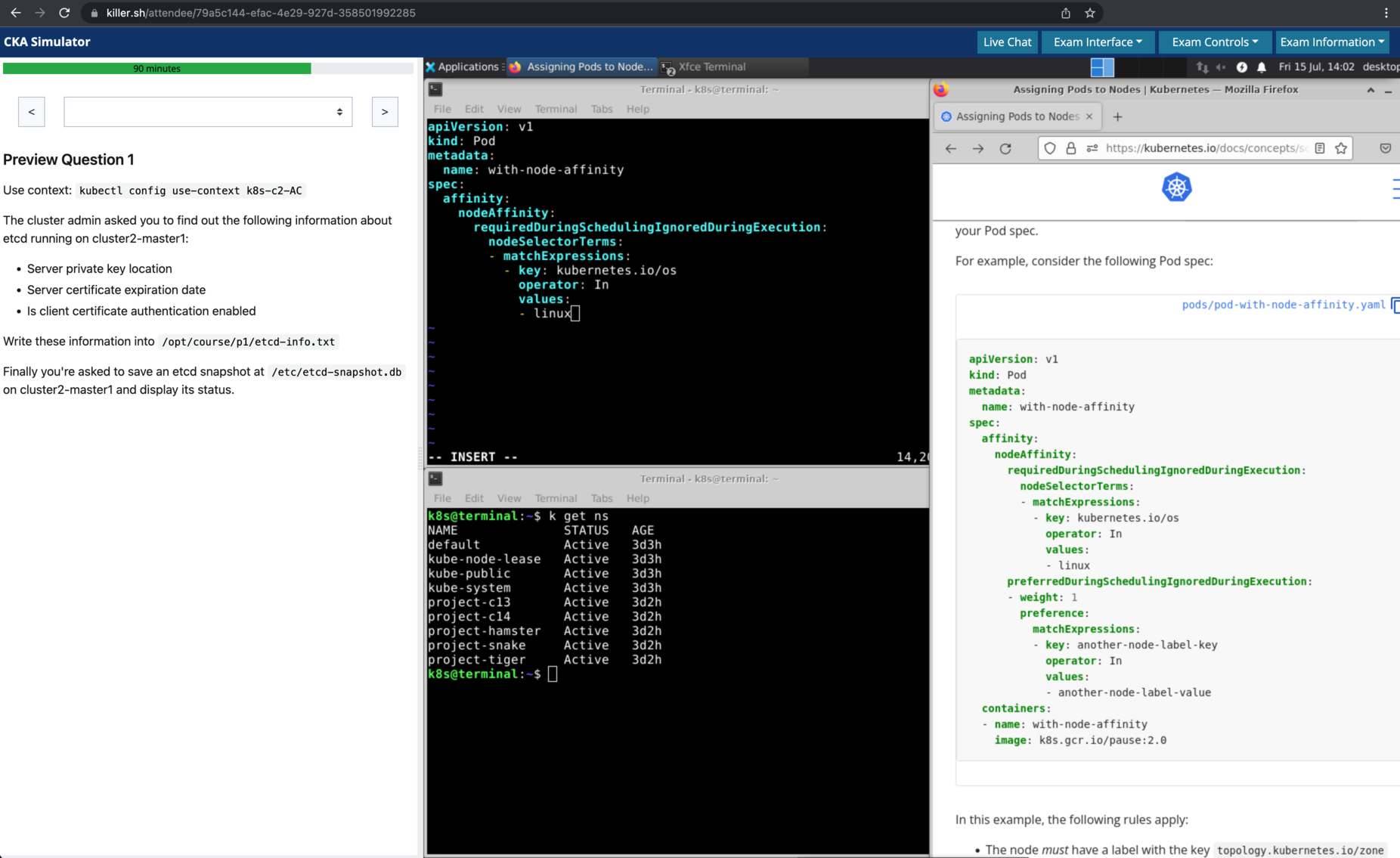
Image obtained from Killer CKA
Local environment